

Remote desktop software has become essential for IT teams, freelancers, gamers, and businesses that need to access or support computers from anywhere. With so many tools available, choosing the right one depends on pricing, security, performance, and the type of use case you have whether it’s attended support, unattended access, or high-performance streaming. Below, we break down 10 of the top remote desktop alternatives available today, including their free trials, pricing plans, and pros and cons, to help you decide which one fits your needs best.
- AirDroid Remote Support
- Anydesk
- AnyViewer
- Apache Guacamole
- BeyondTrust Remote Support
- Chrome Remote Desktop
- ConnectWise ScreenConnect
- Distant Desktop
- GoToMyPC
- HelpWire
- ISL Online
- LogMeIn
- Microsoft Remote Desktop
- NinjaOne
- Parsec
- Pulseway
- RemotePC
- RustDesk
- sobrii Remote
- Splashtop
- TeamViewer
- UltraViewer
- Zoho Assist
- Quick Comparison Table
- Conclusion
AirDroid Remote Support
Free Trial Available
Pricing Plans:
- Free: Limited sessions and devices
- Standard: Affordable monthly/annual subscription
- Business/Enterprise: Custom pricing for larger fleets
AirDroid Remote Support is particularly popular for mobile device support, allowing technicians to remotely control Android devices in addition to standard desktops. It provides a free trial along with a limited free tier, making it accessible for small support teams testing mobile-first remote assistance workflows.
Its standout feature is the ability to provide unattended access to Android devices, which many competitors don’t support well. This makes it a great fit for businesses managing kiosks, POS systems, or field devices, though its desktop-only feature set is less robust than dedicated PC-focused remote desktop tools.
Pros
- Excellent Android device support
- Affordable entry-level pricing
- Good for kiosk and POS management
Cons
- Desktop features less mature
- Smaller brand recognition
- Limited advanced enterprise tools
Anydesk
Free Version for Personal Use + Trial
Pricing Plans (billed annually, monthly equivalent):
- Solo: ~$14.90/month
- Standard: ~$29.90–$49.90/month
- Advanced: ~$79.90–$111.90/month
- Ultimate: Custom quote
Anydesk is a widely used remote desktop tool known for its proprietary DeskRT codec, which delivers smooth performance even on low-bandwidth connections. It offers a free version for personal, non-commercial use, plus a trial period on business plans so IT teams can test its Advanced features before subscribing.
Paid plans scale by licensed users, managed devices, and concurrent connections, with Solo suited for individuals and Advanced built for larger technical teams. While pricing has risen notably in recent years, AnyDesk remains a strong performer for organizations needing fast, secure connections across many device types.
Pros
- Excellent performance on low bandwidth
- Free for personal use
- SOC 2 and ISO 27001 certified
Cons
- Annual billing only on most plans
- Prices have increased significantly
- Free plan barred from commercial use
AnyViewer
AnyViewer provides reliable remote access and file transfer solutions suitable for individual users and organizations seeking safe desktop connectivity.
Visit WebsiteApache Guacamole
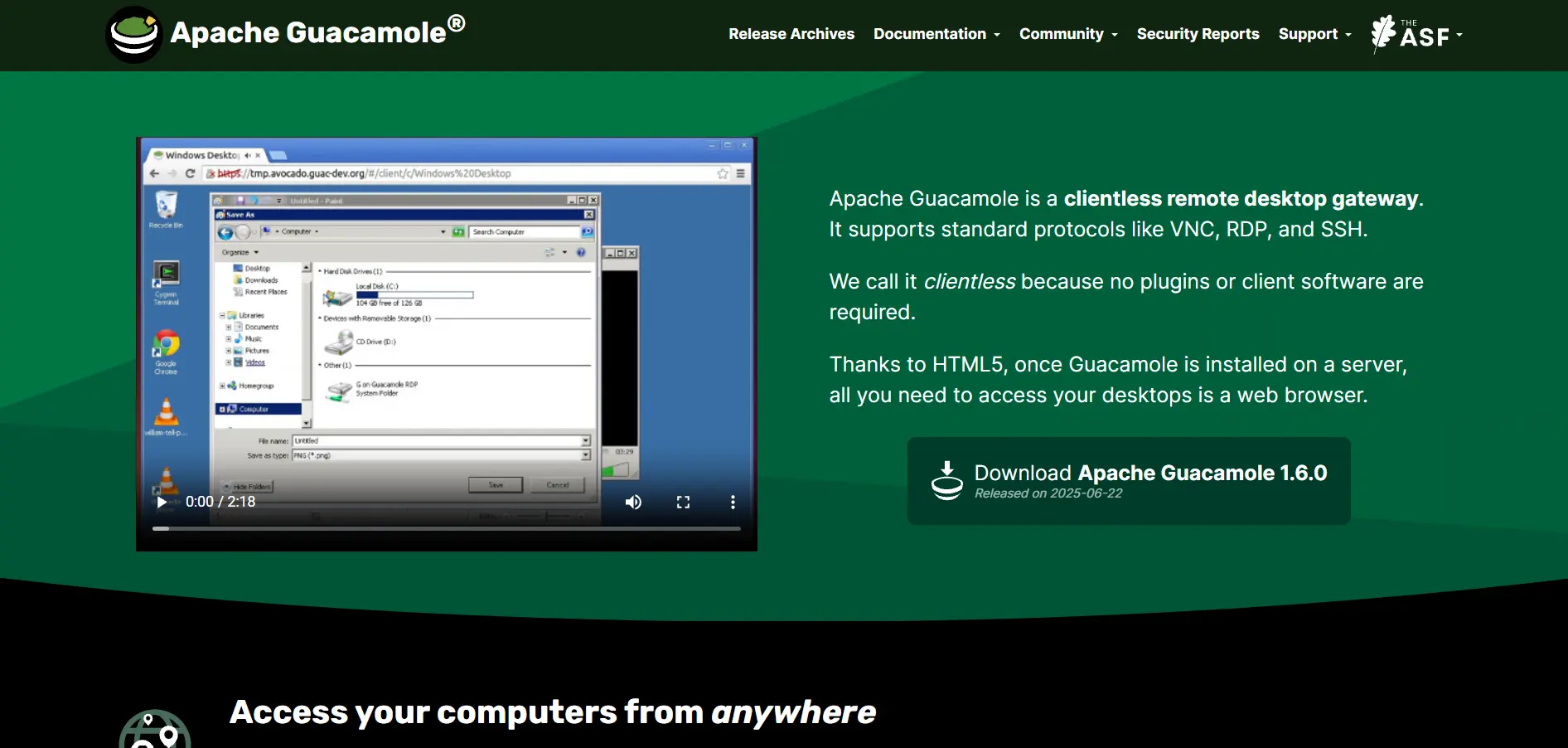
Apache Guacamole is a clientless remote desktop gateway supporting standard protocols like VNC, RDP, and SSH.
Visit WebsiteBeyondTrust Remote Support
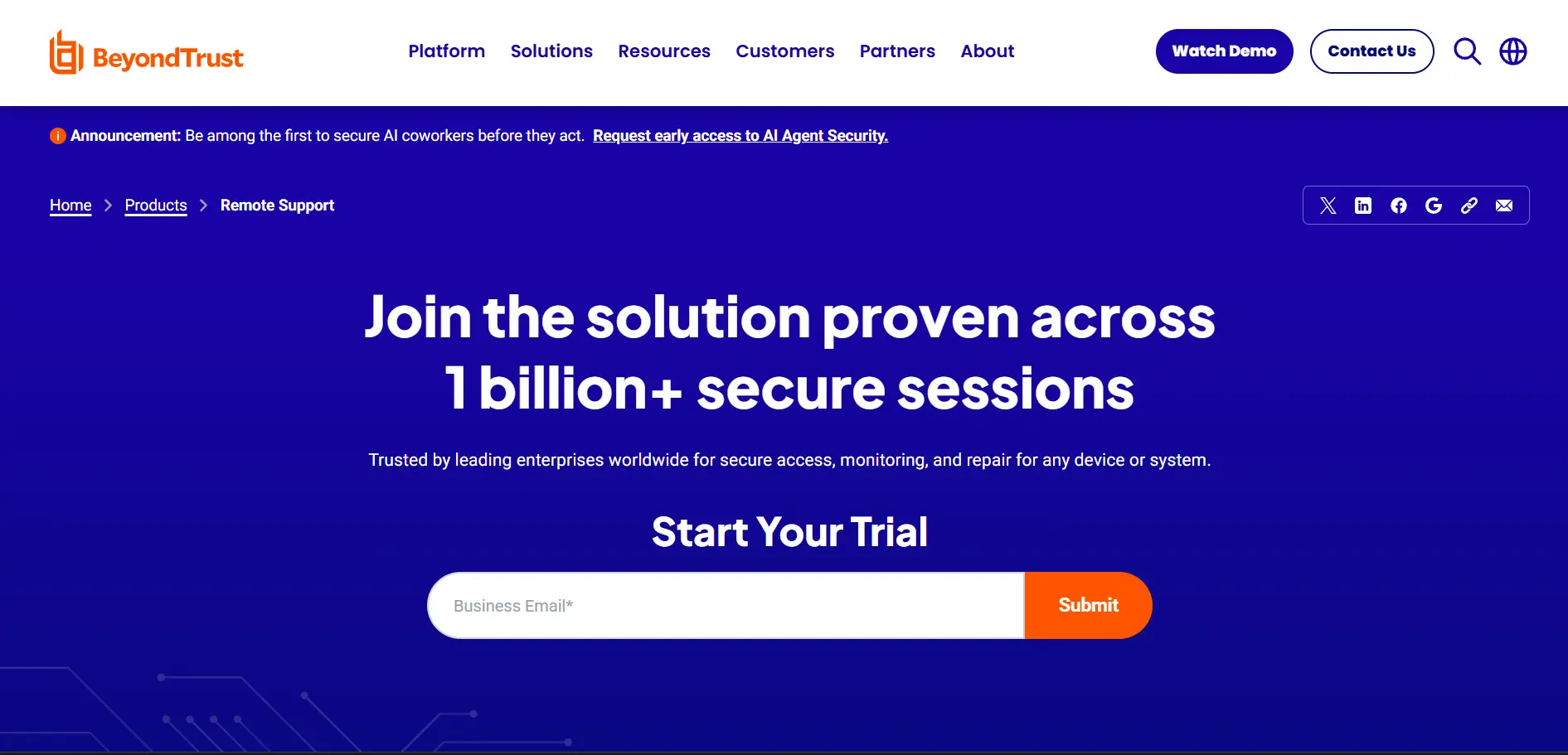
Free Trial Available (Request-Based)
Pricing Plans:
- Pricing available only upon custom request
- Enterprise-focused, quote-based licensing
- Concurrent-session and named-user models offered
BeyondTrust Remote Support is designed for compliance-heavy industries such as finance, healthcare, and government, offering privileged access management alongside remote support. It provides a free trial upon request, though pricing isn’t publicly listed and requires contacting the sales team for an accurate quote based on your organization’s size.
The platform’s strength lies in its security-first approach, including detailed session auditing and access control. However, this focus on enterprise compliance means it’s often overkill and more expensive for smaller businesses that simply need basic remote access without stringent regulatory requirements.
Pros
- Strong privileged access management
- Excellent for regulated industries
- Detailed audit and session logging
Cons
- No transparent public pricing
- Steep learning curve
- Overkill for small businesses
Chrome Remote Desktop
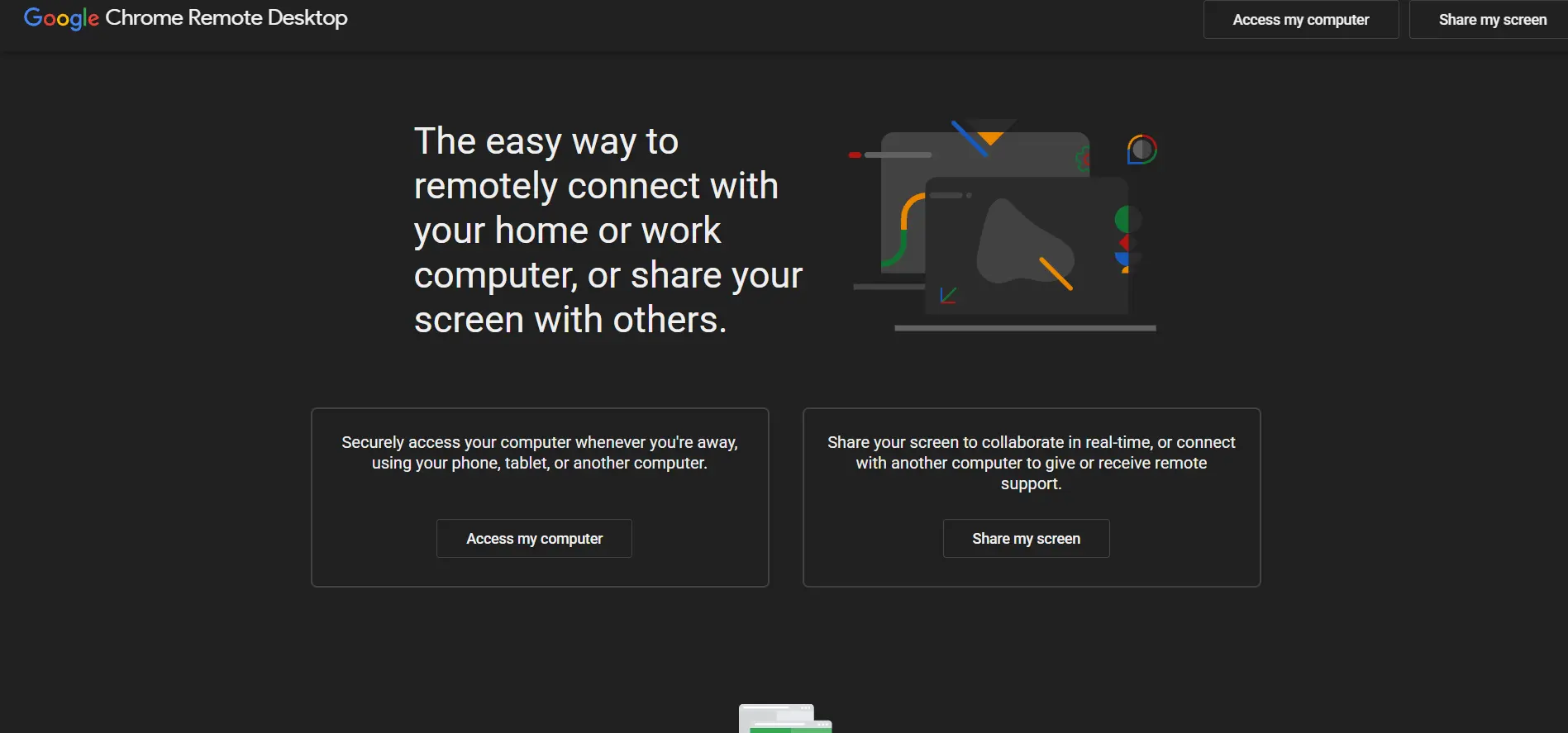
Chrome Remote Desktop is a simple, browser-based extension for quick remote connection across platforms.
Visit WebsiteConnectWise ScreenConnect
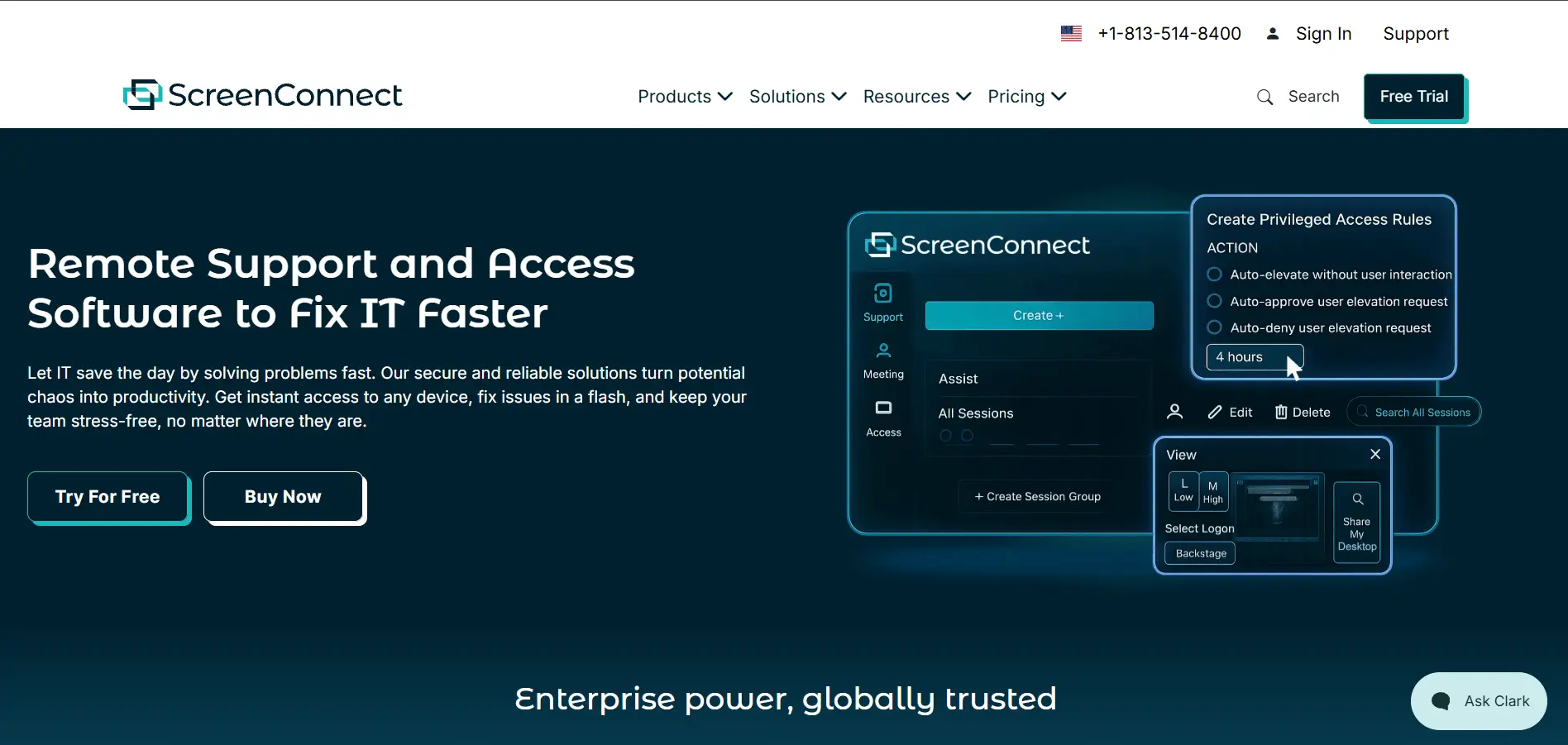
14-Day Free Trial Available
Pricing Plans (per concurrent technician/month):
- One: ~$30/month (billed annually)
- Standard: ~$45–$59/month
- Premium: ~$55–$69/month
- Unattended Access: Priced separately by device
ConnectWise ScreenConnect (formerly ConnectWise Control) is a powerful remote support platform aimed at IT departments and MSPs needing deep customization. It offers a 14-day free trial so teams can evaluate features like privileged access management and video session auditing before committing to a paid tier.
Pricing is based on concurrent technician sessions rather than named users, which can benefit teams sharing licenses. However, unattended access is billed as a separate product by device count, meaning total costs can climb quickly for organizations managing both attended support and large unattended device fleets.
Pros
- Deep customization and control
- Privileged access management included
- Concurrent-session pricing model
Cons
- Unattended access billed separately
- Pricing has risen recently
- Steeper learning curve for new users
Distant Desktop
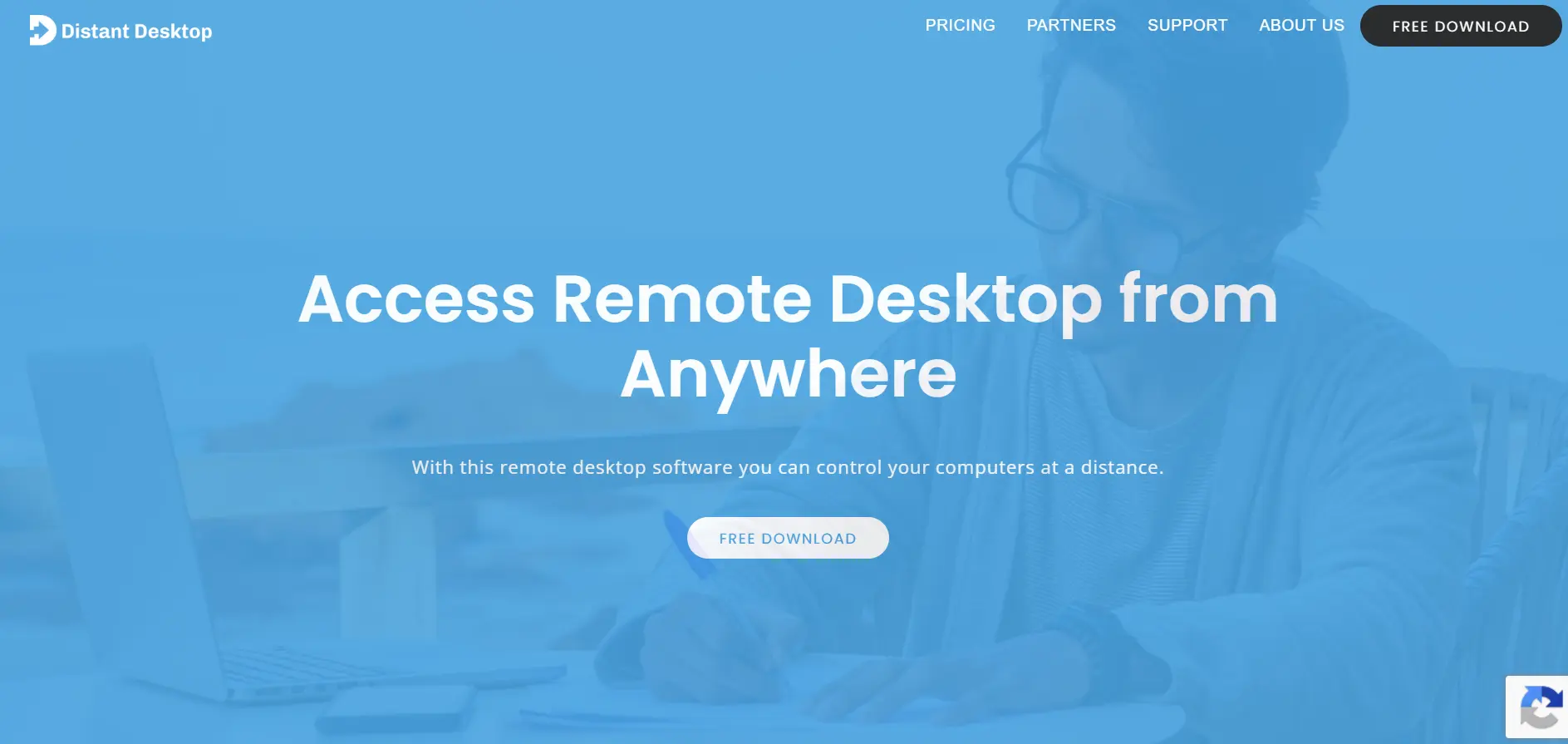
Distant Desktop provides easy-to-use cross-platform connections for remote work and support scenarios.
Visit WebsiteGoToMyPC
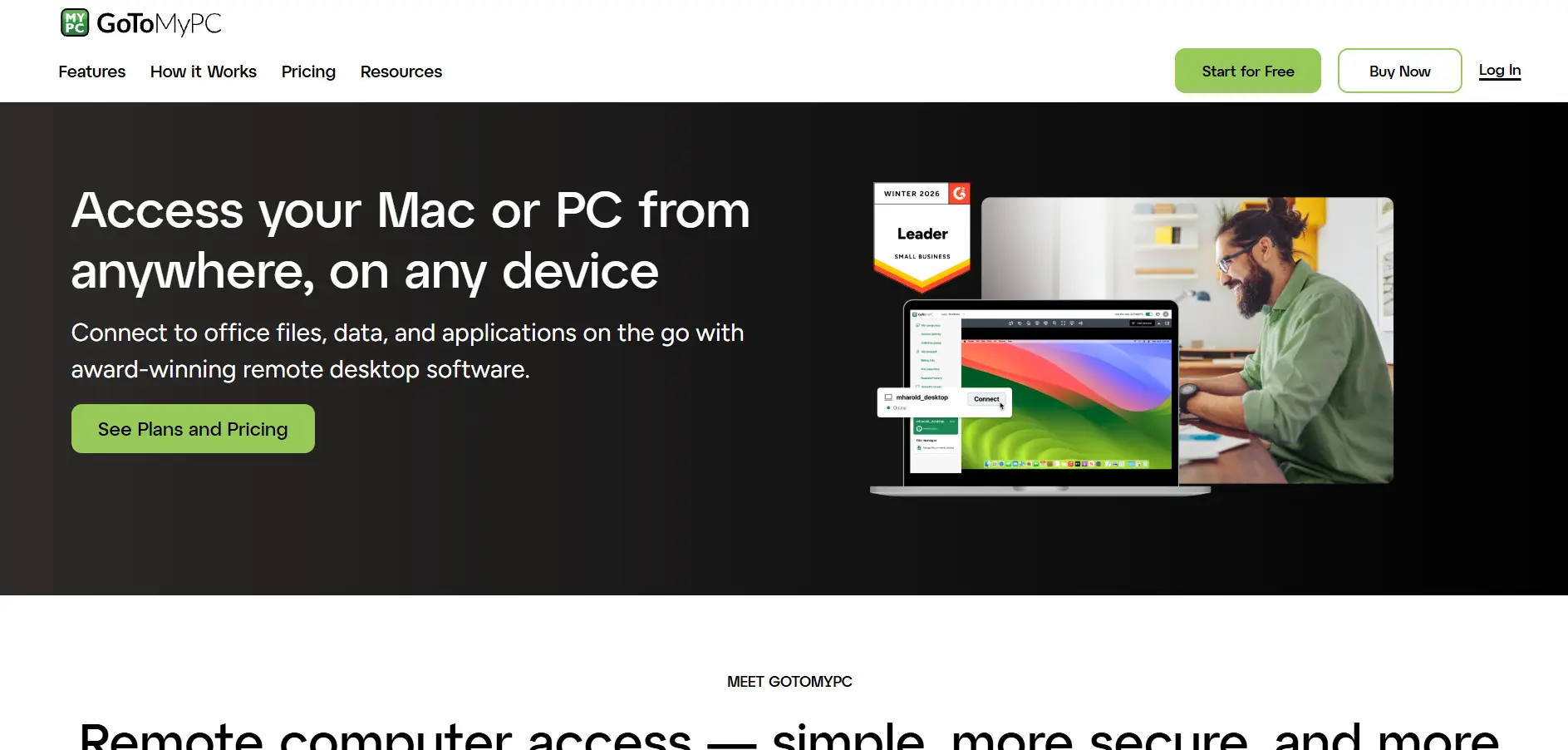
7-Day Free Trial Available
Pricing Plans (per computer/month, billed annually):
- Personal: ~$28–$35
- Pro: ~$31–$41.50 (2-computer minimum)
- Corporate: ~$21
GoToMyPC is a long-standing remote access tool built for individuals and small teams who need dependable access to office computers. It offers a 7-day free trial without requiring a long-term commitment upfront. Pricing is billed per computer, making it simple to scale, though it is generally priced higher than many newer competitors in the market.
The platform supports cross-platform access across Windows, macOS, Linux, iOS, and Android, along with remote printing and clipboard syncing. It is well suited for professionals who prioritize reliability and simplicity over advanced IT management features. However, businesses on tighter budgets may find its subscription costs less competitive compared to modern alternatives.
Pros
- Simple, reliable interface
- Strong cross-platform support
- Remote printing feature
Cons
- Relatively expensive per computer
- No permanent free plan
- Limited IT management tools
HelpWire
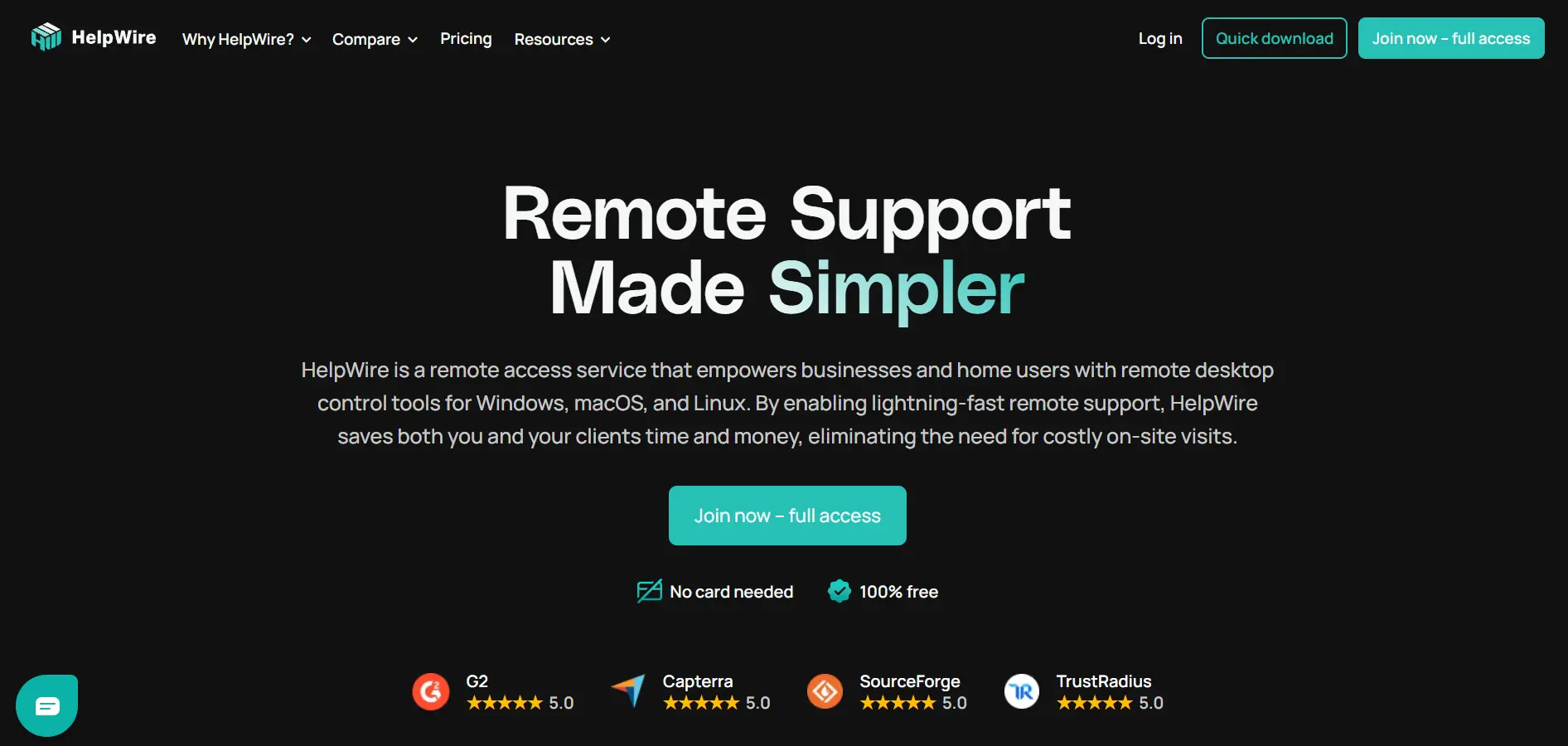
Completely Free to Use
Pricing Plans:
- Free: Full-featured remote support at no cost
- No paid tiers currently publicly listed
HelpWire stands out as a genuinely free remote support solution, making it attractive for small businesses and individual technicians who want essential features without a subscription. There’s no traditional “trial” needed since the core software itself is offered free of charge, with straightforward setup and cross-platform compatibility.
It includes secure remote access, real-time diagnostics, and simple session management, which covers most everyday support needs. While it lacks some of the advanced enterprise features found in paid competitors like ConnectWise or BeyondTrust, its zero-cost model makes it a compelling choice for budget-conscious support teams.
Pros
- Completely free to use
- Simple, user-friendly interface
- Good for small support teams
Cons
- Lacks advanced enterprise features
- Smaller integration ecosystem
- Less brand track record
ISL Online
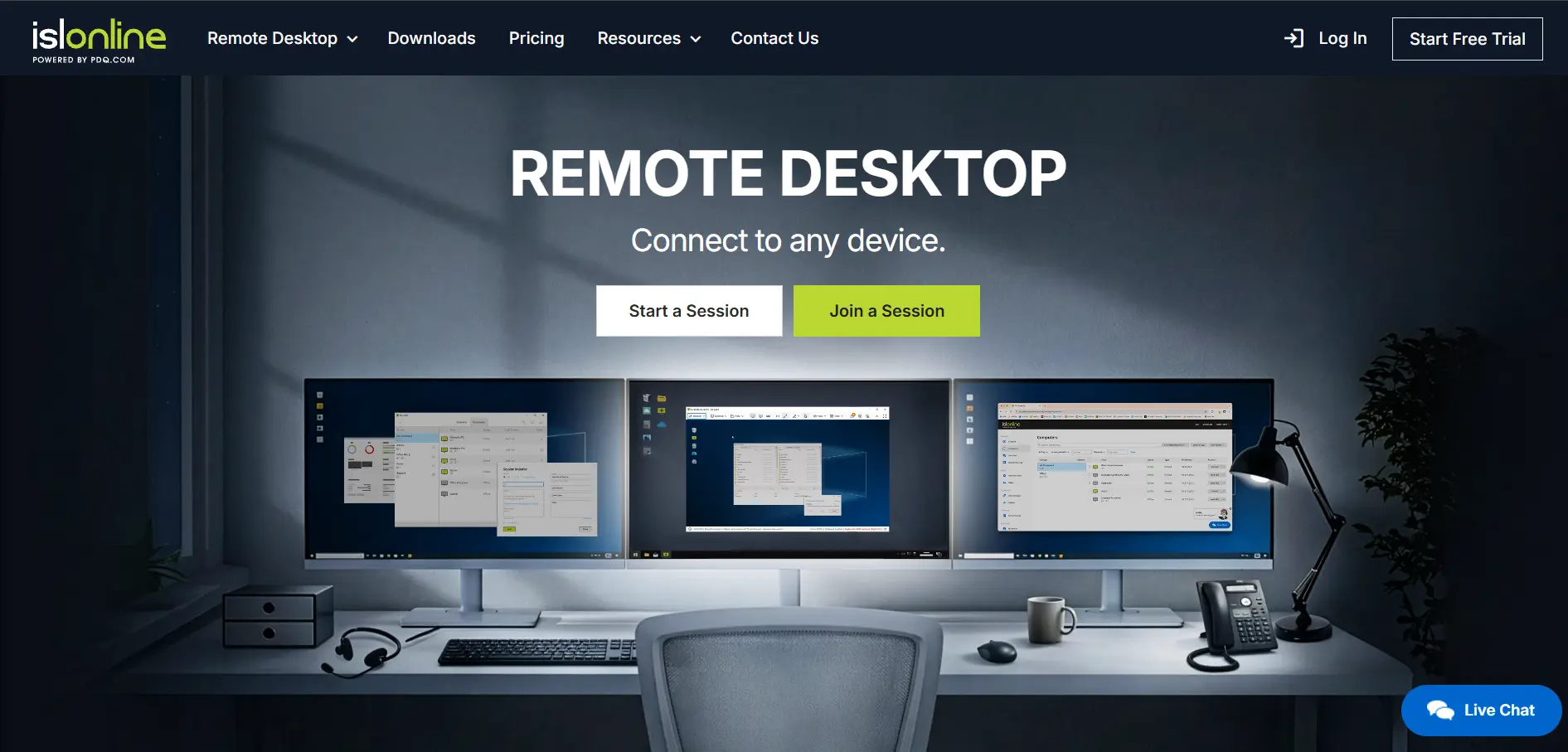
ISL Online offers secure desktop sharing and remote support software tailored for IT technicians.
Visit WebsiteLogMeIn
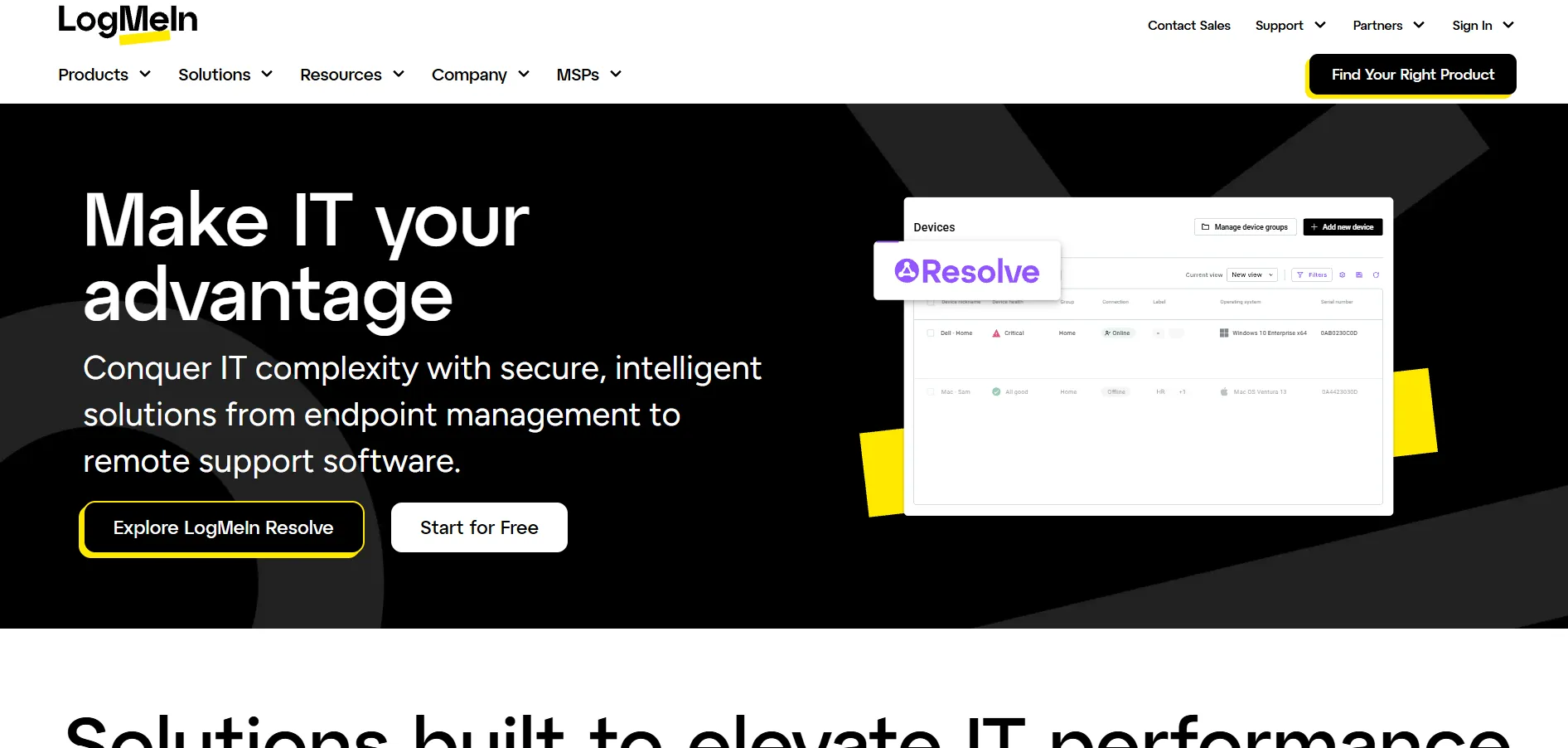
LogMeIn delivers scalable remote access and management features designed for business operations.
Visit WebsiteMicrosoft Remote Desktop
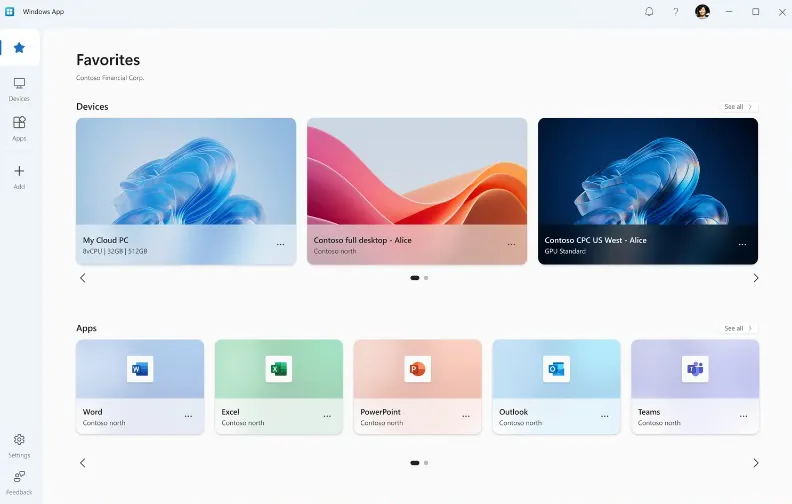
Microsoft Remote Desktop provides built-in, efficient desktop connections across Windows ecosystem infrastructure.
Visit WebsiteNinjaOne
14-Day Free Trial Available
Pricing Plans (quote-based, per endpoint/month):
- Starting range: ~$1.50–$3.75 depending on volume
- Small deployments (under 100 devices): ~$4–$6
- Enterprise (10,000+ endpoints): as low as $1.50
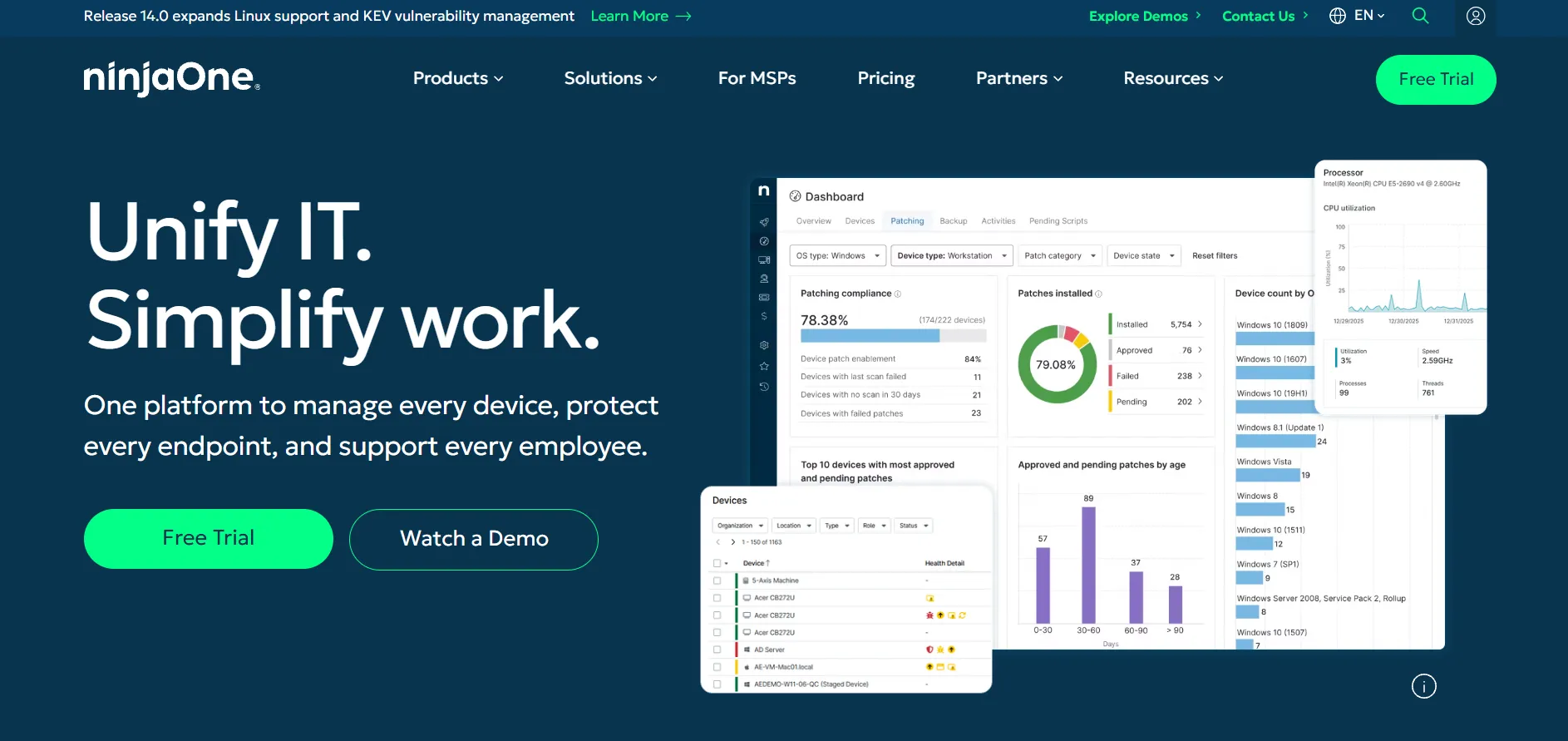
NinjaOne is a comprehensive RMM (Remote Monitoring and Management) platform that bundles remote access with patch management, backup, and endpoint monitoring. It offers a 14-day free trial, giving IT teams a chance to test its automation and remote support features before committing to a quote-based annual contract.
Since NinjaOne doesn’t publish fixed pricing, costs vary significantly based on endpoint count, selected modules, and contract length. It’s ideal for MSPs and IT departments managing many devices, but smaller teams under 100 endpoints may find the pricing less budget-friendly compared to dedicated remote desktop tools.
Pros
- All-in-one RMM plus remote access
- Scales well for large device fleets
- Strong automation capabilities
Cons
- No public pricing, quote-based only
- Expensive for small teams
- Backup and MDM cost extra
Parsec
Free Plan for Personal Use
Pricing Plans (per user/month):
- Free: Basic personal access
- Individuals (Warp): ~$9.99/month
- Teams: ~$35/month
- Enterprise: Custom pricing
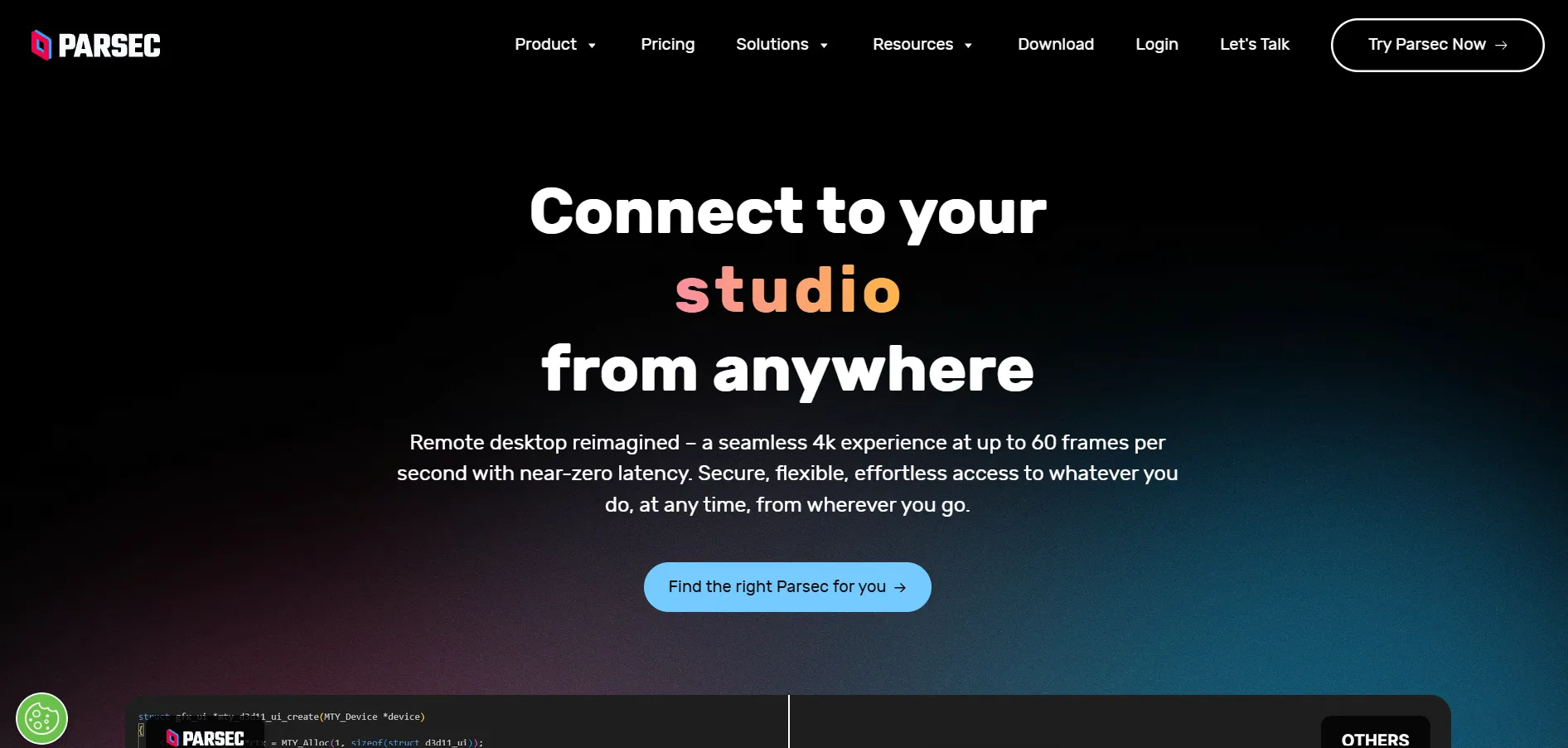
Parsec is best known among gamers and creative professionals for its ultra-low latency streaming, supporting high frame rates and 4K resolution. It offers a free plan for personal use, making it easy to try before committing to a paid tier aimed at teams needing collaborative remote access to shared machines.
Beyond gaming, Parsec is increasingly used for remote work, virtual production, and collaborative editing since multiple users can connect to the same host simultaneously. The trade-off is that its advanced business features and higher-tier plans can get pricier compared to standard remote support tools built purely for IT use cases.
Pros
- Extremely low latency streaming
- Free for personal/light use
- Great for gaming and creative work
Cons
- Not IT-support focused
- Team plans can be costly
- Limited enterprise-grade admin controls
Pulseway
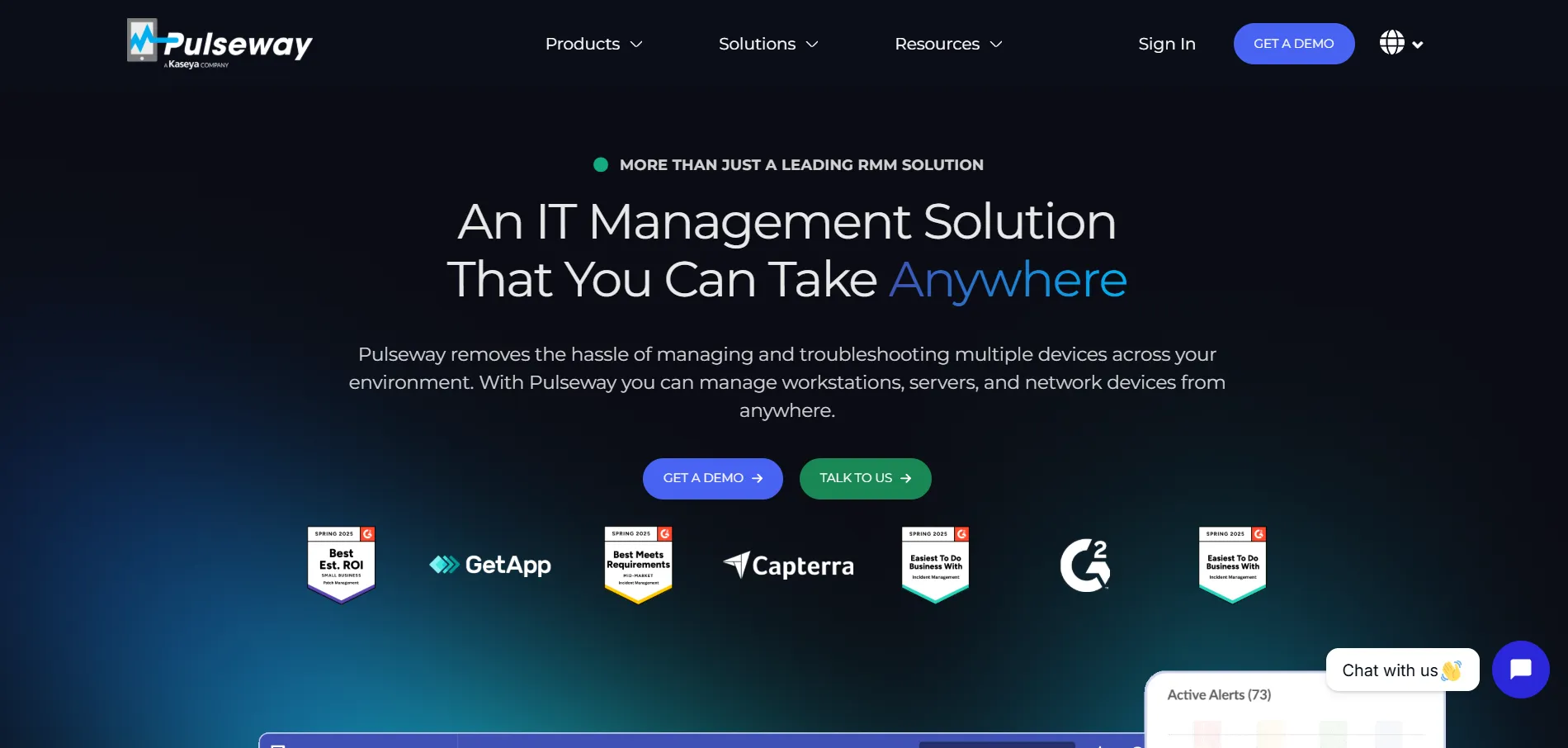
Pulseway provides mobile-first IT management and endpoint control for modern networks.
Visit WebsiteRemotePC
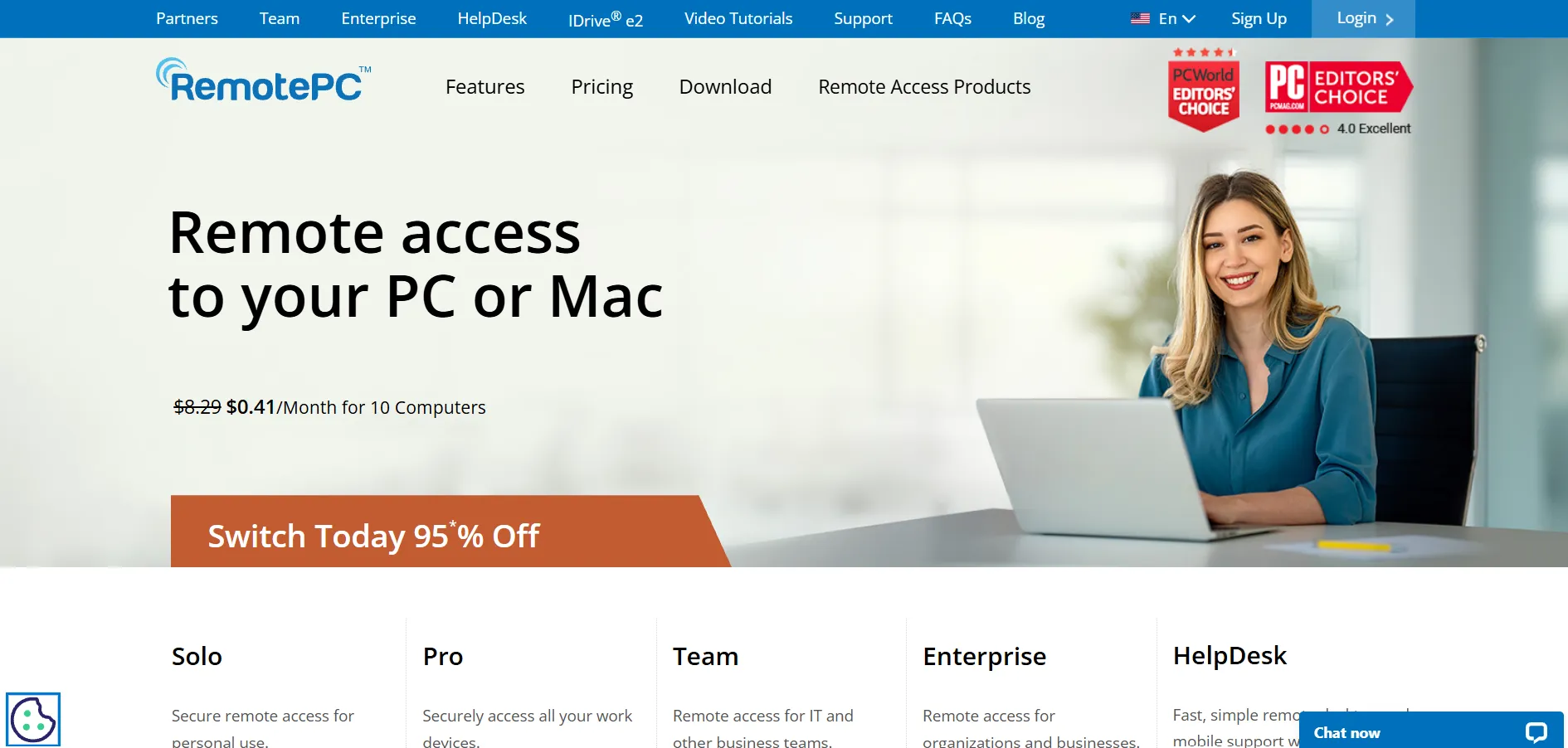
RemotePC facilitates fast, secure remote connections for remote employees and businesses.
Visit WebsiteRustDesk
Free Open-Source Plan Available
Pricing Plans (self-hosted, billed annually):
- Free: Open-source self-hosting, unlimited devices
- Individual: ~$9.90/month (1 user, 20 devices)
- Basic: ~$19.90/month (10 users, 100 devices)
- Customized: Contact for pricing
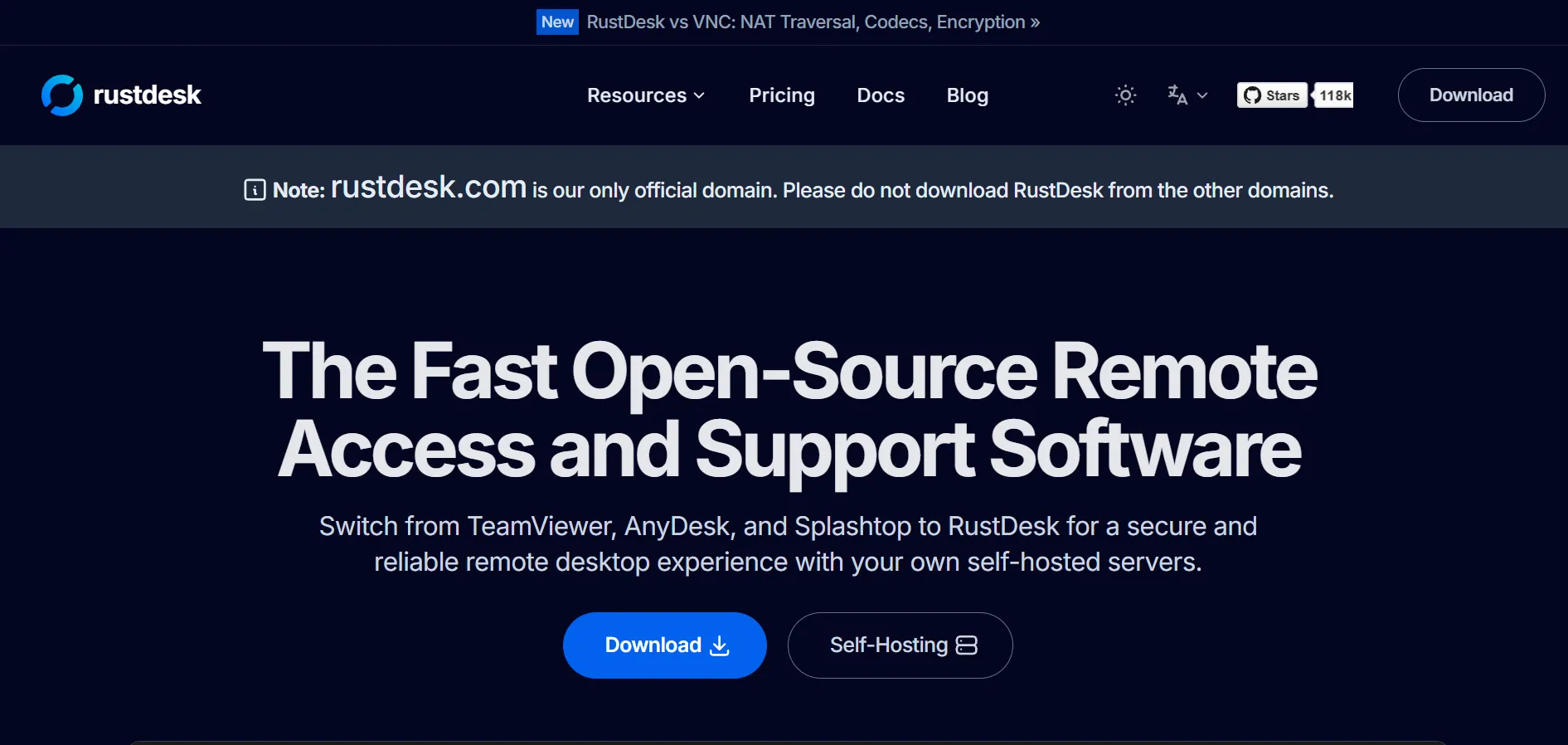
RustDesk is an open-source remote desktop tool written in Rust, appealing to privacy-conscious users who want full control over their infrastructure. Instead of a traditional trial, it offers a permanently free self-hosted version, letting you test it without any cost before considering the paid Pro tiers for added features like web console access.
Because RustDesk is self-hosted, businesses gain complete data sovereignty, though this also means they are responsible for server setup, maintenance, and security compliance. It’s a strong fit for IT teams and developers comfortable with Docker deployments, but less ideal for non-technical users seeking a plug-and-play solution.
Pros
- Free and open-source
- Full data ownership via self-hosting
- Very affordable paid tiers
Cons
- Requires technical setup (Docker/server)
- No official cloud-hosted plan
- Compliance burden falls on the user
sobrii Remote
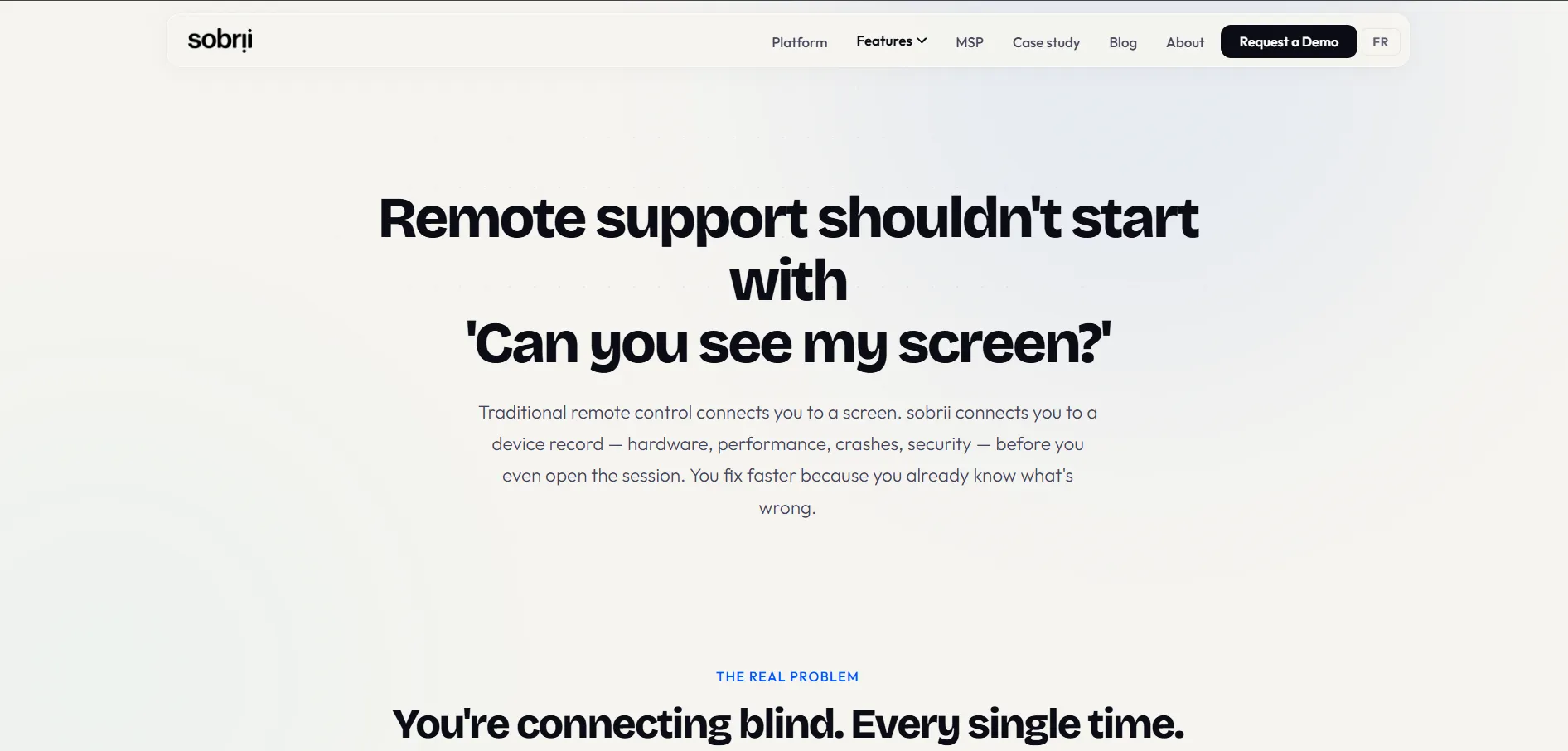
sobrii Remote provides secure session control for remote technical assistance.
Visit WebsiteSplashtop
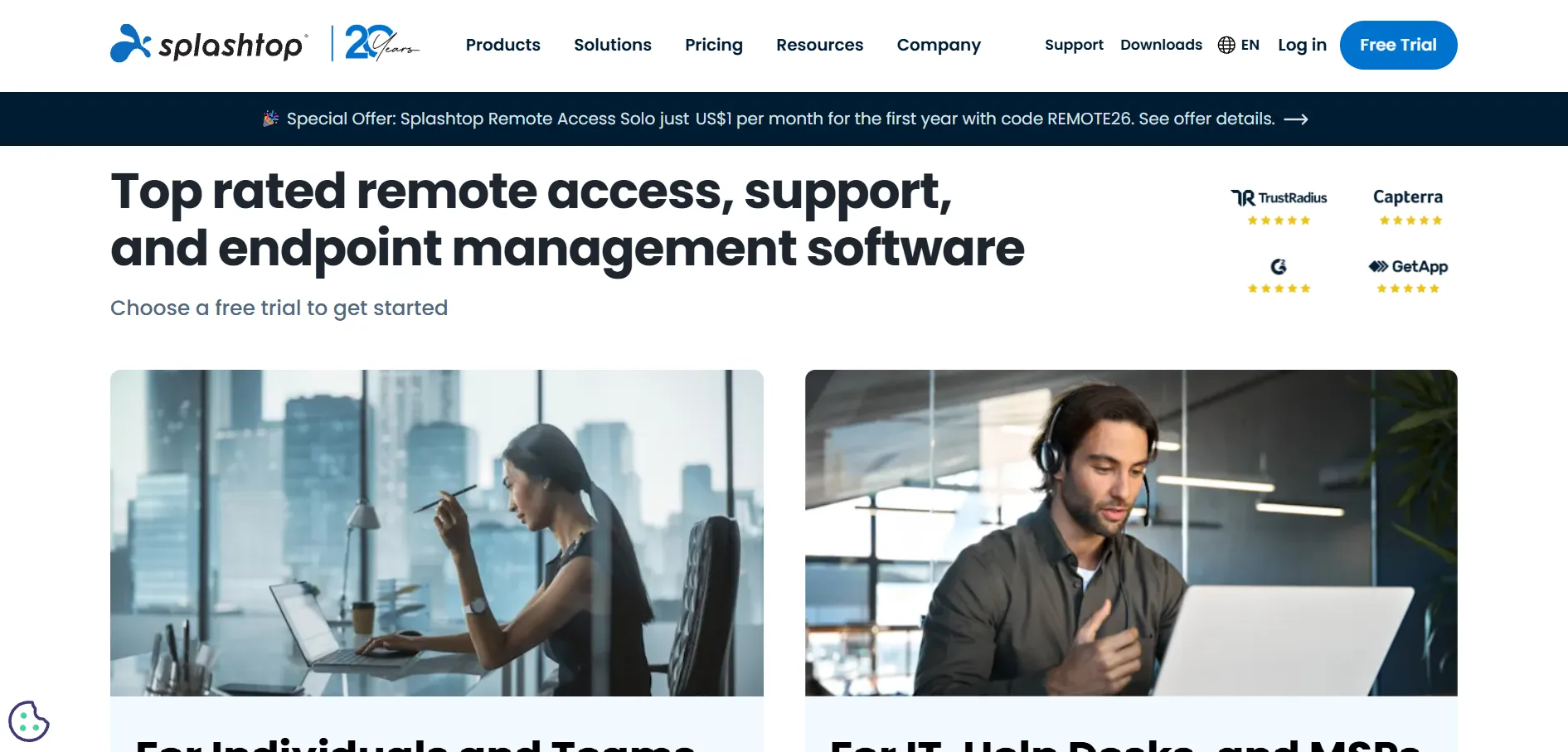
Splashtop is a high-performance remote access suite designed for IT teams, educators, and businesses.
Visit WebsiteTeamViewer
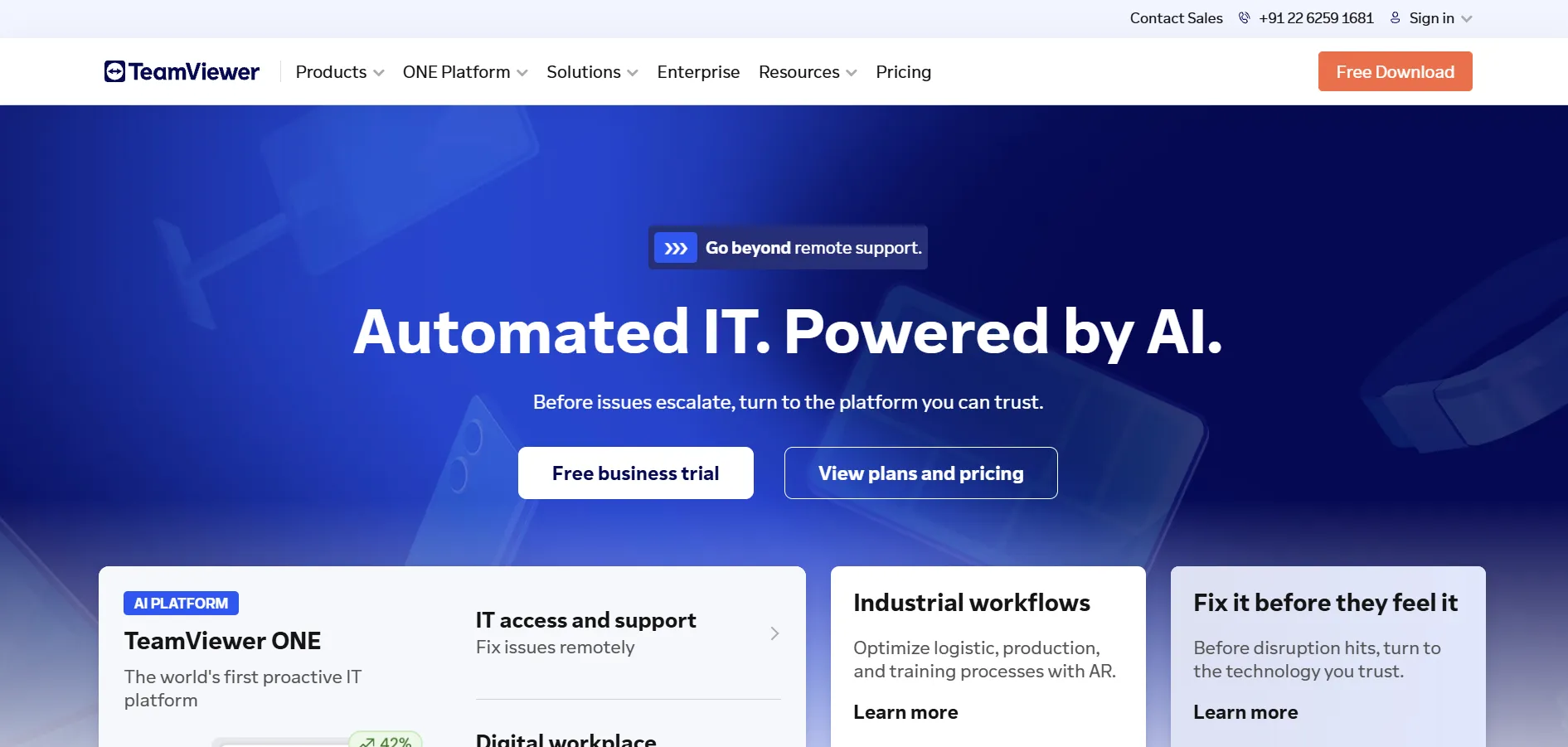
TeamViewer offers industry-standard remote desktop connectivity and IT infrastructure management tools.
Visit WebsiteUltraViewer
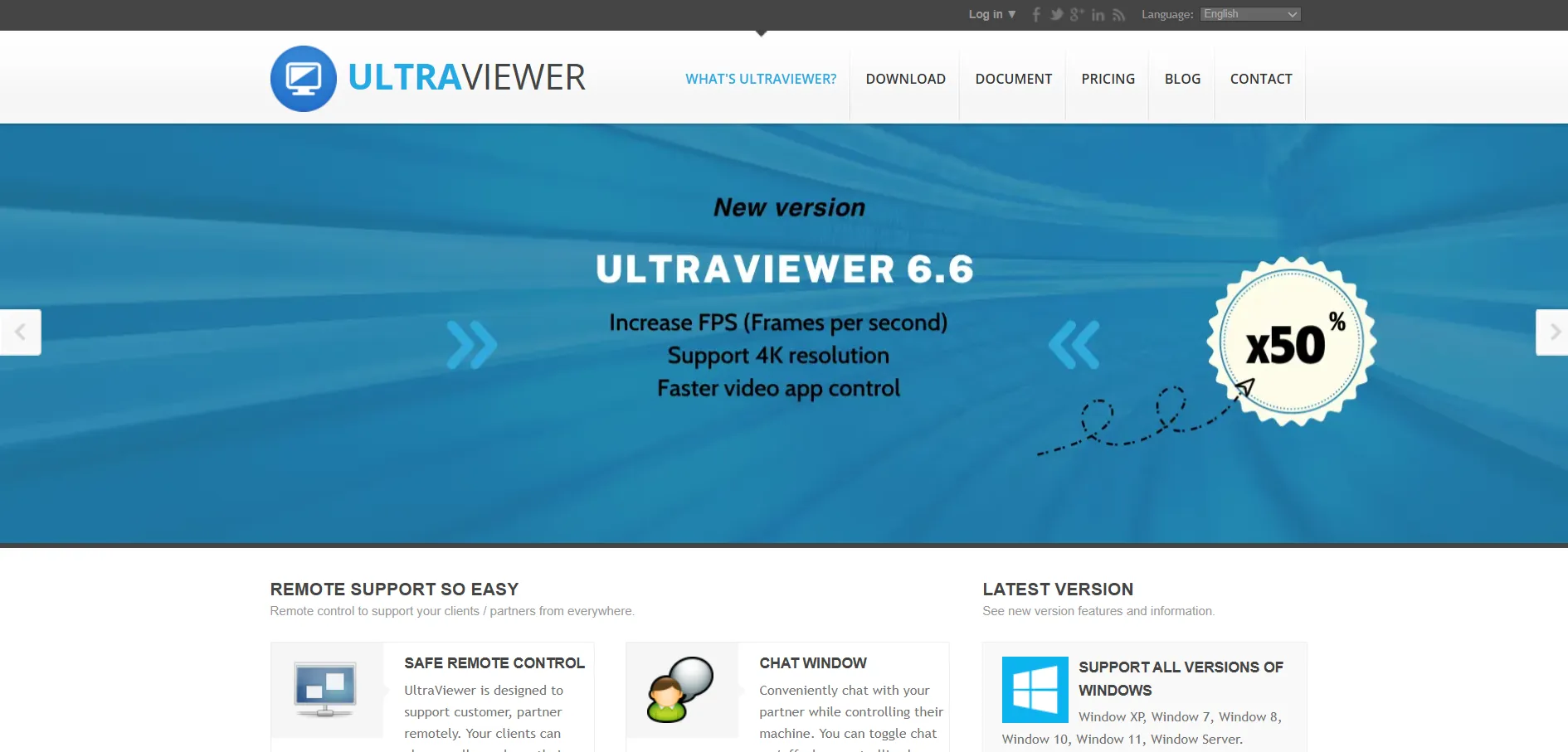
UltraViewer provides lightweight remote desktop control software optimized for customer support.
Visit WebsiteZoho Assist
Free Trial + Free Forever Plan
Pricing Plans (billed annually):
- Free: Basic remote support for limited use
- Remote Support: Starting at ~$10–$22/month per technician
- Remote Access: Starting at ~$5/month per user
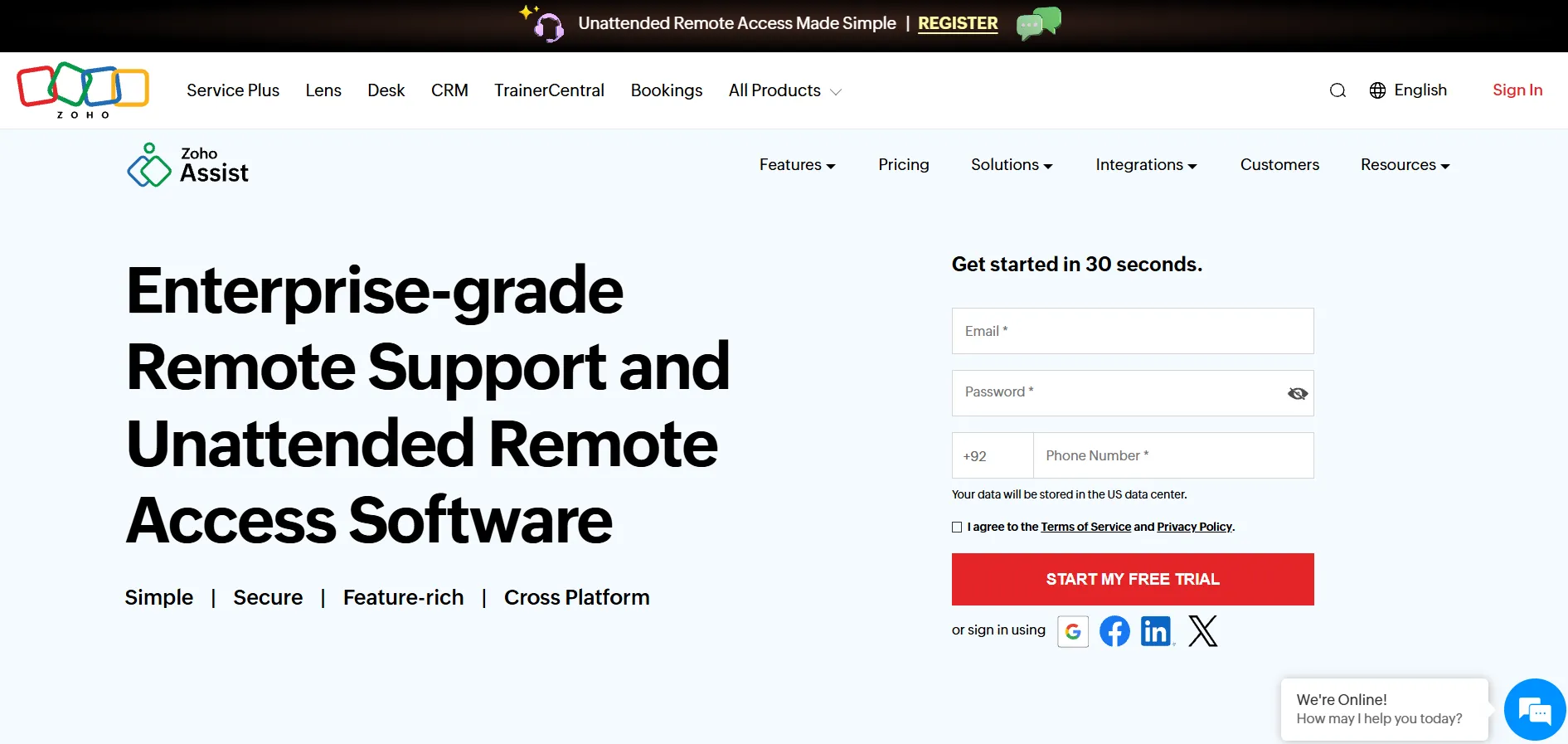
Zoho Assist is a budget-friendly remote support and access tool known for its clean interface and transparent, competitive pricing. It offers both a free trial and a permanently free plan for light use, making it easy for small teams to get started without any upfront financial commitment.
The platform includes diagnostic tools, remote audio, unattended access, and 24/7 chat, voice, and video support options rarely bundled together at this price point. It’s particularly popular as a cost-effective alternative to premium tools like BeyondTrust or ScreenConnect for businesses that don’t need extensive enterprise-grade customization.
Pros
- Transparent, affordable pricing
- Free forever plan available
- Rich feature set for the price
Cons
- Fewer enterprise compliance features
- Less brand recognition in large enterprises
- Advanced automation is limited
Quick Comparison Table
| Alternative | Description |
|---|---|
| GoToMyPC | A reliable, easy-to-use remote access tool for individuals and small teams, though priced higher than most competitors. |
| RustDesk | Open-source, self-hosted remote desktop solution offering full data control and very low-cost paid tiers. |
| Parsec | Ultra-low latency streaming tool popular with gamers and creatives, free for personal use. |
| NinjaOne | All-in-one RMM platform combining remote access with monitoring, patching, and backup for IT teams. |
| BeyondTrust Remote Support | Enterprise-grade, compliance-focused remote support tool with strong privileged access management. |
| AnyDesk | High-performance remote desktop software known for excellent speed even on low-bandwidth networks. |
| AirDroid Remote Support | Remote support tool specializing in Android device access, ideal for mobile fleets and kiosks. |
| HelpWire | A completely free remote support tool offering essential features for small businesses and solo technicians. |
| ConnectWise ScreenConnect | Highly customizable remote support platform built for MSPs and IT departments needing granular control. |
| Zoho Assist | Affordable, feature-rich remote support and access software with a free forever plan for light use. |
Conclusion
Choosing the right remote desktop alternative ultimately depends on your specific needs, team size, and budget. If you want a completely free, no-strings-attached option, HelpWire or RustDesk’s self-hosted plan are excellent starting points. For gamers and creative professionals, Parsec delivers unmatched streaming performance, while businesses managing large device fleets will benefit more from NinjaOne or ConnectWise ScreenConnect’s robust IT management features.
For organizations with strict compliance requirements, BeyondTrust Remote Support offers the security depth needed in regulated industries, whereas Zoho Assist and AnyDesk strike a strong balance between affordability and functionality for everyday remote support tasks. Whichever tool you choose, taking advantage of the free trials and free plans listed above is the best way to test real-world performance before committing to a paid subscription.


