

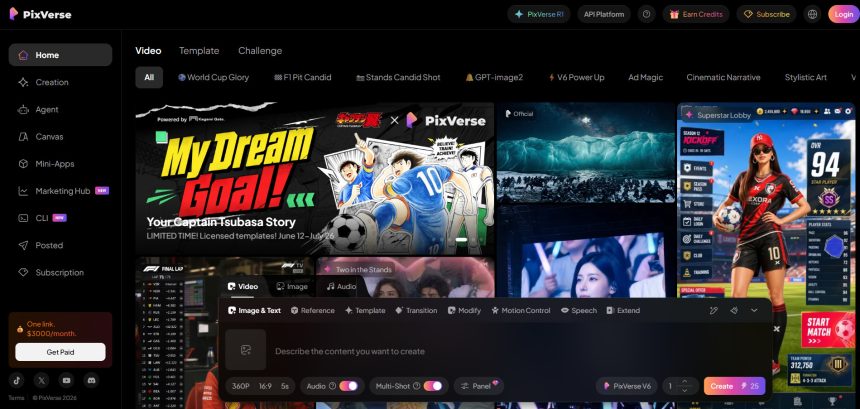
Pixverse V6 has earned a solid reputation among AI video creators for its fast rendering and smooth motion generation, but it is far from the only option in a rapidly growing market. Whether you need better pricing, longer video lengths, native audio, or a completely different workflow like avatar creation or text-to-video editing, there are several strong platforms worth exploring. This article rounds up 10 reliable PixVerse V6 Alternatives, covering their trial offers, pricing plans, and the pros and cons that matter most before you commit to a subscription.
1. VideoProc AI
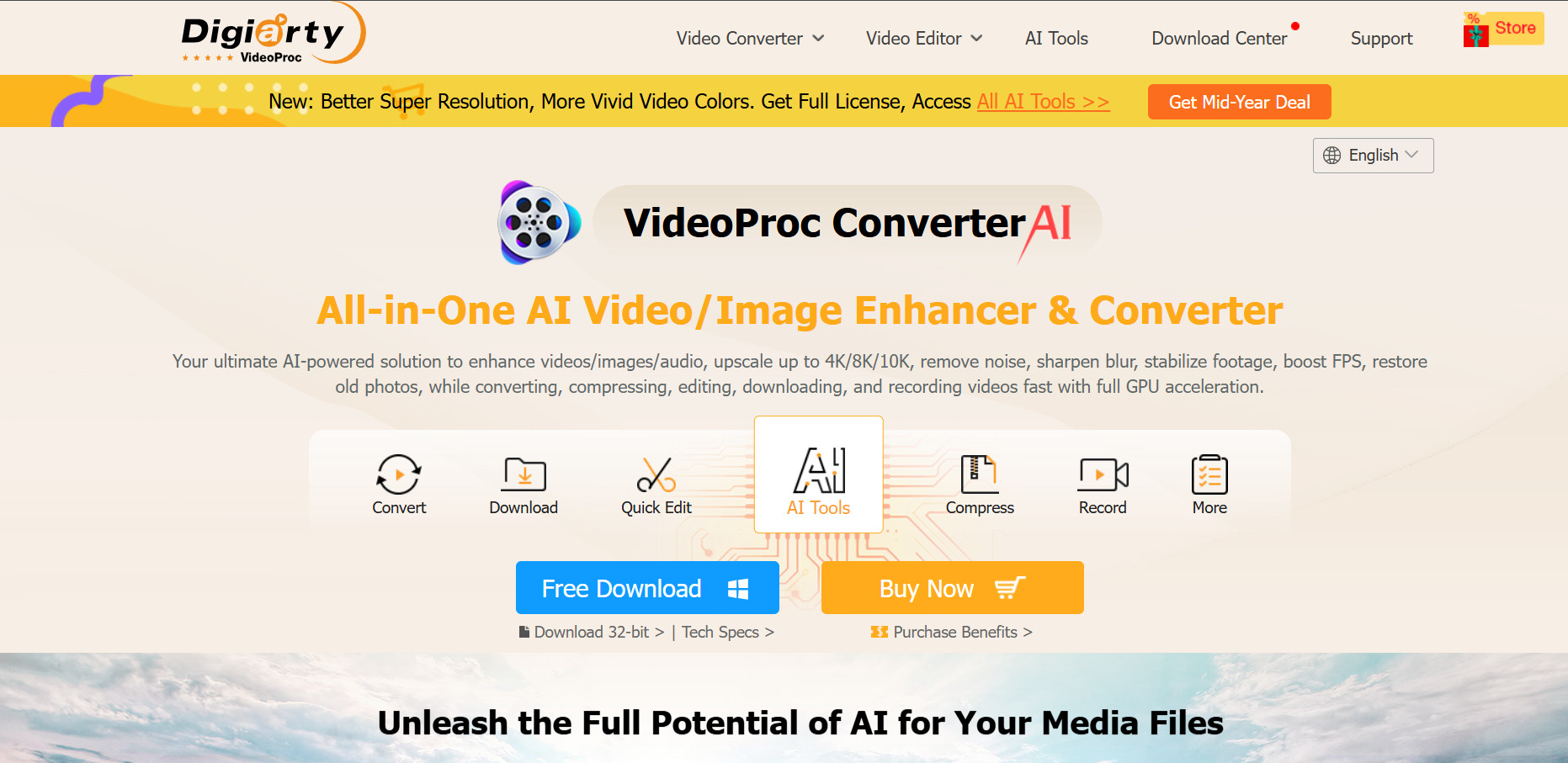
VideoProc AI offers a free trial that lets users test its AI upscaling, stabilization, and conversion tools before committing to a license. The trial does cap clip length and image processing, and adds a watermark to certain outputs, but it gives a fair sense of the software’s core capabilities before spending money on the full desktop license.
Official Pricing Plans:
- Premium 365 (Yearly) – around $34.95/year
- Lifetime License (1 PC/Mac) – around $54.95 one-time
- Family License (3–5 PCs/Mac) – around $79.95 one-time
Beyond video generation-adjacent tasks, VideoProc AI shines as an all-in-one processing suite that handles conversion, screen recording, DVD ripping, and GPU-accelerated enhancement. It is not a text-to-video generator like PixVerse, but for creators who need to polish, upscale, or convert AI-generated footage afterward, it fills an important gap in the production pipeline effectively.
Pros
- Affordable one-time lifetime license option
- Strong AI upscaling up to 4K/8K
- GPU acceleration speeds up processing
- 30-day money-back guarantee
Cons
- Not a true text-to-video generator
- Free trial adds watermarks
- Desktop-only, no cloud workflow
2. Wan 2.2
Wan 2.2 platforms typically offer a free daily-credit tier so new users can generate a limited number of videos or images without paying upfront. This makes it easy to sample the model’s motion quality and character consistency before deciding whether to upgrade to a paid credit package for watermark-free, commercial-ready output.
Official Pricing Plans:
- Free – 2 daily credits, low quality, watermarked
- Starter – around $11.9–$15.9/month for 300–500 credits
- Pro Plans – around $19.9–$69.9/month for 60,000–120,000 credits/year
Wan 2.2 stands out for its consistent character rendering and priority generation queues on paid tiers, making it a genuine PixVerse rival for creators focused on narrative-style clips. Commercial licensing is included on most paid plans, and private generation mode keeps prompts and outputs from being publicly visible to other users.
Pros
- Generous credit allowances on annual plans
- Strong character consistency across scenes
- Commercial usage rights included
- Multiple platform options to choose from
Cons
- Pricing varies widely between unofficial mirrors
- Free tier is very limited
- Credit consumption can be confusing for beginners
3. Kapwing AI
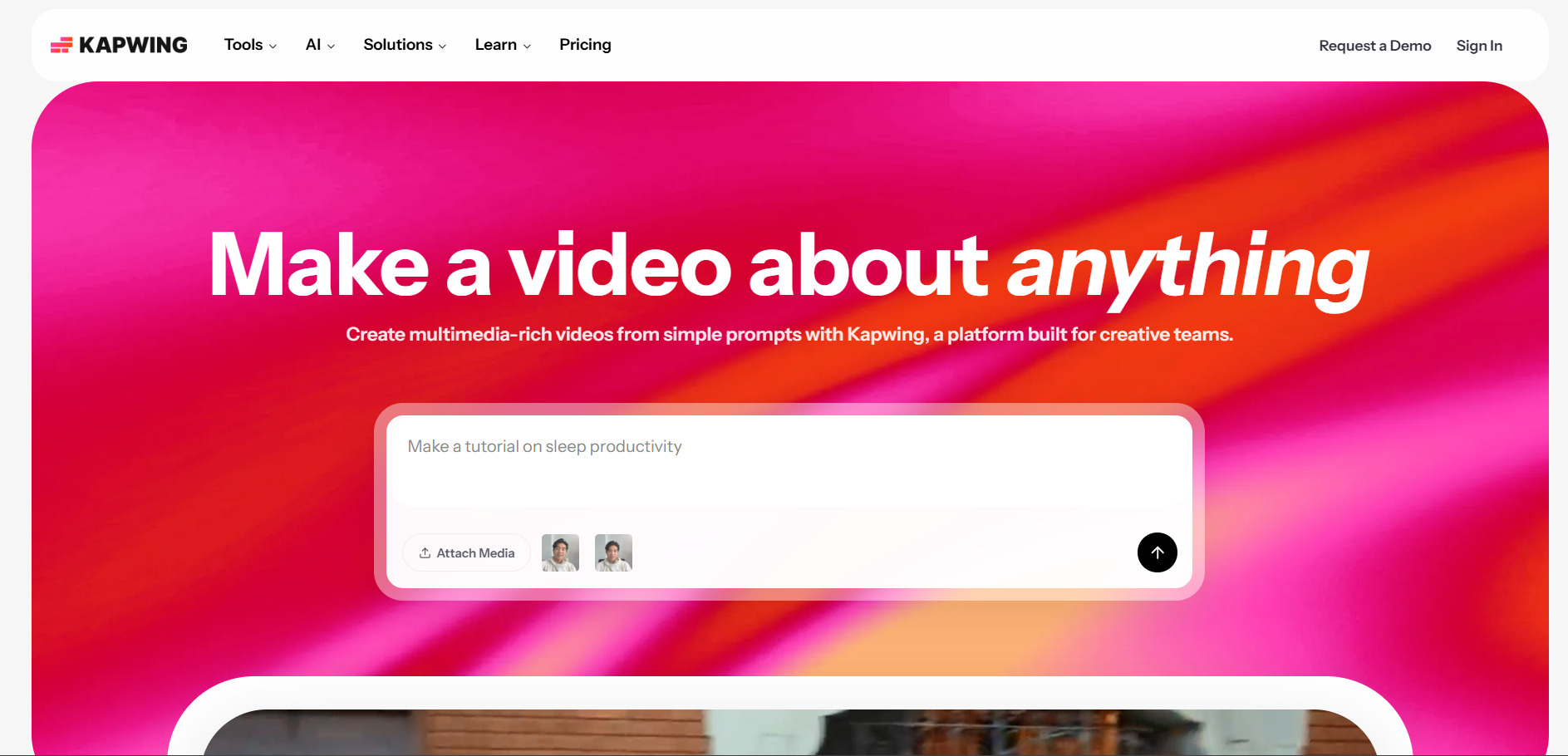
Kapwing AI offers a genuine free plan rather than a time-limited trial, allowing users to edit and export short videos with watermarks and 720p resolution at no cost. This makes it simple to explore its AI captioning, clip-making, and repurposing tools before deciding whether the Pro tier’s higher resolution is worth paying for.
Official Pricing Plans:
- Free – watermark, 4-minute exports, 720p
- Pro – around $16/month per member (annual) or $24/month (monthly)
- Business – around $50/month per member (annual) or $64/month (monthly)
Kapwing is less a generative video tool and more a browser-based editor with AI-assisted features like auto-subtitles and smart clip extraction. It works well alongside PixVerse rather than fully replacing it, especially for teams that need collaborative editing, multilingual captions, and quick repurposing of raw or AI-generated footage.
Pros
- Genuine free plan, no credit card required
- Strong auto-captioning and clip tools
- Browser-based, no installation needed
- Supports 75+ languages
Cons
- Per-member pricing gets costly for teams
- No native text-to-video generation
- Free plan watermarks and caps limit real use
4. Digen AI Agent
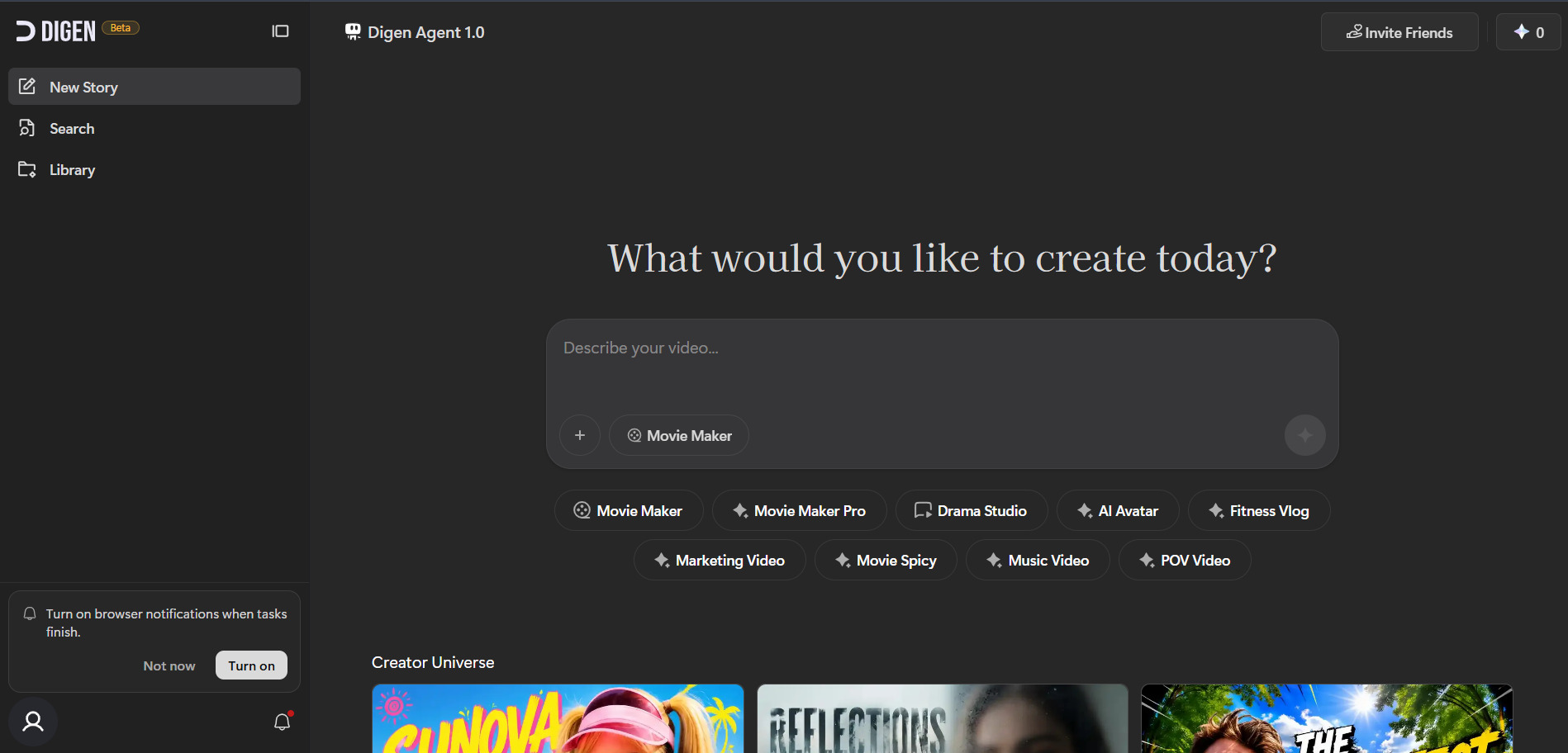
Digen AI Agent provides a free plan with daily login credit rewards, giving users ongoing access to basic video and avatar generation without a subscription. Free users are limited to watermarked exports and basic models, but the daily credit system makes it possible to keep experimenting without ever entering payment details.
Official Pricing Plans:
- Free – daily login credits, watermarked output
- Ultra – around $5.99–$9.99/month (annual/monthly)
- Ultra Pro – around $11.99–$19.99/month (annual/monthly)
What sets Digen apart is its multi-model access, bundling Seedance 2.0, Veo 3.1, Grok, and Nano Banana under one interface alongside its own talking-avatar generator. For creators who want to compare several leading video models without juggling separate subscriptions, Digen’s Agent mode offers a practical, budget-friendly alternative to PixVerse.
Pros
- Access to multiple top AI video models in one place
- Very affordable paid tiers
- Daily free credits keep costs low
- Strong talking-avatar generation
Cons
- Free plan lacks commercial rights
- Interface can feel cluttered with many models
- Higher-end models drain credits quickly
5. Hedra
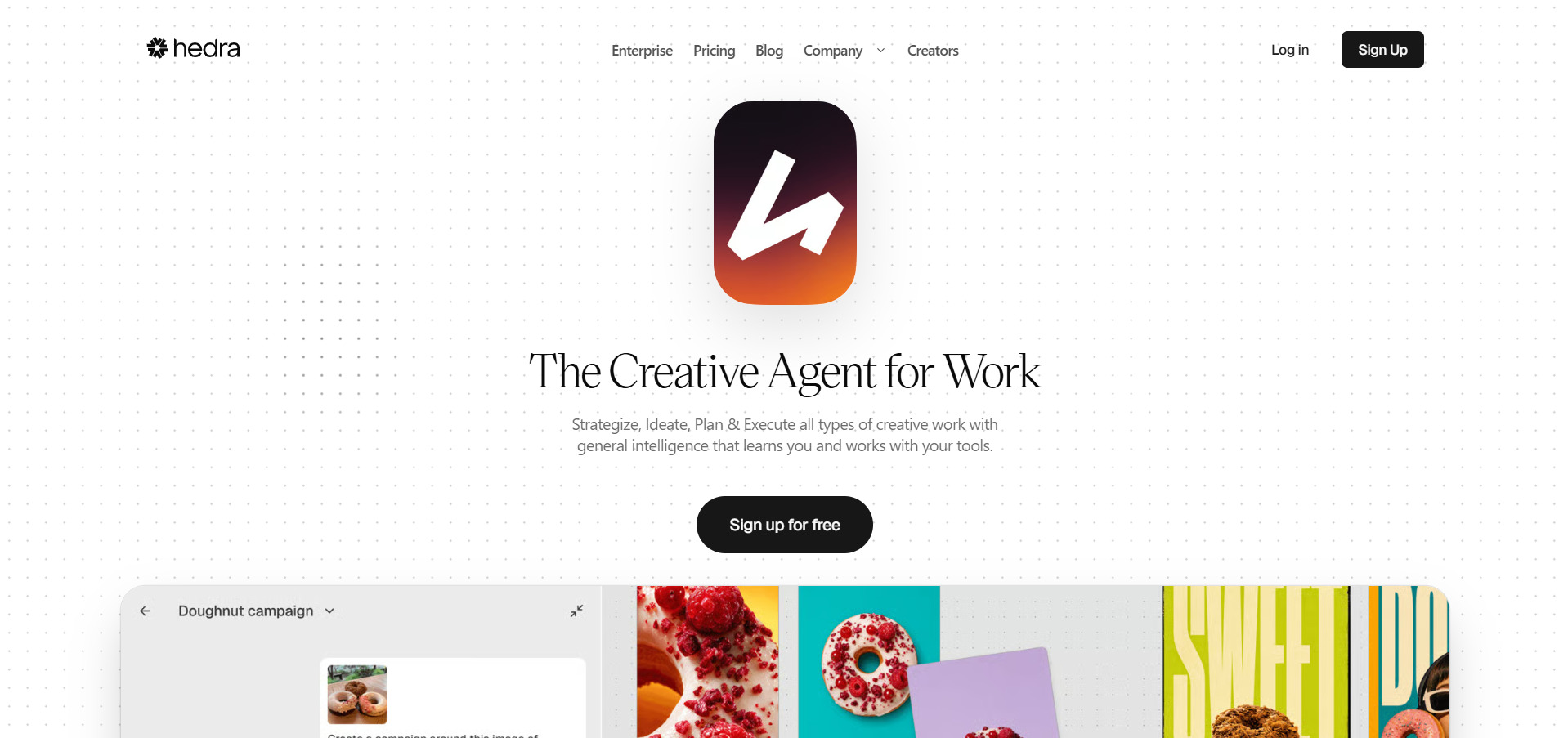
Hedra gives new users 300 free credits every month, enough to test its Character-3 model for talking-avatar and lip-sync video generation. There is no credit card requirement to start, and the free tier includes access to the same core model used on paid plans, just with slower generation speeds and non-commercial restrictions.
Official Pricing Plans:
- Free – $0/month, 300 credits
- Basic – around $15/month, 1,500 credits
- Creator – around $30/month, 5,400 credits
- Professional – around $75/month, 14,400 credits
Hedra’s biggest strength lies in combining multiple third-party models from Google, Kling, and ElevenLabs under a single credit balance, alongside its own expressive Character-3 avatar engine. This makes it a strong PixVerse alternative for creators focused on character-driven storytelling, virtual presenters, or interactive Live Avatars for real-time applications.
Pros
- Excellent lip-sync and facial expression quality
- Access to 28+ AI models under one credit pool
- Real-time Live Avatars feature
- Backed by strong funding and enterprise trust
Cons
- Credits expire monthly and can run out fast
- Free tier restricted to non-commercial use
- Some users report billing friction
6. Pictory AI
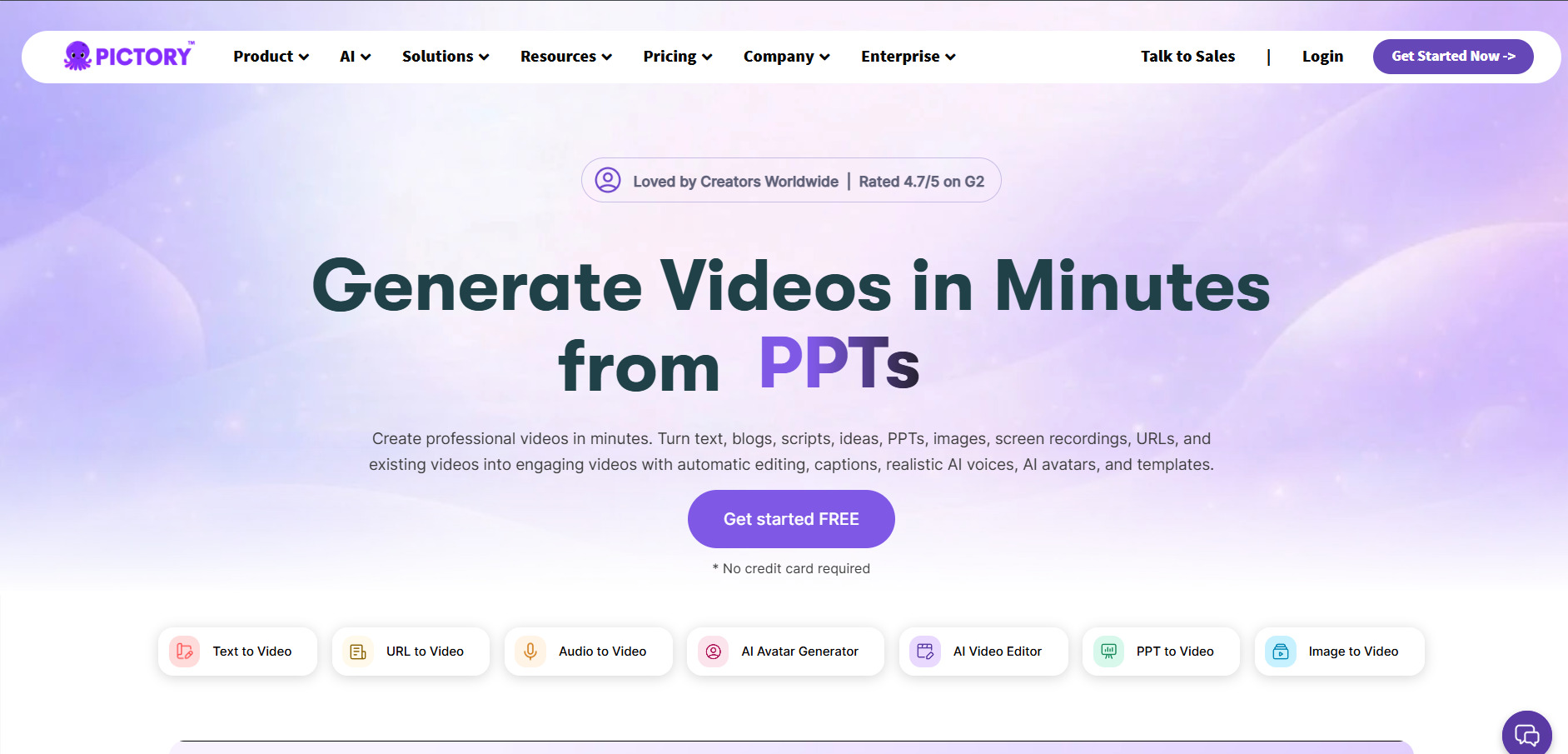
Pictory AI offers a 14-day free trial that includes three full projects with all core features unlocked, though exports carry a watermark until upgrading. This trial period is generous enough to fully test its text-to-video, blog-to-video, and AI voiceover workflows before deciding which paid tier fits your production volume.
Official Pricing Plans:
- Starter – around $25/month (annual) or $29/month (monthly)
- Professional – around $35/month (annual) or $59/month (monthly)
- Teams – around $119/month (annual, 3+ users)
Unlike PixVerse’s prompt-driven generation, Pictory specializes in turning existing text, scripts, and long-form recordings into polished videos using stock footage and AI narration. It is best suited for marketers, educators, and YouTubers who already have written or recorded content and need a fast way to convert it into shareable video format.
Pros
- Generous 14-day full-feature trial
- Huge stock footage and music library
- Great for repurposing blogs and webinars
- ElevenLabs voiceover integration available
Cons
- Not built for pure AI-generated scene creation
- Storage overage policy is unclear
- Higher starting price than some rivals
7. Grok Imagine
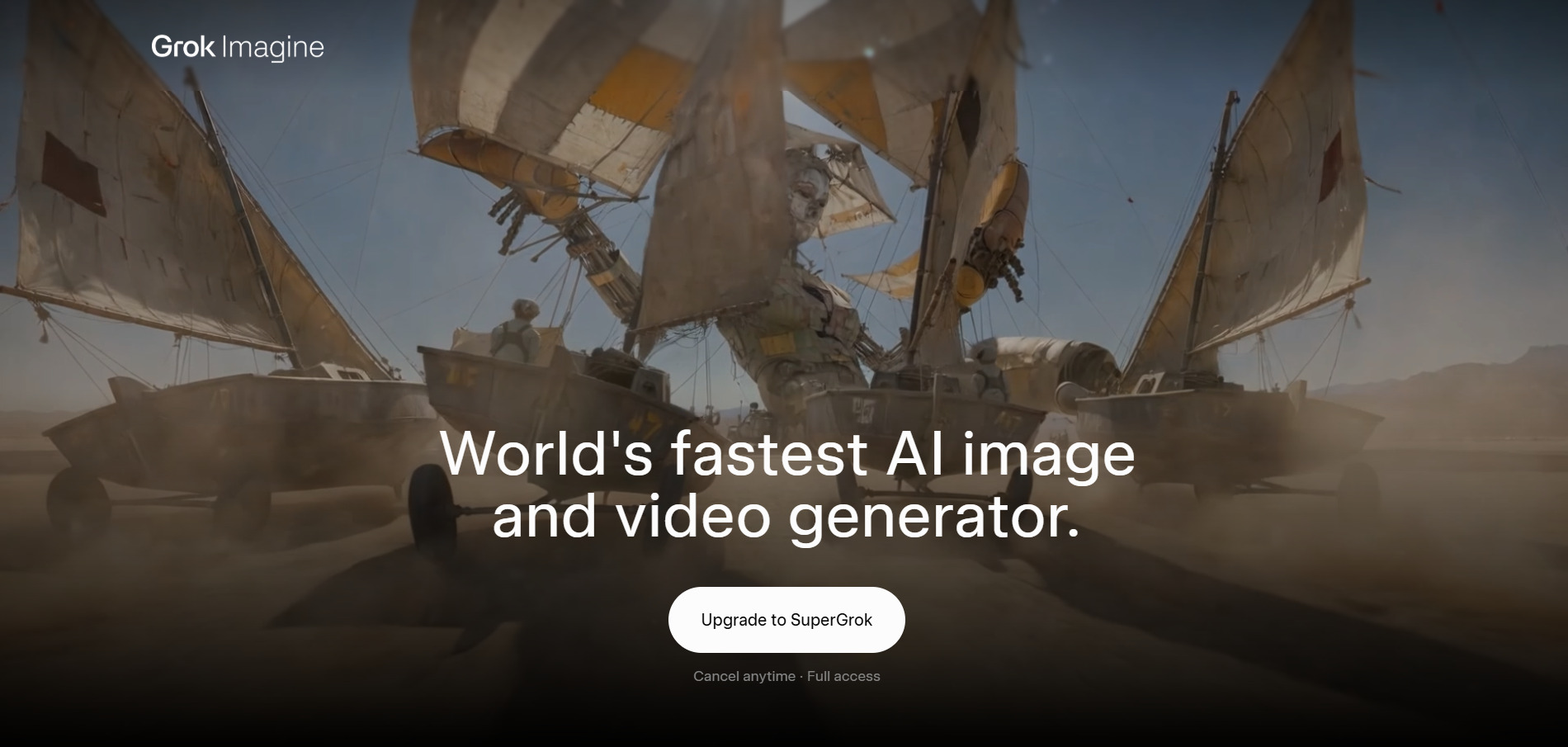
Luma Ray3 is bundled into xAI’s Grok app, where free-tier users get limited prompts and basic access without needing a paid subscription. New users on associated platforms also receive starter credits, making it easy to test image and short video generation before deciding whether SuperGrok’s expanded limits are worth the upgrade.
Official Pricing Plans:
- SuperGrok Lite – around $10/month (basic Grok Imagine access)
- SuperGrok – around $30/month or $300/year
- SuperGrok Heavy – around $300/month
Grok Imagine benefits from tight integration with X and Grok’s broader AI ecosystem, including DeepSearch and reasoning tools alongside video and image generation. For creators already using Grok for research or social content, it offers a convenient bundled alternative to PixVerse rather than a standalone specialist video tool.
Pros
- Bundled with a full AI assistant subscription
- Fast image and short video generation
- Integrated with X platform and real-time data
- Entry tier available at just $10/month
Cons
- Video length and resolution capped on lower tiers
- Free tier prompt limits are restrictive
- Video model still labeled limited availability
8. Artlist AI
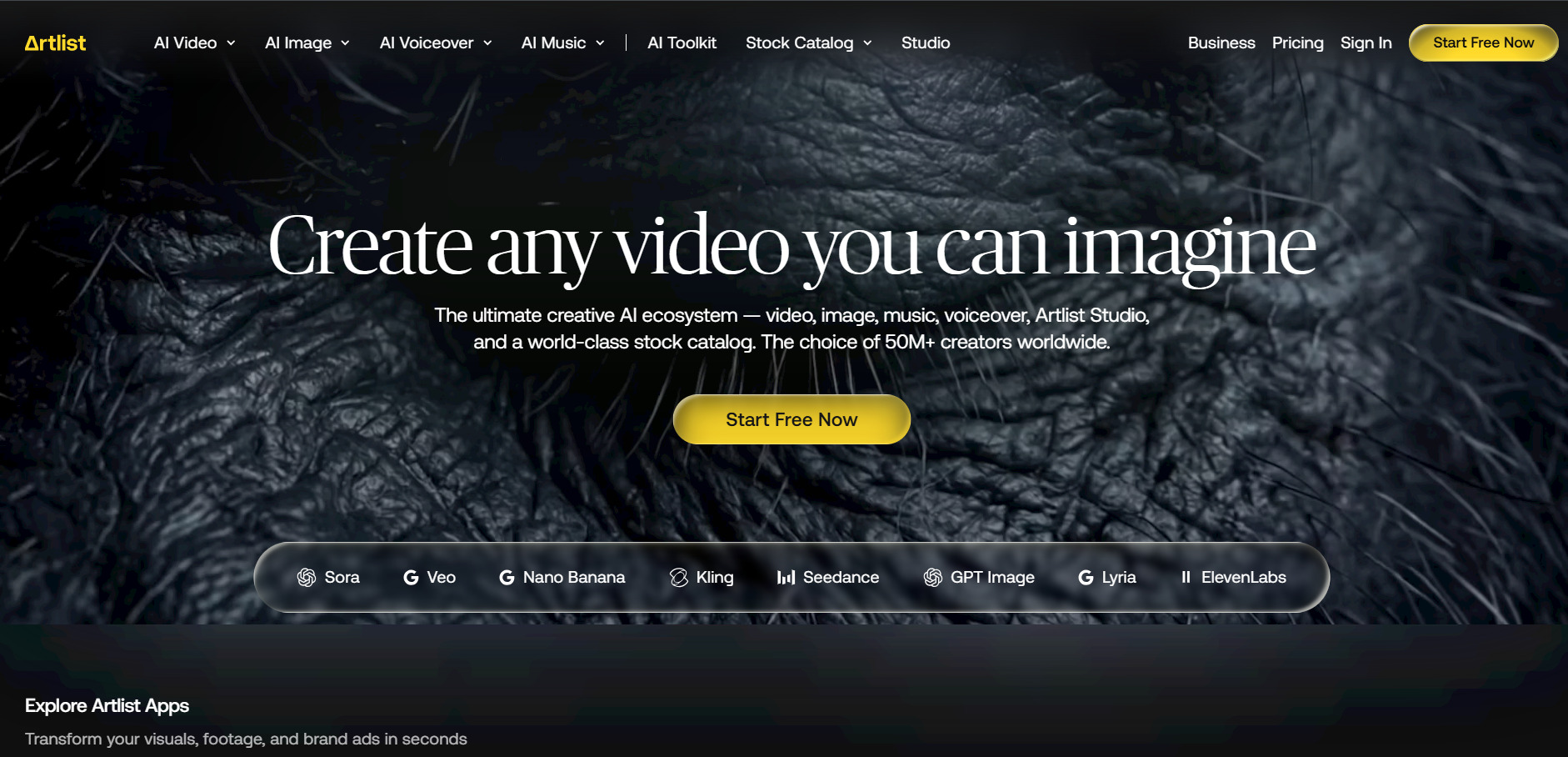
Artlist AI lets new users generate a free sample voiceover, image, video, and music track to get a feel for its AI Toolkit before subscribing. While not a traditional multi-day trial, this sample-based approach gives a quick, no-commitment preview of the platform’s video generation quality using models like Veo 3.1 and Sora 2.
Official Pricing Plans:
- AI Starter – around $9.99/month (annual), voiceover only
- AI Creator – around $41.67/month (annual), full AI Toolkit
- Max – starting around $39.99/month (annual), AI + stock library
Artlist’s biggest advantage is bundling top-tier third-party models like Veo 3.1, Sora 2, and Seedance 2.0 alongside its massive royalty-free music and footage library in one subscription. This makes it especially appealing for creators who need licensed stock assets and AI generation together rather than juggling separate PixVerse and stock-media subscriptions.
Pros
- Access to multiple premium AI video models
- Massive royalty-free music and footage library
- Commercial licensing included on paid plans
- Strong option for full production workflows
Cons
- Higher-tier plans get expensive quickly
- Credit system spans many tools, easy to overspend
- Entry AI plan excludes video generation
9. Luma Ray3
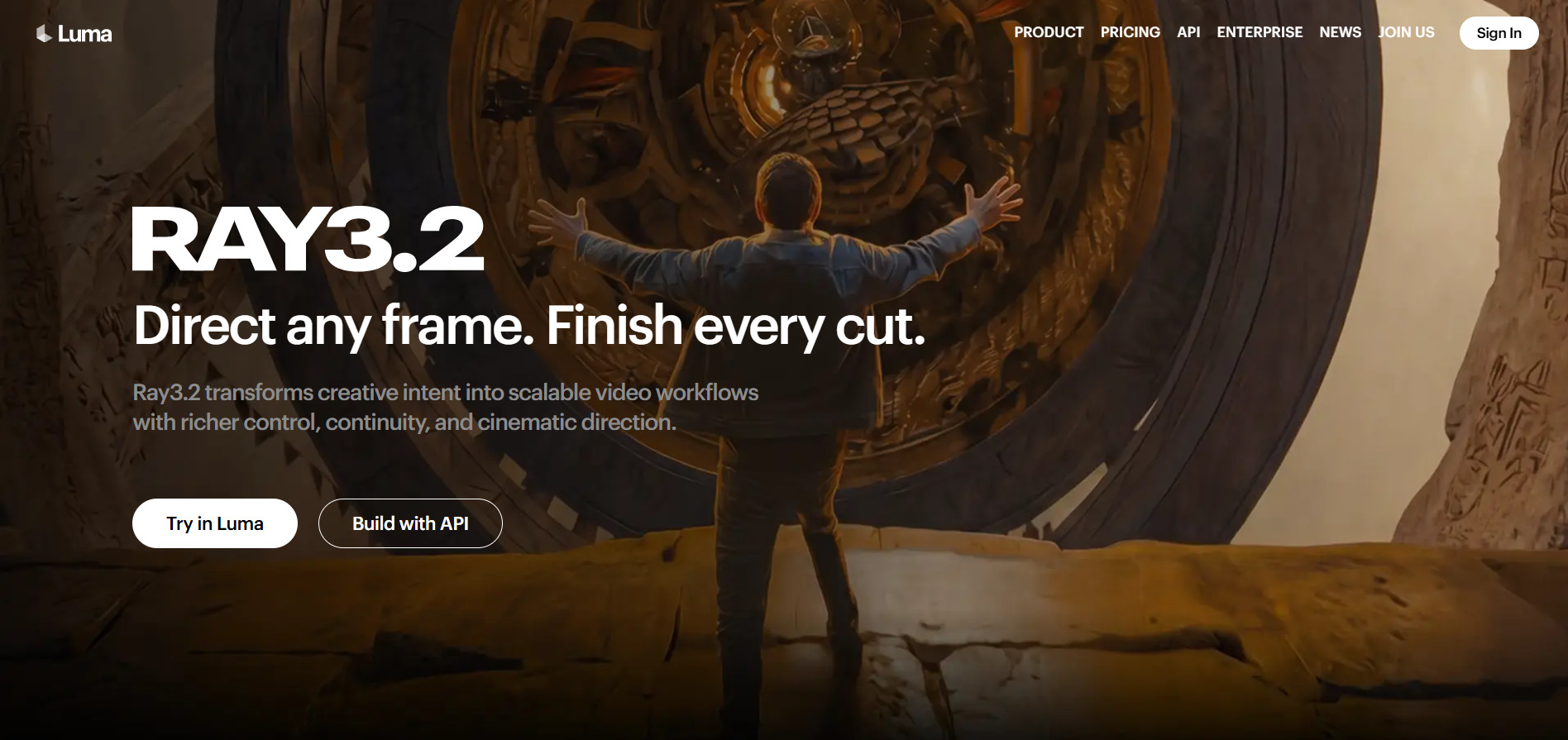
Luma Ray3‘s Ray3-powered platform includes free trial credits on signup, giving new users a chance to generate a handful of videos before choosing a paid plan. A lower-cost Lite tier around $10/month also exists for casual users who want more testing room without committing to the higher Plus or Pro plans right away.
Official Pricing Plans:
- Lite – around $9.99/month, watermarked
- Plus – around $30/month, commercial use unlocked
- Pro – around $90/month, 4x usage capacity
- Ultra – around $300/month, 15x usage capacity
Ray3 is well regarded for its realistic physics, cinematic lighting, and smooth motion generation, often compared directly against PixVerse in quality benchmarks. The platform also bundles access to Veo, Kling, and Seedance models under one credit pool, giving creators flexibility to switch between engines depending on the shot they need.
Pros
- Excellent realistic motion and lighting physics
- Multi-model access under one subscription
- Free trial credits available at signup
- Strong reputation among professional creators
Cons
- Higher tiers are among the priciest in the market
- Credits do not roll over month to month
- Real cost per usable clip can run high
10. Seedance 2.0
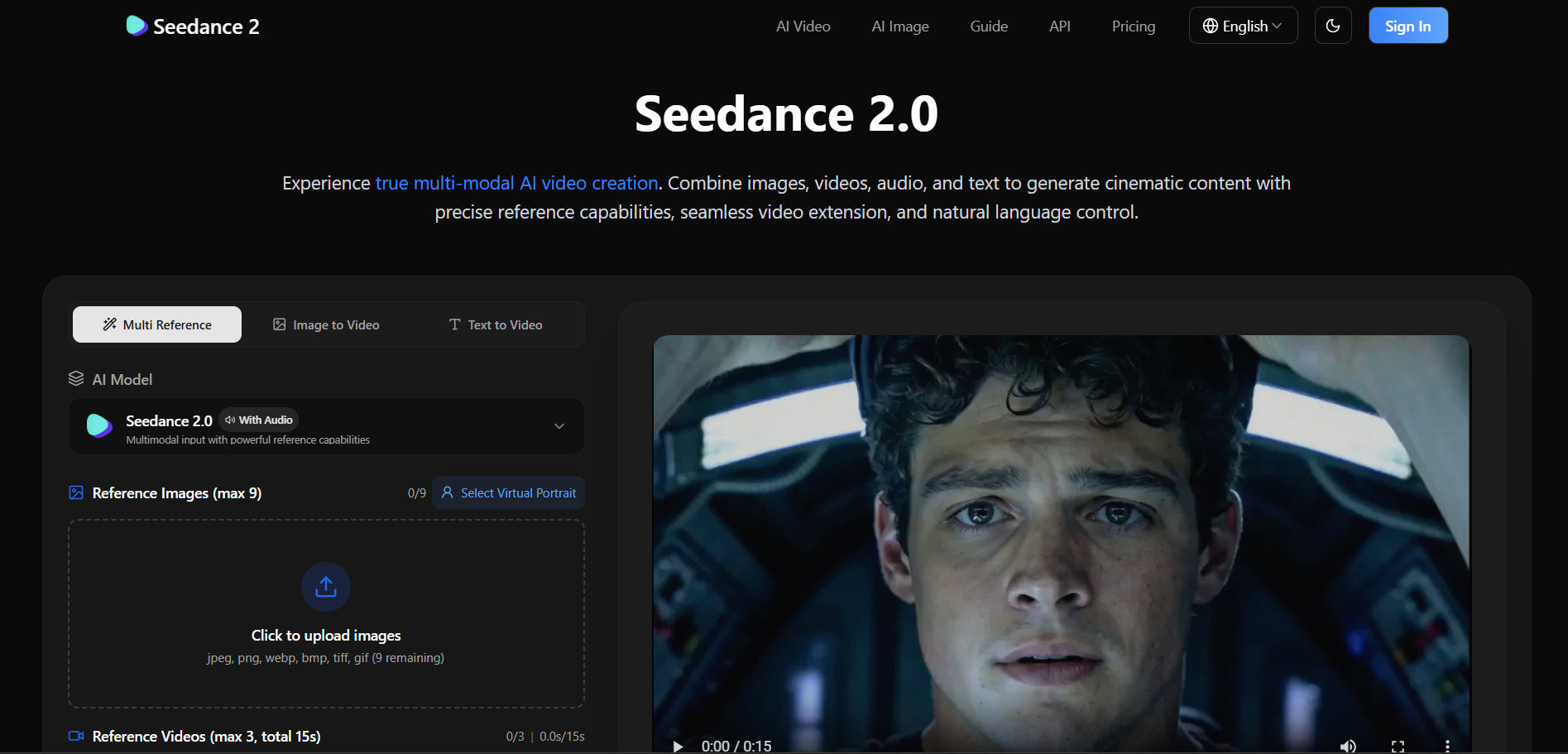
Seedance 2.0 is accessible for free through ByteDance’s Dreamina platform, offering daily credits with no credit card required at signup. This gives users enough allowance for two to three short video generations per day, making it one of the more generous free entry points among PixVerse alternatives.
Official Pricing Plans:
- Free – daily credits via Dreamina, limited generations
- Basic Membership – around $9.60/month
- Pro Plan – around $28–$45/month, higher volume and 1080p priority
Seedance 2.0 stands out for native audio generation, multi-shot storytelling, and strong character consistency across cuts, all built into a single model without needing separate audio tools. Combined with its affordable pricing and generous free tier, it is one of the most cost-effective PixVerse alternatives for creators producing frequent short-form content.
Pros
- Genuinely usable free daily credit system
- Native audio generation built into the model
- Strong character and scene consistency
- Very affordable paid tiers
Cons
- Full access sometimes requires a China-region account
- Pricing fragmented across multiple platforms
- Free tier watermarks output
| Alternative | Description |
|---|---|
| VideoProc AI | An all-in-one AI video processing suite for upscaling, conversion, and enhancement rather than prompt-based generation. |
| Wan 2.2 | A prompt-to-video model known for consistent characters and cinematic motion across multiple hosting platforms. |
| Kapwing AI | A browser-based editor with AI captioning and clip tools, ideal for repurposing existing footage. |
| Digen AI Agent | A multi-model hub bundling Seedance, Veo, and Grok alongside its own talking-avatar generator. |
| Hedra | A character and avatar-focused platform built around the expressive Character-3 lip-sync model. |
| Pictory AI | A text and script-to-video converter designed for marketers, educators, and content repurposing. |
| Grok Imagine | xAI’s integrated image and video generator bundled inside the Grok assistant ecosystem. |
| Artlist AI | A creative suite combining premium AI video models with a massive royalty-free stock library. |
| Luma Ray3 | A cinematic-quality video model known for realistic physics and multi-model flexibility. |
| Seedance 2.0 | ByteDance’s video model offering native audio, strong consistency, and generous free access. |
Conclusion
PixVerse V6 remains a capable AI video generator, but the alternatives above prove there is no shortage of strong competitors, each excelling in different areas. Whether your priority is affordability, avatar realism, multi-model flexibility, or seamless text-to-video conversion, one of these ten platforms is likely to fit your workflow better than a one-size-fits-all approach. Testing a few free trials or free tiers before committing to a paid plan remains the smartest way to find the right long-term fit.


