

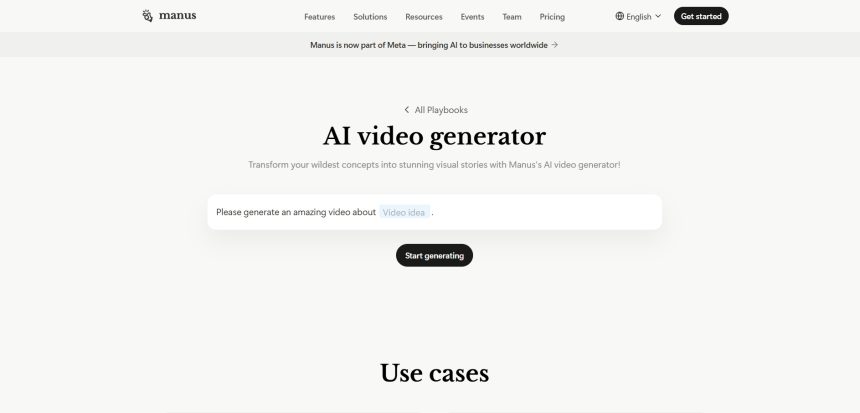
Manus AI made waves as a general-purpose autonomous agent capable of handling multi-step tasks, including video-related workflows, but it isn’t purpose-built for video creation. Creators, marketers, and businesses looking for dedicated AI video generation, avatar creation, editing automation, or animation tools often need something more specialized. This guide breaks down 12 Manus AI Video Alternatives available right now. Each entry covers what free trial or free tier is offered, current official pricing, a short overview, and a clear list of pros and cons so you can compare tools quickly and pick the one that actually fits your workflow instead of guessing.
1. Artlist AI
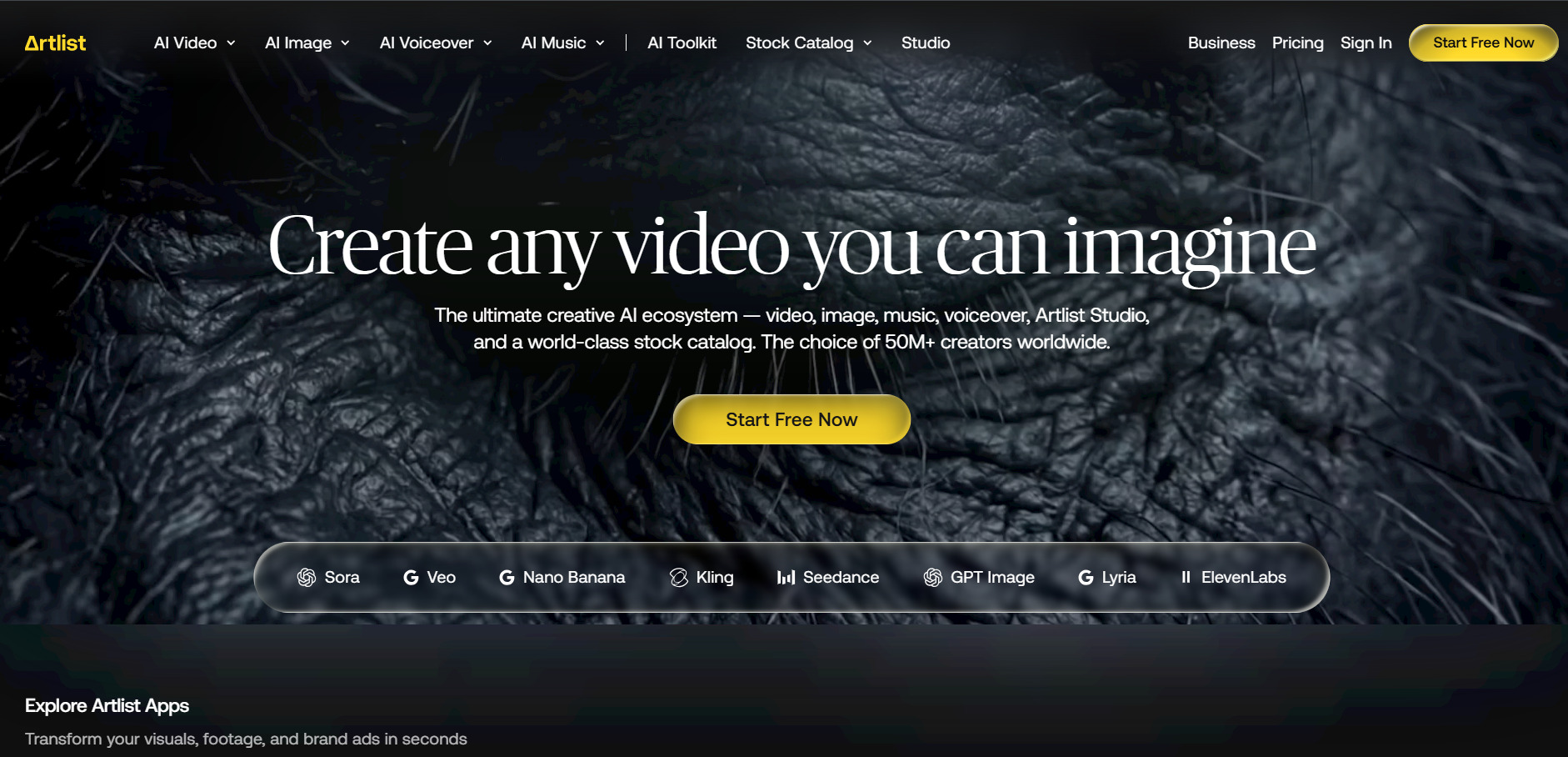
Artlist AI is a creative subscription platform originally built around royalty-free music and stock footage that has expanded into a full AI toolkit covering video, image, voiceover, and orchestration through its new Studio feature. It integrates leading third-party models like Veo, Sora, and Kling under one credit system, making it a strong pick for creators who already use Artlist for music and want AI generation bundled in without juggling separate subscriptions.
💰 Pricing (Official)
- AI Starter: from $13.99/mo (annual)
- AI Professional: $89.99/mo
- Artlist Max: from $39.99/mo (annual)
- Business/Enterprise: custom pricing
Artlist’s biggest strength is consolidation — music, SFX, footage, templates, and AI generation all draw from one shared credit pool, which suits creators tired of stacking tools. The trade-off is that heavy AI video generation quickly pushes users toward the pricier Professional tier, making it less economical for anyone whose primary need is just AI video rather than the full creative suite.
Pros
- Unified credit system across video, image, and voice AI
- Access to top models like Veo 3.1, Sora 2, and Kling
- Strong stock music and footage library included
- Studio feature orchestrates multi-shot AI sequences
Cons
- Heavy AI usage requires the expensive Professional plan
- Credits expire at the end of each billing cycle
- Pricing structure can be confusing across tiers
2. VideoProc AI
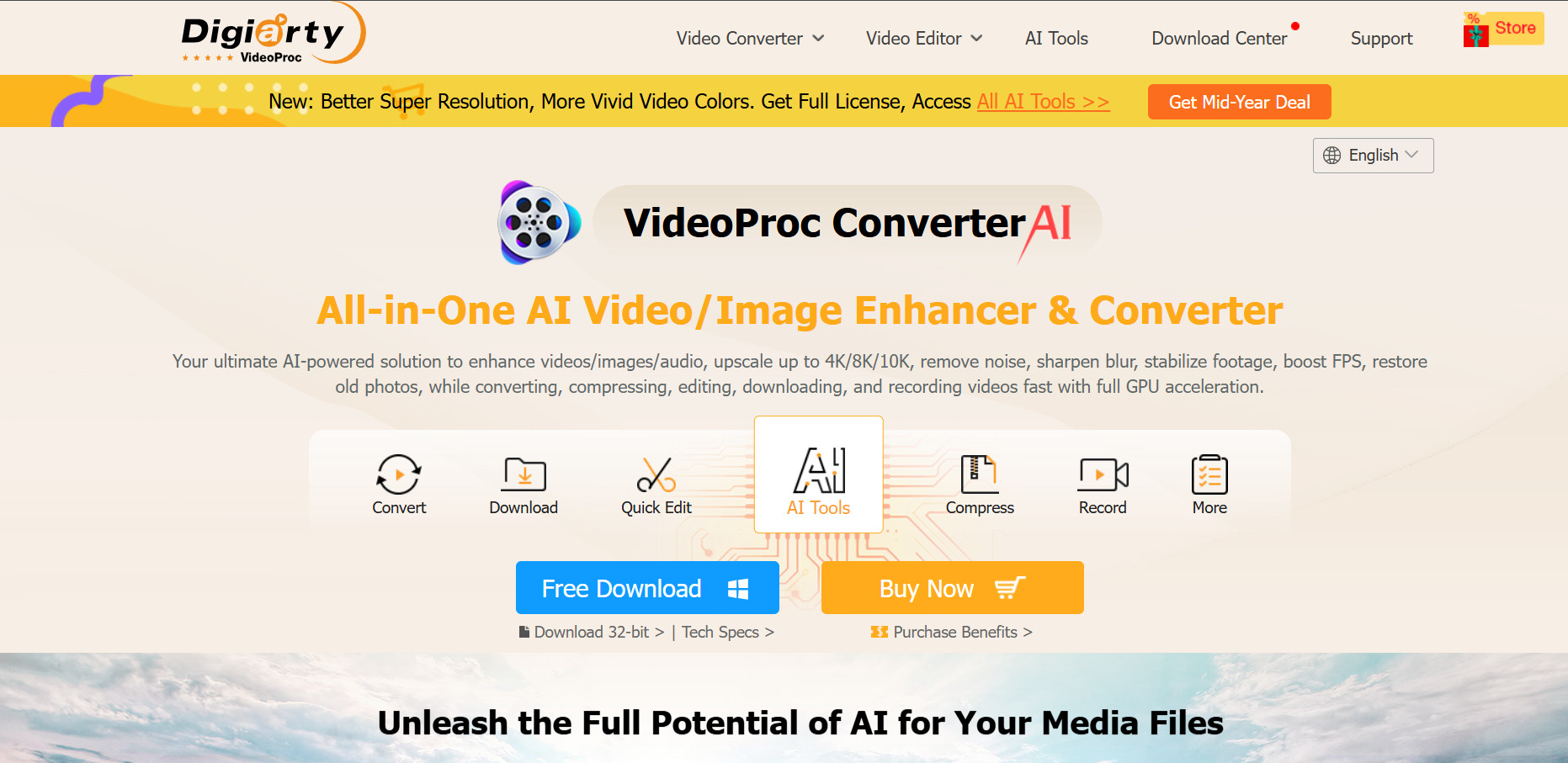
VideoProc AI Converter AI is a desktop application focused on AI-powered video enhancement, upscaling, stabilization, and format conversion rather than generative video creation. Built by Digiarty Software, it uses GPU acceleration to handle tasks like Super Resolution upscaling to 4K, frame interpolation, and AI deinterlacing, making it a practical tool for restoring or improving existing footage rather than generating new scenes from prompts.
💰 Pricing (Official)
- Premium 365 (1 yr): from $25.95–$34.95
- Lifetime License (1 PC): from $39.95–$54.95
- Family License (3–5 PCs): from $57.95–$79.95
Because it’s a one-time or annual license rather than a recurring credit-based subscription, VideoProc AI appeals to users who want predictable costs without monthly billing. It won’t generate original AI video scenes like Manus-style tools, so it’s best suited for editors, YouTubers, and archivists who need to upscale, stabilize, or convert existing video and image files efficiently.
Pros
- One-time lifetime license options avoid recurring fees
- Strong GPU-accelerated upscaling and frame interpolation
- Supports 420+ video and audio formats
- 30-day money-back guarantee on paid plans
Cons
- No generative text-to-video capability
- Free trial heavily restricts clip length and image count
- Desktop-only, no cloud collaboration features
3. Hedra
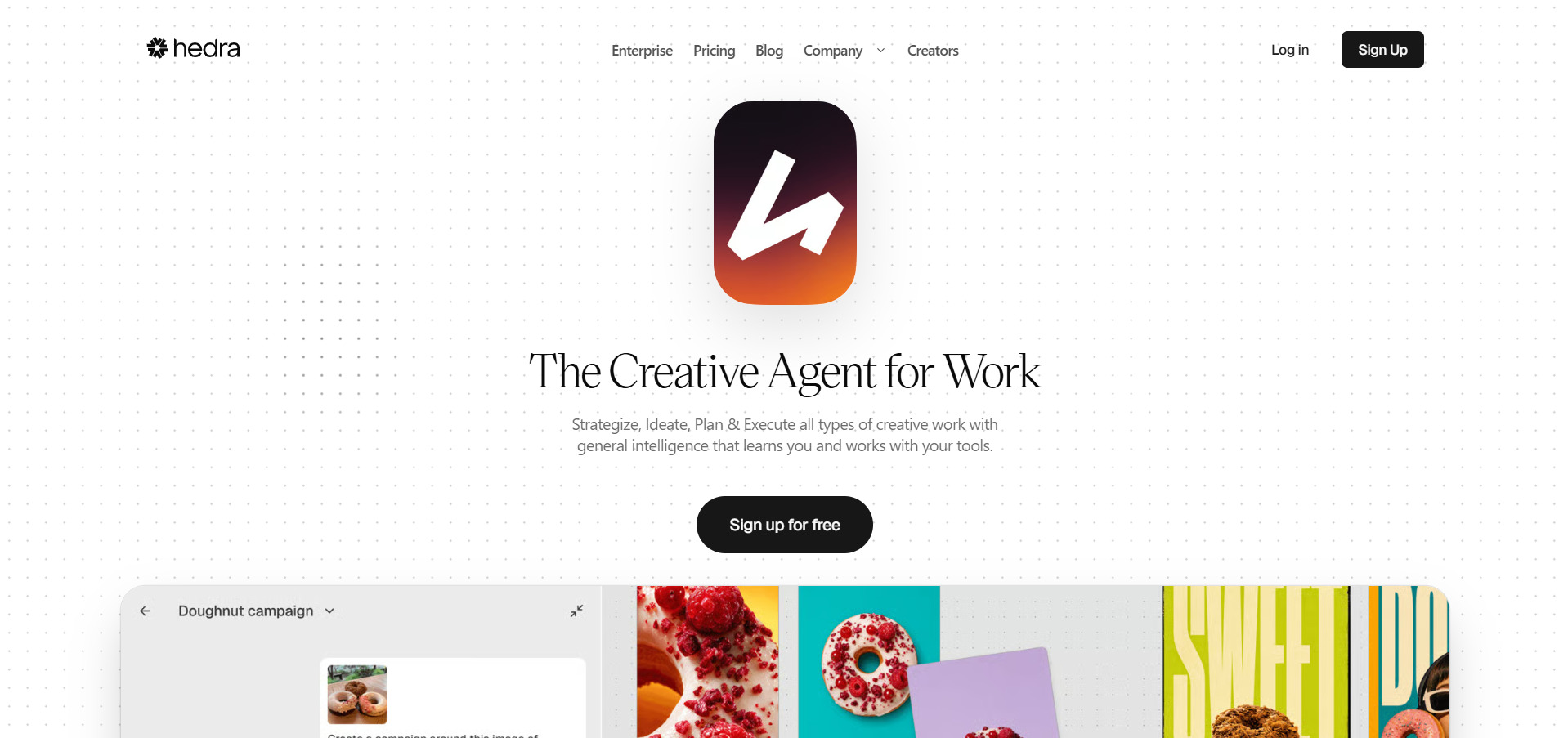
Hedra is an AI creative studio centered on its proprietary Character-3 model, which turns a single portrait image and an audio clip into an expressive talking character video with accurate lip-sync, natural blinking, and micro-expressions. Beyond avatars, Hedra has expanded into a broader multi-model studio offering access to 28+ AI models for image, video, and design, plus an AI Agent that can plan and execute full creative briefs.
💰 Pricing (Official)
- Free: $0/mo (300 credits)
- Basic: $15/mo (1,500 credits)
- Creator: $30/mo (5,400 credits)
- Professional: $75/mo (14,400 credits)
- Enterprise: custom pricing
Hedra’s core differentiator is character realism from a single photo, which makes it popular for social content, virtual presenters, and marketing avatars. The credit system can create friction for high-volume users since monthly credits expire and costs escalate quickly with 720p or longer renders, so budgeting usage carefully is important once you move past the free tier.
Pros
- Genuinely usable free tier with 300 monthly credits
- Realistic lip-sync and micro-expressions from one photo
- Live Avatars support real-time streaming conversations
- Access to 28+ integrated AI models under one credit pool
Cons
- Monthly credits expire and don’t roll over
- Costs scale fast at higher resolutions
- Free and Basic tiers restrict commercial use
4. CapCut AI
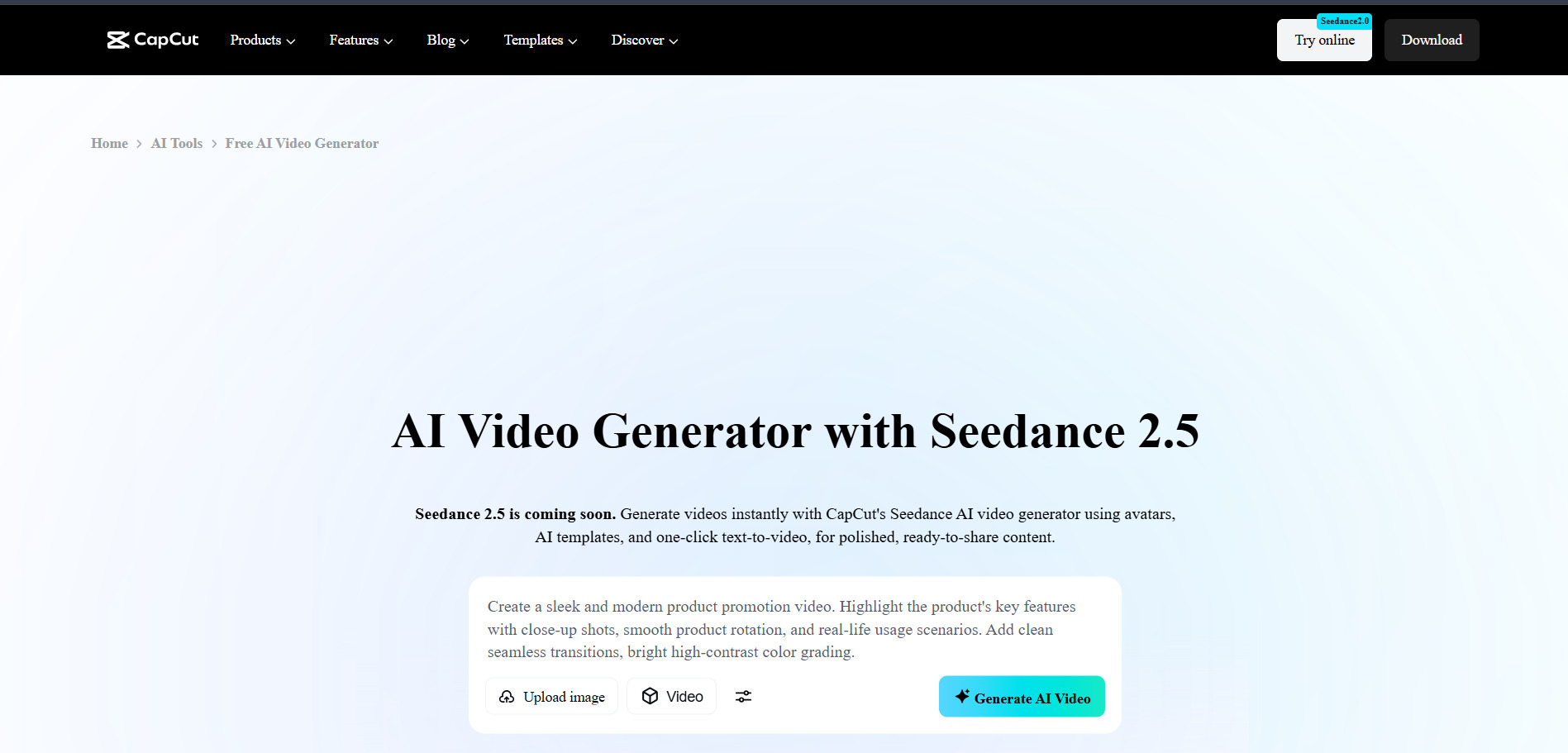
CapCut AI is ByteDance’s video editing app that has evolved from a simple mobile tool into a cross-platform suite with AI auto-captions, background removal, text-to-speech, AI video generation from prompts, and voice cloning. It remains especially popular with short-form creators on TikTok, Reels, and YouTube Shorts thanks to a genuinely capable free tier that many solo creators never feel the need to upgrade from.
💰 Pricing (Official)
- Free: $0/mo
- Standard: around $9.99/mo
- Pro: around $19.99/mo or $179.99/yr
- Team: around $24.99/mo per user
CapCut restructured its pricing in early 2026, roughly doubling the top Pro tier while adding a lower Standard option, so returning users should expect higher costs than they remember. The free tier remains one of the most generous in the category, but full AI video generation, higher-quality voice cloning, and premium templates without restrictions now sit behind the pricier Pro plan.
Pros
- One of the most generous free tiers in video editing
- Cross-platform: desktop, web, and mobile apps
- AI auto-captions and background removal built in
- Large template and effects library
Cons
- 2026 restructure roughly doubled Pro plan pricing
- Prices aren’t officially published and vary by region
- Full AI toolkit locked behind the top Pro tier
5. AKOOL
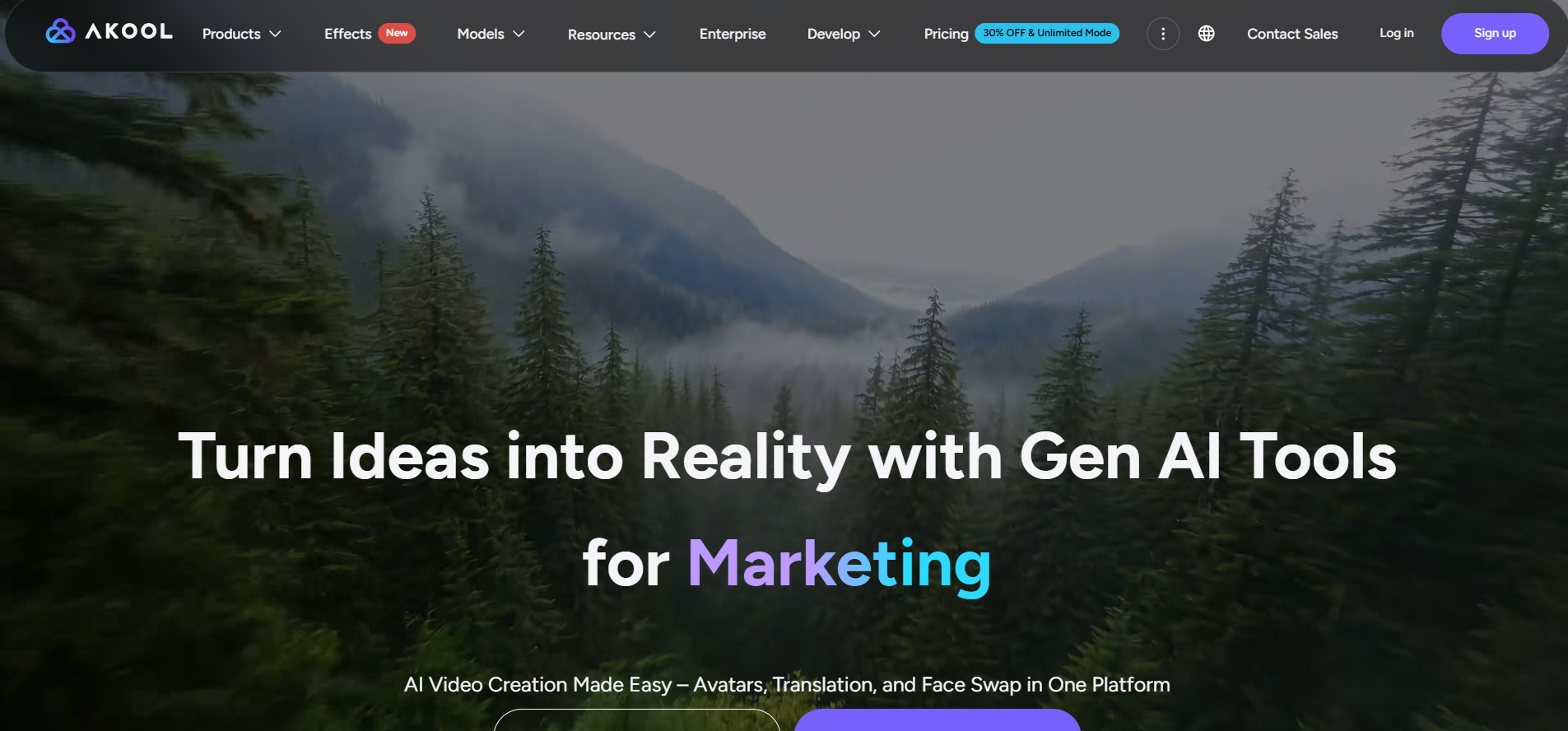
AKOOL is an enterprise-leaning AI visual content platform combining avatar video, face swap, video translation and dubbing, image generation, and real-time streaming avatars into one suite. Founded in 2022 and used by brands like Coca-Cola and Qatar Airways, it targets marketing teams and agencies that need multiple types of AI visual content without stitching together separate specialized tools.
💰 Pricing (Official)
- Basic: Free
- Pro: $15–$30/mo (billed annually)
- Pro Max: $29.50–$119/mo
- Business: $124.50–$500/mo
- Enterprise: custom pricing
AKOOL’s strength is breadth — bundling avatar video, face swap, and translation into one credit system reduces subscription sprawl for teams producing varied content types. That same breadth means single-use creators, such as those needing only dubbing or only text-to-speech, may find AKOOL’s multi-tool pricing less efficient than a purpose-built specialist alternative.
Pros
- Combines avatars, face swap, and translation in one platform
- Free plan never expires, no credit card required
- Enterprise-grade clients and API access available
- Education program offers discounted access for researchers
Cons
- Pricing jumps steeply between Pro and Business tiers
- Free plan limited to 720p with watermark
- Per-seat pricing gets expensive for larger teams
6. Lumen5
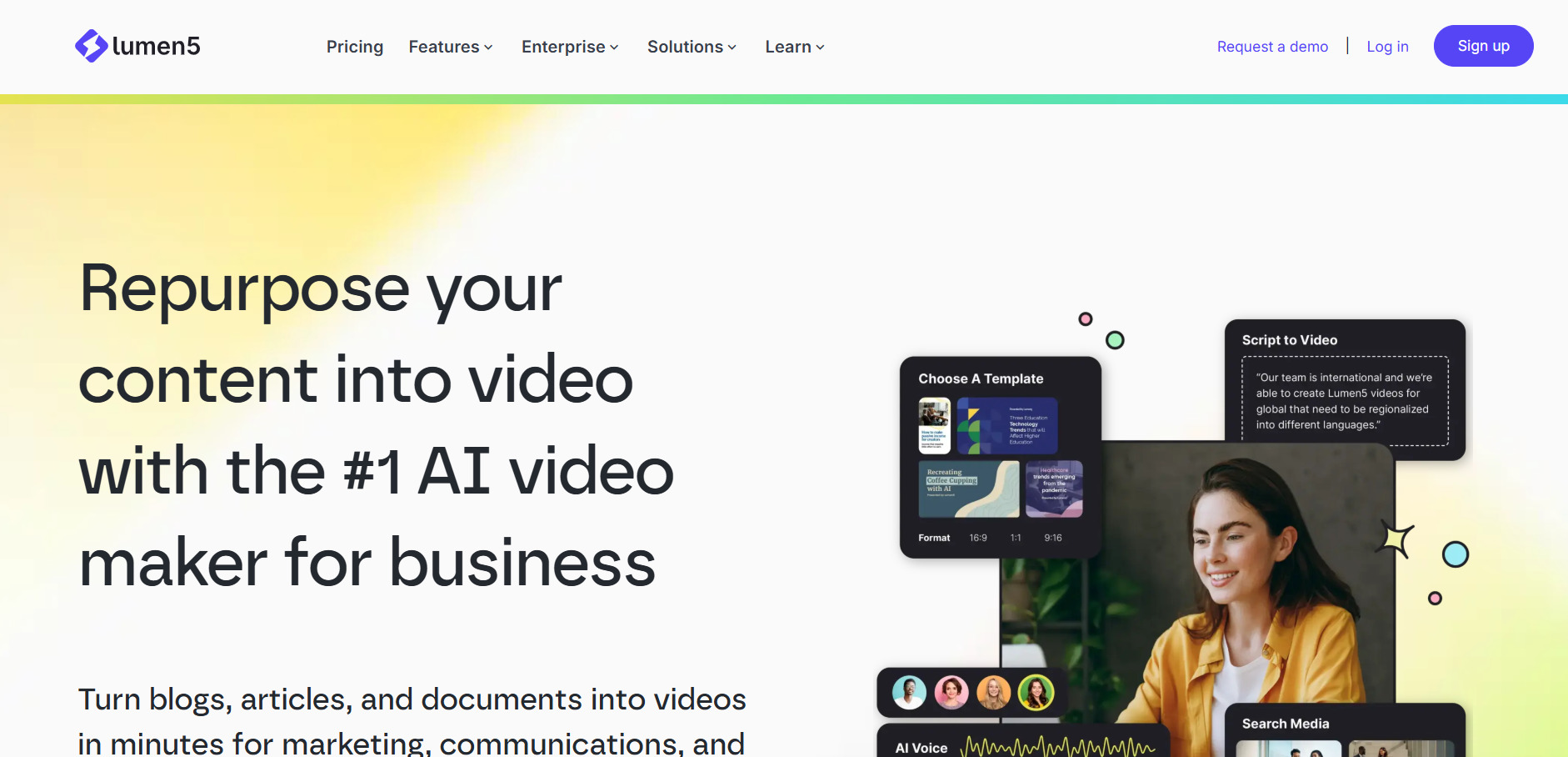
Lumen5 specializes in turning blog posts, articles, and scripts into finished social videos using AI that automatically selects scenes, matches stock footage to text, and handles pacing. It’s aimed squarely at marketing teams and content creators who want to repurpose written content into video without manual editing, and it includes voice cloning and multilingual captions for scaling output.
💰 Pricing (Official)
- Community: Free
- Basic: from $19/mo
- Starter: from $59/mo
- Professional: higher tier, ElevenLabs voices
- Enterprise: custom pricing
Lumen5’s blog-to-video automation is fast and genuinely saves time on structuring content, but the AI’s visual matching is roughly 70% accurate, meaning users typically need to manually swap 40–60% of auto-selected clips per video. The jump from the watermarked free tier to 1080p unlocks only at the pricier Starter plan, making Lumen5’s effective entry cost higher than some direct competitors.
Pros
- Fast blog-to-video and URL-to-video automation
- Free Community plan available indefinitely
- Large stock media library with royalty-free assets
- Direct publishing to nine major platforms
Cons
- AI visual matching often needs manual correction
- 1080p export requires the pricier Starter plan
- Limited advanced editing or custom animation controls
7. Mango AI
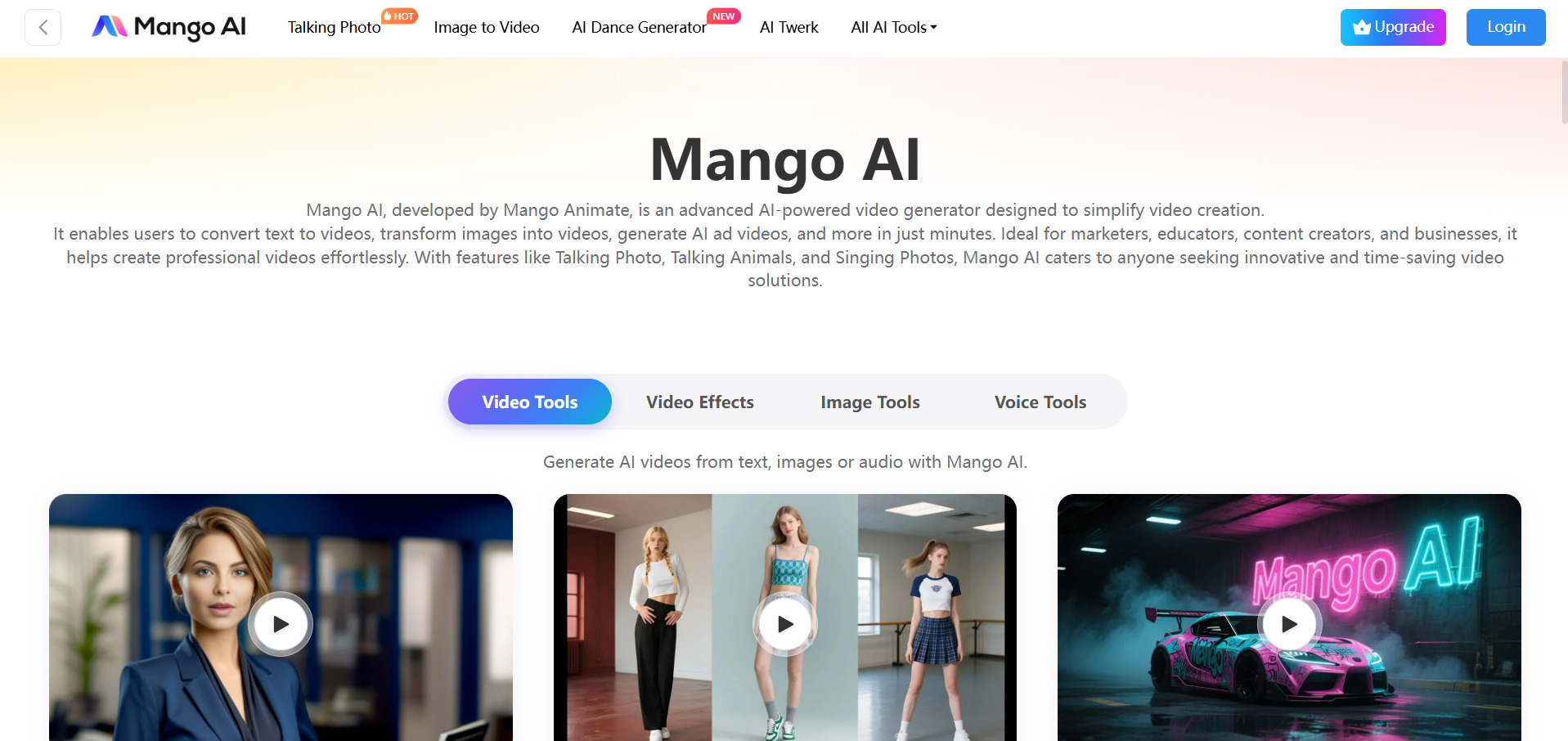
Mango AI, developed by Mango Animate, is a budget-friendly AI video generator focused on talking photos, avatar videos, face swap, singing photos, and text-to-animation tools. It targets casual creators, educators, and marketers who want quick AI-driven video content without a steep learning curve or high monthly costs, offering one of the more affordable entry points in this category.
💰 Pricing (Official)
- Free: $0/mo
- Starter: $7.9–$12.9/mo
- Pro: around $10.9/mo
- Enterprise: $49.9/mo
Mango AI’s pricing is notably lower than most competitors in this list, making it attractive for hobbyists and small creators experimenting with talking-photo content. The trade-off is a narrower feature set focused mainly on avatar and face-based effects rather than full scene generation, so it won’t replace tools built for cinematic or long-form AI video production.
Pros
- Very affordable paid plans starting under $8/month
- Wide range of avatar, face swap, and singing photo tools
- Simple, beginner-friendly interface
- Supports 30+ languages for AI voice synthesis
Cons
- Free plan limits video length and adds watermark
- Not designed for full scene or cinematic video generation
- Feature set skews toward novelty effects
8. Creatify AI
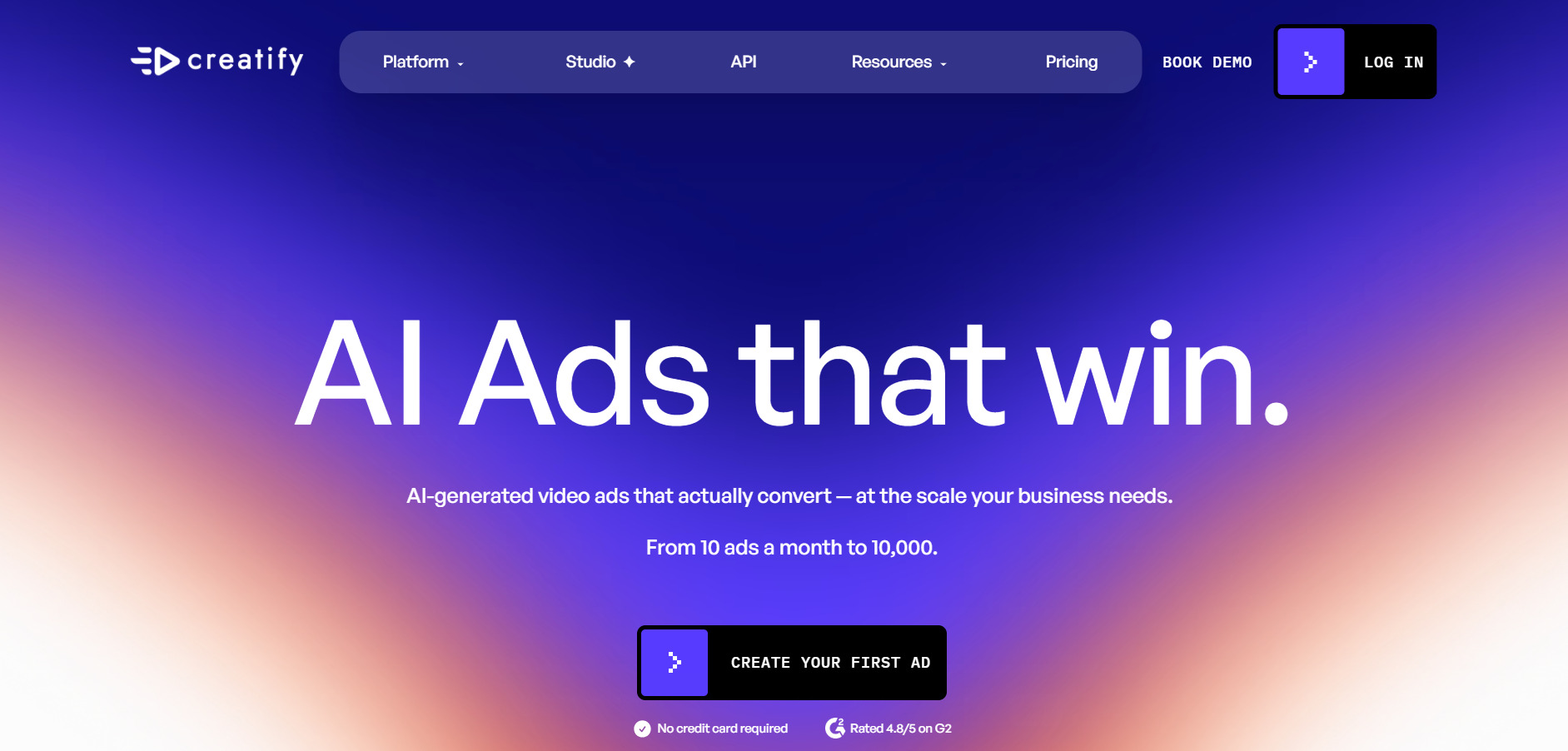
Creatify AI is built specifically for e-commerce and performance marketing, turning a product URL into ready-to-run video ads complete with AI avatars, script generation, and voiceovers. Its Batch Mode can generate dozens of ad variations simultaneously for creative testing, and features like a competitor ad tracker and direct ad launcher to Meta and TikTok make it particularly useful for agencies and DTC brands.
💰 Pricing (Official)
- Free: $0/mo (10 credits)
- Starter: $39/mo (100 credits)
- Pro: $99/mo (300 credits)
- Enterprise: custom pricing with API access
Creatify’s URL-to-video pipeline genuinely speeds up ad production for online sellers, cutting the time from product listing to a running campaign from days to hours. The catch is its credit system: each video consumes 2–20 credits depending on quality, and unused credits expire every two months, so the advertised low entry price often understates the real monthly cost for teams producing higher-quality ads regularly.
Pros
- URL-to-video pipeline built specifically for product ads
- Batch Mode generates many ad variations at once
- Competitor ad tracker and direct ad launcher included on Pro
- 1500+ AI avatars with lip-sync in 75+ languages
Cons
- Credits expire every two months, unused value is lost
- Higher-quality videos consume disproportionately more credits
- API access limited to costly Enterprise tier
9. Luma Ray3
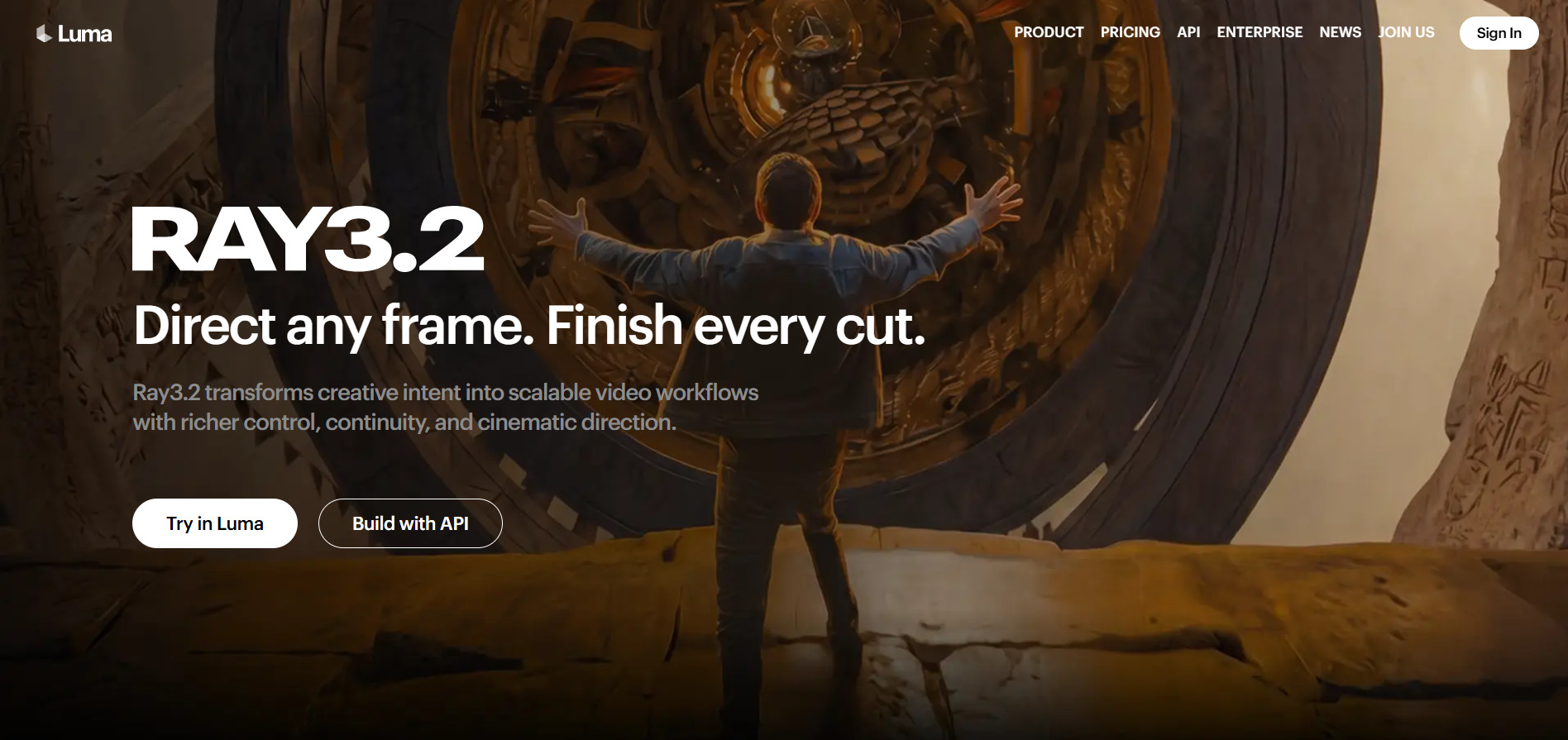
Luma Ray3 (formerly Dream Machine) is a premium AI video generation platform built around its Ray3 model, known for cinematic motion quality, photorealistic rendering, and physics-aware camera movement. In 2026 Luma expanded into “Luma Agents,” a subscription bundling Ray3 alongside partner models like Veo 3.1, Kling 3.0, and Nano Banana under one shared credit pool for a more agentic creative workflow.
💰 Pricing (Official)
- Free: $0/mo (~30 generations)
- Plus: $30/mo
- Pro: $90/mo
- Ultra: $300/mo
- Enterprise: custom pricing
Luma sits at the premium end of AI video pricing, and reviewers consistently note that credit burn is steep — a single 10-second 1080p clip can consume 1,200 credits, meaning the Plus tier’s allocation disappears quickly under heavy use. For teams that need cinematic-grade output, camera control, and 4K HDR support, the quality often justifies the cost, but casual users should budget carefully before committing beyond the free tier.
Pros
- Ray3 delivers industry-leading cinematic photorealism
- Advanced camera motion controls with physics-aware framing
- 4K + HDR support at the Plus tier and above
- Bundles multiple partner models under one subscription
Cons
- Highest-priced entry among mainstream AI video tools
- Credits burn very fast at HDR or 1080p resolutions
- No official Adobe Premiere or After Effects plugin
10. Vyond Go
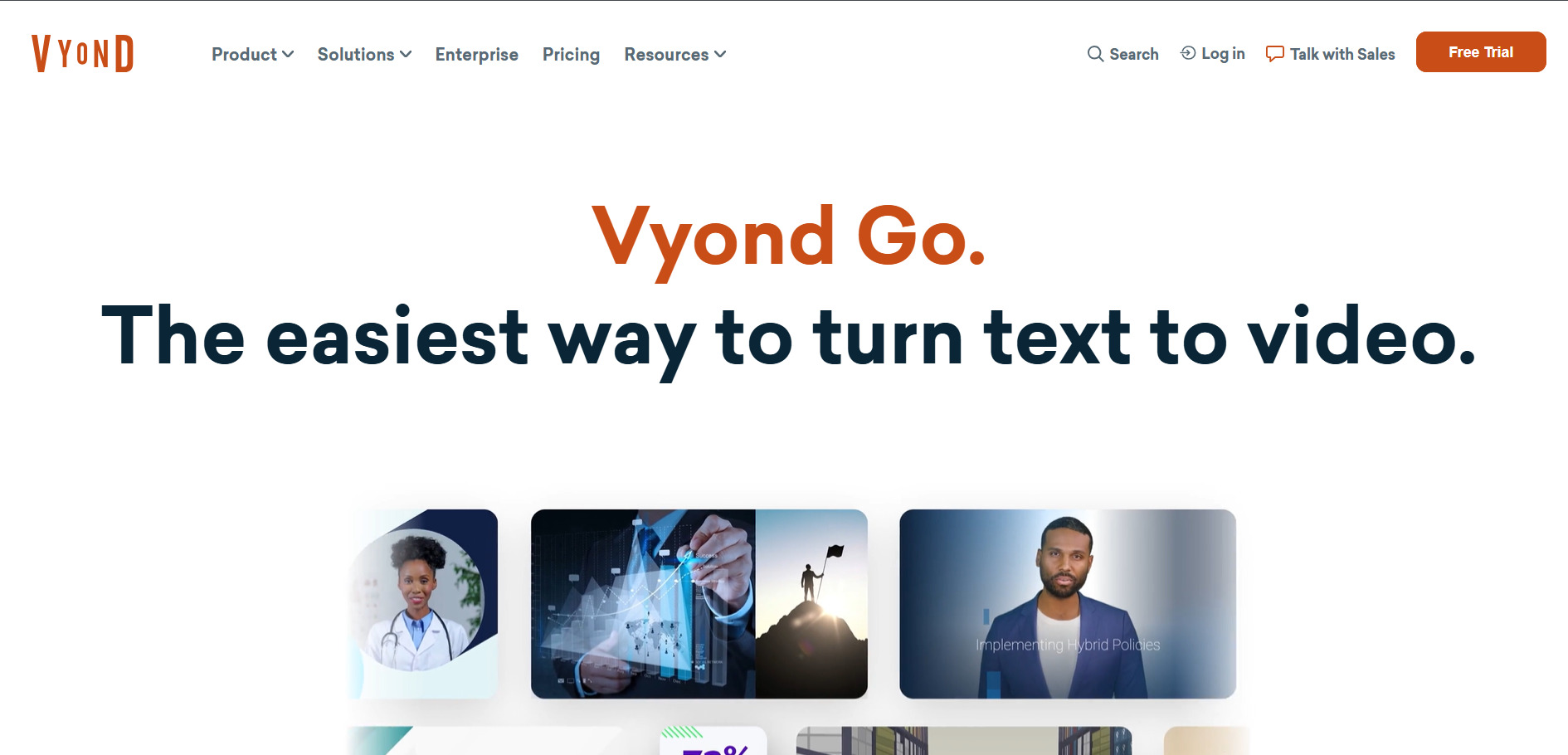
Vyond Go is a character-animation and explainer video platform widely used by L&D teams, corporate trainers, and healthcare organizations for scenario-based training content. It combines a manual animation studio with AI tools including automatic lip-sync, AI avatars, and instant video creation, all running on a credit system that scales with plan tier and team size.
💰 Pricing (Official)
- Starter: $99/mo or $699/yr (10,000 credits/user)
- Professional: $199/mo or $1,199/yr (20,000 credits)
- Enterprise: $1,649/yr per user
- Government: $2,450/yr (FedRAMP certified)
- Agency: $1,999/yr (unlimited rights transfers)
Vyond’s core strength remains its character-driven animation studio, which no purely generative AI tool fully replicates for structured training content. The pricing sits firmly in the mid-market to enterprise range, and features like SSO and advanced collaboration are gated behind the Enterprise tier, making it a harder sell for solo creators or very small teams on a tight budget.
Pros
- Purpose-built for corporate training and explainer videos
- Strong character animation and automatic lip-sync
- ISO 27001 certified with FedRAMP government option
- Shutterstock integration for audio on higher tiers
Cons
- Significantly pricier than most AI video generators
- SSO and advanced collaboration require Enterprise tier
- No permanent free plan, only a trial
11. Pictory AI
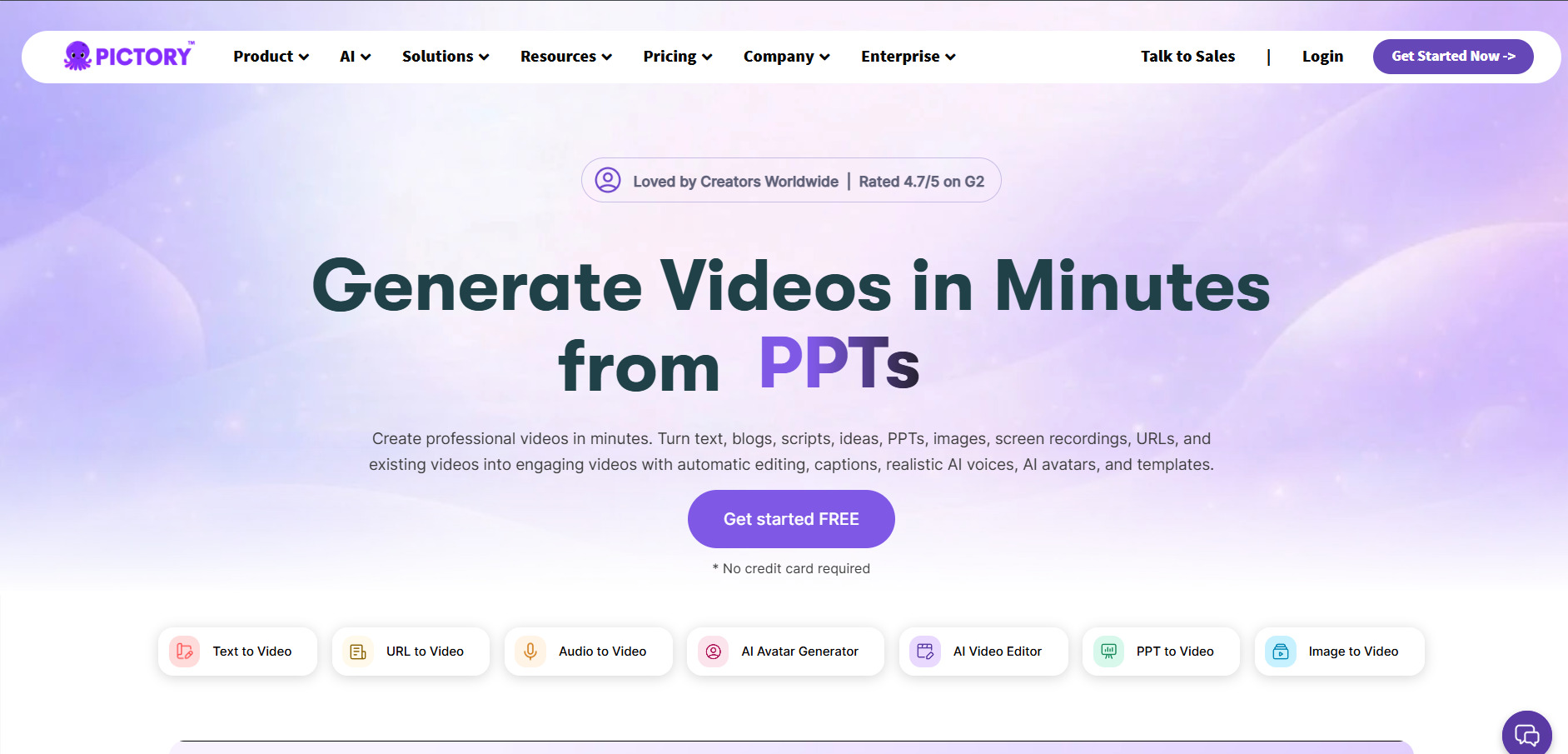
Pictory AI converts scripts, blog posts, and long-form text into short videos using AI voiceovers, auto-captions, and a library of over 3 million stock clips. It’s popular among YouTubers, educators, and marketing teams who want to repurpose written content quickly, and it includes a highlight-clipping tool that can automatically pull the most engaging segments from longer videos.
💰 Pricing (Official)
- Starter: $25/mo ($19–23/mo billed annually)
- Professional: $49/mo ($35–39/mo billed annually)
- Team: $119/mo ($95–99/mo billed annually)
- Enterprise: custom pricing
Pictory’s blog-to-video workflow is efficient for teams producing regular content, but it relies entirely on stock footage rather than generating original AI scenes, so the visual style stays fairly template-constrained. The Starter plan caps monthly videos at 30 and limits AI voice minutes, meaning active content creators often need to jump to Professional fairly quickly to avoid hitting usage ceilings.
Pros
- Efficient blog and script-to-video conversion
- Auto-generates highlight clips from long videos
- Large stock footage and music library included
- ElevenLabs voice integration on higher tiers
Cons
- No original AI scene generation, stock footage only
- Free trial capped at just 3 projects
- Starter tier’s 30 video/month cap is restrictive
12. Google Veo 3
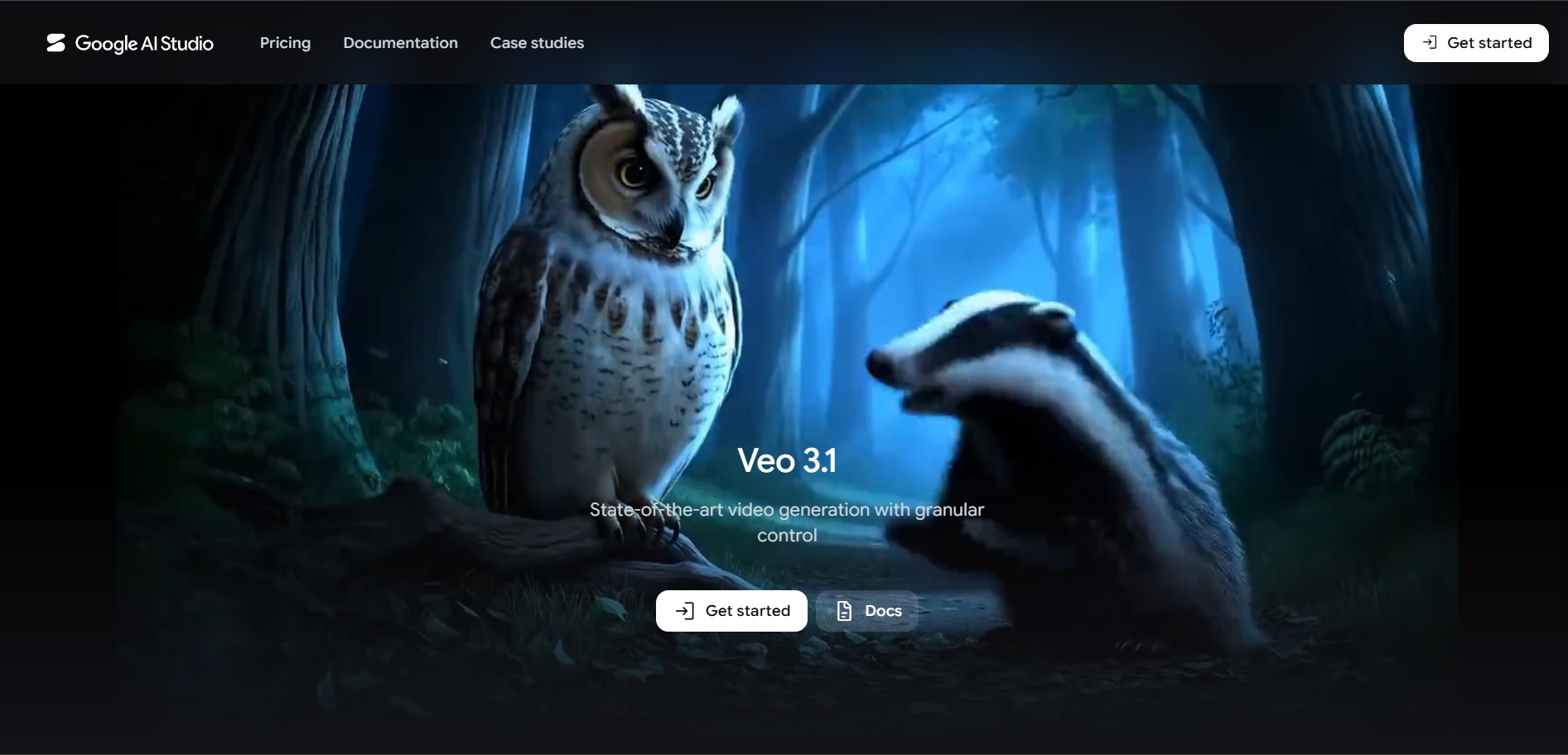
Google Veo 3 (now Veo 3.1) is Google’s flagship AI video generation model, accessible through the Gemini app, the Flow filmmaking tool, and the Gemini Developer API. It generates high-quality video with synchronized native audio from text or image prompts and is deeply integrated into Google’s broader AI ecosystem, making it a strong option for users already invested in Google AI Pro or Ultra subscriptions.
💰 Pricing (Official)
- Google AI Pro: $19.99/mo (1,000 AI credits)
- Google AI Ultra: $249.99/mo (25,000 AI credits)
- Gemini API (Veo 3.1 Standard): $0.40/sec
- Gemini API (Veo 3.1 Fast): $0.10–$0.15/sec
Veo 3’s access model is genuinely confusing because pricing splits between consumer subscriptions that spend Flow credits and a separate per-second developer API, and the two don’t convert into each other. For individual creators, Google AI Pro at $19.99/month offers reasonable value with native audio generation, while developers building production pipelines will find the per-second Gemini API pricing more transparent, if potentially costlier at scale.
Pros
- Industry-leading quality with native synchronized audio
- Deep integration across Gemini, Flow, and Vertex AI
- Flexible access via subscription or pay-per-second API
- Backed by Google’s infrastructure and ongoing model updates
Cons
- Confusing dual pricing system across products
- Top Ultra tier is very expensive at $249.99/month
- API costs can escalate quickly for longer videos
Comparison Table
| Alternative | Description |
|---|---|
| Artlist AI | All-in-one creative subscription bundling AI video, image, voiceover, music, and stock footage under one credit system. |
| VideoProc AI | Desktop AI enhancer and converter focused on upscaling, stabilization, and format conversion rather than generative video. |
| Hedra | AI studio built around the Character-3 model for realistic talking avatars from a single photo and audio clip. |
| CapCut AI | ByteDance’s cross-platform video editor with AI captions, background removal, and text-to-video generation. |
| AKOOL | Enterprise-focused AI visual content suite combining avatars, face swap, translation, and streaming avatars. |
| Lumen5 | Blog and script-to-video automation platform aimed at marketing teams repurposing written content. |
| Mango AI | Budget-friendly AI generator specializing in talking photos, face swap, and singing photo effects. |
| Creatify AI | Ecommerce-focused platform that turns product URLs into AI-generated video ads with avatars and scripts. |
| Luma Ray3 | Premium AI video model known for cinematic photorealism, camera control, and 4K HDR output. |
| Vyond Go | Character animation and explainer video platform popular for corporate training and L&D content. |
| Pictory AI | Script and blog-to-video converter using AI voiceovers, captions, and a large stock footage library. |
| Google Veo 3 | Google’s flagship AI video model offering high-quality text-to-video with native synchronized audio. |
Conclusion
Manus AI is a capable general-purpose agent, but none of the 12 tools above try to be a direct clone of it each specializes in a different corner of AI video production, from cinematic generation with Luma Ray3 and Google Veo 3, to avatar-driven content with Hedra and AKOOL, to automated blog-to-video workflows with Lumen5 and Pictory AI. Your best choice ultimately depends on whether you’re prioritizing raw generation quality, ad production speed, corporate training needs, or budget-friendly experimentation.
Before committing to any paid plan, take advantage of the free trials and free tiers listed above to test real output quality against your specific use case. Pricing and features across this category shift frequently, so it’s always worth a quick check on the official pricing page before subscribing, especially for credit-based tools where actual usage costs can differ significantly from the advertised entry price.


