

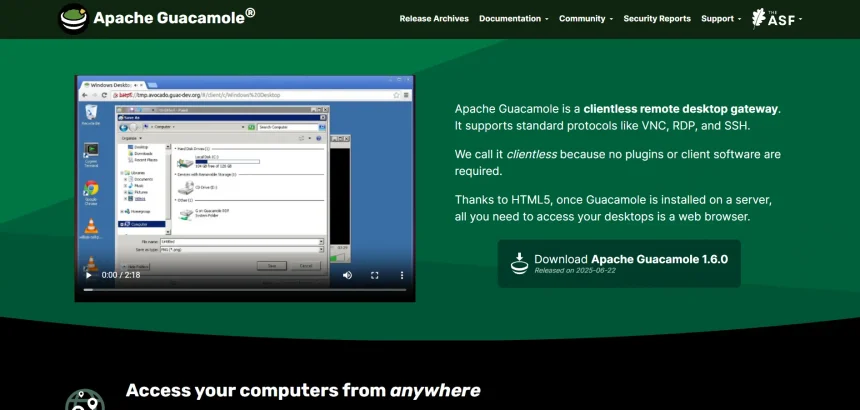
Apache Guacamole is a solid clientless remote desktop gateway, but it isn’t the right fit for everyone. Some teams want easier setup, others need mobile support, unattended access, or built-in IT management features that Guacamole simply doesn’t offer out of the box. In this article, we’ve rounded up 11 of the best Apache Guacamole Alternatives available today. Each entry covers free trial availability, official pricing plans, and a breakdown of pros and cons to help you choose the right remote desktop solution for your workflow.
1. AnyDesk
Anydesk is one of the most recognizable names in remote desktop software, known for its low-latency connections and lightweight client. It offers a 14-day free trial on paid plans, along with a free tier limited to personal, non-commercial use. Businesses needing licensed multi-user access will need to upgrade to a paid subscription tier.
Free Trial: 14 days on paid plans | Free Plan: Yes, personal use only
| Plan | Price |
|---|---|
| Solo | $14.90/month |
| Standard | $49.90/month |
| Advanced | $111.90/month |
| Ultimate | Custom pricing |
AnyDesk’s biggest strength lies in its performance across low-bandwidth connections, making it popular among IT technicians who need consistent speed. It supports file transfer, session recording, and custom branding on higher tiers. However, pricing has grown steeper over recent years, and some users report unexpected tier restructuring that pushes them toward pricier plans at renewal time.
Pros
- Extremely fast, low-latency connections
- Cross-platform support including mobile
- Strong encryption and security options
Cons
- No monthly billing on some tiers
- Pricing has increased significantly
- Free plan restricted to personal use
2. RemotePC
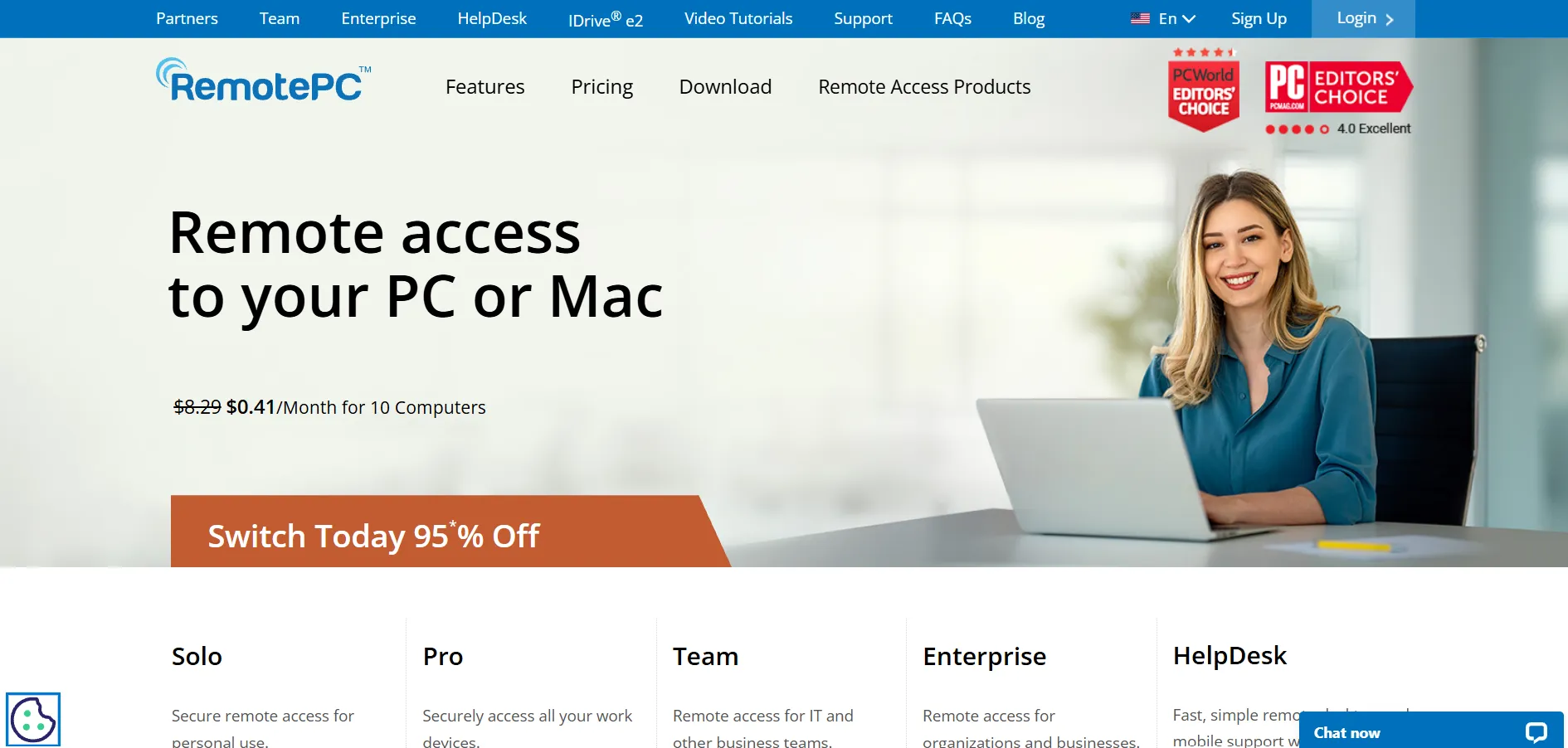
RemotePC by IDrive is a budget-friendly remote access tool built for individuals, small teams, and enterprises alike. It offers a 7-day free trial on its Pro plan, letting new users test unattended access, file transfer, and remote printing before committing. There’s no permanent free plan, but pricing remains among the lowest in the industry.
Free Trial: 7 days (Pro plan) | Free Plan: No
| Plan | Price (billed annually) |
|---|---|
| Consumer | ~$1.95/month |
| SOHO | ~$6.22/month |
| Team | ~$18.72/month |
| Enterprise | ~$37.47/month |
RemotePC prices its plans per computer rather than per user, which makes it especially attractive for small businesses managing multiple devices on a budget. It includes built-in video conferencing and works directly through a web browser without installation. That said, it offers fewer third-party integrations than more enterprise-focused competitors like ConnectWise or NinjaOne.
Pros
- Very affordable, especially annually
- No installation needed for web access
- Includes video conferencing add-on
Cons
- Limited third-party integrations
- Windows RDP connector costs extra
- No permanent free tier
3. NinjaOne
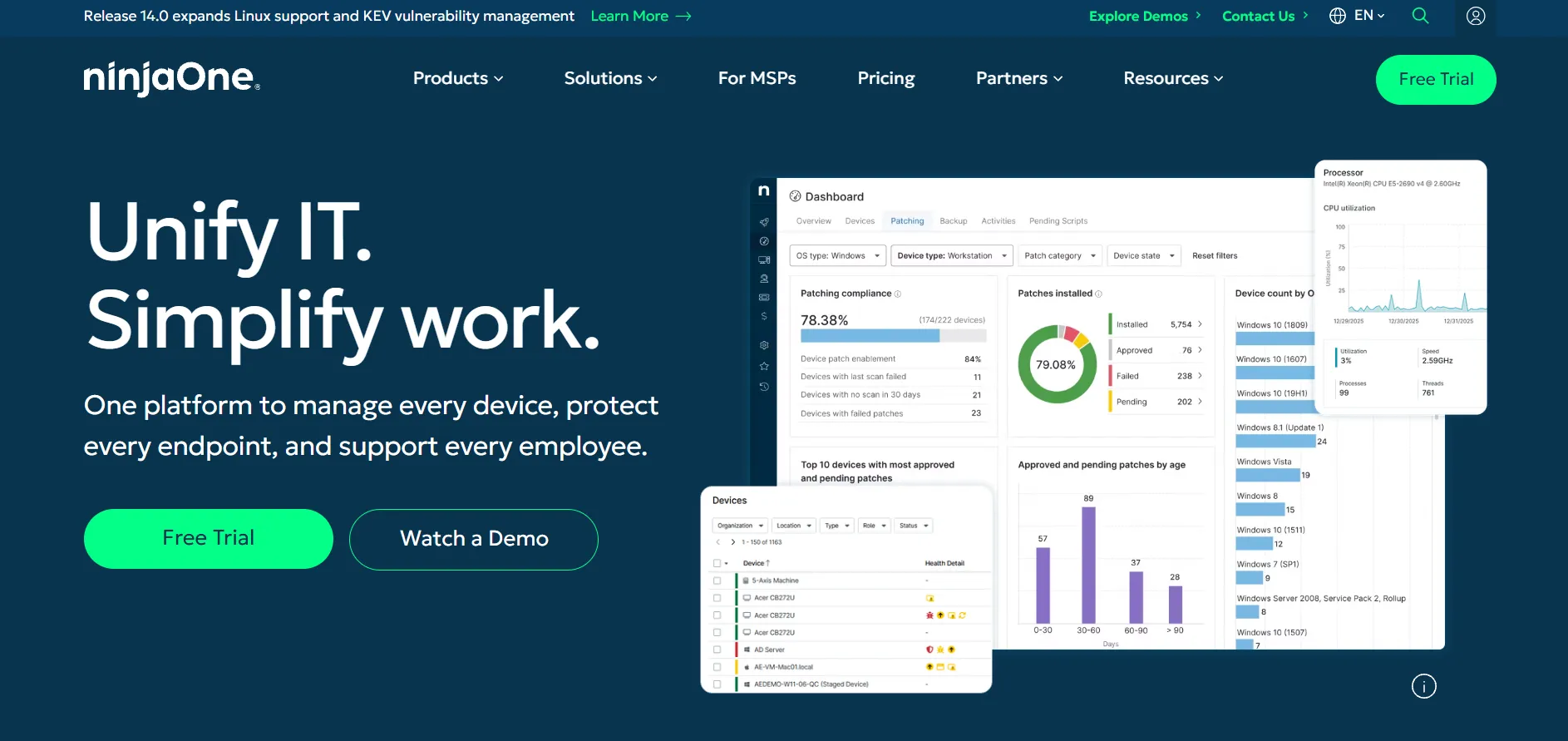
NinjaOne is a full-fledged IT and endpoint management platform with remote access built into its RMM suite, making it a favorite among MSPs. It offers a 14-day free trial with full platform access and no credit card required, letting teams evaluate monitoring, patching, and remote control together before buying.
Free Trial: 14 days, full access | Free Plan: No
| Plan | Price |
|---|---|
| Core RMM (per device/month) | ~$2.50–$3.50 |
| Small deployments (under 50 devices) | ~$5–$6/device/month |
| Large volume (1,000+ devices) | ~$1.95–$2.50/device/month |
| Enterprise | Custom quote |
NinjaOne goes far beyond simple remote access, bundling patch management, automated remediation, and backup add-ons into one dashboard. This makes it ideal for MSPs consolidating multiple tools into a single platform. The tradeoff is cost complexity, since pricing is quote-based and modular, and small teams under 100 endpoints may find it pricier than dedicated remote access tools.
Pros
- All-in-one RMM and remote access platform
- Strong automation and patch management
- Volume discounts at scale
Cons
- Pricing is quote-based, not transparent
- Can be expensive for small teams
- Add-ons like backup cost extra
4. Distant Desktop
Distant Desktop is a lightweight remote access tool designed for simplicity, letting users connect to unattended computers with minimal setup. While it doesn’t have the extensive marketing presence of larger vendors, it appeals to users who want a no-frills alternative to Guacamole without complex server configuration. A free version is typically available for basic personal use.
Free Trial: Free tier available for basic use | Pricing: Contact vendor for current business pricing
| Plan | Price |
|---|---|
| Personal/Free | Free (limited features) |
| Business/Pro | Check official site for current rates |
Distant Desktop’s main selling point is straightforward installation and a minimal learning curve, making it suitable for solo users and very small teams who just need basic unattended access. It lacks the deep enterprise features, integrations, and support infrastructure that larger platforms like NinjaOne or Zoho Assist provide, so scaling with it can be limiting.
Pros
- Simple, lightweight setup
- Good for personal or small-scale use
- Low resource footprint
Cons
- Limited enterprise features
- Smaller community and support base
- Less brand transparency on pricing
5. RustDesk
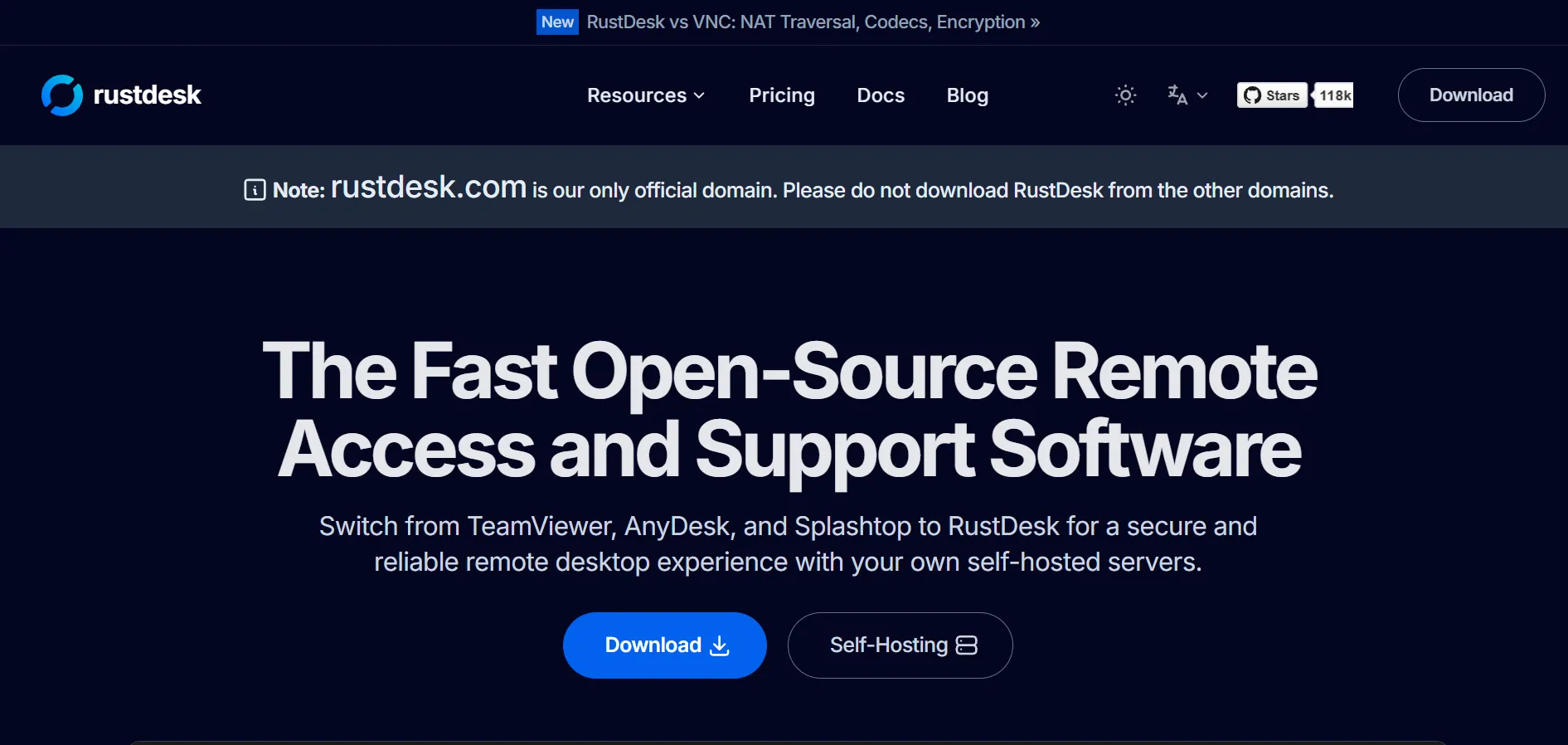
RustDesk is an open-source, self-hosted remote desktop tool that closely mirrors Guacamole’s philosophy of data control and customization. It has a free, open-source self-hosting option with no time limit, plus paid Pro plans for advanced features like a web console and OIDC login. No credit-card trial is required to use the free tier.
Free Plan: Yes, unlimited, self-hosted | Free Trial: Not required, free tier available indefinitely
| Plan | Price |
|---|---|
| Free (OSS Server) | $0 |
| Individual | $9.90/month |
| Basic | $19.90/month |
| Customized | Custom pricing |
Built in Rust, RustDesk emphasizes speed, security, and full data sovereignty since it can be entirely self-hosted like Guacamole. It supports Windows, macOS, Linux, Android, and web access. The tradeoff is that self-hosting requires Docker and server management knowledge, and achieving compliance standards like HIPAA or SOC 2 requires your own auditing effort.
Pros
- Open-source and self-hostable
- Free tier with no time restrictions
- Full data control and privacy
Cons
- Requires technical setup knowledge
- Compliance burden falls on the user
- No official vendor indemnification
6. Chrome Remote Desktop
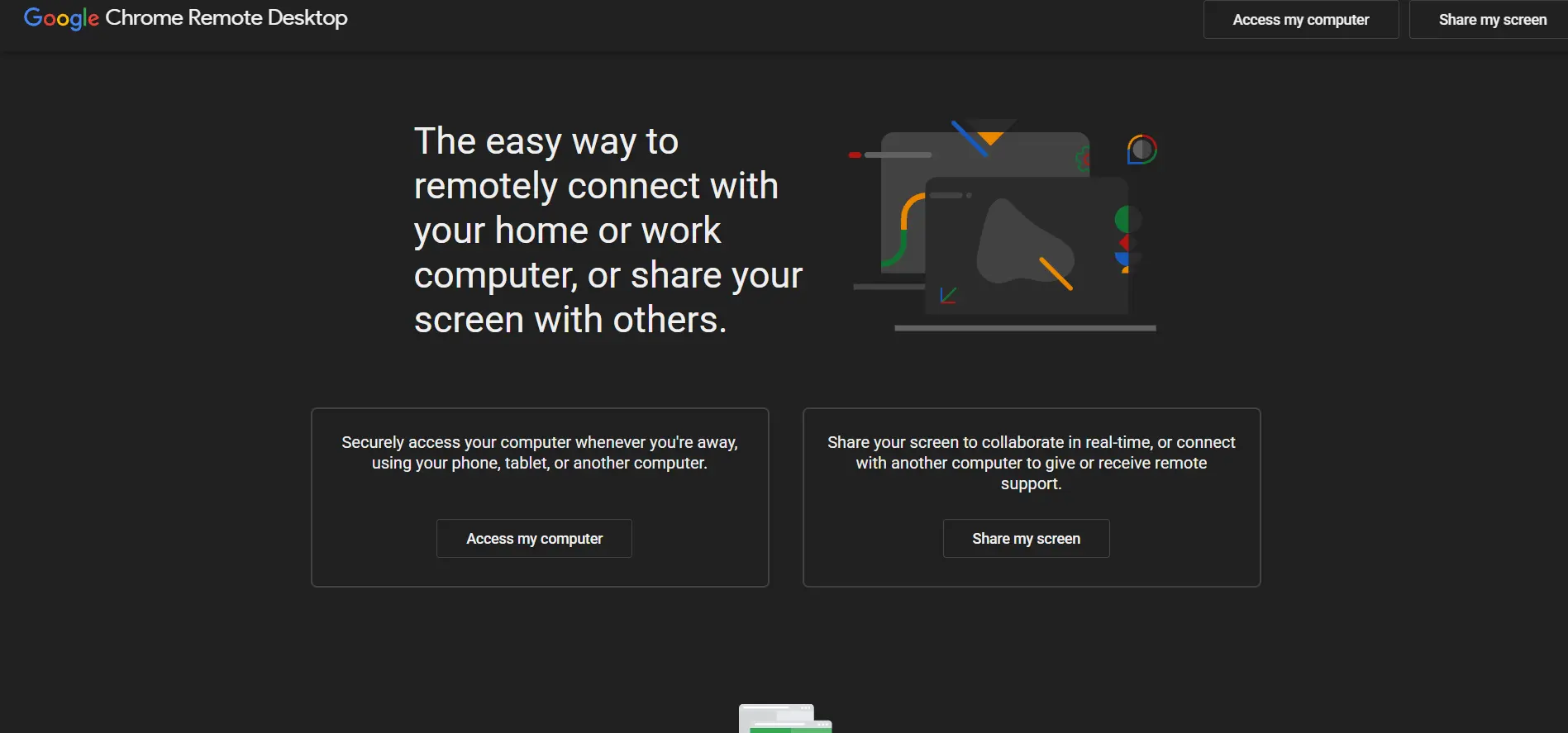
Chrome Remote Desktop is Google’s completely free browser-based remote access tool, requiring no paid plans or trials whatsoever. It runs entirely within Chrome, making it one of the simplest ways to access a computer remotely for personal use or occasional support without any setup complexity.
Free Trial: Not applicable | Pricing: 100% Free
| Plan | Price |
|---|---|
| Chrome Remote Desktop | Free — no paid tiers |
Because it’s backed by Google’s infrastructure, Chrome Remote Desktop is reliable and works across Windows, Mac, Linux, iOS, and Android. It’s best suited for personal use, helping family members, or very light business needs. However, it lacks enterprise management consoles, session recording, audit logs, and any concurrent-session or device management functionality found in paid tools.
Pros
- Completely free, no hidden costs
- Zero setup, runs in Chrome browser
- Backed by reliable Google infrastructure
Cons
- No enterprise management features
- No session recording or audit logs
- Requires Chrome browser to function
7. AirDroid Remote Support
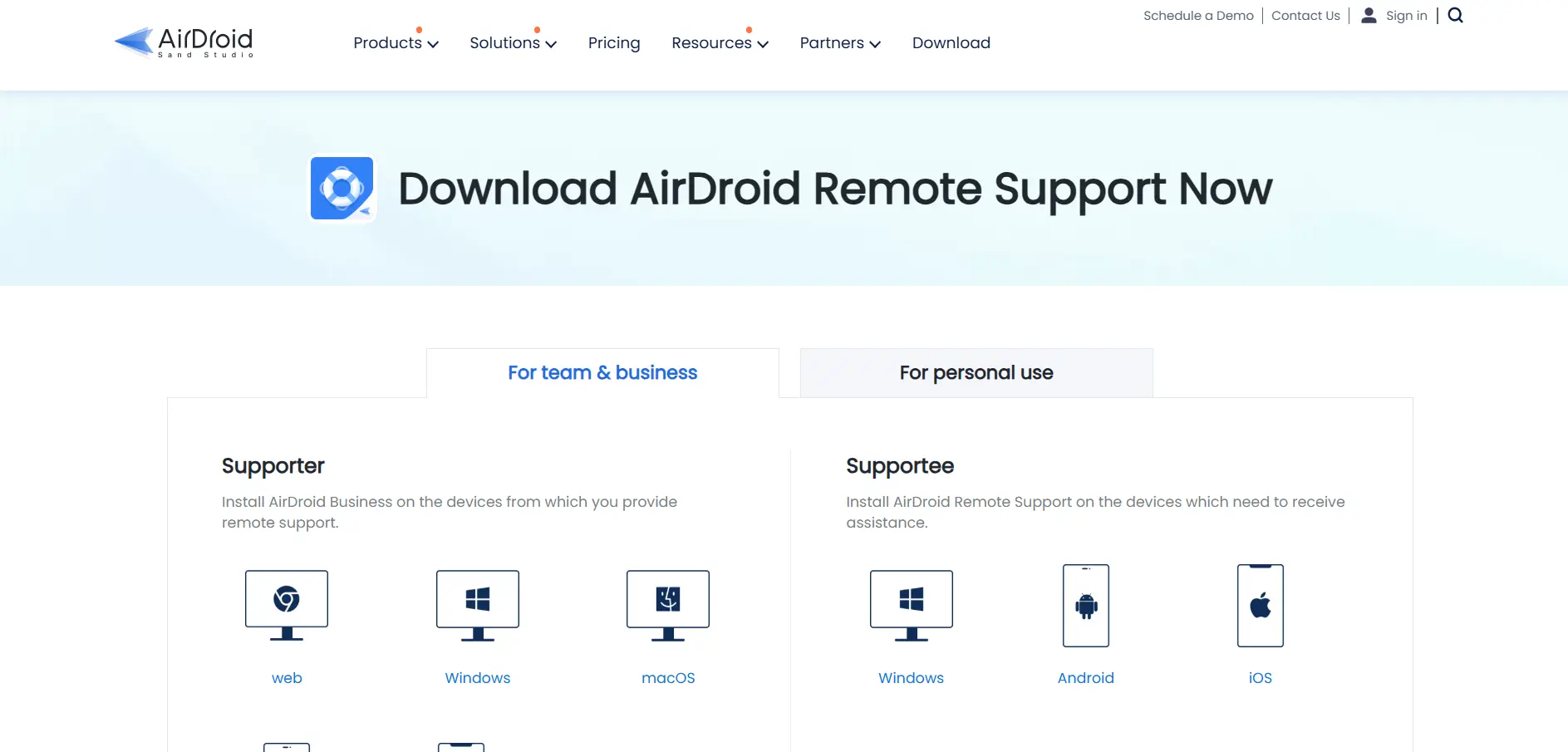
AirDroid Remote Support focuses on remote access to Android, iOS, Windows, and macOS devices, making it a strong option for teams supporting mobile-heavy environments. Business plans include a Free tier along with Basic, Standard, and Premium levels. A short daily free session is also available on the personal version.
Free Trial: 10 minutes/day free (Personal) | Free Plan: Yes, limited features
| Plan | Price |
|---|---|
| Basic (Business) | $199/seat/year |
| Standard (Business) | $599/seat/year |
| Premium (Personal) | $3.99/month or $29.99/year |
AirDroid stands out for mobile device support, offering screen sharing, file transfer, and session recording tailored for smartphones and tablets, which Guacamole doesn’t natively handle well. The Basic business plan limits connection hours to 50 per license, and unlimited hours require upgrading to Standard or Premium, which can raise costs quickly for growing support teams.
Pros
- Excellent mobile device support
- File transfer and session recording included
- Works across Android, iOS, Windows, macOS
Cons
- Connection hours limited on Basic plan
- Business plans priced per seat annually
- iOS control limited compared to Windows
8. AnyViewer
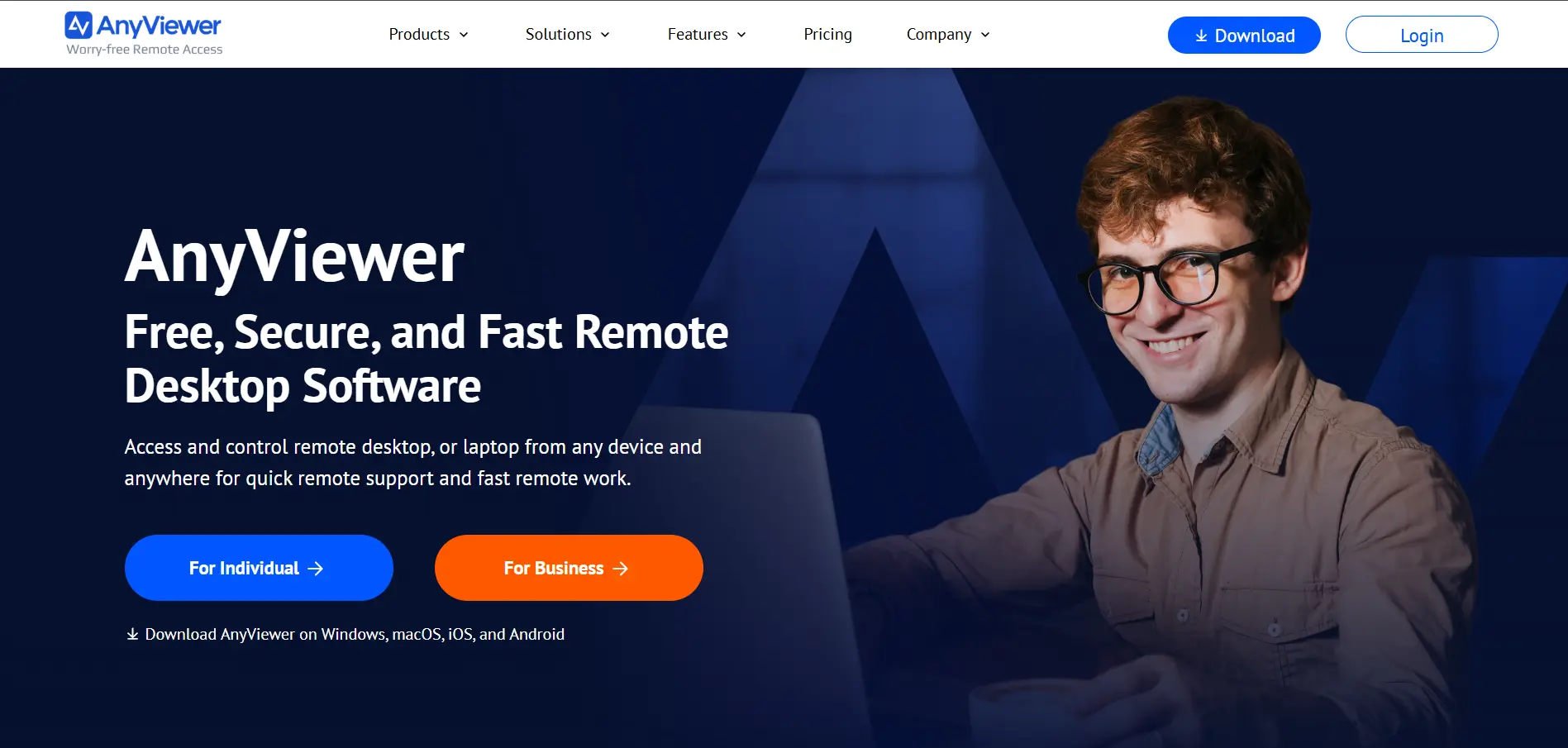
AnyViewer is a Windows-focused remote desktop tool offering fast, secure connections with a genuinely usable free tier. It provides free access to basic remote control and file transfer features, with paid Professional and Enterprise plans unlocking unattended access and bulk device management for larger teams.
Free Plan: Yes, basic features | Free Trial: Available on paid tiers
| Plan | Price |
|---|---|
| Free | $0 |
| Professional | ~$3.58/month (billed annually) |
| Enterprise | ~$16.58/month |
AnyViewer uses ECC 256-bit end-to-end encryption and supports Windows, macOS, iOS, Android, and Chrome OS. It’s a good pick for IT technicians who need one-to-many device control and mass deployment options. The main limitation is that its most advanced remote management features are locked behind the Enterprise tier, which costs noticeably more than the entry plan.
Pros
- Generous free plan for basic use
- Strong encryption standards
- Affordable Professional tier
Cons
- Best features reserved for Enterprise plan
- Primarily optimized for Windows
- Smaller brand recognition than rivals
9. Microsoft Remote Desktop
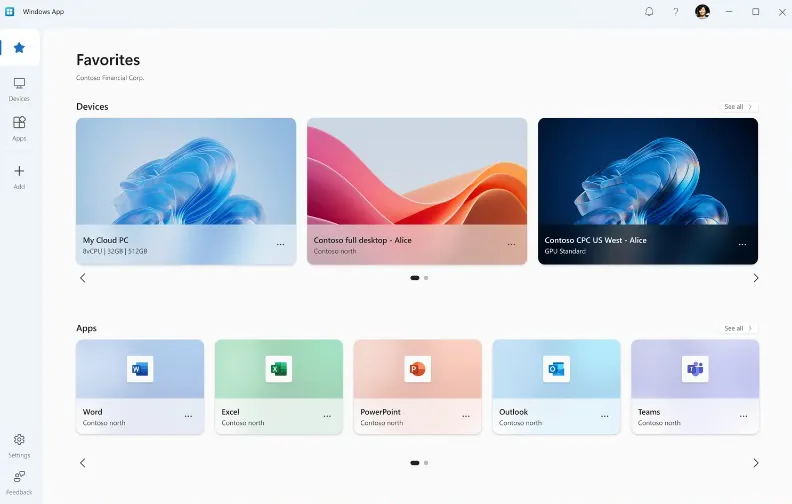
Microsoft Remote Desktop (RDP) is a built-in Windows tool that lets users connect to another Windows PC without installing third-party software. It’s completely free to use with a Windows Pro, Enterprise, or Server license, with no trial needed since it ships as part of the operating system.
Free Trial: Not applicable | Pricing: Free with eligible Windows license
| Plan | Price |
|---|---|
| Microsoft Remote Desktop (RDP) | Free (requires Windows Pro/Enterprise) |
| Azure Virtual Desktop (cloud option) | Usage-based Azure pricing |
Since it’s native to Windows, Microsoft Remote Desktop integrates deeply with Active Directory and enterprise networks, making it a natural choice for IT departments already in the Microsoft ecosystem. However, it lacks cross-platform polish, requires manual network configuration like port forwarding or VPN, and Windows Home editions cannot act as an RDP host.
Pros
- Free with compatible Windows license
- Deep Active Directory integration
- No third-party software needed
Cons
- Requires Windows Pro or higher to host
- Manual network setup can be complex
- Not ideal for cross-platform support teams
10. Zoho Assist
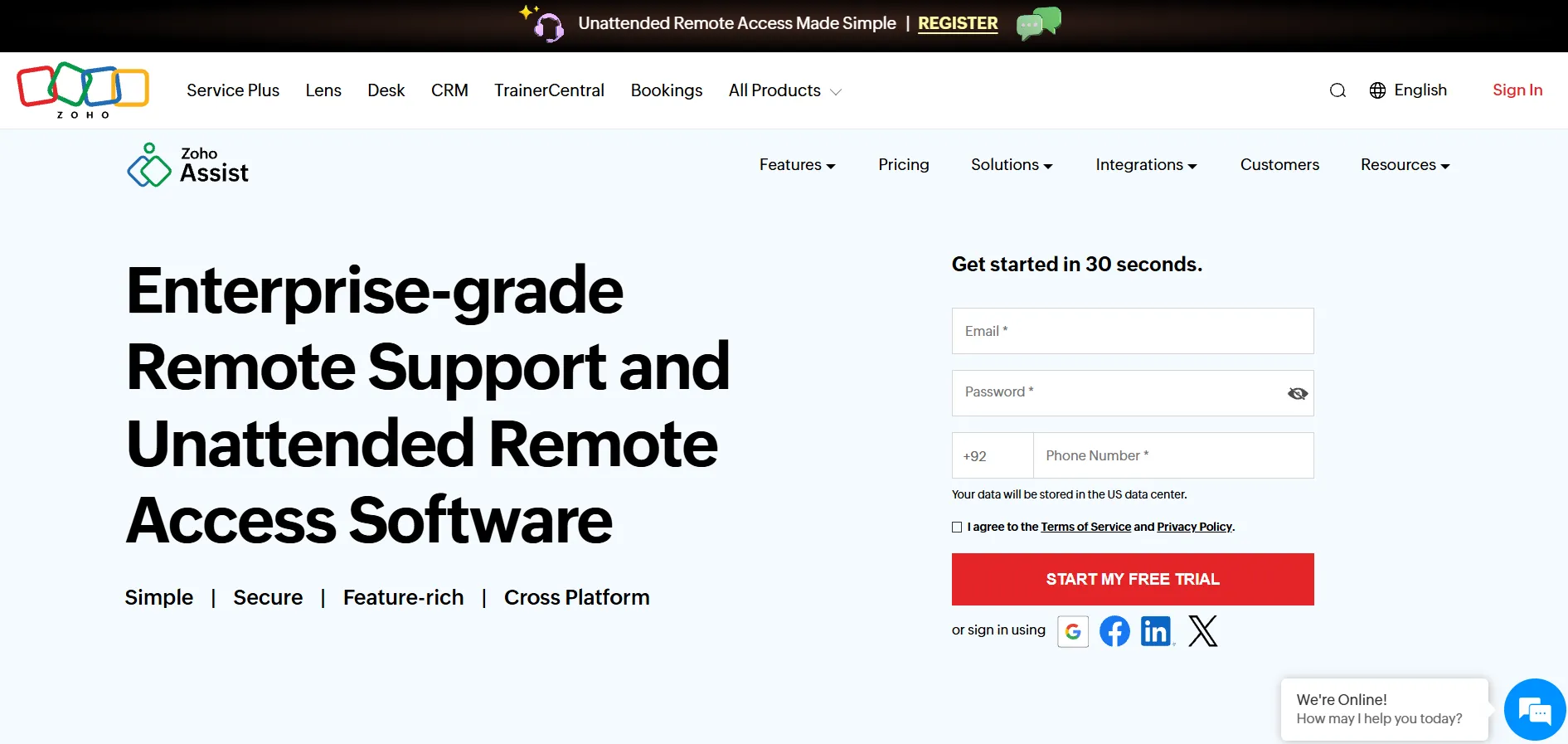
Zoho Assist is a cloud-based remote support and unattended access platform known for flexible, budget-friendly pricing. It offers a forever-free plan for individuals along with a free trial on all paid tiers, making it easy for support teams and freelancers to test the platform before subscribing.
Free Trial: Yes, on all paid plans | Free Plan: Yes, forever-free available
| Plan | Price |
|---|---|
| Standard | $10/technician/month |
| Professional | ~$15–$20/technician/month |
| Enterprise | ~$28/technician/month |
Zoho Assist supports unattended access, file transfer up to 100GB, and remote power controls like reboot and shutdown, all through a firewall-friendly design. It integrates smoothly with other Zoho apps, which is a plus for existing Zoho customers. One drawback is that web conferencing requires a separate Zoho Meeting subscription, unlike some competitors that bundle it in.
Pros
- Forever-free plan available
- Very competitive pricing overall
- Large file transfer support (100GB)
Cons
- Web conferencing sold separately
- Mobile app can feel sluggish
- File transfer requires a separate mode
11. Pulseway
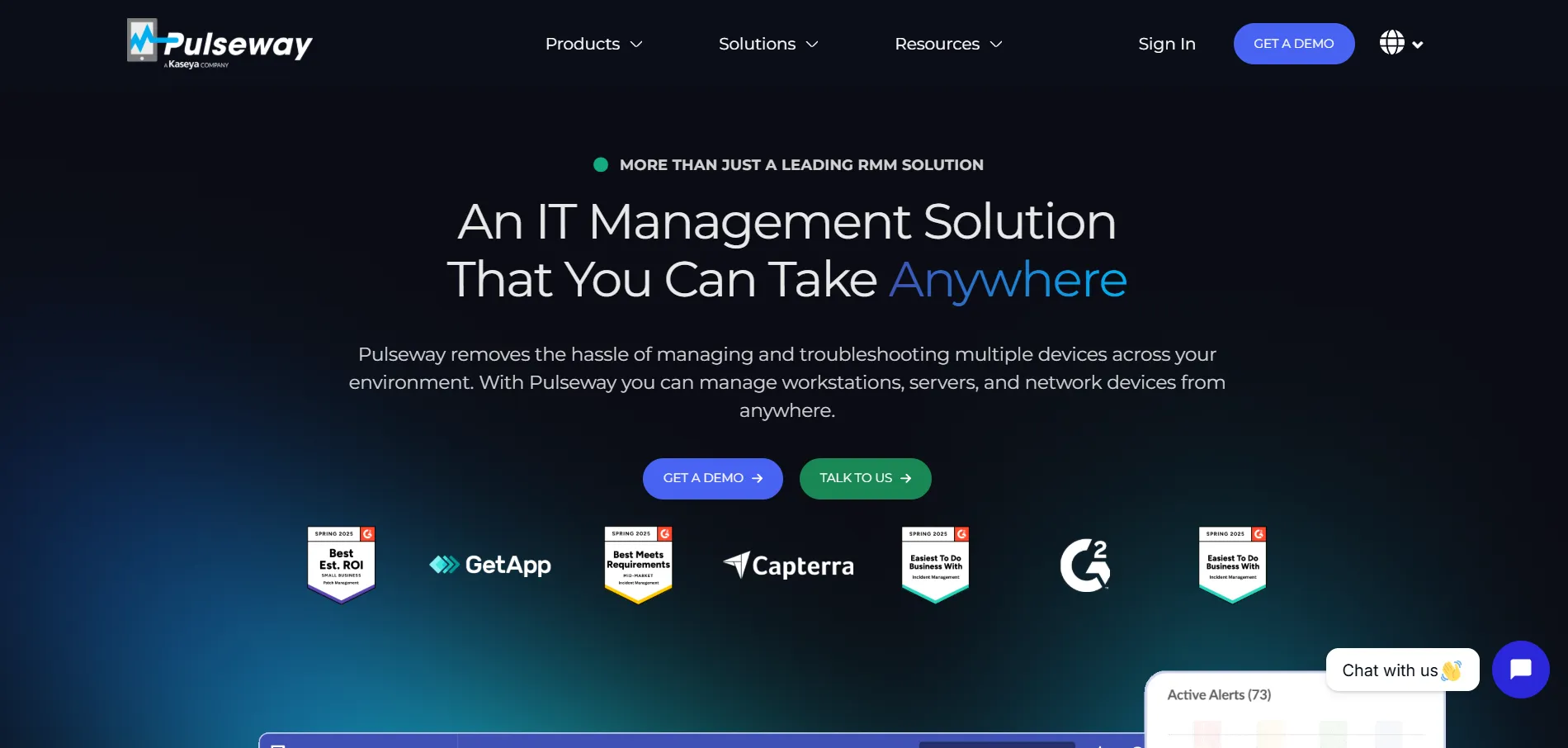
Pulseway is an IT management and remote monitoring platform with strong mobile-first remote access capabilities, letting technicians manage systems directly from their phones. It offers a free trial for evaluation, though there is no permanent free tier, and pricing runs higher than many lightweight remote access competitors.
Free Trial: Available (contact vendor for duration) | Free Plan: No
| Plan | Price |
|---|---|
| Starting price | ~$44–$52/month (varies by modules) |
| Enterprise/Custom | Custom quote |
Pulseway’s mobile app is genuinely one of its strongest features, allowing full remote monitoring and control on the go, which appeals heavily to MSPs and IT admins managing systems after hours. The tradeoff is cost: Pulseway is priced noticeably higher than comparable IT management tools, making it better suited for teams that need its full automation and monitoring suite rather than simple remote access alone.
Pros
- Excellent mobile remote management app
- Strong automation and monitoring tools
- Real-time alerts and patch management
Cons
- Priced higher than many competitors
- No free forever plan
- Overkill for simple remote access needs
Comparison Table
| Alternative | Description |
|---|---|
| AnyDesk | Fast, low-latency remote desktop tool popular with IT technicians and businesses. |
| RemotePC | Budget-friendly, per-computer priced remote access solution by IDrive. |
| NinjaOne | Full IT management and RMM platform with integrated remote access for MSPs. |
| Distant Desktop | Lightweight, simple remote access tool for personal and small-scale use. |
| RustDesk | Open-source, self-hosted remote desktop tool emphasizing privacy and control. |
| Chrome Remote Desktop | Google’s free, browser-based remote access tool with zero setup. |
| AirDroid Remote Support | Remote support tool specialized in mobile device access and control. |
| AnyViewer | Windows-focused remote desktop software with a strong free tier. |
| Microsoft Remote Desktop | Native Windows RDP tool for connecting within Microsoft ecosystems. |
| Zoho Assist | Affordable cloud-based remote support platform with a forever-free plan. |
| Pulseway | Mobile-first IT management platform with remote monitoring and control. |
Conclusion
Apache Guacamole remains a capable, self-hosted option, but the alternatives above give you more flexibility depending on your budget, platform needs, and team size. If you want free and simple, Chrome Remote Desktop or AnyViewer’s free tier are excellent starting points. For open-source enthusiasts who want Guacamole-like data control, RustDesk is the closest match.
If you’re running an MSP or managing a fleet of business endpoints, NinjaOne and Pulseway offer much more than basic remote access. For affordable, everyday remote support, RemotePC and Zoho Assist strike a strong balance between price and features. Evaluate your specific use case, test a few free trials, and choose the tool that fits your workflow best.


