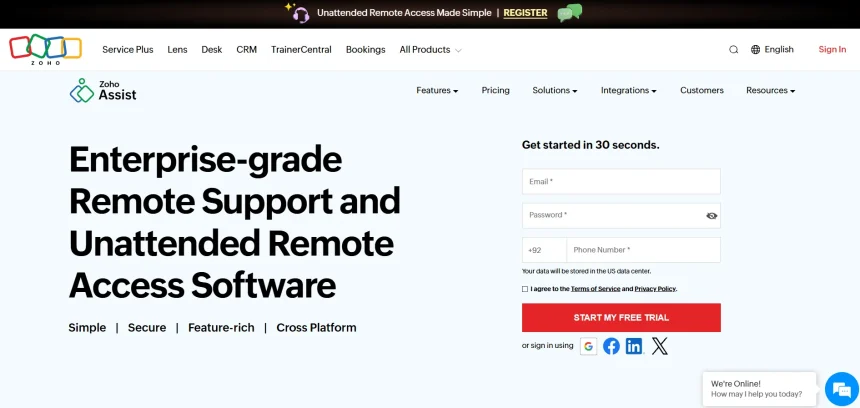
Zoho Assist is a popular remote support and access tool, but it isn’t the right fit for everyone. Some users want lower pricing, others need self-hosting for privacy, and some require enterprise-grade compliance features that Zoho Assist doesn’t fully cover. In this article, we’ve rounded up 10 of the best Zoho Assist Alternatives available today. Each one is reviewed with its trial availability, pricing plans pulled from official sources, and a clear breakdown of pros and cons so you can pick the tool that fits your workflow, budget, and security requirements.
Distant Desktop
✔ Free Version Available
Pricing Plans (official/verified sources):
- Free plan for personal and commercial use
- Professional plan: around $49/year, or from $22.90 per license when buying 10+ licenses
- Single license: $49.95
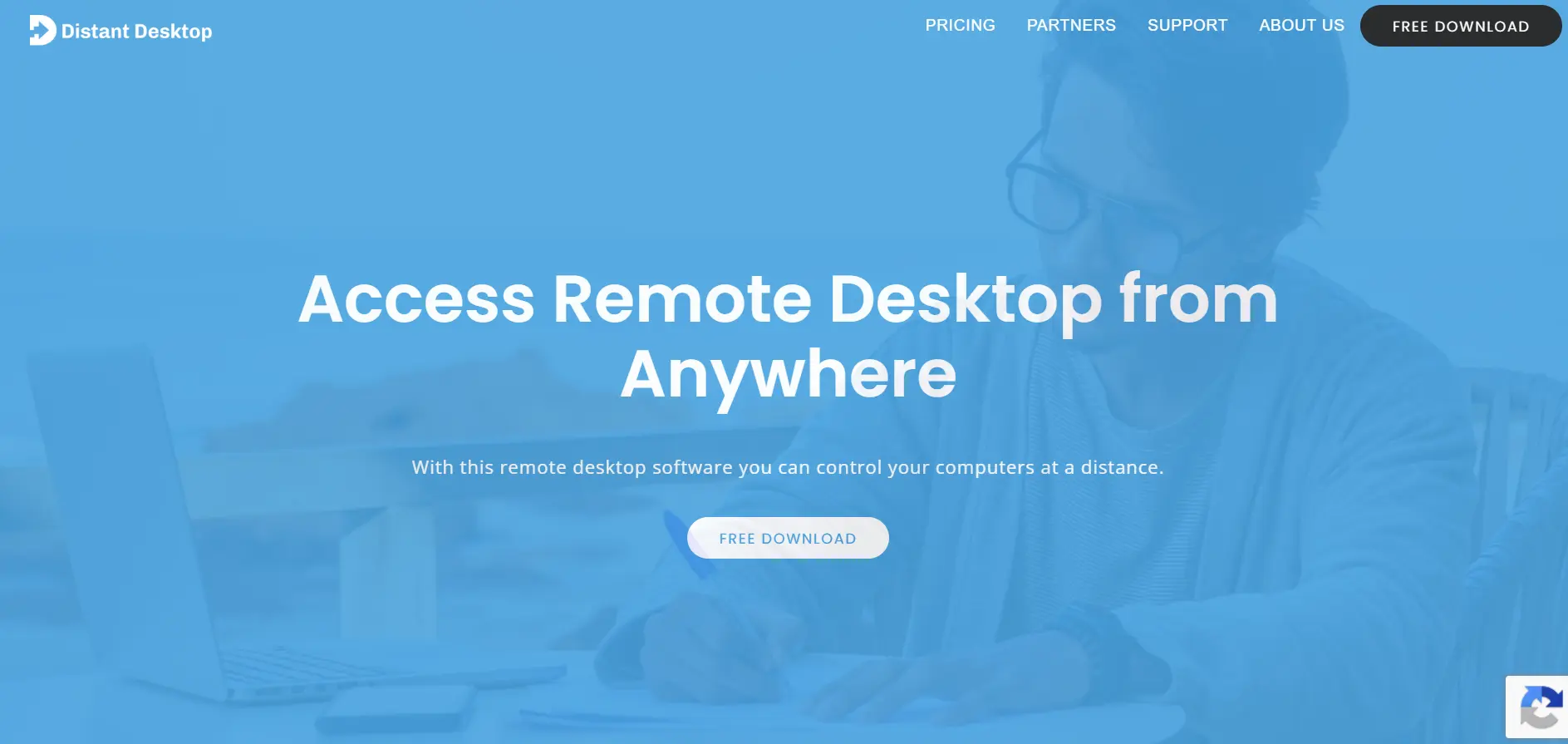
Distant Desktop is a lightweight remote desktop tool built for speed and simplicity. It requires no installation or registration, letting you connect instantly using a unique ID and password. The app automatically adjusts to connection quality and uses AES-based encryption with SRTP for secure video, audio, and file transfer during sessions.
It supports Windows, Mac, and Android, and allows multiple simultaneous connections along with built-in voice and text chat. The free version is genuinely usable for personal needs, while the affordable Professional tier suits small teams. It’s a solid pick for users who want a minimal, no-frills alternative without a steep learning curve.
Pros
- No installation or registration required
- Free for personal and commercial use
- Lightweight and fast performance
- Affordable per-license bundle pricing
Cons
- Limited advanced enterprise features
- Thin support documentation
- Fewer integrations compared to bigger platforms
AnyViewer
✔ Free Version Available
Pricing Plans (from anyviewer.com):
- Free plan with basic features
- Professional plan: from $3.58/month (billed annually, discounted first term)
- Solo plan: around $47.88/year after intro pricing
- Enterprise plan: from $199/year after intro discount
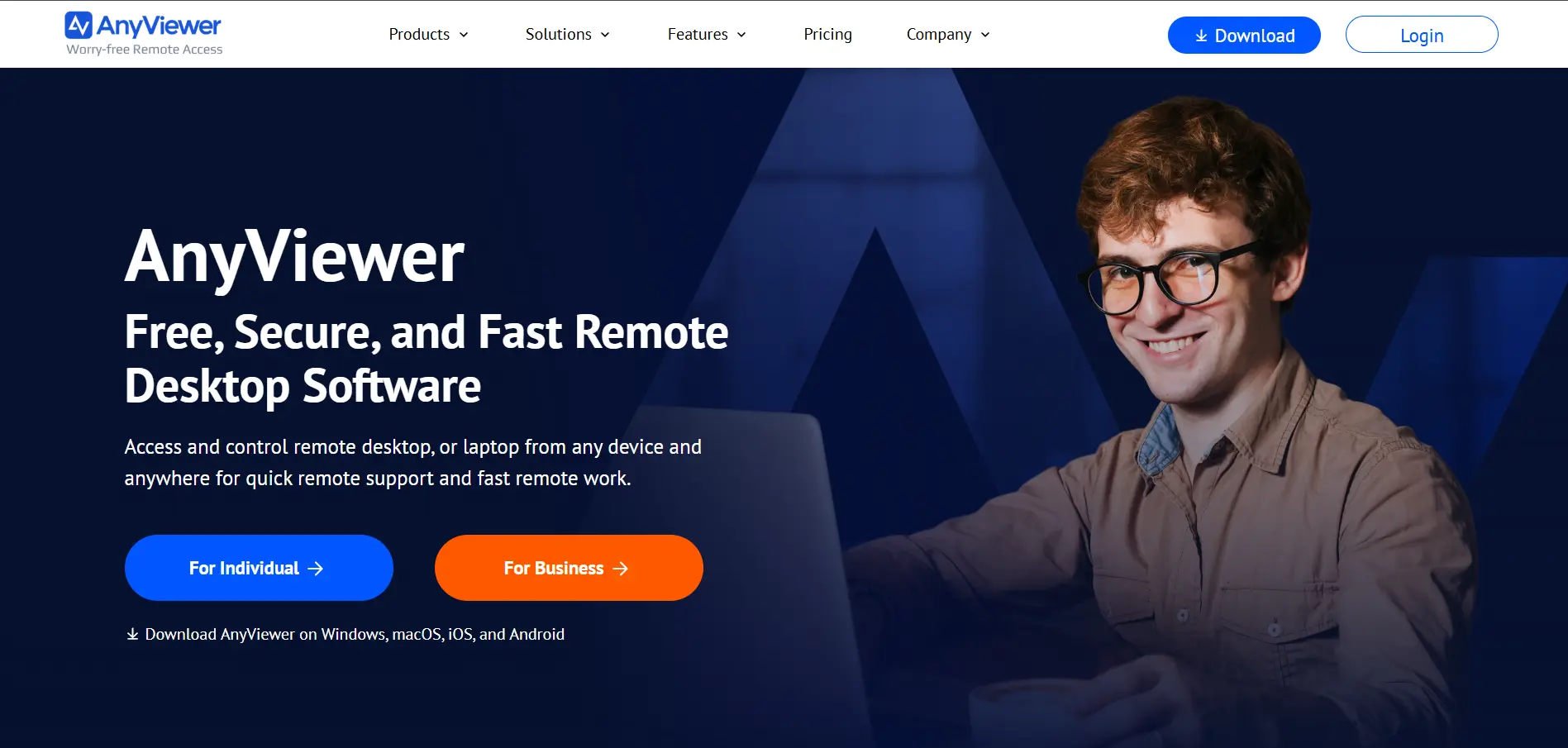
AnyViewer is a fast, cross-platform remote access tool designed for both personal use and business IT support. It supports Windows, macOS, iOS, Android, and Chrome OS, and includes persistent sessions, multi-window control, and mass deployment options for larger teams managing many endpoints.
The free tier is generous enough for casual users, while paid tiers unlock unattended access, more device slots, and role-based permissions. AnyViewer’s tiered discount pricing model rewards long-term commitments, making it a budget-friendly option for individuals and growing teams alike.
Pros
- Affordable entry-level pricing
- Cross-platform support including mobile
- Persistent session reconnection
- Good for bulk/enterprise deployment
Cons
- Pricing structure with discounts can be confusing
- Free version has device connection limits
- Less brand recognition than major competitors
RustDesk
✔ Free Open-Source Version
Pricing Plans (from rustdesk.com):
- Free open-source self-hosted plan
- Individual Pro: $9.90/month (billed annually)
- Basic Pro: $19.90/month (billed annually)
- Customized plans: from $11.88/month upward, scaled per user/device
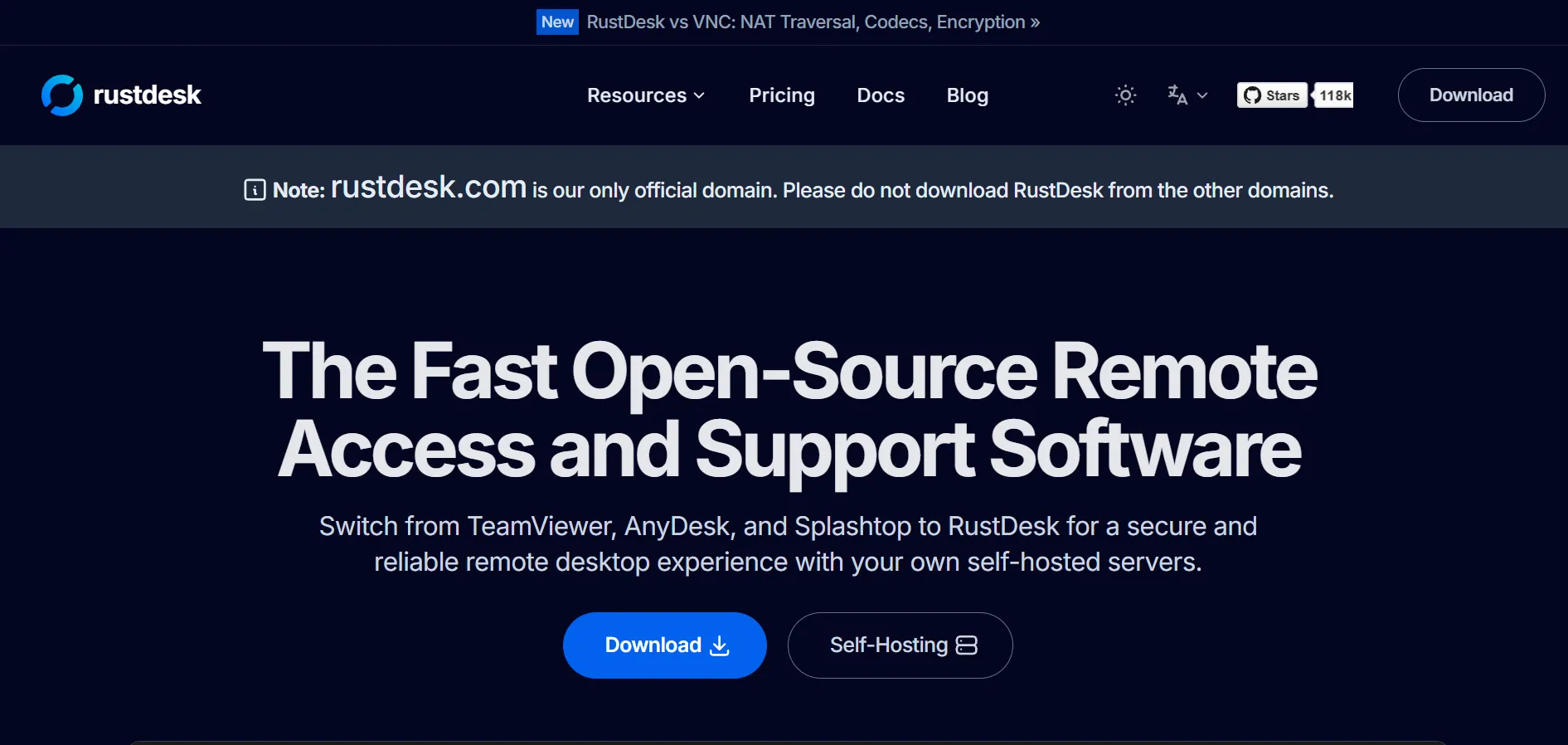
RustDesk is an open-source remote desktop solution built in Rust, prized for its self-hosting flexibility and privacy-first approach. Businesses can run their own server infrastructure instead of relying on third-party cloud relays, giving full control over where session data is routed and stored.
It supports Windows, macOS, Linux, Android, and web access, with paid Pro tiers unlocking a web console, 2FA, OIDC/LDAP integration, and centralized address books. RustDesk is ideal for privacy-conscious IT teams, though self-hosting does require some technical setup and server maintenance.
Pros
- Open-source and self-hostable
- Strong data privacy and control
- Cross-platform support
- Affordable Pro tiers
Cons
- Self-hosting requires technical know-how
- No official free cloud-hosted admin console
- Setup takes longer than plug-and-play tools
Microsoft Remote Desktop
✘ No Separate Trial — Built into Windows
Pricing Plans (Microsoft/Windows licensing):
- Free with Windows Pro, Enterprise, or Education licenses
- No standalone subscription for basic RDP use
- Azure Virtual Desktop / Windows App usage may incur separate Azure cloud costs
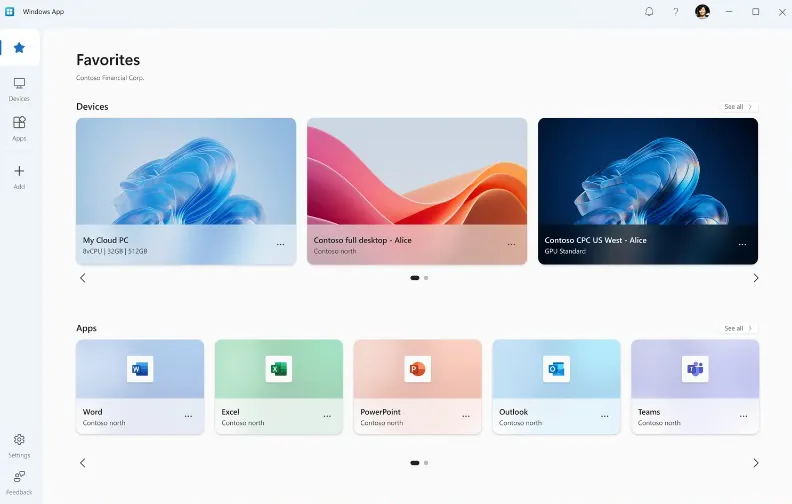
Microsoft Remote Desktop uses the native RDP (Remote Desktop Protocol) built into Windows Pro and Enterprise editions. There’s no extra licensing cost if you already own the right Windows edition, making it an appealing option for organizations already invested in the Microsoft ecosystem.
It integrates naturally with Active Directory and native Windows authentication, which simplifies access control for IT-managed networks. However, it’s Windows-only on the server side, requires VPN or network tunneling for external access, and lacks MSP-style features like audit trails or multi-client dashboards.
Pros
- No additional cost within Windows licensing
- Native Active Directory integration
- Reliable and stable for internal networks
Cons
- Windows-only server side
- Requires VPN or tunneling setup
- No centralized MSP-style management features
UltraViewer
✔ Completely Free Currently
Pricing Plans (from ultraviewer.net):
- Currently completely free for both business and personal use
- Some third-party listings mention paid tiers (Lite ~$3.99/mo, Professional ~$5.99/mo, Premium ~$7.99/mo), though the official site currently lists no fee
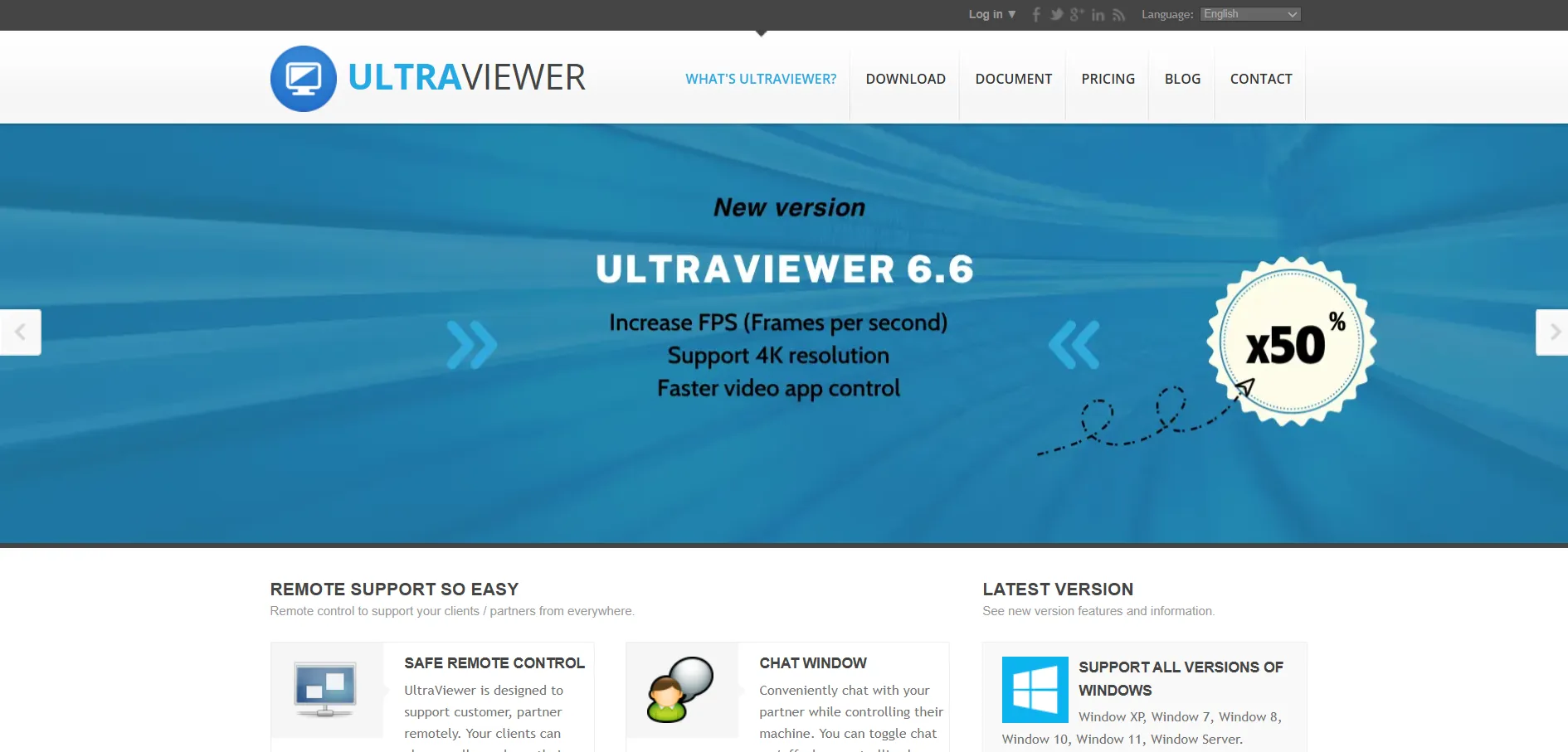
UltraViewer is a straightforward remote desktop tool focused on ease of use, ideal for freelancers, small repair shops, and casual tech support. It uses AES 256-bit encryption and unique session credentials to protect connections, and its official pricing page currently states the software is free for everyone.
The interface is simple: one side shares an ID and password, and the other side connects instantly. UltraViewer doesn’t offer a native mobile app, but its Android download is available separately through the Google Play Store, making it accessible for on-the-go support scenarios too.
Pros
- Free to use for business and personal needs
- Very simple, beginner-friendly interface
- Strong AES 256-bit encryption
Cons
- No official native mobile app
- Limited advanced enterprise features
- Occasional connection interruptions reported
Anydesk
✘ No Free Trial — Free Personal Plan Only
Pricing Plans (from AnyDesk official pricing):
- Free plan for personal, non-commercial use
- Solo plan: $14.90/month (billed annually)
- Standard plan: $49.90/month (billed annually)
- Advanced plan: $111.90/month (billed annually)
- Ultimate plan: custom pricing on request
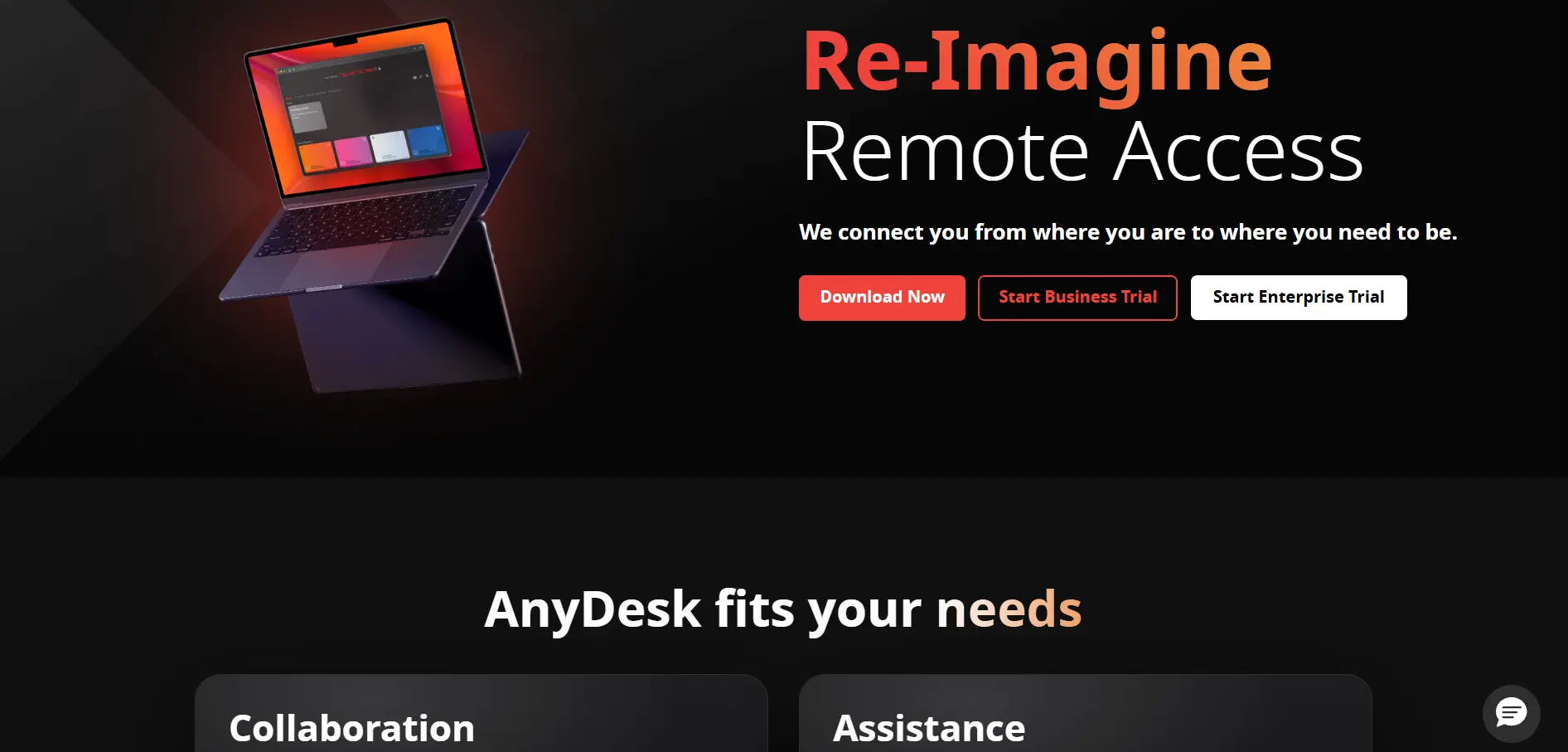
AnyDesk is a well-known remote desktop application built around its proprietary DeskRT codec, which delivers low-latency, high-frame-rate screen sharing even on modest internet connections. It’s widely used for IT support, business collaboration, and personal remote access across Windows, macOS, Linux, iOS, and Android.
Paid plans add features like session recording, custom aliases, and centralized device management for larger teams. AnyDesk is billed annually only, and pricing has increased significantly over the past couple of years, so it’s worth comparing costs carefully against lighter-weight alternatives before committing.
Pros
- Excellent low-latency performance
- Broad cross-platform support
- Free for personal, non-commercial use
Cons
- Annual billing only, no monthly option
- Significant price increases in recent years
- No free trial for paid business tiers
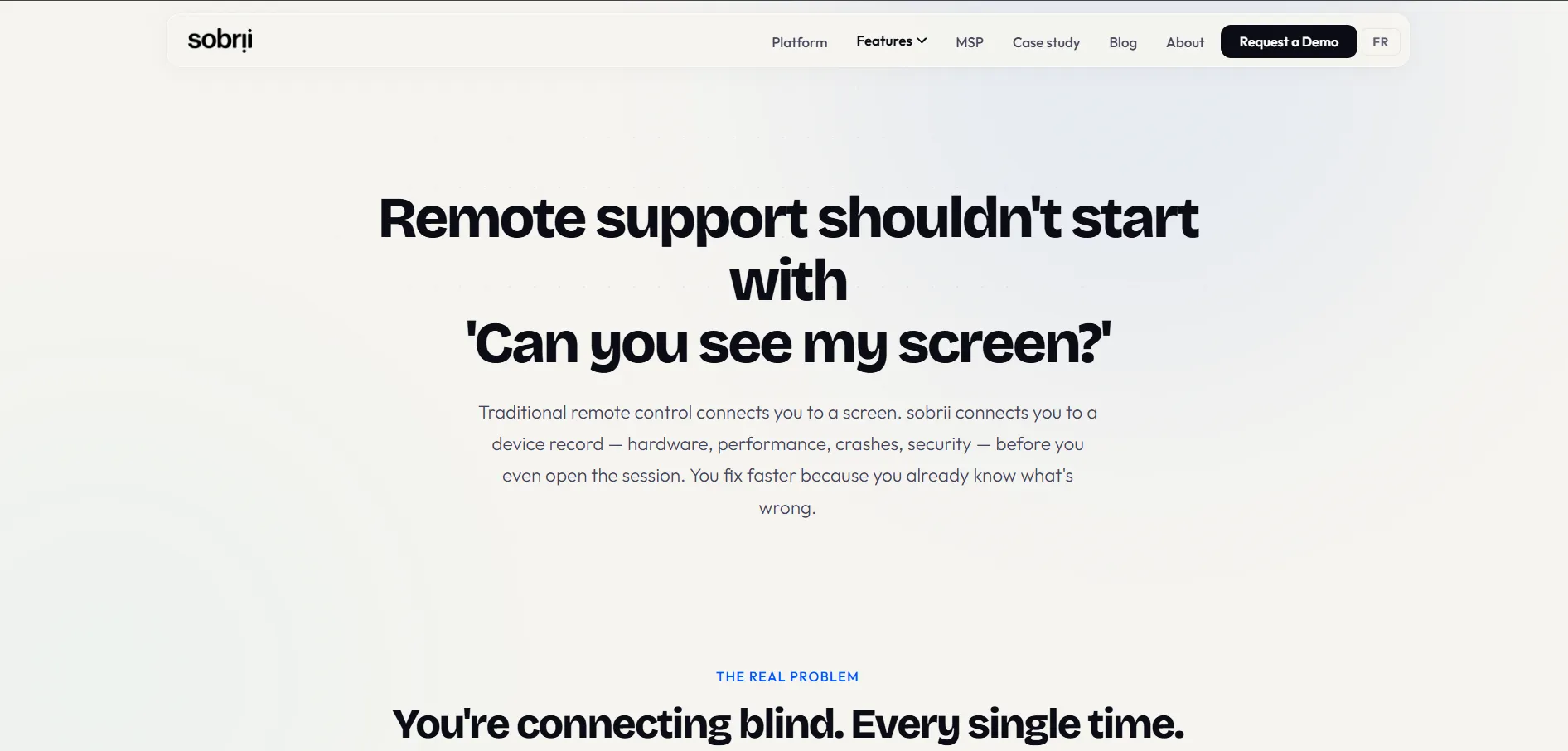
sobrii Remote
✔ 14-Day Free Trial (on sample devices)
Pricing Plans (from sobrii.io official pricing):
- Starts from roughly €12/device/year across 13 platform modules
- Tier A (SMB, 50–200 devices): around €1,990
- Tier B (Mid-market, 200–500 devices): around €2,490
- Optional add-ons: Premium Support (~€400/month), QBR reviews (~€6,000/year)
sobrii Remote is less a standalone remote desktop app and more a full IT fleet management platform with remote control bundled in. It’s designed for IT teams and MSPs managing large device fleets, combining remote access with inventory tracking, compliance monitoring, and Green IT reporting in one dashboard.
Its lightweight Rust-based agent uses minimal CPU, and its per-device pricing model consolidates several separate tools into a single subscription. sobrii Remote isn’t built for casual personal use or small two-person teams, but for organizations managing 50 to thousands of endpoints, it offers strong consolidation value.
Pros
- Combines remote access with fleet management
- Lightweight agent with minimal CPU usage
- Transparent per-device annual pricing
Cons
- No free plan for individuals
- Overkill for small teams or personal use
- Best value only at larger device-fleet scale
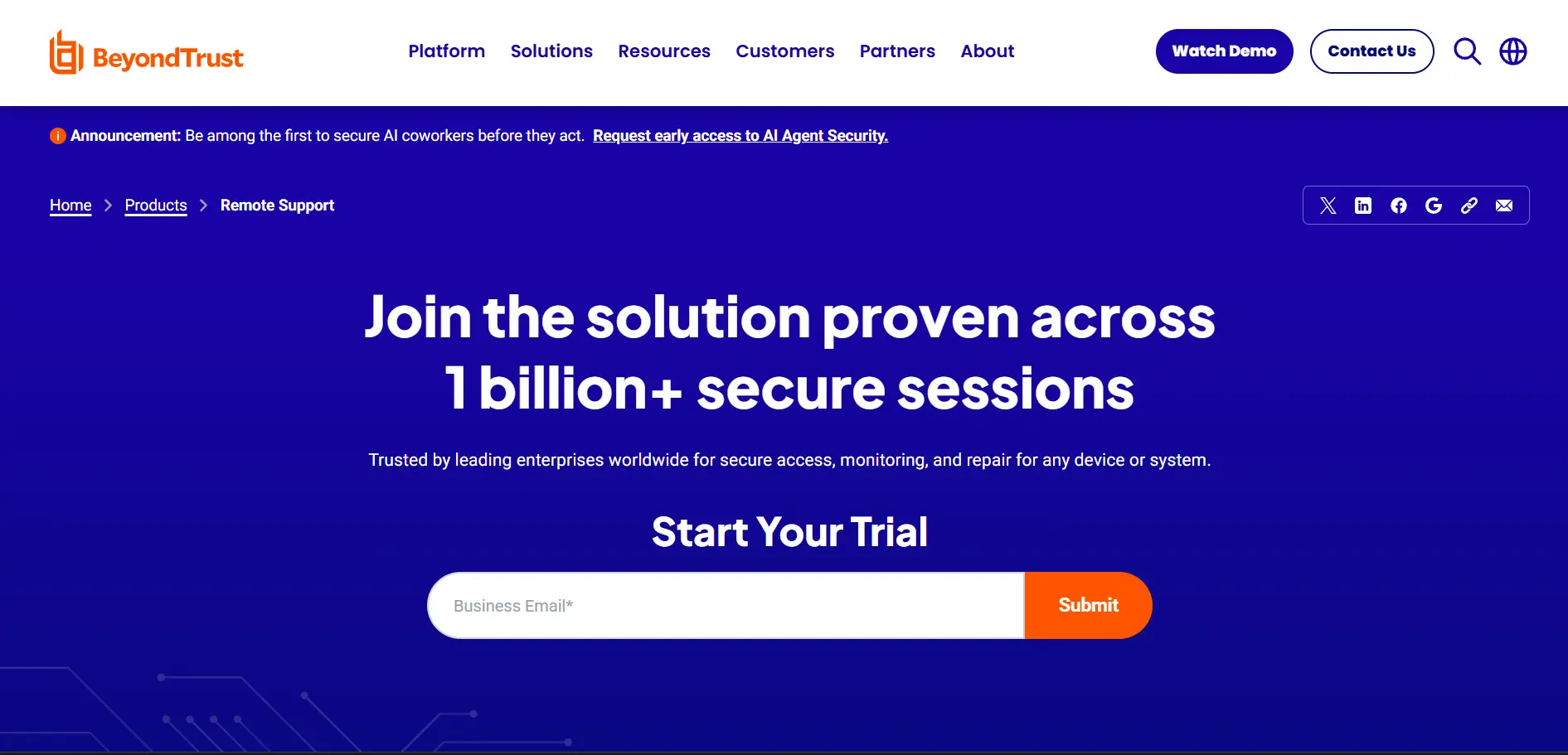
BeyondTrust Remote Support
✔ Free Trial Available (on request)
Pricing Plans (BeyondTrust official site: custom quotes only):
- No public pricing published — custom quote required via sales
- Industry estimates suggest pricing typically starts around $2,000+/year per named technician
- Licensing is generally concurrent-seat based, not per-agent
BeyondTrust Remote Support (formerly Bomgar) is an enterprise-grade remote support platform built for organizations where security and compliance are non-negotiable. It offers session forensics, keystroke logging, and screen recording, along with FIPS-validated encryption and support for FedRAMP, HIPAA, PCI DSS, and SOC 2 frameworks.
It’s widely used in financial services, healthcare, and government sectors that require detailed audit trails and privileged access management. The tradeoff is cost and complexity — pricing isn’t published, setup can be time-consuming, and the interface prioritizes control over simplicity, making it less ideal for smaller teams.
Pros
- Enterprise-grade security and compliance
- Detailed session forensics and audit logging
- Strong privileged access management features
Cons
- Pricing not publicly disclosed
- Expensive for small businesses
- Steeper learning curve during setup
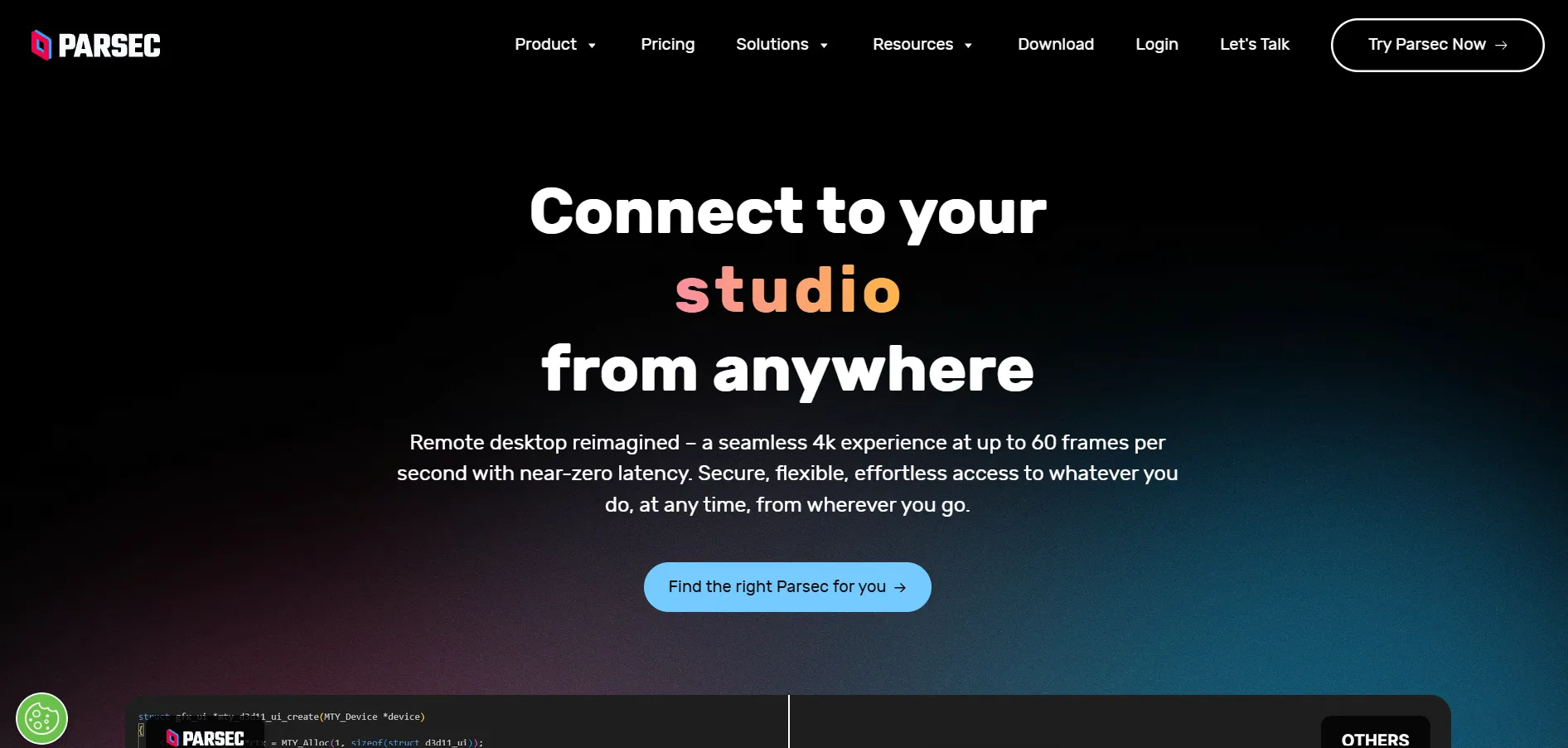
Parsec
✔ Free Personal Plan (functions as trial)
Pricing Plans (from Parsec official pricing):
- Free plan: $0/month for personal use, 1 device, 4K 60fps streaming
- Warp plan: around $8–9.99/month for commercial use and multiple devices
- Teams plan: around $30–35/user/month with admin dashboard and SSO
- Enterprise: custom pricing on request
Parsec is a remote desktop tool built specifically for low-latency, high-performance use cases like gaming and creative production work. Its generous free tier supports personal use with 4K 60fps streaming and hardware encoding, making it a favorite among gamers and remote creative professionals alike.
The Warp plan adds commercial usage rights, 4:4:4 color accuracy, and drawing tablet support, while Teams unlocks shared machine pools and centralized billing for studios. Owned by Unity since 2021, Parsec remains a strong niche pick for performance-sensitive remote work rather than general IT support tasks.
Pros
- Excellent low-latency, high-fps streaming
- Generous free tier for personal use
- Great for gaming and creative workflows
Cons
- Not designed for general IT support tasks
- Teams plan pricing is relatively high
- Fewer compliance features than enterprise tools
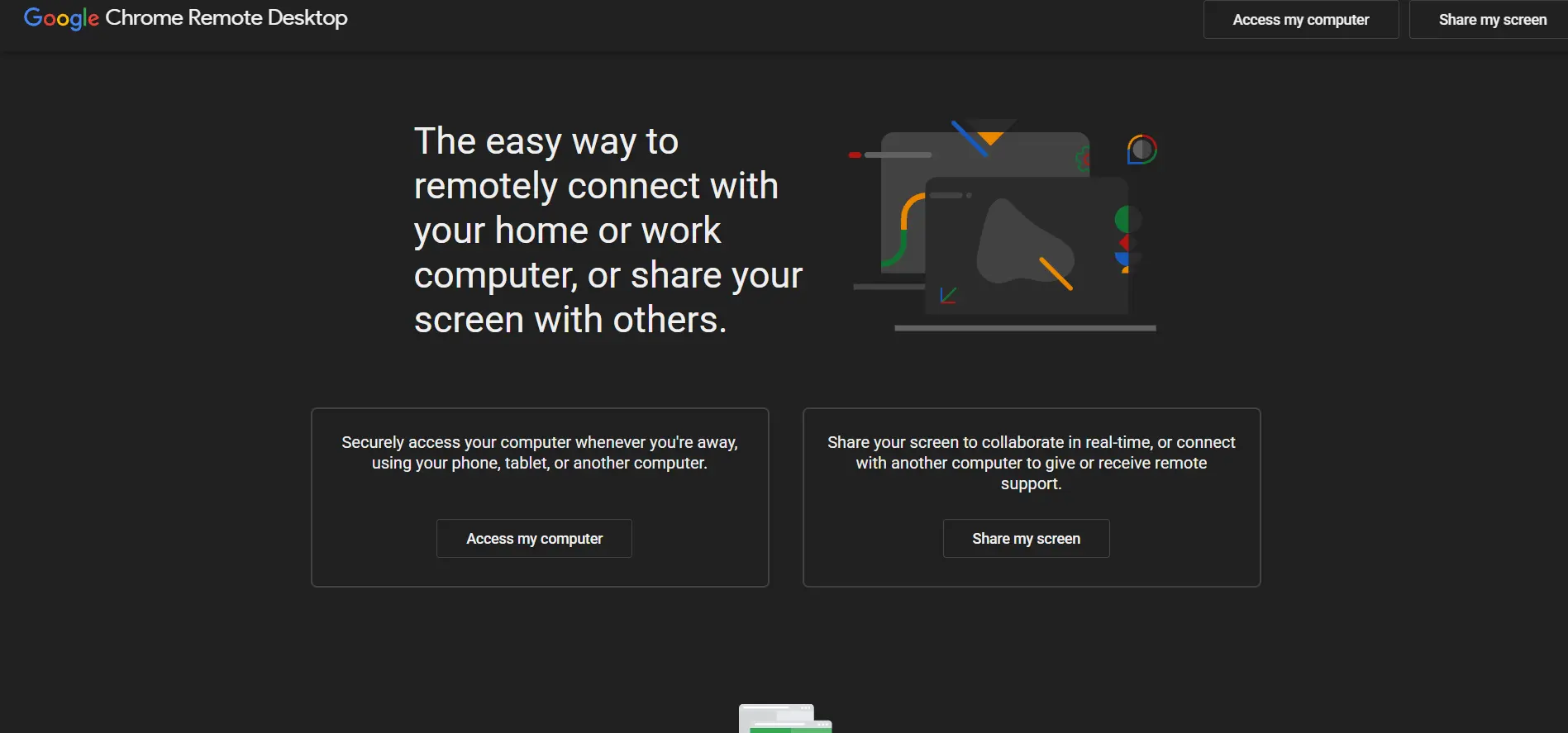
Chrome Remote Desktop
✔ Completely Free — No Trial Needed
Pricing Plans:
- 100% free for personal and remote access use
- No paid tiers, subscriptions, or business plans offered
- Relies on Google account infrastructure for authentication
Chrome Remote Desktop is Google’s free, browser-based remote access tool that works through the Chrome browser or a dedicated app. It’s extremely easy to set up, requiring only a Google account and a browser extension, making it a great option for quick personal remote access without any cost.
However, it lacks native file transfer, simultaneous multi-user sessions, centralized management, audit logging, and remote printing. It relies on Google’s SOC and ISO certifications for infrastructure security, but has no product-specific compliance documentation, so it’s best suited for casual personal use rather than professional IT support.
Pros
- Completely free with no hidden costs
- Extremely simple setup via Google account
- Backed by Google’s secure infrastructure
Cons
- No file transfer or session recording
- No centralized admin console
- Not suitable for professional support at scale
Comparison Table
| Alternative | Description |
|---|---|
| Distant Desktop | A free, lightweight remote desktop tool requiring no installation, ideal for quick personal and small business access. |
| AnyViewer | A budget-friendly cross-platform remote access tool with persistent sessions and enterprise deployment options. |
| RustDesk | An open-source, self-hostable remote desktop solution built for privacy-conscious teams and full data control. |
| Microsoft Remote Desktop | The native Windows RDP client, free within Microsoft licensing, best for internal Windows-only networks. |
| UltraViewer | A simple, currently free remote desktop app suited for freelancers and small technical support tasks. |
| AnyDesk | A high-performance remote access tool known for low latency, with annually billed paid plans. |
| sobrii Remote | An IT fleet management platform with bundled remote access, designed for larger device fleets and MSPs. |
| BeyondTrust Remote Support | An enterprise-grade, security-first remote support platform built for regulated industries and compliance needs. |
| Parsec | A low-latency remote desktop tool optimized for gaming and creative production work, with a generous free tier. |
| Chrome Remote Desktop | Google’s completely free, browser-based remote access tool ideal for simple personal use cases. |
Conclusion
Choosing the right Zoho Assist alternative depends entirely on your specific needs. If you want something completely free and simple, Distant Desktop, UltraViewer, or Chrome Remote Desktop are excellent starting points. For businesses that need self-hosting and privacy control, RustDesk stands out, while BeyondTrust Remote Support is the clear choice for regulated, compliance-heavy industries.
For performance-focused users like gamers or creative professionals, Parsec delivers unmatched low-latency streaming. Meanwhile, sobrii Remote and AnyViewer suit growing IT teams looking for scalable device management or affordable pricing. Whichever tool you choose, be sure to verify current pricing directly on the vendor’s official website, since remote desktop pricing structures tend to change frequently.