

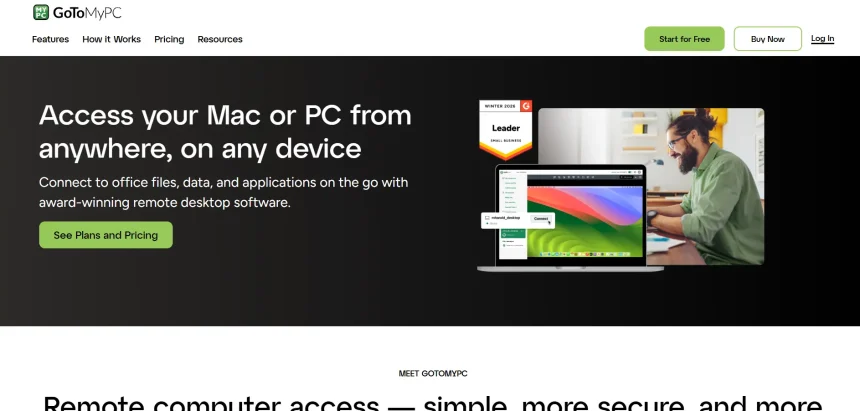
GoToMyPC has long been a familiar name in remote desktop access, but its pricing and feature limitations push many individuals and businesses to look elsewhere. Whether you need free peer-to-peer connections, enterprise-grade remote monitoring, or a lightweight open-source option, the remote access market in 2026 offers plenty of capable competitors. This article walks through 10 GoToMyPC Alternatives available today, covering their trial options, pricing plans, and the pros and cons that matter most when choosing a remote desktop tool for personal use, IT support, or business operations.
1. RustDesk
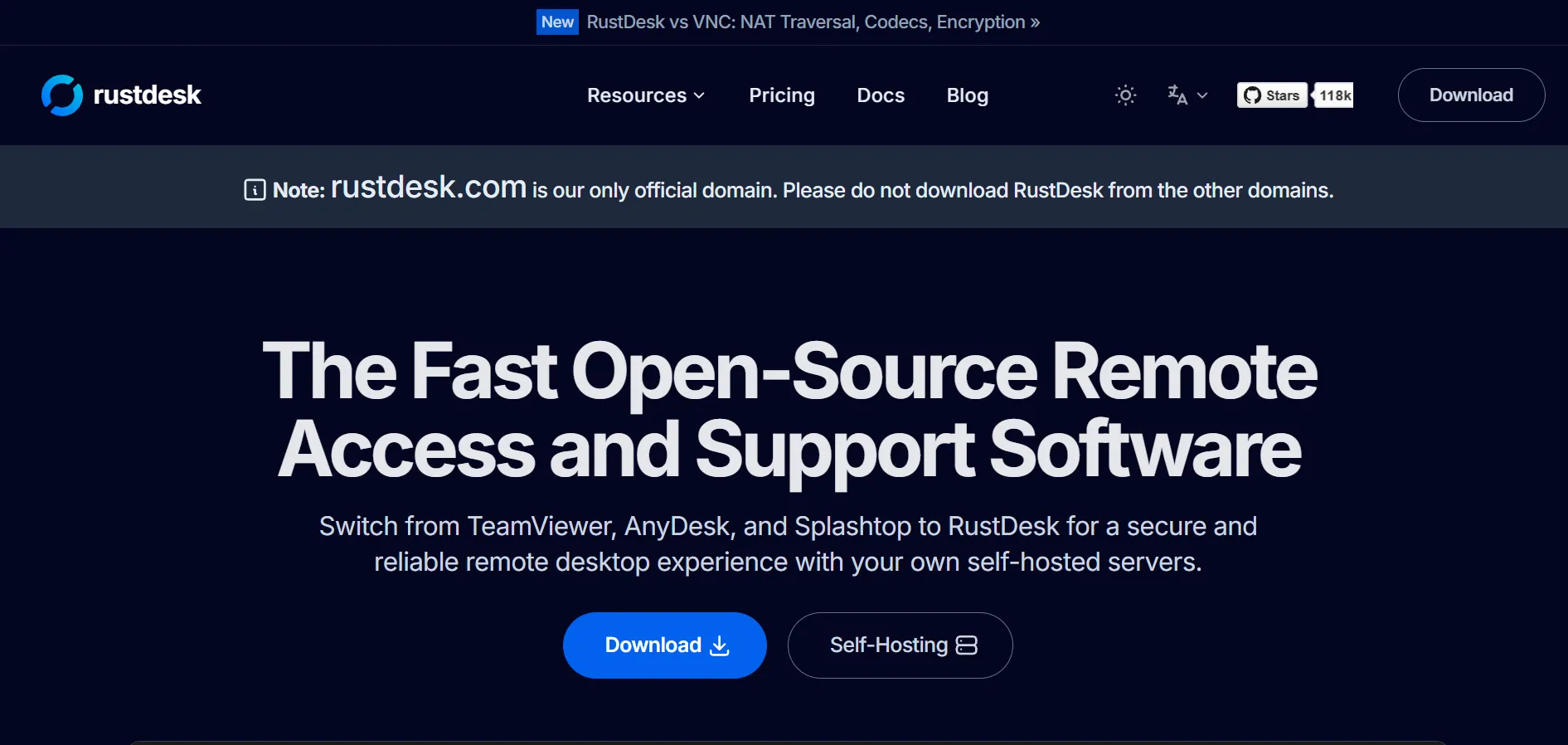
RustDesk offers a free, open-source self-hosting plan with no trial required, since anyone can deploy the server without cost. Its paid Individual $9.90/mo and Basic $19.90/mo plans (billed annually) unlock the web console, 2FA, OIDC login, and centralized address book for teams needing more control.
Built in Rust, this tool emphasizes privacy through self-hosting, letting organizations keep full ownership of their data instead of routing traffic through third-party servers. It works across Windows, macOS, Linux, Android, and the web, making it a favorite among IT admins who prioritize data sovereignty and customization over managed convenience.
Pros
- Free and open-source core software
- Full data control via self-hosting
- Cross-platform support
- No installation needed on Windows
Cons
- Self-hosting requires technical setup
- No vendor liability or indemnification
- Server hosting adds hidden infrastructure costs
2. Apache Guacamole
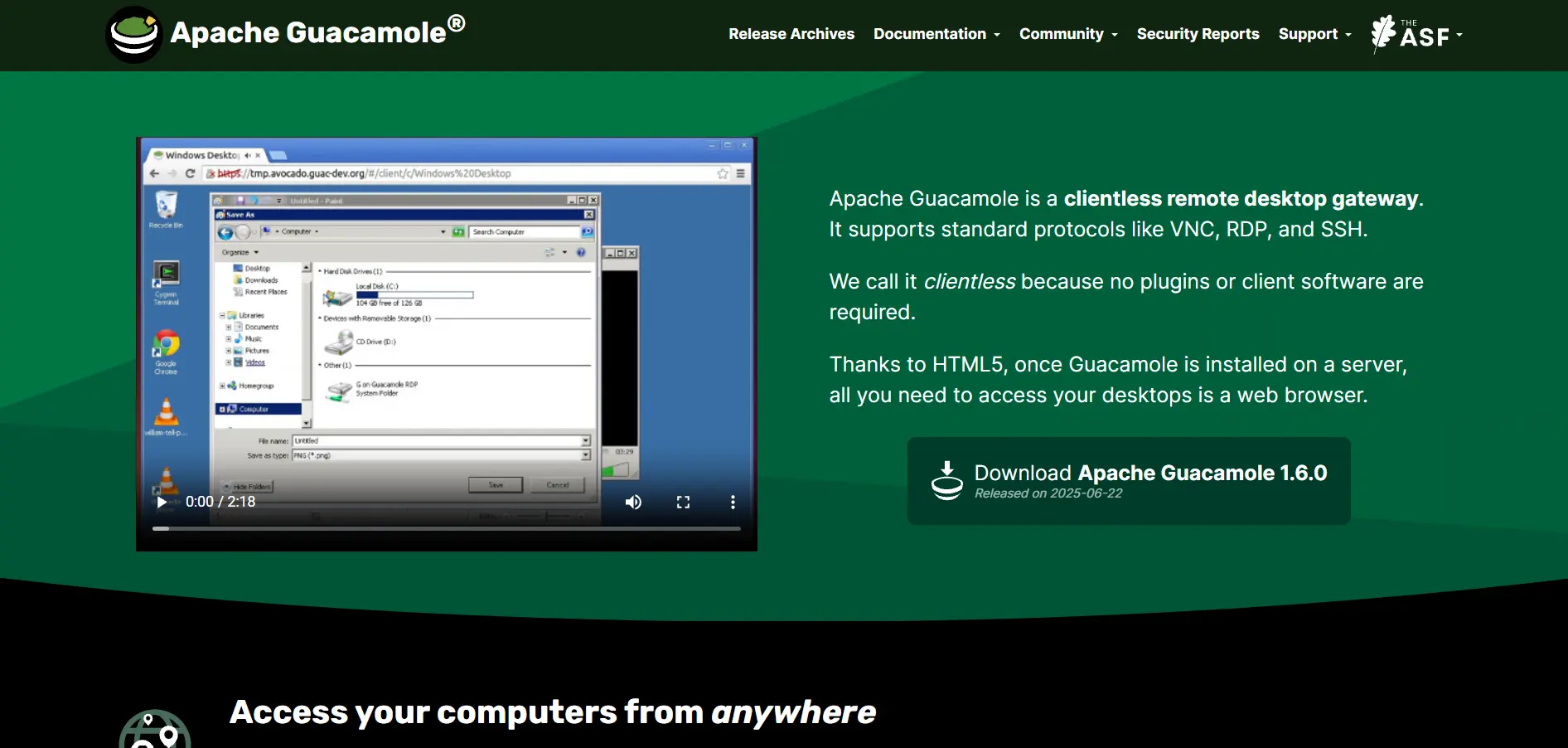
Apache Guacamole is completely free with no trial needed, since it is a fully open-source Apache Software Foundation project. There are no pricing tiers at all — it costs nothing to download, deploy, and run indefinitely, though you’ll need your own server infrastructure to host it.
Guacamole is a clientless remote desktop gateway accessed entirely through a web browser using HTML5, meaning no plugins or native apps are required. It supports VNC, RDP, and SSH protocols, making it especially popular with sysadmins managing multiple servers who want browser-based access without installing anything on end-user machines.
Pros
- Completely free, no licensing cost
- Clientless, browser-based access
- Supports multiple protocols (RDP, VNC, SSH)
- Backed by Apache Software Foundation
Cons
- Requires manual server setup and maintenance
- No official commercial support
- Steeper learning curve for non-technical users
3. Chrome Remote Desktop
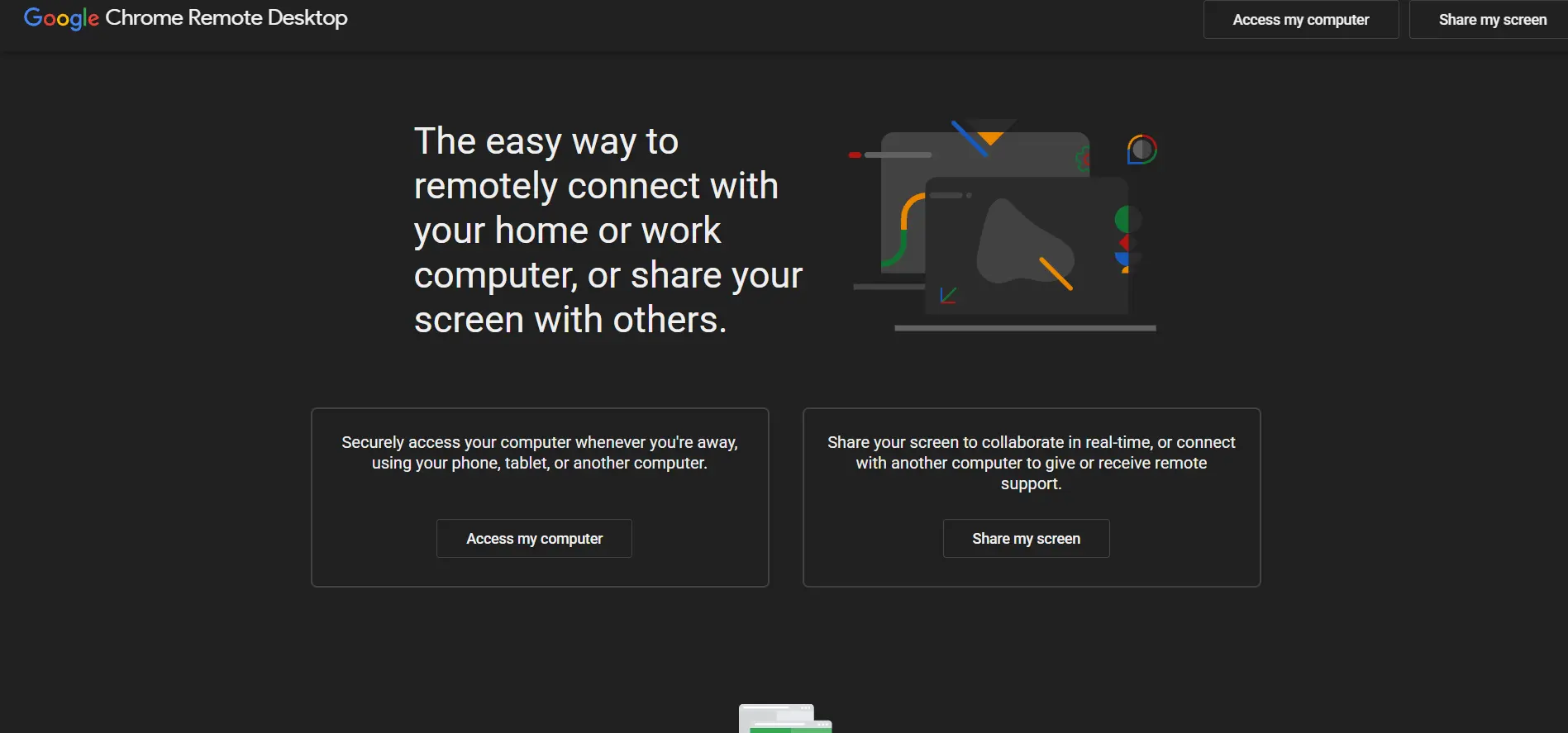
Chrome Remote Desktop has no trial because it is entirely free for everyone, with no premium tier or paid upgrade path. There are no pricing plans whatsoever — it is a free Google service funded as part of the broader Chrome and Google Workspace ecosystem.
This tool runs as a browser extension or web app, letting users access their own computer remotely or provide support to others with a simple shareable code. It’s ideal for casual users and small support tasks but lacks the advanced administrative features that businesses typically need for larger deployments.
Pros
- 100% free with no limitations
- Extremely simple setup process
- Works across Windows, Mac, Linux, Chromebooks
- No account creation needed for support sessions
Cons
- Lacks file transfer in some configurations
- No centralized device management for teams
- Minimal security controls for enterprises
4. HelpWire
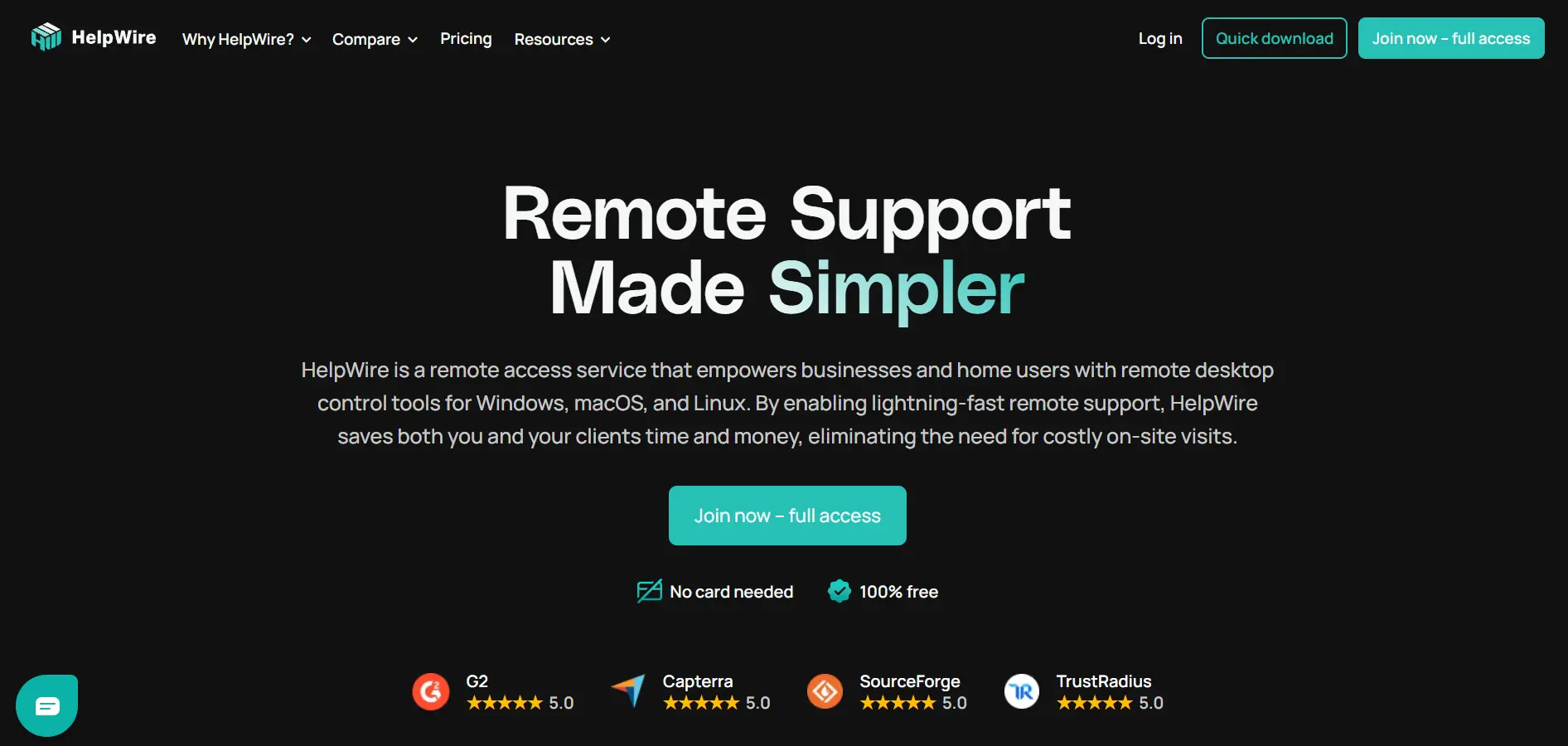
HelpWire is currently free during its early access phase, so there is technically no paid trial to worry about — every feature is unlocked at no cost. The company has stated it plans to introduce Paid plans in Q3–Q4 2026, but as of now all tiers remain fully free while it gathers user feedback.
Backed by Electronic Team Inc., HelpWire is built for IT support technicians who need quick, ad-free remote sessions across Windows, macOS, and Linux. Sessions start via a simple link without requiring the remote party to create an account, which significantly reduces onboarding friction for support scenarios.
Pros
- Fully free with no ads during early access
- No account required for the remote party
- Peer-to-peer connections for speed
- Backed by an established parent company
Cons
- Pricing will change once paid tiers launch
- Fewer advanced features for larger teams
- Newer product with a smaller track record
5. UltraViewer
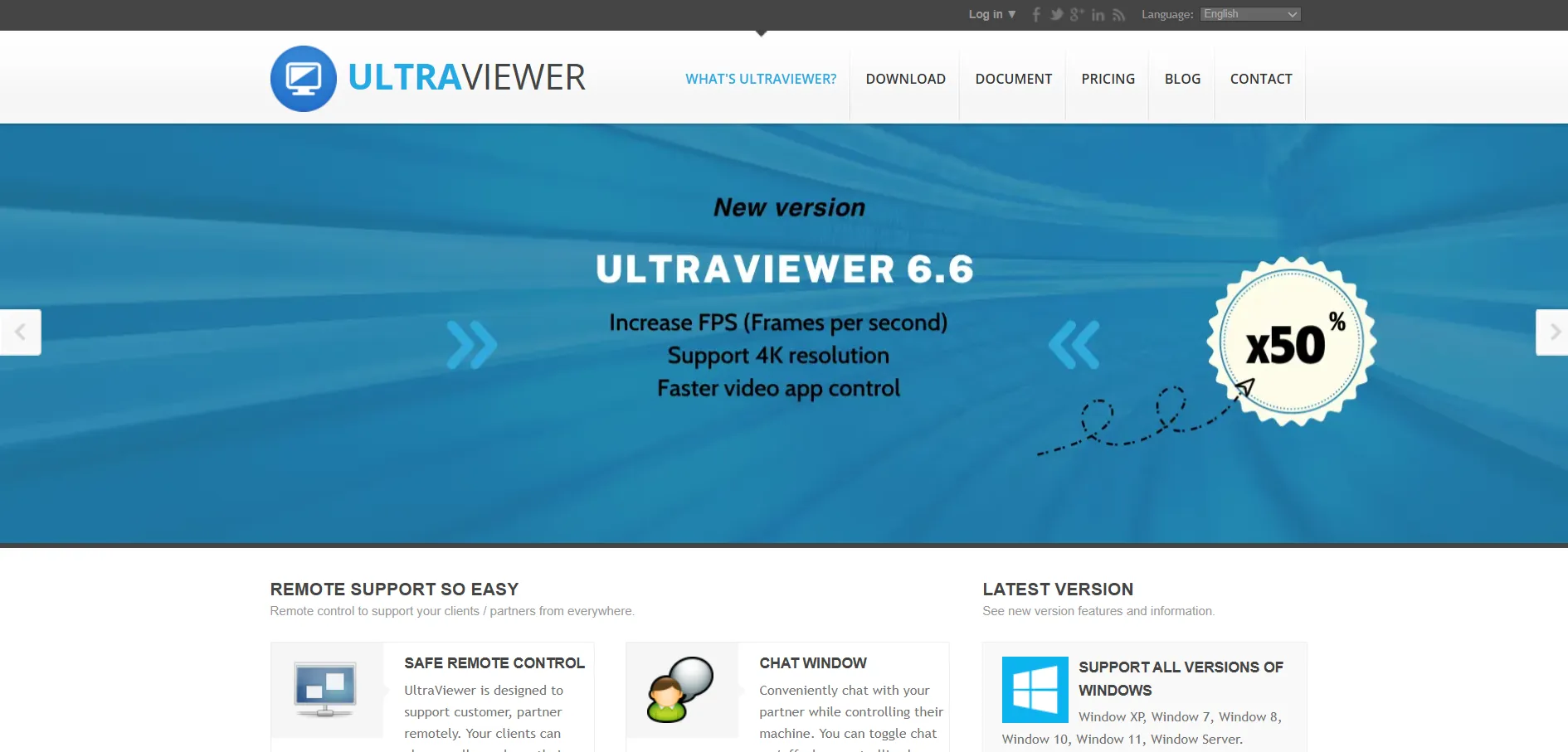
UltraViewer offers a free trial alongside its always-free personal edition for non-commercial use. Paid commercial plans start at From $4/month, positioning it as one of the most budget-friendly remote support tools compared to larger competitors like TeamViewer and AnyDesk.
Developed in Vietnam, UltraViewer focuses on simplicity: users share an ID and password to start a session almost instantly, without complex configuration. It suits small repair shops, freelancers, and lean IT teams that need occasional remote support without investing in enterprise-grade remote monitoring suites.
Pros
- Very low starting price for paid tiers
- Free version available for personal use
- Simple, fast connection process
- Lightweight and easy to explain to clients
Cons
- Less polished than enterprise-grade tools
- Limited centralized administration
- Fewer integrations with help desk systems
6. LogMeIn
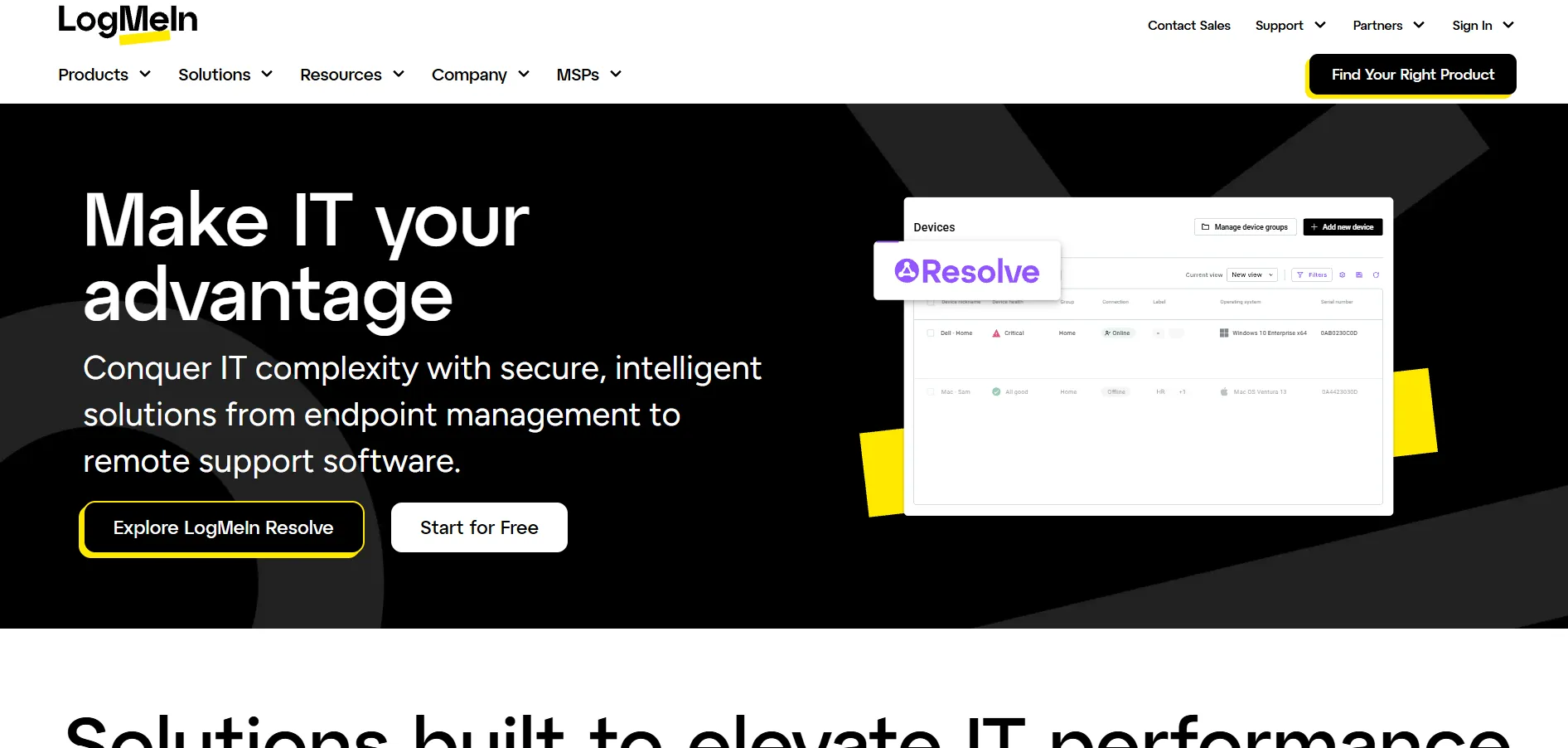
LogMeIn Pro does not offer a free-forever tier but provides a trial period to test the platform before committing. Pricing ranges from Individuals $35/mo to Power Users $85/mo and Small Business $155/mo, making it one of the pricier options on this list.
LogMeIn bundles remote access with extras like LastPass password management and cloud storage, appealing to teams already invested in its ecosystem. However, its premium pricing faces stiff competition from free tools like Chrome Remote Desktop and significantly cheaper paid alternatives such as Splashtop or RustDesk.
Pros
- Established, reliable brand reputation
- Bundled extras like LastPass integration
- Strong security and encryption standards
- Good for teams already in the LogMeIn ecosystem
Cons
- Significantly more expensive than competitors
- Reports of steep renewal price increases
- Mobile support often costs extra
7. RemotePC
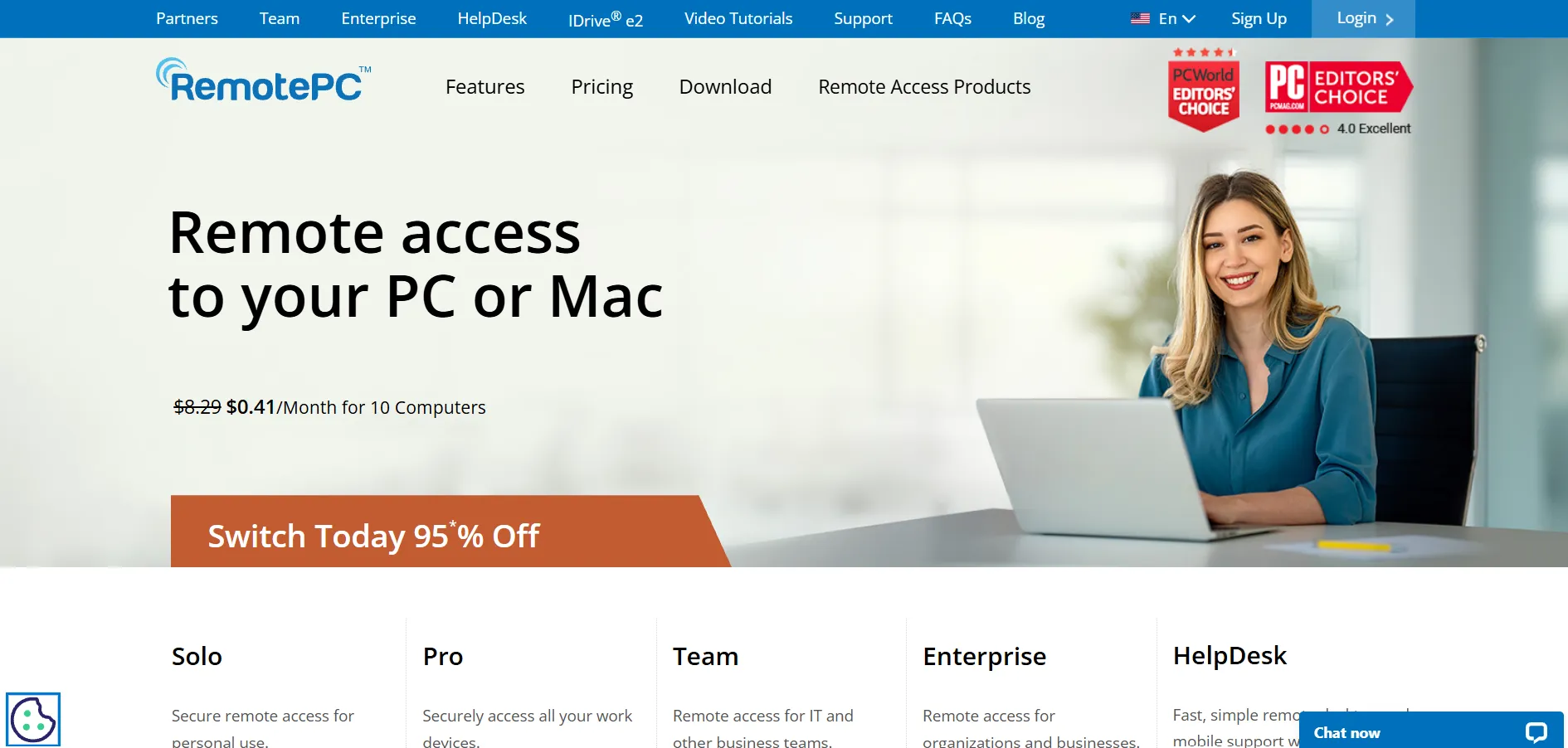
RemotePC offers a free 7-day trial before requiring a subscription, giving new users time to evaluate the platform. Its plans range from Consumer $29.50/yr to SOHO $7.95/mo and Team $29.95/mo, with regular first-year discounts making it attractively priced.
RemotePC is known for strong security, including TLS v1.2, AES 256-bit encryption, and two-factor authentication. It’s frequently chosen by small businesses and individuals who find tools like TeamViewer too costly, while still needing dependable remote printing and file transfer capabilities.
Pros
- Affordable compared to TeamViewer and GoToMyPC
- Strong encryption and multi-layer security
- Regular first-year discount offers
- Good fit for small teams and home offices
Cons
- Trial is limited to 7 days only
- RDP connector is a separate paid add-on
- Renewal pricing reverts to standard rates
8. Pulseway
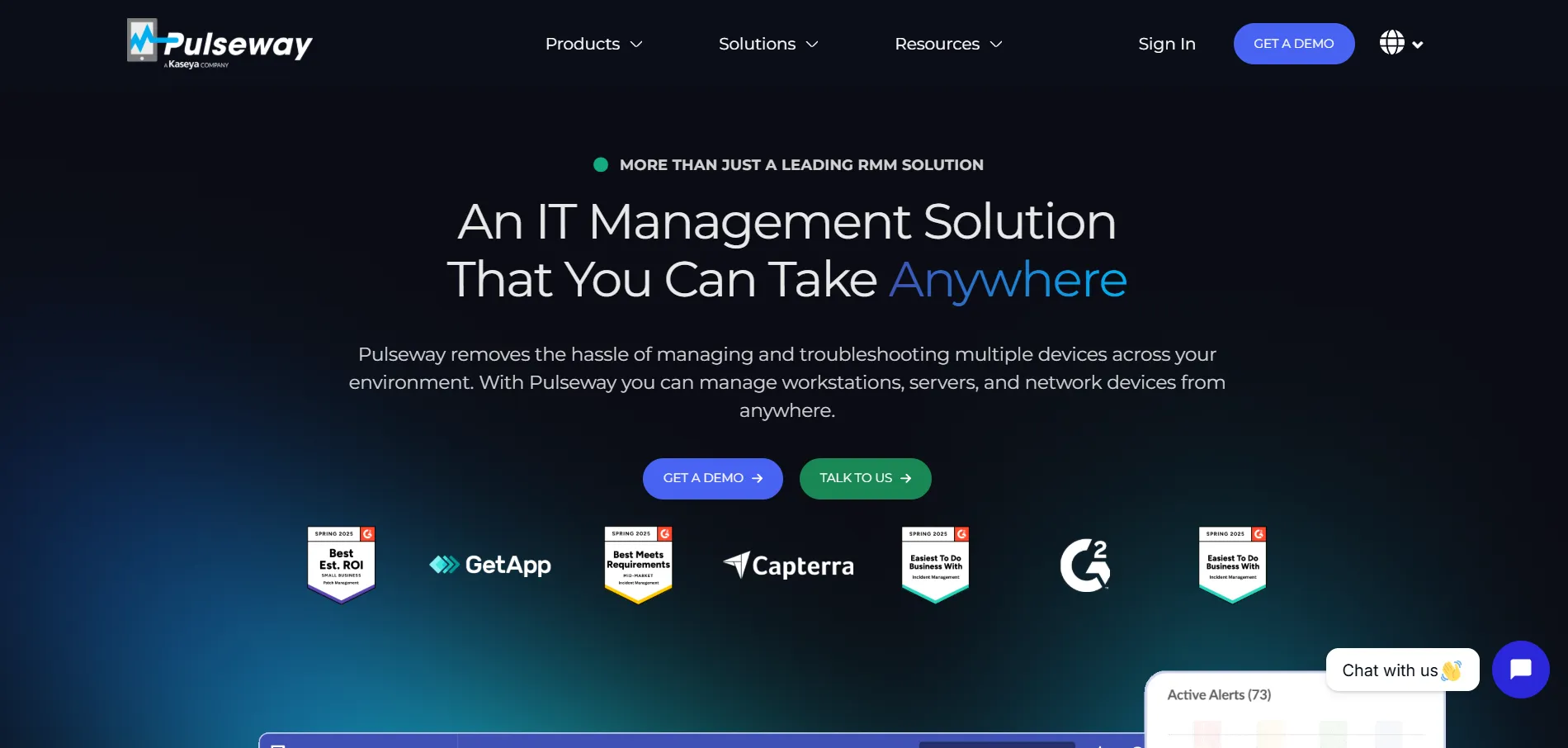
Pulseway offers a free trial for organizations wanting to test its remote monitoring and management capabilities before buying. Its pricing starts at From $22/device, positioning it as an RMM-focused platform rather than a simple screen-sharing tool.
Designed primarily for IT departments, Pulseway combines remote desktop access with patch management, antivirus, and a centralized dashboard for monitoring device health. It scales well for growing businesses that need more than basic remote access, though it may be overkill for individual users.
Pros
- Combines remote access with full RMM features
- Centralized dashboard for device monitoring
- Scalable per-device pricing model
- Includes patch management and antivirus tools
Cons
- Overkill for casual or personal use
- Per-device pricing can add up quickly
- Steeper learning curve than simple remote tools
9. Anydesk
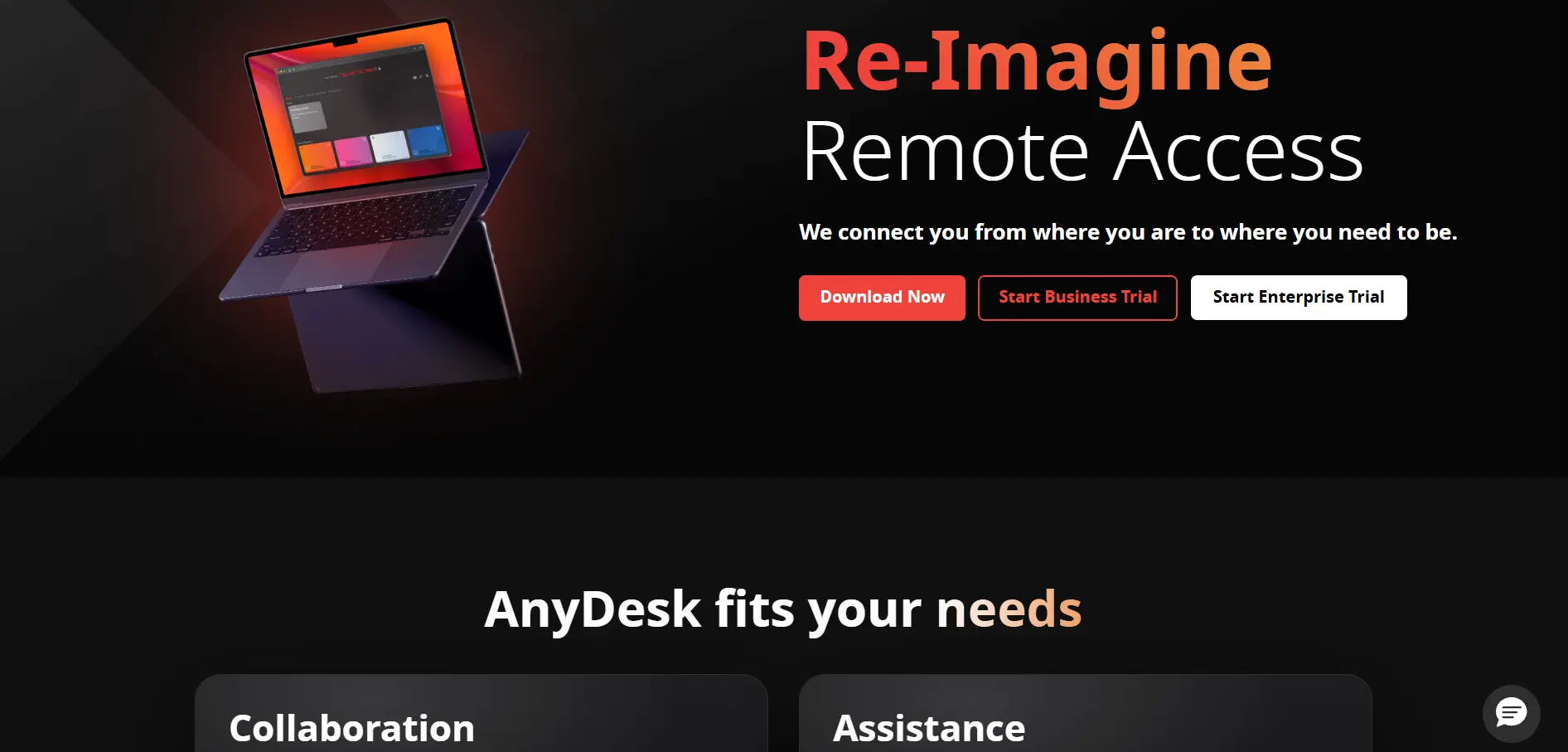
AnyDesk provides a 14-30 day free trial with full Advanced tier features for businesses evaluating the platform. Paid plans include Solo $22.90/mo, Standard $35.90/mo, and Advanced $79.90/mo, all billed annually, with an Ultimate tier available on request.
AnyDesk is a German-engineered remote desktop tool trusted by over 200,000 customers worldwide, from small businesses to government bodies. Its free tier is capped at three managed devices and strictly prohibited for commercial use, so most business users will need to move to a paid tier fairly quickly.
Pros
- Fast, low-latency connections
- Trusted by large enterprises and governments
- Generous free trial with full features
- Strong security and compliance standards
Cons
- Mandatory annual billing, no monthly option
- Free tier banned for commercial use
- Renewal prices can increase 10-20%
10. Microsoft Remote Desktop
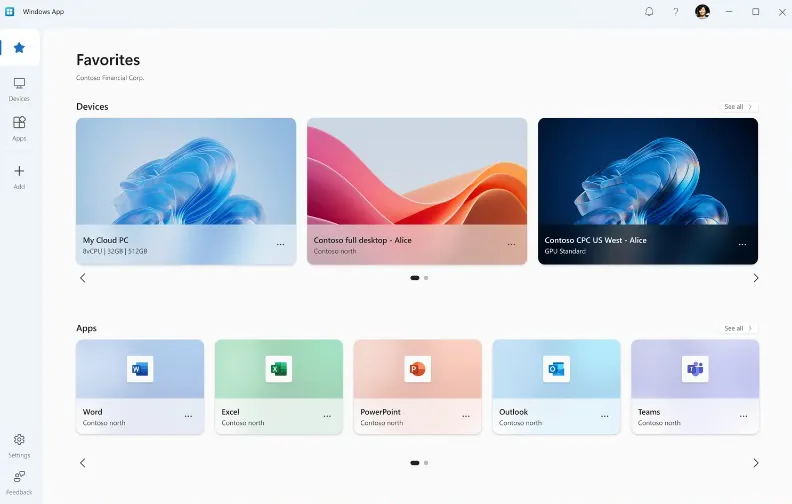
Microsoft Remote Desktop has no trial requirement since the client app itself is free to download on all major platforms. There is no separate subscription cost for the app, though connecting to remote machines may require a Windows Pro or Enterprise license, or an Azure Virtual Desktop subscription for cloud-hosted setups.
This tool is built directly into the Windows ecosystem, making it the natural choice for organizations already relying on Windows infrastructure and Active Directory. It lacks some of the polish of dedicated remote support tools but integrates seamlessly for internal IT use within Microsoft-centric environments.
Pros
- Free client app across platforms
- Deep integration with Windows infrastructure
- No third-party server dependency for RDP
- Reliable performance on local networks
Cons
- Requires Windows Pro/Enterprise for hosting
- Not ideal for ad-hoc external support sessions
- Less user-friendly for non-technical users
| Alternative | Description |
|---|---|
| RustDesk | Open-source, self-hosted remote desktop tool built in Rust, focused on privacy and data control. |
| Apache Guacamole | Free, clientless, browser-based remote gateway supporting RDP, VNC, and SSH protocols. |
| Chrome Remote Desktop | Google’s completely free browser-based remote access tool for personal and light support use. |
| HelpWire | Free remote support tool in early access, offering ad-free, link-based sessions for technicians. |
| UltraViewer | Budget-friendly remote support tool with a free personal edition and low-cost commercial plans. |
| LogMeIn | Premium remote access platform bundling password management and cloud storage at a higher price. |
| RemotePC | Affordable, secure remote access solution popular with small businesses and home offices. |
| Pulseway | RMM platform combining remote desktop access with device monitoring and patch management. |
| AnyDesk | Fast, enterprise-trusted remote desktop tool with strong security and global adoption. |
| Microsoft Remote Desktop | Free native Windows client ideal for internal IT use within Microsoft-based environments. |
Conclusion
Choosing the right GoToMyPC alternative ultimately depends on your specific needs — whether that’s a completely free open-source solution like RustDesk or Apache Guacamole, a simple browser-based tool like Chrome Remote Desktop, or a full-featured enterprise platform like Pulseway or AnyDesk. Budget-conscious users will appreciate UltraViewer and RemotePC, while businesses needing centralized IT management may lean toward LogMeIn or Pulseway.
Before committing to any paid plan, take advantage of the free trials and free tiers offered by these tools to test performance, security, and ease of use in your own environment. With so many capable alternatives now available, there’s a strong chance you’ll find an option that outperforms GoToMyPC in both price and functionality.


