

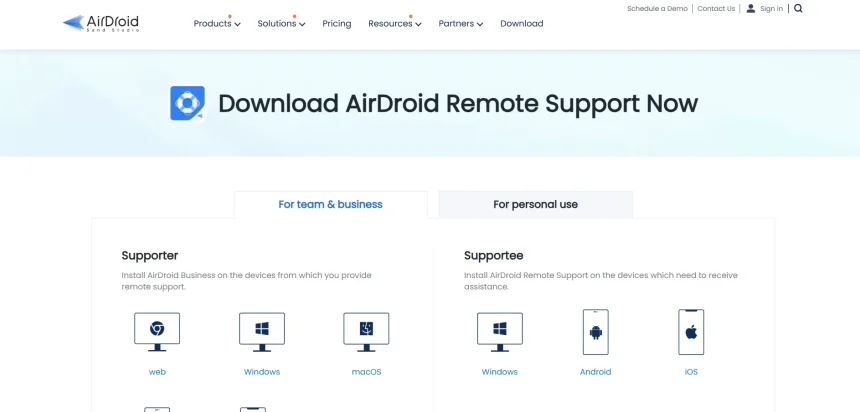
AirDroid Remote Support has become a popular pick for IT teams and help desks that need to troubleshoot Android and Windows devices remotely, but it isn’t the only option on the market. In this guide, we’ve rounded up 11 AirDroid Remote Support Alternatives, covering their free trial availability, official pricing plans, and a clear breakdown of pros and cons.
1. LogMeIn Rescue
✔ Free Trial Available
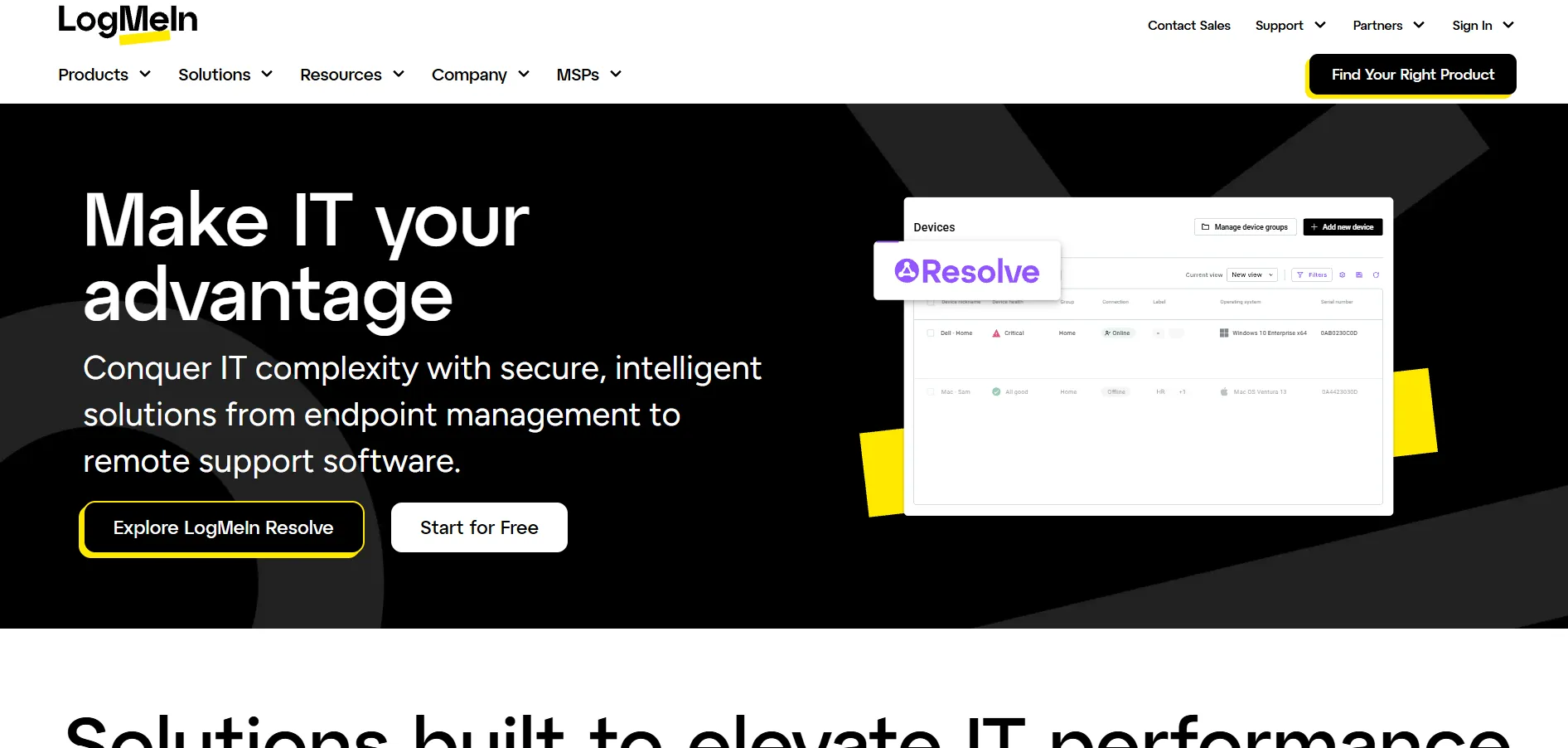
LogMeIn Rescue offers a free trial so businesses can test its enterprise-grade remote support features before committing. Its official pricing starts around $108–$149 per month depending on the plan and billing structure, with the Remote Device Support plan priced at a flat rate and the Enterprise tier requiring a custom quote from sales.
Official Pricing Plans:
- Individual/Technician: from ~$108.25/month (annual billing)
- Remote Device Support: $149/month flat rate
- Rescue Enterprise: Custom pricing (contact sales)
LogMeIn Rescue is built for larger support teams that need robust diagnostics, mobile device support, and detailed reporting dashboards. It integrates with major help desk platforms like Zendesk, Salesforce, and Microsoft Teams, making it a strong choice for enterprise IT departments that already rely on those tools for ticketing and workflow management.
Pros
- Powerful diagnostics and reporting tools
- Strong help desk integrations
- Reliable mobile device support
Cons
- Expensive compared to competitors
- Steep learning curve for new users
- No free plan available
2. AnyViewer
✔ Free Version Available
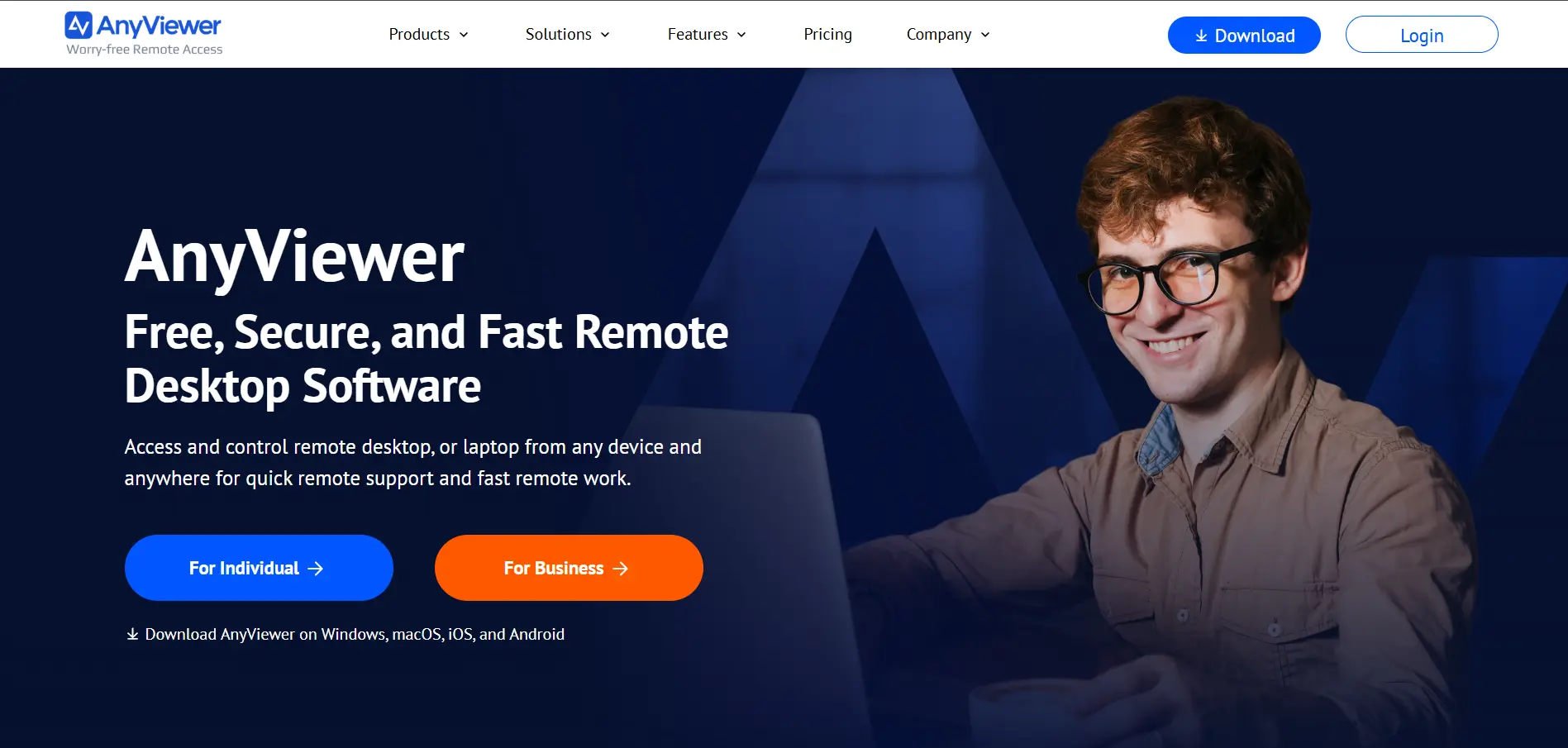
AnyViewer offers a genuinely free plan with core remote access features, plus paid tiers for users who need more devices and unattended access. Official pricing shows the Professional plan starting around $42.96/year (discounted from $128.88) for the first term, making it one of the more budget-friendly alternatives on this list.
Official Pricing Plans:
- Free: Basic remote access, limited devices
- Professional: $42.96/year (first-term discount from $128.88)
- Enterprise: $199/year (discounted from $597)
AnyViewer stands out for its simple one-click control and cross-platform compatibility across Windows, macOS, iOS, and Android. It’s a good fit for individuals and small teams who want stable, affordable remote access without the enterprise-level complexity or price tag that comes with larger competitors like LogMeIn or TeamViewer.
Pros
- Generous free plan for personal use
- Affordable yearly pricing tiers
- Fast, stable one-click connections
Cons
- Fewer enterprise-grade features
- Limited third-party integrations
- Pricing jumps after discounted first term
3. Zoho Assist
✔ Free Trial & Free Plan Available
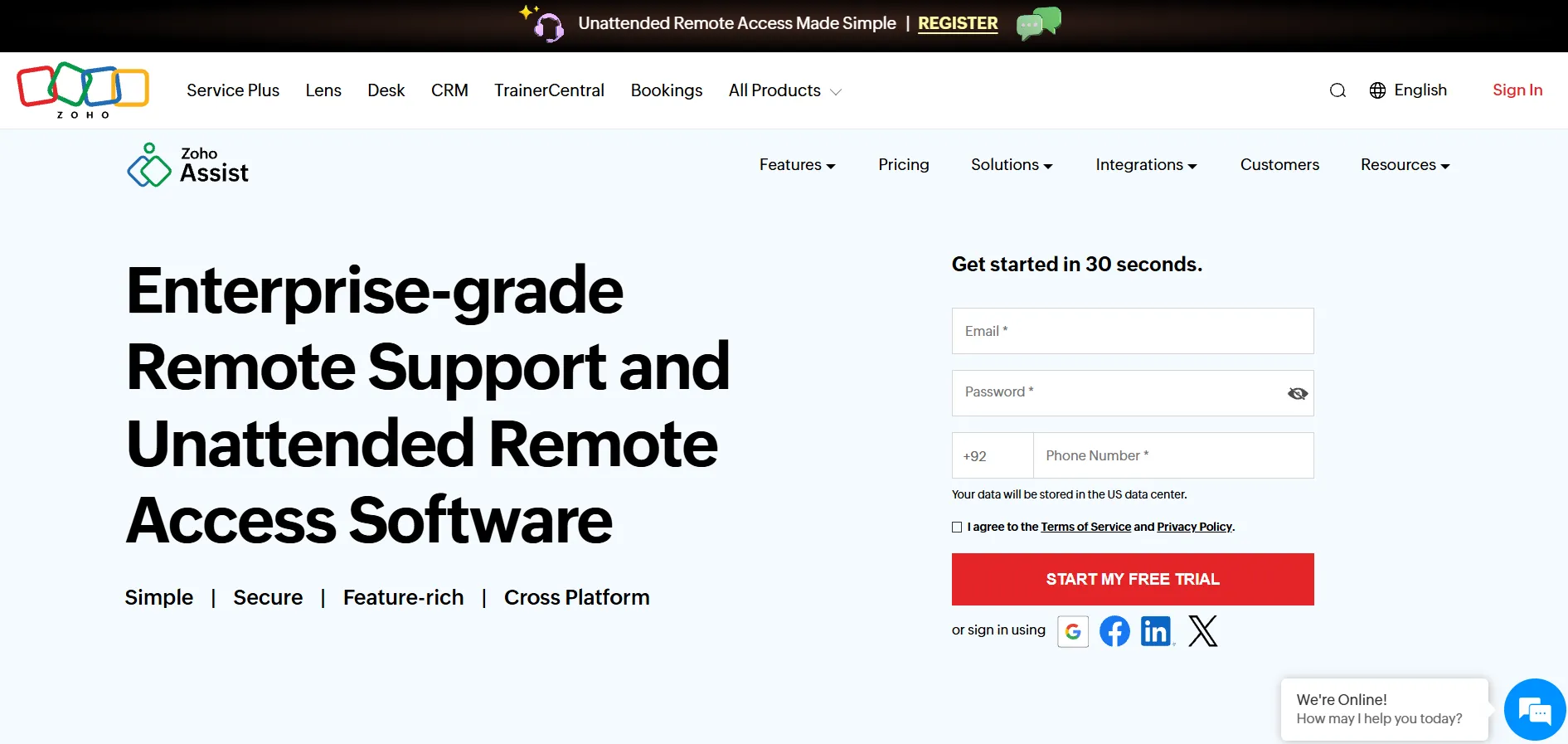
Zoho Assist offers both a forever-free plan for individuals and a 14-day free trial for its paid tiers. Official pricing on Zoho’s website starts at $10 per technician/month for the Standard plan, making it one of the most cost-effective options for small businesses needing structured remote support tools.
Official Pricing Plans:
- Free: Basic features for individuals
- Standard: $10/technician/month (billed annually)
- Professional: $15/technician/month
- Enterprise: $24/technician/month
Zoho Assist works well for support teams already using the Zoho ecosystem, since it integrates smoothly with Zoho Desk, Zoho CRM, and other Zoho apps, along with Freshdesk, Jira, and Zendesk. Its unattended access, file transfer up to 100GB, and firewall-friendly design make it a reliable pick for IT teams and MSPs of any size.
Pros
- Affordable, transparent pricing tiers
- Strong integration with Zoho ecosystem
- Free plan available for individuals
Cons
- Licensing between plans can be confusing
- Advanced features locked behind higher tiers
- Occasional connection lags reported
4. ISL Online
✔ 15-Day Free Trial
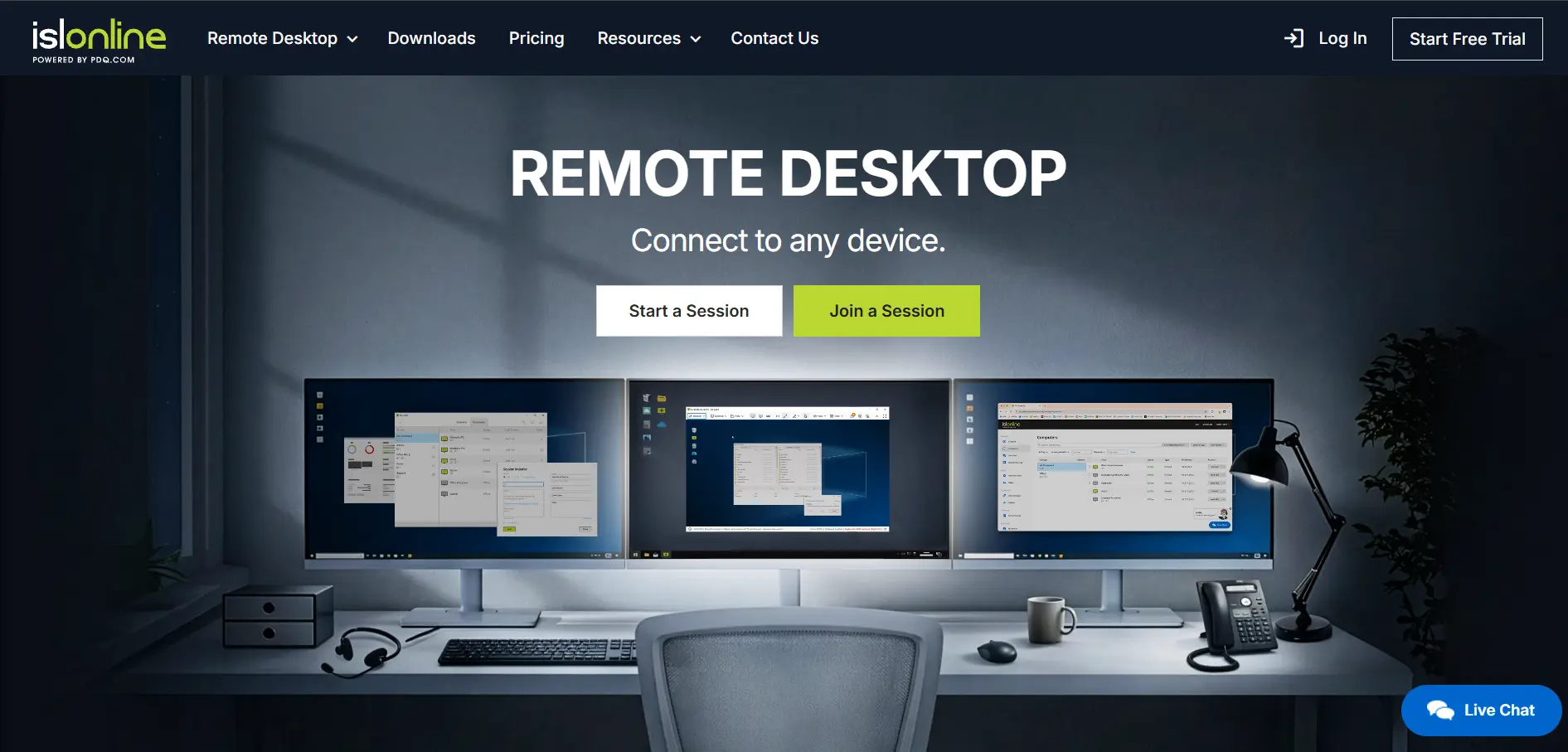
ISL Online provides a 15-day free trial with no credit card required, letting teams evaluate both its cloud and self-hosted deployment options. Official pricing starts at $34.90 per user/month for the Standard plan, with Premium and Enterprise tiers scaling up for larger organizations needing more concurrent sessions.
Official Pricing Plans:
- Standard: $34.90/user/month
- Self-Hosted: $44.90/user/month
- Premium: $54.90/user/month
- Enterprise: $99.90/user/month (or custom quote)
ISL Online is a strong choice for security-conscious organizations, offering 256-bit AES encryption, two-factor authentication, and both cloud and self-hosted deployment. Its session recording, live chat, and video call features make it especially useful for IT support teams that need detailed audit trails and compliance-ready remote sessions.
Pros
- Strong encryption and security compliance
- Flexible cloud or self-hosted deployment
- Session recording and detailed reporting
Cons
- Pricier than budget-friendly competitors
- No permanent free plan
- Extra concurrent connections add cost
5. HelpWire
✔ Completely Free (Early Access)
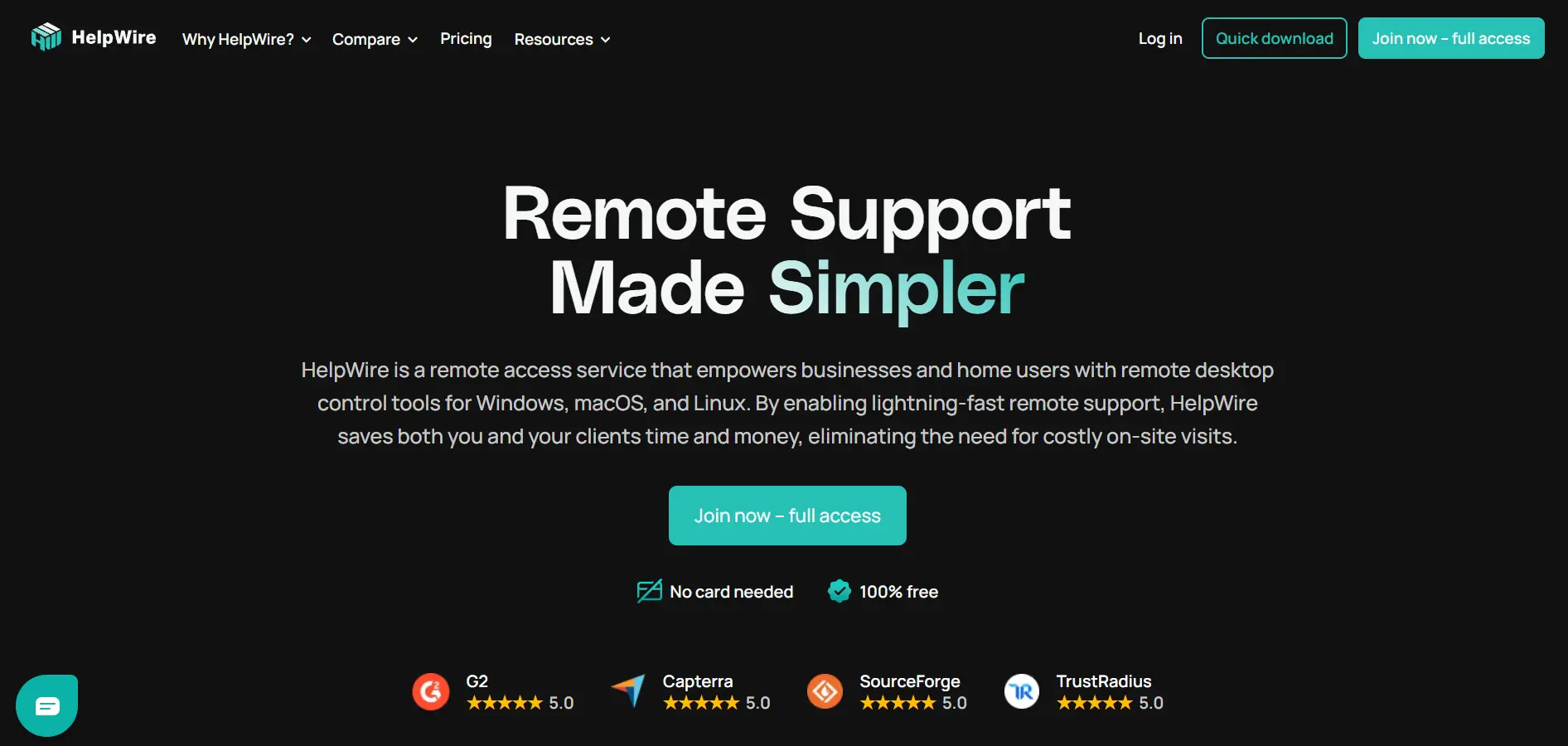
HelpWire is currently free for all users during its early access phase, with every feature fully unlocked at no cost. According to its official pricing page, paid plans are expected to roll out in Q3–Q4 2026, but current registered users will get advance notice before any billing changes take effect.
Official Pricing Plans:
- Early Access: $0/Forever (all features unlocked)
- Future paid tiers: Starter, Solo IT, Team, Business (pricing TBA)
- Custom: For 11+ operators or 1,000+ unattended devices
HelpWire is ideal for freelancers, technicians, and small remote-support businesses that want a no-frills, ad-free tool without worrying about budget. Sessions start through a simple link with no account required for the remote user, and connections rely on stable peer-to-peer technology with relay fallback for reliability.
Pros
- Completely free with no ads
- No login required for remote users
- Stable peer-to-peer connections
Cons
- Lacks advanced business integrations
- No mobile device support yet
- Future pricing model still unclear
6. UltraViewer
✔ Free Trial Available
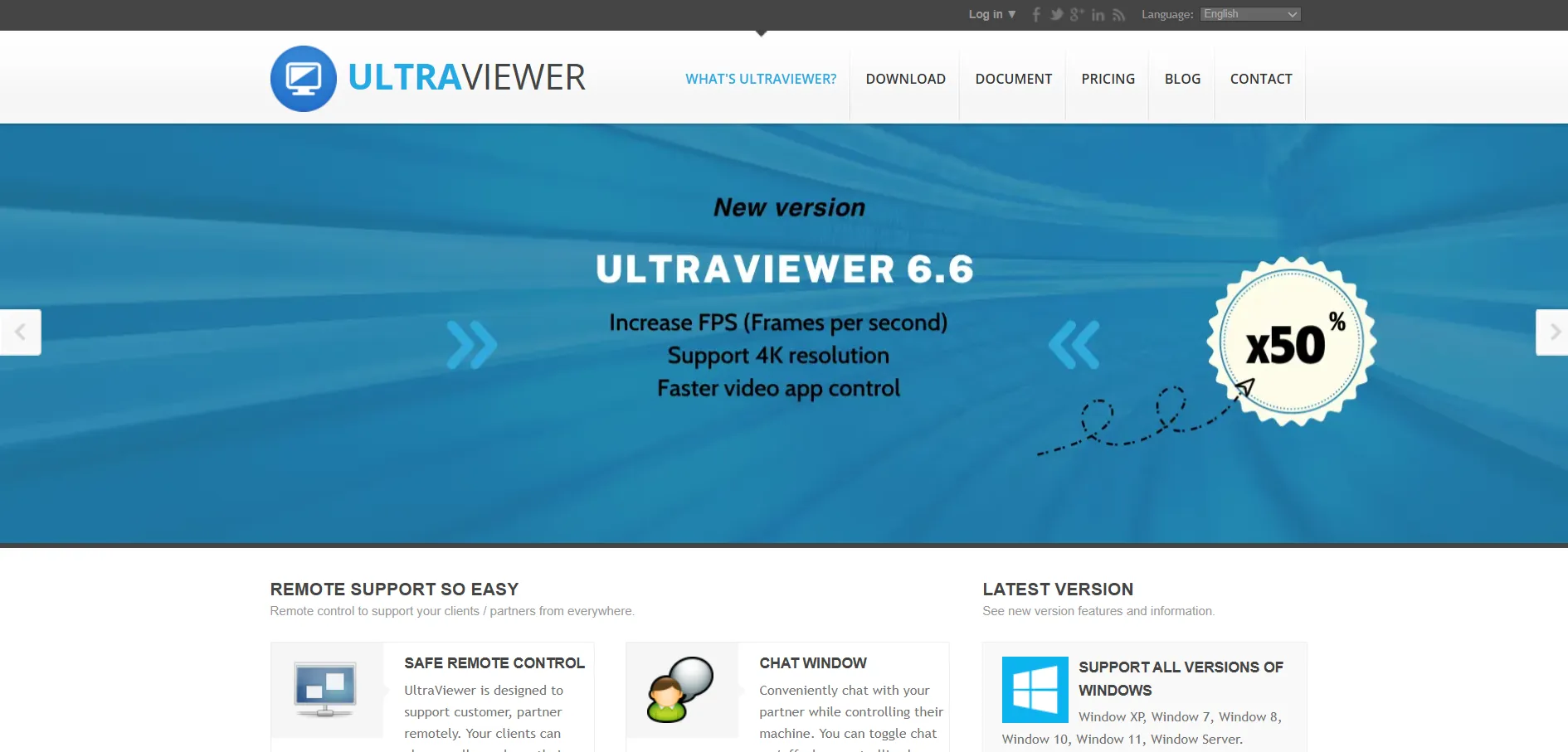
UltraViewer offers a free trial alongside its budget pricing, starting at around $4 per month according to its official listings, making it roughly 20% cheaper than the typical remote desktop tool. This positions it as one of the most affordable attended-support options for freelancers and small IT shops.
Official Pricing Plans:
- Free: Basic remote access for personal use
- Paid Plans: Starting from $4/month
- Custom/Business: Contact vendor for quote
UltraViewer focuses on fast, simple attended support for Windows PCs, where a user shares an ID and password and the technician connects instantly. It’s a practical, lower-cost alternative to TeamViewer or AnyDesk for freelancers and small support teams, though it lacks the deeper enterprise controls those platforms offer.
Pros
- Very affordable pricing
- Simple, fast attended-access setup
- Easy for non-technical clients to use
Cons
- Limited to Windows-focused workflows
- Lacks advanced enterprise features
- No robust mobile device management
7. Parsec
✔ Free Plan Available
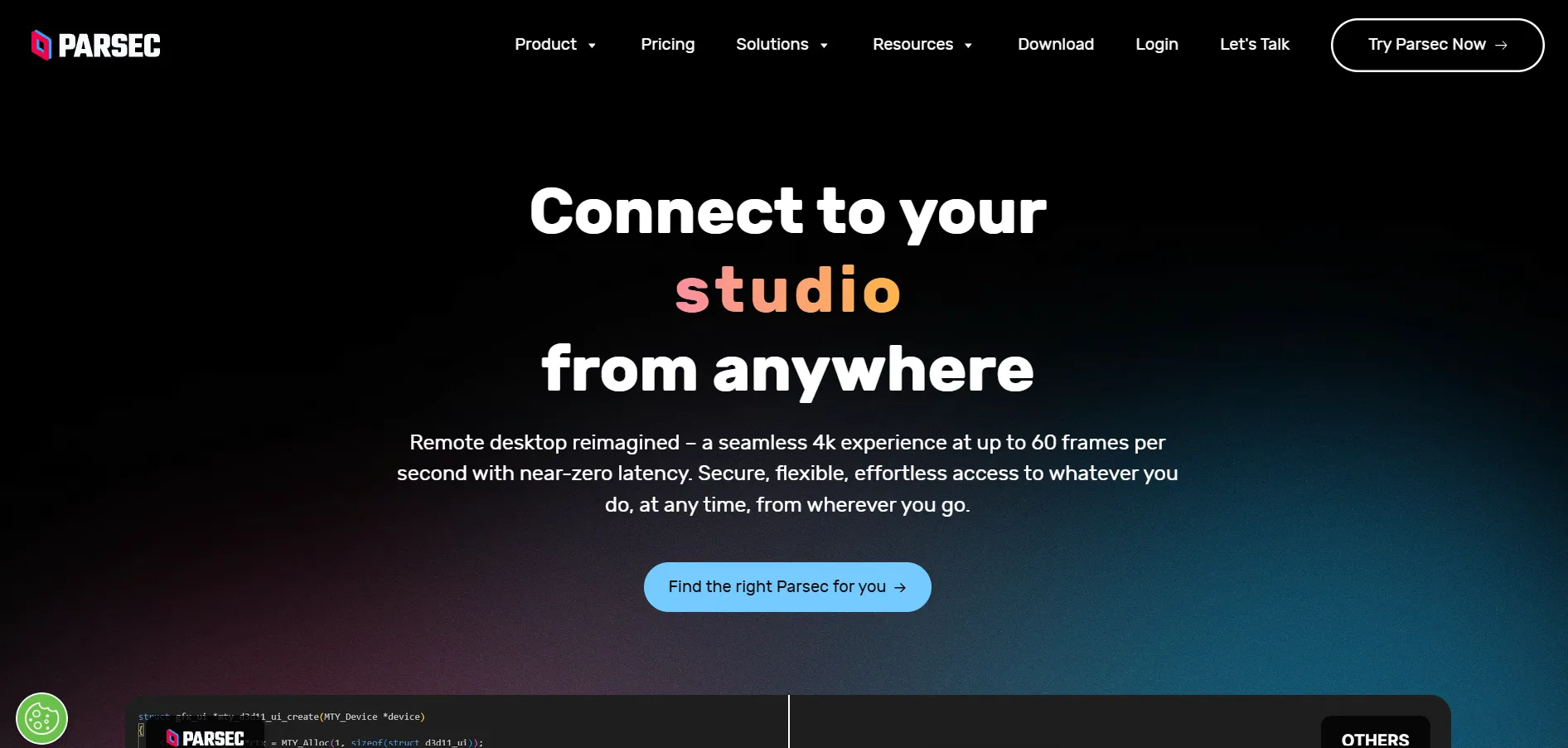
Parsec offers a free tier for personal use, along with paid team plans built for creative studios and gaming-focused remote access. While Parsec started as a low-latency remote desktop tool for gamers, it has expanded into a business tool used by animation and VFX studios needing high-performance streaming for remote workstations.
Official Pricing Plans:
- Free: Personal use, basic streaming
- Warp: Team plans priced per seat (contact site for current rates)
- Enterprise: Custom pricing for studios and larger teams
Parsec’s biggest strength is ultra-low-latency streaming, making it a favorite among game developers, animators, and creative professionals who need smooth, high-frame-rate remote access to powerful workstations. It’s not built specifically as a help-desk support tool, so it lacks some ticketing and diagnostic features found in dedicated remote support platforms.
Pros
- Extremely low latency streaming
- Great for creative and gaming workloads
- Free tier available for individuals
Cons
- Not designed for traditional IT help desks
- Limited diagnostic and ticketing tools
- Team pricing requires direct inquiry
8. GoToMyPC
Free Trial Offered
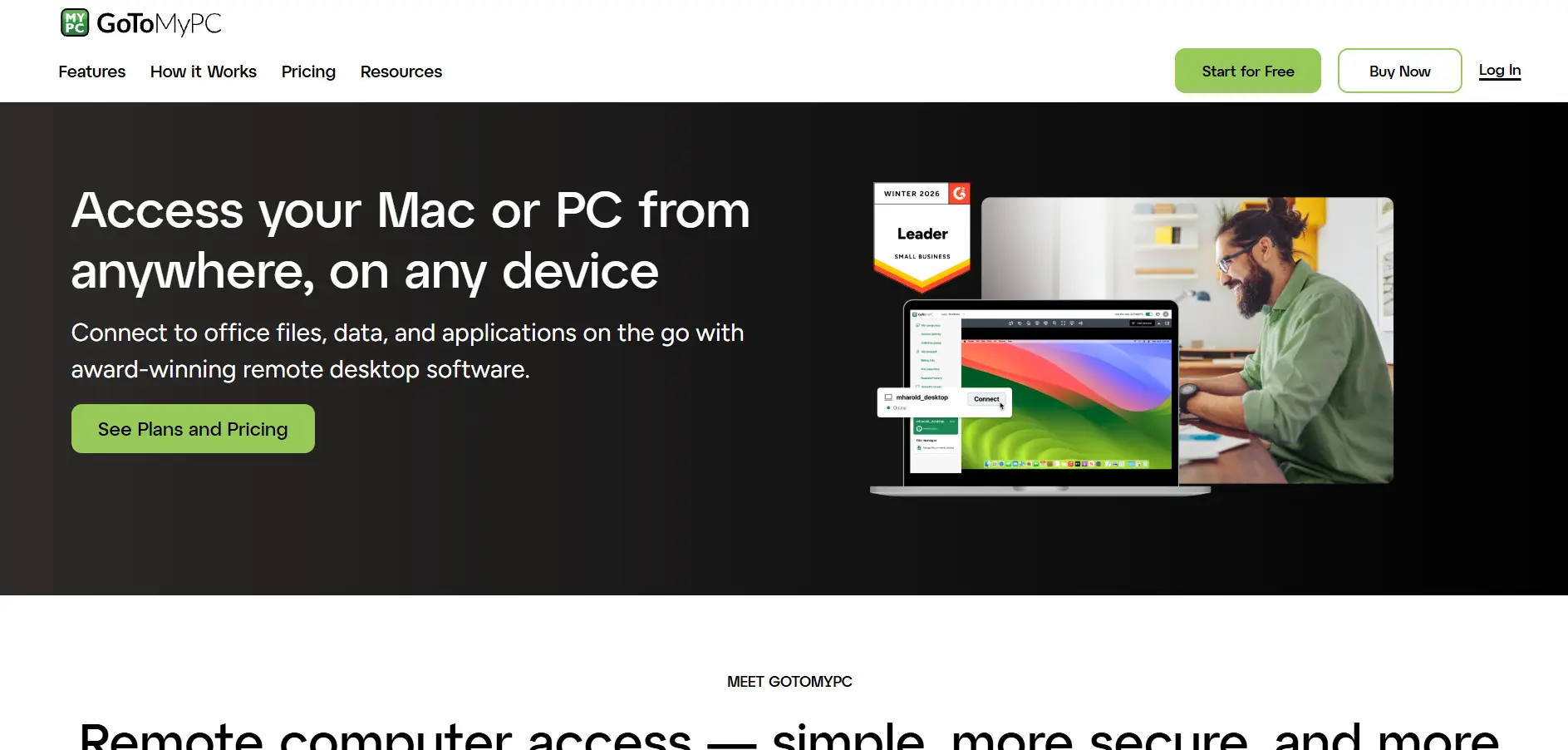
GoToMyPC, now under the GoTo brand (formerly LogMeIn), offers a free trial for new users. Official pricing places it at a starting rate of roughly $28 per computer per month on cloud plans, positioning it as a mid-to-premium option built primarily for individual remote access rather than large-scale support teams.
Official Pricing Plans:
- Personal: from ~$28/month per computer
- Pro: Higher tier with more devices, custom pricing
- Corporate: Custom quote for larger teams
GoToMyPC is designed mainly for individuals who want to securely access their own work computer from home or while traveling, rather than for technicians supporting external customers. It offers solid encryption and multi-monitor support, but its feature set is narrower than dedicated remote support platforms like Zoho Assist or LogMeIn Rescue.
Pros
- Simple setup for personal remote access
- Reliable performance and encryption
- Backed by the trusted GoTo brand
Cons
- Relatively expensive per device
- Not built for multi-technician support teams
- Fewer help desk-specific features
9. Chrome Remote Desktop
✔ 100% Free
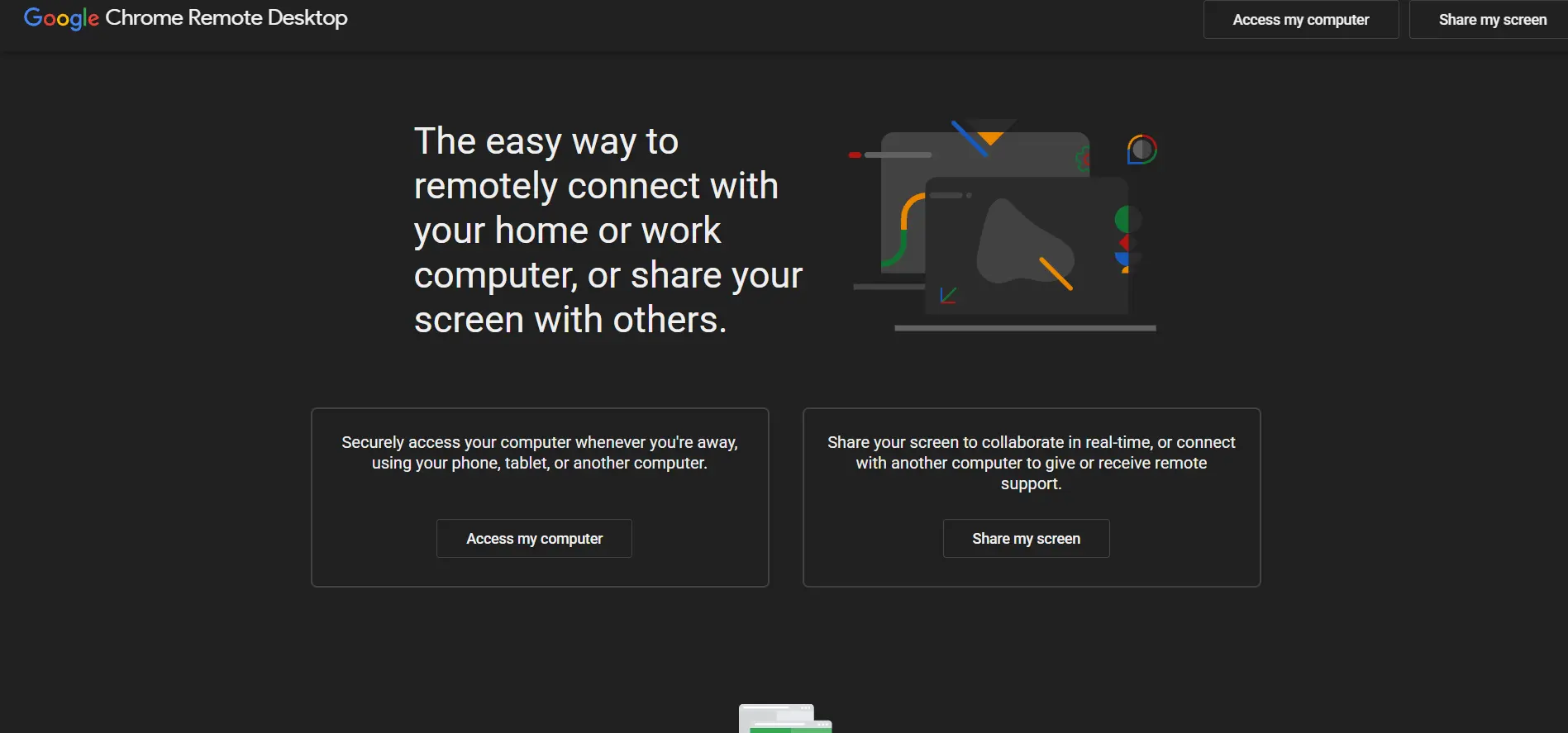
Chrome Remote Desktop is completely free, with no trial needed since there’s no paid tier at all. Built by Google and accessible through the Chrome browser or a dedicated app, it lets users remotely access computers or provide one-time support sessions using just a Google account and a generated access code.
Official Pricing Plans:
- Free: Full functionality, no paid plans exist
Chrome Remote Desktop is best suited for casual, one-off remote support sessions, like helping a family member fix a computer issue, rather than professional help desk operations. It lacks file transfer limits management, session recording, and advanced administrative controls, but its simplicity and zero cost make it a dependable backup option.
Pros
- Completely free, no hidden costs
- Extremely easy to set up
- Works directly through Chrome browser
Cons
- No advanced business features
- Lacks session recording or reporting
- Not ideal for large support teams
10. TeamViewer
✔ Free Trial & Free Personal Use
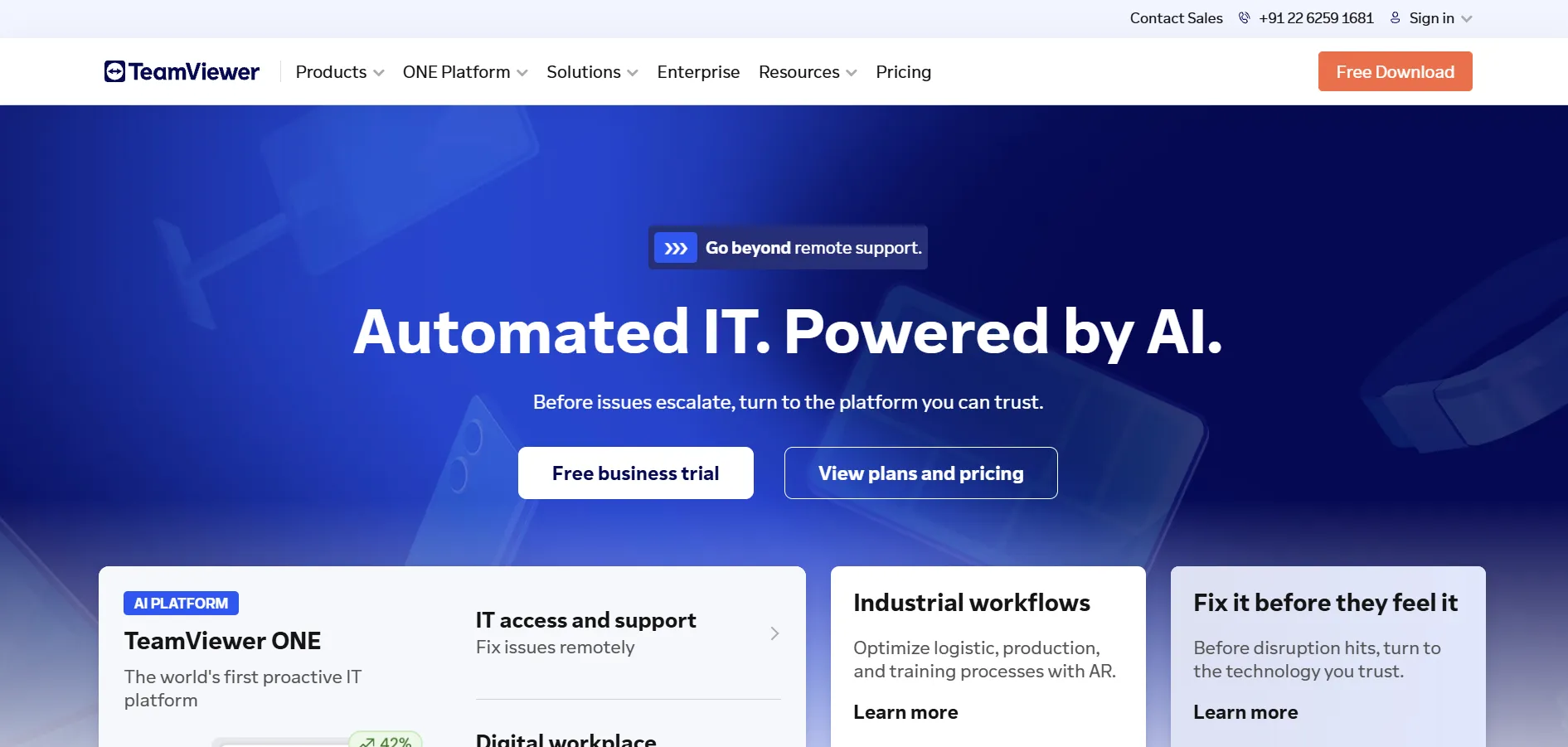
TeamViewer offers a free trial for its business plans, plus a free version for personal, non-commercial use. According to its official pricing page, TeamViewer Remote Access starts at $24.90/month, while the Business plan is $50.90/month, and higher tiers scale up for larger teams needing more managed devices.
Official Pricing Plans:
- Remote Access: $24.90/month
- Business: $50.90/month
- Premium: $112.90/month
- Corporate: $229.90/month
- Tensor: Custom enterprise pricing
TeamViewer remains one of the most recognized names in remote support, offering broad cross-platform coverage, strong security certifications, and deep integrations with Salesforce, Microsoft Teams, and ServiceNow. It’s a solid pick for enterprises and MSPs that need scalable device management, though its pricing can climb quickly for larger teams.
Pros
- Industry-leading brand recognition
- Extensive cross-platform support
- Strong security and compliance features
Cons
- Pricing increases significantly at higher tiers
- Can feel complex for small teams
- Enterprise tier requires custom quote
11. RemotePC
✔ Free Trial Available
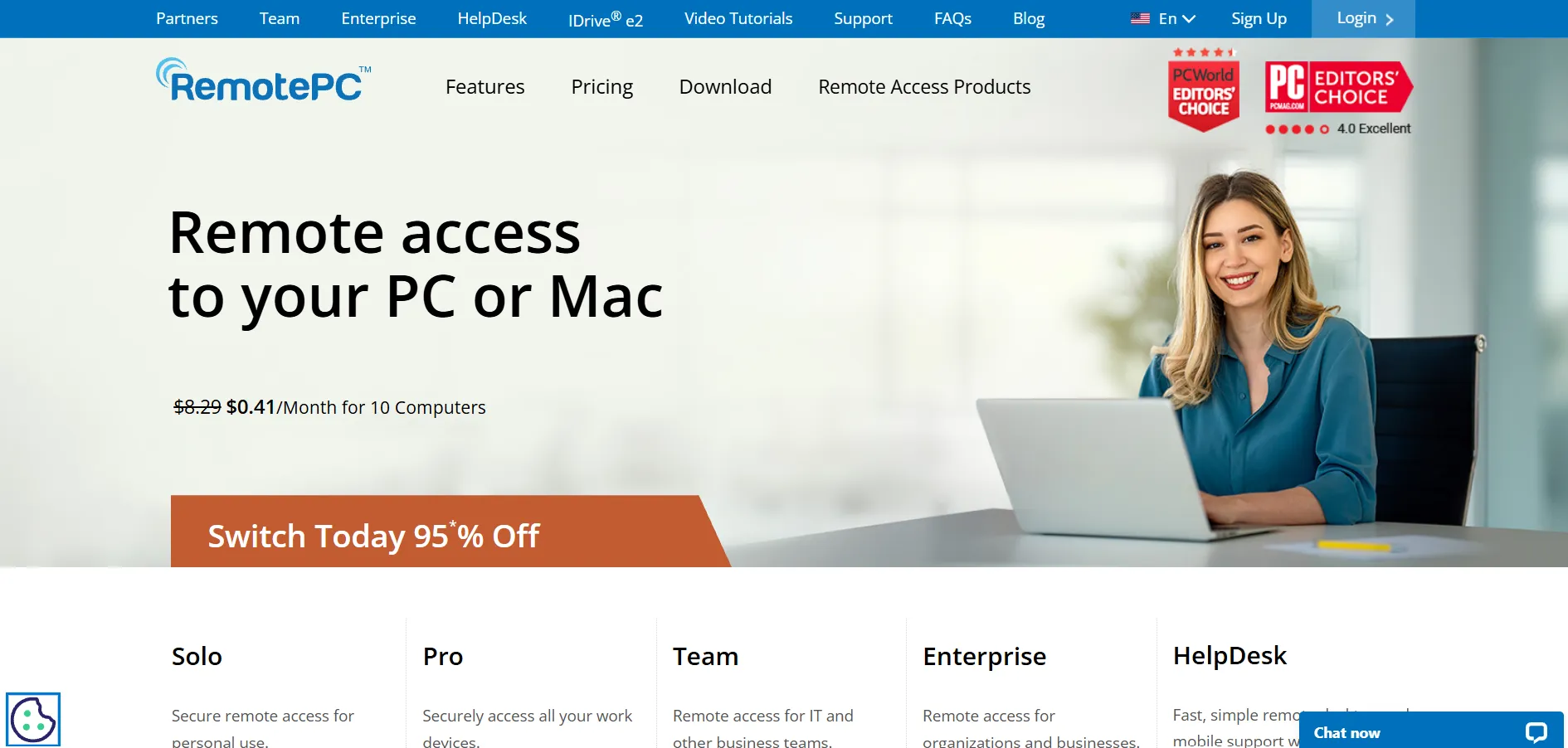
RemotePC offers a free trial and highly competitive official pricing, with the Consumer plan starting at just $29.50 per year for unlimited concurrent access to one computer. This makes it one of the most affordable options on this list for individuals and small home offices needing dependable remote access.
Official Pricing Plans:
- Consumer: $29.50/year (1 computer)
- SOHO: Higher tier for small offices, multiple computers
- Team/Enterprise: Custom pricing for larger organizations
RemotePC stands out for its low annual pricing structure compared to competitors that charge monthly, along with built-in video conferencing through RemotePC Meeting. It’s a great fit for small businesses and home users who want always-on remote access without paying premium enterprise rates for features they may never use.
Pros
- Very affordable annual pricing
- Always-on remote access included
- Built-in video conferencing tool
Cons
- Interface feels dated compared to rivals
- Fewer advanced enterprise integrations
- Support response times can vary
Comparison Table
| Alternative | Description |
|---|---|
| LogMeIn Rescue | Enterprise-grade remote support platform with strong diagnostics, reporting, and help desk integrations, best suited for large IT teams. |
| AnyViewer | Affordable, cross-platform remote access tool with a solid free plan, ideal for individuals and small teams. |
| Zoho Assist | Cost-effective remote support solution with deep Zoho ecosystem integration and a forever-free plan for individuals. |
| ISL Online | Security-focused remote access software offering flexible cloud or self-hosted deployment for compliance-heavy industries. |
| HelpWire | Completely free remote support tool (during early access) built for freelancers and small IT support businesses. |
| UltraViewer | Budget-friendly, simple attended remote access tool designed mainly for fast Windows-based support sessions. |
| Parsec | Low-latency remote streaming tool popular among gamers, animators, and creative studios needing high-performance access. |
| GoToMyPC | Personal remote access tool from the GoTo brand, focused on individuals accessing their own work computers remotely. |
| Chrome Remote Desktop | Google’s completely free browser-based remote access tool, great for casual and one-off support sessions. |
| TeamViewer | Widely recognized enterprise remote support platform with broad integrations and scalable device management plans. |
| RemotePC | Affordable annual-pricing remote access tool with always-on connectivity and built-in video conferencing. |
Conclusion
Choosing the right AirDroid Remote Support alternative ultimately depends on your specific priorities, whether that’s cost, security, cross-platform compatibility, or enterprise-grade features. Free tools like Chrome Remote Desktop and HelpWire work well for casual or budget-conscious users, while platforms like LogMeIn Rescue, TeamViewer, and ISL Online cater to larger IT departments that need advanced diagnostics, compliance, and reporting capabilities.
For small businesses and freelancers, Zoho Assist, AnyViewer, and RemotePC strike a strong balance between affordability and functionality. Whichever option you choose, take advantage of the free trials and free plans listed above to test real-world performance before committing to a paid subscription, ensuring the tool truly fits your remote support workflow in 2026.


