

sobrii Remote has carved out a niche by pairing remote control with full device context hardware health, compliance status, and inventory inside one console built for IT teams managing large Windows fleets. But not every organization needs that level of consolidation, and plenty of teams simply want a dependable, affordable remote desktop or remote support tool without an asset-management layer attached. This guide breaks down 13 of the strongest sobrii Remote Alternatives available in 2026. Each entry covers what the tool does best, its trial availability, current official pricing, and a balanced list of pros and cons so you can match the right platform to your team size, budget, and support workflow.
1. Pulseway
Pulseway offers a free trial (14 days, no credit card required in most configurations) so IT teams can test its remote monitoring and management capabilities before committing. Official pricing is largely quote-based, but published per-device rates start around $1.76–$1.85 per system/month on the Team plan, with broader RMM packages frequently quoted near $19–$22 per device depending on modules selected.
Pulseway is built primarily as a mobile-first RMM platform, letting technicians monitor servers, push patches, and remotely control endpoints straight from a phone app. It bundles remote desktop access alongside monitoring, automation, and third-party antivirus integrations, making it a strong fit for lean IT teams that want oversight without being tied to a desktop console at all times.
Pros
- Powerful mobile app for on-the-go management
- Combines monitoring, patching, and remote control
- Flexible per-device pricing model
Cons
- Remote control feature is less polished than dedicated tools
- Pricing transparency is limited without a sales call
- Steeper learning curve for smaller teams
2. LogMeIn Resolve
LogMeIn Resolve (formerly GoTo Resolve) provides a free tier for very small teams and a free trial on paid plans. Official pricing starts around $2.75 per device/month on the Starter tier, with the Standard business plan beginning near $190/month for 3 agents and up to 100 pro devices, scaling with additional agents and endpoints.
Resolve combines remote support, IT ticketing, and basic RMM functionality in a single cloud console. It’s aimed at helpdesk teams that want conversational-style support tools alongside device management, and it fits mid-sized organizations already using GoTo’s broader collaboration suite.
Pros
- Generous free tier for small teams
- Combines ticketing, RMM, and remote access
- Simple, modern interface
Cons
- Mobile and camera-share features cost extra
- Pricing structure changes frequently
- Advanced RMM depth trails dedicated RMM platforms
3. Distant Desktop
Distant Desktop is a lightweight remote access tool positioned for individuals and small teams who need straightforward screen sharing without heavy IT-platform overhead. It typically offers a free or low-cost entry tier alongside paid plans for unattended access and multi-device management, though pricing details are less standardized than larger competitors and are best confirmed directly on its official site before purchase.
The tool focuses on simplicity: quick session codes, cross-platform connections, and minimal setup friction. It appeals to freelancers, small businesses, and casual users who don’t need the compliance, audit-logging, or fleet-management depth that enterprise remote support suites provide.
Pros
- Very easy to set up and use
- Lightweight footprint on host machines
- Budget-friendly for individuals
Cons
- Limited enterprise-grade features
- Smaller community and support resources
- Not built for large-scale MSP deployments
4. ConnectWise ScreenConnect
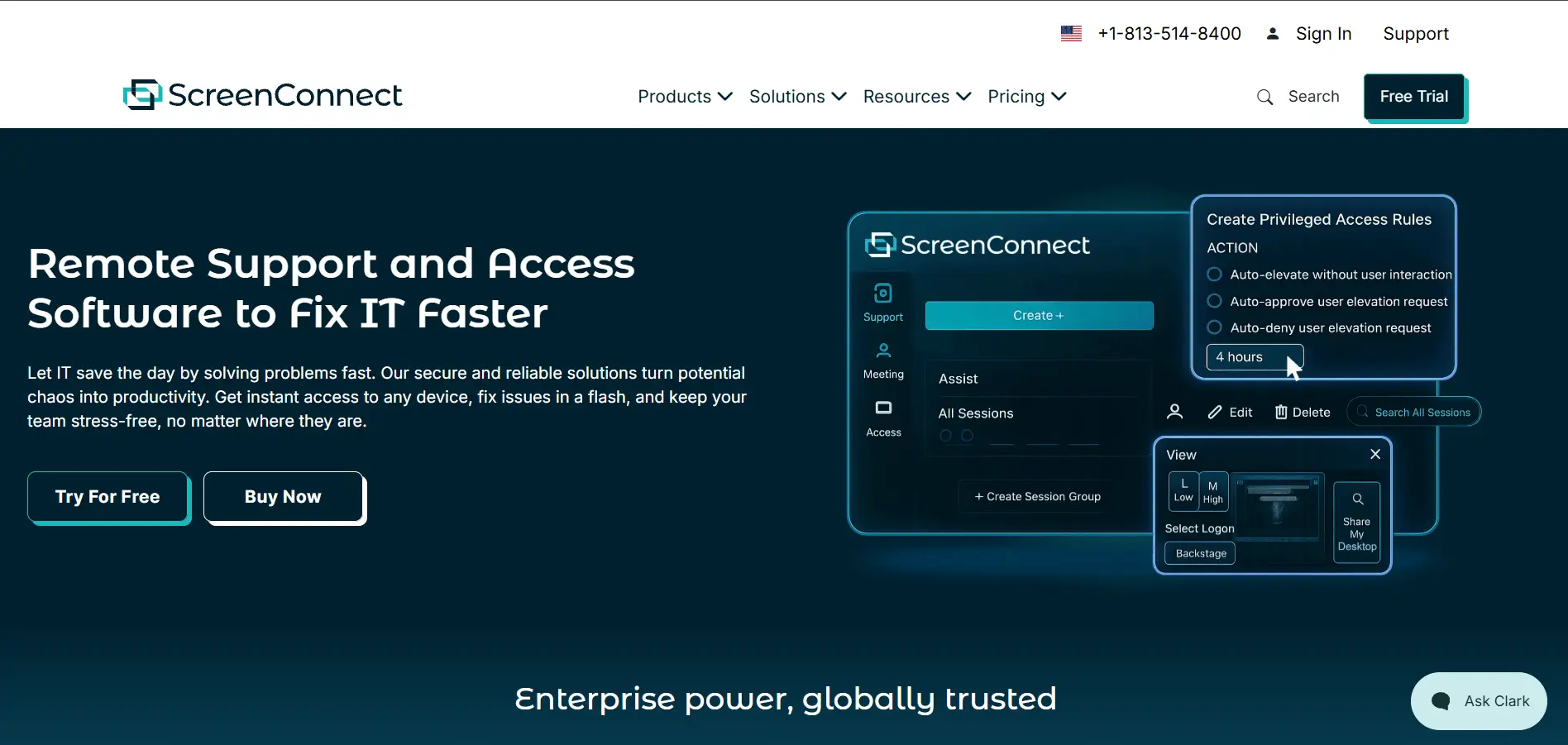
ConnectWise ScreenConnect offers a 14-day free trial. Official pricing runs on a per-concurrent-technician model: the One plan starts at $30/month (single technician), Standard is around $45/month per concurrent tech, and Premium reaches roughly $55/month per concurrent tech, all billed annually.
ScreenConnect remains the benchmark tool for MSPs thanks to its multi-tenant console, deep branding options, and self-hosted deployment choice. It supports unattended access, session recording, and broad third-party integrations, making it a natural fit for support teams that need granular control over how technicians connect to client machines.
Pros
- Highly customizable and brandable interface
- Self-hosted option for data sovereignty
- Strong multi-technician, multi-tenant support
Cons
- Per-concurrent-technician pricing gets costly at scale
- Past CVE history requires vigilant patching on self-hosted instances
- Interface feels dated compared to newer competitors
5. TeamViewer
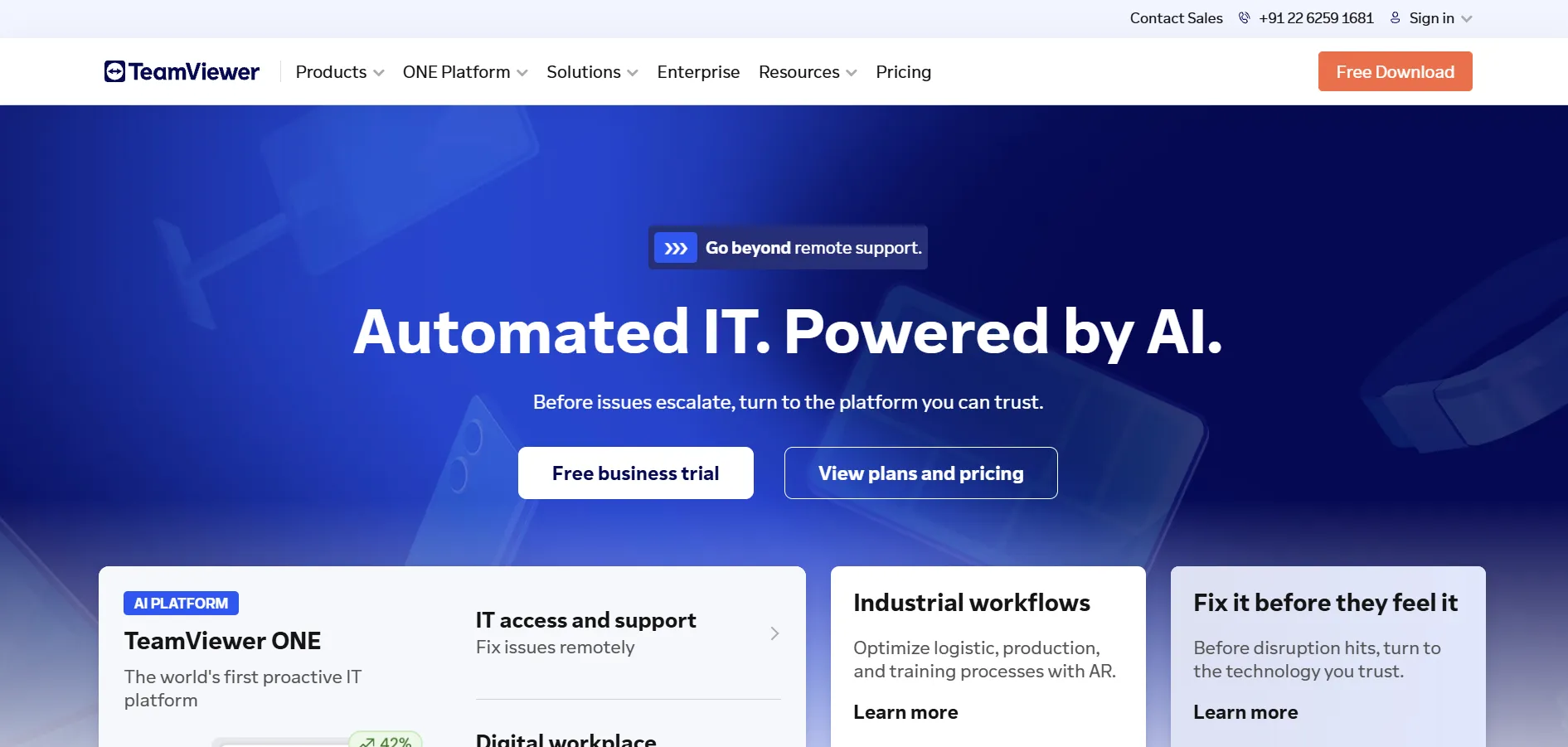
TeamViewer offers a free plan for strictly personal, non-commercial use, plus a trial period on paid tiers. Official pricing spans Remote Access at $24.90/month, Business at $50.90/month, Premium at $112.90/month, and Corporate at $229.90/month (all billed annually), with Tensor enterprise pricing available on request.
TeamViewer is one of the most widely recognized remote desktop brands, known for cross-platform reliability, augmented reality support tools, and deep enterprise integrations like ServiceNow and SAP. It suits organizations that value brand maturity and broad device compatibility over the lowest possible price point.
Pros
- Extremely wide platform and device compatibility
- Mature enterprise integrations (ServiceNow, SAP)
- Augmented reality remote assistance feature
Cons
- Among the most expensive options on this list
- Free tier aggressively flags commercial use
- Repeated price hikes have frustrated long-term users
6. Splashtop
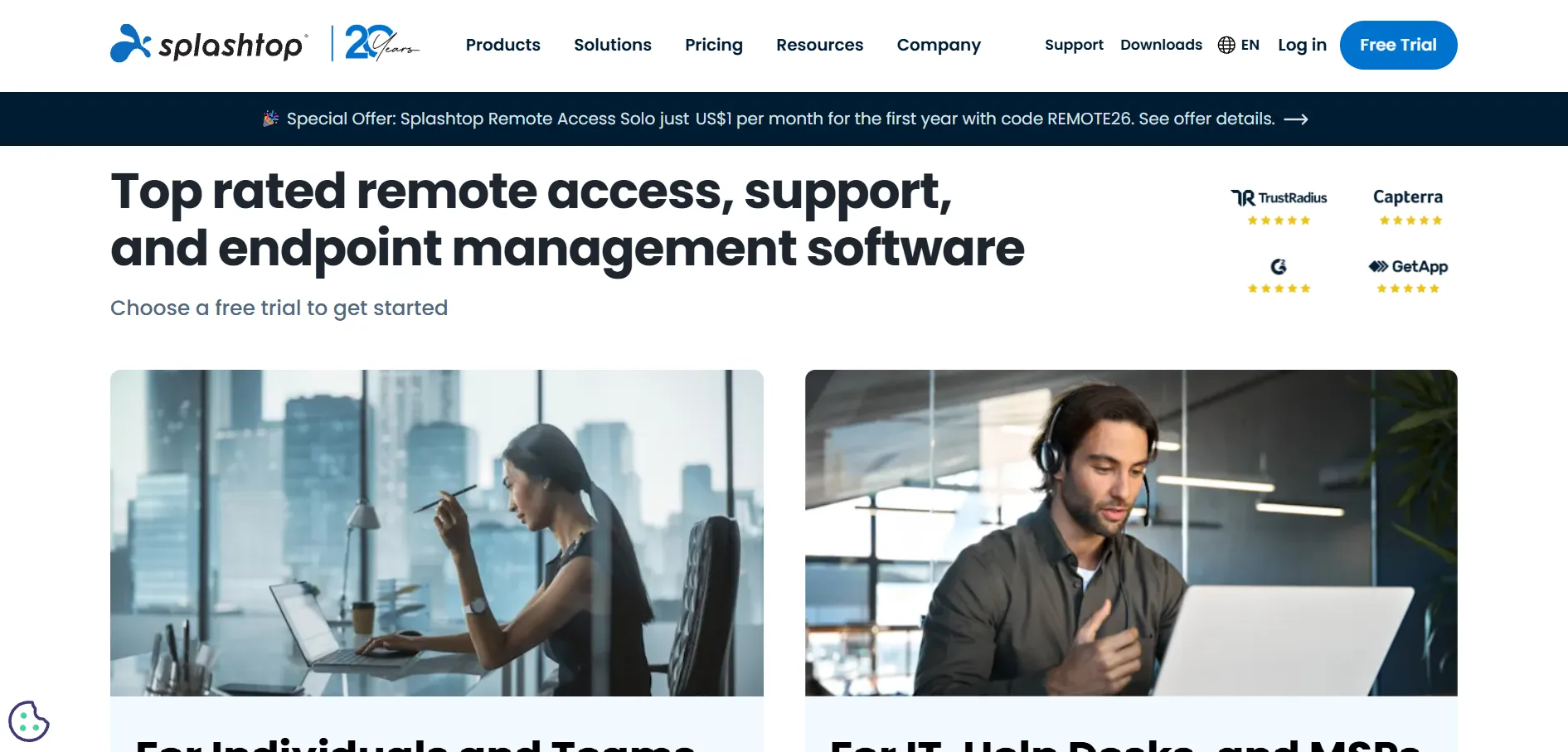
Splashtop provides a free trial across its business plans. Official pricing starts at Solo at $6/month ($72/year), Pro at $8.25/user/month ($99/year), Performance at $13/user/month, and Remote Support (SOS) plans from roughly $22–$40/technician/month, with Enterprise available on custom quote.
Splashtop is frequently cited as the top budget-friendly TeamViewer replacement, offering high frame-rate streaming, unattended access, and MSP-focused remote support tooling at a fraction of the cost of larger rivals. It powers remote access inside several RMM platforms, making it a trusted backbone technology as well as a standalone product.
Pros
- Significantly cheaper than TeamViewer and LogMeIn
- High-performance streaming, up to 4K/60fps on top tiers
- Widely trusted by MSPs (40,000+ reported users)
Cons
- Remote Access plans require annual prepayment
- Advanced features locked behind higher tiers
- No built-in ticketing or asset management
7. Chrome Remote Desktop
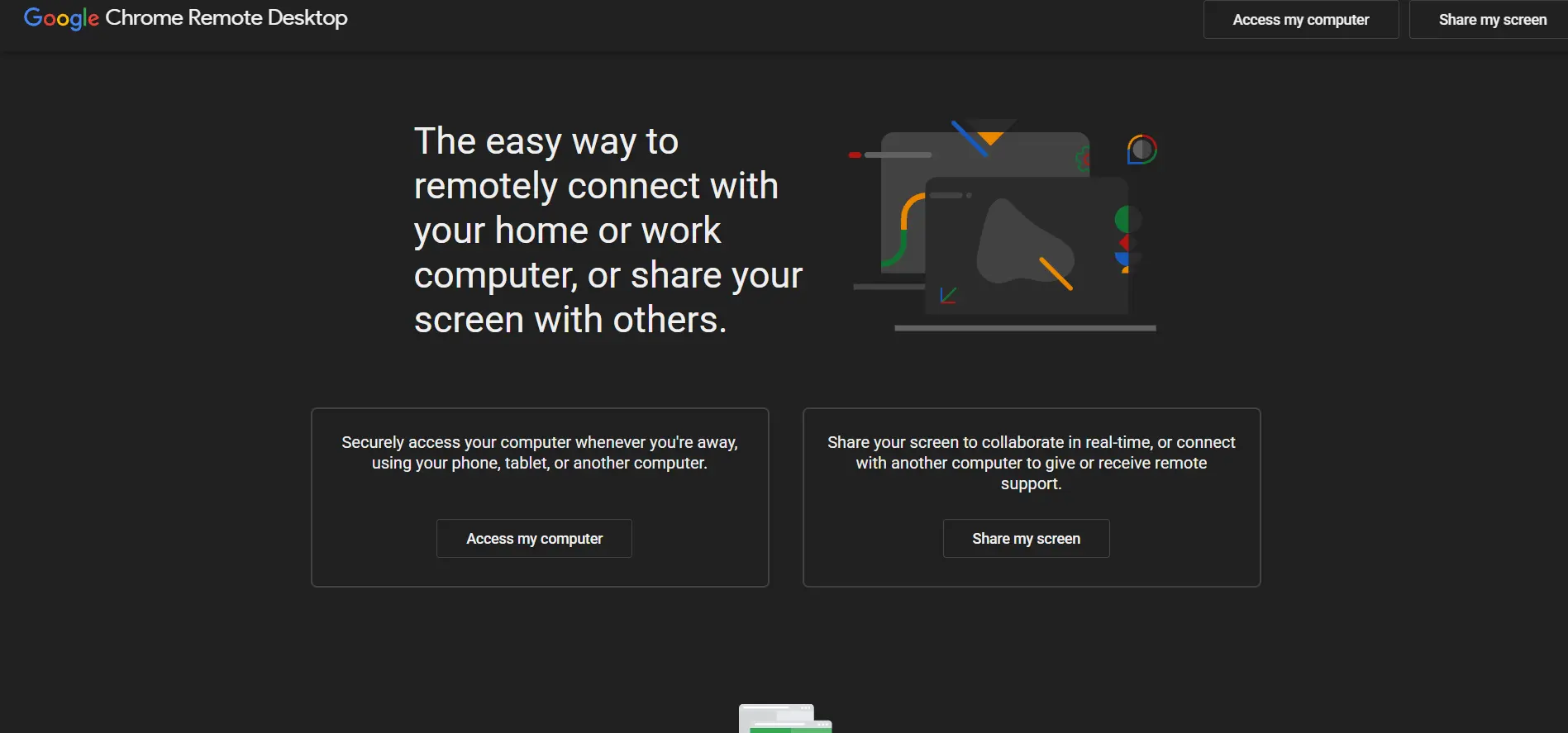
Chrome Remote Desktop is completely free with no trial needed since there’s no paid tier it’s a free Google browser extension and web app for both attended and unattended access. There is no pricing structure at all, making it accessible to anyone with a Google account and the Chrome browser installed.
Built directly into the Chrome ecosystem, this tool offers barebones but functional remote access: screen sharing, file transfer, and basic unattended connections. It’s ideal for personal use, family tech support, or very small teams that don’t need session recording, advanced security controls, or centralized device management.
Pros
- Completely free with no hidden costs
- Simple, browser-based setup
- Cross-platform (Windows, Mac, Linux, Chromebook)
Cons
- No session recording or audit logging
- Lacks centralized management for multiple technicians
- Not suitable for regulated or enterprise IT environments
8. NinjaOne
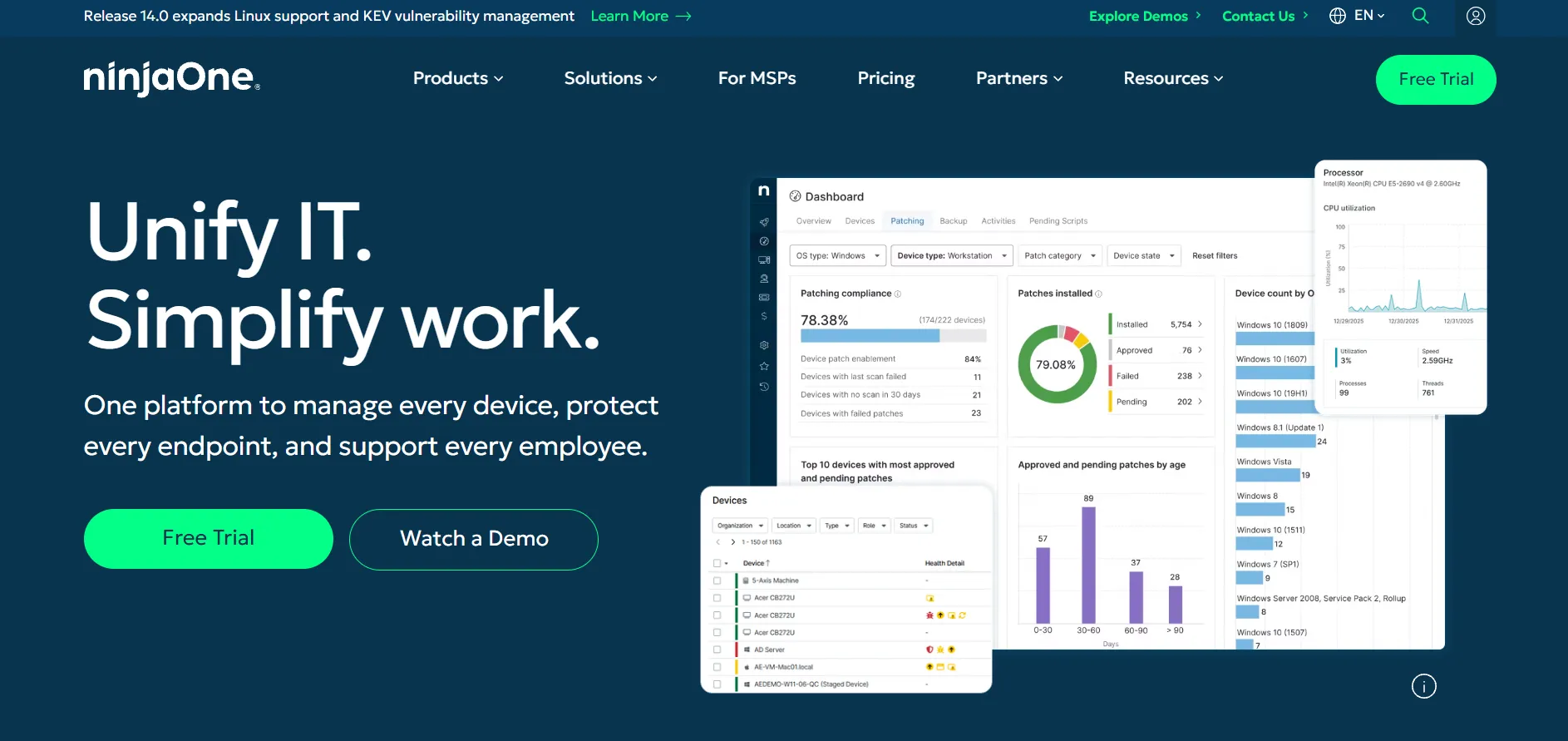
NinjaOne offers a free trial for prospective customers to evaluate its unified RMM platform. Pricing is quote-based per monitored endpoint per month, billed annually, with community estimates generally placing the base RMM SKU (including remote access via Splashtop or ScreenConnect integration) in the $2–$4 per device/month range depending on volume and add-on modules.
NinjaOne has ranked as the top-rated RMM platform on G2 for multiple consecutive quarters, combining monitoring, patching, scripting, and remote access into one modular SaaS product. It’s best suited for MSPs and IT teams that want to consolidate their entire endpoint management stack under a single vendor and contract.
Pros
- Consistently top-rated RMM platform on G2
- Single per-endpoint price with no per-technician fees
- Fast cloud-native deployment
Cons
- No published pricing requires a sales conversation
- Modules (backup, MDM, docs) are billed separately
- Remote access is delivered via third-party integration, not native
9. UltraViewer
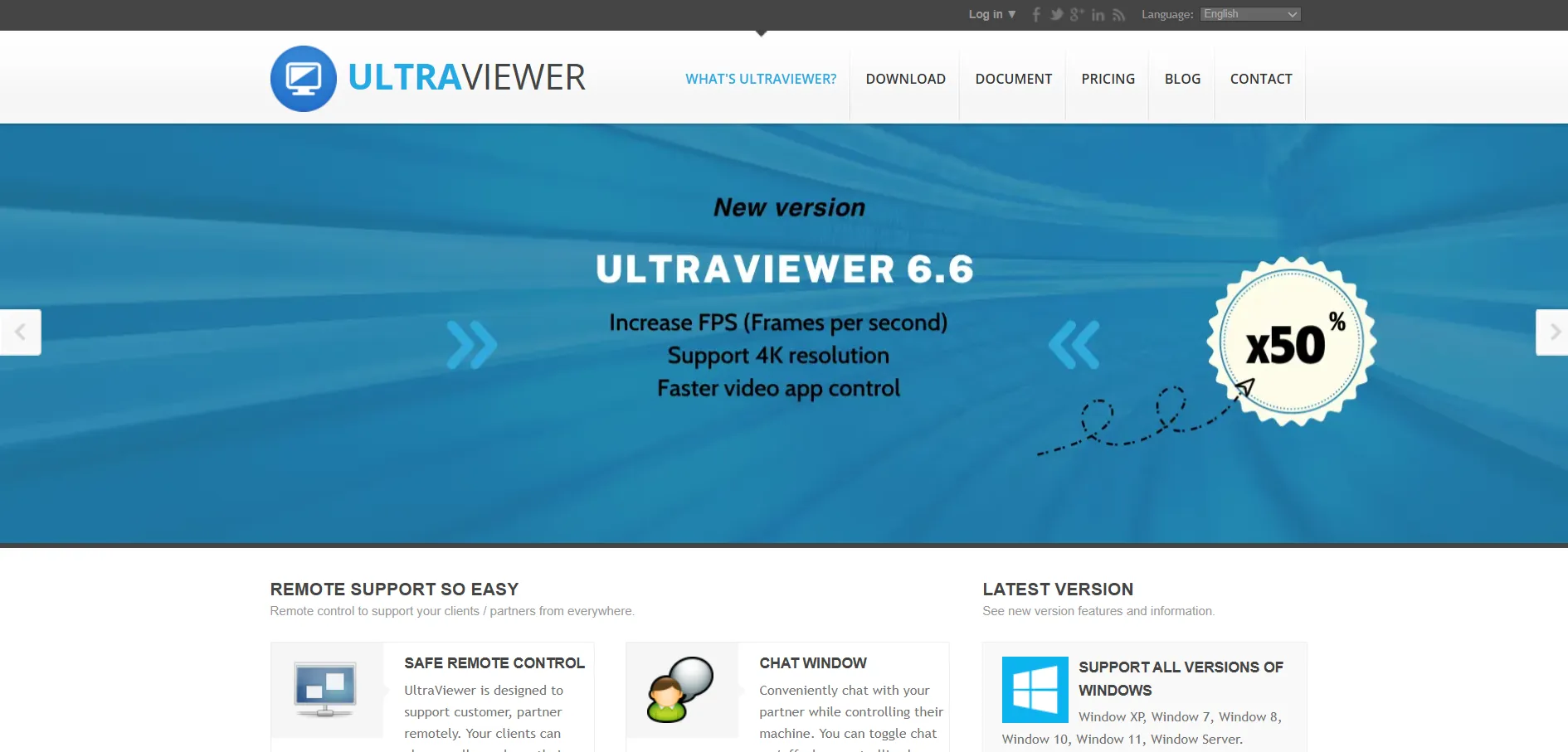
UltraViewer is free for both personal and commercial use, with no trial required since the core software carries no cost. There are no official paid tiers publicized on its site, making it one of the simplest, no-cost entries in the remote desktop category, though users should verify current terms directly on the vendor’s page before deploying it commercially.
Popular in regions where budget-conscious IT support is a priority, UltraViewer delivers essential remote control, file transfer, and chat features with minimal installation friction. It’s a practical choice for small businesses and individual technicians who need dependable ad-hoc support sessions without licensing overhead.
Pros
- Completely free to use
- Lightweight and fast to install
- Good performance on lower-bandwidth connections
Cons
- Lacks enterprise security certifications
- No official mobile management console
- Limited documentation and support compared to paid tools
10. Apache Guacamole
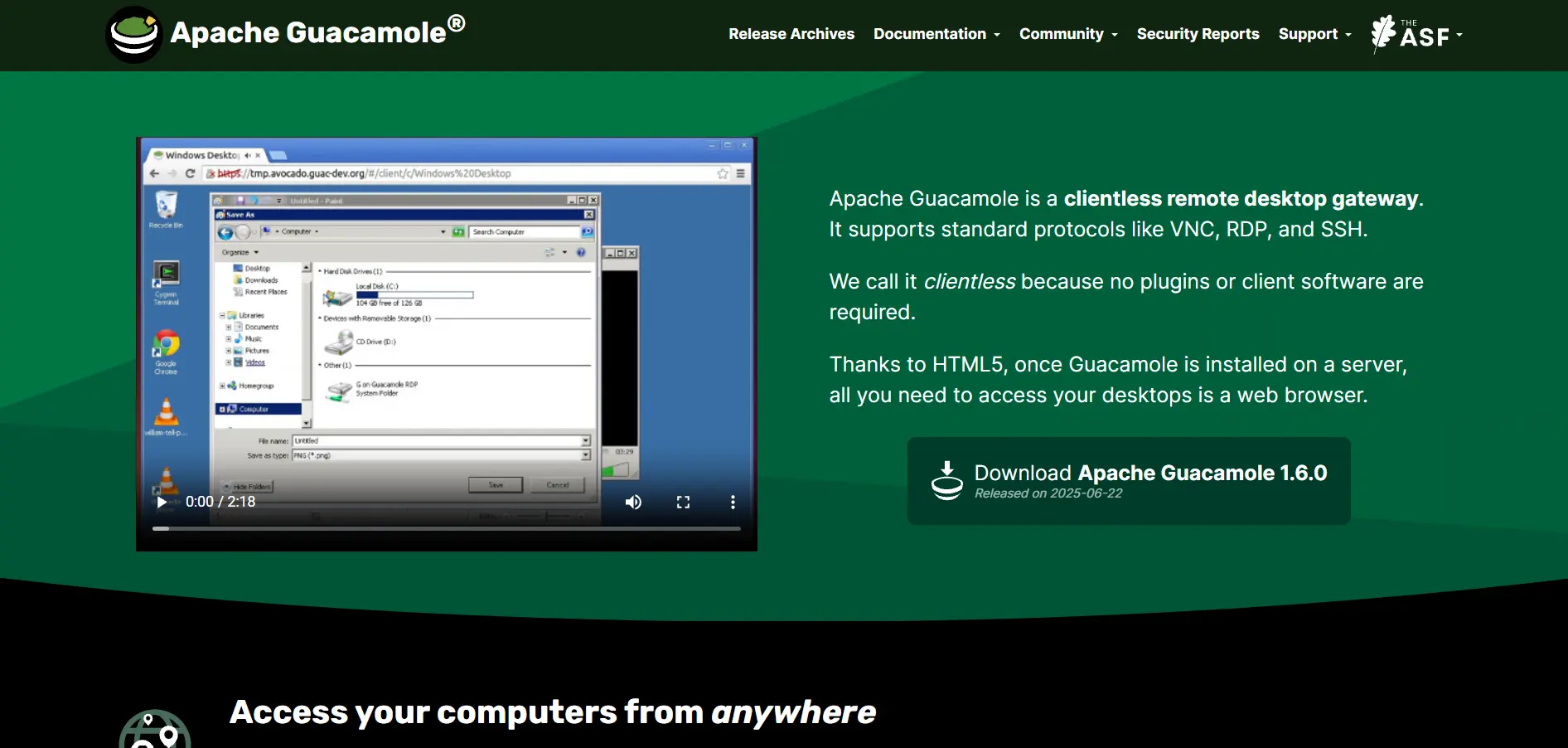
Apache Guacamole is a free, open-source clientless remote desktop gateway released under the Apache License 2.0 there’s no trial because there’s no cost at all. Since it’s self-hosted, the only expenses are your own server infrastructure and setup time, with no vendor subscription fees of any kind.
Guacamole lets users connect to remote desktops via RDP, VNC, and SSH straight through an HTML5 browser, with no client software required on the connecting device. It ships with full role-based access control, LDAP/Active Directory integration, MFA, and session recording making it a robust choice for organizations willing to manage their own deployment.
Pros
- Completely free and open-source
- No client software needed works in any browser
- Enterprise-grade security features included at no cost
Cons
- Requires technical expertise to deploy and maintain
- No official vendor support community-driven only
- Docker/database setup adds deployment complexity
11. ISL Online
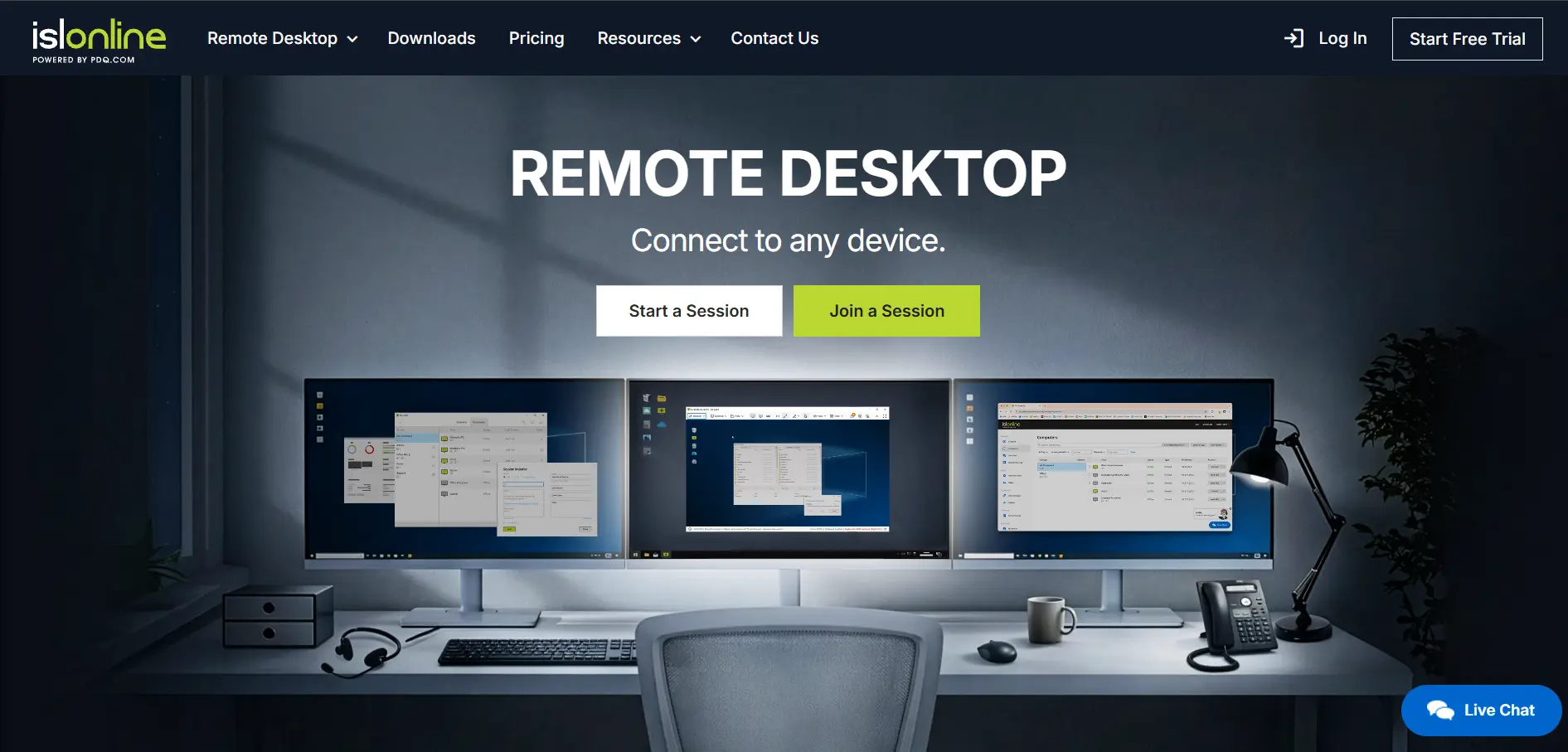
ISL Online offers a free trial with no credit card required. Official pricing starts at the Starter plan for $16.90/month, with Standard at $34.90/month, Premium near $54.90/month, and a Self-Hosted license around $44.90/month; Enterprise pricing is available on custom quote.
ISL Online stands out for its flexible deployment options cloud, self-hosted, or managed private cloud appealing to organizations with strict compliance or data-residency requirements. It includes AES 256-bit encryption, ISO/IEC 27001 certification, and integrations with major ITSM and RMM platforms like ServiceNow and Microsoft Intune.
Pros
- Flexible cloud, self-hosted, and private-cloud deployment
- Strong compliance credentials (ISO 27001, AES 256-bit)
- Competitive pricing versus TeamViewer and LogMeIn
Cons
- Smaller brand recognition than major competitors
- Self-hosted setup requires more technical effort
- Fewer third-party integrations than larger platforms
12. Microsoft Remote Desktop
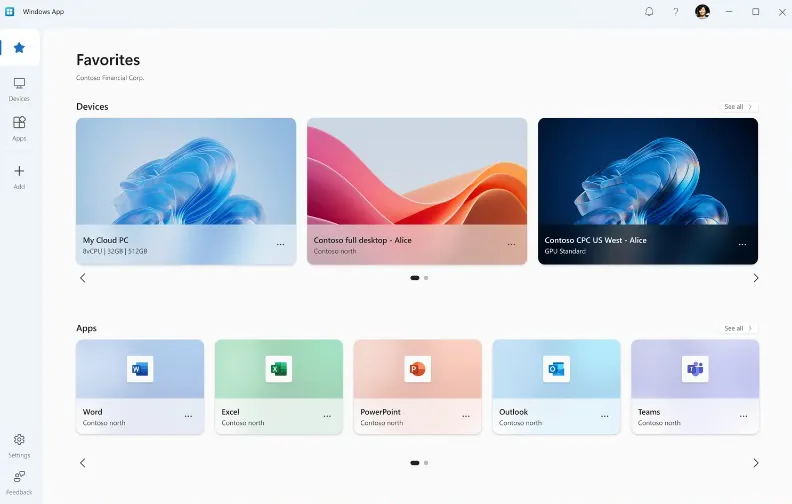
Microsoft Remote Desktop (RDP) is free and built directly into Windows Pro, Enterprise, and Server editions there’s no trial needed since the client and protocol are included at no extra cost. Azure Virtual Desktop, Microsoft’s cloud extension of RDP, uses separate consumption-based pricing available directly through the Azure portal.
RDP is the native Windows remote connection protocol, ideal for connecting to another Windows machine, server, or virtual desktop within the same network or over a properly configured VPN. It’s a dependable, no-installation option for IT admins already working within a Windows-centric infrastructure and Active Directory environment.
Pros
- Free and pre-installed on Windows Pro/Enterprise
- Deep integration with Active Directory and Windows Server
- Reliable performance on local networks
Cons
- Requires VPN or port-forwarding for internet-based access
- Not available on Windows Home editions as a host
- No built-in session recording or multi-tenant support console
13. AirDroid Remote Support
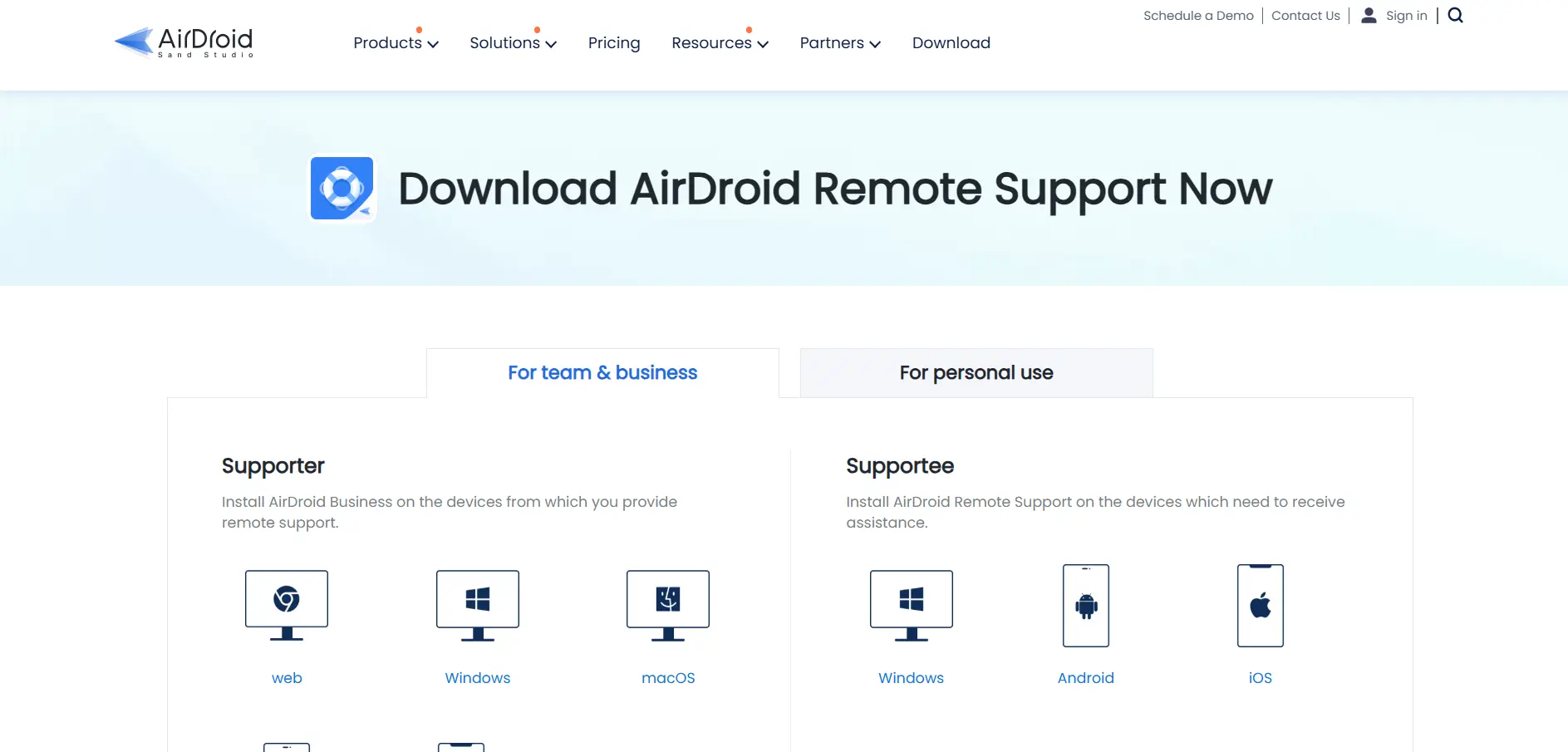
AirDroid Remote Support (which powers AirDroid Remote Support) offers a 14-day free trial with full feature access. Official pricing starts at the Basic plan around $1.00/device/month, with the Ultimate tier near $1.75/device/month; Enterprise pricing with advanced policy controls is available on request.
AirDroid specializes in remote support and device management for Android and Windows fleets, making it a strong pick for businesses managing kiosks, POS systems, or rugged mobile devices at scale. It includes remote camera access, file transfer, geofencing, and bulk configuration, tailored more toward device-fleet support than general desktop remote access.
Pros
- Very low per-device pricing at scale
- Strong Android device management (kiosk, geofencing)
- 14-day full-feature free trial
Cons
- Minimum device-count licensing makes small teams less economical
- Advanced features (Kiosk, Geofencing) require paid add-ons
- Less focused on traditional desktop remote support
| Alternative | Description |
|---|---|
| Pulseway | Mobile-first RMM platform combining monitoring, patching, and remote control for lean IT teams. |
| LogMeIn Resolve | Cloud helpdesk suite blending remote support, ticketing, and basic RMM for mid-sized teams. |
| Distant Desktop | Lightweight, low-cost remote access tool built for individuals and small teams. |
| ConnectWise ScreenConnect | Highly customizable MSP remote support platform with self-hosted deployment option. |
| TeamViewer | Widely recognized cross-platform remote desktop tool with deep enterprise integrations. |
| Splashtop | Affordable, high-performance remote access and support platform trusted by MSPs. |
| Chrome Remote Desktop | Free browser-based remote access tool for personal and casual small-team use. |
| NinjaOne | Top-rated unified RMM platform combining monitoring, patching, and remote access. |
| UltraViewer | Free, lightweight remote control tool ideal for budget-conscious individual technicians. |
| Apache Guacamole | Free, open-source, self-hosted clientless remote desktop gateway via HTML5 browser. |
| ISL Online | Flexible cloud/self-hosted remote support platform with strong compliance credentials. |
| Microsoft Remote Desktop | Free native Windows RDP protocol for connecting within trusted networks. |
| AirDroid Remote Support | Device-fleet focused remote support platform specializing in Android and Windows management. |
Conclusion
Choosing the right sobrii Remote alternative ultimately comes down to scale, budget, and how much of your IT stack you want consolidated into one tool. Solo technicians and small businesses will find excellent value in free or low-cost options like Chrome Remote Desktop, UltraViewer, or Microsoft Remote Desktop, while growing teams may prefer the balance of price and performance offered by Splashtop or ISL Online.
MSPs and larger IT departments managing hundreds or thousands of endpoints will likely lean toward ConnectWise ScreenConnect, NinjaOne, or Pulseway for their broader RMM capabilities, while organizations with strict compliance needs may favor Apache Guacamole’s self-hosted control or ISL Online’s flexible deployment models. Whichever tool you choose, matching it to your team’s actual session volume, device count, and security requirements will save both money and administrative headaches down the line.


