

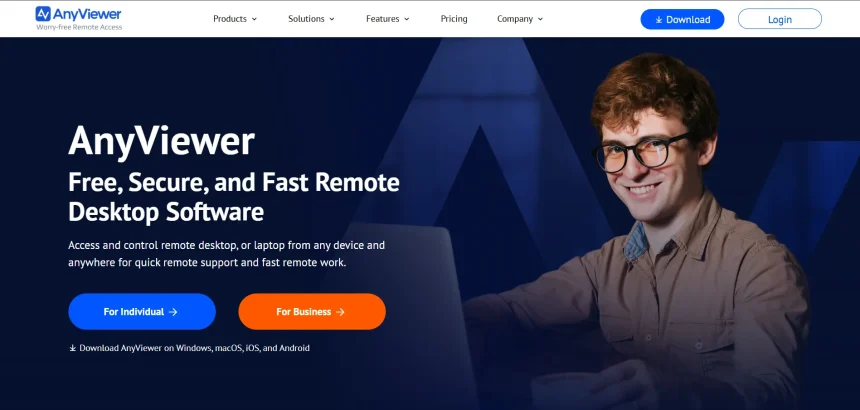
AnyViewer has earned a solid reputation as a free, easy-to-use remote desktop tool, but it isn’t the right fit for every user or business. Some people need deeper IT management features, others want better cross-platform support, and many are simply looking for more competitive pricing or advanced security controls that AnyViewer doesn’t fully offer. In this article, we’ve rounded up 10 AnyViewer alternatives Available in 2026, covering their trials, pricing, and the pros and cons that matter most before you commit.
Whether you’re an IT professional managing dozens of endpoints, a small business owner supporting remote employees, or a gamer wanting low-latency access to your own PC, there’s a remote access tool built for your exact use case.
1. LogMeIn
Free Trial Available
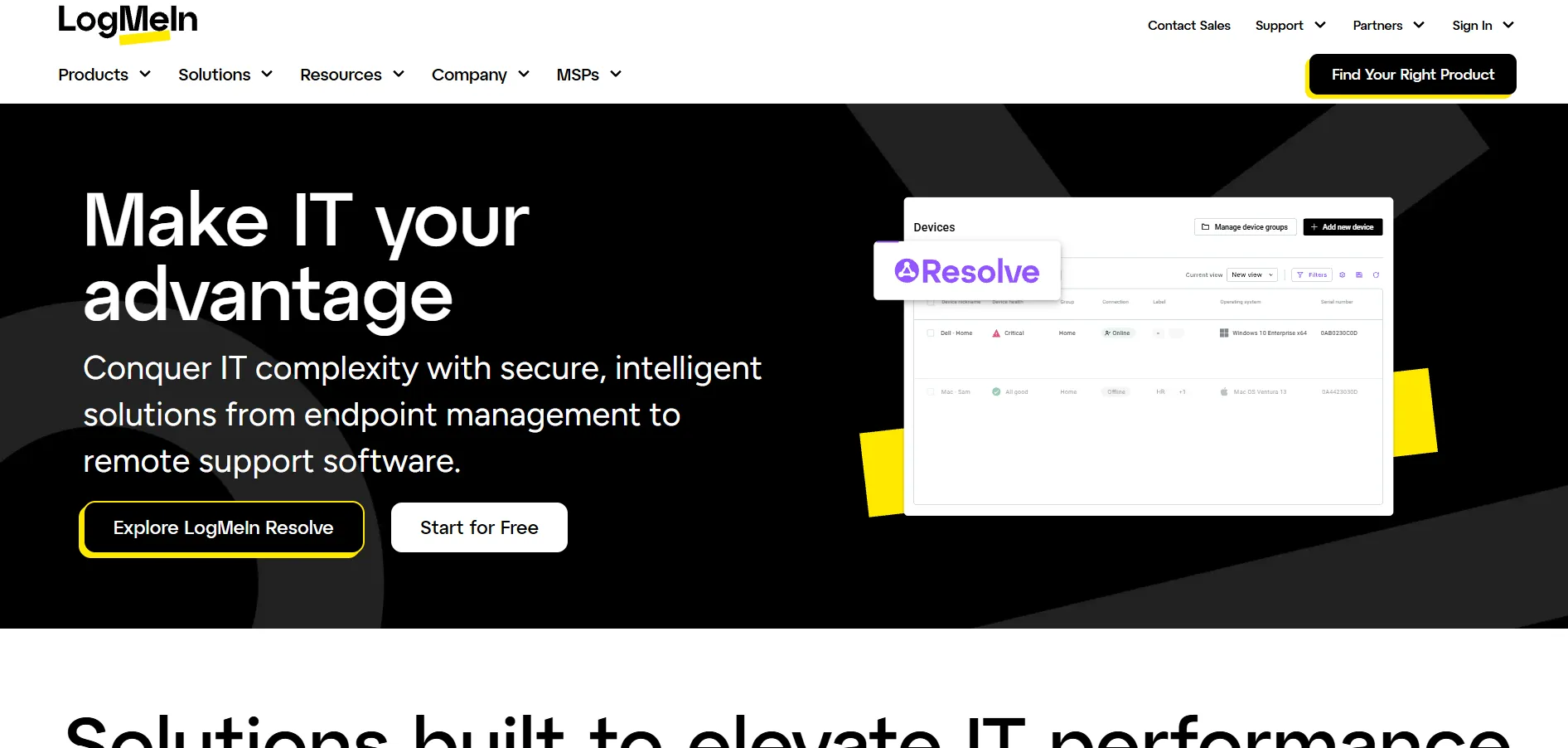
LogMeIn Pro is one of the most established names in remote access, known for its reliability and bundled extras like LastPass Premium and cloud storage. It offers a free trial so new users can test its multi-monitor support, remote printing, and file transfer tools before subscribing. Pricing starts at the Individuals tier and scales up for teams needing more managed computers.
Pricing Plans:
- Individuals – $30/month (2 computers, LastPass Premium, 1TB storage)
- Power Users – $70/month (5 computers, priority support)
- Small Business – $129/month (10 computers, admin dashboard)
Despite the premium price tag, LogMeIn Pro remains popular with professionals who need dependable daily access rather than occasional support sessions. It works well across Windows, Mac, iOS, and Android, and its interface is intuitive even for non-technical users. However, frequent price hikes at renewal have made many long-time users search for cheaper alternatives.
Pros
- Bundled LastPass Premium and 1TB storage
- Reliable performance across devices
- Strong security with multi-factor authentication
Cons
- Expensive compared to competitors
- Annual billing with rising renewal costs
- No permanent free version
2. ConnectWise ScreenConnect
Free Trial Available
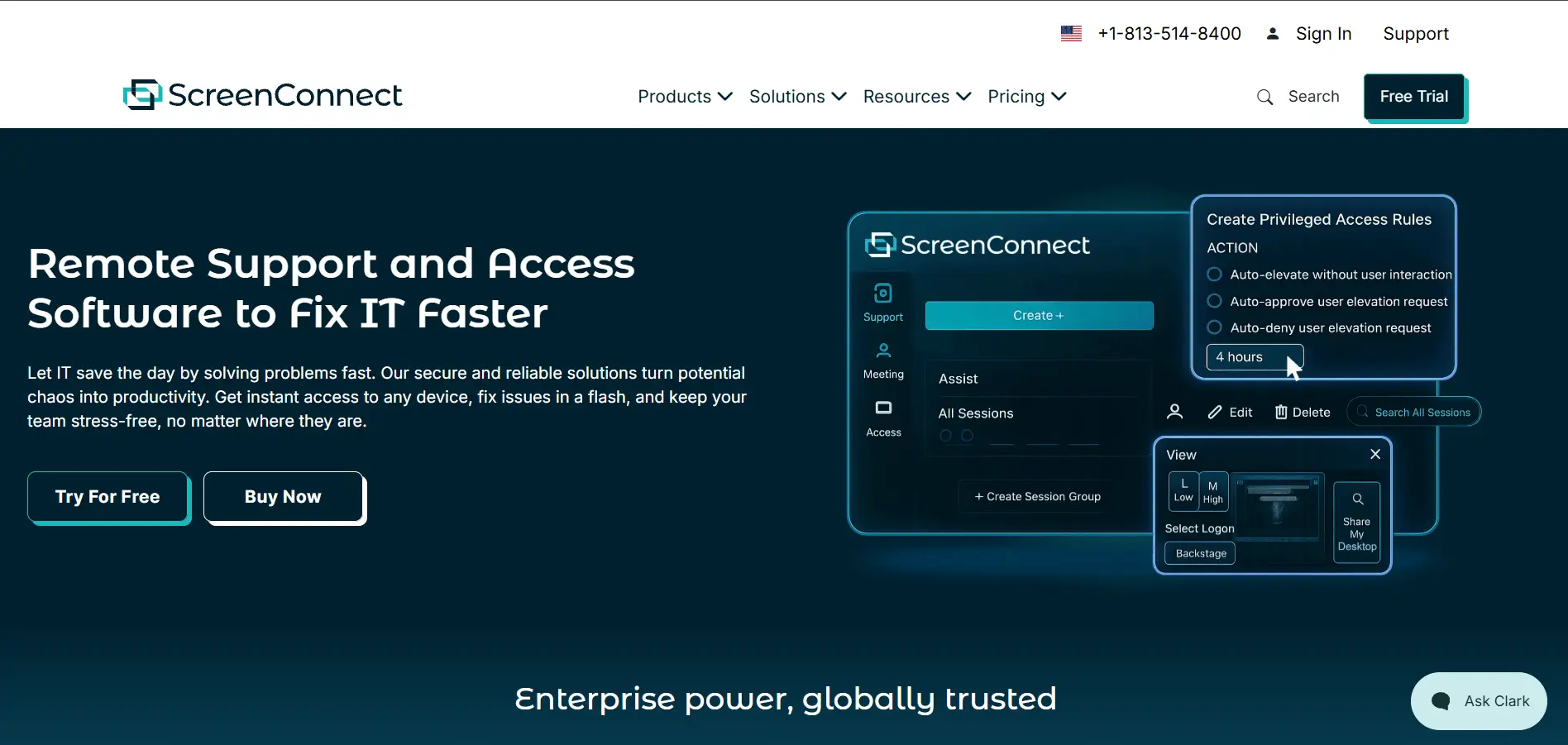
ConnectWise ScreenConnect is purpose-built for IT support professionals and MSPs rather than casual users. It offers a free trial covering its self-hosted and cloud-hosted deployment options, letting technicians test session recording, custom branding, and backstage mode before purchasing. Pricing is based on concurrent technicians rather than total staff.
Pricing Plans:
- One – $30/month per concurrent technician
- Standard – $45/month per concurrent technician
- Premium – $55/month per concurrent technician
The self-hosted deployment model gives organizations full control over their data, which is a major selling point for regulated industries. Unattended access is licensed separately by device, so MSPs running both support sessions and always-on agents should budget for both. ScreenConnect isn’t ideal for casual personal use, but it’s a powerhouse for dedicated support teams.
Pros
- Full self-hosting and data control
- Extensive white-label branding options
- Advanced in-session tools like backstage mode
Cons
- Priced per concurrent technician, which adds up
- Unattended access billed separately
- Steeper learning curve for beginners
3. RemotePC
Free Trial Available
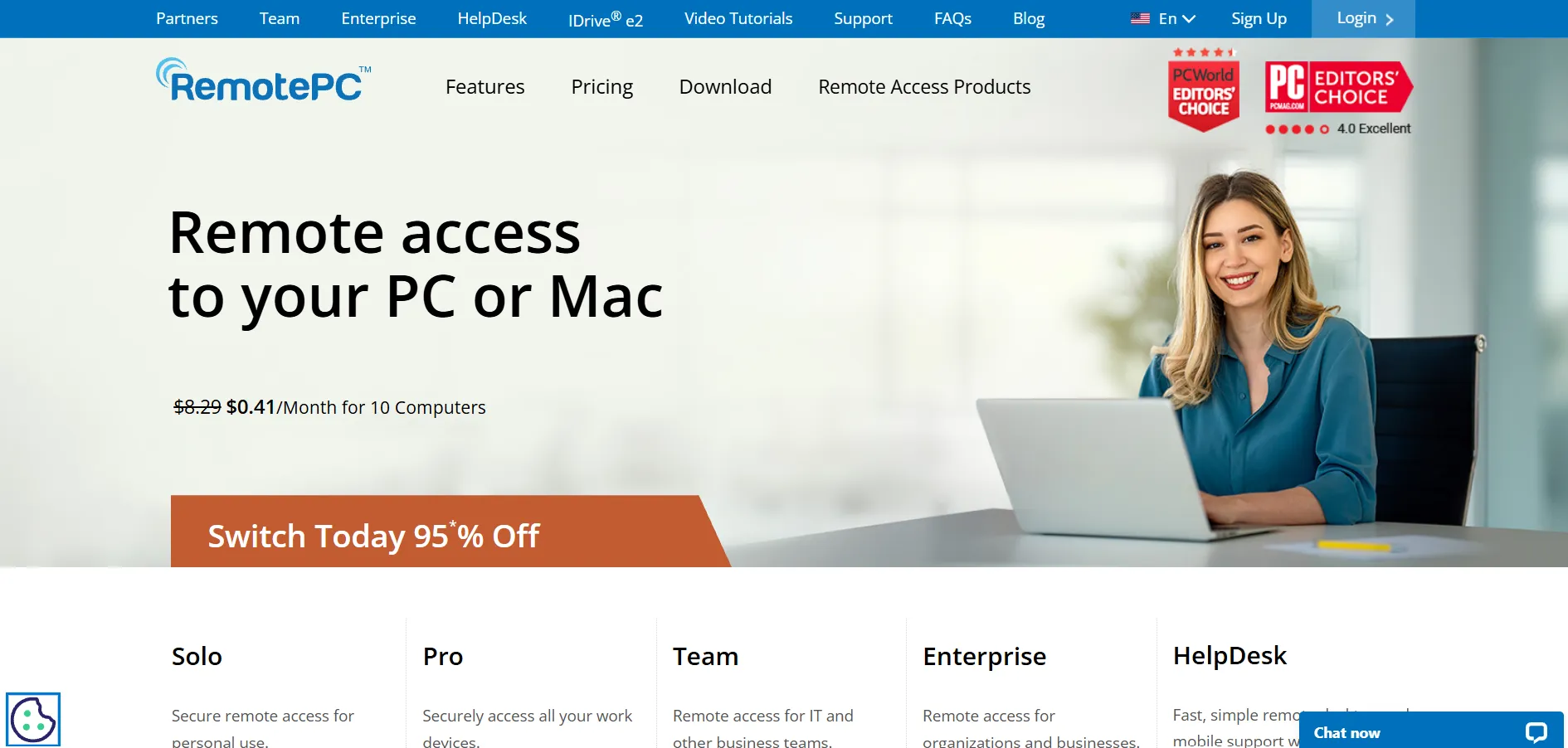
RemotePC by IDrive is one of the most budget-friendly remote access tools on the market, especially for businesses managing a fixed number of computers. It provides a free trial so users can experience unattended access, file transfer, and remote printing before paying. Every plan supports unlimited concurrent sessions, which is rare at this price point.
Pricing Plans:
- Consumer – around $18–$37/year per device
- SOHO – around $7.95/month
- Team – around $29.95/month
- Enterprise – around $59.95/month
RemotePC often runs deep discounts of up to 50 percent off the first year, making it especially appealing for small businesses watching their budget. The tradeoff is fewer third-party integrations compared to enterprise-grade competitors, and lower-tier plans restrict the number of users. Still, for fixed-fleet unattended access, it’s hard to beat on cost.
Pros
- Very affordable per-computer pricing
- Unlimited concurrent sessions on all plans
- Frequent first-year discounts
Cons
- Fewer integrations than premium tools
- Limited users on lower-tier plans
- Interface can feel dated
4. TeamViewer
Free Trial Available
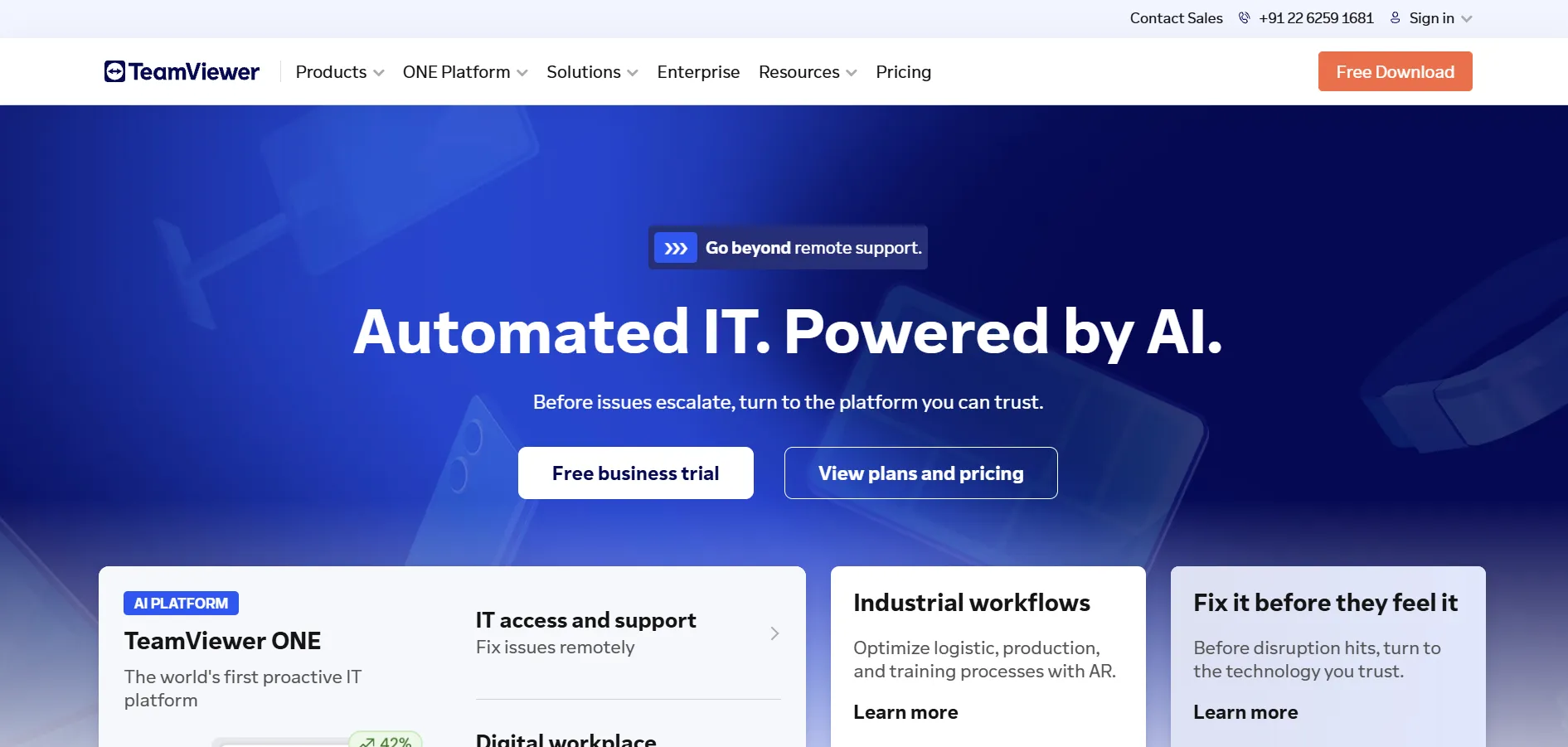
TeamViewer is arguably the most recognized name in remote desktop software, trusted by both individuals and massive enterprises. It offers a free trial and even a free version for strictly personal, non-commercial use. Its Remote Access, Business, Premium, and Corporate tiers scale from solo freelancers to large IT departments needing hundreds of managed devices.
Pricing Plans:
- Remote Access – $24.90/month (1 user, 3 devices)
- Business – $50.90/month (200 managed devices)
- Premium – $112.90/month (extra concurrent connections)
- Corporate – $229.90/month (mass deployment tools)
TeamViewer’s biggest strength is its maturity — broad OS compatibility, augmented reality support tools, and bank-level encryption make it a safe long-term bet for enterprises. The downside is cost: it’s consistently one of the priciest options in this list, and add-on modules can push totals even higher. Smaller teams often find better value elsewhere.
Pros
- Extremely mature and widely trusted platform
- Strong encryption and compliance features
- Broad cross-platform and mobile support
Cons
- Among the most expensive tools available
- Add-on modules increase total cost significantly
- Annual-only billing with no monthly flexibility
5. Pulseway
Free Trial Available
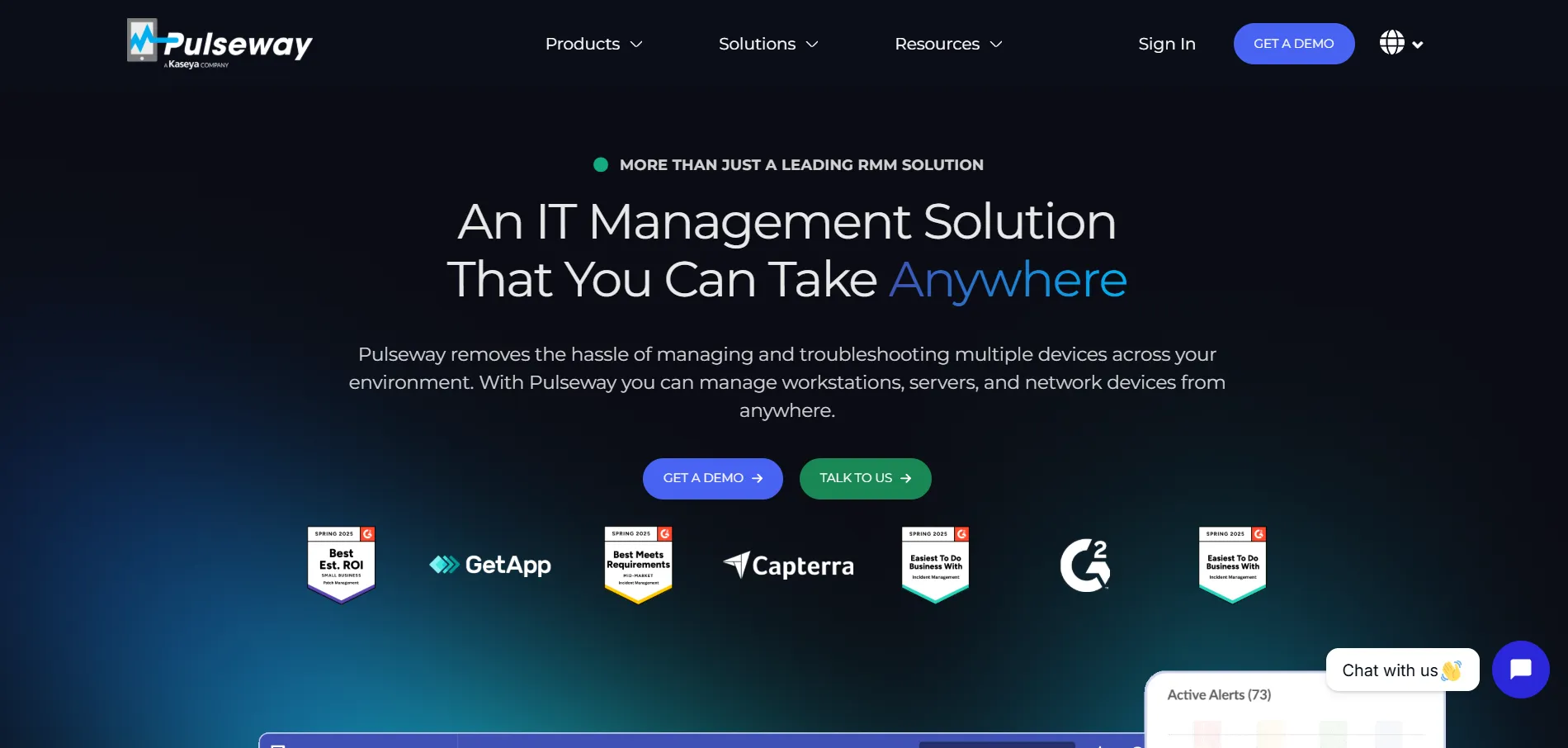
Pulseway stands out as more than a remote access tool — it’s a full remote monitoring and management (RMM) platform designed for MSPs and IT departments. A free trial lets teams test its mobile-first dashboard, patch management, and automation features before buying. Pricing is usage-based, scaling with the number of endpoints monitored.
Pricing Plans:
- Base Plan – starting around $22–$44/device (billed annually)
- Add-ons – MDM, Endpoint Protection, Ransomware Detection priced separately
- Enterprise – custom quote for 50+ devices
Pulseway’s mobile app is a standout feature, giving IT admins full control and monitoring from their phone, which few competitors match. However, its modular add-on pricing means the final bill can climb quickly once you need extras like endpoint protection or advanced patching. It’s best suited to IT teams that value mobility over an all-inclusive bundle.
Pros
- Excellent mobile app for on-the-go IT management
- Strong automation and patch management
- Usage-based pricing scales with real needs
Cons
- Add-ons can significantly raise total cost
- Pricing transparency is limited on the website
- Best suited for IT teams, not casual users
6. Apache Guacamole
Free & Open Source
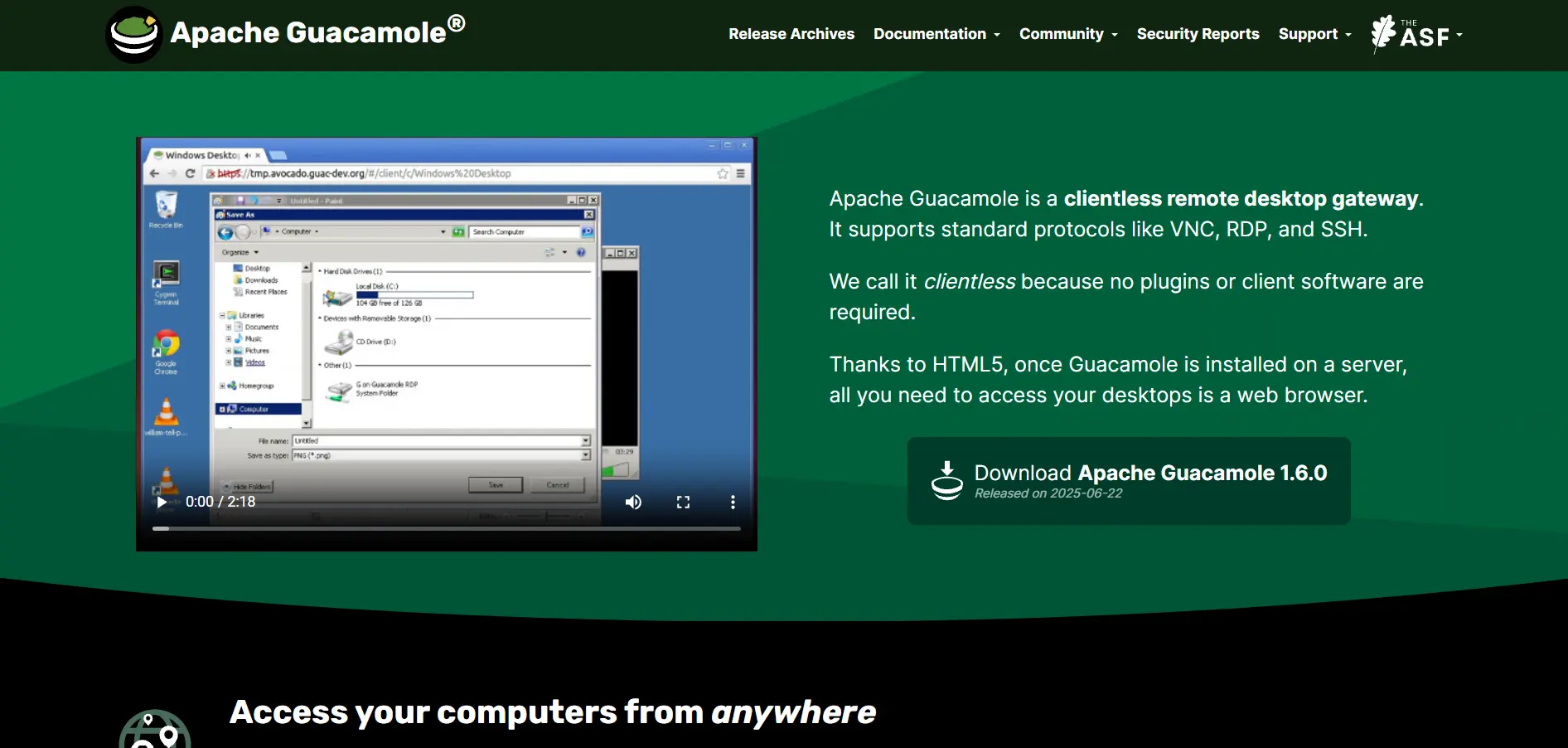
Apache Guacamole is a completely free, open-source clientless remote desktop gateway that runs entirely through a standard web browser. There’s no trial needed since the software itself is free forever, supporting protocols like VNC, RDP, and SSH out of the box. It’s ideal for developers and IT teams comfortable with self-hosting.
Pricing Plans:
- Guacamole – $0 (fully open source, self-hosted)
- Hosting/infrastructure costs – only your own server expenses apply
Because Guacamole requires no client-side software, users can connect from any device with a browser, which is a huge advantage for organizations avoiding installation overhead. That said, setup demands real technical know-how, including server configuration and protocol setup, making it a poor choice for non-technical users looking for a quick plug-and-play solution.
Pros
- Completely free and open source
- No client software needed, works via browser
- Supports multiple protocols (VNC, RDP, SSH)
Cons
- Requires technical setup and self-hosting
- No official customer support
- Not beginner-friendly
7. Parsec
Free Trial Available
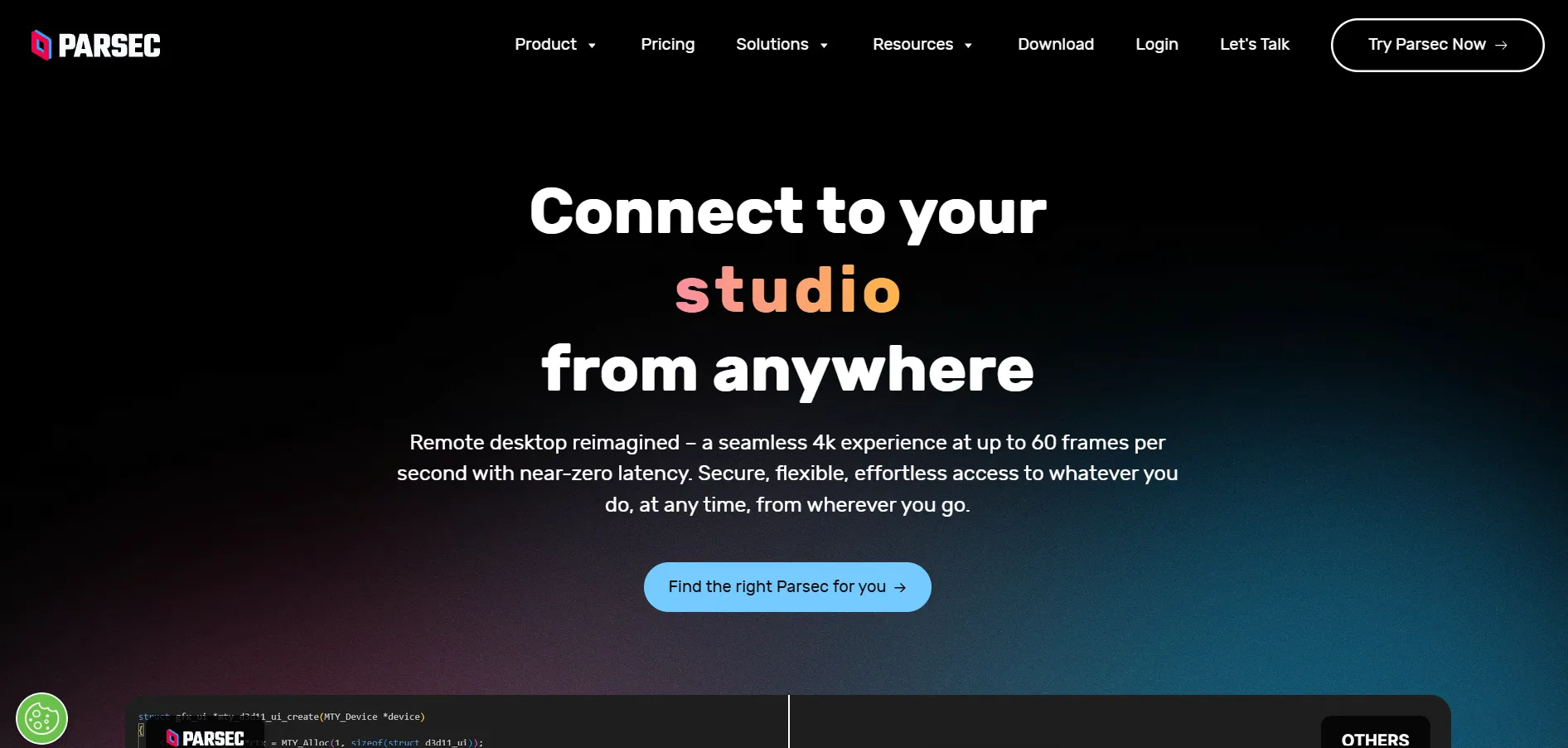
Parsec is built for high-performance, low-latency remote access, making it a favorite among gamers, video editors, and creative teams. It offers a free plan plus a free trial of its paid tiers, letting users test its 4K 60fps streaming and dual-screen support before committing. Individual and team pricing plans scale based on collaboration needs.
Pricing Plans:
- Free – $0 (4K 60fps, personal devices)
- Warp (Individuals) – around $9.99/month
- Teams – around $35/user/month
- Enterprise – custom pricing
Parsec’s biggest differentiator is its ultra-low latency streaming, which is difficult to match for gaming or graphics-heavy work. It also supports drawing tablets and multi-user collaboration on the same machine, unlike most remote desktop tools. However, it lacks the enterprise integrations and SSO options that larger IT departments often require.
Pros
- Exceptional low-latency performance
- Great for gaming and creative collaboration
- Generous free tier for personal use
Cons
- Limited enterprise-grade integrations
- No SSO on lower-tier plans
- Team plan pricing adds up for larger groups
8. ISL Online
15-Day Free Trial
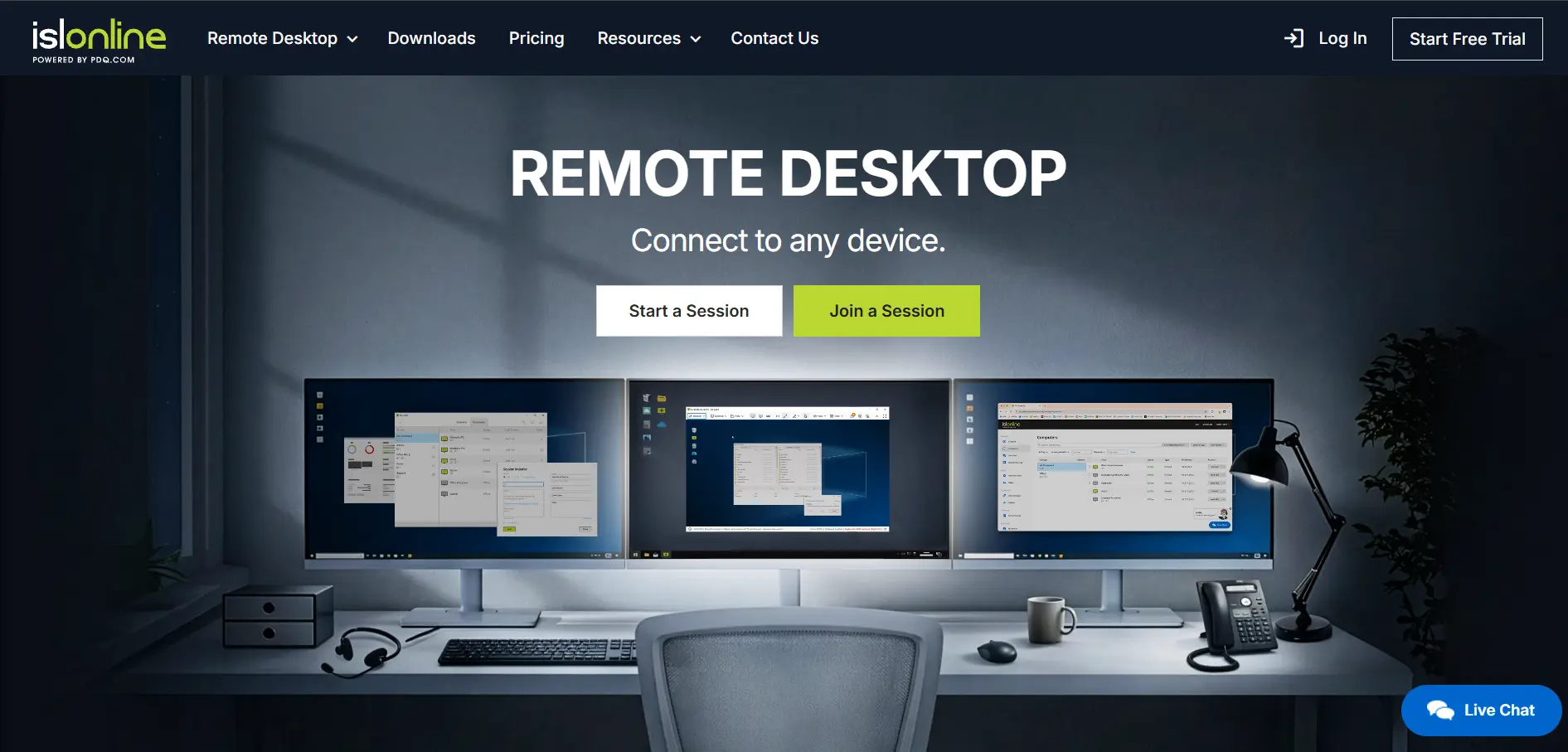
ISL Online is a security-focused remote support tool popular with IT teams that need flexible deployment options. It offers a generous 15-day free trial with no credit card required, covering unattended access, session recording, and live chat. Pricing includes cloud, self-hosted, and pay-per-use options to fit different budgets.
Pricing Plans:
- Starter – $16.90/month
- Standard – $34.90/month per concurrent user
- Premium – $54.90/month
- Self-Hosted – $44.90/month
- Enterprise – $99.90/month or custom quote
ISL Online’s flexibility is its biggest strength, offering cloud, on-premise, and managed private cloud deployments to satisfy strict data control requirements. It also integrates with major ITSM and RMM platforms like ServiceNow and Freshdesk. The main drawback is that multi-user access and extra concurrent connections can quickly raise costs for growing teams.
Pros
- Flexible cloud, self-hosted, and hybrid deployment
- 256-bit AES encryption and ISO 27001 certification
- Strong ITSM and RMM integrations
Cons
- Concurrent user pricing gets costly at scale
- Interface feels less modern than competitors
- No permanent free plan
9. GoToMyPC
Free Trial Available
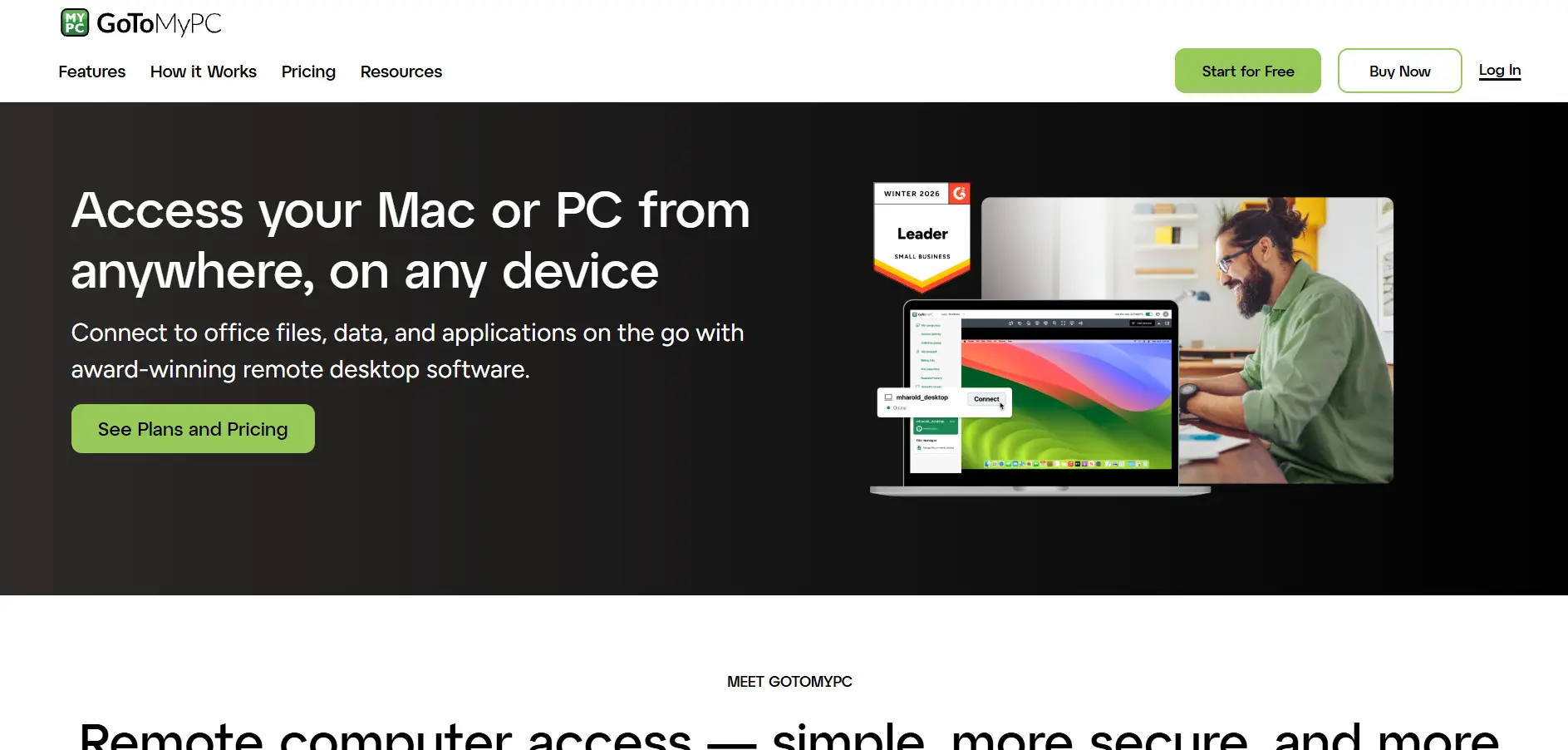
GoToMyPC, owned by GoTo (formerly LogMeIn), is a straightforward remote access tool designed primarily for individuals and small businesses accessing their own computers. It offers a free trial so users can test its screen-sharing and file transfer tools before subscribing. Pricing is simple, charged per computer per month.
Pricing Plans:
- Personal – around $28–$35/computer/month
- Pro – around $44/computer/month
- Corporate – custom pricing for 5+ users
GoToMyPC keeps its pricing model refreshingly simple compared to IT-heavy competitors, which appeals to non-technical users who just want reliable access to their office PC. However, it sits at the premium end of the market, and many reviewers note that renewal prices can jump significantly, pushing budget-conscious users toward cheaper tools like Splashtop or RemotePC.
Pros
- Simple, easy-to-understand pricing structure
- Reliable for personal and small business use
- Strong security with encrypted connections
Cons
- One of the pricier per-computer options
- No permanent free version
- Renewal price increases are common
10. Splashtop
Free Trial Available
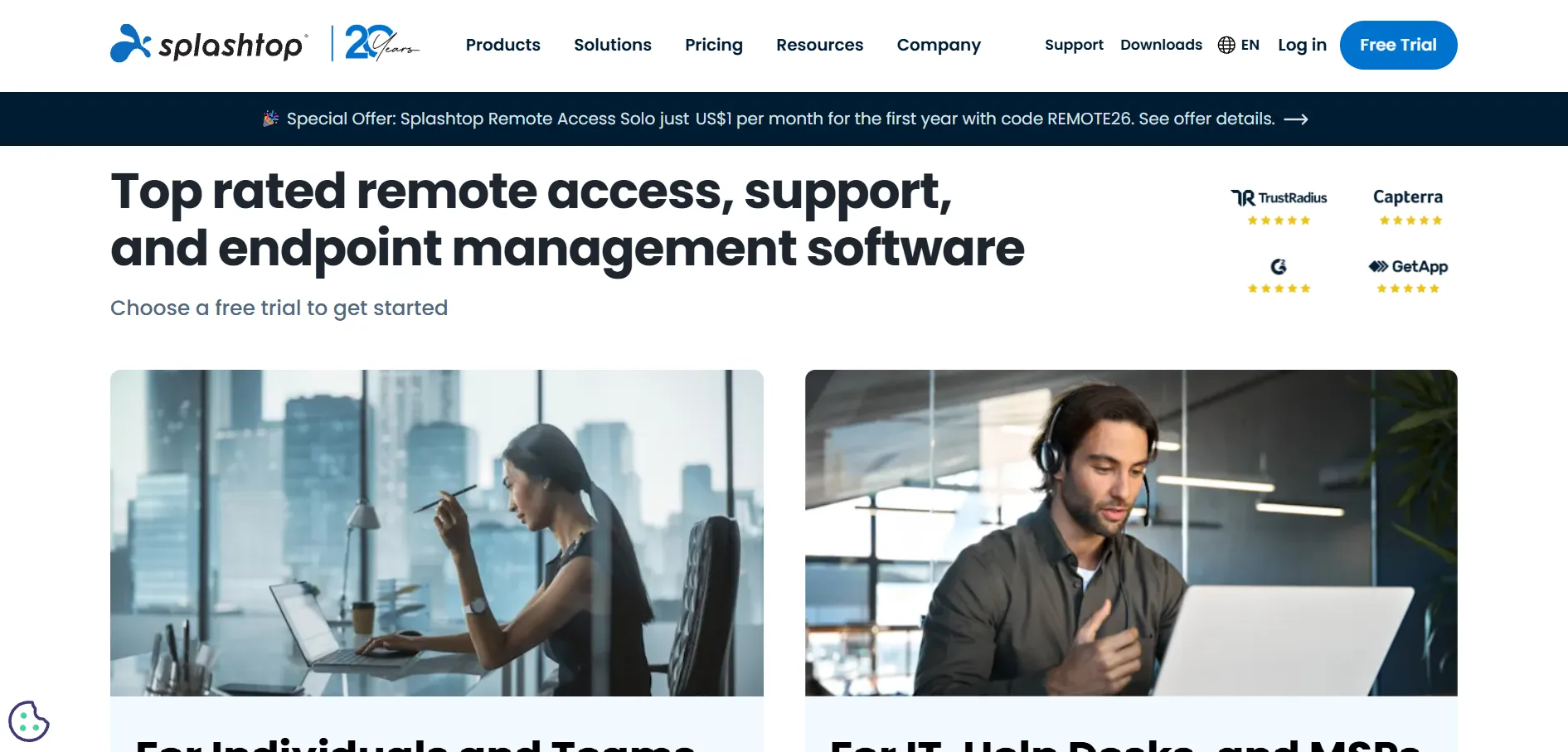
Splashtop has built a reputation for offering enterprise-grade remote access at small-business-friendly prices. It provides a free trial plus a limited free “Personal” plan for local network use, letting users test unattended access and high-fidelity streaming before paying. Plans are billed annually and scale from solo users to full IT support teams.
Pricing Plans:
- Solo – $6/month (2 computers)
- Pro – $8.25/month (10 computers per user)
- Performance – $13/month (4K streaming, 240fps)
- Remote Support (SOS) – around $40.98/technician/month
Splashtop consistently undercuts TeamViewer and LogMeIn by a wide margin while still offering strong performance, including up to 240fps streaming and 4:4:4 color accuracy on higher tiers. It requires annual billing for most remote access plans, which can be inconvenient for short-term needs, but for ongoing use it delivers exceptional value for money.
Pros
- Significantly cheaper than TeamViewer and LogMeIn
- High-performance streaming up to 240fps
- Flexible plans for individuals, teams, and MSPs
Cons
- Annual billing required on most plans
- Some essential features locked behind higher tiers
- Free tier limited to local network only
Quick Comparison Table
| Alternative | Description |
|---|---|
| LogMeIn | A premium, reliable remote access tool bundled with LastPass and cloud storage, best for professionals needing daily access. |
| ConnectWise ScreenConnect | A self-hostable, highly customizable remote support platform built specifically for MSPs and IT professionals. |
| RemotePC | An affordable remote access solution with unlimited concurrent sessions, ideal for fixed fleets of computers. |
| TeamViewer | The most established name in remote desktop software, offering enterprise-grade security and cross-platform support. |
| Pulseway | A mobile-first RMM platform combining remote access with monitoring, automation, and patch management. |
| Apache Guacamole | A free, open-source, clientless remote desktop gateway accessible entirely through a web browser. |
| Parsec | A low-latency, high-performance remote access tool designed for gaming, video editing, and creative collaboration. |
| ISL Online | A security-focused remote support tool offering flexible cloud, self-hosted, and hybrid deployment options. |
| GoToMyPC | A simple, per-computer remote access tool best suited for individuals and small businesses. |
| Splashtop | A cost-effective remote access and support platform delivering enterprise features at small-business pricing. |
Conclusion
AnyViewer is a capable free tool, but as this list shows, the remote access market offers plenty of alternatives tailored to different needs and budgets. If you’re an MSP, ConnectWise ScreenConnect or Pulseway may serve you better; if you’re a gamer or creative professional, Parsec’s low-latency streaming is hard to beat; and if affordability is your top priority, Splashtop and RemotePC consistently deliver the best value for money.
Ultimately, the right choice depends on your specific use case — whether that’s enterprise-grade security, budget-friendly personal access, or a fully open-source self-hosted solution like Apache Guacamole. Take advantage of the free trials listed above to test a few options firsthand before settling on the remote desktop tool that fits your workflow best.


