

UltraViewer has long been a popular free tool for remote support, but it isn’t the right fit for everyone. Businesses often need stronger security, unattended access, better cross-platform support, or dedicated IT management features that UltraViewer simply doesn’t offer. In this article, we’ve rounded up 11 of the best UltraViewer Alternatives available today. Each one is reviewed with its trial availability, official pricing plans, and a breakdown of pros and cons so you can pick the tool that fits your workflow, team size, and security requirements.
1. ISL Online
Pricing Plans (official site):
| Plan | Price |
|---|---|
| Standard Cloud | $34.90/month |
| Premium | $54.90/month |
| Self-Hosted | $44.90/month |
| Enterprise | Custom Pricing |
ISL Online is a secure remote desktop and support platform built for IT teams, MSPs, and enterprises needing attended and unattended access. It works across Windows, Mac, Linux, and mobile devices without requiring VPN configuration. Security is a major selling point, backed by AES 256-bit encryption, ISO/IEC 27001 certification, two-factor authentication, and detailed session logging for compliance-heavy environments.
What sets ISL Online apart is its flexible deployment model, letting businesses choose between cloud SaaS, self-hosted, or a managed private cloud for full data control. It also integrates smoothly with popular ITSM and RMM platforms like ServiceNow and Microsoft Intune. This makes it a strong pick for organizations that want enterprise-grade reliability without sacrificing deployment flexibility.
Pros
- Flexible cloud and self-hosted deployment
- Strong encryption and compliance certifications
- Integrates with major ITSM/RMM tools
- Cross-platform support including mobile
Cons
- Pricing can add up for larger teams
- Interface feels dated compared to newer tools
- Self-hosted setup requires technical know-how
2. Zoho Assist
Pricing Plans (official site):
| Plan | Price |
|---|---|
| Standard | $10/technician/month (annual) |
| Professional | $15/technician/month (annual) |
| Enterprise | $24/technician/month (annual) |
Zoho Assist is a cloud-based remote support and unattended access tool designed for IT departments and customer service teams. It requires no installation, runs entirely in the browser, and uses TLS 1.2 and AES 256-bit encryption to secure sessions. Its biggest advantage is affordability, offering a genuinely usable free tier alongside budget-friendly paid plans.
Because it’s part of the Zoho ecosystem, Assist integrates tightly with Zoho Desk, Zoho CRM, and Zoho SalesIQ, making it appealing for businesses already using Zoho products. Higher tiers unlock session recording, advanced reporting, and department-based access control, giving growing teams room to scale without switching providers.
Pros
- Generous free plan for small teams
- Very affordable paid tiers
- Deep integration with Zoho ecosystem
- No installation required, browser-based
Cons
- Key features like session recording require upgrades
- File transfer can lag on files over 2GB
- Fewer integrations outside Zoho suite
3. Distant Desktop
Pricing Plans (official site):
| Plan | Price |
|---|---|
| Free | $0 (limited features) |
| Single License | $49.95/year |
| Bundle (10+ licenses) | $22.90/license/year |
Distant Desktop is a lightweight, easy-to-use remote access tool aimed at individuals, educators, and small support teams. It requires no installation or registration; users simply download the app, note their unique ID and password, and connect. It supports Windows, Mac, and Android, and includes AES-based encryption with SRTP for secure audio, video, and file transfer.
Its simplicity is both a strength and a limitation. Distant Desktop covers the basics well, including multi-connection support, file transfer, voice/text chat, and a view-only demo mode for training sessions. However, it lacks the advanced administrative and reporting tools found in enterprise-focused platforms, making it best suited for casual or small-scale use rather than large IT departments.
Pros
- Extremely lightweight and fast to set up
- No installation or registration required
- Affordable licensing for small teams
- Includes file transfer and chat features
Cons
- Limited documentation and support resources
- Lacks advanced enterprise features
- Smaller user base and community
4. RemotePC
Pricing Plans (official site):
| Plan | Price |
|---|---|
| Solo | ~$1.95/month (annual) |
| Pro | ~$6.22/month (annual) |
| Team | ~$18.72/month (annual) |
| Enterprise | ~$37.47/month (annual) |
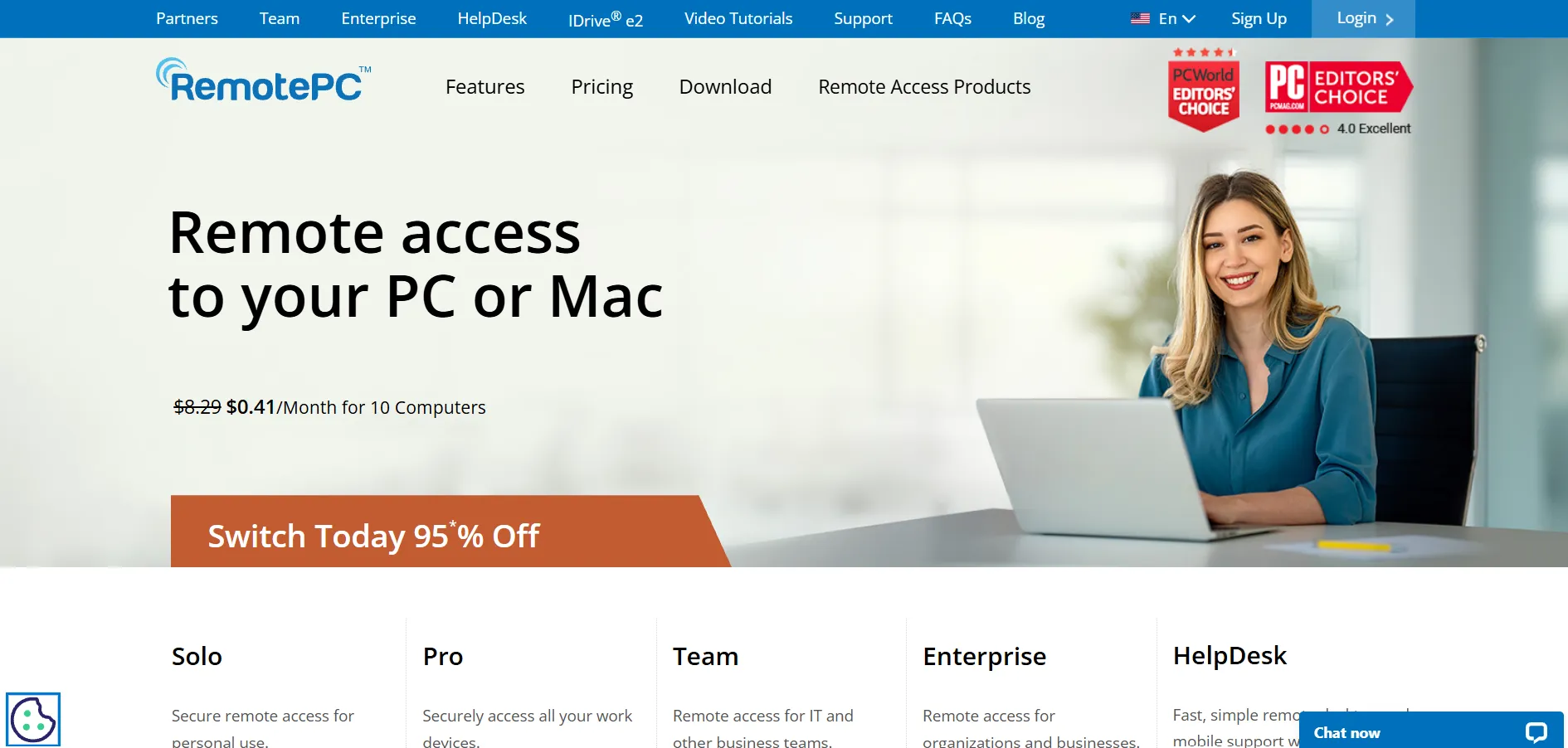
RemotePC, built by IDrive, is a budget-friendly remote access solution priced per computer rather than per user, which makes it attractive for teams managing many devices. It supports unattended access, works directly through a web browser, and includes essential features like file transfer, remote printing, whiteboard tools, and session recording across all plans.
Every tier supports unlimited concurrent sessions, and RemotePC frequently runs first-year discounts of up to 50 percent, adding extra value for budget-conscious buyers. While it may lack some of the deep third-party integrations found in enterprise platforms, its low cost and solid feature set make it one of the most competitively priced options in this list.
Pros
- Very low per-device pricing
- Unlimited concurrent sessions on all plans
- Built-in video conferencing add-on
- Frequent discounts for annual billing
Cons
- Fewer third-party integrations
- Consumer plan requires annual contract
- RDP connector is a paid add-on
5. NinjaOne
Pricing Plans (official site):
| Plan | Price |
|---|---|
| Standard RMM | Starts around $1.50–$3.75/endpoint/month |
| Backup Add-on | Additional per-device charge |
| MDM/Enterprise | Custom Quote |
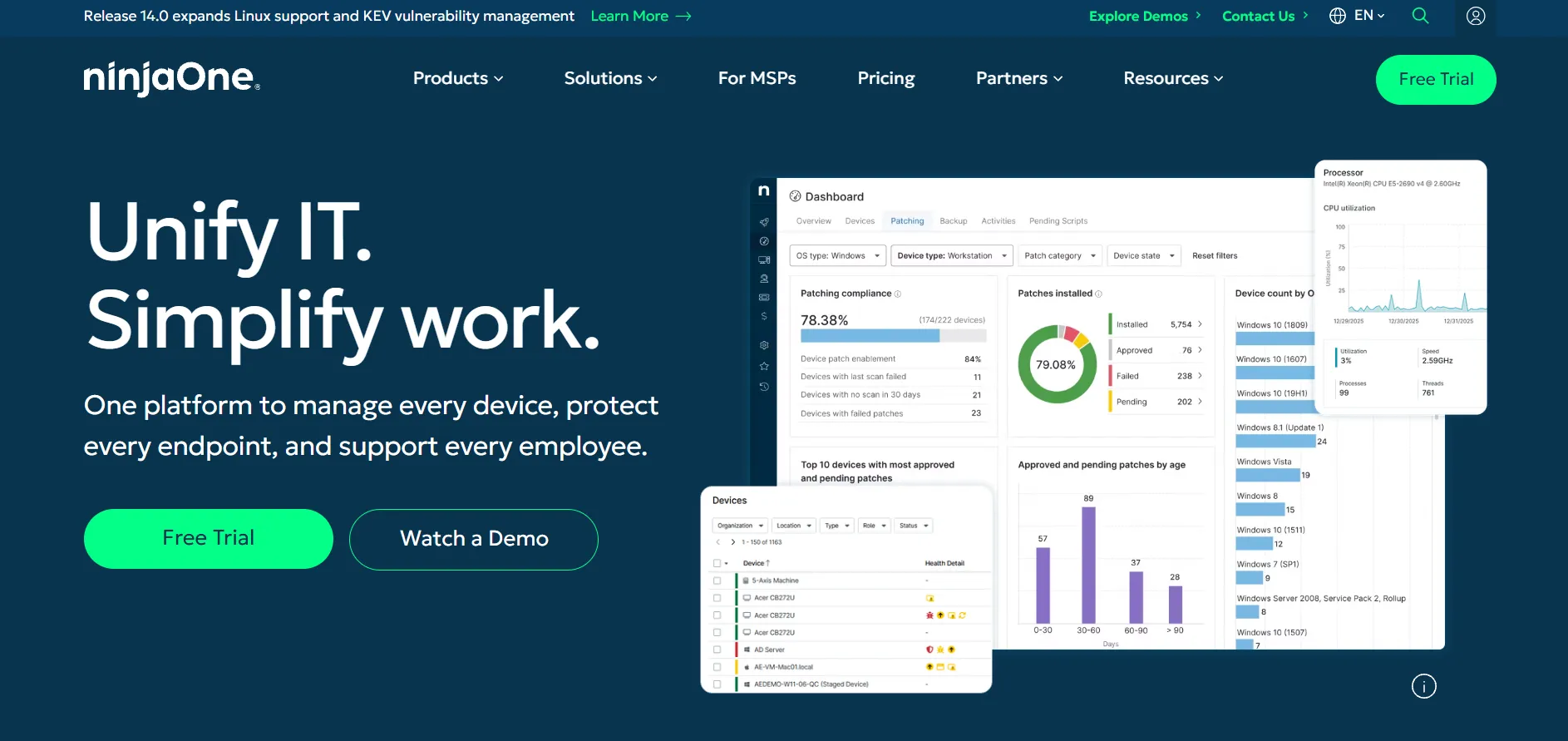
NinjaOne is far more than a remote desktop tool; it’s a full endpoint management platform combining RMM, patch management, backup, and remote access into one dashboard. Pricing is based on the number of endpoints under management rather than users, which makes it well suited for MSPs and internal IT teams managing large device fleets.
Because remote access is bundled with monitoring, automation, and IT documentation, NinjaOne appeals to organizations that want to replace multiple tools with a single platform. It does require a custom quote for accurate pricing, and smaller teams below 50 devices may find the per-device rate less favorable compared to standalone remote access tools.
Pros
- All-in-one RMM and remote access platform
- Scales well for MSPs with large device counts
- Strong automation and patch management
- No cap on the number of user licenses
Cons
- No published flat pricing, requires custom quote
- Backup and MDM cost extra
- Higher per-device rate for small deployments
6. Pulseway
Pricing Plans (official site):
| Plan | Price |
|---|---|
| Starter | $19/month (billed yearly) |
| Standard | Starts around $22/device |
| Volume/50+ users | Custom Quote |
Pulseway is a remote monitoring and management platform built for IT admins who need to control endpoints, servers, and network devices from a centralized dashboard, including a powerful mobile app. It combines remote desktop control with patch management, automation, and antivirus, making it a comprehensive tool rather than a simple remote-access utility.
One of Pulseway’s standout features is its mobile-first approach, allowing administrators to monitor and remediate issues directly from a smartphone. Pricing is usage-based and scales with the number of managed endpoints, with add-ons like MDM and ransomware detection billed separately, which can make total cost harder to predict for larger teams.
Pros
- Excellent mobile app for on-the-go management
- Combines RMM with remote desktop control
- No contracts, flexible term-based discounts
- Real-time alerts and automation
Cons
- Add-ons increase overall cost quickly
- Pricing transparency is limited on the website
- Onboarding fee may apply for setup
7. Apache Guacamole
Pricing Plans (official site):
| Plan | Price |
|---|---|
| Open Source (Self-Hosted) | Free |
| Hosting/Server Costs | Varies (self-managed infrastructure) |
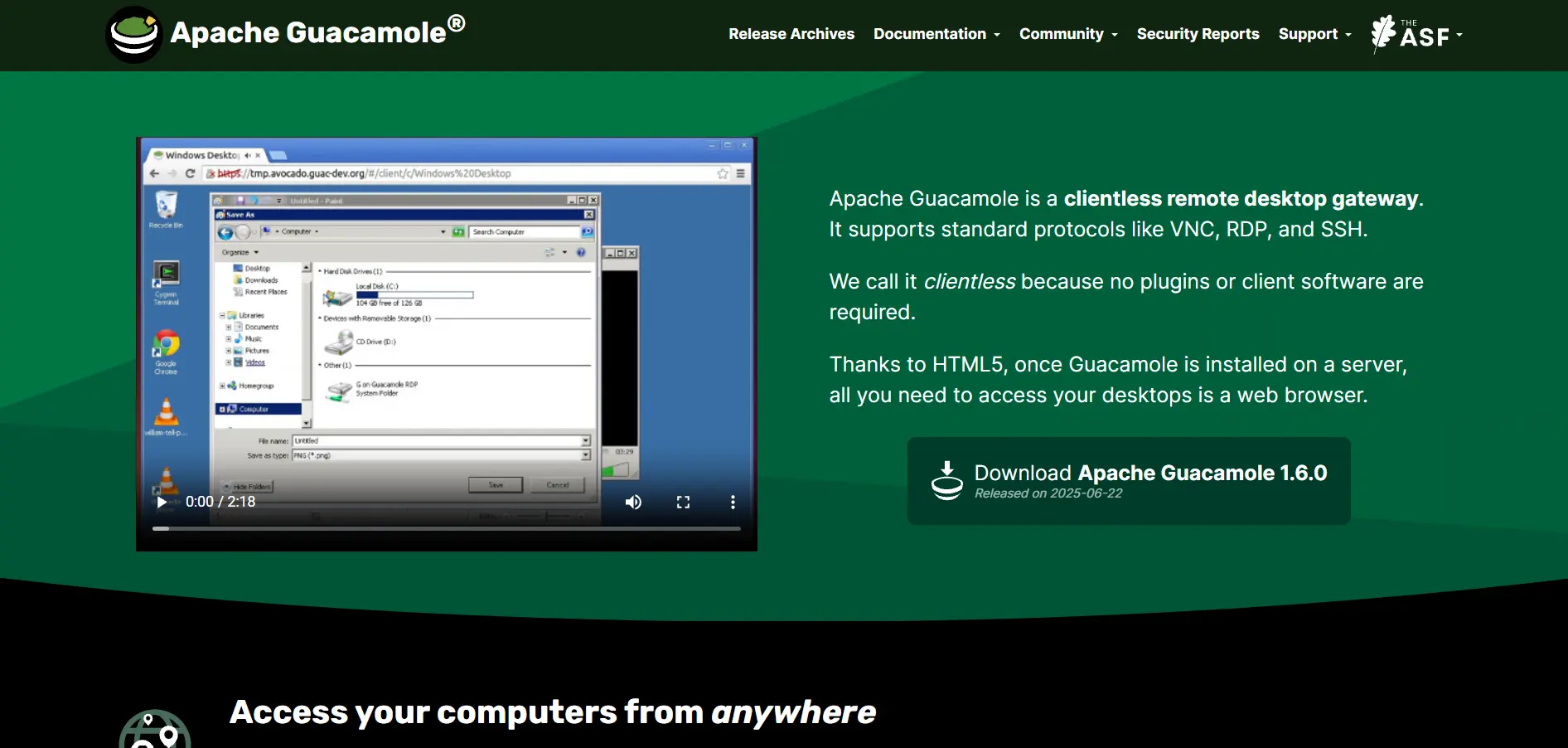
Apache Guacamole is a clientless remote desktop gateway maintained by the Apache Software Foundation, letting users access VNC, RDP, and SSH sessions entirely through a standard web browser with no plugins required. Because it’s completely open-source, there’s no licensing fee, though organizations must handle their own server hosting and maintenance.
Guacamole is popular among developers, sysadmins, and privacy-focused organizations who want full control over their remote access infrastructure without sending data through a third-party cloud. The tradeoff is that setup requires technical skill, and there’s no vendor support line, so troubleshooting typically falls on in-house IT staff or community forums.
Pros
- Completely free and open-source
- Clientless, browser-based access
- Full control over hosting and data
- Supports RDP, VNC, and SSH protocols
Cons
- Requires technical expertise to deploy
- No official vendor support
- Hosting and maintenance costs fall on the user
8. RustDesk
Pricing Plans (official site):
| Plan | Price |
|---|---|
| Free (Open Source Server) | $0 |
| Pro Basic | From $11.88/month |
| Pro Business | From $19.90/month |
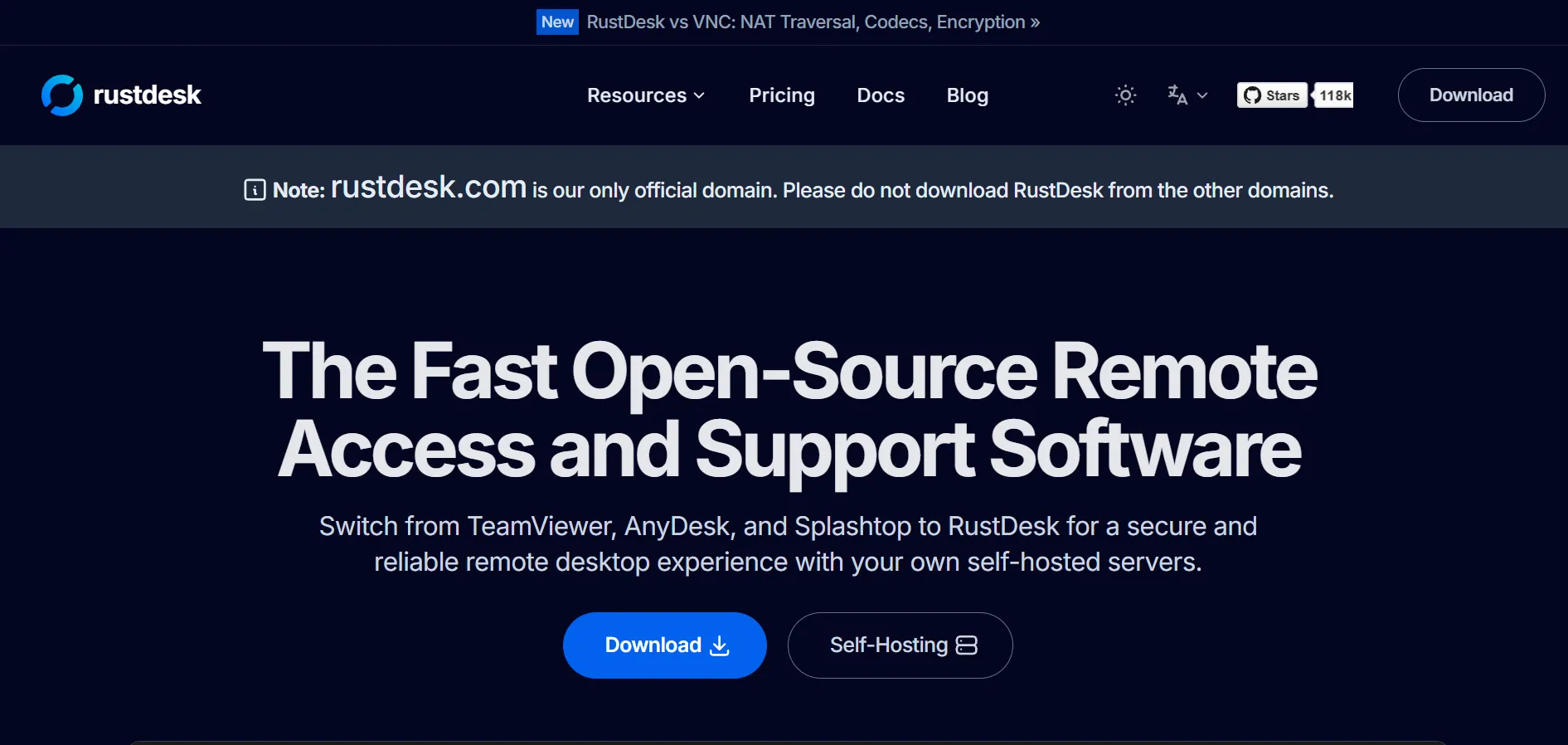
RustDesk is an open-source remote desktop application written in Rust, positioned as a privacy-focused alternative to TeamViewer and AnyDesk. The client software and self-hosted server are completely free, giving technically capable users full ownership of their infrastructure without sending session data through a third-party’s cloud.
For teams wanting extra management features like an admin console and user permissions, RustDesk offers a paid Server Pro tier that remains far cheaper than most commercial competitors. The main tradeoff is that self-hosting requires comfort with Linux and server maintenance, and the product’s documentation and polish still lag behind more established tools.
Pros
- Free, open-source, and self-hostable
- Very affordable Pro tier for admin features
- Full data privacy and control
- Active development and growing community
Cons
- Self-hosting requires technical skill
- Some rough edges in mobile clients
- Less brand recognition than major competitors
9. Parsec
Pricing Plans (official site):
| Plan | Price |
|---|---|
| Free | $0/month |
| Warp | $8–$9.99/month |
| Teams | $30–$35/user/month |
| Enterprise | Custom Pricing |
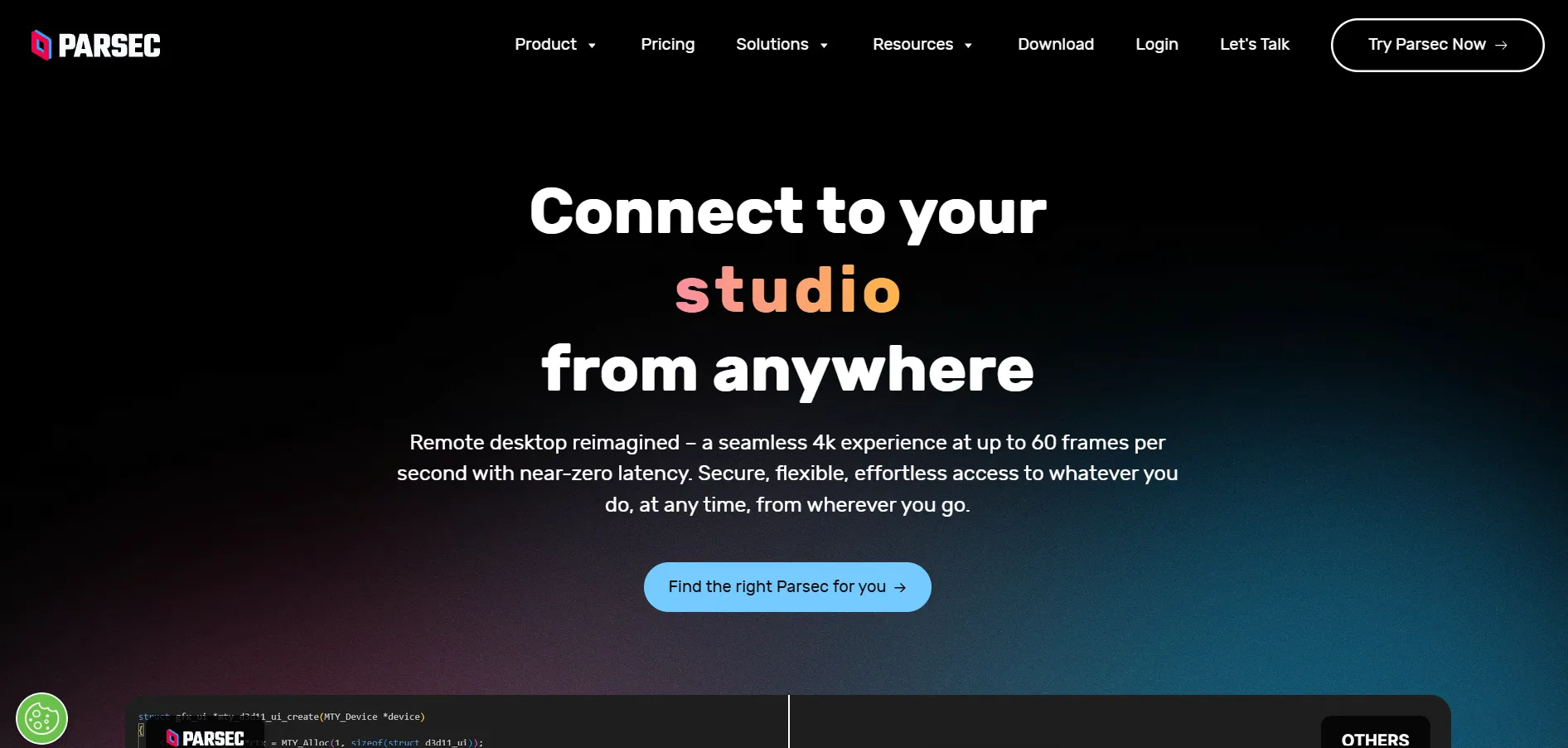
Parsec is a low-latency remote desktop tool originally built for gamers but now widely used by creative professionals and studios needing high-performance access to powerful workstations. It supports 4K 60fps streaming, hardware encoding, and drawing tablet compatibility, making it a favorite among designers, editors, and remote gamers alike.
Owned by Unity, Parsec’s Teams plan adds collaborative features like multiple users connecting to the same machine simultaneously, useful for co-working on creative projects. While its performance is a major strength, Parsec is less focused on traditional IT support features like unattended device management or ticketing integrations found in business-first tools.
Pros
- Extremely low latency, gaming-grade performance
- Generous free tier for personal use
- Supports multi-user collaboration on Teams plan
- 4K streaming and drawing tablet support
Cons
- Not designed for traditional IT support
- Requires stable, high-speed internet
- Teams plan pricing is on the higher side
10. Chrome Remote Desktop
Pricing Plans (official site):
| Plan | Price |
|---|---|
| Personal & Business Use | Free |
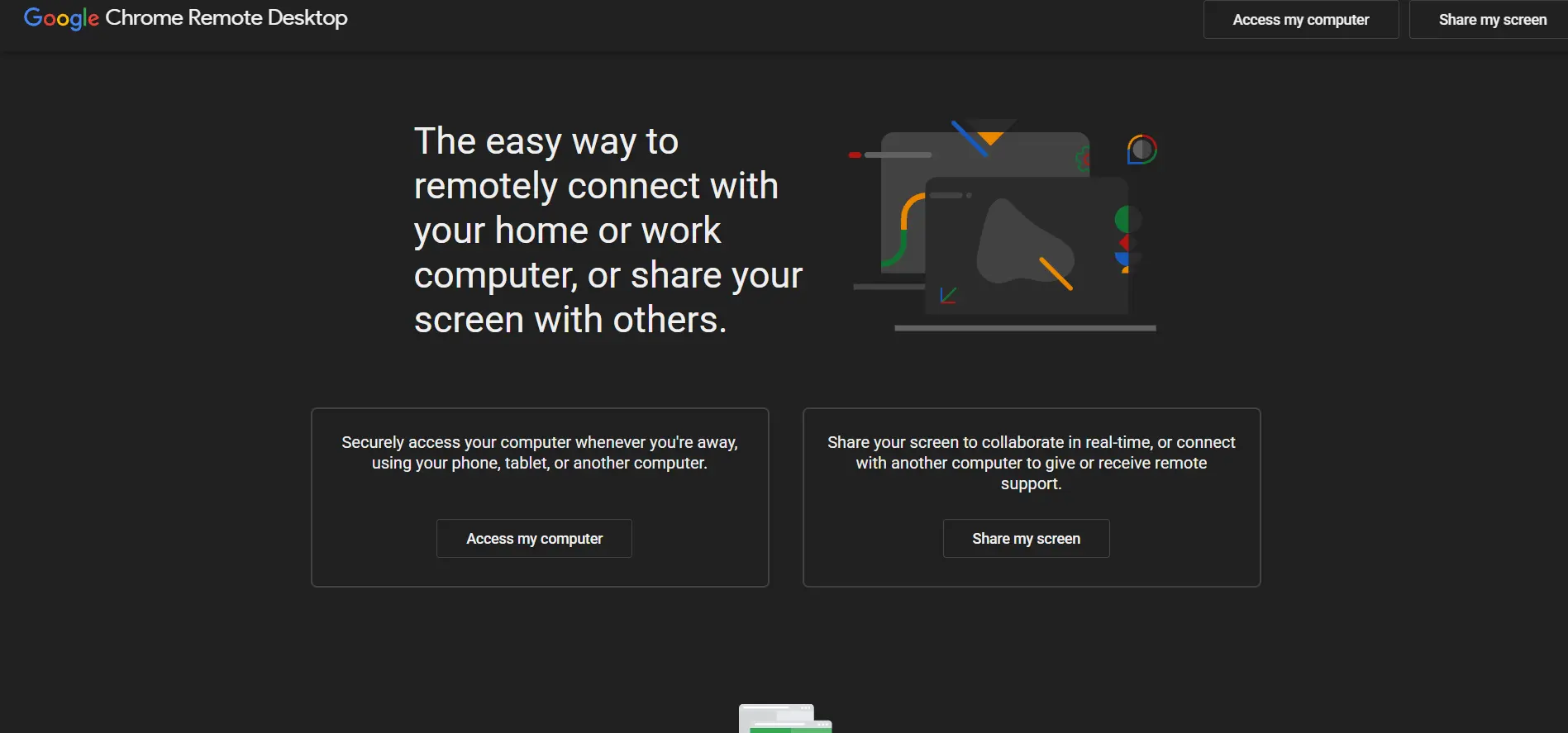
Chrome Remote Desktop is Google’s free browser-based remote access tool, letting users connect to another computer directly through the Chrome browser or a dedicated app, with no licensing cost at all. It’s ideal for quick, occasional support sessions or accessing a personal computer while traveling, and setup takes just a few minutes.
Because it’s built into the Google ecosystem, it works seamlessly across Windows, Mac, Linux, and Chromebooks, and requires only a Google account to use. However, it lacks advanced features like session recording, multi-monitor support, detailed reporting, or centralized device management, making it unsuitable for larger IT teams or businesses with compliance needs.
Pros
- Completely free with no limitations
- Extremely simple setup process
- Works across all major operating systems
- Backed by Google’s infrastructure and security
Cons
- No advanced admin or reporting features
- Lacks multi-monitor and session recording
- Not suited for large-scale IT management
11. LogMeIn
Pricing Plans (official site):
| Plan | Price |
|---|---|
| Individuals | $30/month (2 computers) |
| Power Users | $70/month (5 computers) |
| Small Business | $129/month (10 computers) |
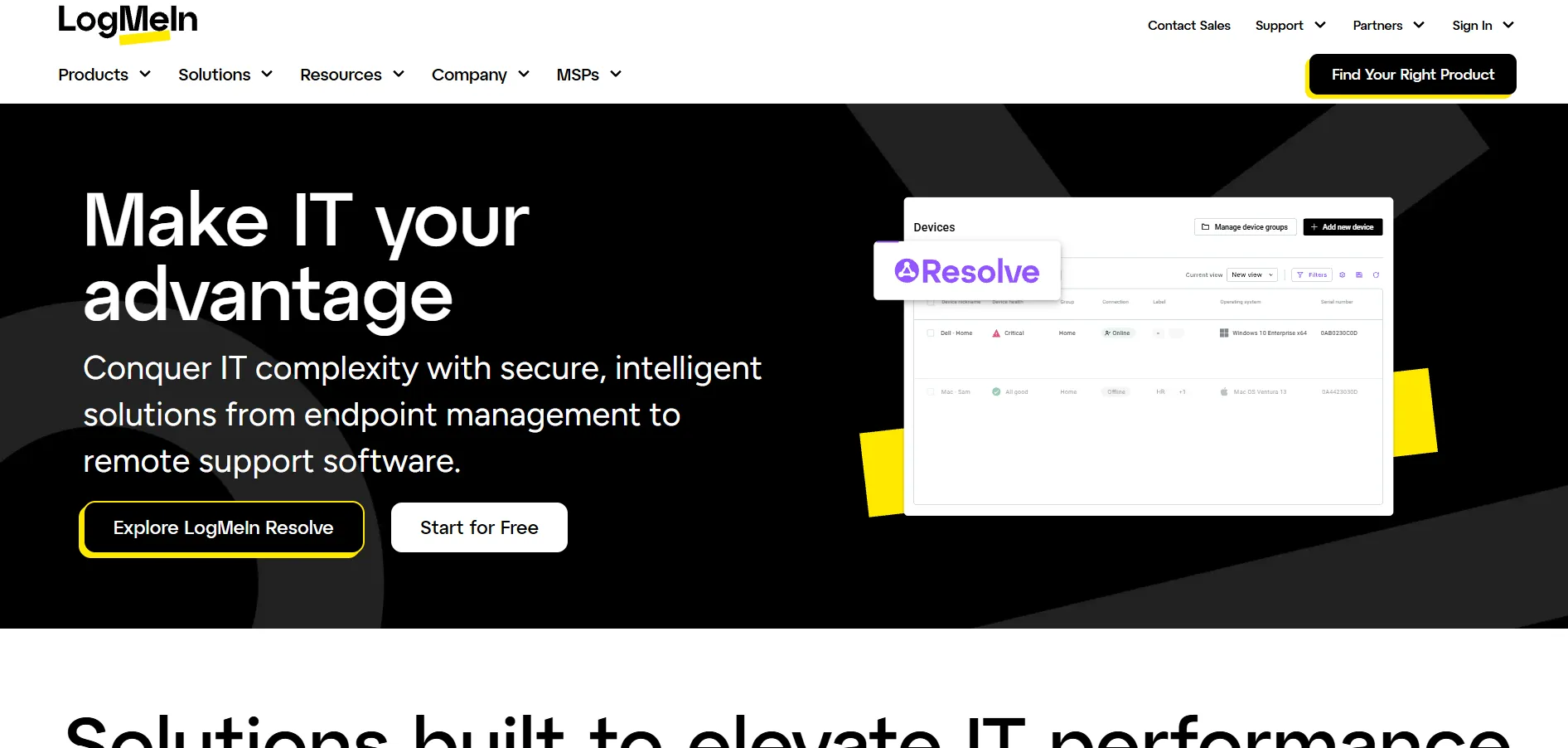
LogMeIn Pro, now under the GoTo brand, is a premium remote access solution built for individuals and small businesses needing reliable, feature-rich access to a fixed number of computers. Every plan includes remote printing, multi-monitor support, 1TB of cloud storage, and a bundled LastPass Premium subscription, adding extra value beyond just remote control.
LogMeIn has been a trusted name in remote access since 2003, known for stability and ease of use. However, many long-time users note that pricing has increased significantly over the years, and the per-computer pricing model can become expensive for teams needing to manage many devices, making it better suited for smaller, fixed deployments.
Pros
- Reliable and long-established platform
- Includes 1TB storage and LastPass Premium
- Strong multi-monitor and remote print support
- Trusted security and MFA options
Cons
- Pricing has risen significantly over time
- Requires annual billing for business plans
- No free version available
Comparison Table
| Alternative | Description |
|---|---|
| ISL Online | Enterprise-grade remote support with flexible cloud and self-hosted deployment options. |
| Zoho Assist | Affordable, browser-based remote support tool with a strong free plan and Zoho integrations. |
| Distant Desktop | Lightweight, no-install remote access tool ideal for individuals and small teams. |
| RemotePC | Budget-friendly, per-device remote access solution with unlimited concurrent sessions. |
| NinjaOne | Full endpoint management platform combining RMM, patching, backup, and remote access. |
| Pulseway | Mobile-first RMM tool offering remote control alongside monitoring and automation. |
| Apache Guacamole | Free, open-source, clientless remote desktop gateway accessible via web browser. |
| RustDesk | Open-source, self-hostable remote desktop tool built for privacy-conscious users. |
| Parsec | Low-latency remote desktop built for gaming and creative professional workflows. |
| Chrome Remote Desktop | Google’s free browser-based tool for quick and simple remote access sessions. |
| LogMeIn | Premium, feature-rich remote access platform with bundled storage and password manager. |
Conclusion
Choosing the right UltraViewer alternative ultimately depends on your specific needs, whether that’s enterprise-grade security, a completely free open-source option, mobile device management, or low-latency performance for creative work. Tools like Zoho Assist and RemotePC are excellent for budget-conscious individuals and small teams, while ISL Online, NinjaOne, and Pulseway cater better to larger IT departments and MSPs managing many endpoints.
If privacy and full control matter most, RustDesk and Apache Guacamole stand out as free, self-hostable options, while Chrome Remote Desktop remains the simplest choice for occasional personal use. Whichever option you choose from this list, each one offers a proven, well-supported path away from UltraViewer with features suited to different budgets and workflows.


