

Microsoft Remote Desktop is a solid built-in tool, but it falls short for cross-platform support, ease of setup, and advanced IT features like unattended access, session recording, and mobile device management. In this article, we’ve rounded up 12 of the best Microsoft Remote Desktop Alternatives available today. Each one is reviewed with its free trial availability, official pricing plans, strengths, and weaknesses, so you can pick the tool that fits your workflow, budget, and platform needs.
1. AirDroid Remote Support
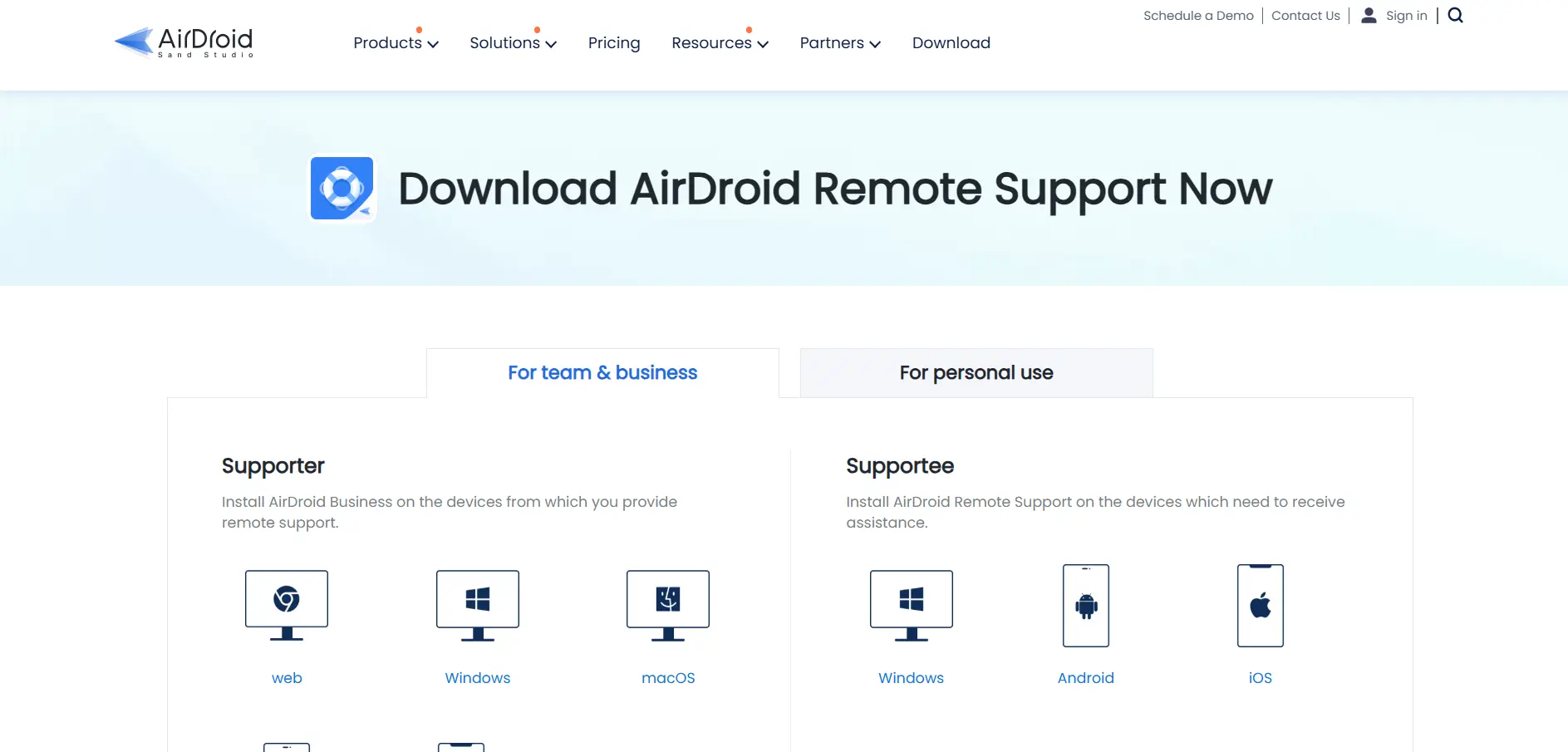
AirDroid Remote Support is built for IT teams and support agents who need to manage Android, iOS, Windows, and macOS devices from a single console. It offers live screen sharing, file transfer, session recording, and integrations with tools like Zendesk and HubSpot, making it a strong choice for customer support and MSP operations.
Beyond business use, AirDroid also has a personal edition for helping friends and family remotely without complex setup. Its 9-digit connection code system makes starting a session extremely simple. However, some advanced features are locked behind business tiers, and pricing can get expensive as you scale seats and unattended device limits.
Pros
- Strong cross-platform mobile support (Android/iOS)
- Simple 9-digit connection code for quick sessions
- Good integrations for support teams
- Session recording included in higher tiers
Cons
- Basic plan limits connection hours
- Business pricing can escalate quickly
- iOS remote control is limited compared to Android
2. Parsec
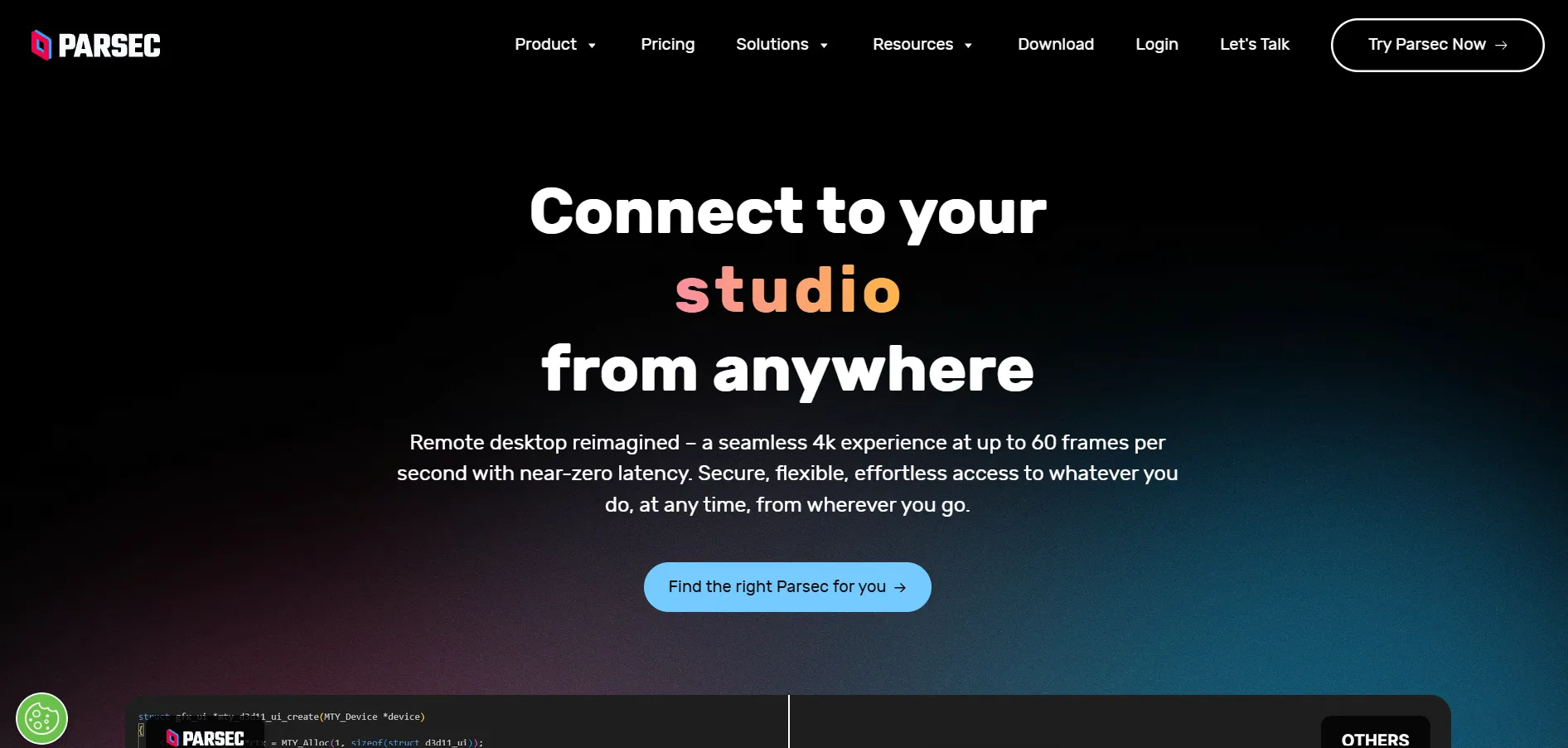
Parsec is best known among gamers and creative professionals for its ultra-low latency streaming, supporting high frame rates and 4K resolution. It uses a peer-to-peer connection model, which makes it ideal for tasks requiring precision, such as video editing, graphic design, and cloud gaming setups shared between multiple users.
For teams, Parsec supports collaborative sessions where multiple people can connect to the same machine simultaneously, useful for remote pair programming or joint creative work. While its free plan covers personal use well, businesses will need a paid plan to unlock team management, access controls, and higher session limits.
Pros
- Extremely low latency, great for gaming/creative work
- Supports 4K resolution and high frame rates
- Free for personal use
- Multiple users can join one session
Cons
- Not designed for traditional IT support workflows
- Limited enterprise management features
- Team plan pricing is relatively high per user
3. AnyDesk
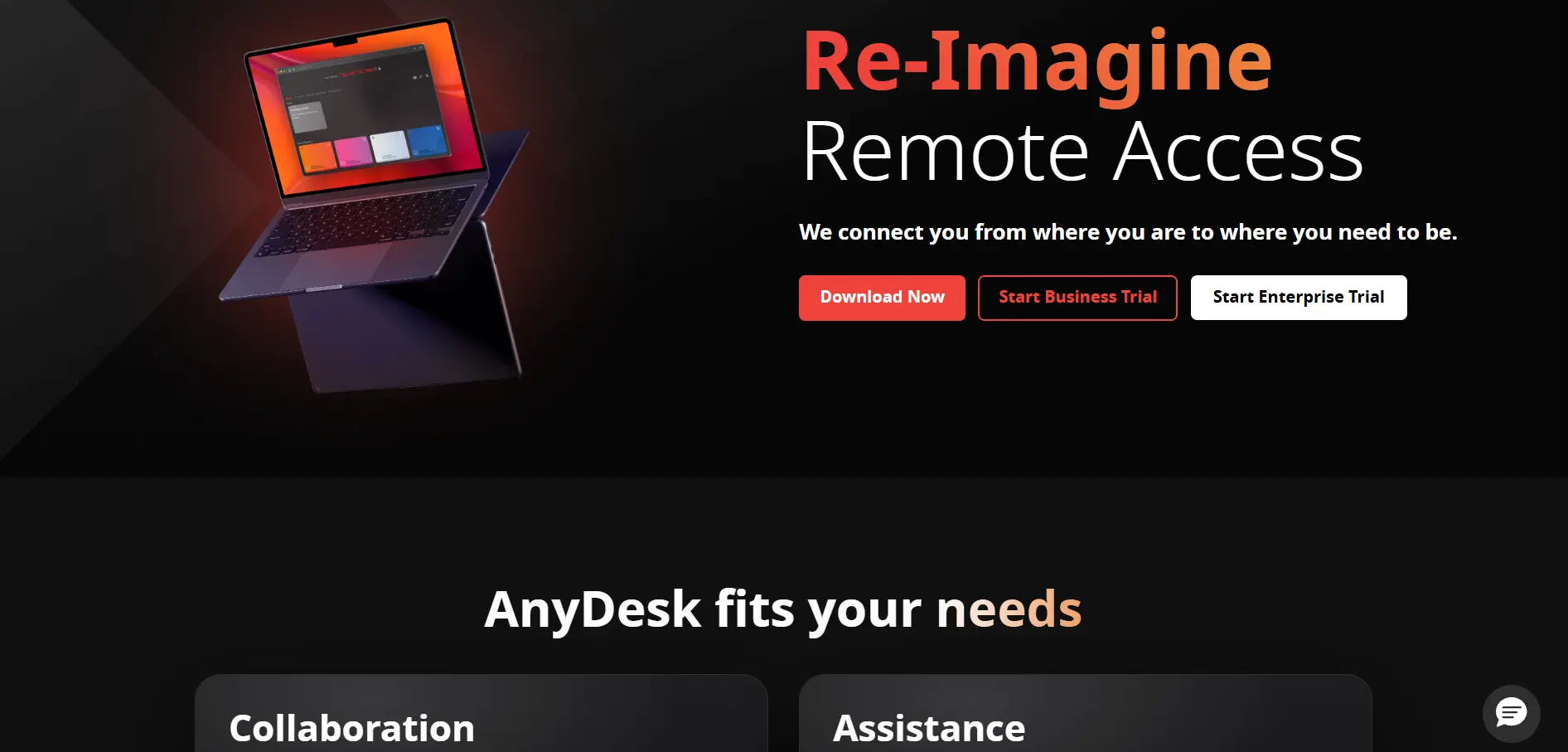
Anydesk is a widely used remote desktop tool known for its proprietary DeskRT codec, which delivers smooth performance even on low-bandwidth connections. It supports Windows, macOS, Linux, iOS, and Android, making it one of the most cross-platform-friendly tools on this list, and it’s trusted by both individuals and large enterprises for remote support.
AnyDesk’s paid tiers unlock features like custom branding, session recording, unattended access, and Active Directory integration, which appeal to IT departments. However, pricing is billed annually with no monthly option, and per-session overage charges can catch light users off guard if they exceed included session allowances.
Pros
- Excellent performance on low-bandwidth connections
- Broad cross-platform compatibility
- Strong security with SOC 2 and ISO 27001 certification
- Custom branding available for businesses
Cons
- Annual billing only, no monthly plans
- Free version is barred from commercial use
- Higher tiers get expensive for larger teams
4. ConnectWise ScreenConnect
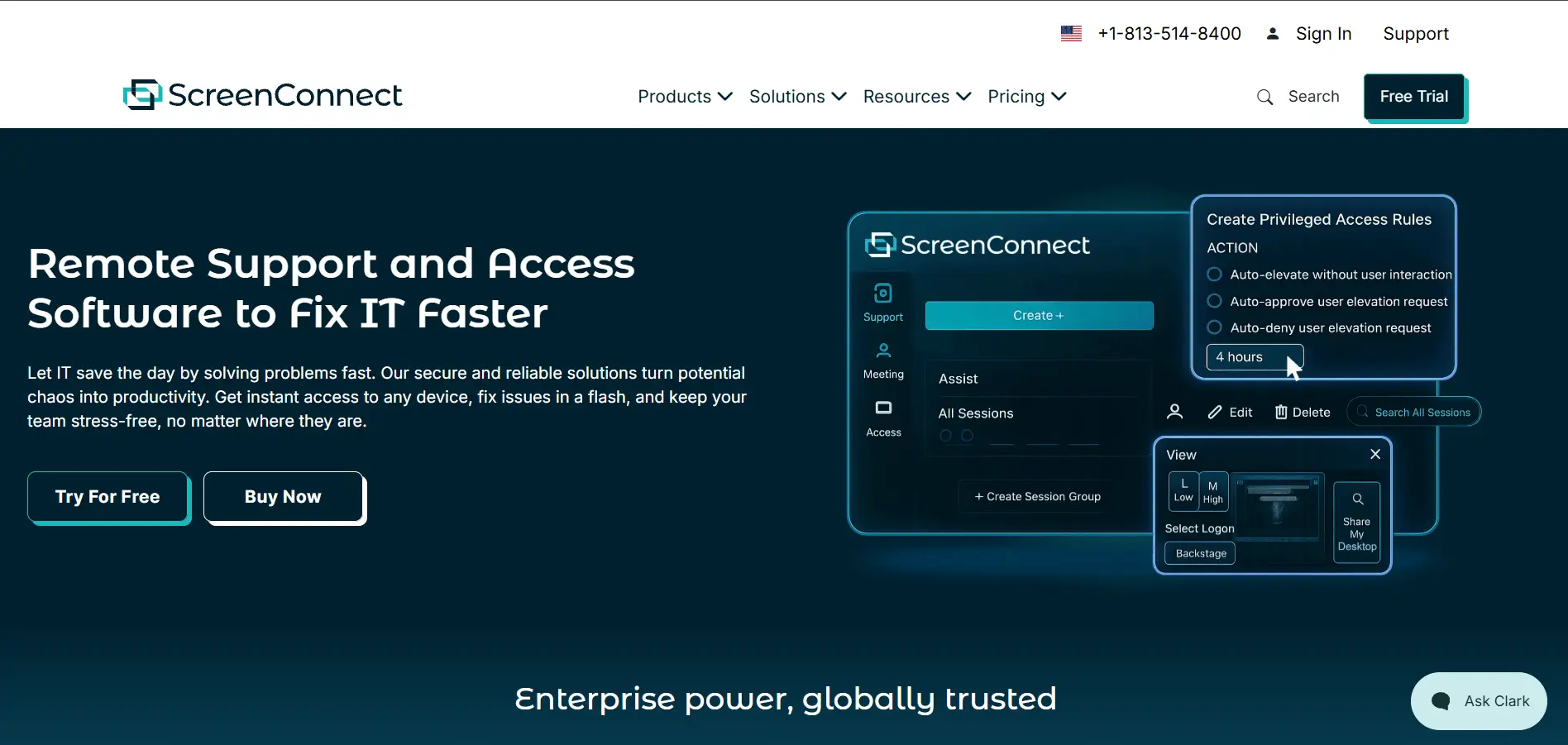
ConnectWise ScreenConnect (formerly ConnectWise Control) is a remote support tool aimed squarely at MSPs and IT service providers. It offers fast, on-demand remote access, unattended access to servers and workstations, and deep customization options, including white-labeling the client for a fully branded support experience.
The platform supports session recording, multi-monitor viewing, and detailed audit logs, which help larger IT teams maintain compliance. It integrates well with the wider ConnectWise ecosystem, including PSA and RMM tools, though newcomers may find the interface and setup process more complex than simpler consumer-focused alternatives.
Pros
- Deep customization and white-labeling
- Strong integration with ConnectWise PSA/RMM stack
- Detailed session recording and audit logs
- Reliable for large-scale IT support teams
Cons
- Steeper learning curve for new users
- Pricing can be unclear without a sales quote
- Best suited for MSPs, less ideal for casual users
5. BeyondTrust Remote Support
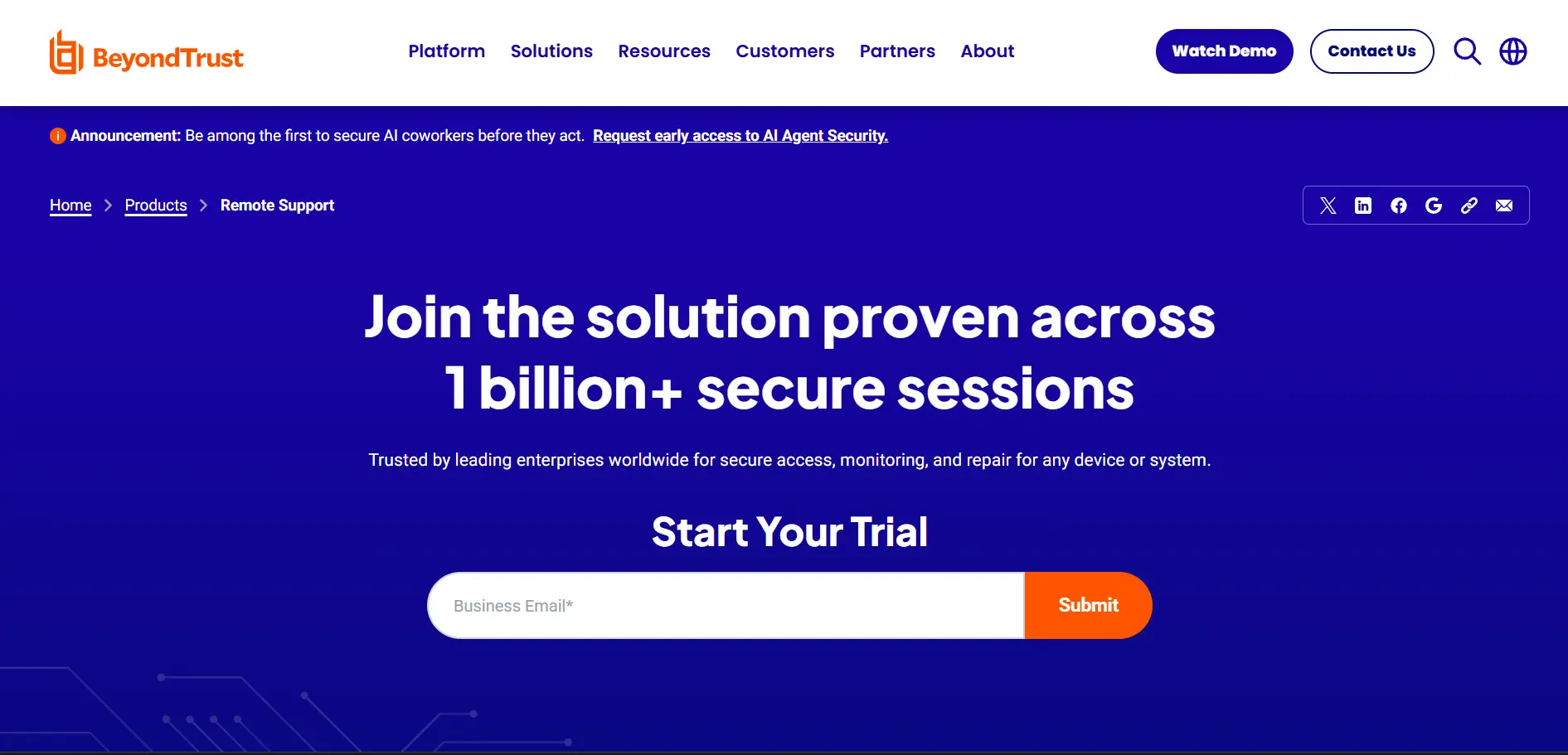
BeyondTrust Remote Support is an enterprise-grade privileged remote access solution built with security and compliance as top priorities. It’s frequently used by large IT departments, help desks, and vendors who need secure access to internal systems without exposing full network credentials, making it popular in regulated industries like finance and healthcare.
The platform supports granular access controls, session recording, credential injection, and detailed audit trails to satisfy strict compliance requirements. While powerful, BeyondTrust’s complexity and lack of published pricing make it less approachable for small businesses or individuals looking for a quick, low-cost remote access solution.
Pros
- Enterprise-grade security and compliance features
- Granular privileged access controls
- Detailed session auditing and credential injection
- Trusted in regulated industries
Cons
- No public pricing, requires a sales quote
- Overkill for small teams or individuals
- Complex setup and configuration
6. ISL Online
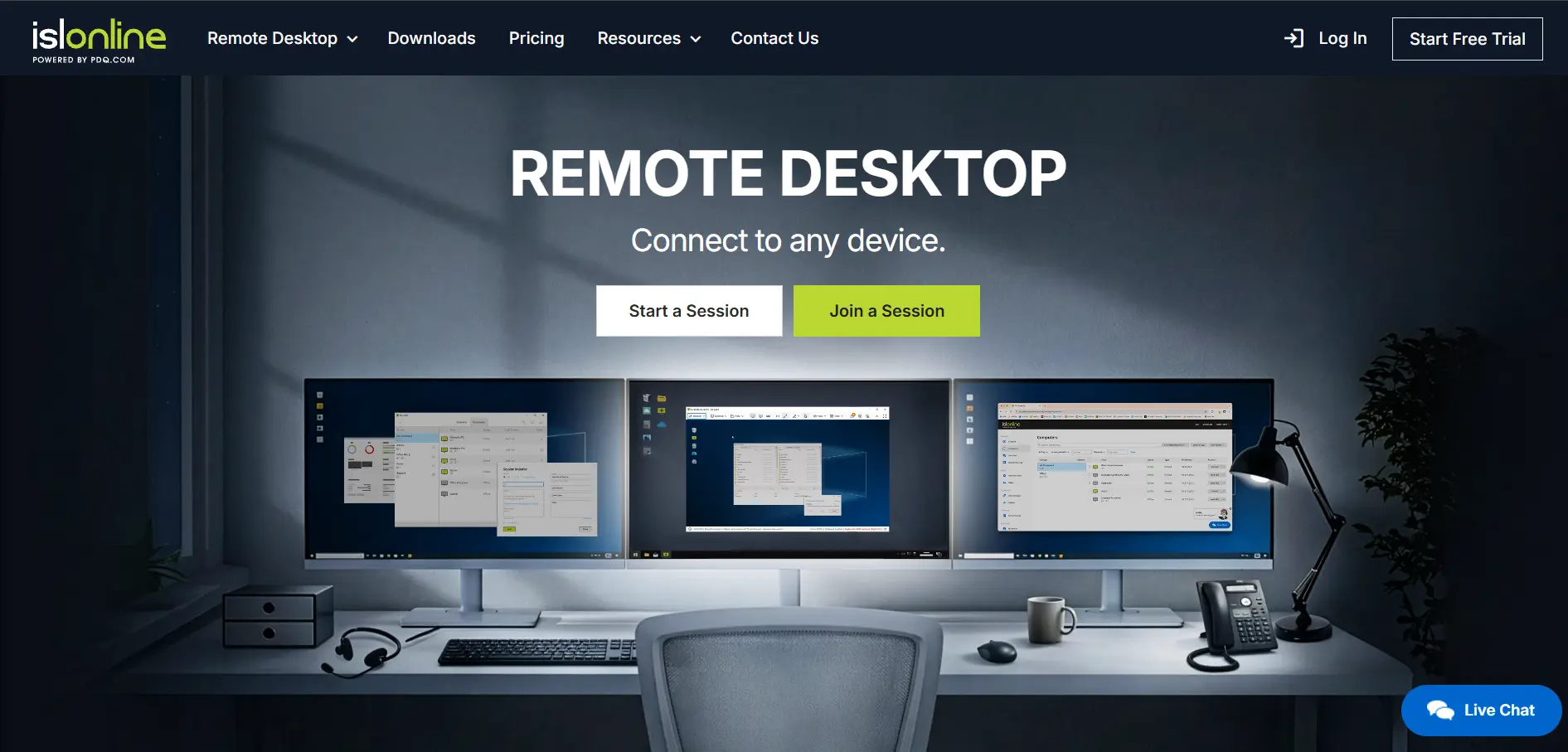
ISL Online is a Europe-based remote support and access platform popular for its flexibility, offering both cloud-hosted and self-hosted (on-premise) deployment options. This makes it attractive to organizations with strict data residency or compliance requirements that prefer to keep remote session data within their own infrastructure.
The tool supports unattended access, multi-platform compatibility, file transfer, and session recording, along with a customizable client for branded support experiences. Its interface is straightforward, though its brand recognition is lower than bigger competitors, meaning fewer community resources and third-party integrations are available.
Pros
- On-premise hosting option for compliance needs
- Reliable unattended access
- Customizable, brandable client
- Good value for single-operator licenses
Cons
- Smaller brand presence than major competitors
- Fewer third-party integrations
- UI feels dated compared to newer tools
7. HelpWire
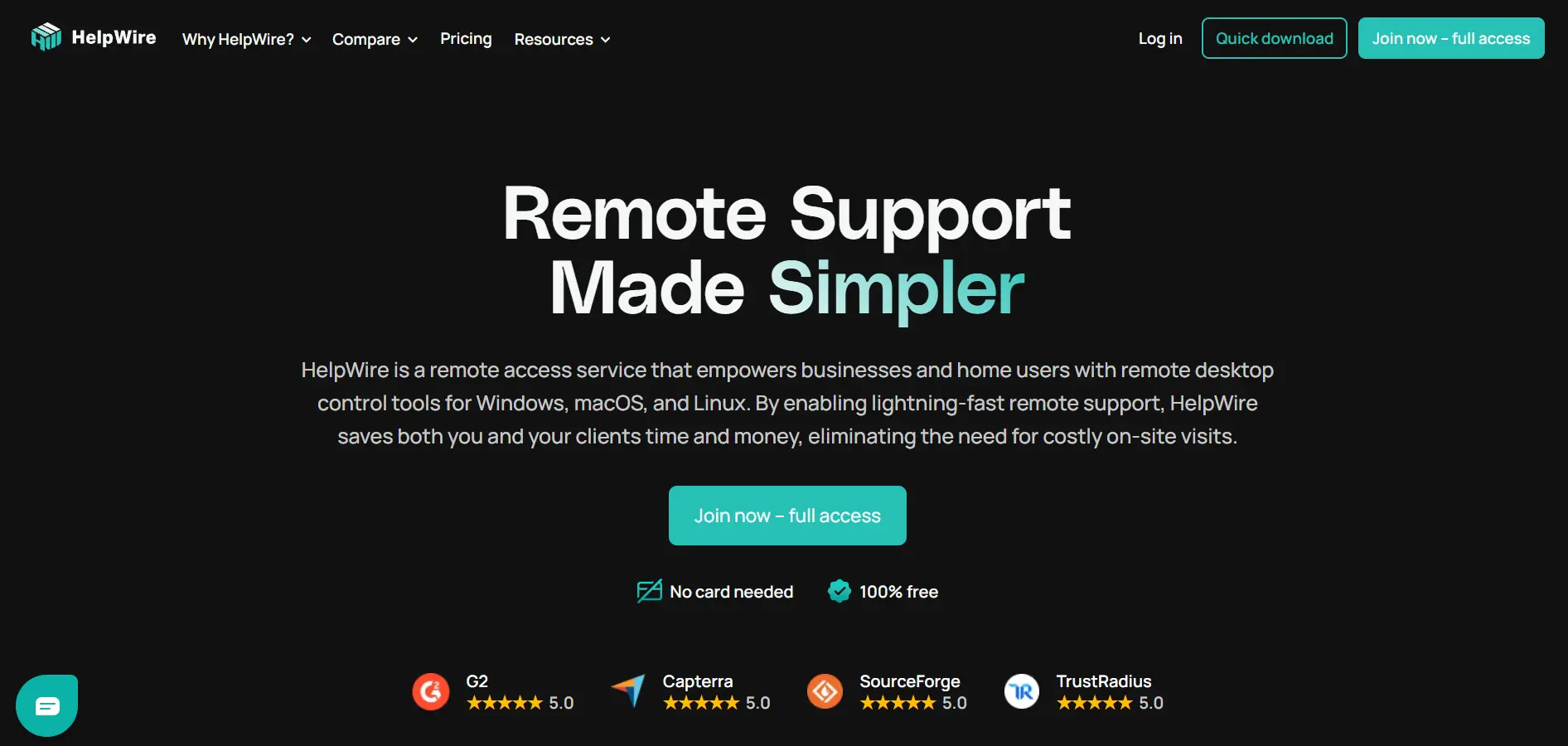
HelpWire is a newer entrant designed specifically for IT professionals and helpdesk teams who want unattended and attended remote access without a steep price tag. Its standout feature is a genuinely usable free tier that supports unlimited devices and technicians, which is rare among competitors that heavily restrict free usage.
The platform focuses on simplicity, offering quick session setup, cross-platform support for Windows and macOS, and a clean dashboard for managing multiple devices. Because it’s relatively new, it lacks some of the deep enterprise features and third-party integrations found in more established remote support platforms.
Pros
- Generous free plan with unlimited devices
- Simple, fast setup process
- Clean, easy-to-navigate dashboard
- Affordable paid tiers
Cons
- Fewer enterprise-grade features
- Limited third-party integrations
- Smaller, newer company with less track record
8. GoToMyPC
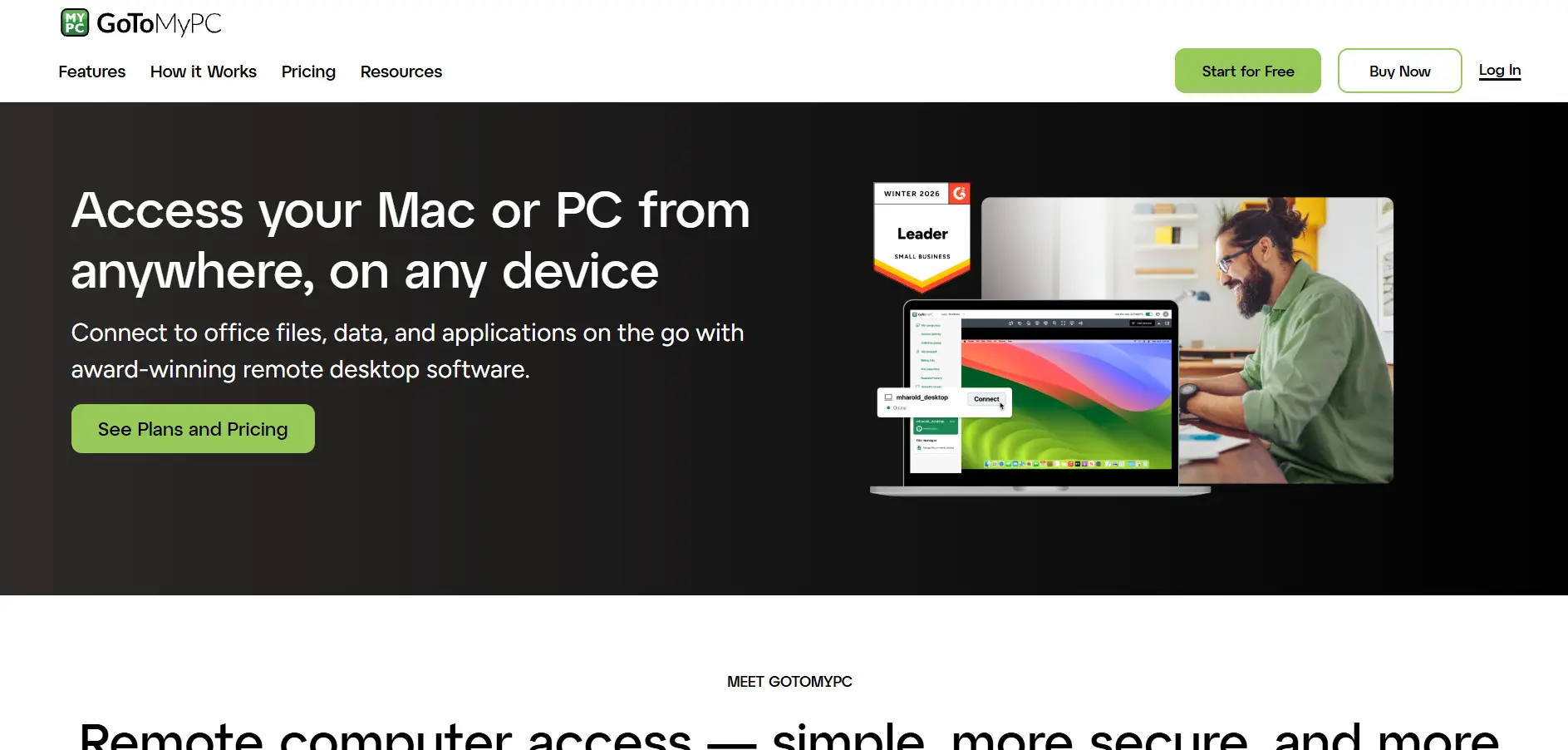
GoToMyPC is a long-established remote access tool from GoTo (formerly LogMeIn/Citrix), designed primarily for individuals and small businesses who need to access their own work computer from home or on the road. It emphasizes simplicity, with straightforward setup and a polished, reliable connection experience.
The platform includes features like multi-monitor support, file transfer, and printing from a remote session, along with strong encryption standards. However, GoToMyPC is priced per computer rather than per technician managing many devices, which makes it comparatively expensive for businesses needing to support numerous endpoints.
Pros
- Reliable, mature platform with strong uptime
- Simple setup for individual remote access
- Multi-monitor and remote printing support
- Strong encryption and security standards
Cons
- Priced per computer, gets costly at scale
- Fewer advanced IT management tools
- Less suited for MSPs managing many clients
9. Pulseway
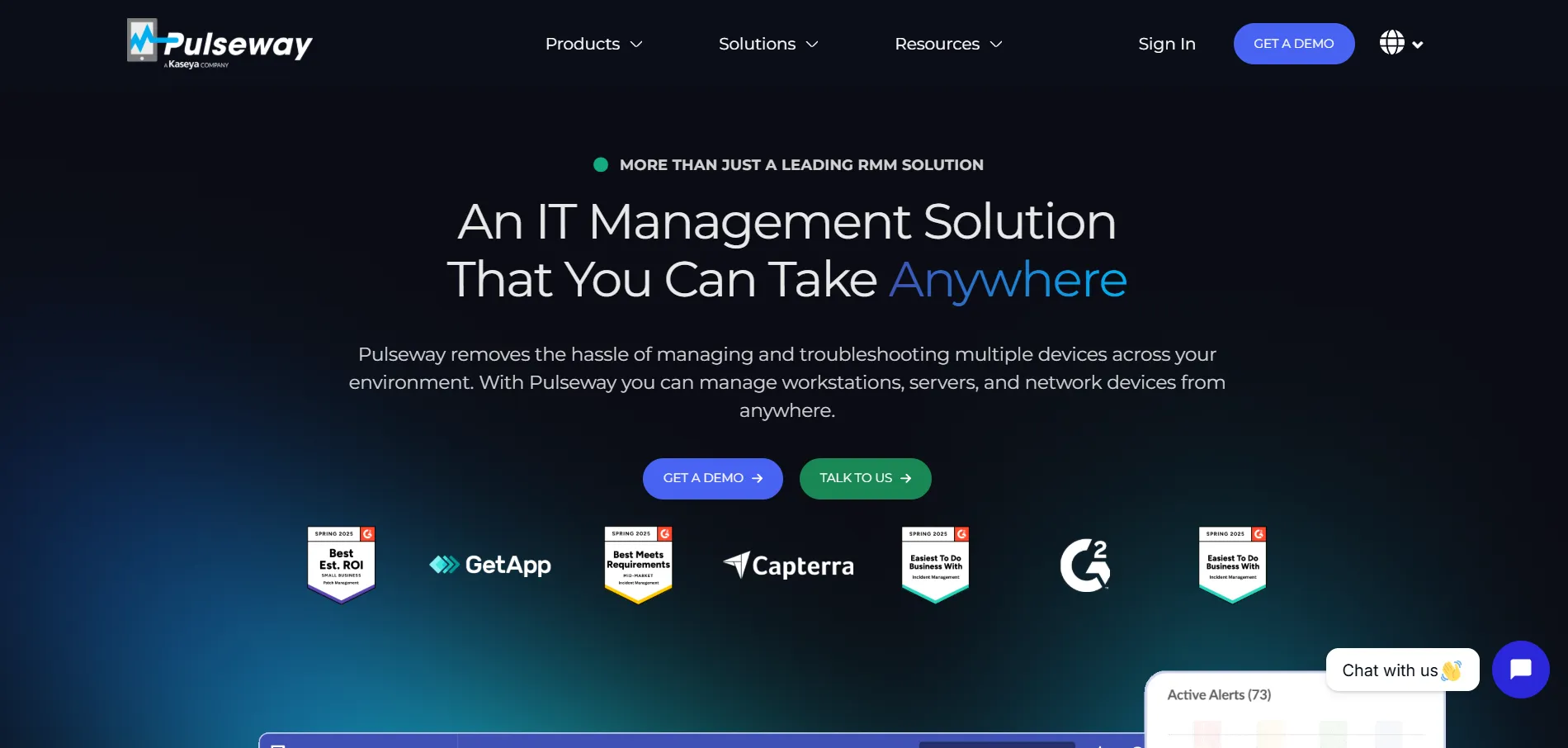
Pulseway is primarily an RMM (Remote Monitoring and Management) platform that includes remote desktop access as one of its core modules, making it a strong choice for MSPs and IT teams who want monitoring, automation, and remote control combined in a single solution rather than juggling separate tools.
Its mobile-first design allows technicians to monitor and remotely control endpoints directly from a smartphone app, which is a standout feature compared to most desktop-only competitors. The tradeoff is that Pulseway’s modular pricing structure can be confusing, and its full value is best realized by teams that need monitoring and automation, not just remote access alone.
Pros
- Combines RMM, automation, and remote access
- Strong mobile app for on-the-go management
- Good for MSPs managing many endpoints
- Modular pricing lets you pay for what you need
Cons
- Pricing structure can be confusing
- Overkill if you only need basic remote access
- Setup requires more technical configuration
10. Chrome Remote Desktop
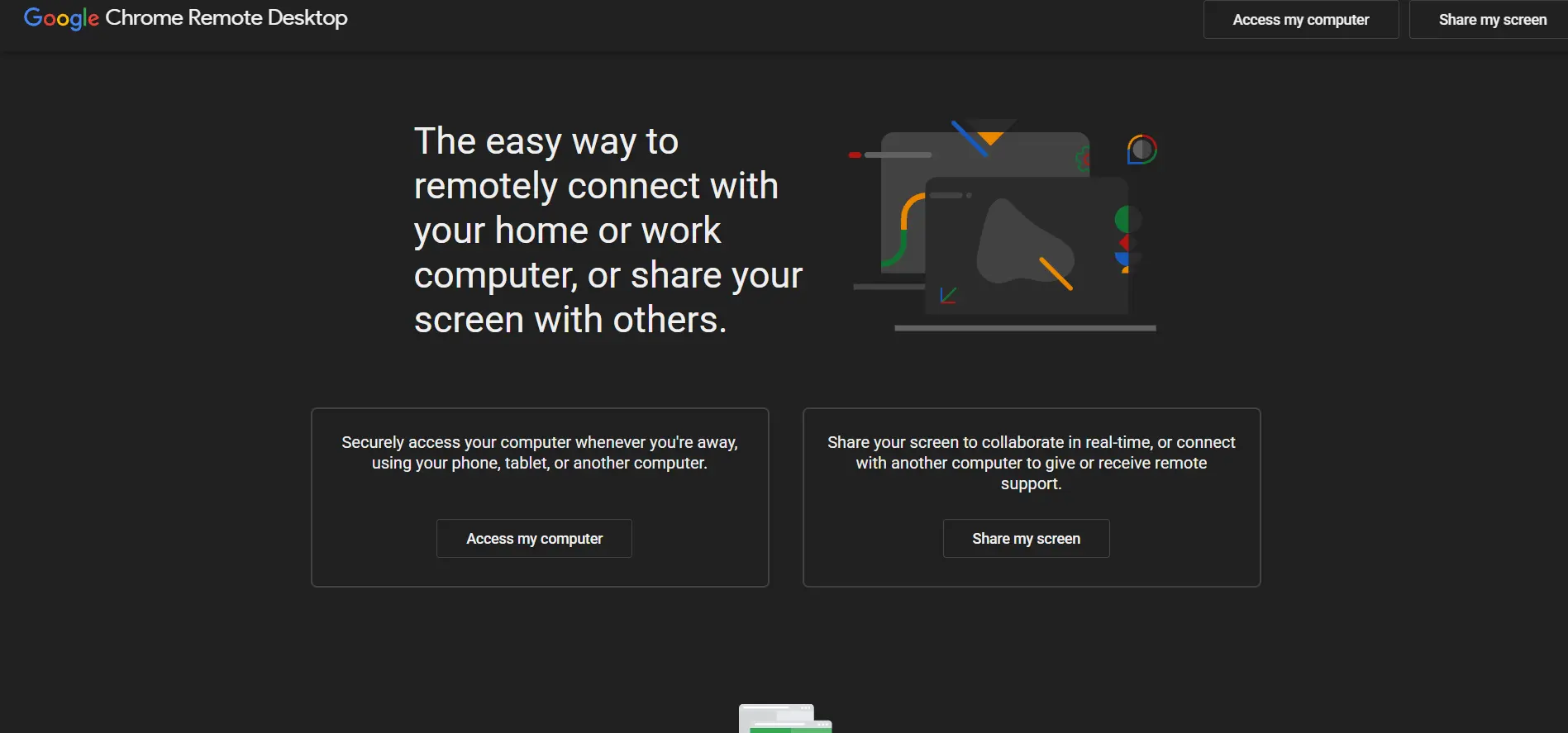
Chrome Remote Desktop is Google’s free, browser-based remote access tool that works through the Chrome browser or a Chrome OS device, requiring no separate software installation for basic use. It’s an excellent option for individuals or small teams who need occasional remote access without paying for a subscription.
The tool supports both unattended access to your own devices and one-time support sessions using a shareable access code. While it’s simple and reliable for basic use cases, it lacks advanced features like session recording, multi-user management, detailed reporting, and enterprise administrative controls found in paid alternatives.
Pros
- Completely free with no hidden costs
- Simple browser-based setup
- Reliable and backed by Google infrastructure
- Good for quick one-time support sessions
Cons
- No session recording or advanced admin tools
- Lacks enterprise-level management features
- Basic feature set compared to paid tools
11. Splashtop
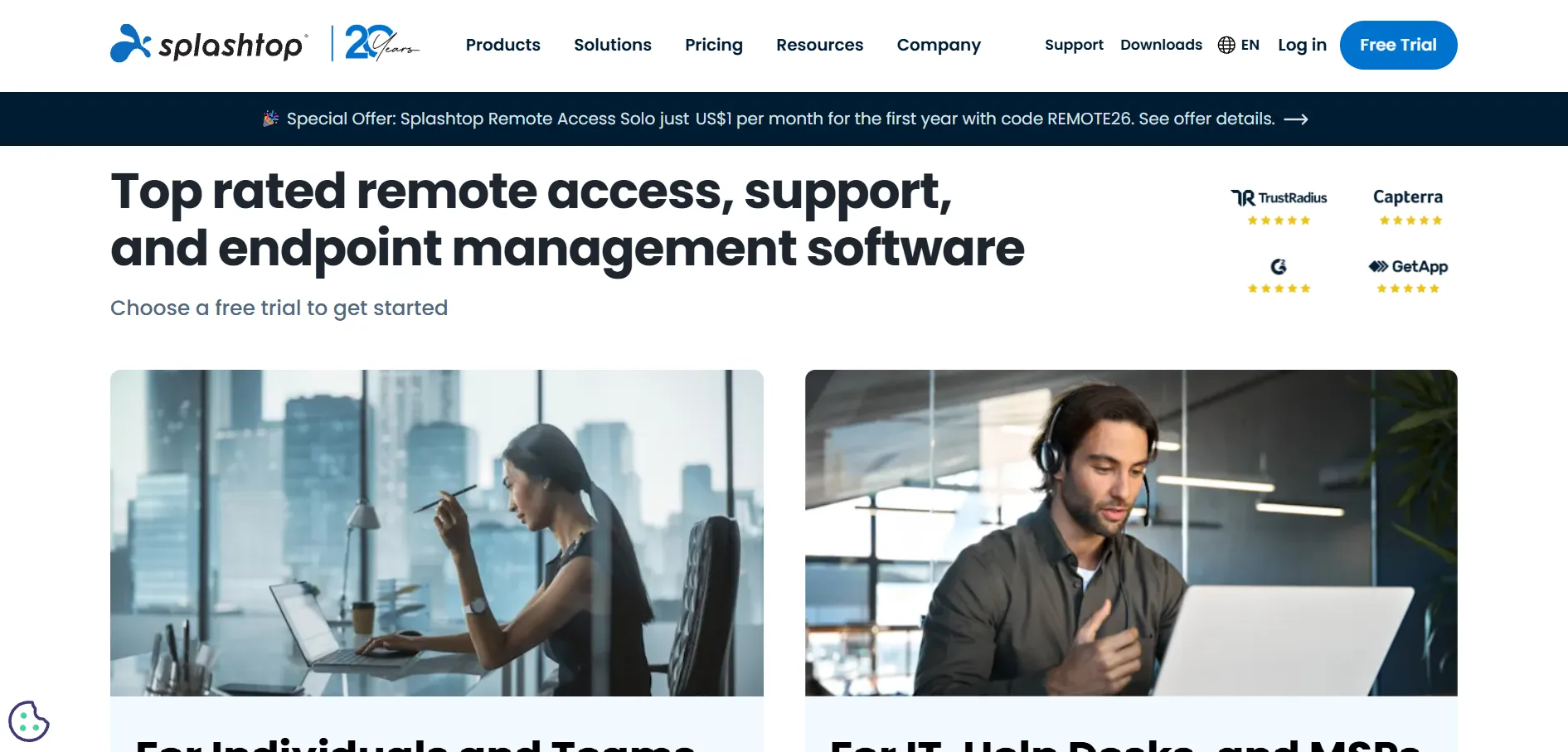
Splashtop is a popular, budget-friendly remote desktop solution known for its high-quality video and audio streaming, making it well-suited for design work, remote support, and even light gaming. It supports Windows, Mac, iOS, Android, and Chromebook, giving it broad cross-platform coverage for both personal and business use.
Businesses can choose between Business Access for accessing their own unattended devices and SOS for on-demand remote support of client devices. Splashtop is frequently praised for offering enterprise-level performance at a fraction of the cost of larger competitors, though some advanced features require stacking multiple add-on modules.
Pros
- Excellent price-to-performance ratio
- High-quality video and audio streaming
- Broad platform support including Chromebook
- Separate plans for personal and support use cases
Cons
- Advanced features require add-on modules
- Annual billing needed for best pricing
- Initial setup can be confusing for new users
12. Sobrii Remote
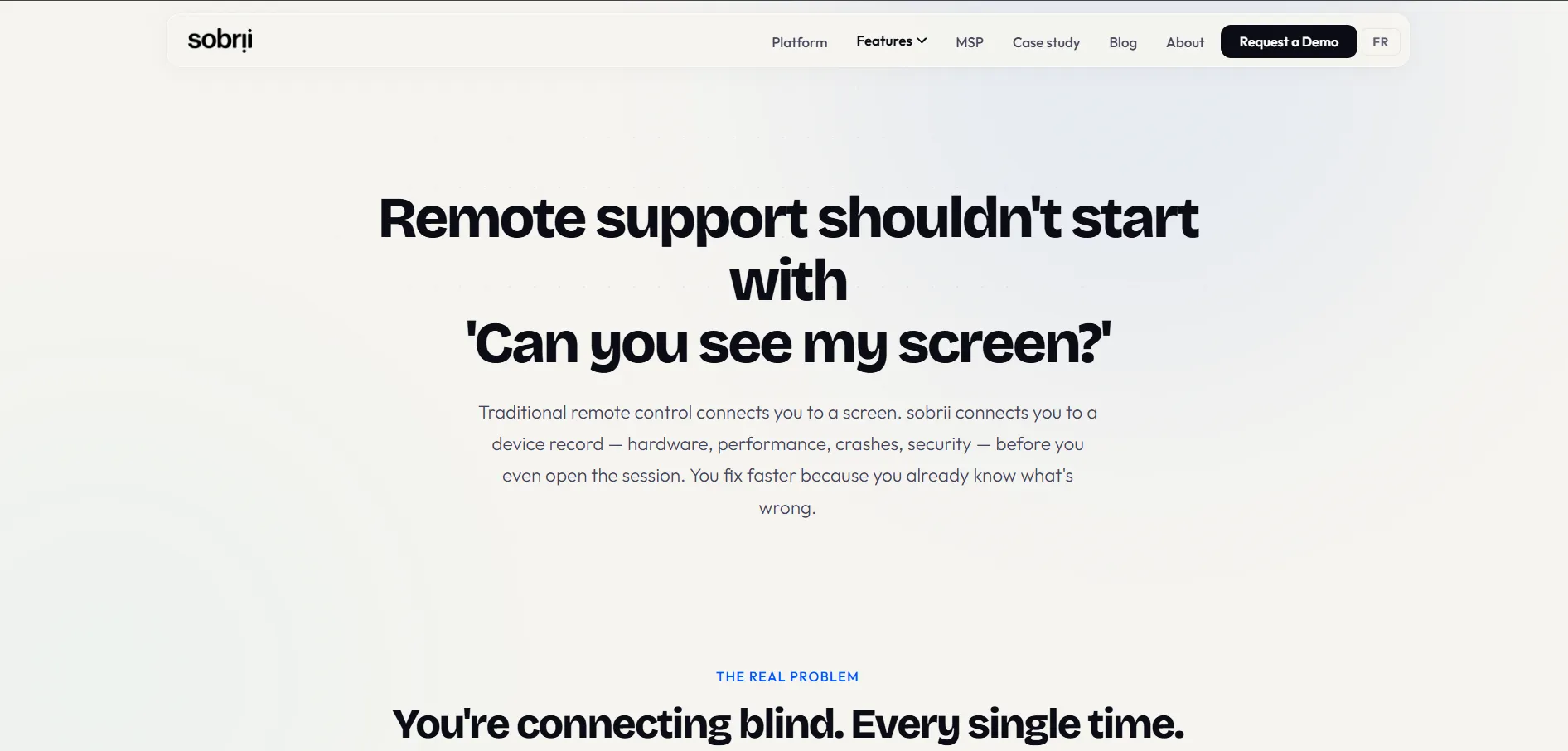
sobrii Remote is a lesser-known but capable remote desktop tool aimed at small businesses and independent IT professionals looking for an affordable alternative to bigger-name platforms. It focuses on core essentials: fast connection setup, cross-platform compatibility, and straightforward pricing without excessive add-ons.
The tool supports both attended and unattended access, along with basic file transfer capabilities, making it suitable for everyday remote support tasks. Because it has a smaller user base than major competitors, documentation and community support resources are more limited, which may require more direct vendor support for troubleshooting.
Pros
- Simple, affordable pricing structure
- Supports attended and unattended access
- Good fit for small businesses and freelancers
- Straightforward, no-frills setup
Cons
- Smaller community and support resources
- Less brand recognition and third-party reviews
- Fewer enterprise-grade features
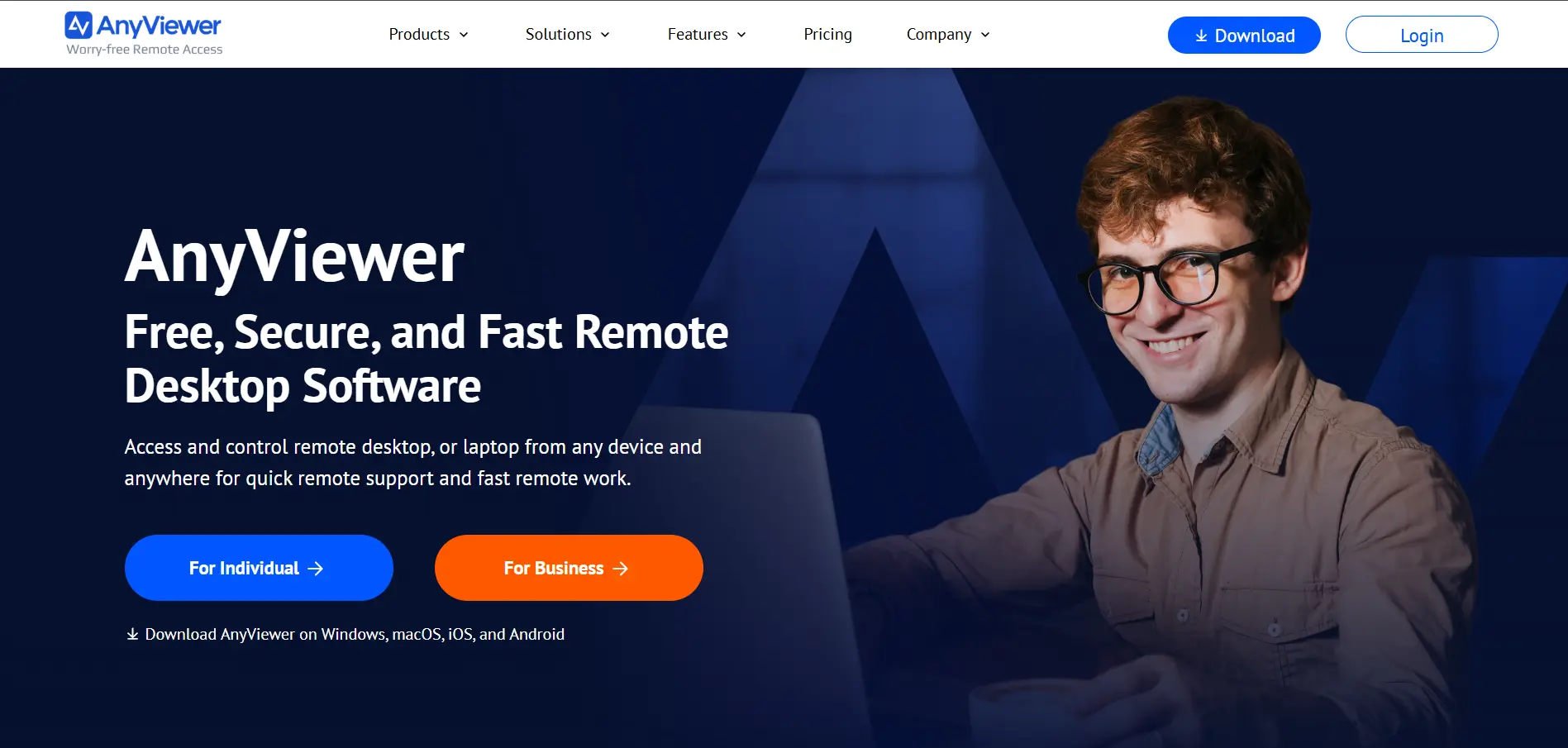
AnyViewer
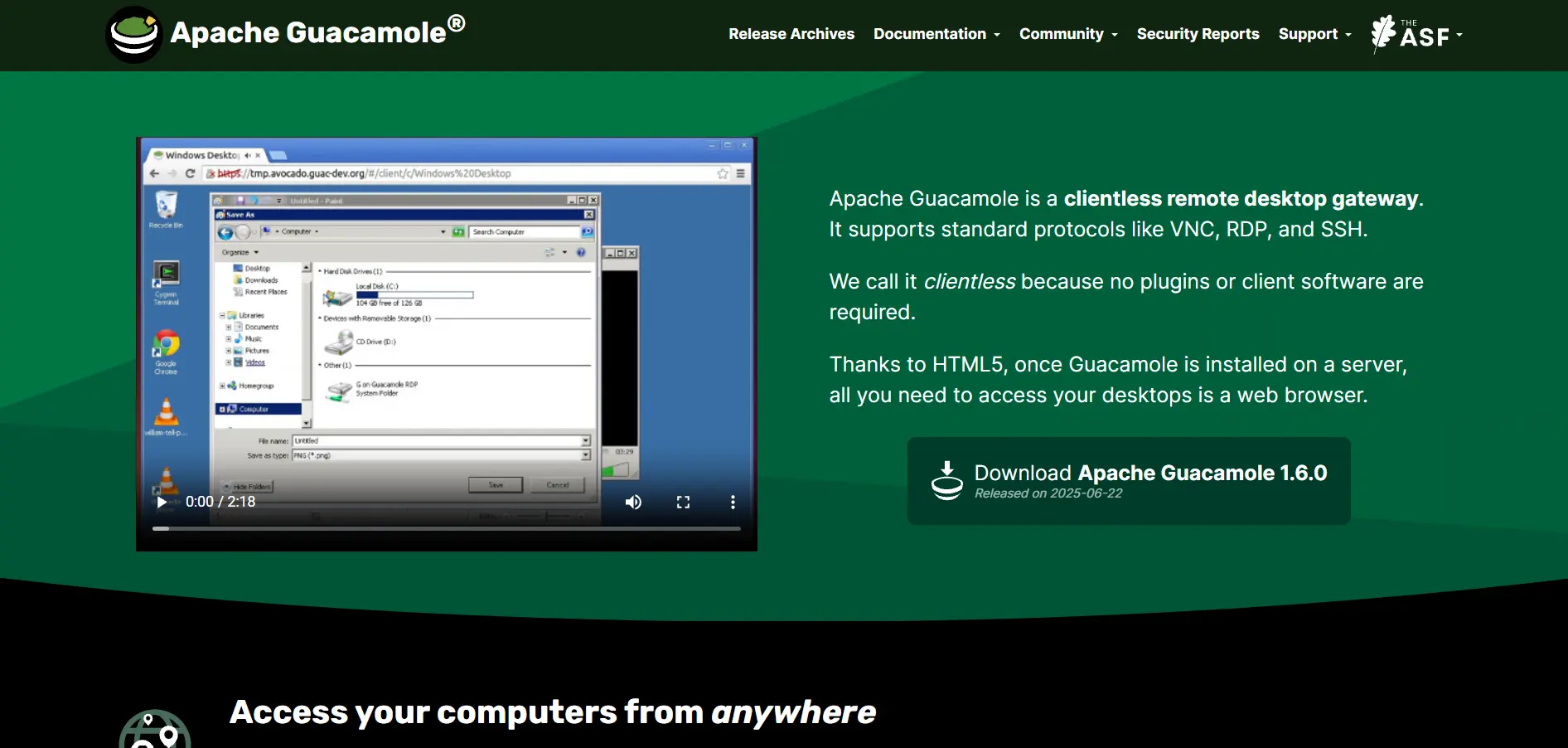
Apache Guacamole
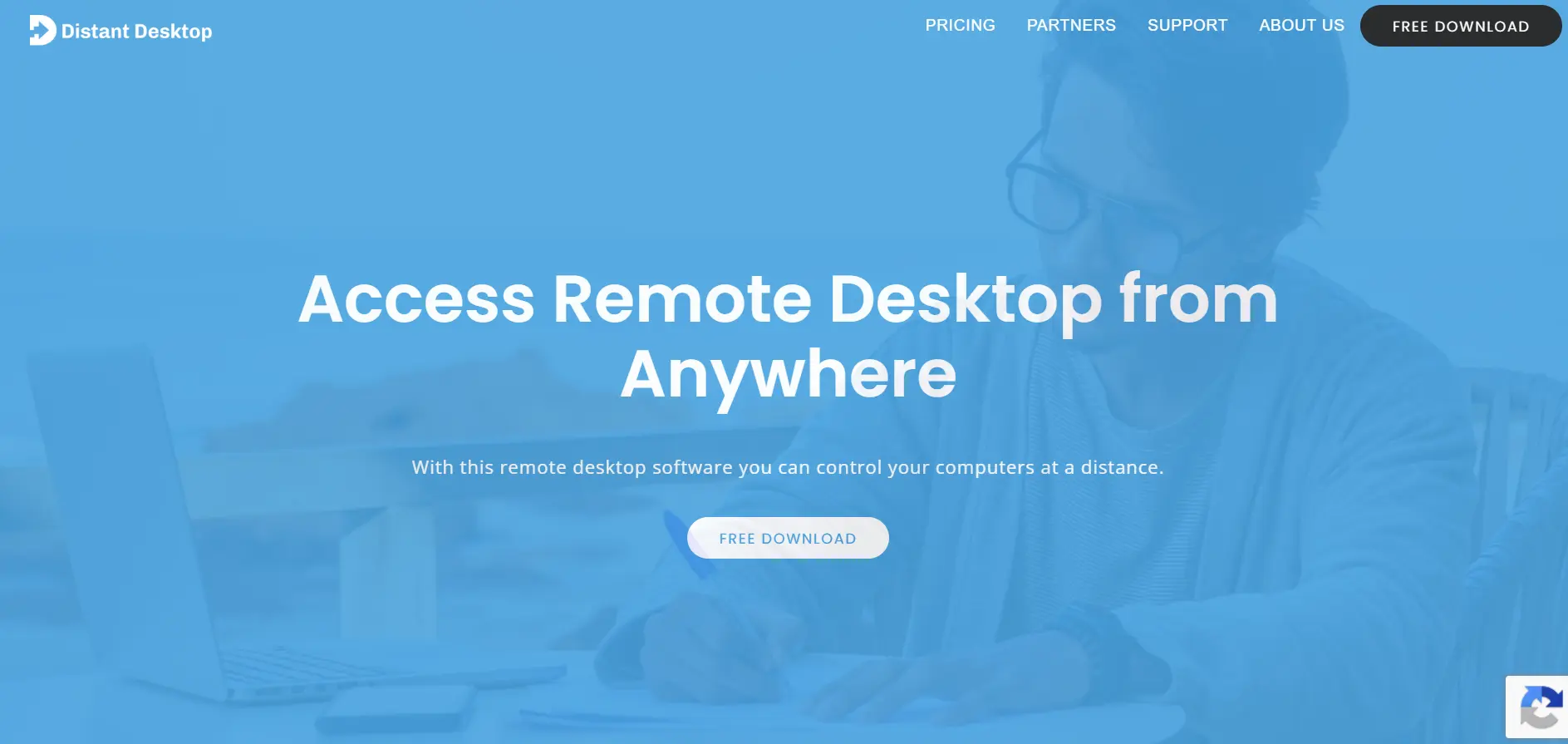
Distant Desktop
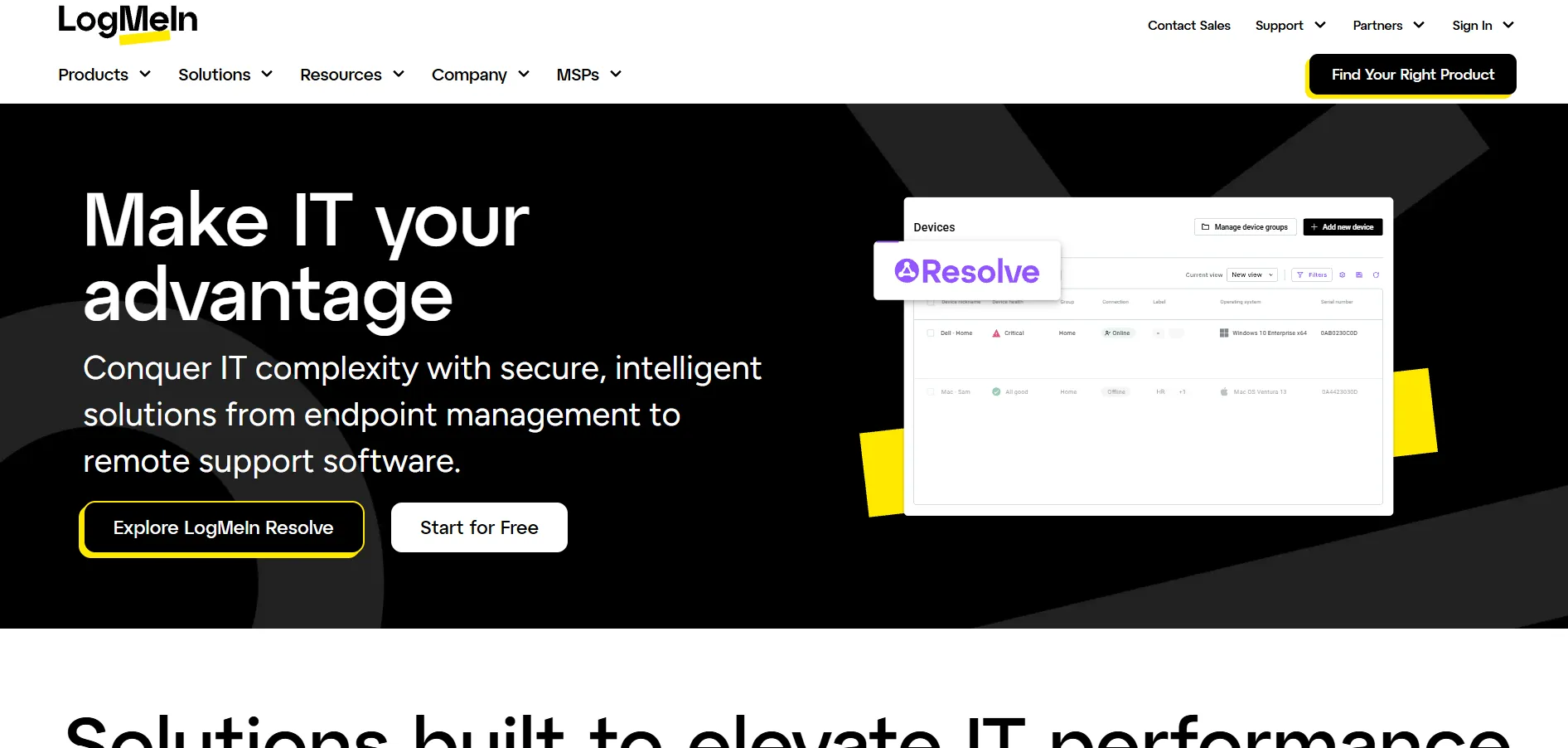
LogMeIn
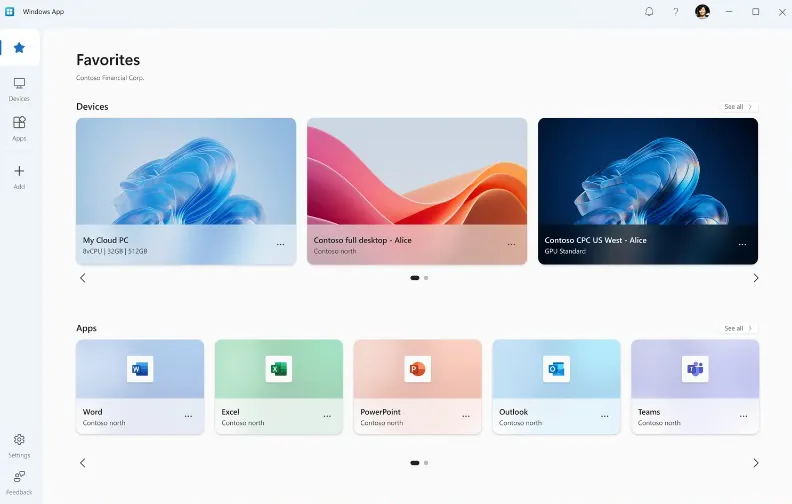
Microsoft Remote Desktop
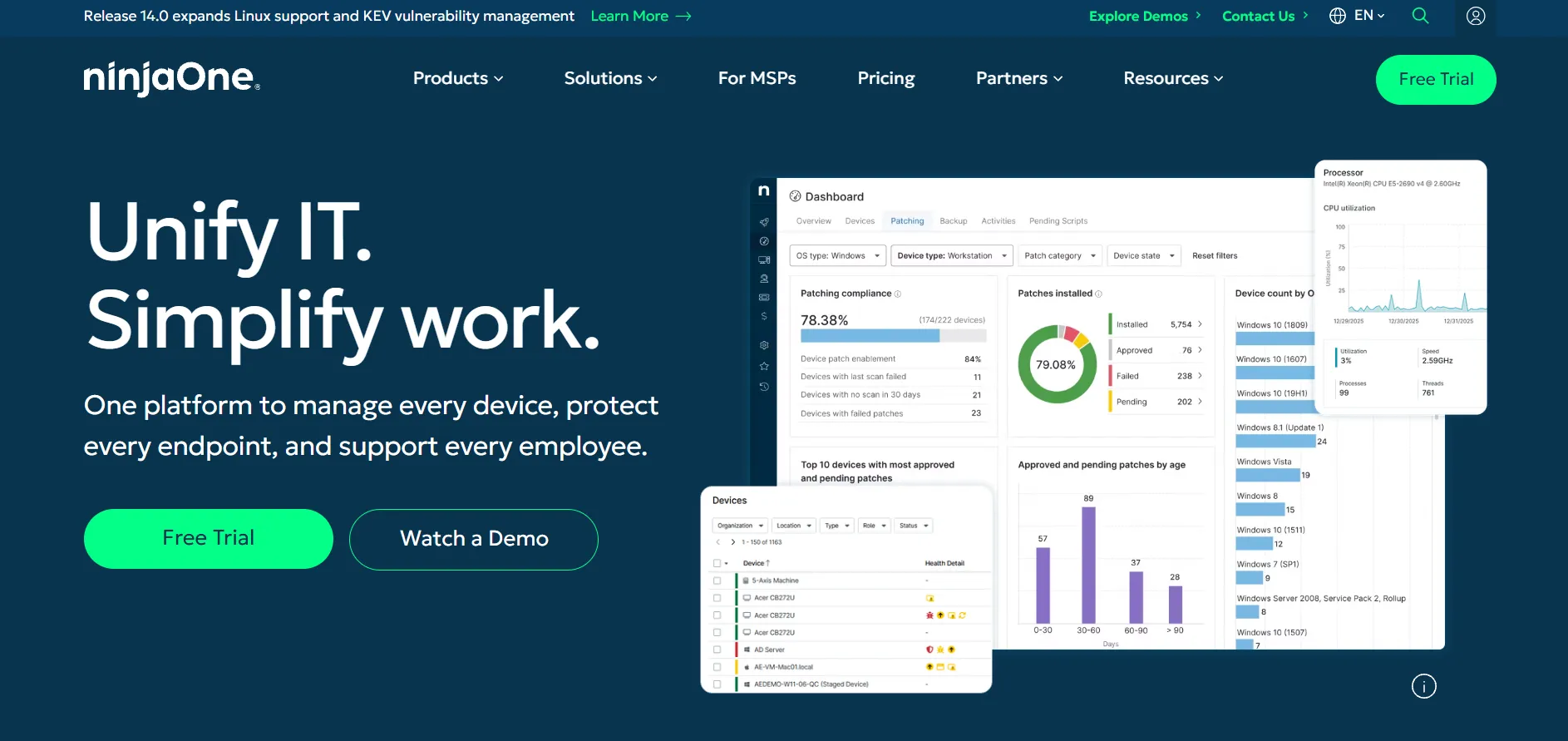
NinjaOne
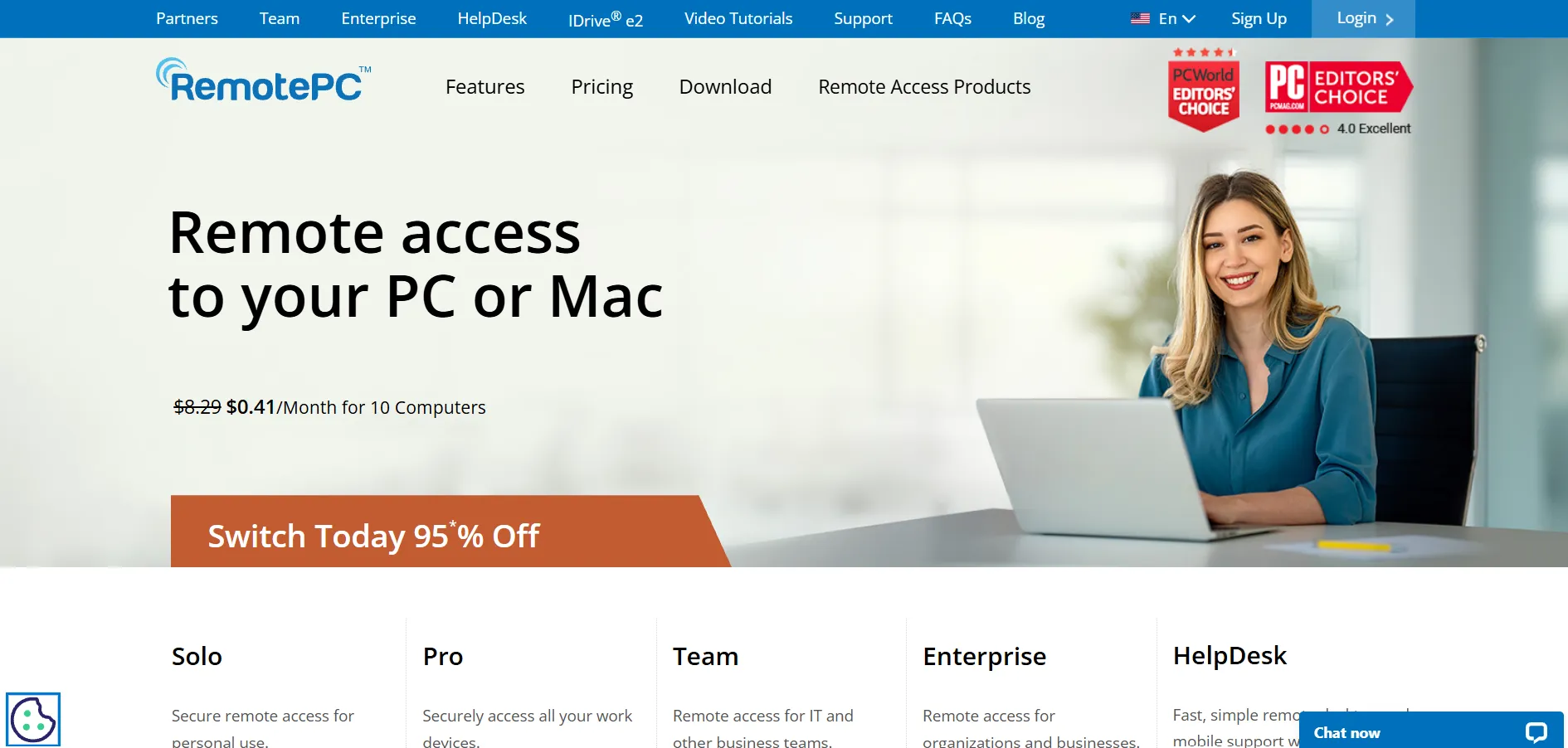
RemotePC
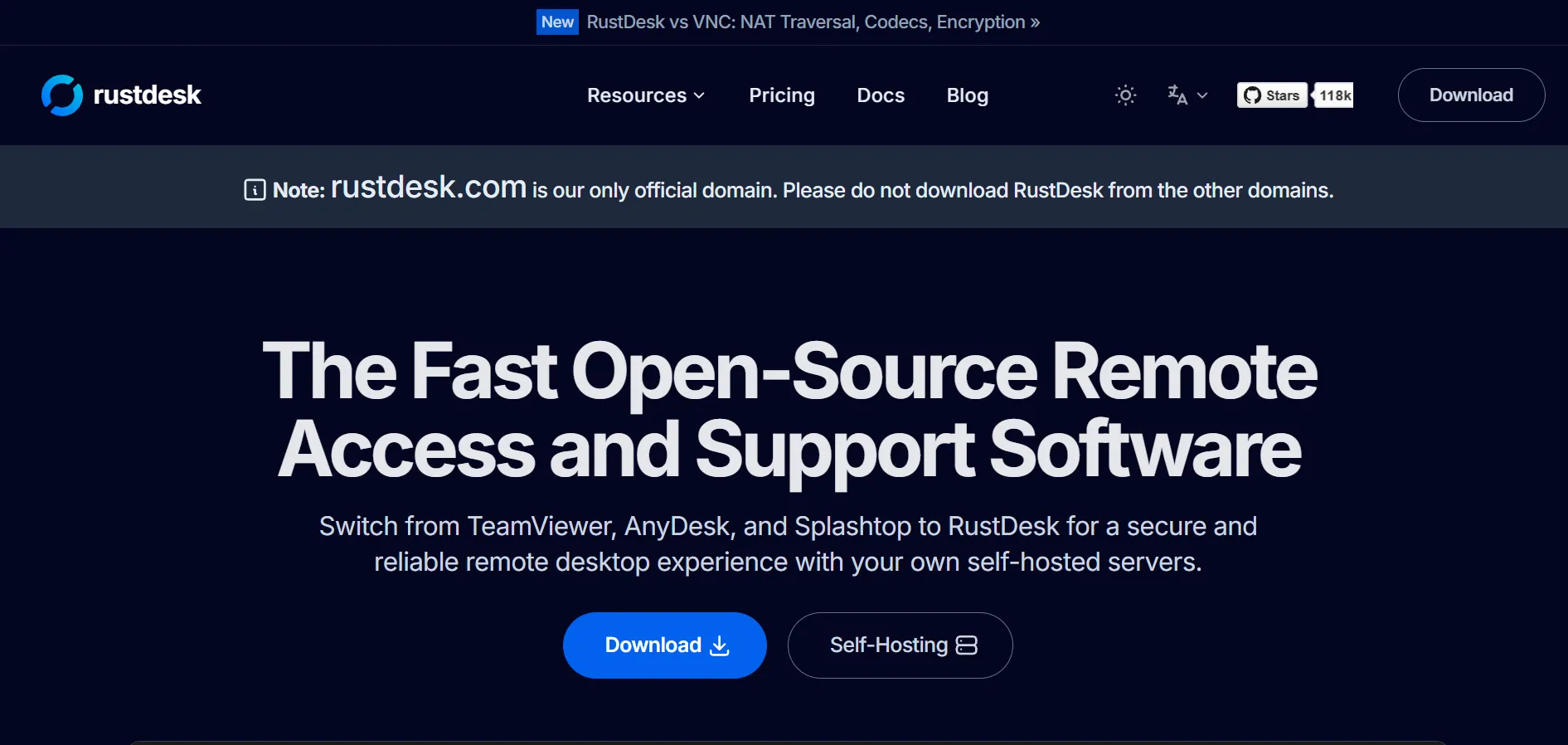
RustDesk
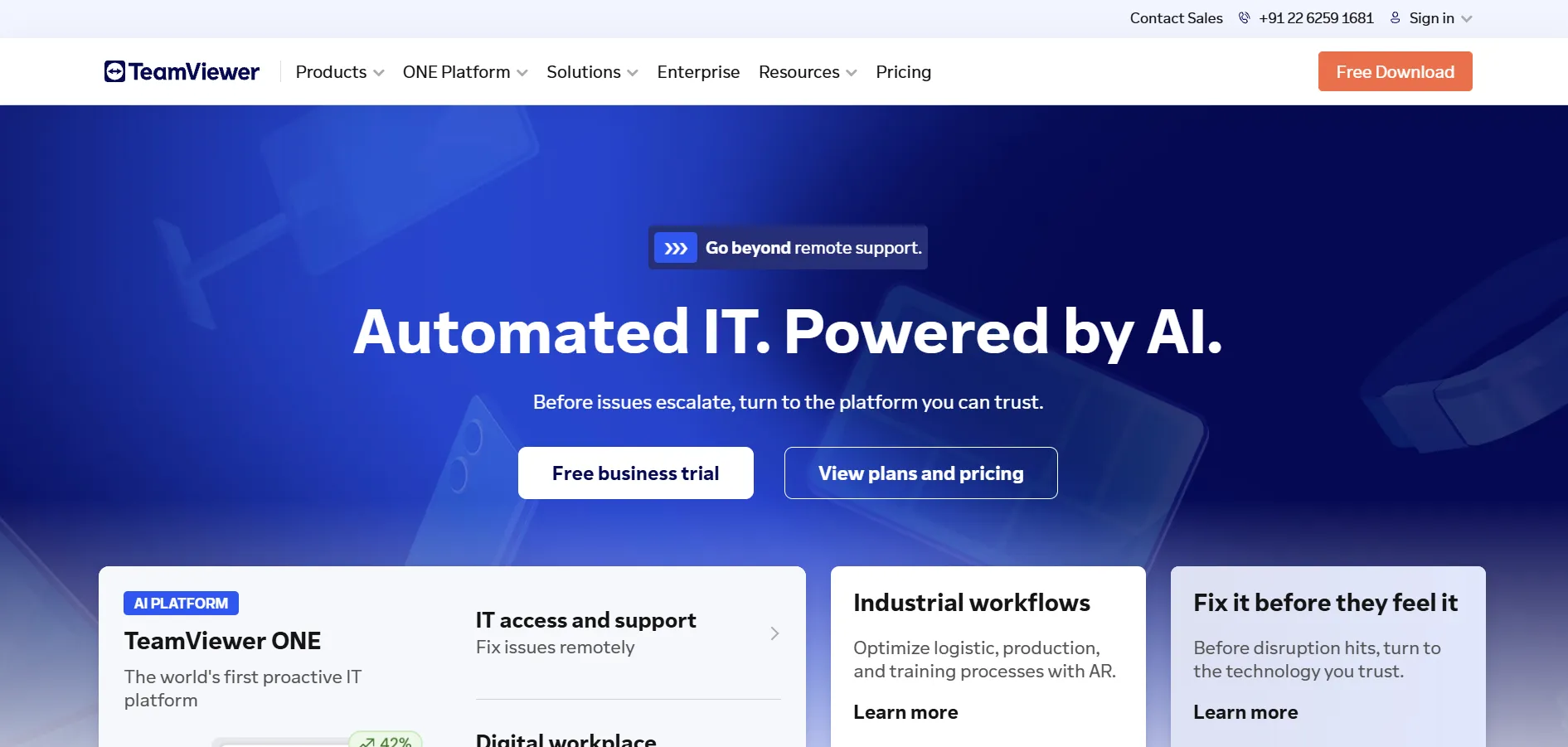
TeamViewer
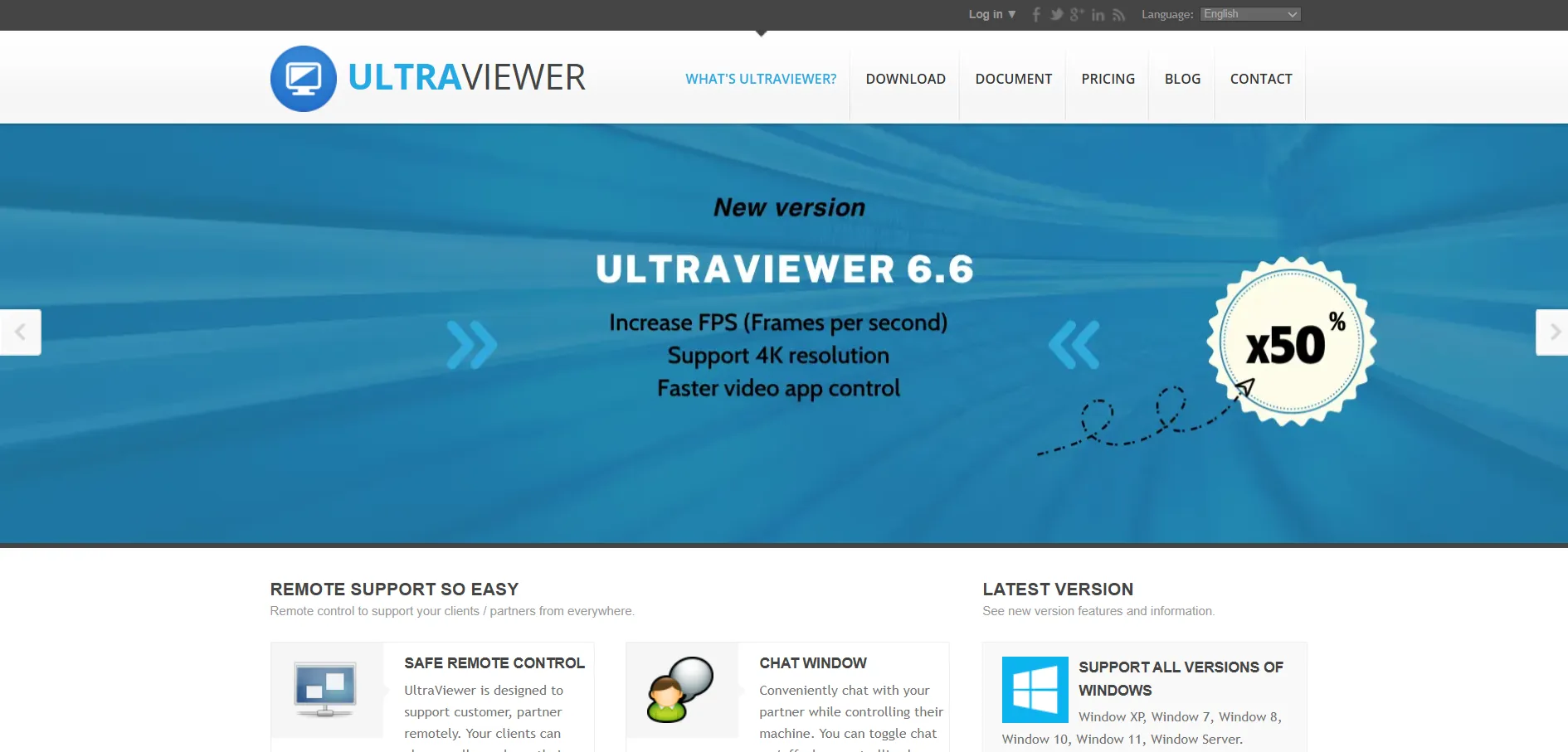
UltraViewer
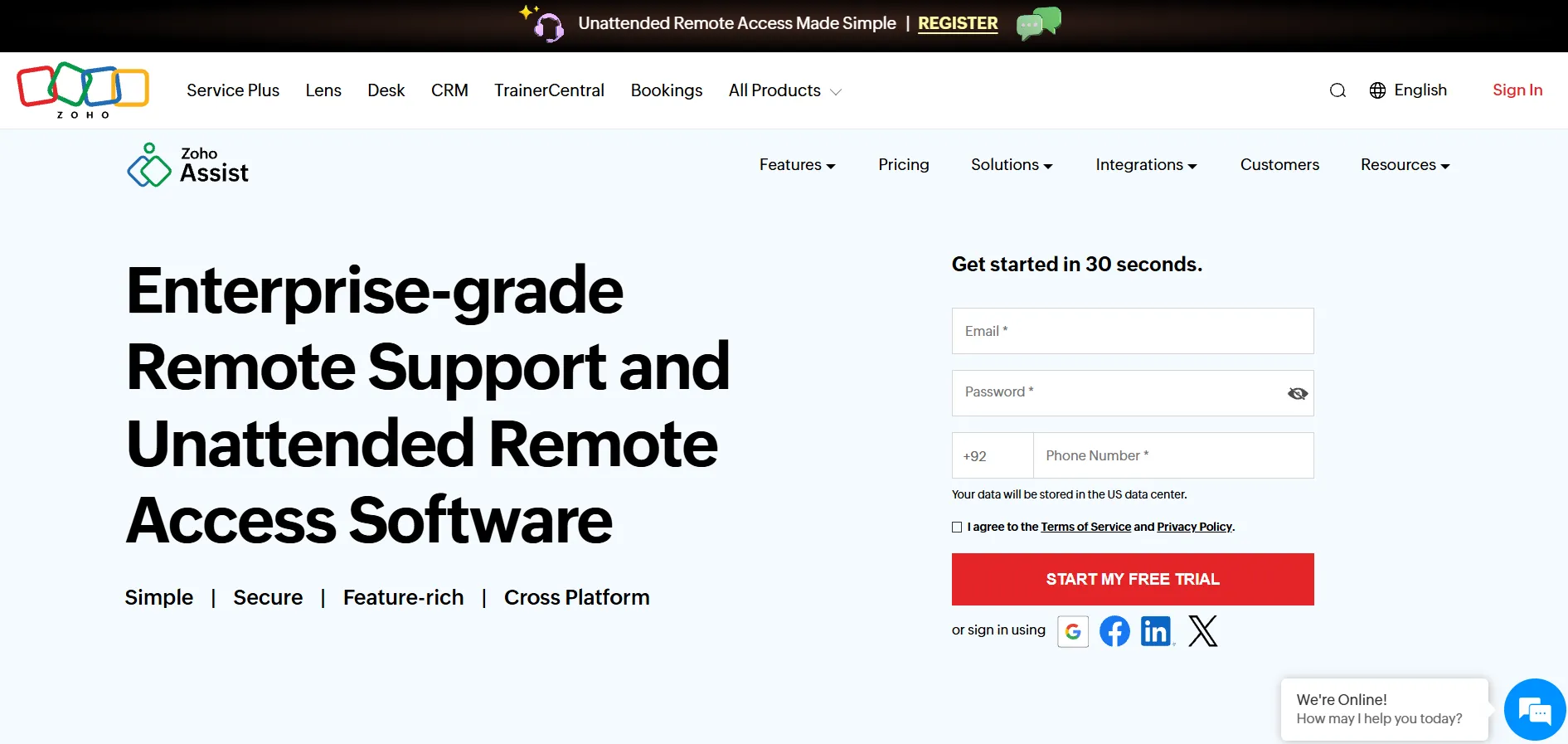
Zoho Assist
| Alternative | Description |
|---|---|
| AirDroid Remote Support | Cross-platform remote support tool with mobile device focus, session recording, and business integrations for IT and customer support teams. |
| Parsec | Ultra-low latency streaming tool popular with gamers and creatives, supporting 4K resolution and multi-user collaborative sessions. |
| AnyDesk | Widely used remote desktop app known for its DeskRT codec, strong cross-platform support, and enterprise security certifications. |
| ConnectWise ScreenConnect | MSP-focused remote support tool with deep customization, white-labeling, and integration with the ConnectWise IT ecosystem. |
| BeyondTrust Remote Support | Enterprise privileged remote access platform with granular controls, built for security-conscious, regulated organizations. |
| ISL Online | Flexible remote access platform offering both cloud and on-premise hosting for compliance-sensitive organizations. |
| HelpWire | Newer remote support tool with a generous free plan supporting unlimited devices and technicians. |
| GoToMyPC | Established personal and business remote access tool with reliable performance and remote printing support. |
| Pulseway | RMM platform combining monitoring, automation, and remote access, with a strong mobile app for technicians. |
| Chrome Remote Desktop | Google’s completely free, browser-based remote access tool ideal for basic personal and small business use. |
| Splashtop | Budget-friendly remote desktop solution with high-quality streaming and broad cross-platform support. |
| Sobrii Remote | Affordable, no-frills remote access tool aimed at small businesses and independent IT professionals. |
Conclusion
Microsoft Remote Desktop works well for basic Windows-to-Windows connections, but as this list shows, there’s a much wider ecosystem of tools built for cross-platform access, IT support, gaming, and enterprise security. Free options like Chrome Remote Desktop and HelpWire are great starting points for individuals, while tools like AnyDesk, Splashtop, and ConnectWise ScreenConnect scale well for growing businesses and MSPs.
Ultimately, the right choice depends on your specific needs: budget, platform support, security requirements, and whether you’re supporting a handful of devices or managing hundreds. We recommend testing a few of these tools using their free trials or free plans before committing to a paid subscription, since real-world performance can vary based on your network and use case.
- 1. AirDroid Remote Support
- 2. Parsec
- 3. AnyDesk
- 4. ConnectWise ScreenConnect
- 5. BeyondTrust Remote Support
- 6. ISL Online
- 7. HelpWire
- 8. GoToMyPC
- 9. Pulseway
- 10. Chrome Remote Desktop
- 11. Splashtop
- 12. Sobrii Remote
- AnyViewer
- Apache Guacamole
- Distant Desktop
- LogMeIn
- Microsoft Remote Desktop
- NinjaOne
- RemotePC
- RustDesk
- TeamViewer
- UltraViewer
- Zoho Assist
- Conclusion


