

Parsec has long been a favorite among gamers and creative professionals for its low-latency streaming, but it isn’t the right fit for everyone. Businesses often need unattended access, device management, and enterprise-grade security that Parsec doesn’t fully address. In this article, we’ve rounded up ten of the best Parsec Alternatives available in 2026. Each option is evaluated on its free trial availability, pricing plans, and overall strengths and weaknesses, so you can quickly decide which tool matches your remote access requirements, whether that’s IT support, gaming, or unattended device management.
LogMeIn
LogMeIn Pro by GoTo offers a 14-day free trial so users can test remote access, file sharing, and multi-monitor support before committing. There’s no permanent free version, which pushes evaluators toward the trial period for a genuine hands-on assessment. Pricing is tiered by device count and billed either monthly or annually, with discounts for yearly commitments.
Pricing Plans:
- Individuals – $30/month (2 computers)
- Power Users – $70/month (5 computers)
- Small Business – $129/month (10 computers)
LogMeIn bundles in a free LastPass Premium license and 1TB of cloud storage, which adds value for teams already tied into its ecosystem. However, reviewers frequently point to steep annual renewal hikes as a drawback compared to leaner competitors like Splashtop or AnyDesk. For organizations wanting an all-in-one package with security tools included, it remains a dependable, if pricier, choice.
Pros
- Bundled LastPass and cloud storage
- Reliable multi-monitor remote access
- Strong enterprise security features
Cons
- No permanent free plan
- Pricing rises significantly at renewal
- Expensive compared to rivals
NinjaOne
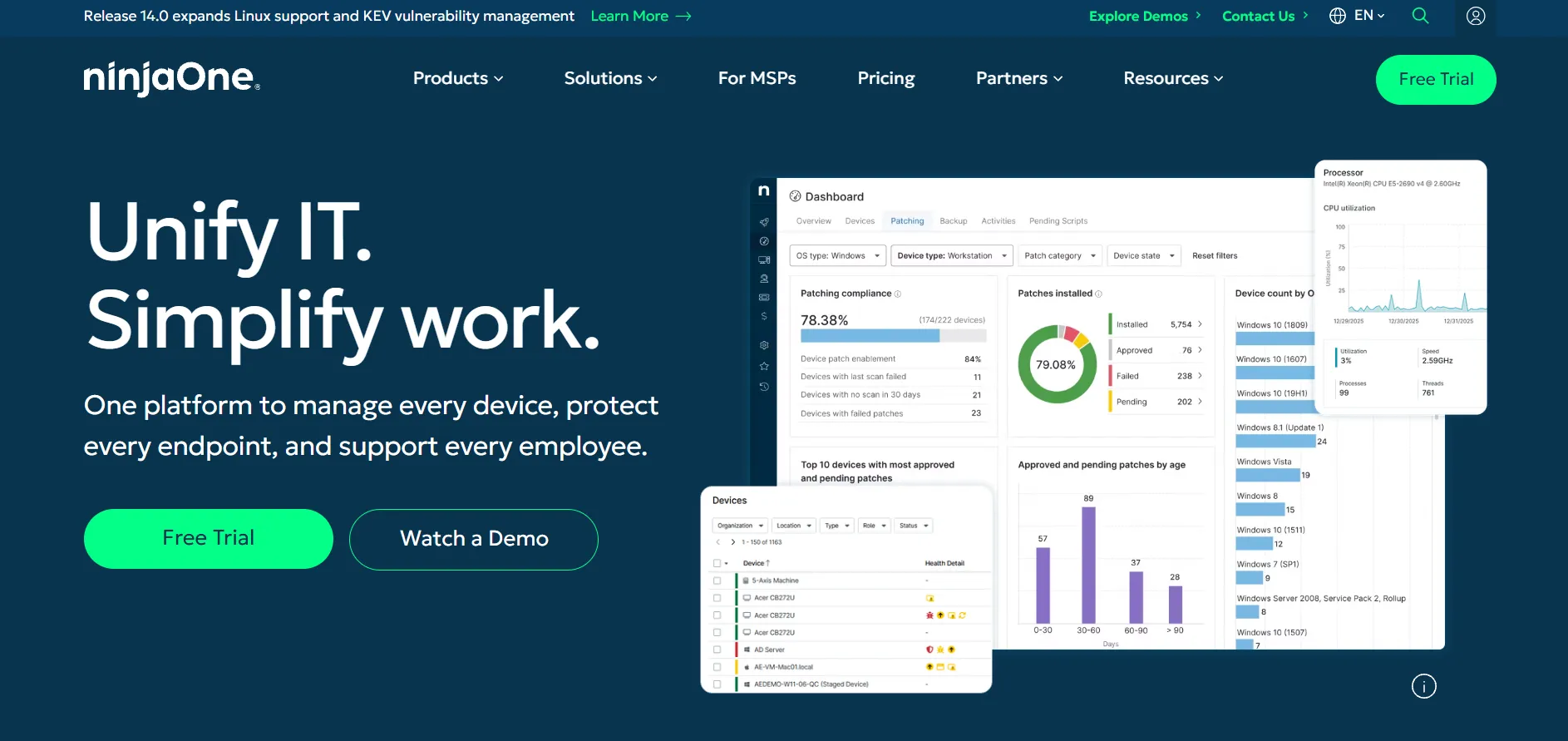
NinjaOne provides a 14-day free trial with full platform access and no credit card required, letting IT teams deploy agents and test remote control, patching, and automation in a live environment. It doesn’t publish a full public pricing list, since costs are based on the number of managed endpoints and negotiated through sales.
Pricing Plans:
- Small deployments (~50 endpoints) – around $3.50–$3.75/device/month
- Large deployments (~10,000 endpoints) – around $1.50/device/month
- Custom quotes for backup, MDM, and PSA add-ons
NinjaOne is built primarily as a unified endpoint management platform, with remote access as one component alongside monitoring, patching, and scripting. This makes it powerful for MSPs managing large device fleets but potentially overkill if remote access is your only need. Add-on modules like backup and MDM increase the total cost significantly.
Pros
- Deep RMM and automation capabilities
- Scales well for large device fleets
- No implementation fees
Cons
- Pricing not publicly listed
- Add-on modules raise total cost
- Overkill for simple remote access needs
Zoho Assist
Zoho Assist offers both a forever-free plan and a 14-day free trial of its paid tiers, with no credit card required to get started. The free edition supports one technician and five unattended computers, making it genuinely usable for freelancers and very small teams before any purchase is needed.
Pricing Plans:
- Standard – $10/technician/month (annual billing)
- Professional – $15/technician/month (annual billing)
- Enterprise – $24/technician/month (annual billing)
Zoho Assist integrates tightly with the wider Zoho ecosystem, including Zoho Desk and Zoho CRM, making it attractive for businesses already using those tools. Lower-tier plans lack features like session recording and remote printing, so it’s worth checking which tier actually meets your needs before subscribing. Overall, it’s one of the most affordable mid-range options on this list.
Pros
- Genuine free-forever plan available
- Affordable pricing across all tiers
- Strong Zoho ecosystem integration
Cons
- Lower tiers miss key features
- File transfers over 2GB can lag
- Premium support costs extra
Chrome Remote Desktop
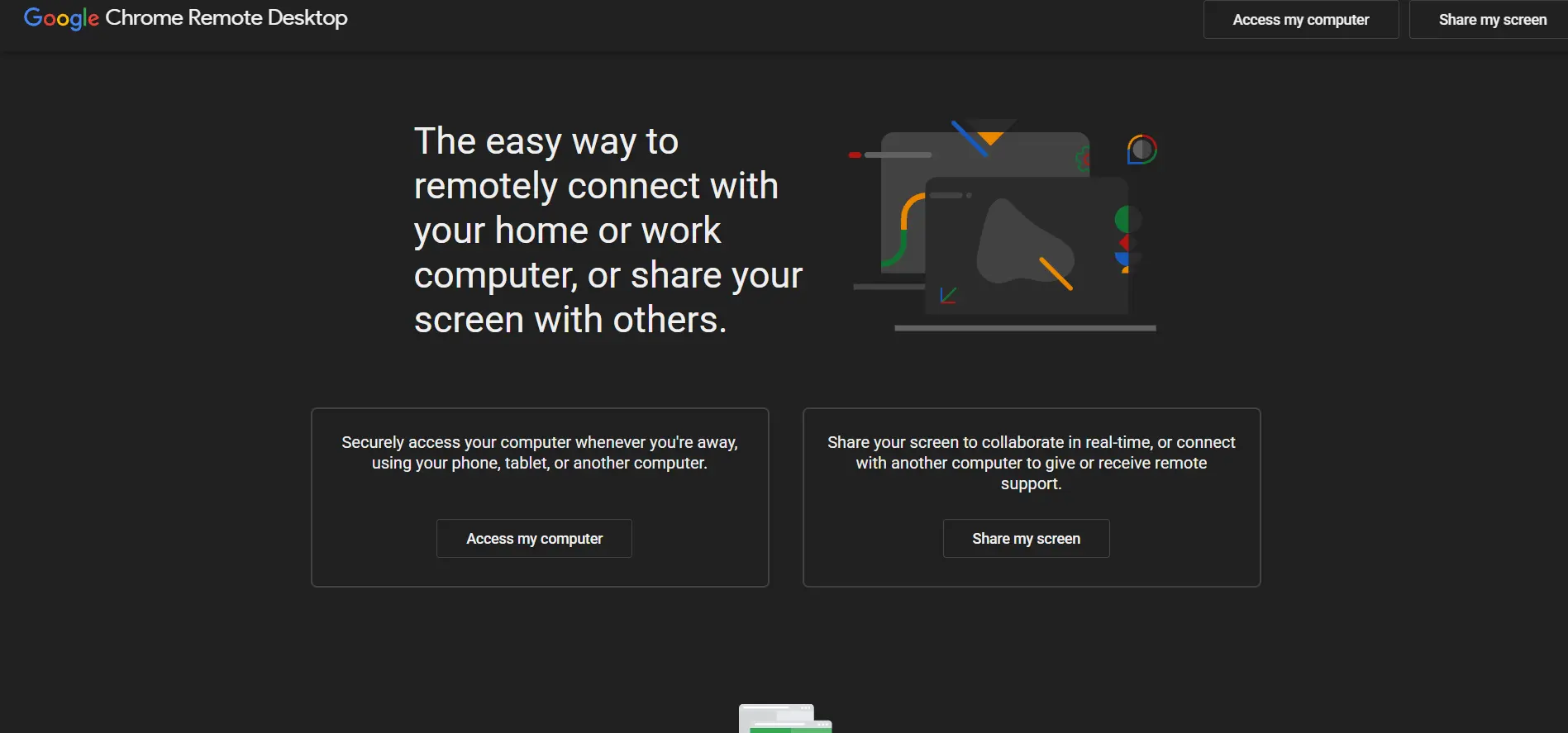
Chrome Remote Desktop doesn’t offer a traditional trial because it’s completely free to use, with no paywalled tiers or subscription requirements at all. Anyone with a Google account and the Chrome browser extension can set up remote access to their own devices or provide ad-hoc support to others in minutes.
Pricing Plans:
- Personal use – Free, unlimited
- Remote support sessions – Free, unlimited
- No paid or enterprise tier offered
Because it’s built directly into Chrome, there’s no separate software to install beyond a lightweight extension, which makes it extremely easy to deploy across any device. The tradeoff is a lack of advanced features like unattended device fleets, detailed reporting, or centralized administration, so it suits individuals and small-scale support far better than growing businesses.
Pros
- Completely free with no limits
- Extremely simple setup process
- Cross-platform via Chrome browser
Cons
- No advanced admin or reporting tools
- Lacks enterprise device management
- Limited support and documentation
AnyViewer
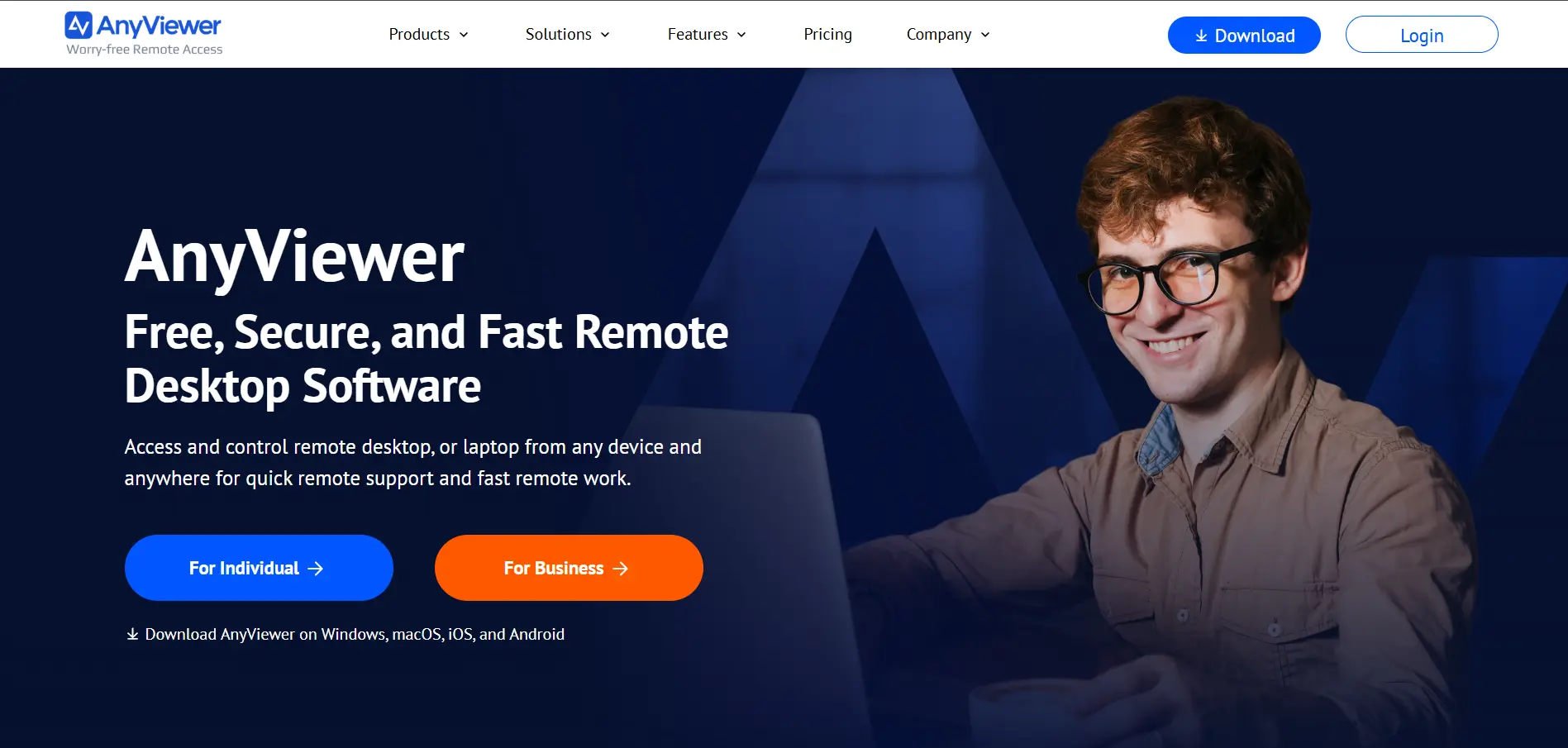
AnyViewer provides a fully functional free version alongside a short 7-day trial of its Professional plan, which auto-converts into a paid annual subscription unless cancelled. This approach lets users sample premium features like unlimited simultaneous connections and large file transfers before deciding whether to upgrade.
Pricing Plans:
- Free – $0 (basic features)
- Professional – around $3.58/month (billed annually)
- Enterprise – around $16.58/month (billed annually)
AnyViewer is particularly popular for Windows-based remote access thanks to its 256-bit ECC encryption and support for unattended connections. It also offers steep multi-year discounts, which can bring long-term costs down considerably. However, its feature set and platform support are narrower compared to more established players like AnyDesk or Splashtop.
Pros
- Genuinely usable free tier
- Very affordable Professional plan
- Strong encryption standards
Cons
- Primarily optimized for Windows
- Smaller feature set than rivals
- Enterprise tools are limited
AirDroid Remote Support
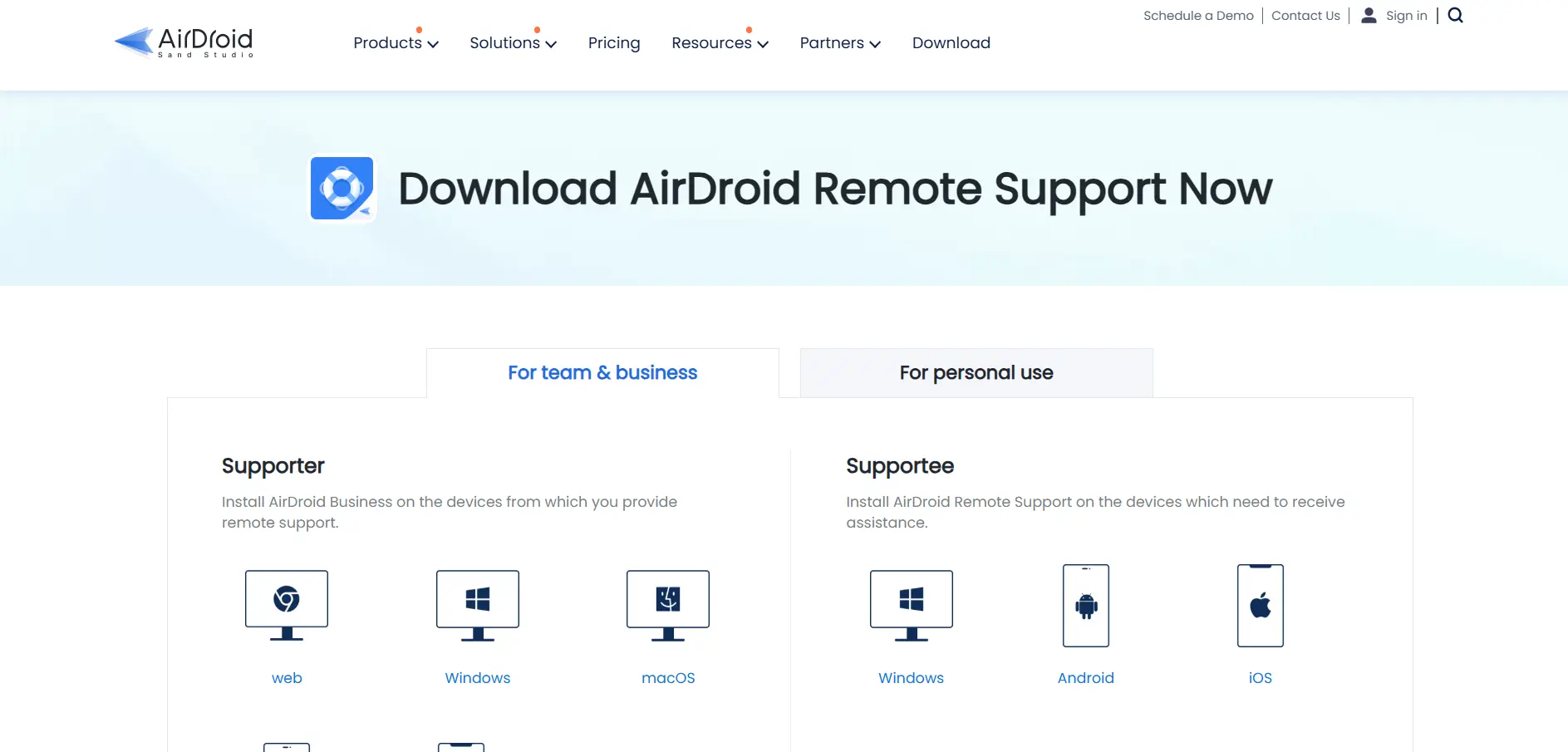
AirDroid Remote Support offers a 14-day full-featured trial, plus a free plan that includes 10 connection hours per month at no cost. This makes it easy to test unattended access and mobile device control before choosing a paid license tier.
Pricing Plans:
- Free – $0 (10 connection hours/month)
- Basic – $199/license/year
- Standard – $599/license/year
AirDroid stands out for its strong mobile device support, including remote control of Android devices and an AR camera feature useful for field technicians. The Standard plan removes user limits and unlocks unlimited connection hours, making it attractive for growing support teams, though the annual pricing is steep for very small operations.
Pros
- Excellent Android device support
- Unique AR camera feature
- Unlimited hours on higher tiers
Cons
- Free plan capped at 10 hours/month
- Annual pricing is relatively high
- Premium tier still in development
Splashtop
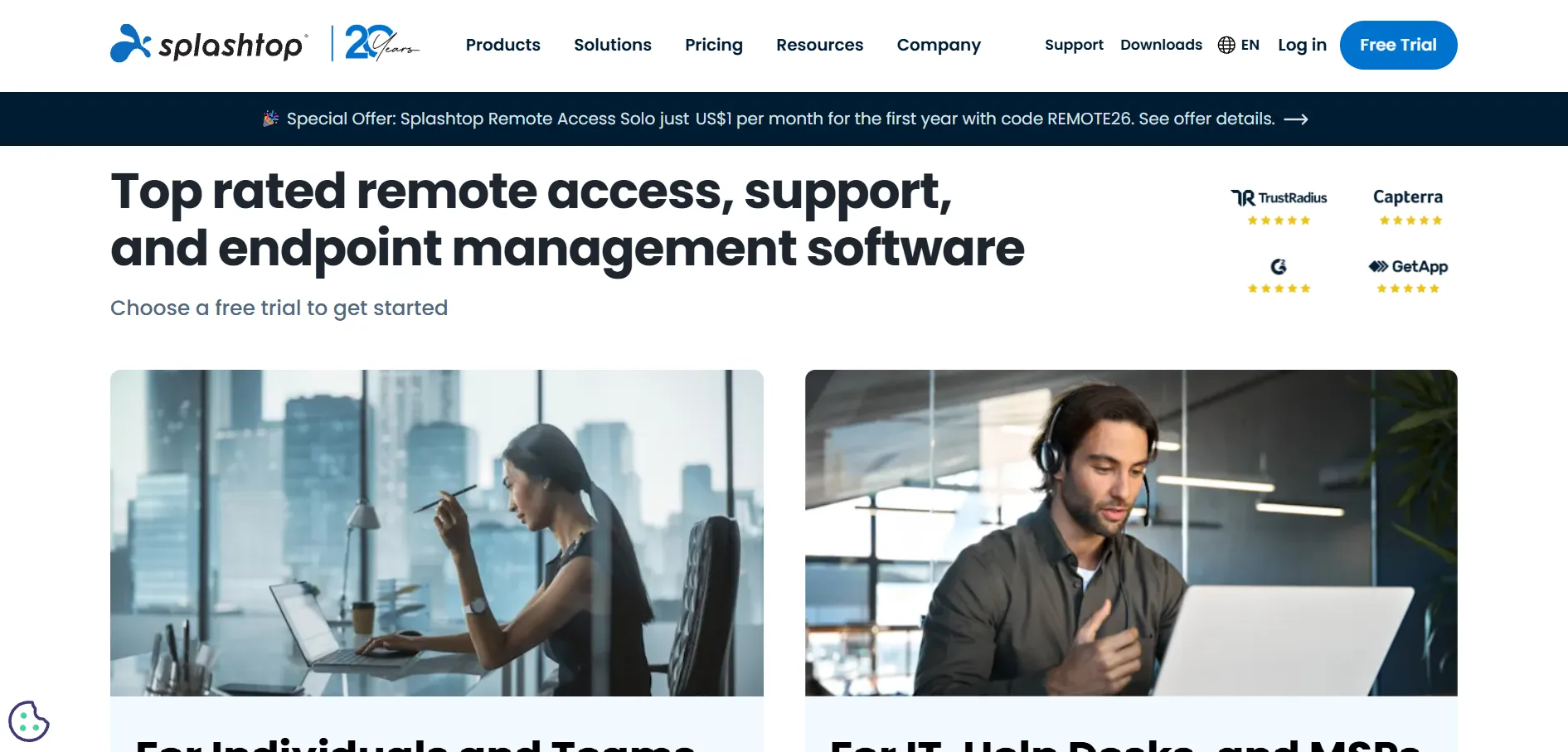
Splashtop offers a 7-day free trial across all its plans with no credit card required, giving users a full week to evaluate performance and features. It doesn’t offer a permanent free plan, but its entry-level pricing remains among the most competitive in the remote access market.
Pricing Plans:
- Solo – $6/user/month (2 computers)
- Pro – $8.25/user/month
- Performance – $13/user/month
- SOS (support) – $22/month; Enterprise – custom quote
Splashtop is widely praised for delivering low-latency, high-definition streaming at a fraction of the cost of LogMeIn or TeamViewer, making it a favorite among MSPs and creative teams alike. Volume discounts of up to 25% apply for larger license purchases. The main limitation is that unattended access requires annual billing and software installation on both ends of the connection.
Pros
- Excellent price-to-performance ratio
- Low-latency, high-definition streaming
- Volume discounts for larger teams
Cons
- No permanent free plan
- Annual billing required for most tiers
- Advanced features locked to higher plans
Pulseway
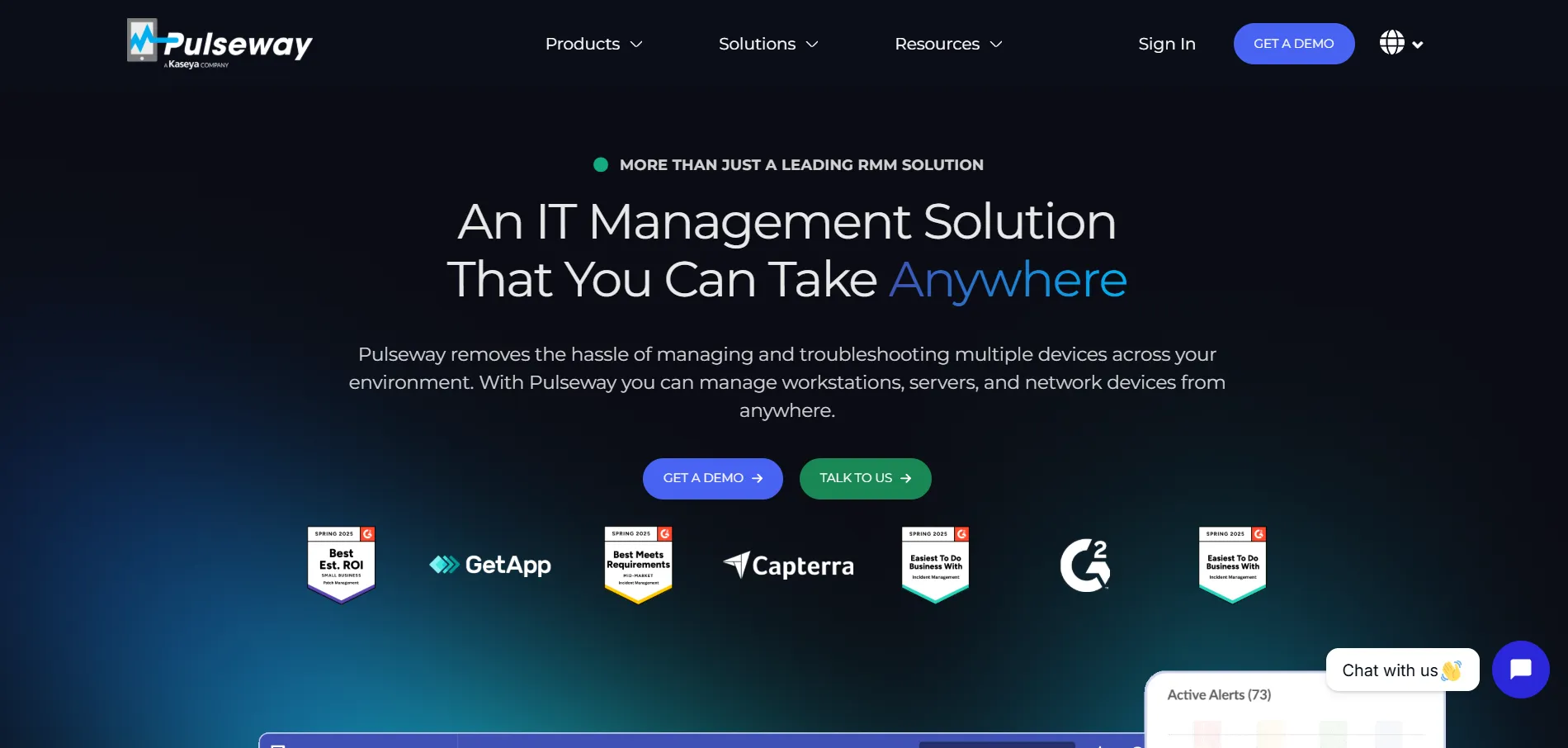
Pulseway offers a 14-day free trial with no credit card required, allowing IT teams to test its remote monitoring, management, and remote control features together. There’s no permanent free plan, and detailed per-endpoint pricing generally requires a custom quote from sales.
Pricing Plans:
- Team Plan – starting around $1.76/system/month (20+ endpoints)
- RMM tier – custom, per-endpoint pricing
- Enterprise tier – custom quote
Pulseway’s biggest strength is its powerful mobile app, which lets technicians monitor systems and remediate issues directly from their smartphones while on the move. It’s well suited to MSPs who need proactive network monitoring bundled with remote control. Some users note that the remote control feature itself isn’t as polished as dedicated tools like TeamViewer or AnyDesk.
Pros
- Powerful mobile app for technicians
- Strong proactive monitoring tools
- No setup fees or long contracts
Cons
- Pricing not fully transparent
- Remote control feature less polished
- Best suited to larger IT teams
Anydesk
Anydesk offers a free version for personal, non-commercial use plus a 14 to 30-day free trial of its business-grade Advanced plan for companies wanting to test it first. The free version is strictly prohibited for business use, so commercial teams must move to a paid license or use the trial period.
Pricing Plans:
- Solo – around $14.90/month (billed annually)
- Standard – around $35.90–$49.90/month
- Advanced – around $79.90–$111.90/month
- Ultimate – custom enterprise pricing
AnyDesk is known for its proprietary DeskRT codec, which keeps sessions smooth even on lower bandwidth connections, and its strong SOC 2 and ISO 27001 security certifications. It positions itself as a more affordable TeamViewer alternative, though prices have climbed noticeably in recent years and billing is strictly annual with no monthly option.
Pros
- Excellent performance on low bandwidth
- Strong security certifications
- Custom branding on higher tiers
Cons
- Annual billing only, no monthly plans
- Prices have risen substantially since 2024
- Free version banned for commercial use
sobrii Remote
sobrii Remote is a newer, lesser-known entrant in the remote access space, typically offering a short free trial period so users can test basic screen sharing and remote control functionality before subscribing. As a smaller platform, detailed public pricing tiers are not as widely documented as with established competitors.
Pricing Plans:
- Basic tier – budget-friendly entry pricing
- Business tier – mid-range monthly pricing
- Custom/Enterprise – quote-based
Because it’s a smaller player, Sobrii Remote may appeal to users looking for a lightweight, budget alternative without the complexity of larger enterprise platforms. However, buyers should verify current features, security certifications, and support quality directly on the official website, since smaller providers can change plans or availability more frequently than established brands.
Pros
- Likely budget-friendly pricing
- Simple, lightweight interface
- Good for very small-scale use
Cons
- Limited public documentation
- Smaller support and user community
- Unclear long-term feature roadmap
Comparison Table
| Alternative | Description |
|---|---|
| LogMeIn | Enterprise-grade remote access bundled with LastPass and cloud storage, best for teams needing an all-in-one security package. |
| NinjaOne | Unified endpoint management platform combining remote access with monitoring, patching, and automation for IT teams. |
| Zoho Assist | Affordable remote support and unattended access tool with a genuine free plan and deep Zoho ecosystem integration. |
| Chrome Remote Desktop | Completely free browser-based remote access tool ideal for individuals and simple ad-hoc support sessions. |
| AnyViewer | Windows-focused remote desktop tool with a functional free tier and low-cost professional plans with strong encryption. |
| AirDroid Remote Support | Remote support solution with standout mobile and Android device control plus an augmented reality camera feature. |
| Splashtop | High-performance, low-latency remote access known for its competitive pricing and strong value for MSPs and creatives. |
| Pulseway | RMM platform with a powerful mobile app, combining proactive monitoring with remote control for IT teams on the go. |
| AnyDesk | Fast, secure remote desktop software with proprietary codec technology, positioned as an affordable TeamViewer alternative. |
| Sobrii Remote | A newer, lightweight remote access tool suited to budget-conscious users needing basic screen sharing and control. |
Conclusion
Choosing the right Parsec alternative ultimately depends on your specific use case, whether that’s IT support, unattended device management, or simple personal remote access. Tools like Chrome Remote Desktop and Zoho Assist’s free plan are excellent starting points for individuals and small teams, while NinjaOne and Pulseway cater better to IT professionals managing larger device fleets.
For businesses prioritizing speed and value, Splashtop and AnyDesk consistently stand out for their performance and competitive pricing. Meanwhile, LogMeIn and AirDroid offer specialized strengths in security bundling and mobile device support respectively. Take advantage of the free trials listed above to test each platform against your real-world workflow before committing to a long-term subscription.


