

TeamViewer has long been the default choice for remote access and IT support, but its licensing model and pricing jumps push many individuals and businesses to look elsewhere. Whether you need unattended access for a growing MSP, lightweight support for a handful of clients, or a low-latency connection for gaming and creative work, there is a tool built specifically for that use case. This guide walks through 12 of the strongest TeamViewer Alternatives available in 2026, covering their free trials, official pricing tiers, and the pros and cons that matter most when making a switch.
Every option below has been chosen for a different reason, from budget-friendly solo licenses to enterprise-grade privileged access platforms. Some are built for MSPs managing thousands of endpoints, while others are free, no-frills tools perfect for helping a family member fix their computer. Read through each entry to find the remote access solution that fits your workflow, team size, and budget without the recurring price hikes TeamViewer has become known for.
NinjaOne
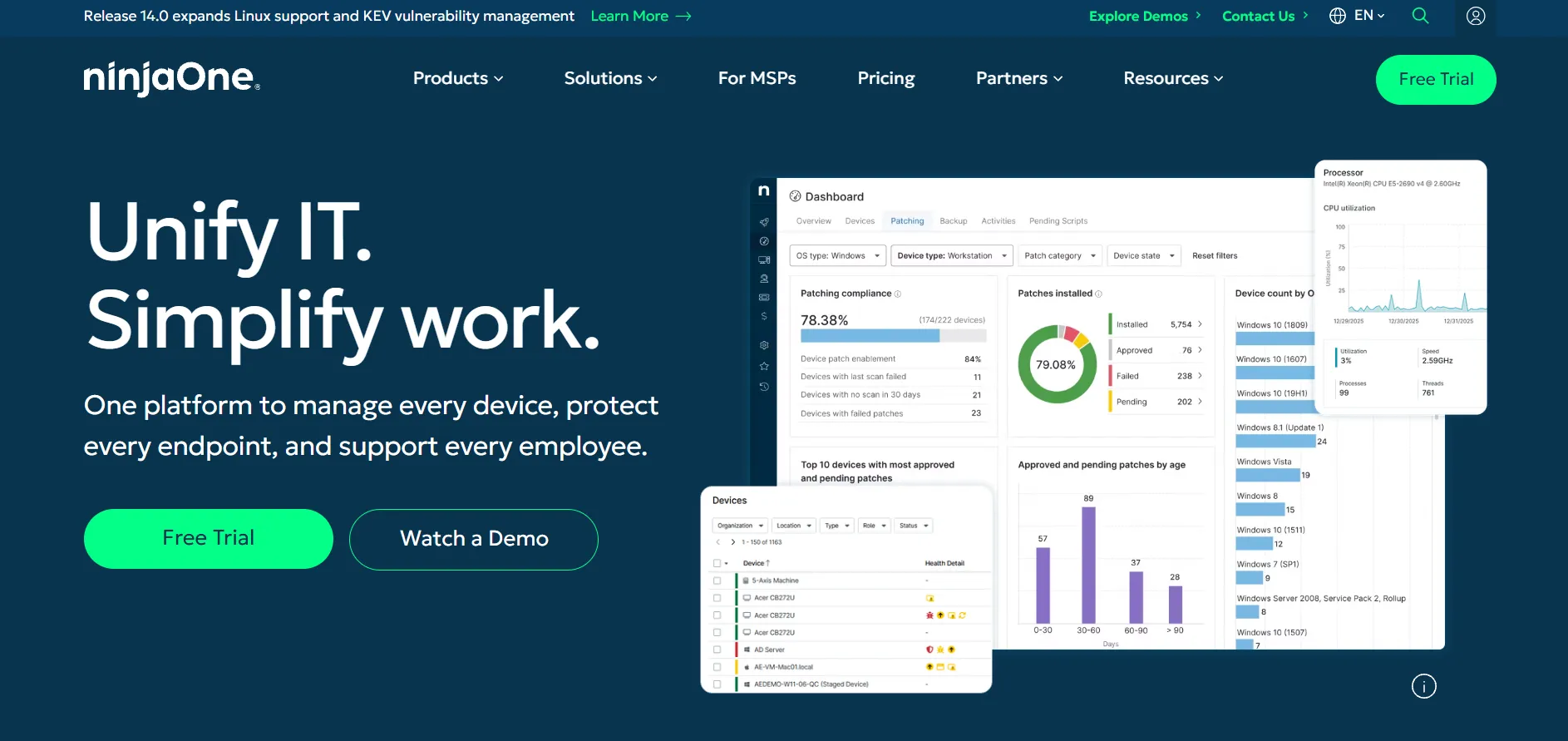
NinjaOne offers a 14-day free trial with full platform access and no credit card required, letting IT teams test remote monitoring, patching, and remote access before committing. Pricing is not published as flat tiers; instead, NinjaOne uses per-endpoint, per-month billing that generally lands between roughly $1.50 and $6 depending on scale, modules, and contract length, requiring a custom quote from sales for exact numbers.
Official Pricing (per endpoint/month, custom quoted):
- Core RMM + Remote Access: ~$1.50–$6.00/device/month (annual billing, volume-based)
- Add-on Modules: Backup, MDM, and endpoint security priced separately
- Enterprise: Custom quote for 1,000+ endpoints
NinjaOne combines endpoint management, patch management, and built-in remote access into one dashboard, which makes it a strong pick for MSPs and internal IT teams who want more than a standalone remote desktop tool. It replaces the need for a separate TeamViewer license by bundling remote control directly into its RMM suite, streamlining vendor management for growing support teams.
Pros
- All-in-one RMM plus remote access platform
- No cap on the number of users per plan
- Strong automation and patch management tools
- Reliable 14-day free trial with full features
Cons
- No published flat-rate pricing; requires a sales quote
- Can feel expensive for small teams under 50 endpoints
- Backup and MDM cost extra on top of the base price
Supremo Remote Desktop
Supremo (sold under Nanosystems) offers a free version for personal, non-frequent use plus a free trial for its paid business licenses, so users can test file transfer, unattended access, and multi-session support before buying. Paid licenses are “portable,” meaning they are not tied to a single device, which is a notable difference from many competitors’ per-user models.
Official Pricing (annual billing):
- Solo: ~$109/year (single technician license)
- Professional: ~$128/year (adds RMM, mass deployment, support queue)
- Business: ~$199/year (address book, online meeting, reporting)
Supremo stands out for requiring no complex firewall configuration and using RSA encryption for secure sessions right out of the box. It is a favorite among small IT shops and healthcare providers who need dependable remote support without a steep learning curve or recurring monthly fees eating into a tight budget.
Pros
- Portable licenses usable on unlimited devices
- No complicated setup or firewall configuration needed
- Affordable flat annual pricing with no monthly fees
- Free version for personal, occasional use
Cons
- Fewer advanced features than higher-end competitors
- Interface feels dated compared to modern tools
- Connection speed can lag on unstable networks
HelpWire
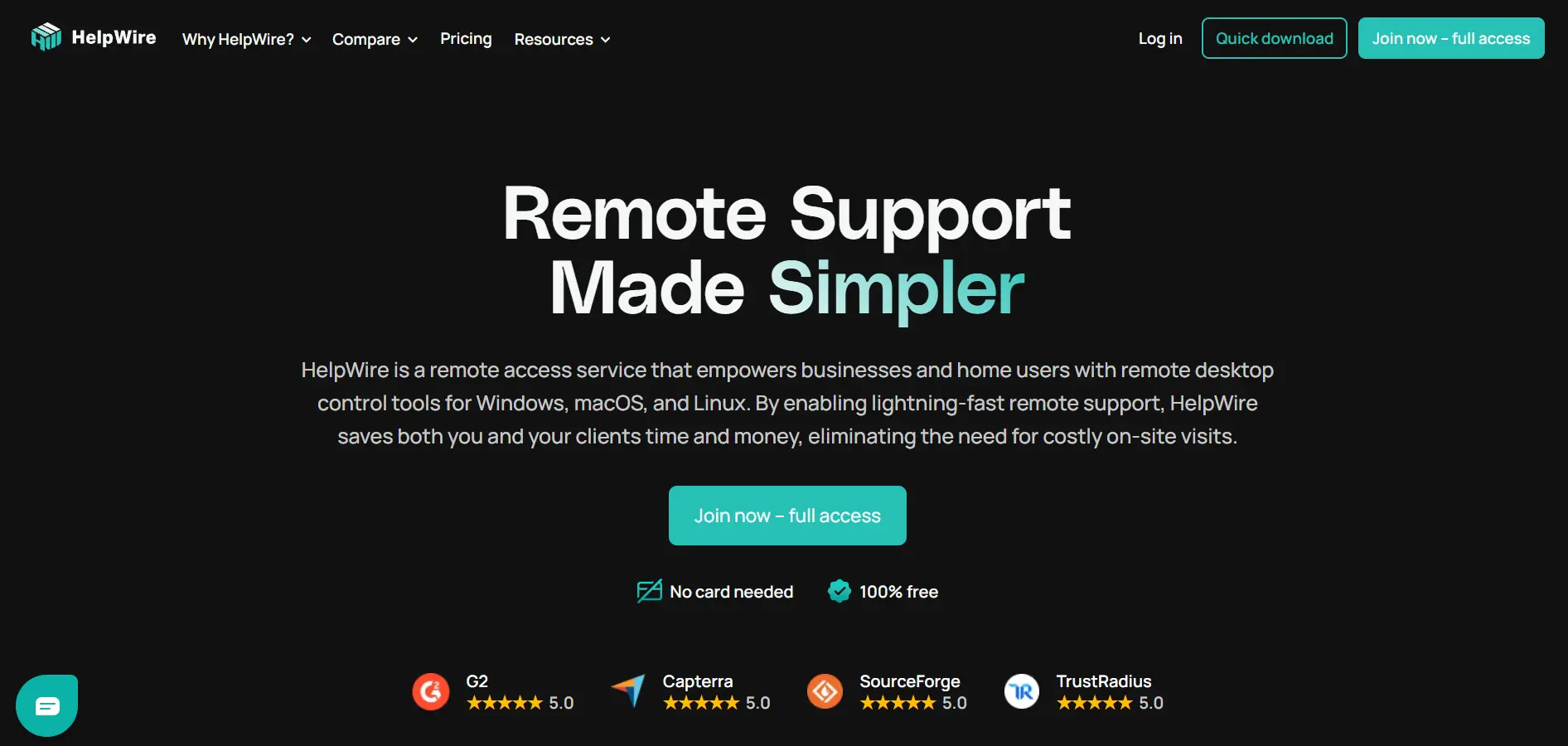
HelpWire is currently completely free during its early access period, with no nag screens, ads, or session cutoffs, and the company has stated paid plans are expected to launch later in 2026 with plenty of advance notice to users. There is no trial to speak of because every feature is unlocked from the moment you download it.
Official Pricing:
- Current Plan: $0 (fully free, all features included)
- Future Paid Plans: Expected Q3–Q4 2026, pricing not yet announced
Sessions start through a shareable link, so the person receiving support doesn’t need to create an account or remember credentials, which lowers friction significantly compared to ID-and-password tools. HelpWire relies on peer-to-peer connections with relay fallback, and it supports Windows, macOS, and Linux, making it a genuinely capable free alternative for freelancers and small support teams.
Pros
- Entirely free with no ads or feature restrictions
- No account required for the person receiving support
- Fast peer-to-peer connections with relay fallback
- Cross-platform support for Windows, macOS, and Linux
Cons
- No mobile support or unattended access yet
- Business functionality is still limited compared to rivals
- Future pricing after early access remains unknown
Microsoft Remote Desktop
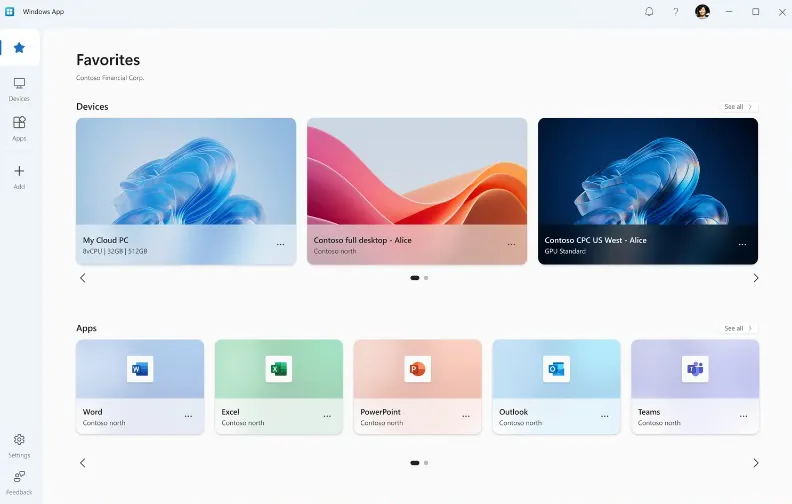
Microsoft Remote Desktop (via Remote Desktop Connection, built into Windows Pro and Enterprise editions) requires no trial or subscription because it is entirely free for anyone with a compatible version of Windows. There is no signup process or license key needed; it simply ships as part of the operating system for eligible editions.
Official Pricing:
- Remote Desktop Connection: $0 (included with eligible Windows licenses)
- Azure Virtual Desktop (cloud option): Pay-as-you-go, priced per compute usage
This tool is best suited for Windows-to-Windows connections within the same organization or household, offering a direct, no-frills connection without third-party servers routing your session. Its biggest drawback is that it requires the Pro or Enterprise edition of Windows on the host machine, and Microsoft has begun shifting features toward the newer Windows App for broader platform support.
Pros
- Completely free with no subscription needed
- Direct connection without third-party relay servers
- Native integration with Windows security features
- Clients available for Mac, iOS, and Android
Cons
- Requires Windows Pro or Enterprise on the host device
- Not available on Windows Home editions
- Setup and configuration can be complex for non-technical users
Anydesk
Anydesk offers a free version for personal use only along with a 14 to 30-day free trial of the Advanced tier for business evaluation, giving IT teams a full-featured window to test performance before purchasing. Commercial use of the free version is explicitly prohibited under AnyDesk’s terms of service.
Official Pricing (billed annually):
- Solo: ~$14.90/month (1 user, 1 device)
- Standard: ~$29.90–$49.90/month (up to 20 users, 500 devices)
- Advanced: ~$59.90–$111.90/month (up to 100 users, 1,000 devices)
- Ultimate: Custom quote (large-scale mass deployment)
AnyDesk is known for its proprietary DeskRT codec, which delivers low-latency, high-frame-rate remote sessions even on modest bandwidth, making it popular among IT technicians and remote workers alike. All paid plans require annual billing upfront, and prices have risen noticeably over the past two years, so it pays to compare the current listed rate against your budget before committing.
Pros
- Low-latency DeskRT codec for smooth performance
- SOC 2 Type II and ISO 27001 certified security
- Custom-branded client available on higher tiers
- Strong cross-platform and mobile app support
Cons
- Annual billing only, no monthly payment option
- Prices have increased significantly in recent years
- Per-session overage fees can catch freelancers off guard
AnyViewer
AnyViewer provides a generous free plan with full functionality rather than a traditional time-limited trial, so individuals and small teams can use core features indefinitely before deciding to upgrade. This eliminates the pressure of a countdown clock that many competitors use to push conversions.
Official Pricing (billed annually):
- Free: $0 (2 simultaneous sessions, basic features)
- Professional: ~$3.58/month (~$42.96/year)
- Enterprise: ~$16.58/month (~$199/year)
AnyViewer uses ECC 256-bit end-to-end encryption and two-factor authentication, appealing to security-conscious users who still want budget-friendly pricing. It supports up to 60 FPS performance for smooth remote sessions, and the Enterprise tier adds role-based permissions and bulk device management for larger teams managing hundreds of endpoints.
Pros
- Generous permanent free tier, not just a trial
- Strong ECC 256-bit encryption and 2FA
- Very competitive pricing versus TeamViewer
- Up to 60 FPS for smooth screen performance
Cons
- Free plan limits simultaneous sessions to two
- Brand recognition is lower than major competitors
- Multi-year discounted pricing can be confusing to navigate
AirDroid Remote Support
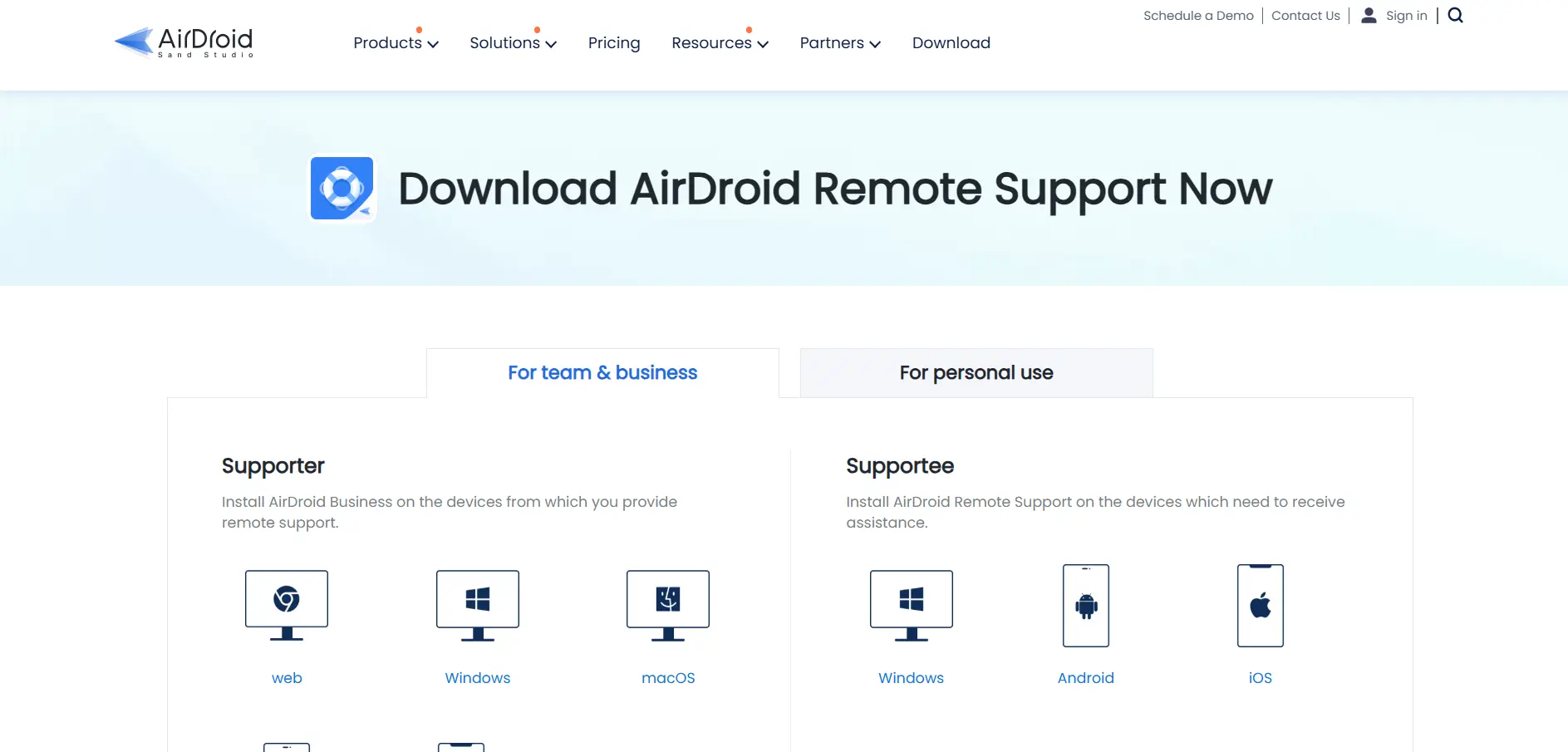
AirDroid Remote Support offers a daily 10-minute free trial for personal use plus a free tier for business plans, allowing users to test remote control features before subscribing to unlimited access. Business plans require contacting sales for a custom quote based on team size and connection-hour needs.
Official Pricing (per license/year):
- Basic: ~$199/year (50 connection hours per license)
- Standard: ~$599/year (unlimited connection hours)
- Premium: Custom quote (advanced features, unlimited hours)
AirDroid’s biggest differentiator is its strong mobile device support, allowing technicians to remotely control Android devices, not just desktops, which few competitors handle as smoothly. It integrates with tools like Zendesk and HubSpot, making it a fit for customer support teams that need mobile-first troubleshooting alongside standard desktop remote access.
Pros
- Excellent Android remote control capabilities
- Integrates with Zendesk, HubSpot, and other CRMs
- Daily free trial minutes for casual use
- Live screen sharing and session recording included
Cons
- iOS devices support connection only, not full remote control
- Basic plan’s connection-hour limits can run out quickly
- No public API currently available
Zoho Assist
Zoho Assist offers a free plan for one technician and five computers plus a 14-day trial on paid tiers, giving small teams generous access to text chat, session management, and basic remote support at no cost. This free tier is more generous than many rivals that reserve unattended access for paid plans only.
Official Pricing (per technician/month, billed annually):
- Standard: ~$10–$12/month (Remote Support or Unattended Access)
- Professional: ~$15–$18/month (adds scheduling, mobile support)
- Enterprise: ~$24–$28/month (session recording, video calls, department grouping)
Zoho Assist separates pricing between Remote Support (per technician) and Unattended Access (per device), which lets businesses pay only for the model that matches their actual usage pattern. It integrates tightly with the broader Zoho ecosystem, making it especially attractive for companies already using Zoho CRM, Desk, or other Zoho apps for daily operations.
Pros
- Genuinely useful free plan with unattended access
- Flexible per-technician or per-device pricing models
- Deep integration with the Zoho software ecosystem
- Supports up to 100GB file transfers
Cons
- Only 5GB of cloud storage for session recordings included
- Web conferencing requires a separate Zoho Meeting subscription
- Licensing between Remote Support and Unattended Access can confuse new buyers
Splashtop
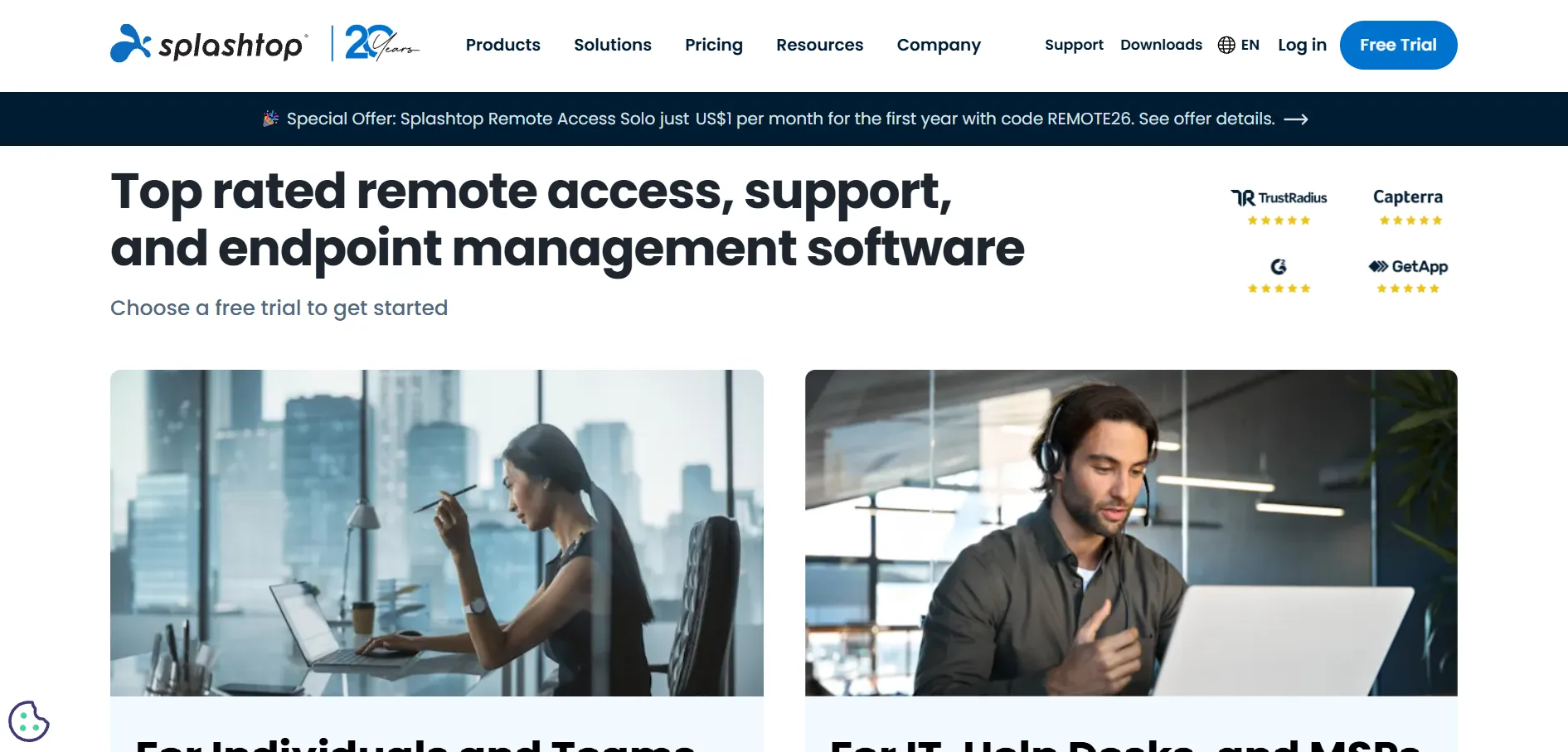
Splashtop provides a 7-day free trial across all plans with no credit card required, letting users test Solo, Pro, or Performance tiers before committing to the mandatory annual billing cycle. This no-obligation trial period is one of the more straightforward in the industry.
Official Pricing (billed annually):
- Solo: $6/month (~$72/year) (1 user, 2 computers)
- Pro: $8.25/user/month (~$99/year) (up to 10 computers)
- Performance: $13/user/month (4K streaming, 4:4:4 color accuracy)
- SOS / Enterprise: $22/month+ or custom quote
Splashtop markets itself directly as a cost-saving alternative to TeamViewer, with reviewers noting savings of 76 to 88 percent for teams switching over, particularly at scale. It supports up to 240 FPS streaming and 4K resolution on higher tiers, making it a favorite among creative professionals and IT teams managing dozens of endpoints on a budget.
Pros
- Significantly cheaper than TeamViewer at scale
- High-performance streaming up to 240 FPS
- Volume discounts of 20–25% for multiple licenses
- Strong reputation among small businesses and MSPs
Cons
- All Remote Access plans require annual prepayment
- Many useful features are locked behind higher tiers
- Software installation required on both connecting devices
UltraViewer
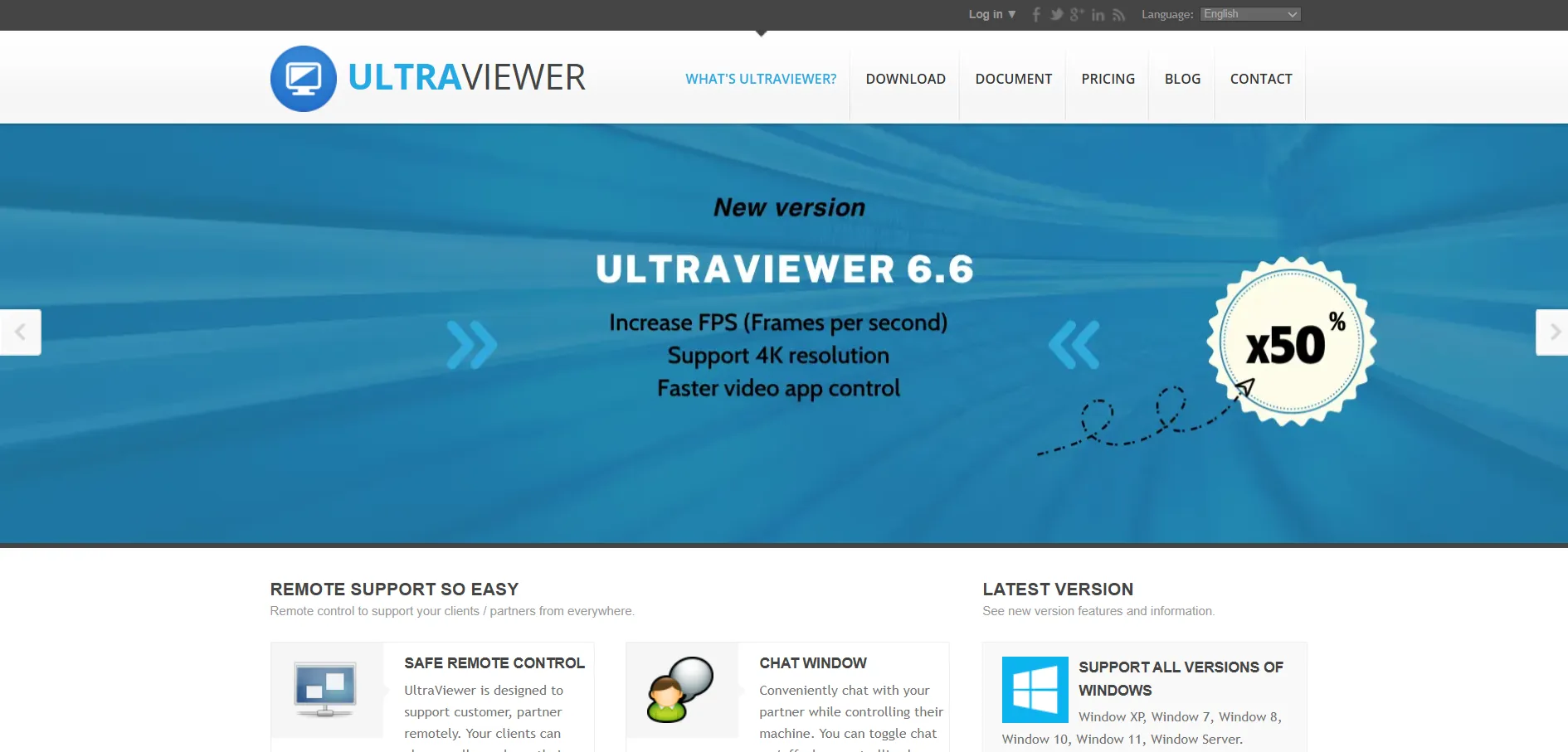
UltraViewer provides a free version for private, non-commercial use, though it does not offer a dedicated free trial for its paid business plans, meaning commercial users need to purchase a license directly to unlock full features. The free tier is fully functional for personal troubleshooting needs.
Official Pricing (monthly, billed annually):
- Starter: ~$4/month (1 user, 1 device)
- Standard: Mid-tier pricing (1 user, 3 devices)
- Business: Higher tier pricing (1 user, 5 devices)
UltraViewer is a Windows-focused tool built around simple ID-and-password connections, making it especially approachable for non-technical clients who just need to share a code over the phone. Its lightweight design and low starting price make it a popular budget pick for freelancers and small IT service providers who mainly support Windows PCs.
Pros
- Very low starting price around $4 per month
- Simple ID-and-password connection model
- Lightweight software with minimal system impact
- Easy for non-technical clients to understand
Cons
- Primarily Windows-focused, limited cross-platform support
- Lacks advanced administration and reporting features
- No free trial available for commercial paid plans
Parsec
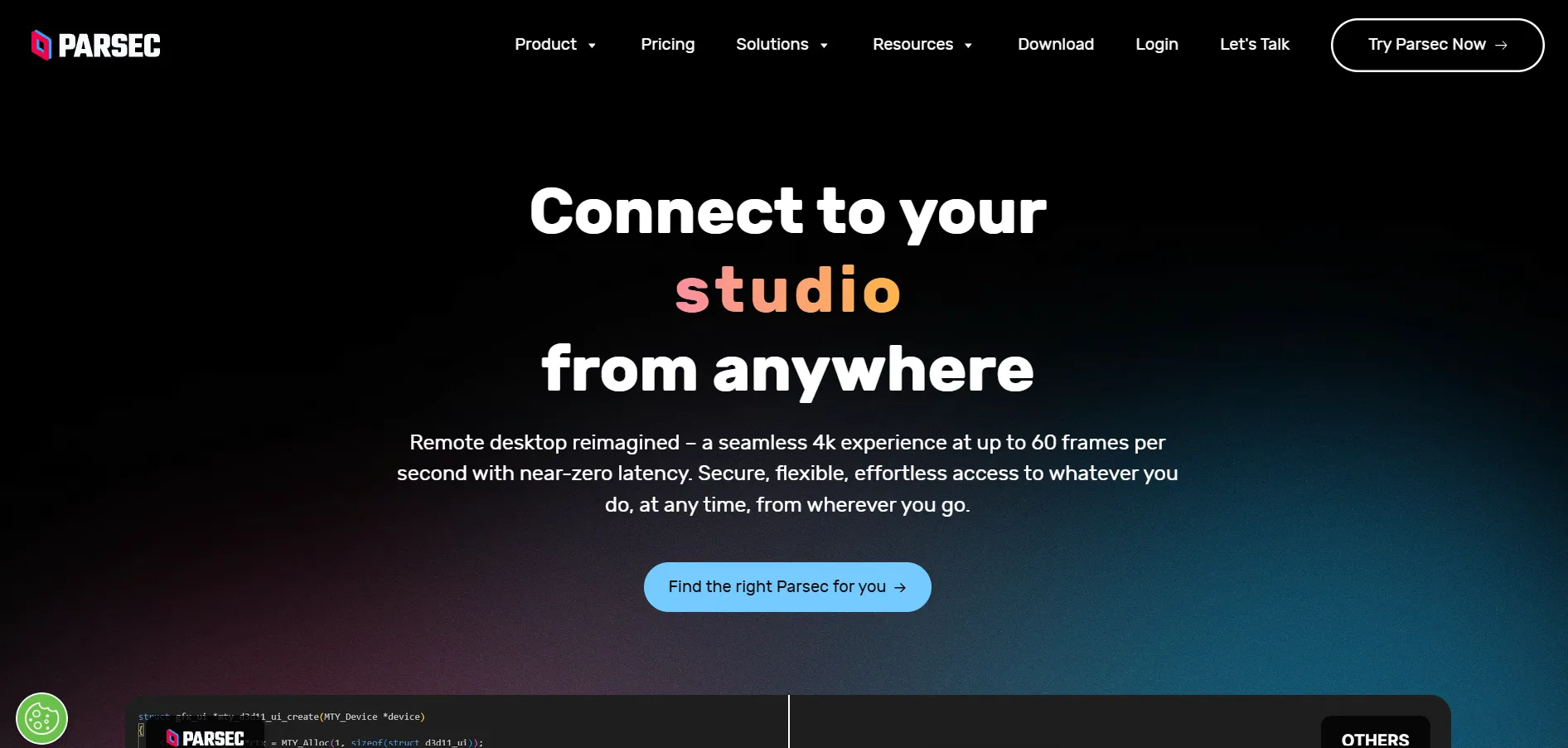
Parsec offers a generous free tier for personal use on one device, plus straightforward trial access to paid features through its Warp and Teams plans without requiring a credit card upfront in most cases. This makes it easy for gamers and creatives to test 4K streaming before subscribing.
Official Pricing (billed monthly or annually):
- Free: $0 (4K/60fps personal streaming, one device)
- Warp (Individuals): ~$8–$9.99/month (privacy mode, USB passthrough, priority support)
- Teams: ~$30–$35/user/month (centralized admin controls for studios)
Parsec was built by gamers for gamers and later adopted by creative professionals for its ultra-low latency, sub-16ms remote streaming with hardware encoding and full controller support. It is not designed for IT helpdesk work since it lacks file transfer and session recording, but for cloud gaming or color-accurate creative workflows like Blender or DaVinci Resolve, nothing else in this list matches its responsiveness.
Pros
- Industry-leading low latency, sub-16ms with hardware encoding
- 4K streaming at 60fps with 4:4:4 color accuracy option
- Full controller support ideal for cloud gaming
- Generous free tier for individual, personal use
Cons
- No built-in file transfer or session recording
- Not designed for traditional IT support or helpdesk use
- Teams plan pricing is high relative to standard remote access tools
BeyondTrust Remote Support
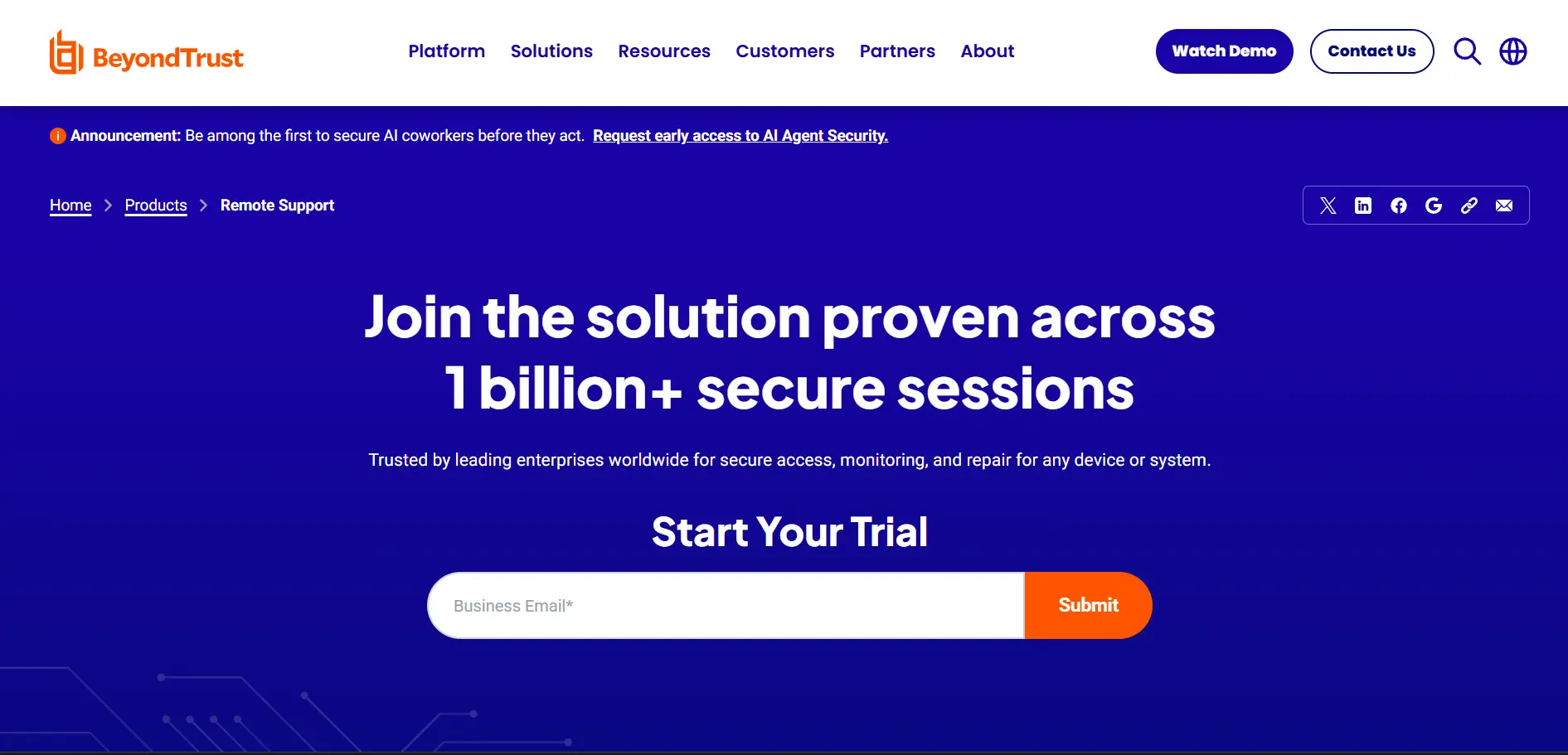
BeyondTrust Remote Support (formerly Bomgar) offers a free trial for enterprise evaluation, though there is no self-serve signup; interested organizations must request a demo and trial access through the sales team directly. This reflects its enterprise-first, compliance-driven positioning.
Official Pricing (custom quoted, concurrent or named-user licensing):
- Per Concurrent Session: ~$1,200–$2,000/seat/year
- Per Named User: ~$500–$1,200/user/year
- Enterprise Deployments: $80,000–$500,000+/year (multi-module, 200+ users)
BeyondTrust is built for organizations where compliance is non-negotiable, offering FIPS-validated encryption, full session forensics with keystroke logging, and audit trails that satisfy FedRAMP, HIPAA, PCI DSS, and SOC 2 requirements natively. It is significantly pricier than consumer-grade tools, making it best suited for financial services, healthcare, and government agencies rather than small businesses or freelancers on a budget.
Pros
- Enterprise-grade session forensics and keystroke logging
- Meets FedRAMP, HIPAA, PCI DSS, and SOC 2 compliance
- Concurrent licensing model can reduce per-seat costs at scale
- Strong privileged access management integration
Cons
- Very expensive compared to consumer remote access tools
- Requires professional services for implementation
- Interface prioritizes security over ease of use, steeper learning curve
Comparison Table
| Alternative | Description |
|---|---|
| NinjaOne | All-in-one RMM platform with built-in remote access, ideal for MSPs and IT teams needing endpoint management plus remote control in one dashboard. |
| Supremo Remote Desktop | Lightweight, affordable remote desktop tool with portable licenses and no complex setup, popular with small IT shops and healthcare providers. |
| HelpWire | Completely free remote support tool with link-based sessions, no account required for end users, currently in early access. |
| Microsoft Remote Desktop | Free, native Windows-to-Windows remote connection tool built into Pro and Enterprise editions, with no subscription needed. |
| AnyDesk | Fast, low-latency remote access software using the proprietary DeskRT codec, popular with IT professionals and remote workers. |
| AnyViewer | Budget-friendly remote desktop tool with a generous permanent free plan and strong ECC 256-bit encryption for secure sessions. |
| AirDroid Remote Support | Remote support platform with standout Android device control, ideal for mobile-first customer support and CRM integrations. |
| Zoho Assist | Cloud-based remote support and unattended access tool with flexible pricing, deeply integrated into the broader Zoho ecosystem. |
| Splashtop | High-performance remote access software marketed as a direct, more affordable TeamViewer alternative for businesses and MSPs. |
| UltraViewer | Simple, Windows-focused remote support tool using ID-and-password connections, well suited for freelancers and small teams. |
| Parsec | Ultra-low latency remote streaming tool built for gaming and creative professionals, not designed for traditional IT helpdesk work. |
| BeyondTrust Remote Support | Enterprise-grade, compliance-focused remote support platform with session forensics, built for regulated industries like healthcare and finance. |
Conclusion
Choosing the right TeamViewer alternative comes down to matching the tool to your actual use case rather than picking the most popular name. If you’re an MSP managing hundreds of endpoints, NinjaOne or Splashtop deliver strong value with built-in automation and predictable per-device pricing. If budget is the top priority, HelpWire, Microsoft Remote Desktop, and AnyViewer’s free tier offer real functionality without a subscription. Creative professionals and gamers will find nothing beats Parsec’s low-latency streaming, while regulated industries requiring full audit trails should look toward BeyondTrust despite its higher price tag.
For small businesses and freelancers providing everyday remote support, Zoho Assist, Supremo, AnyDesk, AirDroid, and UltraViewer all strike a solid balance between affordability and features. Before committing to any paid plan, take advantage of the free trials listed above to confirm the tool fits your team’s workflow, device mix, and compliance needs. With TeamViewer’s pricing continuing to climb, these 12 alternatives give you plenty of room to cut costs without sacrificing reliability.


