

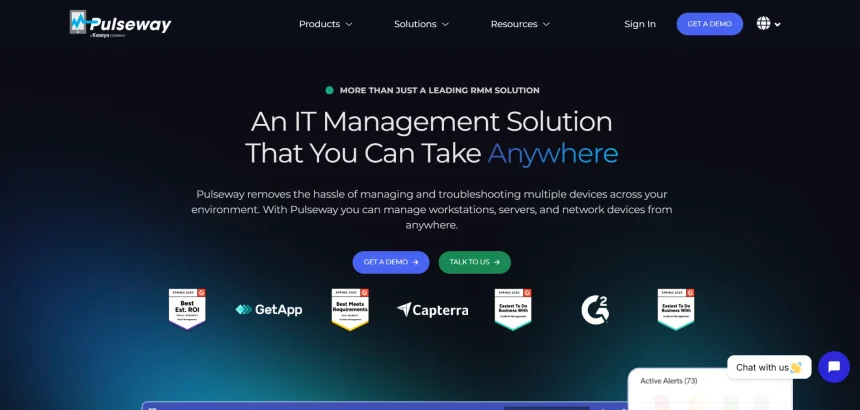
Pulseway is a well-known remote monitoring and management platform, but it isn’t the only option for teams that need remote access, IT support, or unattended device control. Depending on your budget, team size, and technical needs, other tools may offer better pricing, simpler interfaces, or more specialized features for remote desktop access and support. This guide walks through 10 popular Pulseway Alternatives, covering their free trials, pricing plans, and the pros and cons of each. Whether you are a freelancer, a growing IT team, or a large enterprise, this comparison will help you find the remote access or support tool that best matches your workflow and budget.
1. RemotePC
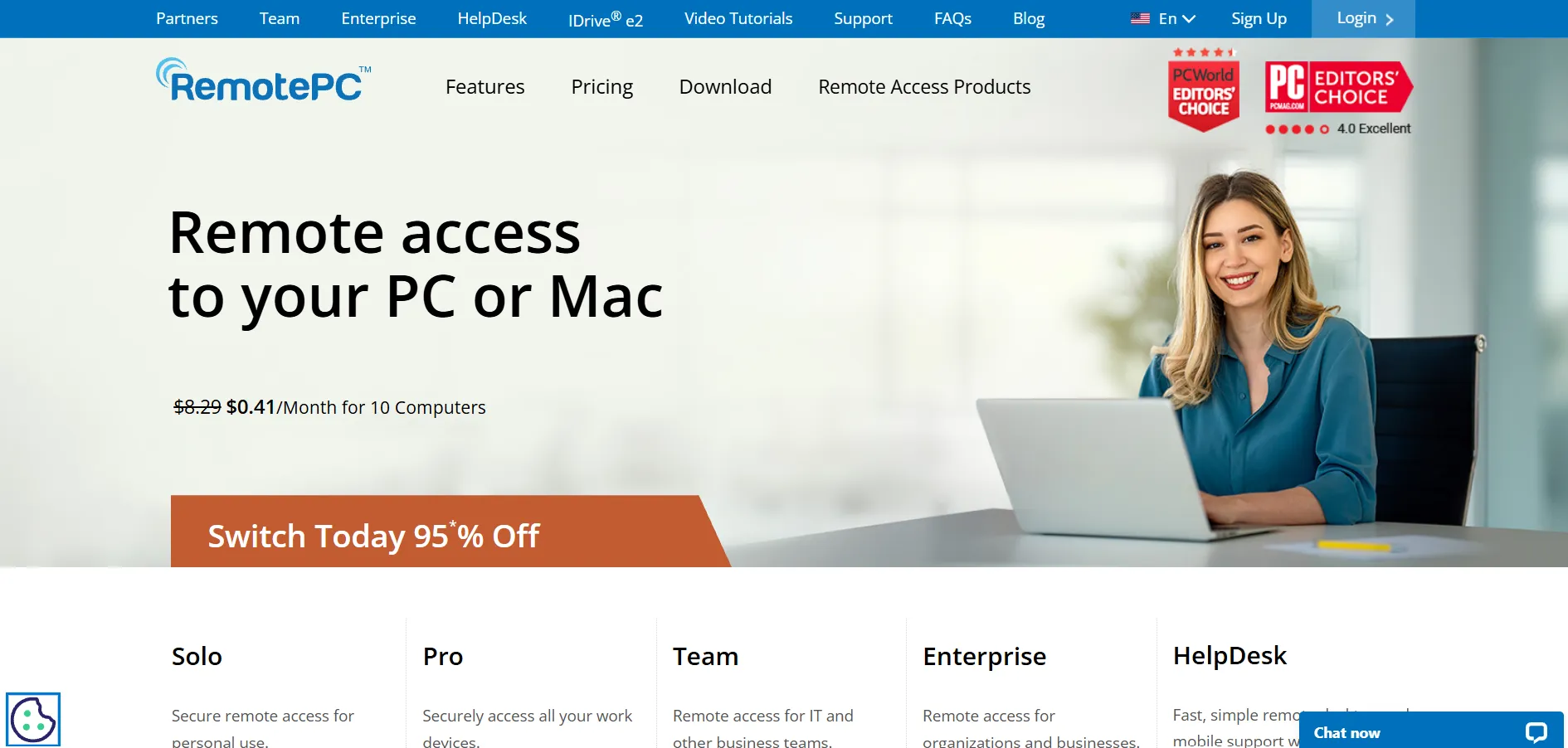
Free Trial: RemotePC offers a 7-day free trial covering Pro plan features, allowing new users to test core functionality before committing to a paid subscription. RemotePC is a budget-friendly remote access tool built around a fixed-fleet pricing model, meaning you pay based on the number of computers you manage rather than the number of users. It supports unlimited concurrent sessions on every tier and includes file transfer, remote printing, and session recording as standard features across its plans.
Pricing Plans (Annual Billing):
- Solo — approx. $1.95/month (1 computer)
- Pro — approx. $6.22/month (10 computers)
- Team — approx. $18.72/month (50 computers)
- Enterprise — approx. $37.47/month (100 computers)
RemotePC is especially appealing to small businesses and freelancers who need reliable unattended access without paying per user. Its pricing specials, including first-year discounts of up to 50 percent on two-year contracts, make it one of the more cost-effective solutions in this category, particularly compared to premium-priced competitors like TeamViewer.
Pros
- Very affordable per-computer pricing
- Unlimited concurrent sessions on all plans
- Includes file transfer and remote printing
- Two-factor authentication for security
Cons
- No permanent free plan
- Consumer plan requires annual contract
- Interface feels dated compared to rivals
2. RustDesk
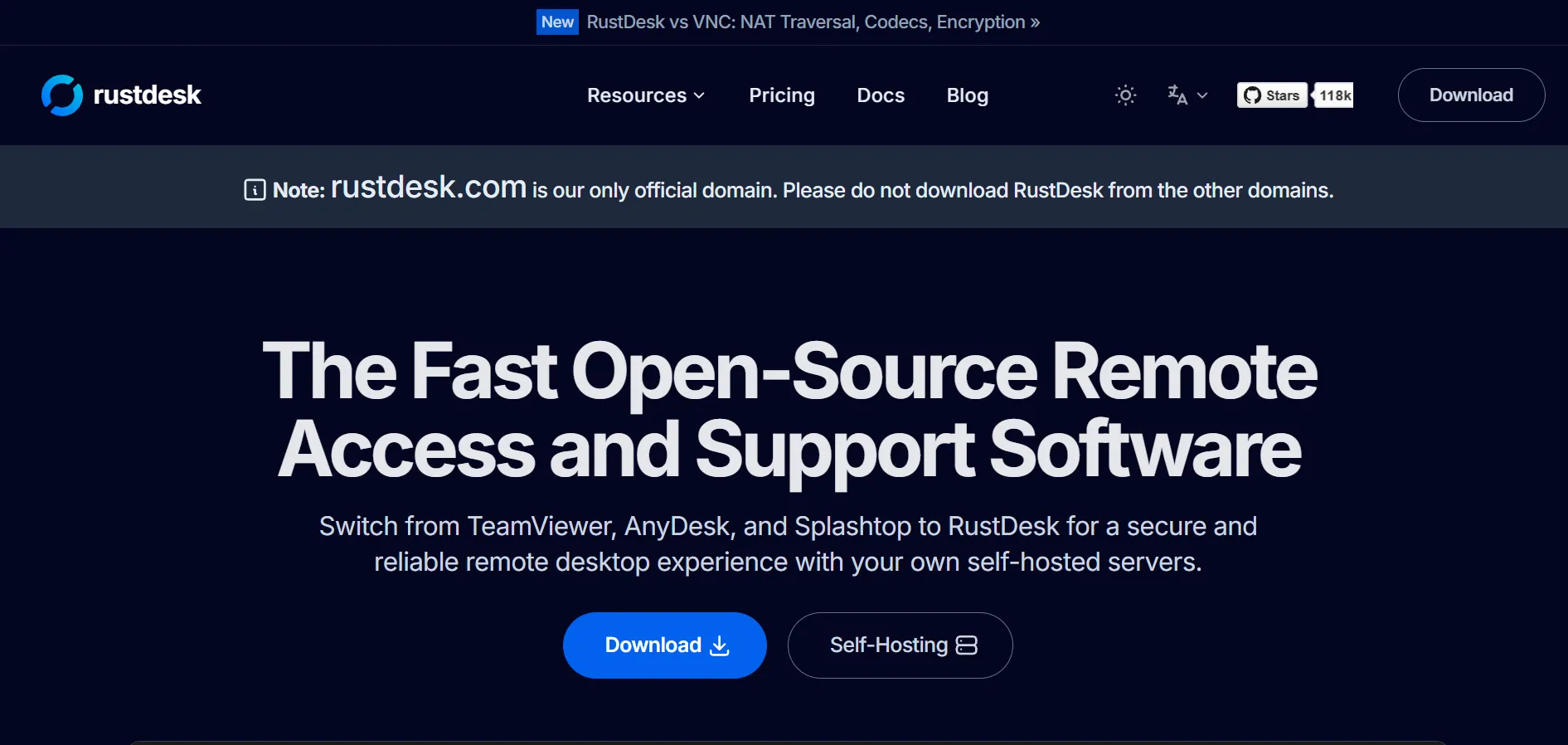
Free Trial: RustDesk is open-source and free to use indefinitely for both personal and self-hosted deployments, with paid tiers unlocking hosted relay servers and premium support. RustDesk is an open-source remote desktop solution that appeals to privacy-conscious users and developers. Because it is self-hostable, organizations can run their own relay servers, keeping full control over data instead of routing traffic through third-party infrastructure, which is a major differentiator from most competitors.
Pricing Plans:
- Community/Self-hosted — Free (open-source)
- Pro — starts around $9.90/month per user
- Enterprise — custom pricing with dedicated servers and SSO
RustDesk’s flexibility makes it popular with IT teams that want a self-hosted alternative to commercial tools without licensing costs. While the free, self-hosted version requires technical setup, the hosted Pro and Enterprise plans simplify deployment while retaining the open-source codebase’s transparency and customizability advantages.
Pros
- Free and open-source core software
- Full self-hosting for data control
- Cross-platform support including Linux
- Active developer community
Cons
- Self-hosting requires technical expertise
- Fewer polished enterprise features
- Documentation can be inconsistent
3. Chrome Remote Desktop
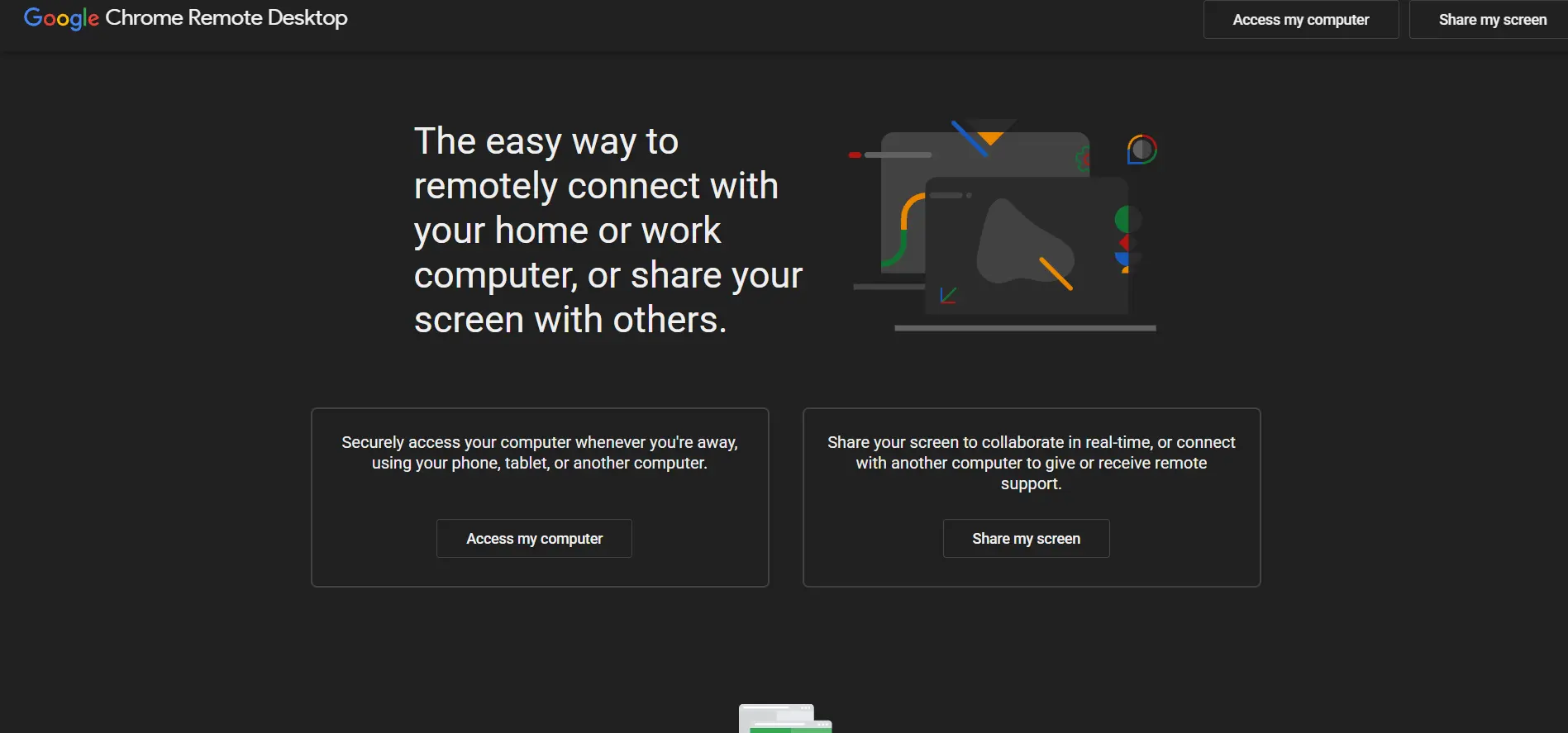
Free Trial: Chrome Remote Desktop is completely free with no trial limitations, as Google offers it at no cost for both personal and business use. Chrome Remote Desktop is a lightweight, browser-based remote access tool from Google that runs as a Chrome extension or web app. It is designed for simplicity, letting users connect to another computer in just a few clicks without installing complex software or navigating advanced settings menus.
Pricing Plans:
- Personal Use — Free
- Business Use — Free (no official paid tier)
- Enterprise support — via Google Workspace add-ons
Because it’s entirely free, Chrome Remote Desktop is ideal for individuals or small teams needing occasional remote access without budget for premium tools. However, it lacks advanced features like session recording, multi-monitor navigation, or detailed reporting that professional IT teams typically require for managed support workflows.
Pros
- Completely free for all users
- Extremely simple setup process
- Cross-platform via Chrome browser
- No account limits or paywalls
Cons
- Lacks advanced IT support features
- No file transfer between multiple sessions easily
- Limited to Chrome/Google ecosystem
4. Anydesk
Free Trial: AnyDesk offers a free plan for personal, non-commercial use, plus a 14-day free trial of paid business plans for companies evaluating the software. Anydesk is known for its low-latency DeskRT codec, which delivers smooth remote sessions even on limited bandwidth connections. It is widely used by IT professionals and businesses that need fast, secure remote support across Windows, Mac, and Linux devices with minimal lag.
Pricing Plans (Annual Billing):
- Solo — approx. $14.90/month
- Standard — approx. $49.90/month
- Advanced — approx. $111.90/month
- Ultimate — Custom pricing (contact sales)
AnyDesk’s tiered structure scales from individual freelancers to large IT departments needing mass deployment and custom branding. While pricing has risen in recent years, its performance and SOC 2/ISO 27001 certifications make it a strong choice for businesses prioritizing speed and security over the lowest possible price point.
Pros
- Excellent speed with low latency
- Strong security certifications
- Free tier for personal use
- Custom branding on higher tiers
Cons
- Annual billing only, no monthly option
- Prices have increased significantly recently
- Free plan barred from commercial use
5. AirDroid Remote Support
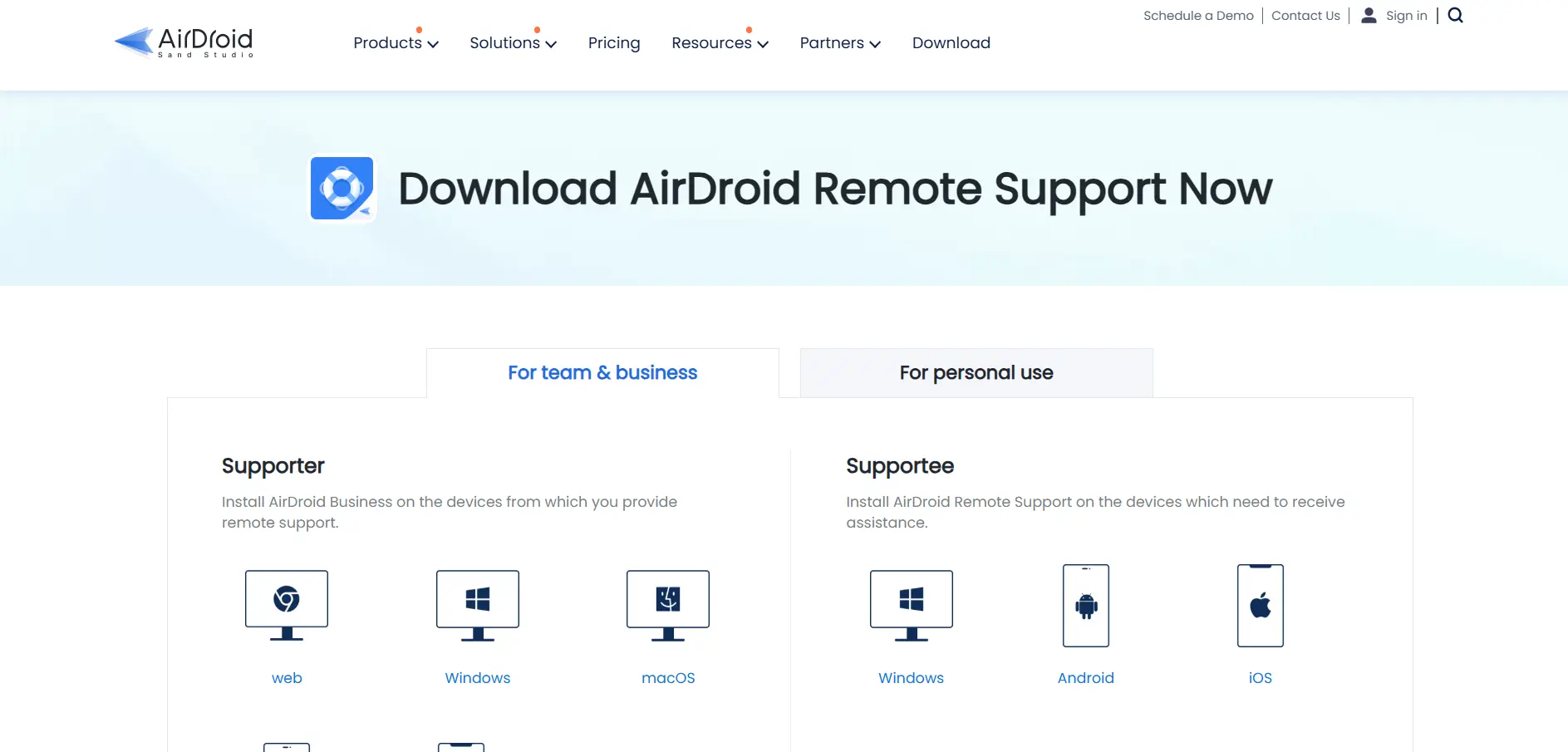
Free Trial: AirDroid Remote Support offers a free trial with limited session minutes, letting IT teams test its mobile and desktop remote support capabilities before subscribing. AirDroid Remote Support specializes in supporting mobile devices alongside desktops, making it a strong pick for organizations managing Android fleets, kiosks, or field technicians. It offers attended and unattended access along with screen sharing tailored to mobile device management scenarios.
Pricing Plans (Approximate, Annual Billing):
- Standard — approx. $10.79/month
- Professional — approx. $19.98/month
- Enterprise — Custom pricing
Its mobile-first approach differentiates AirDroid from most desktop-centric competitors, making it especially valuable for retail, logistics, and field-service businesses. Teams that primarily support Android tablets and rugged devices will find its remote camera, kiosk mode, and black-screen features more relevant than typical desktop-only remote tools.
Pros
- Strong Android device support
- Kiosk mode and black-screen features
- Affordable entry-level pricing
- Good for field-service teams
Cons
- Less robust desktop feature set
- Smaller market presence than rivals
- Enterprise pricing not transparent
6. Splashtop
Free Trial: Splashtop offers a 7-day free trial across its business and remote support plans, giving teams hands-on time with the platform before purchase. Splashtop is a high-performance remote access and support platform popular with MSPs and IT departments. It balances strong security, fast connection speeds, and competitive pricing, positioning itself as a direct alternative to both TeamViewer and AnyDesk for professional remote support needs.
Pricing Plans (Annual Billing):
- Business Access Solo — approx. $5/month
- Remote Support Plus — approx. $29/month per technician
- SOS On-Demand Support — approx. $17/month per technician
- Enterprise — Custom pricing
Splashtop’s tiered plans cater to both internal IT teams needing daily unattended access and MSPs providing on-demand support to external clients. Its reputation for reliability and lower total cost compared to legacy tools makes it a frequently recommended alternative in remote desktop software comparisons.
Pros
- Competitive pricing versus legacy tools
- Fast, reliable connections
- Good fit for MSPs and IT teams
- Strong security compliance options
Cons
- Multiple plans can be confusing
- Some advanced features cost extra
- Mobile app less polished than desktop
7. Zoho Assist
Free Trial: Zoho Assist provides a free forever plan for one technician and one unattended computer, plus free trials on all paid remote support and unattended access tiers. Zoho Assist is a cloud-based remote support and access tool that integrates tightly with the broader Zoho software suite, including Zoho Desk and Zoho CRM. It is a favorite among budget-conscious IT teams that still want solid session management and reporting tools.
Pricing Plans (Per Technician/Month, Annual Billing):
- Standard — $10/month
- Professional — $15/month
- Enterprise — $24/month
Zoho Assist’s pricing consistently undercuts TeamViewer and similar tools while still offering multi-platform support, session recording, and integrations with Zendesk, Jira, and Freshdesk. Many businesses switch to it specifically to lower software costs without losing the core support functionality they relied on previously.
Pros
- Free forever plan available
- Much cheaper than major competitors
- Deep Zoho ecosystem integration
- Good third-party helpdesk integrations
Cons
- Only 5GB storage included for recordings
- Large file transfers can lag
- Premium support costs extra
8. ConnectWise ScreenConnect
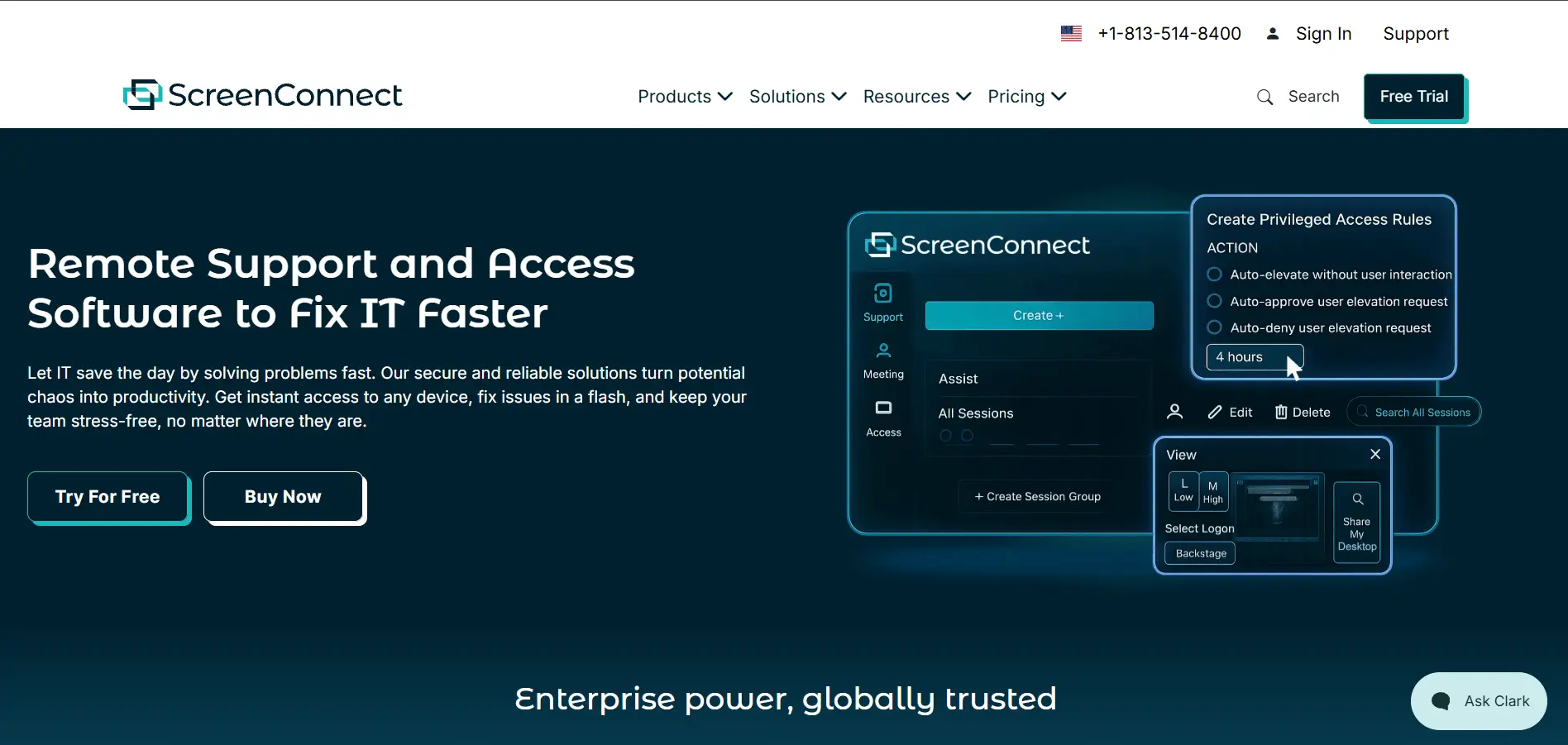
Free Trial: ConnectWise ScreenConnect offers a 14-day free trial, giving MSPs and IT teams full access to test its remote support and unattended access tools. ConnectWise ScreenConnect, formerly ConnectWise Control, is a remote support platform built specifically for managed service providers. Its standout feature is self-hosted deployment, giving organizations full control over where session data is routed and stored, which matters for regulated industries.
Pricing Plans (Per Technician/Month):
- One — approx. $30/month (1 session, annual only)
- Remote Access — approx. $33/month
- Standard — approx. $45/month
- Premium — approx. $55/month
ScreenConnect is best suited to IT support professionals rather than casual personal use, since its toolbox extensions, branding options, and self-hosted architecture are built for high support volume. It integrates deeply with other ConnectWise products, making it a natural fit for teams already using ConnectWise Automate or Manage.
Pros
- Self-hosted deployment option
- Deep ConnectWise ecosystem integration
- Highly customizable and brandable
- Strong toolbox and scripting features
Cons
- Pricing rises quickly per technician
- Overkill for simple personal remote access
- Setup can be complex for beginners
9. TeamViewer
Free Trial: TeamViewer offers a 30-day free trial on select business plans, along with a free version limited to personal, non-commercial use. TeamViewer is one of the most established names in remote desktop software, trusted for its bank-level encryption and broad cross-platform support. It offers everything from basic remote access to advanced enterprise-grade device management through its Tensor product line.
Pricing Plans (Monthly, Billed Annually):
- Remote Access — $24.90/month
- Business — $50.90/month
- Premium — $112.90/month
- Corporate — $229.90/month
- Tensor (Enterprise) — Custom pricing
TeamViewer’s comprehensive features, including AR-based troubleshooting and mass deployment, justify its premium price for large enterprises. However, many small businesses find its costs significantly higher than alternatives like RemotePC or Zoho Assist, prompting many to switch to cheaper tools once basic remote access needs are met.
Pros
- Industry-leading security standards
- Extensive enterprise feature set
- Reliable performance at scale
- Strong brand trust and support
Cons
- Significantly more expensive than rivals
- Pricing has risen substantially over time
- Overkill for individual users
10. GoToMyPC
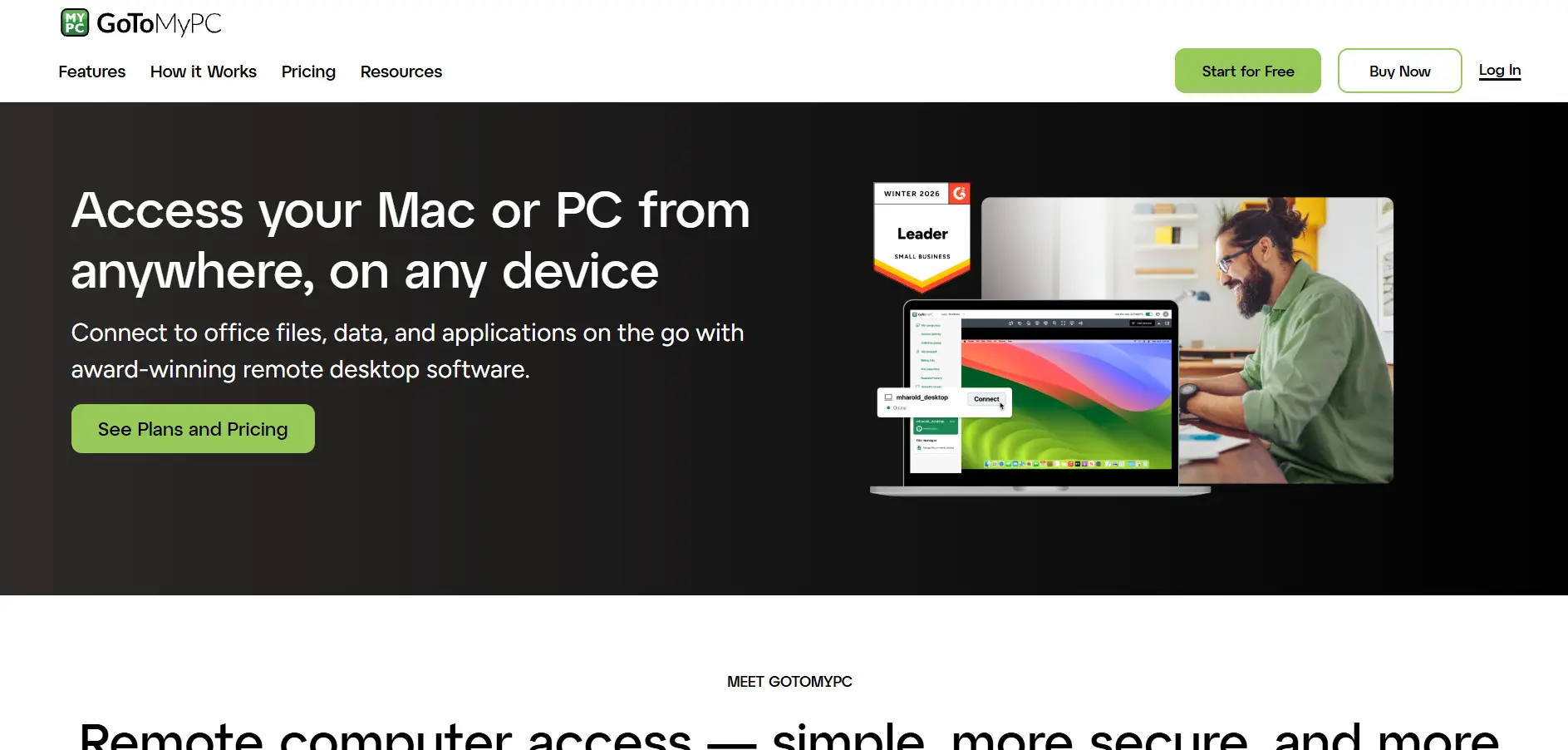
Free Trial: GoToMyPC offers a free trial period, typically around 7 days, allowing individuals and small businesses to test remote access before subscribing. GoToMyPC is a straightforward remote access tool designed primarily for individuals and small businesses needing to access their own computers remotely. It emphasizes simplicity and ease of setup over the advanced IT support features found in MSP-focused platforms.
Pricing Plans (Per Computer/Month):
- Personal — approx. $28/month (1 computer)
- Pro — approx. $28/month per computer (multiple computers)
- Corporate — Custom pricing for teams
While GoToMyPC is easy to use, its per-computer pricing becomes expensive quickly compared to alternatives like RemotePC or Zoho Assist, especially for users managing more than a couple of devices. It remains a viable option for individuals who value simplicity and a polished user interface over cost savings.
Pros
- Simple, user-friendly interface
- Reliable for individual remote access
- Established brand with long track record
- Good customer support options
Cons
- Expensive relative to competitors
- Pricing scales poorly for multiple PCs
- Fewer advanced IT support features
Comparison Table
| Alternative | Description |
|---|---|
| RemotePC | Affordable, per-computer priced remote access tool ideal for small businesses and fixed device fleets. |
| RustDesk | Open-source, self-hostable remote desktop tool favored by developers and privacy-focused teams. |
| Chrome Remote Desktop | Completely free, browser-based remote access tool from Google for simple personal use. |
| AnyDesk | Fast, low-latency remote desktop software with strong security certifications for professional use. |
| AirDroid Remote Support | Mobile-first remote support platform specializing in Android device and kiosk management. |
| Splashtop | High-performance, competitively priced remote access and support tool popular with MSPs. |
| Zoho Assist | Budget-friendly cloud remote support tool integrated with the Zoho software ecosystem. |
| ConnectWise ScreenConnect | Self-hostable remote support platform built for MSPs and IT support professionals. |
| TeamViewer | Enterprise-grade remote access platform with extensive features but premium pricing. |
| GoToMyPC | Simple, user-friendly remote access tool for individuals, though pricier per computer. |
Conclusion
Choosing the right Pulseway alternative ultimately depends on your specific needs: budget-conscious users may prefer RemotePC or Zoho Assist, while MSPs and enterprise IT teams may lean toward ConnectWise ScreenConnect or TeamViewer for their advanced management capabilities. Tools like Chrome Remote Desktop and RustDesk serve those who want free or self-hosted options, while AirDroid stands out for mobile-heavy environments.
Before committing to any platform, take advantage of the free trials listed above to test performance, security, and usability firsthand. The best remote access or support tool is the one that fits your team size, technical requirements, and budget without forcing you to pay for features you’ll never use.


