

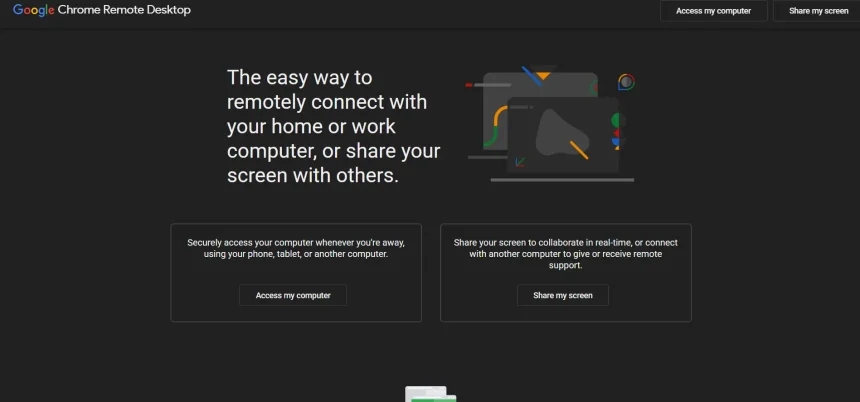
Chrome Remote Desktop is a simple, free way to access a computer from anywhere, but it lacks advanced features like unattended device management, session recording, multi-monitor support, and team collaboration tools that growing businesses and IT professionals need. In this guide, we cover twelve of the best Chrome Remote Desktop Alternatives available in 2026. Each entry includes a look at free trial availability, current pricing plans pulled from official sources, and a breakdown of pros and cons to help you pick the right tool for your remote access or remote support needs.
TeamViewer
TeamViewer offers a 14-day free trial on its business plans, letting you test remote control, file transfer, and session recording before committing. 14-Day Free Trial Pricing starts at the Remote Access tier for individuals and scales up through Business, Premium, and Corporate tiers for growing teams and enterprises needing more concurrent connections.
Official Pricing (billed annually):
- Remote Access: ~$24.90/month
- Business: ~$50.90/month
- Premium: ~$112.90/month
- Corporate: ~$229.90/month
- Tensor (Enterprise): Custom quote
TeamViewer remains one of the most recognized names in remote desktop software, trusted by IT departments worldwide for cross-platform compatibility and bank-level encryption. It supports Windows, Mac, Linux, iOS, and Android, and includes augmented reality tools for hands-free technical support, making it a strong choice for larger organizations with complex device environments.
Pros
- Extremely wide device and OS compatibility
- Strong security with 256-bit AES encryption
- AR-based remote troubleshooting tools
Cons
- Expensive compared to most competitors
- Add-on modules increase total cost quickly
- Annual billing only, no monthly flexibility
ISL Online
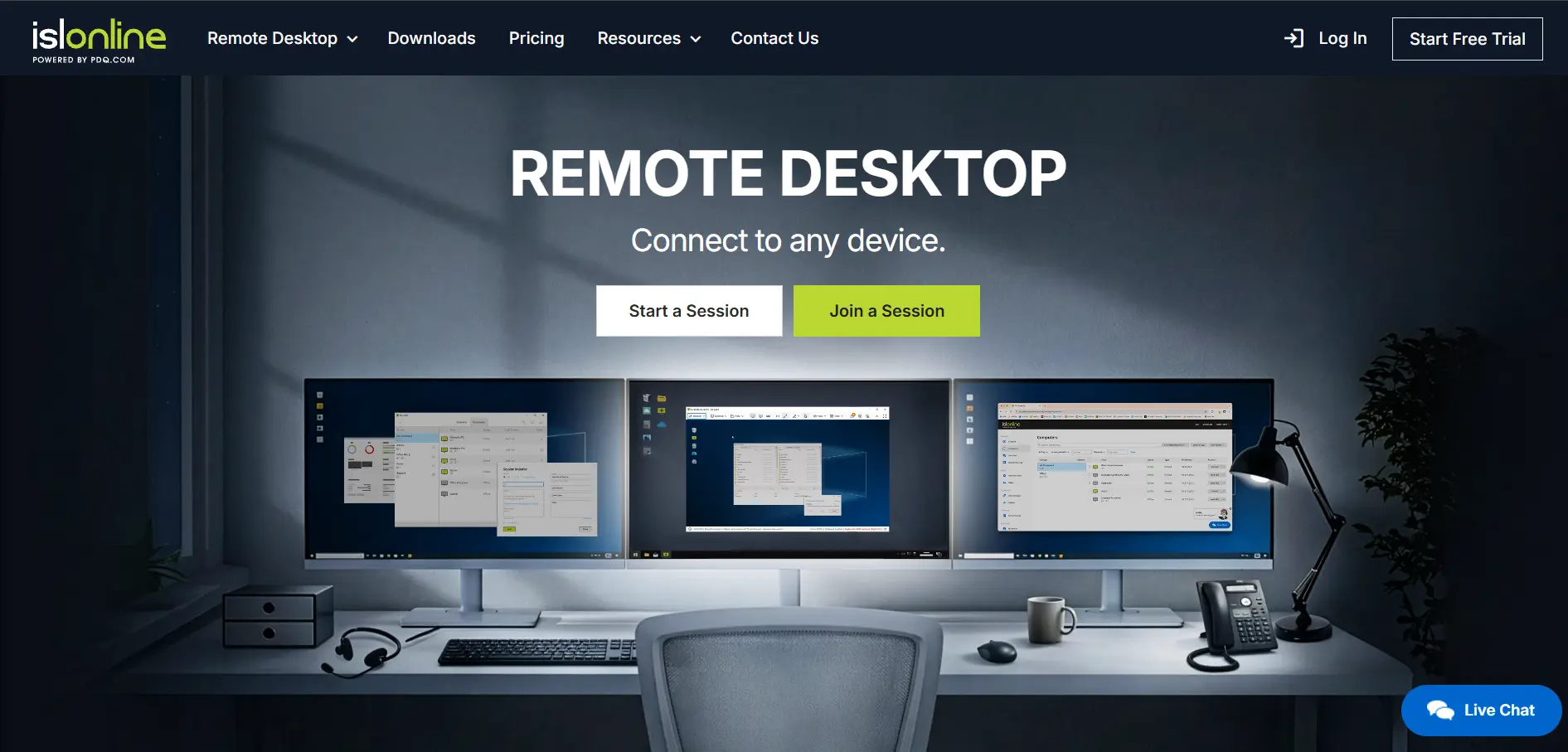
ISL Online provides a 15-day free trial that includes remote desktop control, unattended access, and mobile device support, giving new users a full feature preview. 15-Day Free Trial Its plans are structured around concurrent users rather than devices, which makes budgeting predictable for support teams of varying sizes.
Official Pricing (per concurrent user/month):
- Standard: ~$34.90/month
- Premium: ~$54.90/month
- Enterprise: ~$99.90/month
- Self-Hosted (Server License): ~$44.90/month
- Pay Per Use: ~$0.25/minute
ISL Online stands out for its flexible deployment options, offering cloud, self-hosted, and managed private cloud setups for organizations that need full control over data. With 256-bit AES encryption, session recording, and support across 100+ countries, it is a solid fit for security-conscious IT teams and MSPs handling sensitive client environments.
Pros
- Flexible cloud and self-hosted deployment
- Strong encryption and two-factor authentication
- Good for regulated or security-focused industries
Cons
- Interface feels dated compared to competitors
- Concurrent licensing can be restrictive for large teams
- No permanent free plan
NinjaOne
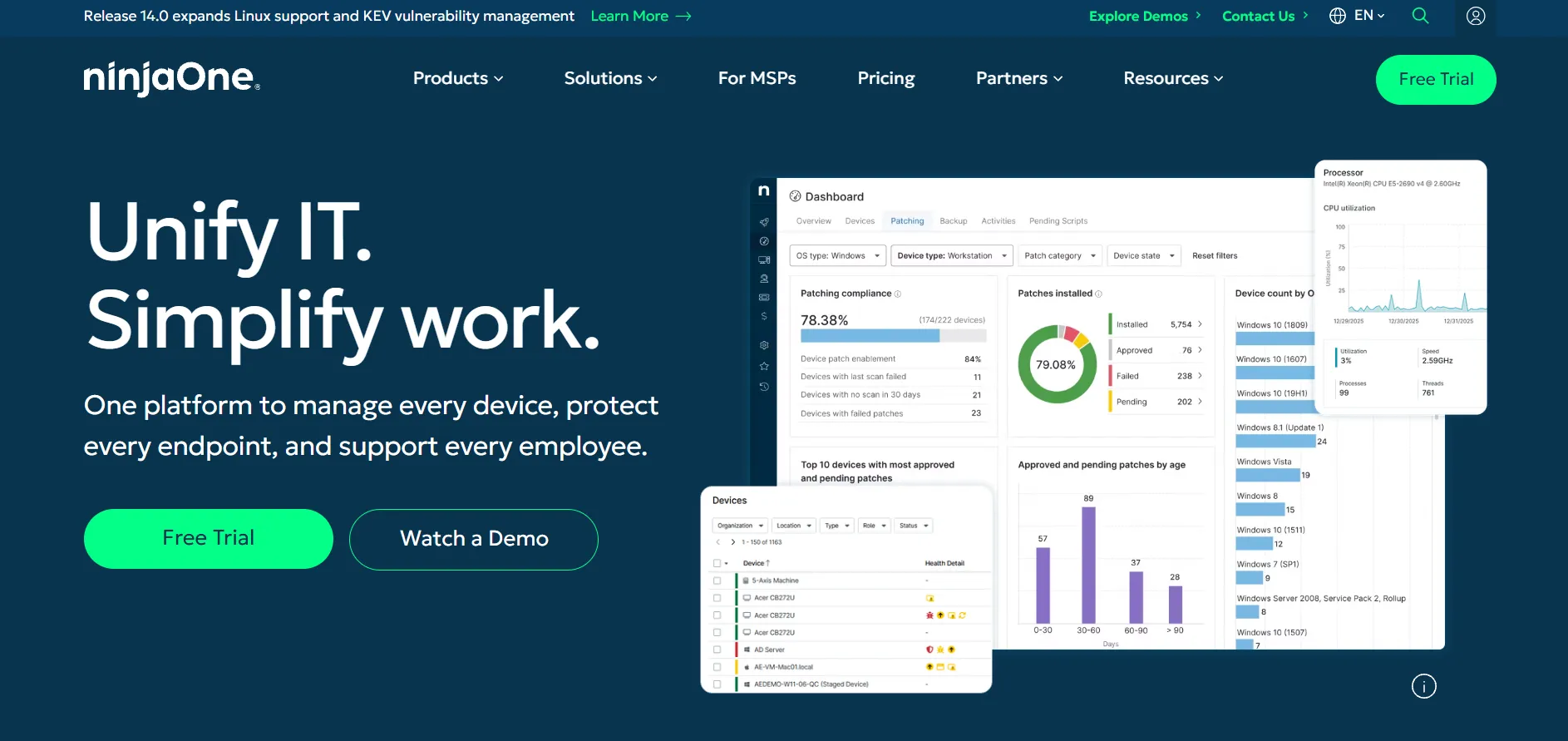
NinjaOne offers a 14-day free trial with full access to its RMM, patch management, and built-in remote access features, ideal for MSPs evaluating an all-in-one platform. 14-Day Free Trial Unlike standalone remote desktop tools, pricing is quote-based and tied to the number of managed endpoints rather than flat monthly tiers.
Official Pricing (per endpoint/month, quote-based):
- Core RMM with Remote Access: ~$2.50–$4.50/device/month
- Backup Add-on: ~$2–$3/device/month
- MDM Add-on: ~$1.50–$2.50/device/month
- Enterprise: Custom quote
NinjaOne is designed for MSPs and internal IT teams that need remote access bundled with monitoring, patching, and automation rather than a standalone tool. Because remote access is built directly into the broader platform, it reduces tool sprawl, though the lack of published flat-rate pricing makes upfront budgeting harder for smaller teams.
Pros
- Combines RMM, patching, and remote access in one platform
- Transparent per-device model with volume discounts
- Reduces the need for multiple separate tools
Cons
- Pricing not published; requires a custom quote
- Can feel like overkill for simple remote access needs
- Add-ons for backup and MDM raise total costs
Anydesk
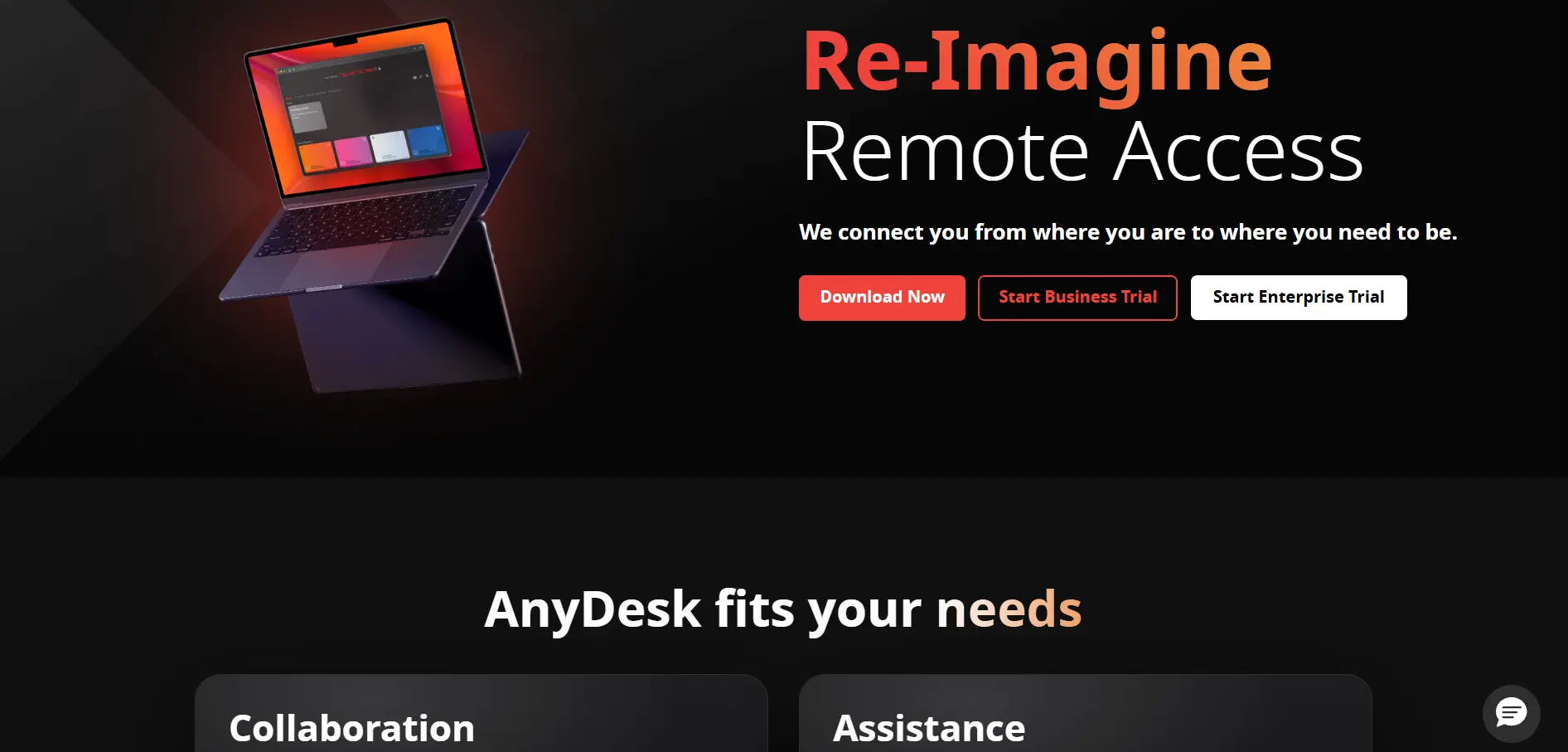
AnyDesk provides a free trial on its Advanced tier for 14 to 30 days, giving businesses time to test mass deployment and Active Directory integration. 14–30 Day Free Trial Its Solo plan is aimed at freelancers, while Standard and Advanced target small teams and IT departments needing more devices and users.
Official Pricing (billed annually):
- Solo: ~$14.90/month
- Standard: ~$29.90–$49.90/month
- Advanced: ~$79.90–$111.90/month
- Ultimate: Custom quote
AnyDesk is known for its lightweight DeskRT codec that delivers low-latency, high-frame-rate remote sessions even on limited bandwidth. It is SOC 2 and ISO 27001 certified, making it appealing to businesses that prioritize both performance and compliance, though its free version is strictly prohibited for commercial use.
Pros
- Fast, low-latency connections via DeskRT codec
- SOC 2 and ISO 27001 certified
- Custom branding on higher-tier plans
Cons
- Annual billing only, no monthly option
- Prices have risen significantly over recent years
- Free tier banned for any commercial use
LogMeIn
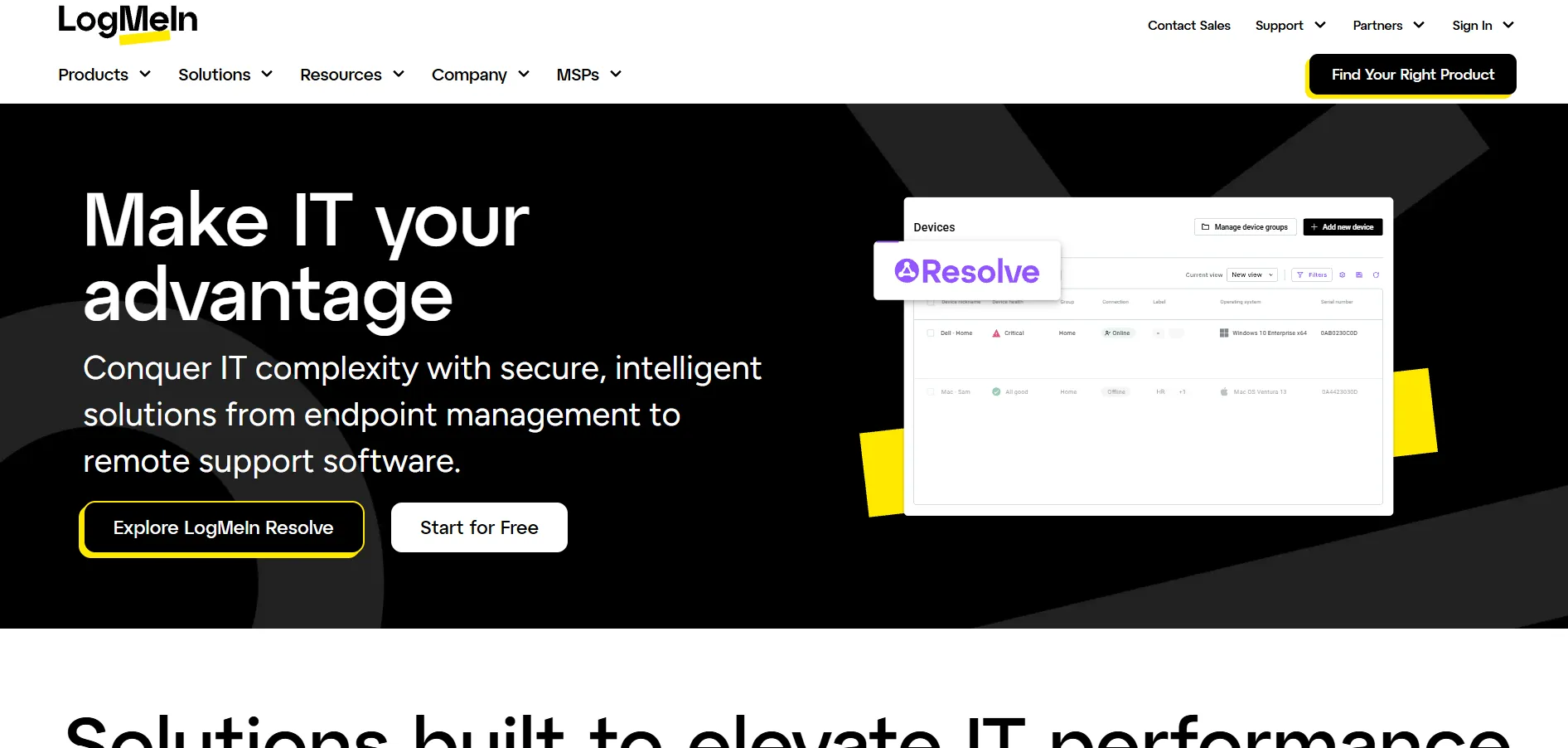
LogMeIn Resolve (formerly GoTo Resolve) offers a free plan for up to 3 agents and 5 pro devices, along with a trial period to test its ticketing and remote monitoring tools. Free Plan + Trial Available Paid tiers scale based on the number of agents and managed endpoints needed for support teams.
Official Pricing (billed monthly/annually):
- Free: 3 agents, 5 Pro devices
- Starter: ~$2.75/device/month (~$68.75/month for 25 devices)
- Standard: starts around $190/month for 3 agents
- Add-ons: Mobile ~$20/month, Camera Share ~$31/month
LogMeIn Resolve combines remote access with IT ticketing, mobile device management, and monitoring in a single dashboard, making it attractive for help desks that want fewer separate tools. However, the base pricing can be misleading since most organizations end up needing add-ons like MDM, which raises the effective monthly cost noticeably.
Pros
- Free tier available for small support teams
- Combines ticketing, MDM, and remote access
- Flexible per-device and per-agent pricing
Cons
- Add-ons significantly raise total cost
- Some users report inconsistent Apple device support
- Pricing structure can be confusing to compare
ConnectWise ScreenConnect
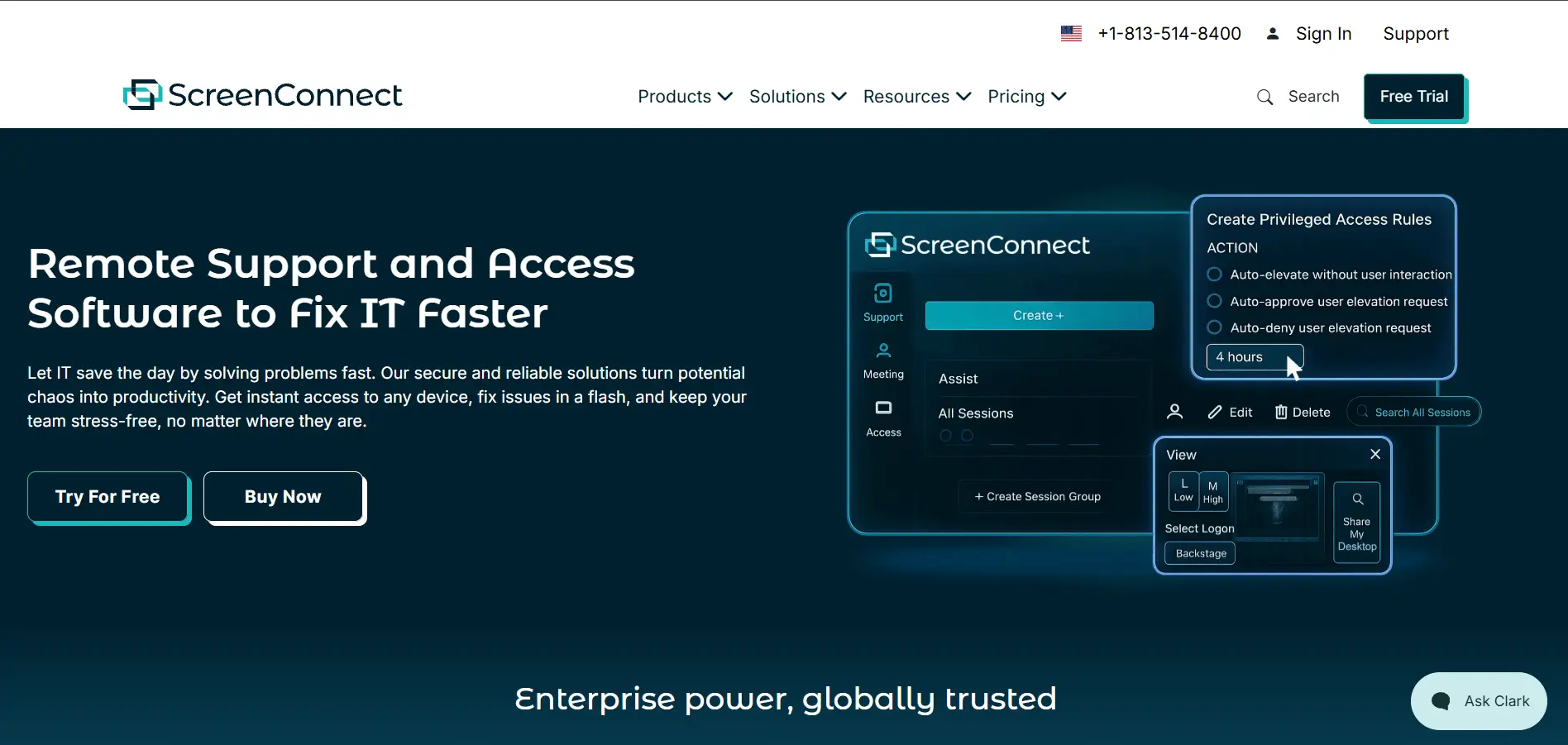
ConnectWise ScreenConnect offers a free trial across its support plans, allowing MSPs to test session recording, backstage mode, and branded client tools. Free Trial Available Pricing is based on concurrent technicians for support plans, with unattended access licensed separately by device.
Official Pricing (per concurrent technician/month, billed annually):
- One: ~$30/month
- Standard: ~$45/month
- Premium: ~$55/month
- Remote Access (unattended, 25 devices): starts around $33/month
ScreenConnect is purpose-built for MSPs and IT support professionals who need brandable, self-hostable remote support integrated with the ConnectWise ecosystem. It offers deep customization, including full white-labeling and background command execution, but it is less suited for casual users who just need simple one-off remote access.
Pros
- Fully brandable, white-label experience
- Self-hosted deployment option for full data control
- Deep integration with ConnectWise MSP tools
Cons
- Unattended access billed separately from support plans
- Steeper learning curve for non-technical users
- Prices have increased roughly 20% in recent years
Splashtop
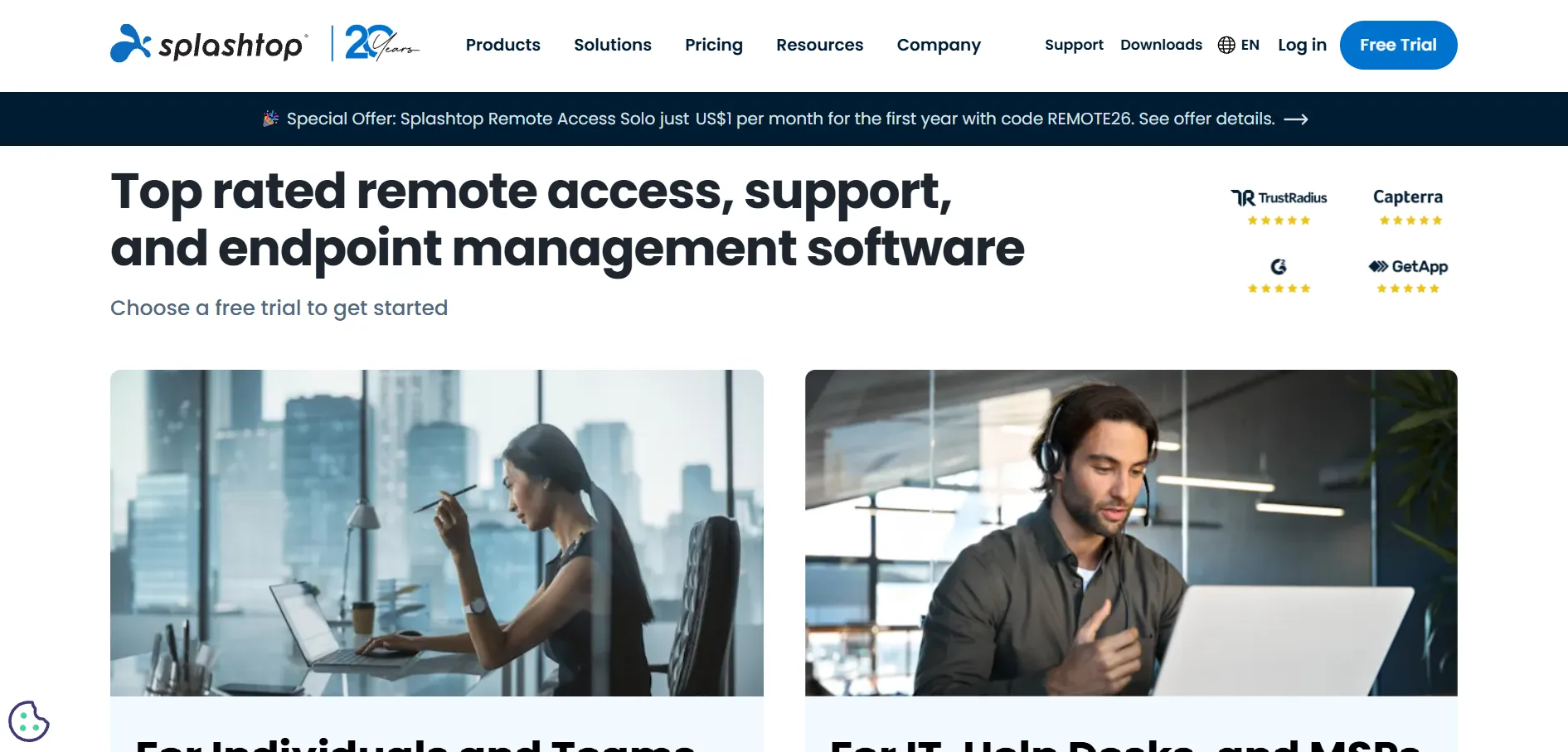
Splashtop provides a 7-day free trial across all its plans with no credit card required, making it easy to test before subscribing. 7-Day Free Trial It is widely regarded as one of the most cost-effective alternatives to TeamViewer, with plans built for both individual remote access and IT support teams.
Official Pricing (billed annually):
- Solo: ~$6/month
- Pro: ~$8.25/month
- Performance: ~$13/month
- Remote Support (SOS): ~$40.98/technician/month
- Enterprise: Custom quote
Splashtop delivers high-performance streaming with up to 240 fps and GPU acceleration on its Performance tier, making it popular among designers and engineers who need graphics-intensive remote sessions. Its pricing consistently undercuts TeamViewer and LogMeIn by a wide margin while still offering enterprise-grade security features.
Pros
- Significantly cheaper than TeamViewer and LogMeIn
- High frame rates and GPU acceleration support
- Volume discounts available for teams
Cons
- Remote Access plans require annual prepayment
- No permanent free plan for business use
- Enterprise pricing requires a custom quote
RemotePC
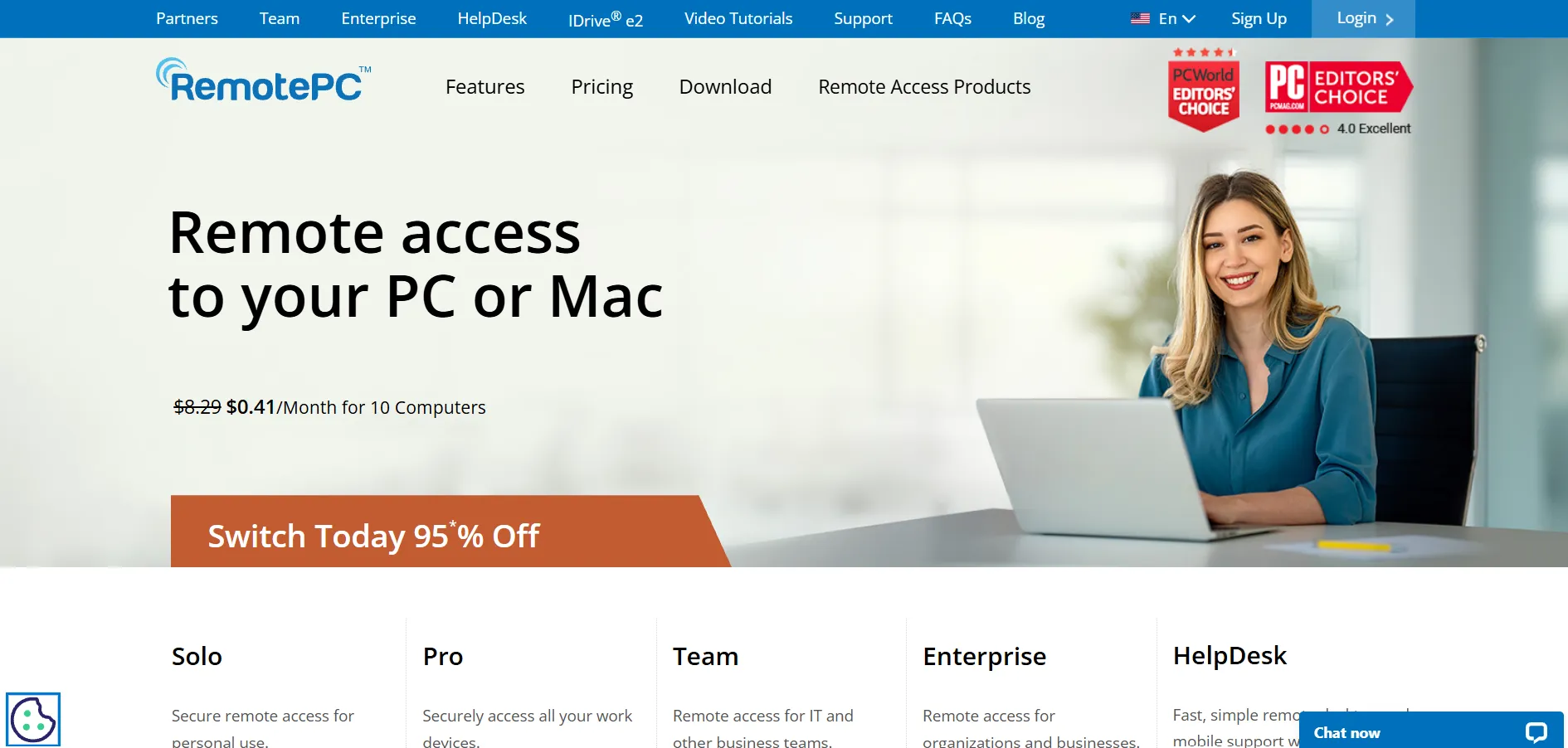
RemotePC, built by IDrive, offers a free trial and frequently runs first-year discounts of up to 50% off its published rates. Free Trial + 50% First-Year Discount Pricing is based on the number of computers rather than users, making it one of the most affordable options for individuals and small offices.
Official Pricing (per year):
- Consumer (1 computer): ~$29.50/year
- Consumer (2 computers): ~$59.50/year
- SOHO (10 computers): ~$79.50/year
- Team and Enterprise: Custom scalable pricing
RemotePC is a strong choice for budget-conscious users who need reliable always-on access without paying per user. Backed by IDrive’s cloud infrastructure, it includes file sharing, remote printing, and live video support, though some users report occasional session instability during heavier workloads.
Pros
- Very affordable, priced per computer not per user
- Backed by IDrive’s established cloud infrastructure
- Frequent first-year discounts
Cons
- Some users report laggy or unstable sessions
- Fewer advanced enterprise features than rivals
- Renewal prices are higher than first-year rates
UltraViewer
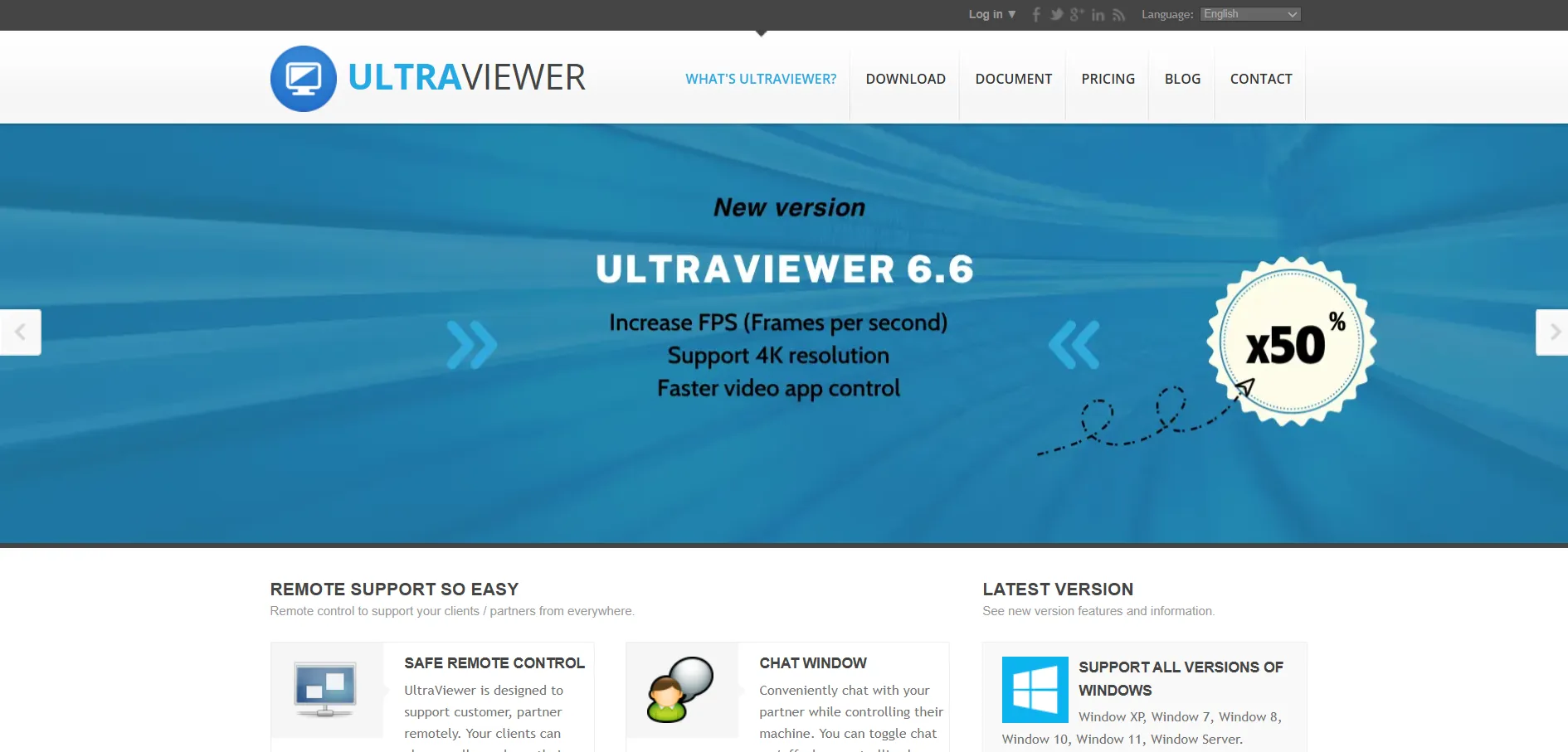
UltraViewer offers a genuinely free version for personal and non-commercial use, with no time limit, making it one of the most accessible tools on this list. Free Version Available Paid plans are aimed at businesses and technicians needing unattended access and higher device limits.
Official Pricing (per month):
- Free: Personal use, limited features
- Lite: ~$4/month
- Professional: ~$6/month
- Premium: ~$8/month
UltraViewer is a budget-friendly remote support tool popular among freelancers and small repair shops that need basic remote control, file transfer, and chat without enterprise complexity. It lacks the deeper admin dashboards and integrations found in TeamViewer or Splashtop, but its low cost makes it attractive for lean operations.
Pros
- Genuinely free tier for personal use
- Very low-cost paid plans
- Simple, easy-to-learn interface
Cons
- Free plan has connection time limits
- Lacks advanced enterprise admin features
- Limited documentation and support resources
RustDesk
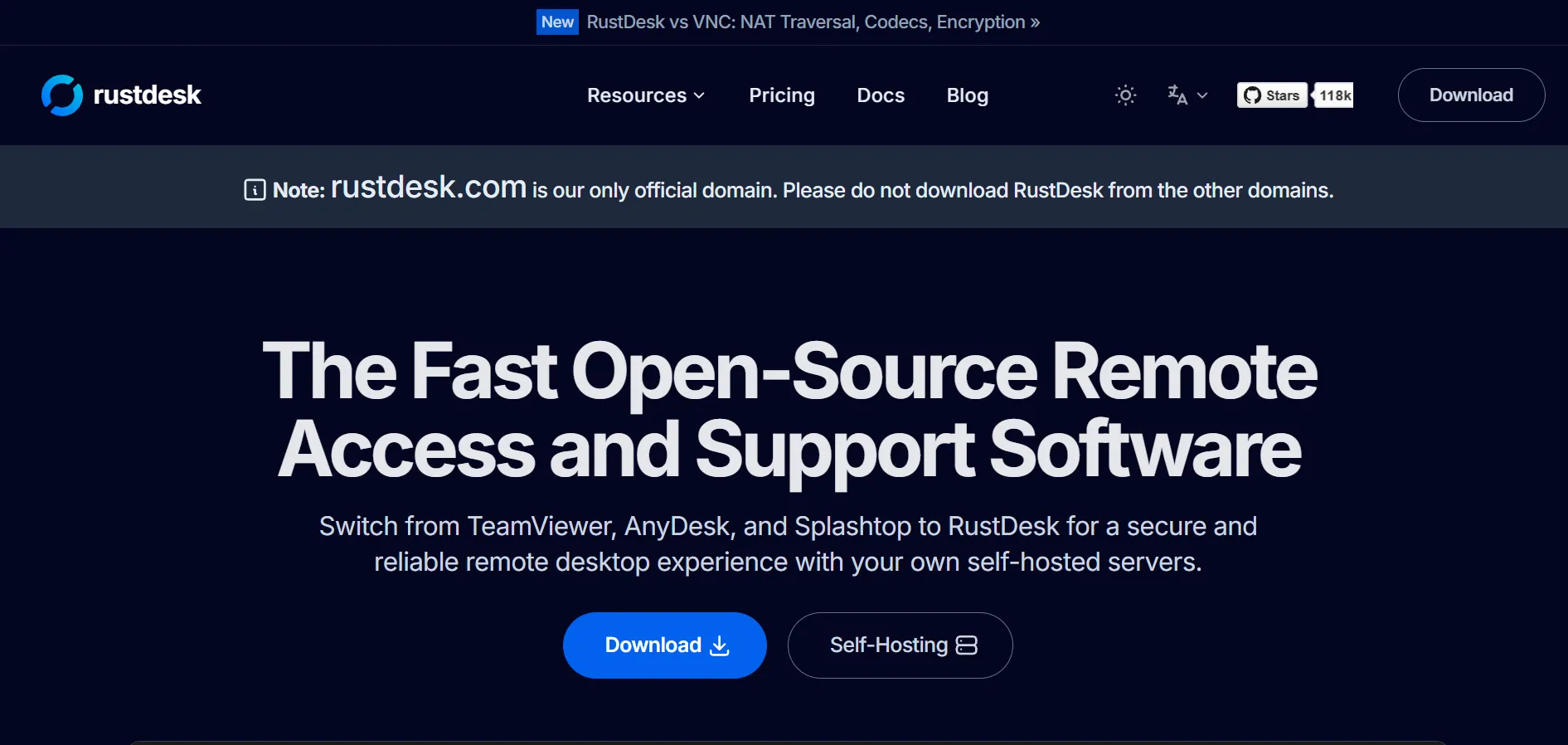
RustDesk is fully open-source, with free clients and a free self-hosted server option, so there is technically no trial needed to get started. Free & Open Source Paid tiers unlock the web console, OIDC/LDAP integration, and centralized address book for teams that want more management control.
Official Pricing (self-hosted, billed annually):
- Free (OSS Server): $0, self-hosted
- Individual Pro: ~$9.90/month
- Basic Pro: ~$19.90/month
- Customized: Starts ~$19.90/month + per-user/device fees
RustDesk appeals to privacy-focused users and technically capable teams who want to self-host their remote access infrastructure rather than route sessions through a third-party cloud. Written in Rust with end-to-end encryption, it is one of the cheapest credible options available, though it requires comfort with server maintenance and lacks some enterprise polish.
Pros
- Free, open-source, and self-hostable
- Full control over data and infrastructure
- Very low-cost Pro tiers
Cons
- Requires technical skill to self-host
- Less polished mobile experience
- You are responsible for server uptime and patching
Distant Desktop
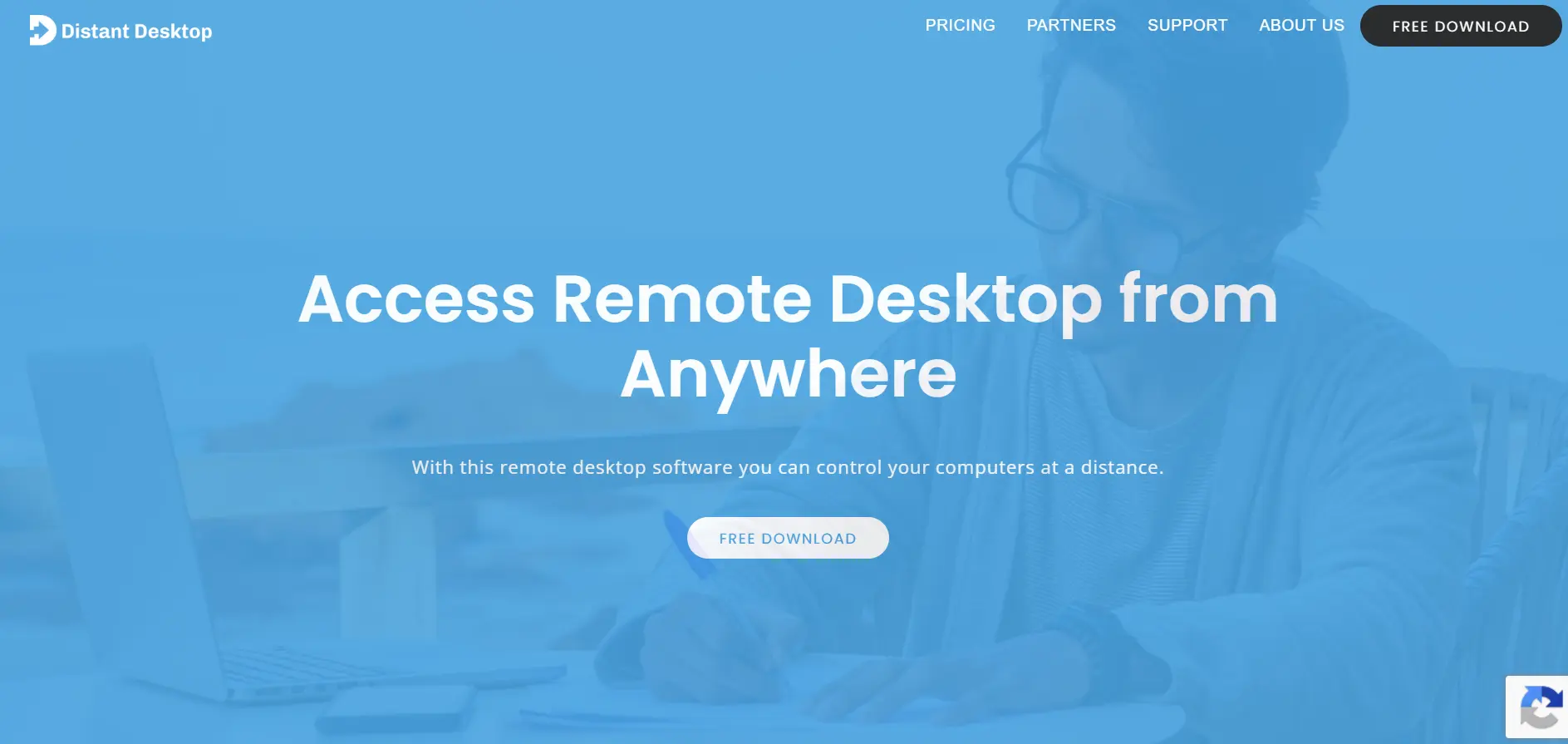
Distant Desktop offers a genuinely free version for both personal and commercial use, along with a professional subscription for extended features. Free Version + Trial Licensing is per controlling license, and no license is required on the remote computer being accessed.
Official Pricing (per license):
- Free: Personal and commercial use, limited features
- Professional (single license): ~$49.95/year
- Bundle (10+ licenses): ~$22.90/license/year
Distant Desktop is a lightweight, no-installation-required tool that works well for casual users, educators running online lessons, and small IT teams needing straightforward remote control. It includes file transfer, voice chat, and a demo mode for presentations, though its feature set is noticeably lighter than full-scale enterprise platforms.
Pros
- Free for both personal and commercial use
- No installation or registration required
- Affordable licensing for multiple seats
Cons
- Limited documentation and support
- Fewer advanced features than major competitors
- Not ideal for large-scale enterprise deployment
AnyViewer
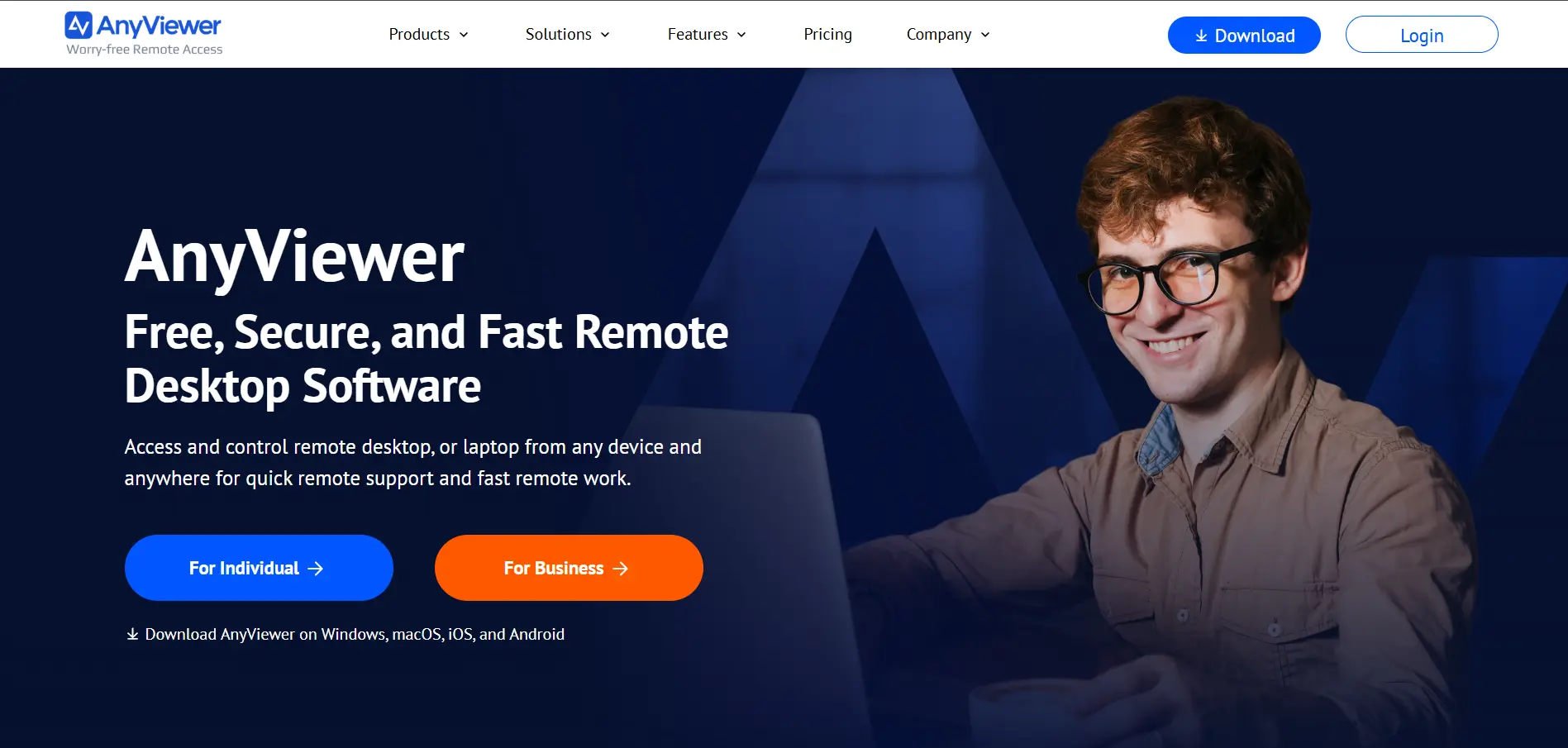
AnyViewer offers a free plan alongside multi-year discounted subscriptions, giving new users flexibility before committing to a long-term license. Free Plan + Discounted Trials Plans scale from individual Solo use up to Team and Enterprise tiers with higher device limits.
Official Pricing (multi-year discounted):
- Solo: ~$47.88/year (discounted 3-year rate ~$100.44)
- Team: ~$191.88/year (discounted 3-year rate ~$345.24)
- Enterprise: ~$199/year (discounted 3-year rate ~$358)
AnyViewer is designed for users who want one-click access to previously logged-in devices without repeatedly entering IDs and passwords. Features like Privacy Mode, which blacks out the remote screen during a session, make it a good fit for IT technicians handling sensitive client data, though its multi-year discount structure can make long-term costs harder to predict.
Pros
- One-click access to trusted logged-in devices
- Privacy Mode for sensitive remote sessions
- Free plan available for basic use
Cons
- Multi-year discount pricing can be confusing
- Renewal rates jump after discount periods end
- Smaller user base than major competitors
AirDroid Remote Support
Apache Guacamole
BeyondTrust Remote Support
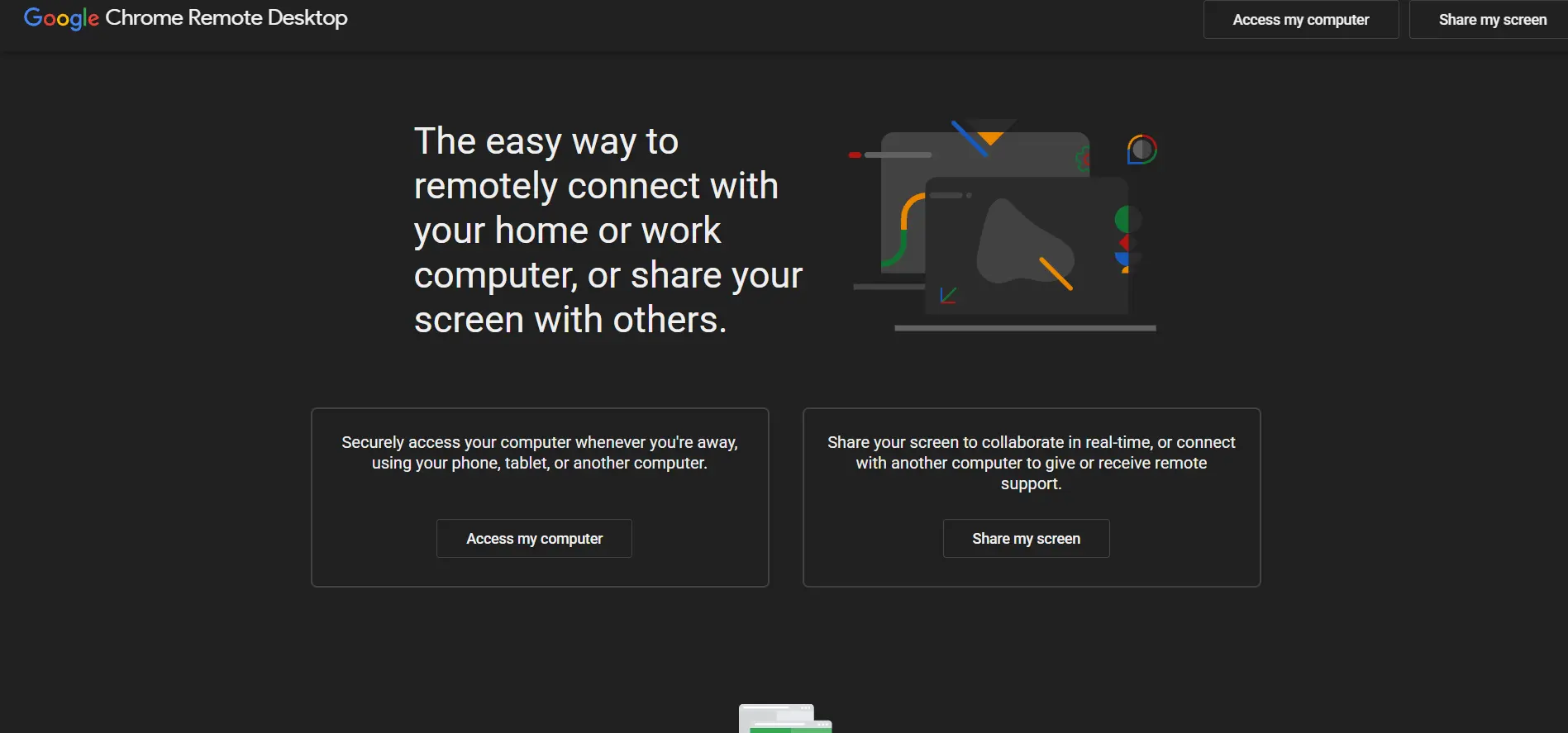
Chrome Remote Desktop
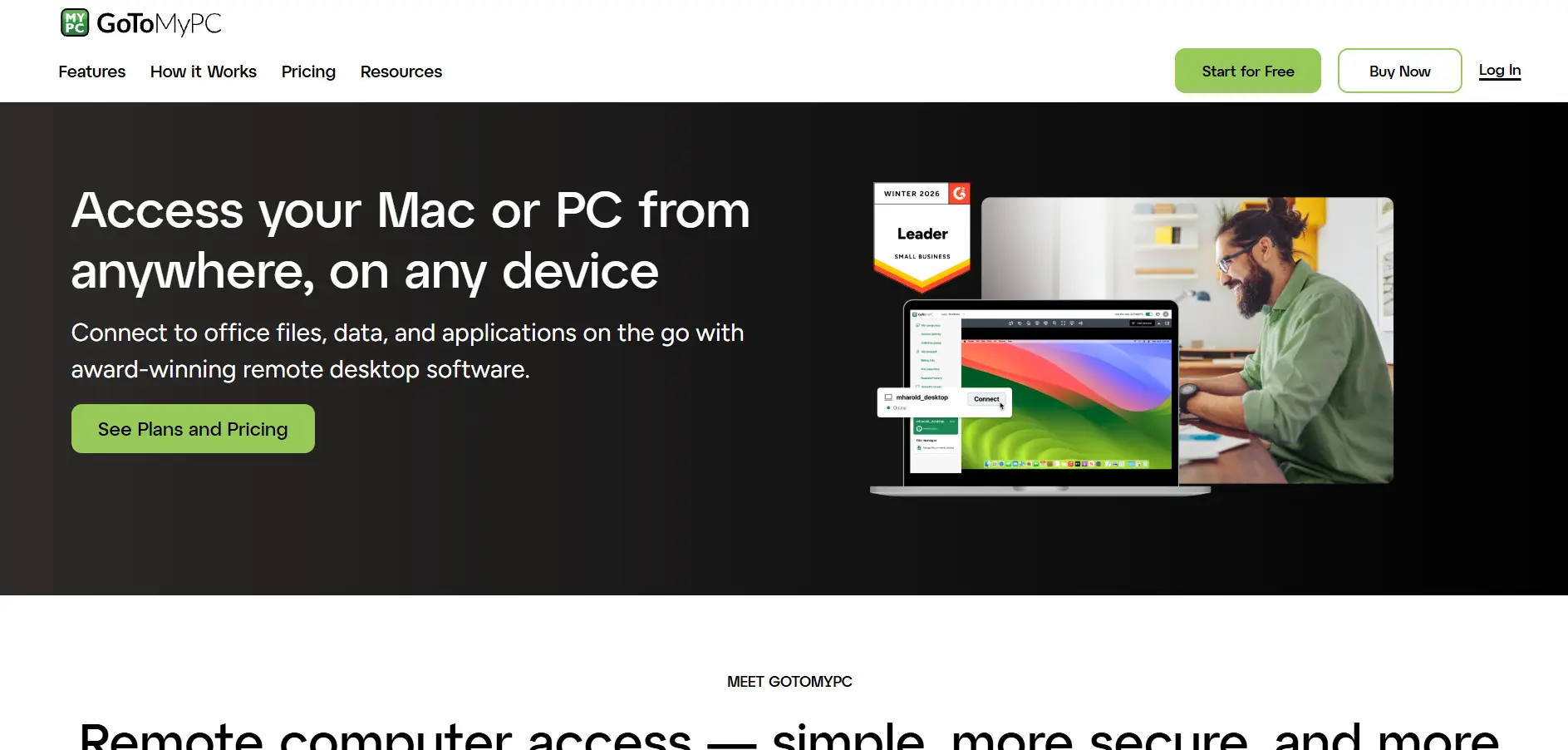
GoToMyPC
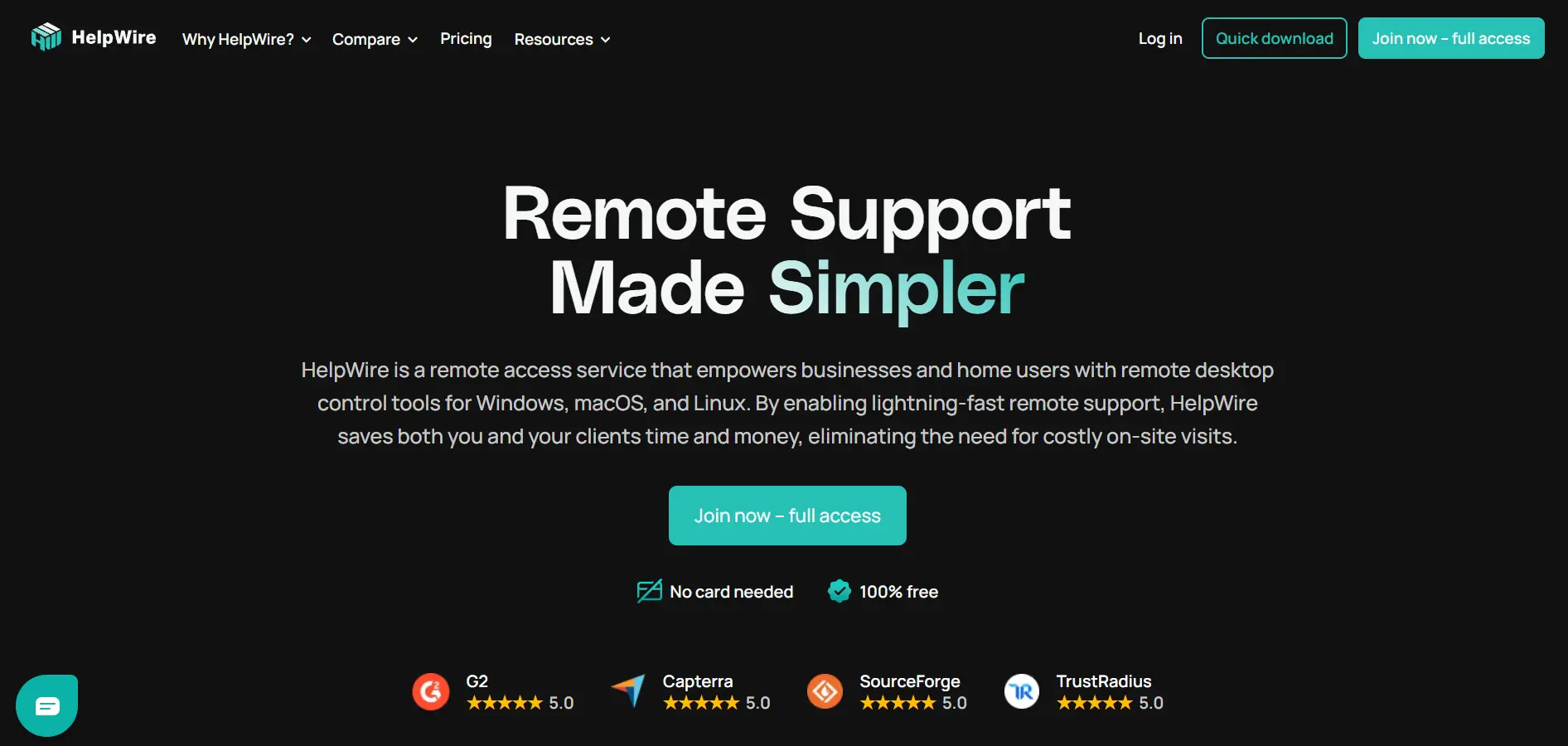
HelpWire
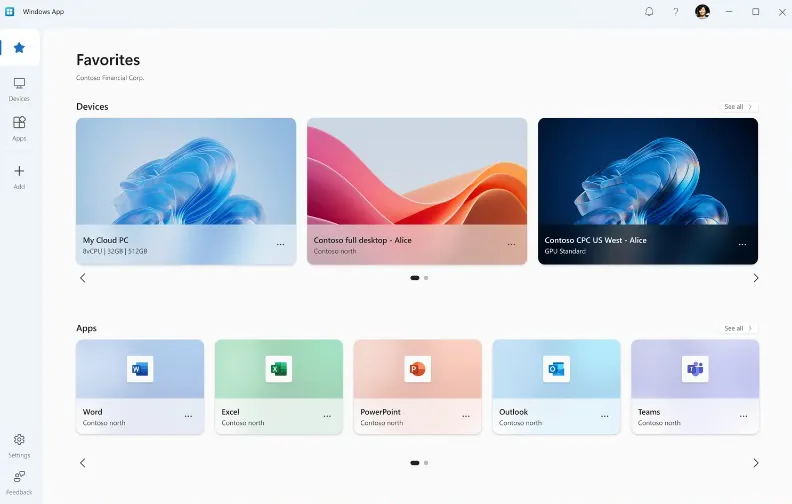
Microsoft Remote Desktop
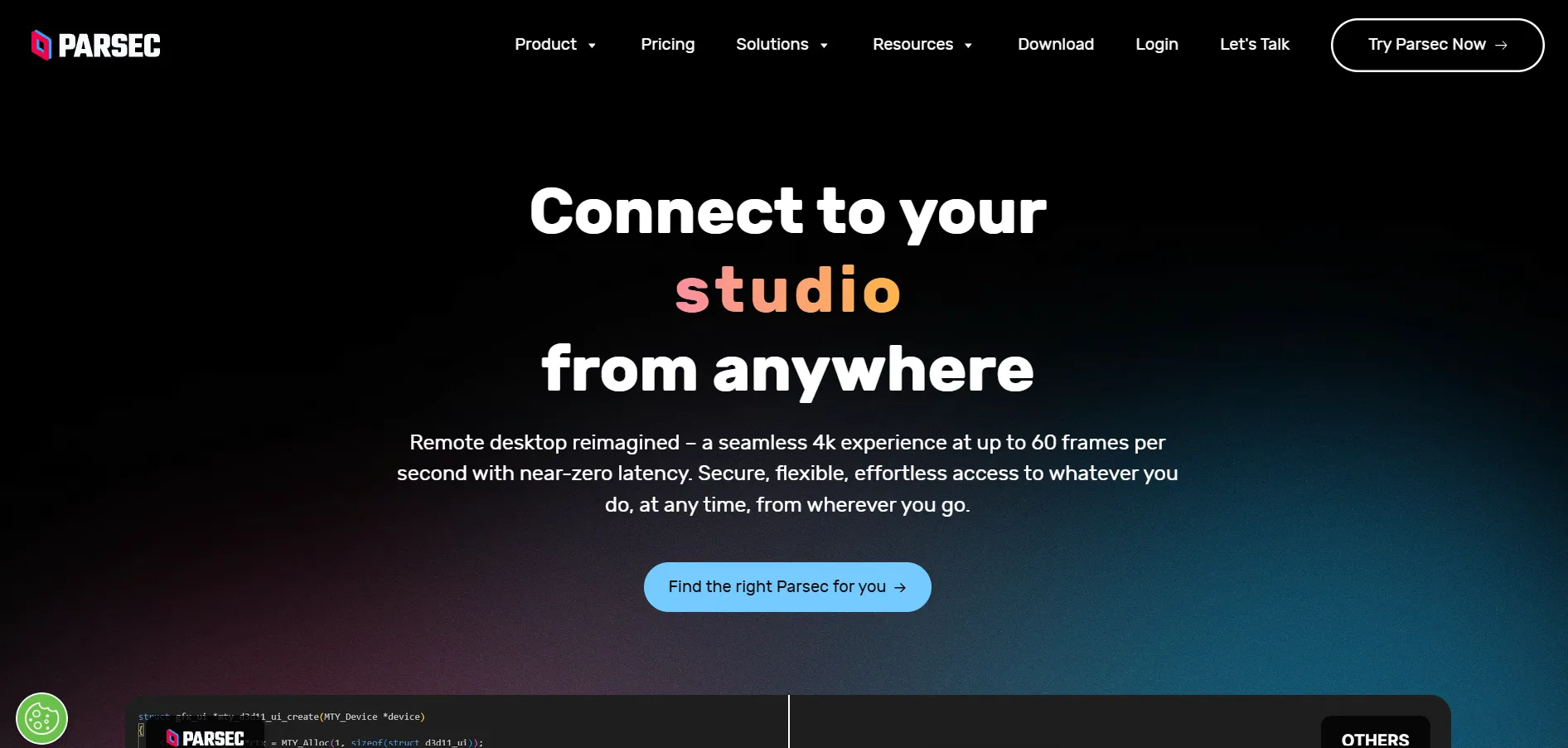
Parsec
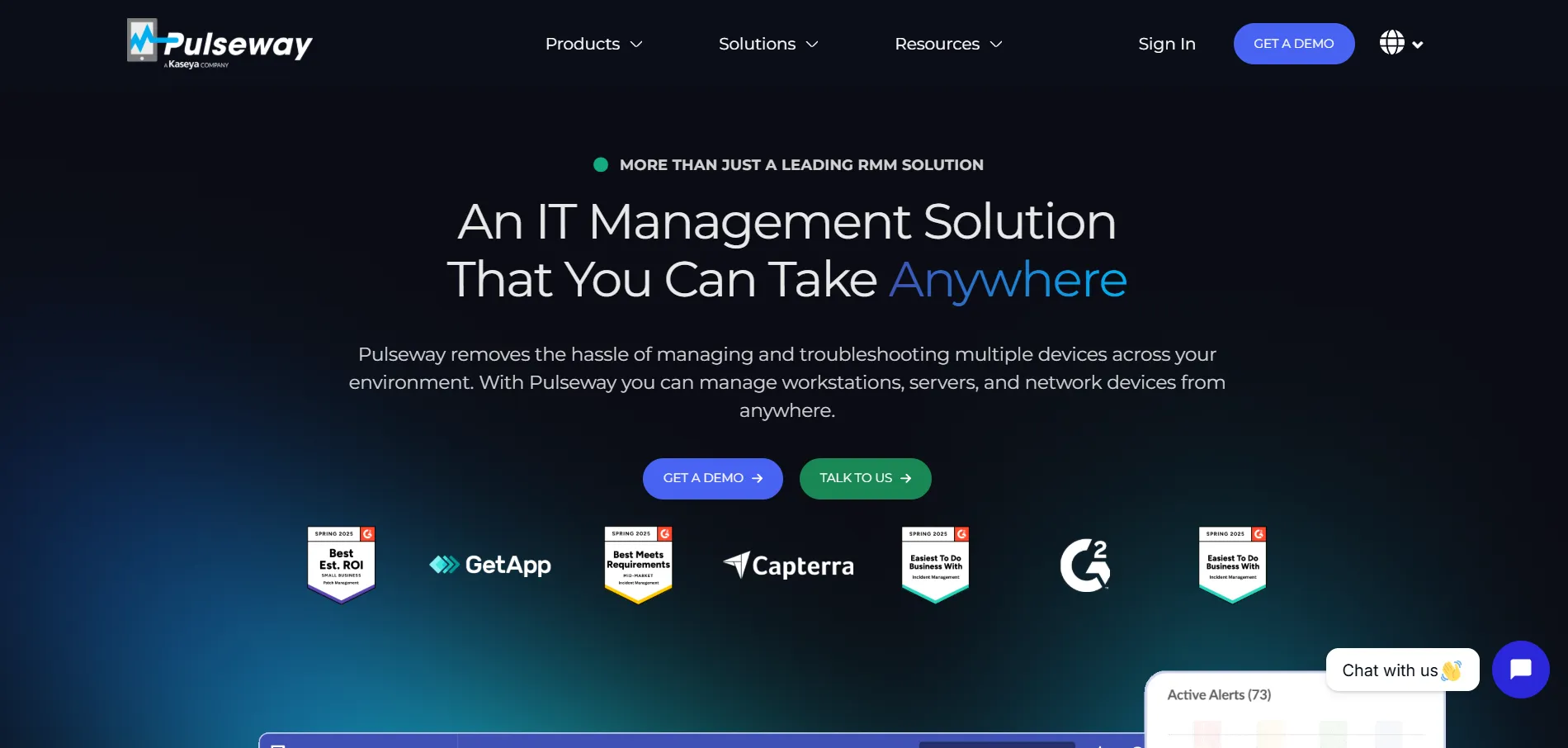
Pulseway
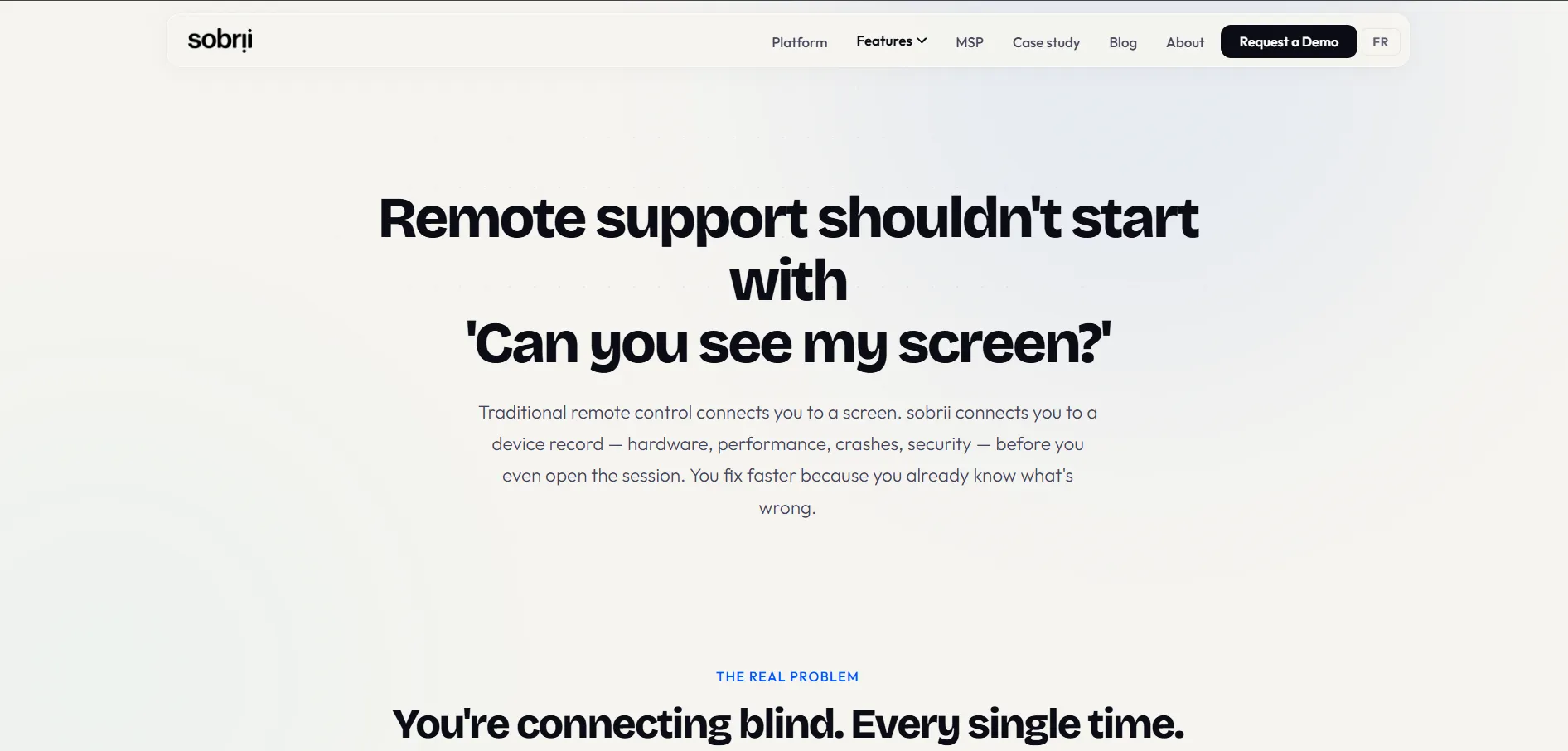
sobrii Remote
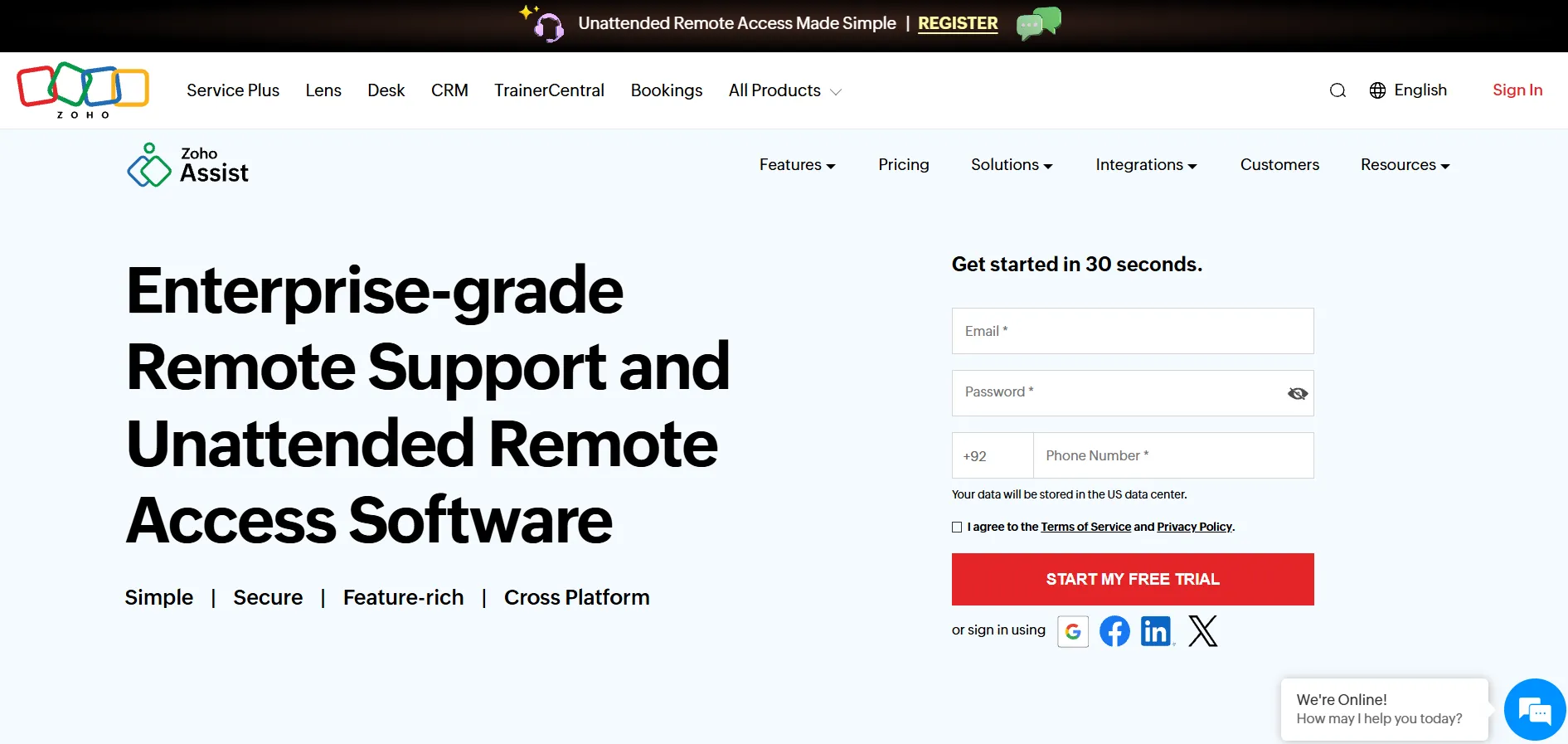
Zoho Assist
Comparison Table
| Alternative | Description |
|---|---|
| TeamViewer | Feature-rich, widely trusted remote access platform with AR support tools, best suited for larger IT teams needing broad device compatibility. |
| ISL Online | Security-focused remote support software offering flexible cloud and self-hosted deployment for regulated industries. |
| NinjaOne | All-in-one RMM platform that bundles remote access with monitoring, patching, and automation for MSPs and IT teams. |
| AnyDesk | Fast, low-latency remote desktop tool known for its DeskRT codec and strong compliance certifications. |
| LogMeIn Resolve | Combined remote access, ticketing, and MDM platform ideal for help desks wanting an all-in-one solution. |
| ConnectWise ScreenConnect | Brandable, self-hostable remote support tool built specifically for MSPs and IT support professionals. |
| Splashtop | High-performance, budget-friendly remote access solution popular for its GPU acceleration and low pricing. |
| RemotePC | Affordable, per-computer priced remote access tool backed by IDrive’s reliable cloud infrastructure. |
| UltraViewer | Lightweight, low-cost remote support tool with a genuinely free personal-use tier. |
| RustDesk | Open-source, self-hostable remote desktop tool ideal for privacy-focused and technically capable teams. |
| Distant Desktop | Simple, no-installation remote access app that’s free for both personal and commercial use. |
| AnyViewer | One-click remote access tool with a Privacy Mode feature, suited for technicians managing trusted devices. |
Conclusion
Choosing the right Chrome Remote Desktop alternative ultimately comes down to your specific needs, budget, and technical comfort level. If you want a polished, enterprise-ready platform, TeamViewer, AnyDesk, or ConnectWise ScreenConnect deliver strong security and broad compatibility. For cost-conscious individuals and small teams, Splashtop, RemotePC, UltraViewer, and Distant Desktop offer excellent value without sacrificing core functionality.
If data ownership and self-hosting matter most to you, RustDesk stands out as a free, open-source option, while NinjaOne and LogMeIn Resolve are better suited to MSPs that want remote access bundled with broader IT management tools. Whichever tool you choose, most of these platforms offer free trials or free tiers, so it’s worth testing a few before settling on the one that fits your workflow best.
- TeamViewer
- ISL Online
- NinjaOne
- Anydesk
- LogMeIn
- ConnectWise ScreenConnect
- Splashtop
- RemotePC
- UltraViewer
- RustDesk
- Distant Desktop
- AnyViewer
- AirDroid Remote Support
- Apache Guacamole
- BeyondTrust Remote Support
- Chrome Remote Desktop
- GoToMyPC
- HelpWire
- Microsoft Remote Desktop
- Parsec
- Pulseway
- sobrii Remote
- Zoho Assist
- Comparison Table
- Conclusion


