

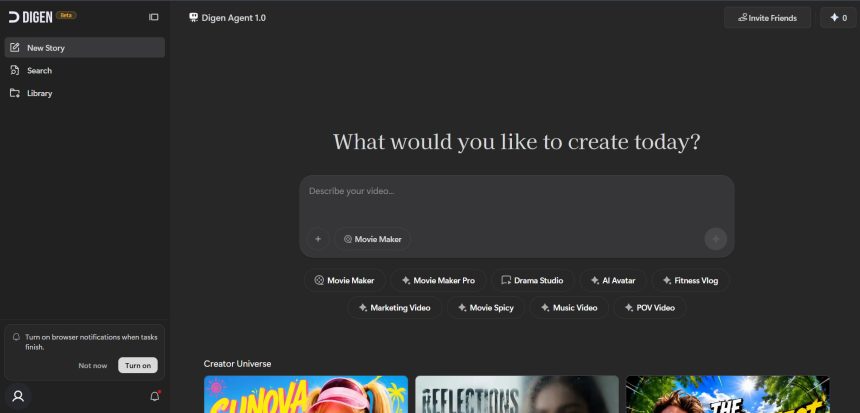
Digen AI made a name for itself as a quick way to turn text and images into short AI-generated videos, but it is far from the only option on the market in 2026. Whether you need avatar-led ad creators, cinematic text-to-video models, or full editing suites with AI baked in, there is now a wide range of platforms built for different budgets and workflows. This guide rounds up 13 strong Digen AI Alternatives, covering their trial options, official pricing plans, and the pros and cons that matter most before you commit.
Creatify AI
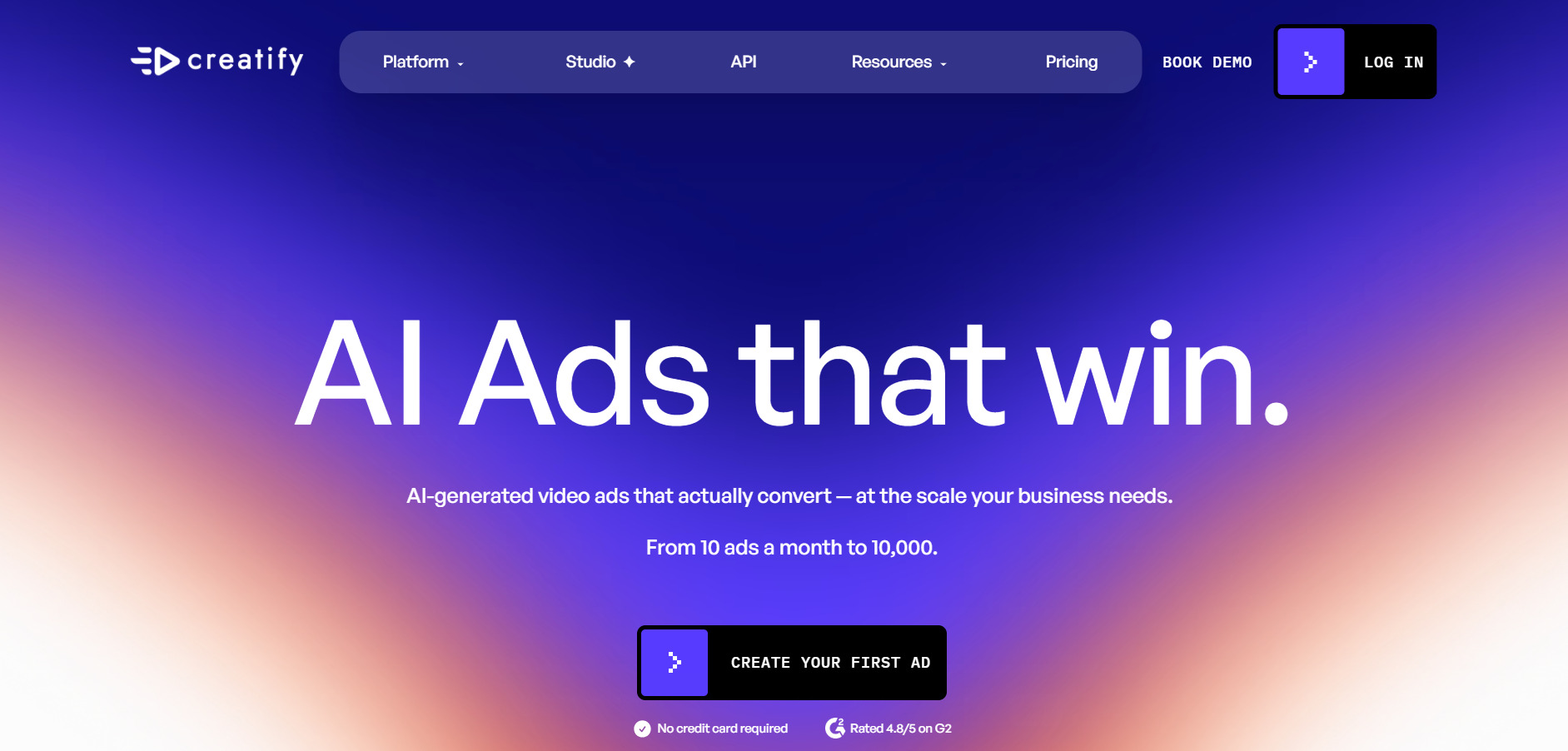
✔ Free Trial Available (No Credit Card Required) Creatify AI lets new users test the platform before subscribing, though trial exports carry a watermark and are locked to a 9:16 aspect ratio. It focuses on turning product URLs into UGC-style video ads using AI avatars, script writing, and text-to-speech, making it popular with e-commerce sellers and performance marketers who need fast ad variations.
Official Pricing Plans (creatify.ai):
- Free Plan: $0/month, 10 credits, watermarked exports
- Starter Plan: from $33–39/month, ~50–100 credits
- Pro Plan: $49/month, 300+ credits, custom avatars
- Business/Enterprise: custom pricing with API access
Beyond ad creation, Creatify AI offers batch mode for generating multiple ad variants at once, competitor ad tracking, and support for 75+ languages. The credit system, however, means quality videos can consume far more credits than the headline numbers suggest, so budget-conscious teams should test the free trial carefully before locking into an annual plan.
Pros
- No credit card needed for trial
- Strong avatar and UGC ad templates
- Batch ad variation generation
- Competitor ad tracking on higher tiers
Cons
- Free plan exports are watermarked
- Credits can be consumed quickly on quality renders
- Custom avatars locked behind Pro plan
Seedance 2.0
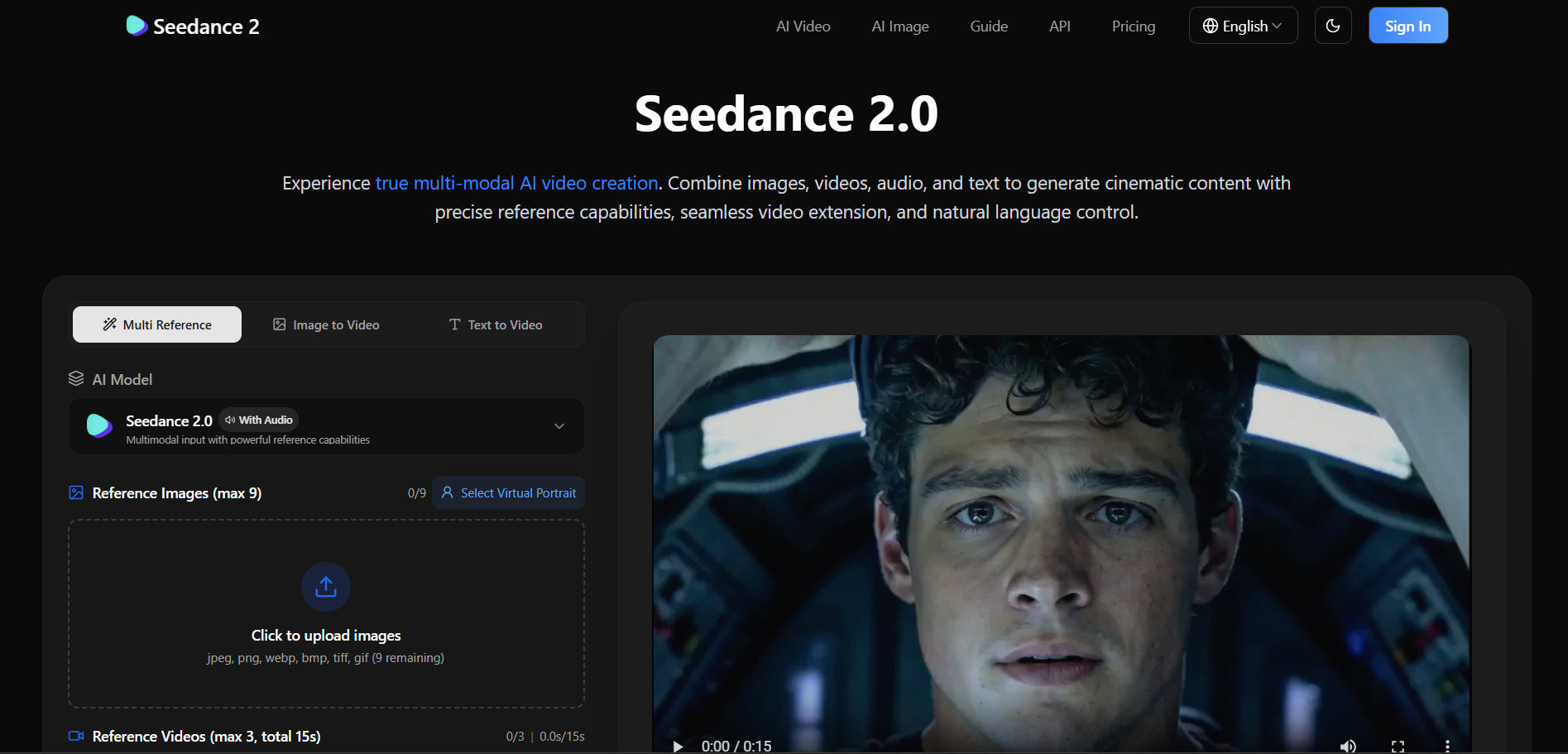
✔ Free Credits on Sign-Up Seedance 2.0, developed by ByteDance, offers new users starter credits along with daily login bonuses on its official Jimeng and Dreamina platforms. It is a cinematic AI video model known for multi-shot generation, high motion consistency, and being available through multiple third-party platforms like fal.ai and Higgsfield.
Official Pricing Plans:
- Entry Plan: from $14.90–19.90/month, ~3,000 credits
- Creator/Pro Plan: $39.90–79.90/month, ~8,000 credits
- API/Pay-per-use: from $0.022–0.30 per second (varies by provider)
- Max/Enterprise: up to $99.90/month for high-volume needs
Seedance 2.0 stands out for its transparent per-second credit costs and commercial usage rights included in every paid tier. Because it is distributed across several third-party API providers, pricing can vary significantly, so it pays to compare fal.ai, Higgsfield, and the official ByteDance apps before subscribing to a fixed plan.
Pros
- Transparent credit-to-second pricing
- Multi-shot cinematic generation
- Available across many third-party platforms
- Commercial usage rights included
Cons
- Pricing varies widely by provider
- Official Chinese platforms require local payment methods
- Credits can expire depending on plan
Mango AI
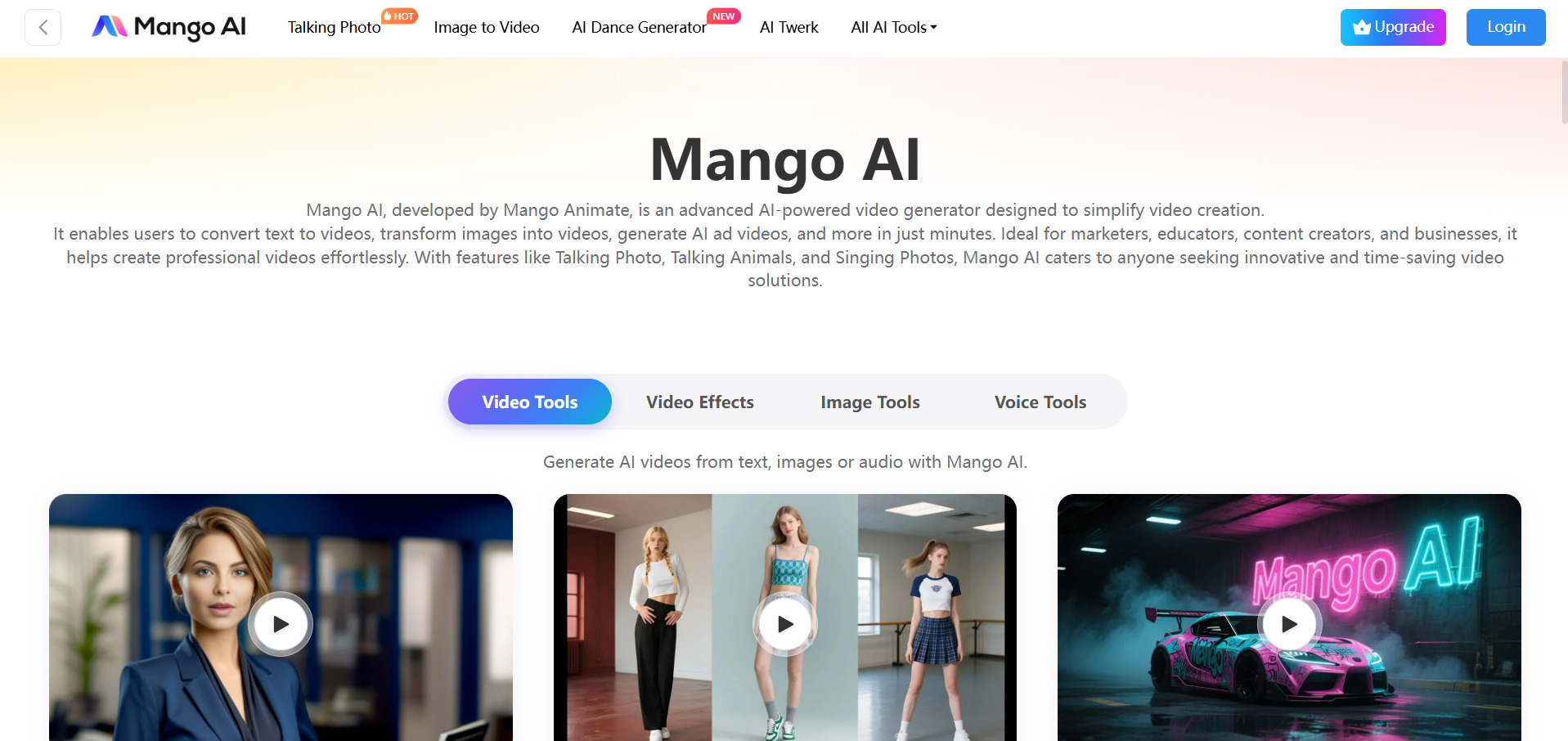
✔ Free Plan Available Mango AI, built by Mango Animate, offers a genuinely usable free tier for creating short talking-avatar and text-to-video content, though outputs include a watermark and limited resolution. It is designed for marketers and educators who want simple, template-driven video creation without a learning curve.
Official Pricing Plans (mangoanimate.com):
- Free Plan: $0/month, basic features, watermark included
- Starter Plan: around $7.9/month
- Pro Plan: around $10.9/month
- Enterprise Plan: around $49.9/month
Mango AI covers a broad set of niche tools including talking photos, pet dance videos, face swaps, and AI-generated podcasts, making it more of a creative playground than a strict business tool. Its low entry pricing is appealing, but the feature set leans casual and lacks the batch production tools serious ad teams often need.
Pros
- Very affordable paid tiers
- Wide variety of fun, niche AI video tools
- Easy for beginners with no editing experience
Cons
- Free plan limits video length and resolution
- Lacks advanced batch or professional ad features
- Watermark remains until upgrade
PixVerse V6
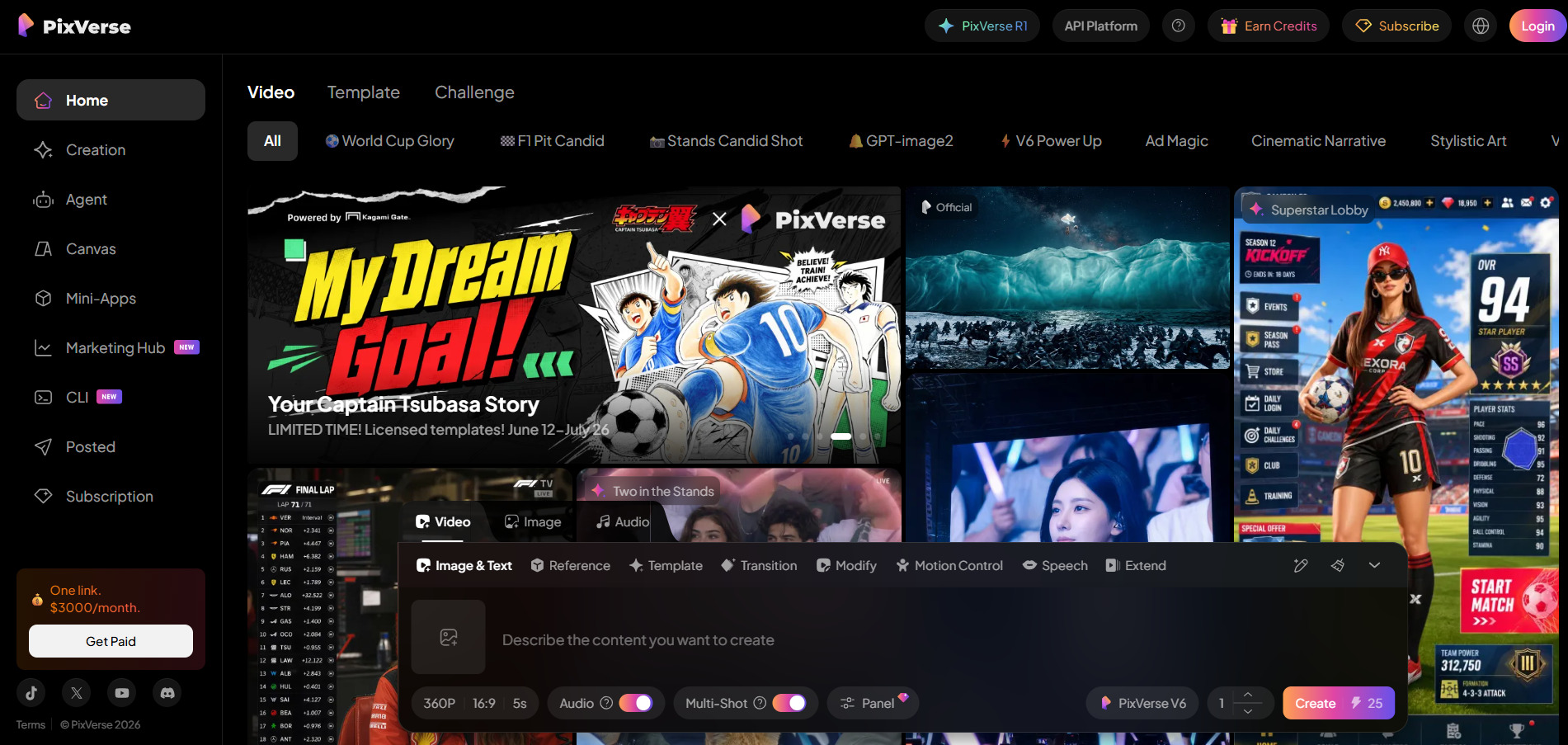
✔ Permanent Free Tier (Watermarked, ~1 Video/Day) Pixverse V6 offers a real, ongoing free tier rather than a time-limited trial, letting users generate roughly one watermarked video per day at 540p. Built by AISphere, it has grown past 150 million registered users and is known for cinematic camera controls and native audio generation.
Official Pricing Plans (pixverse.ai):
- Free Tier: $0/month, limited daily generations, watermark
- Standard Plan: from $10/month, 720p resolution
- Pro/Premium Plan: mid-tier pricing, 1080p unlocked
- Ultra Plan: up to $199/month (or $149/month annually)
PixVerse V6 replaced fixed duration presets with per-second billing, extending clips up to 15 seconds and adding multi-shot generation with reference-to-video input. Native audio is a standout feature, though it can stumble on multi-character dialogue scenes, so creators working with complex scenes should budget time for an audio review pass.
Pros
- Genuinely free permanent tier
- Native audio generated alongside video
- Strong cinematic camera control
- Large, established user base
Cons
- Free tier capped at 540p with watermark
- Audio struggles in multi-character scenes
- Per-second billing can add up quickly
Google Veo 3
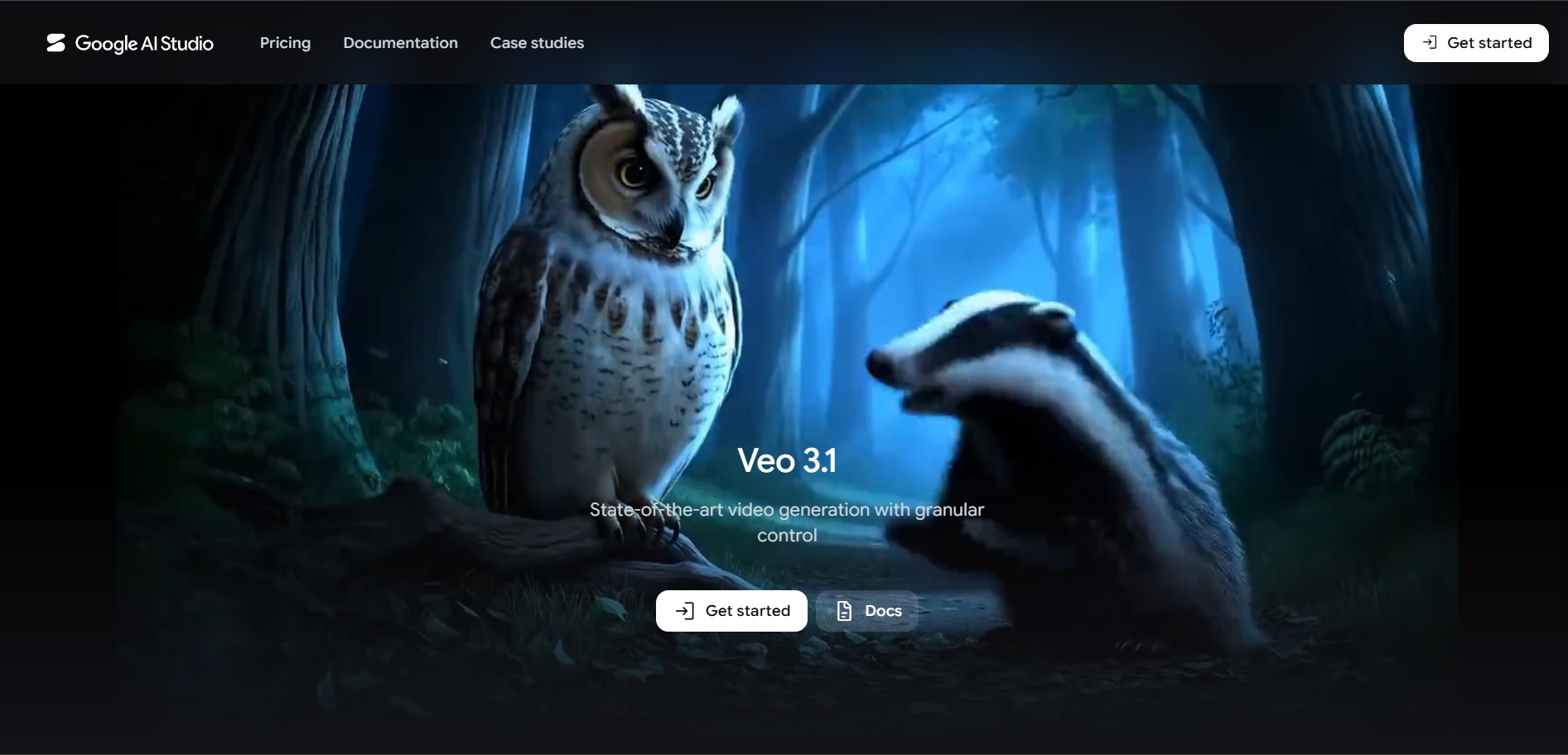
✔ Free Access via Google AI Studio and Flow Google Veo 3 (now Veo 3.1) offers limited free daily credits through Google Flow and AI Studio, making it one of the more accessible premium video models to test before paying. It generates 8-second HD clips with synchronized native audio directly from text or image prompts.
Official Pricing Plans (gemini.google/subscriptions):
- Free Tier: $0/month, 50 daily Flow credits
- Google AI Pro: $19.99/month, 1,000 Flow credits
- Google AI Ultra: $99.99–249.99/month, high-volume credits
- API (Vertex AI/Gemini API): from $0.05–0.40 per second
Because Veo 3 is bundled into Google’s broader AI subscriptions rather than sold standalone, pricing includes extras like Gemini access, cloud storage, and YouTube Premium on higher tiers. This makes it strong value for users already invested in the Google ecosystem, though developers building automated pipelines will likely prefer the pay-per-second API route instead.
Pros
- Free daily credits through Flow
- High-quality synchronized native audio
- Bundled with broader Google AI ecosystem perks
- Flexible API for developers
Cons
- Clips capped at 8 seconds
- Pricing structure spans multiple confusing tiers
- Regional pricing and availability can vary
VideoProc AI
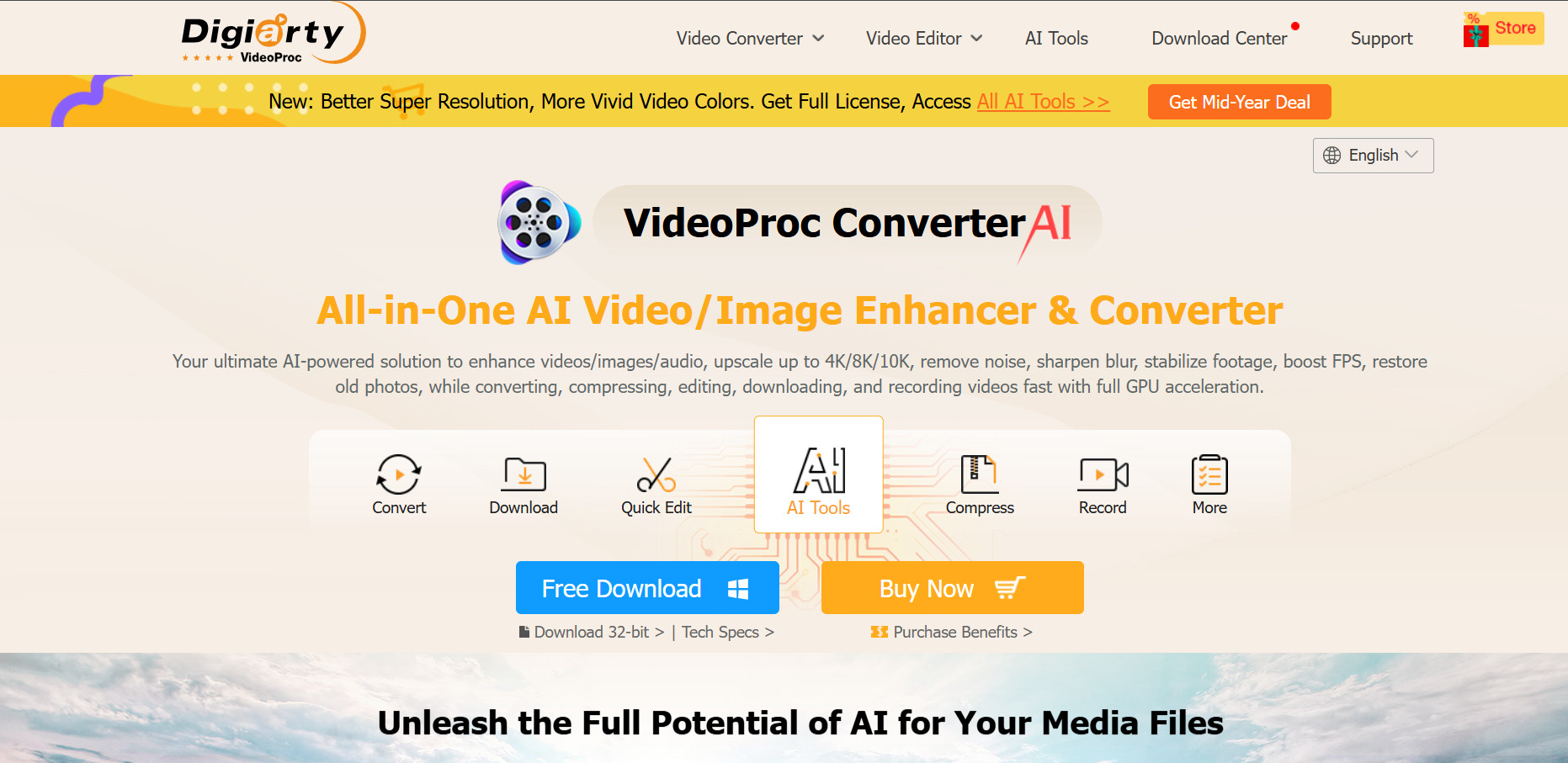
✔ Free Trial (Feature-Limited) VideoProc AI Converter AI offers a free trial that caps AI Super Resolution clips under 5 minutes and limits image AI to 5 images, with a watermark applied to processed output. It focuses less on generative video and more on AI-powered upscaling, frame interpolation, and video conversion, backed by a 30-day money-back guarantee on paid plans.
Official Pricing Plans (videoproc.com):
- Premium 365 (1-Year): around $34.95–39.95/year, 3 PCs
- Lifetime License: around $45.95–54.95 one-time, 1 PC
- Family License: around $57.95–79.95 one-time, 3–5 PCs
VideoProc’s real strength is GPU-accelerated processing that upscales old or low-resolution footage up to 4K, along with tools for screen recording, DVD ripping, and format conversion across 420+ codecs. It is not a text-to-video generator, so creators looking for AI-generated scenes from scratch will need to pair it with a separate generative tool.
Pros
- Affordable one-time lifetime license options
- Strong GPU-accelerated AI upscaling
- 30-day money-back guarantee
- Broad format and codec support
Cons
- Not a true text-to-video generator
- Free trial adds watermarks to output
- Desktop software only, no cloud version
Wan 2.6
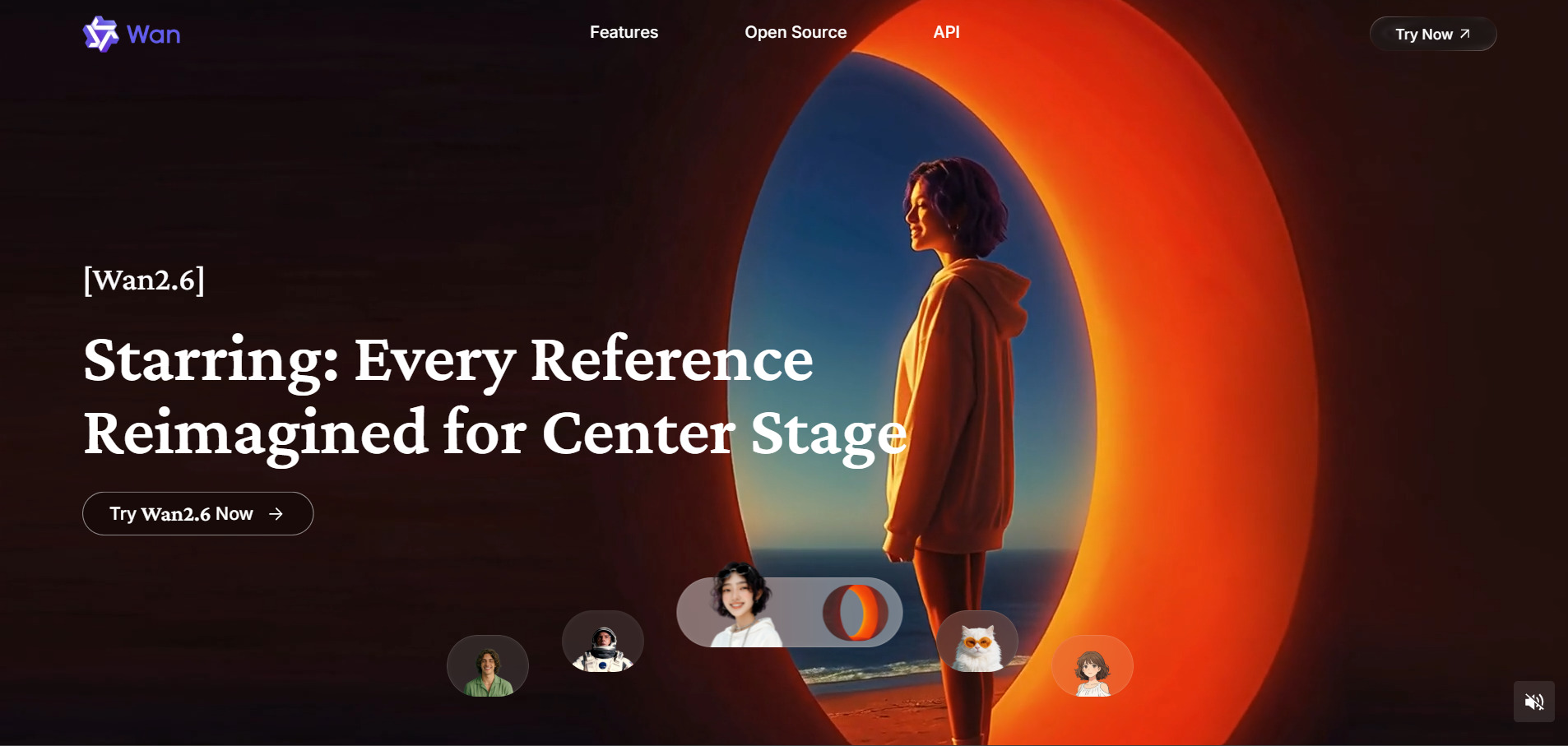
✔ Free Credits on Sign-Up Wan 2.6, part of Alibaba’s Tongyi Lab family of open models, gives new users starter credits to test text-to-video and image-to-video generation before buying credit packs. It supports multi-shot video generation with intelligent scene segmentation and clips up to 15 seconds long, longer than many rivals.
Official Pricing Plans:
- One-Time Credit Packs: from $30 for 4,200 credits
- Pro Plan: around $80–159.99/month depending on volume
- Enterprise Plan: around $159.99/month, 16,000+ credits
- Membership tiers on official Alibaba platform: from $5–20/month
Wan 2.6’s biggest advantage is that it is open and widely mirrored across third-party platforms, so pricing and access can vary significantly depending on where you generate from. Users who need 1080p output with audio sync at longer durations than Veo 3’s 8-second cap often turn to Wan 2.6 as a flexible, budget-friendly option.
Pros
- Clips up to 15 seconds, longer than many competitors
- Multi-shot scene segmentation
- Open model available on many platforms
- Credit packs never expire on some vendors
Cons
- Pricing inconsistent across third-party mirrors
- No 480p support on newer versions
- Interface quality varies by host platform
Grok Imagine
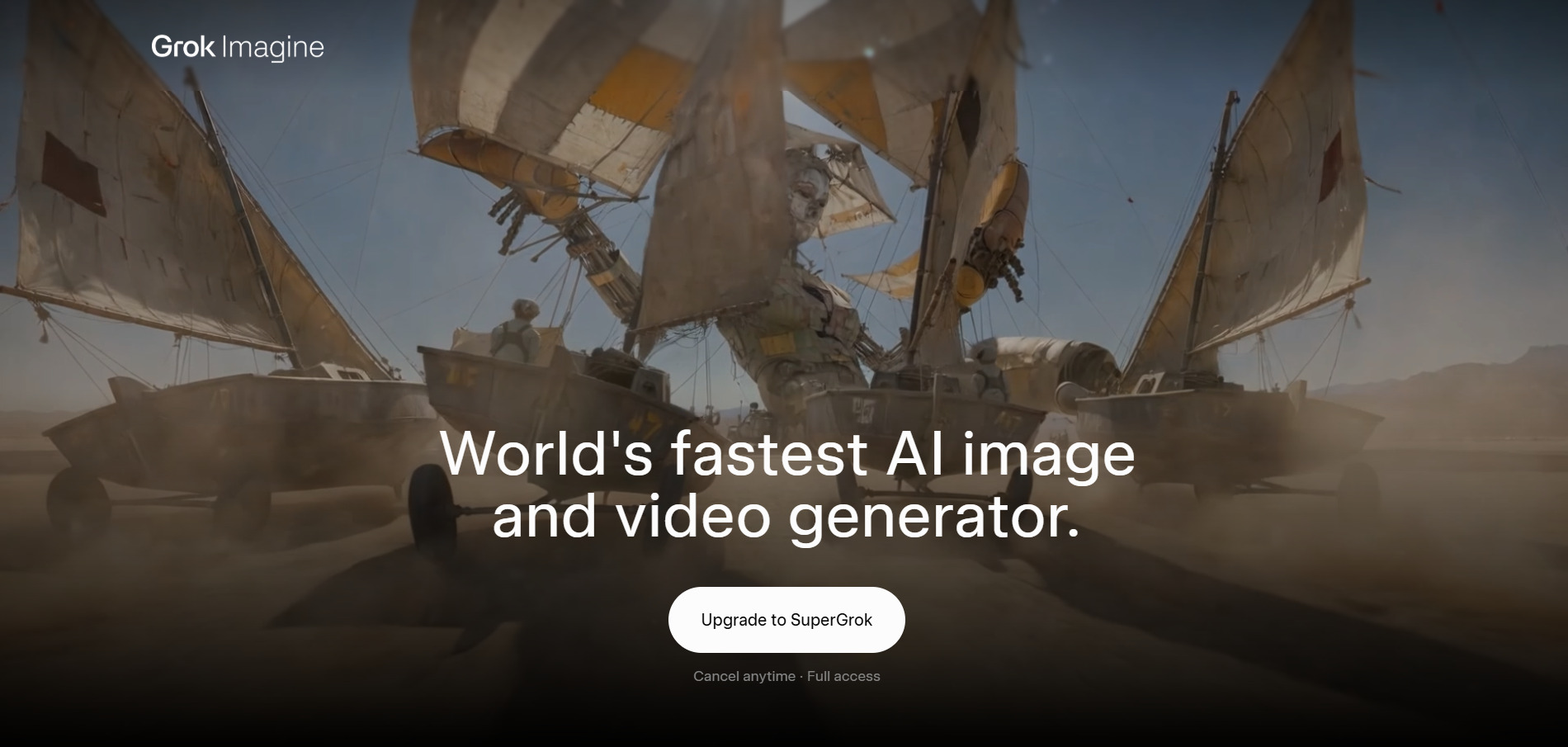
Explore Luma Ray3 and other top alternatives for Grok Imagine image generation capabilities.
Visit WebsiteWan 2.2
✔ Free Credits for New Accounts Wan 2.2, the predecessor to 2.6, is available with free starter credits on Alibaba’s official Tongyi Lab platform and various third-party hosts like ImagineArt. It remains popular for its lighter compute requirements, making it a cheaper option for creators who don’t need the newest model’s extended duration or multi-shot features.
Official Pricing Plans:
- Credit Packages: from $1.50 for 30 credits up to $100 for 3,900 credits
- Pro Membership: around $5/month billed yearly, 300 credits/month
- Premium Membership: around $20/month, higher credit allowance
- Third-Party Platforms (ImagineArt): variable credit-based pricing
Because Wan 2.2 is older and more widely optimized across cheaper GPU infrastructure, it tends to be the most cost-efficient choice in the Wan model family for high-volume, lower-complexity video generation. It lacks the 15-second clips and multi-shot logic of Wan 2.6, but for simple product or social clips it remains a reliable budget pick.
Pros
- Very low-cost credit packages
- Lighter compute needs, faster generation
- Widely available across third-party platforms
Cons
- Shorter max clip duration than Wan 2.6
- No multi-shot scene segmentation
- Lower resolution ceiling than newer models
Kapwing AI
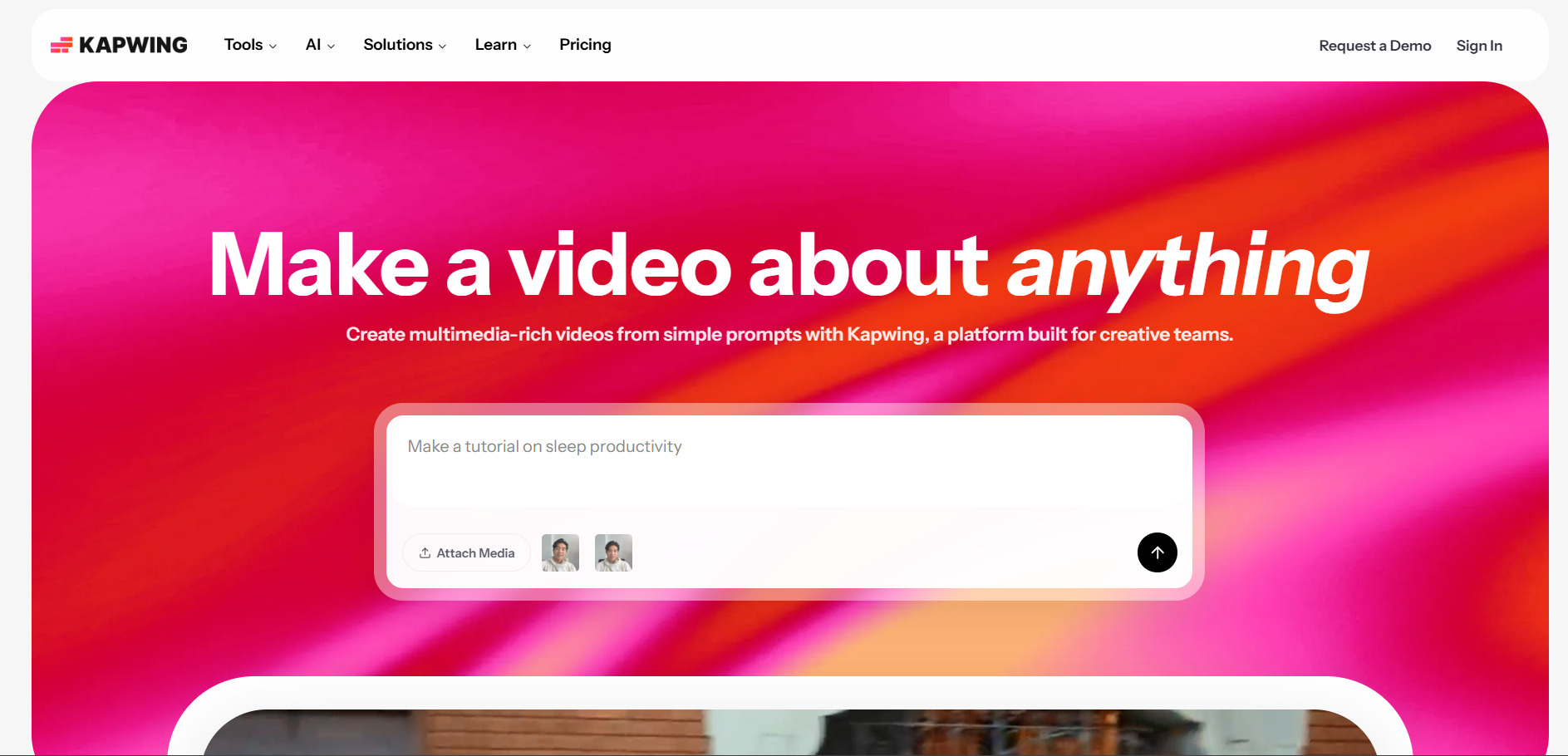
✔ Free Plan (No Credit Card Required) Kapwing AI offers a genuinely free plan that lets users try its full editing toolkit, though exports are capped at 1 minute, 720p resolution, and carry a watermark. It combines a browser-based timeline editor with AI features like auto subtitles, Smart Cut, and background noise removal, positioning it as an editor-first rather than generator-first platform.
Official Pricing Plans (kapwing.com/pricing):
- Free Plan: $0/month, 720p exports, watermarked, 1-minute cap
- Pro Plan: $16/month annually ($24/month billed monthly)
- Business Plan: $50/month annually ($64/month billed monthly)
- Enterprise Plan: custom pricing with SSO and security features
Kapwing’s AI credit system (1,000 credits on Pro, 4,000 on Business) covers Smart Cut, auto-translation, and AI B-roll generation rather than full video generation from scratch. It is best suited to teams that need real-time collaborative editing and repurposing tools rather than creators looking purely for text-to-video generation.
Pros
- No credit card required for free plan
- Strong collaborative, browser-based editing
- Useful AI repurposing tools like Smart Cut
- Per-member pricing scales predictably
Cons
- Free exports watermarked and capped at 1 minute
- Projects auto-delete after 3 days on free plan
- No dedicated free trial for paid tiers
Wireflow
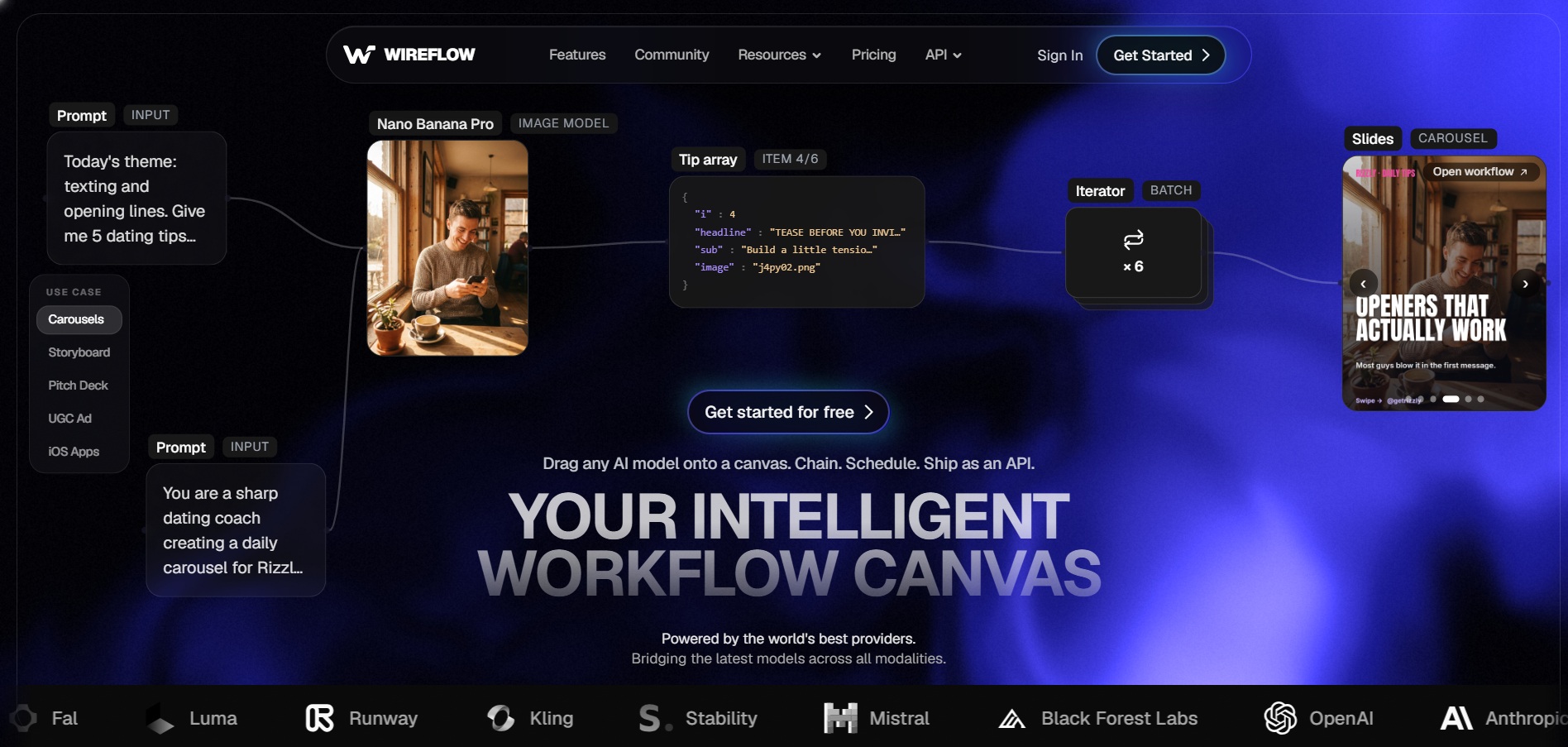
✔ Free to Build Workflows (No Credit Card) Wireflow lets users build AI workflows for free and only charges when generating output, making it low-risk to explore before paying. It is a node-based creative platform that chains multiple AI models, such as Veo 3.1, Kling, and Flux, into a single automated pipeline for images, video, and audio.
Official Pricing Plans (wireflow.ai/pricing):
- Free: $0/month, build workflows, no generation credits
- Starter Plan: $24/month, 1,600 credits
- Professional Plan: $45/month, credits roll over 3 months
- Team Plan: $249/month, shared workspace credits
Wireflow’s main appeal is flexibility: instead of locking users into one AI model, it routes each generation step to whichever model fits best, from cheap image tools to premium video models like Veo or Kling. This makes it a strong pick for teams running multi-model production pipelines rather than casual users who just want a single-click video generator.
Pros
- Free workflow building with no upfront cost
- Access to multiple top AI models in one canvas
- Credits roll over on higher tiers
- Transparent per-generation credit cost
Cons
- Steeper learning curve due to node-based interface
- Entry plan credits run out quickly on video generation
- Best suited to technical or production teams
Manus AI Video
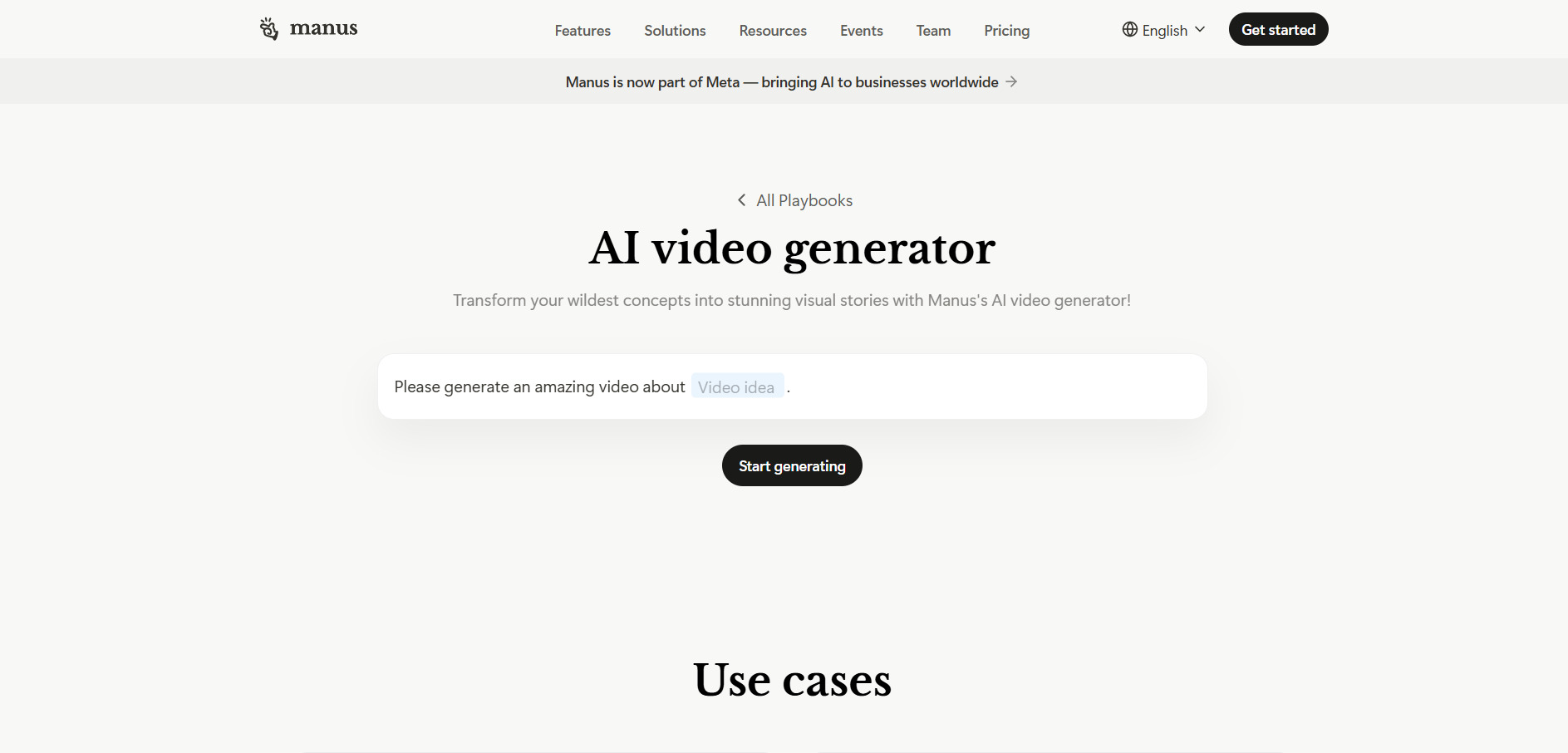
✔ Free Daily Credits (300/day) Manus AI Video offers free daily refresh credits for new users, giving a real taste of its AI agent capabilities before committing to a paid tier. Unlike single-purpose video generators, Manus acts as an autonomous agent that can orchestrate full video projects, from scriptwriting to asset generation to final assembly.
Official Pricing Plans (manus.im/pricing):
- Free Plan: $0/month, 300 daily refresh credits
- Standard/Pro Plan: $20/month, 4,000 monthly credits
- Customizable Plan: $40/month, 8,000 monthly credits
- Extended Plan: $200/month, 40,000 monthly credits
- Team Plan: $30/seat/month, shared credit pools
Manus stands apart by orchestrating entire multi-step workflows rather than generating a single clip, which appeals to users who want scripting, asset creation, and editing handled end-to-end by one agent. Complex tasks can burn 500-900 credits per run, so heavier users often need to jump straight to the Customizable or Extended plan to avoid running out mid-project.
Pros
- Free daily credits for testing
- Full workflow orchestration beyond just video
- Scales from solo creators to enterprise teams
- Supports scheduled and concurrent tasks
Cons
- Complex tasks consume credits quickly
- Less specialized than dedicated video generators
- Higher tiers needed for serious production use
Vidu Q3
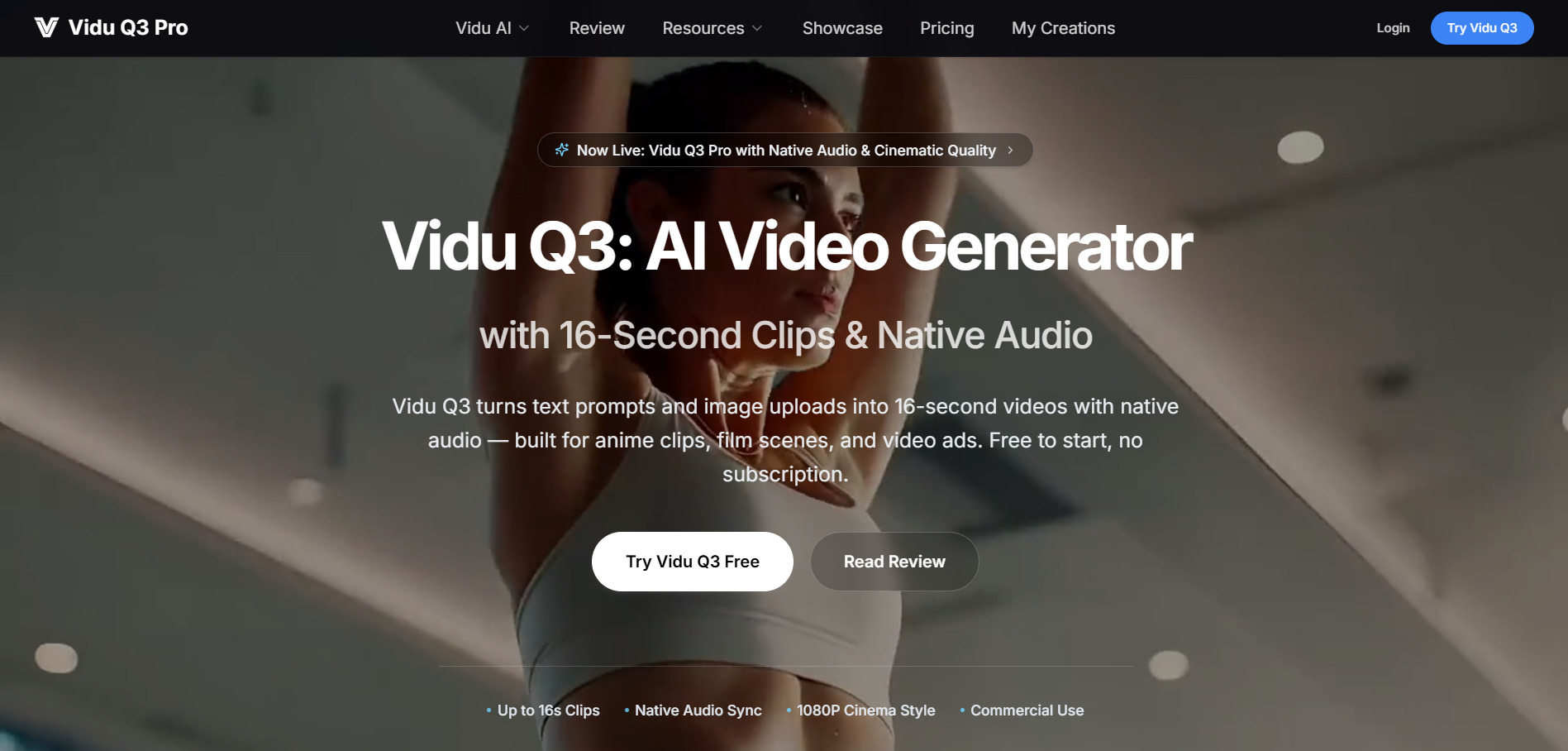
✔ Free Plan (3 Videos/Month) Vidu Q3 gives new users a free monthly allowance of a few 720p watermarked videos, along with sign-up bonus credits, before requiring a paid plan or credit pack. Developed by Shengshu Technology, it is the first model to generate audio and video natively in one pass, producing up to 16 seconds of 1080p footage with synced dialogue and sound.
Official Pricing Plans (vidu.com/pricing):
- Free Plan: $0/month, 3 videos, 720p, watermarked
- Standard/Creator Plan: around $8–15/month, 1080p, watermark-free
- Pro Plan: around $49/month, voice cloning, 4K export
- Credit Packs: from $19.90 for 200 credits (no subscription)
Vidu Q3’s native audio-video generation is a genuine differentiator, saving a separate sound-design step that most competitors still require. However, it caps generations at 16 seconds, struggles with photorealistic human motion in complex scenes, and its official pricing page states that failed renders are non-refundable, so budgeting for retries matters.
Pros
- Native audio and video generated together
- Strong performance on anime and stylized content
- One-time credit packs with no subscription required
- Free monthly video allowance
Cons
- Capped at 16 seconds per generation
- Struggles with realistic human motion
- No refunds on failed or unused credits
Comparison Table
| Alternative | Description |
|---|---|
| Creatify AI | AI avatar-led ad generator turning product URLs into UGC-style video ads for e-commerce and marketing teams. |
| Seedance 2.0 | ByteDance’s cinematic AI video model known for multi-shot generation and transparent per-second credit pricing. |
| Mango AI | Beginner-friendly talking avatar and text-to-video platform with a wide range of casual, template-driven tools. |
| PixVerse V6 | Cinematic AI video generator with native audio, camera control, and a genuinely free permanent tier. |
| Google Veo 3 | Google’s premium text-to-video model offering 8-second HD clips with synchronized audio via Gemini and Flow. |
| VideoProc AI | Desktop AI tool focused on video upscaling, frame interpolation, and format conversion rather than generation. |
| Wan 2.6 | Open AI video model supporting up to 15-second multi-shot clips at 1080p with audio sync. |
| Artlist AI | All-in-one creative suite bundling top AI video models with royalty-free stock music and footage. |
| Wan 2.2 | Earlier, lighter-weight Wan model offering budget-friendly credit pricing for simpler video generation. |
| Kapwing AI | Browser-based collaborative video editor with AI-powered subtitles, Smart Cut, and repurposing tools. |
| Wireflow | Node-based AI workflow platform chaining multiple models like Veo, Kling, and Flux into one pipeline. |
| Manus AI Video | Autonomous AI agent orchestrating full video projects from scripting through final assembly. |
| Vidu Q3 | First AI model to generate synced audio and video natively in one pass, up to 16 seconds at 1080p. |
Conclusion
Choosing the right Digen AI alternative ultimately comes down to what you are producing and how much control you need over the process. Marketers chasing high-volume ad creative will likely lean toward Creatify AI or Wireflow, while creators focused on cinematic quality may prefer Google Veo 3, PixVerse V6, or Vidu Q3 for their native audio and camera control.
For editing-heavy workflows, Kapwing AI and VideoProc AI fill a different role entirely, focusing on polish and enhancement rather than generation from scratch. Whichever platform you choose, start with the free trial or free tier first, test your actual use case against real credit costs, and only commit to a paid plan once you’ve confirmed it fits your budget and creative goals.


