

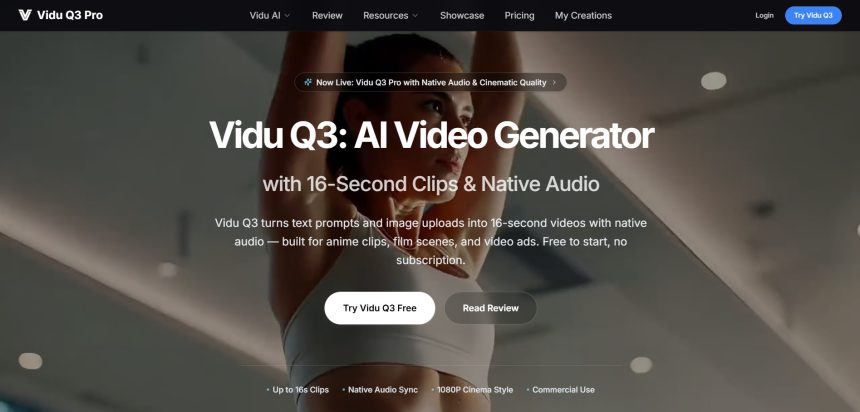
Vidu Q3 has earned attention for its cinematic motion quality and multi-reference control, but it isn’t the only serious option for AI-driven video creation. Whether you need longer clips, better pricing, native audio, or simpler editing workflows, plenty of platforms now rival or exceed what Vidu Q3 offers. Below are 12 strong Vidu Q3 Alternatives worth testing, each with different strengths spanning raw generation power, editing convenience, and animation-style storytelling.
We’ve broken down what each platform actually costs, whether a free trial exists, and the honest pros and cons so you can pick the right tool for your budget and workflow instead of guessing. Pricing reflects official rates at the time of writing and may shift, so always confirm on the vendor’s site before subscribing.
1. Wan 2.2
Free tier available
Wan 2.2 is Alibaba’s open-weight video generation model known for handling complex motion, collisions, and physical interactions with unusual precision. Most hosting platforms built around it offer a free daily credit allowance so newcomers can test text-to-video and image-to-video generation before paying. Commercial usage rights are typically included once you move to a paid subscription tier.
Typical Pricing (via hosting platforms):
- Free: Limited daily credits, watermarked, 720p
- Mini/Basic: ~$15/month — 200 credits, 1080p, no watermark
- Pro: ~$50/month — 1000 credits, all generation modes, commercial rights
Because Wan 2.2 is open-weight, dozens of third-party sites host it at slightly different price points, so shopping around can save money. It performs especially well for action-heavy scenes needing believable physics, making it a favorite among hobbyist filmmakers and prompt engineers experimenting with motion realism at a lower cost than closed proprietary models.
Pros
- Excellent physics and motion accuracy
- Multiple affordable hosting options
- Open-weight flexibility for developers
Cons
- Pricing and quality vary by host
- No single official pricing standard
- Free tier is watermarked and capped
2. Google Veo 3
Free tier via Google Flow (50 daily credits)
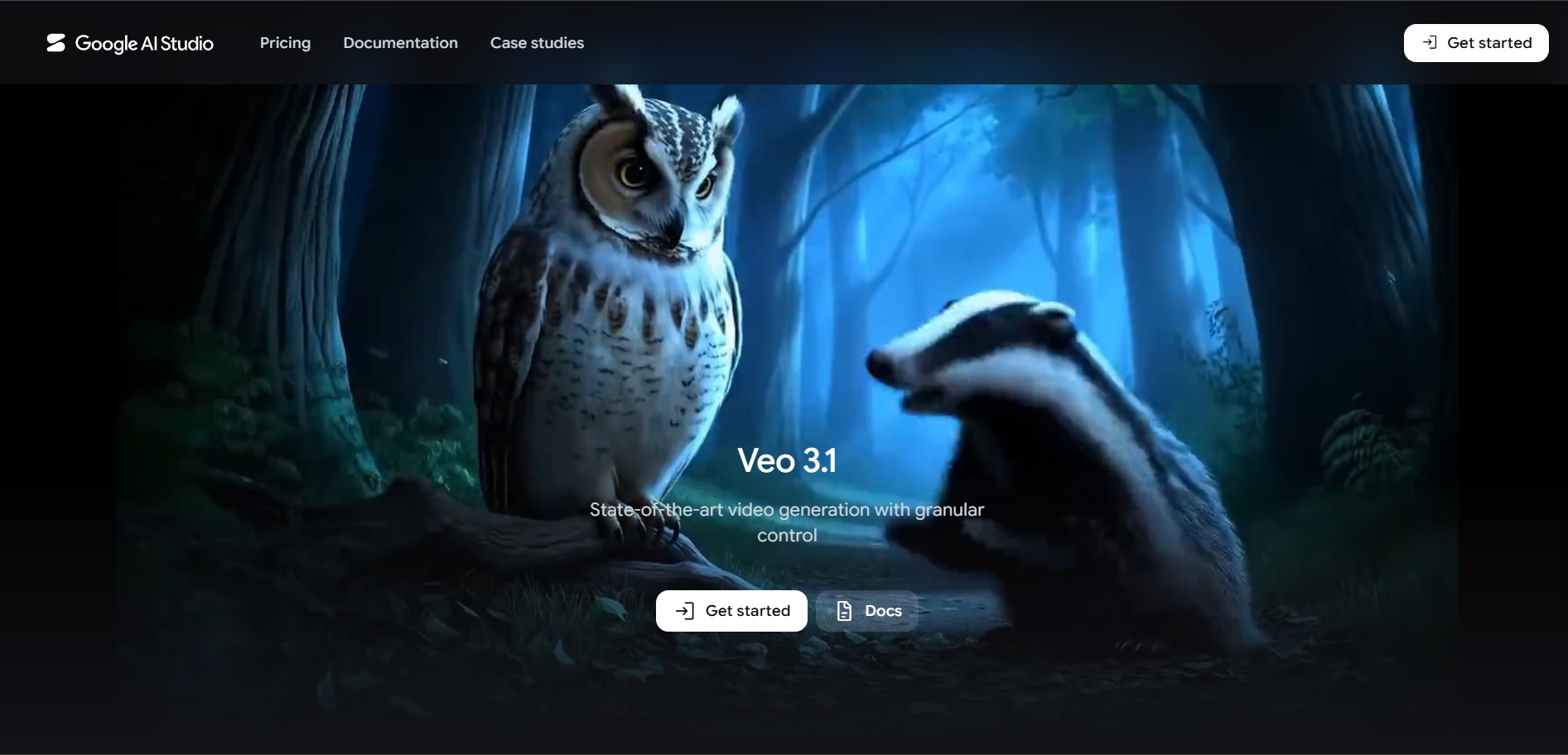
Google Veo 3 is one of the most talked-about AI video models, prized for synchronized native audio and highly coherent 8-second clips generated directly from text or images. Access isn’t sold standalone; instead, it’s bundled into Google’s Gemini and Google AI subscription tiers, which also unlock Flow, Google’s dedicated creative video interface for prompting and editing generations.
Official Pricing (Google AI plans):
- Free: 50 Flow credits/day, limited access
- Google AI Pro: $19.99/month — 1,000 monthly Flow credits, limited Veo 3 Fast
- Google AI Ultra: $249.99/month — 12,500 monthly credits, full Veo 3 quality, 4K unlock
The jump from Pro to Ultra is steep, but Ultra is the only tier that removes the daily generation ceiling and enables the highest fidelity output. For teams that only need occasional high-quality clips, staying on the free Flow tier or the Pro plan and topping up with credit packs is usually more cost-effective than committing to Ultra outright.
Pros
- Industry-leading native audio sync
- Strong prompt coherence and realism
- Backed by Google’s infrastructure
Cons
- Ultra tier is very expensive
- 8-second clip length is restrictive
- No standalone pay-as-you-go plan
3. Wireflow
Free trial credits at signup
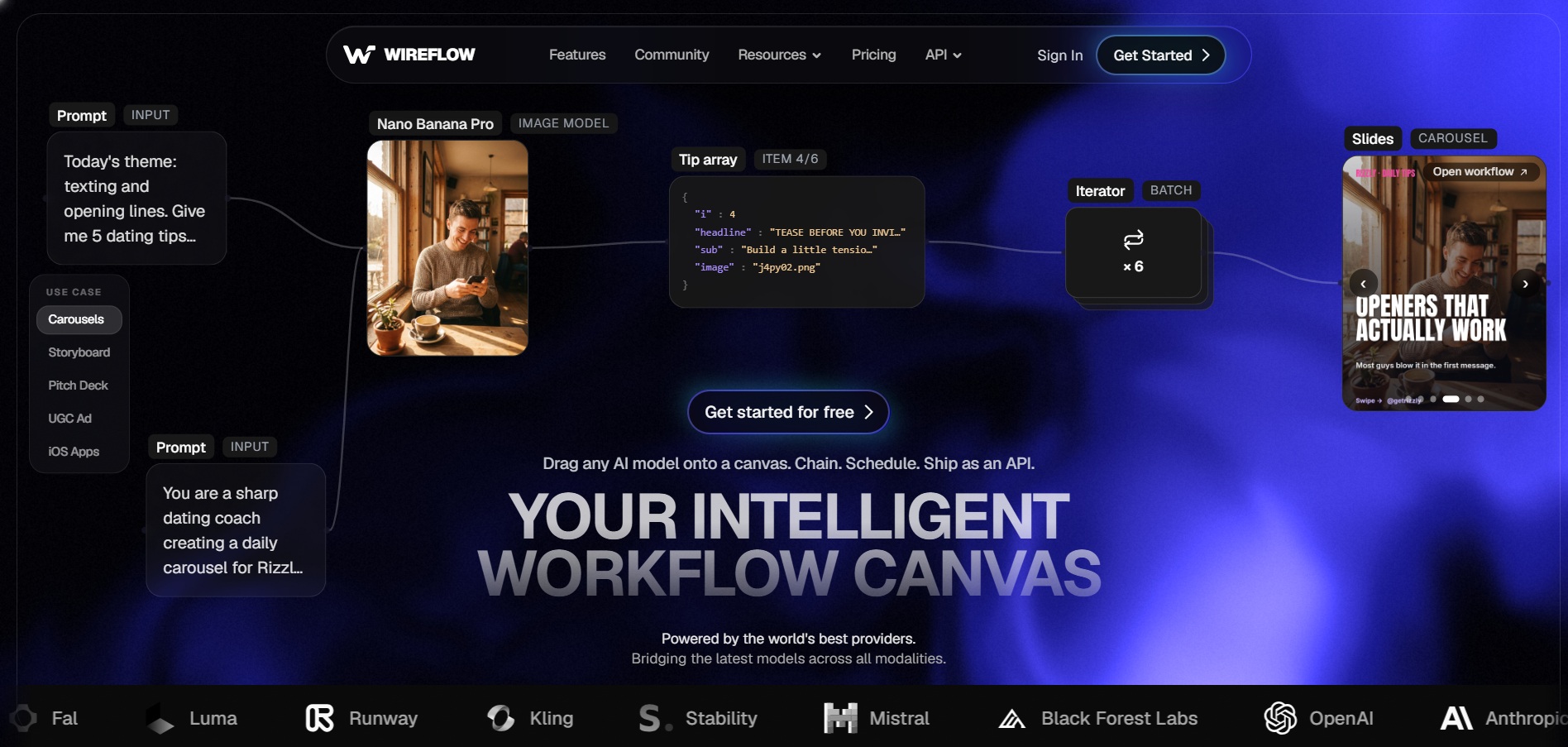
Wireflow positions itself as a workflow-oriented AI video builder aimed at marketers and small teams who need to chain multiple generation and editing steps together without juggling separate tools. It emphasizes a node-based or template-driven approach, letting users combine AI clips, voiceover, and captions inside one streamlined production pipeline rather than switching between apps.
Typical Pricing Structure:
- Free: Starter credits to test core workflow features
- Starter: ~$15–25/month — limited monthly generations
- Pro/Team: ~$40–80/month — higher credit caps, collaboration tools
Because it’s a newer entrant in the space, Wireflow’s differentiator is convenience rather than raw model quality; it often routes prompts through established models behind the scenes. This makes it appealing for non-technical users who want an all-in-one dashboard, though power users chasing the absolute best video fidelity may prefer going directly to a flagship model provider.
Pros
- Simple, workflow-first interface
- Good for non-technical marketing teams
- Combines generation and editing in one place
Cons
- Less mature than dedicated model providers
- Credit limits can feel restrictive
- Underlying model quality depends on integrations
4. Digen AI Agent
Free trial generations included
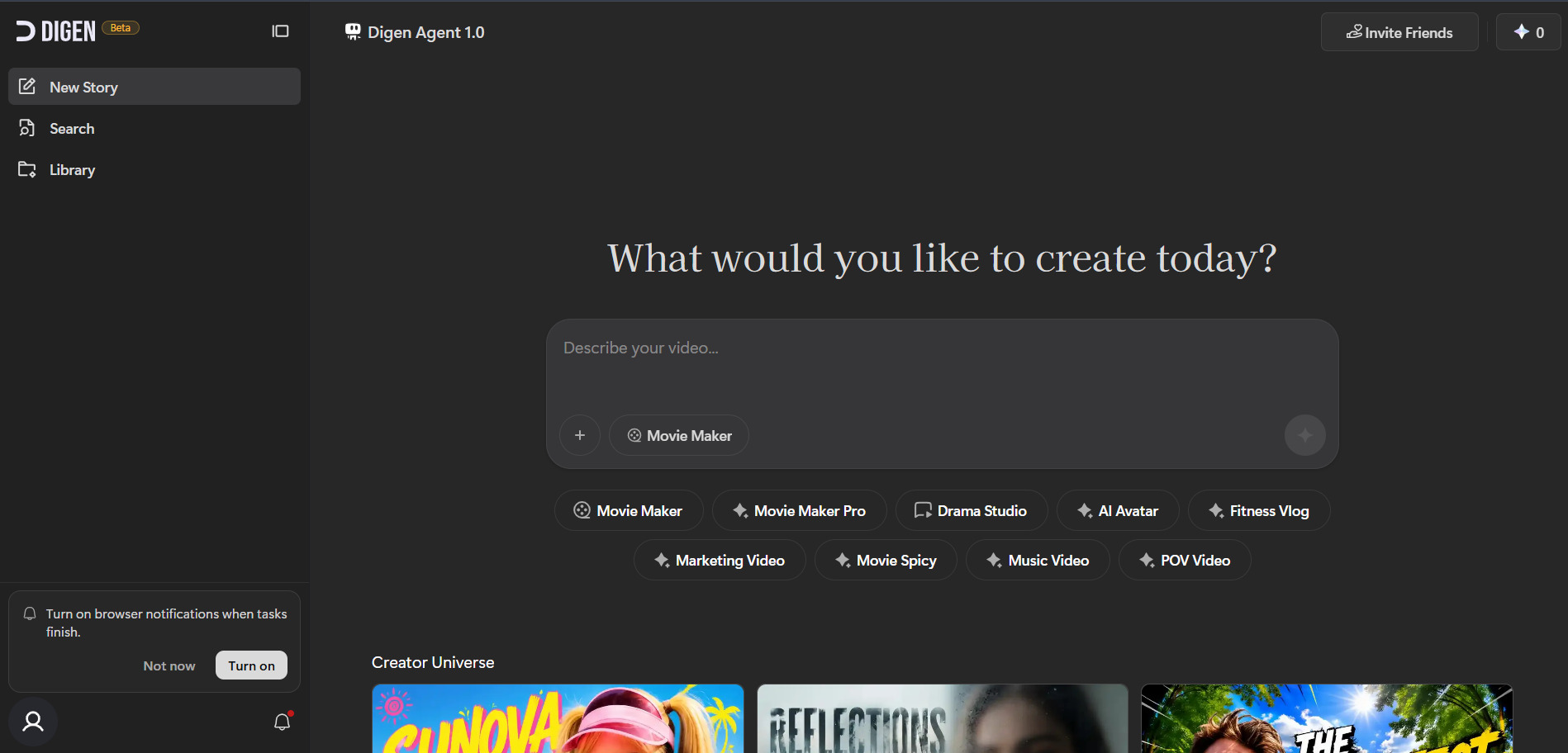
Digen AI Agent focuses on agentic video production, where a single prompt can trigger a sequence of automated steps including scripting, scene generation, voiceover, and final assembly. It’s built for creators who want to describe an entire video concept once and let the agent handle production logistics rather than manually generating clip by clip.
Typical Pricing Structure:
- Free trial: Small batch of agent-driven generations
- Starter: ~$20/month — limited monthly video minutes
- Pro: ~$60–90/month — extended minutes, priority rendering
The appeal of Digen AI Agent lies in reducing manual prompt engineering, since the agent interprets a broader creative brief and fills in gaps automatically. This can be a double-edged sword: it saves time for simple projects but offers less granular creative control than manually directing each shot the way Vidu Q3 or Luma allow.
Pros
- End-to-end automated production
- Saves time on multi-step projects
- Good for quick concept-to-video turnaround
Cons
- Less fine-grained creative control
- Output quality depends on agent interpretation
- Newer platform with a smaller track record
5. PixVerse V6
Free daily credits + 7-day trial on paid tiers
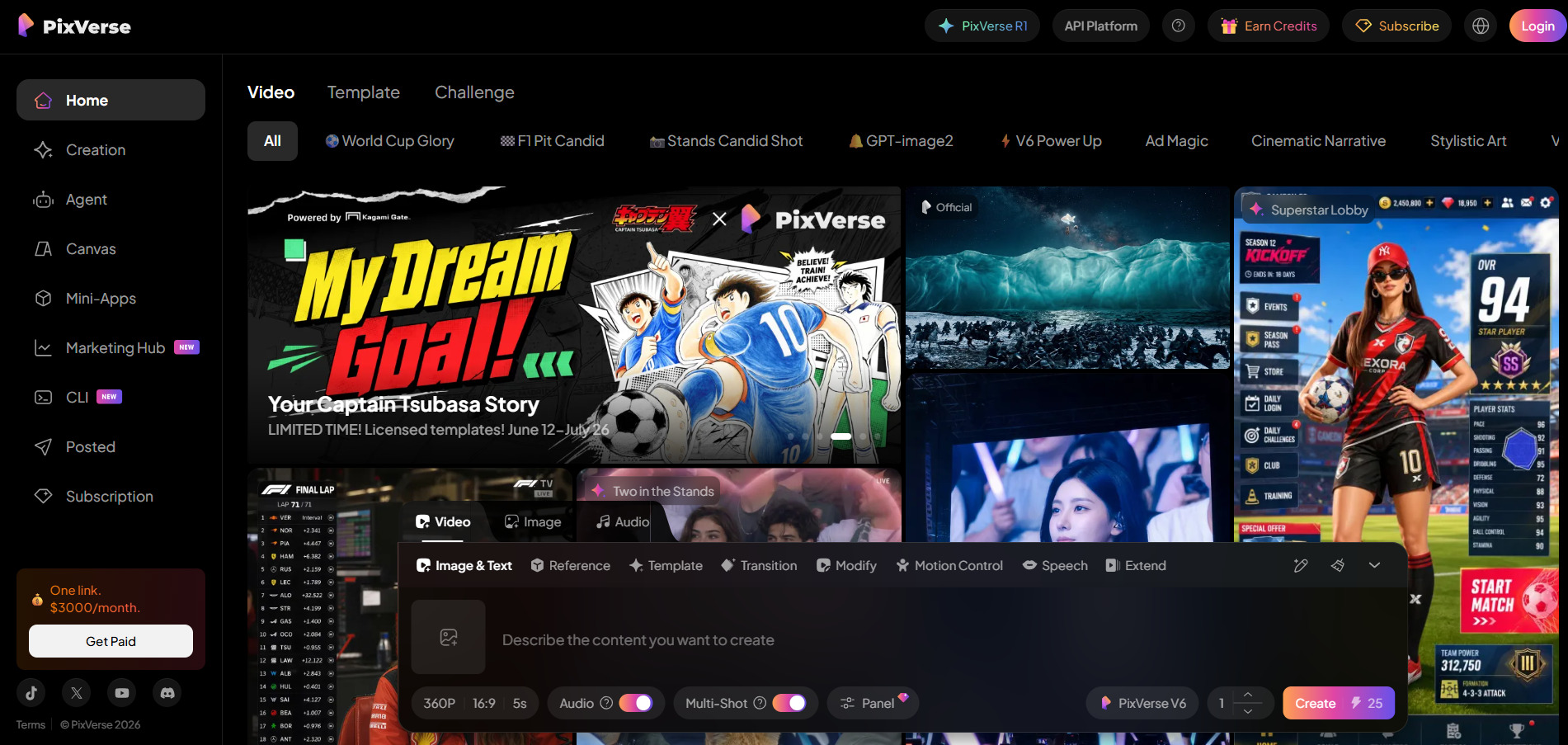
Pixverse V6 is a fast, credit-based generator built for short-form social content, offering text-to-video, image-to-video, and character-driven clips with lip sync. New users get 90 signup credits plus 60 daily free credits, enough for roughly one or two watermarked videos a day, making it one of the more accessible entry points for casual creators.
Official Pricing:
- Free: 90 signup + 60 daily credits, 360p, watermarked
- Standard: ~$8–10/month — higher resolution, fewer restrictions
- Pro/Premium: up to $199/month — 1080p, no watermark, faster queue
PixVerse’s biggest strength is speed: clips generate in under 60 seconds, ideal for TikTok and Reels-style output. It falls short on longer, narrative-driven productions since generation length is capped at 10 seconds. For creators prioritizing volume and speed over cinematic depth, PixVerse remains one of the most budget-friendly Vidu Q3 alternatives available.
Pros
- Very fast generation speed
- Generous free daily credits
- Affordable entry-level pricing
Cons
- Capped at 10-second clips
- Free tier is watermarked and low-res
- Not built for long-form storytelling
6. Seedance 2.0
Free trial credits on partner platforms
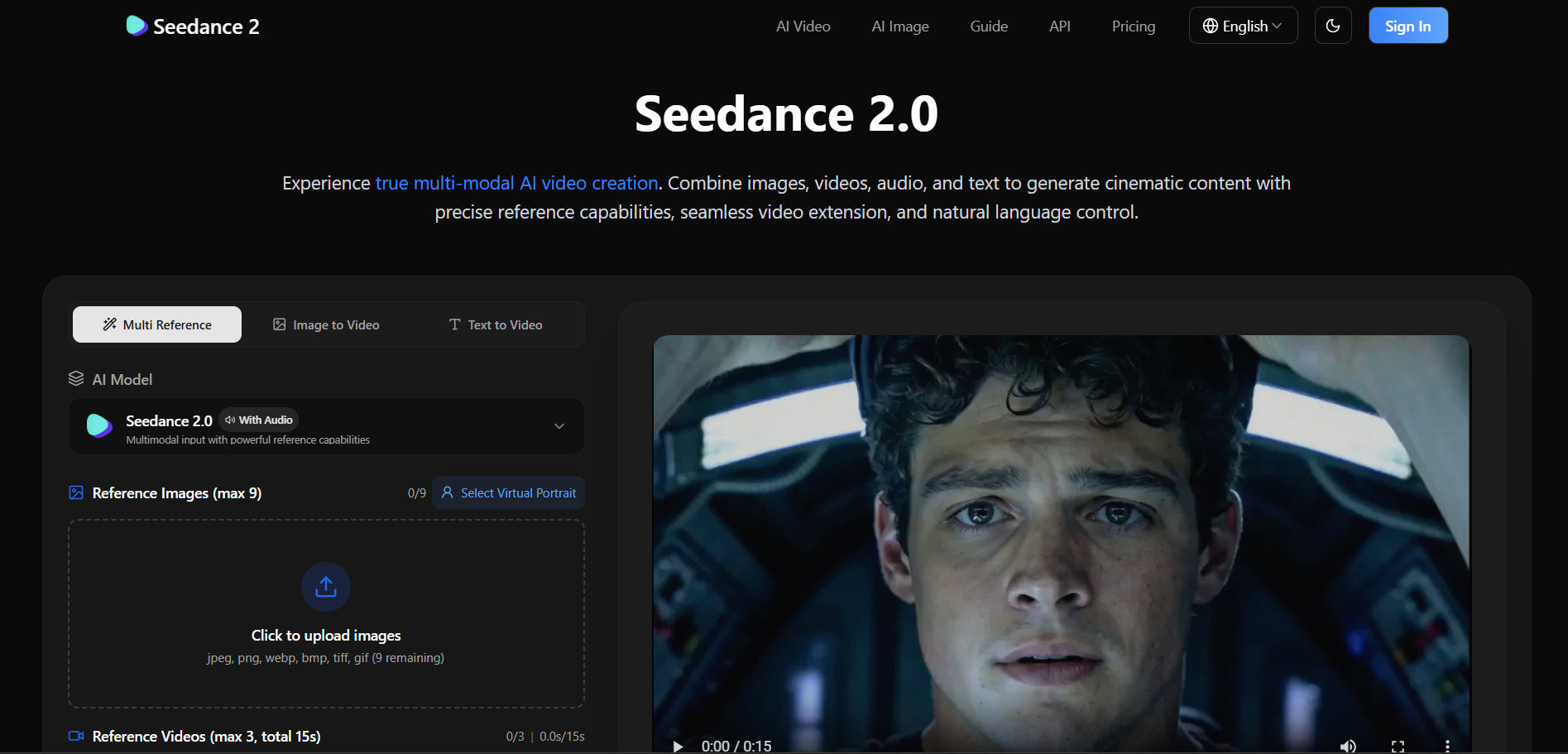
Seedance 2.0 is ByteDance’s video generation model, distributed through several hosting platforms rather than sold as a single standalone product. It supports flexible clip durations and resolutions, with per-second credit pricing that scales depending on the chosen quality tier, similar in structure to Wan and Kling-style consumption models.
Typical Pricing (via hosting platforms):
- Free trial: Limited credits on signup
- Pay-as-you-go: ~2–4 credits per second at 480–720p
- Subscription tiers: ~$20–100/month depending on volume
Seedance 2.0 is often praised for balancing generation speed with visual detail, making it competitive against Vidu Q3 for mid-length promotional clips. Since it’s accessed through multiple third-party integrators, pricing consistency varies, so it pays to compare a couple of hosting providers before committing to a recurring subscription.
Pros
- Strong balance of speed and quality
- Flexible per-second credit pricing
- Available across multiple platforms
Cons
- No single official pricing page
- Quality can vary by integrator
- Credit math can get confusing
7. VideoProc AI
Free trial with no time limit (feature-capped)
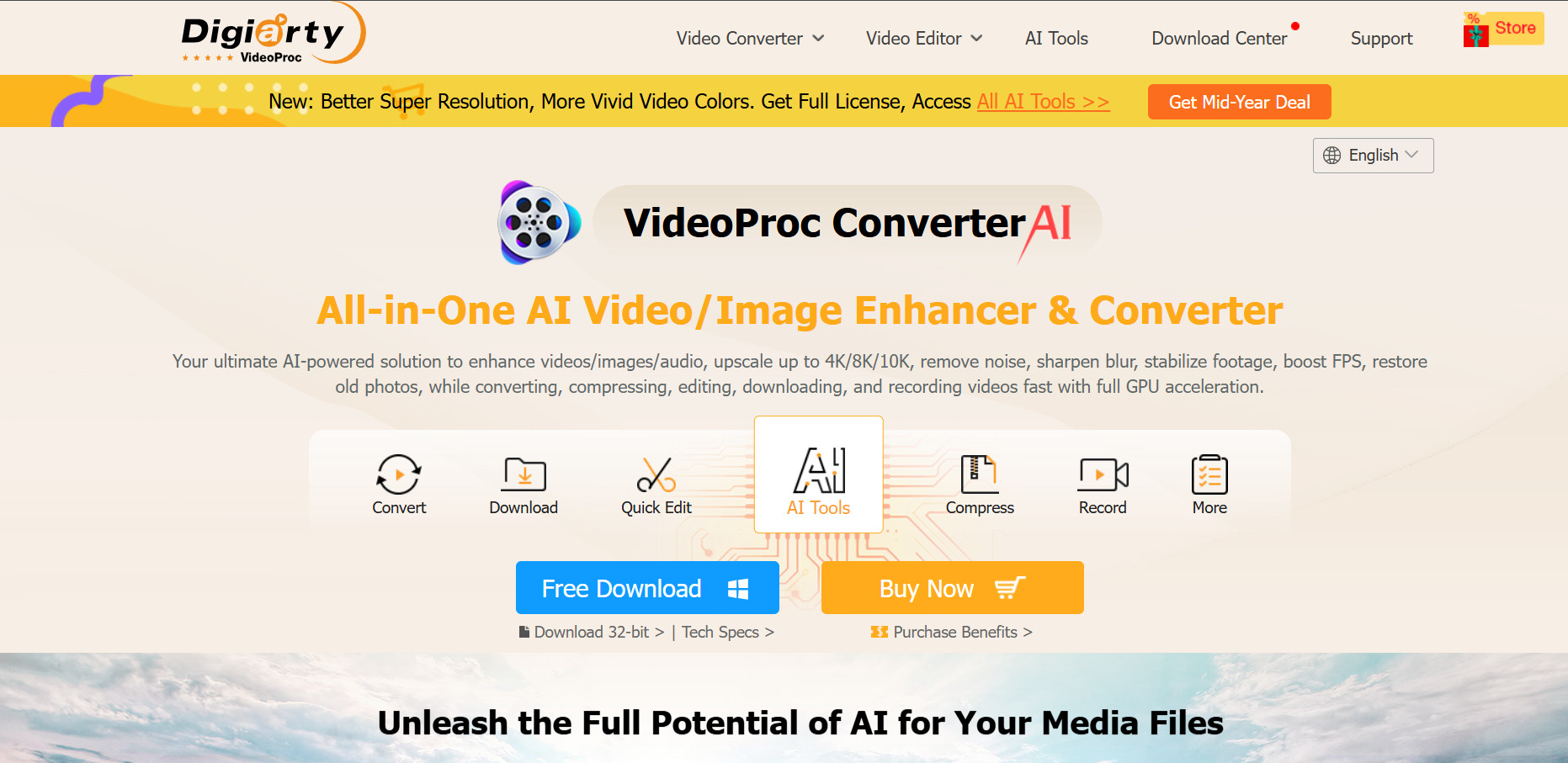
VideoProc AI Converter is less a video generator and more an AI-powered enhancement and conversion tool, offering upscaling, frame interpolation, and GPU-accelerated processing for existing footage. It’s a strong pick for creators who need to clean up or upscale AI-generated clips from Vidu Q3 or similar tools rather than generate brand-new scenes from scratch.
Official Pricing:
- Free trial: Unlimited time, capped at 5-minute clips, 5 images
- Premium 365: $25.95–$34.95/year (3 PCs)
- Lifetime License: $45.95–$54.95 one-time (1 PC)
- Family License: $57.95–$79.95 one-time (3–5 PCs)
Because it’s a desktop application rather than a cloud generator, VideoProc AI is attractive for creators wary of subscription fatigue, offering one-time lifetime licensing as an alternative to recurring fees. It won’t generate original scenes from text prompts, but it pairs well as a post-processing companion to AI-generated footage from other platforms on this list.
Pros
- One-time lifetime license option
- Strong AI upscaling and GPU acceleration
- 30-day money-back guarantee
Cons
- Not a text-to-video generator
- Desktop-only, no cloud rendering
- Free trial limited to short clips
8. Vyond Go
Free trial with 2,000 credits
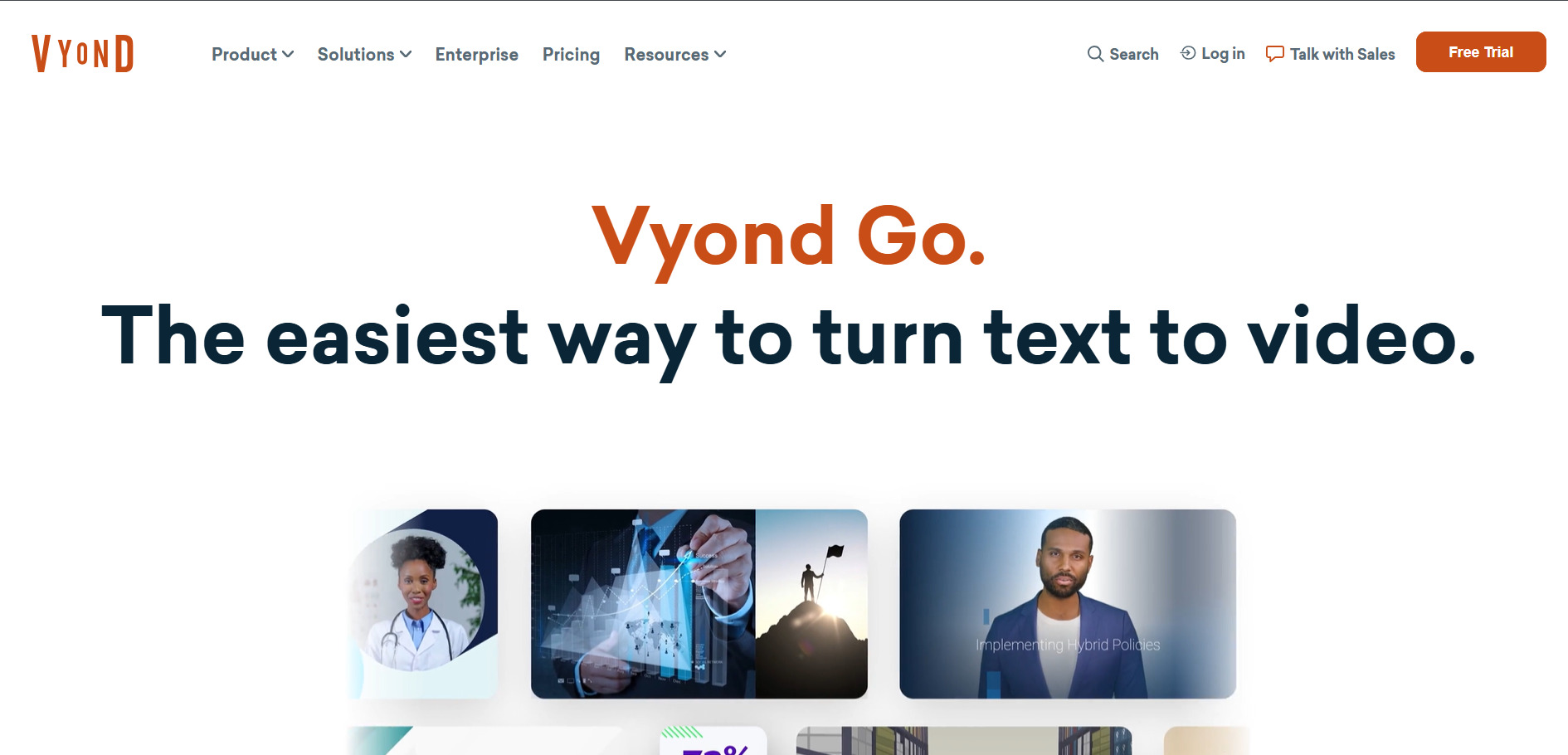
Vyond Go is a long-standing animated video platform built for corporate training, explainer videos, and internal communications rather than photorealistic AI generation. Its credit-based system powers AI avatars, text-to-speech narration, and instant video creation, appealing to businesses that need polished animated content without hiring a production studio.
Official Pricing:
- Free trial: 2,000 credits to test AI tools
- Starter: $99/month or $699/year — 10,000 credits/user
- Professional: $199/month or $1,199/year — 20,000 credits/user
- Enterprise: $1,649/year — custom features, SSO
Vyond’s strength is its massive library of animated characters, backgrounds, and templates suited to explainer and eLearning content, rather than cinematic realism. It’s noticeably pricier than most generators on this list, positioning it firmly for business and training teams with budget to spare rather than solo content creators experimenting casually.
Pros
- Excellent for corporate/training videos
- Large animated asset library
- Automatic lip-sync for characters
Cons
- Expensive compared to AI generators
- Not suited for realistic AI video
- No permanent free plan
9. Kapwing AI
Free plan available (no paid trial)
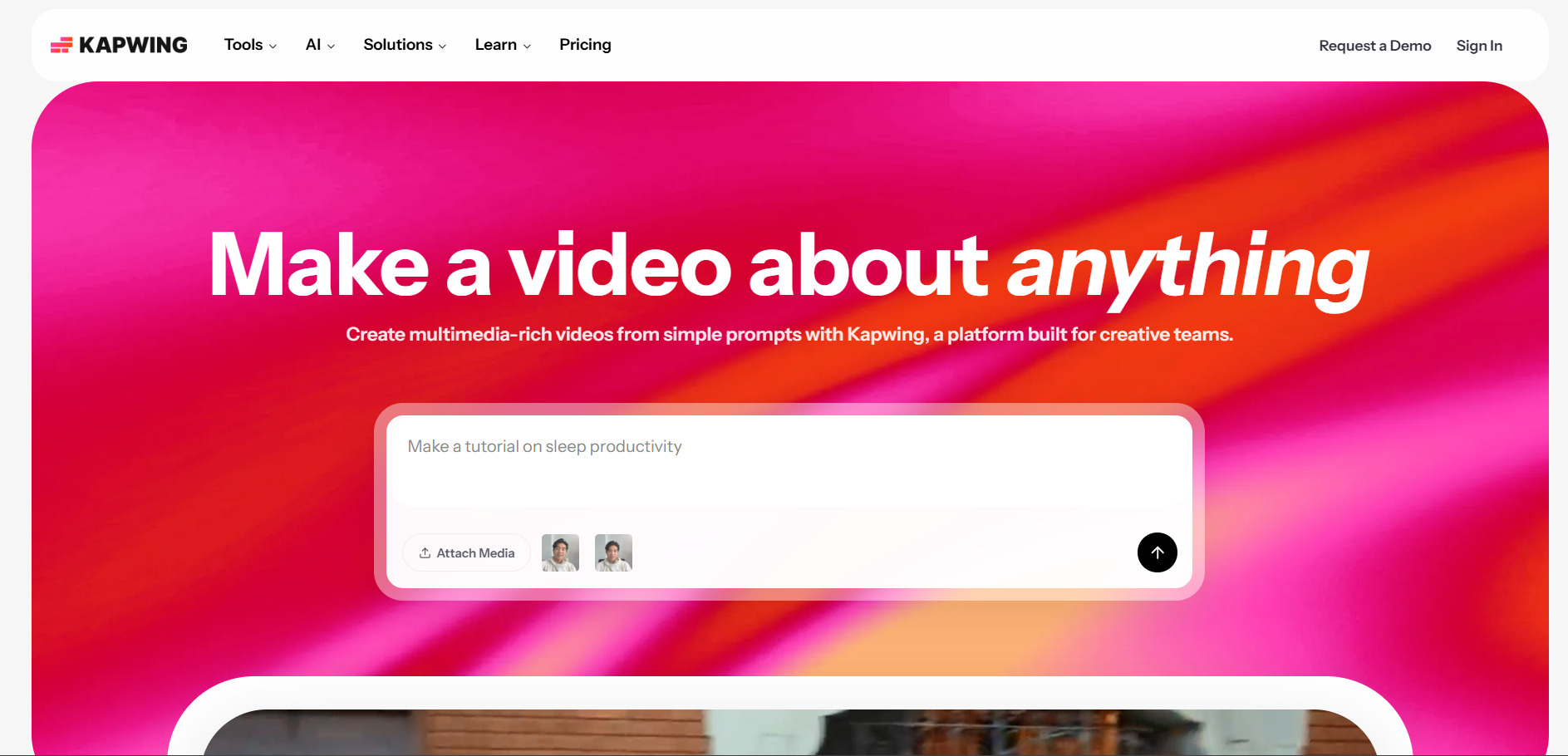
Kapwing AI is a browser-based video editor combining a timeline editor with AI tools like auto-subtitling, Smart Cut, and background noise removal. Rather than generating video from scratch, it excels at polishing and repurposing existing footage, making it a practical companion tool for creators who generate raw clips elsewhere and need fast editing afterward.
Official Pricing:
- Free: 720p exports, watermarked, 1-minute cap
- Pro: $16/month (annual) or $24/month — 1,000 AI credits
- Business: $50/month (annual) or $64/month — 4,000 AI credits
Kapwing does not offer a free trial of its paid tiers, but its free plan is generous enough to evaluate the editing experience firsthand. It shines for teams that need fast subtitle generation and collaborative editing rather than AI scene generation, making it a natural pairing with generators like Vidu Q3, PixVerse, or Wan 2.2.
Pros
- Browser-based, no installation needed
- Strong auto-subtitling and Smart Cut tools
- Good team collaboration features
Cons
- No true AI video generation
- Per-member pricing gets costly for teams
- Free plan has strict export limits
10. Luma Ray3
Free trial credits on signup
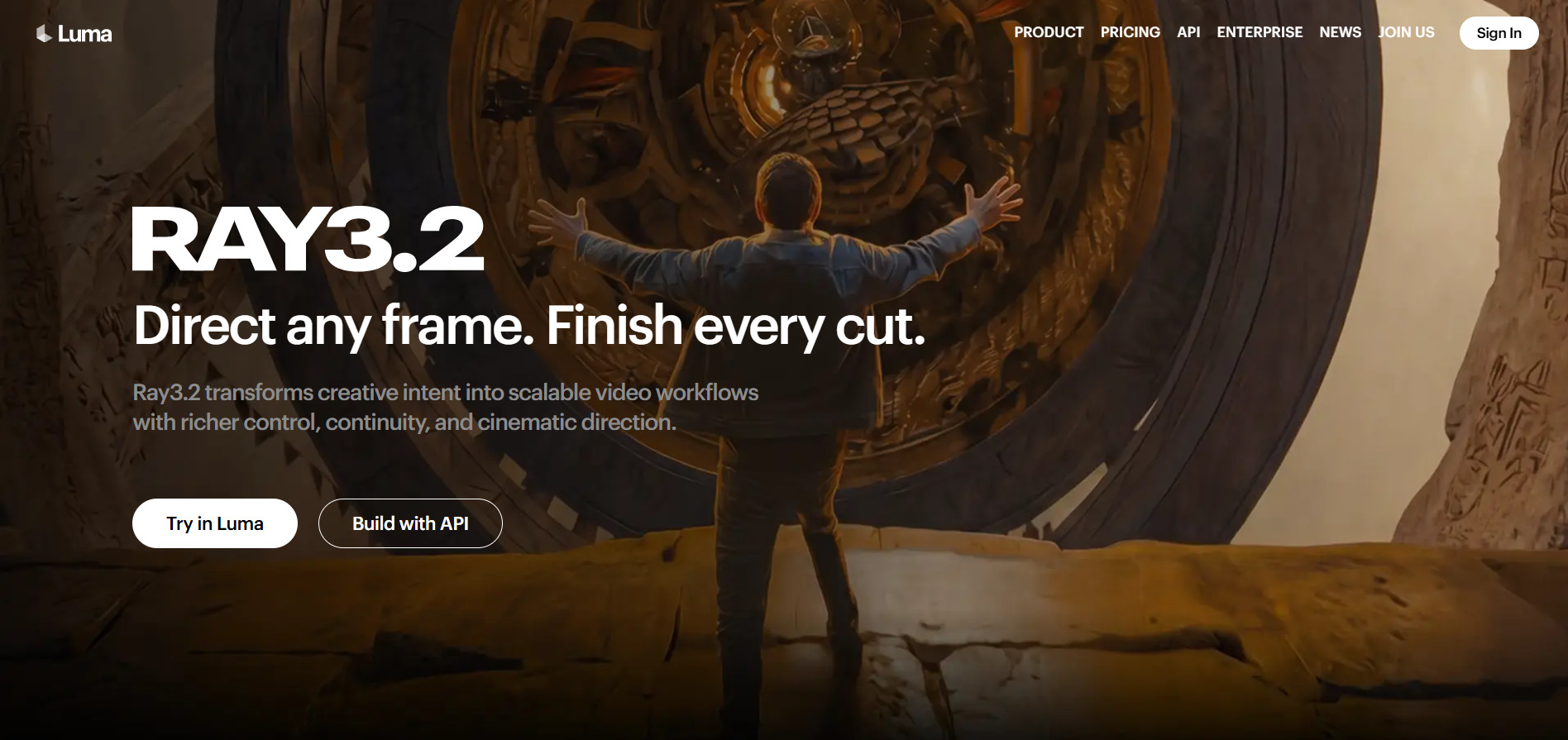
Luma Ray3 model is one of the most cinematic AI video generators available, offering keyframe control, character reference consistency, and HDR/EXR export for professional post-production pipelines. It recently expanded into “Luma Agents,” a bundled subscription that also grants access to Veo 3.1, Kling 3.0, and Seedance under one shared credit pool.
Official Pricing:
- Lite: $9.99/month — 3,200 credits, watermarked
- Plus: $29.99/month ($23.99 annual) — 10,000 credits, no watermark
- Pro: $90/month — 4x Plus usage
- Ultra: $300/month — 15x Plus usage, Relaxed Mode
Ray3’s biggest draw for filmmakers is Ray3 Modify, which lets real footage direct AI-generated scenes through keyframes, blending live-action authenticity with generative flexibility. It’s priced competitively against Veo 3 while offering faster generation times, making it a favorite among professionals who need cinematic control without Google’s steep Ultra-tier pricing.
Pros
- Excellent cinematic quality and control
- Fast generation speeds
- Bundled access to multiple top models
Cons
- Credits don’t roll over monthly
- HDR/EXR consumes credits quickly
- Higher tiers get expensive fast
11. Lumen5
Free forever plan (5 videos/month)
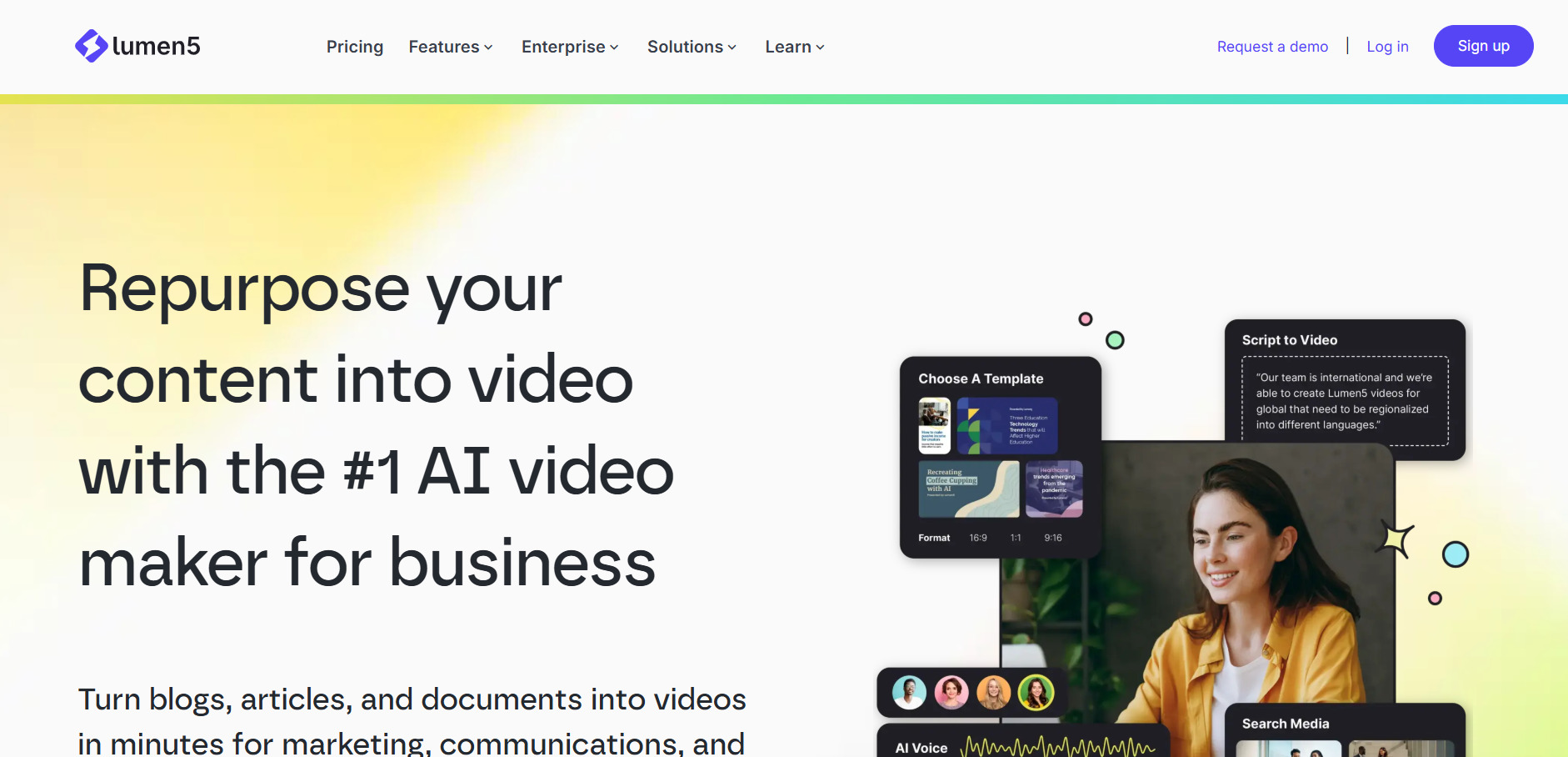
Lumen5 turns blog posts, articles, or scripts into branded videos using stock footage, templates, and AI-matched visuals, rather than generating original AI scenes. It’s designed for marketers who want to repurpose written content into social videos quickly, with AI storyboarding that extracts key points and pairs them with relevant stock clips automatically.
Official Pricing:
- Community (Free): 5 videos/month, 720p, watermarked
- Basic: $29/month ($19/month annual) — no branding, 720p
- Starter: $59/month — 1080p, 50M+ stock assets
- Professional: $199/month ($149/month annual) — Shutterstock library, brand kits
Lumen5’s real strength is speed for content-marketing teams: pasting a URL builds a rough video draft in under a minute, no scripting required. It isn’t built for cinematic or fictional AI generation like Vidu Q3, but it’s one of the most efficient tools for turning existing written content into shareable video assets at scale.
Pros
- Fastest way to turn text into video
- Generous free forever tier
- Large stock media library
Cons
- Not for original AI scene generation
- Professional tier is pricey
- 720p locked to lower tiers
12. Artlist AI

Free trial generations (no card required)
Artlist AI has evolved from a royalty-free music library into a full AI creative suite, bundling access to top models like Seedance 2.0, Kling 3.0, Veo 3.1, and Nano Banana under one shared credit system. New users get a small batch of free generations across voice, image, video, and music before needing to subscribe to a paid tier.
Official Pricing:
- Free Trial: 3 voiceovers, 2 images, 1 video, 2 music tracks
- AI Starter: $19.99/month — 16,500 credits, 100+ AI models
- AI Creator: $69.99/month — expanded credits, full toolkit
- Max (Business): ~$39.99–$50.66/month — AI + full stock catalog
Artlist’s biggest advantage is convenience: instead of paying separately for Kling, Veo, or Seedance access, one subscription unlocks all of them plus royalty-free music, SFX, and footage. The trade-off is a credit markup compared to using those models directly, but for creators who want one dashboard covering generation, editing, and licensing, it’s hard to beat.
Pros
- Access to multiple top AI models in one place
- Includes music, SFX, and stock footage
- Commercial licensing built in
Cons
- Credit costs marked up vs. direct access
- Downgrading plans requires support contact
- No traditional time-based free trial
Comparison Table
| Alternative | Description |
|---|---|
| Wan 2.2 | Open-weight model excelling at realistic motion and physics, hosted across multiple affordable third-party platforms. |
| Google Veo 3 | Google’s flagship video model with native audio sync, bundled into Gemini and Google AI subscription tiers. |
| Wireflow | Workflow-first AI video builder combining generation, voiceover, and editing in one streamlined dashboard. |
| Digen AI Agent | Agentic platform that automates full video production from a single creative brief. |
| PixVerse V6 | Fast, credit-based generator built for short-form social clips with generous daily free credits. |
| Seedance 2.0 | ByteDance’s video model offering flexible durations and per-second credit-based pricing across hosts. |
| VideoProc AI | Desktop AI upscaling and conversion tool for enhancing existing footage, not text-to-video generation. |
| Vyond Go | Animated video platform for corporate training and explainer content with AI avatars and lip-sync. |
| Kapwing AI | Browser-based editor with AI subtitling and Smart Cut, best paired with a separate video generator. |
| Luma Ray3 | Cinematic AI video model with keyframe control and HDR export, bundled with access to multiple top models. |
| Lumen5 | Turns blog posts and scripts into branded stock-footage videos, ideal for content marketing teams. |
| Artlist AI | All-in-one creative suite bundling top AI video models with royalty-free music, SFX, and stock footage. |
Conclusion
Filmmakers chasing cinematic realism will lean toward Google Veo 3 or Luma Ray3, while budget-conscious social creators will find PixVerse V6 or Wan 2.2 more practical. Marketing teams repurposing written content are better served by Lumen5, and businesses needing polished animated training material should look at Vyond Go.
Meanwhile, tools like Kapwing and VideoProc AI aren’t generators at all but valuable companions for editing and enhancing whatever footage you create elsewhere. If you want one dashboard covering nearly everything, Artlist AI’s bundled model access is worth serious consideration. Testing two or three free trials before committing to a paid plan remains the smartest way to find your ideal fit.


