

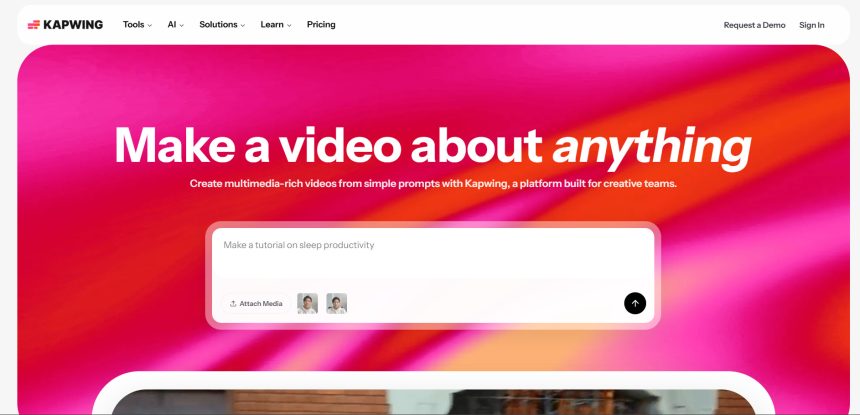
Kapwing has long been a go-to browser-based editor for quick captions, resizing, and simple AI edits, but it isn’t the only option anymore. As AI video and content tools have exploded, creators, marketers, and agencies now have far more specialized platforms to choose from, ranging from avatar-led ad generators to full-scale cinematic video models. This guide covers 10 Kapwing Alternatives worth testing in 2026, along with their trial options, pricing, and honest pros and cons.
Wireflow
Free Trial Available
Pricing Plans (from official site)
- Free: Build workflows free, no credit card required
- Starter: $24/month (1,600 credits)
- Professional: $45/month (credits roll over 3 months)
- Team: $249/month
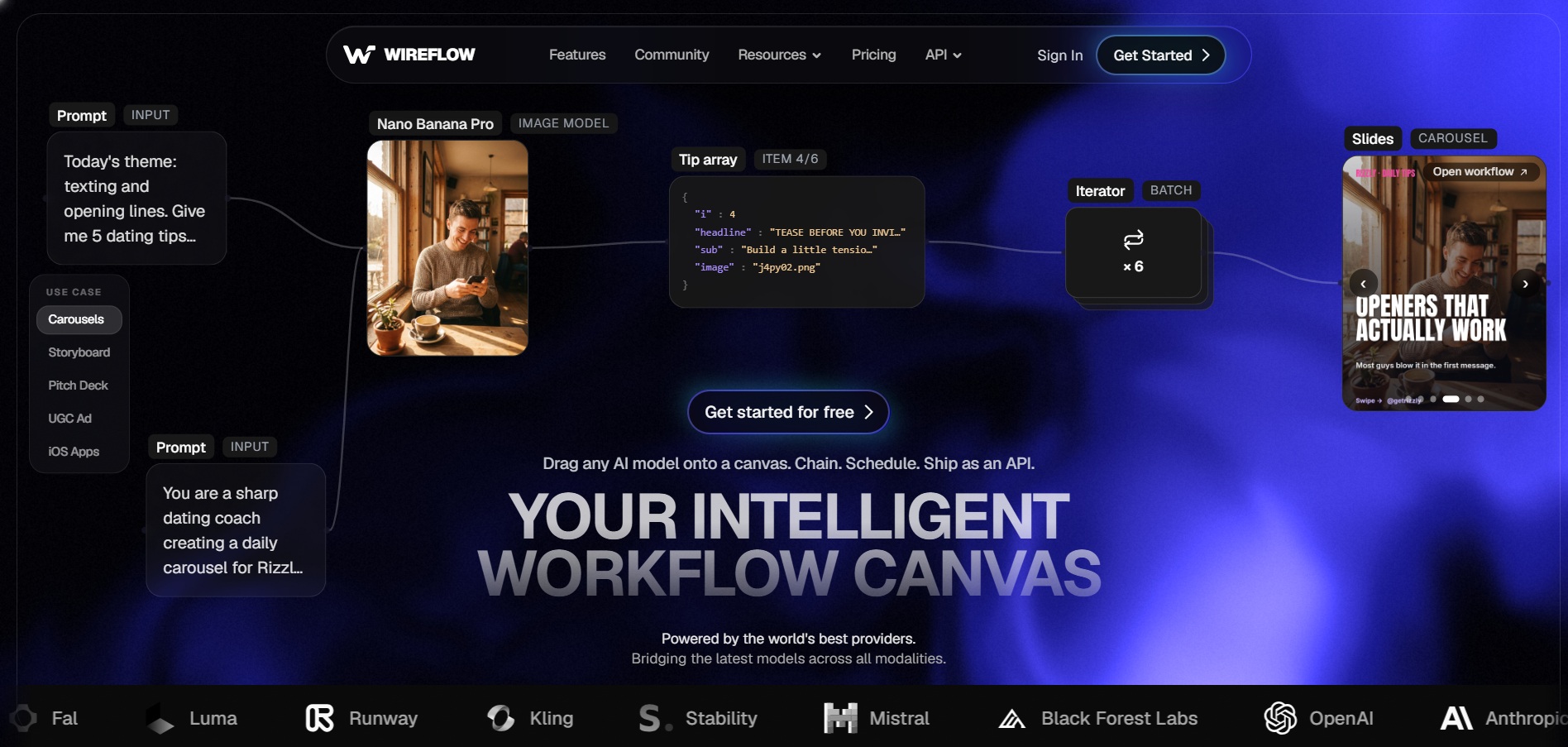
Wireflow is a node-based AI creative platform that lets users build visual workflows combining multiple AI models for images and video in one canvas. Instead of subscribing to separate tools, you chain models like Kling and Veo together and pay per generation. Signing up is completely free with no card needed.
The platform appeals to agencies and creator studios that need batch output at scale, such as ad variants or product visuals. Credits fund generations, with cheaper models costing less and premium ones costing more, giving flexible control over both quality and budget across every project type.
Pros
- Free workflow building, no card needed
- Access to multiple AI models in one place
- Credits roll over for 3 months on paid tiers
- Good for batch, high-volume creative work
Cons
- Learning curve for node-based workflows
- Generation requires a paid plan
- Credit costs vary widely by model used
Digen AI Agent
Free Plan Available
Pricing Plans (from official site)
- Free: 300 sign-up credits, watermarked exports
- Ultra: from $9.99/month (billed monthly), discounted annually
- Ultra Pro: unlimited video generation, higher pricing tier
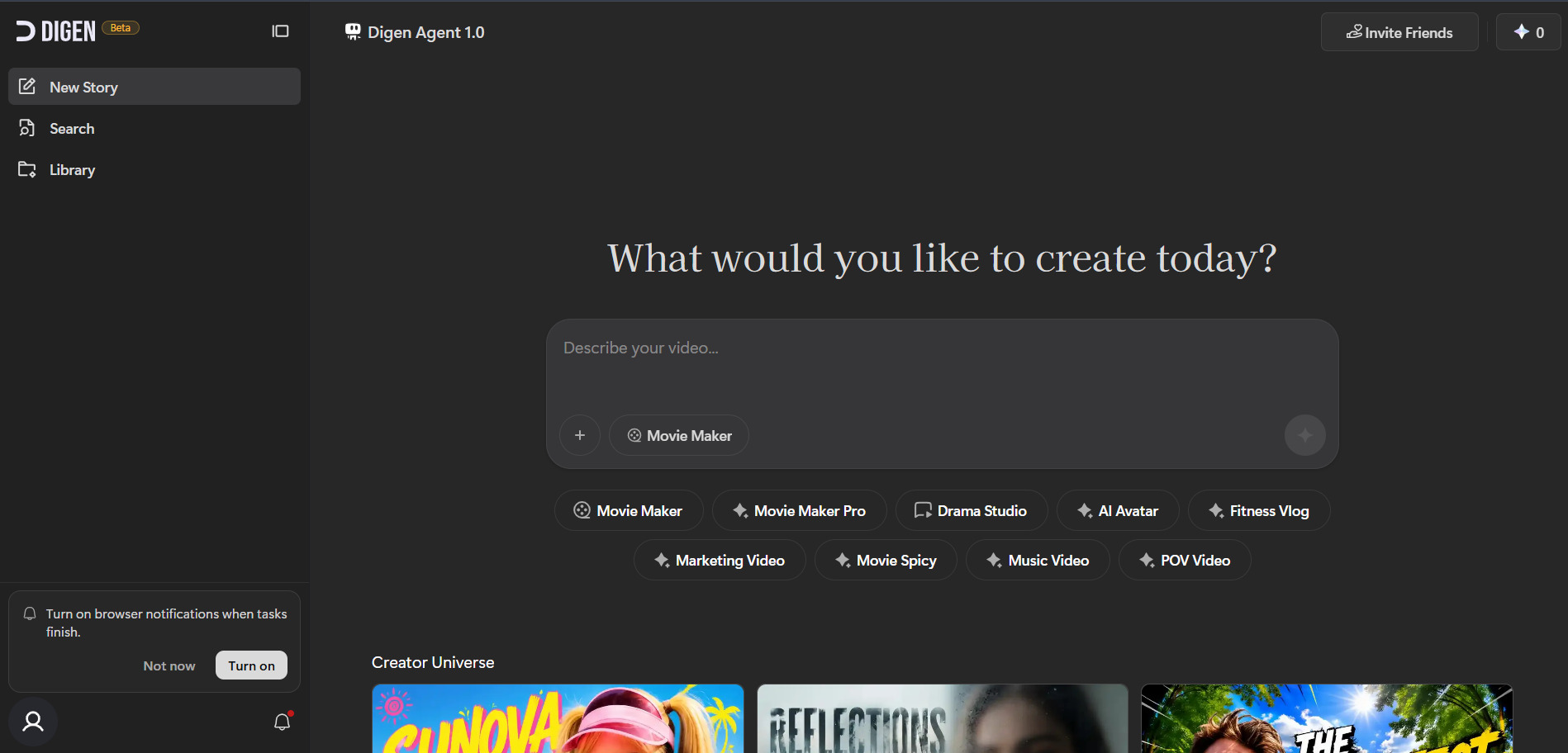
Digen AI Agent automates multi-step video production by breaking a project into scenes, generating each one, and stitching them together with consistency checks. It gives new users 300 free credits, daily login bonuses, and access to models such as Seedance, letting people test quality before committing money.
Its Agent mode is aimed at creators producing serialized or narrative content who need character and style consistency across shots. Paid Ultra tiers unlock watermark removal, premium models like Veo 3.1, and considerably higher video-length limits for professional-grade output.
Pros
- Generous 300-credit free sign-up bonus
- Agent mode maintains scene consistency
- Access to multiple premium video models
- Low entry price for paid tier
Cons
- Free plan watermarks all exports
- No built-in timeline editor
- Mobile app reported as unstable
Creatify AI
Free Trial Available (no card required)
Pricing Plans (from official site)
- Free: 10 credits/month, watermarked, 9:16 only
- Starter: $19–$39/month (100 credits, watermark removed)
- Pro: $49–$99/month (300+ credits, custom avatars)
- Enterprise: Custom pricing with API access
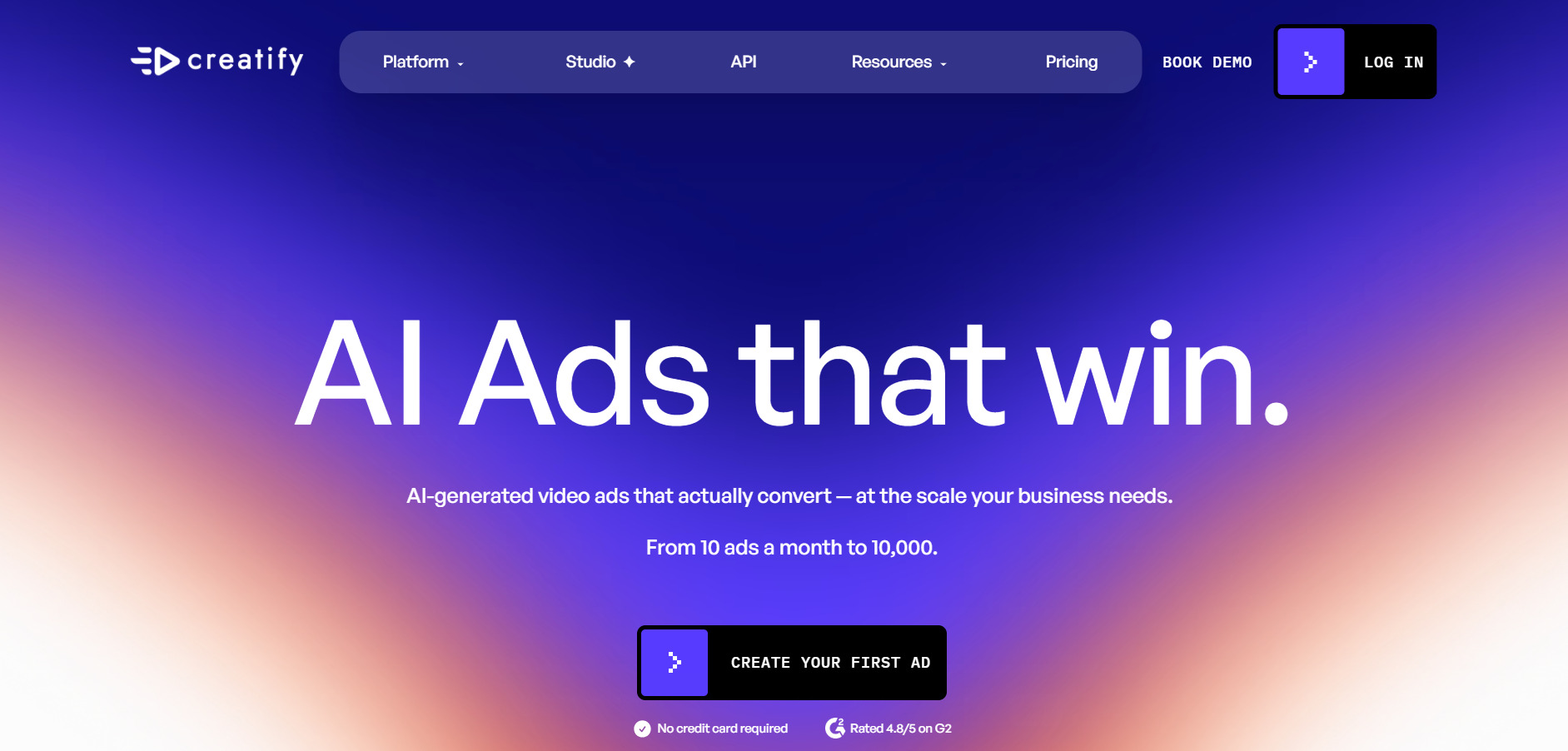
Creatify AI turns product links, images, or text into UGC-style video ads using realistic AI avatars and voice cloning across 75+ languages. The free plan gives a working trial, though it restricts exports to a 9:16 watermarked format, which is enough to gauge avatar quality before upgrading.
Paid plans remove the watermark and unlock more aspect ratios, larger avatar libraries, and batch production tools. The Pro tier adds custom avatar creation, competitor ad tracking, and team collaboration, making it a realistic option for agencies producing high volumes of ad creative regularly.
Pros
- No credit card needed for the trial
- 1500+ realistic AI avatars available
- Strong for e-commerce and UGC-style ads
- Batch Mode for producing many variants fast
Cons
- Custom avatars locked behind Pro tier
- Credit system limits real usable videos monthly
- No self-serve API on lower tiers
VideoProc AI
Free Trial Available
Pricing Plans (from official site)
- Free Trial: capped resolution, limited images, watermark
- Premium 365: $25.95–$34.95/year (3 PCs)
- Lifetime License: $45.95–$54.95 (1 PC)
- Family License: $57.95–$79.95 (3–5 PCs)
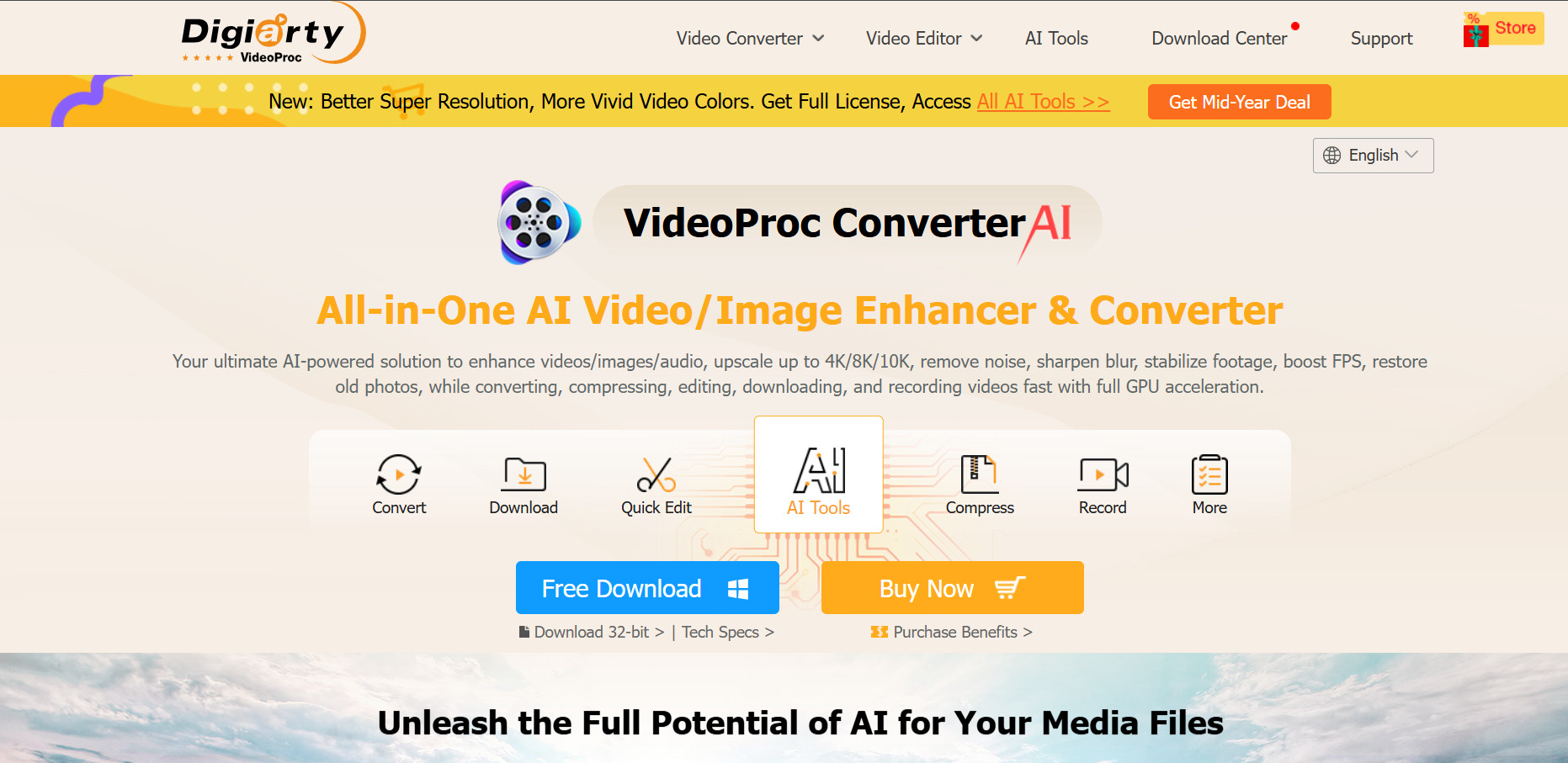
VideoProc AI is a desktop tool focused on AI-powered video conversion, upscaling, DVD ripping, and screen recording with GPU-accelerated processing. The free trial lets users test AI Super Resolution and Image AI features, though clips are capped under 5 minutes and exports carry a watermark.
Its lifetime license model appeals to users who prefer a one-time purchase over recurring subscriptions, backed by a 30-day money-back guarantee. It suits people needing local, offline processing power rather than a cloud-based generative video platform for creative content.
Pros
- One-time lifetime license option available
- Strong GPU-accelerated AI upscaling
- 30-day money-back guarantee
- Good for conversion and enhancement tasks
Cons
- Free trial heavily limited in length
- Not a generative AI video creation tool
- Desktop-only, no cloud collaboration
Vidu Q3
Free Credits to Start
Pricing Plans (from official site)
- Standard: from $8/month (yearly billing, 800 credits)
- Premium: from $28/month (4,000 credits)
- Ultimate: from $79/month (8,000 credits)
- Credit packs: from $19.90 for 200 credits
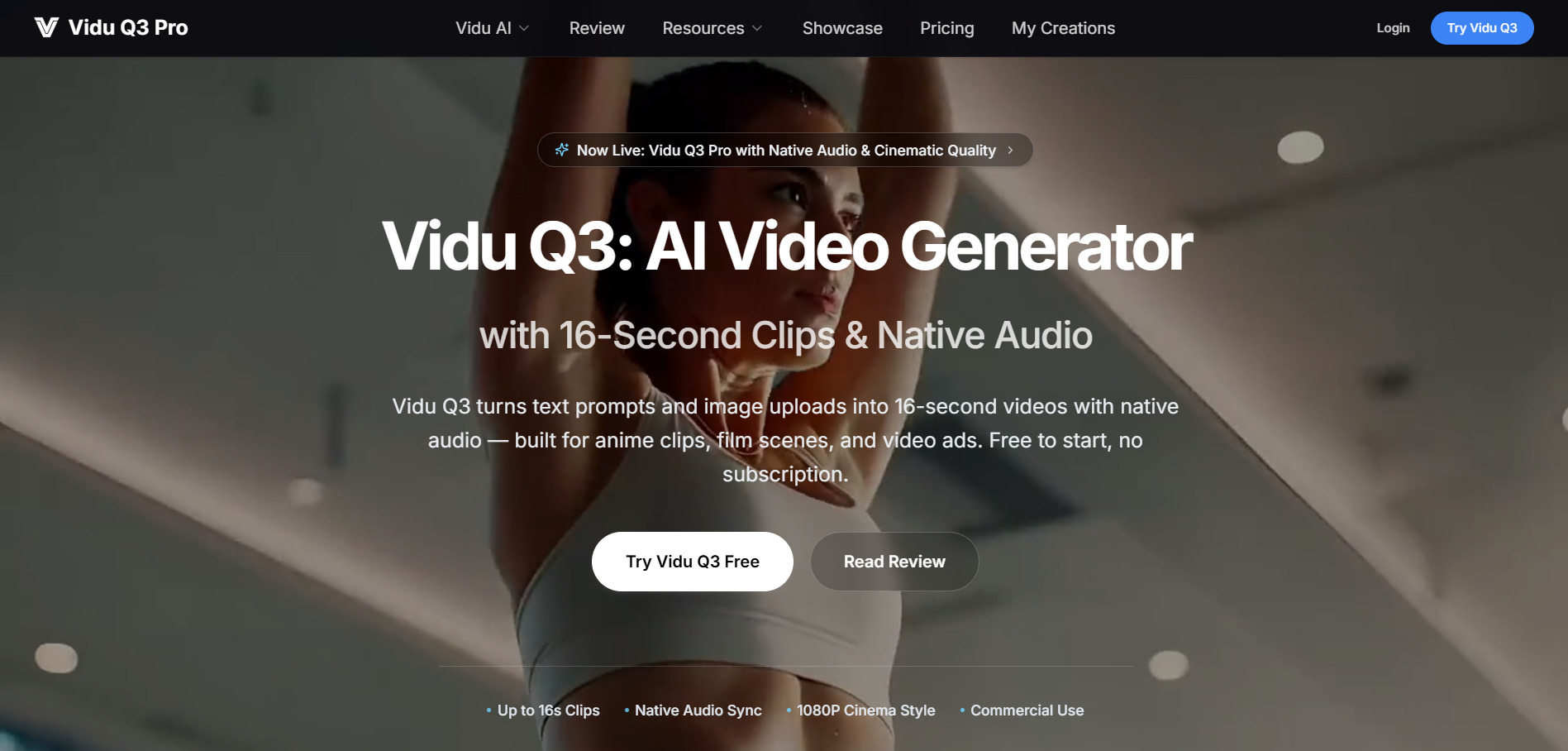
Vidu Q3 is the first AI video model to generate synchronized audio and video natively in a single 16-second pass, including dialogue, sound effects, and cinematic camera moves. It ranks highly on independent leaderboards and offers free credits so new users can test text-to-video and image-to-video generation.
The platform runs on a credit system, and subscription plans offer roughly 20% more credits than one-time purchases. Vidu is strongest for anime and stylized content, though it can struggle with photorealistic human motion compared to some rivals in complex scenes.
Pros
- Native synchronized audio and video generation
- Competitive entry pricing from $8/month
- Strong for anime and stylized visuals
- Multi-reference consistency for characters
Cons
- No refunds on failed or used credits
- Struggles with photorealistic human motion
- Clips capped at 16 seconds each
Lumen5
Free Plan (No Traditional Trial)
Pricing Plans (from official site)
- Community: Free (watermarked, 720p, limited videos)
- Basic: paid tier, watermark removed, still 720p
- Starter: $59/month (1080p, full stock library)
- Enterprise: Custom pricing
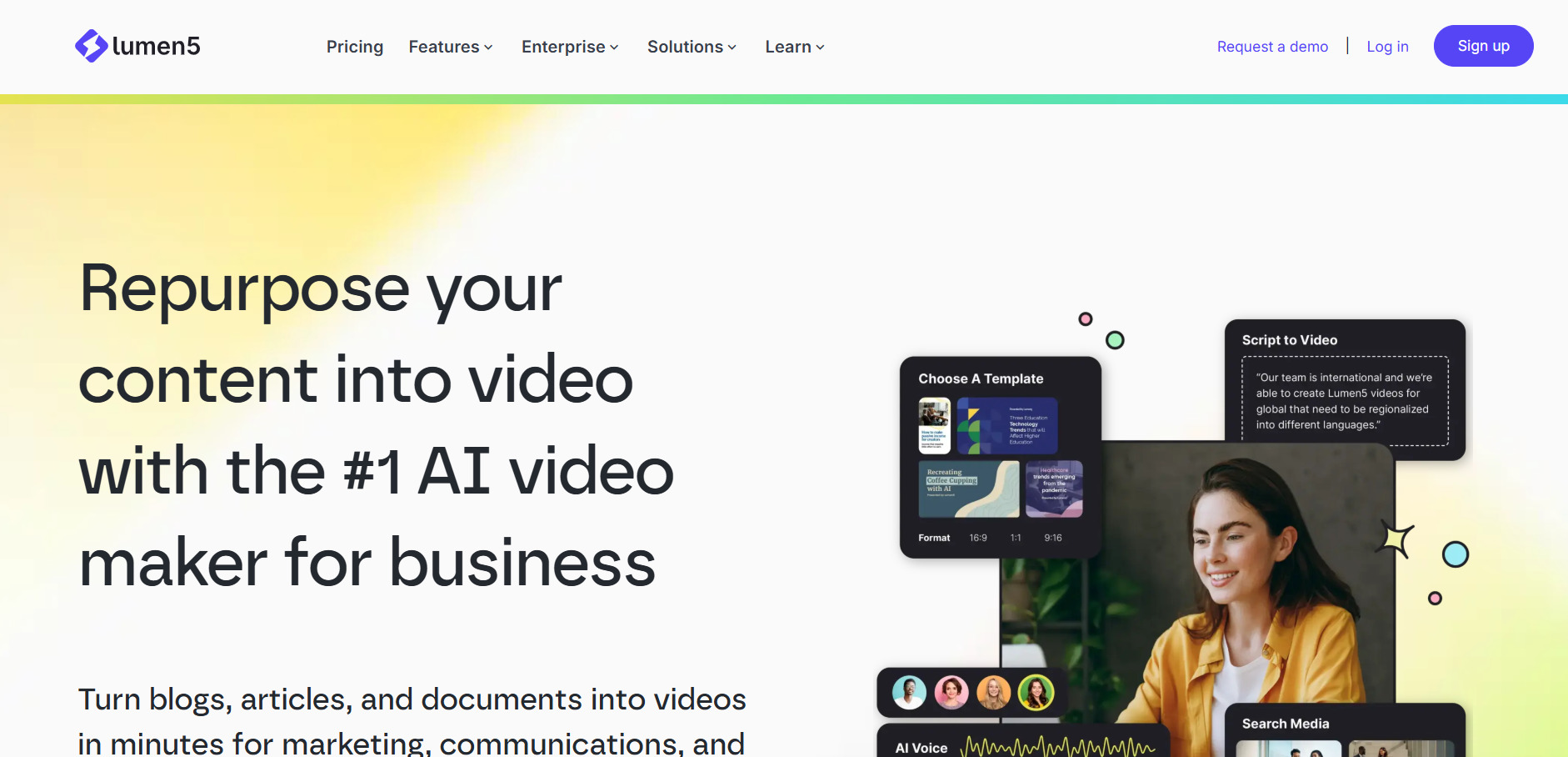
Lumen5 turns blog posts, scripts, or Zoom recordings into finished videos by auto-selecting scenes, pacing, and stock visuals through AI. It’s especially popular with content marketing teams repurposing written content into social videos without hiring a video editor or learning complex software.
The free Community plan is functional but limited to 720p with a watermark, pushing most serious users toward the Starter plan for full HD and expanded stock access. Its AI visual matching saves time but often still requires manual clip swaps for accuracy.
Pros
- Fast blog-to-video and script-to-video workflow
- Large stock media and music library
- Great for repurposing written content
- AI voice cloning and multilingual captions
Cons
- 1080p locked behind pricier Starter tier
- AI visual matching often needs manual fixes
- More expensive than several direct competitors
Manus AI Video
Free Plan with Daily Credits
Pricing Plans (from official site)
- Free: $0/month, 300 daily refresh credits
- Pro Entry: $20/month (4,000 monthly credits)
- Pro Mid: $40/month (8,000 credits, 7-day free trial)
- Pro Top: $200/month (40,000 credits)
- Team: from $20/seat/month
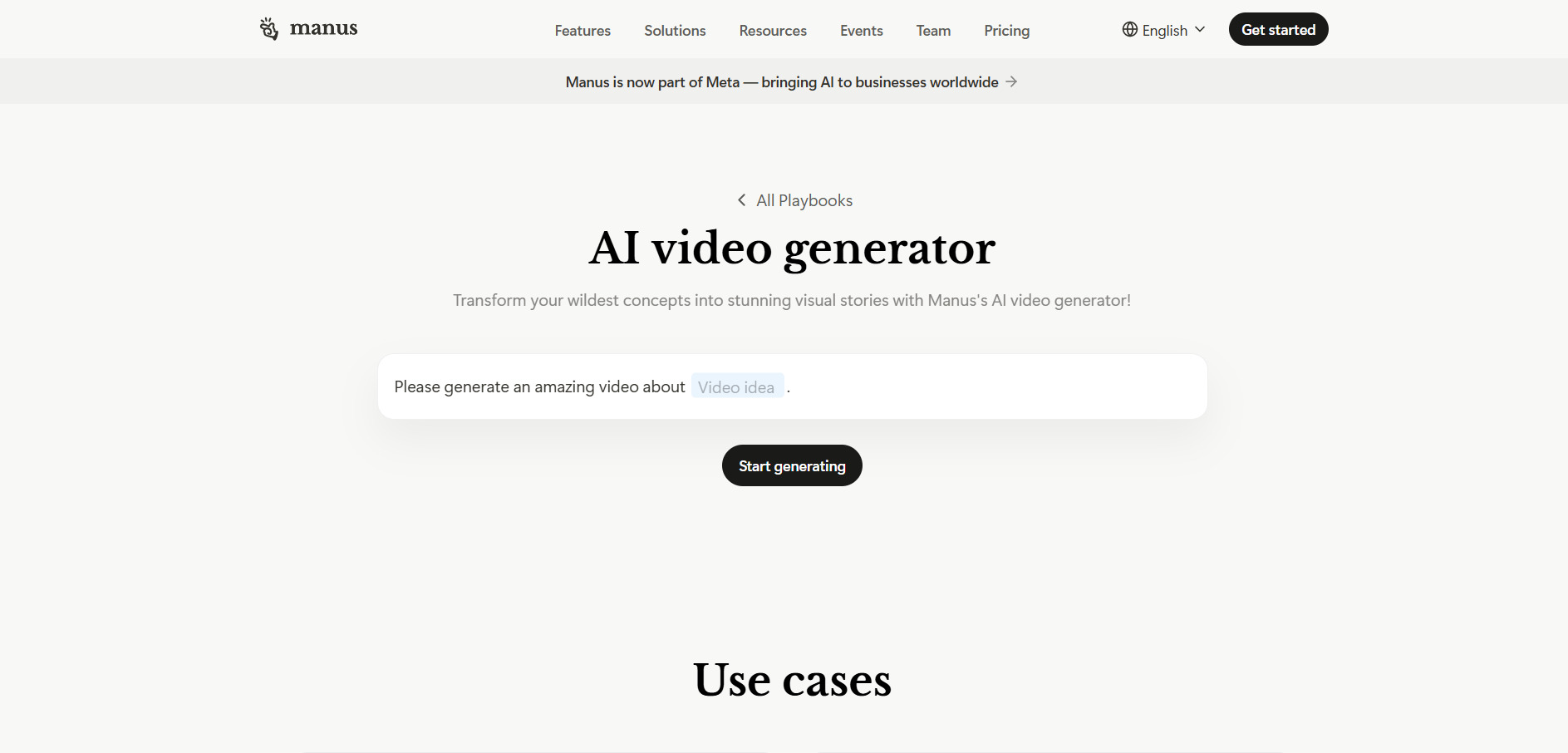
Manus AI Video is a general-purpose autonomous AI agent capable of producing video, slides, images, and research reports through natural-language tasking rather than manual editing. Its free plan is genuinely usable, offering 300 daily refresh credits for testing research tasks or lightweight project generation.
Paid Pro tiers scale credits significantly for regular professional use, research-heavy workflows, or agency-level output. The credit-based system can make costs unpredictable since complex tasks may burn 500 to 900+ credits in one run, so usage needs active monitoring.
Pros
- Genuinely usable free tier with daily credits
- Handles multi-step, autonomous tasks
- Scales from solo users to full teams
- 7-day free trial on the mid Pro tier
Cons
- Credit costs are hard to predict in advance
- Heavy tasks can drain monthly credits fast
- Not purpose-built solely for video editing
Pictory AI
Free Trial (No Credit Card Required)
Pricing Plans (from official site)
- Starter: $25/month ($19/month billed yearly)
- Professional: $49/month ($29/month billed yearly)
- Team/Teams: higher tier for collaboration
- Enterprise: Custom pricing
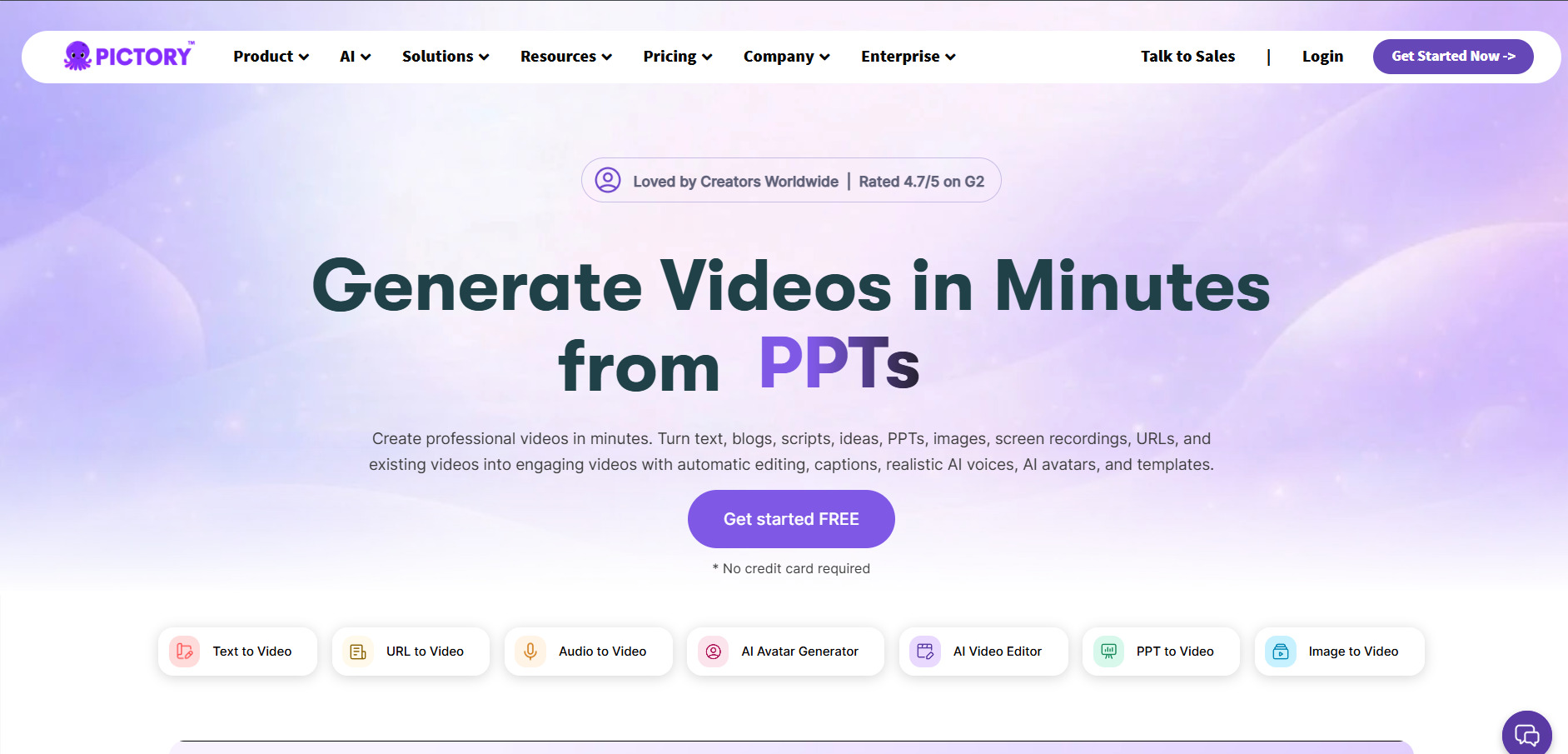
Pictory AI converts scripts, blog posts, and long-form text into short, shareable videos using a library of over 3 million stock clips and realistic AI voiceovers. It’s widely used by YouTubers, marketers, and educators who need quick text-to-video output without traditional editing skills.
The free trial lets users test the text-to-video workflow before subscribing, and paid plans scale by video minutes, storage, and brand kits. Professional and Team tiers unlock ElevenLabs voices, larger media libraries, and support for 29 languages versus seven on Standard.
Pros
- No-card free trial to test the workflow
- Huge stock video and music library
- Realistic AI voiceovers via ElevenLabs
- Good value at the Professional tier
Cons
- Storage overflow policy is undocumented
- Standard plan supports fewer languages
- Interface can feel overwhelming at first
Mango AI
Free Plan Available
Pricing Plans (from official site)
- Free: basic features, watermark, limited length
- Starter: $7.9–$12.9/month (600 credits/month)
- Pro: around $10.9/month, fuller feature access
- Enterprise: $49.9/month for business needs
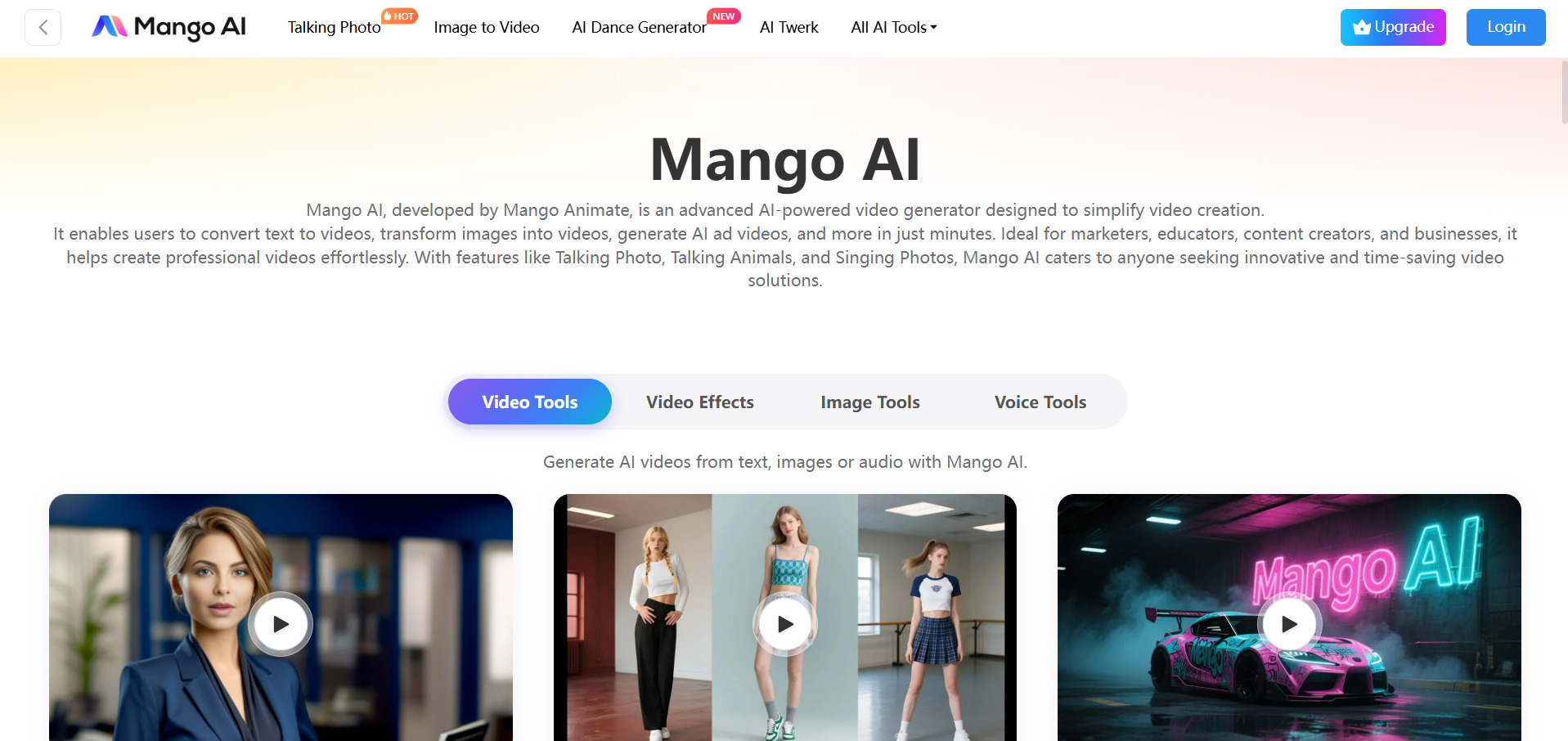
Mango AI specializes in talking-photo avatars, lip-sync animation, face swap, and text-to-animation tools aimed at marketers, educators, and social content creators. The free plan lets anyone create short videos, though outputs carry a watermark and are limited in resolution and length.
The Starter plan removes watermarks and unlocks audio upload and recording features for avatar-driven content. With 30+ supported languages and a wide range of niche effects, Mango AI suits creators who want playful, avatar-based content on a tight budget.
Pros
- Very affordable entry-level pricing
- Wide range of avatar and effect tools
- Supports 30+ languages for voiceovers
- Easy for beginners with no editing skill
Cons
- Free plan limits length and resolution heavily
- Output quality can vary between tools
- Higher tiers needed for commercial use
Google Veo 3
Free Tier via Google AI Studio / Flow
Pricing Plans (from official site)
- Free: 50 daily Flow credits, limited generations
- Google AI Pro: $19.99/month (Veo 3 Fast access)
- Google AI Ultra: $249.99/month (full Veo 3 access)
- API (Vertex AI): $0.40/sec at 1080p, $0.15/sec Fast tier
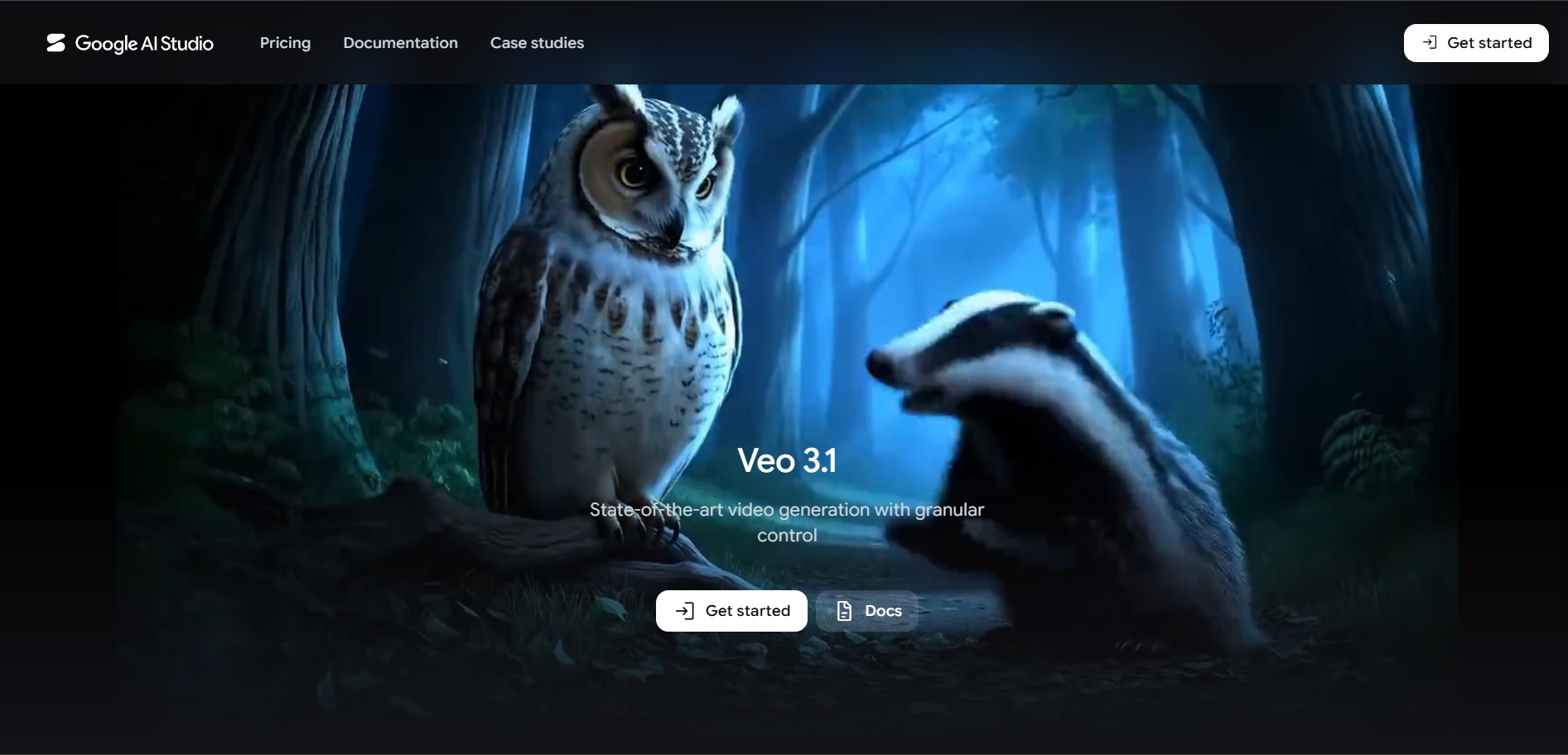
Google Veo 3 is Google’s flagship generative video model, capable of producing cinematic clips with native audio, dialogue, and realistic physics directly from text or image prompts. Casual users can test it free through Google Flow’s daily credit allowance or via Google AI Studio at no cost.
Serious creators typically move to Google AI Pro or Ultra for higher resolution, longer generations, and priority access, while developers can integrate Veo 3 directly through the Gemini API on a per-second pay-as-you-go basis for scalable production pipelines.
Pros
- Industry-leading cinematic video quality
- Native audio and dialogue generation
- Free daily credits via Google Flow
- Flexible API for developers
Cons
- Ultra tier is expensive at $249.99/month
- API billing can add up quickly per second
- Access spread across multiple confusing products
| Alternative | Description |
|---|---|
| Wireflow | Node-based AI creative platform combining multiple image and video models in one visual workflow canvas. |
| Digen AI Agent | Automated multi-step AI video generator that breaks projects into consistent, scene-based sequences. |
| Creatify AI | AI avatar-driven video ad generator built for UGC-style e-commerce and marketing campaigns. |
| VideoProc AI | Desktop AI tool for video conversion, upscaling, screen recording, and GPU-accelerated enhancement. |
| Vidu Q3 | Cinematic AI video model generating synchronized audio and video with strong stylized visuals. |
| Lumen5 | Blog-to-video and script-to-video AI platform popular with content marketing teams. |
| Manus AI Video | Autonomous general-purpose AI agent that produces video, slides, and research via natural language. |
| Pictory AI | Text-to-video platform that transforms scripts and blogs into videos using stock media and AI voices. |
| Mango AI | Avatar and lip-sync animation tool for talking-photo videos, face swaps, and social content. |
| Google Veo 3 | Google’s flagship generative video model offering cinematic, audio-synced AI video creation. |
Conclusion
Kapwing remains a solid all-rounder, but the alternatives above show just how specialized the AI video landscape has become. Agencies chasing volume may prefer Wireflow or Creatify AI, marketers repurposing content will lean toward Lumen5 or Pictory AI, and anyone wanting cutting-edge cinematic quality should look at Vidu Q3 or Google Veo 3.
Ultimately, the right choice depends on your budget, technical comfort, and output goals. Testing free plans or trials across two or three of these tools before committing to a paid subscription is the safest way to find the platform that truly fits your workflow.


