


Lumen5 has long been a go-to for turning blog posts and scripts into simple videos, but it isn’t the only option anymore. In 2026, the AI video landscape has exploded with tools that generate cinematic clips, avatar presenters, and multi-model workflows far beyond Lumen5’s template-based approach. This guide walks through 12 strong Lumen5 Alternatives, covering their free trials, pricing plans, and honest pros and cons, so you can pick the right platform for your budget and workflow without wasting hours testing each one yourself.
1. Wireflow
Pricing: Starter $24/mo, Professional $45/mo, Team $249/mo (all pay-per-generation via credits).
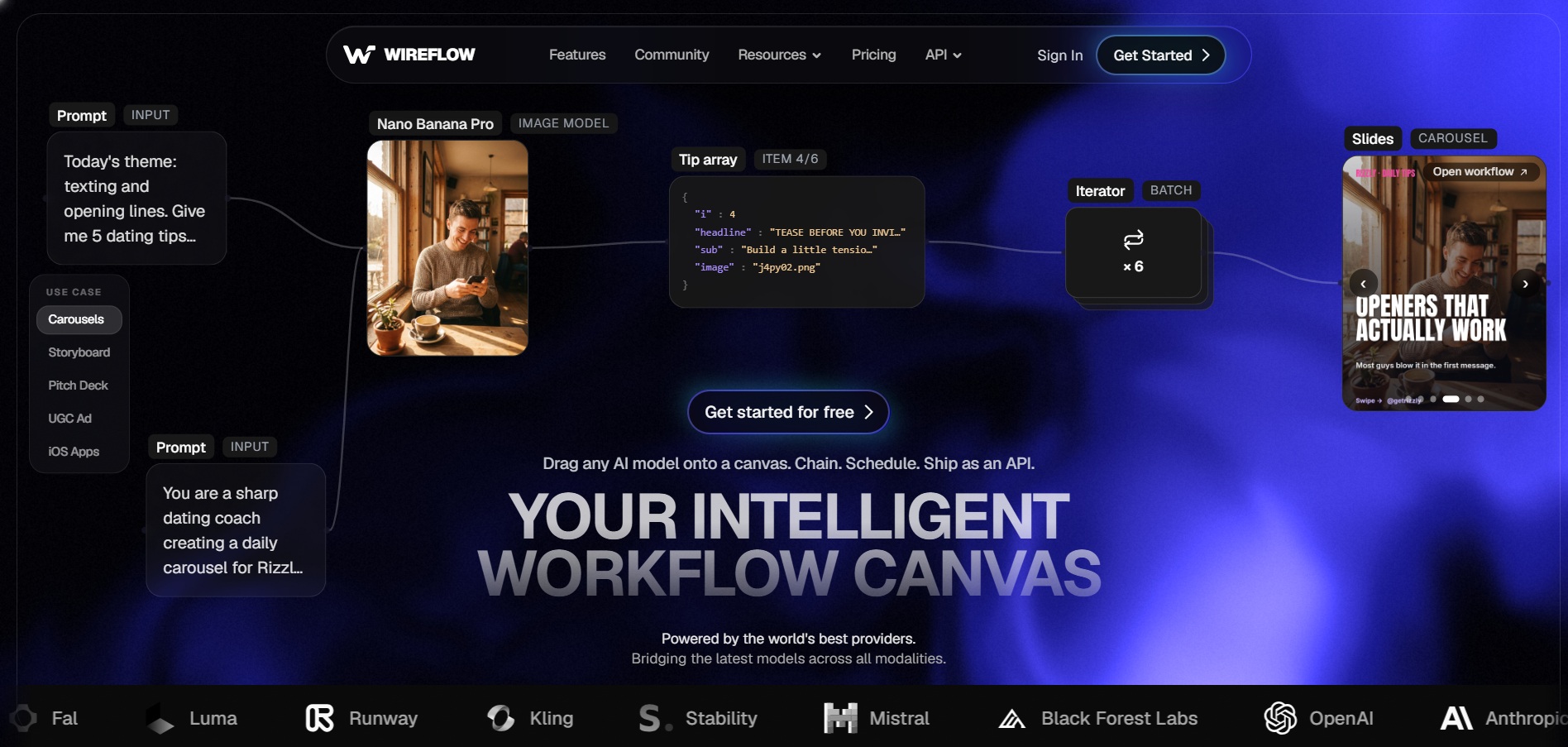
Wireflow is a visual canvas tool that lets creators chain multiple AI models, text-to-video, image-to-video, upscaling, and voice, into a single repeatable workflow. Instead of committing to one model, you connect Veo, Kling, Seedance 2.0, and others side by side and compare outputs before choosing a winner for your final render.
Because billing is credit-based and tied to actual generations, cost scales with usage rather than a flat seat fee. This makes Wireflow especially appealing for agencies or creators who need flexibility across many AI video engines without juggling separate subscriptions for each one.
Pros
- Access to 100+ models on one canvas
- Pay only for what you generate
- No watermarks on paid output
- Commercial license included
Cons
- No permanent free video generation
- Credit system can be confusing for beginners
- Heavy iteration adds up in cost
2. Manus AI Video
Pricing: Free $0/mo, Pro from $20/mo (4,000 credits), Pro Mid $40/mo (8,000 credits), Pro Top $200/mo (40,000 credits), Team from $20/seat/mo.
Manus is an autonomous AI agent platform that can research, plan, and produce video-adjacent content as part of broader task automation, rather than being a pure video generator. It’s a fit for creators who want AI to handle research, scripting, and asset assembly in one continuous agent-driven workflow.
Pricing runs on a credit system tied to task complexity, so a single deep task can consume a large share of your monthly allowance. That unpredictability is worth weighing against Manus’s genuine strength: reducing manual coordination across research and content production steps.
Pros
- Genuine free tier with daily credits
- Handles research plus content generation together
- Scales from solo creators to teams
- Annual billing saves 17%
Cons
- Credit cost per task isn’t shown upfront
- Not purpose-built for video like Lumen5
- Heavy tasks burn credits fast
3. Vyond Go
Pricing: Starter $99/mo (10,000 credits), Professional $199/mo (20,000 credits), Enterprise $1,649/year, Agency $1,999/year.
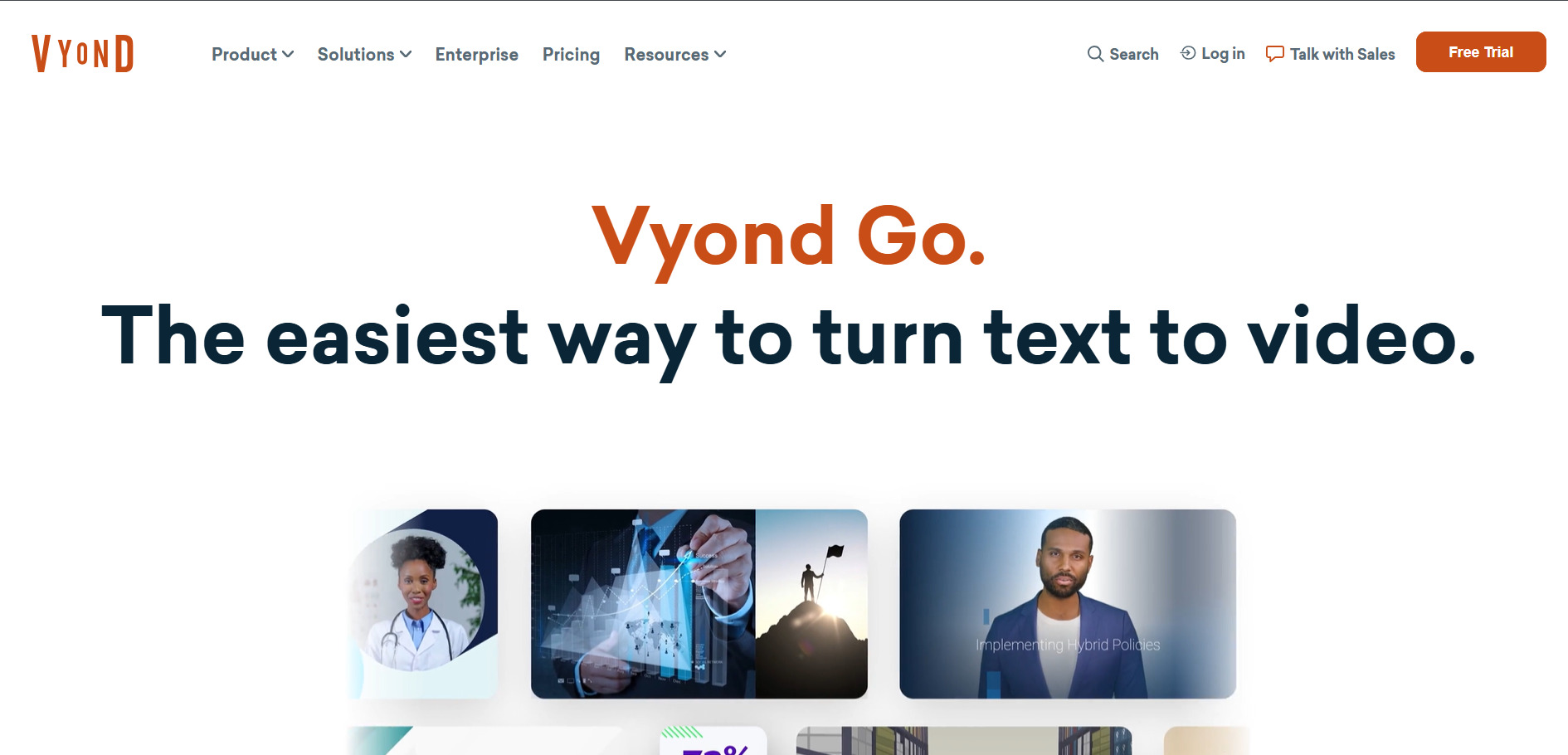
Vyond Go is the generative AI arm of Vyond’s long-standing animation platform, letting users create instant videos from a prompt rather than manually building scenes frame by frame. It sits alongside Vyond Studio, which still offers the classic drag-and-drop character animation Vyond is known for.
Vyond is aimed squarely at corporate training and internal communications teams rather than casual social creators. The pricing reflects that positioning, sitting well above most consumer AI video tools, but it buys polished, brand-consistent output businesses can rely on.
Pros
- Combines instant AI generation with manual studio control
- Strong for corporate training videos
- Collaboration tools on higher tiers
- FedRAMP-certified government plan available
Cons
- Expensive compared to most alternatives here
- No permanent free plan
- Trial exports are watermarked
4. Artlist AI

Pricing: AI Starter from ~$11.99/mo, AI Creator from $41.67/mo (80,000 credits), AI Professional from $239.99/mo (500,000 credits), Max plans from $39.99/mo.
Artlist has evolved from a royalty-free music library into a full AI creative suite, bundling AI video, image, and voiceover generation with stock footage, music, and SFX under one subscription. It integrates top models like Veo 3, Sora, and Flux directly into its workspace.
For creators already paying for stock music or footage separately, Artlist’s Max plans consolidate several tools into one bill. The AI Suite tiers alone are competitive if generation is your main need, especially with the steep discount on annual billing.
Pros
- Combines AI generation with stock music and footage
- Access to top-tier models like Veo 3 and Sora
- Perpetual license on content used during subscription
- Up to 40% savings on annual billing
Cons
- No true free trial, just limited one-time generations
- Annual-only billing on many plans
- Pricing can get complex across AI vs. stock tiers
5. VideoProc AI
Pricing: Premium 365 from $25.95–$34.95/year, Lifetime License from $45.95–$54.95 (one-time), Family License from $57.95–$79.95 (one-time, 3–5 devices).
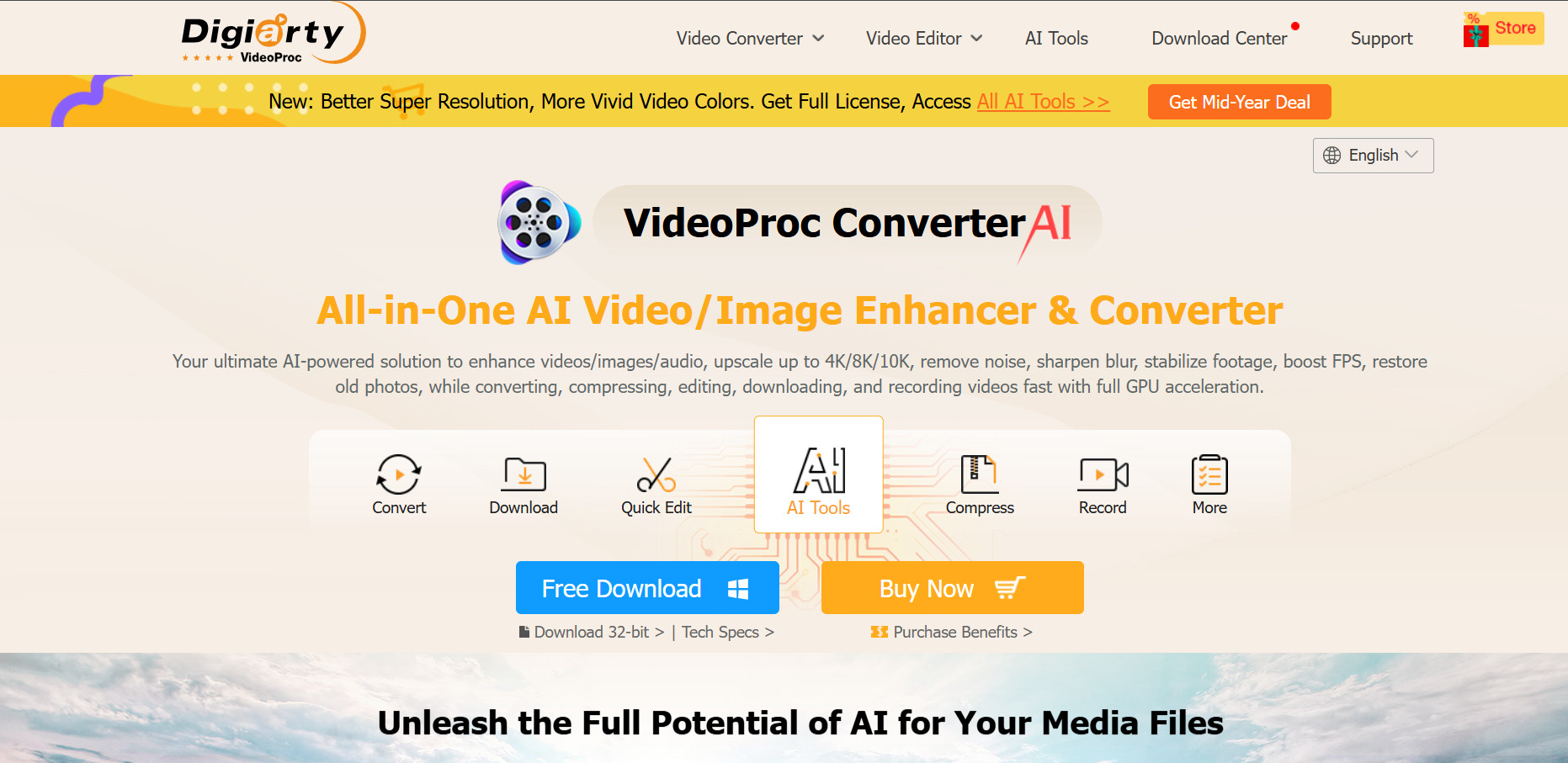
VideoProc AI takes a different approach than Lumen5, it’s a desktop-based converter and enhancer focused on AI upscaling, frame interpolation, and audio cleanup rather than generating new footage from scripts. It’s built for creators polishing existing footage rather than starting from a blank prompt.
The one-time lifetime license makes it notably cheaper long-term than subscription-based competitors, appealing to users who want to avoid recurring fees entirely. A 30-day money-back guarantee softens the commitment for first-time buyers.
Pros
- One-time lifetime license option available
- Strong GPU-accelerated upscaling
- No sign-up needed for the trial
- 30-day money-back guarantee
Cons
- Not a script-to-video generator like Lumen5
- Free trial limited to short clips and 5 outputs
- Desktop-only, no cloud collaboration
6. Google Veo 3
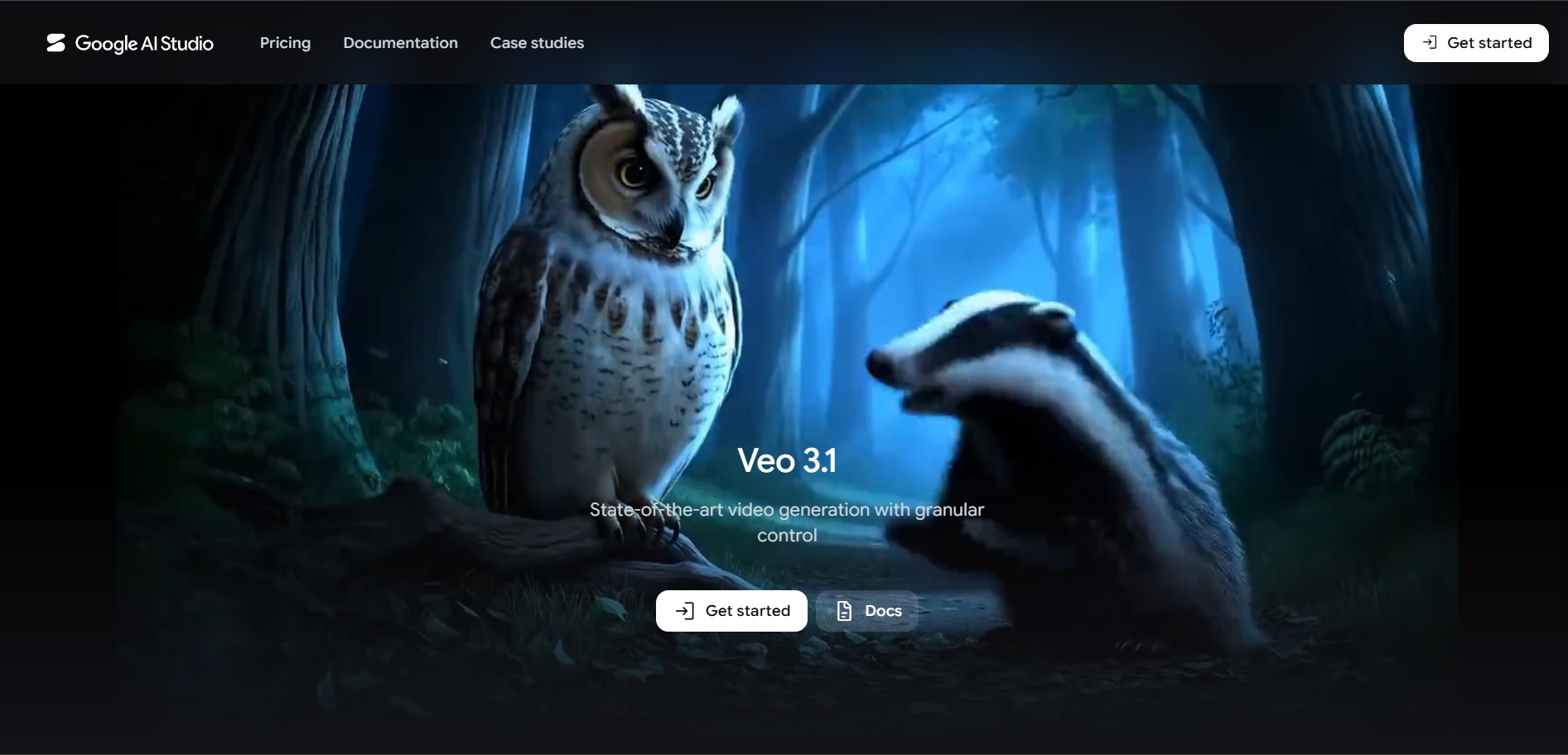
Pricing: AI Plus $4.99/mo, AI Pro $19.99/mo, AI Ultra $99.99/mo (5x usage) or $199.99/mo (20x usage).
Veo 3 is Google’s flagship video generation model, notable for native synchronized audio, dialogue, and ambient sound alongside 4K-capable visuals. It’s accessible through the Gemini app, Google Flow, and the Gemini API, giving both casual creators and developers multiple entry points.
The tiered Google AI subscription bundles Veo access with Gemini chat, Deep Research, and generous cloud storage, making it good value if you already use Google’s ecosystem. Higher Ultra tiers unlock 1080p output and the largest monthly video credit allotments.
Pros
- Native audio and dialogue generation
- Generous free daily credits
- Bundled with Gemini AI and cloud storage
- Available in 140+ countries
Cons
- Best features gated behind higher-tier plans
- Pro tier defaults to 720p, not 1080p
- Some features remain US-only
7. Wan 2.6
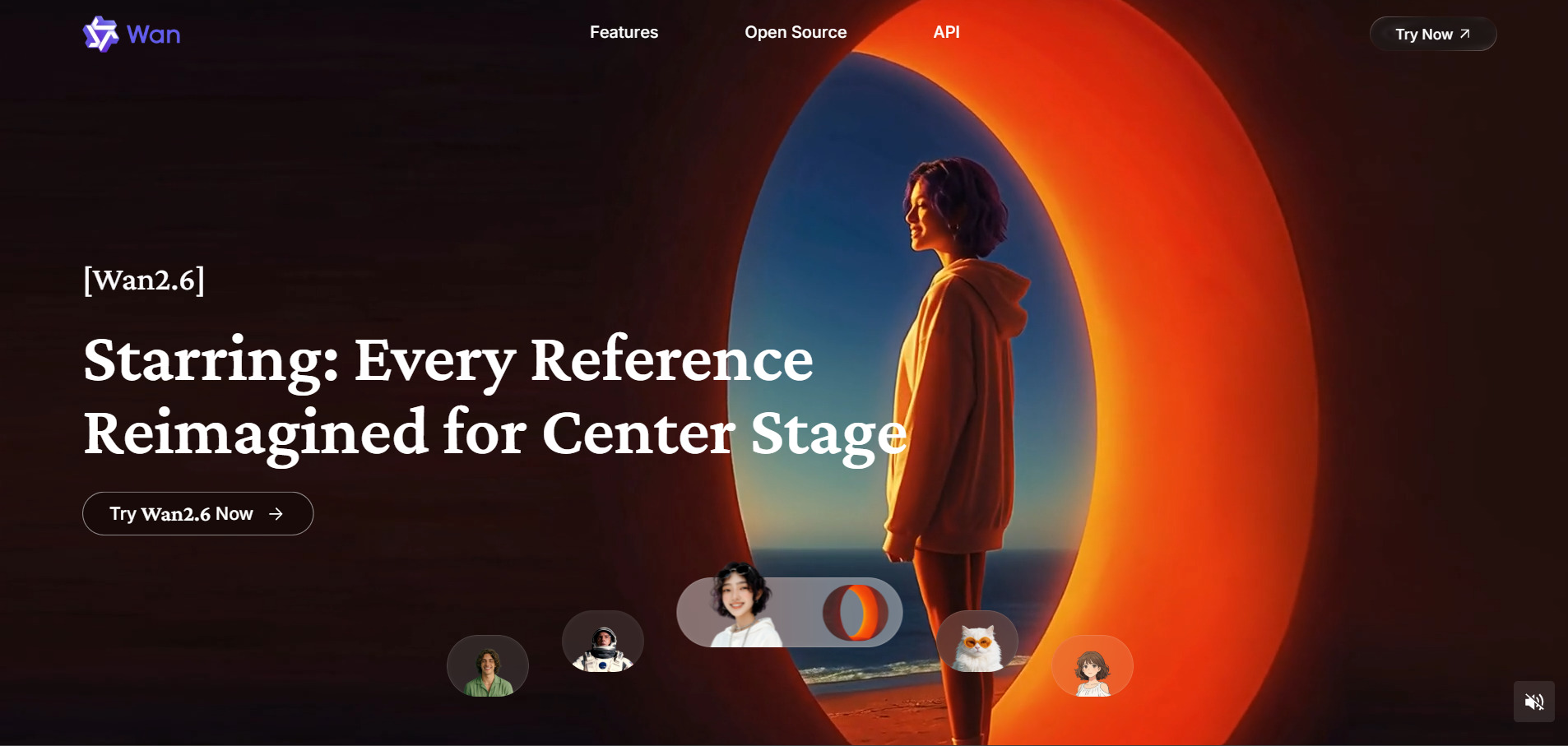
Pricing: Pro $5/mo (billed yearly, 300 credits/mo), Premium $20/mo (billed yearly, 1,200 credits/mo); API access from $0.08/sec (720p) to $0.12/sec (1080p).
Wan 2.6 is Alibaba’s open AI video model built for multi-shot storytelling, supporting up to 15-second clips with synchronized audio and strong character consistency across scenes. It’s positioned as a budget-friendly alternative to Western models like Veo or Kling.
Because it’s available both through an official platform and multiple third-party API providers, pricing varies widely depending on where you access it. This flexibility is a plus for developers but can make comparing “true cost” confusing for first-time users.
Pros
- Very low entry-level pricing
- Strong multi-shot storytelling and consistency
- Native audio-motion sync
- Multiple access points, official and third-party
Cons
- Pricing inconsistent across platforms
- Some access requires navigating non-English interfaces
- Commercial rights vary by provider
8. Vidu Q3
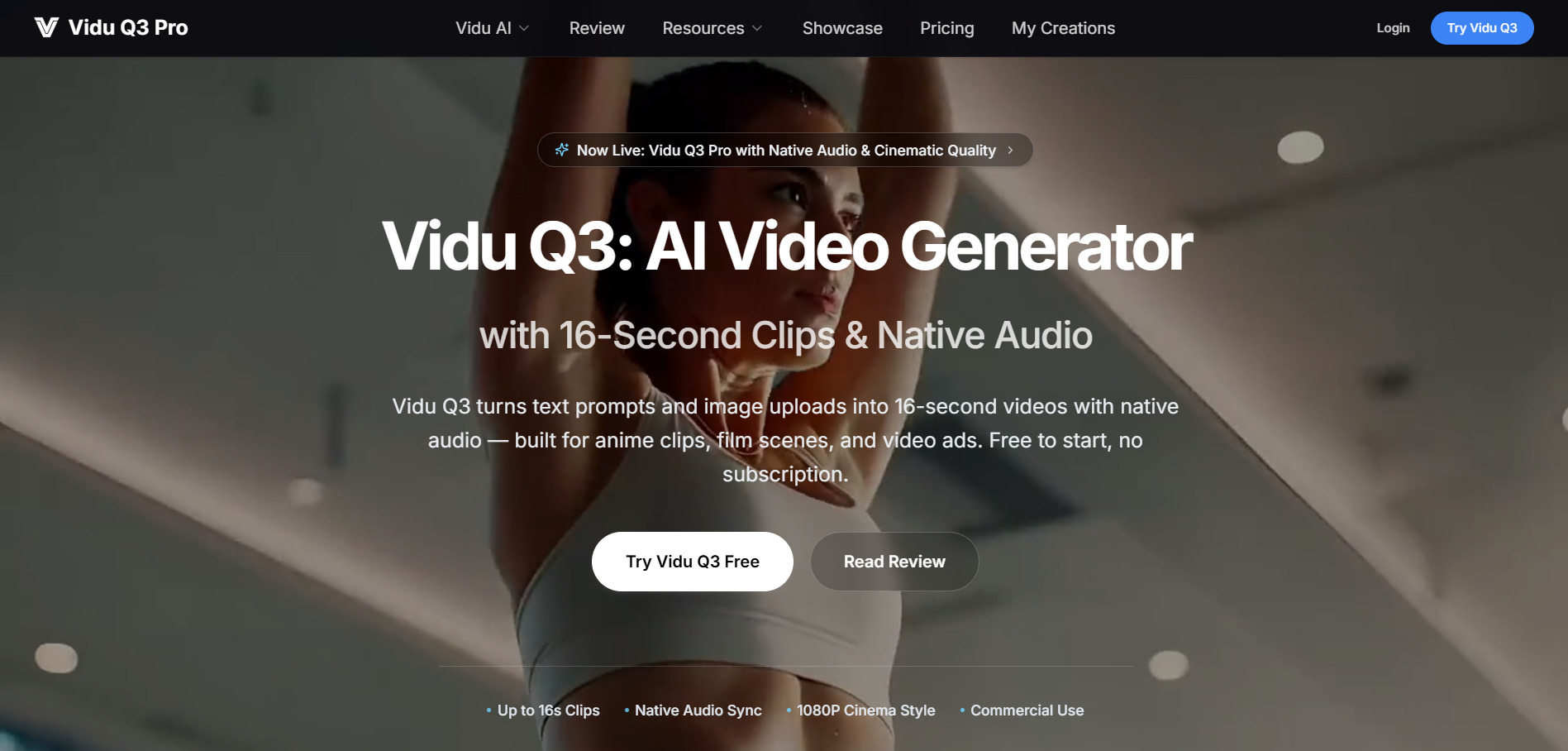
Pricing: Credit packs from $19.90 to $99.90 (one-time, no auto-renewal); subscription tiers roughly $8–$99/mo depending on billing cycle.
Vidu Q3 specializes in extended 16-second cinematic clips with smart camera control, multi-shot narratives, and tight audio-video sync. It’s built for creators who want longer, more coherent AI-generated scenes than the standard 5-to-10-second clip most competitors cap out at.
Its one-time credit pack model is unusual in this space, letting users avoid recurring subscriptions entirely if they prefer to pay as they go. That flexibility makes it attractive for occasional users, though frequent creators may find monthly subscription tiers more cost-effective overall.
Pros
- 16-second clips, longer than most competitors
- One-time credit packs with no lock-in
- Multi-shot storytelling in a single prompt
- Commercial rights included on all paid plans
Cons
- Free plan hits its ceiling quickly
- Credit consumption varies by resolution and length
- No permanent free commercial use
9. Seedance 2.0
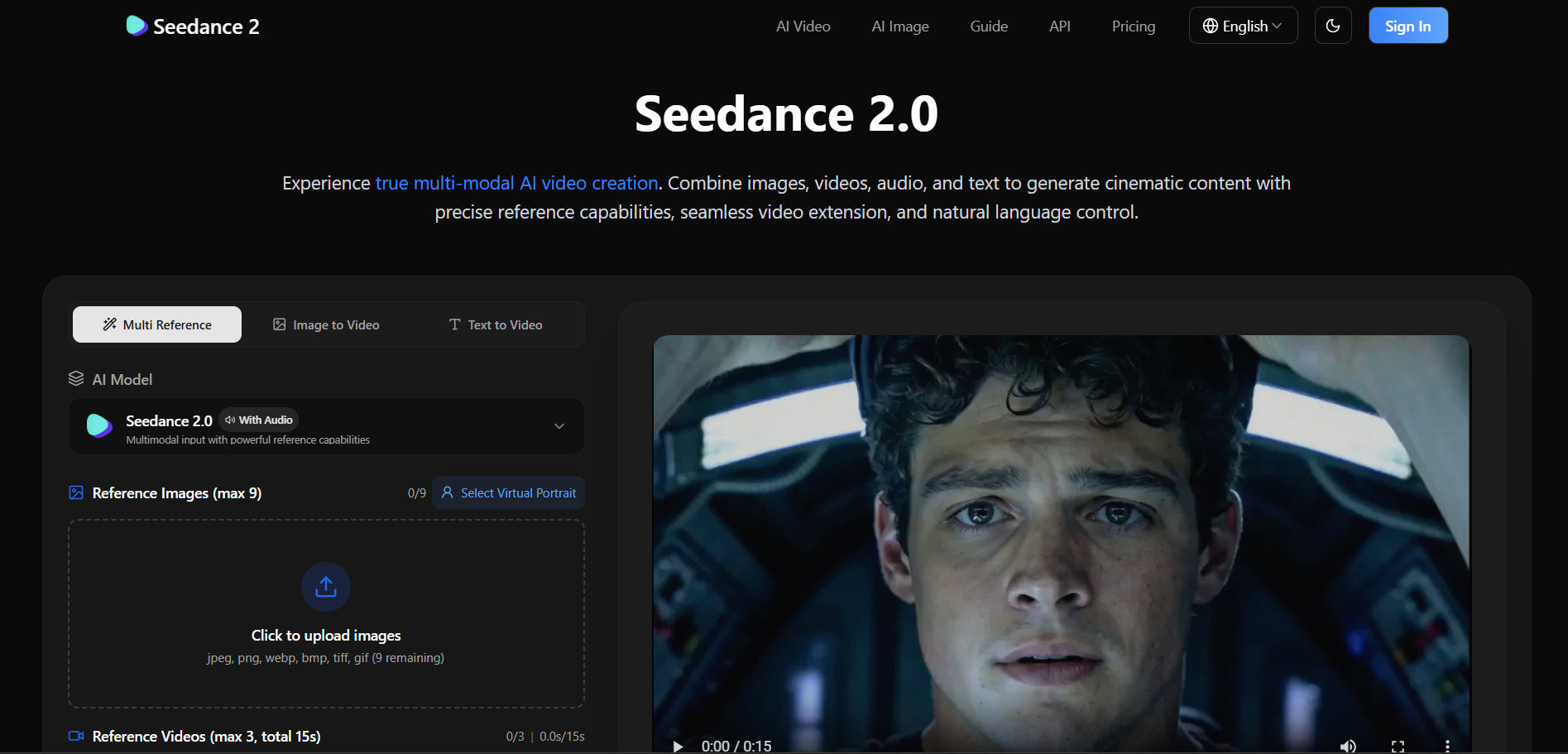
Pricing: Dreamina membership from ~$9.60/mo; third-party platforms range up to $45/mo; BytePlus API billed per second of output.
Seedance 2.0 is ByteDance’s video generation model known for realistic motion and being one of the most accessible AI video options on price. It’s available through Dreamina, BytePlus’s developer API, and numerous third-party platforms, each with different credit structures.
The model’s biggest draw is affordability, per-video costs on Dreamina can run as low as $0.42 for a 10-second clip in economy mode. That said, ByteDance restricted some international access in 2026, so availability and login requirements vary depending on your region.
Pros
- Among the cheapest AI video models available
- Free daily credits with no expiry on Dreamina
- Strong realistic motion quality
- Wide third-party platform availability
Cons
- Access restrictions vary by country
- Watermarks on free and trial tiers
- Pricing structure differs confusingly across platforms
10. Digen AI Agent
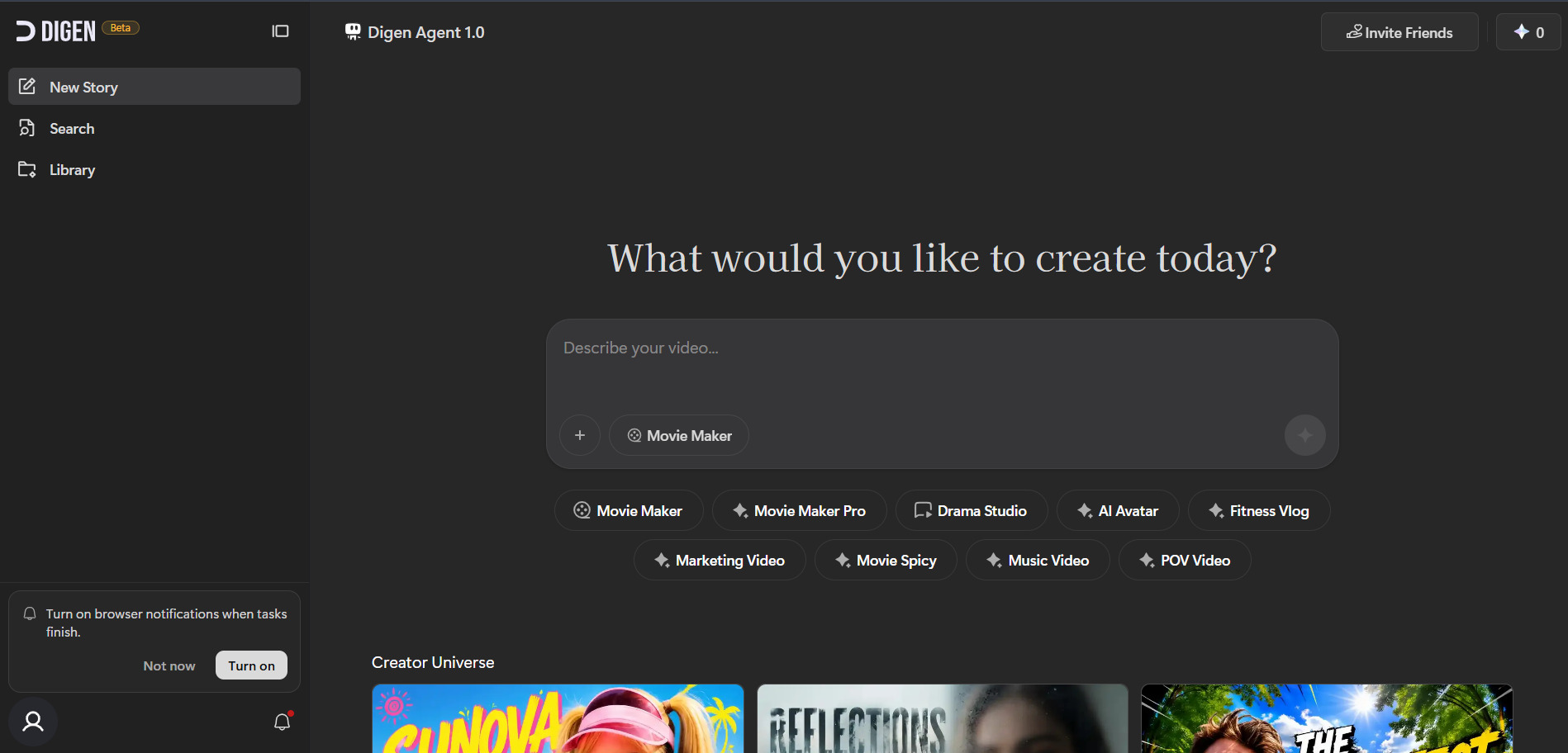
Pricing: Ultra $9.99/mo (billed annually) or $19.99/mo, Ultra Pro $5.99–$9.99/mo, Ultra Max $11.99–$19.99/mo.
Digen AI turns static images into talking avatar videos with realistic lip-sync, making it well suited for personalized marketing content and social clips rather than long-form storytelling. Its Agent mode breaks longer videos into components that get generated and assembled for consistency.
The free tier is genuinely usable for experimentation, offering hundreds of starting credits and daily top-ups, though outputs stay watermarked without commercial rights until you upgrade. Pricing is among the most affordable on this list for avatar-style content specifically.
Pros
- Very low-cost paid plans
- Genuinely usable free tier with daily credits
- Access to Sora 2 and Veo 3.1 within the app
- Strong for avatar and talking-head content
Cons
- No built-in timeline editing
- Free tier restricted to basic models with watermarks
- Mobile app can be unstable
11. Pictory AI
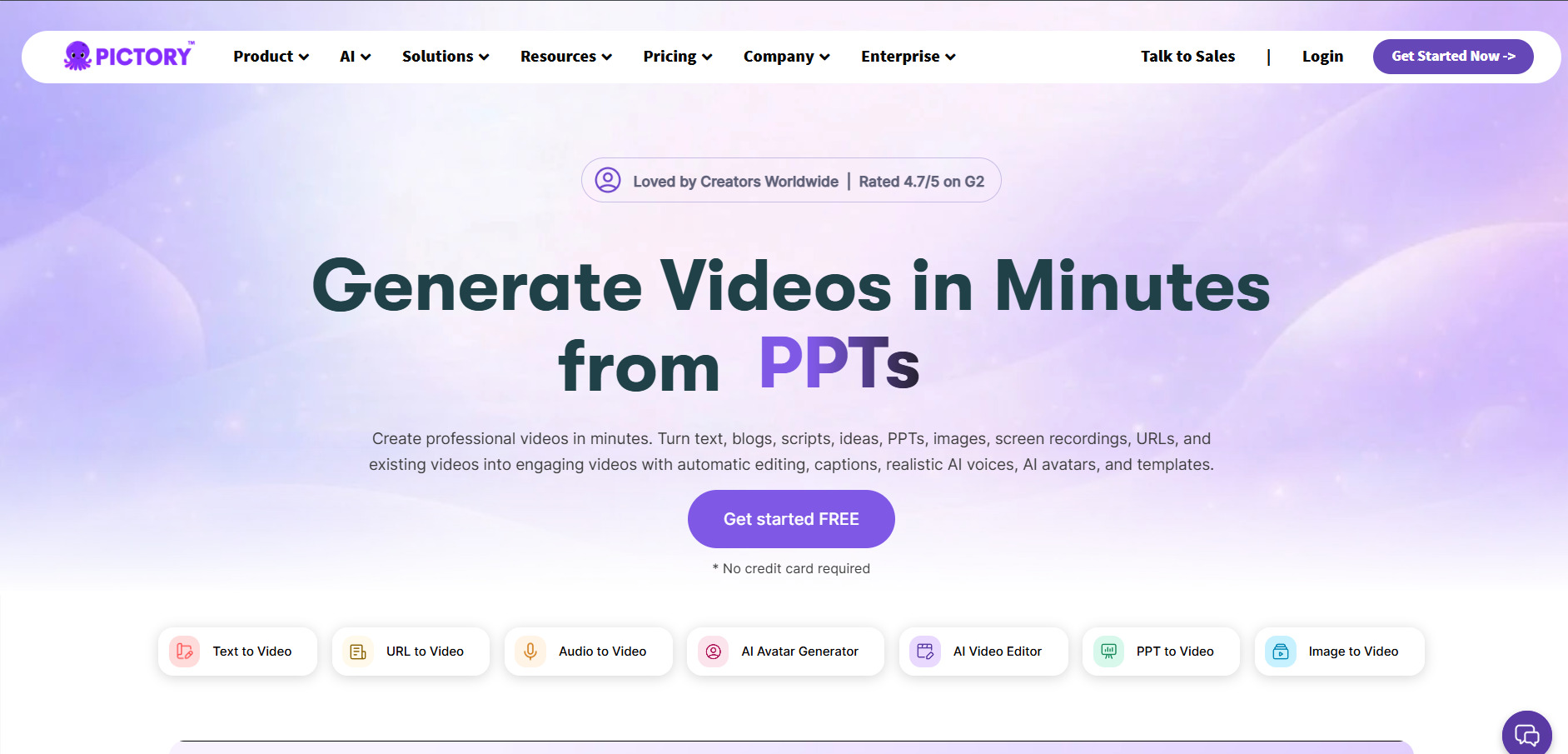
Pricing: Standard $23/mo ($19/mo annual), Premium $47/mo ($39/mo annual), Teams $119–$199/mo ($99/mo annual).
Pictory AI is arguably the closest direct competitor to Lumen5 on this list, converting blog posts, scripts, and long-form text into short videos using stock footage, AI voiceovers, and auto-captioning. It’s aimed at marketers, YouTubers, and content teams repurposing written content into video.
Its plans scale by monthly video minutes and transcription length rather than raw generation credits, which some users find easier to budget around. The free trial is genuinely generous, letting you fully test the workflow before committing to a subscription.
Pros
- Closest direct alternative to Lumen5’s workflow
- Generous 14-day free trial, no card required
- Simple minutes-based pricing
- Strong for repurposing blog content into video
Cons
- Free trial output capped at 720p
- No permanent free plan
- Limited creative control compared to generative AI video tools
12. Luma Ray3
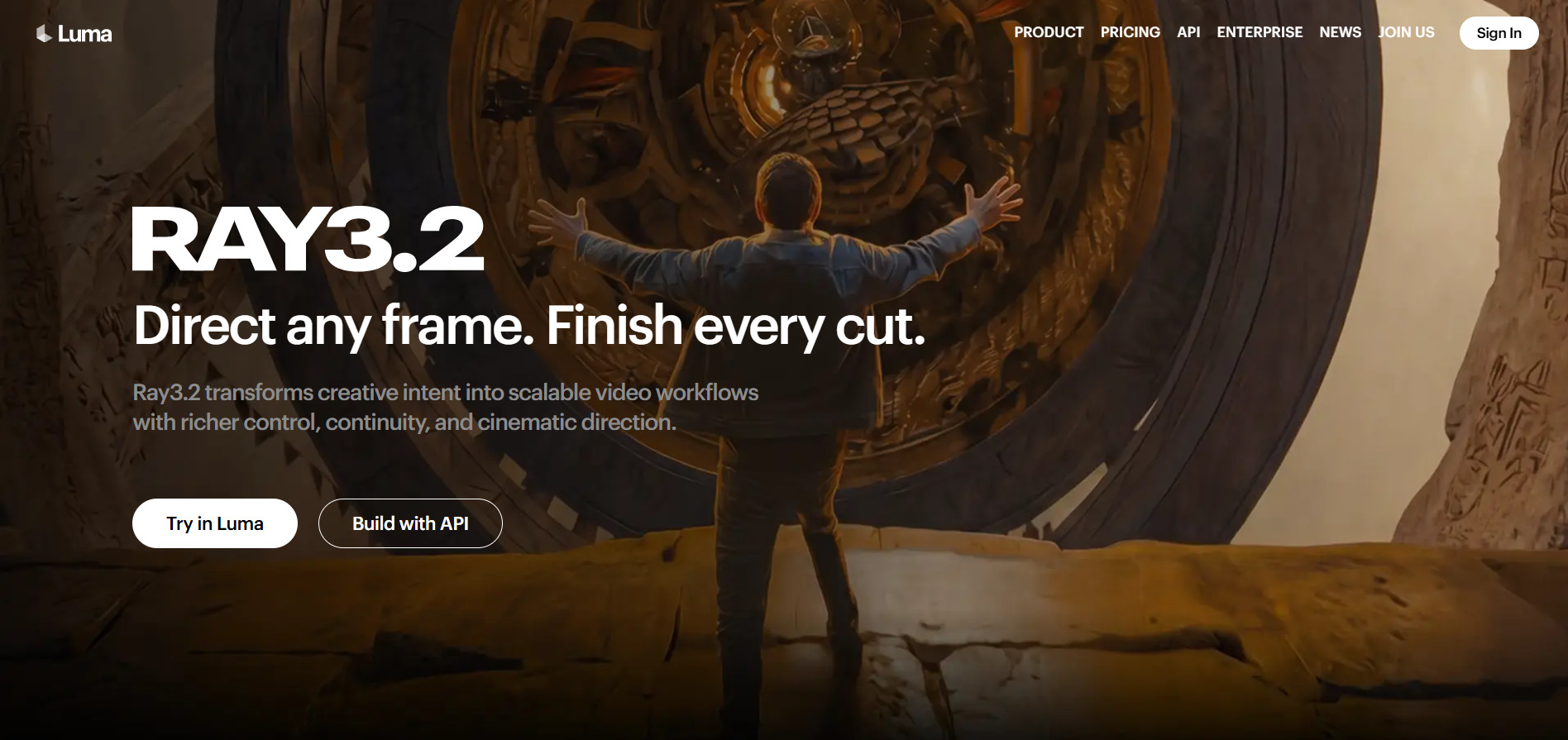
Pricing: Lite $9.99/mo, Plus $29.99/mo ($23.99 annual), Pro $90/mo, Ultra $300/mo; Luma Agents bundle Plus $30/mo, Pro $90/mo, Ultra $300/mo.
Luma’s Ray3 is billed as the first “reasoning” video model, capable of planning shot sequences and generating studio-grade HDR output in EXR format for professional pipelines. It supports both text-to-video and image-to-video with a distinctive Draft Mode for fast iteration before committing to a final high-quality render.
The newer Luma Agents plans bundle Ray3 alongside Veo, Kling, Seedance, and ElevenLabs audio under one shared credit pool, similar in spirit to Wireflow’s multi-model approach. Pricing spans a wide range, from a budget Lite tier to a $300 Ultra plan built for heavy professional use.
Pros
- Native HDR and studio-grade EXR export
- Draft Mode speeds up iteration
- Multi-model bundle via Luma Agents
- Free tier available for testing
Cons
- Higher tiers get expensive fast
- Free and Lite plans are watermarked
- Credit burn rate increases sharply at HDR/1080p
| Alternative | Description |
|---|---|
| Wireflow | Multi-model AI canvas that chains text-to-video, image-to-video, and audio nodes into one pay-per-generation workflow. |
| Manus AI Video | Autonomous AI agent platform that handles research and content tasks alongside video-adjacent production. |
| Vyond Go | Instant AI video generator from Vyond, built for corporate training and internal communications teams. |
| Artlist AI | All-in-one creative suite combining AI video, image, and voiceover generation with stock music and footage. |
| VideoProc AI | Desktop AI enhancer focused on upscaling, frame interpolation, and cleaning up existing footage. |
| Google Veo 3 | Google’s flagship model offering native audio, dialogue, and 4K-capable video through Gemini and Flow. |
| Wan 2.6 | Alibaba’s open AI video model built for affordable multi-shot storytelling with strong character consistency. |
| Vidu Q3 | Cinematic AI video generator specializing in extended 16-second clips with smart camera control. |
| Seedance 2.0 | ByteDance’s budget-friendly video model known for realistic motion and very low per-video costs. |
| Digen AI Agent | Image-to-talking-avatar generator with lip-sync, ideal for personalized marketing and social content. |
| Pictory AI | The closest direct Lumen5 competitor, turning blog posts and scripts into videos with stock footage and voiceovers. |
| Luma Ray3 | Reasoning-based video model offering studio-grade HDR output and a multi-model Luma Agents bundle. |
Conclusion
If you want a near drop-in replacement for text-to-video content repurposing, Pictory AI is the closest match. For cutting-edge cinematic quality, Google Veo 3, Luma Ray3, and Vidu Q3 push visual fidelity further than Lumen5 ever attempted. Budget-conscious creators will find Wan 2.6, Seedance 2.0, and Digen AI Agent hard to beat on price.
Meanwhile, teams that need flexibility across multiple AI models should look at Wireflow or Luma Agents, and businesses producing training content are better served by Vyond Go. Whichever direction you go, most of these tools offer a free trial or free credits, so it’s worth testing two or three before locking into a subscription.


