

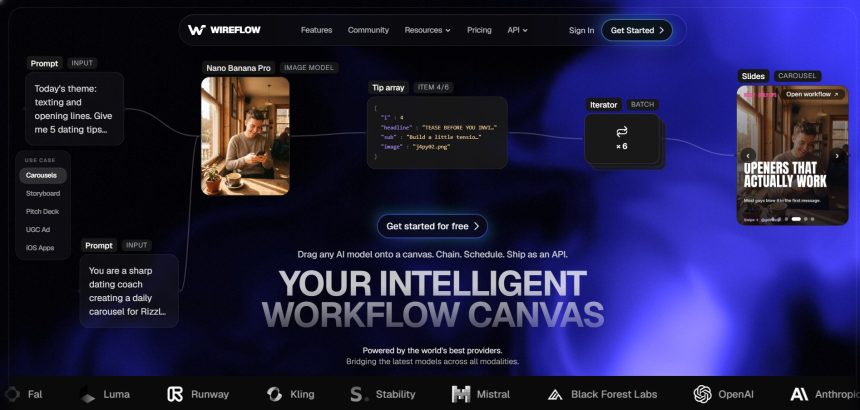
Wireflow has carved out a niche as a node-based AI workflow builder for creators who want to chain models together instead of relying on one fixed tool. But depending on your budget, output type, and whether you need video, avatars, or full editing suites, there are plenty of strong alternatives worth exploring. Below we break down 10 Wireflow Alternatives providing AI video generation, avatar creation, and full-featured editing, each with trial details, pricing, and an honest look at pros and cons.
1. Manus AI Video
Free – $0/month (300 daily credits)
Pro – from $20/month (4,000 monthly credits)
Higher Pro tier – $40/month (8,000 credits)
Extended tier – $200/month (40,000 credits)
Team – from $20–$40 per seat/month (2-member minimum)
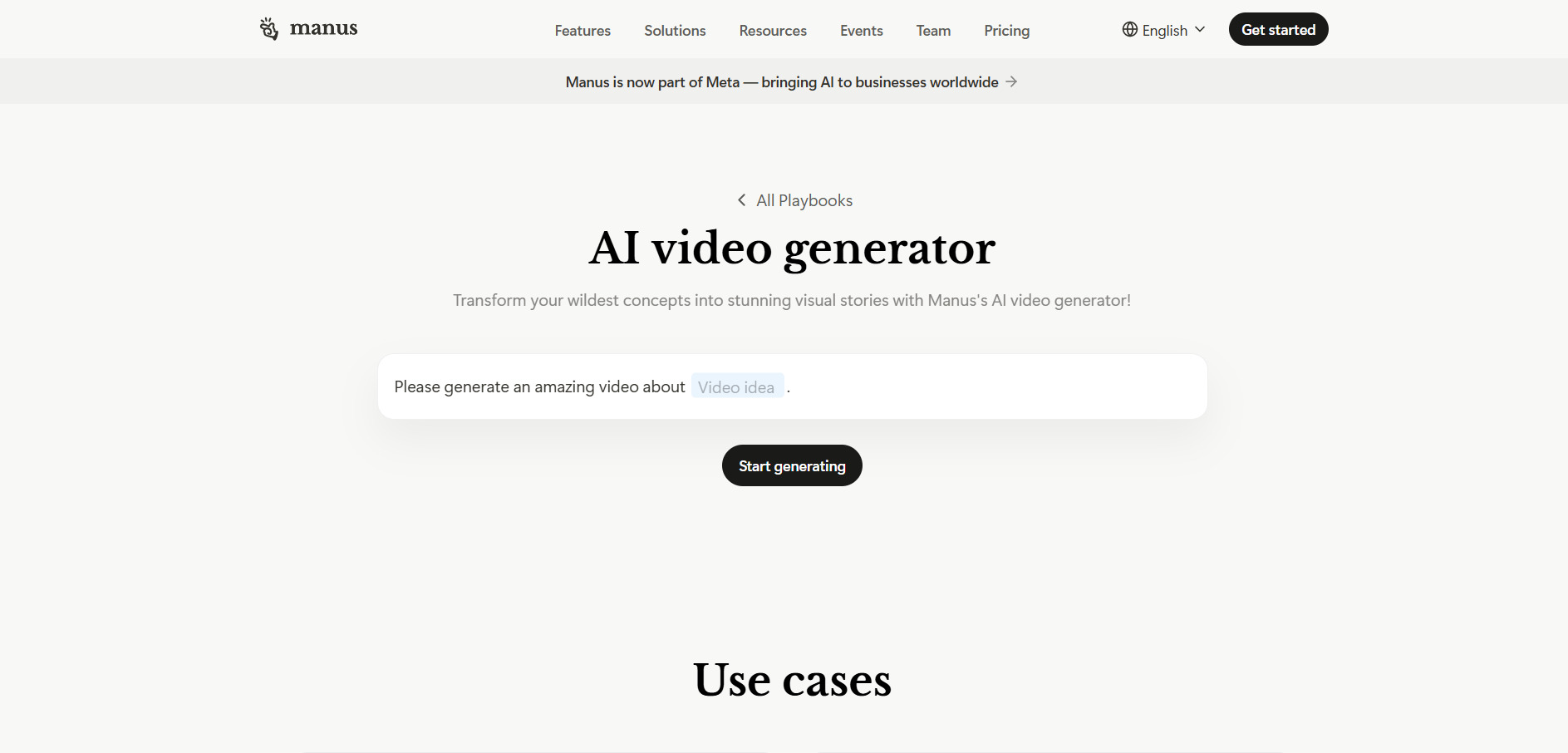
Manus AI Video is a general-purpose autonomous agent platform that also produces video-driven outputs like slides, websites, and research summaries, making it a broader alternative to Wireflow’s node approach. It runs on a credit system rather than flat subscriptions, so every task the agent performs consumes credits based on complexity, which can make usage feel unpredictable across busy months.
The Free plan is genuinely usable for testing simple tasks, and the Pro tier at $20/month suits solo users who need moderate output without constant top-ups. Heavier users producing batch content or large research-based video projects will likely need the $200/month Extended tier, since credit consumption scales quickly with task complexity and length.
Pros
- Usable free tier with no credit card needed
- Handles multi-step autonomous tasks beyond just video
- Team plans include SSO and shared credit pools
Cons
- Credit system can feel unpredictable
- Higher tiers get expensive for heavy production
- Not primarily built as a video-first tool
2. VideoProc AI
Premium 365 (1-Year) – around $34.95–$39.95/year for 3 PCs
Lifetime License – around $54.95 one-time for 1 PC
Family License – around $79.95 one-time for 3–5 PCs
30-day money-back guarantee on all paid plans
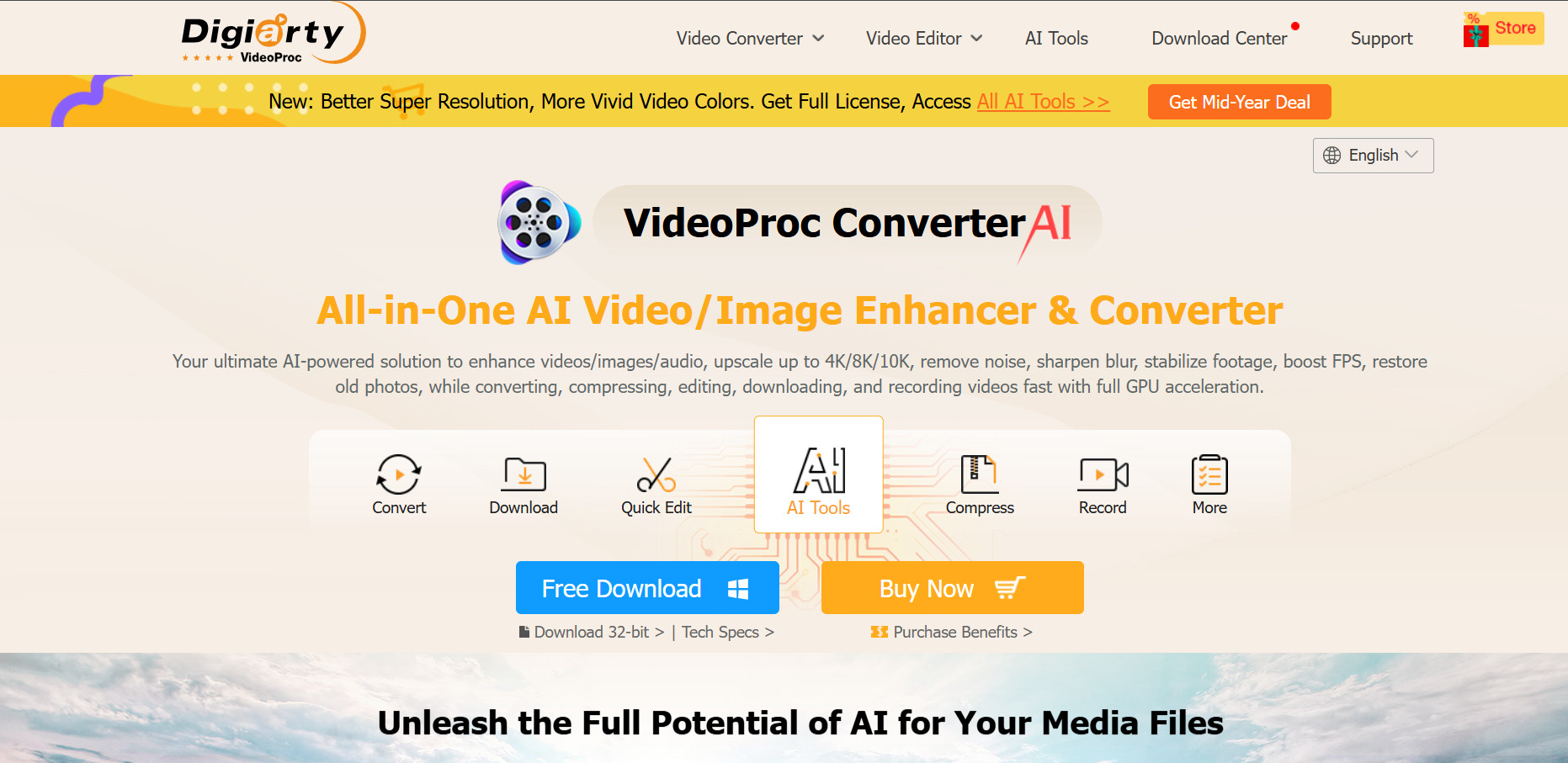
VideoProc AI is a desktop-based converter and enhancer rather than a browser workflow tool, offering AI super resolution, upscaling, and GPU-accelerated conversion. It’s a solid alternative for users who want offline processing power instead of cloud-based node workflows, though its free trial is quite restricted for testing longer projects.
The trial caps AI Super Resolution at clips under five minutes and limits Image AI to five images, plus adds a watermark to output, so serious evaluation usually means relying on the 30-day refund window instead. Pricing is one-time or annual rather than a recurring credit model, which appeals to users who dislike subscription creep.
Pros
- One-time lifetime license options available
- GPU acceleration speeds up AI processing
- 30-day money-back guarantee
Cons
- Free trial is heavily limited and watermarked
- Desktop-only, no browser-based workflow
- Customer support reviews are mixed
3. Kapwing AI
Free – $0/month (watermark, limited exports)
Pro – $16/month per member (annual) or $24/month (monthly)
Business – $50/month per member (annual) or $64/month (monthly)
Enterprise – custom pricing
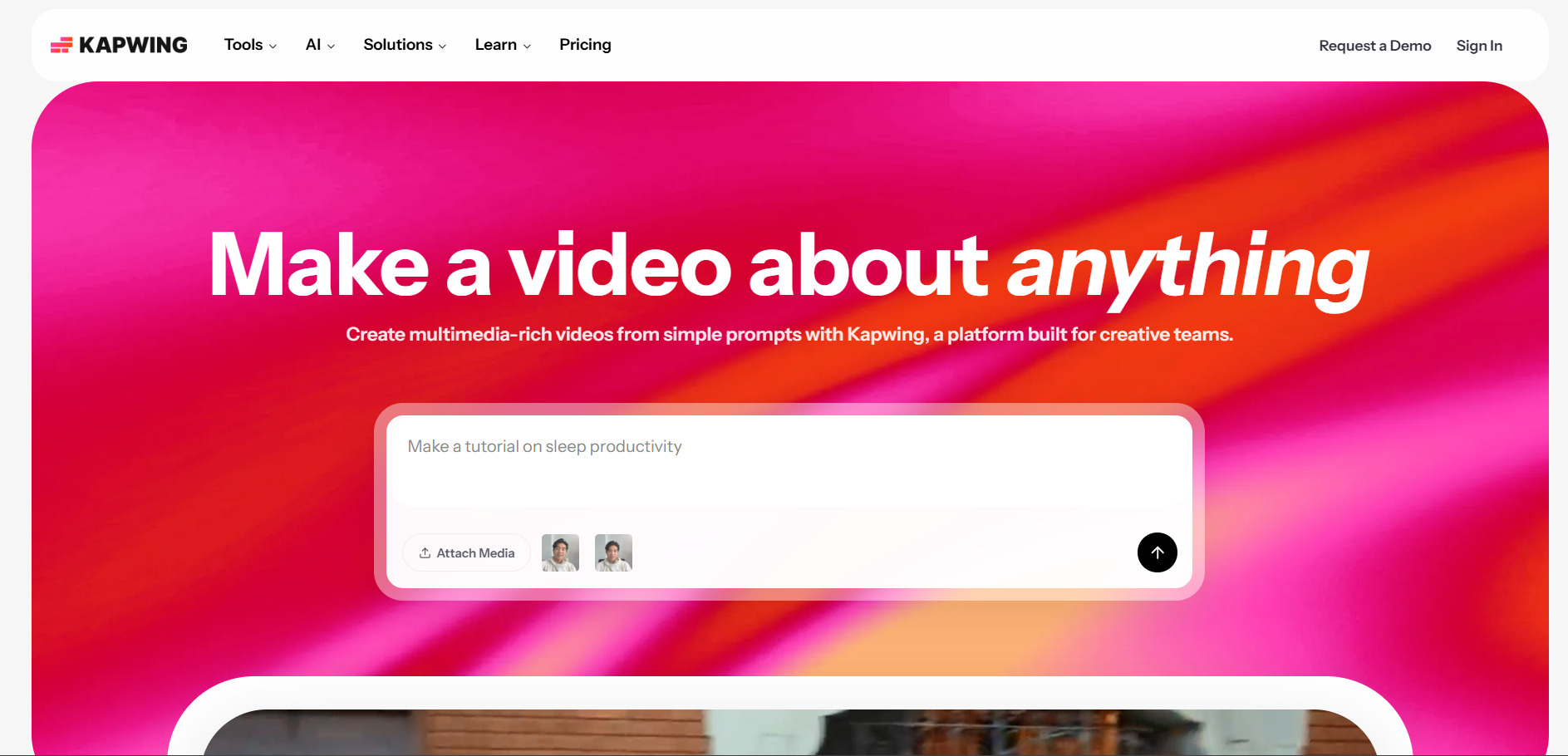
Kapwing AI is a browser-based video editor built around AI captions, Smart Cut silence removal, and team collaboration, making it a practical alternative for creators who want editing plus AI assistance in one place rather than a pure node-based generator. It supports 75 languages and includes AI credits that scale with the plan tier.
The Pro plan works well for solo creators who need watermark-free 1080p exports, while Business adds 4,000 monthly AI credits along with voice cloning and lip-syncing for teams. Per-member pricing can get costly for larger teams compared to flat-rate competitors, so it’s worth calculating total seats before committing.
Pros
- Strong AI captioning and Smart Cut tools
- Real team collaboration features
- Supports 75 languages
Cons
- Per-member pricing scales poorly for teams
- Free plan exports are capped and watermarked
- AI credit limits can run out quickly on Business
4. PixVerse V6
Standard – $8–$10/month (1,200 credits, 720p)
Pro – $24/month (6,000 credits, 1080p)
Premium – $48/month (15,000 credits)
Ultra – $149–$199/month (25,000 credits, priority processing)
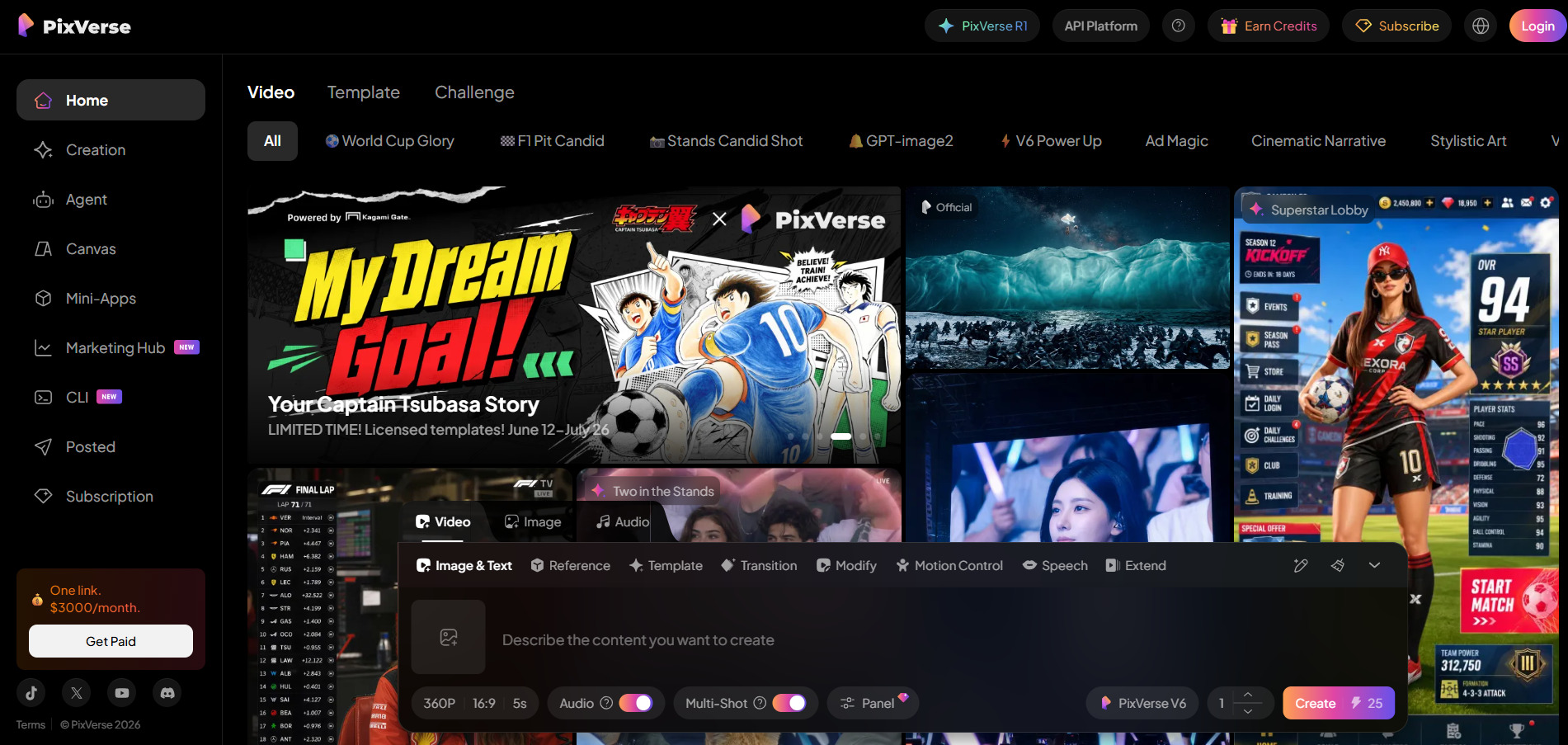
Pixverse V6 is a fast, credit-based AI video generator known for short-form clips with native audio, multi-shot generation, and per-second billing options through its API. It’s a strong Wireflow alternative for creators focused specifically on quick social video generation rather than broader workflow assembly.
The free Basic tier is genuinely permanent, offering roughly one watermarked video a day, while paid plans unlock higher resolution and remove watermarks. Standard plan users are capped at 720p, so anyone needing professional-quality 1080p output will need to move up to Pro or higher, and credit consumption rises with resolution and audio.
Pros
- Fast generation speed for short clips
- Native audio generation built in
- Permanent free tier available
Cons
- Standard plan limited to 720p output
- Credits burn quickly with retries
- Ultra tier is expensive for solo creators
5. Digen AI Agent
Free – $0/month (watermarked, no commercial rights)
Ultra – starting at $9.99/month (removes watermark, premium models)
Enterprise – custom pricing with SLA and API access
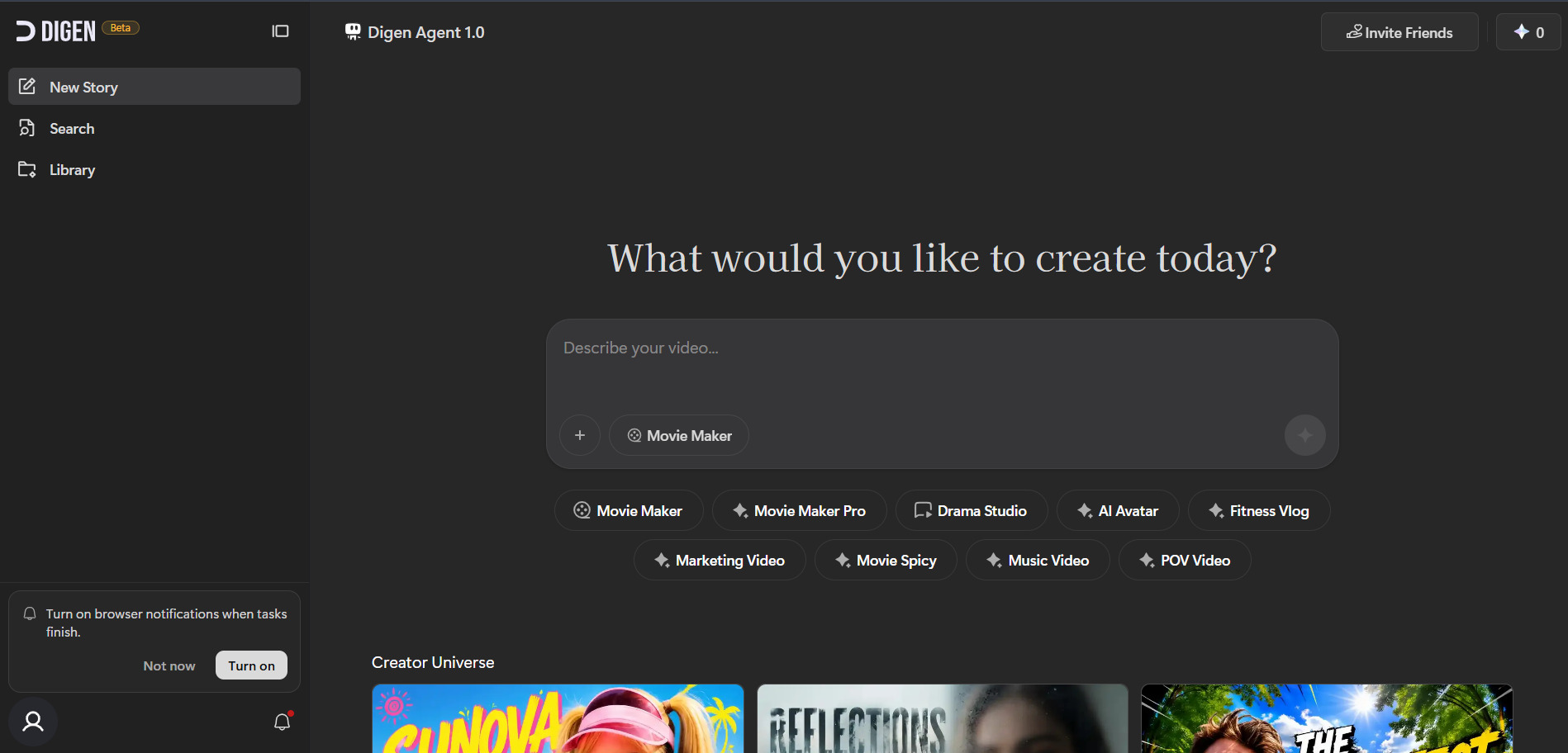
Digen AI Agent turns static images or text into talking avatar videos and gives free access to outside models like Sora 2, Veo 3.1, Kling 3.0, and Seedream inside one interface, making it a flexible entry point compared to Wireflow’s node-chaining approach. A separate Agent mode breaks longer videos into components for better consistency across scenes.
The free plan is usable daily thanks to login rewards and community challenge credits, but commercial use and watermark removal require the Ultra subscription. Because premium models like Sora 2 consume credits fast, heavy users often find themselves needing to top up more frequently than the base price suggests.
Pros
- Access to multiple premium models in one place
- Daily free credit rewards system
- Agent mode improves multi-scene consistency
Cons
- Free tier lacks commercial usage rights
- Premium models drain credits quickly
- Support and stability concerns reported by users
6. Grok Imagine

SuperGrok Lite – $10/month (Grok Imagine access, one AI agent)
SuperGrok – $30/month or $300/year (full Imagine access)
X Premium+ – $40/month (bundles Grok with X platform perks)
SuperGrok Heavy – $300/month (maximum compute priority)
Luma Ray3, built by xAI, generates both images and short videos from text prompts and is bundled inside Grok’s broader subscription tiers rather than sold as a fully standalone product. It’s a solid Wireflow alternative for users already invested in the Grok ecosystem who want creative tools alongside a general AI assistant.
SuperGrok Lite at $10/month is the cheapest way to access Grok Imagine, while the full SuperGrok plan at $30/month unlocks DeepSearch and expanded reasoning alongside video generation. Pricing across Grok’s four surfaces (consumer app, X bundle, API, and Imagine credits) can be confusing since model names and limits don’t always line up.
Pros
- Bundled with a capable general AI assistant
- Affordable entry tier at $10/month
- Fast image and short video generation
Cons
- Free tier is very limited
- Pricing structure spans multiple confusing surfaces
- Video length and control are more basic than dedicated tools
7. Creatify AI
Free – $0/month (10 credits, watermark)
Starter – $39/month (100 credits, watermark-free)
Pro – $49–$99/month (300+ credits, custom avatars, team seats)
Enterprise – custom pricing with API access
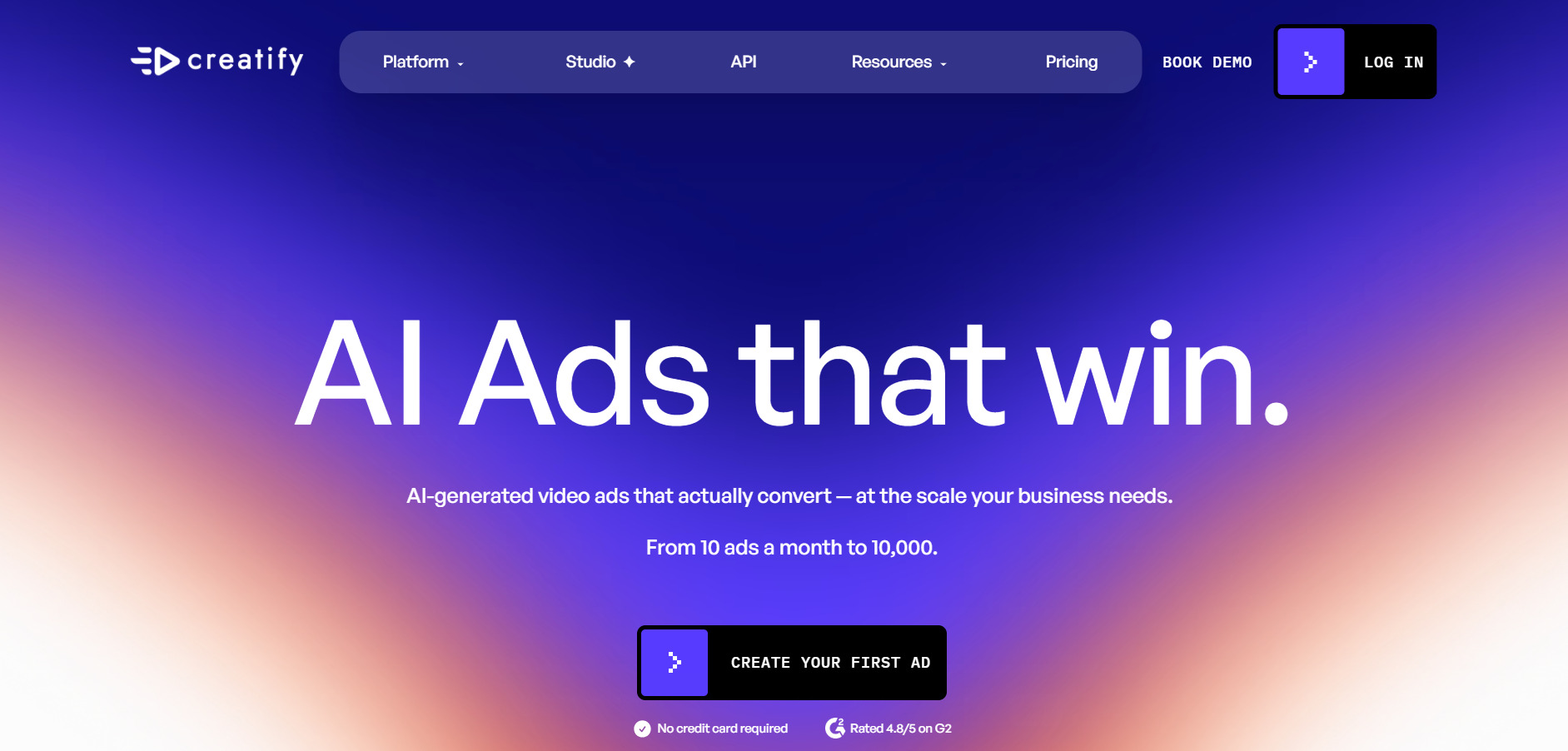
Creatify AI focuses on generating UGC-style video ads with AI actors, making it a strong alternative for marketers and e-commerce sellers rather than general workflow builders like Wireflow. It includes over 300 AI actors, premium model access, and ad template libraries designed specifically for performance marketing.
The free plan is enough to test the interface but restricts users to 9:16 aspect ratio and watermarked exports. Since quality videos can consume up to 20 credits each, the Starter plan’s 100 credits translate to roughly five usable videos a month, pushing serious users toward the $99 Pro tier for custom avatars and batch production.
Pros
- Large AI actor and template library
- Built specifically for ad-style video content
- Team collaboration on higher tiers
Cons
- Credit costs per video are higher than advertised
- No self-serve API on lower tiers
- Free plan restricted to one aspect ratio
8. CapCut AI
Free – $0/month (basic editing, watermark-free)
Standard – around $9.99/month (mobile-focused, watermark removal)
Pro – around $19.99/month or $179.99/year (4K export, full AI toolkit, 1TB cloud)
Team – around $24.99+ per seat/month
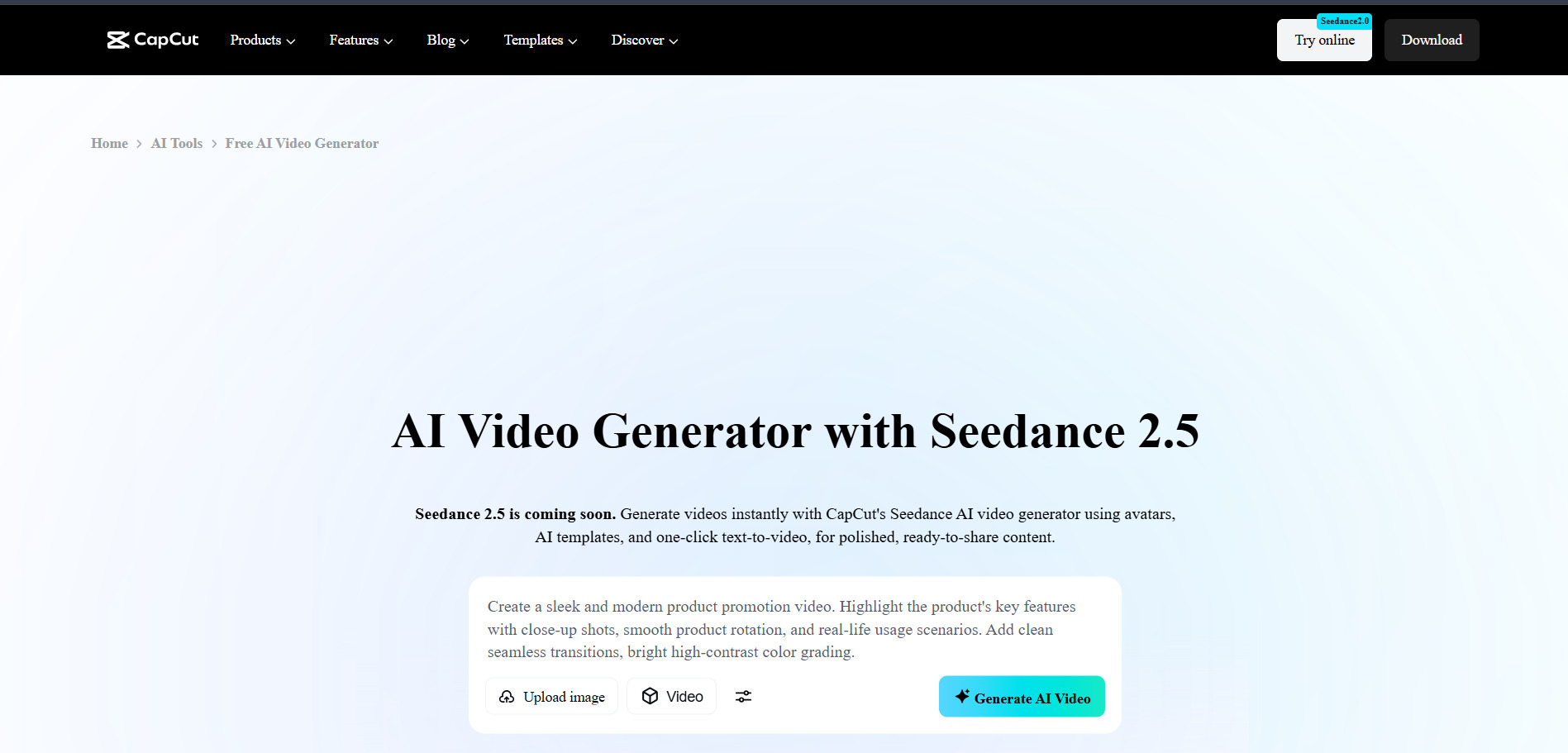
CapCut AI is a widely used mobile-and-desktop video editor from ByteDance offering AI backgrounds removal, motion tracking, and auto-captioning, making it a familiar and accessible alternative for creators who want editing plus AI features bundled together. The free version alone covers most everyday short-form editing needs.
Pro unlocks the full AI toolkit including camera tracking and vocal isolation, along with 4K export and expanded cloud storage, though pricing has roughly doubled since early 2026 restructuring. CapCut doesn’t publish fixed prices on its own site, so figures vary by region, device, and promotion, making it worth checking the in-app upgrade screen directly.
Pros
- Extremely popular with a huge free tier
- Full AI toolkit on Pro plan
- Available on both mobile and desktop
Cons
- Pricing recently increased significantly
- No official published price sheet
- Cancellation and billing complaints reported
9. Luma Ray3
Lite – $9.99/month (3,200 credits, watermarked)
Plus – $29.99/month ($23.99 annual, no watermark)
Pro – $90/month (expanded usage)
Ultra – $300/month (15x Plus usage)
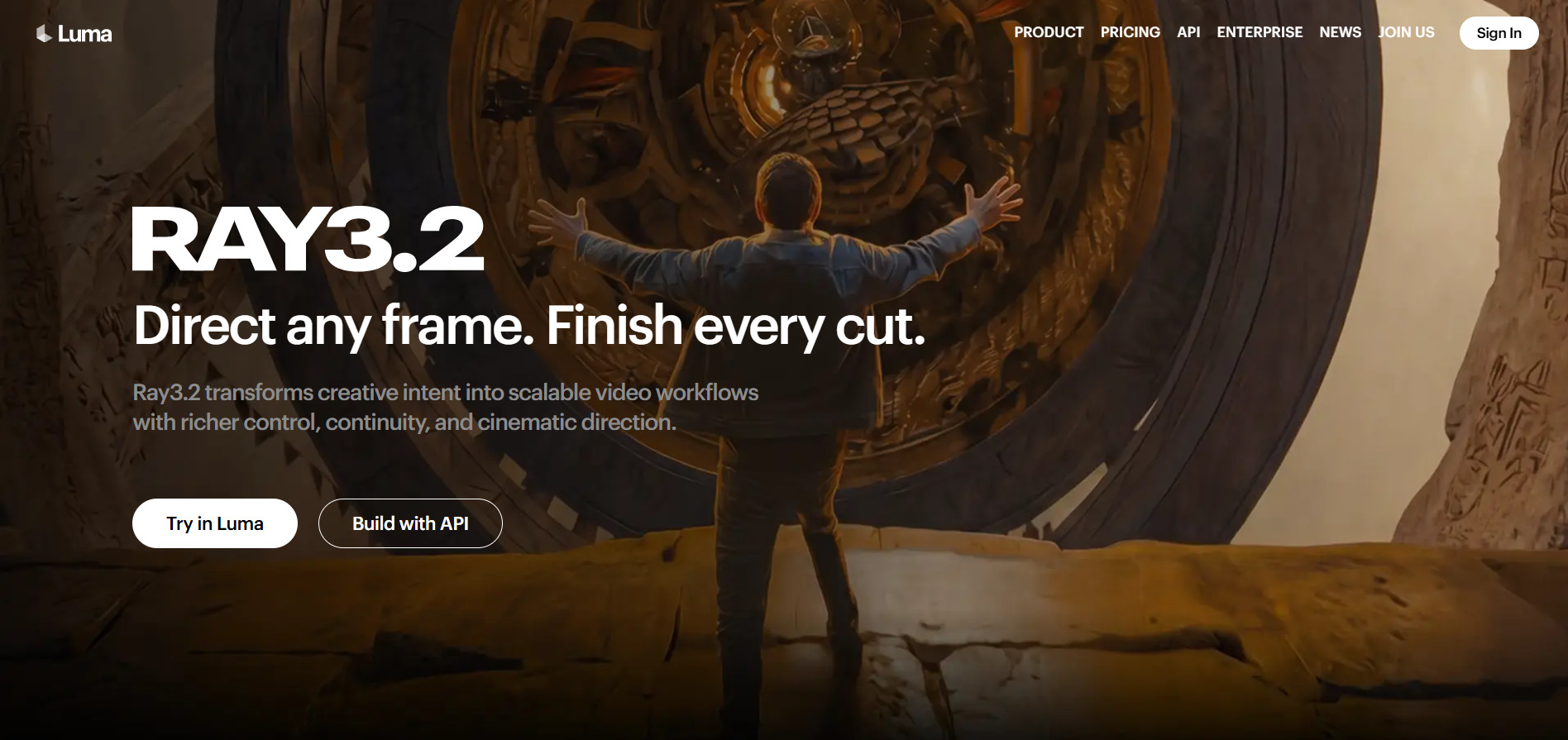
Luma Ray3 powers cinematic-grade AI video generation with multi-keyframe control and reference-guided outputs, positioning it as a premium Wireflow alternative for users who prioritize visual quality over workflow flexibility. The platform also integrates partner models like Veo 3.1 and Kling under one credit pool.
Plus is the practical entry point since it removes watermarks and allows commercial use, while Pro and Ultra scale usage capacity rather than unlocking new features. Credit burn rates vary sharply by resolution and HDR settings, so a single 1080p 10-second clip can consume a meaningful chunk of the monthly allowance.
Pros
- High cinematic video quality with Ray3
- Multi-keyframe and reference-based control
- Integrates several partner AI models
Cons
- Credits burn quickly on HDR and high resolution
- No free commercial-use tier
- Pricing ladder has shifted and can confuse new users
10. Wan 2.6
Pro (official Tongyi platform) – around $5/month billed yearly (300 credits/month)
Premium (official Tongyi platform) – around $20/month billed yearly (1,200 credits/month)
Third-party access (e.g., vivago AI) – Basic $6/month (1,000 credits) up to Pro $60/month (15,000 credits)
API access (per-second) – from roughly $0.086–$0.14 per second depending on resolution
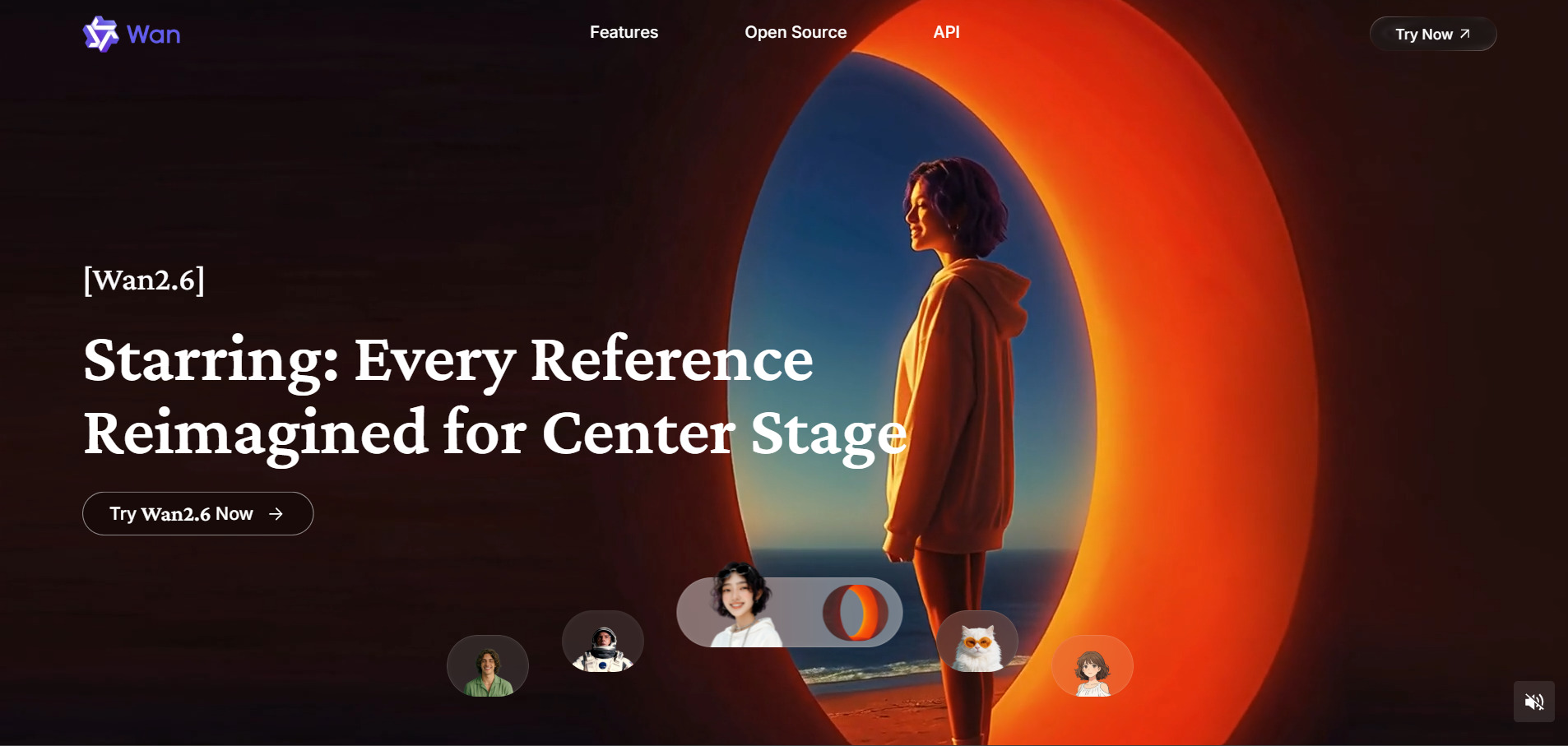
Wan 2.6 is Alibaba Tongyi Wanxiang’s advanced video generation model, supporting text, image, and reference-video inputs with synchronized audio and lip-sync, making it a capable and affordable alternative for developers wanting API-level control instead of a fixed workflow builder like Wireflow. It supports multi-shot storytelling and clips up to 15 seconds.
Official Tongyi membership plans are notably cheap compared to most competitors, while third-party platforms package the same model with easier onboarding at a slightly higher price. Developers building at scale will likely prefer the per-second API pricing, which stays predictable across large volumes of generated clips.
Pros
- Very affordable official membership pricing
- Strong multi-shot storytelling support
- Flexible API access for developers
Cons
- Official platform interface is less polished for beginners
- Pricing varies across official vs third-party access
- Limited English-language documentation
| Alternative | Description |
|---|---|
| Manus AI Video | Autonomous AI agent platform producing videos, slides, and research on a credit-based system. |
| VideoProc AI | Desktop AI video converter and enhancer with GPU-accelerated upscaling and conversion. |
| Kapwing AI | Browser-based video editor with AI captions, Smart Cut, and team collaboration tools. |
| PixVerse V6 | Fast credit-based AI video generator built for short-form clips with native audio. |
| Digen AI Agent | Talking avatar and multi-model video generator with free access to Sora 2 and Veo 3.1. |
| Grok Imagine | xAI’s image and video generator bundled inside Grok subscription tiers. |
| Creatify AI | UGC-style ad video generator with AI actors built for marketers and e-commerce sellers. |
| CapCut AI | Popular mobile and desktop editor with a full AI toolkit and huge free tier. |
| Luma Ray3 | Premium cinematic AI video model with multi-keyframe and reference-guided controls. |
| Wan 2.6 | Alibaba’s advanced video generation model with affordable official pricing and API access. |
Conclusion
Choosing the right Wireflow alternative really comes down to what you’re building. If you want autonomous agent-style workflows, Manus AI Video is worth testing. For polished editing with AI assist, Kapwing and CapCut stand out. Marketers chasing ad creative should look at Creatify, while developers wanting raw model access at low cost will find Wan 2.6 and PixVerse V6 attractive. Premium visual quality seekers should consider Luma Ray3, and those wanting bundled AI ecosystems can lean on Grok Imagine or Digen AI Agent. Each tool offers a free trial or free tier, so testing a few before committing to a paid plan is the smartest way to find your fit.


