

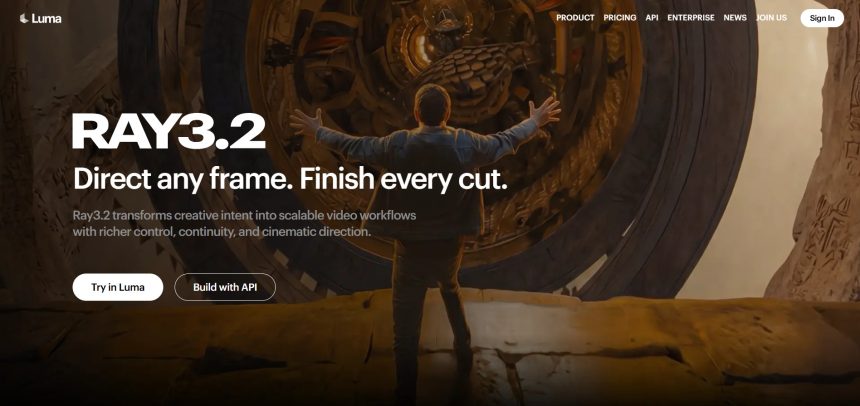
Luma Ray3 built a strong reputation for cinematic AI video generation, but it isn’t the only option worth considering in 2026. Whether you need faster rendering, cheaper credits, better character consistency, or tools built for marketing rather than pure cinematics, the AI video and content landscape has grown incredibly diverse. This guide walks through 11 Luma Ray3 Alternatives, covering their free trial availability, official pricing plans, strengths, and weaknesses, so you can pick the platform that actually fits your creative or business needs without wasting time or money on the wrong subscription.
AKOOL
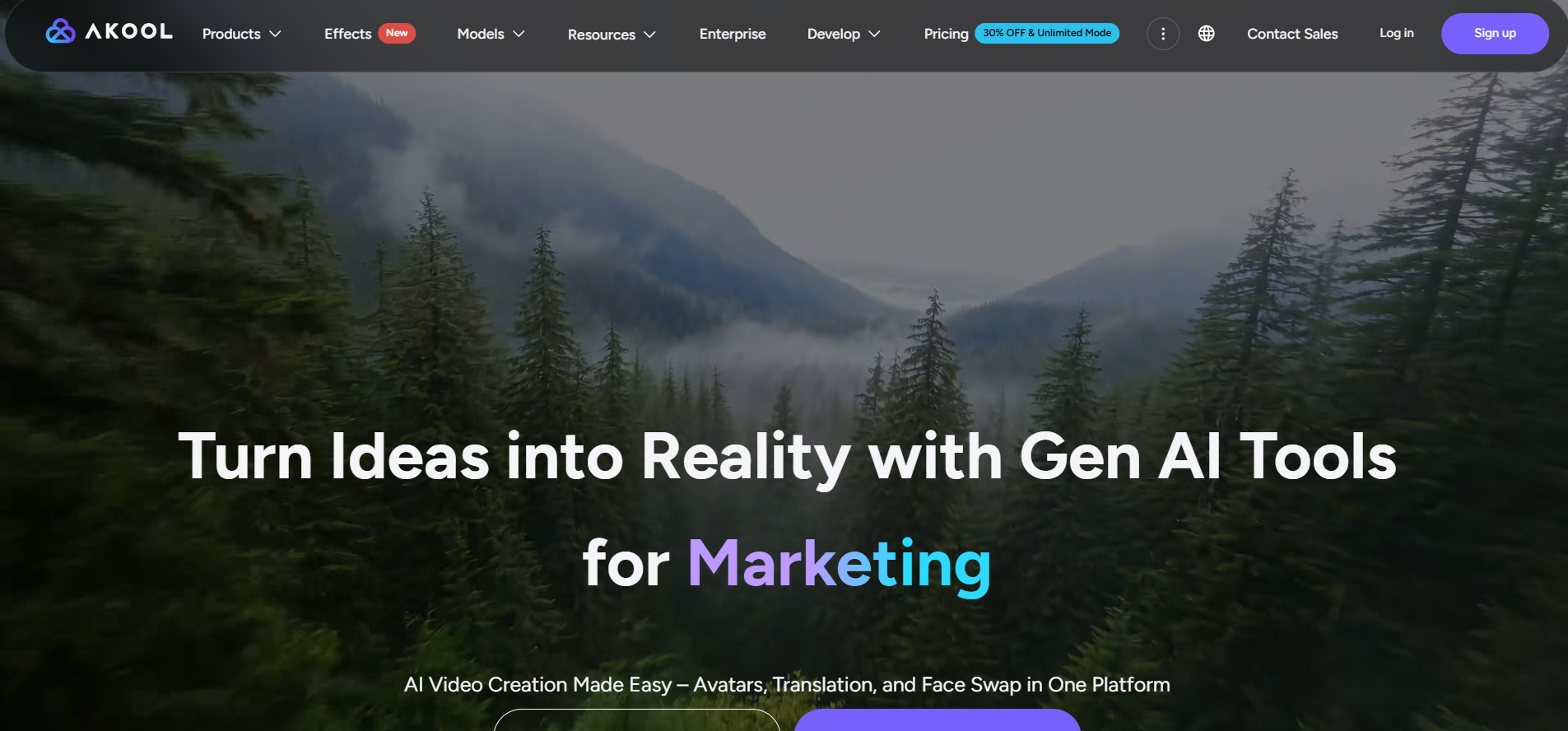
AKOOL built a strong reputation for cinematic AI video generation.
1. Seedance 2.0
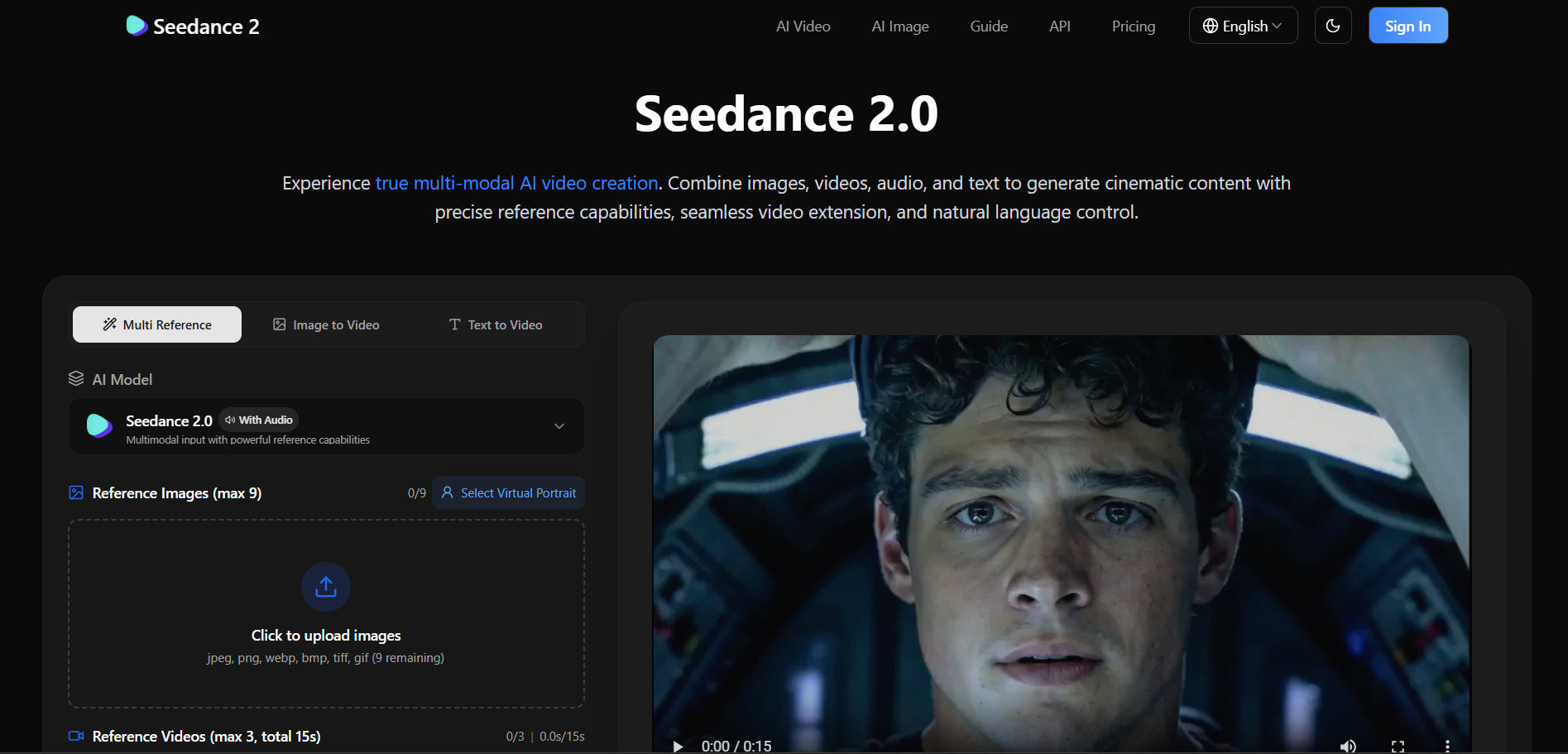
Seedance 2.0, developed by ByteDance, has quickly become a favorite for cinematic motion and native audio generation. Free trial credits available through platforms like Dreamina and Volcengine, letting new users test text-to-video and image-to-video generation before paying. The official Dreamina platform gives limited free credits at signup with no credit card required for initial testing.
Pros
- Strong cinematic motion and character consistency
- Native audio generation built in
- Fast rendering compared to competitors
- Affordable entry-level pricing
Cons
- International access has faced regional restrictions
- Free credits run out quickly
- Pricing varies confusingly across platforms
2. Wireflow
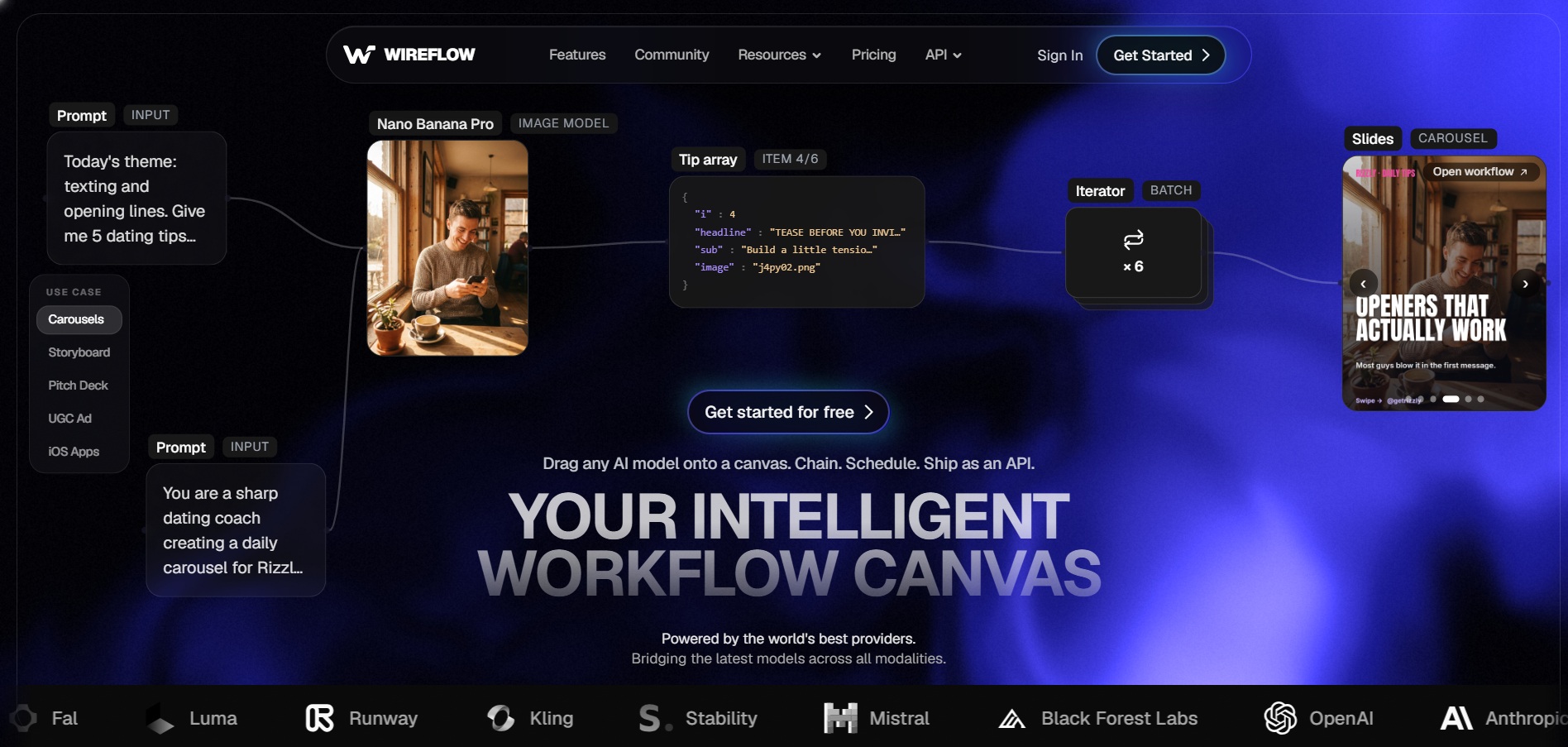
Wireflow is a visual, node-based AI workflow builder that connects over 100 models including Kling, Veo, Sora, Runway, and Seedance on one canvas. Free to build workflows, no credit card required — you can design and browse the public gallery for free, though actual video generation requires a paid plan since it runs on a pay-per-credit system.
Pros
- Access to 100+ AI models in one place
- Visual workflow chaining for complex projects
- Commercial license included on all plans
- Credit rollover on higher tiers
Cons
- No free video generation, only workflow building
- Credit costs vary heavily by model chosen
- Learning curve for node-based interface
3. Wan 2.2
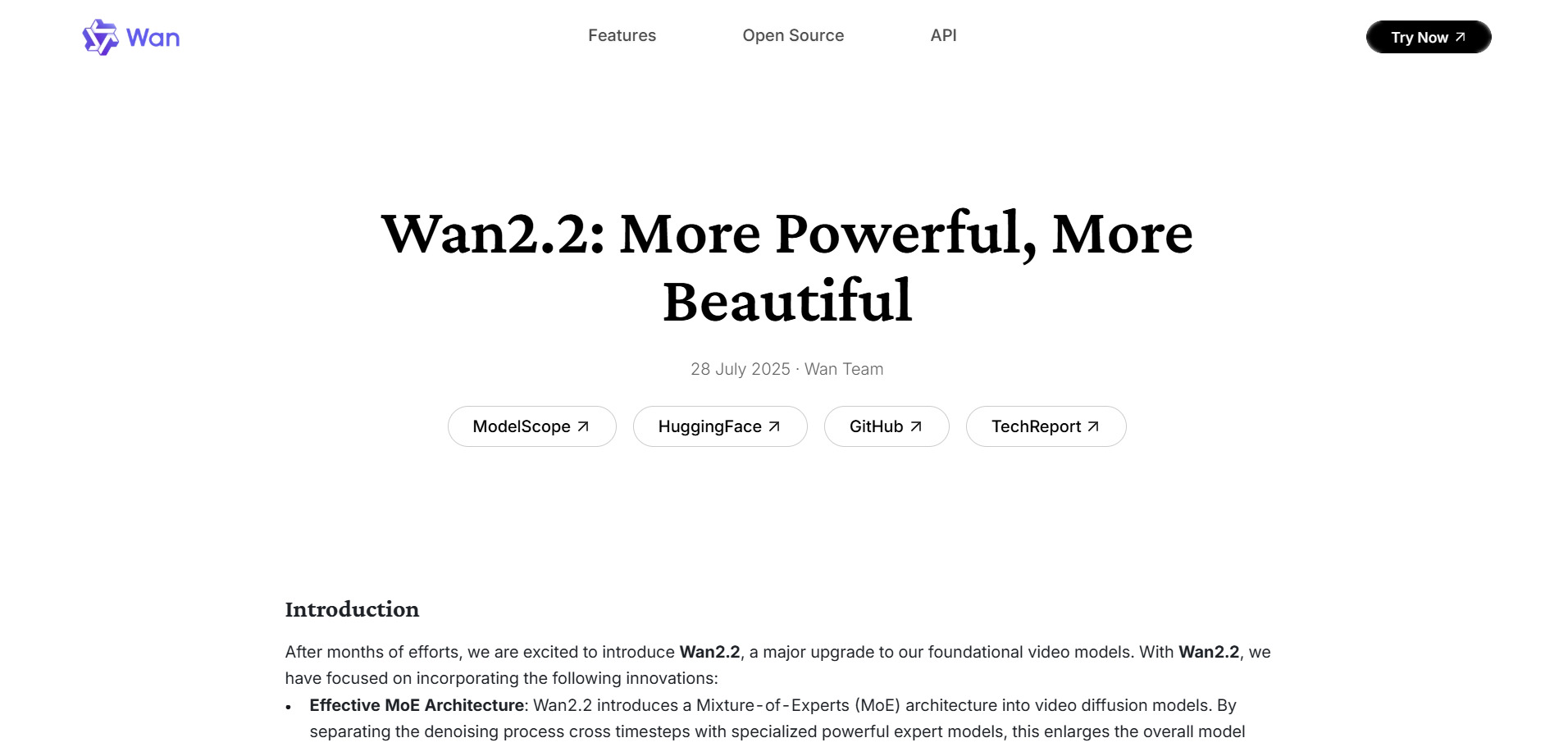
Wan 2.2, from Alibaba, is an open-source-friendly AI video generator known for full HD cinematic output and smooth motion dynamics. 30 free credits after signup, plus daily check-in bonuses on many hosting platforms, making it one of the more generous free entry points among major AI video generators today.
Pros
- Generous free daily credits
- Strong 1080p cinematic output quality
- Open-source foundation keeps costs low
- Supports both text and image input
Cons
- Limited to Chinese and English interfaces currently
- Free tier resolution capped below premium quality
- Pricing structure differs across hosting platforms
Wan 2.6
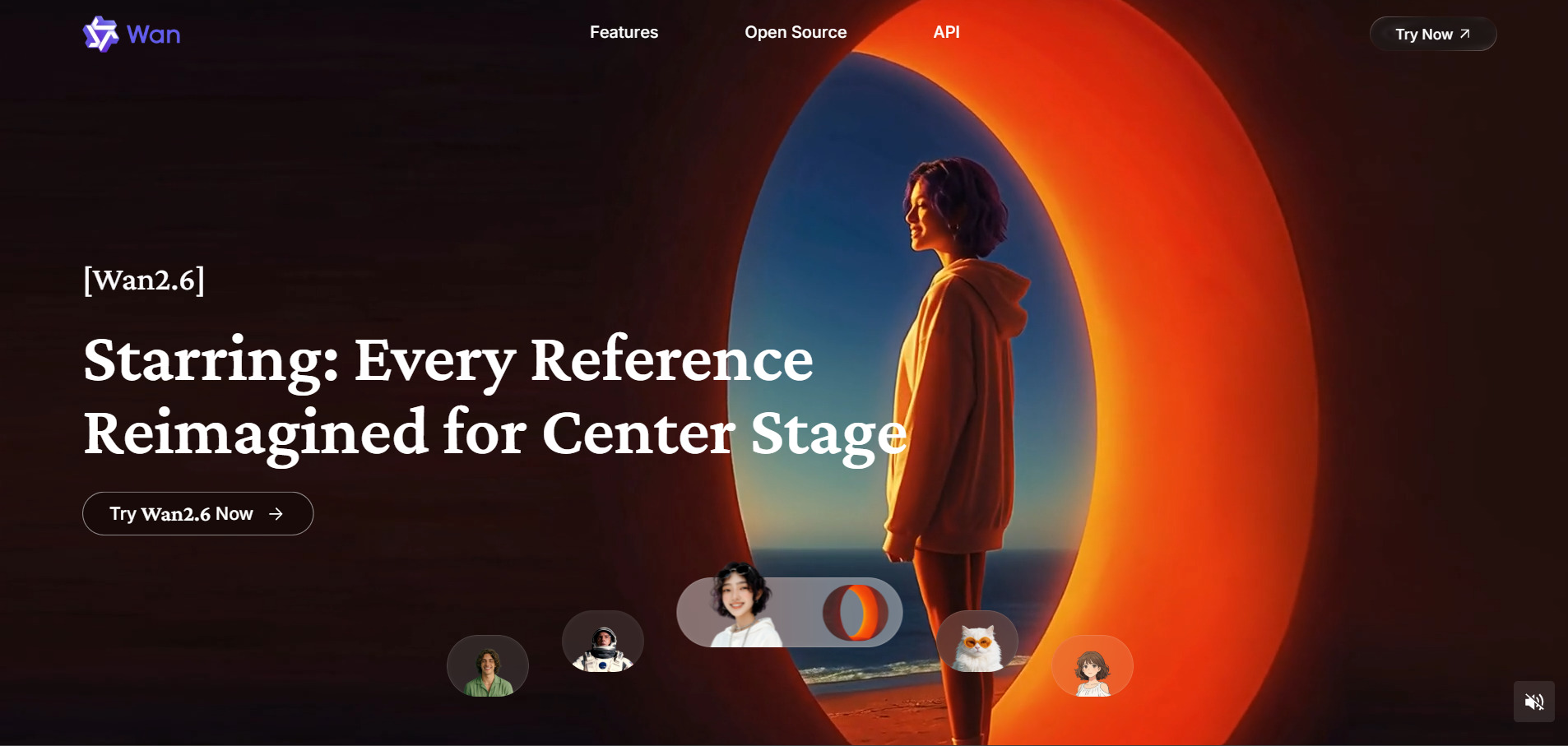
Wan 2.6 is the updated iteration offering higher parameter scaling.
4. Grok Imagine
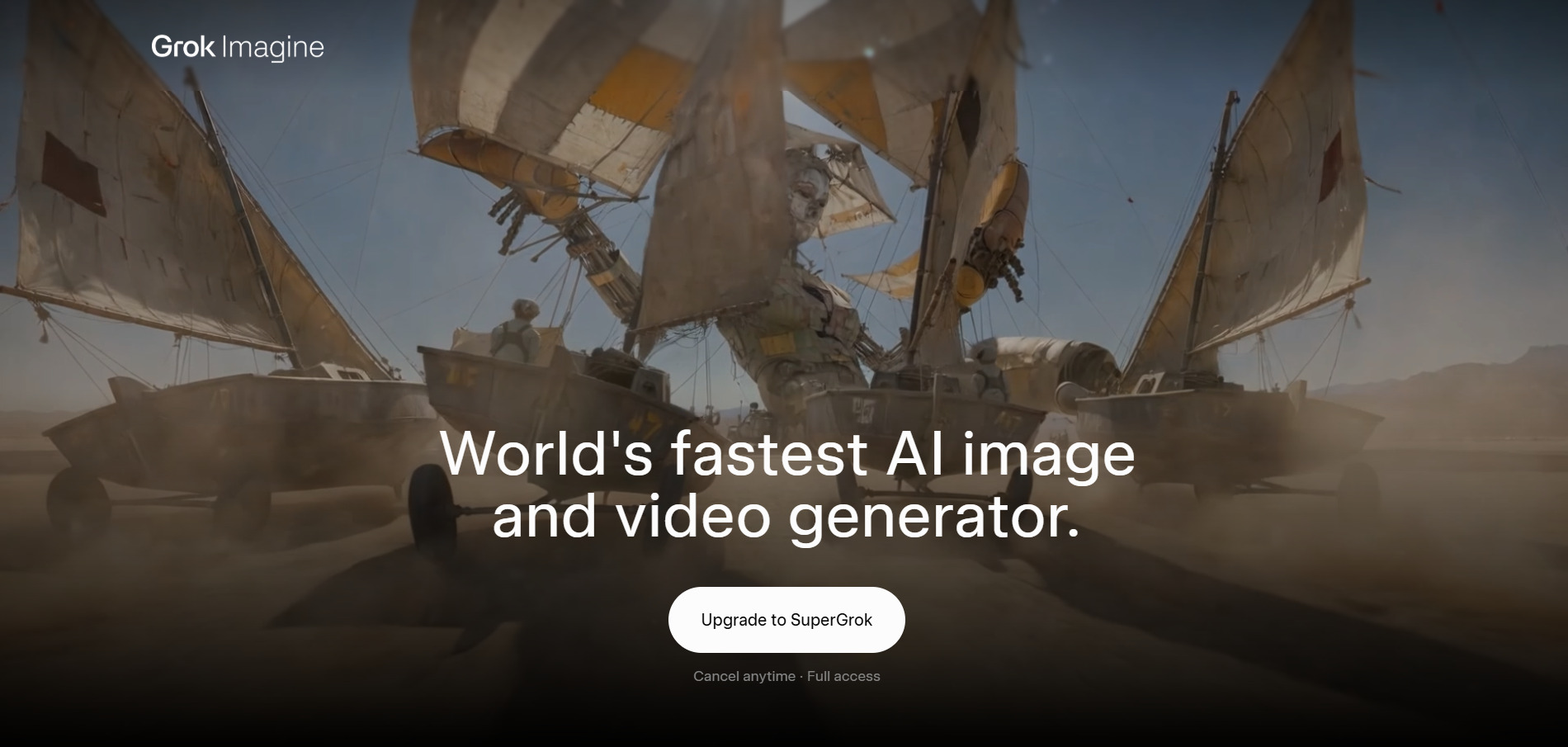
Luma Ray3, built by xAI, blends image, video, audio, and text inputs into a single multimodal generation model with a distinctly playful brand personality. Free trial available, and new users on grok.com or the X app receive starter credits with no permanent subscription required for light usage.
Pros
- Multimodal input support (image, video, audio, text)
- Built-in audio and sound effect generation
- No permanent watermark on outputs
- Flexible entry-level pricing tier
Cons
- Clips capped around 6–15 seconds
- No standalone permanent free plan
- Requires bundled subscription for full features
5. PixVerse V6
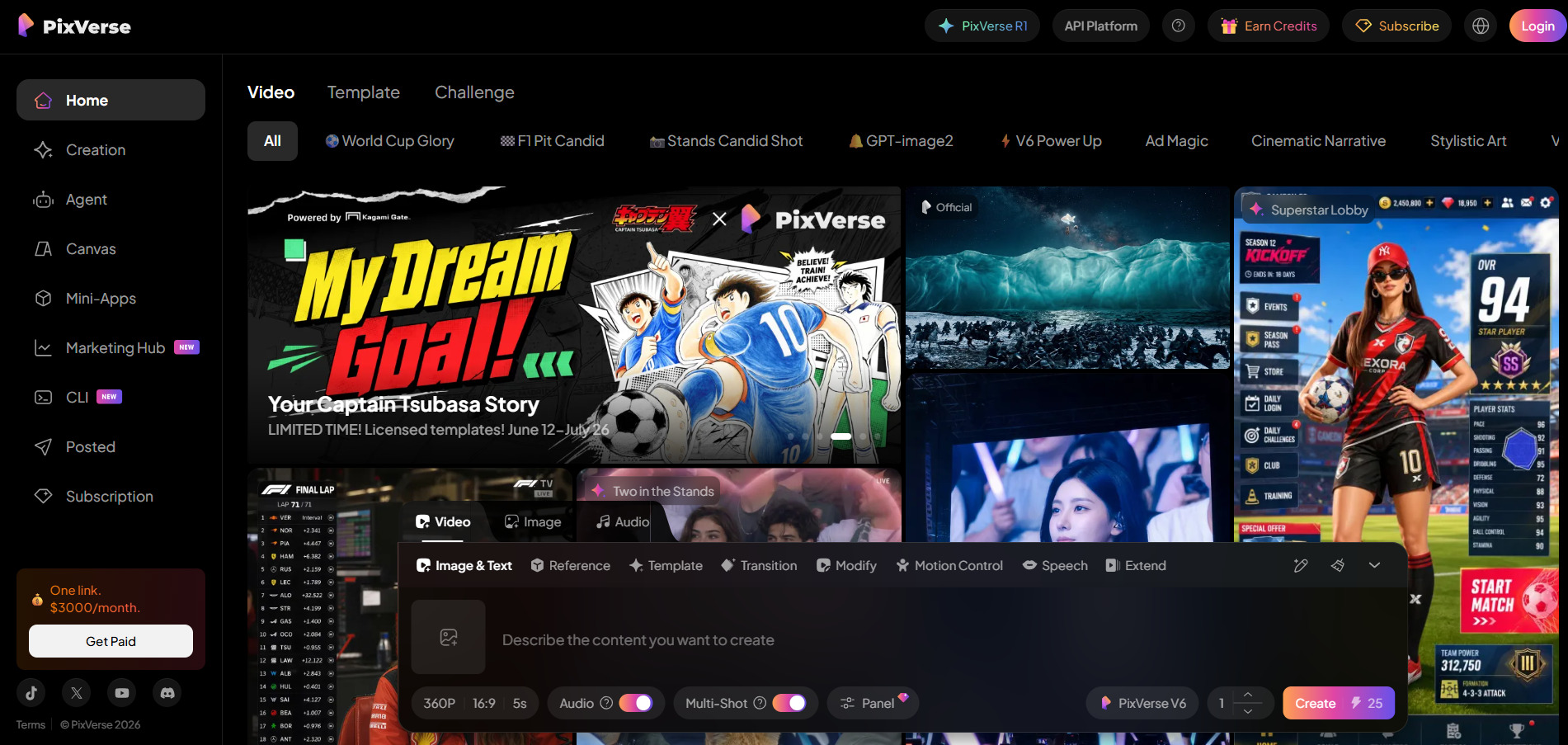
Pixverse V6 introduced per-second billing, native audio, and multi-shot generation, making it a strong cinematography-focused tool. Free tier with daily watermarked video, and a 7-day free trial is offered on Starter and Professional consumer plans for deeper feature testing before committing.
Pros
- Native audio generated alongside video
- Multi-shot and reference-to-video support
- Strong single-subject cinematic quality
- Free tier available for basic testing
Cons
- Audio quality weakens in multi-character scenes
- Camera control has a steep learning curve
- Per-second billing can add up quickly at scale
6. Kapwing AI
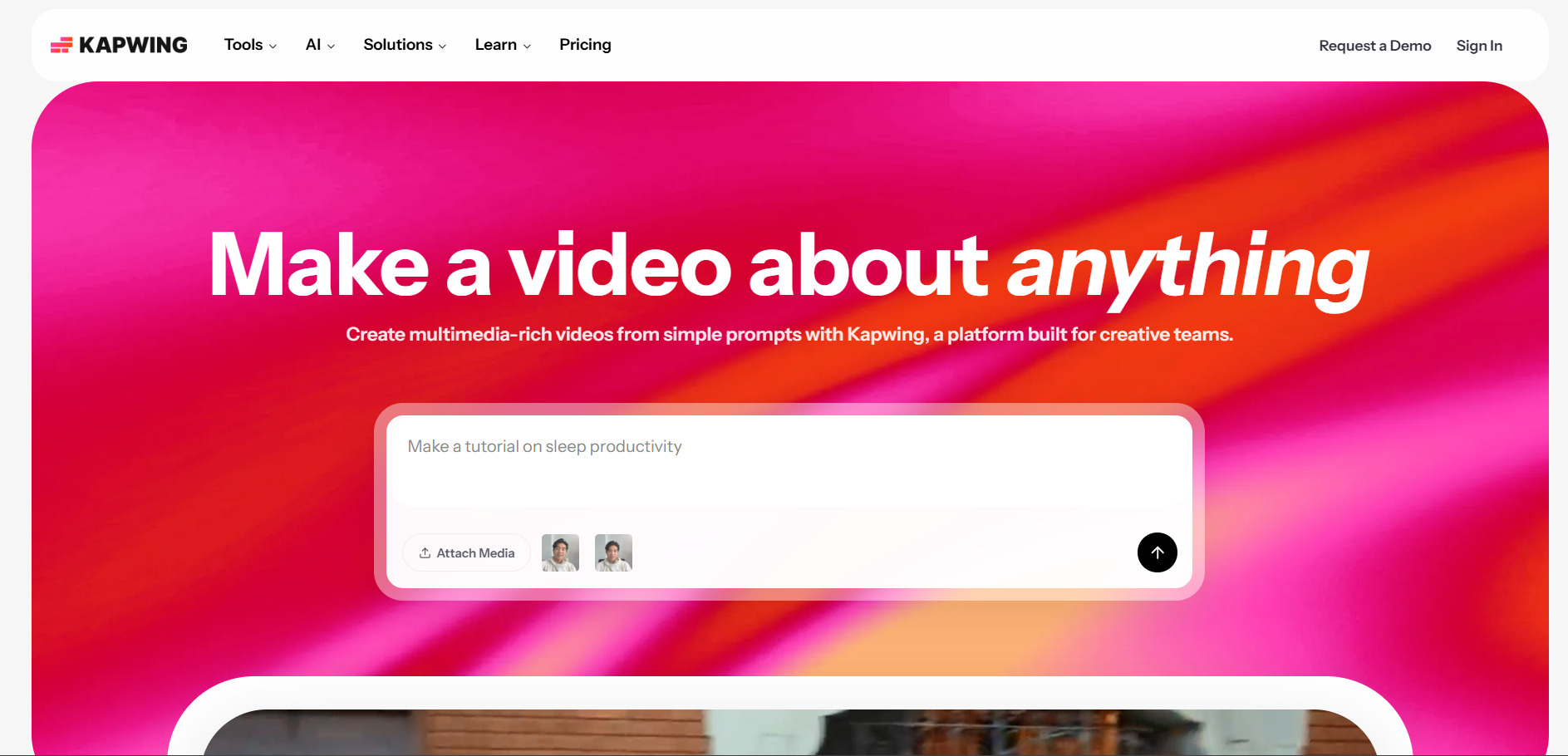
Kapwing AI is a browser-based video editor with AI tools for subtitles, resizing, and content repurposing rather than a pure text-to-video generator. Free plan available, no credit card required — Kapwing does not offer a formal trial on paid tiers but lets users explore nearly all editing tools before upgrading.
Pros
- Intuitive drag-and-drop browser editor
- Strong auto-subtitle and transcription tools
- Generous permanent free plan
- Great for repurposing existing footage
Cons
- Free plan deletes projects after 3 days
- Not a true AI video generator, editing-focused
- AI credits are limited even on paid tiers
7. Lumen5

Lumen5 turns blog posts, articles, and scripts into branded social videos using stock footage and automated storyboarding. Free Community plan forever, offering 5 videos monthly at 720p with a Lumen5 watermark, ideal for testing the AI storyboard-matching workflow before upgrading.
Pros
- Fastest way to turn text content into video
- Massive stock media library on higher tiers
- Brand kit locks in fonts, colors, and logos
- Free plan available indefinitely
Cons
- 720p resolution capped on entry paid tier
- No monthly billing option, annual only
- AI visual matching needs manual review
8. Pictory AI
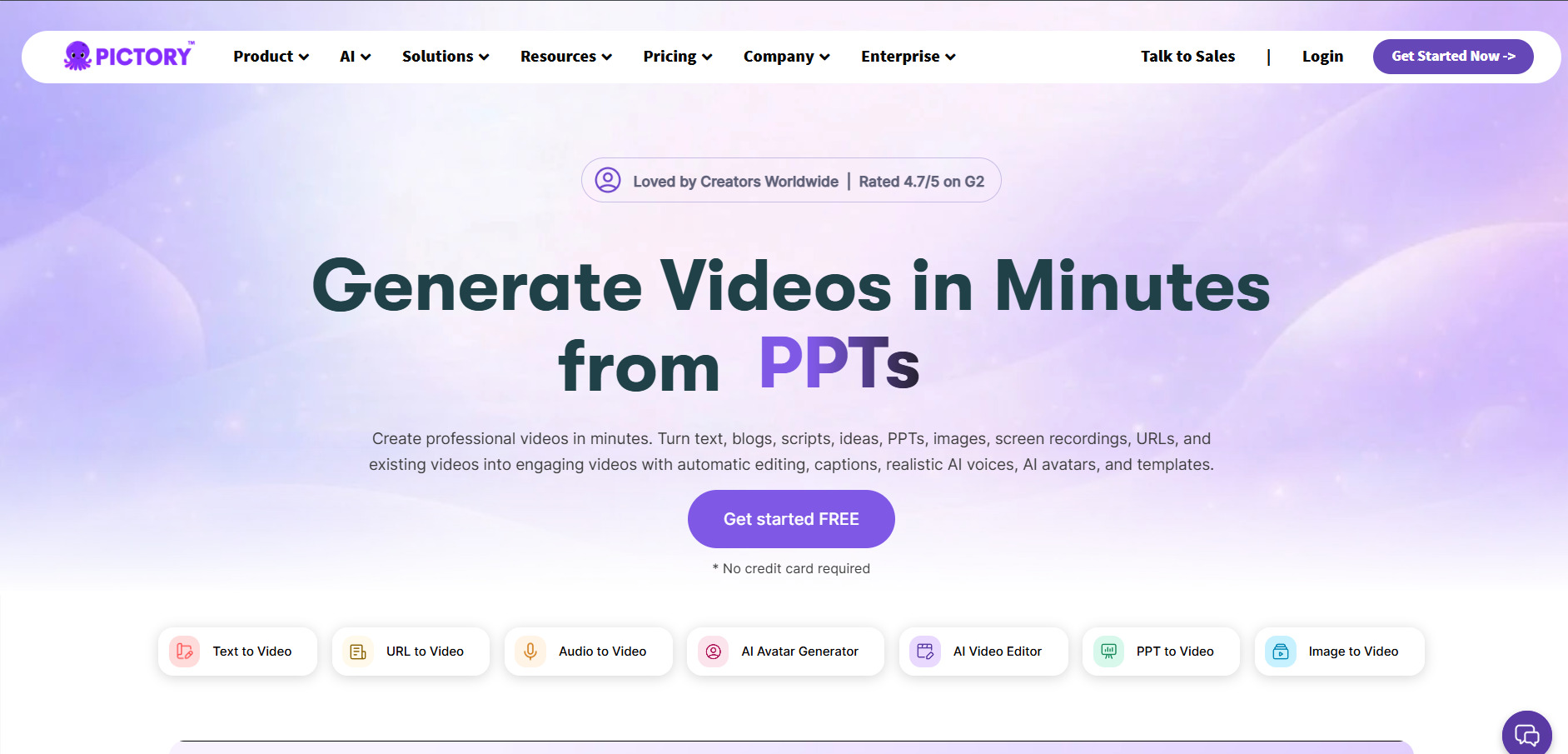
Pictory AI converts blog posts, scripts, and long-form content into short marketing videos using stock footage and AI voiceovers. Free trial: 3 video projects, each up to 10 minutes long, with no permanent free tier once those trial credits are used up.
Pros
- Strong automated script-to-video conversion
- Over 3 million licensed stock clips available
- Automatic captioning included on all plans
- Reliable for repetitive marketing content
Cons
- No AI-generated video scenes, stock only
- Free trial limited to just 3 projects
- Video length capped per plan tier
9. Creatify AI
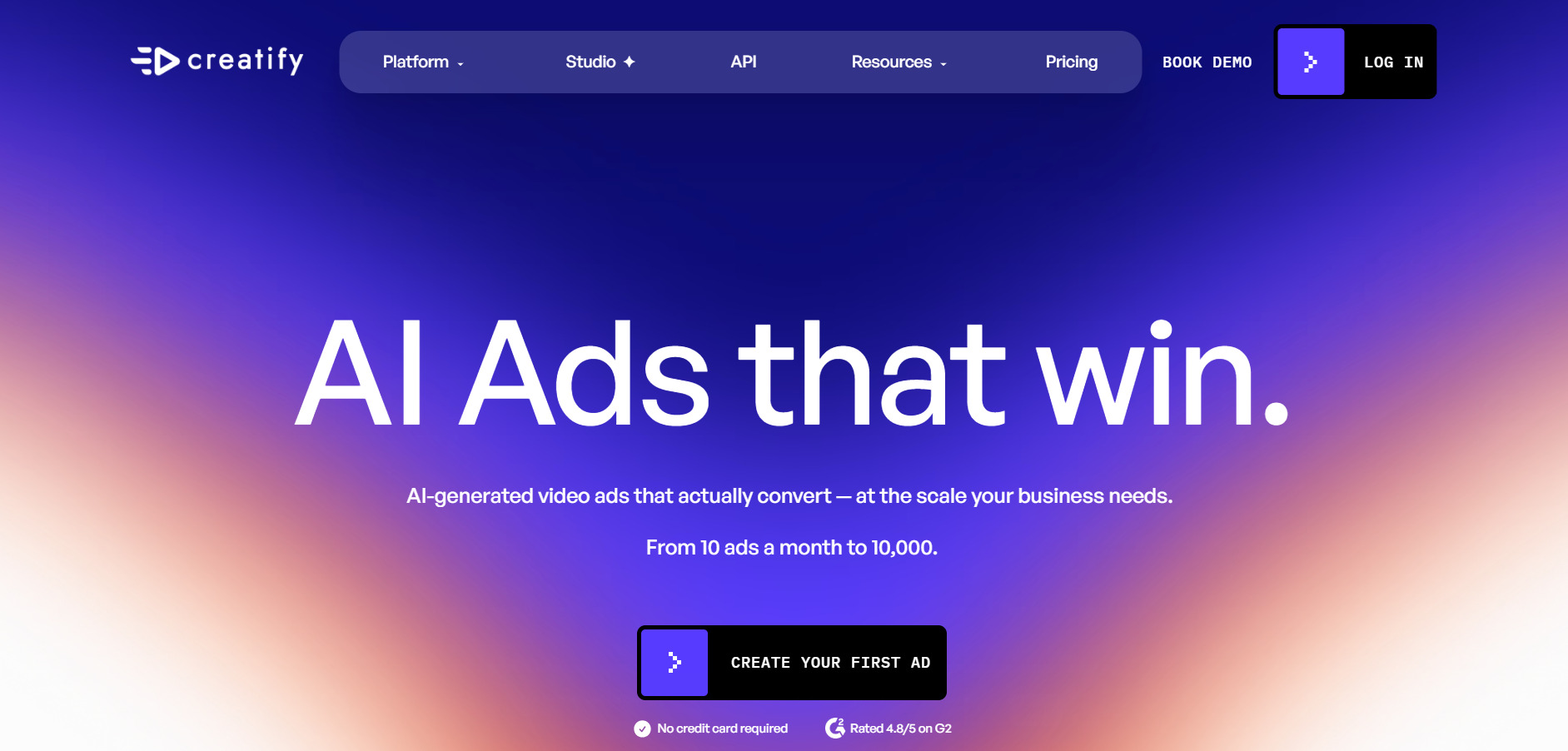
Creatify AI specializes in avatar-led UGC-style video ads for e-commerce, generated directly from product URLs or images. Free plan with 10 credits monthly, enough for about two watermarked test videos, with no credit card required to start exploring the platform.
Pros
- 1,500+ realistic AI avatars available
- URL-to-video ad automation saves time
- Supports 75+ languages with voice cloning
- Batch mode for rapid ad variations
Cons
- Credits expire every two months
- Custom avatars locked behind Pro tier
- Quality videos consume up to 20 credits each
10. VideoProc AI
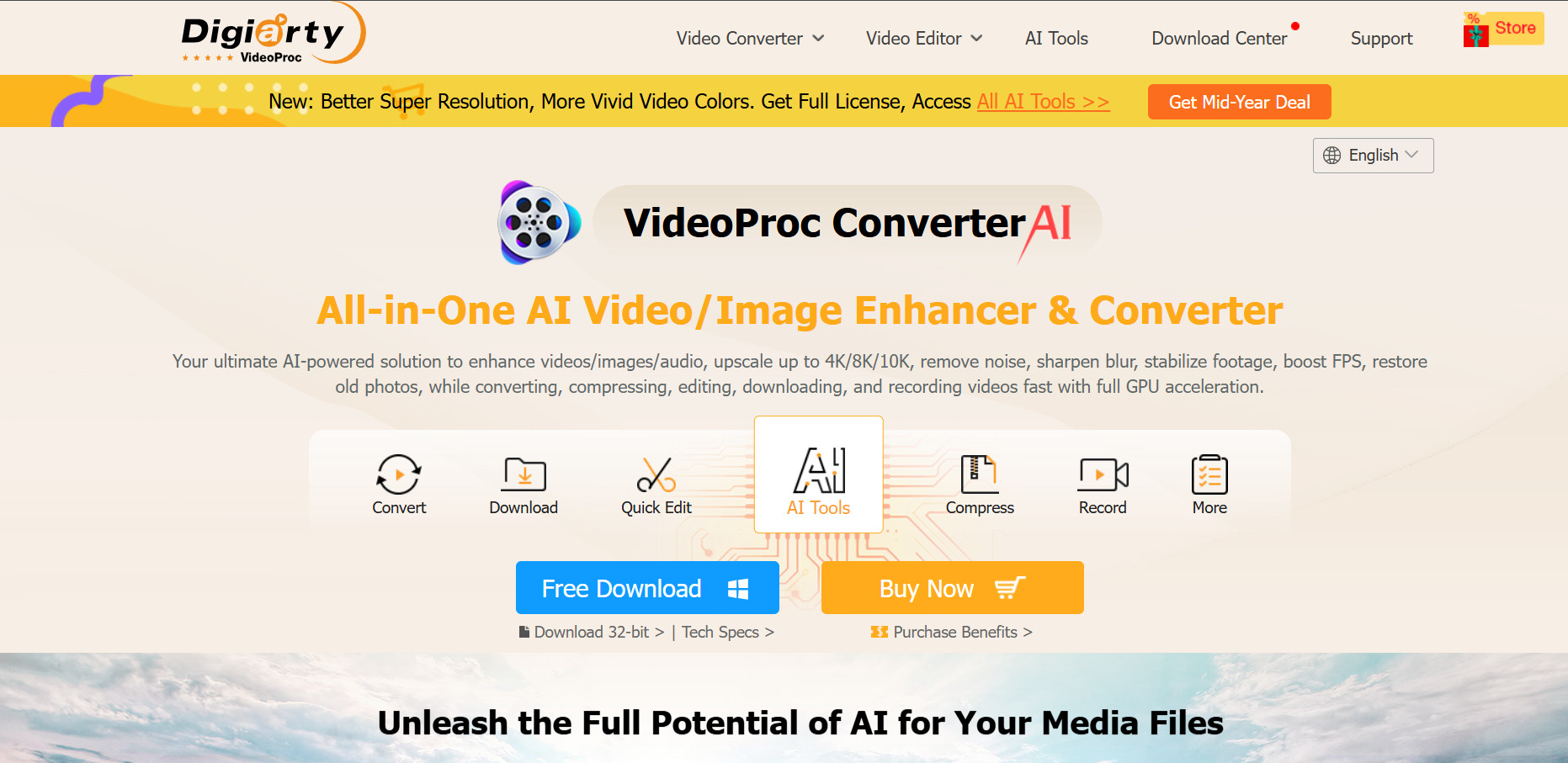
VideoProc AI is a desktop application from Digiarty Software focused on AI upscaling, video conversion, and GPU-accelerated enhancement rather than generative video. Free trial, no time limit, though AI features are capped at 5 outputs and clips under 5 minutes until a license is purchased.
Pros
- Powerful AI upscaling and frame interpolation
- One-time lifetime license option available
- GPU acceleration speeds up processing significantly
- No subscription lock-in required
Cons
- Not a text-to-video generator
- Free trial heavily restricted on file length
- Desktop-only, no cloud-based workflow
11. Digen AI Agent
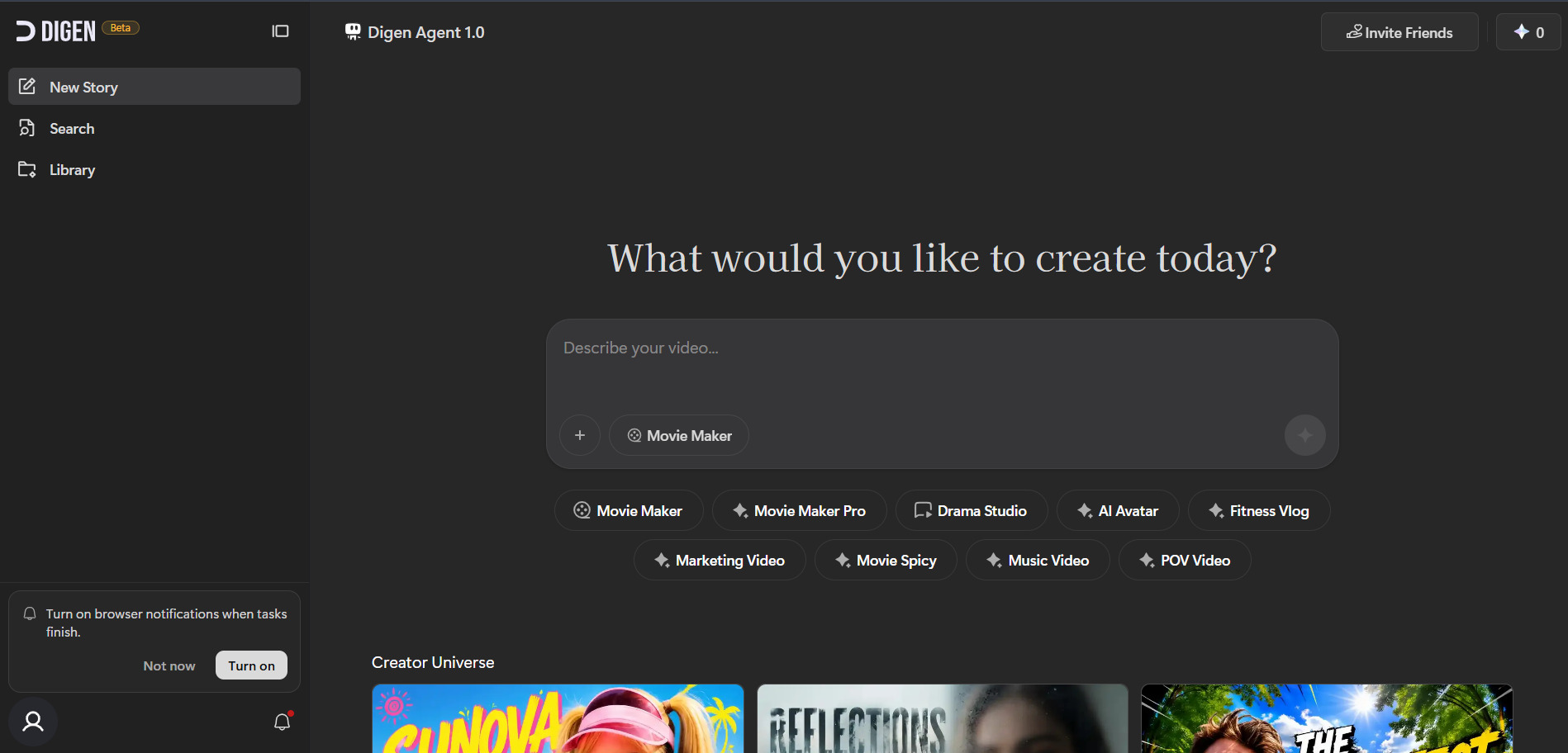
Digen AI Agent is a cloud-based multi-model platform offering talking-avatar generation, lip-sync, and access to outside models like Sora 2, Veo 3.1, and Seedance within one interface. Free plan with 120–300 credits, giving new users a real testing window across several major video models before upgrading.
Pros
- Free access to multiple major video models
- Dedicated talking-avatar and lip-sync tools
- Agent mode breaks longer videos into consistent parts
- Affordable annual pricing tiers
Cons
- Resolution capped at 1080p
- No timeline-based manual editing
- Mobile app reported as unstable
| Alternative | Description |
|---|---|
| Seedance 2.0 | ByteDance’s cinematic AI video generator with native audio and fast rendering speeds. |
| Wireflow | Node-based workflow builder connecting 100+ AI models for image, video, and audio generation. |
| Wan 2.2 | Alibaba’s open-source-friendly video generator known for smooth motion and generous free credits. |
| Grok Imagine | xAI’s multimodal generator combining image, video, audio, and text inputs with a playful brand. |
| PixVerse V6 | Per-second billed video generator with native audio and multi-shot cinematic capabilities. |
| Kapwing AI | Browser-based video editor with AI subtitles, resizing, and content repurposing tools. |
| Lumen5 | Turns blog posts and scripts into branded social videos using stock footage automation. |
| Pictory AI | Converts long-form text content into short marketing videos with AI voiceovers and captions. |
| Creatify AI | Generates avatar-led UGC-style video ads directly from product URLs for e-commerce brands. |
| VideoProc AI | Desktop software for AI video upscaling, enhancement, and GPU-accelerated conversion. |
| Digen AI Agent | Cloud-based multi-model platform offering talking avatars, lip-sync, and access to major video models. |
Conclusion
If cinematic quality and native audio matter most, Seedance 2.0 and PixVerse V6 stand out. For marketing-focused content built from existing text or product pages, Lumen5, Pictory AI, and Creatify AI offer faster, more automated workflows.
Meanwhile, Wireflow and Wan 2.2 appeal to creators who want flexibility across multiple AI models, while Kapwing, VideoProc AI, and Digen AI Agent fill more specialized niches like editing, upscaling, and avatar generation. Testing free trials before committing to a paid plan remains the smartest way to find the right long-term fit for your workflow and budget.


