

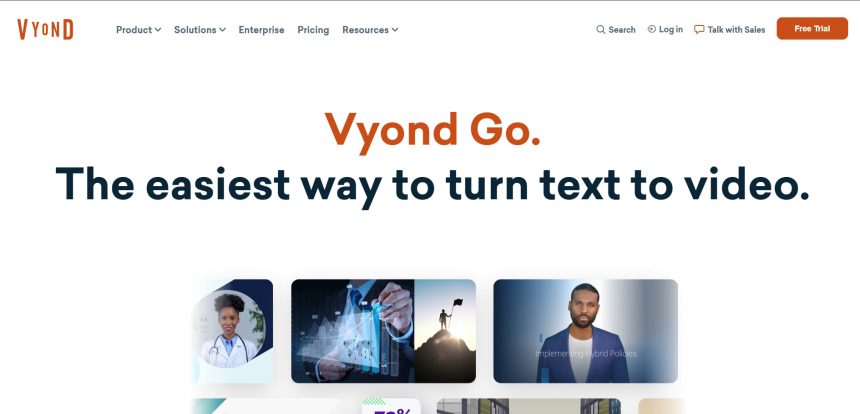
Vyond Go has long been a favorite for animated explainer videos, but it isn’t the only option for creators who want fast, AI-driven video production. Whether you need cinematic AI video generation, talking avatars, lip-sync animation, short-form editing, or full video enhancement suites, the market in 2026 offers a wide range of powerful tools that can match or even exceed what Vyond Go delivers. In this guide, we’ve rounded up 12 of the best Vyond Go Alternatives, covering everything from Luma Ray3 and Seedance 2.0 to CapCut AI and VideoProc AI.
1. Luma Ray3
Lite: ~$9.99/mo
Plus: $29.99/mo ($23.99 annual)
Pro: $90/mo
Ultra: $300/mo
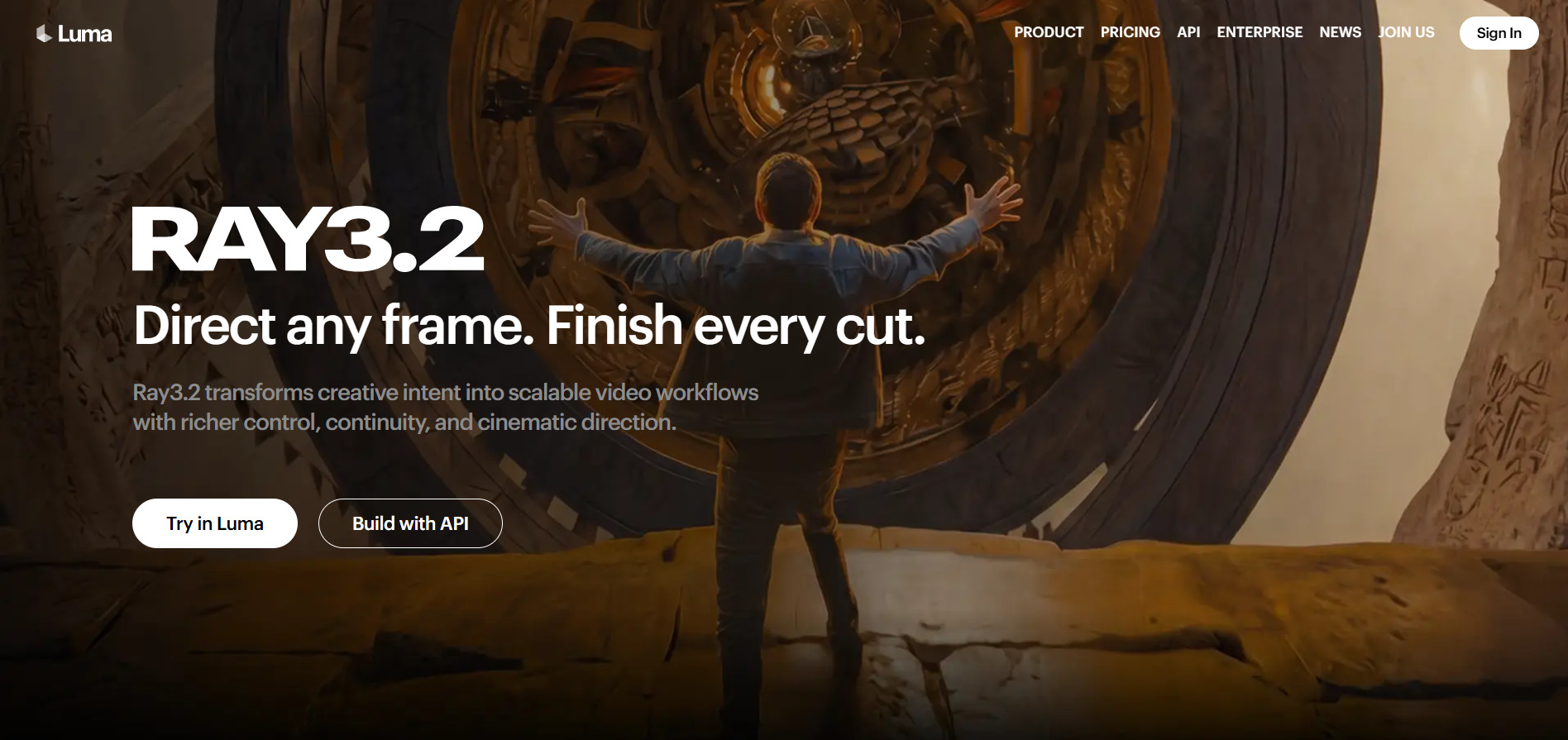
Luma Ray3 is a cinematic AI video generator known for realistic lighting, camera movement, and spatial logic. New users get limited free trial credits to sample the platform before committing to a paid tier. The free plan itself is image-only and watermarked, so video generation requires at least the Lite plan to get started with any real output.
Once you move past the free sampler, Plus at $29.99 a month removes watermarks and unlocks commercial use, making it the real entry point for creators. Pro and Ultra scale usage significantly higher for studios and heavy users, while annual billing saves up to 20% across every tier, giving flexibility for different budget levels.
Pros
- Realistic lighting and camera grammar
- Multiple tiers for different budgets
- Annual billing discounts available
- Commercial use unlocked from Plus tier
Cons
- Free tier is image-only, not video
- Credit system can be confusing
- Higher resolutions burn credits fast
2. Seedance 2.0
Basic: ~$9.60–$18/mo
Standard: Varies by platform
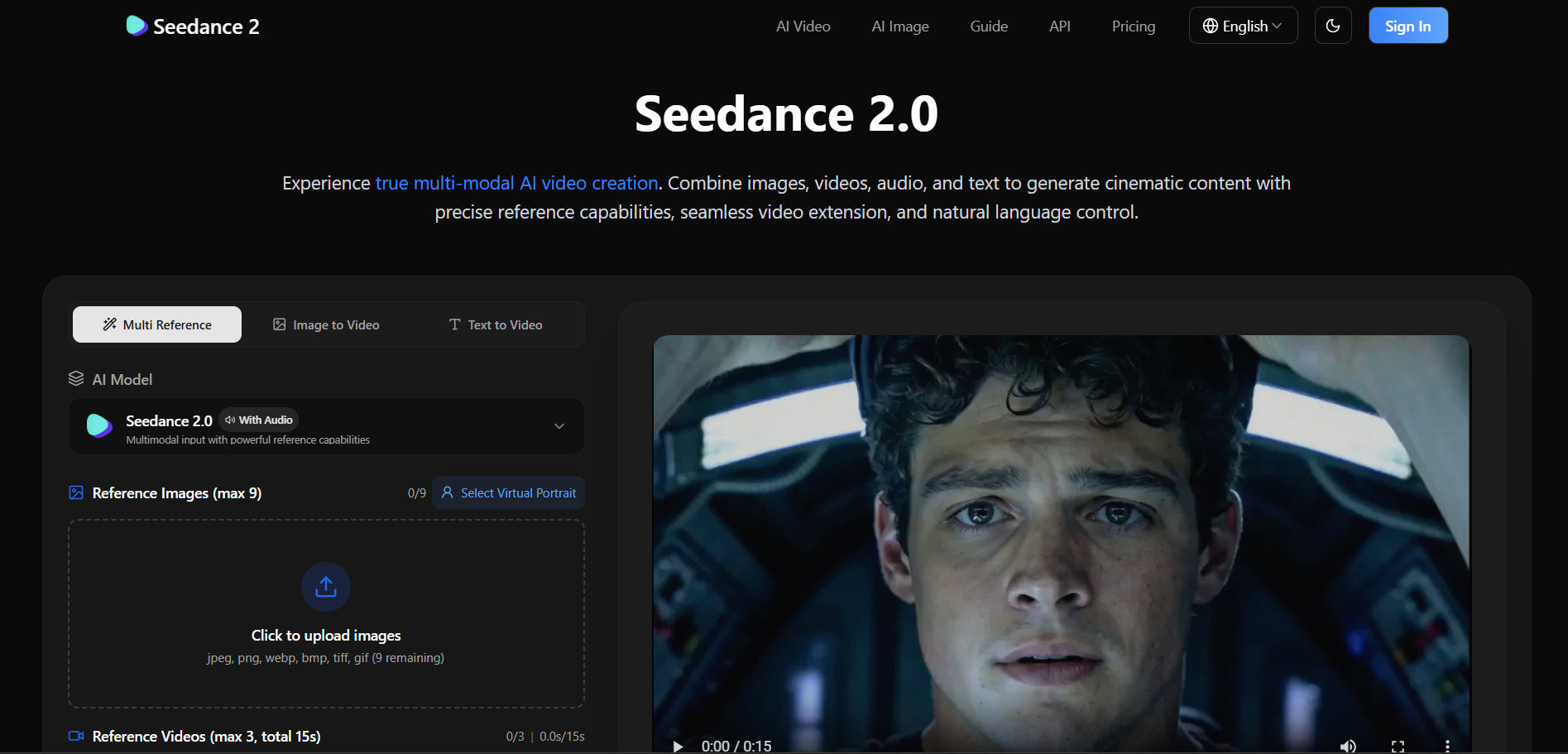
Seedance 2.0 is ByteDance’s AI video model, primarily accessed through Dreamina, CapCut, and BytePlus. Dreamina offers a 7-day free trial with roughly 535 credits covering image generation, video creation, and avatar generation, giving new users a generous window to test quality before paying anything.
Official pricing on Dreamina starts around $9.60 to $18 per month for Basic or Standard access, though per-video costs can range from $0.42 to $4.60 for a 10-second clip depending on quality settings. Because Seedance 2.0 is distributed across multiple official platforms rather than one unified site, pricing and access can vary depending on where you sign up.
Pros
- Generous 7-day free trial with real credits
- Affordable entry-level pricing
- Backed by ByteDance’s infrastructure
- Available across multiple platforms
Cons
- Access can be invite-only in some regions
- Pricing varies confusingly by platform
- Free tier outputs are watermarked
3. Digen AI Agent
Ultra: $9.99/mo ($5.99 annual)
Ultra Pro: $19.99/mo ($11.99 annual)
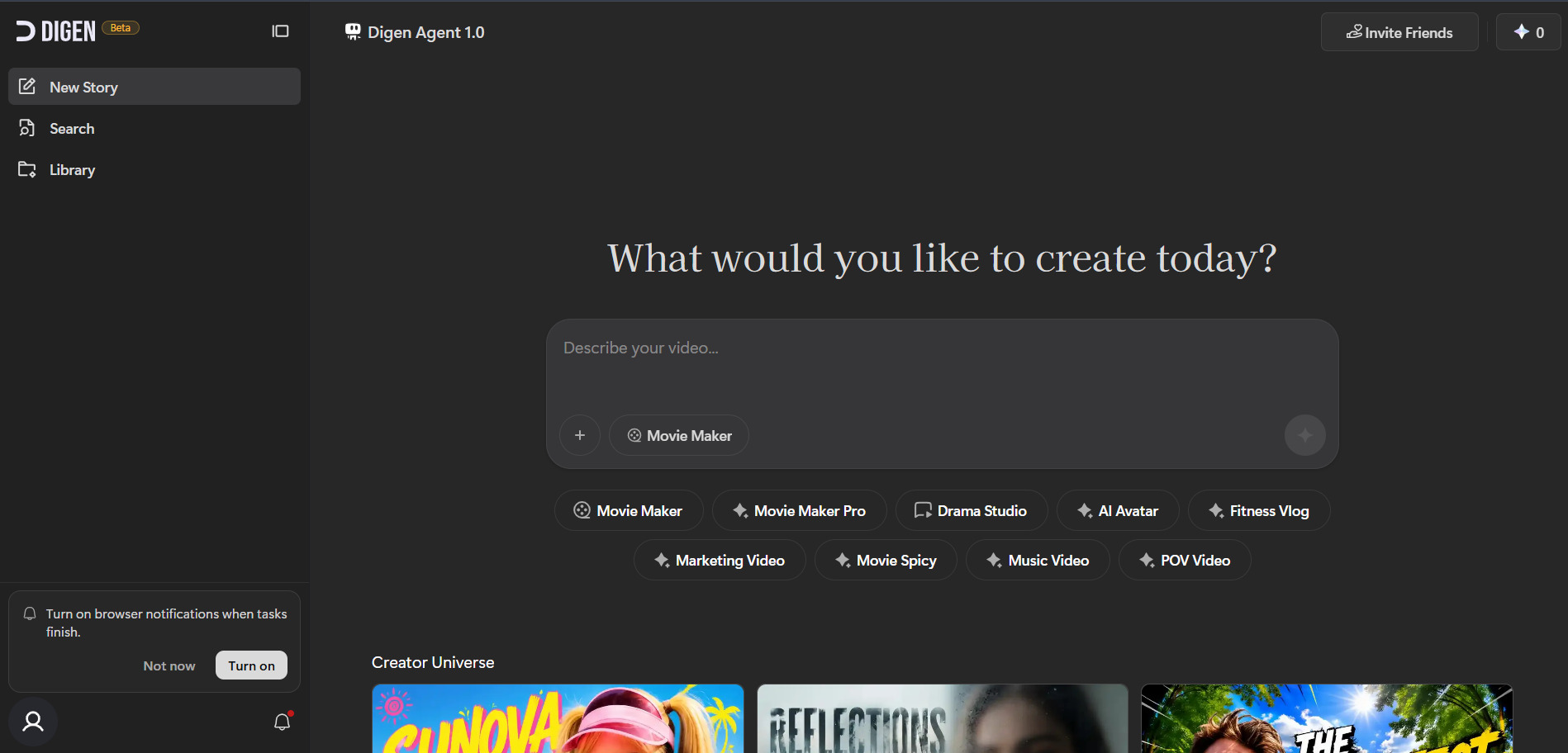
Digen AI Agent turns static images and text prompts into talking avatars and short AI videos, with an Agent mode that breaks longer videos into consistent components. Its free plan requires no credit card and gives real access to major video models, though output is capped, watermarked, and limited to non-commercial use.
Paid plans start at $9.99 a month for the Ultra tier, unlocking watermark removal and access to premium models like Seedance 2.0 and Veo 3.1. Ultra Pro at $19.99 a month raises video length limits and adds unlimited meme generation, making it a budget-friendly pick for creators who need frequent avatar-style content.
Pros
- No credit card required for free plan
- Strong talking-avatar and lip-sync tools
- Affordable entry-level pricing
- Access to Sora 2 and Veo 3.1 models
Cons
- Free tier limited to basic models
- No built-in timeline editing
- Mobile app can feel unstable
4. Hedra
Basic: $10–$15/mo
Creator: $30/mo
Professional: $75/mo
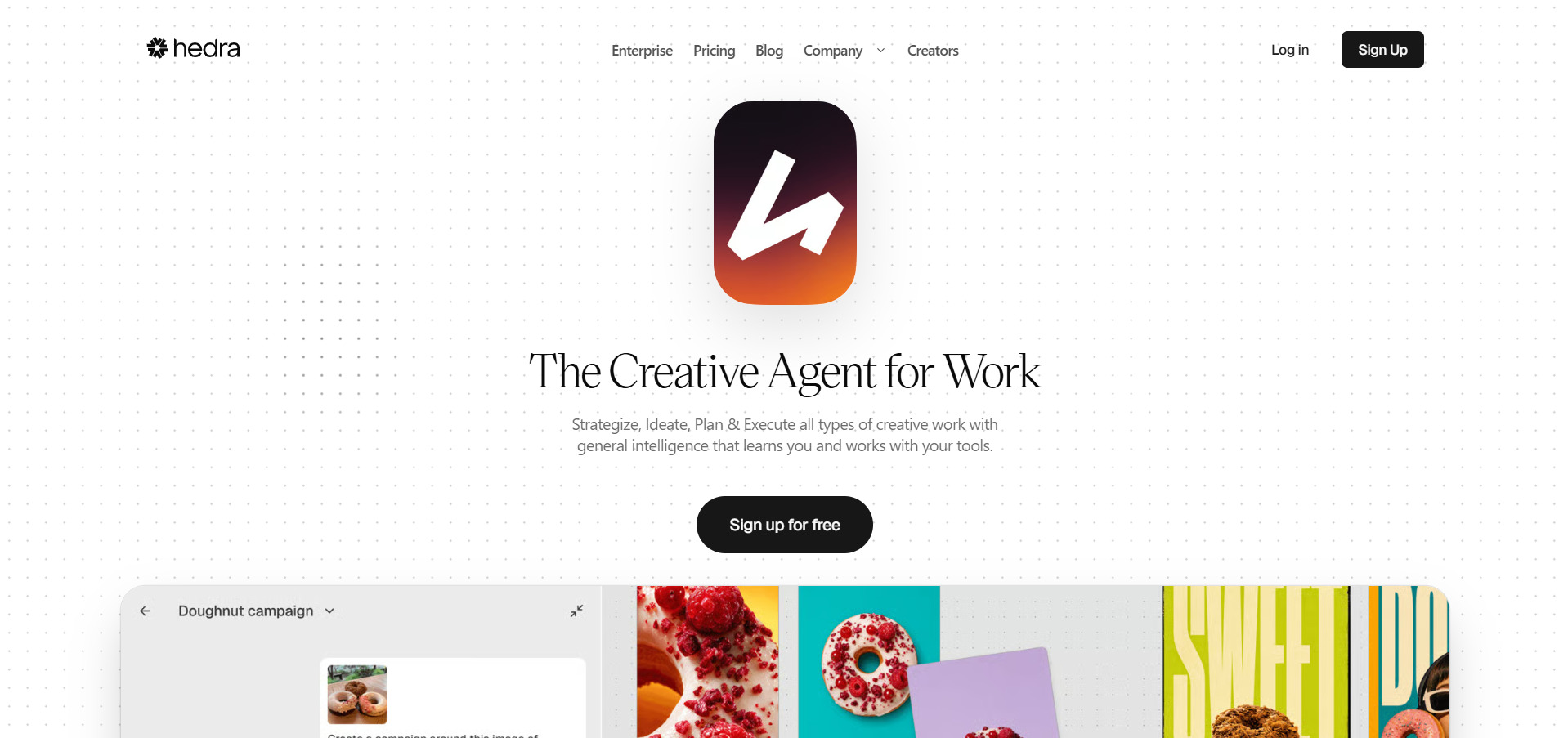
Hedra specializes in lifelike character animation and talking avatars powered by its Character-3 model, popular among creators who want expressive, natural-looking lip-sync. The free plan gives new users between 100 and 400 monthly credits depending on the source, though outputs are watermarked and generation speed is slower on this tier.
Paid plans start at the Basic tier around $10 to $15 a month with roughly 1,500 credits, scaling up to Creator at $30 a month and Professional at $75 a month for faster rendering and higher credit allowances. All paid tiers unlock commercial use rights, while Enterprise plans add private deployments and single sign-on for larger teams.
Pros
- Excellent lip-sync and expression realism
- Free tier available to test quality
- Multiple tiers for growing needs
- Supports 15+ languages for lip-sync
Cons
- Monthly credits do not roll over
- Mixed reviews on billing and support
- Not a full video production suite
5. PixVerse V6
Standard: $8–$10/mo
Pro: $24/mo
Premium: $48/mo
Ultra: $149/mo
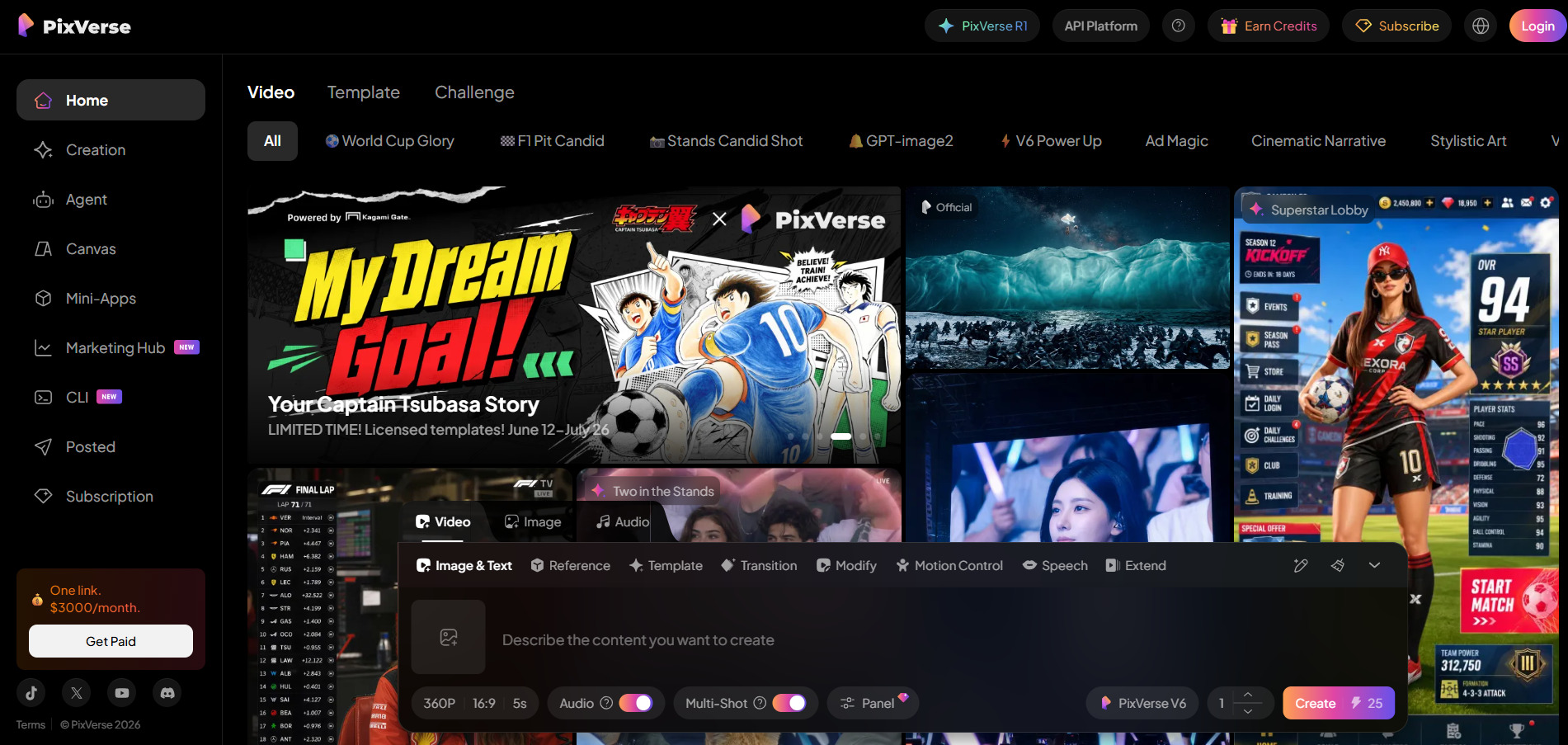
Pixverse V6 is a fast, budget-friendly AI video generator with native audio support and strong performance for stylized, short-form clips. New accounts get a one-time bonus of 90 credits plus 60 daily refreshing credits, enough for roughly one to two free videos per day, though outputs carry a watermark and lower resolution.
The Standard plan starts around $8 to $10 a month for 1,200 monthly credits at 720p, while Pro at $24 a month bumps resolution to 1080p. Premium and Ultra tiers scale credits and concurrent generations further, and a discounted Education plan at $12 a month is available for students and nonprofits after verification.
Pros
- Daily free credits refresh automatically
- Very affordable entry-level pricing
- Native audio generation included
- Education discount available
Cons
- Free tier outputs are watermarked
- Multiple generation attempts often needed
- Separate, pricier API pricing structure
6. Vidu Q3
Standard: $8–$10/mo
Premium: $28–$35/mo
Ultimate: $79–$99/mo
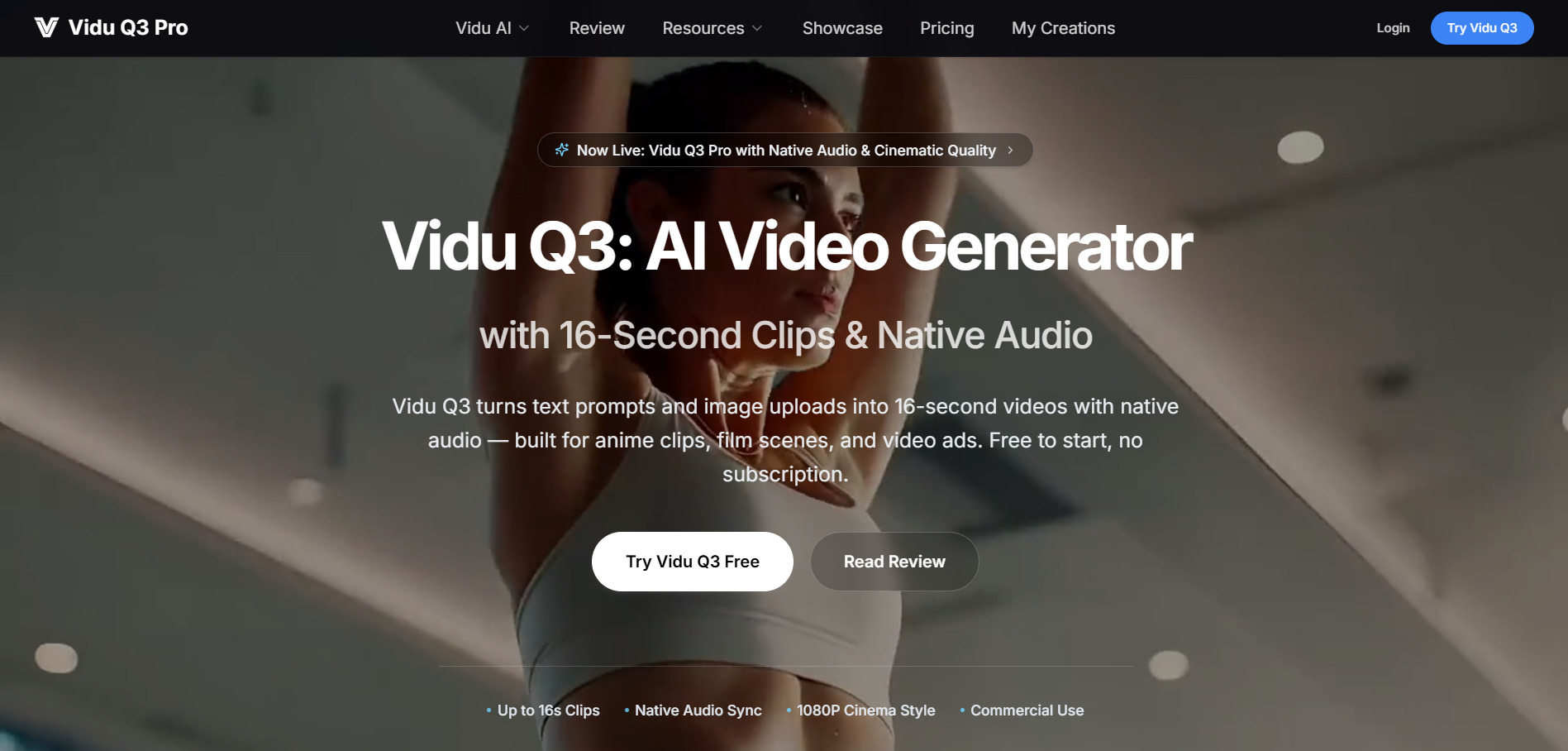
Vidu Q3 offers native audio-video generation in a single pass, producing up to 16-second clips at 1080p with directorial prompt controls. Free users start with about 80 credits a month, enough for light experimentation, and an Off-Peak Mode allows additional free generation when the system is less busy.
Paid plans typically run from around $8 to $10 a month for the Standard tier on annual billing, up to $79 to $99 a month for the Ultimate tier aimed at teams and studios. Some third-party platforms also sell one-time credit packs starting at $19.90 instead of subscriptions, giving flexible, pay-as-you-go access to the model.
Pros
- Native audio-video in one generation pass
- Off-Peak Mode saves credits
- Flexible one-time credit pack options
- Competitive annual pricing
Cons
- Free credits run out quickly
- Pricing pages vary by region
- Payment method restrictions in some countries
7. Mango AI
Starter: $7.9–$12.9/mo
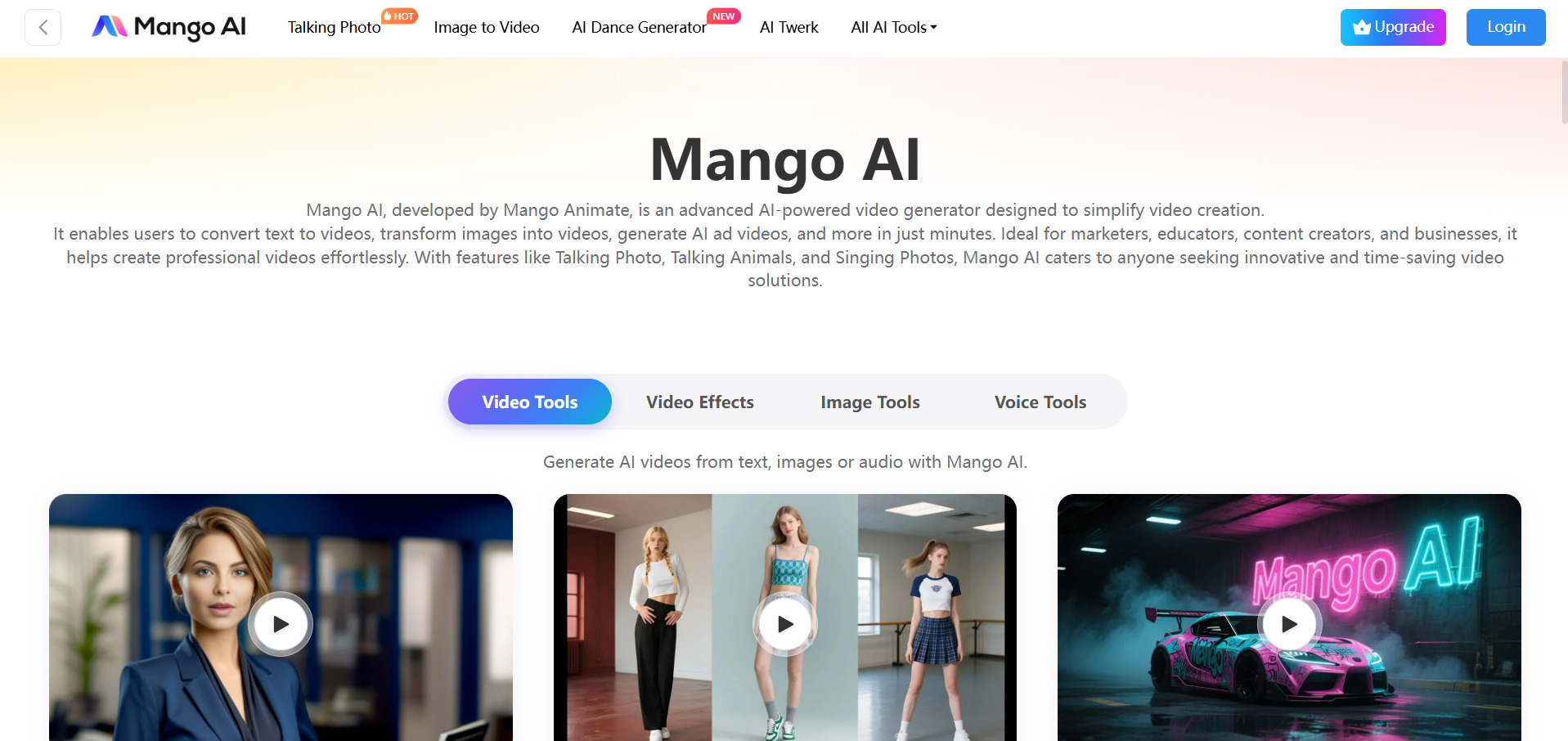
Mango AI, from Mango Animate, focuses on talking photos, avatar dialogue, and animated video creation aimed at marketing and social content. The free plan includes 180 monthly credits and two audio uploads, making it usable for light testing, though it carries a watermark and cannot purchase additional credits.
The Starter plan costs $12.9 a month, discounted to $7.9 a month on annual billing at $89 per year, unlocking 600 monthly credits and watermark-free exports. Higher tiers add more avatars, face-swap allowances, and 1080p resolution, making Mango AI a low-cost option for creators focused on avatar-driven content.
Pros
- Very low-cost Starter plan
- Wide range of avatar and lip-sync tools
- Free plan needs no advanced setup
- Collaboration and sharing features included
Cons
- Free plan cannot buy extra credits
- Limited advanced animation controls
- Watermark on free-tier exports
8. Artlist AI
AI Starter: $19.99/mo
AI Creator: $69.99/mo
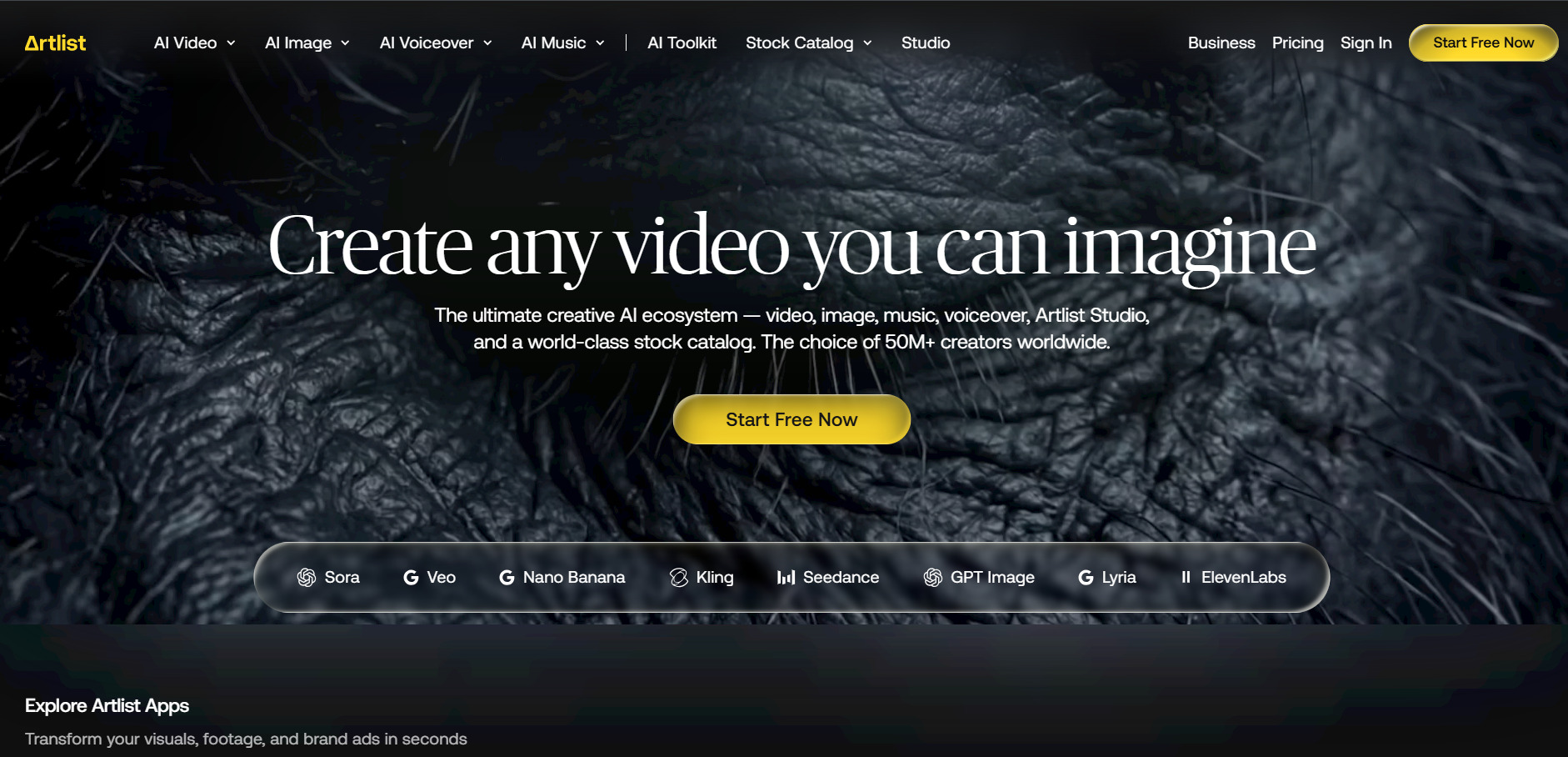
Artlist AI is an all-in-one creative platform combining AI video, image, voiceover, and music generation with a large stock media library and unified commercial license. Its free trial is generation-limited rather than time-limited, offering three AI voiceovers, two images, one video, and two music tracks to sample quality before subscribing.
The AI Starter plan costs $19.99 a month and includes 16,500 credits with access to over 100 AI models, including Seedance 2.0, Kling 3.0, and Nano Banana. AI Creator steps up to $69.99 a month for higher volume, and annual billing saves up to 40% with credits costing significantly less per generation.
Pros
- All-in-one video, image, voice, and music suite
- Unified commercial licensing for agencies
- Access to 100+ top AI models in one plan
- Generous free sampling before purchase
Cons
- No true time-limited free trial
- Credit system can get complex
- Higher tiers are pricier than niche tools
9. CapCut AI
Standard: $7.99–$9.99/mo
Pro: ~$19.99/mo
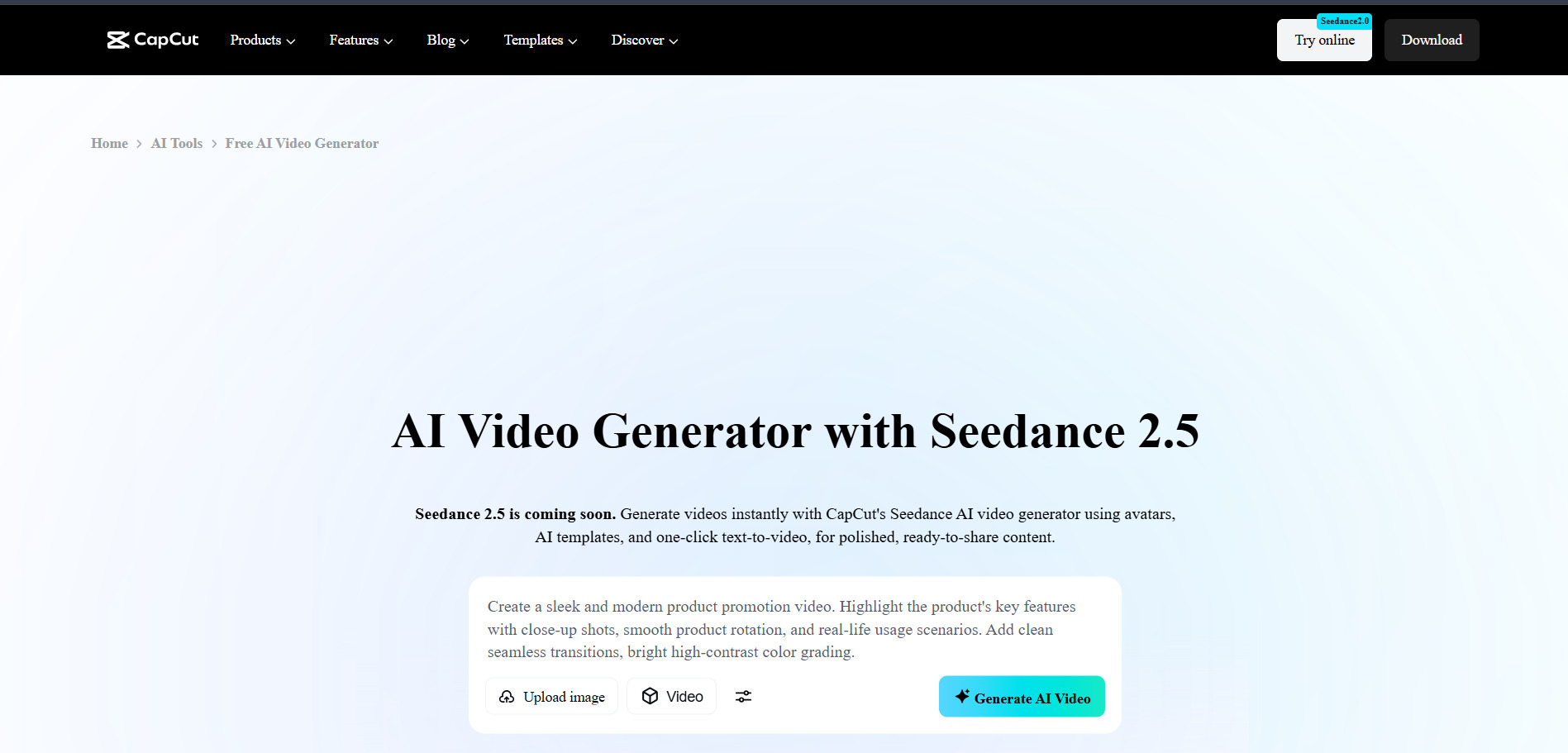
CapCut AI is one of the most widely used AI-powered video editors, known for auto-captions, background removal, text-to-speech, and a huge free template library. The free plan is unusually generous, letting most short-form creators produce complete, watermark-free videos without ever needing to upgrade.
The Standard plan runs around $7.99 to $9.99 a month and removes remaining watermarks, while Pro has climbed to roughly $19.99 a month after a 2026 price adjustment, unlocking AI video generation from text prompts and priority rendering. A 7-day free trial is often available for the paid tiers, though availability varies by region.
Pros
- Exceptionally generous free tier
- No credit card needed to start
- Massive template and effects library
- Cross-platform desktop, web, and mobile apps
Cons
- Pro pricing roughly doubled in 2026
- Prices not published consistently on the site
- Broad content license terms in ToS
10. Wireflow
Starter: $24/mo
Professional: $45/mo
Team: $249/mo
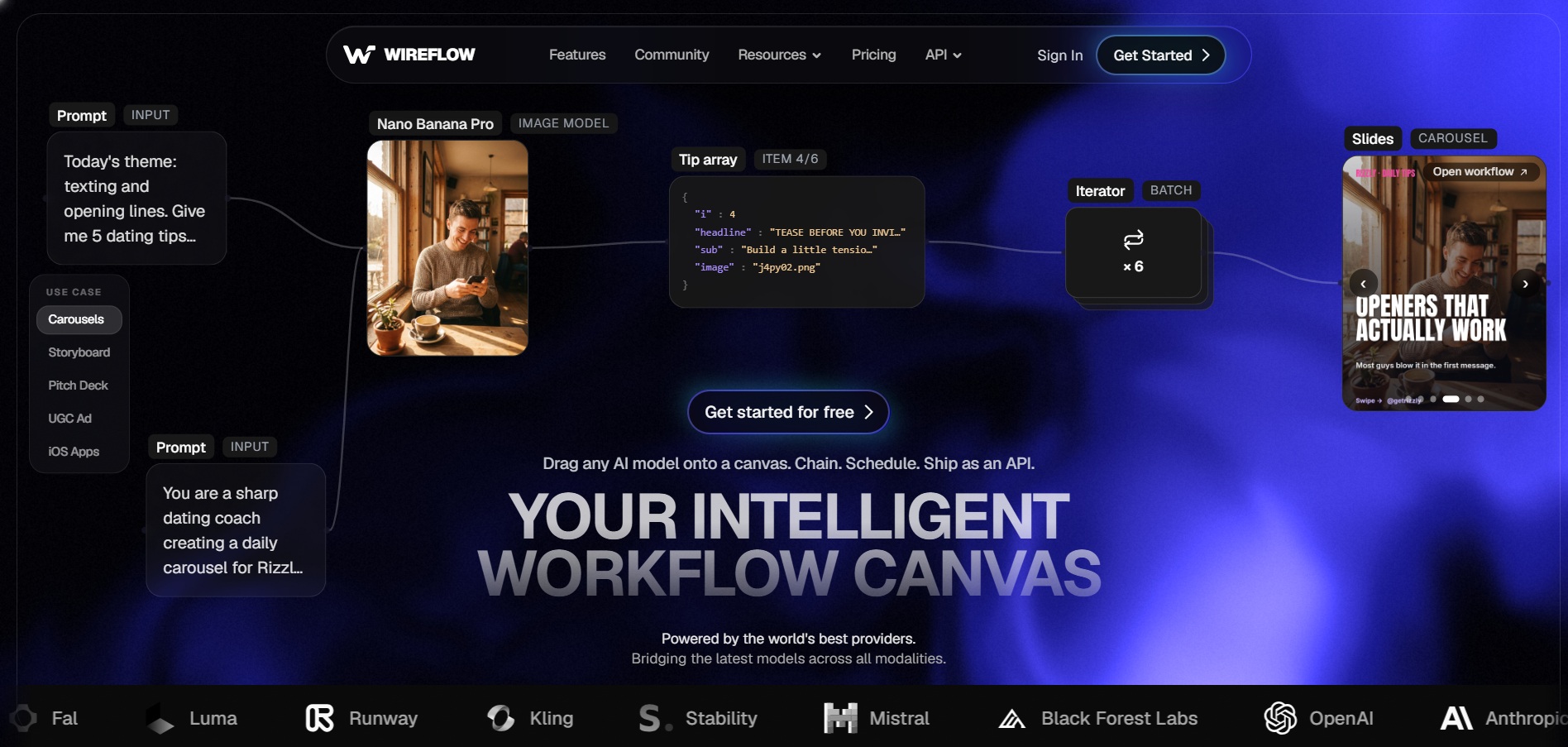
Wireflow is a visual, node-based AI workflow builder that connects over 100 models for image, video, and audio generation on a single canvas. Building workflows and browsing the gallery is completely free with no credit card required, though actual generation requires crediting a paid plan since there are no free video credits.
Paid plans start at $24 a month for Starter with 1,600 monthly credits, scaling to $45 for Professional and $249 for four-seat Team plans with shared credit pools. Every paid tier includes full access to the entire model catalog plus commercial licensing, and unused credits roll over for up to three months on Professional and Team.
Pros
- Access to 100+ models in one workspace
- Free workflow building with no card required
- Credits roll over on higher tiers
- Transparent, flat per-output credit pricing
Cons
- No free video generation credits
- Learning curve for node-based workflows
- Heavy iteration can consume credits fast
11. Pictory AI
Standard: $19–$23/mo
Premium: $39–$47/mo
Teams: $99–$199/mo
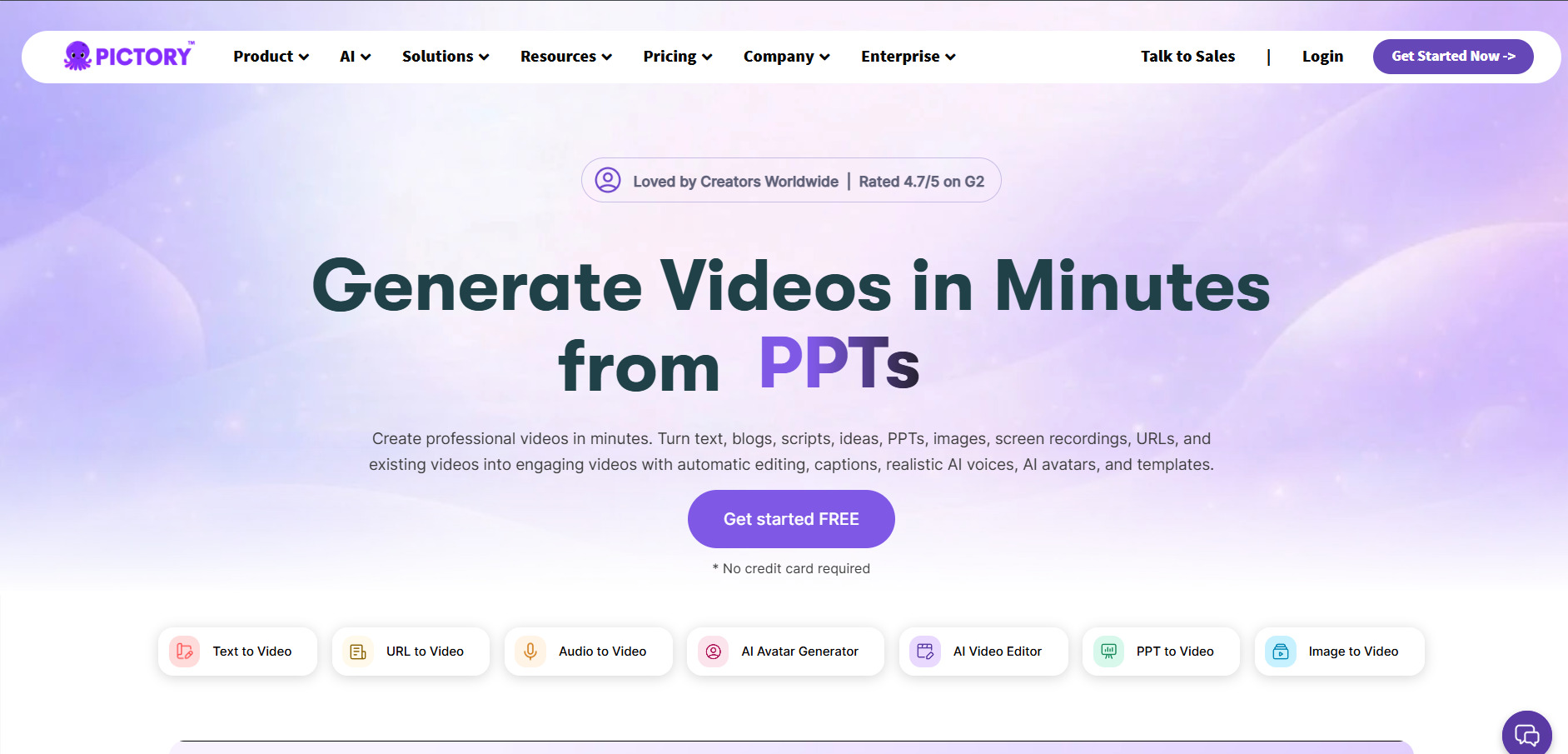
Pictory AI converts scripts, blog posts, and long-form content into short videos automatically, making it a strong fit for marketers and YouTubers who need fast content repurposing. Its free trial allows up to three video projects of up to ten minutes each, without requiring a credit card to get started.
The Standard plan runs $19 to $23 a month for 30 video projects and up to 60 minutes of transcription, while Premium doubles those limits at $39 to $47 a month with more voices and media access. Teams plans scale to $99 to $199 a month for collaborative features, and annual billing typically saves 15 to 40 percent across tiers.
Pros
- No credit card needed for free trial
- Great for turning text into video fast
- Large stock footage and music library
- Supports up to 29 languages on higher tiers
Cons
- No permanent free plan
- Standard plan caps output at 720p
- No refunds on paid subscriptions
12. VideoProc AI
Premium 365: $25.95–$34.95/yr
Lifetime (1 PC): $39.95–$54.95
Family (3–5 PCs): $57.95–$79.95
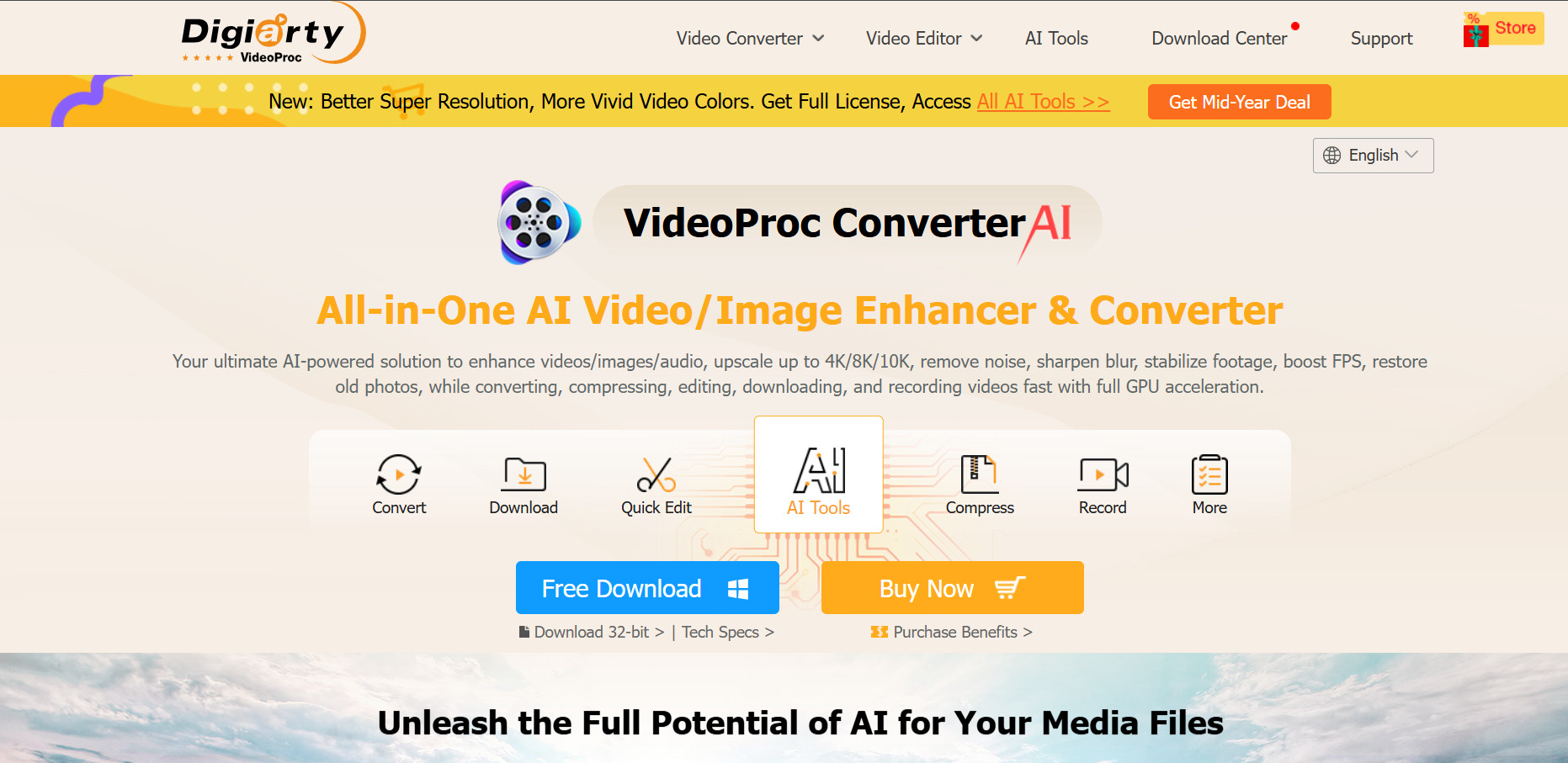
VideoProc AI is a desktop-based video conversion and enhancement suite offering AI upscaling, frame interpolation, screen recording, and GPU-accelerated processing. Its free trial has no time limit, but caps AI Super Resolution to clips under five minutes, limits Image AI to five images, and adds a watermark to processed output.
Paid pricing starts around $25.95 to $34.95 a year for the Premium 365 subscription across three PCs, while a one-time Lifetime License for a single device runs $39.95 to $54.95. A Family License covering three to five devices costs $57.95 to $79.95, and all purchases include a 30-day money-back guarantee.
Pros
- No time limit on the free trial
- Affordable one-time lifetime licensing option
- Strong GPU-accelerated AI upscaling
- 30-day money-back guarantee on paid plans
Cons
- Trial caps clips at five minutes
- Desktop-only, not browser-based
- Watermarked output until purchase
Quick Comparison
| Alternative | Description |
|---|---|
| Luma Ray3 | Cinematic AI video generator focused on realistic lighting, physics, and camera movement. |
| Seedance 2.0 | ByteDance’s AI video model available through Dreamina, CapCut, and BytePlus platforms. |
| Digen AI Agent | Turns images and text into talking avatars with an Agent mode for longer, consistent videos. |
| Hedra | Character animation platform with realistic lip-sync via its Character-3 model. |
| PixVerse V6 | Fast, affordable AI video generator with native audio and daily free credits. |
| Vidu Q3 | Native audio-video generator producing up to 16-second clips in a single pass. |
| Mango AI | Budget-friendly talking-photo and avatar video generator for marketing content. |
| Artlist AI | All-in-one AI suite combining video, image, voiceover, music, and stock assets. |
| CapCut AI | Popular free-first AI video editor with captions, templates, and text-to-video tools. |
| Wireflow | Node-based workflow builder connecting 100+ AI image, video, and audio models. |
| Pictory AI | Converts scripts and blog posts into short videos automatically for marketers. |
| VideoProc AI | Desktop AI video upscaling, conversion, and enhancement software with GPU acceleration. |
Conclusion
Vyond Go remains a solid choice for animated explainer videos, but the 12 alternatives covered here open up very different creative directions, from cinematic AI generation and talking avatars to fast social editing and desktop enhancement. If you need photorealistic AI video, tools like Luma Ray3, Seedance 2.0, or Vidu Q3 are worth exploring. For avatar-driven or lip-sync content, Hedra, Digen AI Agent, and Mango AI stand out.
Creators who want an all-in-one creative suite should look at Artlist AI or Pictory AI, while CapCut AI remains hard to beat for free, fast social video editing. Power users chaining multiple AI models will appreciate Wireflow, and anyone needing offline video enhancement should consider VideoProc AI. Match your choice to your budget, output needs, and workflow, and take advantage of each platform’s free trial before committing to a paid plan.


