

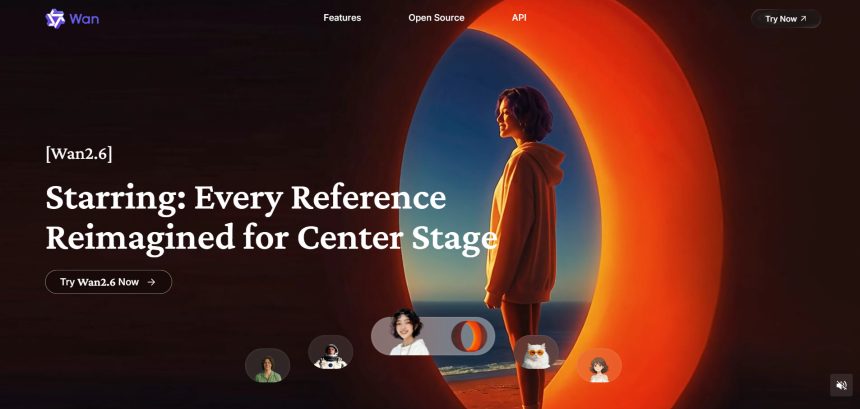
Wan 2.6 has become a popular name in AI video generation thanks to its multi-shot control, native audio, and long-form clip support. But it is not the only option on the market, and depending on your workflow, budget, or the type of content you produce, another platform may fit better. In this article, we cover 11 Wan 2.6 Alternatives that compete directly or indirectly with Wan 2.6: Wireflow, Seedance 2.0, Artlist AI, Kapwing AI, Creatify AI, PixVerse V6, Digen AI Agent, VideoProc AI, Grok Imagine, Lumen5, Vyond Go, and Wan 2.2. Each entry includes trial availability, official pricing, and a breakdown of pros and cons to help you decide which one suits your creative needs.
1. Wireflow
Free Trial: Wireflow lets you build workflows for free with no credit card required, and free accounts get limited daily searches. Running actual generations, however, requires upgrading to a paid plan since credits are needed for image, video, and audio outputs.
Official Pricing Plans:
- Starter: $24/month — 1,600 monthly credits
- Professional: $45/month — more credits, 3-month rollover
- Team: $249/month — 4 seats with a shared credit pool
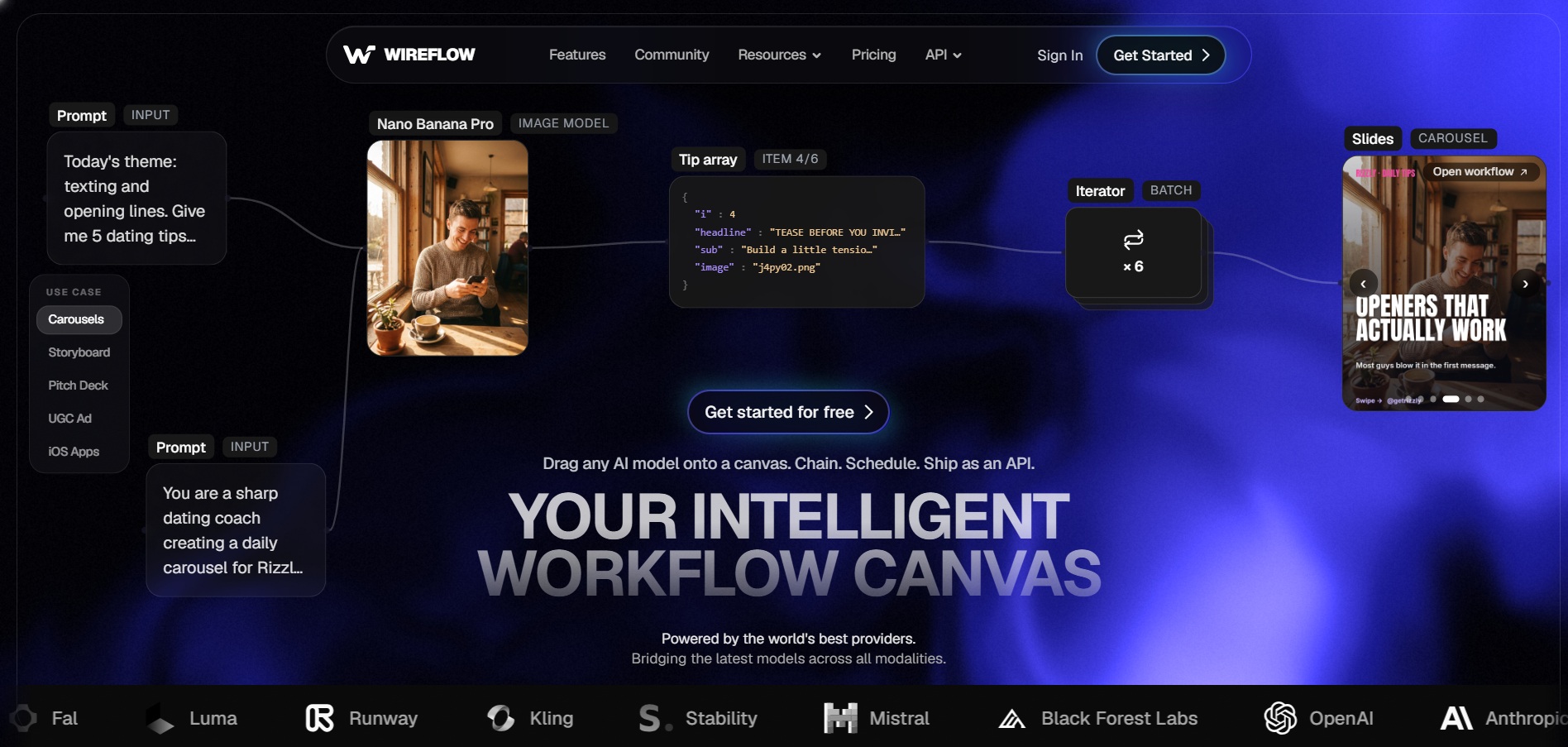
Wireflow is a node-based visual canvas that lets you chain more than a hundred AI models, including Kling, Veo, Sora, Seedance, and Pixverse, into a single repeatable workflow. Instead of committing to one model like Wan 2.6, you can route each step of a video pipeline to whichever engine performs best, then export the result through one dashboard.
This makes Wireflow especially useful for teams producing high volumes of varied content, since a single canvas can loop over spreadsheets of prompts or product data. The tradeoff is that video billing is per-clip, so heavy iteration and rerenders can consume credits quickly if you are not tracking usage carefully.
Pros
- Access to 100+ AI models on one canvas
- Flexible node-based workflow automation
- Commercial license included on all paid plans
Cons
- No free video generation, only free building
- Per-clip billing can add up with heavy iteration
- Learning curve for non-technical users
2. Seedance 2.0
Free Trial: Seedance 2.0 offers free access through Dreamina with daily token allowances, though the free tier shares tokens across all Dreamina tools, which limits how many videos you can actually generate each day without paying.
Official Pricing Plans:
- Dreamina Basic: approx. $9.60/month (69 RMB) — limited daily credits
- Standard: around $15/month — approx. 625 credits
- Max: around $95/month — approx. 9,500 credits with rollover
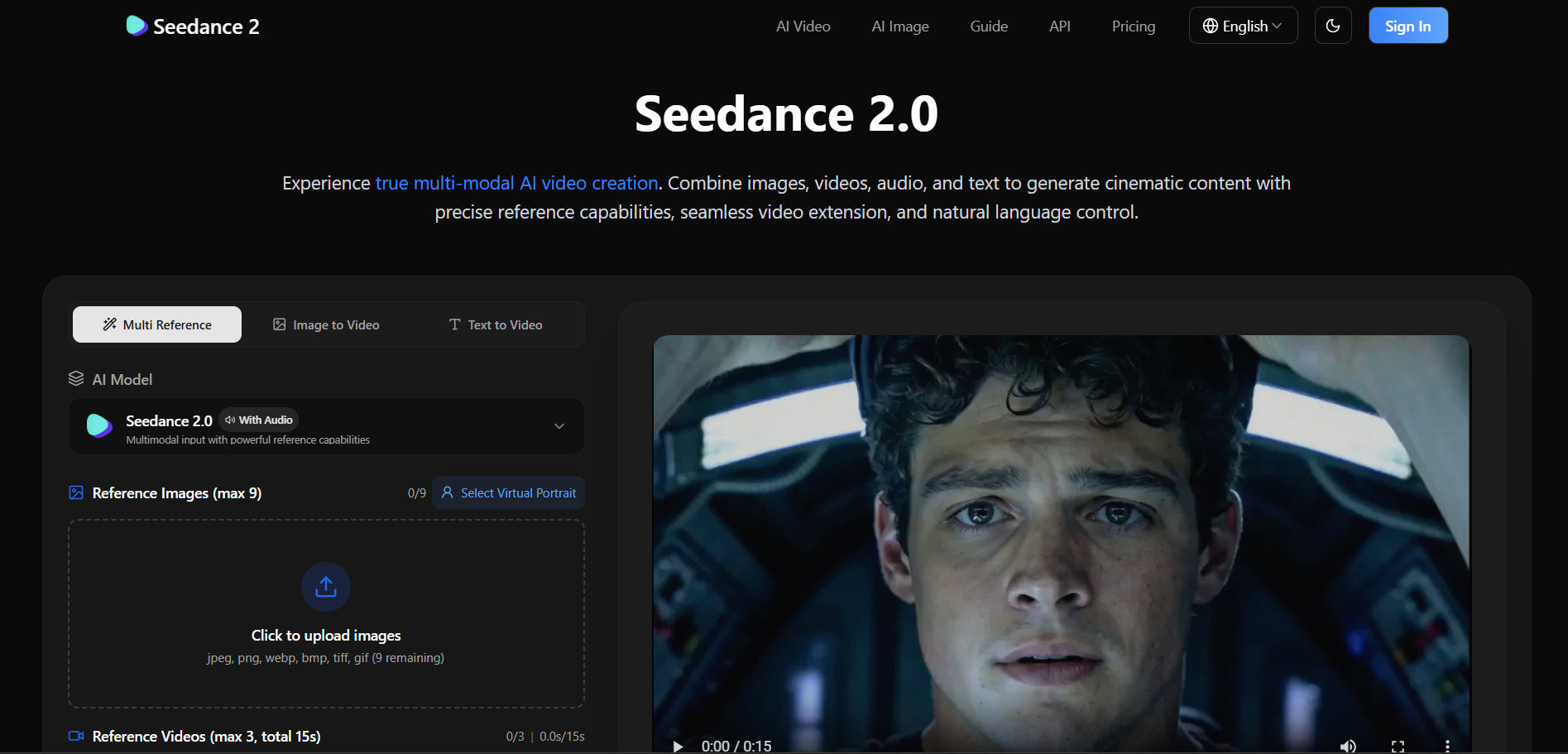
Seedance 2.0, developed by ByteDance, is known for cinematic motion quality and strong prompt adherence, making it a favorite among creators who want polished output without heavy manual correction. It is available through Dreamina, Jimeng, and third-party integrations like Runway and Magnific, giving users multiple entry points.
Because Seedance 2.0 is fragmented across several platforms, pricing and regional availability vary significantly, and some markets cannot access every plan. Still, for users comparing it to Wan 2.6, Seedance stands out for its transparent credit-to-second mapping and consistent character rendering across clips.
Pros
- Strong cinematic motion and prompt accuracy
- Available across multiple platforms and integrations
- Transparent credit-based cost structure
Cons
- Regional access restrictions in some markets
- Pricing fragmented across different platforms
- Free tier tokens are shared with other tools
3. Artlist AI
Free Trial: As of 2026, Artlist AI does not offer a free trial or freemium tier for its AI Suite. New users must choose a paid plan directly, though a 30-day satisfaction guarantee is generally available depending on region.
Official Pricing Plans:
- AI Starter: $13.99/month (annual billing)
- AI Creator: $41.67/month (annual) — 80,000 credits
- AI Professional: $239.99/month (annual) — 500,000 credits
- Artlist Max (all-in-one): from $39.99/month
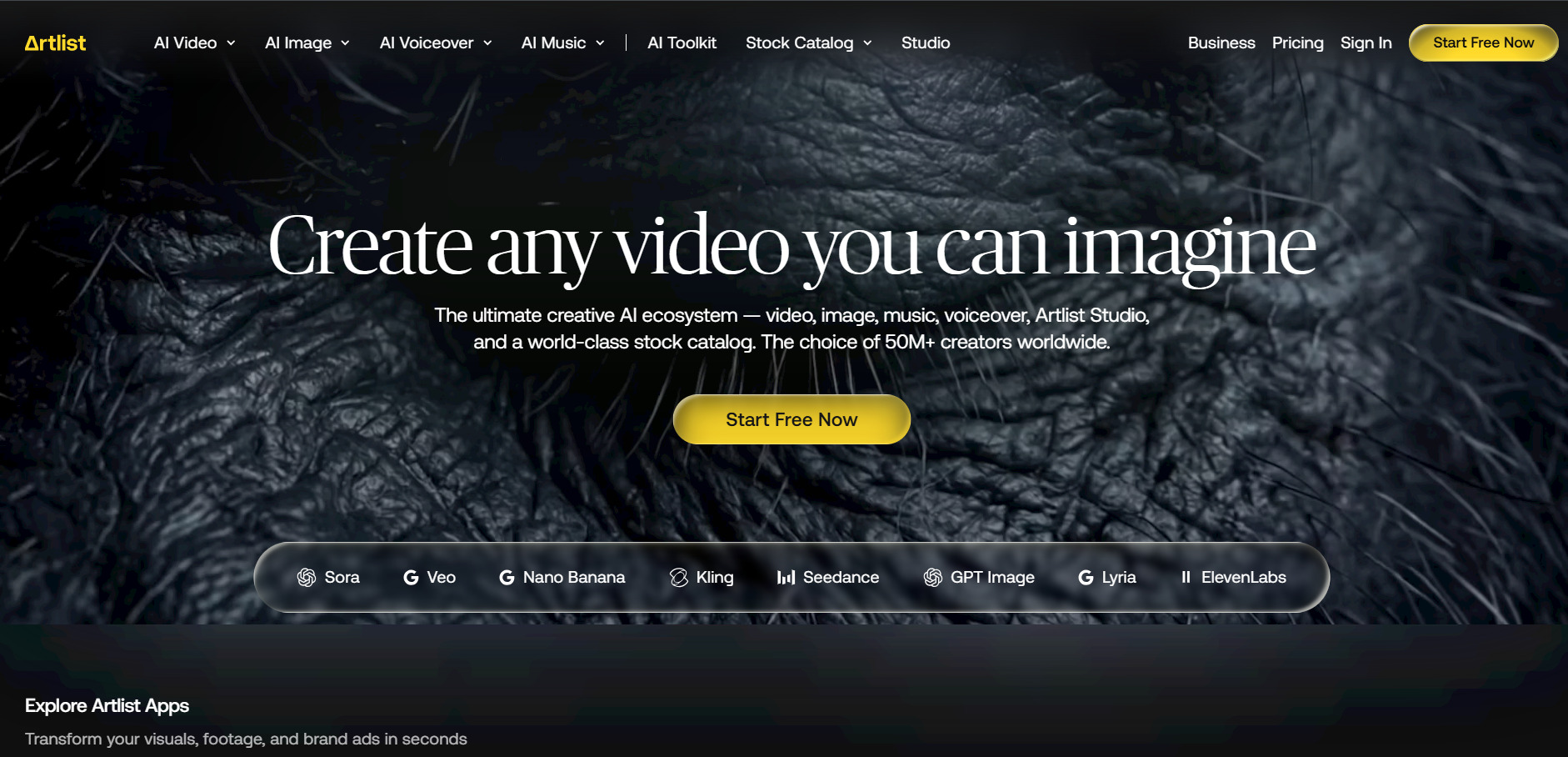
Artlist AI is part of a broader creative ecosystem that combines AI generation with a licensed stock library of music, footage, and templates. Its shared credit pool works across Veo 3.1, Sora 2, Kling, Seedance, and other models, which makes it appealing for teams that also need licensed media alongside AI-generated video.
The downside is that pure AI generation on Artlist becomes expensive quickly compared to standalone video tools, especially once you move beyond the Starter tier. It works best for studios already invested in Artlist’s stock catalog rather than users looking for the cheapest AI video generation option.
Pros
- Combines AI generation with licensed stock assets
- Shared credit pool across many top AI models
- Perpetual license on content created during subscription
Cons
- No free trial or freemium access
- Heavy AI usage requires expensive higher tiers
- Best value only if you also need stock media
4. Kapwing AI
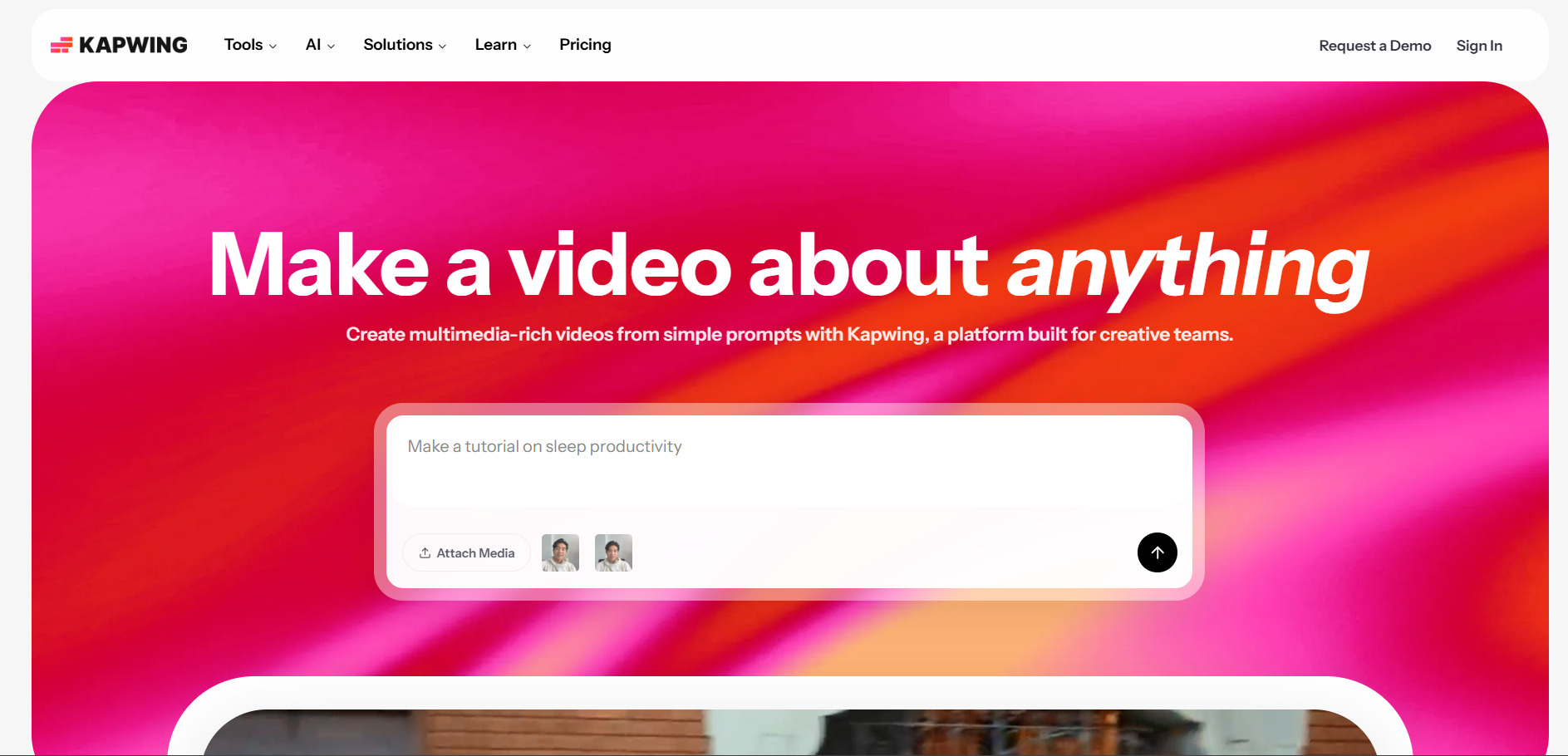
Free Trial: Kapwing AI offers a genuine free plan with no credit card required, allowing up to 3 exported projects capped at 4 minutes and 720p resolution, though exports carry a visible watermark.
Official Pricing Plans:
- Free: $0/month — watermarked, 720p, 4-min exports
- Pro: $16/month (annual) or $24/month (monthly)
- Business: $50/month (annual) or $64/month (monthly)
- Enterprise: Custom pricing
Kapwing is a browser-based video editor built around AI-assisted editing rather than pure text-to-video generation. Its Smart Cut, auto-subtitle, and AI clip extraction features make it well-suited for repurposing long recordings into short social clips, something Wan 2.6 does not directly handle.
Unlike generative platforms, Kapwing requires you to bring your own footage since it does not create video from scratch using text prompts. For teams focused on editing and captioning existing content rather than generating new scenes, Kapwing remains a strong and affordable choice with solid collaboration tools.
Pros
- Genuine free plan with no credit card needed
- Strong AI editing tools like Smart Cut and auto-subtitles
- Affordable team collaboration pricing
Cons
- Does not generate video from text like Wan 2.6
- Free plan exports are watermarked and short
- AI credit limits can restrict heavy usage on Pro
5. Creatify AI
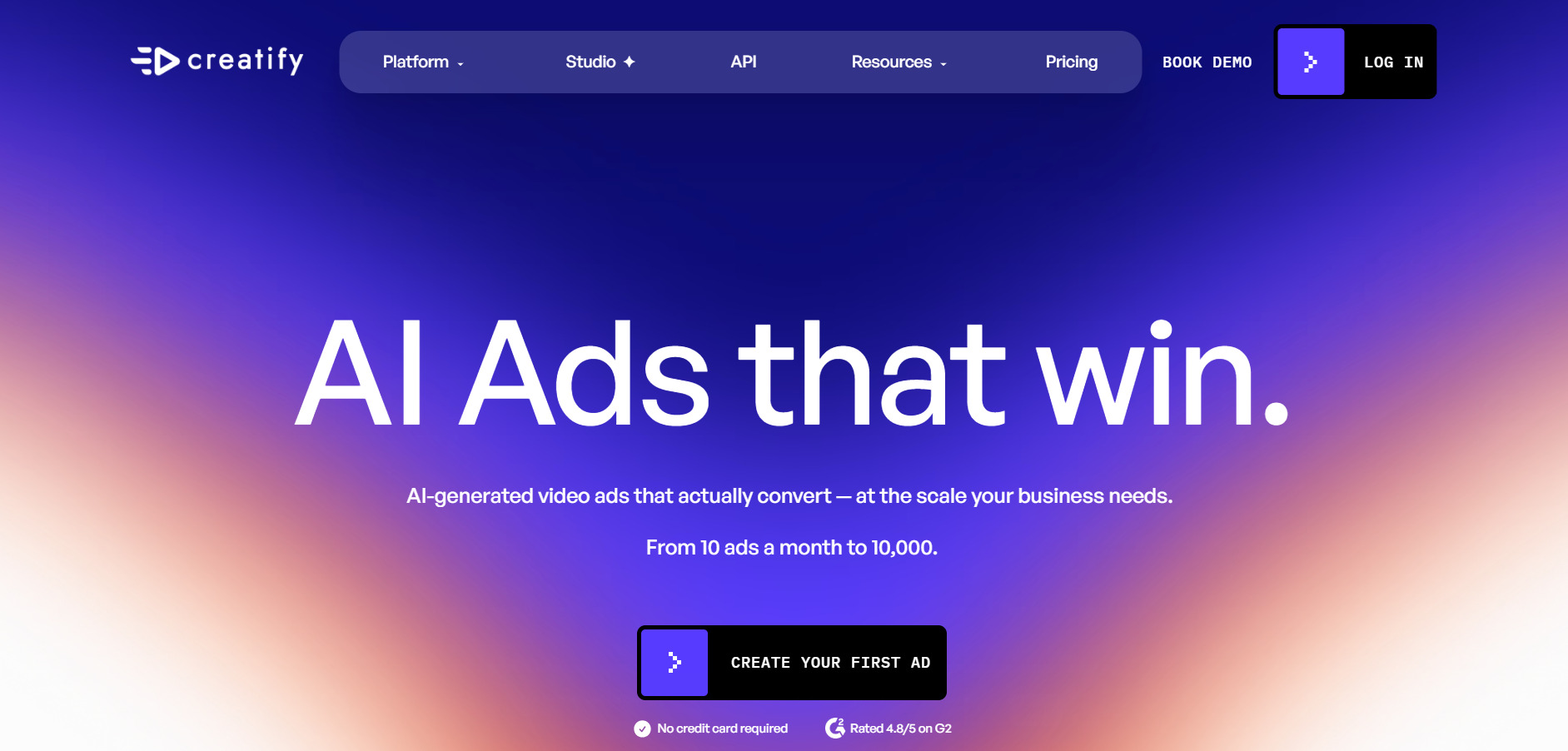
Free Trial: Creatify AI offers a free plan with 10 monthly credits, enough for roughly 2 video ads, though exports include a watermark and access to AI actors and templates is limited compared to paid tiers.
Official Pricing Plans:
- Free: $0/month — 10 credits, watermarked
- Starter: from $19–$33/month (varies by billing)
- Pro: $49–$99/month — 300 credits, larger avatar library
- Enterprise: Custom pricing
Creatify AI focuses specifically on avatar-led, UGC-style video ads rather than general-purpose video generation. Its URL-to-video feature can pull product information directly from a webpage and generate ad variations automatically, which is a distinct workflow advantage over Wan 2.6 for e-commerce marketers.
The credit system can be confusing since video generation costs range from 2 to 20 credits depending on quality and avatar type, meaning the advertised plan price often does not reflect real usable video output. It is best suited for performance marketers rather than filmmakers or general content creators.
Pros
- URL-to-video ad generation for e-commerce
- Large AI actor and template library
- Free plan available with no credit card
Cons
- Confusing, variable credit cost per video
- Focused narrowly on ad-style content
- Not built for cinematic or long-form video
6. PixVerse V6
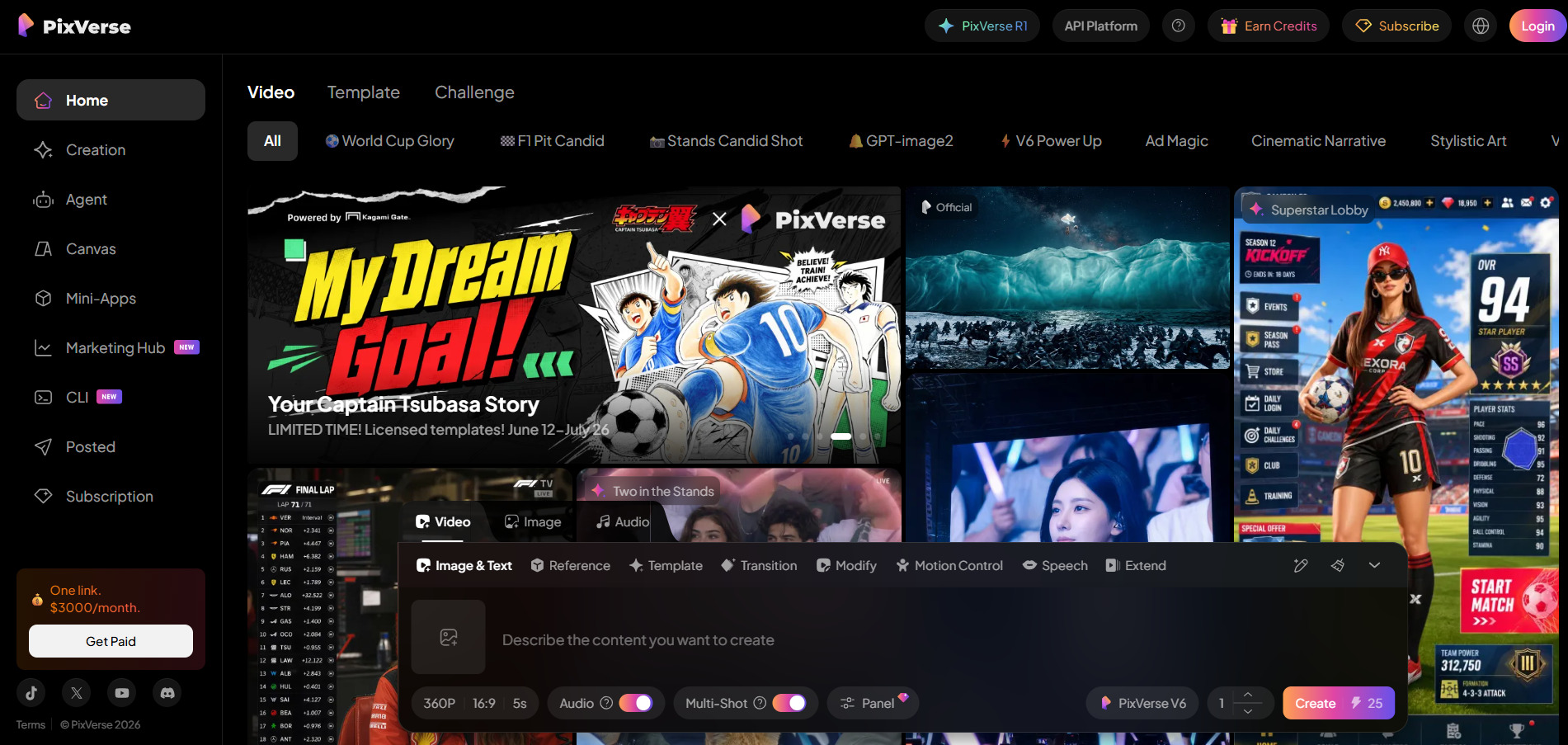
Free Trial: PixVerse V6 offers a permanent free Basic plan with 90 initial credits and 60 daily renewal credits, though outputs are watermarked and capped at lower resolution compared to paid tiers.
Official Pricing Plans:
- Standard: $8–$10/month — 1,200 credits, 720p
- Pro: $24/month — 6,000 credits, 1080p
- Premium: $48/month — 15,000 credits
- Ultra: $149–$199/month — 25,000 credits, priority processing
PixVerse V6 introduced per-second billing, native audio, and multi-shot generation, extending clips from 1 to 15 seconds, a similar duration range to Wan 2.6. It is known for fast rendering speeds and multiple visual styles including realistic, anime, and 3D animation, making it flexible for varied content types.
While the base plans are affordable, heavier users often find the credit system consumes faster than expected once audio and higher resolutions are factored in. PixVerse remains a strong pick for creators who value speed and stylistic variety over maximum cinematic fidelity.
Pros
- Genuine permanent free tier
- Fast generation speed for short clips
- Multiple visual styles including anime and 3D
Cons
- Credits drain quickly with audio and 1080p
- Clips remain short compared to full productions
- Higher tiers needed for professional resolution
7. Digen AI Agent
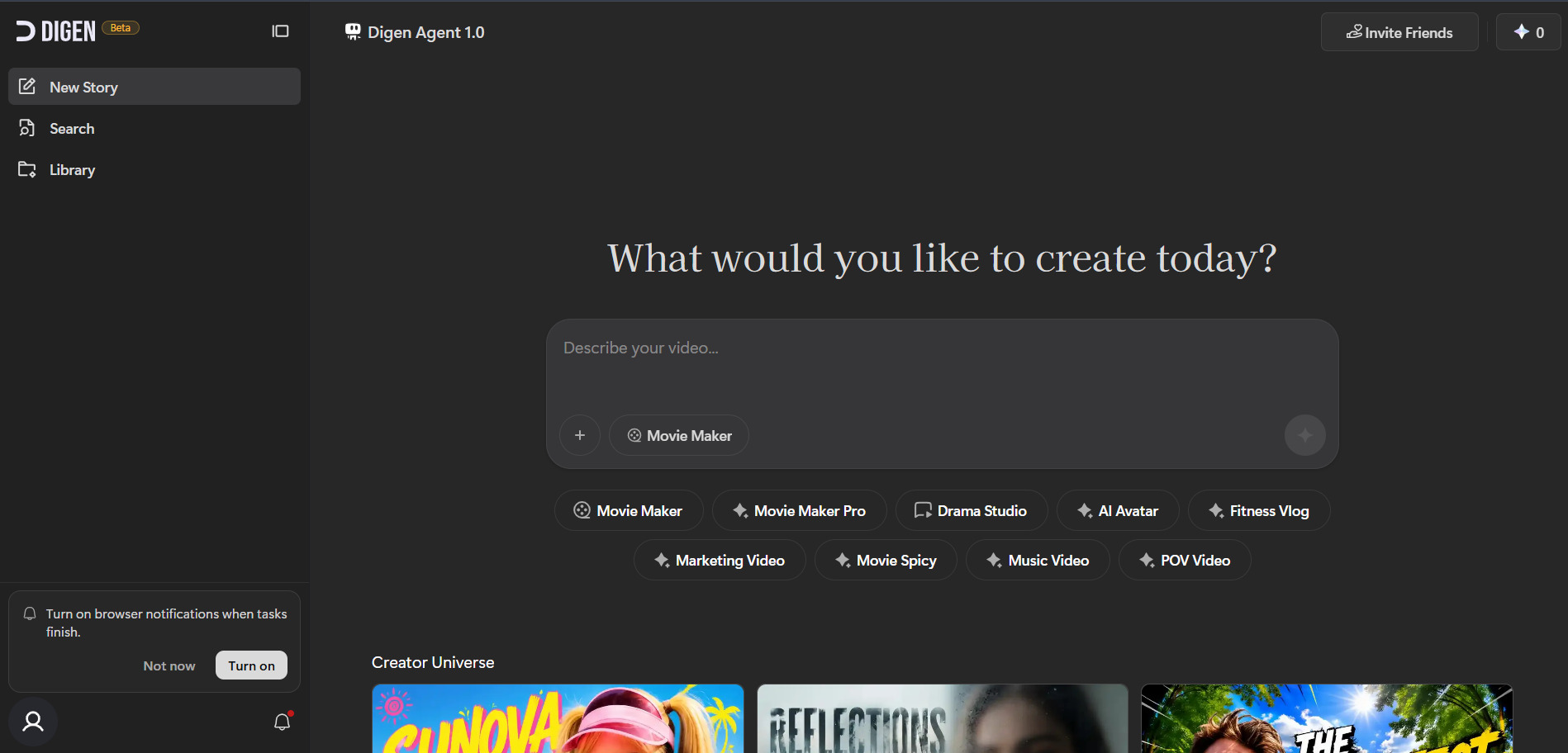
Free Trial: Digen AI Agent offers a genuine free plan that includes daily login credit rewards and access to some outside models like Sora 2 and Veo 3.1, though commercial use and watermark removal require an upgrade.
Official Pricing Plans:
- Free: $0/month — limited daily credits, watermarked
- Ultra: starting at $9.99/month — removes watermark, premium models
- Enterprise: Custom pricing with API access and SLA
Digen AI Agent stands out for turning a static image into a talking avatar without filming, alongside an Agent mode that breaks longer videos into components generated and reassembled for consistency. It also bundles access to outside models like Sora 2 and Kling 3.0 inside a single interface, similar in spirit to how Wan 2.6 aggregates multiple generation modes.
The free tier is genuinely usable for light experimentation thanks to daily credit rewards, but heavier commercial use quickly requires the Ultra plan. Some users report inconsistent support quality, so it is worth testing thoroughly before committing to ongoing paid use.
Pros
- Free access to talking avatar generation
- Bundles multiple outside AI models in one app
- Daily credit rewards extend free usage
Cons
- Commercial use requires paid Ultra plan
- Mixed reports on customer support reliability
- Credit consumption can be fast on premium models
8. VideoProc AI
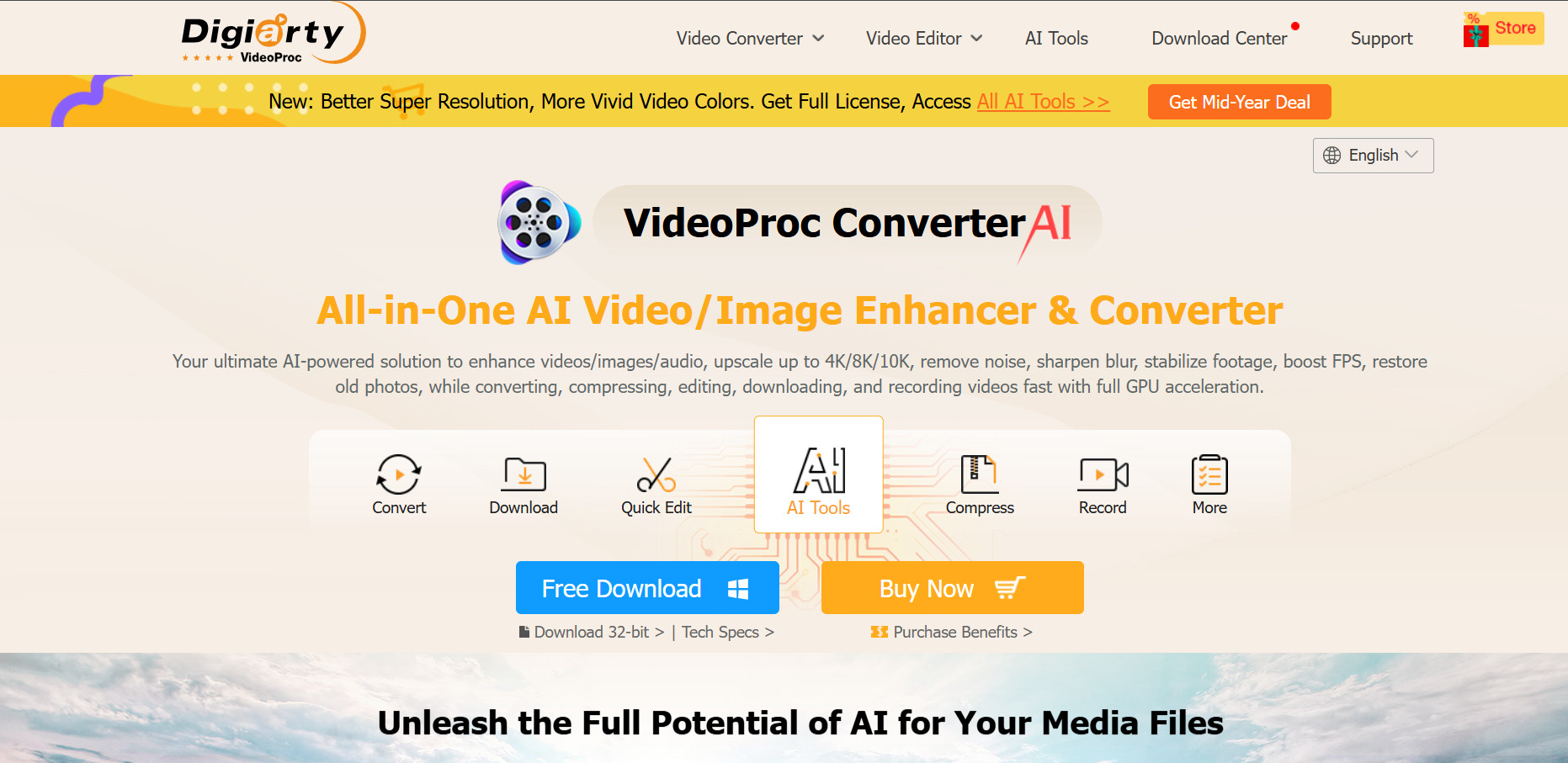
Free Trial: VideoProc AI Converter AI offers a free trial with core features enabled, though AI Super Resolution is capped at clips under 5 minutes, Image AI is limited to 5 images, and exports carry a watermark.
Official Pricing Plans:
- Premium 365: $25.95–$34.95/year — 3 PCs
- Lifetime License: $45.95–$54.95 one-time — 1 PC
- Family License: $57.95–$79.95 one-time — 3–5 PCs
VideoProc AI is different from most tools on this list because it is a downloadable desktop application rather than a browser-based generator. It focuses on AI-powered upscaling, frame interpolation, video conversion, and screen recording using GPU acceleration, making it more of a post-production companion than a Wan 2.6-style text-to-video generator.
Its one-time lifetime license pricing makes it appealing for users who prefer owning software outright instead of paying monthly subscriptions. However, it lacks native text-to-video generation, so it works best paired with a generative tool rather than replacing one entirely.
Pros
- One-time lifetime license option available
- Strong GPU-accelerated upscaling and conversion
- 30-day money-back guarantee on paid plans
Cons
- No native text-to-video generation
- Free trial has tight length and image limits
- Desktop-only, not browser-based
9. Grok Imagine
Free Trial: Grok’s free tier allows limited prompts every two hours with basic Imagine image generation, but full video generation requires at least the SuperGrok Lite paid tier.
Official Pricing Plans:
- SuperGrok Lite: $10/month — Imagine video at 480p, 6-sec clips
- SuperGrok: $30/month or $300/year — full Imagine access
- X Premium+: $40/month — bundles Grok with X platform perks
- SuperGrok Heavy: $300/month — highest limits, multi-agent mode
Grok Imagine is xAI’s video and image generation feature built directly into the Grok app and X platform. Compared to Wan 2.6, it is positioned more as an add-on to a broader AI assistant rather than a dedicated video production tool, though it has quickly grown in popularity for quick social clips.
The entry-level SuperGrok Lite plan is budget-friendly but restricted to short 480p clips, meaning serious creators will need the full SuperGrok tier for better resolution and unlimited access. Pricing across SuperGrok and X Premium+ can be confusing since features overlap depending on which surface you subscribe through.
Pros
- Affordable entry tier at $10/month
- Integrated with a full AI assistant, not just video
- Fast generation speed for social content
Cons
- Lite tier limited to 480p, 6-second clips
- Confusing overlap between SuperGrok and X plans
- Full quality requires higher-priced tiers
10. Lumen5

Free Trial: Lumen5 offers a genuine free Community plan allowing 5 videos per month capped at 2 minutes with a Lumen5-branded outro, though a dedicated trial for paid tiers is not typically available.
Official Pricing Plans:
- Free (Community): $0/month — 5 videos, branded outro
- Basic: $19–$29/month — removes branding
- Starter: $59/month — 1080p, full stock library
- Professional: $149/month — highest AI media credits
Lumen5 takes a very different approach from Wan 2.6 by turning blog posts, articles, or scripts into videos automatically using AI-matched stock footage and text overlays. This makes it ideal for marketing teams that need to repurpose written content into video quickly rather than generate entirely new AI scenes from scratch.
Because Lumen5 relies on stock footage matching rather than pure generative AI, visual originality is limited, and users often need to manually swap a few auto-selected clips per video. Still, for teams focused on speed and brand consistency over cinematic creativity, it remains a practical and cost-effective option.
Pros
- Genuine free plan with no credit card required
- Fast text-to-video workflow for marketing content
- Strong brand consistency tools on higher tiers
Cons
- Relies on stock footage, not true AI-generated scenes
- AI visual matching often needs manual correction
- Higher tiers get expensive for small teams
11. Vyond Go
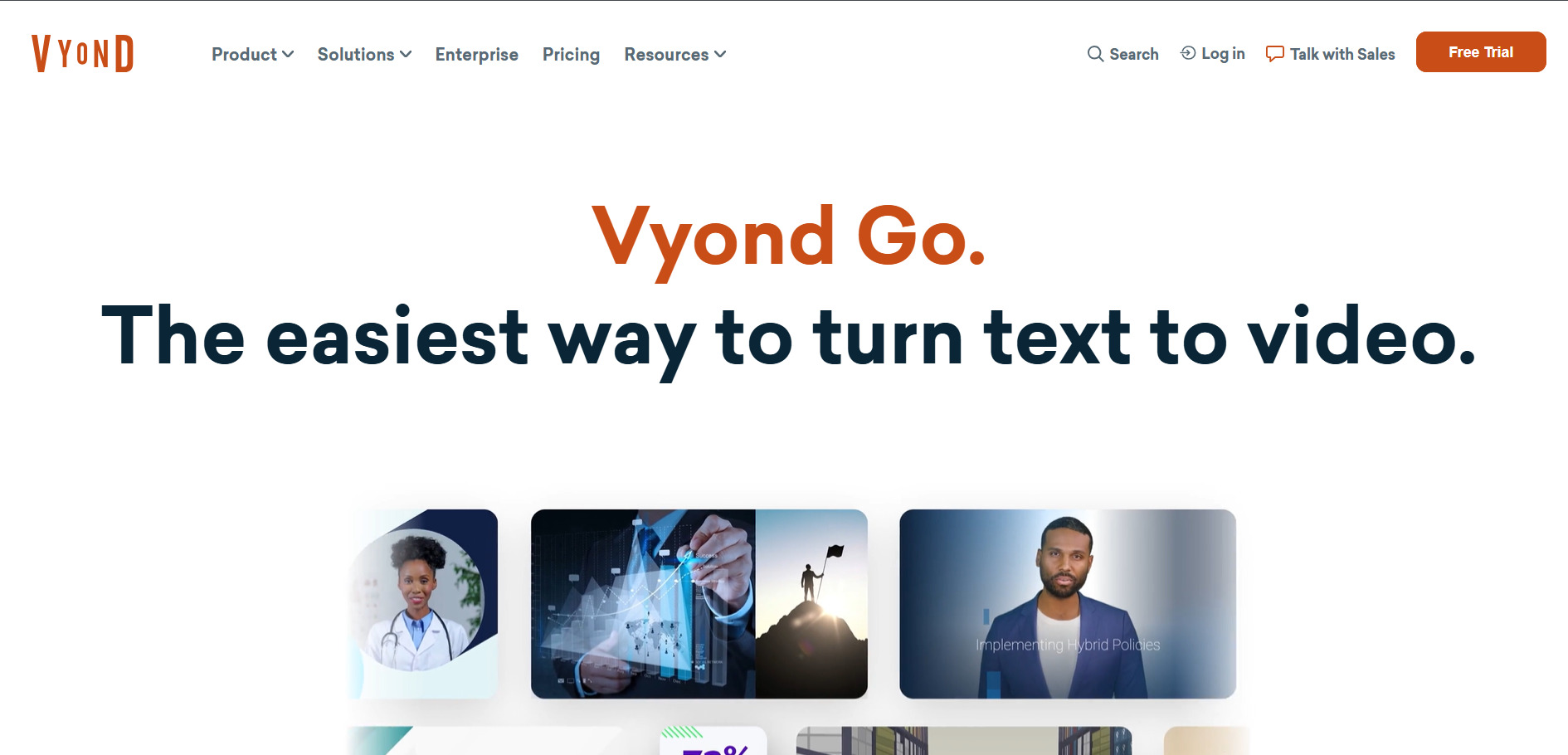
Free Trial: Vyond Go offers a free trial that lets prospective users explore the platform, though exported videos carry a watermark until you upgrade to a paid subscription tier.
Official Pricing Plans:
- Starter/Business: $58–$99/month — AI avatars, text-to-speech
- Professional: $100–$199/month — team collaboration, Shutterstock assets
- Agency: around $167/month per user (annual)
- Enterprise: $1,649/year per user — SSO, unlimited AI credits
Vyond Go is built around character-driven animated video rather than photorealistic AI generation, making it a strong choice for training videos, explainer content, and internal communications. Its AI avatars, text-to-speech voices, and instant translation into 70-plus languages give it a distinct use case compared to Wan 2.6’s cinematic video generation.
Vyond’s pricing is on the higher end, especially since AI credits are metered separately from the subscription and unused credits generally do not roll over on lower tiers. It is best suited for corporate training and L&D teams rather than social media creators seeking fast, low-cost video output.
Pros
- Strong character animation and avatar tools
- Instant translation into 70+ languages
- Well-suited for corporate training content
Cons
- Higher price point than most alternatives
- AI credits metered separately from plan cost
- Not designed for cinematic or photorealistic video
12. Wan 2.2
Free Trial: As an earlier open-source release from Alibaba’s Tongyi Lab, Wan 2.2 is free to run locally if you have compatible GPU hardware, and it is also accessible through several free cloud demo platforms with limited daily generations.
Official Pricing Plans:
- Self-hosted (open-source): Free — requires your own GPU
- Cloud platform access: varies by host, often $0–$20/month for limited credits
- API access via third parties: pay-per-second, typically under $0.05/sec
Wan 2.2 is the direct predecessor to Wan 2.6 and remains relevant because it is open-source, giving developers full control over deployment without depending on a hosted service. It performs well on consumer GPUs, with the smaller T2V-1.3B model requiring only about 8GB of VRAM, making it accessible to hobbyists and researchers alike.
Compared to Wan 2.6, Wan 2.2 lacks native audio generation, multi-shot control, and the longer 15-second clip length, so output quality and workflow convenience are noticeably behind the newer model. It remains a solid choice mainly for technically capable users who prioritize cost control and local processing over cutting-edge features.
Pros
- Free and open-source for self-hosting
- Runs on consumer-grade GPUs
- No subscription costs when self-hosted
Cons
- No native audio generation like Wan 2.6
- Requires technical setup and GPU hardware
- Shorter clip lengths and less shot control
| Alternative | Description |
|---|---|
| Wireflow | A node-based canvas that chains 100+ AI models, including video, image, and audio, into one repeatable workflow. |
| Seedance 2.0 | ByteDance’s cinematic video model known for strong motion quality and consistent character rendering across platforms. |
| Artlist AI | A creative ecosystem combining AI video generation with licensed music, footage, and template libraries. |
| Kapwing AI | A browser-based editor with AI-assisted tools like Smart Cut, auto-subtitles, and clip extraction for existing footage. |
| Creatify AI | An avatar-led UGC ad generator with URL-to-video capability built for e-commerce and performance marketers. |
| PixVerse V6 | A fast, per-second billed video generator offering multi-shot generation, native audio, and multiple visual styles. |
| Digen AI Agent | A talking-avatar generator that bundles access to outside models like Sora 2 and Kling within one interface. |
| VideoProc AI | A desktop application focused on AI-powered upscaling, frame interpolation, and video conversion rather than generation. |
| Grok Imagine | xAI’s built-in video and image generation feature inside the Grok app, geared toward quick social content. |
| Lumen5 | A text-to-video tool that transforms blog posts and scripts into videos using AI-matched stock footage. |
| Vyond Go | A character-animation platform with AI avatars and translation, aimed at corporate training and explainer videos. |
| Wan 2.2 | The open-source predecessor to Wan 2.6, offering free self-hosted generation for technically capable users. |
Conclusion
Choosing the right Wan 2.6 alternative ultimately depends on what you are trying to create. If you need cinematic, high-fidelity clips, Seedance 2.0 and PixVerse V6 are strong contenders, while Wireflow offers the most flexibility for teams that want access to many models in one workflow.
If budget or control matters more than convenience, Wan 2.2 gives you a free, self-hosted path, while Kapwing AI and VideoProc AI fill the editing and post-production gaps that pure generation tools leave behind. Testing a few free trials before committing to a paid plan is the best way to find the platform that truly matches your creative workflow in 2026.


