

LogMeIn has long been a trusted name in remote access software, but rising subscription costs and feature limitations have pushed many individuals and businesses to look elsewhere. This guide walks through 13 of the most reliable LogMeIn Alternatives available today, covering their trial offers, pricing plans, and the strengths and weaknesses that set each one apart. From free open-source tools to enterprise-grade platforms, this list should help you find a remote access solution that matches your budget and workflow.
1. ISL Online
ISL Online offers a generous 15-day free trial with no credit card required, giving you access to nearly all core features before you commit. Its pricing is straightforward, with the Standard plan covering unlimited users and devices, making it a strong pick for growing IT teams that need predictable costs without hidden add-on fees.
Standard: $34.90/user/month
Premium: $54.90/user/month
Self-Hosted: $44.90/month
Beyond pricing, ISL Online stands out for its flexible deployment options, letting businesses choose between cloud, self-hosted, or managed private cloud setups depending on how much control they need over their data. It also supports white-labeling, so managed service providers can present the tool under their own branding rather than ISL’s.
Pros
- Unlimited users and devices on most plans
- Strong encryption and two-factor authentication
- Flexible cloud, self-hosted, and hybrid deployment
- White-label branding for MSPs
Cons
- Interface feels dated compared to rivals
- Concurrent licensing can restrict larger teams
- No permanent free plan available
2. Parsec
Parsec provides a 14-day free trial for its Teams and Enterprise tiers, alongside a permanently free plan for personal and gaming use. This makes it easy to test performance before paying, and its low-latency streaming technology appeals strongly to gamers, video editors, and creative professionals who need responsive remote control.
Free: $0/month
Warp: $8/month
Teams: $30/user/month
Parsec’s biggest strength is streaming quality, supporting up to 4K resolution and 240 FPS with peer-to-peer connections that minimize lag. Businesses benefit from SOC 2 Type 2 certification, SSO integration, and granular guest access controls, though its per-user Teams pricing can climb quickly for larger organizations.
Pros
- Ultra-low latency, high frame-rate streaming
- Free tier available for personal use
- Great for gaming, design, and creative work
- SOC 2 Type 2 certified security
Cons
- Teams pricing is steep for larger groups
- Less focused on traditional business IT support
- Guest access credits sold separately
3. Splashtop
Splashtop offers a 7-day free trial along with a limited free “Personal” plan restricted to local network use. Its pricing is among the most competitive in the industry, and it is frequently recommended as a direct, budget-friendly swap for LogMeIn, often saving businesses up to 80% on remote access costs.
Solo: $6/month
Pro: $8.25/user/month
Performance: $13/user/month
Splashtop supports up to 240 FPS streaming with 4:4:4 color accuracy on higher tiers, making it suitable for both everyday remote work and demanding creative tasks. It requires annual billing on most plans and mandates software installation on both devices, but its blend of affordability and performance keeps it a top LogMeIn substitute.
Pros
- Significantly cheaper than LogMeIn and TeamViewer
- High frame rates with strong color fidelity
- Works across Windows, Mac, iOS, Android, Chromebook
- Reliable AWS-hosted secure infrastructure
Cons
- Most plans require annual billing commitment
- Advanced features locked to higher tiers
- Free plan limited to local network only
4. Microsoft Remote Desktop
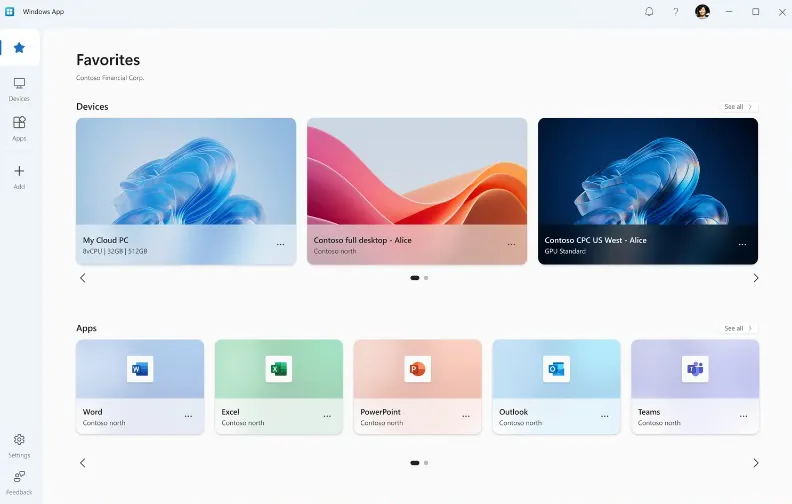
Microsoft Remote Desktop does not offer a traditional paid trial because the core client app is completely free to download and use on Windows, Mac, iOS, and Android. There is no subscription fee for personal use, since it connects using Remote Desktop Protocol (RDP) built into Windows Pro and Enterprise editions.
Personal Use: $0
Azure Virtual Desktop: Pay-as-you-go
For businesses wanting cloud-hosted virtual desktops, Microsoft pairs this with Azure Virtual Desktop, priced on consumption. This makes Microsoft Remote Desktop ideal for Windows-centric environments where IT departments already control network access, though it lacks the file transfer and chat conveniences bundled into dedicated remote support tools.
Pros
- Completely free for personal and internal use
- Deeply integrated with Windows infrastructure
- Reliable performance on local networks and VPNs
- No third-party software required
Cons
- Requires Windows Pro/Enterprise on the host
- No built-in file transfer or live chat
- Setup can be technical for non-IT users
5. Chrome Remote Desktop
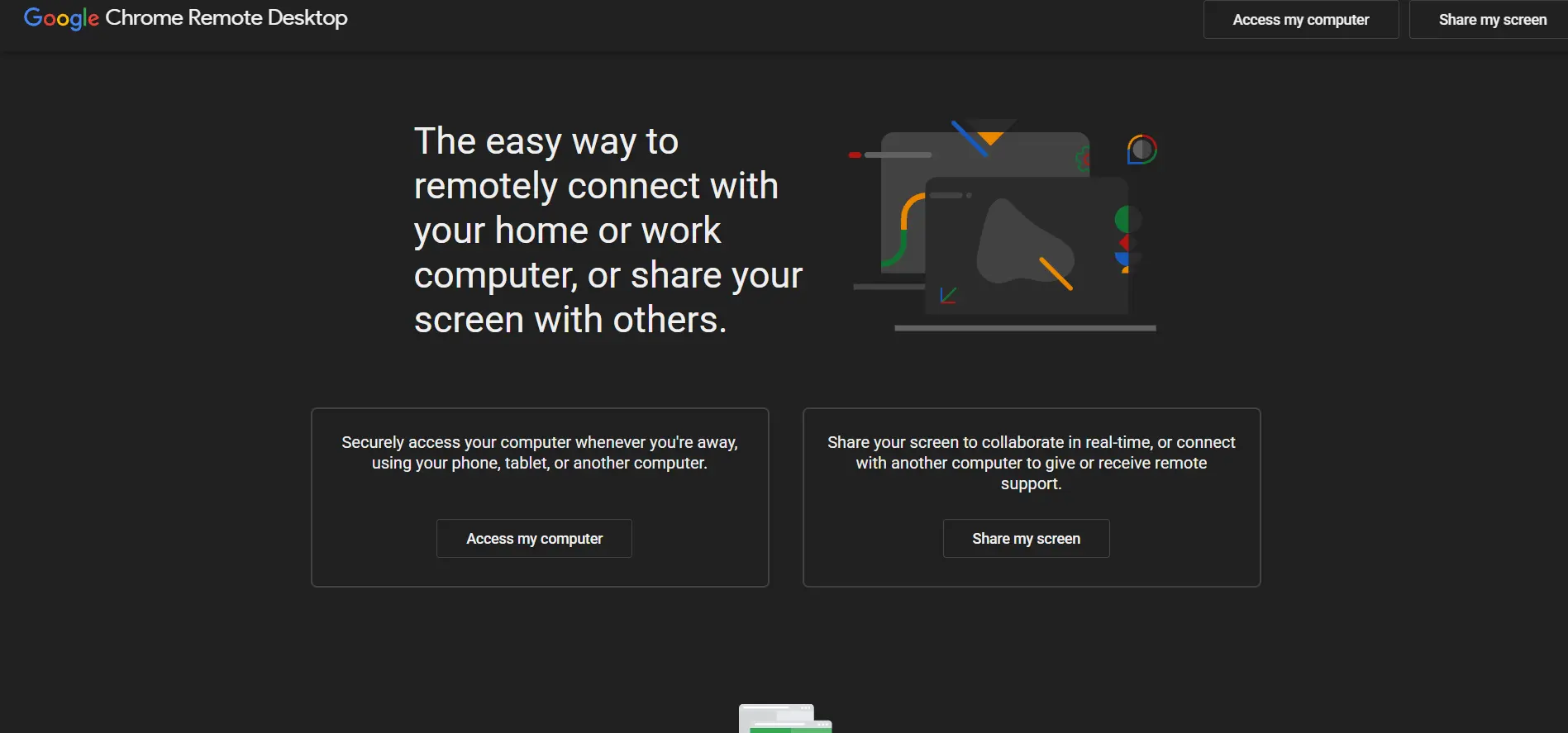
Chrome Remote Desktop is a free browser-based tool from Google with no trial needed since there is no paid tier at all. It runs as a Chrome extension or web app, letting users access another computer instantly using just a Google account and a shared PIN or access code.
Personal: $0
Business: $0
Because it relies entirely on the Chrome browser, it works seamlessly across Windows, Mac, Linux, and Chromebooks without heavy installation. It’s a solid pick for casual remote access needs, though it lacks advanced features like session recording, multi-monitor switching, or detailed admin controls found in paid competitors.
Pros
- Completely free with no hidden costs
- Extremely simple setup via Google account
- Cross-platform browser-based access
- No bandwidth or session limits
Cons
- Missing advanced IT admin features
- No file transfer between sessions
- Limited customer support options
6. AnyDesk
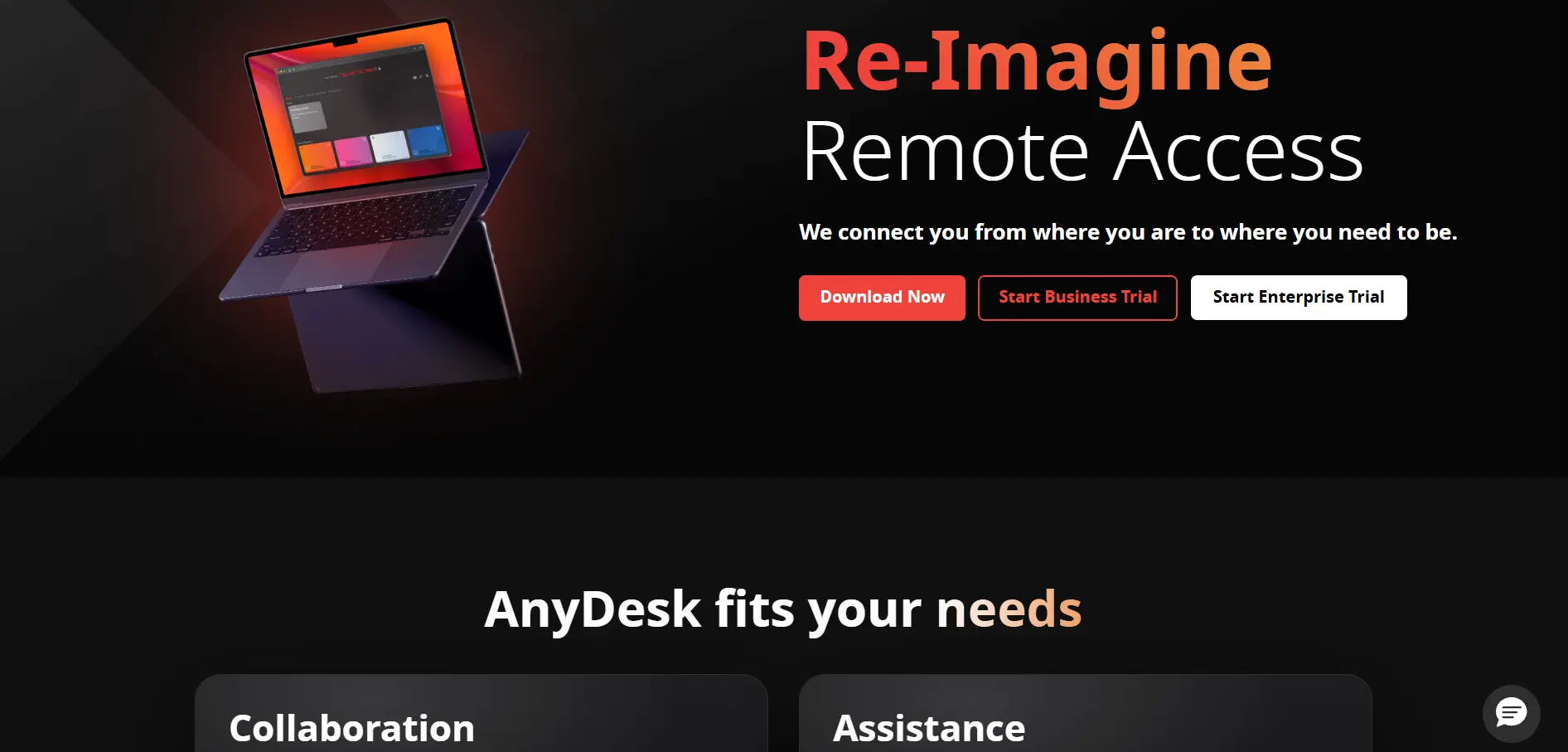
Anydesk provides a 14-day free trial on its paid tiers, alongside a free version for personal, non-commercial use. Its pricing scales from individual freelancers to enterprise IT departments, with all business plans billed annually and no monthly payment option available.
Solo: $14.90/month
Standard: $49.90/month
Advanced: $111.90/month
AnyDesk is known for its proprietary DeskRT codec, which keeps latency low even on slower connections, making it a favorite for IT support scenarios. It holds SOC 2 and ISO 27001 certifications for security-conscious businesses, though some users report unexpected tier changes and renewal price increases over time.
Pros
- Low-latency DeskRT codec for smooth sessions
- SOC 2 and ISO 27001 certified
- Free for personal, non-commercial use
- Custom branding available on higher tiers
Cons
- Annual billing only, no monthly plans
- Renewal prices can increase 10-20%
- Some users report shrinking feature tiers
7. RemotePC
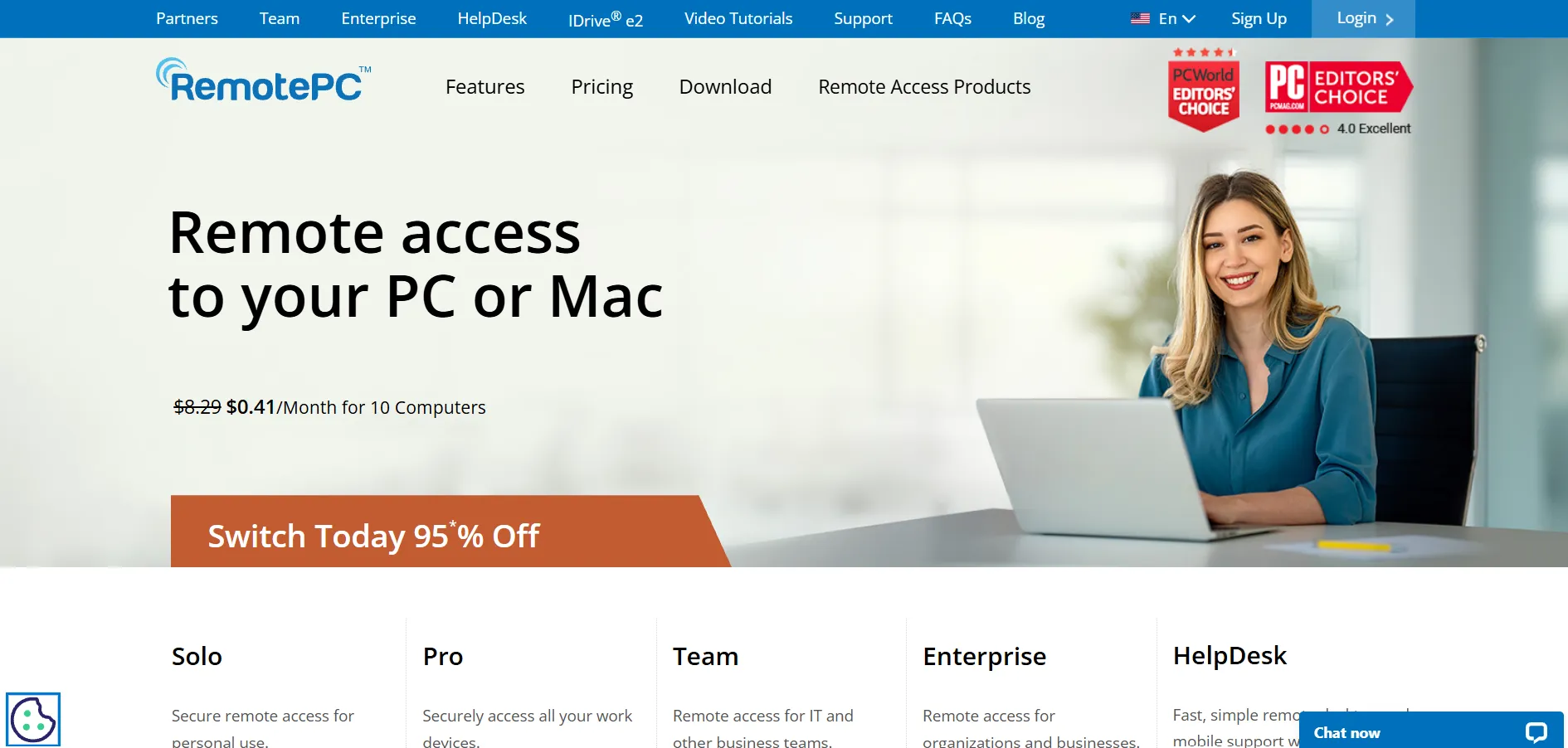
RemotePC by IDrive offers a 7-day free trial of its Pro plan, letting users test unattended access before subscribing. It is priced per computer rather than per user, which makes it noticeably more affordable than many rivals, especially for small teams managing multiple unattended machines.
Solo: ~$1.95/month
Pro: ~$6.22/month
Team: ~$18.72/month
Every RemotePC tier supports unlimited concurrent sessions, and the service frequently runs first-year discounts of up to 50% for longer contracts. It includes built-in video conferencing and remote printing, though third-party integrations are more limited compared to enterprise-focused competitors like TeamViewer.
Pros
- Very affordable per-computer pricing
- Unlimited concurrent sessions on all plans
- Built-in video meetings and file transfer
- Frequent first-year discount offers
Cons
- Fewer third-party integrations
- Windows RDP connector is a paid add-on
- Consumer plan requires annual contract
8. Apache Guacamole
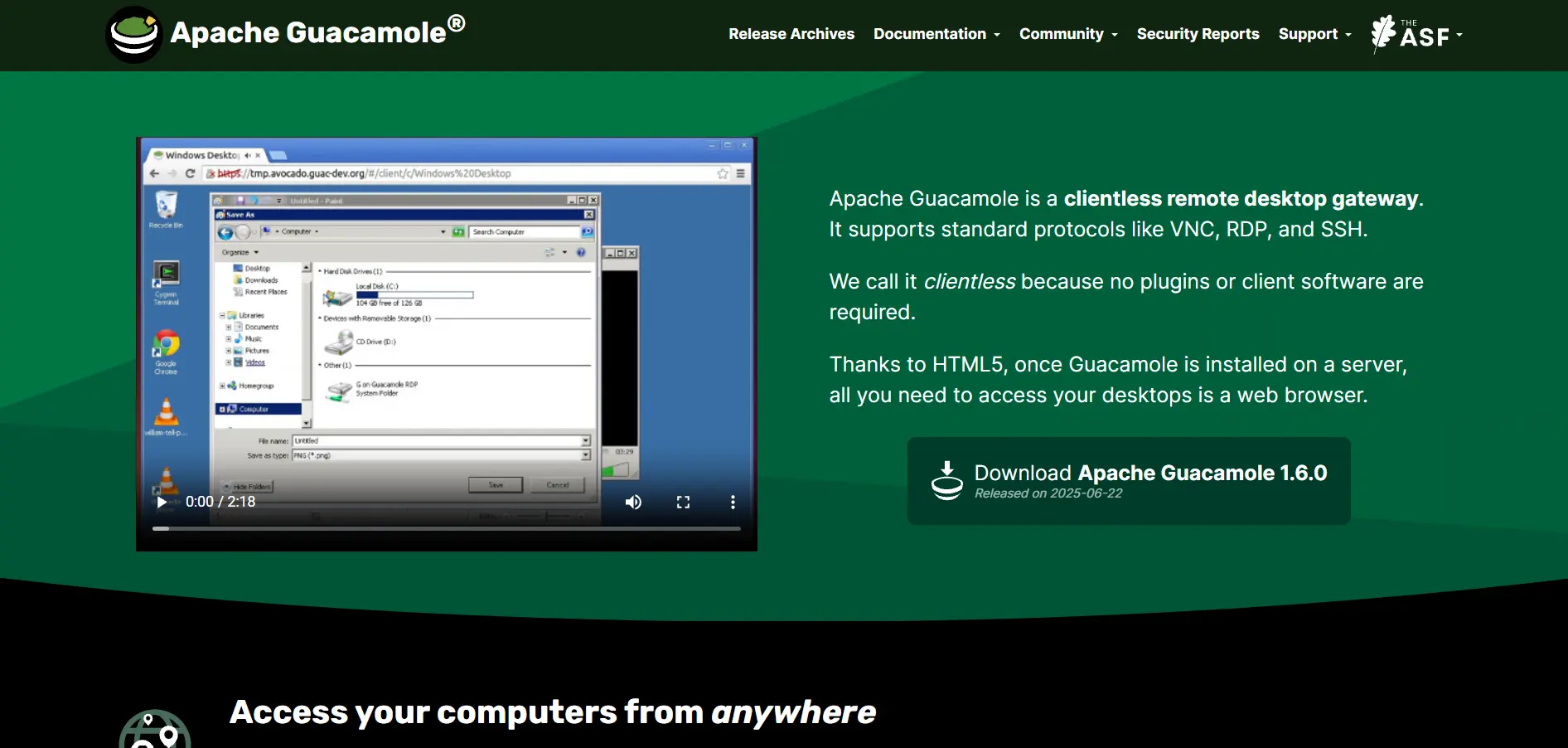
Apache Guacamole has no trial period because it is a completely free, open-source clientless remote desktop gateway. There is no vendor pricing page since anyone can self-host it on their own server infrastructure without ever paying a licensing fee.
Self-Hosted: $0 (server costs apply)
Because Guacamole runs entirely through HTML5 in a browser, no plugins or client software are needed on the connecting device, supporting VNC, RDP, and SSH protocols. It’s a strong fit for developers and IT teams comfortable with self-hosting, though it demands technical setup knowledge that non-technical users may find challenging.
Pros
- Completely free open-source software
- No client installation, works via HTML5 browser
- Supports VNC, RDP, and SSH protocols
- Full control over hosting and data
Cons
- Requires self-hosting and server maintenance
- No official customer support
- Steeper learning curve for beginners
9. UltraViewer
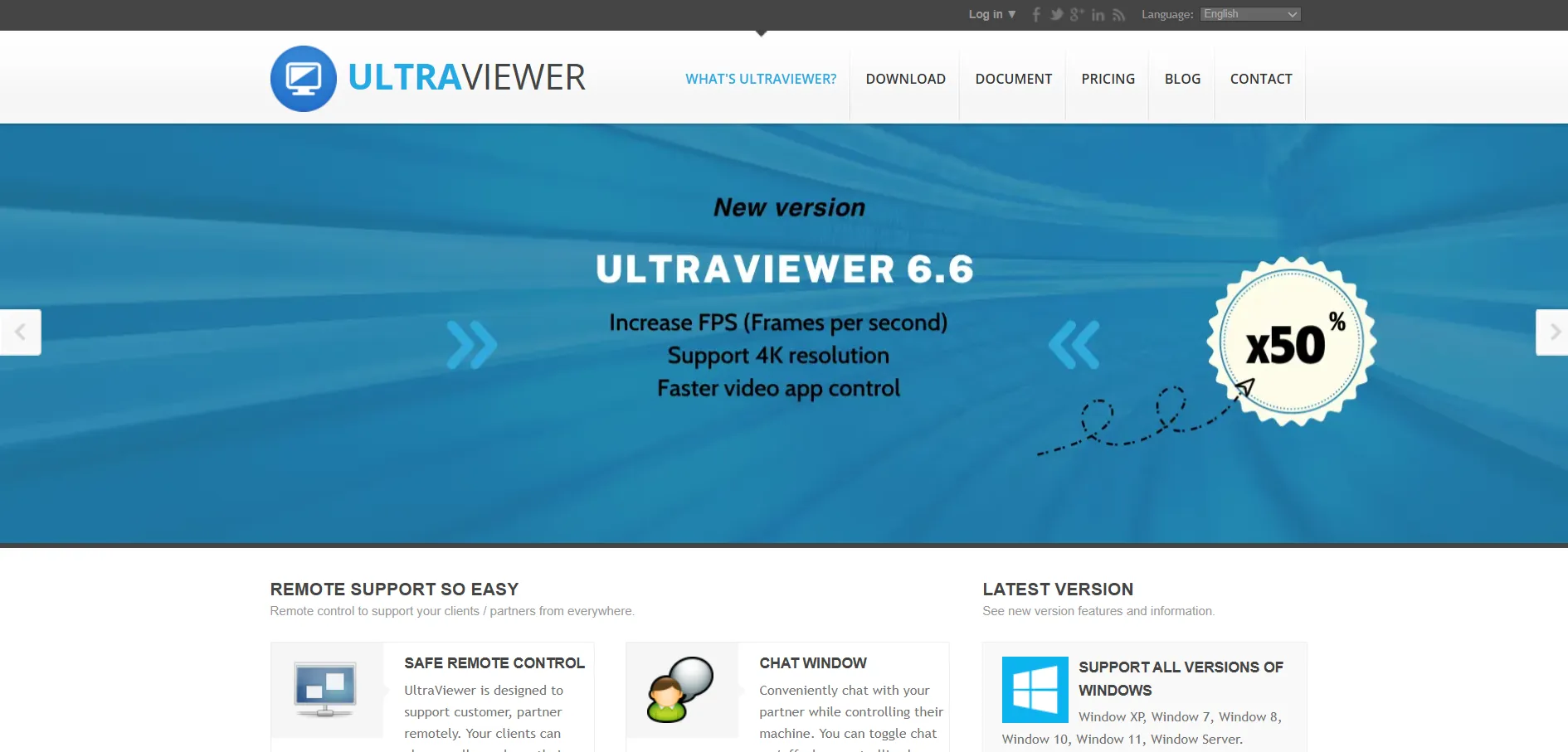
UltraViewer is available as a free download with no trial restrictions, though a paid “Pro” version unlocks unattended access and multi-session support. There is no formal time-limited trial since the free version already provides core remote control and file transfer functionality for personal use.
Free: $0/month
Pro: Custom pricing on request
UltraViewer is popular in regions where budget-friendly remote support is essential, offering a lightweight client that installs quickly and connects fast even on modest internet connections. It lacks the polish and enterprise features of larger platforms, making it best suited for individuals and small support teams rather than large organizations.
Pros
- Free version covers most basic needs
- Lightweight and fast to install
- Simple interface for non-technical users
- Works well on lower bandwidth connections
Cons
- Pricing for Pro version is not transparent
- Fewer enterprise security certifications
- Limited customer support channels
10. TeamViewer
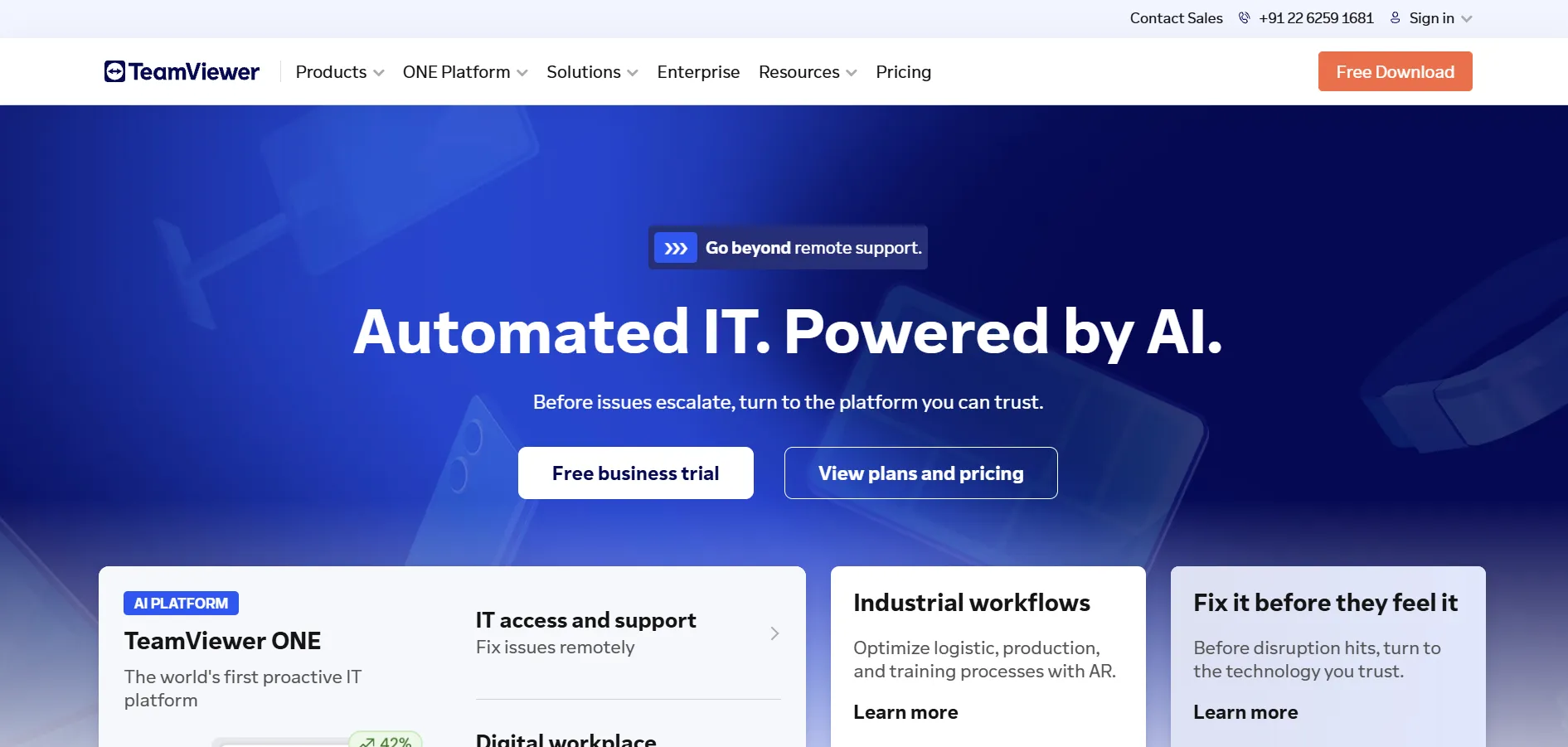
TeamViewer offers a 14-day free trial for its business plans, though the trial excludes some enterprise add-ons. It remains one of the most recognized names in remote access, with tiered pricing structured around single users, small teams, and large corporate deployments.
Remote Access: $24.90/month
Business: $50.90/month
Premium: $112.90/month
TeamViewer’s Business plan supports up to 200 managed devices with unlimited attended connections, plus integrations like Google Meet and multilingual phone support. While powerful, it is consistently one of the pricier options on this list, and many add-on features increase the total cost beyond the advertised starting price.
Pros
- Industry-leading brand recognition and reliability
- Bank-level encryption and strong security
- Supports up to 300+ managed devices
- Rich integrations and mobile support
Cons
- Among the most expensive tools in this category
- Add-ons increase total cost unpredictably
- Annual billing only, no month-to-month option
11. Distant Desktop
Distant Desktop provides a free trial period for new users to test its remote access and screen sharing tools before subscribing. It positions itself as a simpler, more affordable alternative aimed at individuals and small businesses who find bigger platforms overly complex for everyday use.
Personal: Budget-friendly monthly plans
Business: Custom quote
The platform emphasizes ease of setup, letting users connect to remote machines within minutes without extensive configuration. It’s a reasonable choice for freelancers and small IT support teams, though it has a smaller market presence and fewer third-party reviews compared to established competitors on this list.
Pros
- Simple, beginner-friendly setup
- Affordable pricing for small teams
- Quick connection times
- Good fit for freelancers and solopreneurs
Cons
- Smaller user base and fewer reviews
- Limited advanced enterprise features
- Less brand recognition than major rivals
12. AnyViewer
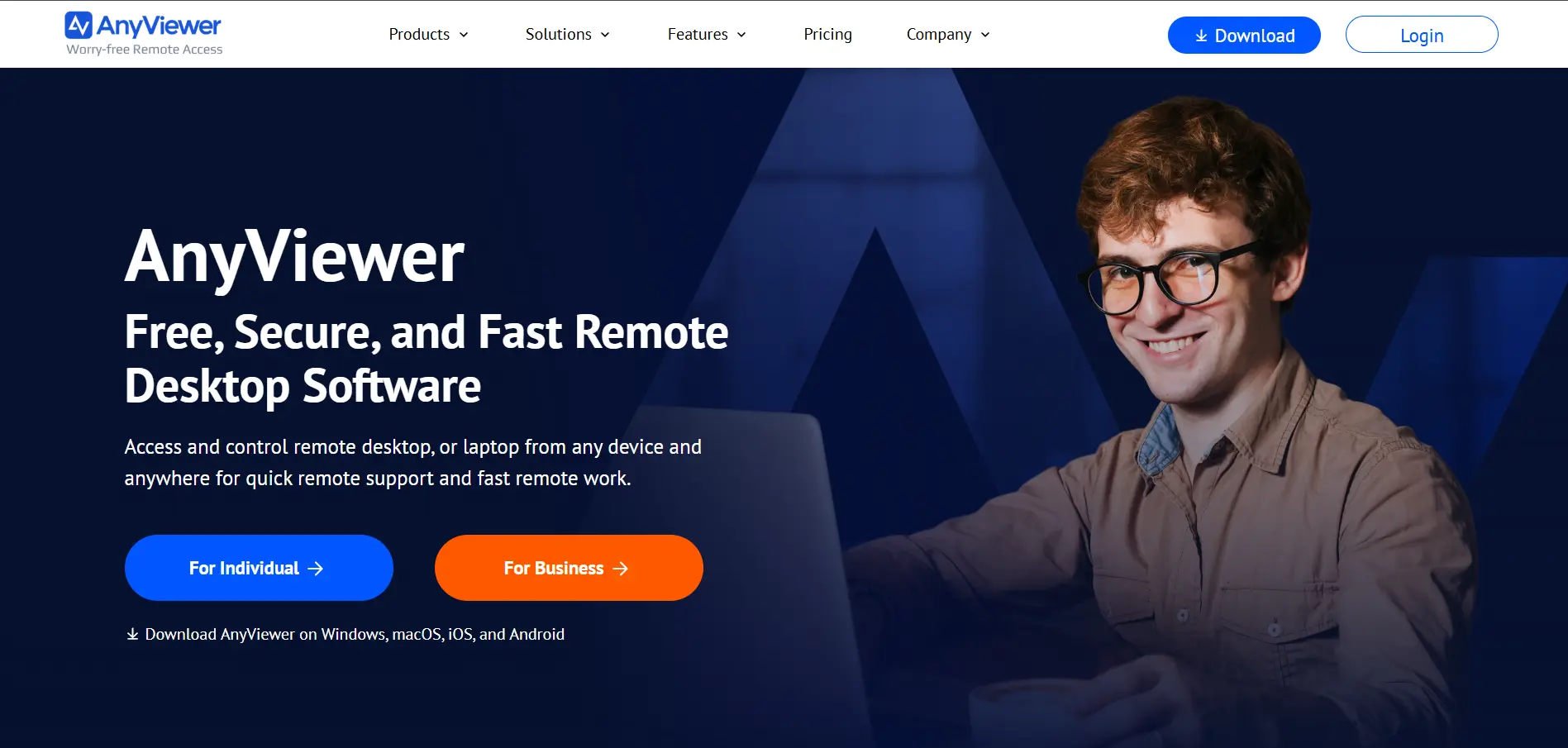
AnyViewer offers a free plan for personal use along with premium tiers that unlock unattended access, file transfer, and multi-session capability. There’s no strict paid trial required since the free tier already lets users experience the core remote desktop functionality firsthand.
Free: $0/month
Professional: Affordable monthly/yearly tiers
AnyViewer stands out for its clean, modern interface and features like text chat, remote reboot, and privacy mode during sessions. It’s a good match for small businesses and personal users seeking a lightweight LogMeIn substitute, although it currently has fewer enterprise integrations than more established platforms.
Pros
- Modern, easy-to-navigate interface
- Generous free tier for personal use
- Includes privacy mode and remote reboot
- Affordable premium upgrade pricing
Cons
- Limited enterprise-grade integrations
- Smaller community and support resources
- Newer platform with a shorter track record
13. Pulseway
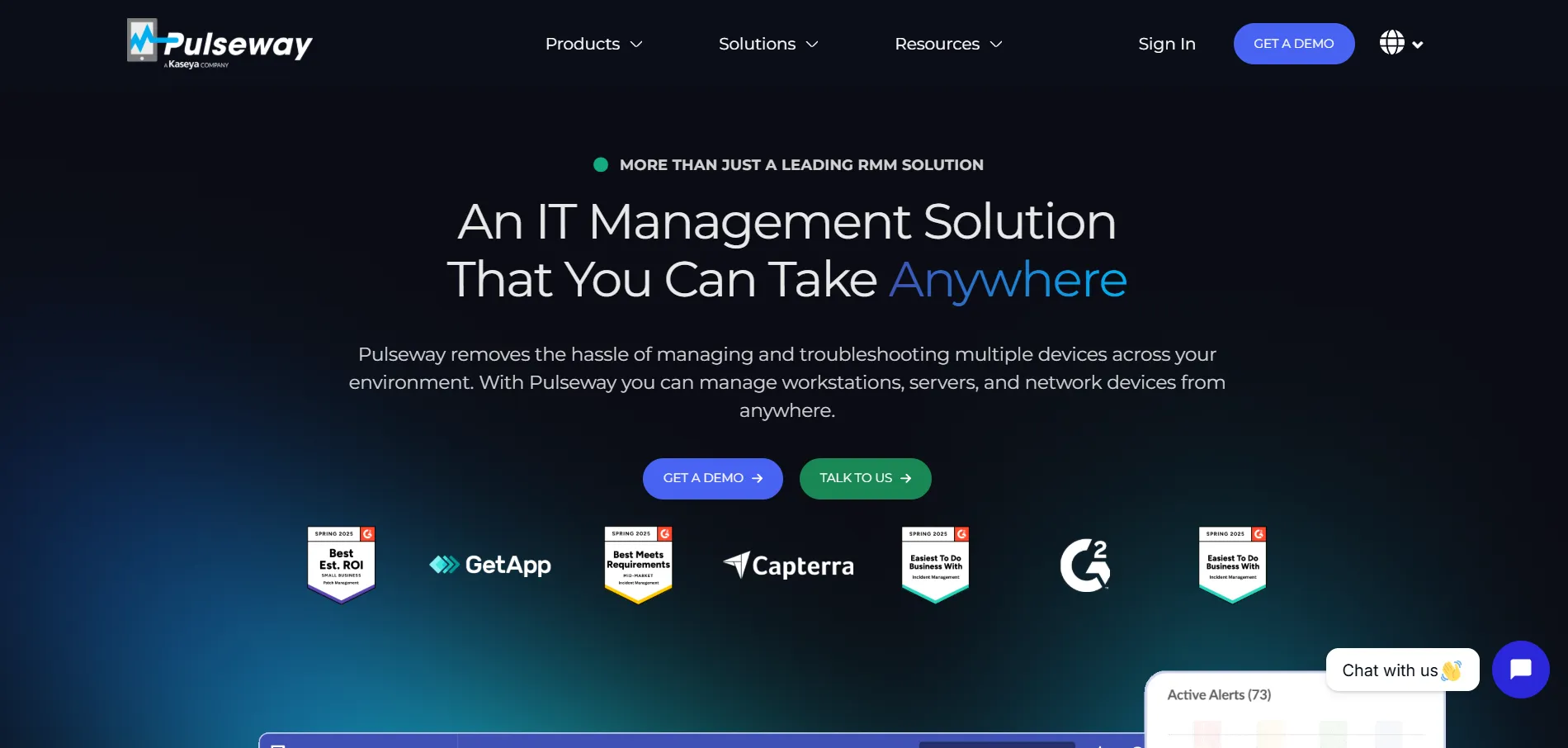
Pulseway offers a 14-day free trial with no credit card required, aimed primarily at MSPs and IT teams needing remote monitoring alongside remote access. Pricing is based on a per-endpoint model, making costs scale directly with the number of devices being managed and monitored.
Starting: ~$1.85/endpoint/month
Enterprise: Custom quote
Beyond remote access, Pulseway shines as a full RMM (Remote Monitoring and Management) platform, offering real-time alerts, automation scripting, and a robust mobile app for IT technicians on the go. It’s better suited for MSPs than casual users, and per-endpoint pricing can grow costly for organizations managing large device fleets.
Pros
- Full RMM features beyond basic remote access
- Strong mobile app for IT technicians
- Real-time monitoring and automation tools
- No credit card required for trial
Cons
- Per-endpoint pricing scales quickly
- Overkill for simple remote access needs
- Pricing transparency varies by source
Conclusion
Choosing the right LogMeIn alternative ultimately depends on your specific needs, budget, and technical comfort level. Free tools like Chrome Remote Desktop, Microsoft Remote Desktop, and Apache Guacamole work well for casual or internal use, while paid platforms such as Splashtop, AnyDesk, and RemotePC deliver more robust features at competitive prices for growing businesses.
For larger IT teams and MSPs, TeamViewer and Pulseway offer enterprise-grade capabilities, though at a higher cost. Meanwhile, niche tools like Parsec, AnyViewer, and Distant Desktop cater to specific use cases like gaming, simplicity, or lightweight personal access. Testing a few free trials before committing is the smartest way to find the perfect fit for your remote access needs in 2026.


