

Splashtop has long been a popular choice for remote access and remote support, but it is far from the only option available today. Businesses and individuals often need different feature sets, pricing structures, or platform support that better match their specific workflows, whether that is IT helpdesk support, MSP endpoint management, or simple personal remote access between devices. In this article, we cover 13 of the best Splashtop Alternatives on the market in 2026. Each tool is reviewed with its free trial availability, current pricing plans pulled from official sources, and a breakdown of pros and cons to help you choose the right remote access or remote support solution for your needs.
1. NinjaOne
💰 Pricing:
- Custom quote-based, per endpoint/month
- Typically $2.50–$4.50/endpoint/month
- Volume deals as low as $1.50/endpoint/month
- Backup, MDM, and remote access sold as add-ons
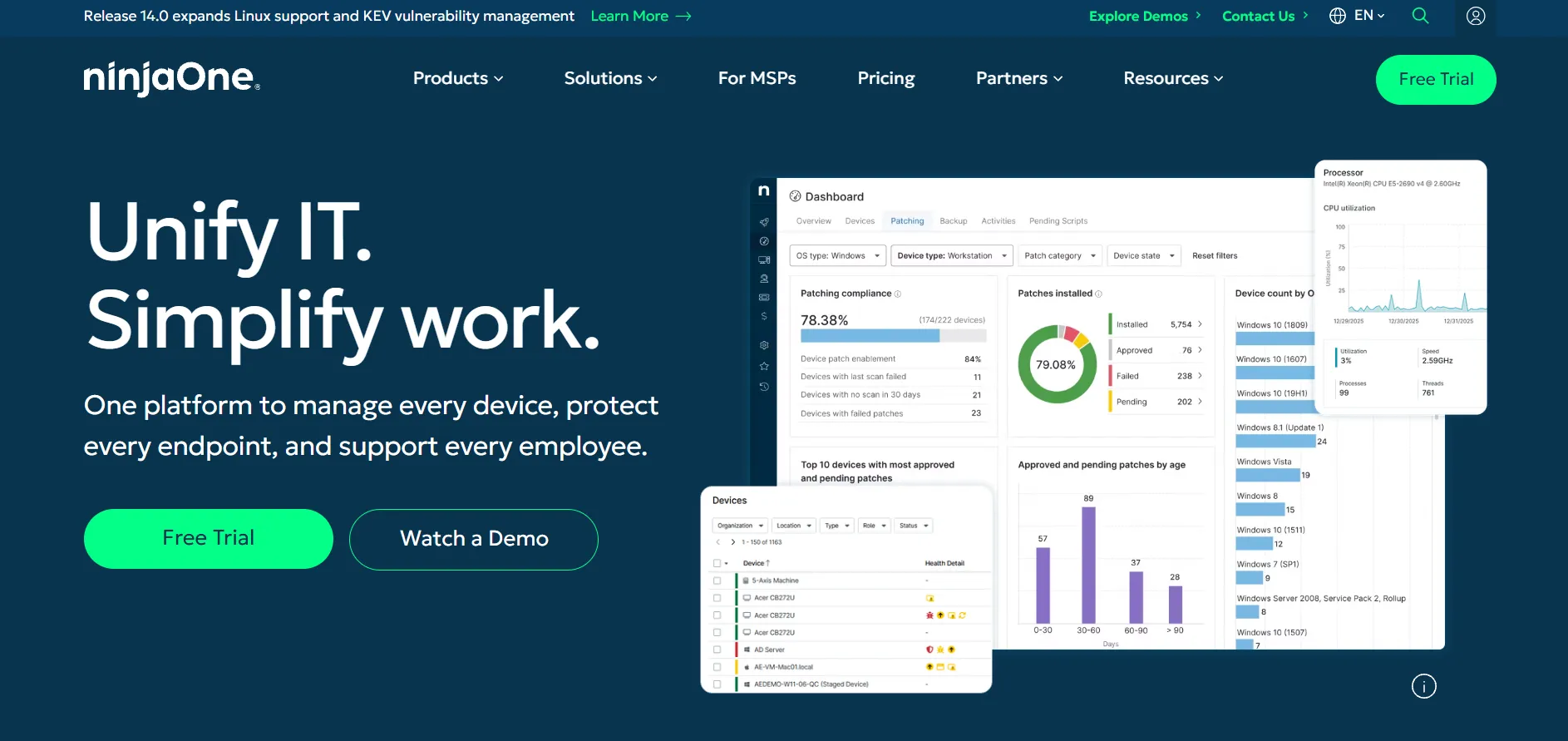
NinjaOne is an all-in-one endpoint management platform that bundles remote monitoring, patch management, IT documentation, and remote access into a single cloud dashboard. It is aimed at MSPs and internal IT teams managing fleets of devices rather than individual users needing occasional remote sessions. Its 14-day free trial gives full access to test automation and reporting features.
Because NinjaOne uses per-endpoint pricing rather than flat tiers, the total cost depends heavily on device count, selected modules, and contract length. Small teams under 100 endpoints may find pricing steep compared to lightweight remote access tools, while larger MSPs benefit from volume discounts and can bundle backup and mobile device management for a more complete IT stack.
Pros
- All-in-one RMM plus remote access platform
- Strong automation and patch management
- Unlimited free customer support included
- No cap on number of user licenses
Cons
- Pricing not published, requires custom quote
- Expensive for small teams under 100 devices
- Add-ons increase total cost significantly
- Steeper learning curve than simple remote tools
2. Anydesk
💰 Pricing:
- Solo: $14.90/month
- Standard: $49.90/month
- Advanced: $111.90/month
- Ultimate: Custom pricing
AnyDesk is a lightweight, fast remote desktop tool known for its low-latency connections and small installer size. It is popular among freelancers, IT technicians, and businesses that need quick, secure access to unattended devices. The Solo plan covers individual professionals, while higher tiers unlock session recording, custom branding, and centralized device management.
Pricing is based on licensed users and concurrent connections rather than device count, and billing is annual only with no monthly payment option. While the free personal-use version is generous, commercial users will find AnyDesk’s paid tiers priced above several competitors, and features like Active Directory integration are reserved for the Advanced and Ultimate tiers.
Pros
- Extremely fast, low-latency connections
- Free for personal, non-commercial use
- Lightweight client, minimal setup
- Strong encryption and security standards
Cons
- Annual billing only, no monthly option
- Higher tiers get expensive quickly
- Some advanced features locked to top plan
- Users report past pricing tier changes
3. TeamViewer
💰 Pricing:
- Remote Access: $24.90/month
- Business: $50.90/month
- Premium: $112.90/month
- Corporate: $229.90/month
- Tensor: Custom enterprise pricing
TeamViewer is one of the most recognized names in remote access software, offering robust cross-platform support, AR-based remote assistance, and enterprise-grade security. It serves everyone from individual freelancers to large IT departments needing centralized device management, single sign-on, and detailed audit logging across thousands of endpoints.
TeamViewer’s pricing is on the higher end of the market, with the entry Remote Access plan starting at $24.90 per month and scaling steeply through Business, Premium, and Corporate tiers based on licensed users and concurrent connections. Enterprise-level Tensor pricing requires direct negotiation, and add-ons like mobile device support are billed separately, making total costs less predictable for growing teams.
Pros
- Industry-leading brand trust and reliability
- Cross-platform support for nearly every OS
- AR-based remote troubleshooting tools
- Strong enterprise security and compliance
Cons
- Among the most expensive tools in this list
- Annual subscription commitment required
- Add-ons increase cost unpredictably
- Enterprise pricing not transparent
4. AnyViewer
💰 Pricing:
- Free: $0
- Professional: from $3.58/month (billed annually)
- Solo: from $47.88/year
- Enterprise: up to $16.58/month
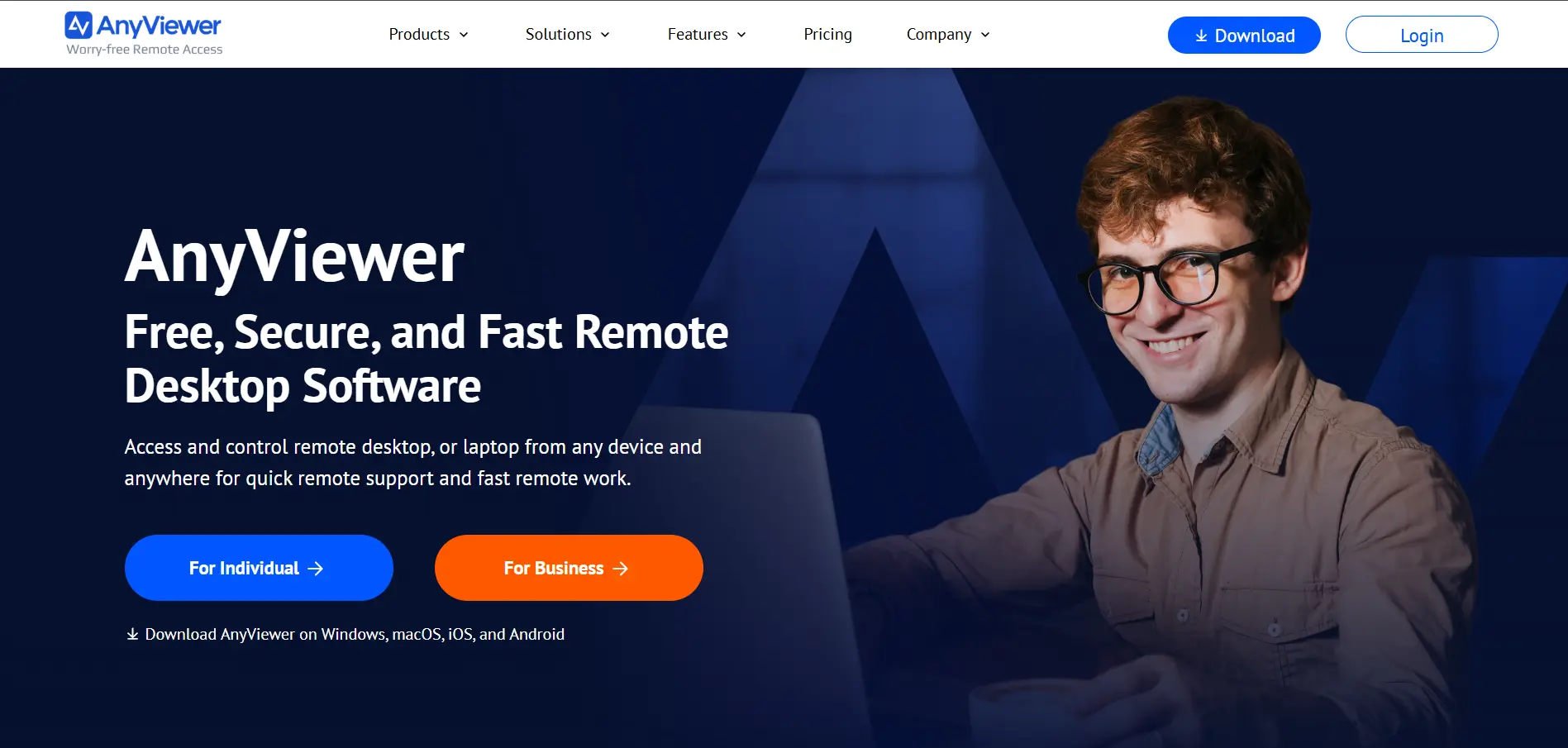
AnyViewer is a Windows-focused remote desktop tool designed for individuals, freelancers, and small IT teams who need fast, secure unattended access without a steep price tag. It supports Windows, macOS, iOS, Android, and Chrome OS, and its free tier already includes basic one-click remote control between logged-in devices.
Its Professional and Solo plans are among the most affordable in the remote access market, often discounted for multi-year commitments. However, AnyViewer is less feature-rich than enterprise-grade competitors, lacking the deep integrations, mass deployment tools, and compliance certifications that larger IT departments typically require for regulated environments.
Pros
- Very affordable compared to major competitors
- Free plan with genuinely useful features
- Simple, beginner-friendly interface
- Mobile apps for iOS and Android included
Cons
- Primarily built for Windows environments
- Fewer enterprise integrations than rivals
- Limited compliance certifications
- Smaller brand reputation and community
5. sobrii Remote
💰 Pricing:
- Pricing available via official website
- Tiered plans based on device/user count
- Custom quotes for larger deployments
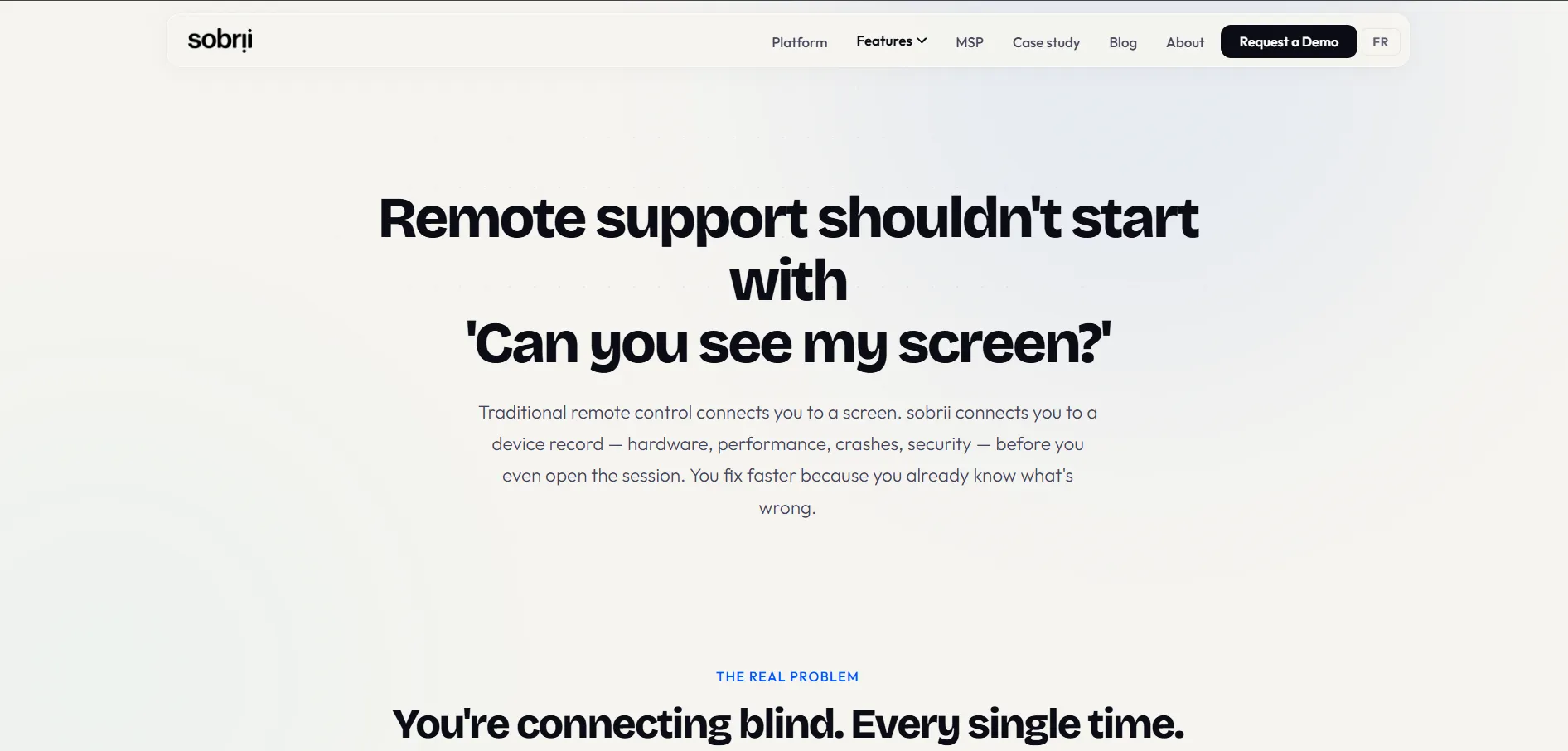
Sobrii Remote is a newer entrant in the remote access space, positioning itself as a straightforward, cost-conscious alternative for small businesses and IT support teams. It focuses on core remote control, file transfer, and session management features without the bloat of larger all-in-one IT platforms, making onboarding relatively quick for new users.
Because it is a smaller, less established provider compared to TeamViewer or AnyDesk, pricing details are less widely documented across third-party review sites, and prospective buyers should confirm current plan tiers directly on the official website before committing. Its smaller scale also means fewer third-party integrations are currently available.
Pros
- Simple, no-frills remote access experience
- Competitive pricing for small businesses
- Quick setup and low learning curve
- Responsive customer support reported
Cons
- Smaller market presence than major rivals
- Fewer third-party integrations available
- Limited independent pricing documentation
- Not proven at large enterprise scale
6. HelpWire
💰 Pricing:
- Currently free for all features
- No paid tiers published yet
- Paid plans planned for the future
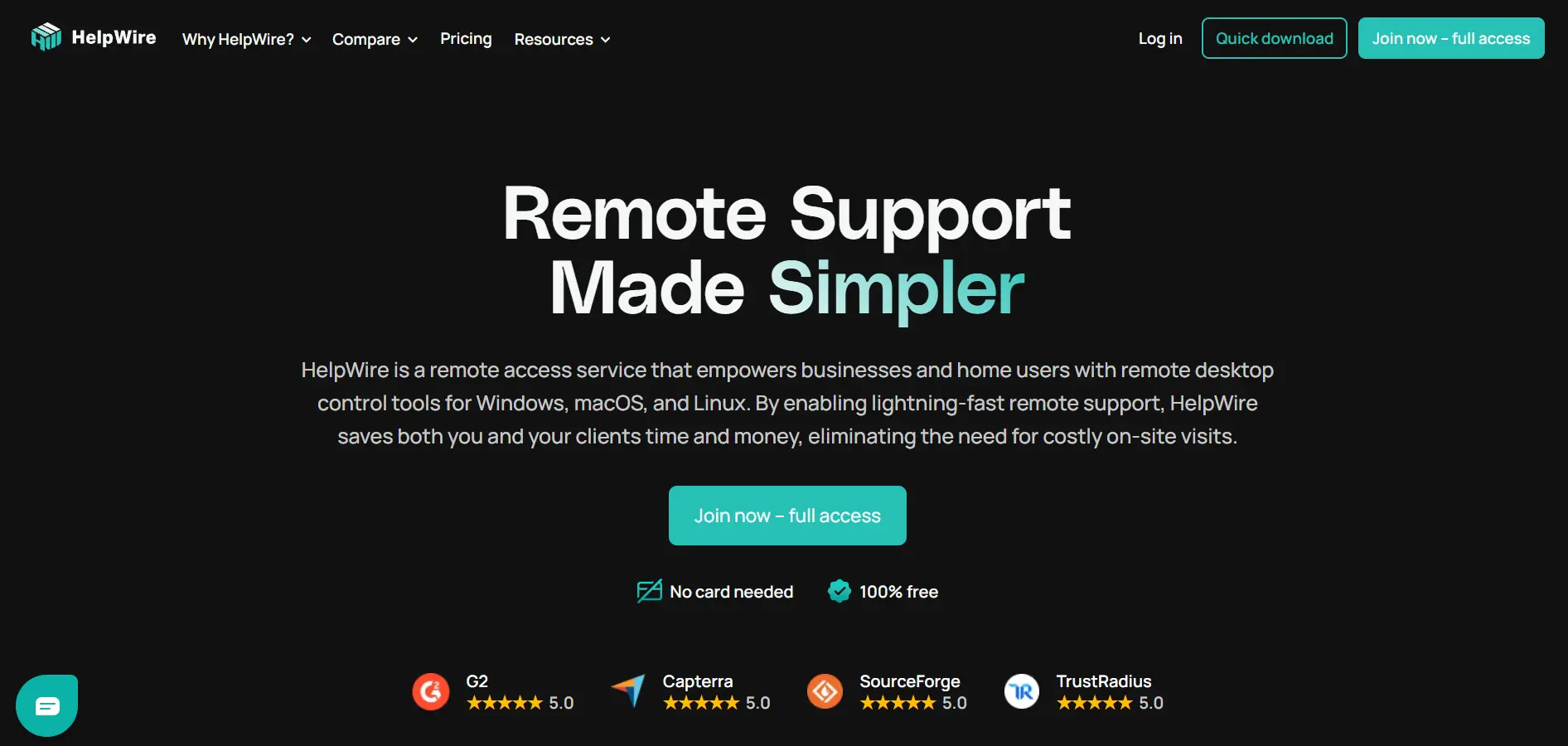
HelpWire is a remote support tool built by Electronic Team that targets small businesses, MSPs, and internal helpdesks looking for a no-cost alternative to established players. It offers link-based session initiation without requiring IDs or passwords, real-time chat with clients, and multi-device concurrent connections, all currently included at no charge during its early access phase.
Since HelpWire is still in early access, all features are free with no nag screens or session limits, making it attractive for budget-conscious teams. However, this also means the company plans to introduce paid tiers eventually, so long-term users should expect pricing changes and monitor announcements to avoid surprises down the line.
Pros
- Completely free during early access period
- No IDs or passwords needed to connect
- Built-in real-time client chat support
- Clean, modern, easy-to-navigate interface
Cons
- Paid tiers coming, pricing not finalized
- Newer product with a smaller track record
- Limited advanced enterprise features today
- Primarily supports Windows and macOS
7. RemotePC
💰 Pricing:
- Solo: ~$1.95/month (annual billing)
- Pro: ~$6.22/month for 10 computers
- Team/Enterprise: up to $37/month
- Session recording included on all paid plans
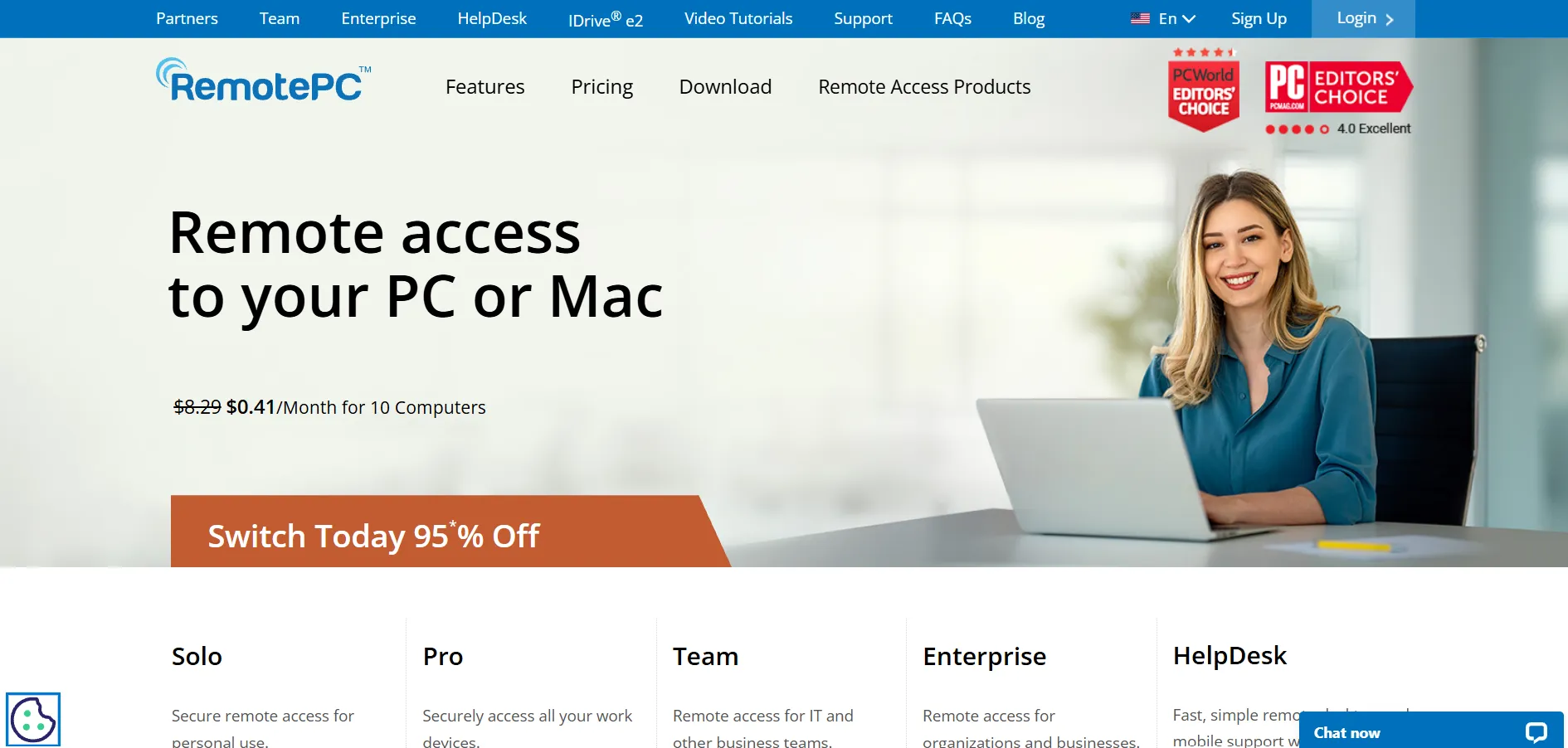
RemotePC, developed by IDrive, is a budget-friendly remote access solution built for individuals and small businesses managing a fixed number of computers. It uses per-computer pricing rather than per-user licensing, which makes costs highly predictable for teams with a stable device count, and it includes session recording starting from its lowest paid tier.
Compared to premium competitors like LogMeIn or GoToMyPC, RemotePC delivers substantial cost savings, with reviewers citing 60 to 80 percent lower costs for similar functionality. The main drawbacks are the lack of a permanent free tier and a smaller mobile app feature set relative to its desktop capabilities, which may limit users needing robust on-the-go access.
Pros
- Very affordable per-computer pricing
- Session recording included from entry tier
- Web viewer for browser-based access
- Strong reviews for reliability and value
Cons
- No permanent free plan available
- Mobile app lacks some desktop features
- No on-demand ad-hoc support sessions
- Per-computer model less ideal for MSPs
8. ConnectWise ScreenConnect
💰 Pricing:
- Standard: ~$30–$45/technician/month
- Premium: ~$55/technician/month
- Pricing scales with concurrent technicians
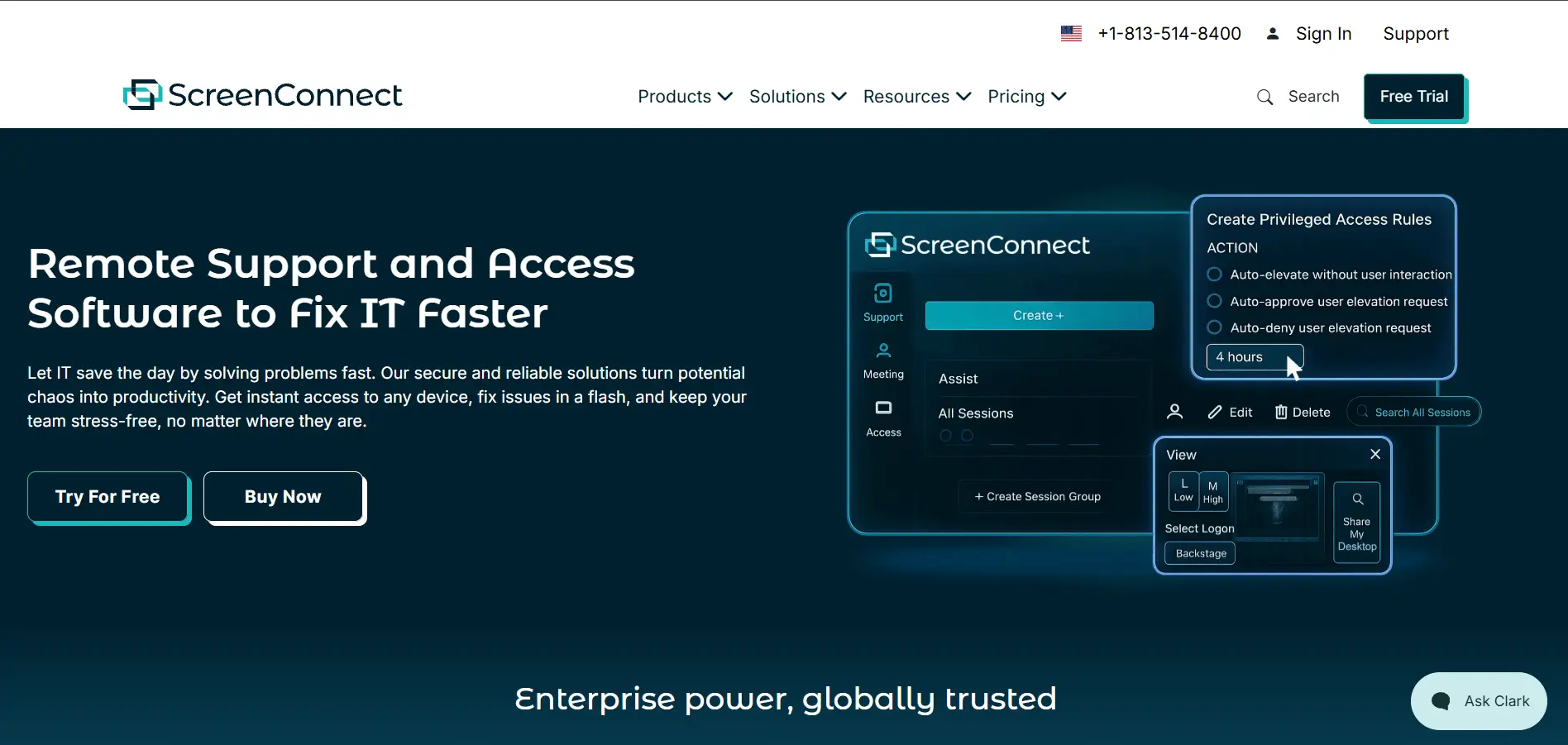
ConnectWise ScreenConnect, formerly ConnectWise Control, is a remote support platform built for MSPs and IT service providers who need fast, secure, unattended access with advanced administrative controls. Standout features include privileged access management, shared toolbox utilities for running admin tools during sessions, and detailed access logs for compliance and cyber insurance requirements.
Pricing is based on concurrent technicians rather than total users, which can make it more cost-effective for teams where not everyone works simultaneously. Compared with TeamViewer and LogMeIn, ScreenConnect is often significantly cheaper for equivalent functionality, though smaller businesses may still find the per-technician structure less intuitive than flat per-user plans.
Pros
- Cheaper than many enterprise competitors
- Privileged access management included
- Bypasses many firewall and antivirus rules
- Highly customizable via marketplace extensions
Cons
- Interface can feel complex for beginners
- Per-technician pricing model takes adjustment
- Some features need paid extensions
- Setup requires more technical know-how
9. GoToMyPC
💰 Pricing:
- Personal: starting at $35/month (1 computer)
- Pro: custom pricing for multiple computers
- Corporate: custom enterprise pricing
GoToMyPC, part of the GoTo product family, is a straightforward remote access tool designed for professionals who need to securely reach their work computer from anywhere. It emphasizes simplicity and ease of use over deep IT management features, making it a solid pick for individuals and small teams rather than large-scale MSP deployments.
Its pricing sits toward the higher end for single-computer access at $35 per month, which is notably more expensive than budget alternatives like RemotePC or AnyViewer for comparable functionality. GoToMyPC is best suited to users who value brand reliability and a polished, easy interface over squeezing out maximum cost savings.
Pros
- Simple, user-friendly interface
- Reliable performance and uptime
- Backed by established GoTo brand
- Good for non-technical individual users
Cons
- Expensive relative to per-computer competitors
- Fewer advanced IT management features
- Not ideal for large MSP deployments
- Pricing scales quickly with more computers
10. LogMeIn
💰 Pricing:
- Pro (individuals): custom pricing per official site
- Rescue (support teams): custom quote-based
- Historically higher than most competitors
LogMeIn is a long-standing name in remote access, now operating under the GoTo brand alongside GoToMyPC and LogMeIn Resolve. It offers remote access, file sharing, and IT support tools aimed at both individual professionals and larger support teams needing centralized session management and reporting across many devices.
User reviews frequently cite LogMeIn as one of the pricier options in the remote access category, with some businesses reporting yearly costs climbing significantly after renewal. While reliable and feature-rich, buyers switching from LogMeIn to cheaper alternatives like RemotePC or ScreenConnect often report substantial savings without losing core functionality.
Pros
- Established, trusted brand in remote access
- Comprehensive feature set for IT support
- Strong security and encryption standards
- Good multi-device and OS compatibility
Cons
- One of the more expensive options available
- Renewal price increases reported by users
- Pricing not fully transparent upfront
- Cheaper alternatives offer similar features
11. ISL Online
💰 Pricing:
- Starter: from $16.90/month
- Cloud plans: from $28/month per computer
- Enterprise: custom on-premise licensing
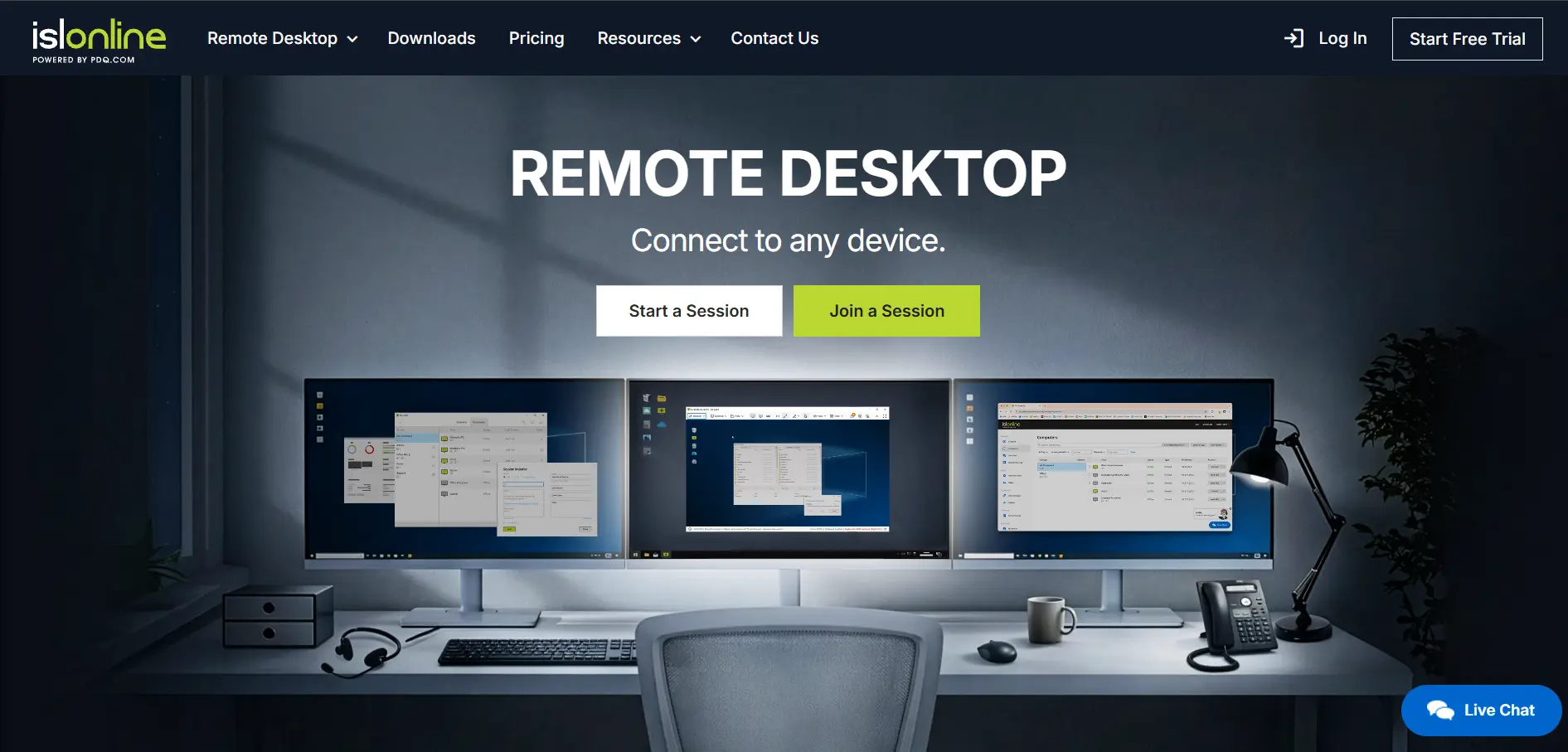
ISL Online, marketed under ISL Light, is a secure remote support and access platform built for organizations of all sizes across Windows, Mac, Linux, and mobile. It stands out with strong security practices including regular penetration testing, security audits, and support for RSA and AES encryption, making it popular in compliance-sensitive industries.
ISL Online offers a free trial, but sustained use requires a paid subscription starting around $16.90 per month for entry plans, with cloud-hosted options priced higher per computer. The platform is well-regarded for reliability and multi-monitor support, though its pricing can be less competitive than budget-focused tools for smaller teams.
Pros
- Strong emphasis on security and compliance
- Regular independent security audits performed
- Supports on-premise and cloud deployment
- Good multi-monitor and file transfer support
Cons
- Pricing higher than several direct competitors
- No free tier for continued use after trial
- Interface feels dated compared to rivals
- Enterprise pricing requires direct sales contact
12. AirDroid Remote Support
💰 Pricing:
- Basic: $199/seat/year
- Standard: $599/seat/year
- Higher tiers available for enterprise needs
AirDroid Remote Support specializes in cross-platform remote assistance with a particular strength in mobile device support, covering Android and iOS alongside Windows and Mac. This makes it a strong fit for businesses managing field technicians, kiosks, or mobile fleets that traditional desktop-only remote tools do not handle well.
Pricing is billed per seat annually, with the Basic plan starting at $199 per year and Standard jumping to $599 per year, positioning it as a mid-to-premium option. While its mobile device management capabilities are a clear differentiator, businesses only needing desktop remote access may find better value with desktop-focused competitors.
Pros
- Excellent mobile device remote support
- Supports Android, iOS, Windows, and Mac
- Useful for field technician and kiosk fleets
- Unlimited devices supported per subscription
Cons
- Annual billing only, no monthly flexibility
- Pricing jump between Basic and Standard is steep
- Less focus on desktop-only use cases
- Smaller market share than major rivals
13. Parsec
💰 Pricing:
- Free: $0 for personal use
- Warp (Teams): tiered per-user pricing
- Custom enterprise plans for larger deployments
Parsec is a low-latency remote desktop tool originally built for gamers and creative professionals, later expanding into business use through its Warp product for cloud workstations and enterprise teams. It is optimized for high-performance streaming, making it a strong choice for graphics-heavy workflows like video editing, 3D rendering, or game development collaboration.
Its free tier is generous for individual and personal use, covering peer-to-peer remote access with excellent video quality and low input lag. Business users needing team management, cloud-hosted machines, or enterprise security controls will need Parsec’s paid Warp plans, which are priced per user and scale based on team size and infrastructure needs.
Pros
- Exceptional low-latency streaming performance
- Great for creative and gaming workflows
- Generous free tier for personal use
- High video and audio quality during sessions
Cons
- Less focused on traditional IT support use cases
- Business features require paid Warp plans
- Smaller feature set for compliance-heavy industries
- Best performance requires strong internet connection
Comparison Table
| Alternative | Description |
|---|---|
| NinjaOne | All-in-one endpoint management platform combining RMM, patching, and remote access for MSPs and IT teams. |
| AnyDesk | Lightweight, low-latency remote desktop tool popular with freelancers and IT technicians. |
| TeamViewer | Well-known, feature-rich remote access platform with strong enterprise security and AR support tools. |
| AnyViewer | Affordable, Windows-focused remote desktop solution ideal for individuals and small teams. |
| Sobrii Remote | Newer, budget-conscious remote access tool focused on core features for small businesses. |
| HelpWire | Free remote support tool in early access, offering link-based sessions and live client chat. |
| RemotePC | Budget-friendly, per-computer priced remote access tool with session recording included. |
| ConnectWise ScreenConnect | MSP-focused remote support platform with privileged access management and per-technician pricing. |
| GoToMyPC | Simple, reliable remote access tool from the GoTo brand aimed at individual professionals. |
| LogMeIn | Established remote access and support platform under the GoTo family, known for reliability. |
| ISL Online | Security-focused remote support platform with strong compliance and audit credentials. |
| AirDroid Remote Support | Cross-platform remote support tool with standout mobile device management capabilities. |
| Parsec | High-performance, low-latency remote desktop tool built for gaming and creative workflows. |
Conclusion
Choosing the right Splashtop alternative ultimately depends on your specific needs, whether that is enterprise-grade MSP tooling like NinjaOne and ConnectWise ScreenConnect, budget-friendly personal access with AnyViewer or RemotePC, or specialized use cases like Parsec for creative workflows and AirDroid for mobile device support.
Before committing to any platform, take advantage of the free trials listed above to test real-world performance, and always verify current pricing directly on each provider’s official website, since remote access pricing structures can change frequently based on promotions, contract length, and feature bundling.


