

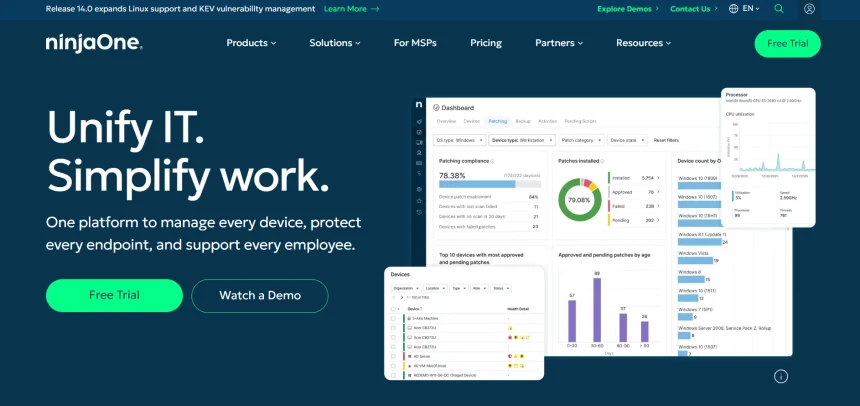
NinjaOne has built a strong reputation as an all-in-one remote monitoring and management platform, but it isn’t the right fit for everyone. Some teams find its pricing steep for smaller operations, while others simply need a lighter, more focused remote access or remote support tool rather than a full RMM suite. In this article, we’ve rounded up 11 of the best NinjaOne Alternatives available in 2026. Each option is broken down with its free trial availability, official pricing plans, and a balanced look at its pros and cons, so you can pick the tool that best suits your workflow and budget.
LogMeIn
✔ Free Trial Available
LogMeIn, now operating under GoTo, is a long-standing remote access solution built for professionals who need dependable multi-computer access. It bundles in extras like LastPass Premium licenses and cloud storage, making it appealing to users who want a complete productivity package rather than just a bare-bones remote connection tool. It supports Windows, Mac, iOS, and Android devices.
Official Pricing Plans (per official site):
- Individuals — $30/month (2 computers, multi-monitor, remote printing)
- Power Users — $70/month (5 computers, priority support)
- Small Business — $129/month (10 computers, admin dashboard, centralized billing)
Because LogMeIn’s plans scale by the number of computers rather than users, it works well for IT teams managing many machines under one account. However, its annual billing requirement and premium price point relative to competitors mean smaller businesses may want to compare it against cheaper tools before committing to a long-term contract.
Pros
- Reliable, mature platform with strong uptime
- Bundled LastPass Premium licenses
- 1TB of cloud storage included
- Good multi-monitor and remote printing support
Cons
- Significantly pricier than most competitors
- Requires annual billing commitment
- User interface feels dated to some reviewers
- Limited flexibility for very small teams
Splashtop
✔ Free Trial Available (Free “Personal” tier also exists)
Splashtop is one of the most cost-effective remote access platforms on the market, popular among small businesses, IT consultants, and creative professionals. It supports high frame rates up to 240fps and offers 4K streaming on higher tiers, making it a favorite among users who need both reliability and visual fidelity for demanding remote work sessions.
Official Pricing Plans (per official site):
- Business Access Solo — $5/month per user
- Business Access Pro — $8.25/month per user (billed annually, up to 10 computers)
- Remote Support (SOS) — starting around $40.98/technician/month
Splashtop’s tiered structure separates remote access for your own devices from remote support for helping others, letting you pay only for what you actually need. This flexibility, combined with pricing that undercuts TeamViewer and LogMeIn substantially, makes Splashtop a strong all-around NinjaOne alternative for budget-conscious teams.
Pros
- Very competitive pricing versus major competitors
- High frame rate streaming, great for creative work
- Separate plans for access vs. support use cases
- Strong security with AES 256-bit encryption
Cons
- All access plans require annual billing
- Some essential features locked behind higher tiers
- Free “Personal” plan limited to local network only
Parsec
✔ Free Trial Available (Free tier also exists for individuals)
Parsec is built around ultra-low latency streaming, making it a top pick for gamers, creative teams, and studios doing collaborative work that demands real-time responsiveness. It supports 4K at 60fps and multi-monitor setups, and it’s widely used by remote game development and rendering teams that need near-zero lag.
Official Pricing Plans (per official site):
- Free — 4K 60fps, low latency, personal devices
- Warp (Individuals) — approximately $8–$10/month
- Teams — 14-day free trial, per-user pricing for collaborative access
- Enterprise — custom pricing, contact sales
Parsec isn’t designed as a full IT management platform like NinjaOne, but for organizations that primarily need fast, high-fidelity remote desktop streaming, it delivers performance few competitors can match. Guest access credits also allow temporary access for outside collaborators, which is handy for short-term projects.
Pros
- Industry-leading low latency streaming
- Excellent for gaming and creative collaboration
- Free tier available for personal use
- Supports high-resolution multi-monitor setups
Cons
- Not a full RMM or IT management suite
- Best performance requires strong internet connection
- Limited enterprise-grade compliance tooling
RemotePC
✔ Free Trial Available (7-day trial of Pro plan)
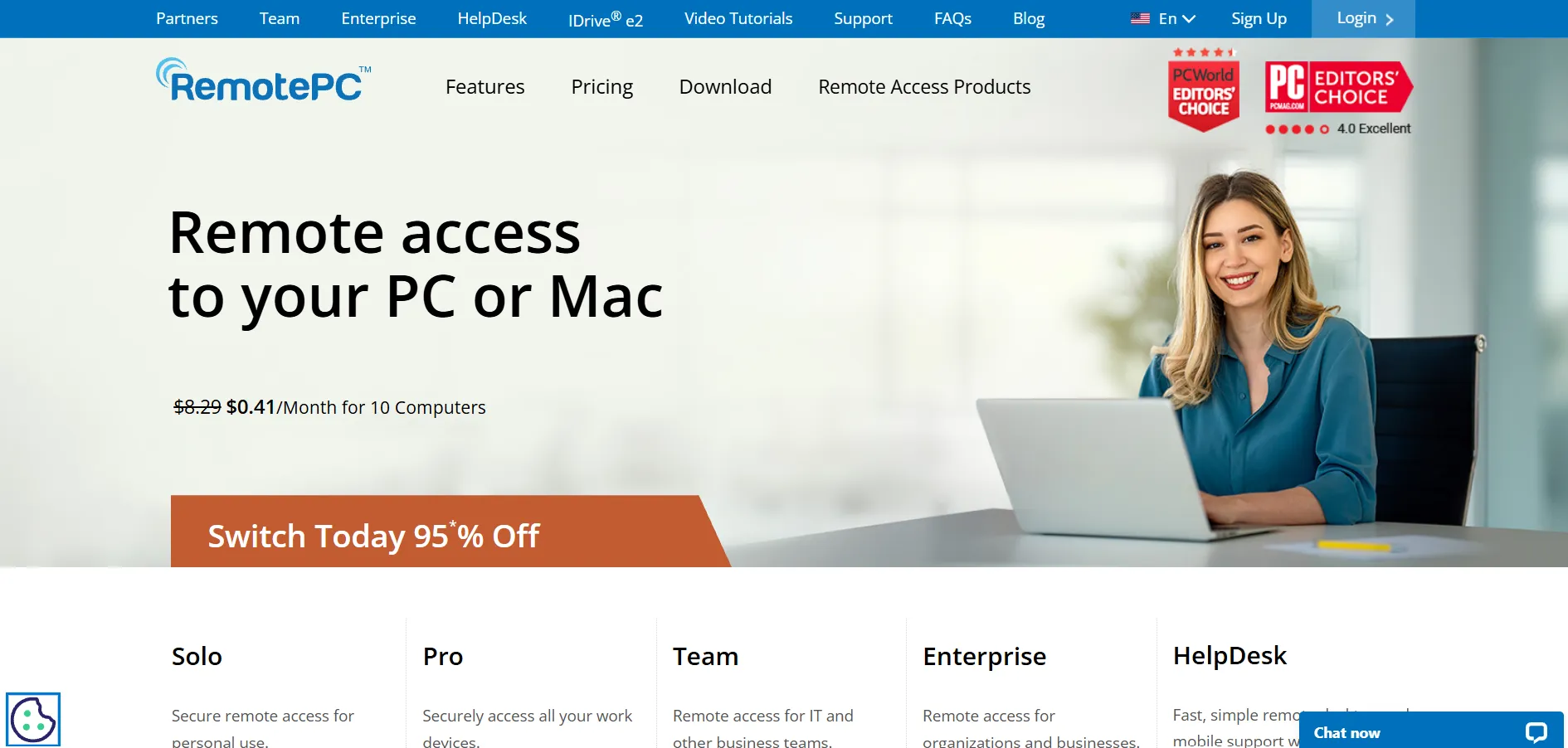
RemotePC, developed by IDrive, is known for offering some of the most affordable per-device pricing in the remote access space. It supports unlimited concurrent sessions on most plans and includes browser-based access, meaning users don’t always need to install additional client software to connect remotely.
Official Pricing Plans (per official site):
- Consumer — starting around $18–$37/device/year
- SOHO — around $7.95/month per device
- Team — around $29.95/month per device
- Enterprise — around $59.95/month per device
RemotePC frequently runs first-year promotional discounts, which can make it one of the cheapest options on this list for new customers. Its pricing model is based on the number of computers rather than users, which benefits small teams accessing a handful of shared machines rather than large distributed workforces.
Pros
- One of the most budget-friendly options available
- Browser-based access with no software installation needed
- Unlimited concurrent sessions on most plans
- Frequent first-year discount promotions
Cons
- Fewer third-party integrations than enterprise tools
- Interface can feel dated compared to newer platforms
- Lower-tier plans restrict number of users
Distant Desktop
✔ Free Trial Available
Distant Desktop is a lesser-known but growing remote desktop tool aimed at freelancers, small IT teams, and businesses looking for a straightforward alternative without the complexity of a full RMM platform. It focuses on simple screen sharing, file transfer, and unattended access with a clean, minimal interface designed for quick setup.
Official Pricing Plans:
- Free tier available with basic remote access features
- Paid personal and business plans priced competitively against mainstream tools
- Custom/enterprise pricing available on request
Note: Distant Desktop is a smaller, niche product with limited third-party pricing coverage; check the official website directly for the most current plan details.
Because it’s a newer entrant in the remote access space, Distant Desktop doesn’t yet carry the brand recognition of tools like TeamViewer or Splashtop, but it appeals to users who want a lightweight, no-frills option. It’s best suited for individuals or very small teams rather than large-scale enterprise deployments.
Pros
- Simple, lightweight, easy to set up
- Competitive entry-level pricing
- Good for freelancers and small teams
Cons
- Smaller user base and less community support
- Fewer advanced enterprise features
- Limited third-party reviews and track record
TeamViewer
✔ Free Trial Available (Free version for personal use)
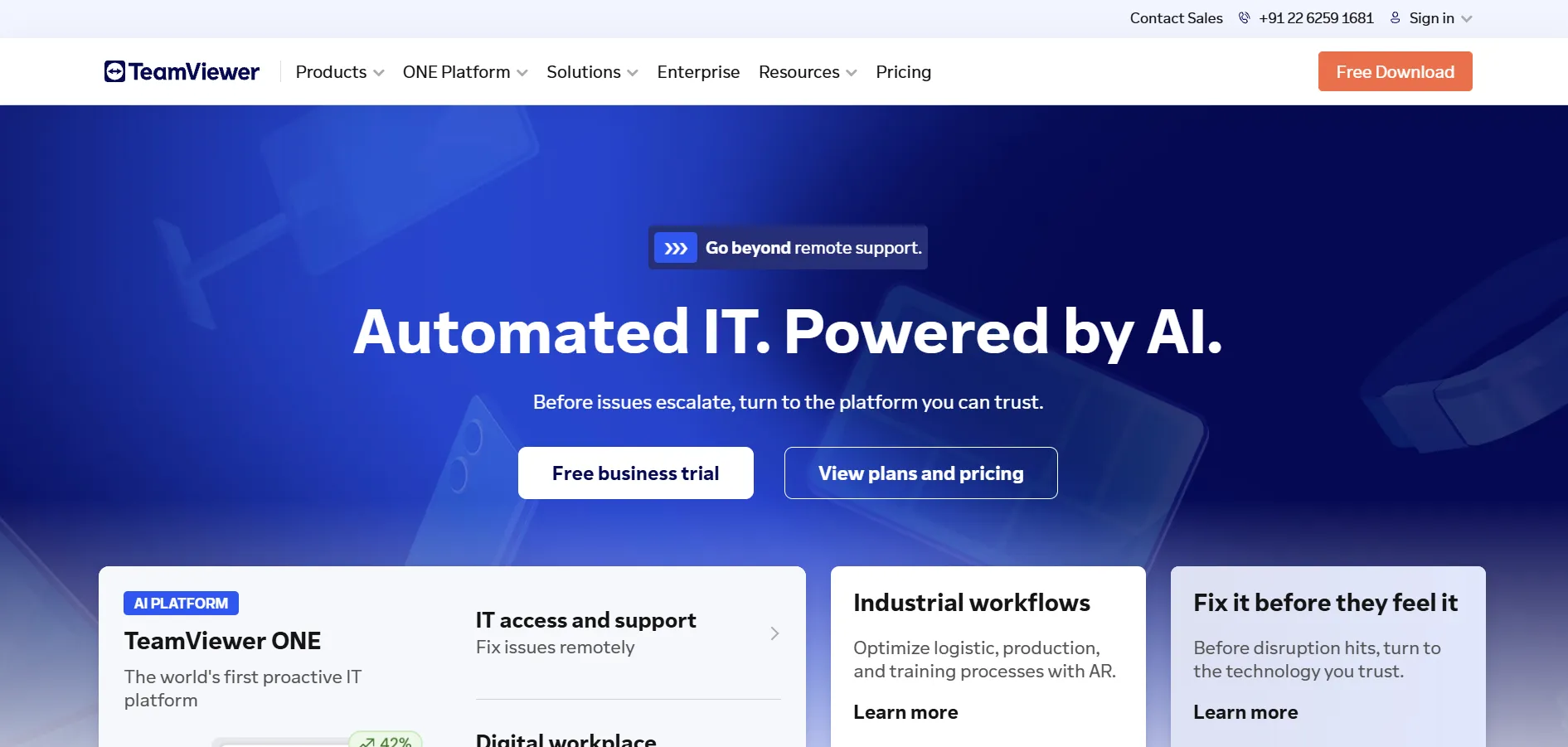
TeamViewer is one of the most recognized names in remote access and support software, trusted by IT departments and enterprises worldwide. It offers robust security with two-factor authentication and encryption, along with AR-based troubleshooting tools and broad cross-platform compatibility, making it a heavyweight competitor to NinjaOne’s remote access capabilities.
Official Pricing Plans (per official site):
- Remote Access — $24.90/month (1 user)
- Business — $50.90/month (small teams)
- Premium — $112.90/month (growing IT teams)
- Corporate — $229.90/month (larger teams)
- Tensor (Enterprise) — custom pricing
TeamViewer’s pricing is on the higher end compared to alternatives like Splashtop or RemotePC, and many advanced features are sold as separate add-ons, which can inflate the total cost. Still, its reliability, established reputation, and enterprise-grade tooling make it a solid pick for larger organizations that prioritize stability over price.
Pros
- Extremely well-established and trusted brand
- Strong security and compliance features
- AR-assisted support tools
- Broad cross-platform and device support
Cons
- One of the more expensive options on this list
- Add-ons increase total cost significantly
- Annual-only billing with no monthly flexibility
UltraViewer
✔ Free to Use
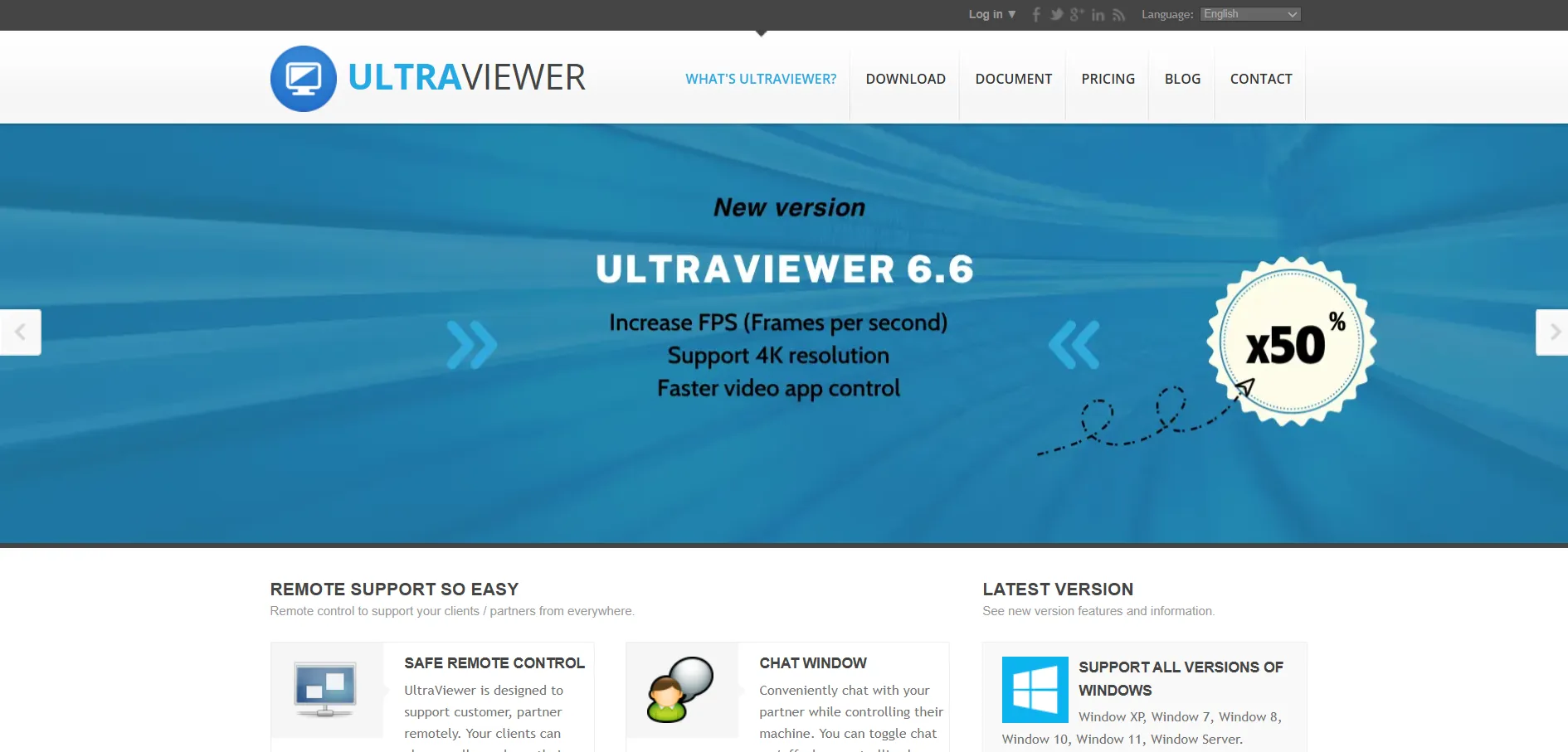
UltraViewer is a free remote desktop tool popular in regions where budget constraints make paid enterprise tools impractical. It’s simple to install and use, requiring only an ID and password to establish a connection, and it’s commonly used for personal tech support and small-scale remote assistance rather than enterprise IT management.
Official Pricing Plans (per official site):
- Free — full core functionality, no cost, no license required
- Optional donations/support accepted, but no formal paid tier is published
Because UltraViewer is completely free, it’s an attractive choice for individuals, students, and very small businesses that just need occasional remote access without ongoing subscription costs. However, it lacks the advanced management, reporting, and security auditing tools that enterprise IT teams typically require from an RMM platform like NinjaOne.
Pros
- Completely free with no hidden subscription costs
- Simple, beginner-friendly interface
- Fast and lightweight installation
Cons
- Lacks enterprise-grade security and compliance features
- No official paid support tier for larger teams
- Not suited for large-scale device management
Chrome Remote Desktop
✔ Completely Free
Chrome Remote Desktop is Google’s free browser-based remote access tool, ideal for individuals and small teams that need occasional, no-frills access to a computer. Since it runs directly through the Chrome browser or a lightweight extension, there’s no complicated software installation, making it one of the most accessible tools on this list.
Official Pricing Plans (per official site):
- Free — unlimited use, no subscription tiers, no paid upgrades
Because it’s entirely free and backed by Google’s infrastructure, Chrome Remote Desktop is a dependable choice for personal use, remote family tech support, or accessing a home computer while traveling. It’s not designed for IT departments needing device fleets, patch management, or detailed reporting, so it functions best as a supplementary tool rather than a full NinjaOne replacement.
Pros
- 100% free with no catches
- No software installation needed beyond Chrome
- Backed by Google’s reliable infrastructure
- Cross-platform including Chromebooks
Cons
- No business or enterprise management features
- No file transfer, chat, or session recording
- Requires a Google account to use
RustDesk
✔ Free Open-Source Version Available
RustDesk is an open-source remote desktop application written in Rust, appealing to privacy-conscious users and technically capable teams who want full control over their infrastructure. It can be used through RustDesk’s public relay servers or fully self-hosted, giving organizations complete data sovereignty, an important differentiator from most commercial remote access tools.
Official Pricing Plans (per official site):
- Free — open-source, self-hosted server, unlimited devices
- Individual Pro — around $9.90/month (1 user, 20 devices, web console)
- Basic Pro — around $19.90/month (10 users, 100 devices, OIDC/LDAP)
- Customized/Enterprise — scales per user and device, contact sales
RustDesk’s biggest advantage is cost control at scale since the core software is free and open-source, but self-hosting does require internal IT resources for setup, security hardening, and ongoing maintenance. For MSPs and technically skilled teams comfortable managing their own servers, it can be dramatically cheaper than commercial alternatives like TeamViewer over time.
Pros
- Free, open-source core with self-hosting option
- Full data control and privacy
- Very affordable Pro tiers compared to competitors
- Cross-platform including Linux and mobile
Cons
- Self-hosting requires technical expertise
- No official SLA or vendor support on free tier
- Smaller community and review base than major players
ConnectWise ScreenConnect
✔ Free Trial Available
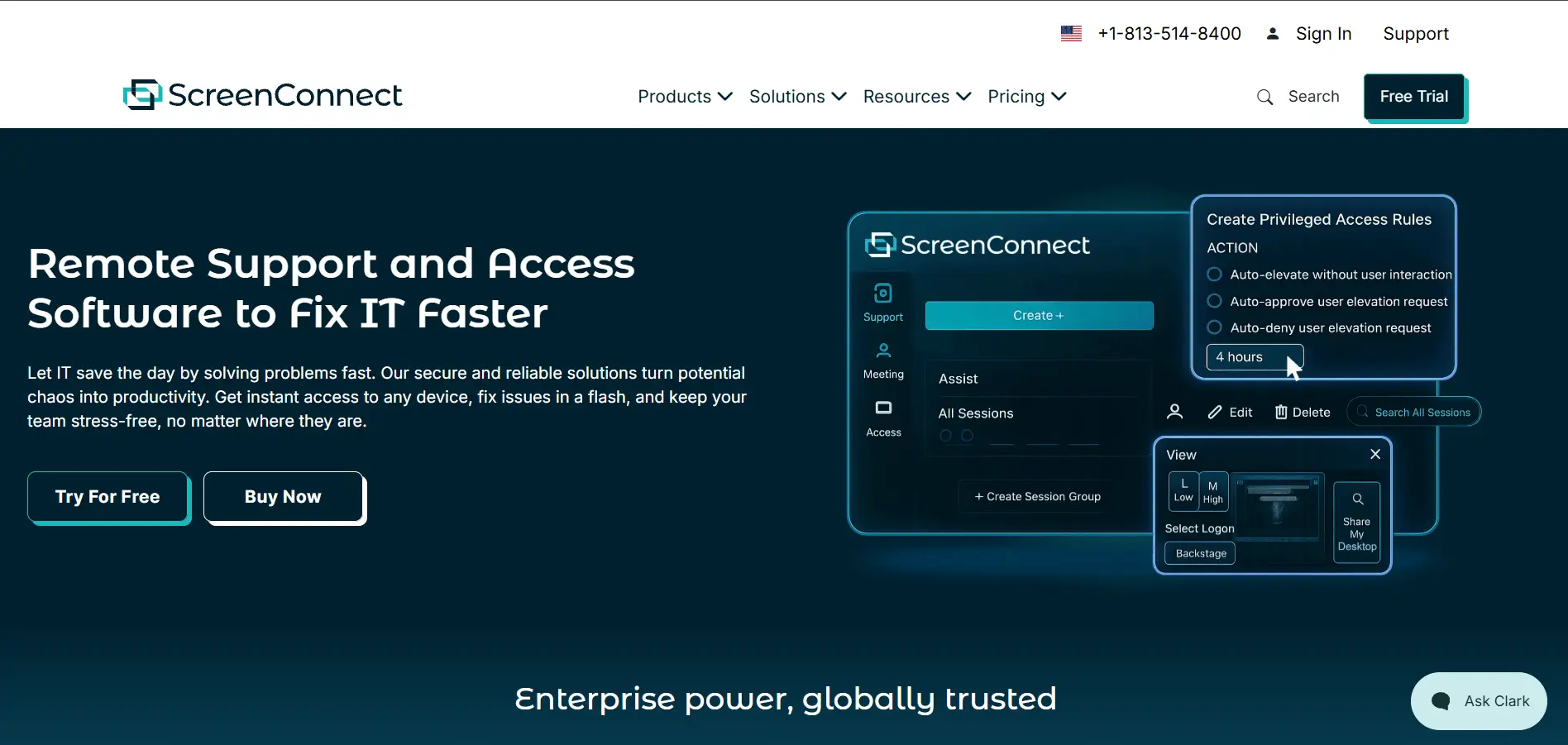
ConnectWise ScreenConnect (formerly ConnectWise Control) is purpose-built for IT support professionals and MSPs who need brandable, self-hosted or cloud-based remote support. It integrates tightly with the broader ConnectWise ecosystem and offers deep customization, including full white-labeling of the remote support experience for client-facing teams.
Official Pricing Plans (per official site):
- One — $30/month (1 technician, 1 concurrent session)
- Standard — $45/month per concurrent technician
- Premium — $55/month per concurrent technician
- Unattended Access — priced separately, starting around $30/month for 25 devices
ScreenConnect’s concurrent-technician pricing model means a smaller license can be shared across a larger team as long as sessions don’t overlap, which can reduce costs for MSPs with staggered shifts. However, unattended access is billed separately from support sessions, so total costs can climb quickly for organizations needing both capabilities.
Pros
- Deep customization and white-labeling options
- Concurrent-technician licensing can reduce costs
- Strong fit for MSPs already using ConnectWise tools
- On-premises deployment option available
Cons
- Unattended access billed as a separate product
- Steady price increases in recent years
- Steeper learning curve for non-technical users
AnyViewer
✔ Free Version Available (No trial needed)
AnyViewer is a Windows-focused remote desktop tool designed for IT professionals, freelancers, and small businesses that want secure remote access without a steep learning curve. It uses 256-bit ECC end-to-end encryption and offers a fully functional free version, which is more generous than many competitors’ free tiers.
Official Pricing Plans (per official site):
- Free — full core functionality, no time limit
- Professional — around $3.58/month (billed annually), multi-login, more devices
- Enterprise — around $16.58/month, bulk deployment, role-based permissions
Pros
- Generous free tier with full functionality
- Very affordable Professional and Enterprise pricing
- Strong 256-bit ECC encryption
- Supports bulk deployment for larger teams
Cons
- Primarily optimized for Windows, weaker Mac/Linux support
- Smaller brand recognition than major competitors
- Advanced features locked behind paid tiers
| Alternative | Description |
|---|---|
| LogMeIn | Premium remote access with bundled password management and cloud storage, aimed at professionals needing reliable multi-computer access. |
| Splashtop | Affordable, high-performance remote access and support platform popular with SMBs and creative professionals. |
| Parsec | Ultra-low latency streaming tool favored by gamers, studios, and creative teams needing real-time responsiveness. |
| RemotePC | Budget-friendly, browser-based remote access solution priced per device rather than per user. |
| Distant Desktop | Lightweight, emerging remote desktop tool aimed at freelancers and small teams wanting simplicity. |
| TeamViewer | Industry-leading, enterprise-grade remote support platform with strong security and AR troubleshooting. |
| UltraViewer | Completely free, simple remote desktop tool ideal for individuals and small-scale personal support. |
| Chrome Remote Desktop | Google’s free, browser-based remote access tool for casual and personal use cases. |
| RustDesk | Open-source, self-hostable remote desktop tool offering full data control at a fraction of commercial costs. |
| ConnectWise ScreenConnect | Highly customizable, white-labeled remote support platform built specifically for MSPs and IT professionals. |
| AnyViewer | Windows-focused remote desktop tool with a generous free tier and low-cost paid plans for growing teams. |
Conclusion
NinjaOne is a powerful platform, but it isn’t a one-size-fits-all solution. As shown above, the remote access and remote support market offers a wide spectrum of alternatives, from completely free tools like Chrome Remote Desktop and UltraViewer, to budget-conscious options like RemotePC and AnyViewer, to enterprise-grade platforms like TeamViewer and ConnectWise ScreenConnect. Open-source options like RustDesk also give technically capable teams full control over their infrastructure at a lower long-term cost.
The right choice ultimately depends on your specific needs: team size, budget, platform requirements, and whether you need a full IT management suite or just simple remote access. Take advantage of the free trials and free tiers listed above to test a few options before committing to a long-term subscription, and always confirm current pricing directly on each provider’s official website, as plans and rates can change over time.


