

ISL Online has long been a trusted name in remote desktop and remote support software, but it isn’t the only option on the market. Whether you’re an IT professional, a freelancer, or a business owner looking for something more affordable, feature-rich, or better suited to your workflow, there are plenty of strong alternatives worth considering. Below is a detailed roundup of 12 ISL Online Alternatives, covering their trial availability, pricing plans, and pros and cons to help you make an informed decision.
AirDroid Remote Support
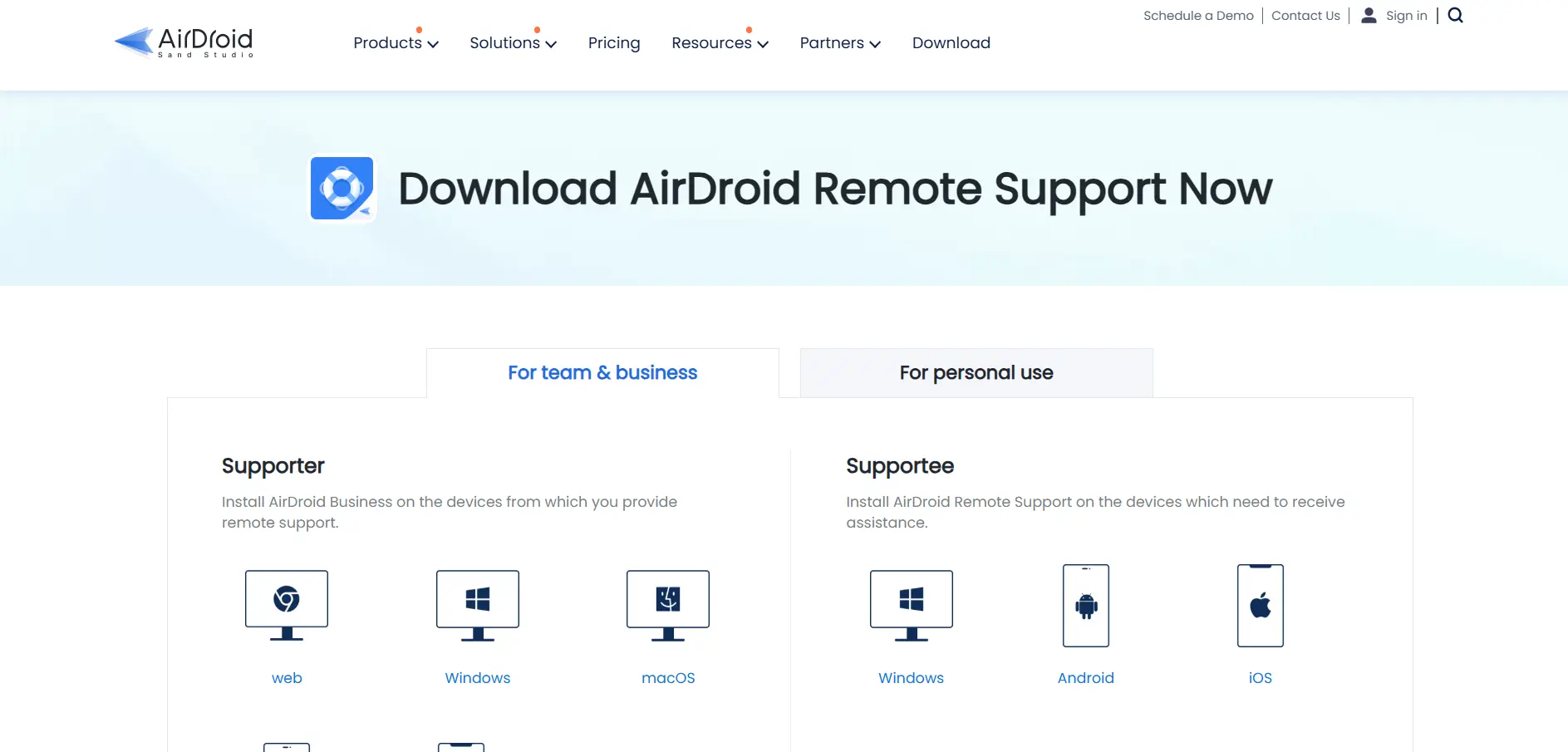
✔ Free trial: 10 minutes/day free personal tier
💲 Business plans: Free, Basic ($199/year/seat), Standard ($599/year/seat), Premium (custom); Personal: $3.99/mo or $2.50/mo annually
AirDroid Remote Support is a versatile cross-platform tool built for IT teams and support staff who need real-time screen sharing, file transfer, and session recording. It’s especially popular for mobile device support since it works smoothly across Android and iOS, unlike many competitors that focus purely on desktop environments.
Beyond mobile support, AirDroid integrates with platforms like Zendesk, HubSpot, and Shopify, making it a good fit for customer service teams. Its Business tier system scales from a free plan to enterprise-level custom pricing, giving flexibility to organizations of different sizes. However, some premium features remain locked behind higher tiers.
Pros
- Strong mobile device remote support
- Integrates with popular helpdesk tools
- Flexible free-to-enterprise pricing tiers
Cons
- Basic plan connection hours are limited
- Enterprise pricing requires a custom quote
- Personal free tier is capped at 10 minutes/day
GoToMyPC
✔ Free trial: Yes, no credit card required
💲 Personal: ~$28–$35/computer/month; Pro: ~$44/user/month billed annually; Corporate: custom quote
GoToMyPC is one of the oldest names in remote access software, owned by LogMeIn/GoTo. It’s designed primarily for individuals and small teams who need to remotely access a personal or office computer with a simple, no-fuss setup process and a familiar, easy-to-navigate interface.
While GoToMyPC delivers reliable connections and solid customer support, many reviewers note it’s priced at the higher end compared to newer competitors. It lacks a permanent free plan, and businesses needing multi-user deployment often find the per-computer pricing model adds up quickly at scale.
Pros
- Simple, beginner-friendly interface
- Reliable connection speeds
- Established brand with strong support
Cons
- No permanent free plan
- Pricier than most modern alternatives
- Corporate pricing isn’t publicly listed
TeamViewer
✔ Free trial: 14-day trial on business plans
💲 Remote Access: ~$24.90/mo; Business: ~$50.90/mo; Premium: ~$112.90/mo; Corporate: ~$229.90/mo; Tensor: custom
TeamViewer is arguably the most recognized remote desktop brand worldwide, trusted by millions of individuals and enterprises. It offers robust cross-platform support, augmented reality-assisted troubleshooting, and enterprise-grade device management, making it suitable for everything from personal use to large IT departments.
The tool’s biggest drawback is cost — TeamViewer’s pricing has increased significantly in recent years, and add-on modules like AR assistance or device monitoring can inflate the total bill further. Still, its maturity, reliability, and feature depth make it a benchmark other tools are compared against.
Pros
- Feature-rich with AR troubleshooting
- Excellent cross-platform compatibility
- Strong enterprise security and SSO options
Cons
- Among the most expensive options
- Add-ons increase total contract cost significantly
- Annual billing commitment required
sobrii Remote
✘ No free trial listed; demo available on request
💲 Pricing: All-inclusive per-device pricing, quote-based, with a 50-device minimum
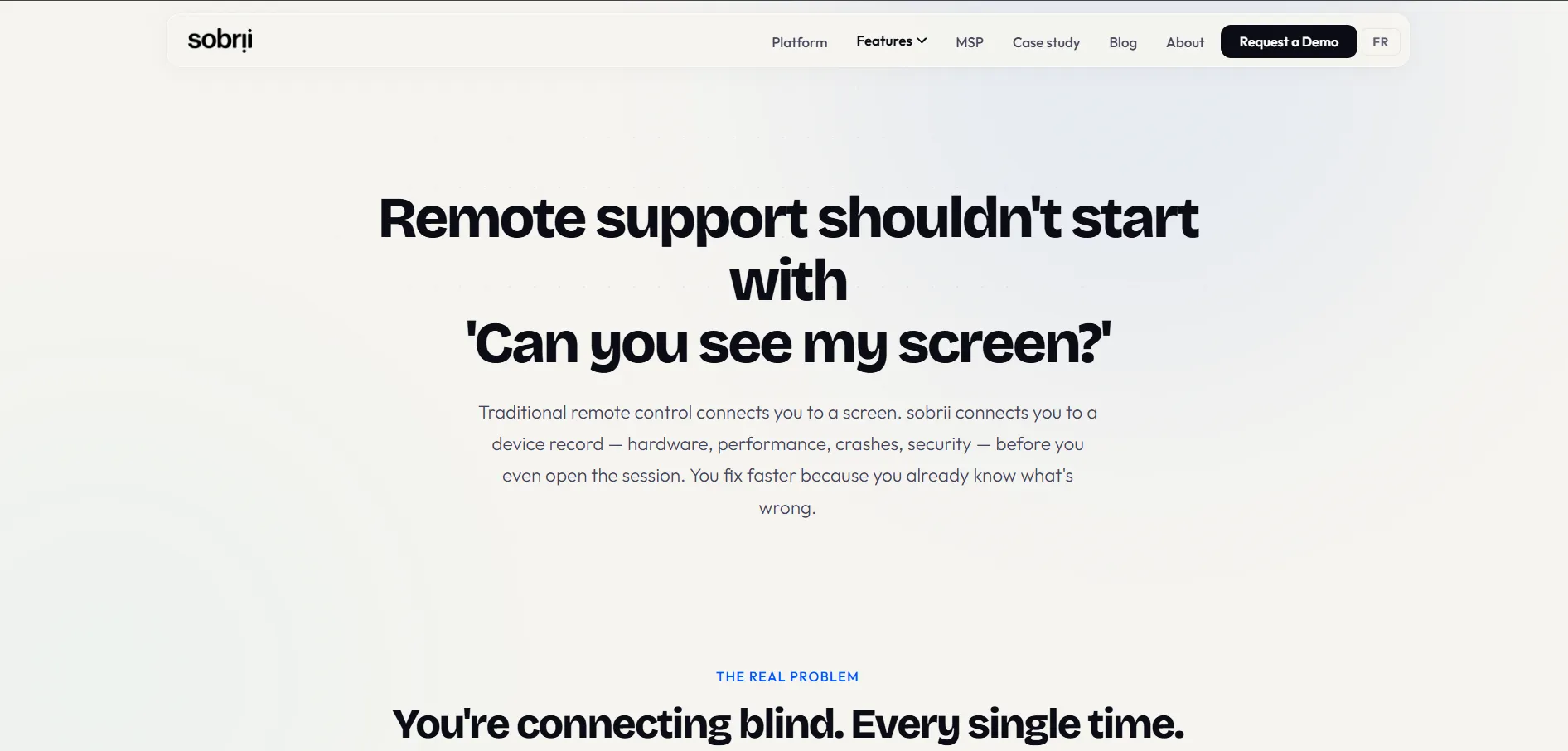
sobrii Remote isn’t a standalone remote desktop tool but rather a remote control module bundled inside a broader IT fleet management platform. It’s designed for IT teams and MSPs managing large device fleets, offering WebRTC-based peer-to-peer connections that establish in seconds without relying on relay servers.
What sets sobrii apart is context — device health, inventory, and security alerts are visible in the same interface before initiating a session, reducing tool-switching. However, it has no free tier and is built for larger deployments, making it a poor fit for individuals or very small teams needing occasional remote access.
Pros
- Fast peer-to-peer WebRTC connections
- Device context visible alongside remote sessions
- Lightweight agent with minimal CPU usage
Cons
- No free plan available
- 50-device minimum makes it unsuitable for small users
- Pricing isn’t publicly listed
AnyViewer
✔ Free plan available with basic features
💲 Professional: from ~$3.58/mo (annual); Enterprise: up to ~$16.58/mo (annual)
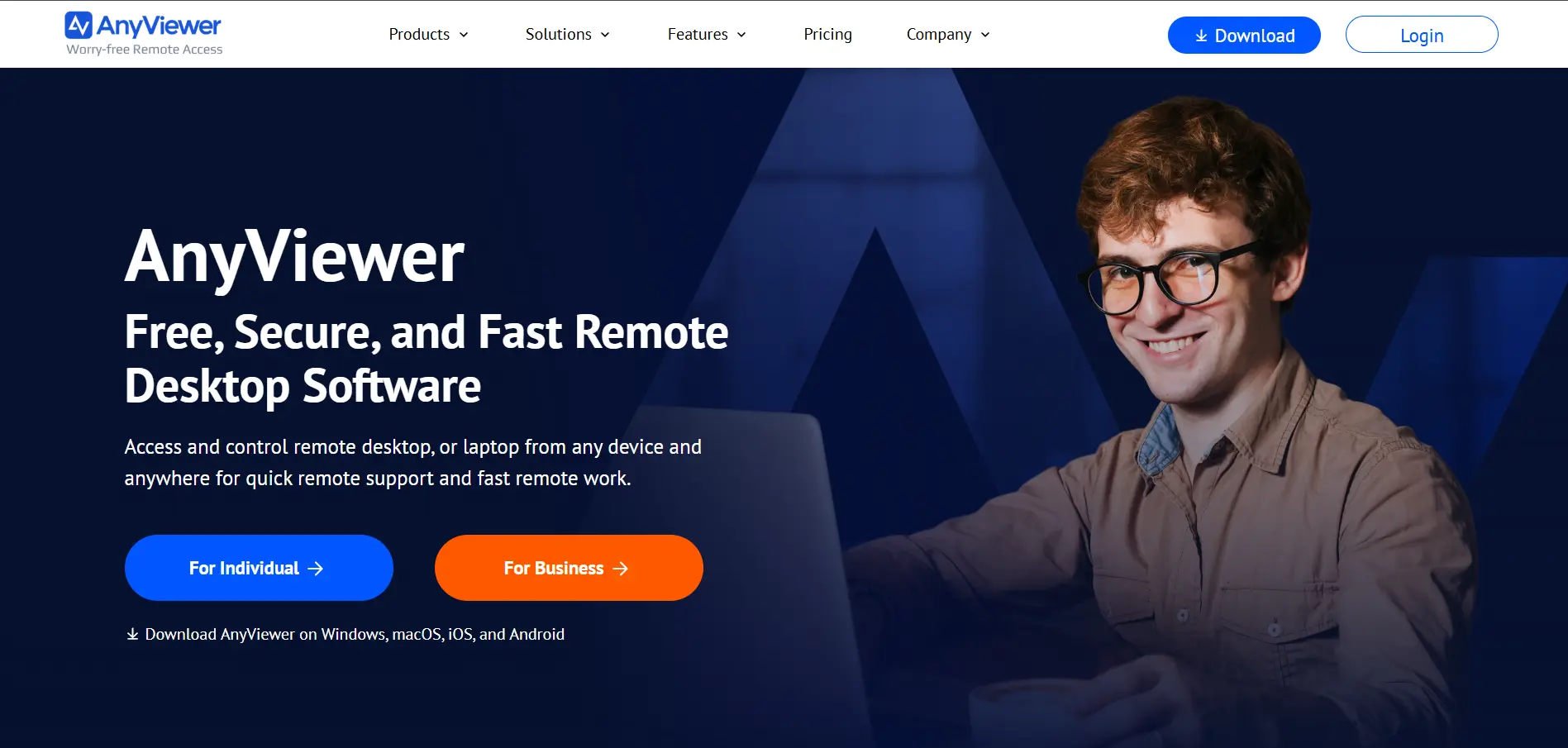
AnyViewer is a budget-friendly remote desktop tool aimed at individuals, freelancers, and small businesses. It supports Windows, macOS, iOS, and Android, offering one-click remote control, unattended access, and multi-window session management at a fraction of the cost of bigger competitors.
The free version already covers most casual use cases, and paid tiers unlock more devices and simultaneous sessions at low monthly rates. However, AnyViewer lacks the deep enterprise integrations and compliance certifications that larger, more established competitors provide.
Pros
- Very affordable paid plans
- Generous free tier for personal use
- Simple, clean user interface
Cons
- Limited enterprise-grade features
- Fewer third-party integrations
- Long-term discounted plans require multi-year commitment
Zoho Assist
✔ Free trial: 14 days, plus free-forever plan
💲 Standard: $10/technician/mo; Professional: $15/technician/mo; Enterprise: $24/technician/mo (billed annually)
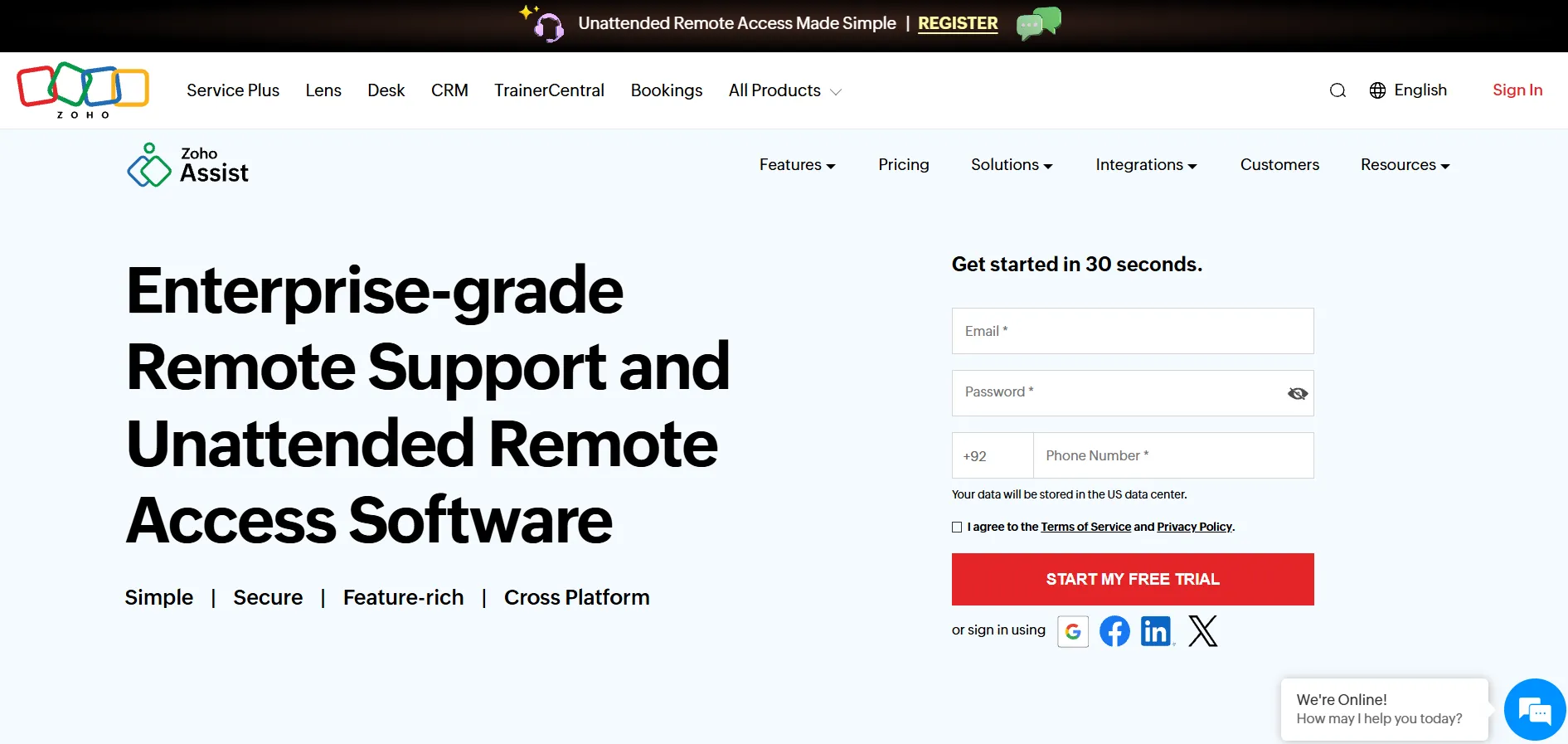
Zoho Assist is part of the wider Zoho ecosystem, making it a natural fit for businesses already using Zoho CRM, Desk, or SalesIQ. It offers both remote support and unattended access modes, letting you pay only for what you actually need rather than bundling everything into one costly tier.
Its free plan is unusually generous, supporting one technician and five unattended computers with core features included. The professional and enterprise tiers add session recording, bulk deployment, and advanced reporting, making Zoho Assist one of the most cost-effective full-featured alternatives available.
Pros
- Generous free-forever plan
- Affordable, flexible pay-for-what-you-need pricing
- Deep integration with Zoho apps
Cons
- Some features locked behind higher tiers
- File transfers over 2GB can lag
- Premium support costs extra (20% of license fee)
LogMeIn
✔ Free trial: 14 days on LogMeIn Pro
💲 Individuals: $30/mo; Power Users: $70/mo; Small Business: $129/mo
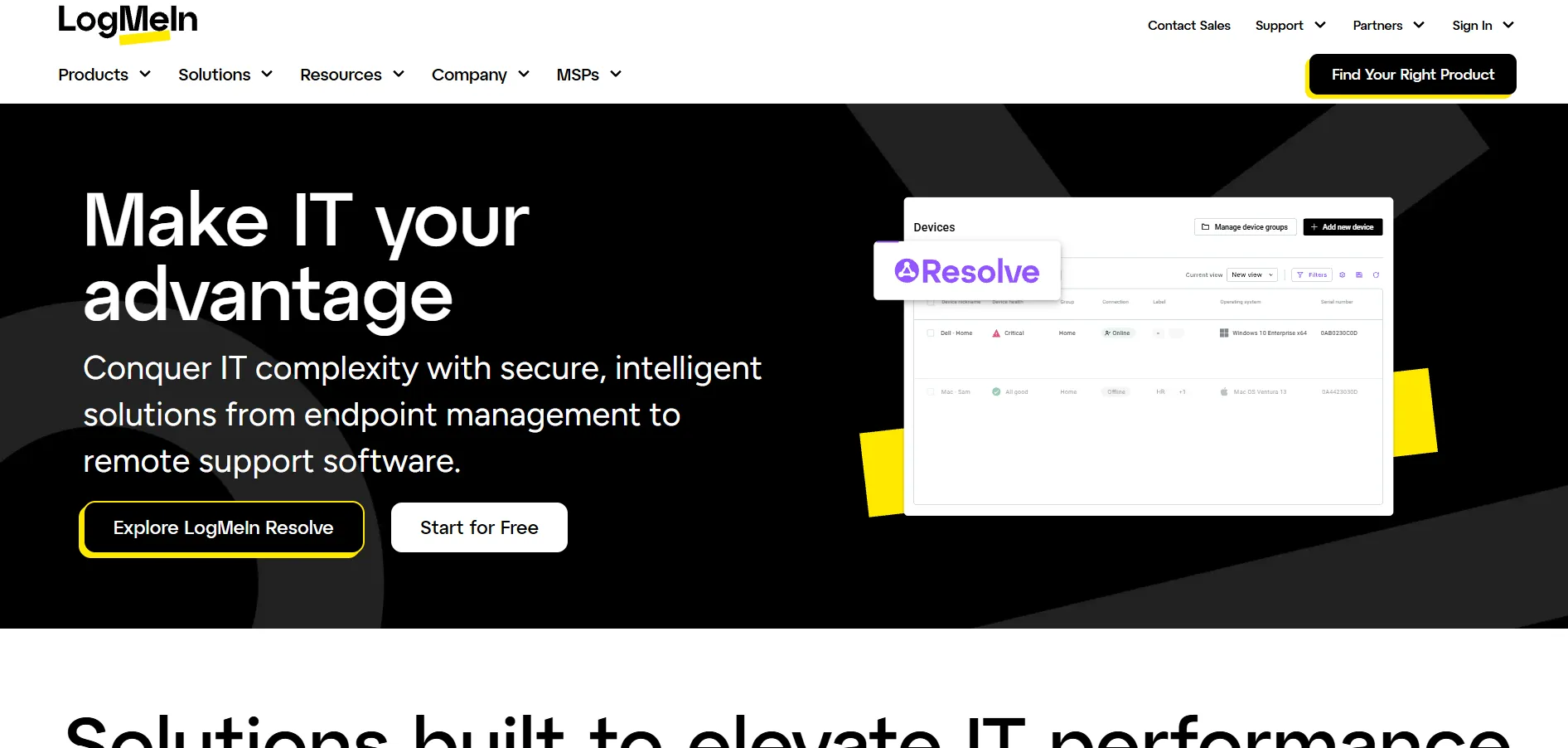
LogMeIn Pro is a premium remote access solution aimed at individuals and small businesses needing reliable multi-computer access. It bundles in extras like 1TB of cloud storage, LastPass Premium, and remote printing, positioning itself as more of an all-in-one productivity package than a pure remote desktop tool.
While convenient, LogMeIn’s pricing sits noticeably higher than most competitors offering similar core functionality. Its sister product, LogMeIn Central, uses a modular add-on pricing model for larger IT teams, which can significantly increase total costs if multiple modules are required.
Pros
- Bundled cloud storage and password manager
- Reliable, mature platform
- Unlimited users on business plans
Cons
- Expensive compared to similar tools
- Central’s modular pricing can add up fast
- Requires annual subscription for business plans
RustDesk
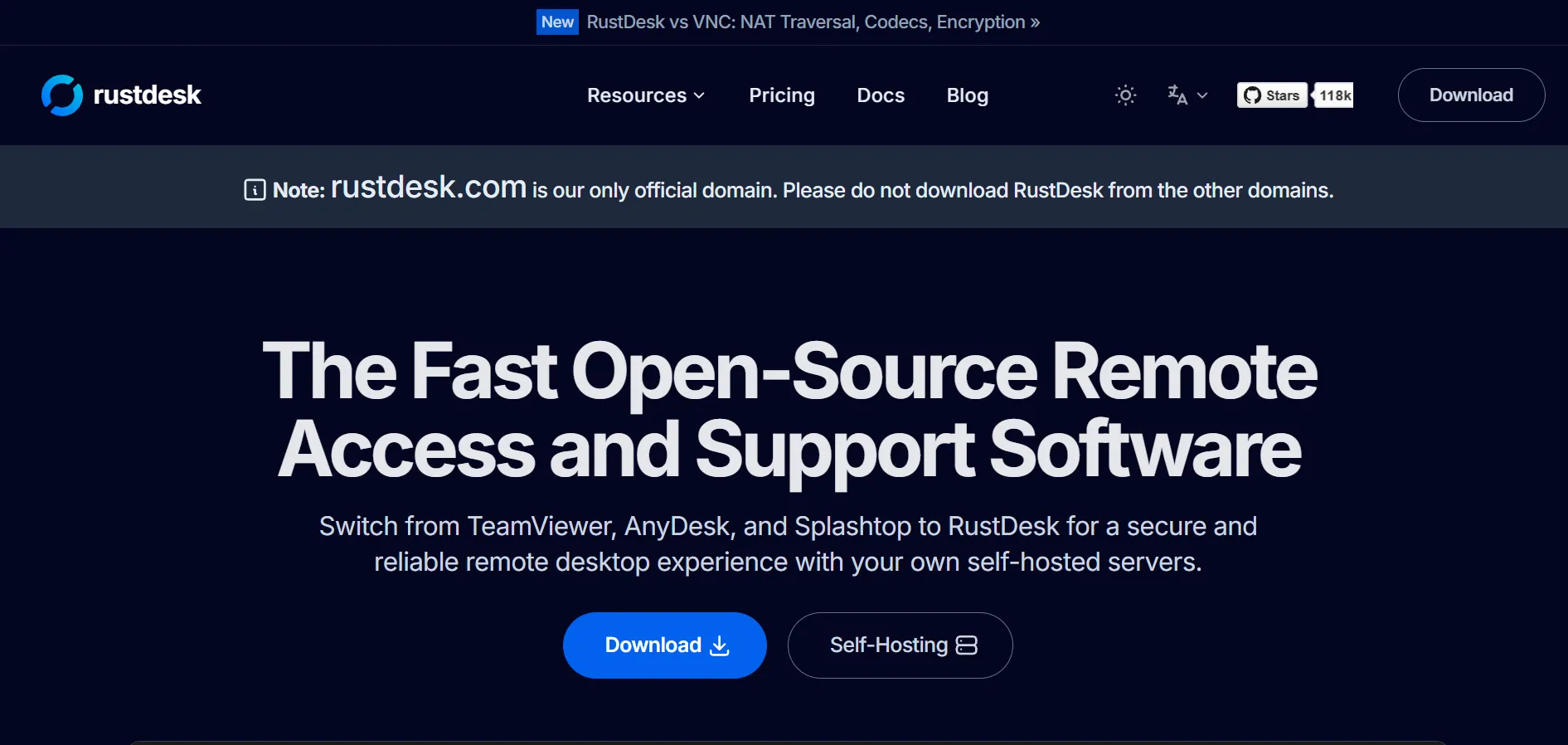
✔ Free and open-source self-hosted server
💲 Individual Pro: $9.90/mo; Basic Pro: $19.90/mo; Customized: ~$20/connection (annual billing)
RustDesk stands out as an open-source, self-hosted alternative for organizations that prioritize full data ownership and control. Its core client and server are completely free under an open license, letting privacy-conscious users and businesses avoid third-party relay servers entirely.
The paid Server Pro tiers add a web console, user management, and OIDC/LDAP integration for teams needing centralized administration. The tradeoff is that self-hosting shifts infrastructure maintenance, security patching, and compliance responsibilities onto your own IT staff, which adds hidden operational costs.
Pros
- Free and open-source core software
- Full data ownership through self-hosting
- Very affordable Pro tiers
Cons
- Requires technical skill to self-host
- No official cloud-hosted convenience option
- Compliance and security auditing falls on the user
Distant Desktop
✔ Free for personal and commercial use
💲 Free plan: $0; Professional: ~$49/year (optional license bundles available)
Distant Desktop is a lightweight, portable remote access tool that requires no installation or registration. It’s designed for quick, no-fuss connections using just an ID and password, making it especially appealing for one-off support sessions or casual personal use across Windows, Mac, and Android.
Despite being genuinely free for commercial use — a rarity in this space — Distant Desktop has limitations like restricted outgoing connection hours per month and no iOS control support. It’s a solid budget pick, but it isn’t built for heavy, professional IT support workflows.
Pros
- Completely free, even for commercial use
- No installation or registration required
- Lightweight and fast to set up
Cons
- Outgoing connections capped at limited hours/month
- Cannot control devices from iOS
- Lacks advanced enterprise features
Splashtop
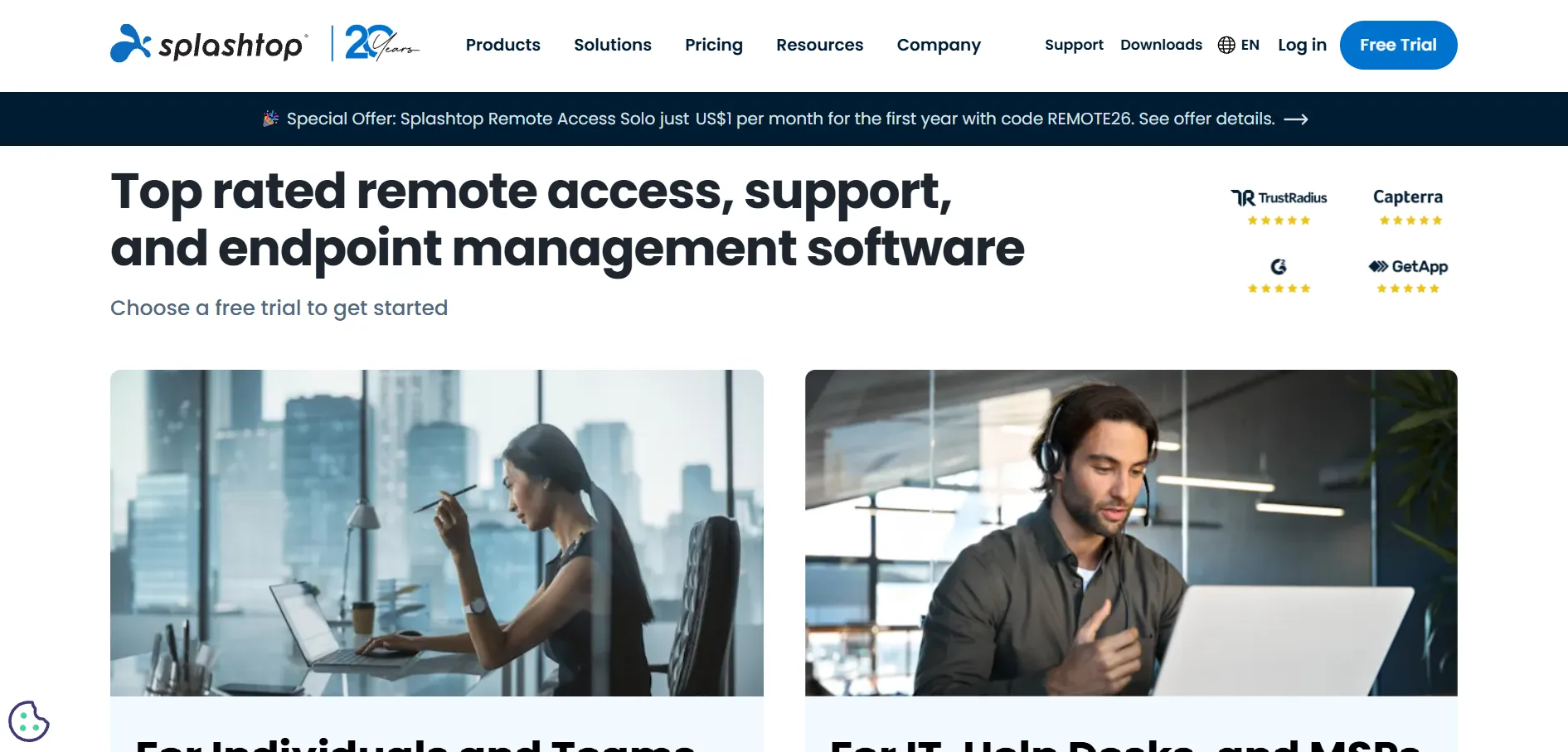
✔ Free trial: 7 days
💲 Solo: $6/mo; Pro: $8.25/mo; Performance: $13/mo; Enterprise: custom (billed annually)
Splashtop has emerged as one of the strongest value-for-money alternatives to legacy remote access tools. It offers high-fidelity 4K streaming, ISO/IEC 27001 certified security, and separate product lines for remote access, remote support, and MSP use cases, all at a fraction of TeamViewer’s pricing.
Its Solo plan alone can save businesses significant money compared to premium competitors while still delivering fast, secure connections. The main limitation is that Remote Access plans require annual prepayment, and monthly billing is only available on the Remote Support (SOS) line.
Pros
- Excellent price-to-feature ratio
- High-fidelity streaming with low latency
- ISO 27001 certified security
Cons
- Remote Access plans require annual billing
- Enterprise pricing needs a custom quote
- Fewer advanced features than TeamViewer at entry tier
ConnectWise ScreenConnect
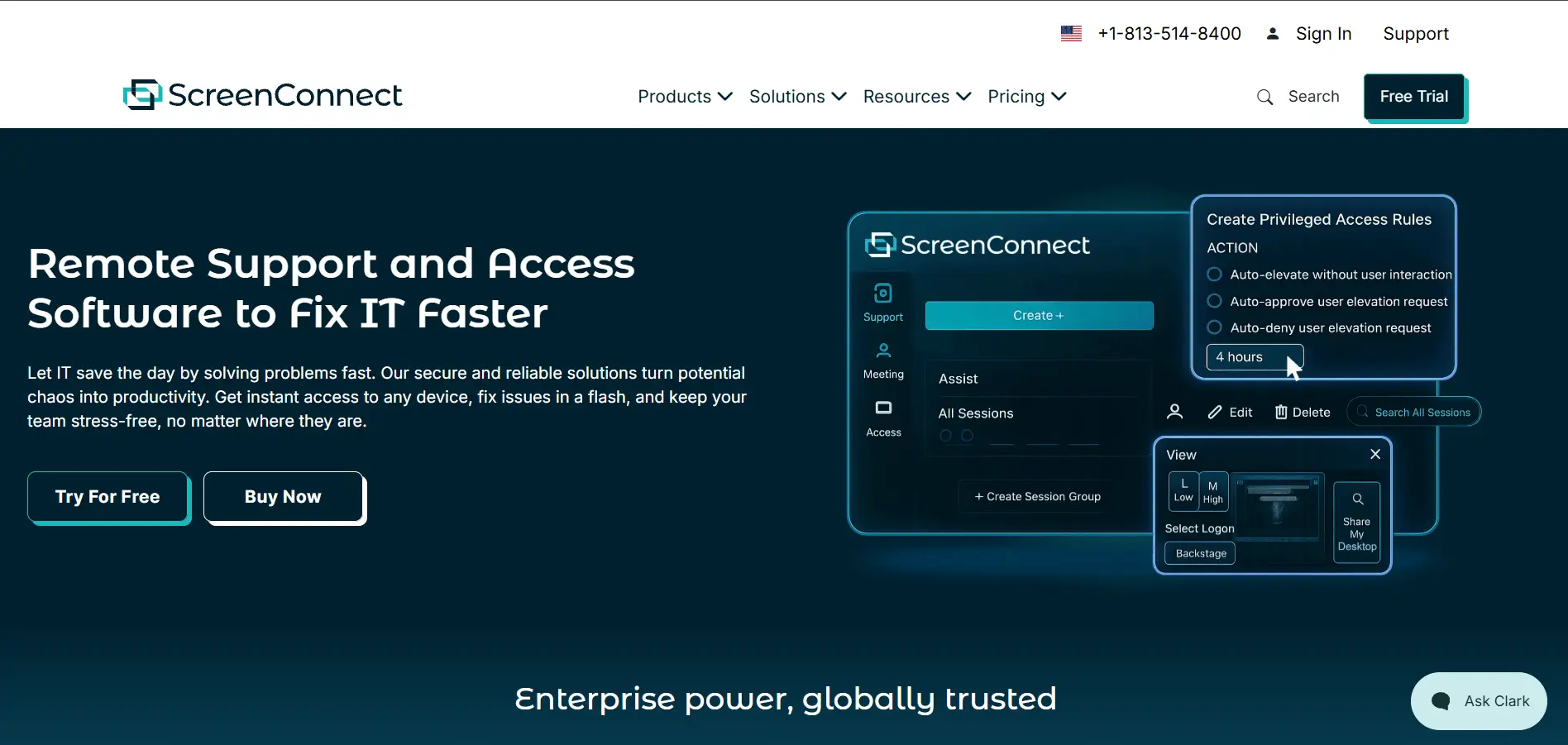
✔ Free trial available on request
💲 One: $30/mo; Remote Access: $33/mo; Standard: $45/mo; Premium: $55/mo
ConnectWise ScreenConnect (formerly ConnectWise Control) is a favorite among MSPs and IT service providers thanks to its self-hosting option, deep customization, and features like Backstage mode for silent remote troubleshooting. It integrates tightly with the broader ConnectWise ecosystem of PSA and RMM tools.
The platform’s flexibility comes at a price — its per-technician pricing model can get costly for larger teams, and some essential features are gated behind higher tiers. Still, for organizations already invested in ConnectWise products, it remains one of the most capable remote support solutions available.
Pros
- Self-hosted deployment option available
- Deep ConnectWise ecosystem integration
- Highly customizable branding and workflows
Cons
- Per-technician pricing gets costly at scale
- Some features locked behind higher tiers
- Steeper learning curve for new users
Chrome Remote Desktop
✔ Completely free, no trial needed
💲 Pricing: Free for personal and basic business use, no paid tiers offered
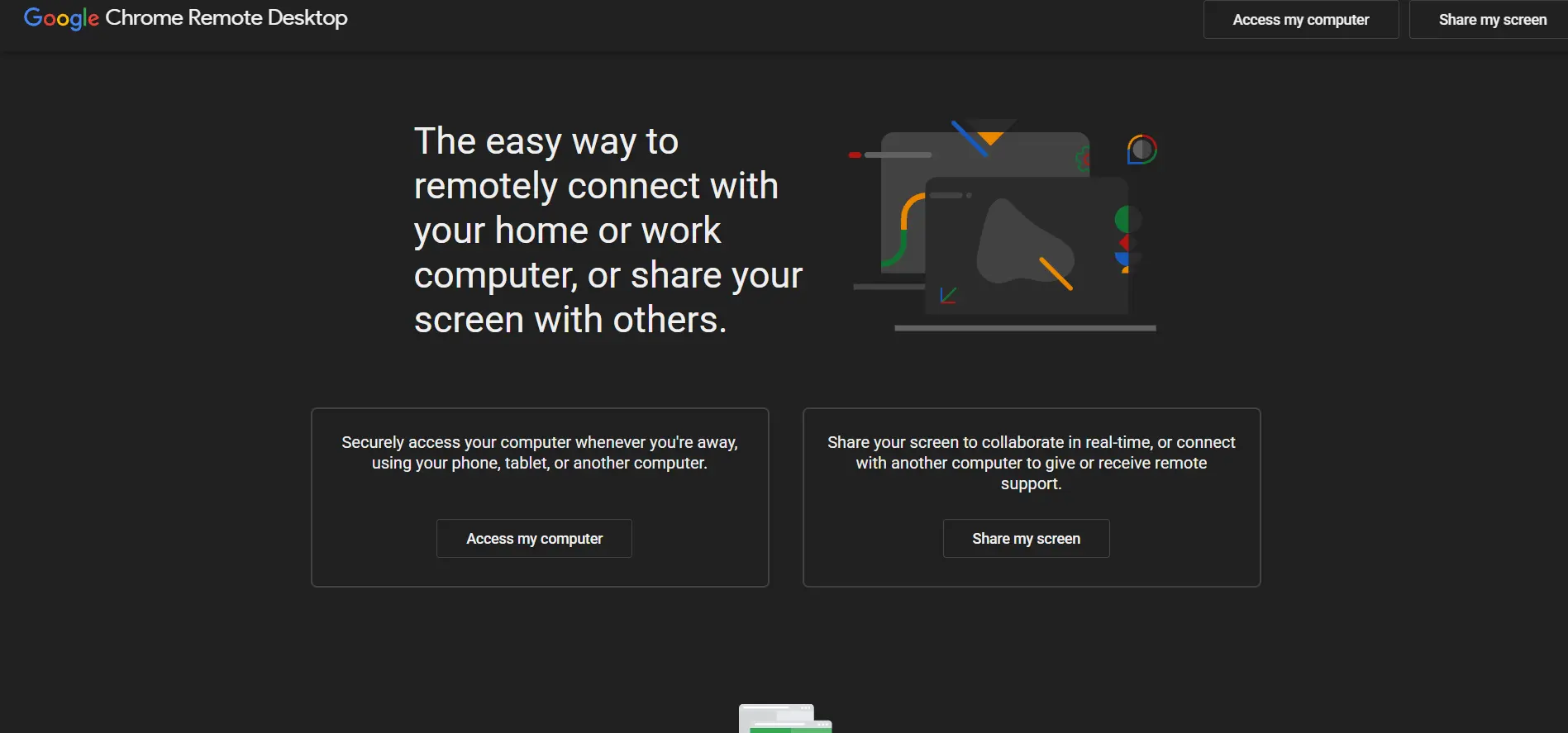
Chrome Remote Desktop is Google’s free browser-based remote access tool, ideal for individuals who need occasional access to their own computer or basic peer-to-peer support sessions. It runs directly through the Chrome browser or as a standalone app, requiring no complex setup or licensing.
Its simplicity is both a strength and a limitation — there’s no file transfer, session recording, or advanced administrative controls, making it unsuitable for professional IT support teams. For casual personal use or quick one-time remote help, though, it remains a dependable and completely free option.
Pros
- Completely free with no hidden costs
- Simple browser-based setup
- Backed by Google’s reliable infrastructure
Cons
- No file transfer support
- Lacks session recording and admin controls
- Not suitable for professional IT support teams
Comparison Table
| Alternative | Description |
|---|---|
| AirDroid Remote Support | Cross-platform remote support tool with strong mobile device support and helpdesk integrations. |
| GoToMyPC | Long-established, simple remote access tool for individuals and small teams. |
| TeamViewer | Industry-leading, feature-rich remote desktop platform for individuals to large enterprises. |
| sobrii Remote | Remote control module built into a fleet management platform for large IT teams and MSPs. |
| AnyViewer | Budget-friendly remote desktop tool with a generous free plan for personal use. |
| Zoho Assist | Affordable, flexible remote support and unattended access tool within the Zoho ecosystem. |
| LogMeIn | Premium remote access with bundled cloud storage and password management tools. |
| RustDesk | Open-source, self-hosted remote desktop solution for full data control. |
| Distant Desktop | Lightweight, completely free remote access tool with no installation required. |
| Splashtop | High-value remote access and support platform with strong security certifications. |
| ConnectWise ScreenConnect | Customizable, self-hostable remote support tool built for MSPs and IT service providers. |
| Chrome Remote Desktop | Free, browser-based remote access tool for casual personal use. |
Conclusion
If you want enterprise-grade reliability, TeamViewer or Splashtop are excellent picks. Budget-conscious users and freelancers may prefer AnyViewer, Zoho Assist, or the completely free Chrome Remote Desktop and Distant Desktop. MSPs and IT teams managing larger fleets will likely lean toward ConnectWise ScreenConnect or sobrii Remote, while privacy-focused organizations can turn to RustDesk’s self-hosted model. Whichever tool you choose, be sure to test the free trial or free tier first to confirm it fits your workflow before committing to a paid plan.


