

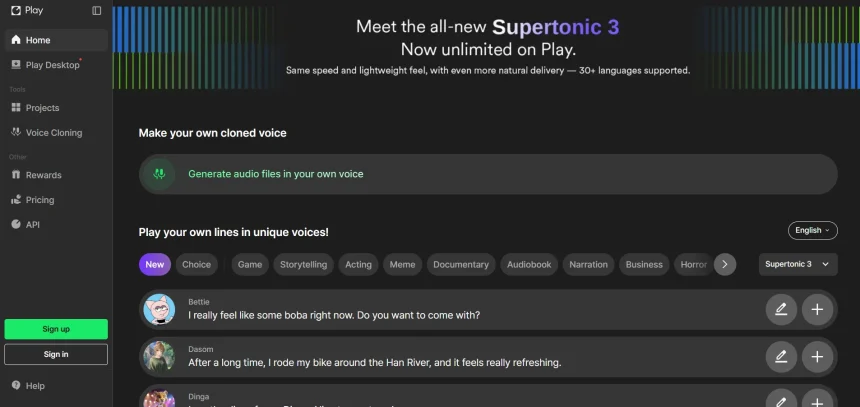
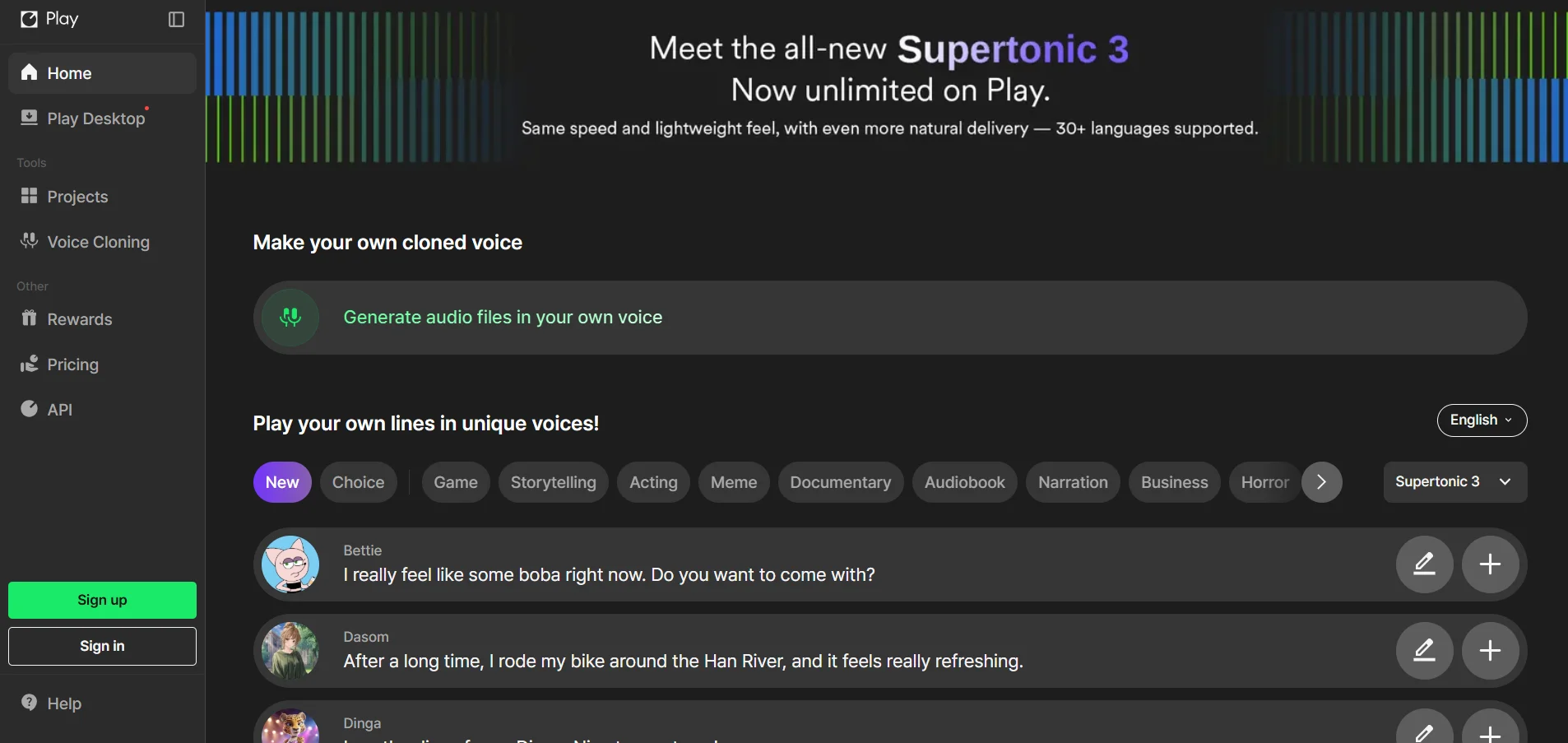
Supertone Play has built a solid reputation for AI voice synthesis, singing voice conversion, and emotional speech generation. But it isn’t the right fit for everyone. Some creators need broader language support, others want cheaper entry pricing, and some are searching for real-time voice changing rather than studio-style narration. In this article, we’ve rounded up ten of the best Supertone Play Alternatives available today. Each option is broken down by its free trial availability, pricing structure, and standout features, along with clear pros and cons to help you decide which platform matches your workflow and budget.
1. HeyGen
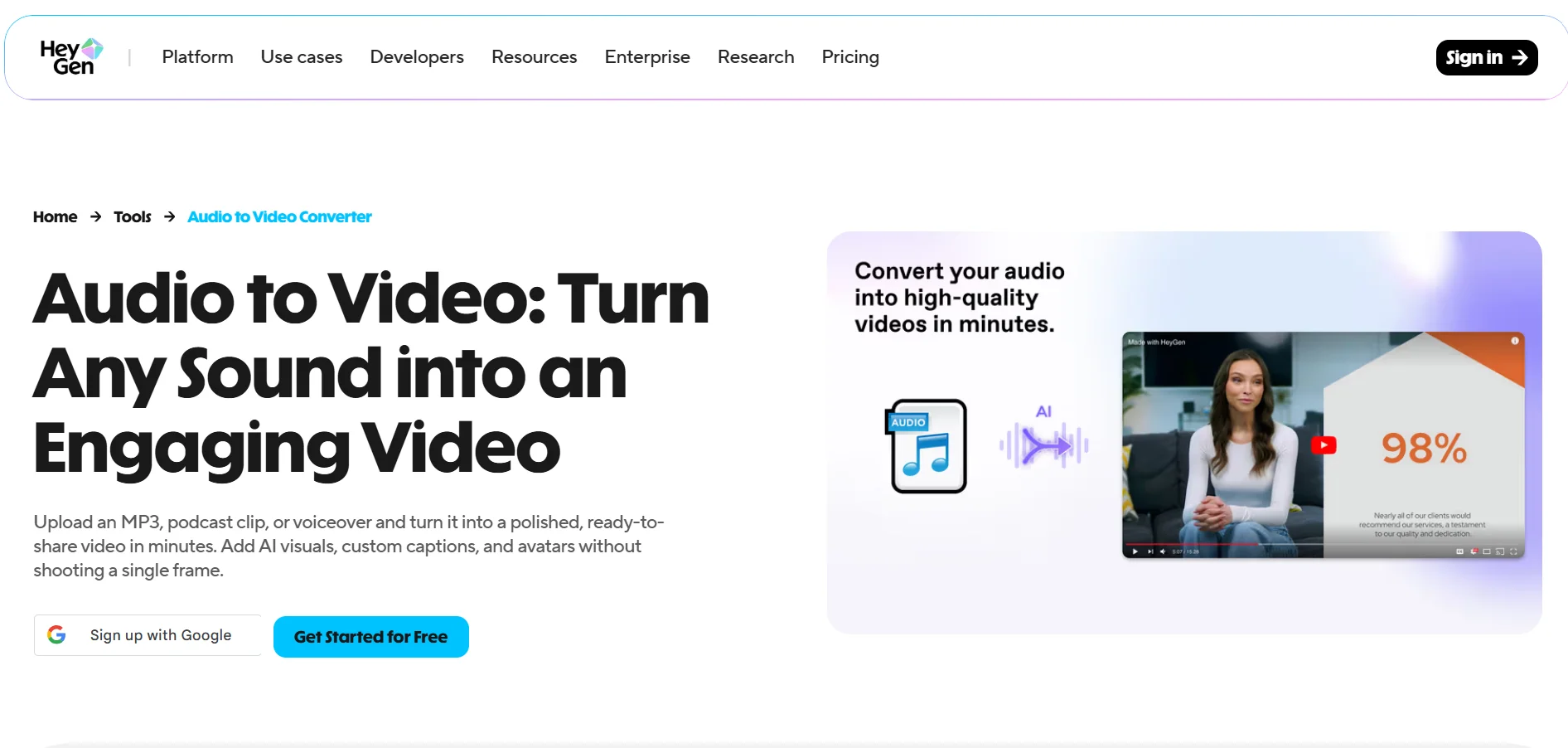
HeyGen offers a free plan with three videos per month instead of a traditional time-limited trial, letting you test its avatar and voice features without entering payment details. Paid tiers begin with Creator at $29/month for unlimited videos and 200 monthly credits, Pro at $49-$99/month for 4K exports, and Business at $149/month plus $20 per seat for advanced team tools.
Official Pricing (heygen.com):
- Free – $0/month (3 videos, watermark)
- Creator – $29/month
- Pro – $49–$99/month
- Business – $149/month + $20/seat
- Enterprise – Custom pricing
HeyGen combines AI avatars with natural-sounding voice generation, video translation, and lip-sync dubbing across 30+ languages. It works well for training videos, product explainers, and localized marketing content. The platform’s biggest strength is its large avatar and voice library, though the credit-based system can feel confusing for new users trying to estimate monthly costs.
Pros
- Generous free plan for testing
- Large avatar and voice library
- Strong multilingual dubbing support
Cons
- Credit system can be confusing
- Custom avatars require Business plan
- Seat-based pricing adds up for teams
2. Gradium
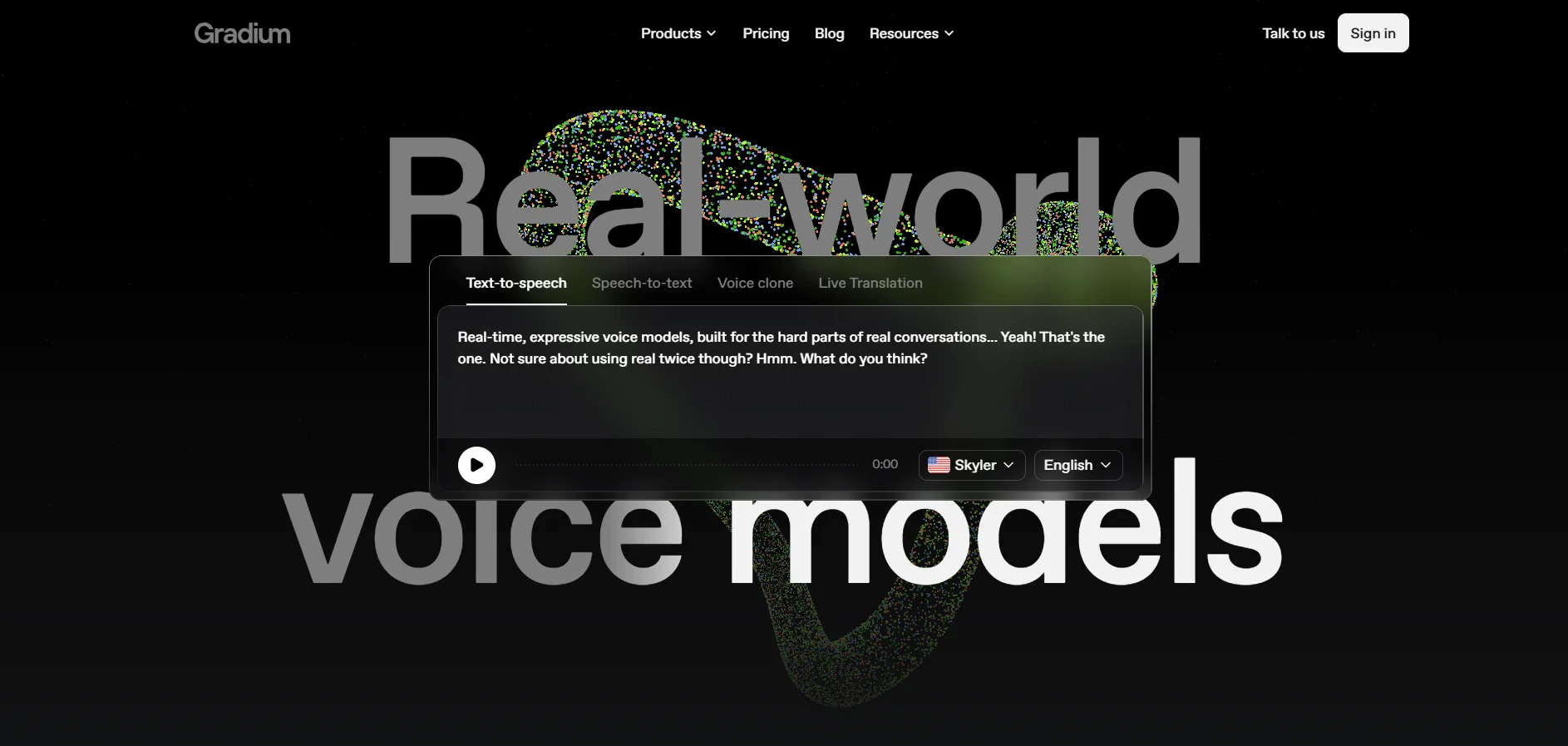
Gradium doesn’t rely on a flashy consumer trial; instead, it offers a free tier plus pay-as-you-go credits so developers can test its text-to-speech, speech-to-text, and voice cloning APIs before committing. Pricing scales through S, M, and L tiers based on millions of characters processed, with startup grant programs offering up to six months of free access.
Official Pricing (gradium.ai/pricing):
- Free tier – Limited API credits
- S / M / L tiers – Scales by character volume
- Pay-as-you-go credits available
- Enterprise – Custom pricing
Built by former DeepMind and Meta researchers, Gradium focuses on ultra-low-latency audio language models rather than a polished studio interface. It’s aimed squarely at developers building voice agents, offering instant voice cloning from just ten seconds of audio and native multilingual fluency. It’s less suited to non-technical creators who want a drag-and-drop editor.
Pros
- Ultra-low latency, developer-first API
- Instant voice cloning from 10 seconds
- Backed by strong funding and research talent
Cons
- No consumer-friendly interface
- Character-based pricing can be hard to predict
- Best suited for technical teams
3. Lovo.ai
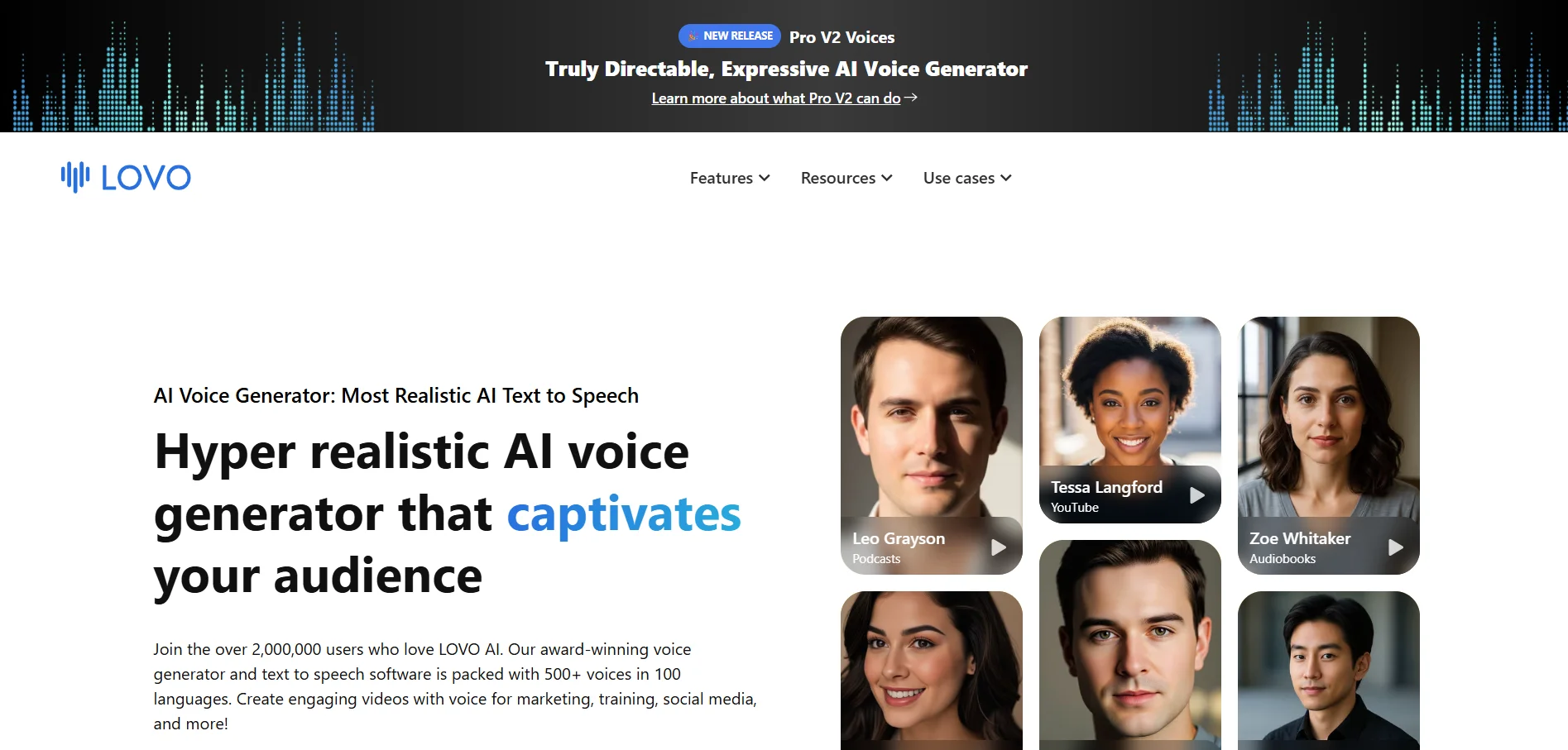
Lovo.ai (Genny) offers a 14-day free trial with 20 minutes of voice generation, though exports carry a watermark during the trial period. There’s no permanent free plan for full features, so most users move to a paid tier fairly quickly after testing the platform’s voice quality and editor.
Official Pricing (lovo.ai):
- Free Trial – 14 days, 20 minutes
- Basic – $24/month (2 hours voice)
- Pro – $48/month (5 hours voice)
- Pro+ – $149/month (20 hours voice)
Lovo bundles 500+ voices across 100+ languages with a built-in video editor, AI script writer, and subtitle generator, making it a strong all-in-one content tool. New directable voice controls let you adjust emotion and accent using natural-language brackets. The main drawback is a mixed reputation for billing transparency and customer support responsiveness reported by some users.
Pros
- 500+ voices in 100+ languages
- Built-in video editor and script writer
- Directable emotion and accent controls
Cons
- No permanent free plan
- Mixed reviews on billing and support
- Trial exports carry a watermark
4. PlayHT
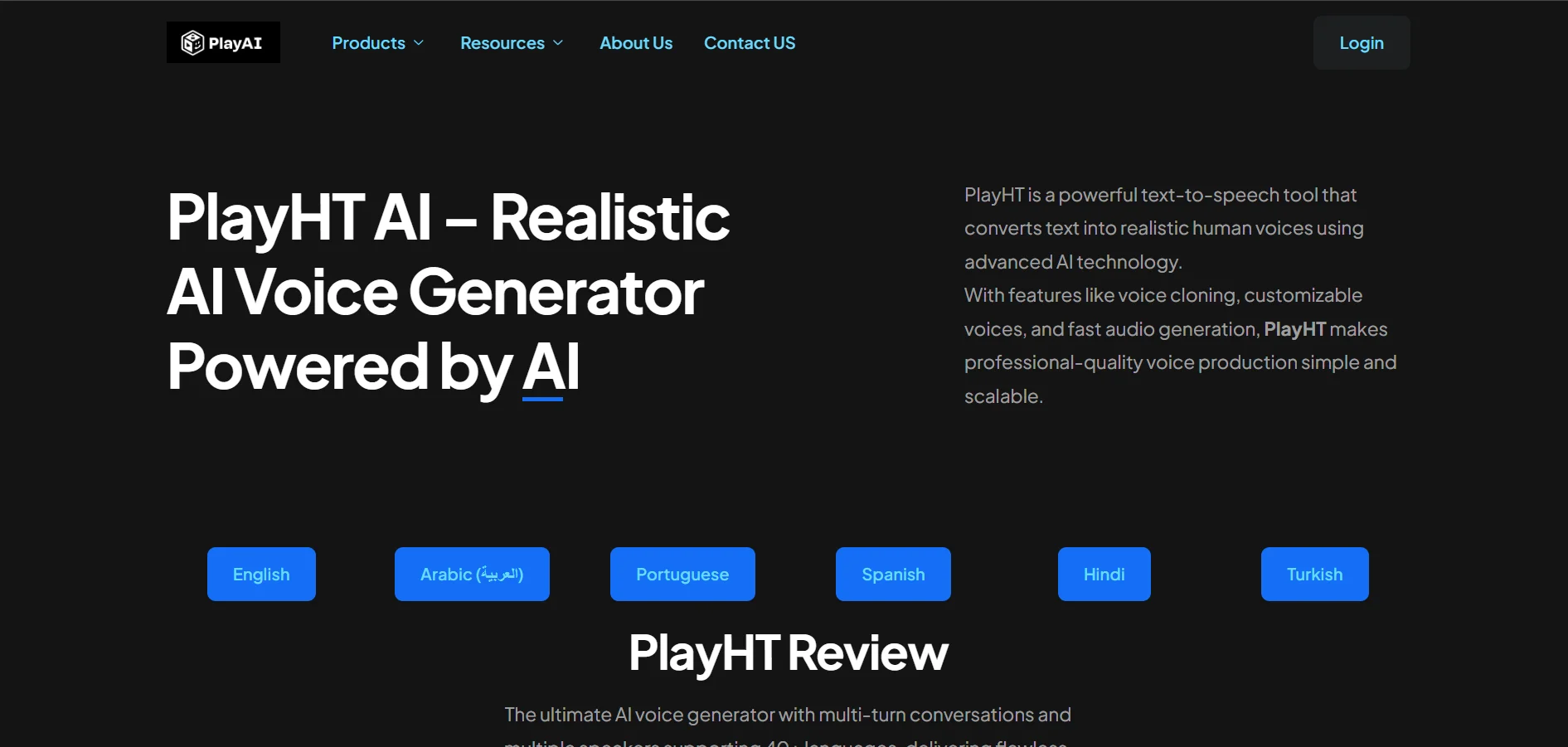
PlayHT runs a permanent free Starter plan instead of a time-limited trial, giving new users 12,500 characters per month, one instant voice clone, and access to its full voice and language library with no credit card required. Paid plans then scale up for freelancers and daily production use.
Official Pricing (playht.co/pricing):
- Starter – $0/month (12,500 characters)
- Creator – $39/month
- Unlimited – $99/month
- Scale/Enterprise – Custom pricing
PlayHT stands out with over 900 AI voices in 140+ languages, real-time streaming via API, and credits that roll over monthly instead of resetting. It’s a favorite among podcasters and developers building voice-powered apps. The free plan doesn’t include commercial usage rights, so serious creators will need to upgrade before publishing monetized content.
Pros
- Free forever plan, no card required
- 900+ voices across 140+ languages
- Unused credits roll over monthly
Cons
- Free tier excludes commercial rights
- No time-limited premium trial
- API pricing is separate from web plans
5. Murf.AI
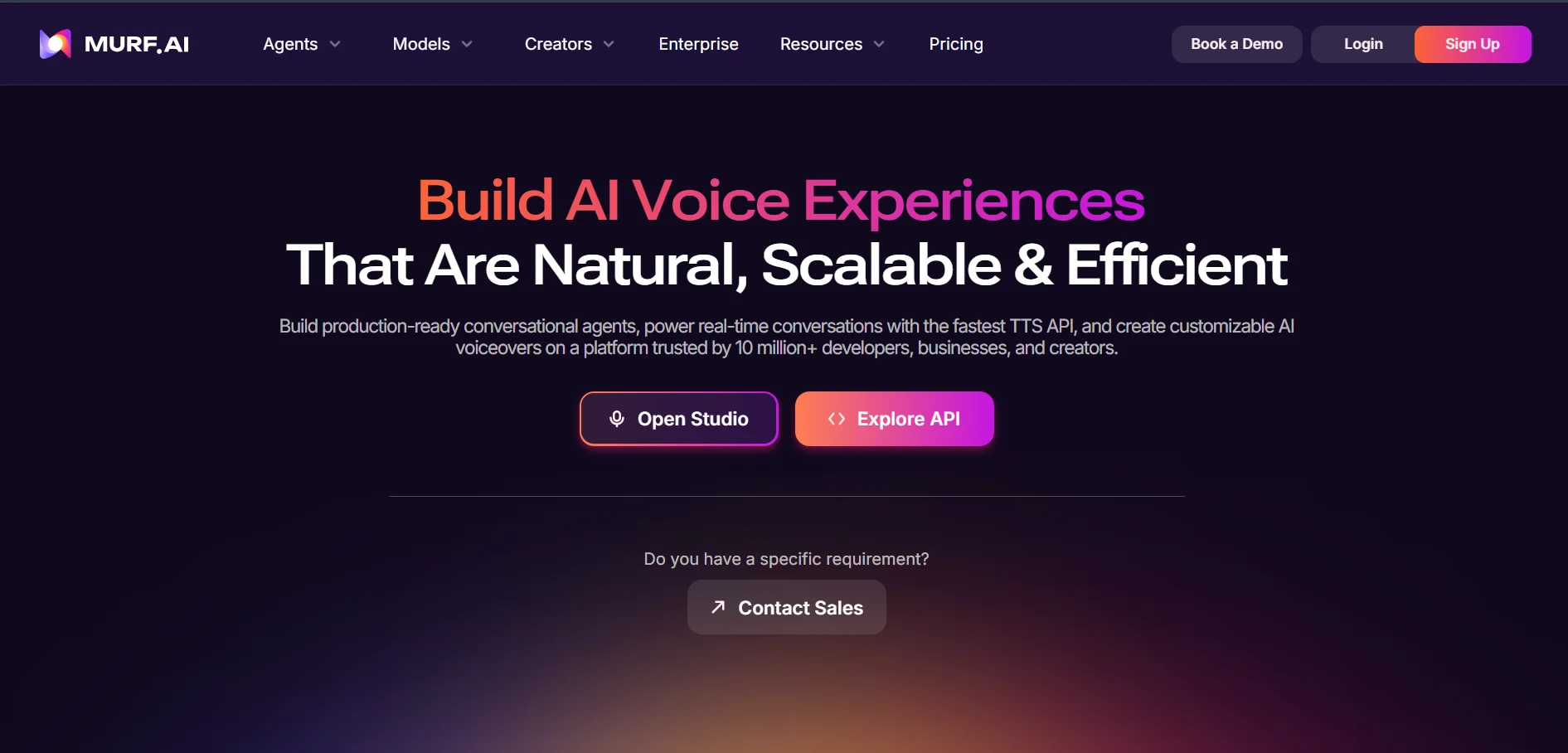
Murf.AI offers a free trial with 10 minutes of voice and transcription generation and full access to its 200+ voice library, though downloads and commercial rights are locked until you upgrade. No credit card is required to start testing the Studio editor and voice styles.
Official Pricing (murf.ai):
- Free – $0 (10 minutes, no downloads)
- Creator – $19–$29/month
- Business – $66–$99/month
- Enterprise – Custom pricing
Murf is a studio-grade voiceover platform popular for e-learning, presentations, and corporate training content, offering fine editing controls and integrations like Canva. It holds ISO 42001 certification for AI management, appealing to regulated industries. The catch is that voice cloning is Enterprise-only, and refunds are limited to a narrow 24-hour usage window.
Pros
- Polished Studio editor with fine controls
- ISO 42001 AI compliance certification
- Strong integrations (Canva, PowerPoint)
Cons
- Voice cloning limited to Enterprise
- Free plan blocks downloads entirely
- Narrow refund window
6. WellSaid Labs
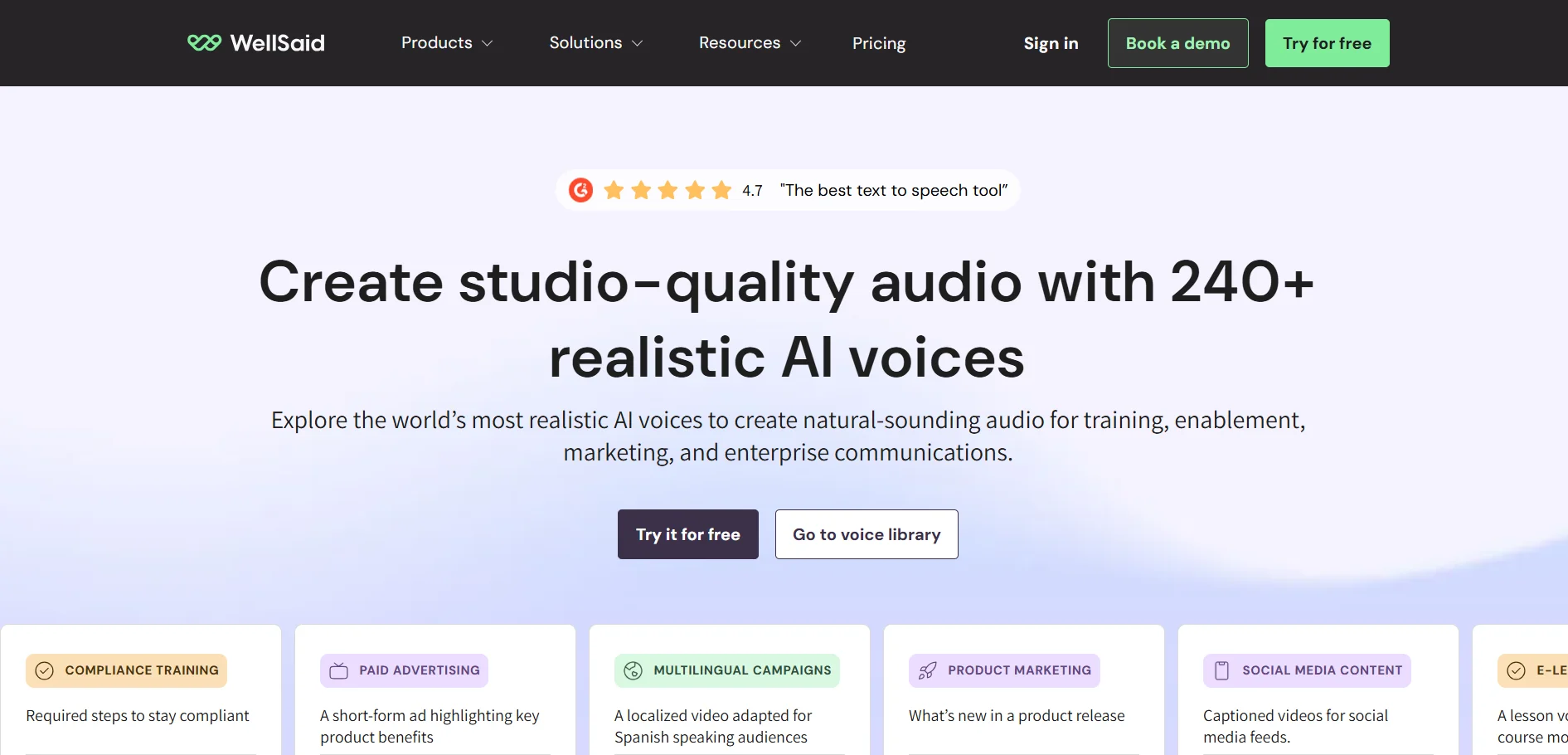
WellSaid Labs Studio provides a free trial tier with access to its voice avatars, though downloads are not included until you subscribe. Paid plans then begin at the Creative tier, positioned for individual creators producing English-language commercial voiceovers at moderate volume.
Official Pricing (wellsaid.io):
- Free Trial – $0 (all voices, 0 downloads)
- Creative – $49–$55/month
- Business – $99–$160/month
- Enterprise – Custom pricing
Spun out of the Allen Institute for AI, WellSaid Labs emphasizes ethical voice creation using consenting voice actors, making it popular with enterprise learning and development teams. Its voice quality is consistently praised, and Adobe integrations streamline corporate workflows. However, pricing sits noticeably higher than most rivals, and per-seat costs escalate quickly for larger teams.
Pros
- Ethically sourced, consenting voice talent
- Excellent voice naturalness and clarity
- Strong Adobe and L&D integrations
Cons
- Higher pricing than most competitors
- Per-seat costs scale fast for teams
- Free trial excludes downloads
7. BookFab
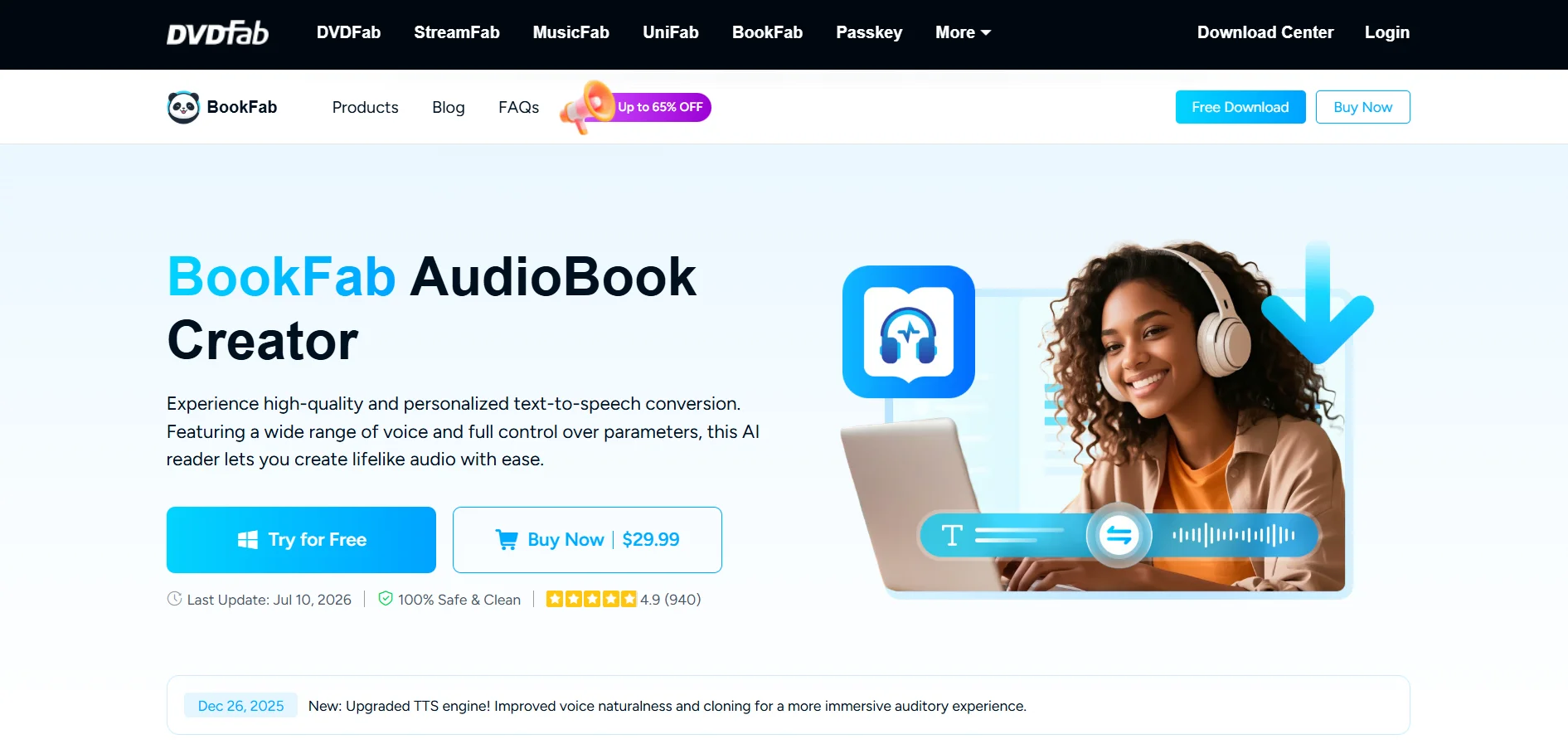
BookFab AudioBook Creator offers a free trial through a DVDFab account with a shared 5,000-word quota for its text-to-audio and audiobook creation features, and unused words carry over if you purchase before the trial runs out. No separate demo request is needed to get started.
Official Pricing (dvdfab.org):
- Free Trial – 5,000-word shared quota
- 1-Month License – $39.99
- Lifetime License – $129.99 (some listings: $29.99–$59.99)
BookFab is built specifically for converting EPUB and text files into narrated audiobooks, supporting M4B, MP3, and OPUS output with adjustable prosody and expressivity. It’s a strong fit for independent authors and educators who want a one-time purchase instead of a subscription. Its voice library is smaller than competitors, limited mainly to English and Japanese.
Pros
- One-time lifetime license option
- Purpose-built for audiobook conversion
- EPUB-to-M4B workflow built in
Cons
- Only English and Japanese voices
- Windows-only desktop software
- Smaller voice library than rivals
8. Voice.ai
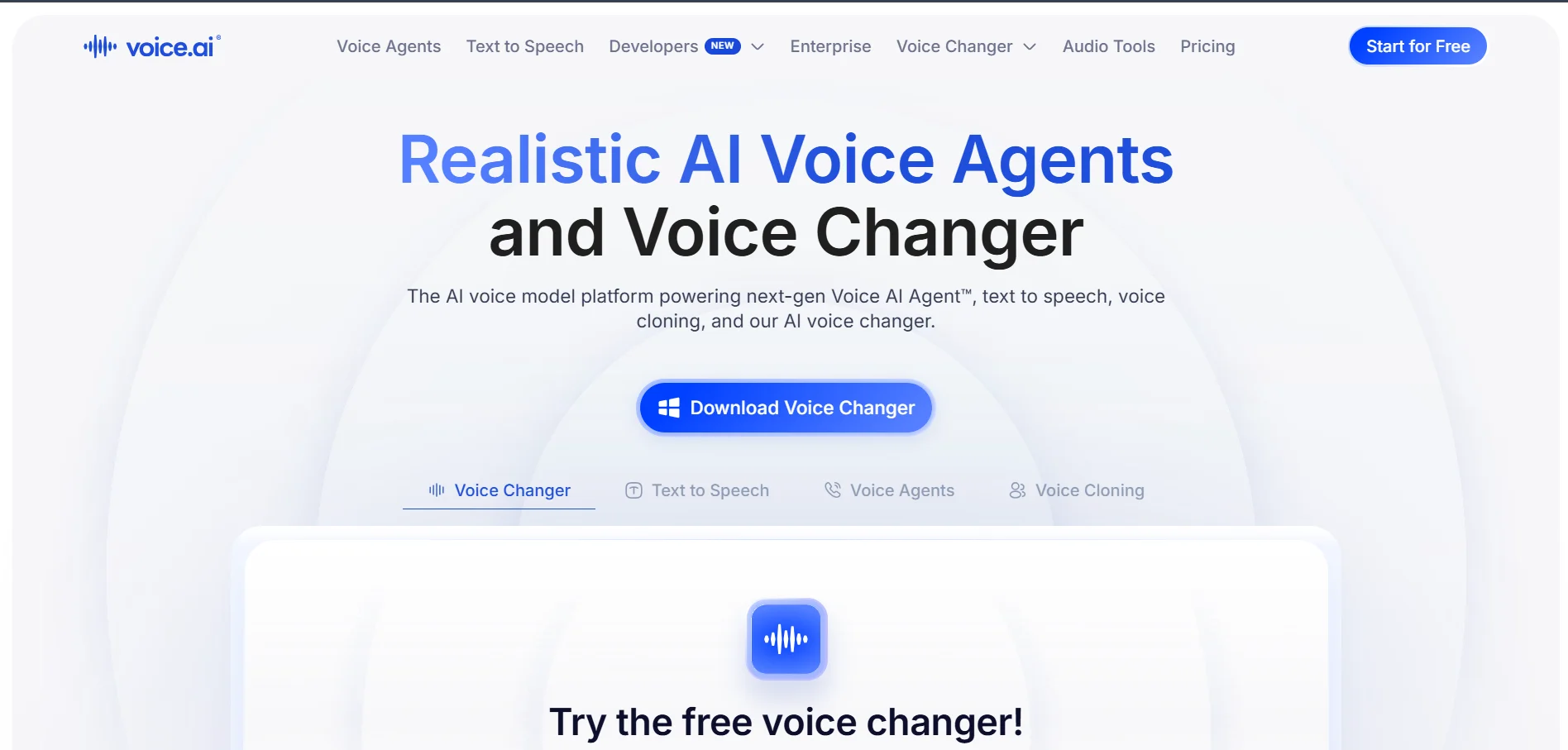
Voice.ai gives new users a free plan with 5,000 monthly credits, roughly enough for light text-to-speech or casual real-time voice changing before needing to upgrade. There’s no separate trial period since the free tier itself functions as the ongoing entry point into the platform.
Official Pricing (voice.ai):
- Free – 5,000 credits/month
- Starter – $5/month
- Higher tiers – Up to $880/month
Voice.ai is best known as a real-time voice changer for streamers and gamers, using a neural engine with sub-50ms latency and a community-driven voice model library. The Starter plan unlocks instant voice cloning, downloadable TTS files, and commercial licensing. The credit-to-minute conversion can be confusing, and high-end real-time performance requires a capable GPU.
Pros
- Low-latency real-time voice changing
- Large community voice model library
- Affordable entry-level pricing
Cons
- Credit system is hard to estimate
- Real-time mode needs a strong GPU
- Higher tiers get expensive quickly
9. Speechify
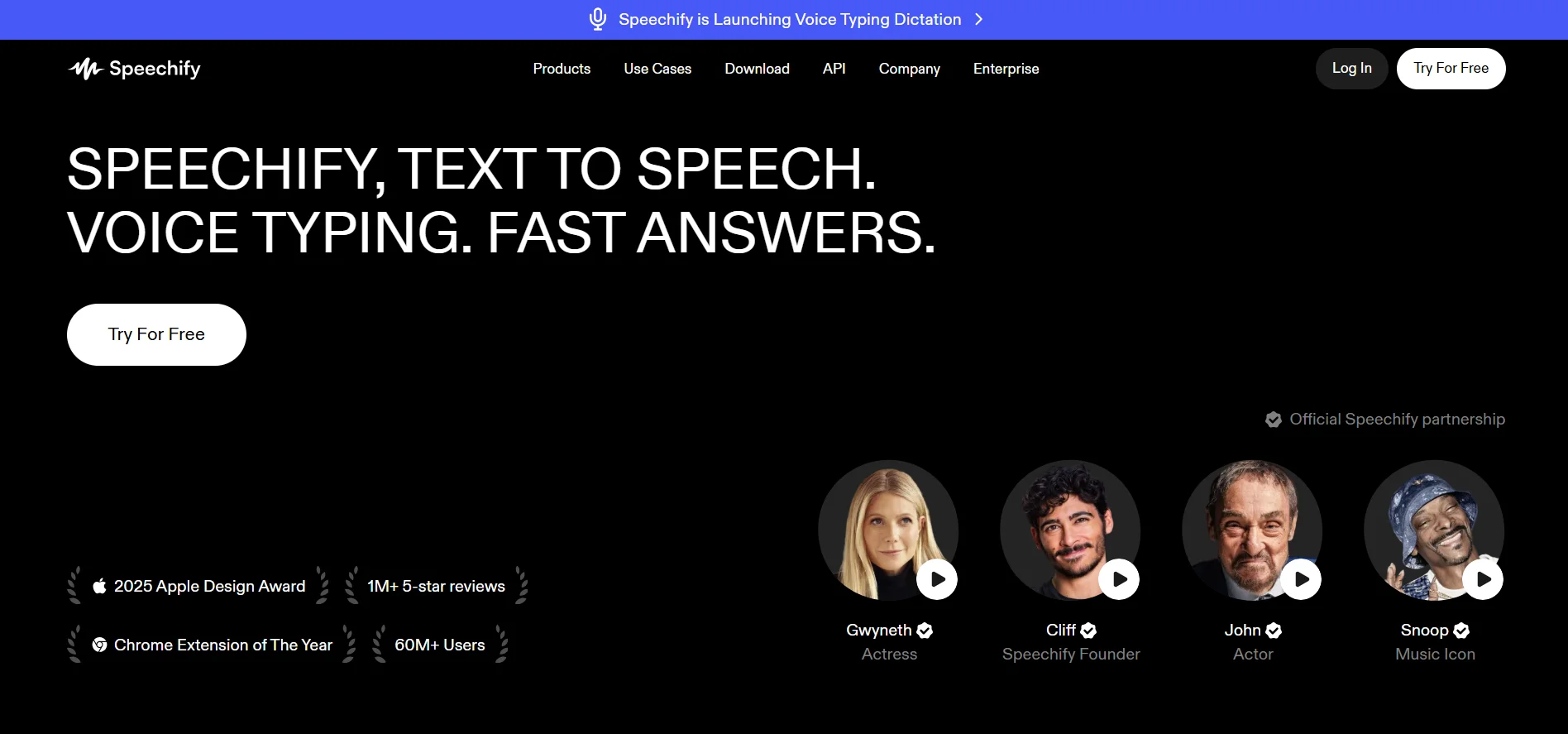
Speechify offers a genuinely usable free plan with five standard AI voices and listening speeds up to 1.5x, no credit card required. Premium unlocks the full 200+ voice library and faster playback speeds, with separate Studio plans available for creators who want voiceover production tools.
Official Pricing (speechify.com):
- Free – $0/month (5 voices)
- Premium – $139/year (~$11.58/month) or $29/month
- Studio – $19–$49/user/month
- Audiobooks – $9.99–$14.99/month
Speechify is primarily a text-to-speech reading app rather than a voiceover production tool, popular with students, professionals, and readers who prefer listening to articles, PDFs, and books. It offers OCR scanning, offline listening, and a browser extension for reading web pages aloud. Its Studio and Audiobook products are priced separately, which can make total costs harder to track.
Pros
- Genuinely useful free tier
- OCR scanning and offline listening
- Excellent for accessibility and reading
Cons
- Monthly billing costs far more than annual
- Studio and Audiobooks priced separately
- Less suited to professional voiceover work
10. KikiVoice
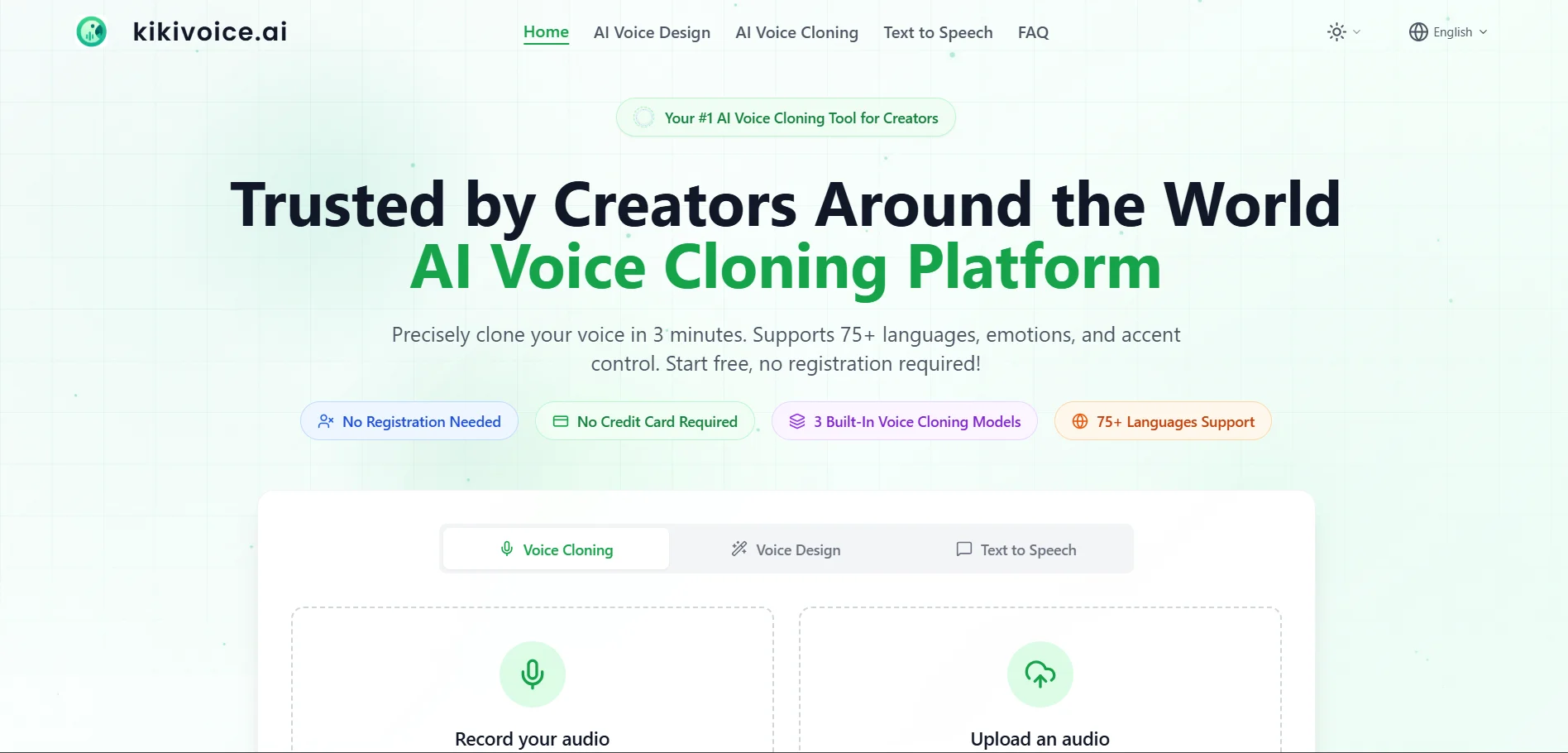
KikiVoice offers a free trial period for new users to test its voice library and generation quality before committing to a subscription, following a freemium model similar to other mid-market voice generators. Paid plans typically unlock extended character limits, faster processing, and commercial usage rights.
Official Pricing (kikivoice.com):
- Free Trial – Limited characters/minutes
- Starter/Pro tiers – Monthly subscription
- Enterprise – Custom pricing available
KikiVoice positions itself as an accessible entry point into AI voice generation, offering a straightforward interface aimed at creators who don’t need deep technical customization. It covers common use cases like narration, short-form video voiceovers, and simple dubbing tasks. As a smaller platform, its voice variety and language coverage remain more limited than larger, well-funded competitors.
Pros
- Simple, beginner-friendly interface
- Free trial with no steep learning curve
- Good for quick, casual voiceover needs
Cons
- Smaller voice and language library
- Less suited to enterprise-scale needs
- Fewer advanced editing features
Cartesia
ElevenLabs
Fliki
iSpeech
MiniMax
Noiz.ai
Pixbim
Podcastle
Resemble.ai
Supertone Play
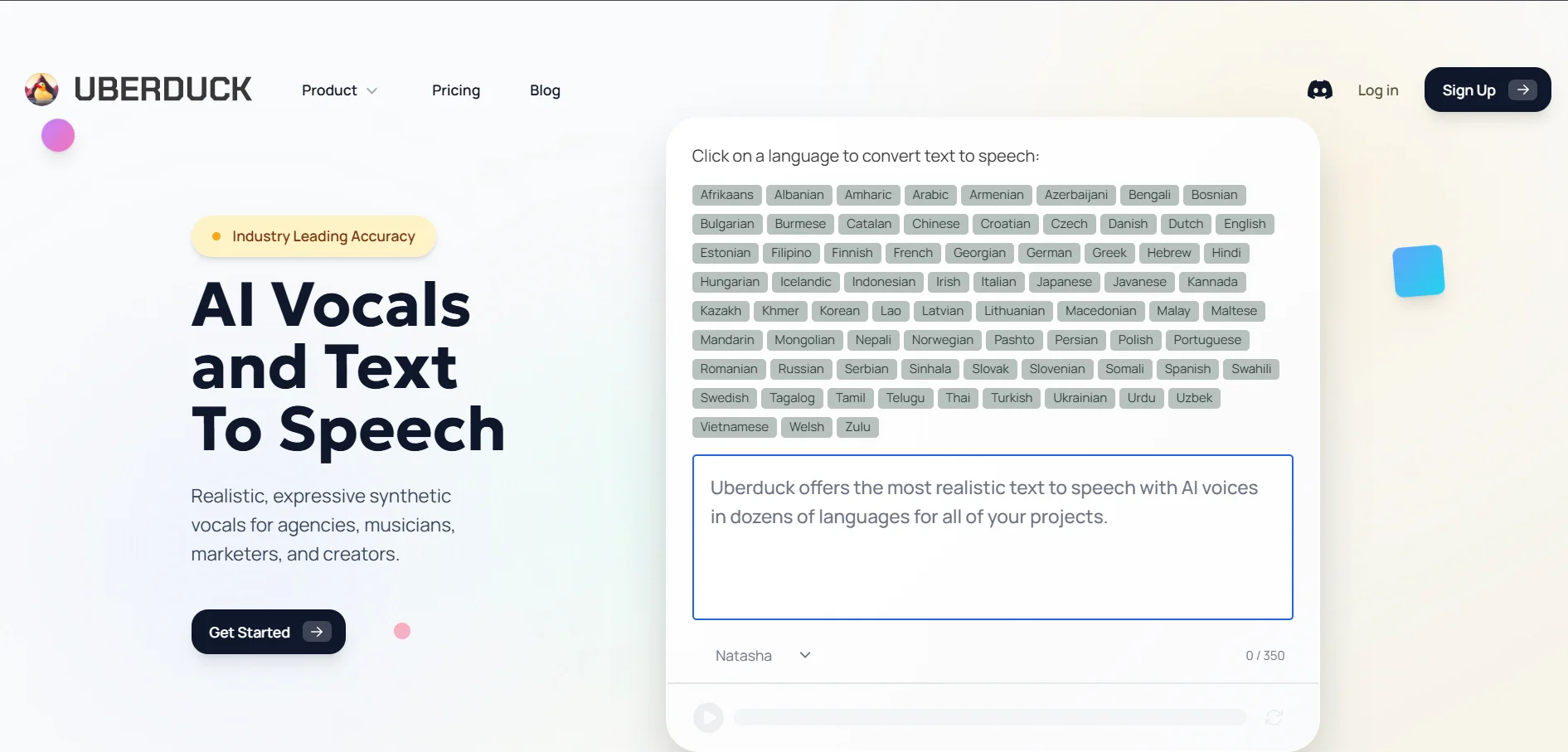
Uberduck
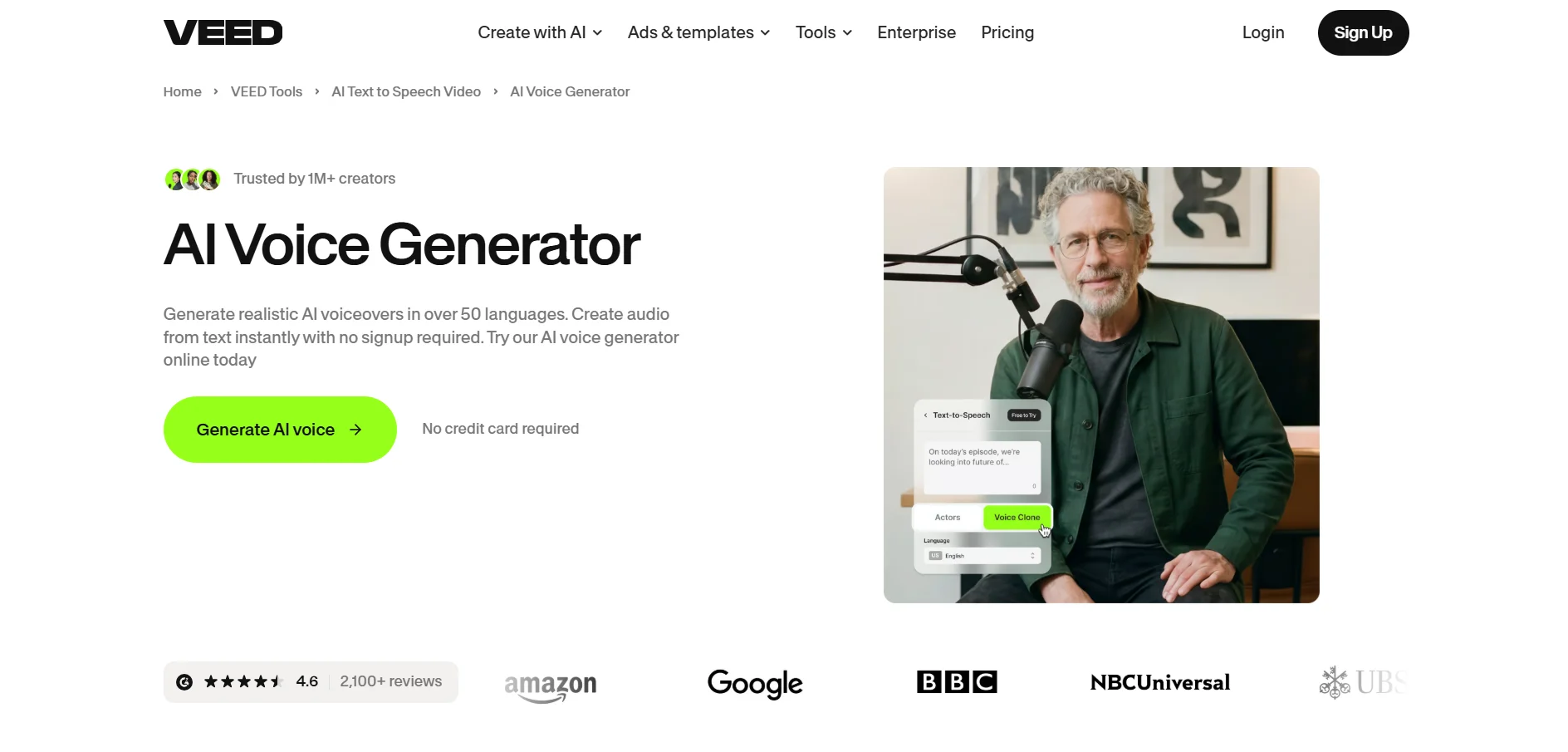
VEED
| Alternative | Description |
|---|---|
| HeyGen | AI avatar and video platform with multilingual voice generation, translation, and lip-sync dubbing. |
| Gradium | Developer-first voice AI API offering ultra-low-latency text-to-speech, speech-to-text, and voice cloning. |
| Lovo.ai | All-in-one voice generation and video editing platform with directable emotional voice controls. |
| PlayHT | Voice generator with 900+ voices, real-time API streaming, and a permanent free plan. |
| Murf.AI | Studio-grade voiceover tool built for e-learning, presentations, and corporate training content. |
| WellSaid Labs | Enterprise-focused voice platform using ethically sourced, consenting voice actor models. |
| BookFab | Desktop audiobook creator that converts EPUB and text files into narrated audio files. |
| Voice.ai | Real-time AI voice changer built for streamers, gamers, and live content creators. |
| Speechify | Text-to-speech reading app focused on accessibility, students, and everyday content consumption. |
| KikiVoice | Beginner-friendly AI voice generator suited to casual narration and short-form voiceover tasks. |
Conclusion
Developers building voice agents will lean toward Gradium or PlayHT, video creators will likely prefer HeyGen or Lovo.ai, corporate teams may find WellSaid Labs or Murf.AI more suitable, and everyday readers will get the most value from Speechify. Streamers and gamers looking for real-time transformation should look at Voice.ai, while independent authors may prefer BookFab’s one-time licensing model.


