

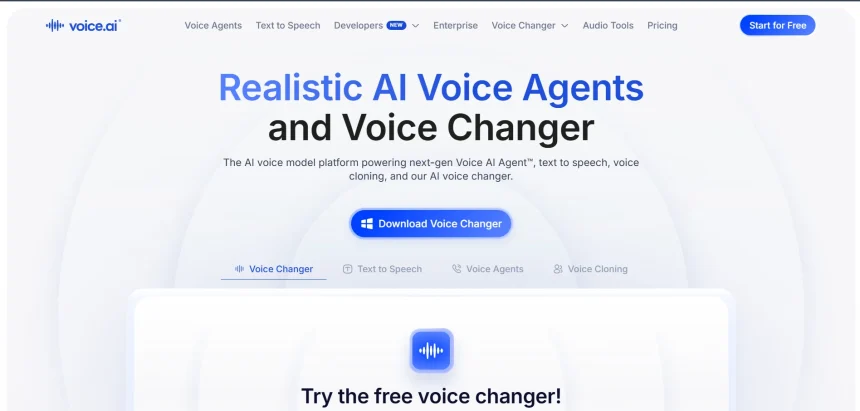
Voice.ai built a name for itself as a real-time voice changer, but the wider AI voice landscape has grown far beyond that single use case. Creators, marketers, podcasters, and developers today need tools that clone voices, generate studio-grade narration, dub videos into new languages, or even build conversational voice agents. In this guide, we break down 12 of the best Voice.ai Alternatives available in 2026, covering everything from full video-and-voice suites like Fliki and VEED to specialized text-to-speech engines like ElevenLabs and Murf.AI. Each entry includes free trial details, current pricing plans, and a clear look at the pros and cons, so you can pick the platform that actually matches your budget and project needs.
1Fliki
Free Plan Available
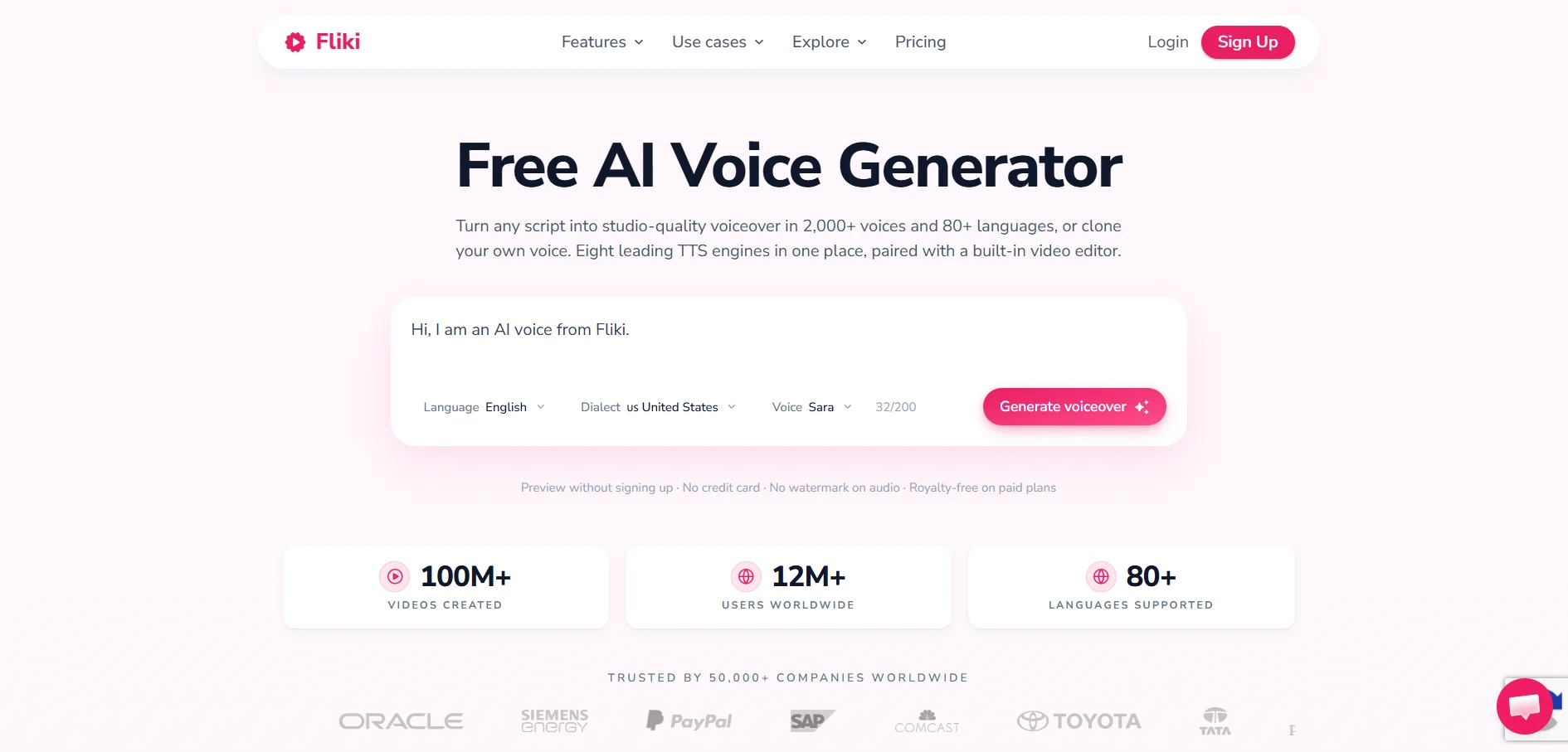
Fliki does not run a separate free trial for its paid tiers; instead, its permanent free plan serves as the trial, offering roughly 5 minutes of monthly video and audio credit with a watermark. Paid plans unlock full commercial rights, higher resolution, and significantly larger monthly minute allowances for consistent content production.
Fliki turns scripts, blog posts, or bullet points into narrated videos by pairing a large library of AI voices with automatically matched stock footage. It’s built for creators who want a single tool that handles both voiceover generation and basic video assembly, rather than juggling a separate TTS engine and a video editor for every project.
The Standard plan removes watermarks and unlocks the full voice catalog, making it a practical choice for YouTubers and social media managers producing narrated explainer or faceless content. Premium adds voice cloning, priority rendering, and API access for teams producing at higher volume, though the jump in price is steep for solo creators just starting out.
✅ Pros
- Combines voiceover generation with automatic video creation
- Large library of 600+ AI voices across many languages
- Fast blog-to-video and script-to-video workflow
❌ Cons
- Free plan is watermarked and very limited in minutes
- Auto-selected stock visuals sometimes miss context
- Premium tier pricing is high for occasional users
2Murf.AI
Free Trial Available
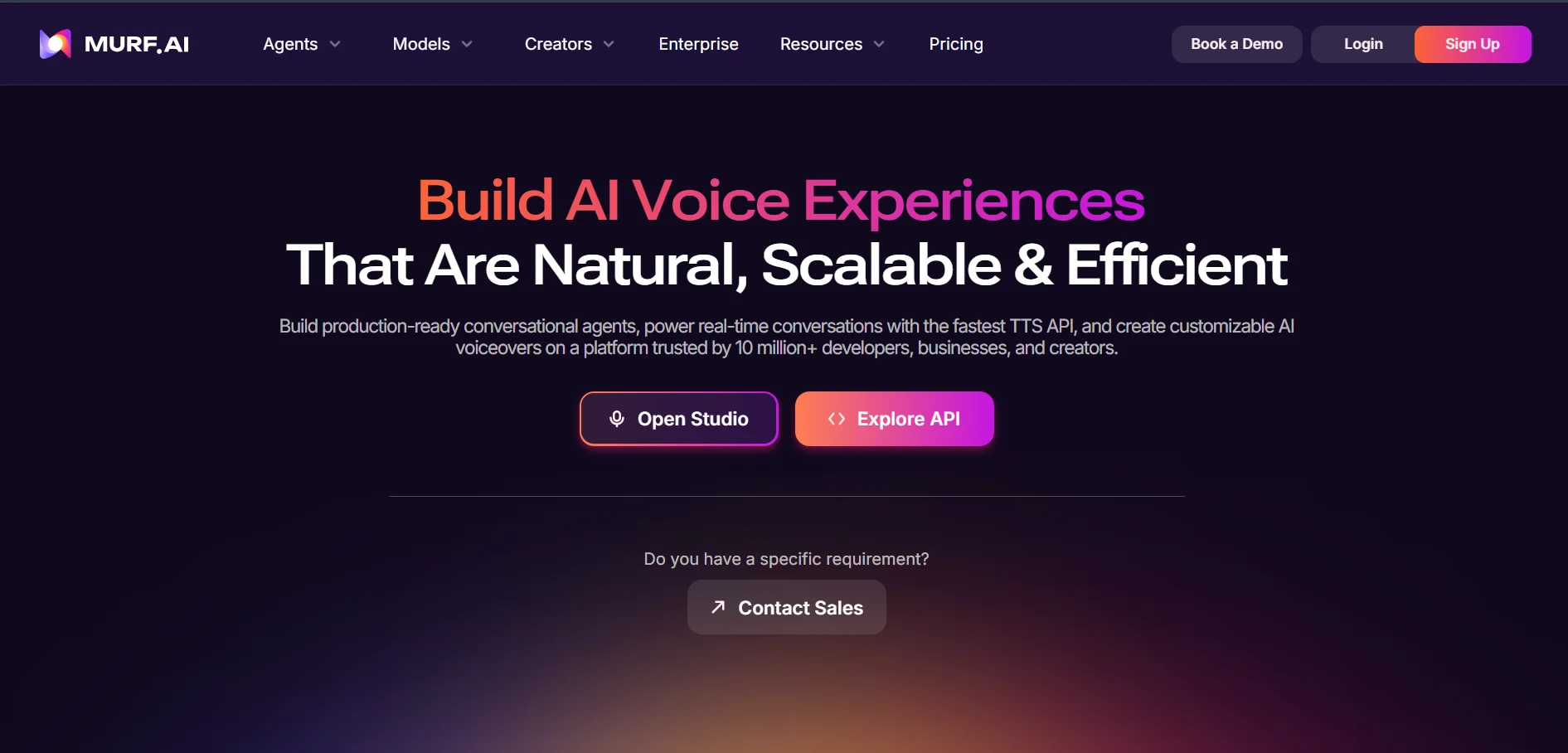
Murf.AI offers a free tier that gives access to all 200+ voices and 10 minutes of voice generation with no credit card required, though downloads and commercial rights are locked until you upgrade. It is best used purely to audition voice quality before committing to a paid plan.
Murf.AI is positioned as an enterprise-ready voiceover studio rather than a bare TTS tool, with a full timeline editor, brand voice presets, and team collaboration built in. It’s popular for training videos, e-learning modules, presentations, and business narration where a polished, structured workflow matters more than raw experimentation.
The Creator plan is the realistic entry point for anyone who needs downloadable, commercially licensed audio, while Business adds more generation hours and collaborative seats for agencies. Voice cloning and unlimited generation are reserved for the custom-priced Enterprise tier, which can feel restrictive for smaller studios that need cloning without an enterprise budget.
✅ Pros
- Polished Studio editor with pronunciation and emphasis controls
- Strong team collaboration and Canva/Adobe integrations
- ISO 42001 certification appeals to regulated industries
❌ Cons
- Free plan blocks all downloads and commercial use
- Voice cloning locked behind the expensive Enterprise tier
- Refunds only within 24 hours and under 10 minutes used
3iSpeech
Free “Basic” Tier
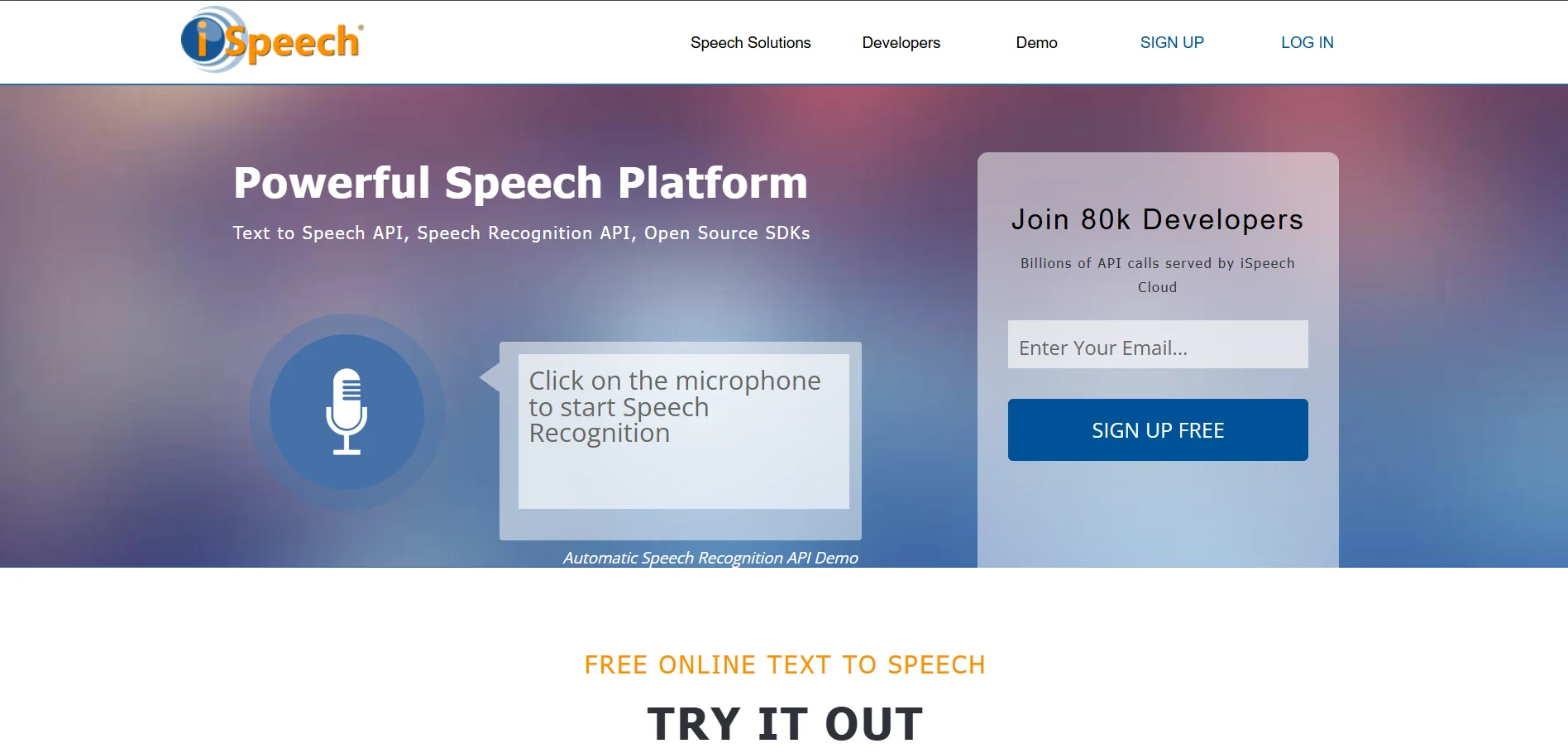
iSpeech offers a free Basic plan for personal use plus a “Free Voice” option on its site that lets you proofread scripts without spending credits. Paid personal plans are unusually inexpensive compared to most competitors, while developer API pricing is billed separately based on usage volume.
iSpeech is one of the longest-running text-to-speech and speech recognition services on the web, offering both a browser-based TTS tool and a developer SDK/API for embedding voice into apps. It’s a lightweight option for anyone who needs simple narration without the bells and whistles of a full video suite.
The Plus and Premium personal plans are priced far below most rivals, supporting recordings up to 30 minutes or 12 hours respectively, which suits students, bloggers, and accessibility use cases. The trade-off is a smaller, less expressive voice library and a dated interface compared to newer AI-first platforms.
✅ Pros
- Extremely low-cost personal plans compared to competitors
- Offers both TTS and speech recognition in one service
- Developer API and SDK available for custom integrations
❌ Cons
- Voice quality and naturalness lag behind newer AI tools
- Interface feels dated next to modern voice platforms
- No modern voice cloning or emotional style controls
4WellSaid Labs
7-Day Free Trial
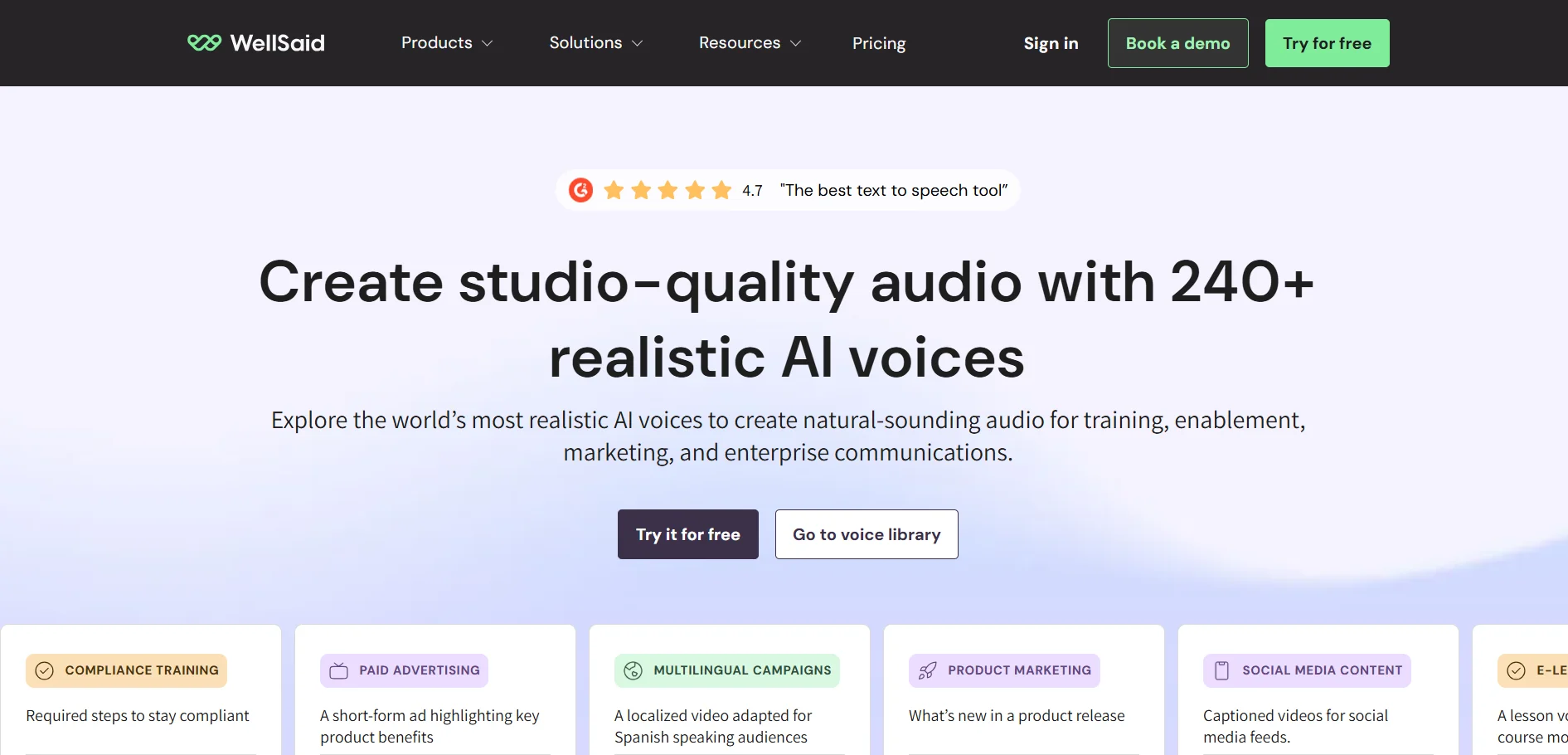
WellSaid Labs does not offer a permanent free tier, but new users get a 7-day free trial with full access to Studio and the API, all English voices, and up to 50 audio files across 5 projects. Downloads are disabled during the trial, so it’s meant for evaluating voice quality rather than shipping finished work.
WellSaid Labs focuses on hyper-realistic English voice avatars aimed squarely at corporate training, e-learning, and marketing teams that need consistently professional narration. Its voices are curated rather than vast in number, which many enterprise buyers actually prefer over a huge, uneven catalog.
The Creative plan suits individual creators needing commercial-use downloads, while Business adds team workspaces and Adobe/Canva integrations for agencies. The catch is that pricing sits well above most competitors and multilingual support is reserved for Enterprise, making WellSaid a harder sell for budget-conscious or global content teams.
✅ Pros
- Exceptionally natural, curated voice avatars
- Strong enterprise security and compliance credentials
- Team workspace and Adobe/Canva integrations
❌ Cons
- No permanent free plan, only a 7-day trial
- Pricing is high relative to competitors like Murf or ElevenLabs
- Multilingual voices restricted to the Enterprise tier
5Speechify
Free Trial + Free Plan
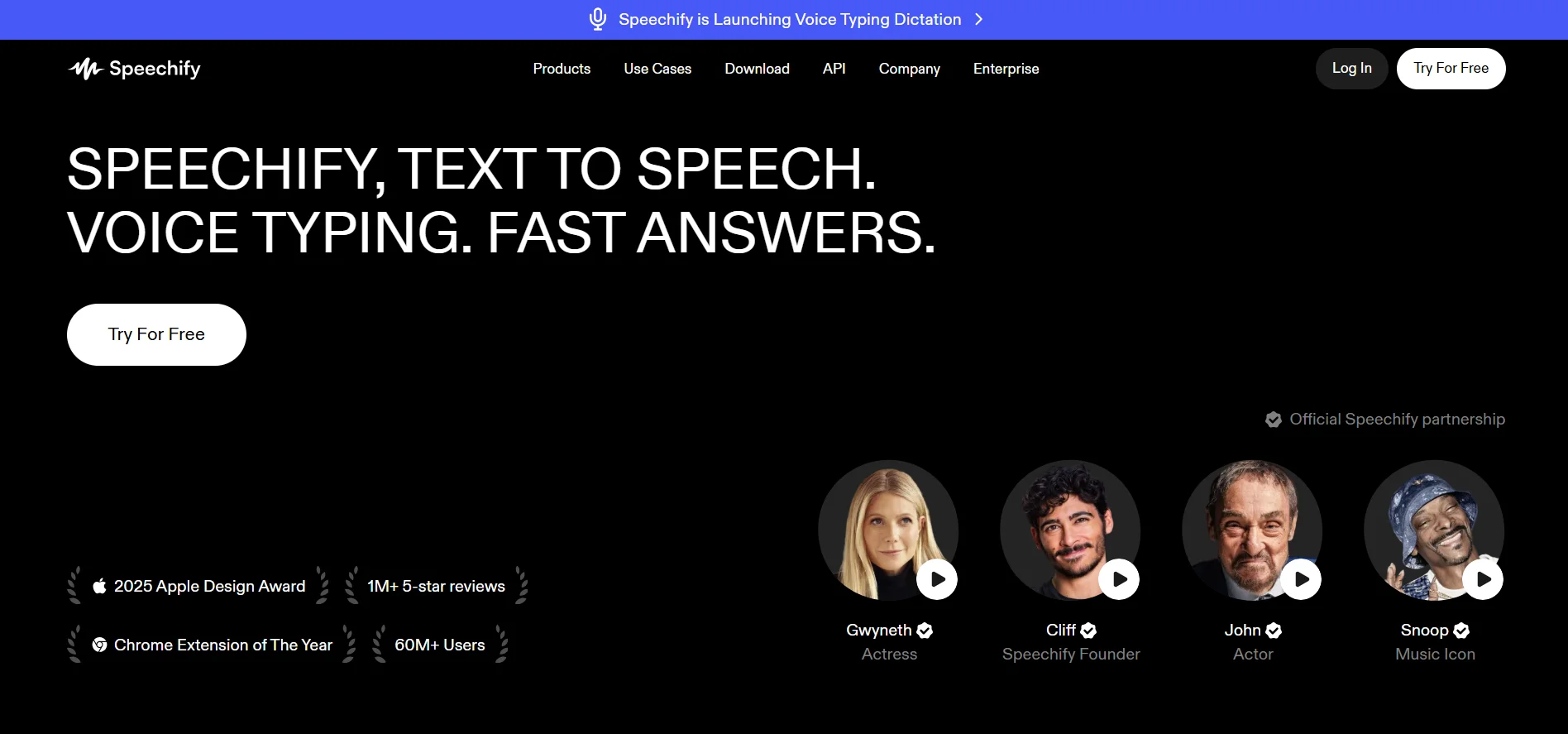
Speechify offers both a limited free plan (10 basic voices, capped speed) and a short free trial of Premium, after which the annual subscription bills automatically unless cancelled. Annual billing is dramatically cheaper than paying month to month, so it’s worth planning ahead before starting the trial.
Speechify is primarily a content-consumption tool: it reads articles, PDFs, and books aloud rather than producing finished voiceover files for videos or podcasts. That makes it a favorite among students, professionals with dyslexia or ADHD, and anyone who wants to listen to their reading list instead of reading it on screen.
Premium unlocks 200+ natural voices, 60+ languages, 5x playback speed, and offline listening, all of which justify the cost for heavy daily readers. It’s a poor fit for anyone hoping to generate downloadable voiceover audio for commercial video or podcast projects, since that requires the separate, pricier Speechify Studio product.
✅ Pros
- Best-in-class for listening to documents, PDFs, and articles
- Large annual billing discount versus monthly
- Cross-platform apps for iOS, Android, Chrome, and desktop
❌ Cons
- Not designed for producing commercial voiceover files
- Free plan is very limited (5-10 basic voices, capped speed)
- Monthly billing costs roughly 2.5x the annual rate
6VEED
Free Plan + Trial on Paid Tiers
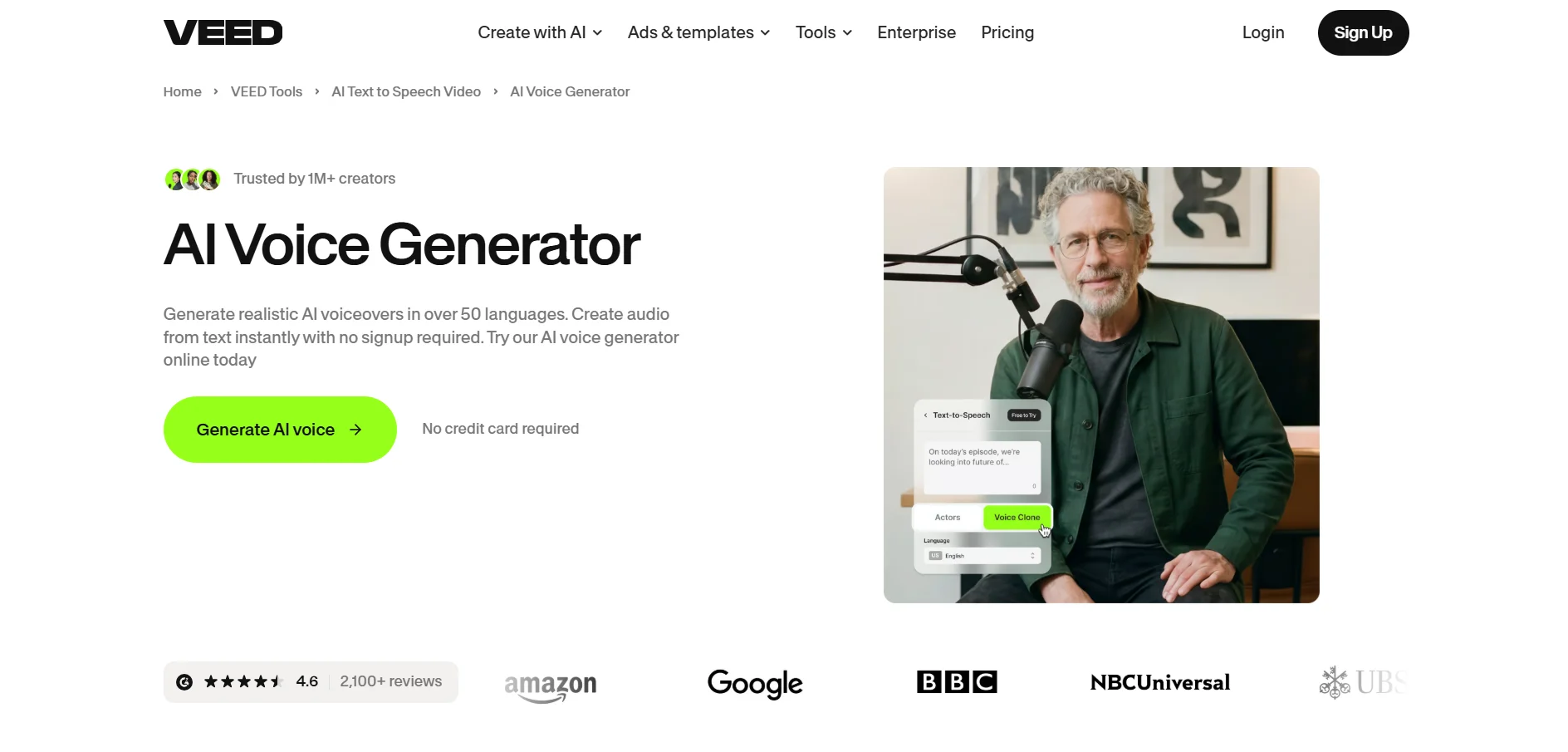
VEED’s free plan is usable for casual editing, capped at 720p with a watermark and a 10-minute export limit, and all paid tiers include a trial period so you can test AI tools before subscribing. Annual billing typically saves 20–30% compared to paying monthly.
VEED is a browser-based video editor with AI voiceover, subtitle, and dubbing tools layered on top, making it a strong pick for creators who want editing and voice generation in the same workspace. It’s especially popular for social media clips, tutorials, and marketing videos that need fast turnaround.
The Lite plan removes watermarks and increases export limits, which is enough for many individual creators, while Pro unlocks the AI-driven feature set (Magic Cut, Eye Contact correction, AI voice, translation) that differentiates VEED from basic editors. The main limitation is that VEED runs entirely in-browser with no offline mode, so a poor internet connection can interrupt your editing session.
✅ Pros
- Combines video editing with AI voice and dubbing in one tool
- Genuinely usable free plan for short, casual projects
- Strong auto-captioning and translation features
❌ Cons
- No offline mode; requires a stable internet connection
- Heavier, multi-layer projects can lag in the browser
- Paid plans are billed per seat, which adds up for teams
7KikiVoice
Free, No Sign-Up Required
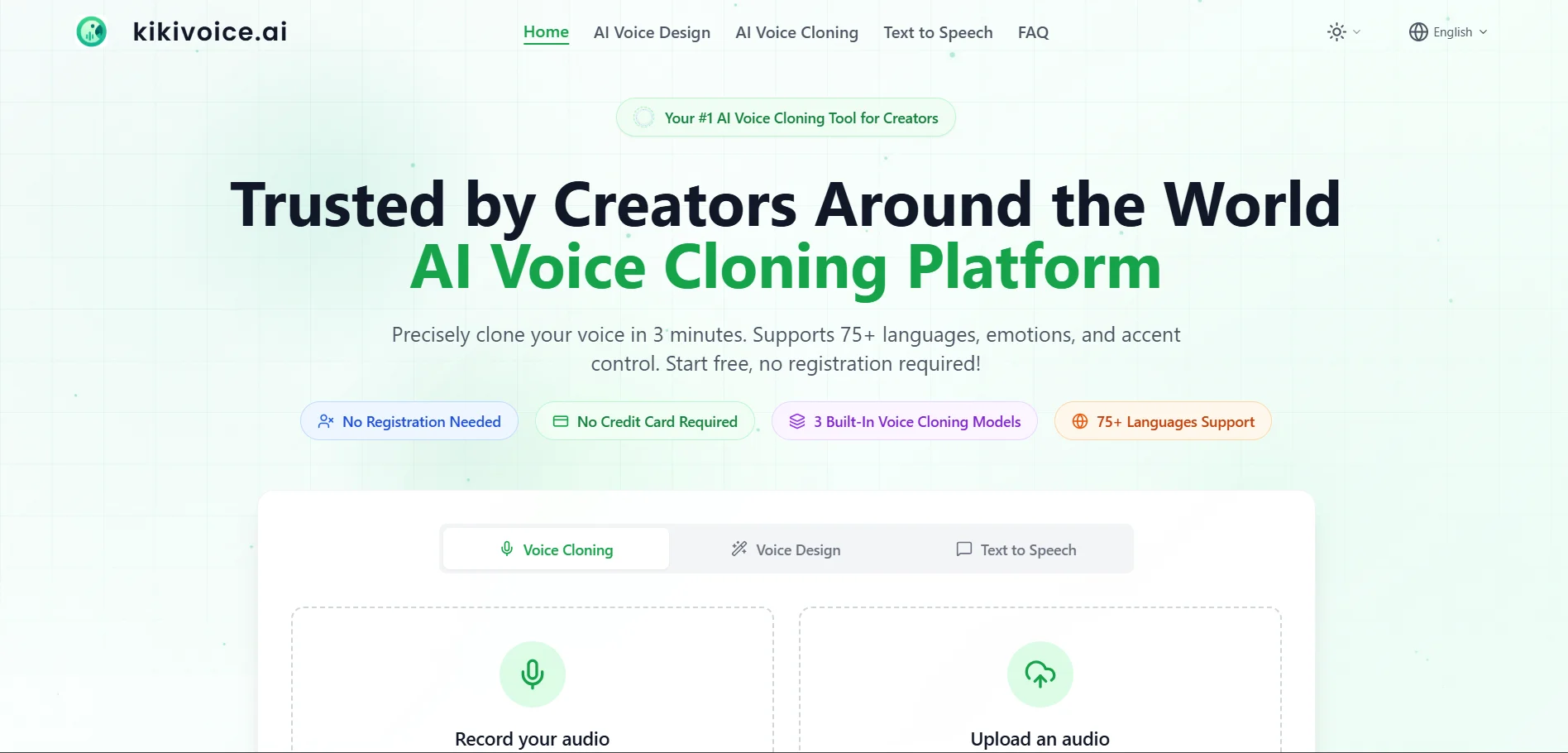
KikiVoice is free to use with no registration or credit card, offering weekly auto-resetting credits for voice cloning and text-to-speech. Paid tiers exist for higher limits, priority processing, and commercial voice cloning access, though pricing details vary across listings.
KikiVoice is a lightweight, browser-only voice cloning tool built for speed: upload a 3–15 second audio sample, choose from three specialized models (Kiki Core, Kiki Pro, Kiki Multilingual), and generate a synthetic voice in minutes. It supports 75+ languages, making it a handy option for quick multilingual dubbing or meme-style content.
Because there’s no mandatory sign-up, it’s one of the fastest ways to test voice cloning quality without commitment, and the free weekly credits are enough for casual or experimental use. The trade-off is that output quality depends heavily on your input sample, and advanced controls or commercial-grade reliability require upgrading to a paid tier.
✅ Pros
- No sign-up or credit card needed to start cloning voices
- Supports 75+ languages with accent control
- Three specialized models for different use cases
❌ Cons
- Output quality depends heavily on input sample clarity
- Free tier credits reset weekly and are limited
- Less established than major voice AI platforms
8Pixbim
7-Day Free Trial, No Card Needed
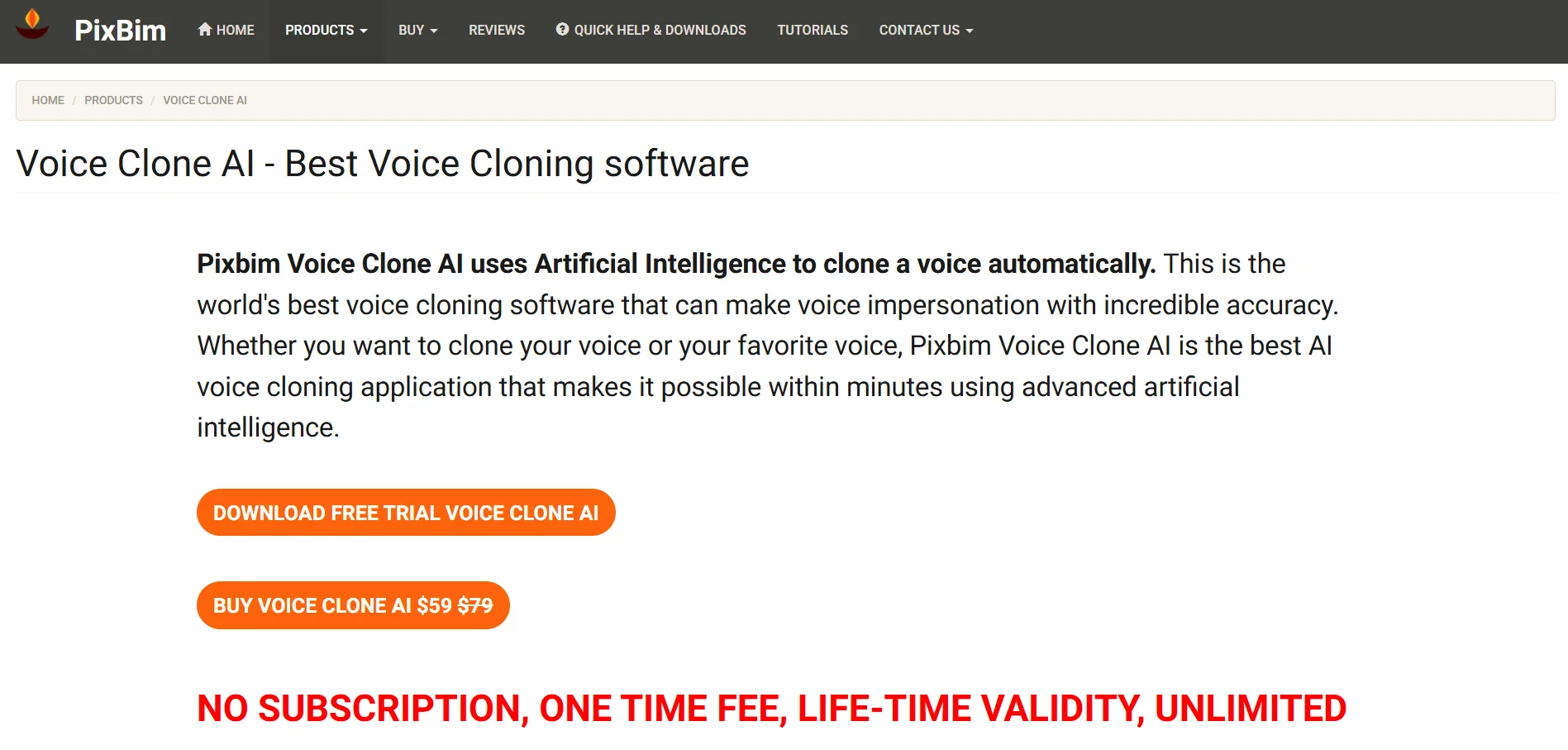
Pixbim Voice Clone AI offers a 7-day free trial with no credit card required, letting you test cloning quality with limited output before buying. Unlike most tools on this list, it uses a one-time purchase model instead of a recurring subscription.
Pixbim is a desktop-installed, offline voice cloning application for Windows that generates cloned speech from a short audio sample and a script, storing all output locally on your machine. It appeals to users who want data privacy, no internet dependency, and no recurring subscription costs.
The one-time $59 lifetime license undercuts cloud subscription tools significantly over a two-year period, and it supports multi-speaker cloning for dialogue-style scripts. However, the voice library and editing tools are noticeably more limited than cloud platforms like ElevenLabs or Murf, and it’s Windows-only with no browser or mobile access.
✅ Pros
- One-time payment, no recurring subscription
- Runs offline with full data privacy on your device
- Supports multi-speaker voice cloning for dialogue
❌ Cons
- Windows-only desktop application
- Voice library and editing tools are limited
- Less expressive output compared to top cloud platforms
9Podcastle
Free Plan + 7-Day Trial on Paid Plans
Podcastle’s free Basic plan includes unlimited audio recording and hosting, while paid plans come with a 7-day free trial to test premium AI editing tools. Annual billing knocks the price down noticeably compared to paying month to month.
Podcastle is an all-in-one podcast and video studio combining recording, AI-powered editing, transcription, text-to-speech, and hosting in one dashboard. It’s aimed squarely at podcasters and interview-style creators who want to avoid stitching together multiple separate tools for each stage of production.
The Storyteller plan is the cheapest way to get lossless downloads and expanded video/transcription hours, while Pro adds Revoice AI voice cloning and automatic filler-word removal for more polished output. The free plan is genuinely generous for audio-only use, but video minutes and storage are capped tightly enough that active creators will outgrow it fast.
✅ Pros
- All-in-one recording, editing, and hosting platform
- Free plan allows unlimited audio recording and hosting
- Revoice voice cloning and filler-word removal on Pro
❌ Cons
- Video minutes and storage are limited on lower tiers
- Free plan exports carry a watermark
- Advanced AI tools require the pricier Pro plan
10ElevenLabs
Free Plan (No Trial Needed)
ElevenLabs offers a permanent free plan with 10,000 credits per month (roughly 10 minutes of audio) for non-commercial testing, so there’s no separate trial to sign up for. Commercial use requires at minimum the Starter plan, and pricing scales sharply with monthly credit allowances.
ElevenLabs is widely regarded as the current market leader in natural-sounding AI speech, offering multilingual text-to-speech, instant and professional voice cloning, dubbing, and conversational AI agents. It’s a favorite among YouTubers, audiobook producers, and developers building voice features into their own apps via API.
Starter unlocks commercial rights and instant voice cloning at a low entry price, while Creator adds Professional Voice Cloning and a much larger credit pool for serious solo creators. Higher tiers (Pro, Scale, Business) target studios and enterprises with heavy volume, but credit-based billing means costs can climb quickly if usage isn’t monitored closely.
✅ Pros
- Industry-leading voice realism and expressiveness
- Instant and professional voice cloning available on paid tiers
- Robust API for developers building voice-enabled apps
❌ Cons
- Credit-based pricing can get expensive at higher usage
- Free plan has no commercial usage rights
- Six-plus pricing tiers can be confusing to navigate
11Lovo.ai
14-Day Free Pro Trial
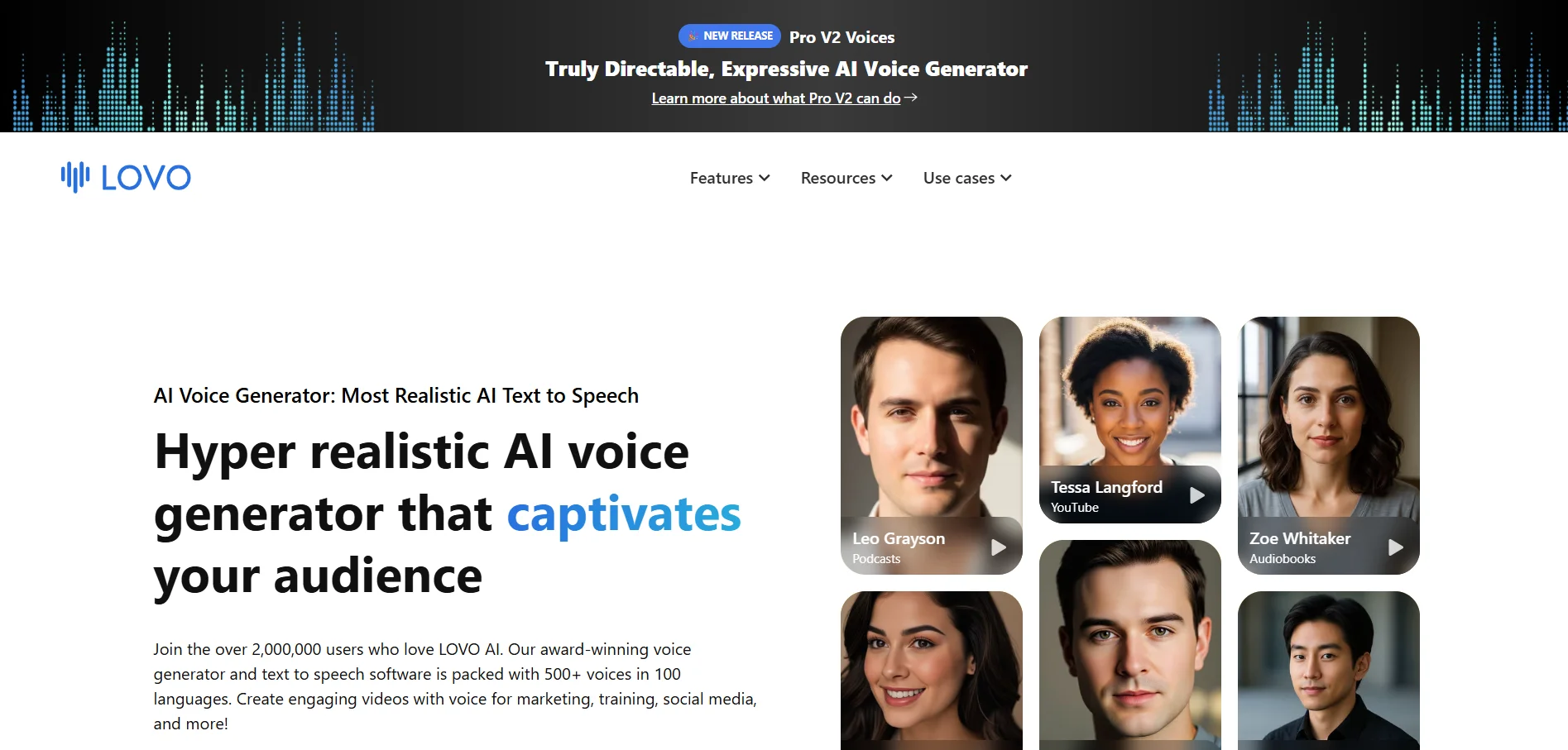
Lovo.ai (Genny) offers a 14-day free trial of its Pro plan with no credit card required, giving full access to voice cloning and premium voices for genuine evaluation. Annual billing typically discounts the listed monthly prices by roughly 20%.
Lovo.ai’s Genny platform bundles 500+ AI voices in 100+ languages with a built-in video editor, AI script writer, subtitle generator, and one-minute voice cloning. It’s designed as a genuine all-in-one content platform rather than a pure TTS engine, appealing to marketers and course creators who want voice, video, and writing tools together.
The Basic plan is one of the more affordable commercial-licensed entry points on this list, covering 120 minutes of generation with 1080p export. The newer Pro V2 “directable” voices let you control emotion and accent with natural-language tags, but the platform’s 2.3-star Trustpilot rating and reported billing/cancellation issues are worth weighing before committing.
✅ Pros
- All-in-one voice, video editing, and AI writing platform
- Affordable Basic plan with commercial rights included
- Directable Pro V2 voices with emotion and accent control
❌ Cons
- Multiple user reports of billing and cancellation problems
- Low Trustpilot rating relative to competitors
- Pro+ tier is a steep price jump for high-volume needs
12Gradium
Free Tier for Developers
Gradium offers a free API tier (around 45,000 credits, roughly one hour of TTS with 3 concurrent requests) for developers to evaluate the platform, plus a startup program offering $2,000+ in free credits and six months of full access. Paid plans are credit-based and start relatively low for a developer-focused voice API.
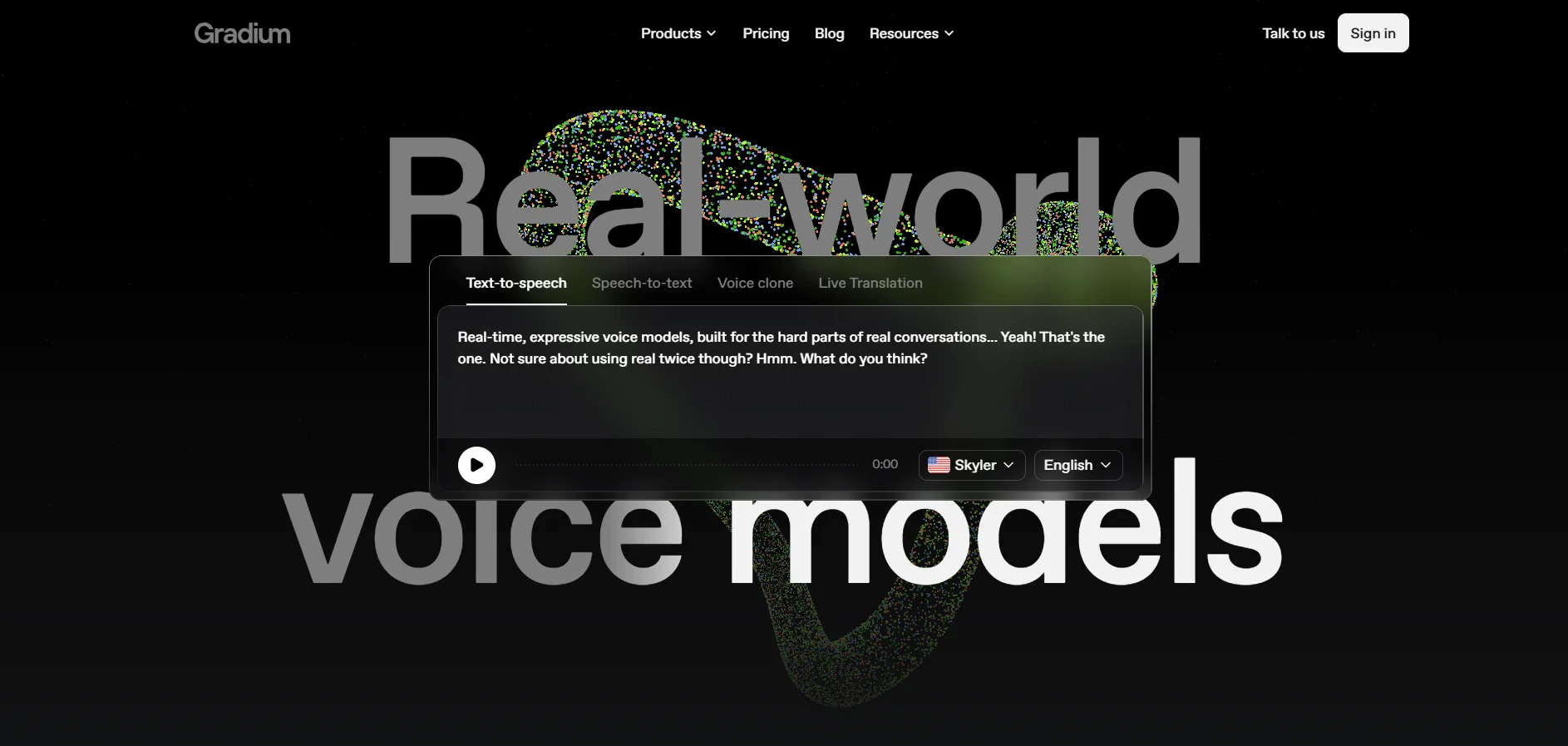
Gradium is a developer-first voice AI infrastructure company offering real-time text-to-speech, speech-to-text, live translation, and voice cloning through a WebSocket API, built by former DeepMind and Meta researchers. It’s built for teams shipping voice agents, IVR systems, and conversational AI products rather than individual creators making one-off videos.
Voice cloning, streaming, and multiplexing are included in every paid plan with no feature gating, which is unusual compared to competitors that lock cloning behind premium tiers. Because Gradium prices by character volume rather than a simple flat monthly fee, it takes some calculation to estimate real-world costs, and it’s a poor fit for non-technical users who just want a simple web interface.
✅ Pros
- Voice cloning included in all paid plans, no feature gating
- Real-time streaming API built for voice agents and IVR
- Generous startup program with $2,000+ in free credits
❌ Cons
- Requires technical/API integration, not a simple web app
- Credit-based pricing makes cost estimation less intuitive
- Not designed for casual, non-developer content creators
Quick Comparison Table
Conclusion
Creators who need a fast, all-in-one script-to-video pipeline will lean toward Fliki, VEED, or Lovo.ai, while anyone chasing the most realistic, expressive voice quality should start with ElevenLabs or Murf.AI. Podcasters get the most value from Podcastle’s combined recording-and-editing workflow, and developers building voice agents or IVR systems are better served by an infrastructure-first platform like Gradium.


