

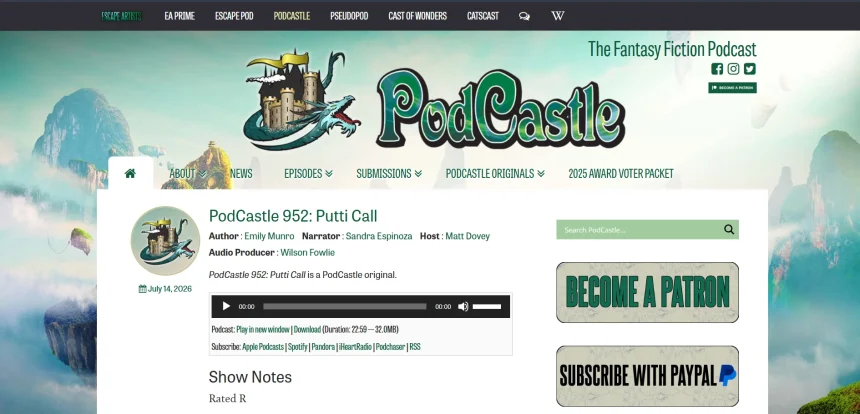
Podcastle has become a popular pick for podcasters and content creators who need AI-driven recording, editing, and voice generation tools. But it isn’t the only option on the market. Whether you need realistic text-to-speech, voice cloning, audiobook creation, or full video editing with AI voiceovers, there’s a growing list of platforms that rival or even surpass Podcastle in specific areas. In this article, we’ve rounded up 13 of the best Podcastle Alternatives available in 2026.
Each platform is reviewed with its free trial availability, current pricing plans straight from official sources, and a breakdown of pros and cons to help you pick the right tool for your podcasting, voiceover, or audiobook projects.
Supertone Play
✔ Free Trial: 2 Weeks, No Card Required
💰 Pricing Plans
- Free – $0/month (3,000 credits, ~5 min)
- Starter – $2.99/month (20,000 credits, ~30 min)
- Creator – $10.49/month (100,000 credits, ~150 min)
- Pro – $55.99/month (500,000 credits, ~800 min)
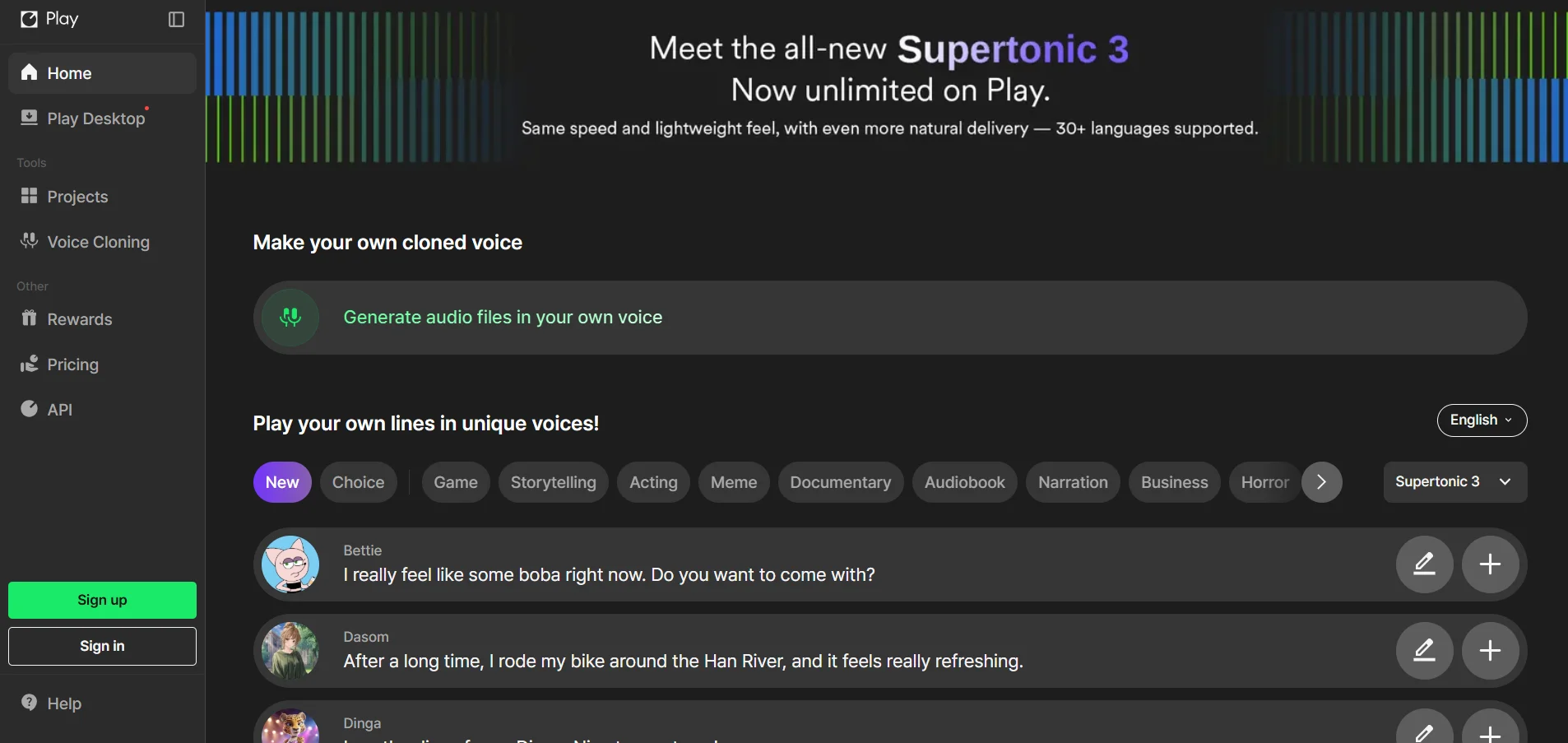
Supertone Play is a multilingual text-to-speech platform built around emotional nuance and rich vocal expression. It lets creators switch languages mid-script while keeping the same character voice, which is ideal for podcasters producing multilingual episodes. The platform’s credit-based system scales from hobbyist to professional use.
Voice cloning is a standout feature, requiring only a short recording to generate a usable digital voice. Supertone also offers a text-to-speech API for developers wanting to embed voice generation into their own apps. The free tier is generous enough for testing before committing to a paid subscription.
✅ Pros
- Strong emotional and multilingual voice quality
- Generous 2-week free trial with no card needed
- Affordable entry-level paid tier
- Developer-friendly API access
❌ Cons
- Limited language support outside Korean, Japanese, English
- No refunds on purchases
- Credit system can feel confusing for new users
Murf.AI
✔ Free Trial: Free Plan (10 min voice generation)
💰 Pricing Plans
- Free – $0/month (10 min generation, no downloads)
- Creator – $29/month ($19/mo annual)
- Business – $99/month ($66/mo annual)
- Enterprise – Custom Pricing
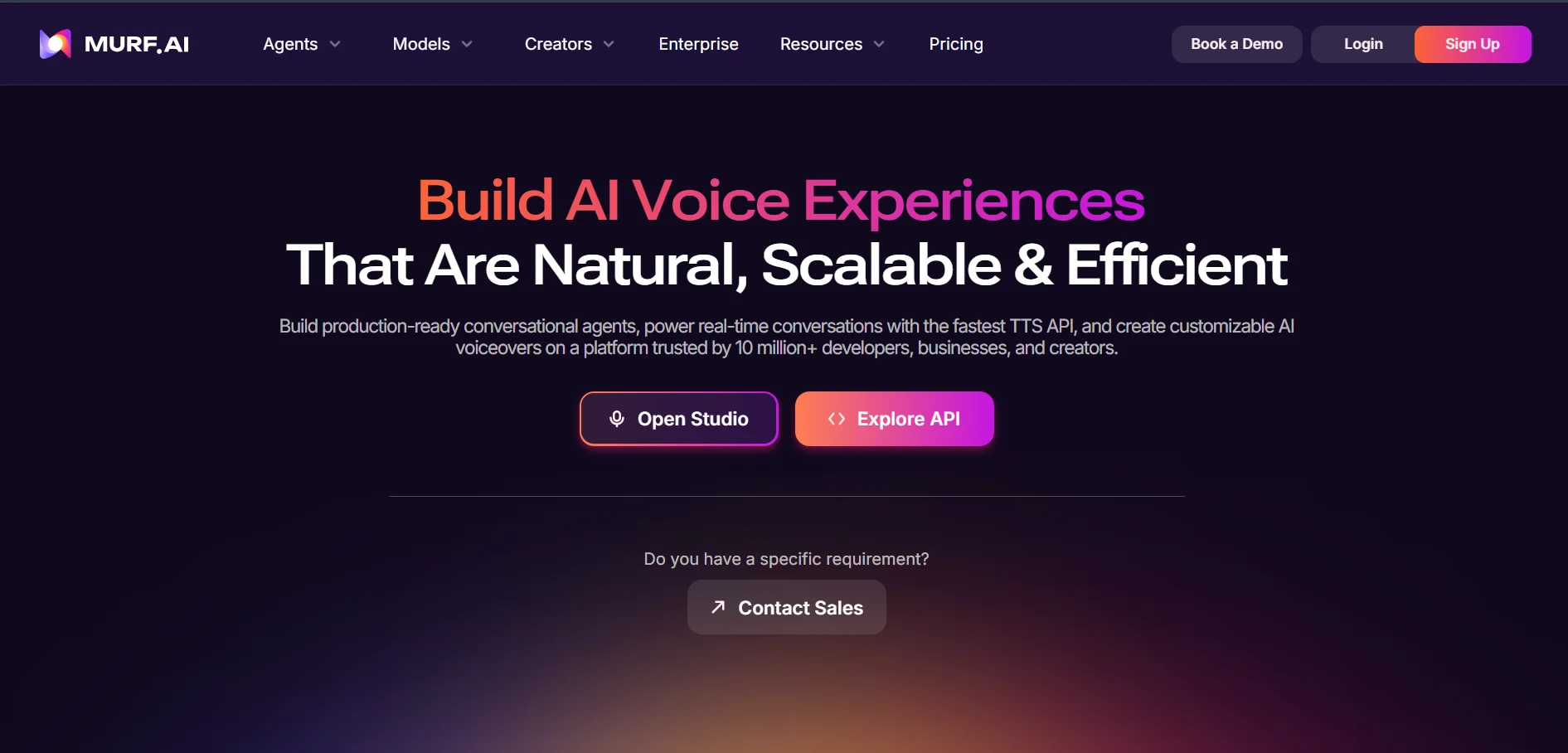
Murf.AI is one of the most established AI voiceover studios, offering over 200 voices across dozens of languages and accents. It’s designed for presentations, e-learning, explainer videos, and business narration, with a polished visual editor that non-technical users find intuitive. Commercial rights are only unlocked from the Creator plan upward.
Beyond text-to-speech, Murf supports voice changing, dubbing, and team collaboration tools, making it suitable for agencies and larger content teams. The free plan is useful only for previewing voice quality since it blocks downloads entirely. Annual billing brings meaningful savings across all paid tiers.
✅ Pros
- 200+ realistic voices in multiple languages
- Polished, easy-to-use Studio editor
- Strong collaboration and integration tools
- ISO 42001 certified for AI management
❌ Cons
- Free plan blocks downloads and commercial use
- Voice cloning locked behind Enterprise plan
- Refunds limited to 24 hours after purchase
Pixbim
✔ Free Trial: 7 Days, No Card Required
💰 Pricing Plans
- Voice Clone AI – $59 one-time (list $79)
- Lip Sync AI – $49 one-time (list $79)
- Video Colorize AI – $59.99 one-time (list $79.99)
- Color Surprise AI – $39.99 one-time (list $79.99)
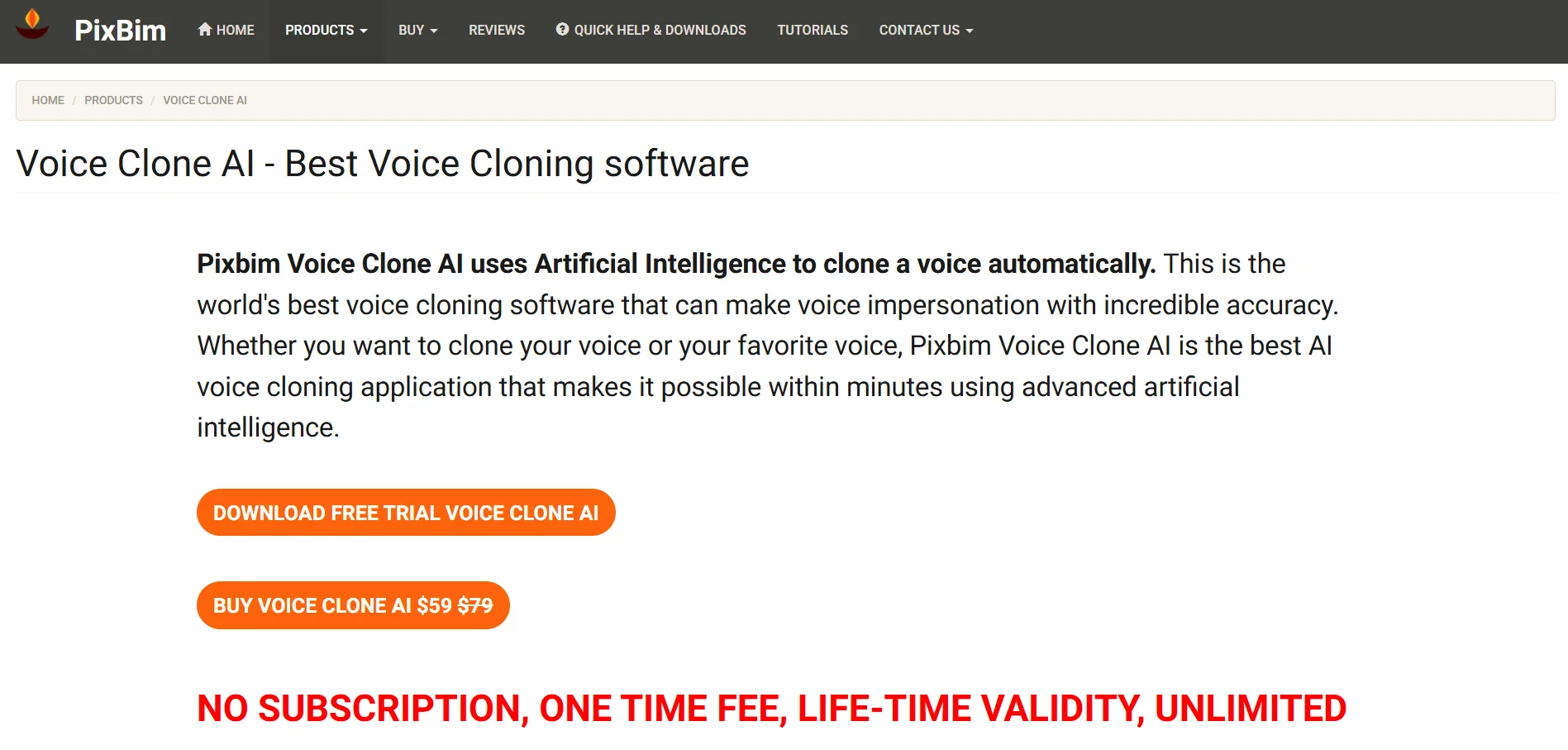
Pixbim takes a different approach from most Podcastle alternatives by offering one-time, lifetime-license desktop software instead of monthly subscriptions. Its Voice Clone AI tool runs entirely offline, meaning all processing and storage stays on the user’s own computer for maximum privacy, which appeals to creators wary of cloud-based voice tools.
Because there’s no recurring fee, heavy users can save significantly compared to subscription-based competitors over time. Each Pixbim tool, from voice cloning to lip sync, comes with its own 7-day free trial requiring no payment details. The trade-off is that performance depends on your own hardware rather than cloud servers.
✅ Pros
- One-time payment, no recurring subscription
- 100% offline processing for full data privacy
- No credit card required for trial
- Lifetime license with free updates
❌ Cons
- Requires decent local hardware for smooth performance
- Windows-only for most tools
- Not cloud-based, so no remote collaboration
Lovo.ai
✔ Free Trial: 14 Days (20 min voice generation)
💰 Pricing Plans
- Basic – $24/month (2 hours voice)
- Pro – $48/month (5 hours voice)
- Pro+ – $149/month (20 hours voice)
- Enterprise – Custom Pricing
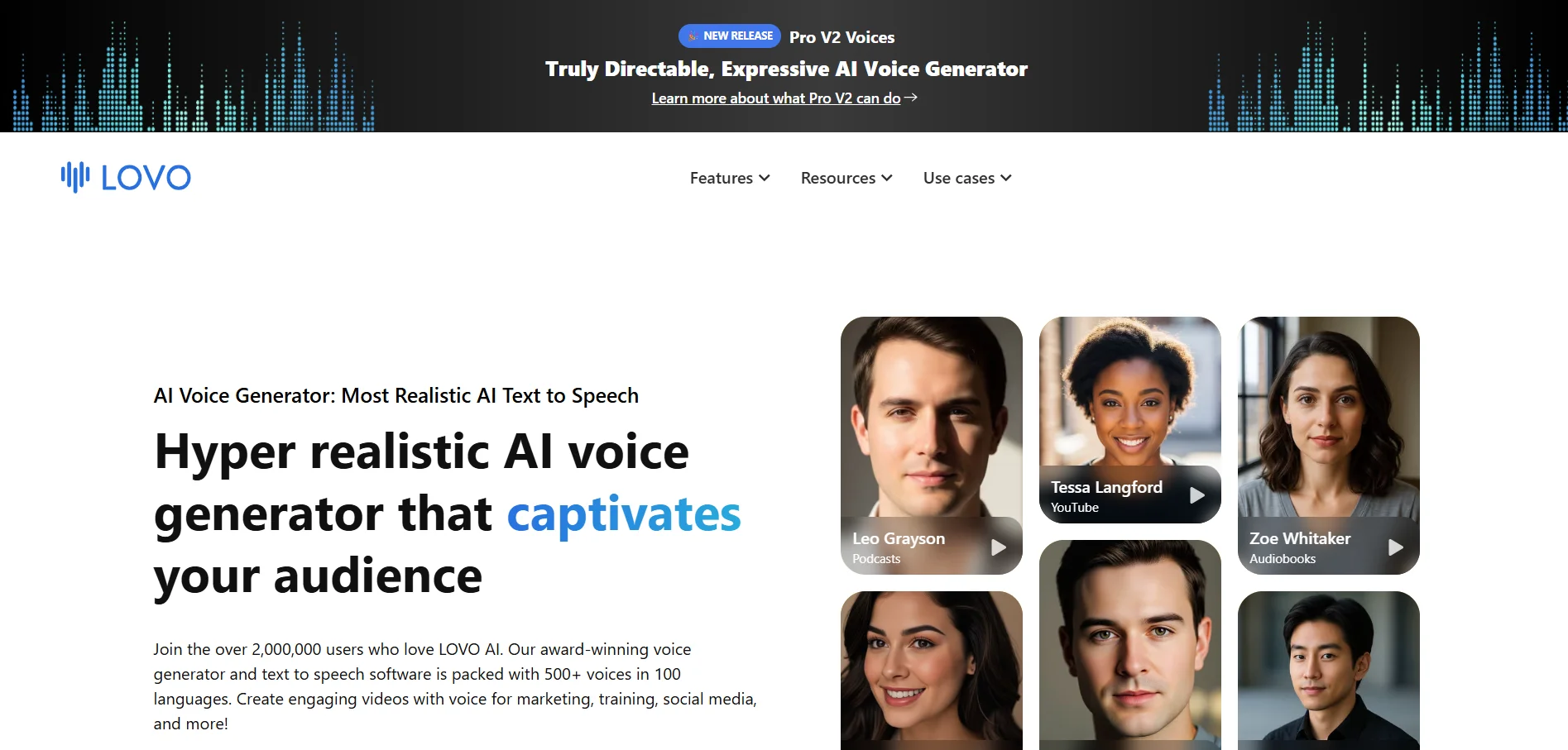
Lovo.ai, built around its Genny platform, combines a large voice library of 500+ voices in 100+ languages with a built-in video editor, subtitle generator, and AI script writer. This makes it appealing for podcasters who also want to repurpose audio content into video formats without switching tools.
Voice cloning is available from just one minute of sample audio and is included on every paid plan, plus the free trial. New in 2026 is the Pro V2 directable voice feature, letting users control emotion and accent using natural-language bracket commands, giving finer performance control than many competitors offer.
✅ Pros
- Massive voice and language library
- Built-in video editor and script writer
- Voice cloning available on all paid tiers
- Directable voice emotion controls
❌ Cons
- No permanent free plan, only a 14-day trial
- Mixed reputation around billing and cancellations
- Higher-tier plans get expensive quickly
MiniMax
✔ Free Trial: 14 Days on Pro Plan, No Card Required
💰 Pricing Plans
- Starter – $5/month
- Creator – $15/month
- Standard – $30/month
- Enterprise – Custom Pricing
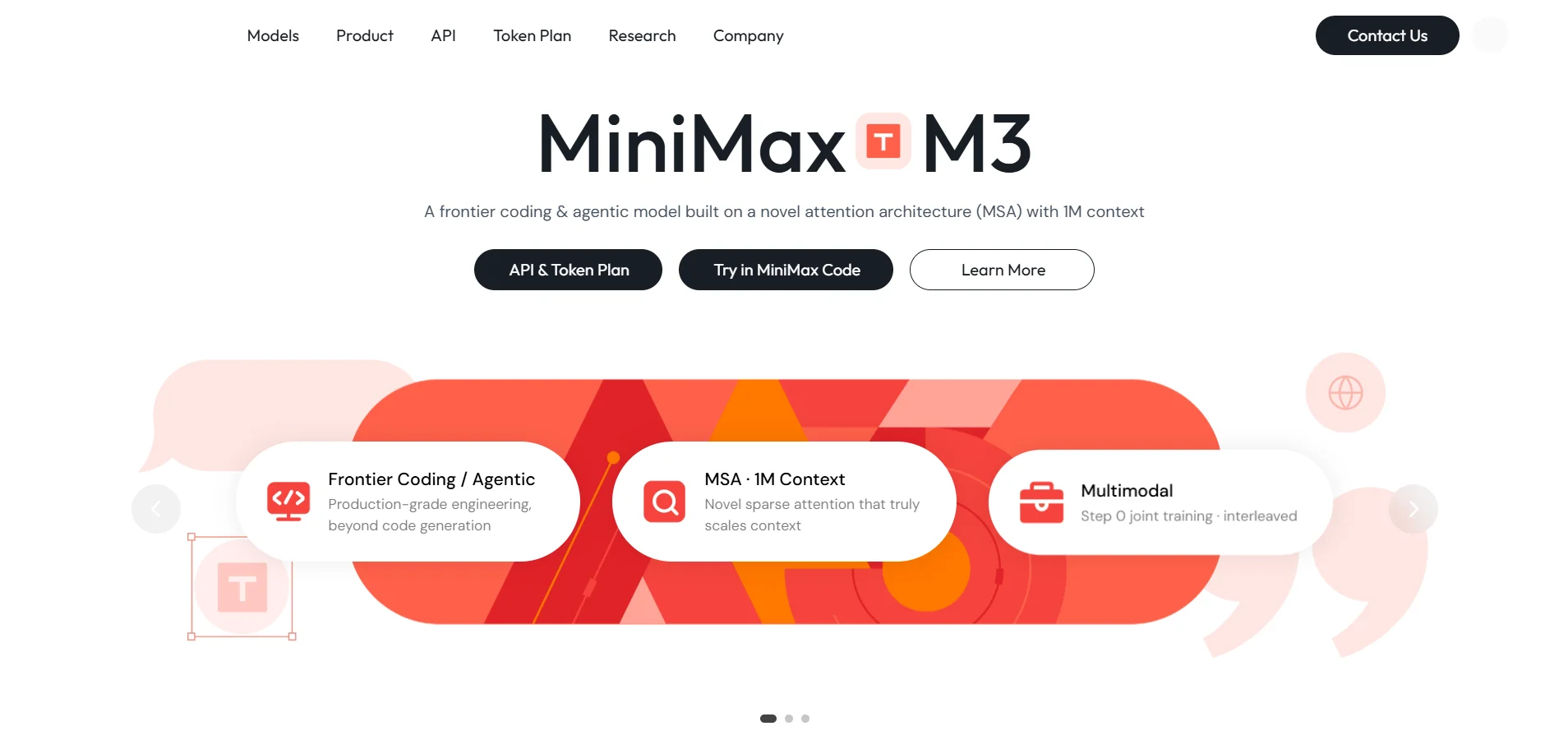
Minimax Audio is a fast-growing AI voice platform known for near-human quality text-to-speech and voice cloning, backed by its Speech-02 and Speech-2.6 models. It supports over 50 languages and offers a genuinely usable free tier with daily login credits, making it accessible for creators who don’t want to commit financially right away.
The platform also includes AI music generation alongside standard TTS, giving podcasters an all-in-one option for intros, background scoring, and narration. Pay-as-you-go API pricing appeals to developers who want predictable, character-based billing rather than fixed monthly quotas.
✅ Pros
- Genuinely usable free tier with daily credits
- Near-human voice quality across 50+ languages
- Bundled AI music generation feature
- Affordable entry-level pricing
❌ Cons
- Interface geared more toward developers
- Documentation can be inconsistent across products
- Voice cloning limited on lower tiers
BookFab
✔ Free Trial: Available (limited word quota)
💰 Pricing Plans
- 1-Month License – $39.99
- Lifetime License – $129.99 one-time
- Kindle + Kobo Converter (Lifetime) – $159.99
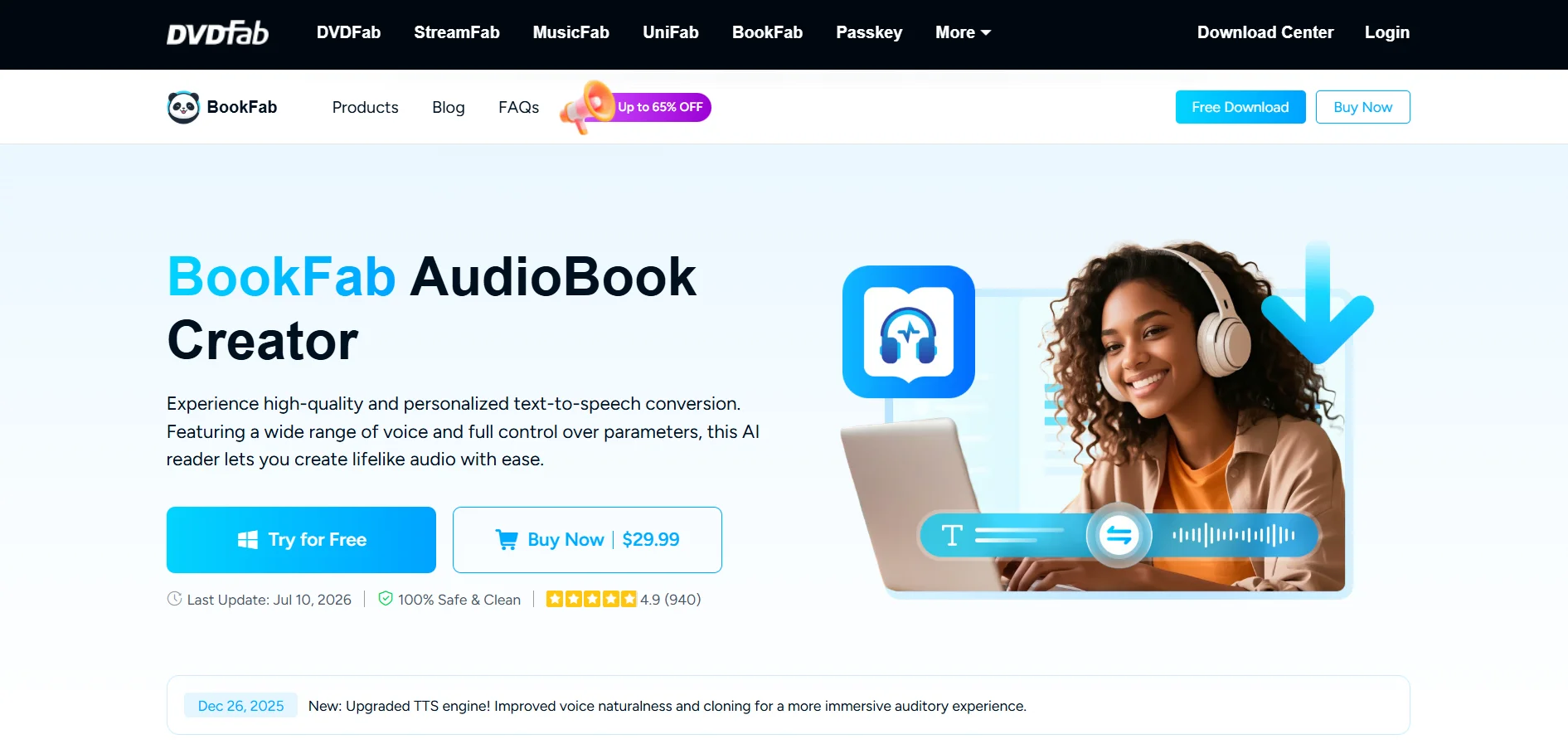
BookFab AudioBook Creator is a specialized desktop tool designed specifically for turning text and eBooks into narrated audiobooks. It offers 20 unique voices in both English and Japanese, with adjustable speed, pitch, prosody, and expressivity settings, giving creators fine control over how their narration sounds.
Unlike most cloud-subscription competitors, BookFab offers a lifetime license option, which appeals to authors and educators producing audiobooks on a one-off basis rather than continuously. Exports support MP3, OPUS, and M4A formats, making it easy to publish directly to platforms like Audible or Google Play.
✅ Pros
- Lifetime license option avoids recurring fees
- Purpose-built for audiobook narration
- Fine control over speed, pitch, and prosody
- Supports multiple export formats
❌ Cons
- Only supports English and Japanese voices
- 3,000-character input limit per text block
- Windows-only desktop application
VEED
✔ Free Trial: 7 Days on Paid Plans
💰 Pricing Plans
- Free – $0/month (720p, watermark)
- Lite – $18–24/month (1080p, no watermark)
- Pro – $55/month (advanced AI tools)
- Enterprise – Custom Pricing
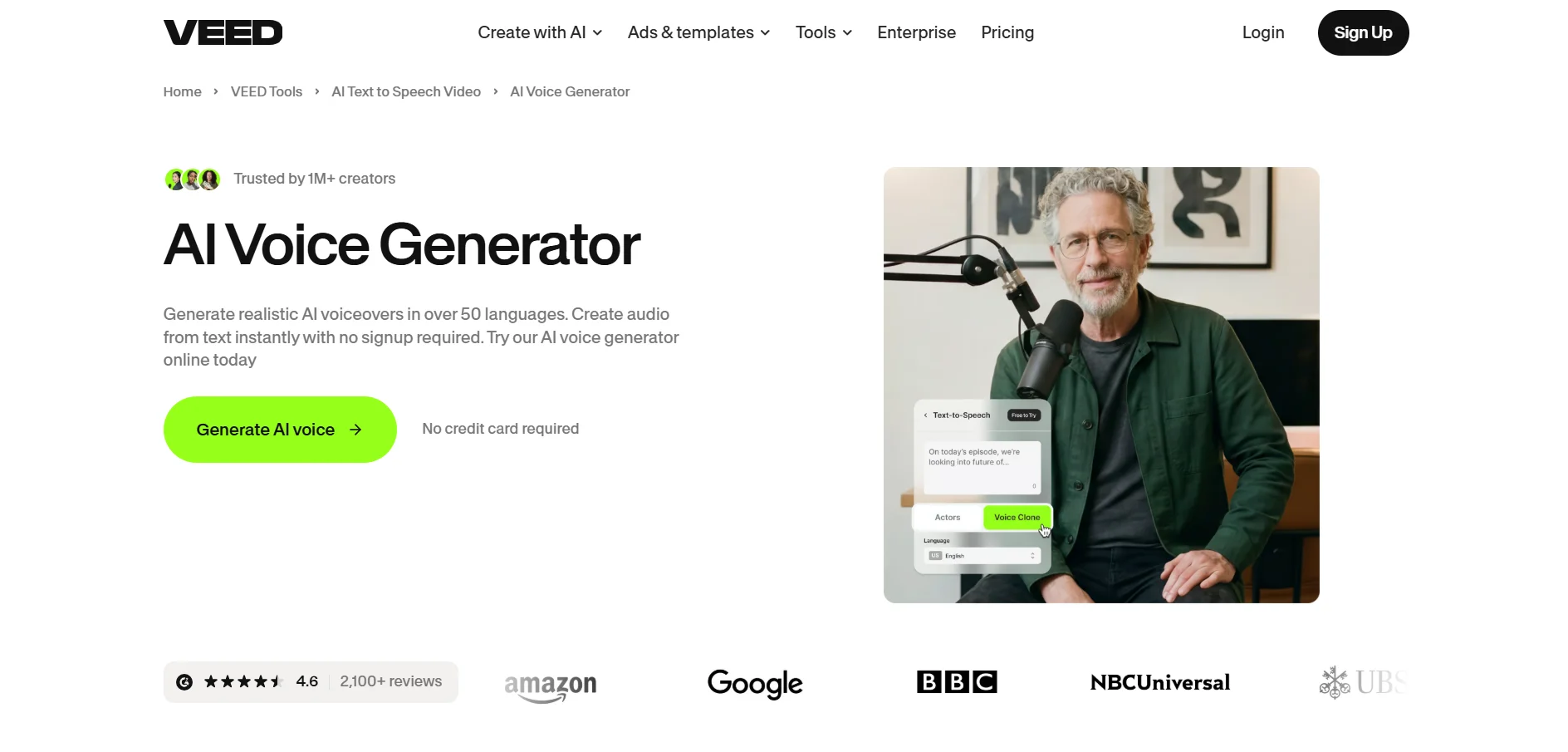
VEED.io started as a browser-based video editor but has evolved into a full AI content platform offering subtitles, translation, AI avatars, and voice cloning alongside traditional editing. For podcasters repurposing audio into video clips, VEED’s automatic subtitle and translation tools save considerable production time.
The Free plan works fine for testing but includes watermarks and 720p exports only, so serious creators need at least the Lite plan. Higher tiers unlock more AI credits, multiple brand kits, and expanded translation languages, which suits agencies managing several client accounts simultaneously.
✅ Pros
- All-in-one video, subtitle, and voice platform
- Strong automatic translation and subtitle tools
- Usable free tier for basic testing
- Good for teams and agencies with Brand Kit
❌ Cons
- Free plan limited to 720p with watermark
- Higher AI voice capacity locked behind Pro/Studio
- Cloud storage fills up fast with 4K footage
Cartesia
✔ Free Trial: Free Tier, No Card Required
💰 Pricing Plans
- Free – $0/month (20,000 credits)
- Pro – $4–5/month (100,000 credits)
- Growth/Scale – $49–$299/month
- Enterprise – Custom Pricing
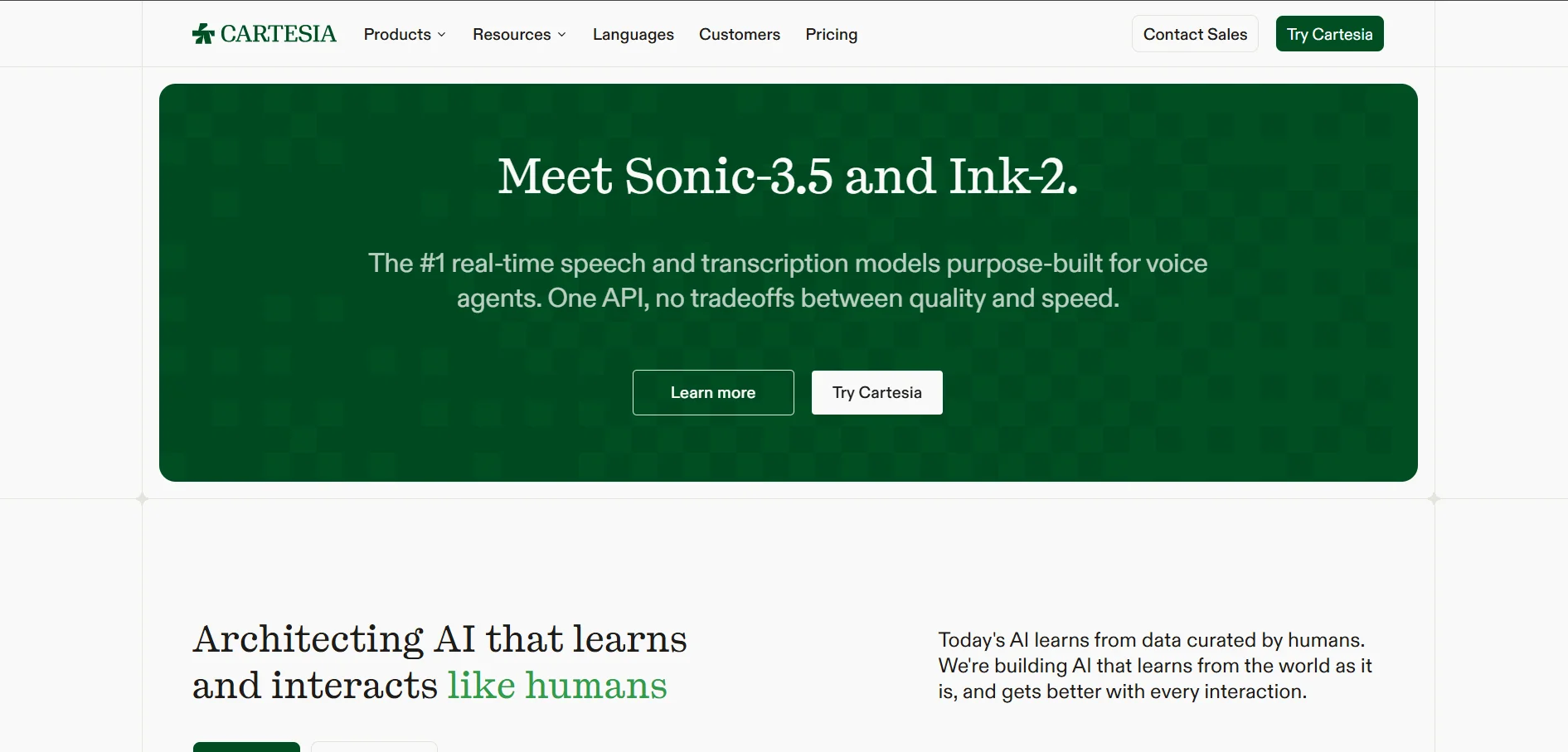
Cartesia is built for developers who need ultra-low-latency, real-time text-to-speech, making it a strong fit for voice agents, IVR systems, and conversational AI rather than traditional podcast editing. Its Sonic model achieves time-to-first-audio as fast as 40 milliseconds, positioning it as a latency leader in the TTS space.
The free tier offers 20,000 model credits monthly for personal, non-commercial testing, while the affordable Pro plan unlocks instant voice cloning and commercial usage rights. Cartesia also supports on-device model deployment, which appeals to developers building offline or privacy-sensitive voice applications.
✅ Pros
- Industry-leading low latency (as fast as 40ms)
- Affordable Pro tier for commercial use
- Supports on-device and offline deployment
- Strong for real-time voice agent applications
❌ Cons
- Fewer languages than competitors like ElevenLabs
- More developer-focused, less friendly for non-coders
- Free tier restricted to non-commercial use
Speechify
✔ Free Trial: 3 Days (card required)
💰 Pricing Plans
- Free – $0/month (5 standard voices)
- Premium – $29/month ($139–159/year)
- Studio Starter – $19/month
- Studio Creator – $49/month
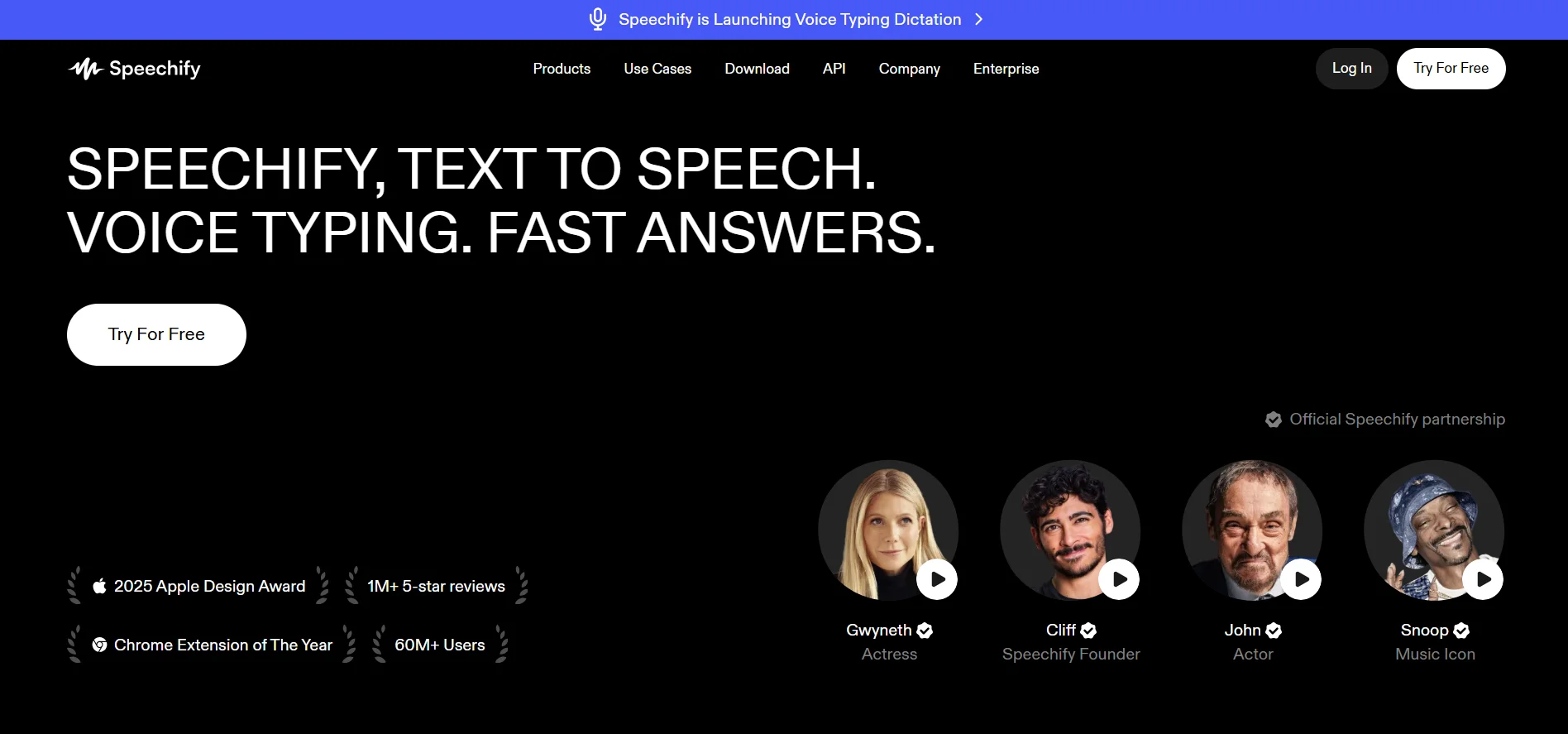
Speechify is best known as a text-to-speech reading app that converts articles, PDFs, and eBooks into natural-sounding audio, originally built to support people with learning disabilities like dyslexia. It also offers a Studio product for creators who need AI voiceovers for video and audio production.
The free plan covers basic reading needs with standard voices at limited speeds, while Premium unlocks 200+ voices and listening speeds up to 4.5x. One caveat worth noting is that the trial requires payment details upfront and automatically converts to a paid annual plan unless cancelled in time.
✅ Pros
- Excellent for accessibility and reading assistance
- OCR support for scanned PDFs and images
- 200+ voices with fast listening speeds
- Available on mobile, desktop, and Chrome extension
❌ Cons
- Trial requires card details and auto-renews
- Pricing pages are inconsistent across platforms
- Refund window is short and strictly enforced
Resemble.ai
✔ Free Trial: Flex Plan starts at $0
💰 Pricing Plans
- Flex – $0 to start (pay-per-use)
- TTS – $0.0005/second
- Voice Agents – $0.001/second
- Enterprise – Custom, up to 80% volume discount
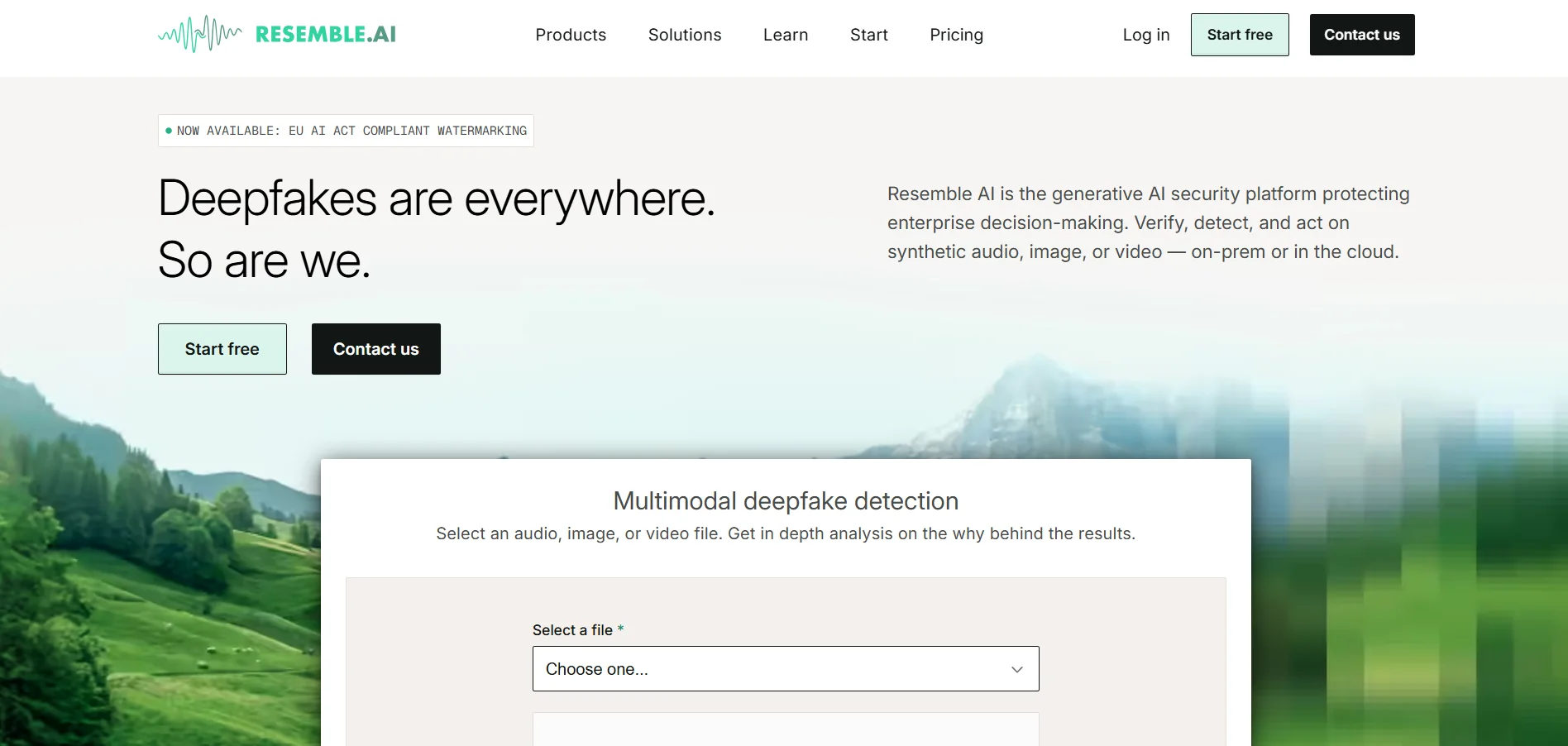
Resemble.ai focuses on broadcast-quality custom voice generation with strong emphasis on real-time APIs, deepfake detection, and neural watermarking. It has moved away from flat consumer subscriptions toward a pay-per-use Flex model, which suits developers and enterprises with variable usage rather than fixed monthly output.
A standout feature is its built-in deepfake detection and PerTh watermarking, which few competitors offer natively. Voice cloning starts from as little as 10 seconds of audio for a rapid clone, while professional clones with fuller emotional range require more training data and time.
✅ Pros
- Broadcast-quality, emotionally expressive voices
- Built-in deepfake detection and watermarking
- Flexible pay-per-use pricing with no minimums
- Fast voice cloning from short audio samples
❌ Cons
- No flat free tier, only pay-as-you-go credits
- Can get pricey at higher usage volumes
- Extra costs for team seats and voice-clone storage
Conclusion
Podcastle remains a solid all-in-one podcasting tool, but the alternatives above each bring their own strengths to the table. If you need broadcast-quality voice cloning and security features, Resemble.ai and Cartesia stand out. If you want an all-in-one video and voice platform, VEED and Lovo.ai offer more flexibility. For budget-conscious creators, Minimax and Supertone Play provide strong value with generous free tiers.
Ultimately, the right choice depends on your specific workflow, whether that’s podcasting, audiobook narration, video repurposing, or building a voice-powered application. Testing a few free trials from this list before committing to a paid plan is the smartest way to find the platform that truly fits your content creation needs in 2026.


