

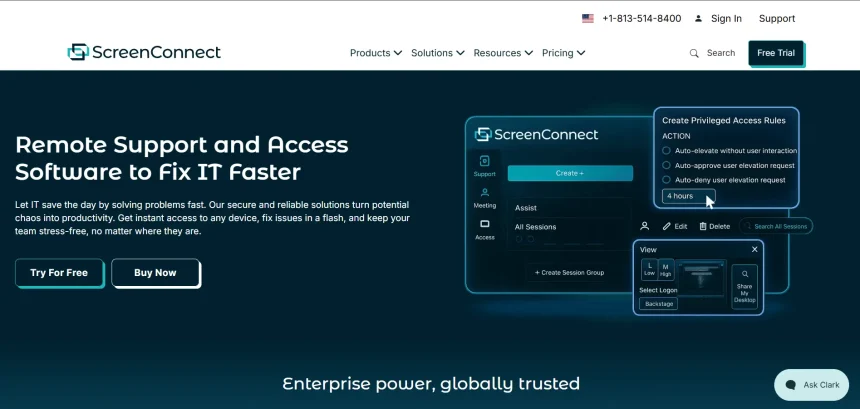
ConnectWise ScreenConnect has long been a go-to remote support and access tool for MSPs and IT teams, but rising per-technician pricing, licensing changes, and occasional security concerns have pushed many organizations to look elsewhere. Whether you need lightweight remote access for personal use, robust unattended support for a growing IT team, or a full RMM platform with remote control baked in, there is no shortage of capable alternatives on the market today. In this article, we break down 11 ConnectWise ScreenConnect Alternatives available in 2026. Each entry covers free trial availability, official pricing plans, a quick overview, and the pros and cons you need to know before switching.
1. Parsec
✔ Free Plan Available
- Free: $0 — personal use, 4K 60fps, low latency
- Warp: ~$8–9.99/month — power users, dual screen, drawing tablets
- Teams: ~$30–35/user/month — admin controls, SSO, team management
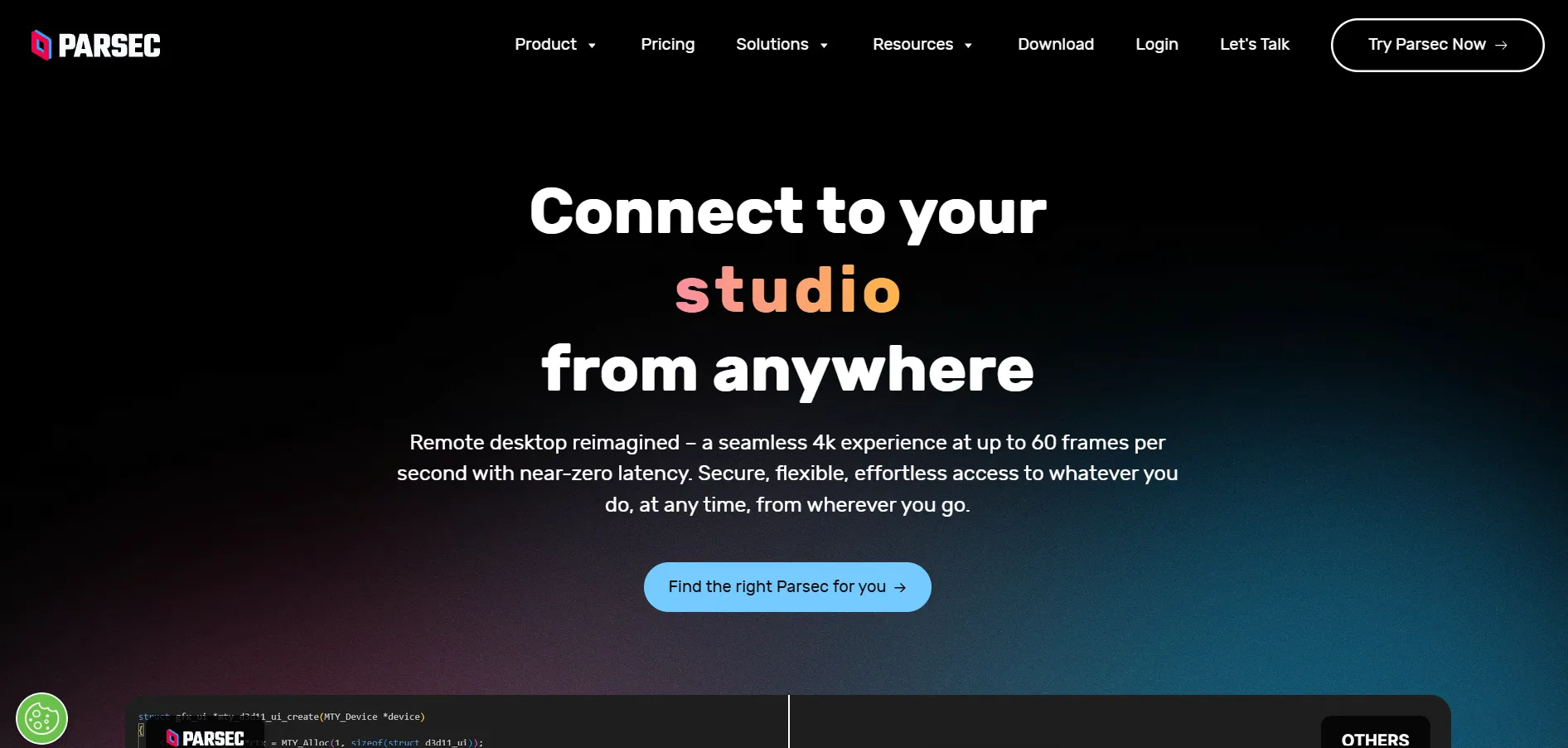
Parsec is best known in gaming circles for its ultra-low latency streaming, but it has steadily grown into a legitimate remote desktop tool for creative professionals and small teams. It supports 4K resolution, high frame rates, and multi-user collaboration on the same machine, making it a strong pick for design work, video editing, and joint remote sessions.
Unlike ConnectWise ScreenConnect, Parsec leans more toward performance-driven personal and creative use rather than full-scale MSP support. Its Teams tier adds administrative controls and SSO, but it still lacks the deep ticketing and unattended fleet management features larger IT departments expect from an enterprise remote support platform.
Pros
- Extremely low latency streaming
- Generous free tier for personal use
- Supports 4K and high frame rates
- Multi-user collaborative sessions
Cons
- Not built for large-scale IT support
- Limited ticketing/helpdesk integration
- Team tier pricing scales quickly per user
2. GoToMyPC
✔ 7-Day Free Trial
- Personal: ~$35–44/computer/month (billed annually) — 1 user, up to 20 computers
- Pro: ~$41.50–66/computer/month — multi-user support
- Corporate: ~$28–140/computer/month — minimum 5 computers, centralized admin
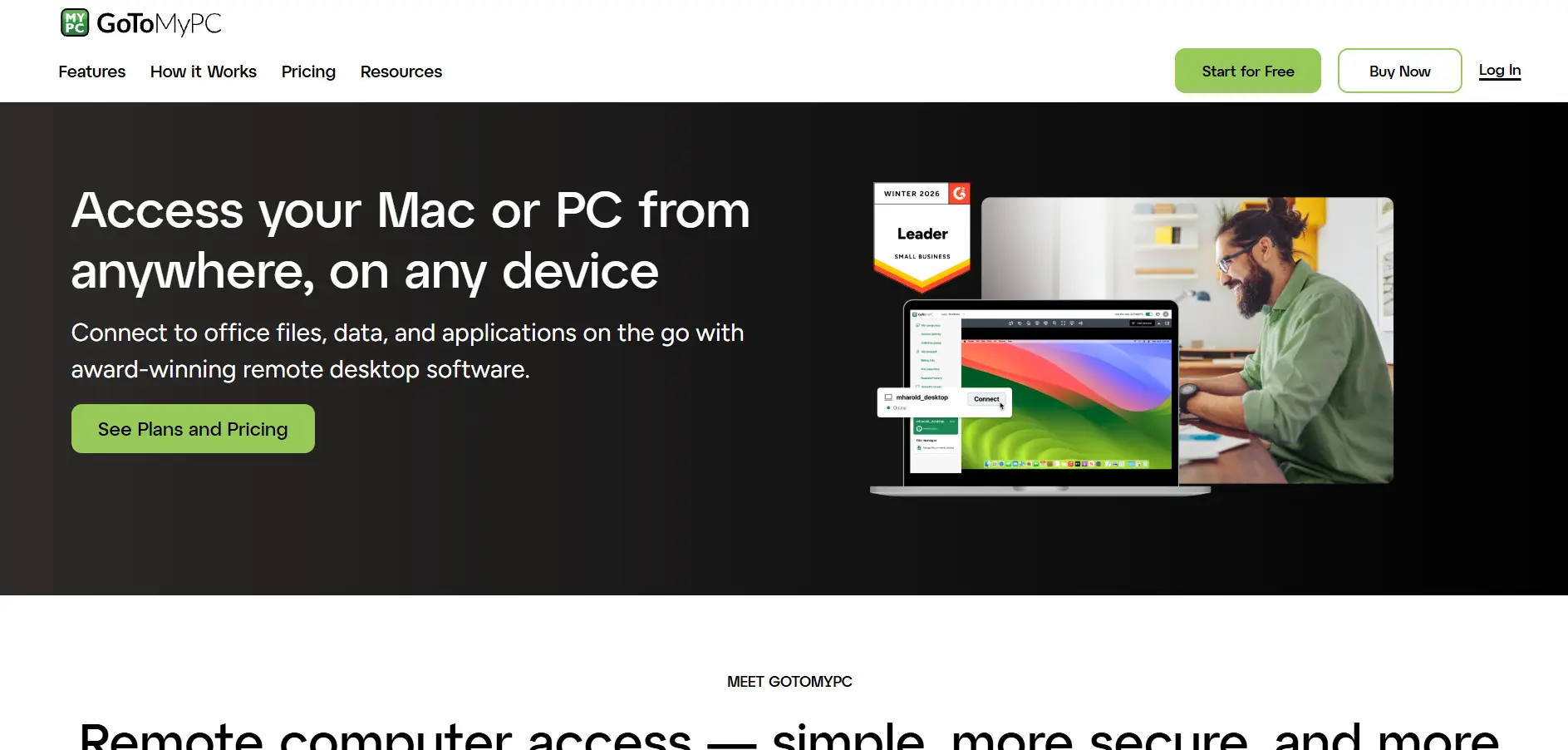
GoToMyPC is one of the oldest names in the remote access space, owned by GoTo (formerly LogMeIn). It offers unlimited remote access sessions, cross-device support including mobile, and a straightforward setup process that appeals to non-technical users who just need dependable access to a work computer from home.
The tradeoff is cost. GoToMyPC is priced noticeably higher per computer than most competitors on this list, and it lacks a permanent free tier. For solo professionals accessing one machine occasionally, it can feel expensive, though the seven-day trial lets you test reliability before committing to an annual plan.
Pros
- Simple, reliable setup
- Unlimited remote sessions
- Strong brand and long track record
- Mobile access included
Cons
- Premium pricing versus competitors
- No permanent free version
- Annual contracts required for best rates
3. HelpWire
✔ Completely Free (Early Access)
- Free: $0 forever — unlimited sessions, file transfer, unattended access, no ads
- Paid Plans: Not yet launched — early adopters get a Founders’ Free plan plus 50% off the first year when paid tiers arrive
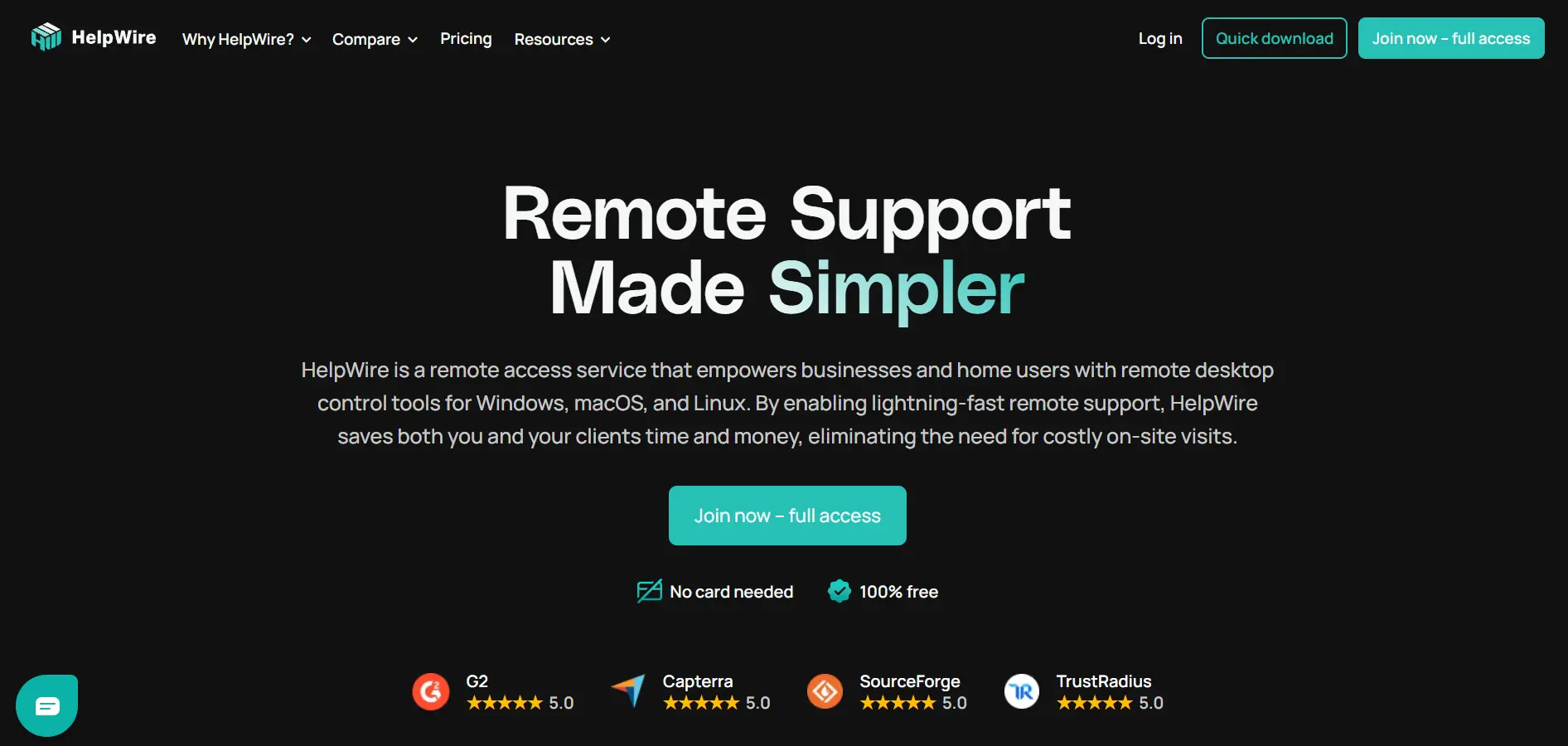
HelpWire, built by Electronic Team, is a genuinely free remote support tool for Windows, macOS, and Linux. Clients join sessions through a simple link without creating an account, and technicians get unattended access, file transfer, and multi-monitor support without hitting a paywall or nag screen, a rarity in this category.
Because HelpWire is still in early access, its business-oriented features remain limited compared to established MSP tools, and it currently lacks integrations with helpdesk platforms like Jira or Slack. It’s an excellent budget pick for freelancers and small support teams, but larger organizations may outgrow it quickly.
Pros
- 100% free with no ads currently
- No account needed for clients to join
- Unattended access included free
- Cross-platform support
Cons
- No helpdesk/ticketing integrations yet
- Business features still limited
- Future pricing not finalized
4. Pulseway
✔ Free Trial Available
- Starting Price: ~$19–22 per device (varies by billing term and modules)
- Add-ons: MDM, Endpoint Protection, Ransomware Detection, and third-party patching priced separately
- Enterprise/Custom: Volume-based quote for larger fleets
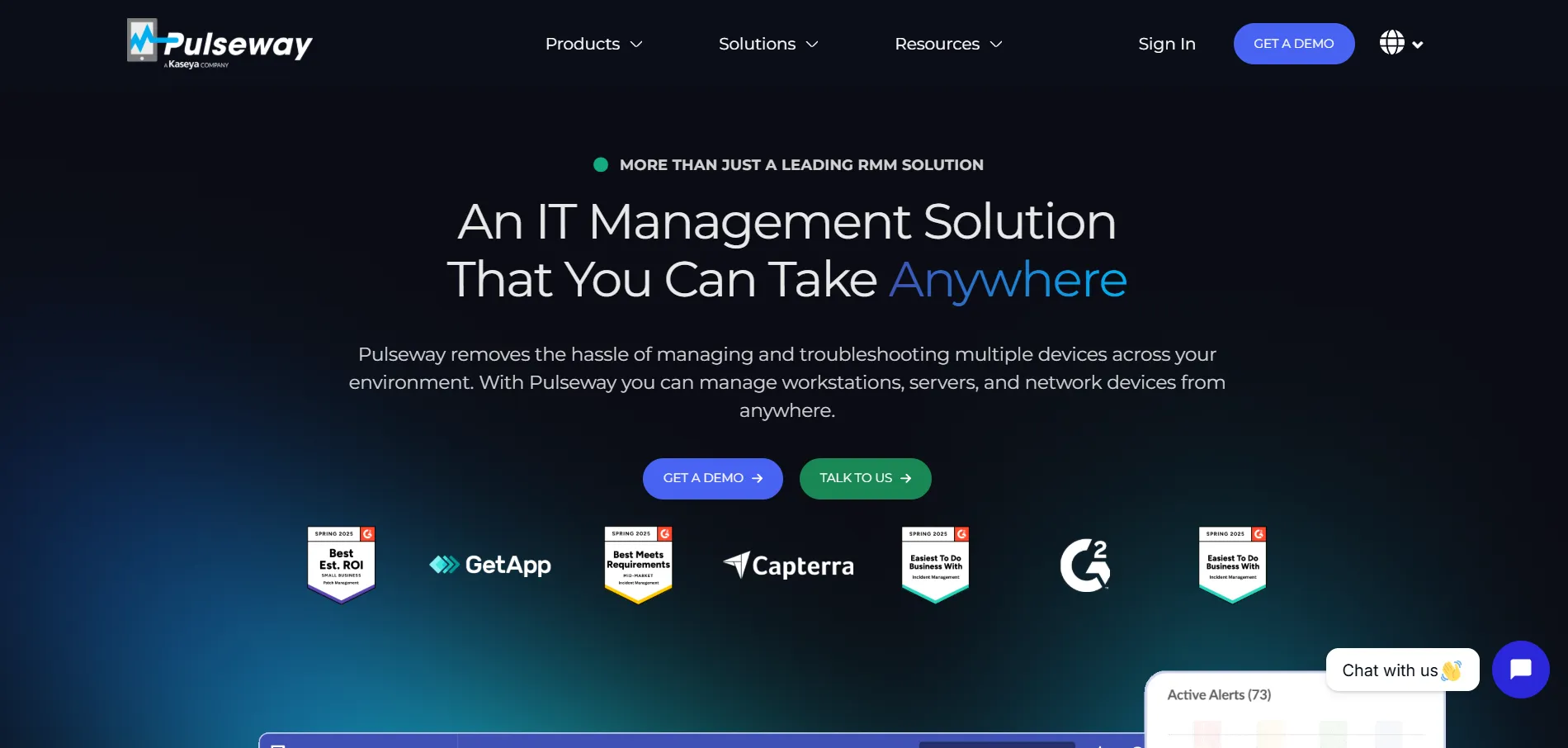
Pulseway is a remote monitoring and management (RMM) platform that bundles remote control with real-time system monitoring, patch management, and automation. It’s particularly popular with IT admins who want mobile-first oversight of their infrastructure, since its mobile app lets technicians respond to alerts and remotely control devices from a phone.
Pulseway’s modular pricing means the advertised starting price rarely reflects the real cost once you add mobile device management, endpoint protection, or advanced patching. It’s a strong ConnectWise alternative for teams that want monitoring and remote access in one place, but budgeting requires care.
Pros
- Strong mobile app for on-the-go IT management
- Combines monitoring with remote control
- Automation and patch management included
- No long-term contracts required
Cons
- Add-on modules increase real cost significantly
- Pricing not fully transparent upfront
- Can be pricier than pure remote-access tools
5. Chrome Remote Desktop
✔ Completely Free
- Free: $0 — no tiers, no subscriptions, unlimited use with a Google account
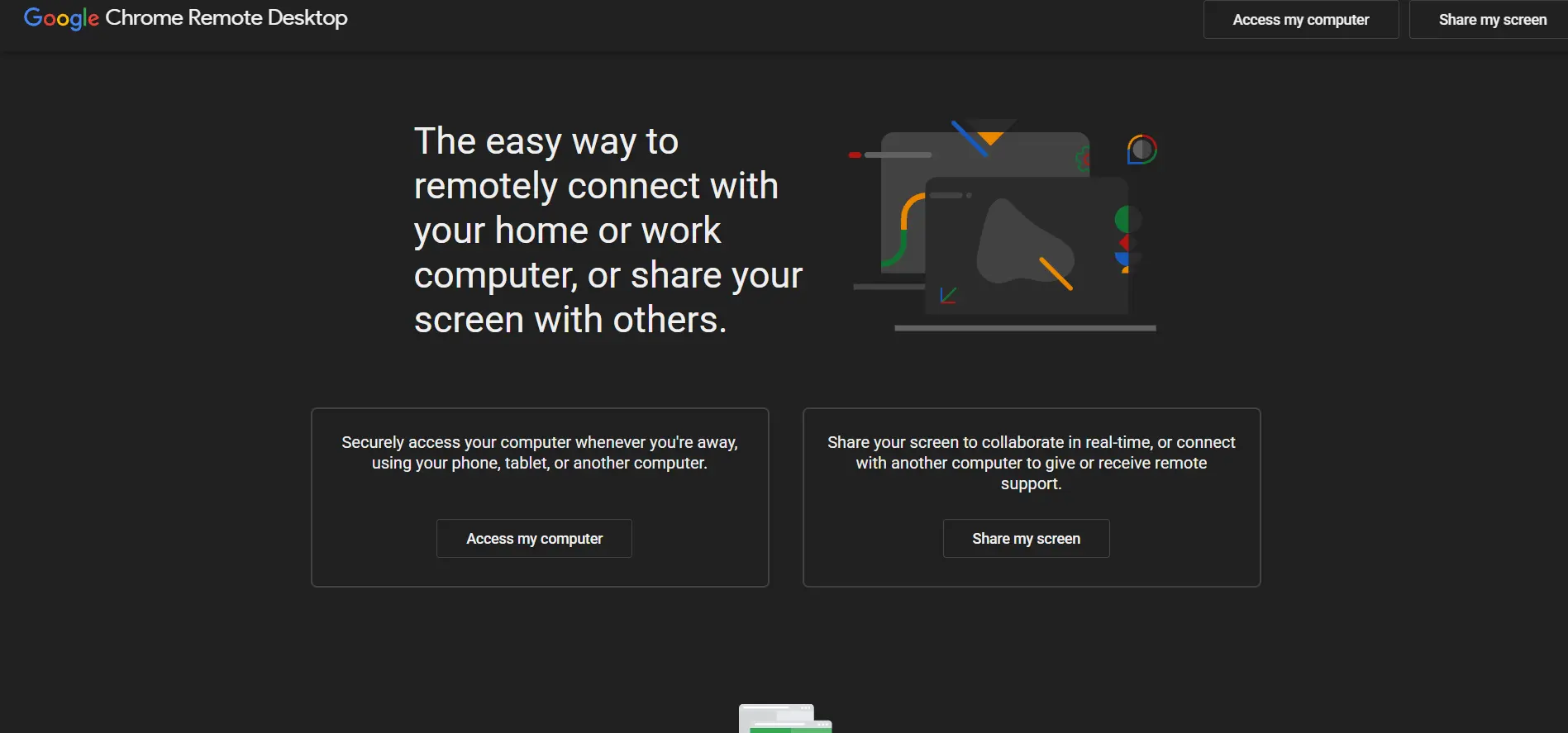
Chrome Remote Desktop is Google’s free browser-based remote access tool, requiring nothing more than the Chrome browser and a Google account. It’s ideal for quick, occasional remote access or ad hoc support sessions between friends and family, and it works across Windows, macOS, Linux, and Chromebooks with minimal setup.
What you gain in simplicity and cost, you lose in features. There’s no session recording, no reporting, no multi-technician management, and no unattended fleet controls, meaning it simply cannot replace ConnectWise ScreenConnect for professional MSP use. It works best as a free supplementary tool rather than a primary support platform.
Pros
- Completely free, no hidden costs
- Extremely simple setup via browser
- Cross-platform compatibility
- Backed by Google’s infrastructure
Cons
- No business or MSP-grade features
- No session recording or reporting
- Lacks multi-user administration tools
6. Splashtop
✔ 7-Day Free Trial
- Solo: $6/month (billed annually at $72/year) — 1 user, 2 computers
- Pro: $8.25/user/month ($99/year) — up to 10 computers
- Performance: $13/user/month — GPU acceleration, priority support
- SOS / Remote Support: ~$22+/month per concurrent technician — MSP-focused
- Enterprise: Custom quote
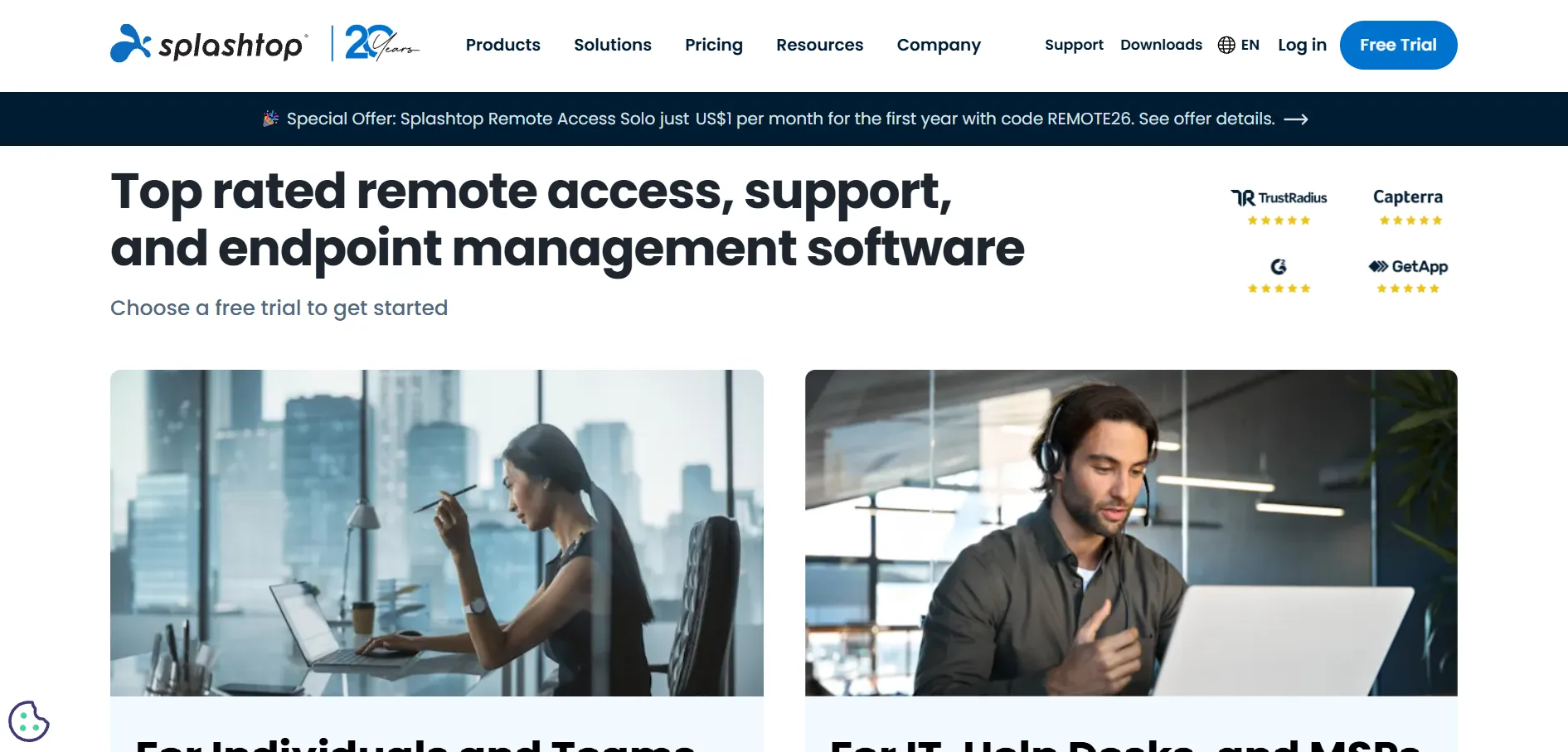
Splashtop is widely regarded as one of the strongest and most affordable ConnectWise ScreenConnect alternatives for MSPs and small businesses alike. It offers high-performance streaming up to 240fps, remote printing, session recording, and role-based access, all at a fraction of what comparable enterprise tools charge per technician.
Its per-user or per-concurrent-technician pricing model scales predictably, and most plans require annual billing, which may not suit teams wanting flexible monthly terms. Still, for organizations migrating off ConnectWise or TeamViewer, Splashtop consistently ranks as the top recommended replacement due to its balance of price and features.
Pros
- Excellent price-to-feature ratio
- High frame rate and GPU-accelerated streaming
- Volume discounts for larger teams
- Strong reputation among MSPs
Cons
- Annual billing required on most plans
- SOS/Remote Support priced separately from Access plans
- Advanced tiers needed for GPU features
7. RemotePC
✔ 7-Day Free Trial
- Consumer: $29.50/year — 1 computer
- SOHO: $99.50/year — up to 10 computers
- Team: $299.50/year — up to 50 computers
- Enterprise: $599.50/year — up to 100 computers
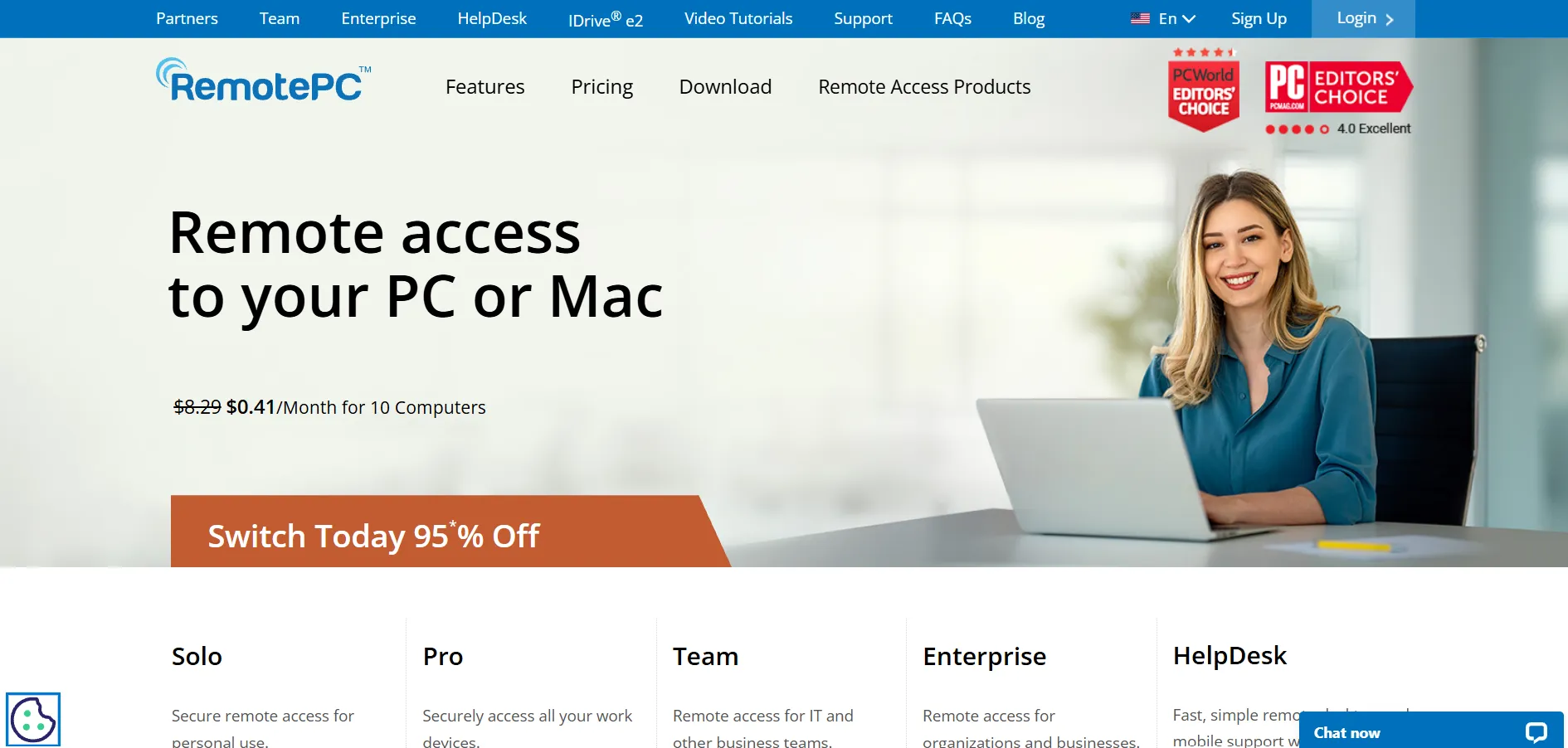
RemotePC, developed by IDrive, is one of the most budget-friendly options for unattended remote access, especially for small businesses and home offices. It supports always-on access, file transfer, remote printing, and two-factor authentication, all delivered through a browser-based interface that avoids heavy client software.
Its flat annual pricing per computer count makes budgeting predictable, and first-year discounts are common. However, it has fewer third-party integrations than enterprise-grade competitors, and lower-tier plans restrict the number of users, so growing teams will eventually need to upgrade to Team or Enterprise.
Pros
- Very affordable flat annual pricing
- Browser-based, no heavy installs
- Two-factor authentication included
- Frequent first-year discounts
Cons
- Fewer integrations than enterprise tools
- User limits on lower-tier plans
- Add-ons like RDP Connector cost extra
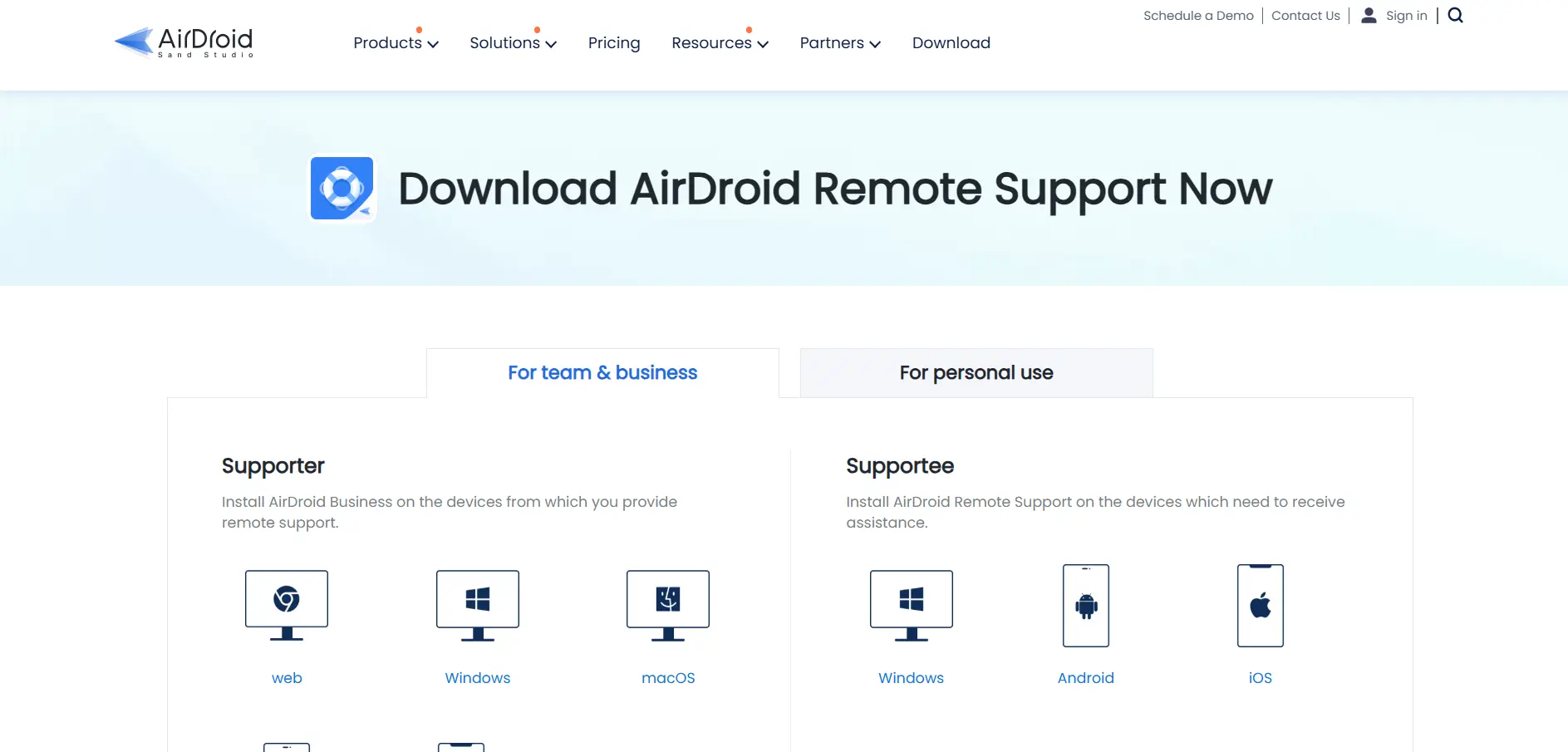
8. AirDroid Remote Support
✔ 10 Minutes Free Daily Trial
- Basic: ~$12–22.90/license — 50 connection hours per license
- Standard: Unlimited connection hours, mid-tier features
- Premium: Unlimited connection hours, full feature set
- Personal Plan: Separate pricing for individual/family use
AirDroid Remote Support stands out for its strong mobile device support, particularly for Android, where it enables full remote control rather than just screen viewing. This makes it a rare pick among ConnectWise alternatives that need to support mobile fleets alongside traditional desktops, useful for retail, logistics, and field service teams.
The connection-hour-based Basic plan can feel restrictive for heavy daily use, pushing many business users toward Standard or Premium for unlimited hours. iOS support is more limited than Android, since Apple’s platform restricts full remote control, allowing screen sharing only rather than complete device takeover.
Pros
- Full remote control on Android devices
- Good fit for mobile-heavy support teams
- Multiple plan tiers for different usage levels
- No-registration client connection codes
Cons
- Basic plan limited to 50 connection hours
- iOS remote control is restricted by Apple
- Business pricing less transparent than consumer plans
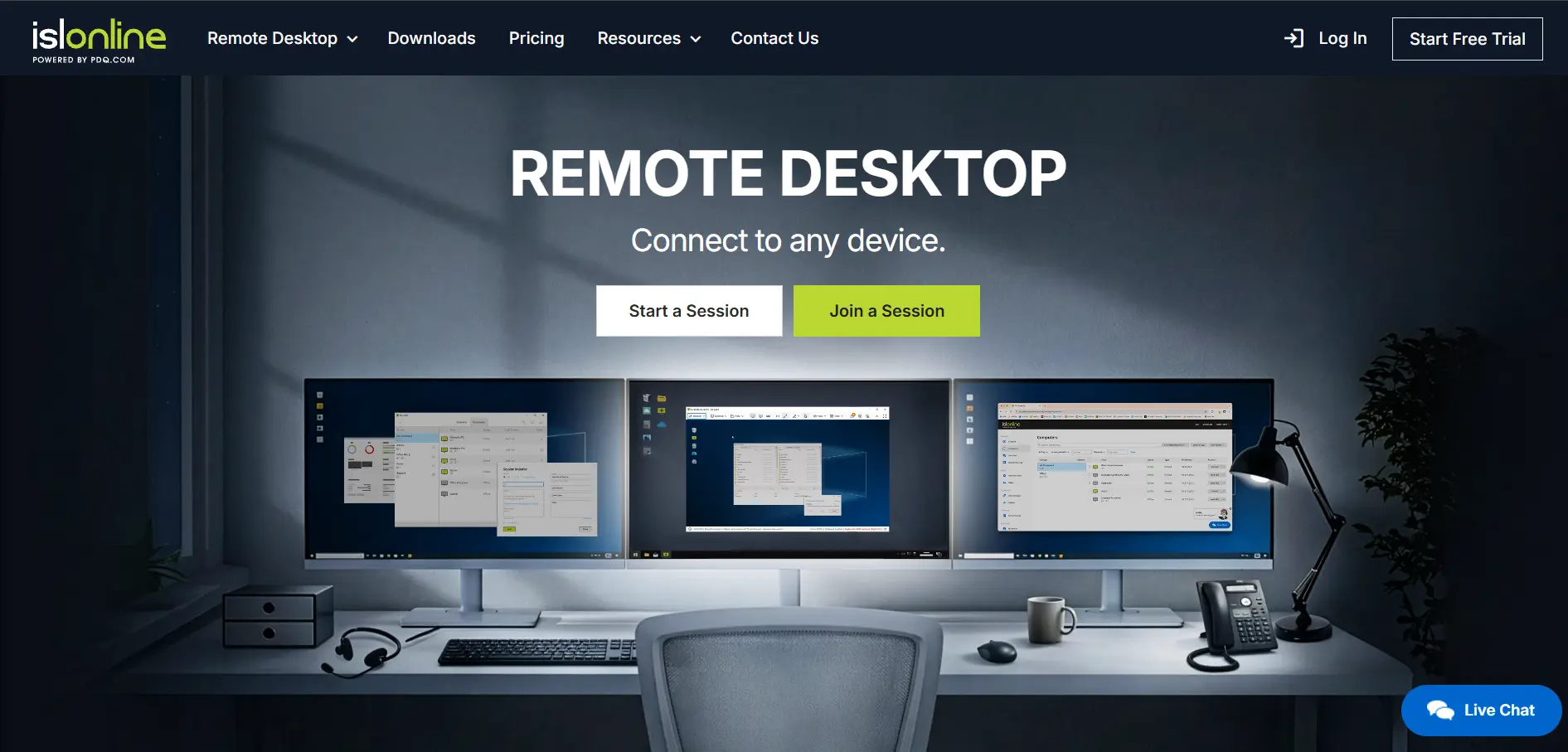
9. ISL Online
✔ 15-Day Free Trial
- Starter: $16.90/month — 1 licensed user, 3–10 managed devices
- Standard: $34.90/month — expanded users and devices
- Premium: $54.90/month — unlimited users and managed devices
- Self-Hosted: $44.90/month — on-premise server license
- Enterprise: $99.90/month — full feature set, custom scaling
- Pay-Per-Use: From $0.25/minute — flexible occasional access
ISL Online is a security-focused remote support platform popular with IT teams that need strict compliance controls. It offers both cloud and self-hosted deployment, 256-bit AES encryption, session recording, and two-factor authentication, giving organizations flexibility over where their session data lives and how access is governed.
Its tiered pricing structure is more complex than single-plan competitors, and the self-hosted option, while great for data control, requires more technical setup and maintenance than a pure SaaS product. Still, for regulated industries needing on-premise deployment, ISL Online is one of the few alternatives offering that choice.
Pros
- Self-hosted deployment option
- Strong encryption and compliance features
- Flexible pay-per-use plan available
- Session recording and live chat built in
Cons
- Pricing tiers can be confusing to compare
- Self-hosted setup needs technical resources
- Higher tiers get expensive for small teams
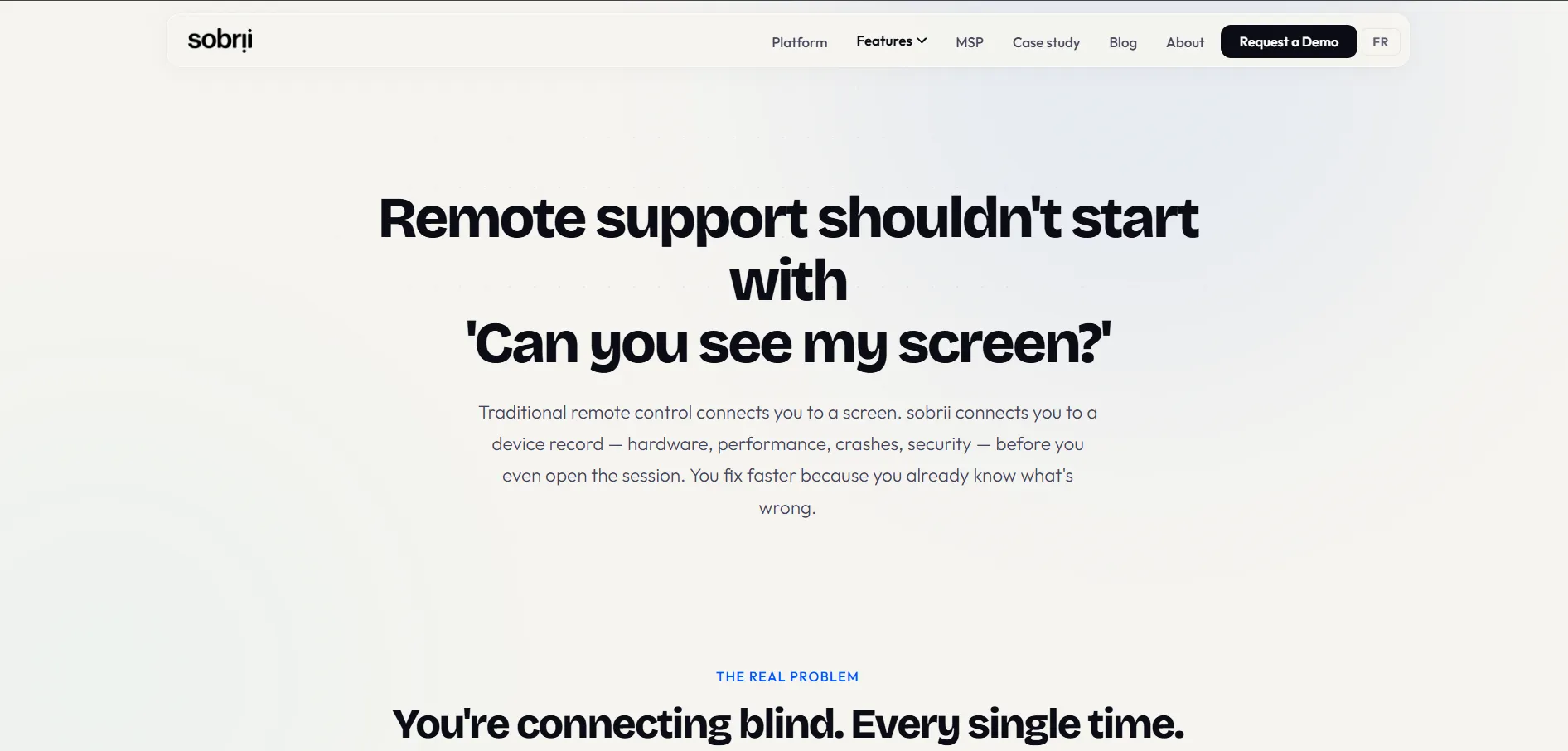
10. sobrii Remote
✔ 14-Day Proof-of-Concept
- Per-Device Pricing: €12–€20/device/year depending on fleet size
- Minimum: 50-device minimum required; custom quote on request
- No Free Plan: Positioned as an IT fleet management platform, not a standalone free tool
sobrii Remote is not a standalone remote desktop app but a Remote Control module bundled inside sobrii’s broader IT fleet management platform. It connects via WebRTC in seconds, uses a lightweight Rust agent under 1% CPU, and shows device context like battery health and software inventory before a technician even starts a session.
Because it targets IT teams managing 200 to 50,000 endpoints, sobrii Remote isn’t built for solo users or very small businesses, and its 50-device minimum plus per-device pricing on request means smaller teams may find it inaccessible. For larger IT departments wanting to consolidate remote access with asset management, though, it removes the need for a separate ConnectWise or TeamViewer subscription entirely.
Pros
- Bundles remote access with fleet management
- Lightweight agent, low CPU overhead
- Peer-to-peer WebRTC connection, no relay server
- Device context visible before connecting
Cons
- 50-device minimum excludes small teams
- No published flat pricing, quote-based
- No free tier at all
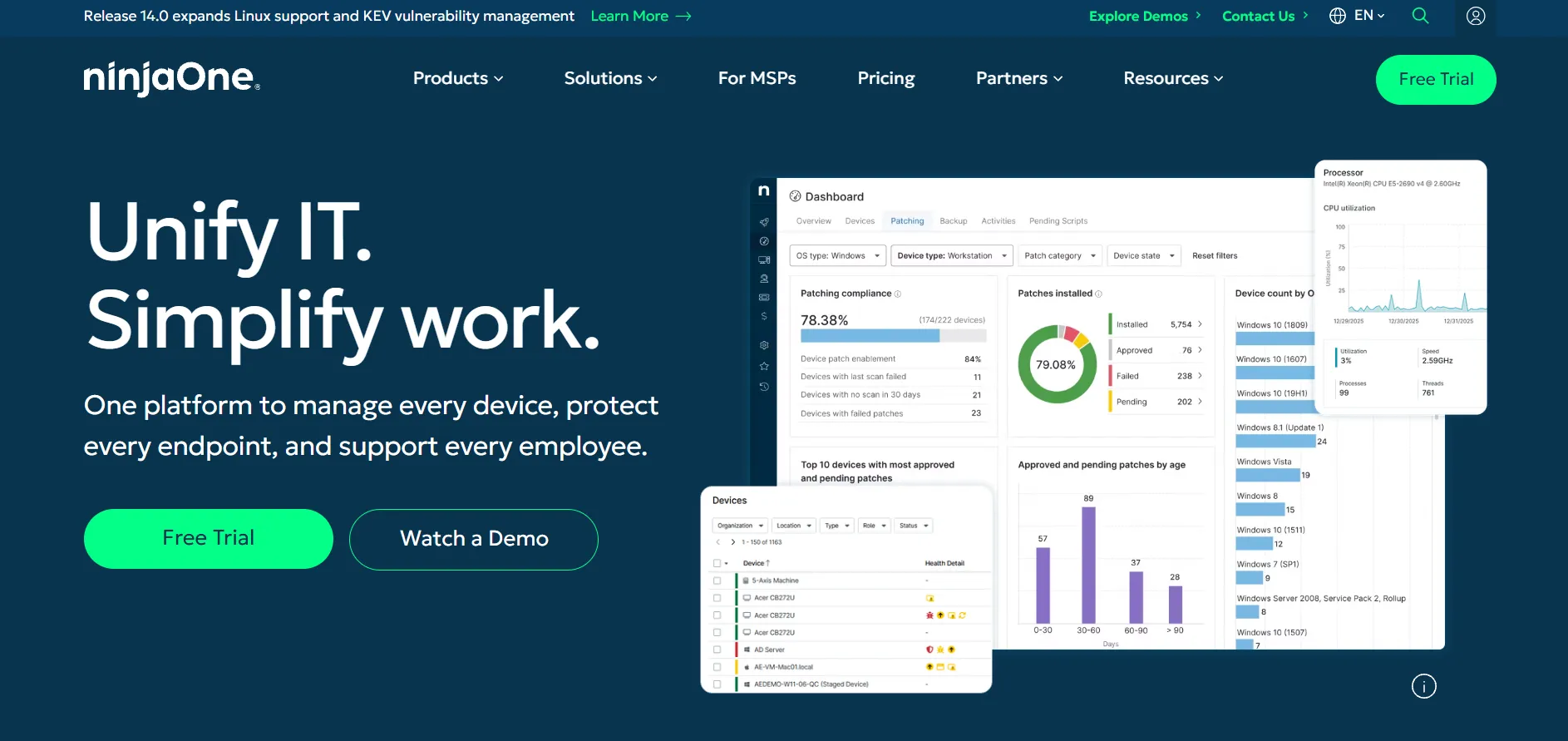
11. NinjaOne
✔ 14-Day Free Trial
- Base RMM: ~$1.50–$3.75/endpoint/month depending on fleet size and contract term
- Add-Ons: Backup (~$3/device/month + storage), MDM, Endpoint Security priced separately
- No Public Fixed Plans: Custom quote required from sales based on modules and volume
NinjaOne is a full endpoint management and RMM platform that includes remote access as one module within a much larger suite covering patching, backup, scripting, and automation. It’s frequently recommended for MSPs migrating off the entire ConnectWise stack rather than just replacing ScreenConnect alone, since it consolidates several tools into one dashboard.
NinjaOne’s biggest downside is pricing opacity. There are no published flat rates, and the final cost depends heavily on endpoint count, selected modules, and contract length, often requiring a sales conversation before you know your real monthly bill. For teams that only need remote access, it can be overkill compared to a dedicated tool like Splashtop.
Pros
- Consolidates RMM, patching, and remote access
- Volume discounts at scale
- 14-day trial with full feature access
- No long-term contract required for entry
Cons
- Pricing not published, requires custom quote
- Add-on modules increase cost quickly
- Overkill if you only need remote access
| Alternative | Description |
|---|---|
| Parsec | Low-latency remote desktop tool popular with gamers and creatives, offering 4K streaming and collaborative sessions. |
| GoToMyPC | Long-established remote access solution with unlimited sessions, though priced higher than most competitors. |
| HelpWire | Free, ad-free remote support tool with unattended access, ideal for freelancers and small support teams. |
| Pulseway | Mobile-first RMM platform combining remote control with monitoring, patching, and automation. |
| Chrome Remote Desktop | Google’s free browser-based remote access tool, great for quick personal or occasional support sessions. |
| Splashtop | High-performance, affordable remote access and support platform widely used by MSPs and small businesses. |
| RemotePC | Budget-friendly, browser-based remote access with flat annual pricing per number of computers. |
| AirDroid Remote Support | Remote support tool with strong Android device control, suited for mobile-heavy support teams. |
| ISL Online | Security-focused platform offering both cloud and self-hosted deployment for compliance-driven teams. |
| sobrii Remote | Remote access module bundled within a larger IT fleet management platform for mid-to-large device fleets. |
| NinjaOne | Full endpoint management and RMM suite with remote access as one module among many, priced by quote. |
Conclusion
ConnectWise ScreenConnect remains a capable tool, but it is no longer the only serious option for remote access and support. Free tools like Chrome Remote Desktop and HelpWire suit personal or lightweight use, mid-tier platforms like Splashtop and RemotePC offer excellent value for small businesses, and full platforms like Pulseway, NinjaOne, and sobrii Remote suit teams that want remote access bundled with broader IT management.
The right choice ultimately depends on your team size, budget, and whether you need remote access as a standalone tool or as part of a larger IT management stack. Testing free trials across two or three of these alternatives before committing is the best way to find the platform that truly fits your workflow.


