

HelpWire has earned a loyal following as a free remote desktop tool, but it isn’t the right fit for every team. Some organizations need advanced unattended access, others want mobile device support, and larger IT departments require enterprise-grade security, session recording, and centralized management that free tools often lack. This guide walks through 11 proven HelpWire Alternatives, covering open-source options, budget-friendly picks, and enterprise remote support platforms.
1. Apache Guacamole
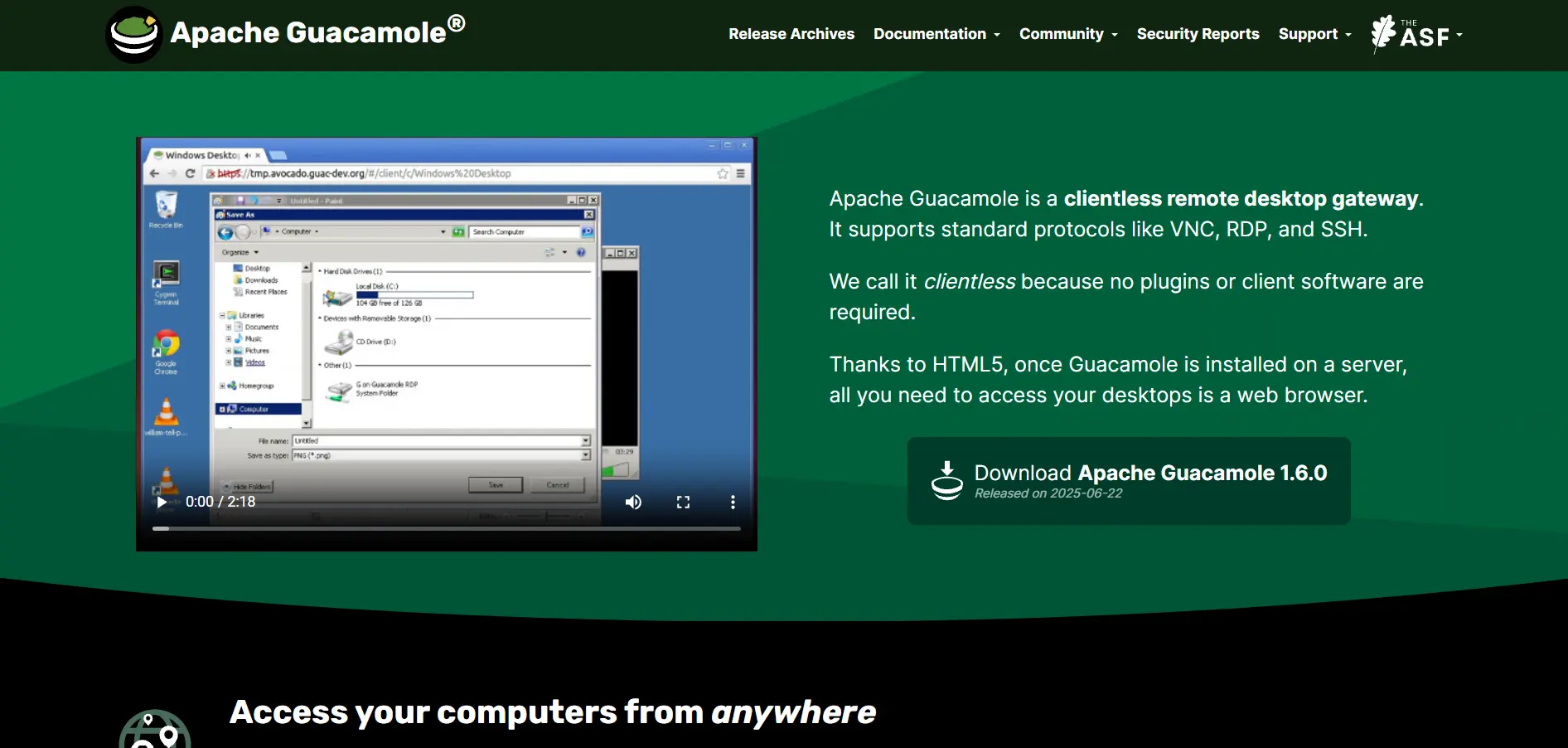
Apache Guacamole is a completely free, open-source, clientless remote desktop gateway, so there’s no traditional “trial” since the software itself is free forever. There are no official pricing tiers because Guacamole is community-maintained; you self-host it on your own server infrastructure without licensing costs, though hosting and maintenance still carry real expenses.
Because it’s browser-based and supports VNC, RDP, and SSH protocols natively, Guacamole appeals heavily to developers and sysadmins comfortable with Linux environments. It requires manual setup and configuration rather than a polished installer, which makes it powerful but less approachable for non-technical teams seeking plug-and-play remote support.
Pricing: No cost — self-hosted, Apache 2.0 license, no paid tiers.
Pros
- Completely free and open source
- No client software needed, works in browser
- Supports RDP, VNC, and SSH protocols
- Full control over hosting and data
Cons
- Requires technical setup and server maintenance
- No official customer support
- Lacks built-in mobile apps
- No polished admin dashboard
2. Chrome Remote Desktop
Chrome Remote Desktop offers no formal trial because it’s entirely free to use for both personal and basic business remote access. There are no paid pricing tiers at all; Google provides the extension and web app at zero cost, requiring only a Google account and the Chrome browser to get started.
It’s ideal for quick, no-frills remote access between your own devices or for offering simple support to family and friends. However, it lacks advanced features like session recording, multi-monitor support, or detailed access logs, making it unsuitable for IT teams managing many client devices professionally.
Pricing: $0 — no premium plans, fully free via Google account and Chrome browser.
Pros
- Completely free with no hidden costs
- Extremely simple setup process
- Works across Windows, Mac, Linux, and Chromebooks
- Backed by Google’s reliable infrastructure
Cons
- No session recording or detailed logs
- Minimal admin and team management tools
- Not built for large-scale IT support
- Limited customization options
3. AirDroid Remote Support
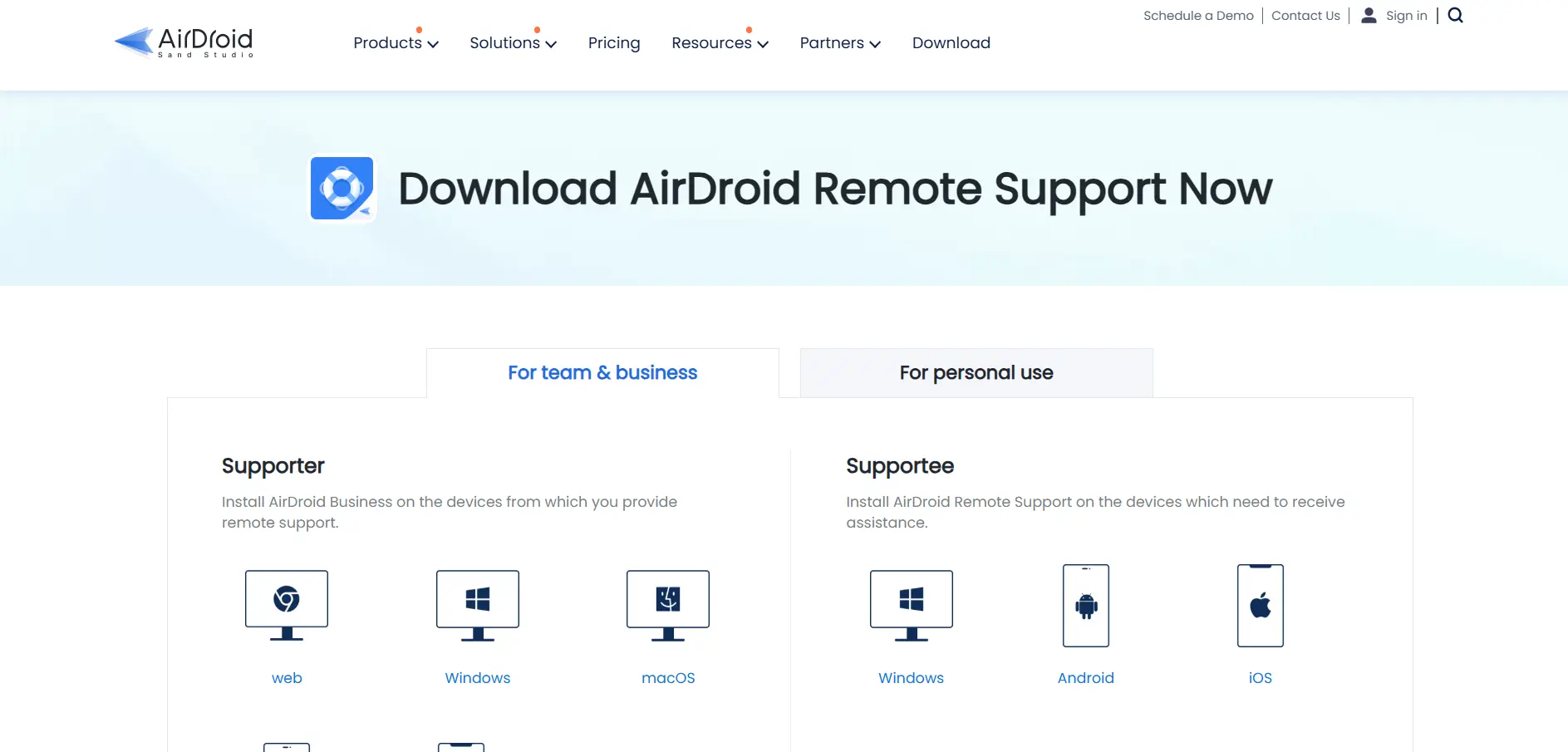
AirDroid Remote Support offers a generous 14-day full-featured trial so teams can test unattended access and mobile control before committing. Its official pricing includes a Free plan at $0, a Basic plan at $199/license/year with 50 connection hours, and a Standard plan at $599/license/year with unlimited connection hours and up to 300 managed devices.
This tool stands out for its strong Android device support, including black screen mode and AR camera guidance, making it popular among MSPs supporting mobile fleets. The higher-tier plans are priced annually only, which can feel steep for smaller teams that just need occasional remote access rather than continuous device management.
Pricing: Free ($0) | Basic: $199/license/year | Standard: $599/license/year | Premium: Coming soon
Pros
- Strong Android and iOS remote control support
- AR camera feature for guided troubleshooting
- Black screen mode for privacy during sessions
- Generous free tier for basic Windows access
Cons
- Higher tiers billed annually only
- Basic plan limited to 50 connection hours
- Premium tier still marked “coming soon”
- Pricing jumps significantly between tiers
4. Parsec
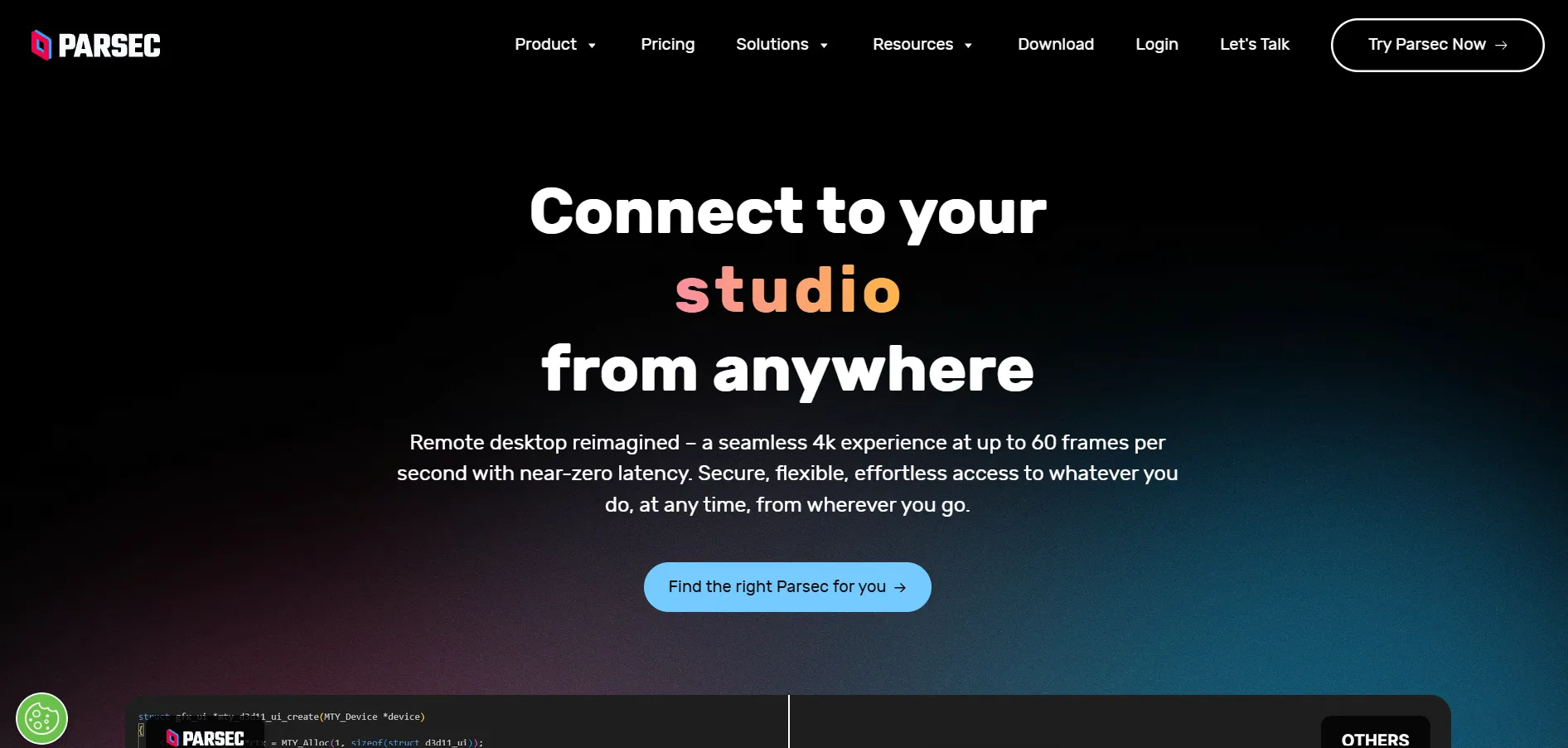
Parsec offers a free tier for personal use, effectively acting as an open-ended trial before upgrading. Official pricing includes the Warp plan at around $9.99/month for power users needing 4:4:4 color and privacy mode, and the Teams plan at $35/user/month for studios needing admin dashboards, SSO, and shared machine pools.
Built for gaming-grade, low-latency streaming, Parsec is a favorite among game studios, VFX houses, and creative professionals who need pixel-perfect color accuracy. It’s less focused on traditional IT support features like ticketing or unattended device fleets, so it isn’t the best fit for help desk teams.
Pricing: Free (personal) | Warp: ~$9.99/month | Teams: $35/user/month | Enterprise: Custom quote
Pros
- Exceptionally low latency, gaming-grade streaming
- Generous free tier for personal use
- 4K 60fps with accurate color reproduction
- Drawing tablet and multi-display support
Cons
- Not built for traditional IT help desk workflows
- Teams plan pricier than typical remote support tools
- Limited unattended device management features
- Smaller ecosystem of integrations
5. ConnectWise ScreenConnect
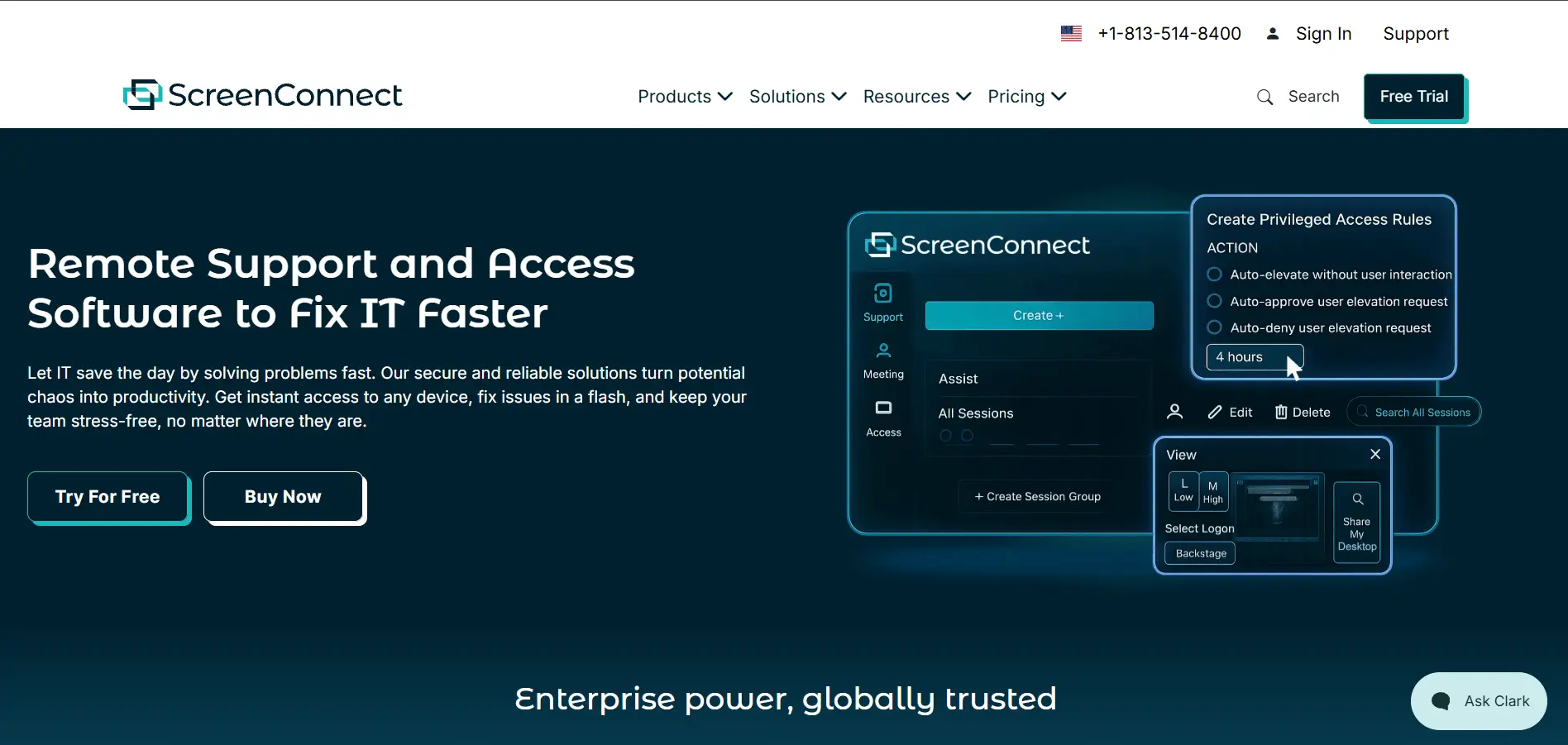
ConnectWise ScreenConnect provides a 14-day free trial, giving MSPs time to test its self-hosted and cloud options. Official pricing starts with the One plan at $30/technician/month (annual billing, 1 concurrent session), Standard at roughly $45–$59/month for multiple technicians, and Premium at $55–$69/month with video auditing and diagnostics.
Its biggest strength is deep branding and customization control, letting MSPs white-label the entire remote support experience. However, pricing is billed per concurrent technician rather than per seat, which can become costly quickly for growing teams, and the contract terms sometimes include multi-year commitments.
Pricing: One: $30/tech/month | Standard: ~$45–59/month | Premium: ~$55–69/month
Pros
- Full white-label and branding customization
- Self-hosted option for full data control
- Backstage mode for background troubleshooting
- Deep integration with ConnectWise ecosystem
Cons
- Priced per concurrent technician, can scale expensive
- Contracts may require multi-year commitments
- Steeper learning curve for new admins
- Best value plans require annual billing
6. Microsoft Remote Desktop
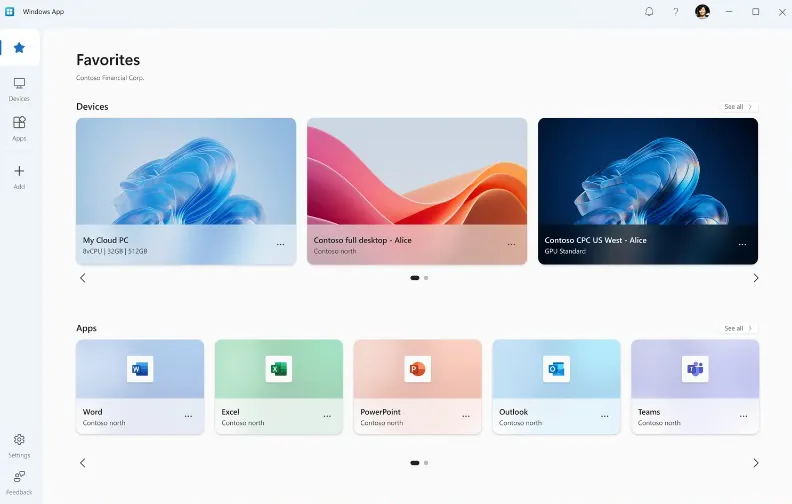
Microsoft Remote Desktop doesn’t offer a traditional trial because the core app is free to download from Microsoft, the App Store, and Google Play. There’s no separate pricing tier for the client app itself; costs instead come from Windows Pro or Enterprise licensing and Azure Virtual Desktop usage fees if you need cloud-hosted remote sessions.
It’s the natural choice for organizations already deep in the Microsoft ecosystem, offering tight integration with Active Directory and Windows security policies. The catch is that it only connects to Windows Pro, Enterprise, or Server editions, so Mac or Linux hosts and Windows Home users are excluded entirely.
Pricing: $0 for the client app | Costs tied to Windows Pro/Enterprise license or Azure Virtual Desktop usage
Pros
- Free client app across all major platforms
- Deep Active Directory and security integration
- Reliable performance on Windows networks
- No third-party server required for LAN use
Cons
- Only connects to Windows Pro/Enterprise/Server hosts
- No native support for Windows Home editions
- Setup can be complex outside Microsoft networks
- Azure Virtual Desktop costs add up for cloud use
7. BeyondTrust Remote Support
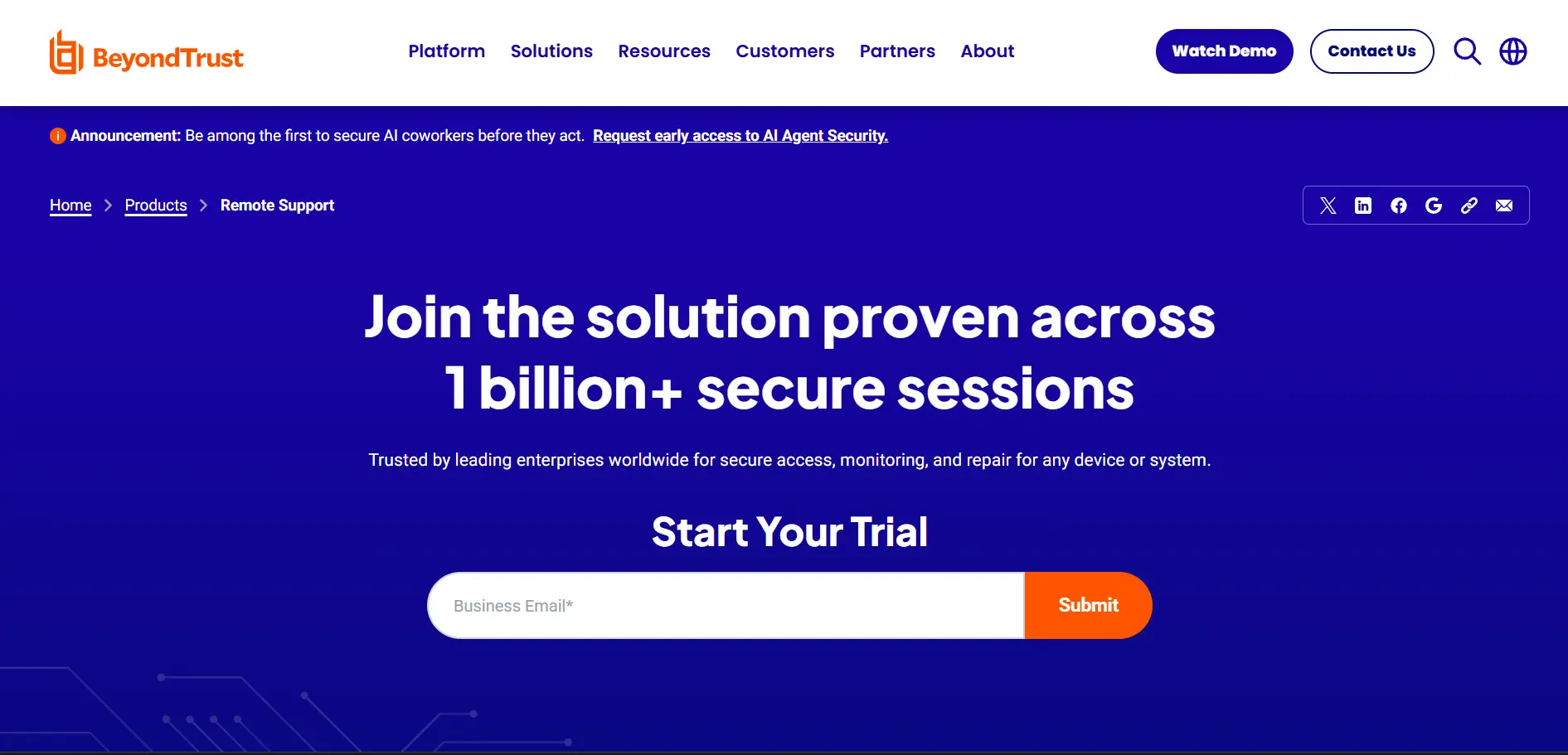
BeyondTrust Remote Support offers a free trial upon request through its sales team, though it isn’t self-serve like smaller competitors. Pricing isn’t published publicly on their website; instead, BeyondTrust uses custom, quote-based pricing tailored to company size, compliance needs, and the number of concurrent support technicians required.
This platform is built for large enterprises and regulated industries needing strict privileged access management alongside remote support. Its enterprise-grade security, audit trails, and compliance certifications come at a cost, both financially and in terms of the more involved sales and onboarding process compared to self-serve tools.
Pricing: Custom quote-based pricing — not publicly listed, contact sales for enterprise quote
Pros
- Enterprise-grade privileged access controls
- Strong compliance certifications for regulated industries
- Detailed session auditing and recording
- Scales well for large, distributed IT teams
Cons
- Pricing not transparent, requires sales contact
- Overkill for small businesses or solo IT techs
- Longer onboarding and implementation process
- Higher total cost of ownership
8. AnyViewer
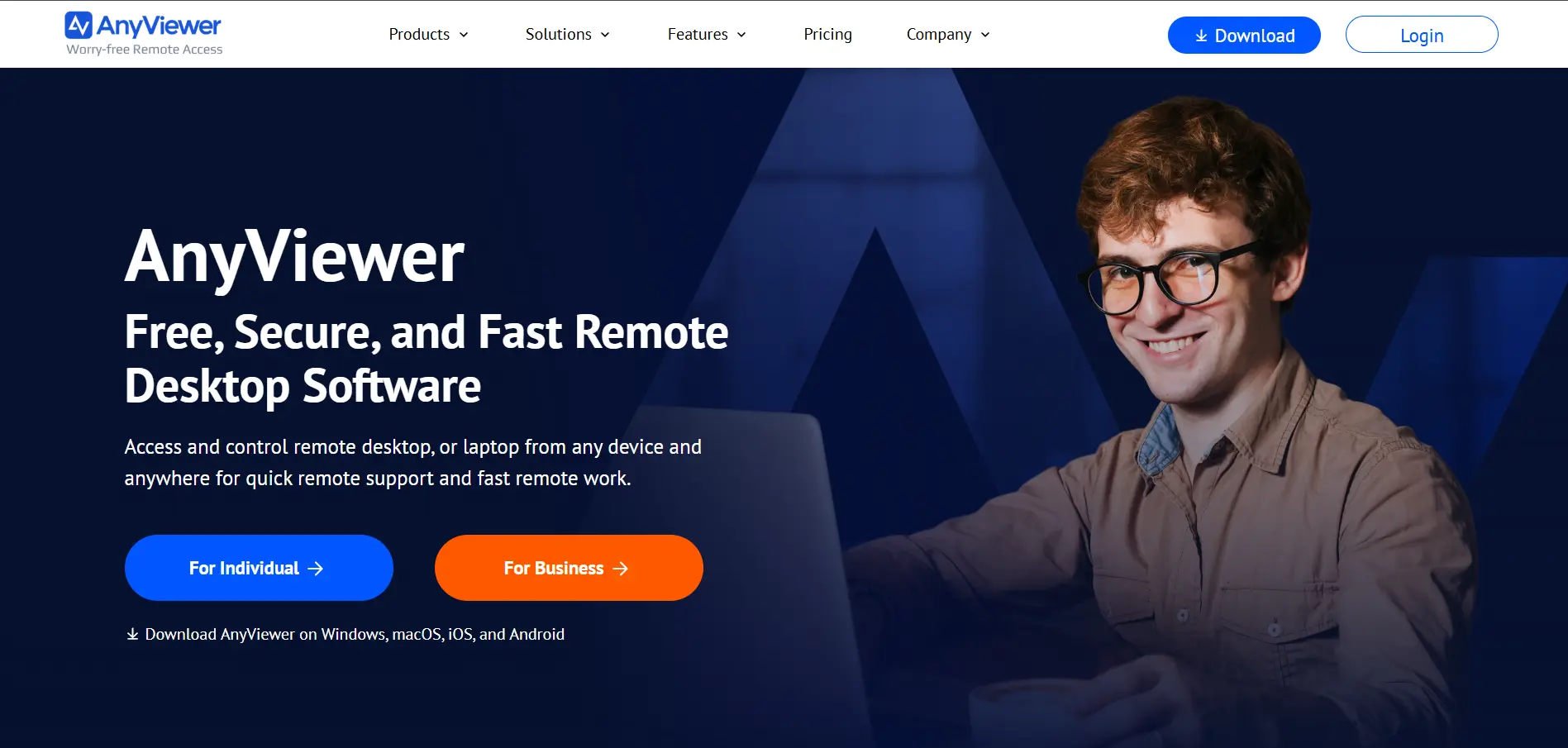
AnyViewer provides a free plan alongside trial access to its premium features, letting users test unattended access before upgrading. Its pricing typically includes a Free tier, a Professional plan priced around $9.95/month or lower with annual billing, and Enterprise plans for teams needing more concurrent connections and device management.
It’s a strong budget pick for small businesses and individuals wanting unattended access without steep enterprise pricing. While affordable, AnyViewer’s feature set and third-party integrations are lighter than more established competitors, and its brand recognition and support network are still growing compared to industry leaders.
Pricing: Free | Professional: ~$9.95/month (billed annually) | Enterprise: Custom pricing
Pros
- Budget-friendly compared to major competitors
- Free plan supports basic unattended access
- Simple, beginner-friendly interface
- Fast connection speeds for its price point
Cons
- Smaller feature set than established brands
- Fewer third-party integrations
- Limited enterprise track record
- Support resources are less extensive
9. Zoho Assist
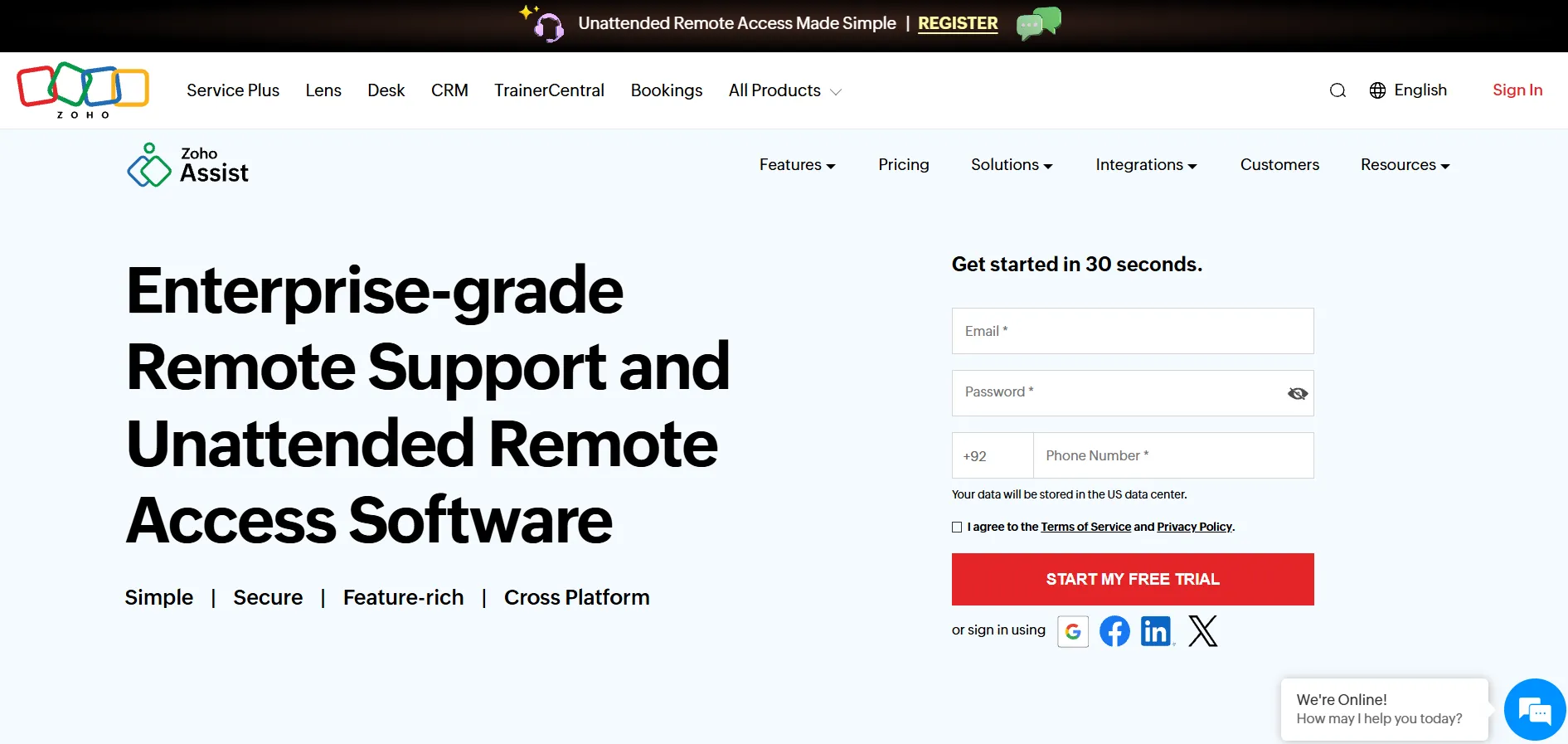
Zoho Assist offers a 14-day free trial along with a permanent free plan for solo technicians supporting a single unattended computer. Official pricing includes Standard at $10/technician/month, Professional at $15/technician/month with remote printing and custom branding, and Enterprise at $24/technician/month with advanced security and audit logs.
Its tight integration with the broader Zoho suite (CRM, Desk, SalesIQ) makes it especially attractive for businesses already using Zoho tools. Some users report the interface doesn’t always clearly show which features are locked behind their current plan, leading to occasional confusion when setting up unattended access.
Pricing: Free | Standard: $10/tech/month | Professional: $15/tech/month | Enterprise: $24/tech/month
Pros
- Affordable pricing across all tiers
- Deep integration with Zoho ecosystem apps
- Free plan available for individual use
- Cross-platform support with reliable performance
Cons
- Plan feature boundaries can feel unclear
- Advanced features locked behind higher tiers
- Occasional connection lag reported by users
- Licensing between Support and Access can confuse buyers
10. TeamViewer
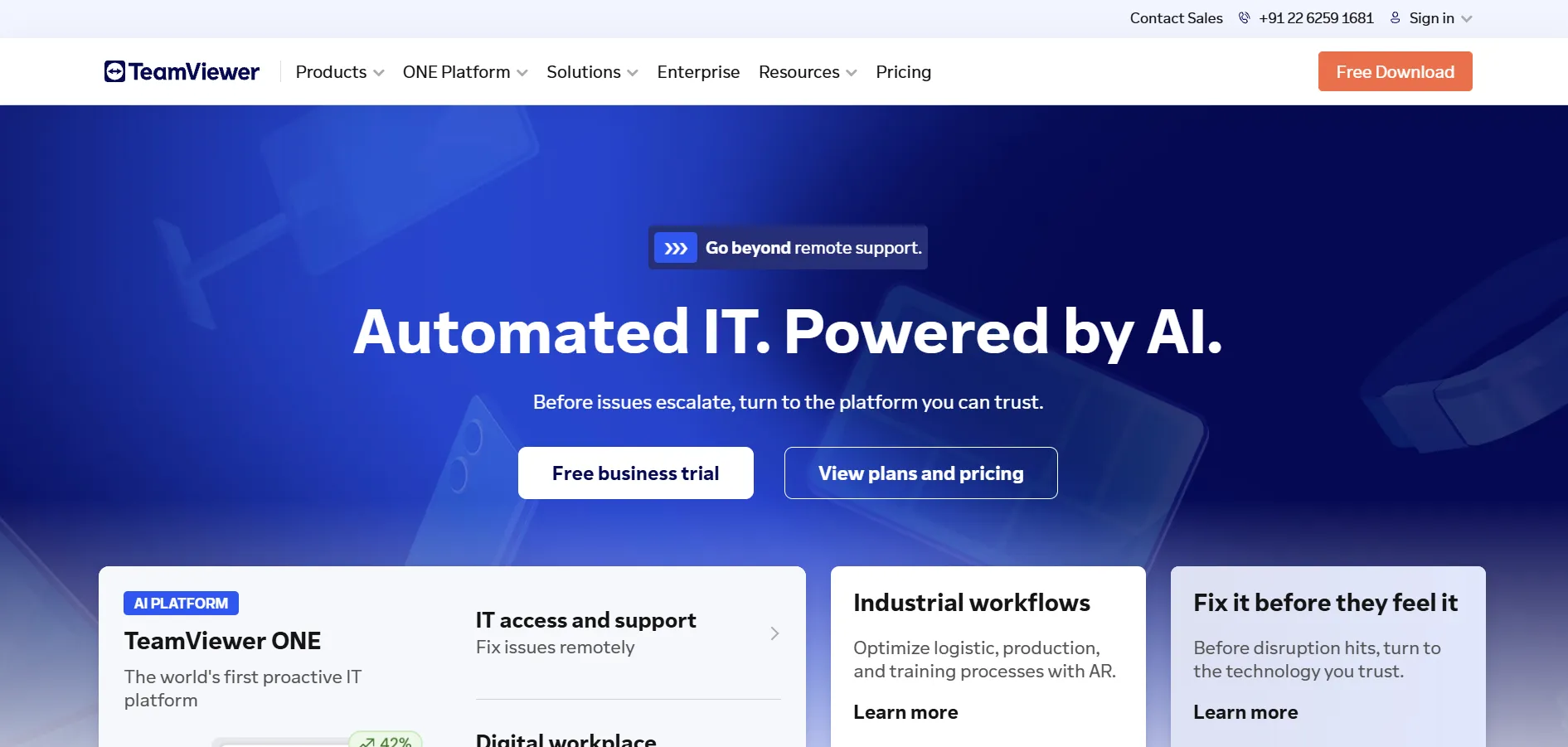
TeamViewer offers a limited free trial period on select business plans, alongside a completely free version for strictly personal, non-commercial use. Official pricing includes Remote Access at $24.90/month, Business at $50.90/month, Premium at $112.90/month, and Corporate at $229.90/month, all billed annually with Tensor pricing available for enterprises.
As one of the most established names in remote access, TeamViewer offers unmatched cross-platform reliability, AR-based support tools, and bank-level encryption. The tradeoff is cost: pricing is noticeably higher than most competitors, and plans typically require annual commitments with limited flexibility for month-to-month billing.
Pricing: Remote Access: $24.90/month | Business: $50.90/month | Premium: $112.90/month | Corporate: $229.90/month
Pros
- Industry-leading reliability and brand trust
- AR-based remote troubleshooting tools
- Free for personal, non-commercial use
- Extensive cross-platform compatibility
Cons
- Among the most expensive options in this list
- Primarily annual billing, limited flexibility
- Add-ons increase total cost significantly
- Can feel overbuilt for very small teams
11. RemotePC
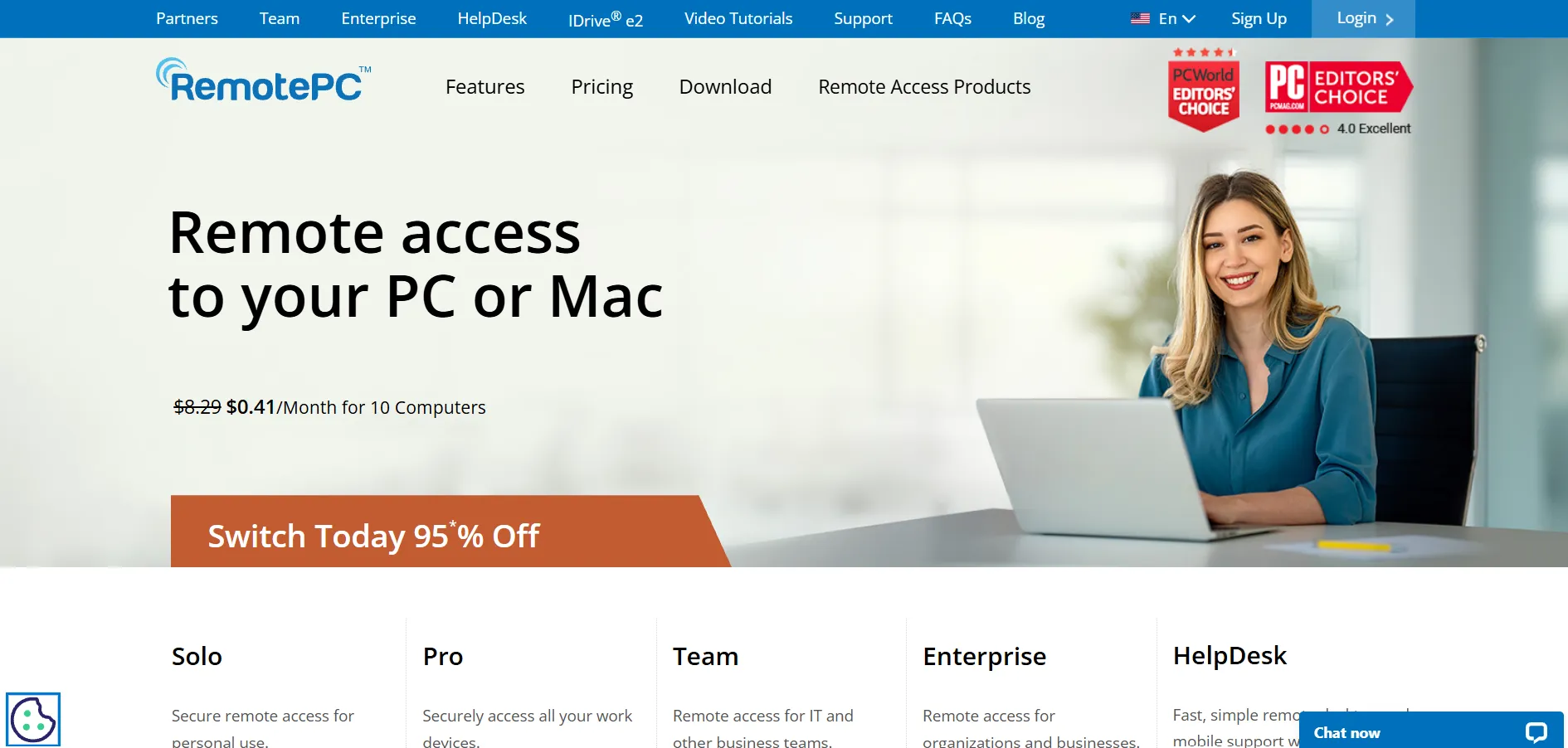
RemotePC offers a free trial period so users can test unattended access before subscribing. Pricing is structured around consumer and SOHO plans, typically starting around $29.62/year for a single user with a limited number of computers, scaling up through Team and Enterprise tiers priced per number of computers and technicians.
It’s a solid low-cost option for freelancers and small offices needing dependable unattended access without enterprise overhead. However, its interface feels dated compared to newer competitors, and some advanced collaboration features like whiteboarding or multi-technician session sharing are less polished than rivals.
Pricing: Consumer: ~$29.62/year | SOHO & Team plans scale by computer/technician count | Enterprise: Custom quote
Pros
- Very affordable annual pricing
- Reliable unattended access performance
- Good fit for freelancers and small offices
- Simple licensing structure by computer count
Cons
- Interface feels dated compared to competitors
- Fewer advanced collaboration features
- Limited branding and customization options
- Mobile app experience is less refined
Comparison Table
Conclusion
Choosing the right HelpWire alternative ultimately depends on your budget, team size, and technical needs. Solo users and hobbyists will find free options like Chrome Remote Desktop, Apache Guacamole, or Microsoft Remote Desktop more than sufficient, while growing MSPs and enterprises will benefit more from feature-rich, scalable platforms like ConnectWise ScreenConnect, TeamViewer, or BeyondTrust Remote Support.
For businesses seeking a balance of affordability and functionality, Zoho Assist, AnyViewer, and RemotePC offer strong value without breaking the budget. Whichever tool you choose, take advantage of the free trials listed above to test real-world performance, security features, and ease of use before committing to a long-term subscription.


