

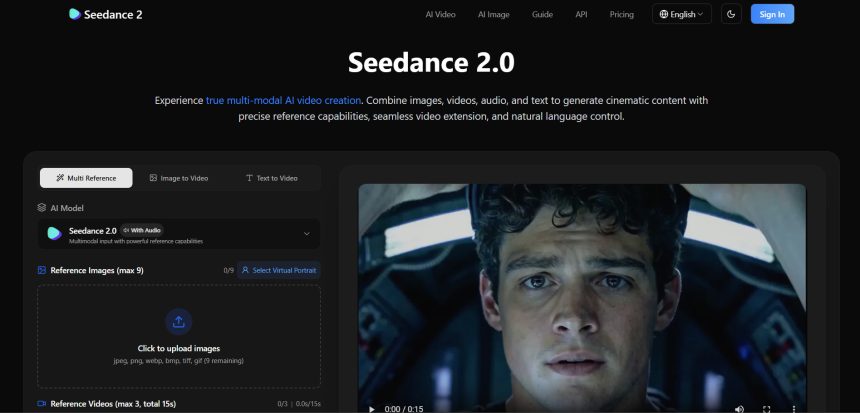
Seedance 2.0 has earned attention as a capable AI video generation model, but it is far from the only option for creators who want to turn text prompts, images, or scripts into finished video content. Depending on your goals, you might need something better suited to avatar-led explainers, cinematic short clips, talking-head presentations, or bulk video processing rather than pure generative video. This guide rounds up 10 Seedance 2.0 Alternatives, covering platforms built for different needs, from animated business videos to lip-synced avatars and short cinematic clips.
Each entry breaks down what the tool does, its free trial or free plan (where available), current pricing, and a quick look at the pros and cons so you can decide which one actually fits your workflow before you commit any money.
1. Vyond Go
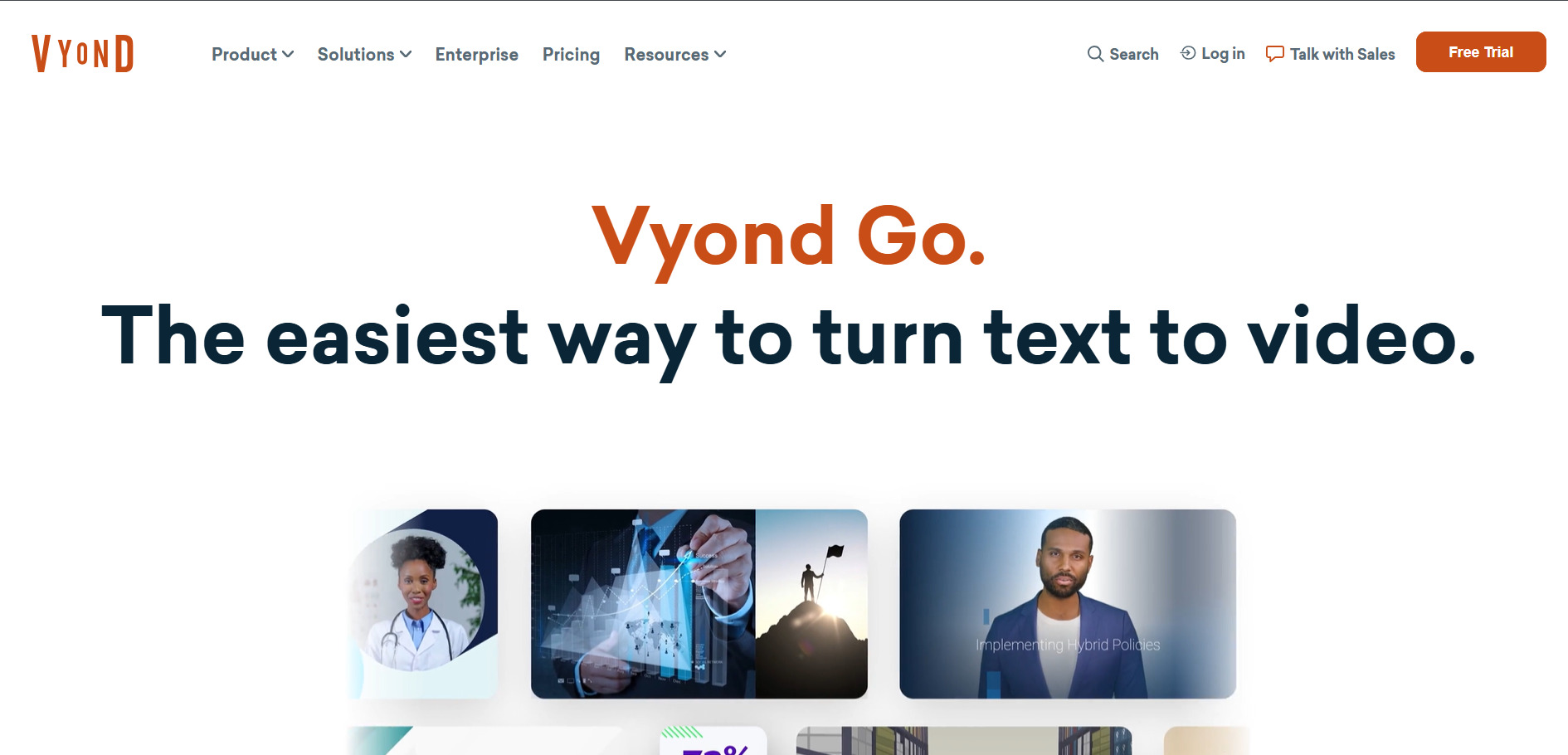
Vyond Go is the generative AI video maker inside the broader Vyond platform, letting users create videos instantly from prompts rather than manually building scenes. They offers a 14-day free trial with unlimited access to Premium features, though trial exports carry a watermark that is removed only after upgrading. Some regions may also see discounted $10 plan trials for expanded access.
Paid plans start at the Starter tier for around $99/month (or about $58/month billed annually), including 10,000 monthly credits. The Professional tier runs about $199/month with 20,000 credits, while Enterprise and Agency plans are billed annually at roughly $1,649 and $1,999 respectively, aimed at larger teams needing collaboration tools and rights transfers.
Pros
- Combines generative AI video with a full manual animation studio
- Large asset library with 40,000+ items
- Strong collaboration tools on higher tiers
Cons
- No permanent free plan, only a time-limited trial
- Pricing is steep compared to pure AI video generators
- Credit system can be confusing for new users
2. AKOOL
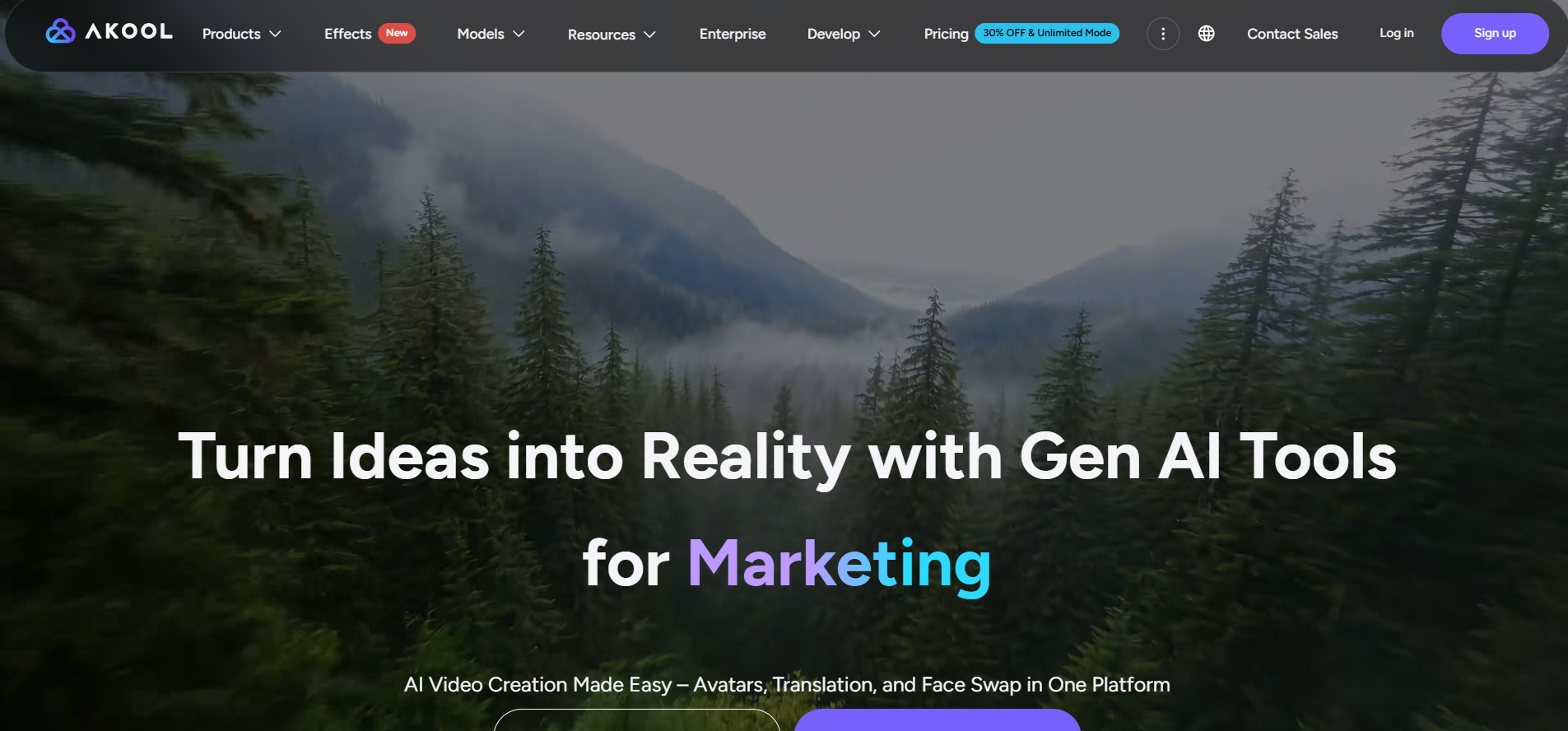
AKOOL is an AI visual content platform combining avatar video, face swap, video translation, and image generation in one place. It offers a genuinely permanent free Basic plan with no time limit, though outputs are watermarked and capped at 720p. A separate 3-day free trial unlocks the Pro and Pro Max tiers for a fuller, watermark-free test.
Paid pricing starts around $21 to $30/month for the Pro plan with roughly 600 credits, scaling up to Pro Max at about $79 to $119/month with 4K output and longer video lengths. A Business plan sits near $500/month with 12,000 credits and 1TB storage, while annual billing saves around 30% across tiers.
Pros
- Genuinely free permanent plan to test core tools
- Wide feature set: avatars, face swap, translation, images
- Supports 155+ languages for video translation
Cons
- Premium video models like Seedance are locked behind paid tiers
- No refunds on paid subscriptions
- Higher tiers get expensive fast for growing teams
3. Manus AI Video
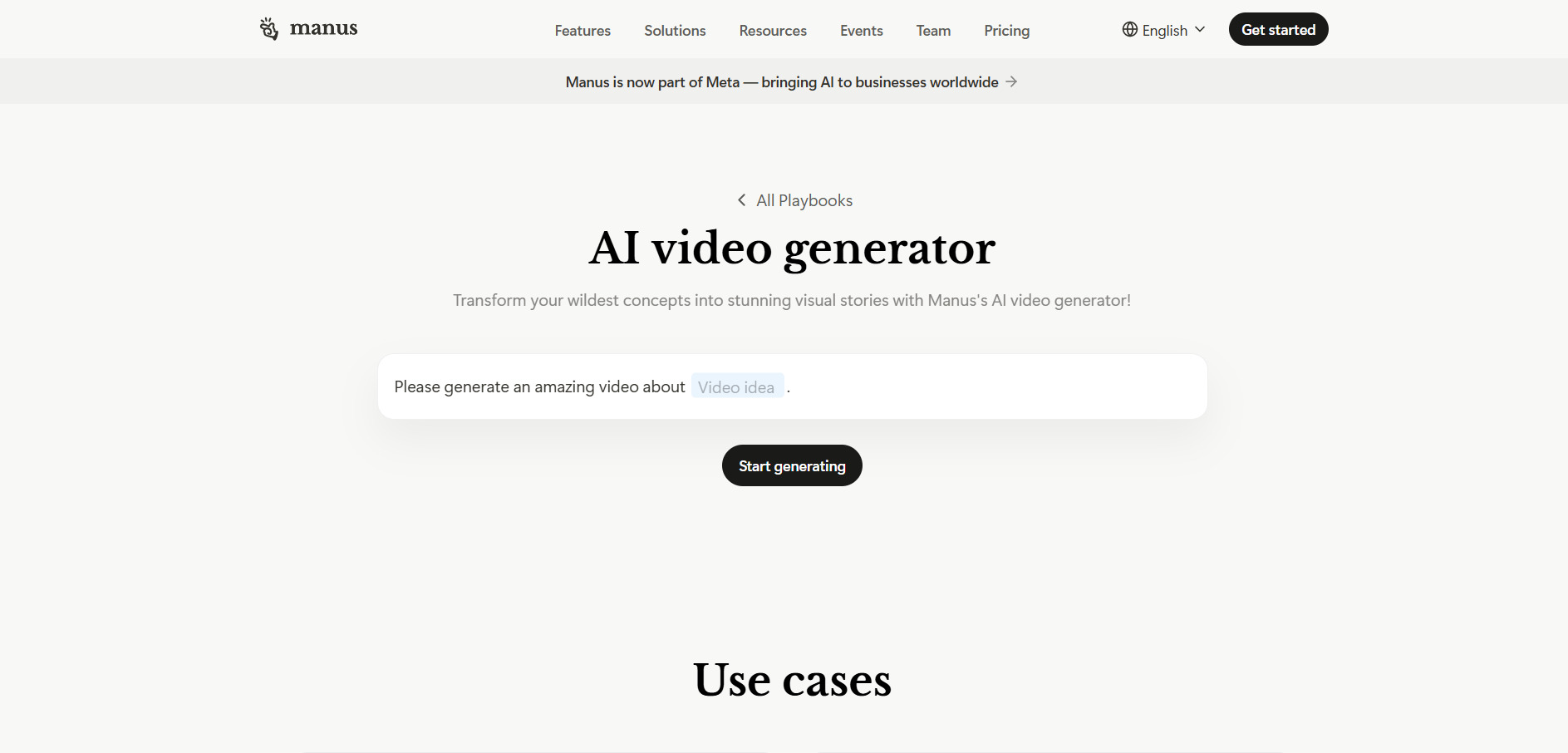
Manus AI’s video generator lets users describe a video in plain language and have the AI agent handle scripting, visuals, and production automatically. They offers a permanent free plan with 300 daily refresh credits, and its $40/month Pro tier includes a 7-day free trial, giving new users a full week to test heavier workflows before committing.
Paid plans include Pro Entry at $20/month for 4,000 credits, Pro Mid at $40/month for 8,000 credits, and Pro Top at $200/month for 40,000 credits, all with 17% savings on annual billing. Team plans start at $20 per seat monthly with a two-member minimum, including shared credit pools and admin controls.
Pros
- Fully autonomous agent handles the entire video workflow
- Free daily credits available indefinitely
- 7-day free trial on the mid-tier Pro plan
Cons
- Complex tasks can burn 500-900 credits in a single run
- Credits do not roll over month to month
- Free tier is only enough for very short, simple videos
4. Pictory AI
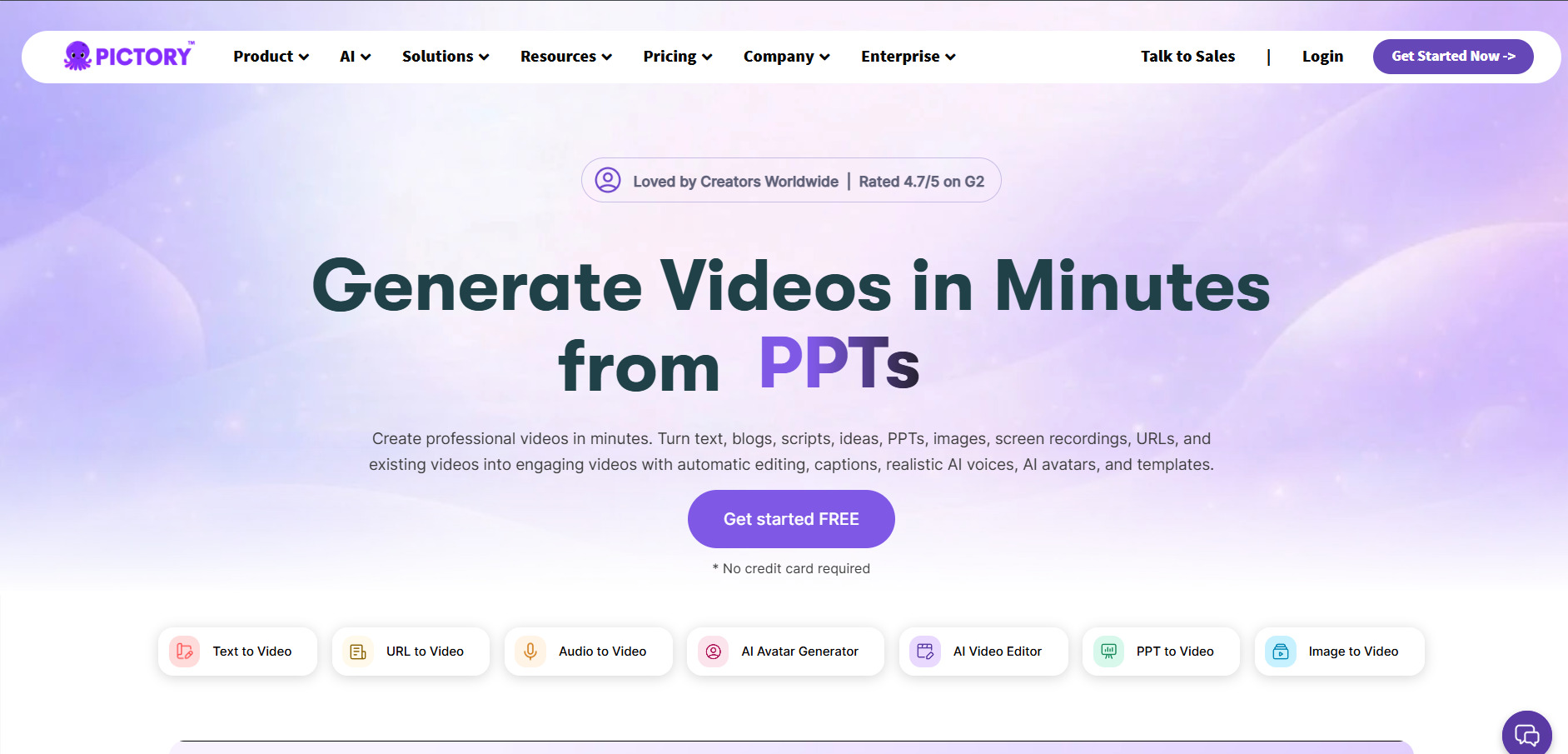
Pictory AI converts blog posts, scripts, and long-form text into short marketing and social videos using stock footage, AI voiceovers, and captions. It offers a 14-day free trial that includes three full projects and all core features, with unlimited watermarked exports and no credit card required to start testing the platform.
Paid plans start with Starter at roughly $19 to $25/month for 200 video minutes, Professional at about $35/month (billed annually) with 600 minutes and generative AI credits, and Team plans near $119/month for multi-user collaboration. Annual billing saves up to 40% compared to paying monthly.
Pros
- Extremely fast for turning existing text content into video
- Access to millions of stock clips and music tracks
- Generous 14-day trial with no credit card needed
Cons
- Starter tier is capped at 720p resolution
- Not built for true generative or cinematic AI video
- Storage overage policies are not clearly documented
5. Wireflow
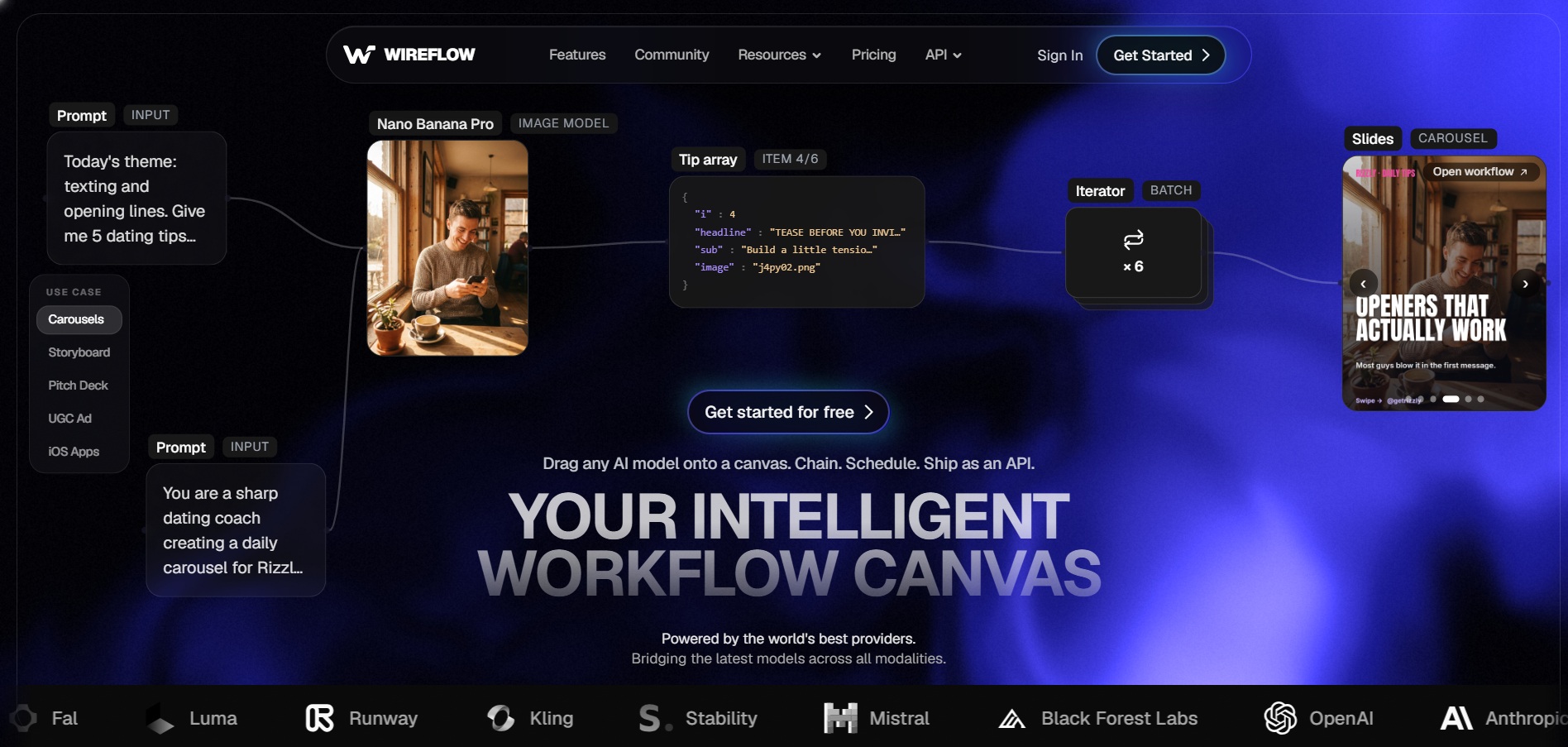
Wireflow is a node-based AI workflow platform that lets users chain multiple video and image models, such as Kling and Veo, into a single automated pipeline. You can build workflows and browse the public gallery for free with no credit card, but actually generating video requires moving to a paid plan since there is no dedicated free trial for output generation.
Paid plans start at Starter for $24/month with 1,600 monthly credits, Professional at $45/month, and Team at $249/month, with all AI models available on every paid tier. Unused credits roll over for up to three months on Professional and Team plans, and typical usage works out to roughly 50 images or under two minutes of video per month on Starter.
Pros
- Combine several AI models in one automated pipeline
- Watermark-free output on every paid plan
- Credit rollover reduces monthly waste
Cons
- No true free trial or free credits for video generation
- Node-based workflow has a learning curve for beginners
- Credit costs vary widely by model, making budgeting tricky
6. Vidu Q3
Vidu Q3 is a native audio-video generation model producing up to 16-second clips at 1080p with synchronized sound in a single pass. It offers a freemium tier with around 80 free credits monthly, plus a signup bonus and daily login credits, giving new users a reasonable amount of testing room before needing to pay anything.
Pricing runs on both subscriptions and one-time credit packs, with Standard plans around $8 to $10/month on annual billing, Premium near $28 to $35/month, and Ultimate around $79 to $99/month. Credit packs alternatively start at $19.90 for 200 credits, scaling up to $99.90 for higher volumes with no recurring subscription required.
Pros
- Native audio-video generation in one render pass
- Flexible one-time credit packs as an alternative to subscriptions
- Off-peak mode allows extra free generations
Cons
- Clips are capped at 16 seconds maximum
- No refunds once credits are purchased
- Payment support via Stripe is unavailable in some regions
7. Grok Imagine

Grok Imagine is xAI’s image and video generation tool built into the Grok app and X platform, known for fast turnaround and a distinctive brand voice. There is no permanent free plan for video generation, but new users typically receive free starter credits, and access effectively piggybacks on the broader Grok free tier for testing basic chat features.
Video access requires a paid tier: SuperGrok Lite at $10/month includes limited Imagine access with 480p video, while full Imagine unlocks on SuperGrok at $30/month, and X Premium+ at $40/month bundles it with the X platform. Purchased credits never expire, and video generation costs 2 to 10 credits depending on length and resolution.
Pros
- Fast generation speed for short clips
- Purchased credits never expire
- Bundled with X Premium for existing X users
Cons
- Video clips are capped at 6 seconds per generation
- No dedicated permanent free plan for video output
- Spicy mode content gets aggressively moderated on public posts
8. Hedra
Hedra specializes in AI-generated talking avatars and character animation, built around its Character-3 model for lifelike expressions and lip sync. It offers a genuine free tier with around 100 to 400 credits per month, though outputs are watermarked, generation speed is slower, and commercial use is not permitted on this plan.
Paid tiers include Basic at $10 to $15/month for roughly 1,000 to 1,500 credits, Creator at $30/month with 5,400 credits and faster rendering, and Professional at $75/month offering 14,400 credits and the fastest generation speed. All paid plans unlock commercial rights, no watermark, and access to all AI models.
Pros
- Best-in-class lip sync and character expression quality
- Free tier requires no credit card to start
- Supports 15+ languages for lip-sync generation
Cons
- Monthly credits do not roll over between billing cycles
- Not built for full narrated videos with B-roll or captions
- User reviews cite friction with billing and customer support
9. PixVerse V6
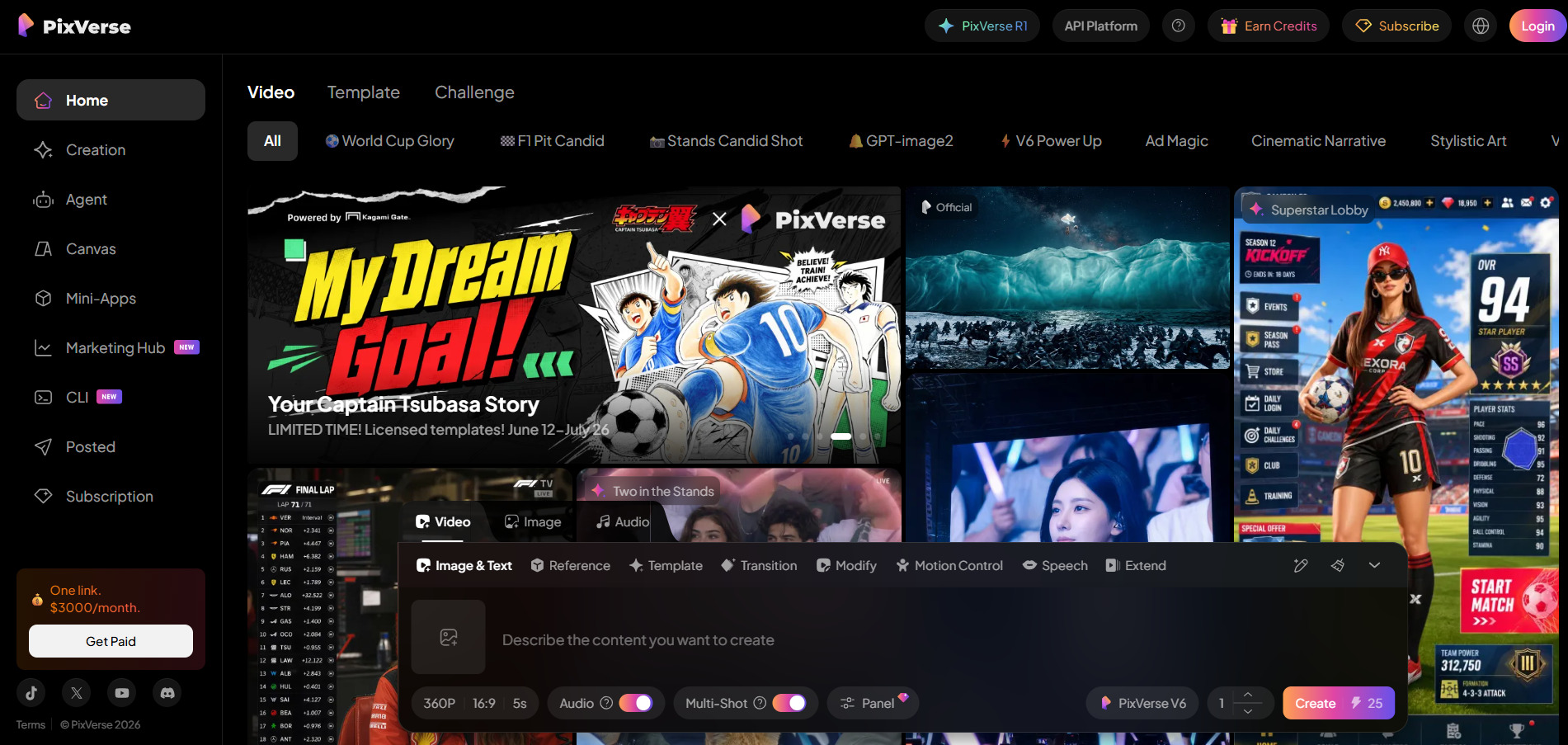
PixVerse V6 is a fast text-to-video and image-to-video generator aimed at short-form, stylized clips for social platforms like TikTok and Instagram Reels. Its free tier is permanent, giving users around 60 daily credits plus a signup bonus, though exports are watermarked and capped at a lower resolution than paid tiers offer.
Paid plans start at Standard for about $10/month with 1,200 credits and 720p resolution, Pro at around $30/month with 6,000 credits and 1080p output, and higher Premium and Ultra tiers reaching up to $199/month (or $149 annually) for top-tier resolution and concurrent generations. A separate 7-day free trial covers Starter and Professional plans on some listings.
Pros
- Generates short clips in under 60 seconds
- Permanent free daily credits, no subscription required to start
- Affordable entry price compared to many competitors
Cons
- Standard plan caps resolution at 720p
- Credits burn quickly with multiple generation retries
- Best suited for short clips rather than longer narrative video
10. VideoProc AI
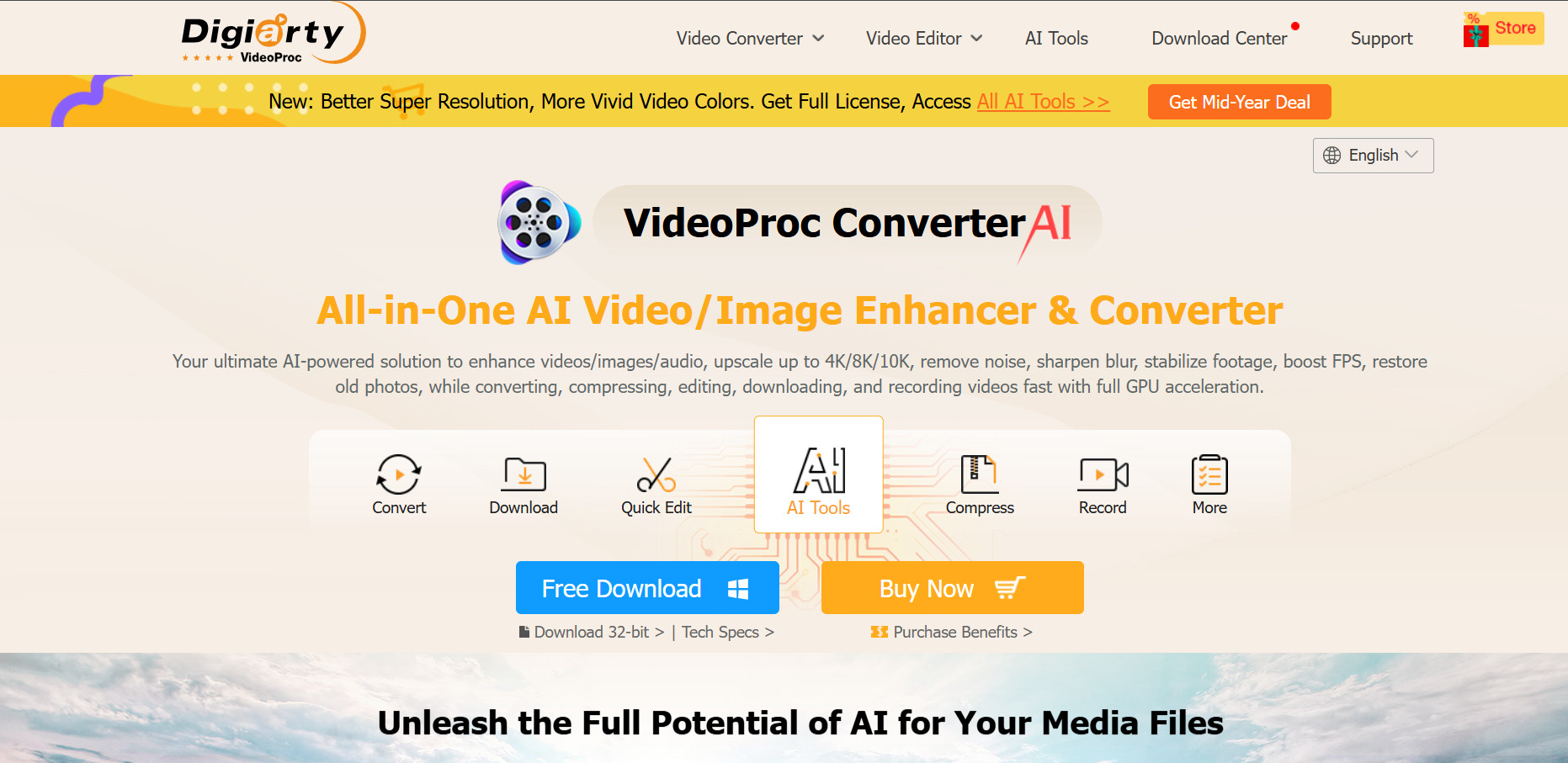
VideoProc Converter AI is a desktop tool focused on AI video upscaling, frame interpolation, conversion, and screen recording rather than pure text-to-video generation. Its free trial has no time limit, but each AI feature is restricted to five watermark-free outputs, and non-AI features cap file length at five minutes until you purchase a license.
Pricing includes the Premium 365 annual plan at roughly $25.95 to $39.95/year for up to three PCs, a Lifetime License around $39.95 to $54.95 for one device, and a Family License between $57.95 and $79.95 for three to five devices. All paid purchases include a 30-day money-back guarantee.
Pros
- Unlimited-time free trial rather than a short countdown
- GPU acceleration speeds up AI upscaling significantly
- One-time lifetime license option avoids ongoing subscriptions
Cons
- Not a generative video tool, it enhances existing footage instead
- Free trial limits AI outputs to just five per feature
- Desktop-only, with no cloud or mobile app version
| Alternative | Description |
|---|---|
| Vyond Go | AI-powered instant video generation inside Vyond’s broader animation and explainer video studio platform. |
| AKOOL | All-in-one AI visual platform combining avatar video, face swap, translation, and image generation. |
| Manus AI Video | Autonomous AI agent that scripts, produces, and edits full videos from a simple text description. |
| Pictory AI | Text-to-video tool that converts blog posts, scripts, and articles into short marketing videos. |
| Wireflow | Node-based workflow builder chaining multiple AI video and image models into automated pipelines. |
| Vidu Q3 | Native audio-video generation model producing short cinematic clips with synchronized sound. |
| Grok Imagine | xAI’s fast image and video generation tool integrated into the Grok app and X platform. |
| Hedra | AI avatar and character animation platform known for realistic lip sync and expressions. |
| PixVerse V6 | Quick text-to-video and image-to-video generator built for short, stylized social media clips. |
| VideoProc AI | Desktop AI video enhancement tool for upscaling, frame interpolation, and format conversion. |
Conclusion
Choosing the right Seedance 2.0 alternative really comes down to what kind of video work you are doing. Creators who need fast, cinematic short clips will likely lean toward Vidu Q3, PixVerse V6, or Grok Imagine, while anyone building explainer or business content will get more value from Vyond Go, Pictory AI, or Manus AI Video. Teams needing avatars or face-driven content should look closely at Hedra or AKOOL.
Meanwhile, Wireflow suits users who want to combine several AI models in a single automated pipeline, and VideoProc AI remains the strongest pick if your real need is enhancing or upscaling footage you already have rather than generating something new. Testing the free trials or free tiers listed above before committing to a paid plan is the safest way to confirm which platform actually fits your workflow and budget.


