

AKOOL has carved out a solid reputation as an AI-powered video and avatar generation platform, but it isn’t the only name in a rapidly crowded market. Whether you’re a marketer producing UGC-style ads, a content creator chasing cinematic quality, or a business automating training videos, dozens of tools now compete for your attention with faster rendering, better lip-sync, cheaper credits, or more creative control. In this guide, we break down 11 of the strongest AKOOL Alternatives available right now from Vidu Q3’s cinematic storytelling to Google Veo 3’s native audio generation, and from budget-friendly editors like CapCut AI to enterprise-grade explainer tools like Vyond Go.
1. Vidu Q3
✔ Free Trial Credits Available
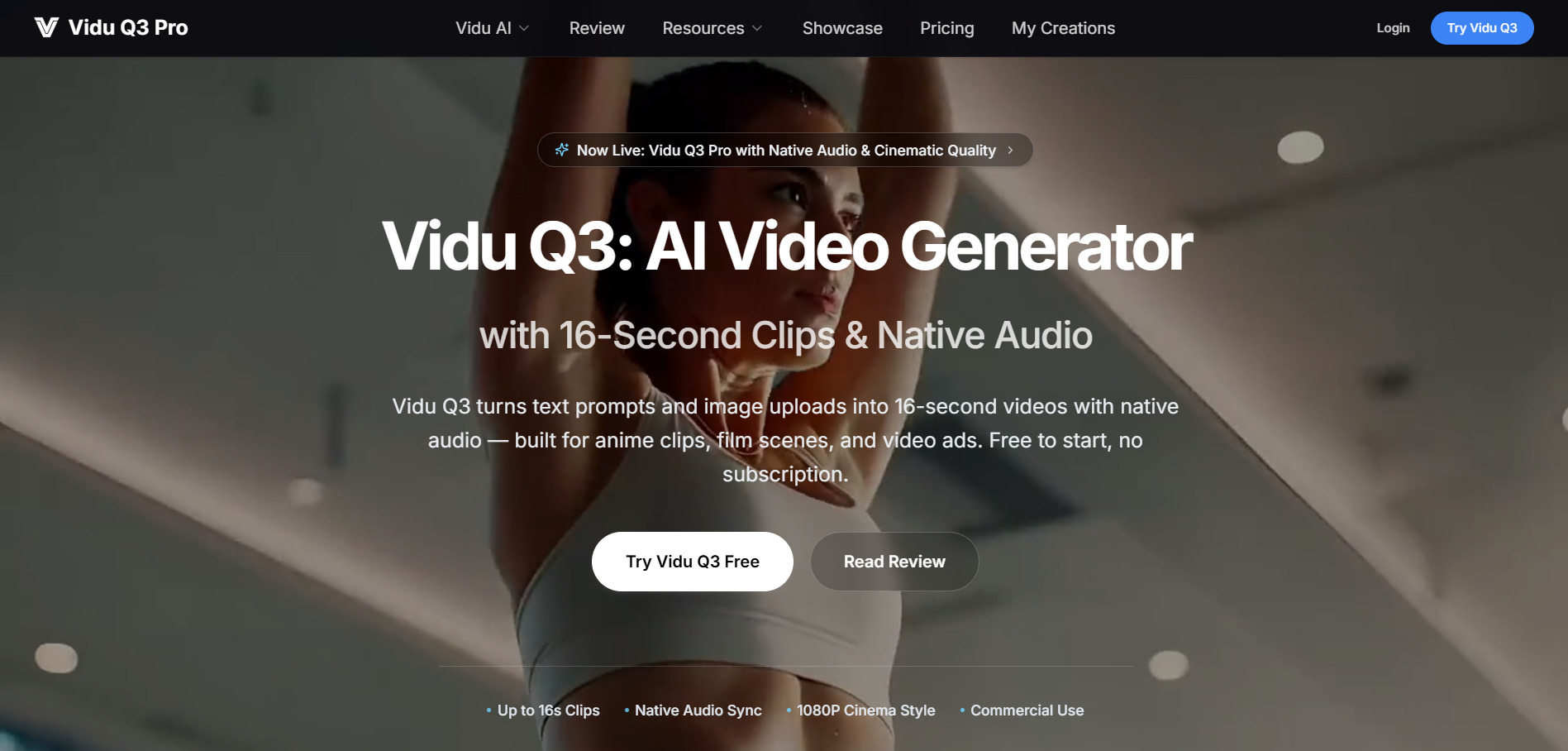
Vidu Q3 offers new users free sign-up credits before requiring payment, making it easy to test its 16-second cinematic video generation without upfront commitment. Official pricing runs on a credit system: the Pro plan starts around $7.99–$19.99/month for 300 credits, while the Ultimate plan sits at $39.99/month for 800 credits with early access to new models and fastest generation speeds.
💰 Vidu Q3 Pricing Plans
- Pro Plan: $7.99–$19.99/month — 300 monthly credits, watermark-free, commercial use
- Ultimate Plan: $39.99/month — 800 monthly credits, early access, priority support
- Alternative credit packs from $19.90 for one-time use without subscription
Vidu Q3 is built for storytelling rather than isolated clips it maintains consistent character identity across multi-shot scenes and pairs visuals with synchronized “Super Seiyuu” voice acting and sound effects. This multimodal approach solves a long-standing pain point in AI video, where characters would shift appearance between shots, making it especially strong for anime, 3D animation, and narrative-driven marketing content.
✅ Pros
- Strong character and scene consistency across shots
- Built-in voice acting and synchronized audio
- Supports up to 16-second cinematic clips
- Commercial usage rights on paid tiers
❌ Cons
- Credit system makes real cost per video unpredictable
- Pricing varies confusingly across resellers and the official site
- Free tier is limited and mostly for testing
2. Creatify AI
✔ Free Trial (No Credit Card Required)
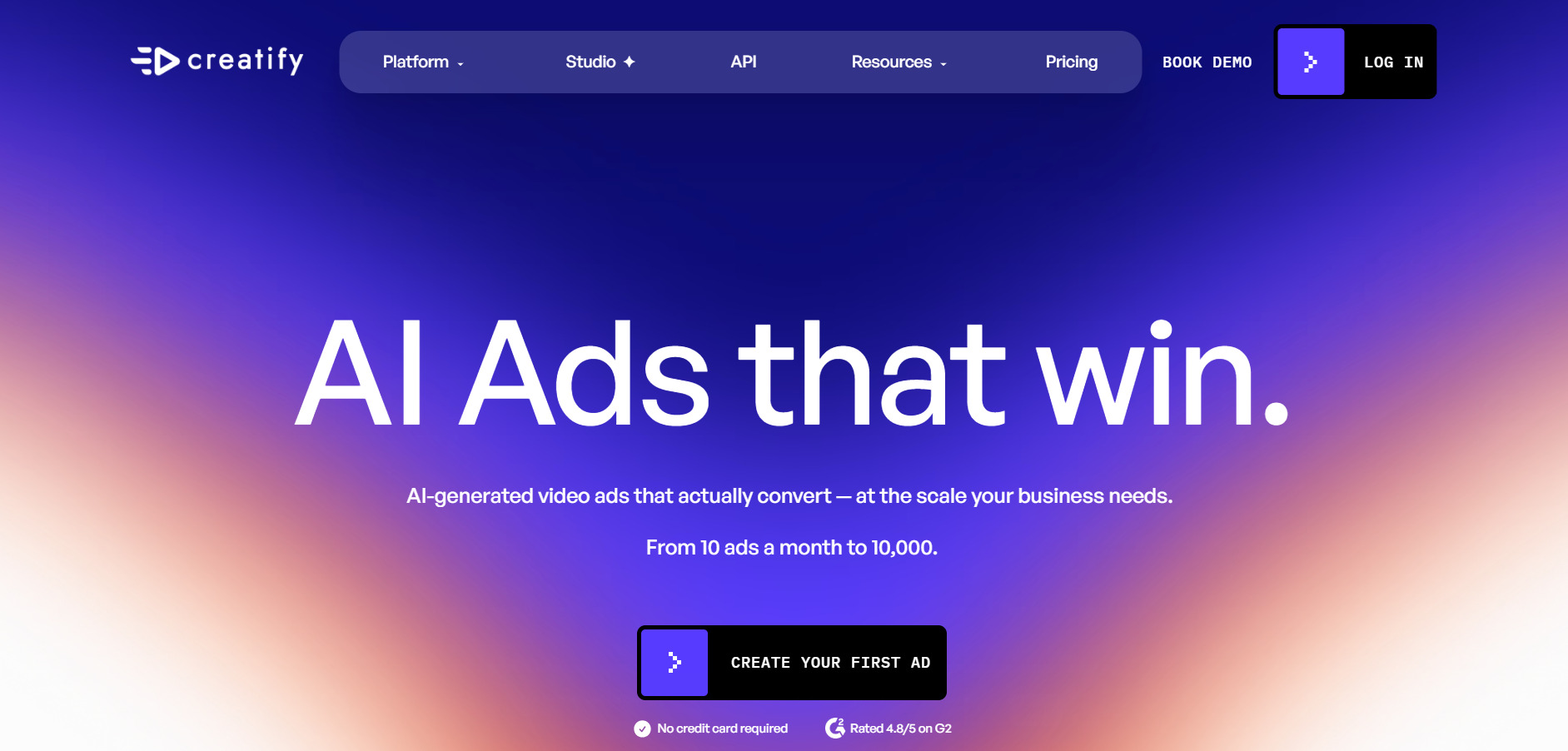
Creatify AI offers a genuine free trial that lets you explore the platform without entering payment details, though exported videos carry a watermark and are restricted to a 9:16 aspect ratio. Once you’re ready to upgrade, official pricing starts at the Starter plan around $19–$39/month, with the Pro tier priced near $49–$99/month for expanded avatar libraries and batch production tools.
💰 Creatify AI Pricing Plans
- Free Plan: $0 — 10 credits/month, ~2 videos, watermarked, 720p
- Starter Plan: $19–$39/month — 100+ credits, 300 AI actors, watermark removal
- Pro Plan: $49–$99/month — 700+ avatars, custom avatars, Batch Mode
- Enterprise: Custom pricing — team collaboration, API access
Creatify AI specializes in turning a simple product URL or description into ready-to-run UGC-style video ads for platforms like TikTok, Meta, and YouTube. It’s purpose-built for e-commerce sellers and performance marketers who need to generate and A/B test dozens of ad variations quickly, using AI actors and voiceovers instead of hiring a production crew.
✅ Pros
- No credit card needed to start the free trial
- Large library of AI actors and ad templates
- Excellent for high-volume UGC-style ad testing
- Batch Mode speeds up producing many variations
❌ Cons
- Free tier locks users to 9:16 vertical format only
- Credit-based system can run out quickly with revisions
- Higher tiers needed for longer or more advanced videos
3. Luma Ray3
✔ Free Credits on Sign-Up
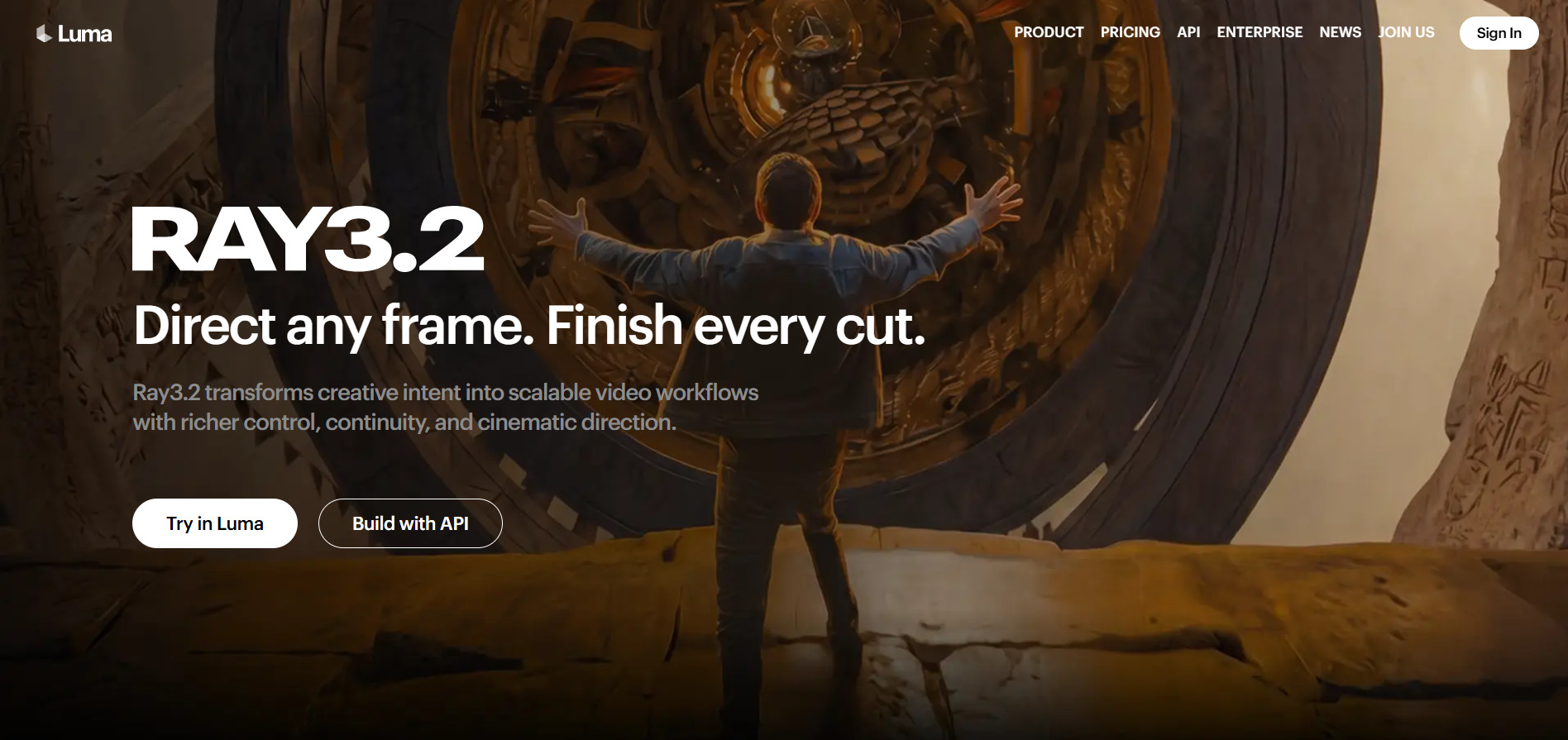
Luma’s Ray3 model is available through Luma Agents and the classic Dream Machine web app, both of which offer starter credits before requiring a subscription. The newer Luma Agents ladder prices Plus at $30/month, Pro at $90/month, and Ultra at $300/month, while the legacy Dream Machine plans remain available from roughly $9.99 to $99.90 monthly depending on the tier chosen.
💰 Luma Ray3 Pricing Plans
- Plus: $30/month — 10,000 credits (Luma Agents) or ~800 credits (Dream Machine)
- Pro: $90/month — 40,000 credits, priority queue
- Ultra: $300/month — 150,000 credits, unlimited Relaxed Mode
- Legacy Dream Machine tiers from $9.99–$99.90/month
Luma Ray3 is known for realistic physics, cinematic lighting, and coherent scene composition, and Luma’s dashboard lets you run the same prompt across Ray3, Veo, and Kling to compare outputs in one place. This model-aggregation approach saves creators from juggling multiple subscriptions, though the credit-burning nature of retries means the effective cost per usable clip can climb quickly.
✅ Pros
- Excellent realistic motion and lighting physics
- Multi-model comparison in a single dashboard
- Fast generation speeds (5-second clips in under 2 minutes)
- Both web and Agents access options available
❌ Cons
- Two separate pricing ladders can be confusing
- Credits do not roll over month to month
- Failed generations still consume credits
4. Google Veo 3
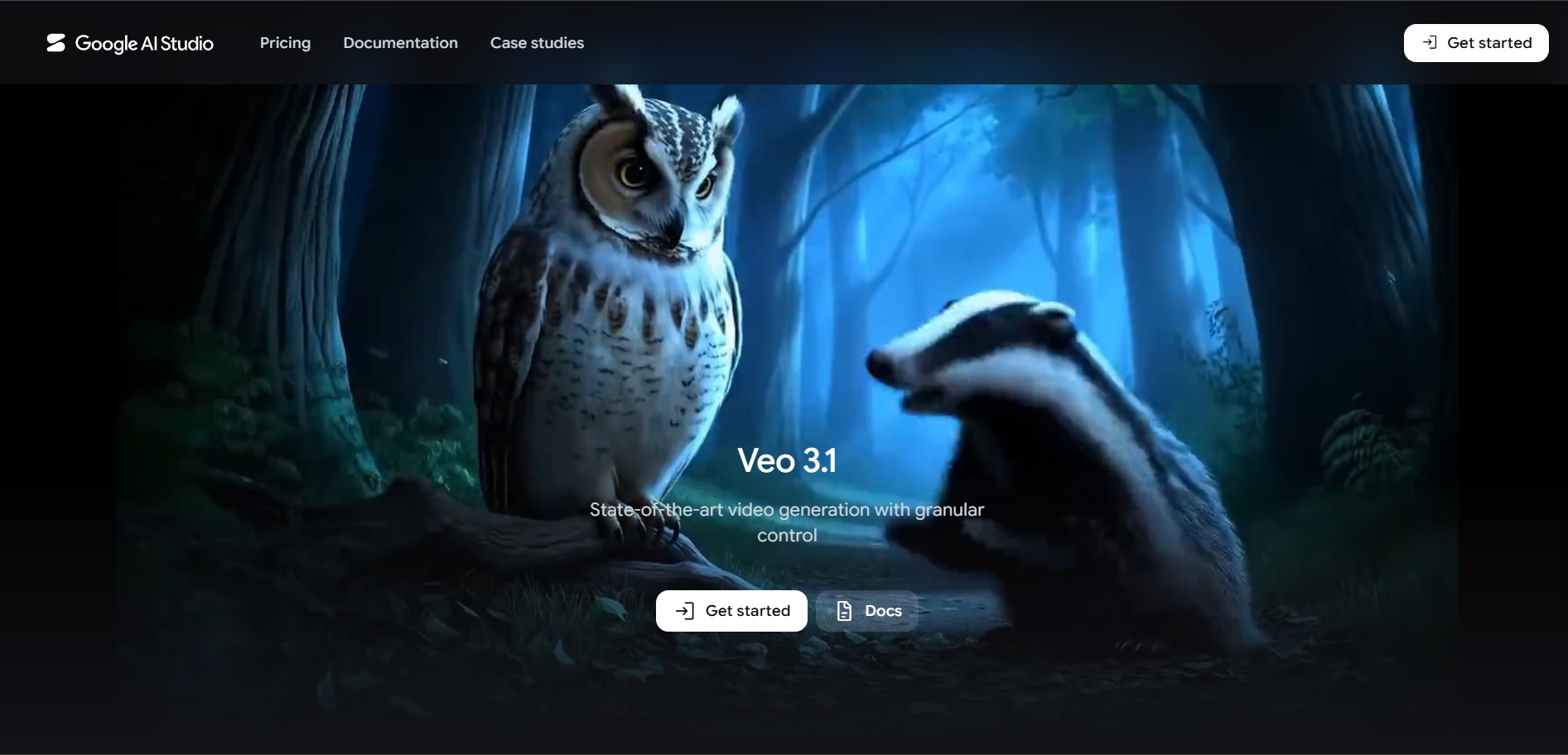
✔ Free Tier via Google Flow / AI Studio
Google offers genuine free access to Veo 3 through Google Flow, which provides 50 free credits per day to non-subscribers in supported regions, plus limited testing through Google AI Studio. Paid access comes bundled inside Google subscriptions: Google AI Pro costs $19.99/month with 1,000 Flow credits, while Google AI Ultra costs $249.99/month (often discounted to $124.99 for the first three months) with 12,500 monthly credits.
💰 Google Veo 3 Pricing Plans
- Free Tier: $0 — 50 daily credits via Google Flow
- Google AI Pro: $19.99/month — 1,000 Flow credits, limited Veo 3 Fast access
- Google AI Ultra: $249.99/month — 12,500 credits, full 4K access, no watermark
- API pricing from $0.05–$0.40 per second depending on resolution and speed tier
Google Veo 3‘s biggest differentiator is native audio generation dialogue, ambient sound, and sound effects are produced directly alongside the video rather than added afterward. It integrates tightly with the Gemini app and Google’s Flow creative tool, making it a natural pick for anyone already inside the Google ecosystem who wants studio-quality output with minimal extra software.
✅ Pros
- Genuine free daily credits with no subscription
- Native synchronized audio and dialogue generation
- Backed by Google’s infrastructure and Gemini integration
- Developer API access for custom applications
❌ Cons
- Full-quality access requires the expensive Ultra tier
- Pricing structure is spread across multiple Google products
- API costs can add up fast on longer clips
5. Manus AI Video
✔ Free Plan + 7-Day Trial on Pro Mid Tier
Manus offers a genuinely free plan with 300 daily refresh credits and no credit card required, plus a 7-day free trial on its $40/month Pro Mid tier. Beyond the free option, official pricing includes Pro Entry at $20/month (4,000 credits), Pro Mid at $40/month (8,000 credits), and Pro Top at $200/month (40,000 credits), with Team plans starting at $20 per seat monthly.
💰 Manus AI Pricing Plans
- Free: $0 — 300 daily credits, 1 concurrent task
- Pro Entry: $20/month — 4,000 monthly credits
- Pro Mid: $40/month — 8,000 credits, includes 7-day free trial
- Pro Top: $200/month — 40,000 credits, best per-credit value
- Team: from $20/seat/month, 2-member minimum
Manus AI Video positions itself as an autonomous AI agent that handles multi-step video and content workflows rather than single-prompt generation, breaking tasks into research, scripting, and production phases. It’s particularly useful for teams that want an agent to handle end-to-end creative or research tasks, though the credit system doesn’t disclose task cost upfront, which can make budgeting unpredictable.
✅ Pros
- Genuine free plan with daily credit refresh
- Agentic workflow handles multi-step tasks autonomously
- Annual billing saves 17% across all paid tiers
- Scales from solo creators to team accounts
❌ Cons
- Credit cost per task isn’t shown before running it
- Complex tasks can burn through hundreds of credits fast
- Not a dedicated video tool video is one of many agent capabilities
6. Digen AI Agent
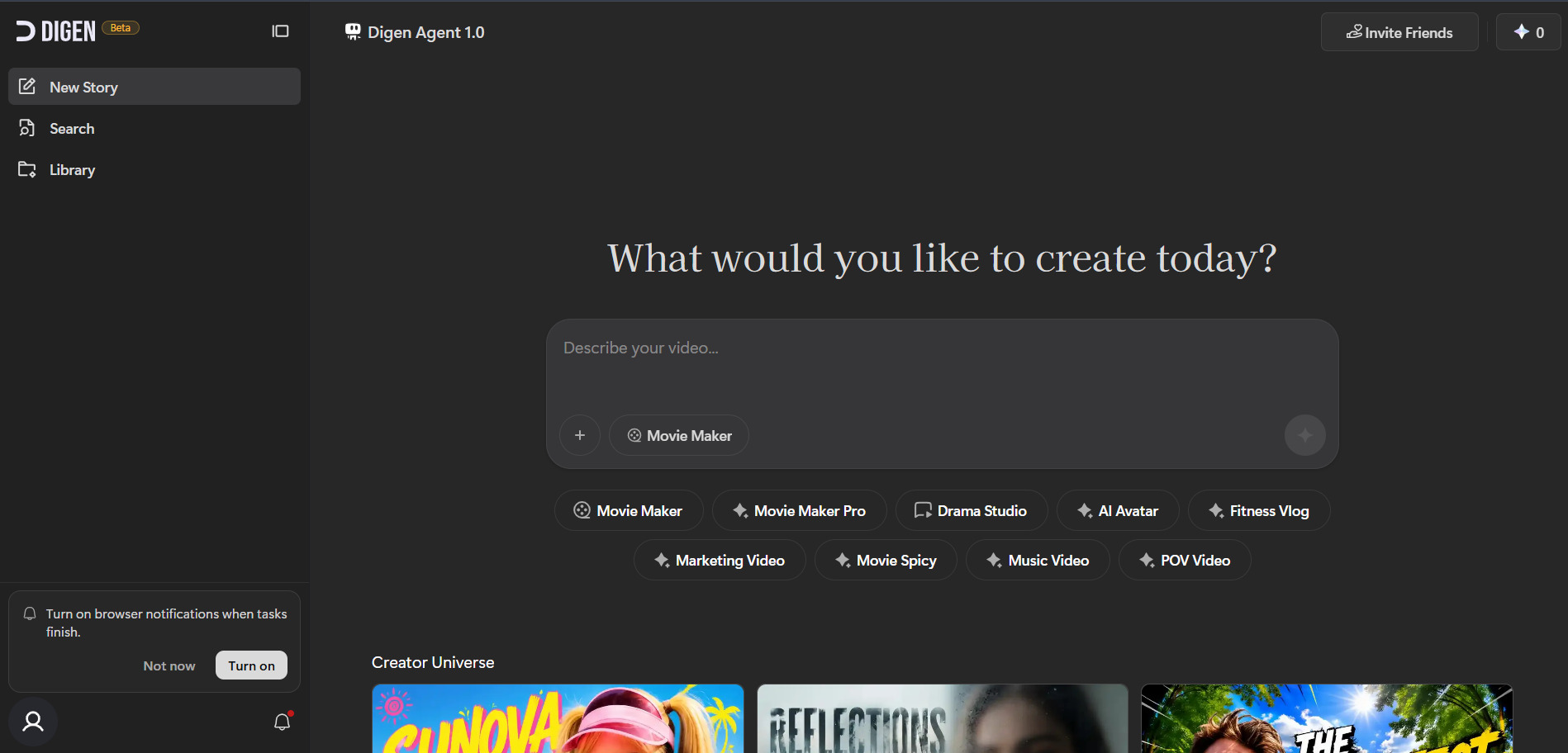
✔ Free Plan with 300 Sign-Up Credits
Digen AI Agent gives new users a 300-credit free tier to generate standalone clips before needing to pay, though outputs carry a watermark and lack commercial rights. Its official Ultra subscription starts at $9.99/month (often discounted to $5.99/month on annual billing) with higher Ultra Pro and Ultra Max tiers available for unlimited generation and access to premium models.
💰 Digen AI Agent Pricing Plans
- Free Plan: $0 — 300 sign-up credits, watermarked exports
- Ultra: $9.99/month ($5.99 annually) — up to 750 videos, watermark removal
- Ultra Pro: $19.99/month — access to all Seedance models, Veo 3.1, Grok
- Ultra Max: Higher tier — unlimited video generation
Digen AI Agent automates multi-step video production by breaking projects into scenes and applying intermediate quality checks to prevent visual drift between shots, along with lifelike avatar creation and multilingual voiceovers. It’s marketed as an accessible, low-cost entry point into AI video, though reviewers note the mobile app can be unstable and there’s no built-in timeline editor for fine-tuning clips.
✅ Pros
- Very low-cost entry point compared to competitors
- Access to multiple premium models (Seedance, Veo 3.1) on higher tiers
- Daily login rewards add bonus credits
- Multilingual voice and avatar support
❌ Cons
- No timeline editor for post-production refinement
- Mobile app reported to be unstable
- Premium models consume credits quickly
7. Vyond Go
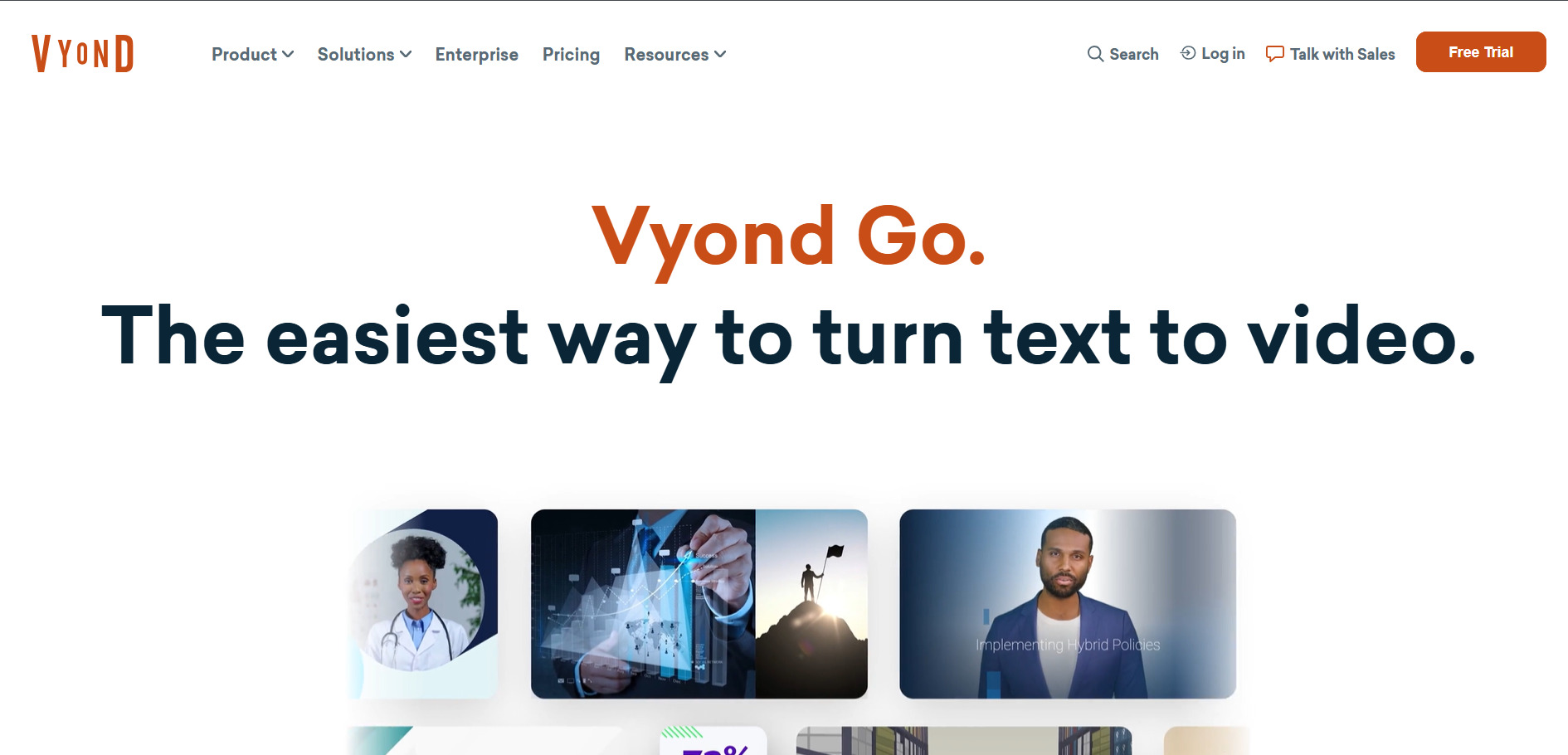
✔ 14-Day Free Trial (2,000 Credits, Watermarked)
Vyond does not offer a permanent free plan, but its 14-day free trial grants unlimited access to Premium features along with 2,000 credits, with exports carrying a watermark until upgrade. Official pricing starts at the Starter plan for $99/month ($699 billed annually) with 10,000 credits, scaling up to Professional at $199/month and Enterprise at $1,649/year for larger teams.
💰 Vyond Go Pricing Plans
- Starter: $99/month or $699/year — 10,000 credits/user/month
- Professional: $199/month or $1,199/year — 20,000 credits, Shutterstock assets
- Enterprise: $1,649/year — brand management, enterprise security
- Agency: $1,999/year — unlimited rights transfers
Vyond Go is the generative AI arm of Vyond’s broader animation platform, letting users create polished explainer and training videos instantly from text prompts rather than hand-building every scene. It’s aimed squarely at businesses, educators, and L&D teams that need professional, branded video content at scale, with strong collaboration tools on the higher tiers.
✅ Pros
- Strong for corporate training and explainer videos
- Team collaboration and folder-sharing on higher plans
- Large asset library (40K+ items) alongside AI generation
- Instant translation into 70+ languages
❌ Cons
- No permanent free plan trial only
- Significantly pricier than most alternatives on this list
- Best features locked behind Enterprise pricing
8. CapCut AI
✔ Free Tier + 7-Day Pro Trial
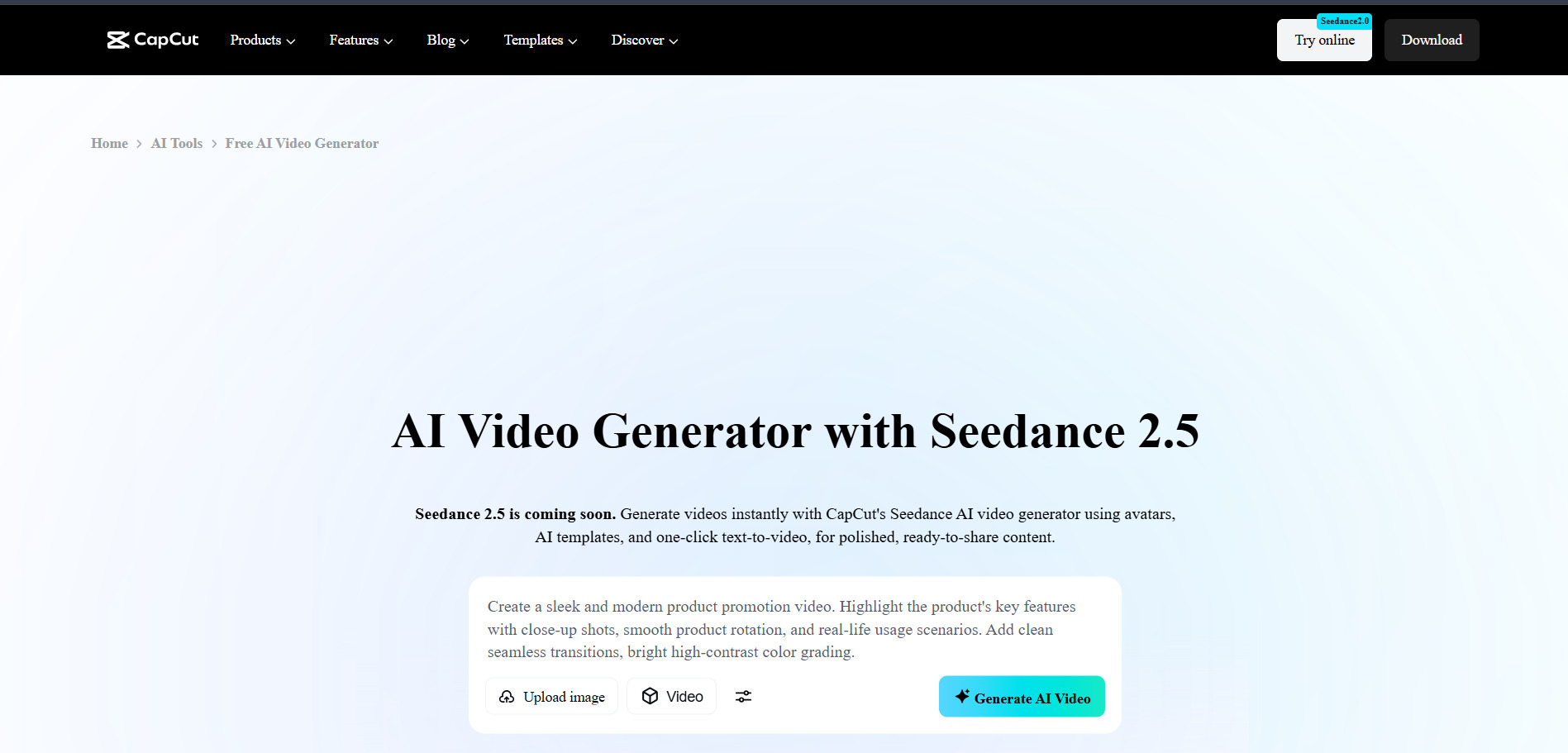
CapCut’s free tier is generous enough for many creators to never upgrade, including AI captions, background removal, and text-to-speech with no mandatory watermark, plus a 7-day trial on paid tiers. Official 2026 pricing lists Standard at $9.99/month and Pro at $19.99/month ($179.99/year), following a price restructure that roughly doubled the previous $9.99 Pro rate.
💰 CapCut AI Pricing Plans
- Free: $0 — full editor, 1080p export, basic AI tools
- Standard: $9.99/month — watermark removal, mobile-focused
- Pro: $19.99/month or $179.99/year — 4K export, full AI toolkit, 1TB storage, 1,200 AI points
- Team: $24.99/seat/month — shared brand kits, workspace
CapCut AI blends a full-featured video editor with generative tools like text-to-video generation, voice cloning, and auto-repurposing long videos into short clips for TikTok and Reels. It’s best suited to short-form content creators who want editing and AI generation in one app, though heavier AI features draw from a separate monthly credit pool that can run out and require paid top-ups.
✅ Pros
- Very generous free tier for standard editing
- Combines editing and AI generation in one app
- Auto-repurposing tool for short-form clips
- Large royalty-free asset library
❌ Cons
- Pro price roughly doubled in the 2026 restructure
- AI credit top-ups add extra cost on top of subscription
- App store subscriptions cost more than the website price
9. Seedance 2.0
✔ Free Daily Credits via Dreamina
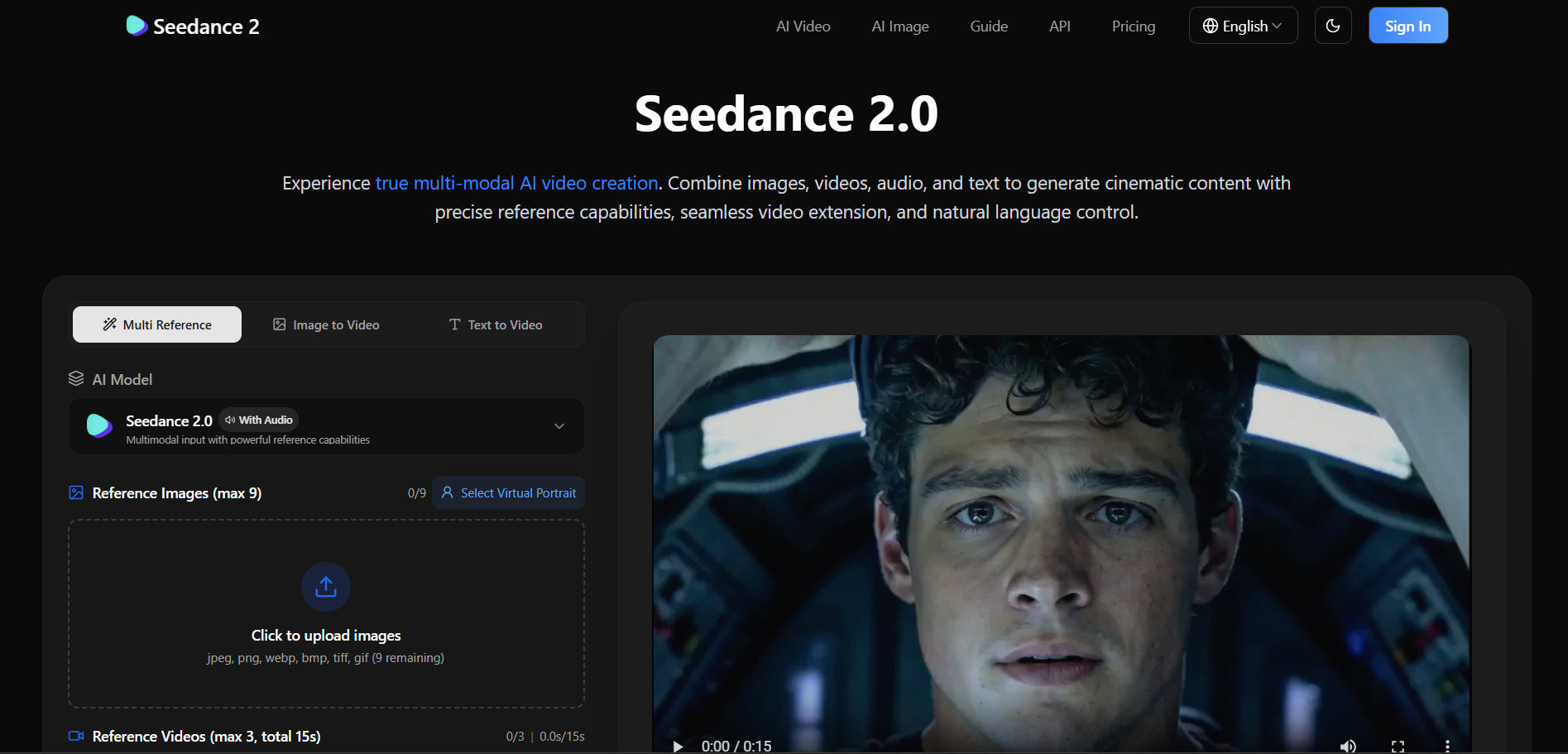
Seedance 2.0, ByteDance’s video generation model, is accessible for free through Dreamina’s daily credit allowance, enough for roughly two to three short clips per day with no credit card required. Paid access varies by platform: Dreamina’s subscription starts around $9.60/month, while API pricing through providers like fal.ai and Atlas Cloud runs from roughly $0.03 to $0.30 per second depending on resolution and speed tier.
💰 Seedance 2.0 Pricing Plans
- Free (Dreamina): $0 — 225 daily shared tokens, watermarked
- Dreamina Subscription: ~$9.60/month — watermark removal
- ByteDance Pro: ~$45/month — ~130-140 generations, 1080p default
- API Access: $0.03–$0.30/second across third-party providers
Seedance 2.0 stands out for character consistency, visual style preservation, and camera movement control across text-to-video, image-to-video, and multimodal reference-to-video workflows. It’s available through multiple platforms including Dreamina, Runway, and fal.ai, giving users flexibility to pick between official ByteDance access or third-party integrations depending on their existing toolstack.
✅ Pros
- True free tier with no credit card required
- Excellent character and style consistency
- Available across many third-party platforms
- Competitive per-second API pricing
❌ Cons
- Pricing is fragmented across many platforms and regions
- Official Chinese-language plans can be hard to navigate
- Free tier limited to 1-2 short generations per day
10. Wan 2.6
✘ No Free Trial (Pay-As-You-Go Only)
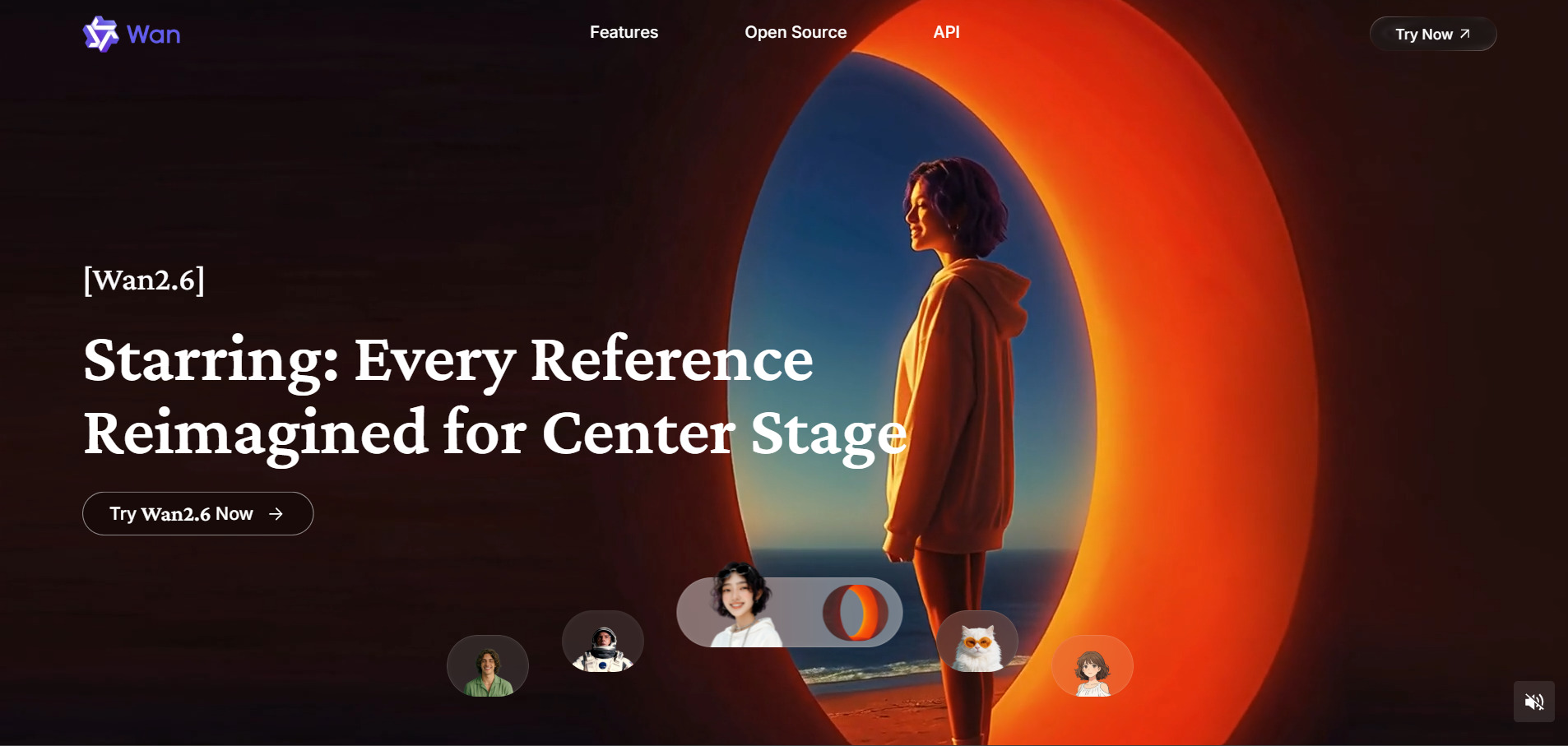
Wan 2.6, Alibaba’s advanced video generation model, does not offer a traditional free trial, though some third-party API providers like EvoLink offer introductory credits to test the model. Pricing is entirely usage-based across API providers, starting around $0.03 per video on Alibaba Cloud directly and ranging from $0.05 to $0.10 per second on platforms like APIMart, Gate.AI, and Together AI.
💰 Wan 2.6 Pricing Plans
- Alibaba Cloud: from $0.03/video — lowest published rate
- Gate.AI: $0.10/second — $1.00 for a 10-sec 720p clip
- APIMart: from $0.05/second for 720p output
- Together AI: $0.10/second across the Wan model family
Wan 2.6 supports over 10 visual creation capabilities in one unified system, including reference-to-video for inserting a character’s appearance and voice into new scenes, multi-shot storytelling, and native audio-visual synchronization with lip-sync. It’s aimed squarely at developers and technical teams building custom applications rather than casual creators looking for a polished consumer interface.
✅ Pros
- Reference-to-video with voice and appearance transfer
- Native audio-visual sync with accurate lip-sync
- Competitive per-second API pricing across providers
- Supports up to 1080p resolution and 15-second clips
❌ Cons
- No consumer-friendly free trial or dashboard
- Requires technical API integration to use
- Pricing scattered across many third-party resellers
11. Wan 2.2
✔ Completely Free (Open-Source, Apache 2.0)
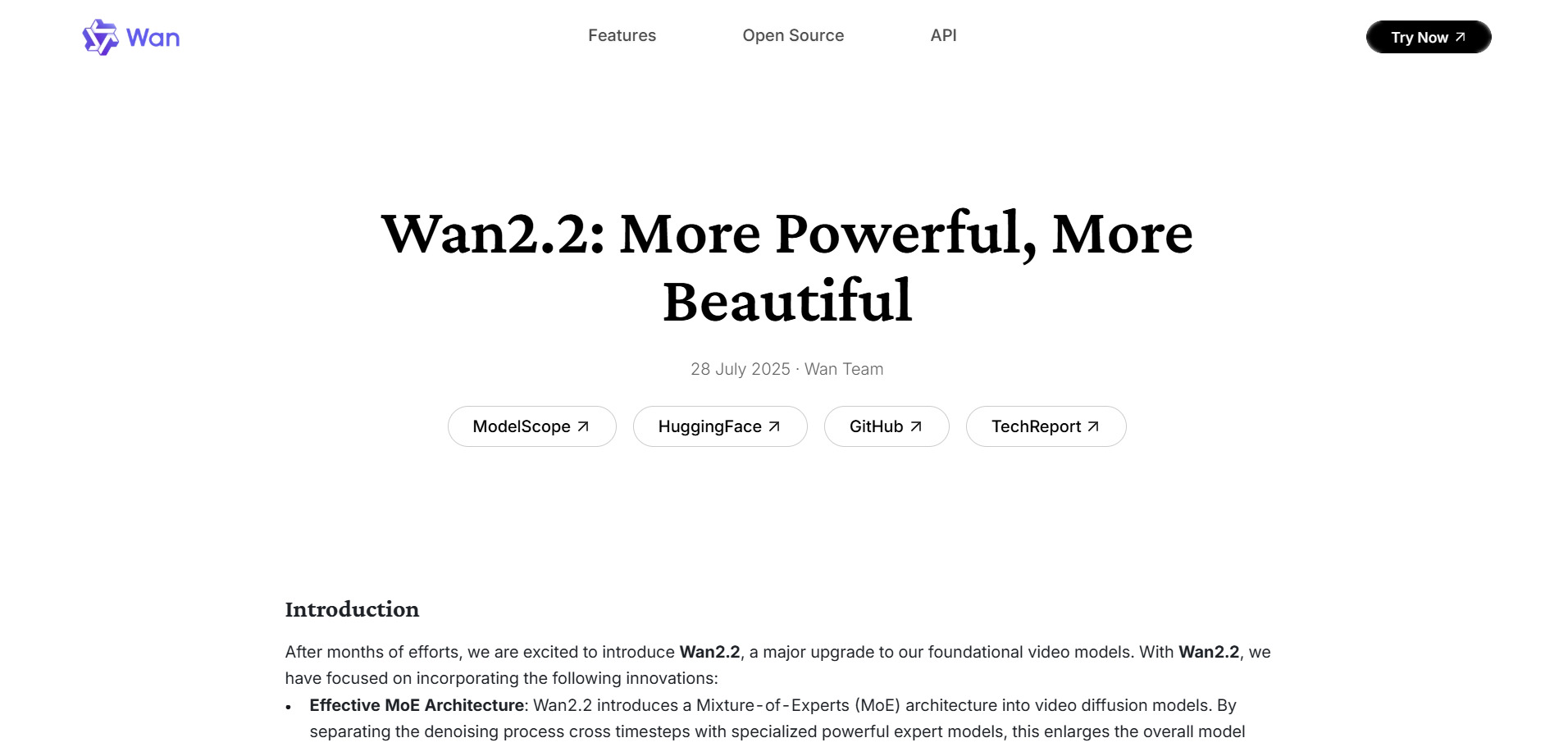
Wan 2.2 is Alibaba’s fully open-source video generation model, free for both personal and commercial use under the Apache 2.0 license with no royalties or subscription required. Hosted third-party versions like Wan 2.2 Free and EaseMate AI offer cloud access with free daily credits (around 30 credits on sign-up), while self-hosting requires only your own GPU hardware and no ongoing fees.
💰 Wan 2.2 Pricing Plans
- Self-Hosted: $0 — Apache 2.0 license, free commercial use forever
- Cloud Hosted (EaseMate): $0 — 30 free credits, daily check-in bonuses
- Cloud Hosted (Wan27.org): $0 for testing — pay only for faster credit-based production
Wan 2.2 introduced the first Mixture-of-Experts (MoE) architecture in a video diffusion model, splitting processing between high-noise networks for overall composition and low-noise networks for fine detail refinement. The lightweight 5B variant runs on consumer GPUs with as little as 8GB VRAM, making it the most accessible option on this list for developers and hobbyists who want full control without any subscription cost.
✅ Pros
- Completely free and open-source with no usage fees
- Runs on consumer-grade GPUs (5B variant)
- Full commercial rights under Apache 2.0
- Active community with tutorials and workflow plugins
❌ Cons
- 14B model is very hardware-demanding
- Rendering can take over an hour for a few seconds locally
- No official polished consumer interface mostly technical setup
Comparison Table
| Alternative | Description |
|---|---|
| Vidu Q3 | Multimodal AI video generator producing 16-second cinematic clips with consistent characters, synchronized voice acting, and intelligent camera control. |
| Creatify AI | AI ad-creation platform that turns product links into UGC-style video ads using AI actors, ideal for e-commerce and performance marketing teams. |
| Luma Ray3 | Realistic, physics-driven AI video model from Luma Labs, accessible via Dream Machine or Luma Agents with multi-model comparison tools. |
| Google Veo 3 | Google’s flagship video model with native synchronized audio and dialogue generation, integrated into Gemini and Google Flow. |
| Manus AI Video | Autonomous AI agent platform that handles multi-step video and content production workflows beyond single-prompt generation. |
| Digen AI Agent | Budget-friendly multi-model video generator with avatar creation, lip-sync, and workflow automation for scene consistency. |
| Vyond Go | Enterprise-grade generative AI video tool for instant, professional explainer and training videos with strong team collaboration. |
| CapCut AI | All-in-one video editor with generative AI tools like text-to-video, voice cloning, and short-form auto-repurposing. |
| Seedance 2.0 | ByteDance’s video generation model known for character consistency and camera control, available free via Dreamina. |
| Wan 2.6 | Alibaba’s advanced API-first video model with reference-to-video and native audio-visual sync, built for developers. |
| Wan 2.2 | Fully open-source, free-to-use MoE video generation model that runs on consumer GPUs under the Apache 2.0 license. |
Conclusion
If you want cinematic storytelling with consistent characters, Vidu Q3 or Luma Ray3 are strong picks. For marketers producing high-volume ad content, Creatify AI and CapCut AI offer speed and affordability. Businesses needing polished training or explainer videos should look at Vyond Go, while developers wanting deep customization or zero cost will find Wan 2.2’s open-source model and Wan 2.6’s API access hard to beat.
Google Veo 3 remains the top choice for anyone who wants native audio generation baked into every clip, and Manus AI Video is worth exploring if you need an autonomous agent handling more than just video. Whichever platform you choose, start with the free trial or free tier where available, test your actual workflow, and compare the real cost per finished video not just the sticker price before committing to a paid plan.


