

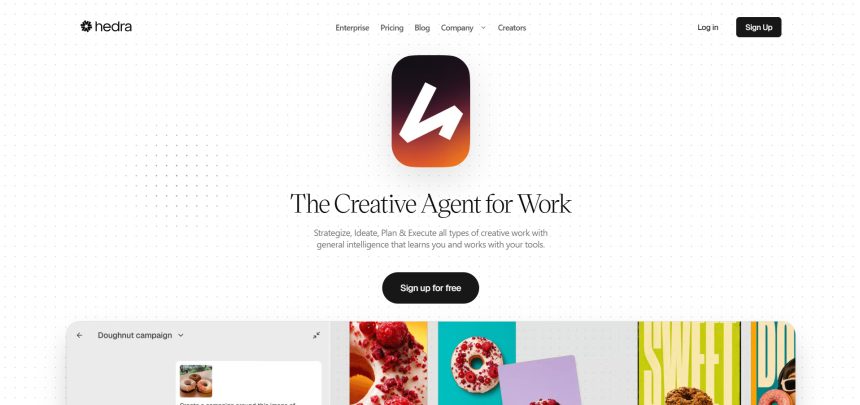
Hedra has become a popular choice for creators who want to turn a single image or script into a talking, expressive AI video, but it is far from the only option on the market. Depending on your budget, workflow, and whether you need character animation, UGC-style ads, cinematic clips, or fast social edits, another platform may fit better. Below is a detailed roundup of 10 Hedra Alternatives, covering their trials, pricing, and real strengths and weaknesses so you can pick the right one for your next project.
1. Seedance 2.0
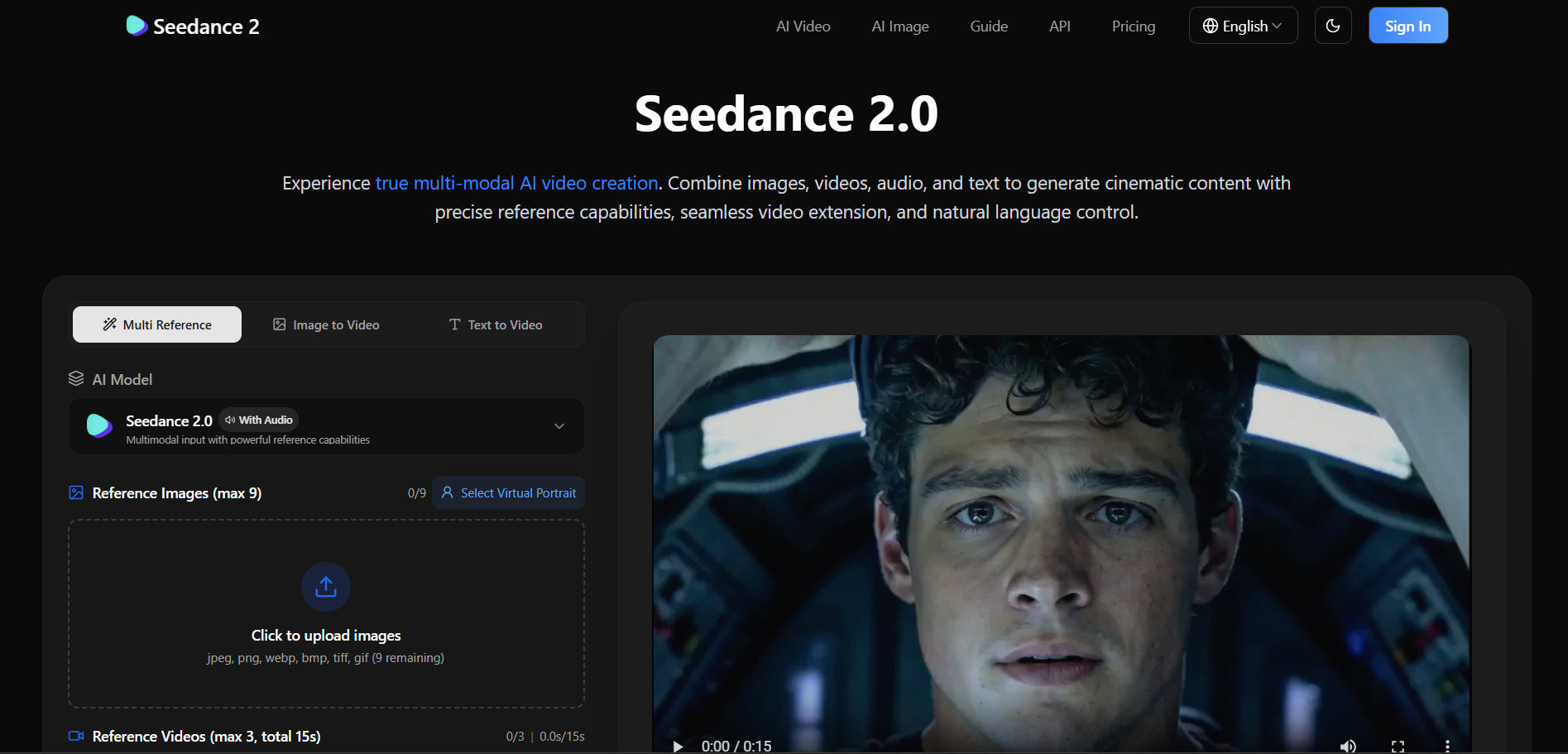
Seedance 2.0 is ByteDance’s advanced AI video model known for realistic motion and strong prompt adherence. Its pricing entry point is $14.90 per month, positioned competitively against premium platforms, and it uses a transparent credit system tied to resolution and video length rather than vague usage caps.
Pricing Plans (official platforms):
- Entry tier: ~$14.90/month
- Pro tier: ~$45/month for roughly 130-140 standard video generations
- Higher-volume creator/business plans can reach $99.90/month
- Credits convert at 100 credits per $1; standard video costs 180 credits, HD costs 240 credits
The platform is built for creators producing high volumes of short-form or marketing video, with annual billing offering meaningful savings over monthly plans. Because pricing varies by the hosting platform (official ByteDance apps versus third-party API providers), it pays to compare per-second costs before committing to a long-term plan.
Pros
- Strong motion realism and prompt accuracy
- Transparent, credit-based pricing structure
- Available through multiple platforms and APIs
Cons
- Pricing structure varies confusingly by platform
- Some official low-cost tiers require Chinese-language interfaces
- Credits can be consumed quickly at higher resolutions
2. Lumen5
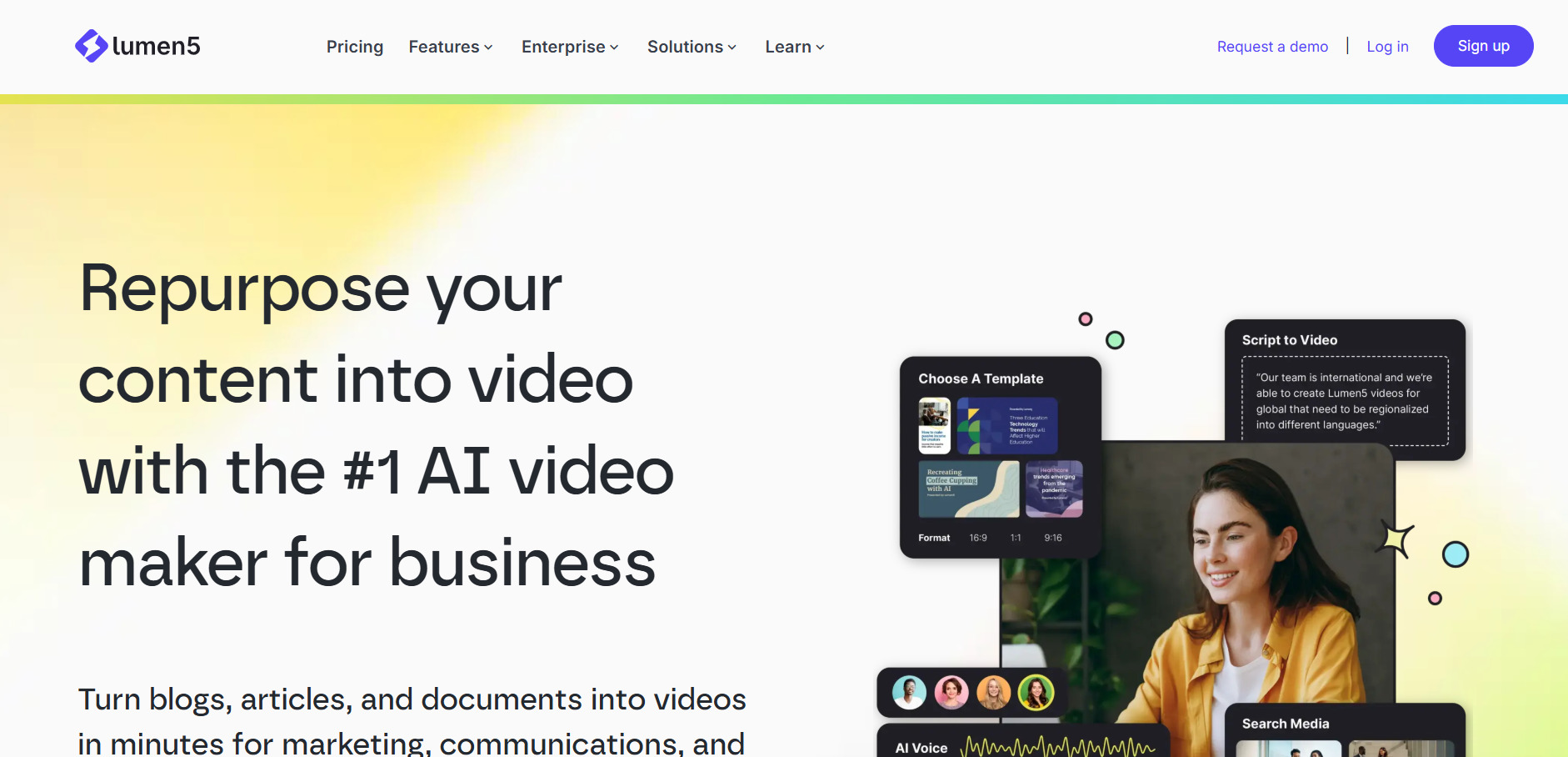
Lumen5 turns blog posts, scripts, or Zoom recordings into polished marketing videos using AI-matched stock footage and templates. It offers free trial, freemium, subscription, and quotation-based pricing options, making it accessible for teams testing the platform before scaling usage.
Pricing Plans (official site):
- Basic: $19.00/month
- Starter: $59.00/month
- Professional: $149.00/month
- Free tier available with 25% discount offered on annual billing
Lumen5 is best suited to marketing teams repurposing written content into social videos rather than creators needing fully original AI-generated scenes. The core AI matches stock footage to text instead of generating original scenes or voiceovers, which some reviewers say narrows its value relative to the subscription cost.
Pros
- Fast way to repurpose blogs and transcripts into video
- Large template and stock media library
- Simple drag-and-drop editing for non-editors
Cons
- Higher tiers needed for HD export and full brand kits
- Not built for generating original AI scenes
- Paid plans considered pricey by some reviewers
3. Luma Ray3
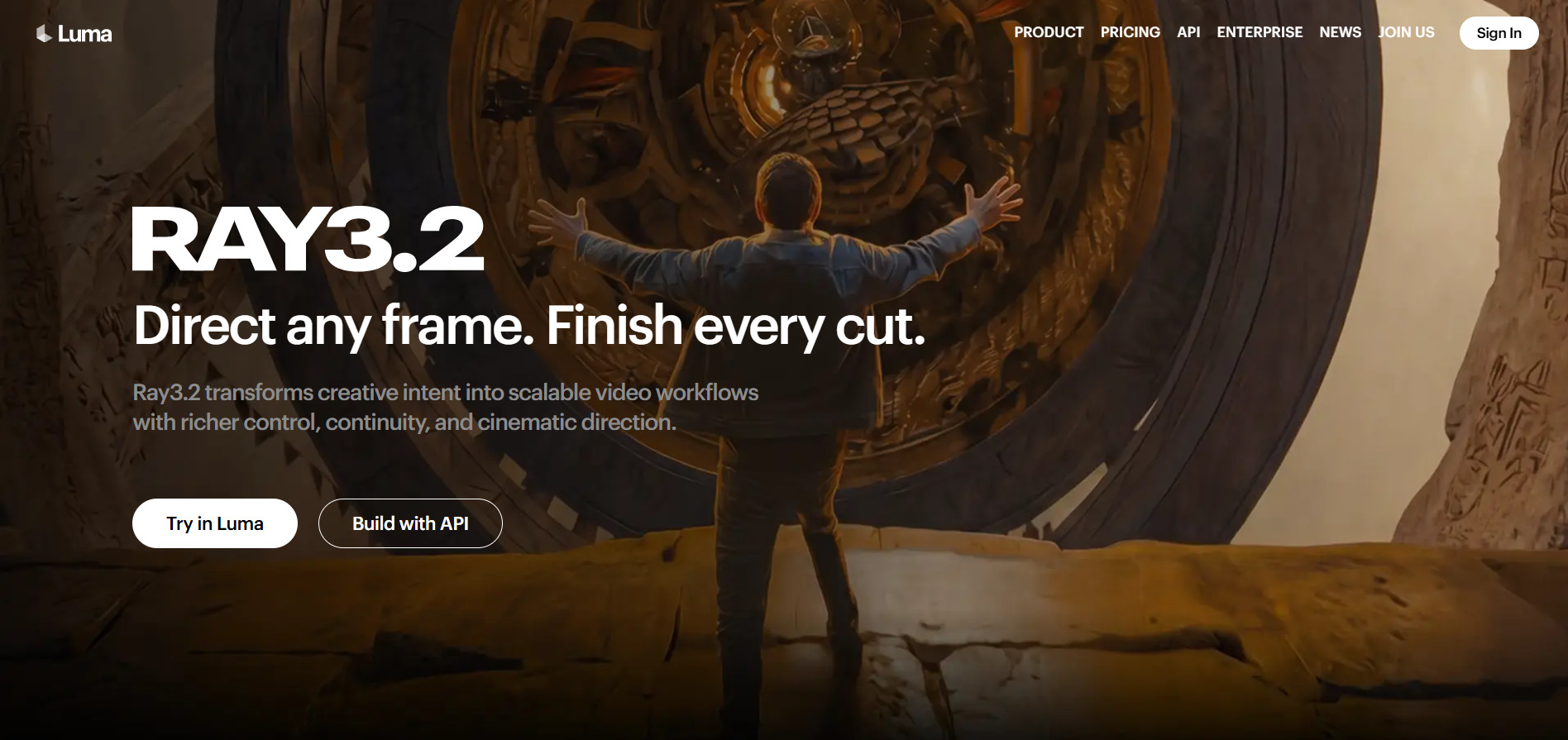
Luma’s Ray3 model powers its Dream Machine and Luma Agents products, known for photorealistic motion and strong physics simulation. The plan names are Plus, Pro, and Ultra for individuals, with Team and Enterprise tiers for businesses, all built around a credit system with Fast and Relaxed generation modes.
Pricing Plans (official site):
- Plus: $30/month
- Pro: $90/month
- Ultra: $300/month
- Lower-cost Lite entry option around $10/month with 3,200 monthly credits, watermarked and non-commercial
Higher tiers primarily unlock more generation capacity rather than new core features, with Pro offering roughly four times the usage of Plus and Ultra offering about fifteen times the usage. This makes Luma a strong pick for agencies and studios running constant campaign-style production.
Pros
- Photorealistic output and strong physics accuracy
- Character and reference-image consistency across shots
- Free tier available for testing prompts
Cons
- Steep jump between Plus and Pro pricing tiers
- No rollover on unused monthly credits
- Plan naming has changed recently, causing confusion
4. PixVerse V6
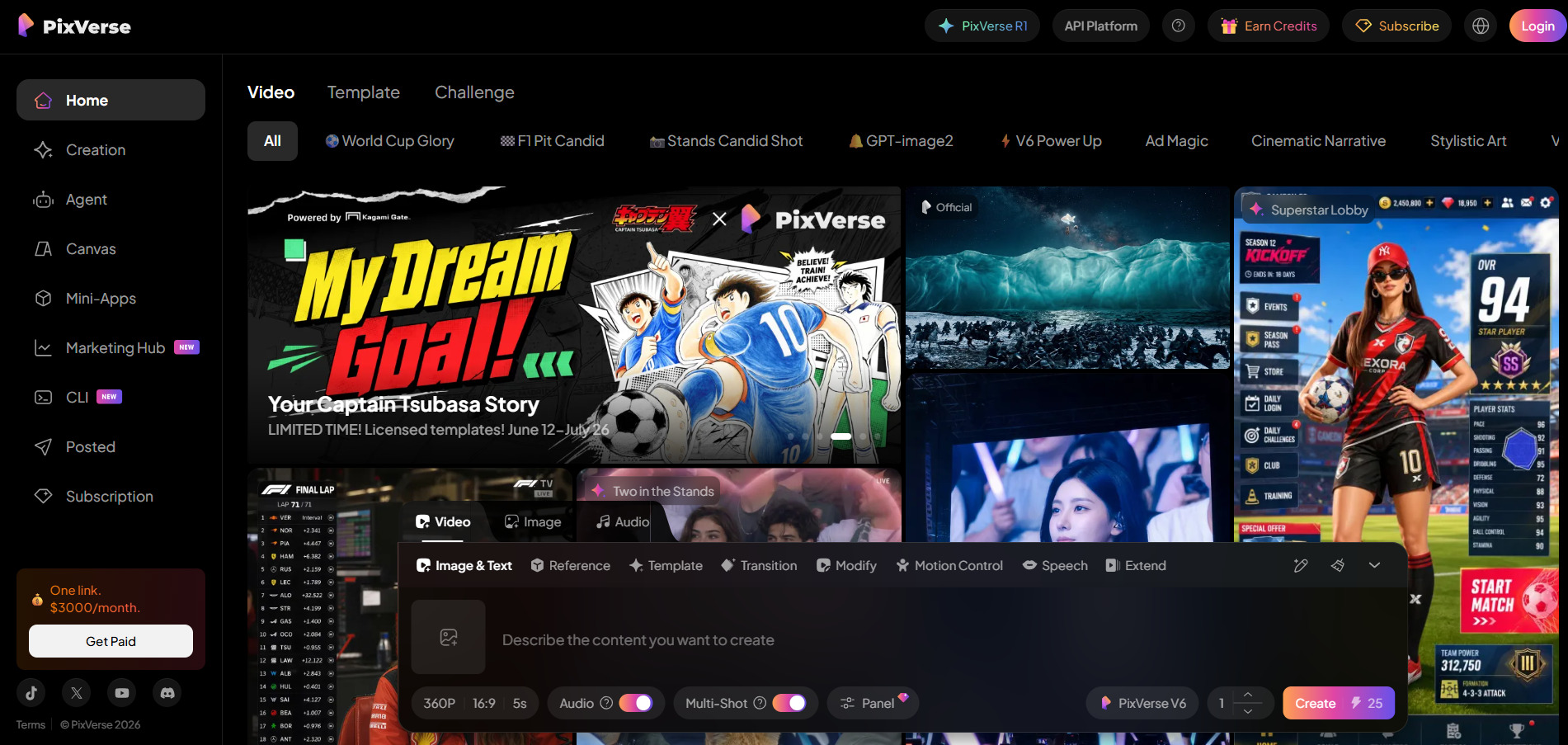
PixVerse V6 introduced per-second billing, native audio generation, and multi-shot scenes, replacing the older fixed-duration presets. The free tier is real and permanent at roughly one watermarked video a day, with paid plans reported from $10 for Standard up to $199 for Ultra.
Pricing Plans (official site):
- Consumer paid plans start around $10/month, removing the watermark and unlocking higher resolution
- Annual billing saves 20% on Standard, Pro, and Premium, and 40% on Ultra (dropping from $199 to $149/month)
- Business plan: $139/month or $1,388/year, minimum 4 users at $35/user
- Developer API starts at $100/month, billed per-second of generated video
PixVerse stands out for combining native audio with video generation in a single pass, saving a separate sound-design step. However, native audio can struggle on multi-character scenes, occasionally mismatching voices to the wrong speaker, so dialogue-heavy projects may need manual review.
Pros
- Native audio generated alongside video
- Flexible 1 to 15 second clip lengths
- Generous permanent free tier
Cons
- Audio can misfire on multi-character dialogue
- Credit costs rise quickly at 1080p with audio on
- Camera controls have a learning curve
5. Creatify AI
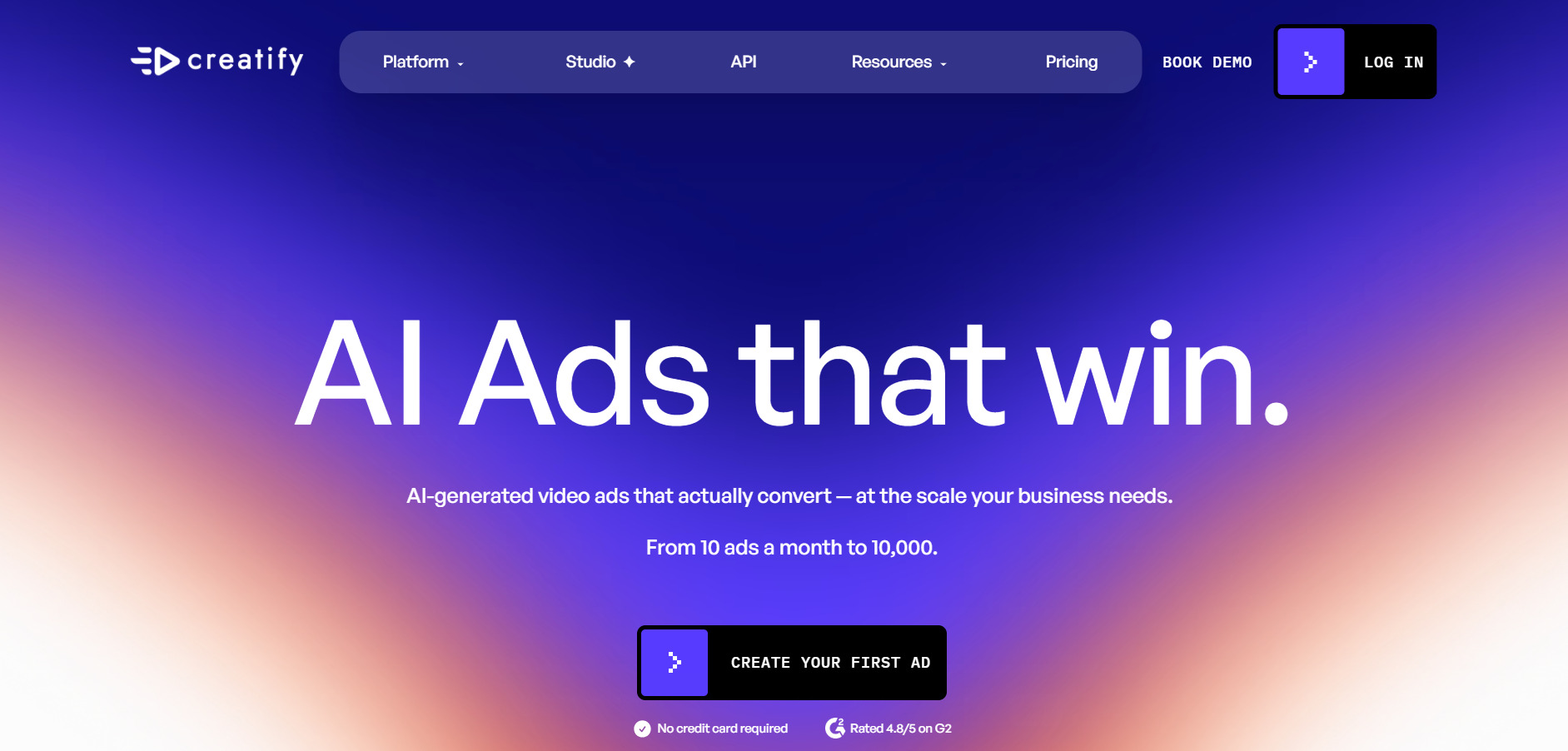
Creatify AI converts product URLs, images, or text into UGC-style video ads featuring realistic AI avatars and voice cloning. It offers a free plan, a Starter plan at $39/month, a Pro plan at $99/month, and custom Enterprise pricing, aimed squarely at ecommerce and performance marketing teams.
Pricing Plans (official site):
- Free Plan: 10 monthly credits
- Starter: $39/month
- Pro: $99/month
- Annual billing advertised at up to 50% off monthly rates
Creatify is purpose-built for the 15 to 60 second ad format that dominates Meta and TikTok feeds rather than long-form content. Videos cost roughly 2 to 20 credits each depending on length, avatar, and model quality, and unused credits expire on a rolling two-month cycle, which agencies with variable output should factor into planning.
Pros
- Fast URL-to-video ad automation
- Large avatar and voice library
- Batch mode for creative testing at scale
Cons
- Credits expire every two months
- Not suited for long-form or corporate video
- Higher-quality videos consume credits faster than advertised
6. VideoProc AI
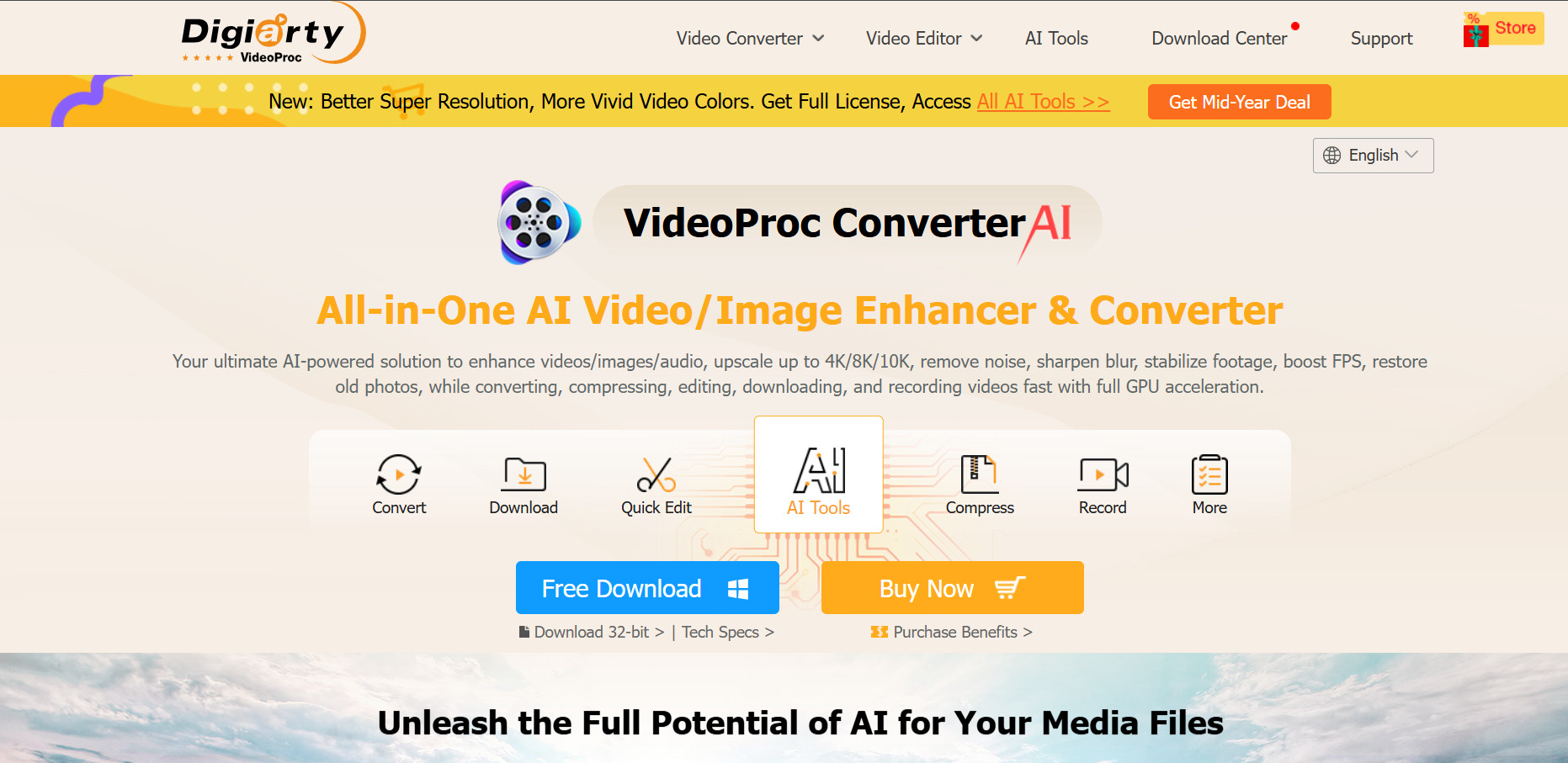
VideoProc Converter AI focuses on AI-powered video conversion, upscaling, screen recording, and audio enhancement rather than pure generative video. Official 2026 pricing tiers include Premium 365 at roughly $25.95 to $34.95 per year for 3 PCs, and a Lifetime License around $45.95 to $54.95 for 1 PC.
Pricing Plans (official site):
- Premium 365: $34.95/year
- Lifetime License: $54.95 one-time for 1 PC/Mac
- Family License: $79.95 one-time for 3-5 PCs/Mac
- Discounted lifetime license available for as low as $39.95 for one device
Because it is a one-time or annual license rather than a monthly SaaS subscription, VideoProc appeals to users who want predictable, lower long-term costs. The free trial caps AI Super Resolution at clips under 5 minutes and limits Image AI to 5 images, so testing on longer footage requires purchasing a plan.
Pros
- One-time lifetime license option available
- GPU-accelerated AI upscaling and processing
- 30-day money-back guarantee
Cons
- Not a generative AI video creation tool
- Free trial is heavily restricted on length
- Some users report slow customer support
7. Vyond Go
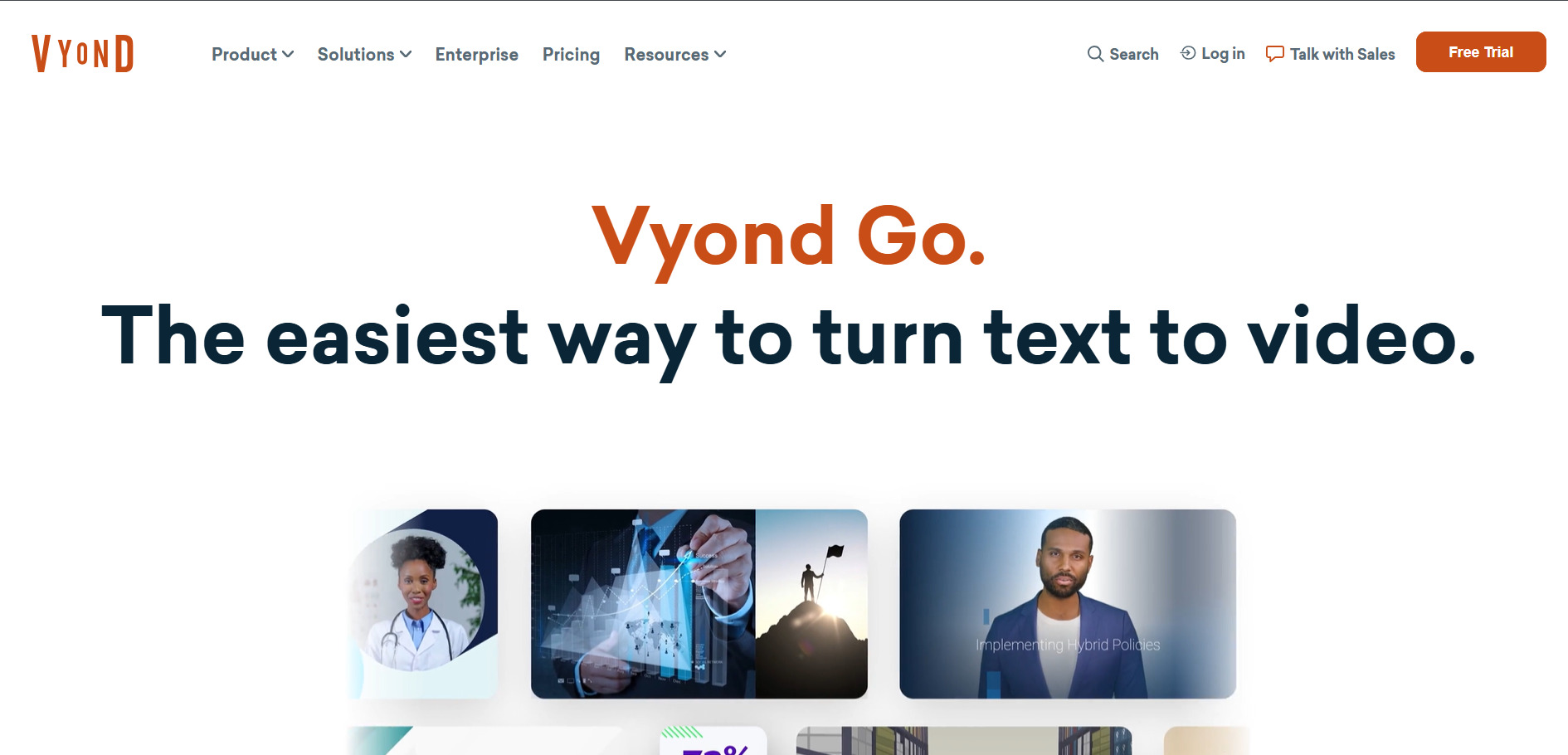
Vyond is a character-driven animation platform widely used for corporate training, eLearning, and explainer videos. Vyond uses a credit system across plans, with the Starter plan at $99/month or $699 billed annually including 10,000 credits per user per month.
Pricing Plans (official site):
- Starter: $99/month or $699/year (10,000 credits/user)
- Professional: $199/month or $1,199/year (20,000 credits)
- Enterprise: $1,649/year, billed annually
- Government plan: $2,450/year, FedRAMP Certified
- Agency plan: $1,999/year, includes unlimited rights transfers
Vyond suits mid-market and enterprise teams building scenario-based training rather than solo creators on a tight budget. AI credit borrowing is available only for annual subscribers on Professional and Agency plans, not for Starter or monthly subscribers, which is worth noting before committing to a monthly billing cycle.
Pros
- Strong character animation and scenario-building tools
- Trusted by large enterprise L&D teams
- Shutterstock integration included on higher tiers
Cons
- Expensive for freelancers or infrequent users
- Credit borrowing restricted to annual plans
- No permanent free plan
8. CapCut AI
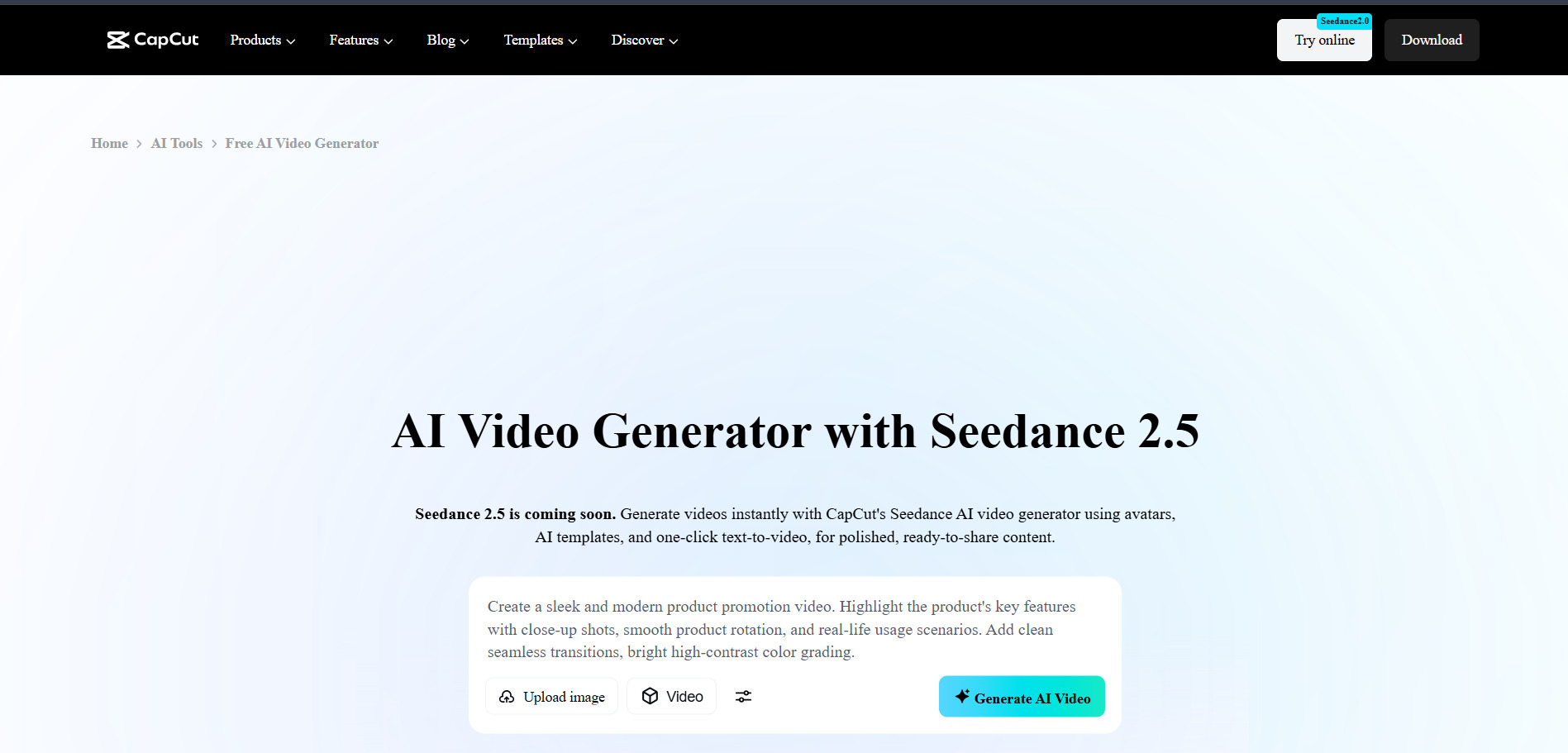
CapCut is ByteDance’s cross-platform video editor combining traditional timeline editing with AI captioning, background removal, and text-to-video generation. CapCut’s official Pro list price is $19.99/month or $179.99/year, following a 2025-2026 restructure that introduced a separate Standard tier.
Pricing Plans (official site):
- Standard: around $4.99/month or $49.99/year in the US
- Pro: $19.99/month or $179.99/year
- Team plan: around $24.99/month per user
- AI credit top-ups available starting at $4.99 for 100 credits
The free plan remains one of the most generous in the category, letting solo creators publish complete short-form videos at no cost. CapCut Pro adds AI video generation from text prompts, higher-quality voice cloning, expanded cloud storage, and priority rendering, making it attractive for creators scaling up content volume.
Pros
- Extremely capable free tier
- Wide AI toolkit including captions and voice cloning
- Cross-platform desktop, web, and mobile apps
Cons
- Pro pricing roughly doubled in the 2026 restructure
- Prices are not published transparently on the official site
- Broad content license terms in the Terms of Service
9. Kapwing AI
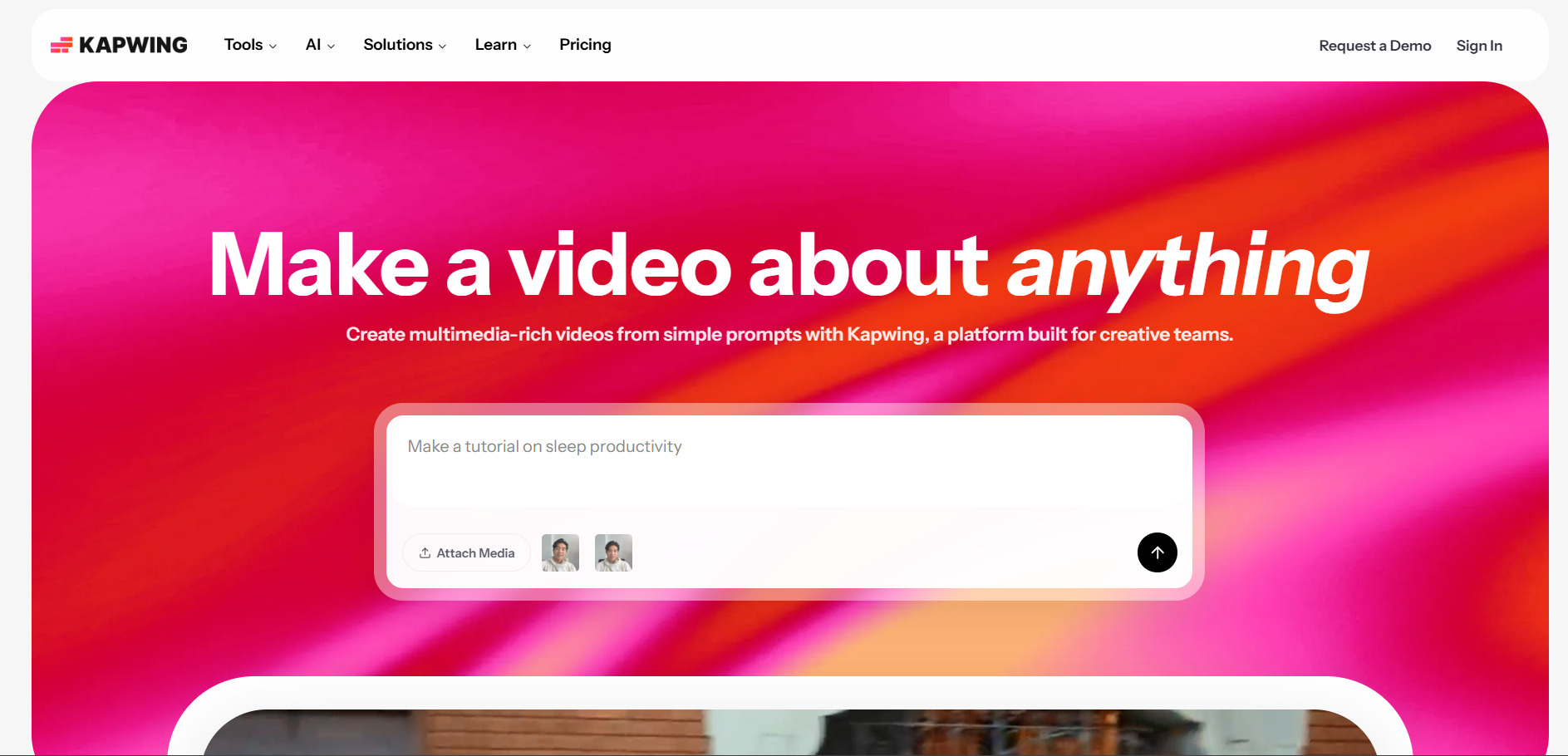
Kapwing is a browser-based collaborative video editor with AI tools like Smart Cut, auto-subtitles, and AI clip extraction for repurposing long-form content. Pro costs $16/month per member on annual billing or $24/month on monthly billing, while Business costs $50/month per member annually or $64/month monthly.
Pricing Plans (official site):
- Free: 10 credits, unlimited watermarked exports, up to 1-minute videos, 720p
- Pro: $16/month per member (annual) or $24/month (monthly)
- Business: $50/month per member (annual) or $64/month (monthly)
- Business tier includes a 4,000 monthly AI credit allocation
Kapwing works well for teams repurposing podcasts or long videos into short clips thanks to its Smart Cut and AI clip-selection tools. Pricing is per member, so its per-seat model can get expensive for larger teams, though the Business tier’s flat structure undercuts some competitors for teams of three or more.
Pros
- Strong silence-removal and clip-repurposing tools
- Collaborative browser-based editing
- No credit card required for free plan
Cons
- Per-member pricing scales expensively for teams
- AI credits do not roll over month to month
- Free plan limited to 4-minute exports with watermark
10. Manus AI Video
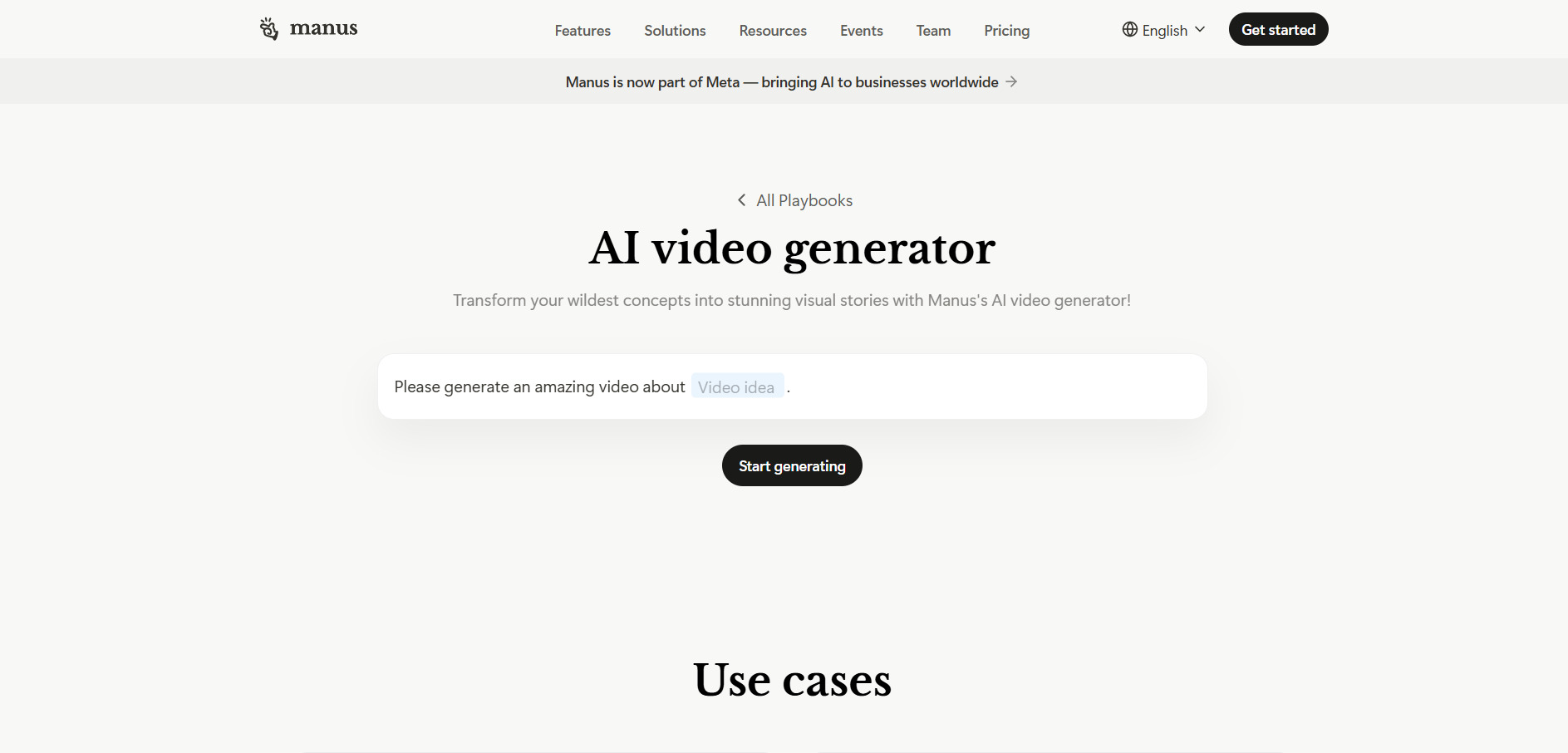
Manus is an autonomous AI agent platform capable of generating video-related project outputs, research, and multi-step creative tasks. Free is $0/month, Pro ladders up through $20, $40, and $200 per month tiers, and Team starts at $20 per seat per month with a 2-member minimum.
Pricing Plans (official site):
- Free: $0/month, 300 daily refresh credits, 1 concurrent task
- Pro: from $20/month, 4,000 monthly credits
- Customizable: $40/month, 8,000 credits
- Extended: $200/month, 40,000 credits
- Team: starts at $20 per seat/month, adds SSO and shared templates
Manus operates on a credit-consumption model rather than flat-rate access, meaning cost scales directly with task complexity and volume. Simple tasks might use 10-50 credits, while complex autonomous tasks can consume significantly more, so heavy users should monitor usage closely to avoid unexpected overages.
Pros
- Genuinely usable free tier with daily credit refresh
- Flexible credit system scales with task complexity
- Strong for research-heavy and multi-step creative workflows
Cons
- Costs can be unpredictable for variable workloads
- Not a dedicated video generation tool like others on this list
- Monthly credits do not roll over
Comparison Table
| Alternative | Description |
|---|---|
| Seedance 2.0 | ByteDance’s realistic AI video model with credit-based pricing and strong prompt adherence. |
| Lumen5 | Turns blog posts and scripts into marketing videos using AI-matched stock footage. |
| Luma Ray3 | Photorealistic AI video generator with strong physics and character consistency. |
| PixVerse V6 | Per-second billed video generator with native audio and multi-shot scenes. |
| Creatify AI | Converts product links into UGC-style AI avatar video ads for ecommerce brands. |
| VideoProc Converter AI | AI-powered video conversion, upscaling, and screen recording software with lifetime licenses. |
| Vyond Go | Character-driven animation platform built for corporate training and eLearning videos. |
| CapCut AI | Cross-platform editor combining timeline editing with AI captions, voice cloning, and text-to-video. |
| Kapwing AI | Browser-based collaborative editor with Smart Cut, auto-subtitles, and clip repurposing tools. |
| Manus AI Video | Autonomous AI agent platform running credit-based, multi-step creative and research tasks. |
Conclusion
Each of these Hedra alternatives serves a slightly different niche, from Seedance 2.0 and Luma Ray3 for cinematic AI generation, to Creatify AI and CapCut for fast social and ad content, to Vyond for corporate training animation. The right choice depends on your budget, output volume, and whether you prioritize realism, speed, collaboration, or affordability. Testing the available free trials or free tiers before committing to a paid plan remains the safest way to confirm which platform truly fits your workflow.


