

RemotePC has long been a popular choice for individuals and businesses needing simple, affordable remote access, but it isn’t the only option on the market. Depending on your priorities whether that’s blazing-fast performance, enterprise-grade security, MSP-friendly billing, or budget-conscious free tiers there is likely a better-suited tool out there. Below, we break down 11 strong RemotePC Alternatives, covering their trial availability, pricing, and the pros and cons that matter most when making a switch.
Each of these platforms takes a different approach to remote desktop access, from lightweight support tools built for helpdesks to high-performance streaming apps designed for creative professionals and gamers. This guide is meant to help you quickly compare what each service offers so you can pick the one that fits your workflow, team size, and budget without wasting time on lengthy trial-and-error testing.
1. AirDroid Remote Support
✔ Free Trial Available (10-minute daily free trial)
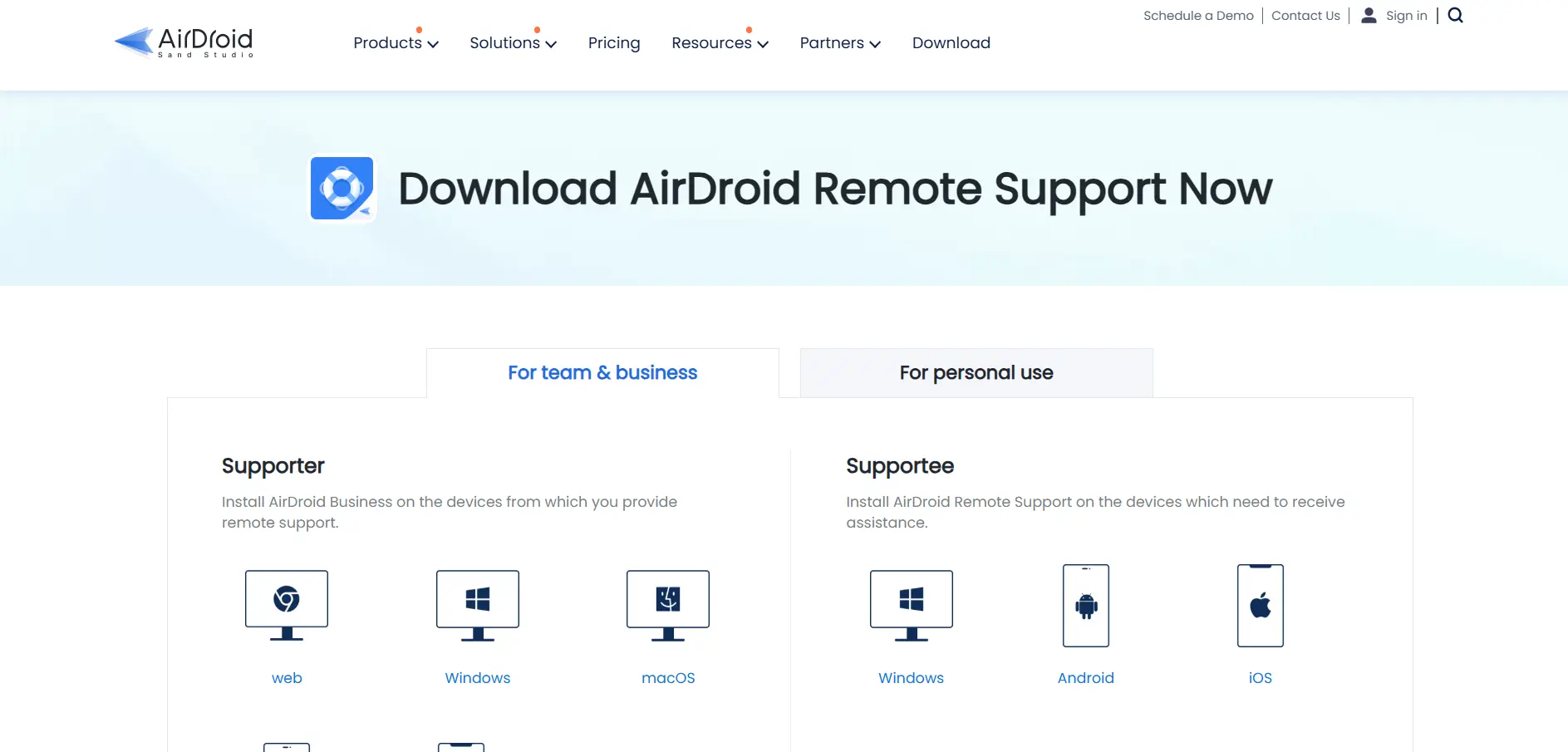
AirDroid Remote Support is built for IT teams and helpdesks that need to remotely access and control Android, iOS, Windows, and macOS devices without complicated setup. It offers live screen sharing, file transfer, and session recording, making it especially popular among MSPs, customer support centers, and mobile-heavy organizations that RemotePC does not cater to as directly.
Businesses can start with a free daily trial before committing to a paid license, and pricing scales based on the number of licensed users and connection hours needed. The Basic plan includes limited connection hours, while Standard and Premium unlock unlimited usage, making it flexible for growing teams.
💰 AirDroid Remote Support Pricing (Business Plans)
| Free | $0 (limited features) |
| Basic | ~$199/year (1 seat, 50 hrs) |
| Standard | ~$599/year (1 seat, unlimited hrs) |
| Premium | Custom quote |
Prices sourced from AirDroid’s official pricing page; confirm current rates before purchase.
Pros
- Strong mobile device support for Android and iOS
- Session recording for compliance and training
- Simple 9-digit connection code for quick access
Cons
- Basic plan connection hours can run out quickly
- iOS devices cannot be remotely controlled, only viewed
- Enterprise pricing requires a custom sales quote
2. AnyDesk
✔ Free Trial Available (14-day trial; free for personal use)
Anydesk is one of the most recognized names in remote desktop software, prized for its proprietary DeskRT codec that delivers low-latency, high-frame-rate connections even on modest internet speeds. It’s a solid RemotePC alternative for freelancers, IT professionals, and businesses that prioritize speed and a lightweight client over bells-and-whistles feature sets.
AnyDesk offers a permanently free plan for personal, non-commercial use, plus several paid tiers for professionals and teams. Pricing is billed annually only, and higher tiers unlock custom branding, session recording, and centralized device management for larger organizations.
💰 AnyDesk Pricing Plans
| Free | $0 (personal use only) |
| Solo | ~$14.90/month |
| Standard | ~$49.90/month |
| Advanced | ~$111.90/month |
| Ultimate | Custom quote |
Prices sourced from AnyDesk’s official pricing page; billed annually.
Pros
- Extremely low latency, even on slower connections
- Free for personal, non-commercial use
- SOC 2 and ISO 27001 certified for security compliance
Cons
- No monthly billing option; annual commitment only
- Pricing can climb quickly for larger teams
- Some users report renewal price increases
3. ConnectWise ScreenConnect
✔ Free Trial Available
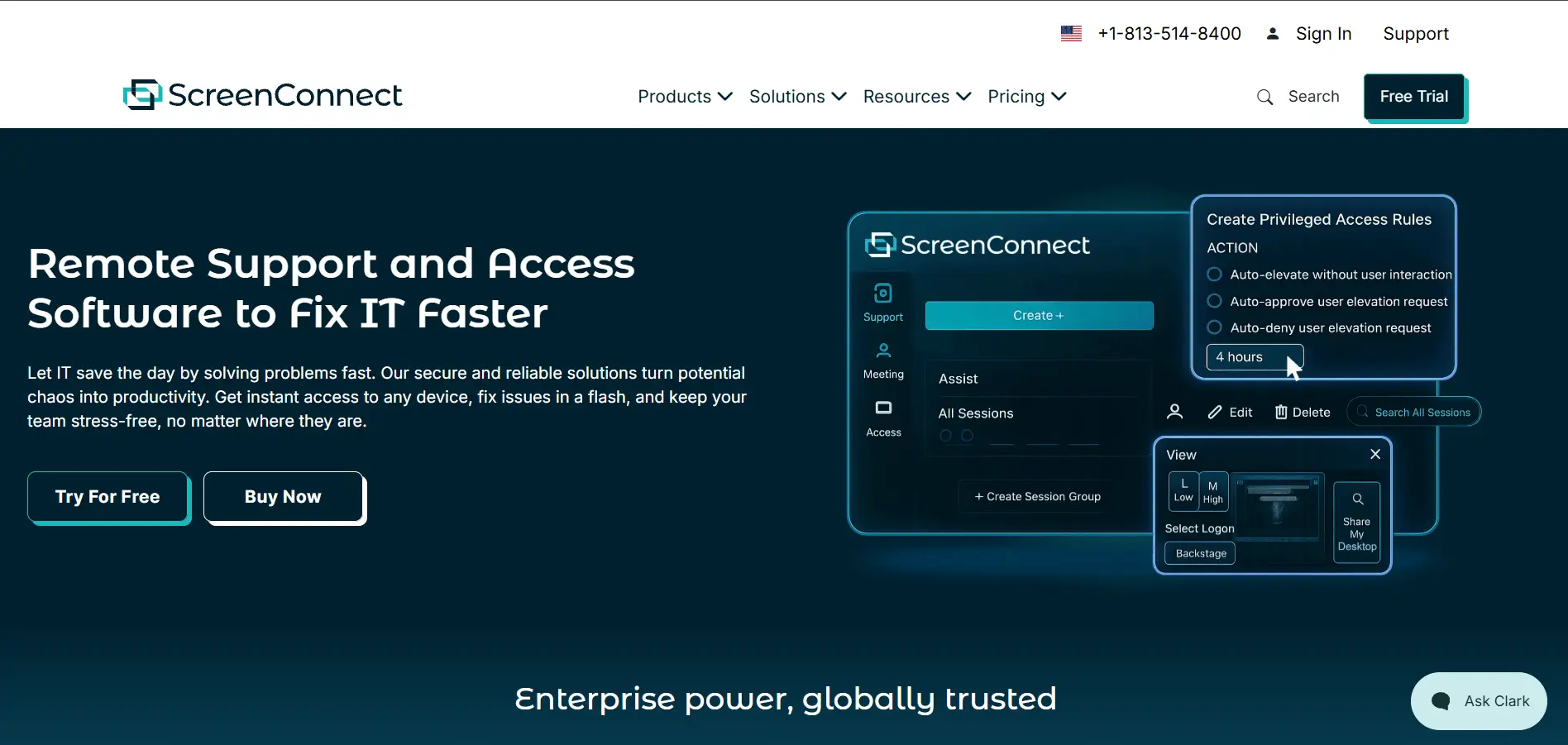
ConnectWise ScreenConnect (formerly ConnectWise Control) is a favorite among MSPs and IT departments that need fast, secure remote support with deep customization. It supports unattended access, privileged access management, and detailed session logging, making it a strong fit for teams managing many client endpoints simultaneously a step up from RemotePC’s simpler feature set.
Pricing is per concurrent technician and billed monthly or annually, with the entry-level “One” plan aimed at solo technicians and higher tiers adding more concurrent sessions and unattended agents. Costs can vary based on the number of technicians and add-ons selected.
💰 ConnectWise ScreenConnect Pricing
| One | ~$30/month |
| Remote Access | ~$33/month |
| Standard | ~$45/month |
| Premium | ~$55/month |
Prices sourced from ConnectWise’s official pricing page; per technician, billed annually.
Pros
- Highly customizable with extensions and a marketplace
- Strong privileged access management features
- Detailed audit logs for compliance needs
Cons
- Pricing can be confusing across multiple tiers
- Learning curve for advanced configuration
- Some users report occasional connection instability
4. Splashtop
✔ Free Trial Available (7-day trial)
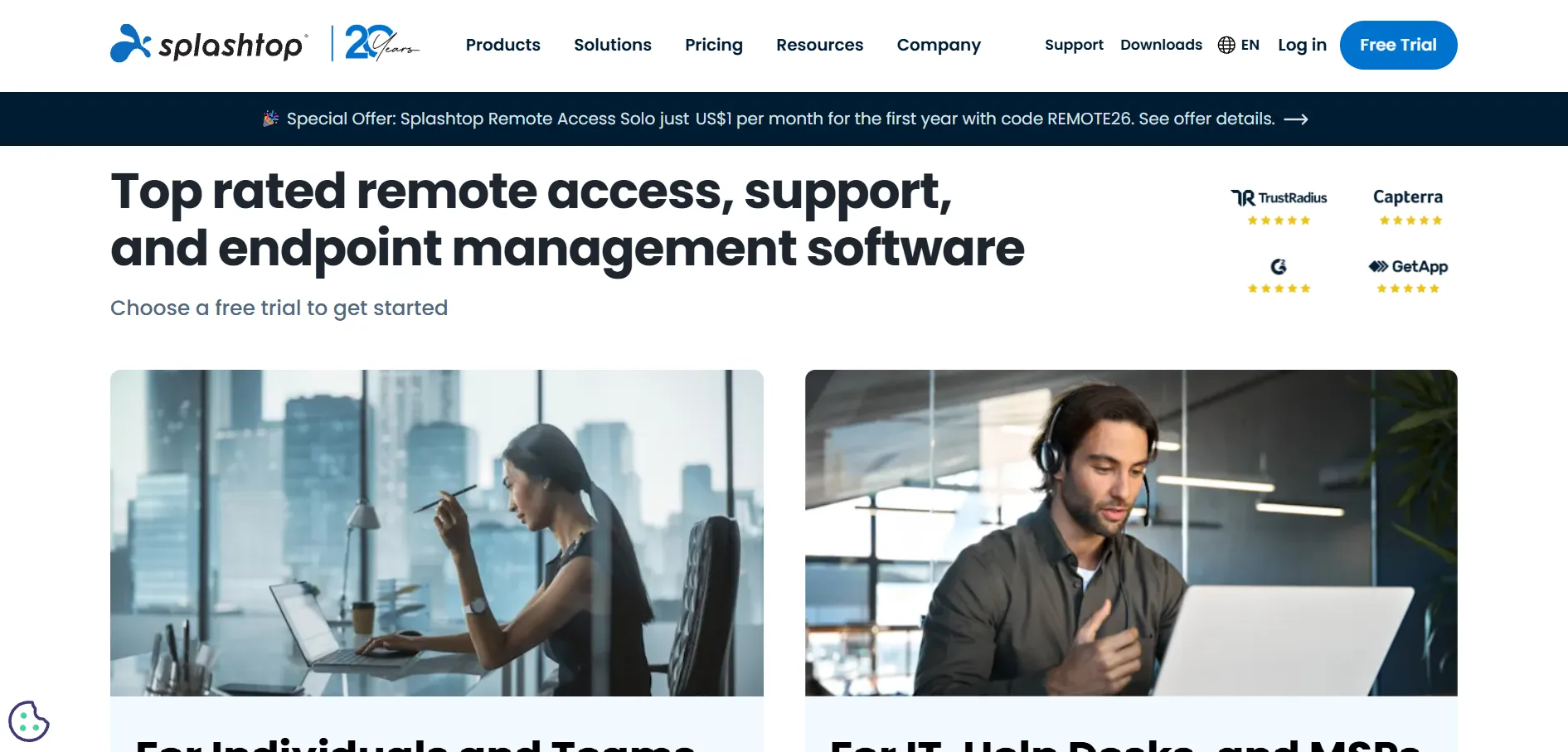
Splashtop has built a strong reputation as a budget-friendly yet feature-rich RemotePC alternative, offering fast remote access with enterprise-grade security at a fraction of the cost of competitors like TeamViewer. It’s widely used by small businesses, educators, and IT support teams needing reliable, affordable unattended access.
Splashtop’s plans are billed annually and scale from individual users to large enterprise deployments. The Solo plan suits single users, while Business Access and Remote Support plans add team management, unattended access, and MSP-focused concurrent technician licensing.
💰 Splashtop Pricing Plans
| Solo | ~$6/month |
| Pro | ~$8.25/month |
| Performance | ~$13/month |
| Enterprise | Custom quote |
Prices sourced from Splashtop’s official pricing page; billed annually, per user.
Pros
- Very competitive pricing compared to major rivals
- Strong security with 2FA and device authentication
- 4K streaming at 60fps on the Performance tier
Cons
- Annual-only billing for most Remote Access plans
- Some feature gating between tiers frustrates users
- Users report notable price jumps on renewal
5. Distant Desktop
✔ Free Trial Typically Available
Distant Desktop is a lesser-known but growing remote desktop tool aimed at users who want a straightforward, no-frills alternative to RemotePC. It focuses on core remote access functionality screen sharing, file transfer, and basic session management without the complexity of enterprise-heavy platforms, appealing to freelancers and small teams.
Because Distant Desktop has a smaller market footprint than major competitors, official published pricing details are limited compared to larger vendors. Prospective users are generally encouraged to check the vendor’s official website directly for the most current plan structure and trial terms before committing.
💰 Distant Desktop Pricing
| Free Trial | Available (check official site) |
| Paid Plans | Contact vendor for quote |
Limited publicly verified pricing data; confirm current rates on the vendor’s official website.
Pros
- Simple, lightweight interface for quick setup
- Good fit for individuals and very small teams
- Focuses on core remote access without bloat
Cons
- Limited brand recognition and community support
- Fewer advanced enterprise features
- Publicly available pricing details are sparse
6. Apache Guacamole
✔ Free & Open-Source (No Paid Trial Needed)
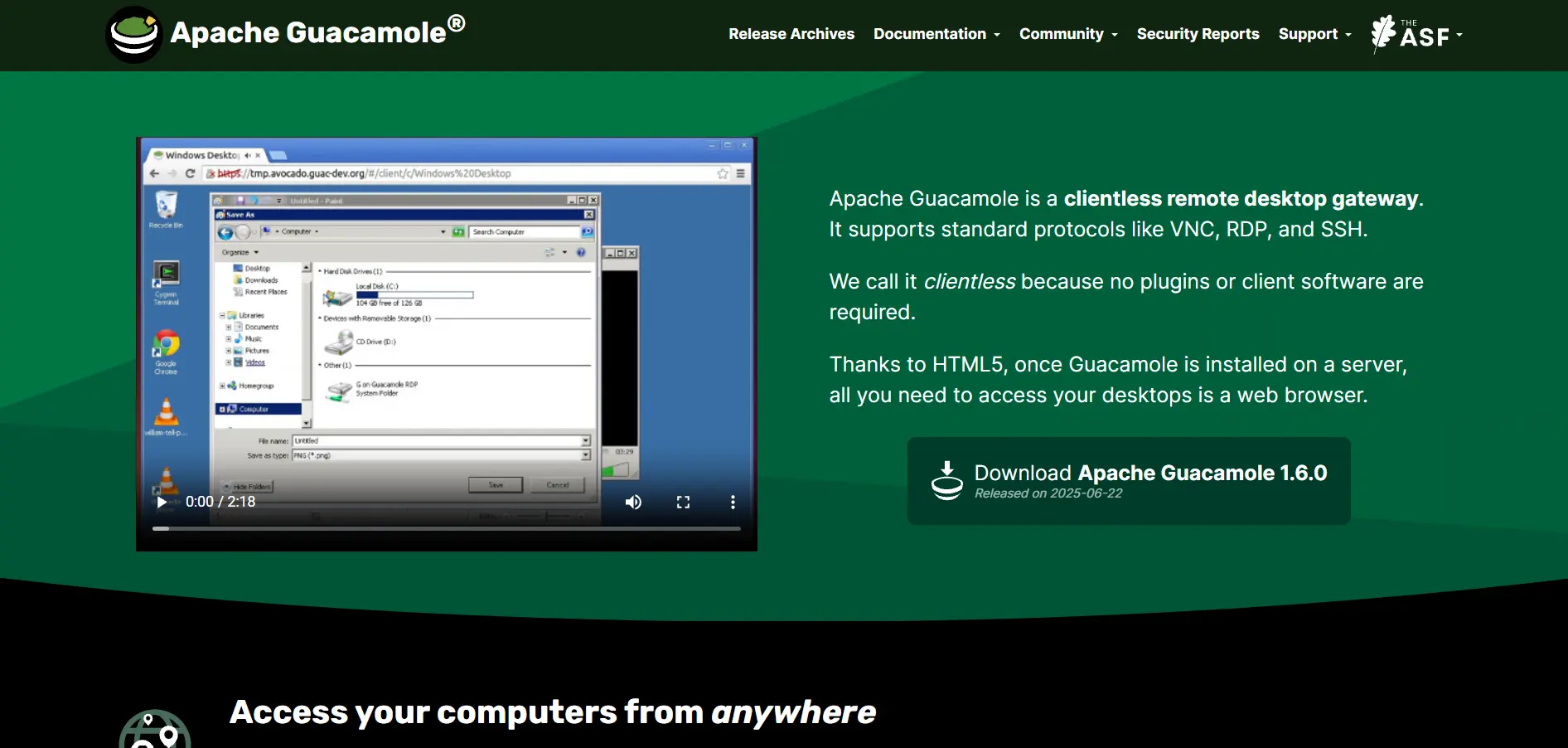
Apache Guacamole is a completely free, open-source, clientless remote desktop gateway that runs entirely through a standard web browser using HTML5. It supports RDP, VNC, and SSH protocols, making it a favorite among developers and IT teams who want full control over their remote access infrastructure without vendor lock-in or subscription costs.
Since Guacamole is open source, there are no pricing tiers or trial periods it’s free to download, self-host, and customize indefinitely. The trade-off is that users are responsible for their own server setup, security hardening, and ongoing maintenance, unlike fully managed commercial alternatives.
💰 Apache Guacamole Pricing
| Open Source | $0 (self-hosted) |
Free under Apache License 2.0; hosting and infrastructure costs are separate.
Pros
- Completely free and open source
- Clientless access via any HTML5 browser
- Supports RDP, VNC, and SSH protocols
Cons
- Requires technical expertise to self-host and secure
- No official vendor support line
- Lacks polished UI compared to commercial tools
7. Sobrii Remote
✔ Free Trial Typically Offered
sobrii Remote positions itself as a straightforward remote access tool for small businesses and independent professionals who need dependable screen sharing and file transfer without a steep learning curve. It emphasizes simplicity and quick deployment over the extensive enterprise controls found in larger platforms.
As a smaller player in the remote access space, Sobrii Remote’s pricing information is not as widely published across major software marketplaces. Interested users should visit the official Sobrii Remote website directly to review current plans, trial length, and any available discounts before subscribing.
💰 Sobrii Remote Pricing
| Free Trial | Available (check official site) |
| Paid Plans | Contact vendor for quote |
Limited publicly verified pricing data; confirm current rates on the vendor’s official website.
Pros
- Easy to set up for non-technical users
- Lightweight client with minimal system impact
- Good option for small-scale remote support needs
Cons
- Smaller user base and fewer third-party reviews
- Limited advanced administration features
- Pricing transparency lags behind bigger competitors
8. Parsec
✔ Free Plan Available (No Credit Card Required)
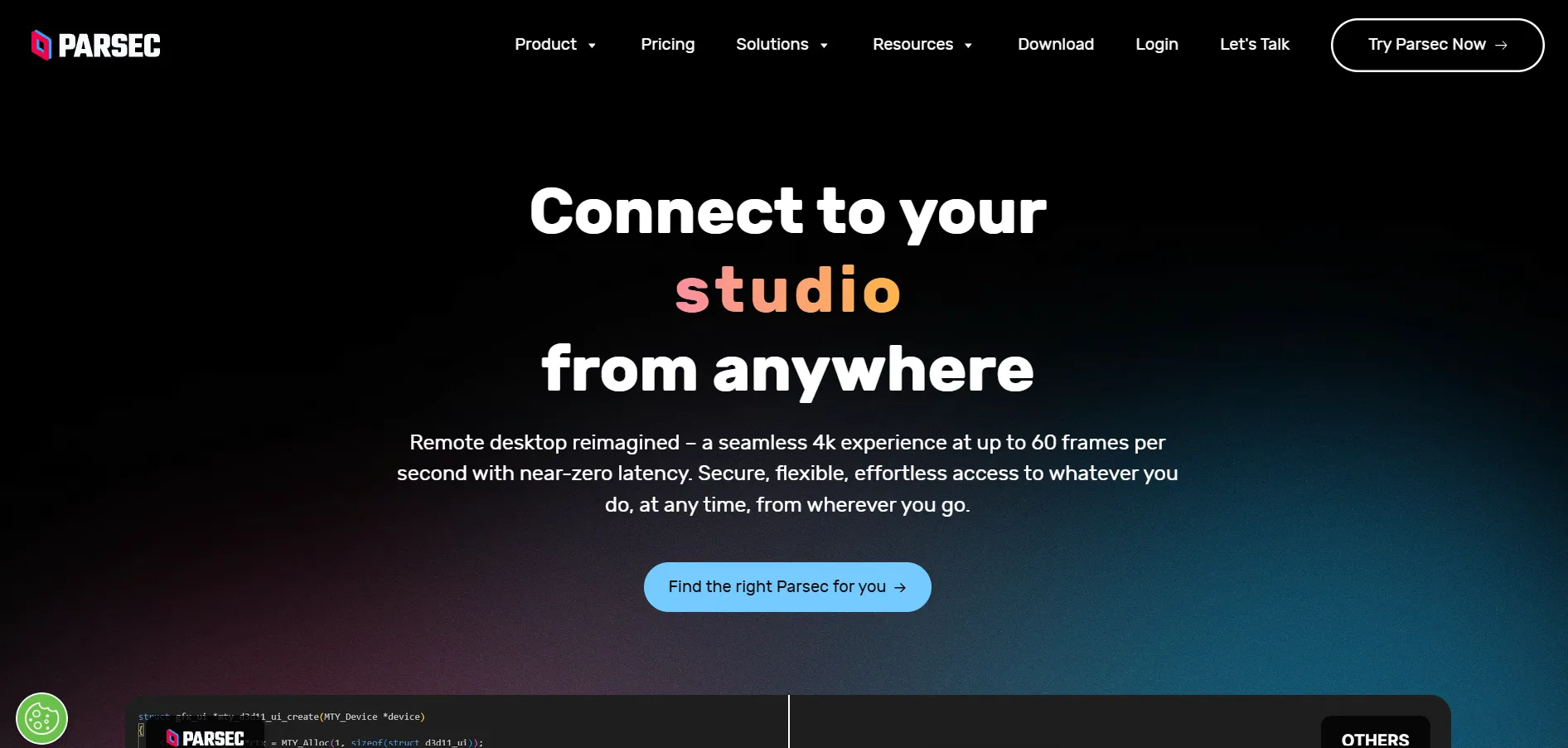
Parsec is built for ultra-low latency streaming, making it the go-to RemotePC alternative for gamers, video editors, and creative professionals who need near-instant responsiveness. With sub-16ms latency and 4K streaming at up to 60fps, it excels where standard remote desktop tools tend to lag, though it lacks dedicated IT helpdesk features.
Parsec offers a generous free tier for personal use, while its Teams plan adds collaboration features for studios and small companies. Because it isn’t built for enterprise IT support, it skips features like file transfer and session recording found in business-focused competitors.
💰 Parsec Pricing Plans
| Free | $0 (personal use) |
| Warp (Individuals) | ~$9.99/month |
| Teams | ~$35/month per user |
| Enterprise | Custom quote |
Prices sourced from Parsec’s official pricing page; may vary by billing cycle.
Pros
- Industry-leading low latency for gaming and creative work
- Generous free tier with full performance quality
- Supports controllers and drawing tablets natively
Cons
- No file transfer or session recording tools
- Not designed for IT helpdesk or support use cases
- Requires a strong, stable internet connection
9. Pulseway
✔ Free Trial Available
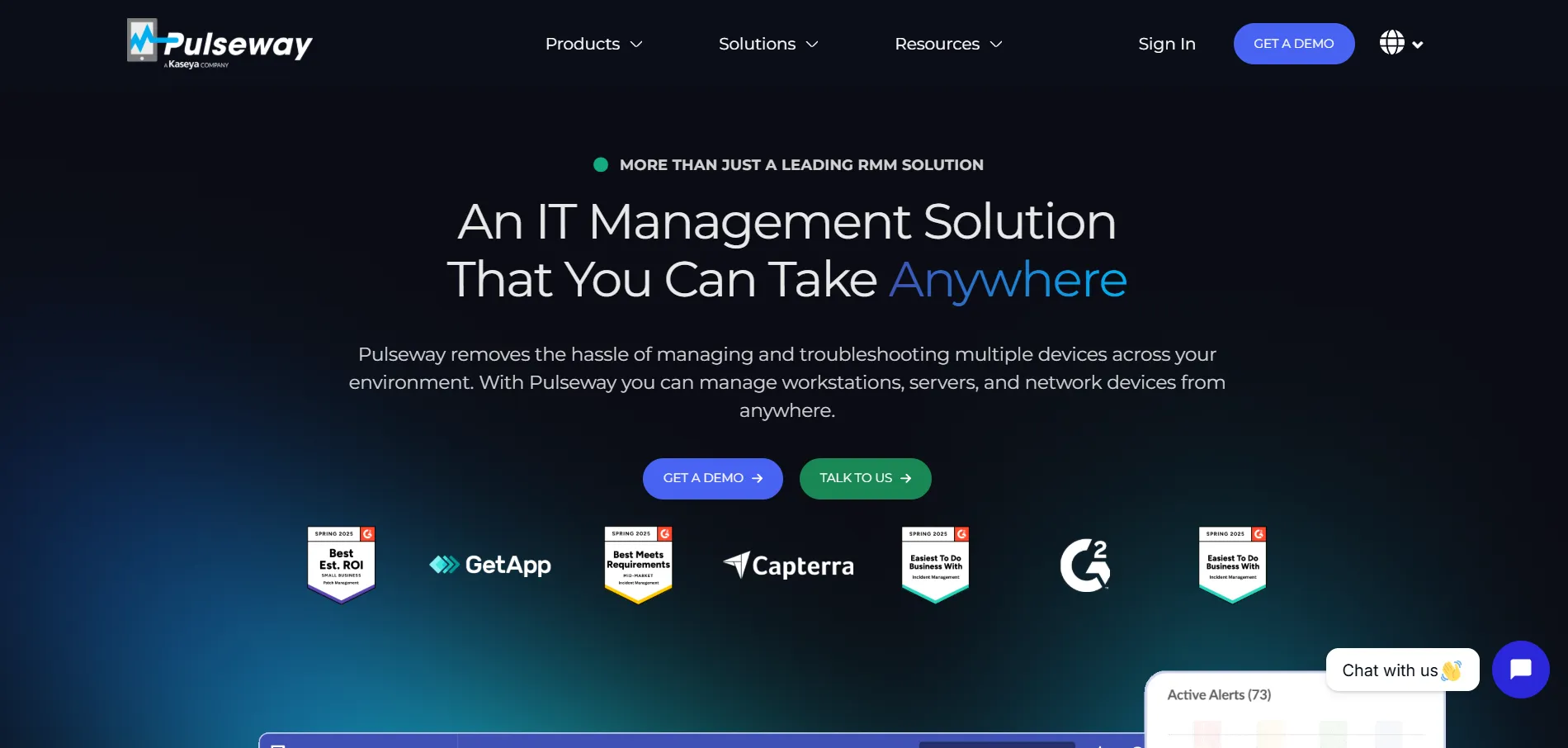
Pulseway is primarily a remote monitoring and management (RMM) platform with strong remote control capabilities baked in, designed for MSPs and IT teams managing servers and workstations at scale. Its standout feature is a mobile-first dashboard that lets technicians monitor systems and remediate issues directly from a smartphone.
Pulseway’s pricing is generally quote-based and scales with the number of managed devices, though published starting prices vary across sources. Most plans bundle remote control with patch management, monitoring, and automation, making it more of an all-in-one IT platform than a pure remote-access tool like RemotePC.
💰 Pulseway Pricing
| Starting Plan | ~$19–$22/month (per device, varies) |
| Advanced/Enterprise | Custom quote |
Pricing varies by source and device count; confirm on Pulseway’s official pricing page.
Pros
- Combines RMM and remote control in one platform
- Strong mobile app for on-the-go IT management
- Good automation and patch management tools
Cons
- Remote control feature seen as less polished than dedicated tools
- Pricing structure can be unclear without a sales quote
- May be overkill for users needing only remote access
10. BeyondTrust Remote Support
✔ Free Trial Available
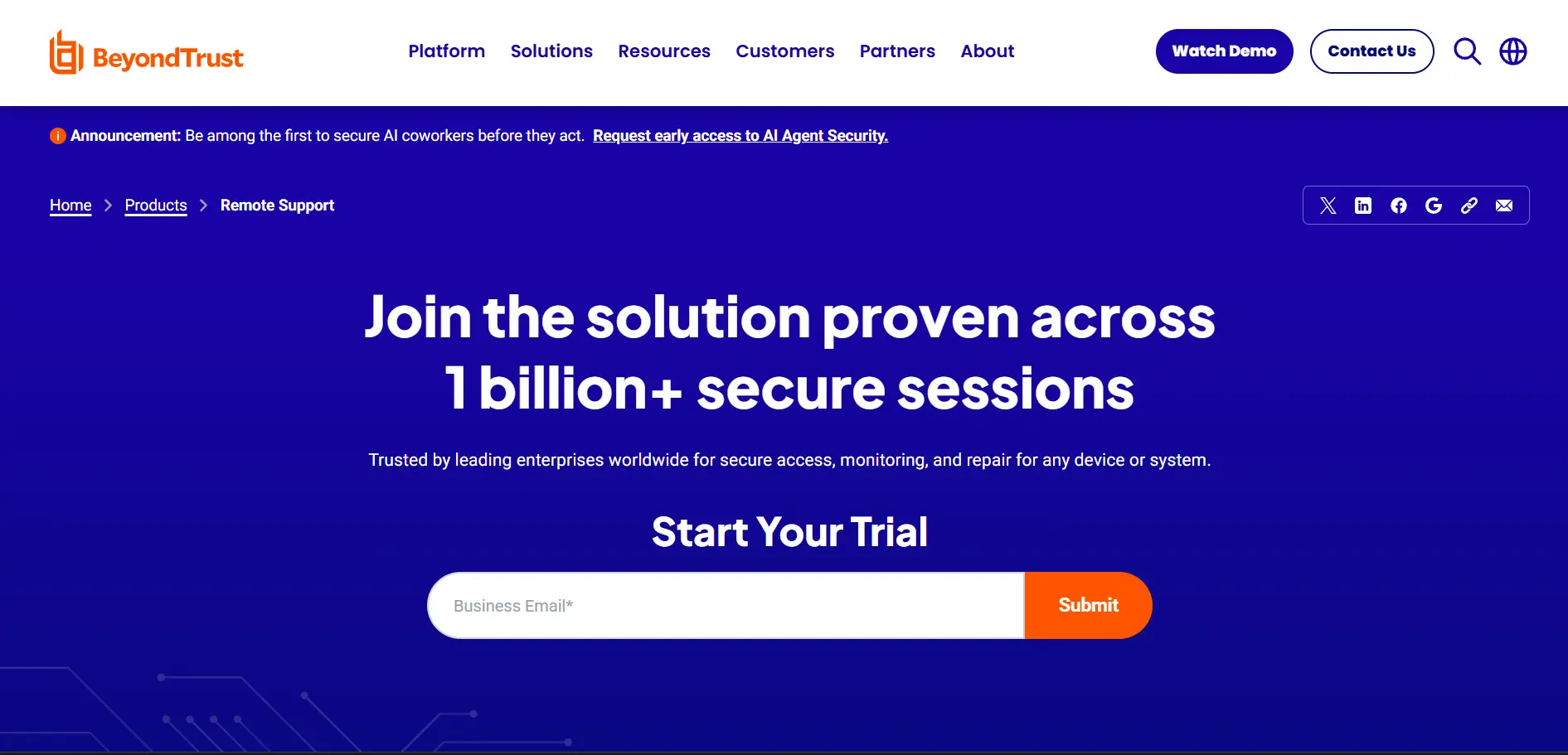
BeyondTrust Remote Support is an enterprise-grade solution built with heavy emphasis on security, privileged access management, and compliance making it a strong RemotePC alternative for regulated industries like finance and healthcare. It supports remote access across desktops, servers, mobile devices, and network equipment from a single console.
BeyondTrust does not publish transparent pricing publicly, requiring interested buyers to contact sales directly for a custom quote based on organization size and feature needs. This makes it less accessible for solo users or small businesses compared to simpler, self-serve platforms.
💰 BeyondTrust Remote Support Pricing
| Small-Business / Mid-Market / Enterprise | Custom quote only |
No public pricing available; contact BeyondTrust sales for a quote.
Pros
- Excellent security and privileged access controls
- Supports a wide range of device types and platforms
- Well-suited to compliance-heavy industries
Cons
- No transparent public pricing
- Considered expensive relative to competitors
- Longer implementation time than lightweight tools
11. HelpWire
✔ Free to Use
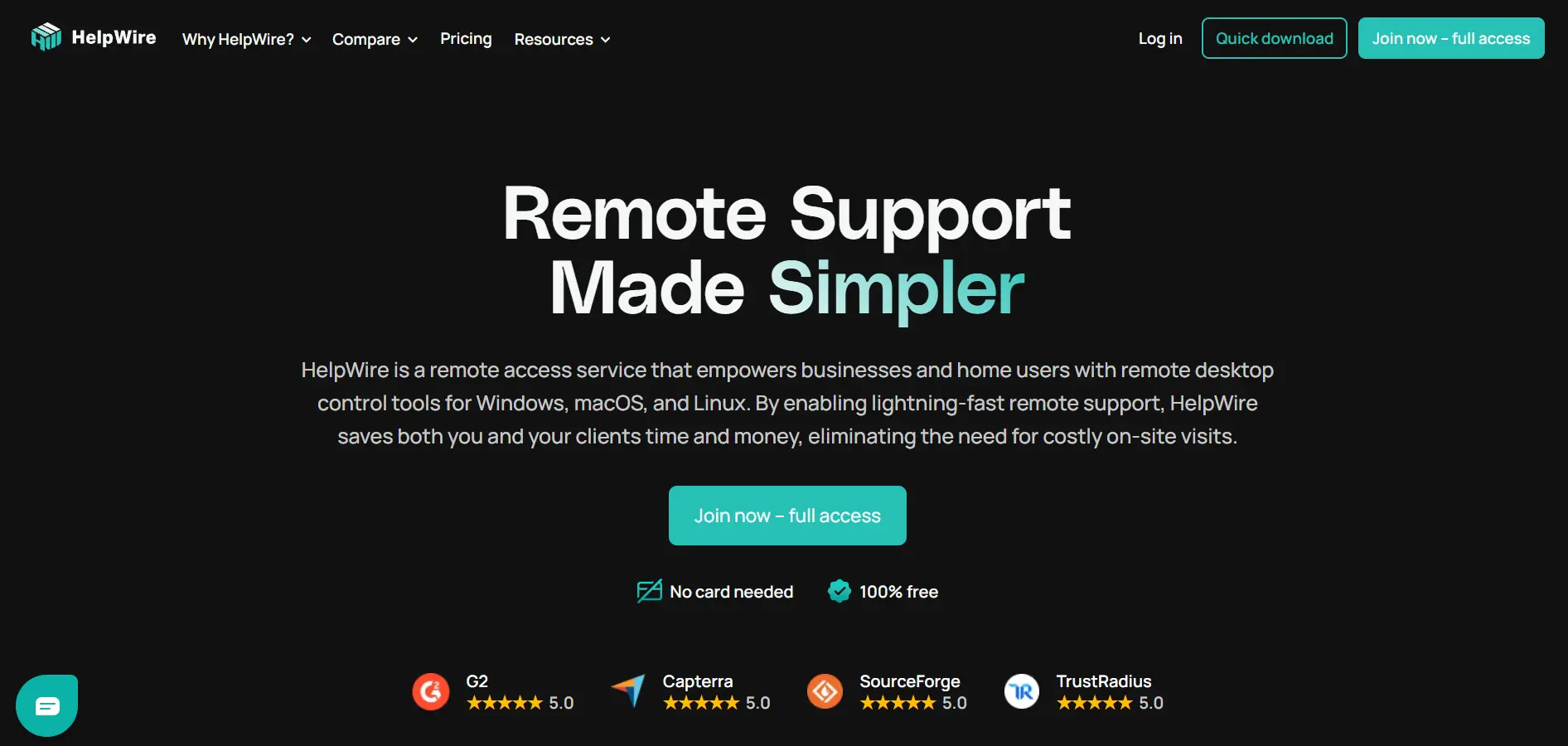
HelpWire is a newer remote desktop tool that has gained attention for offering robust remote support features completely free, making it an appealing RemotePC alternative for small businesses and individual technicians on a tight budget. It supports unattended access, file transfer, and multi-monitor viewing without upfront cost.
Because HelpWire’s core offering is free, there is no traditional trial period required users can access most features immediately after signup. Paid or premium tiers, if introduced, are typically aimed at larger teams needing more concurrent sessions or advanced administrative controls.
💰 HelpWire Pricing
| Free Plan | $0 (core features included) |
| Business/Team Plans | Check official site for current rates |
Confirm current plan details on HelpWire’s official pricing page.
Pros
- Free access to core remote support features
- Simple setup with no complicated licensing
- Good option for budget-conscious small teams
Cons
- Smaller feature set compared to established enterprise tools
- Limited long-term track record and reviews
- Advanced features may require future paid tiers
Comparison Table
| Alternative | Description |
|---|---|
| AirDroid Remote Support | Mobile-friendly remote support tool ideal for helpdesks managing Android, iOS, Windows, and macOS devices. |
| AnyDesk | Fast, low-latency remote desktop app known for its proprietary DeskRT codec and free personal-use tier. |
| ConnectWise ScreenConnect | Feature-rich remote support platform built for MSPs, offering strong customization and access controls. |
| Splashtop | Affordable, secure remote access solution popular with small businesses, schools, and IT support teams. |
| Distant Desktop | Lightweight, no-frills remote desktop tool suited to freelancers and small teams needing basics done well. |
| Apache Guacamole | Free, open-source, browser-based remote gateway supporting RDP, VNC, and SSH with full self-hosting control. |
| Sobrii Remote | Simple, easy-to-deploy remote access tool aimed at small businesses and independent professionals. |
| Parsec | Ultra-low latency streaming tool built for gamers and creatives needing high-performance remote access. |
| Pulseway | Mobile-first RMM platform combining remote control with monitoring, patching, and automation for IT teams. |
| BeyondTrust Remote Support | Enterprise-grade, security-focused remote support solution built for regulated and compliance-heavy industries. |
| HelpWire | Free remote desktop tool offering unattended access and file transfer for budget-conscious small teams. |
Conclusion
RemotePC works well for many use cases, but the alternatives above show just how varied the remote access landscape has become. Whether you need enterprise-level security like BeyondTrust, budget-friendly performance like Splashtop or HelpWire, or ultra-low latency streaming like Parsec, there’s a tool tailored to your specific priorities and team size.
Before committing, take advantage of the free trials or free tiers most of these platforms offer to test real-world performance on your own network and devices. Pricing and features can shift over time, so always verify current plans directly on each vendor’s official website before making a final decision.


