

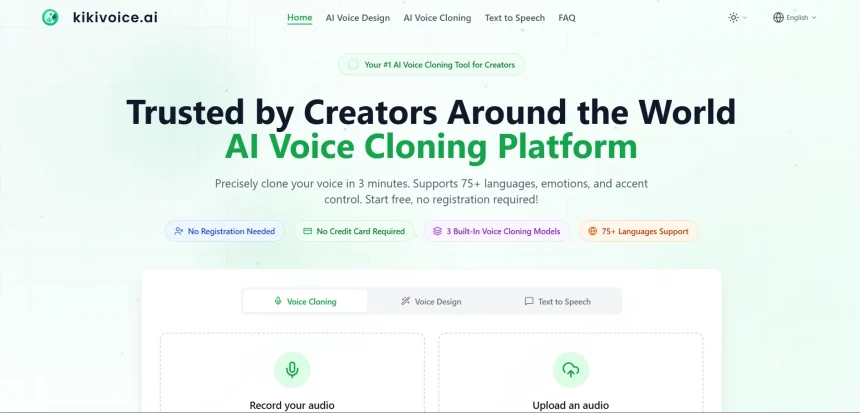
KikiVoice has built a name for itself as an AI voice generation tool, but it isn’t the only option on the market. Whether you’re a podcaster, YouTuber, game developer, or e-learning creator, choosing the right AI voice platform can make a huge difference in production quality and workflow speed. Below, we break down 11 KikiVoice Alternatives, covering their free trials, pricing plans, pros, and cons, so you can pick the tool that fits your project and budget.
1. Uberduck
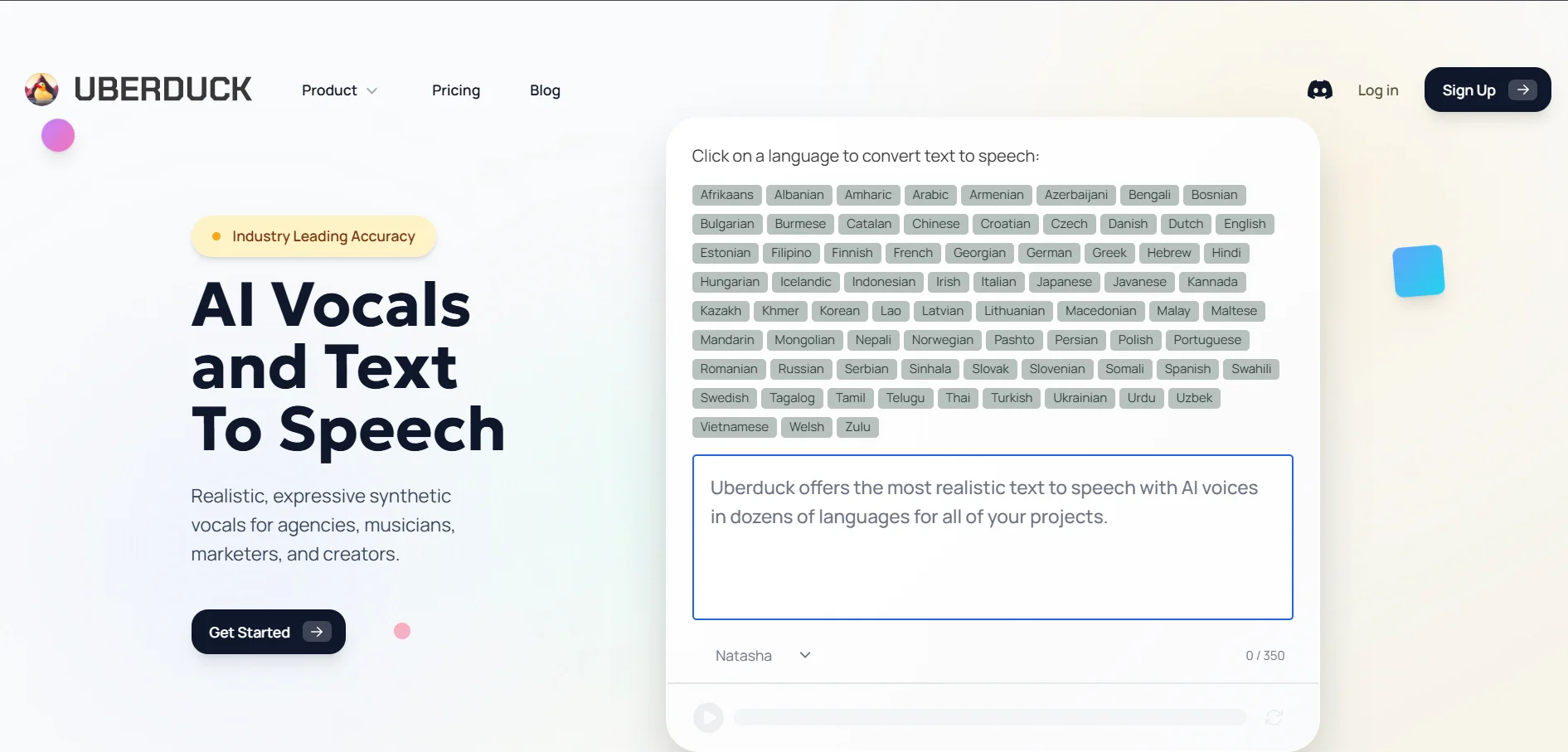
Uberduck is a text-to-speech and voice-cloning platform popular among indie game developers and meme creators. It offers a large library of stylized and celebrity-inspired voices, along with singing synthesis features that many mainstream competitors lack. The platform is community-driven, with an active Discord where users share custom voice models and creative projects.
While Uberduck’s novelty voices are fun, the audio quality can sound less polished than premium competitors like ElevenLabs. Its interface leans more technical, which may intimidate non-technical users. Still, for hobbyists experimenting with playful, character-driven audio content, Uberduck remains a budget-friendly and creative choice worth testing.
Pros
- Large library of novelty and singing voices
- Affordable entry-level pricing
- Active community and Discord support
- Good for game and meme content creators
Cons
- Audio quality trails premium competitors
- Interface feels less polished
- Limited enterprise-grade features
- Support can be slower than paid competitors
2. ElevenLabs
ElevenLabs is widely regarded as the industry leader in AI voice synthesis, known for exceptionally natural-sounding speech and advanced voice cloning. The Creator tier includes 100,000 credits, professional voice cloning, and 192 kbps audio output, making it popular with podcasters and audiobook narrators. It also supports dozens of languages and integrates well with developer workflows through its API.
The platform’s biggest challenge is cost complexity. Pricing is based on the number of generations, with overage charges dropping from $0.06 to $0.02 per generation depending on the plan, which can confuse first-time users. Despite this, ElevenLabs remains the benchmark for voice realism and is a top pick for creators who prioritize quality above simplicity.
Pros
- Industry-leading voice realism
- Professional voice cloning available
- Strong developer API and integrations
- Wide multilingual voice support
Cons
- Pricing structure can be confusing
- Overage fees add up quickly at scale
- Free plan lacks commercial licensing
- Higher tiers get expensive for teams
3. Minimax
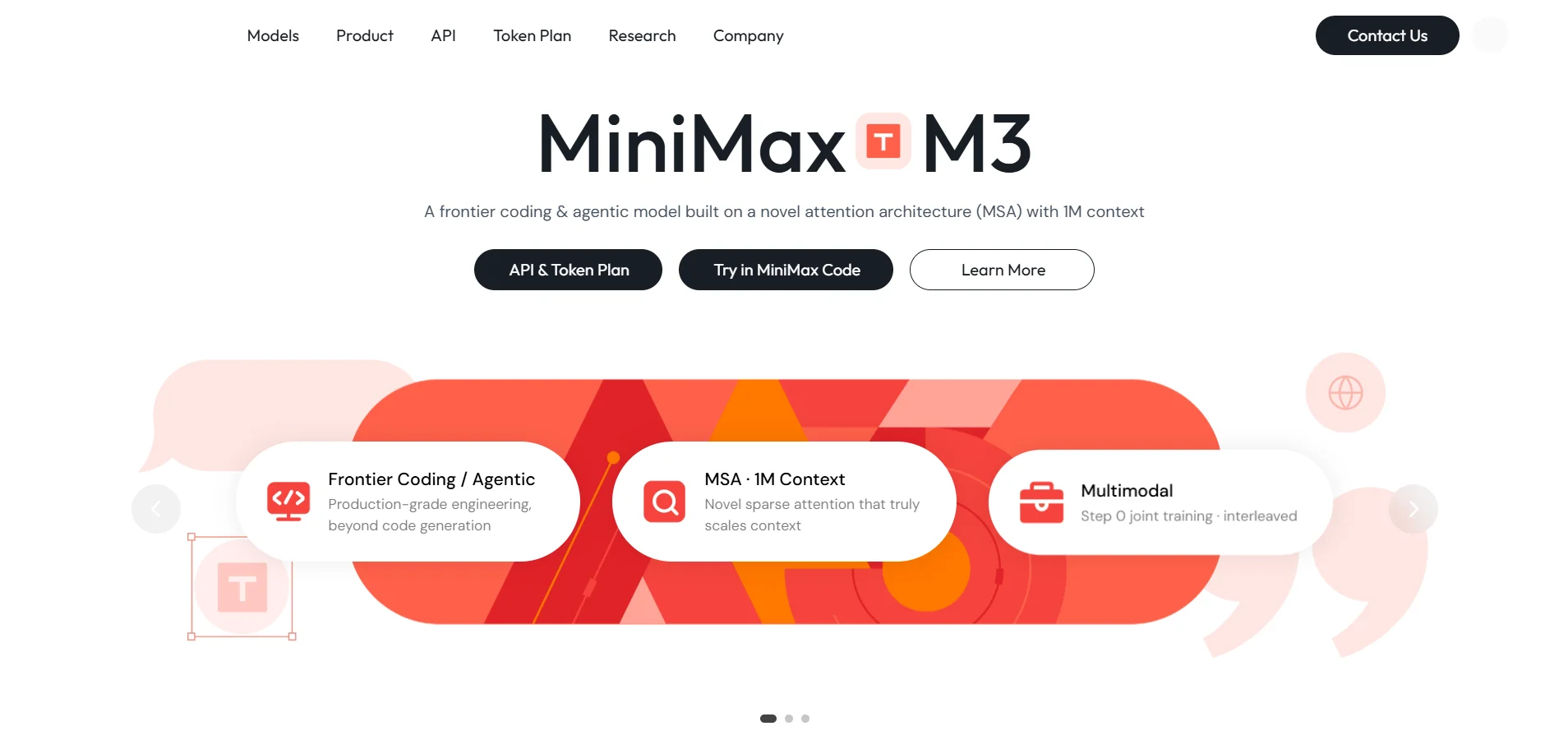
Minimax is a China-based AI company that has expanded into multilingual, expressive text-to-speech and voice cloning technology. Its models are known for fast inference speeds and natural emotional inflection, making them appealing for conversational AI agents, dubbing, and multilingual content localization projects.
One drawback is that documentation and support are sometimes less accessible to English-speaking users compared to Western competitors. Pricing transparency can also be inconsistent across regions. Even so, Minimax is a compelling option for developers building multilingual voice applications who want competitive quality at potentially lower rates.
Pros
- Fast, natural multilingual speech synthesis
- Strong emotional expressiveness
- Competitive API pricing
- Good for conversational AI use cases
Cons
- Documentation less accessible in English
- Inconsistent regional pricing transparency
- Smaller community compared to Western tools
- Support response times can vary
4. Podcastle
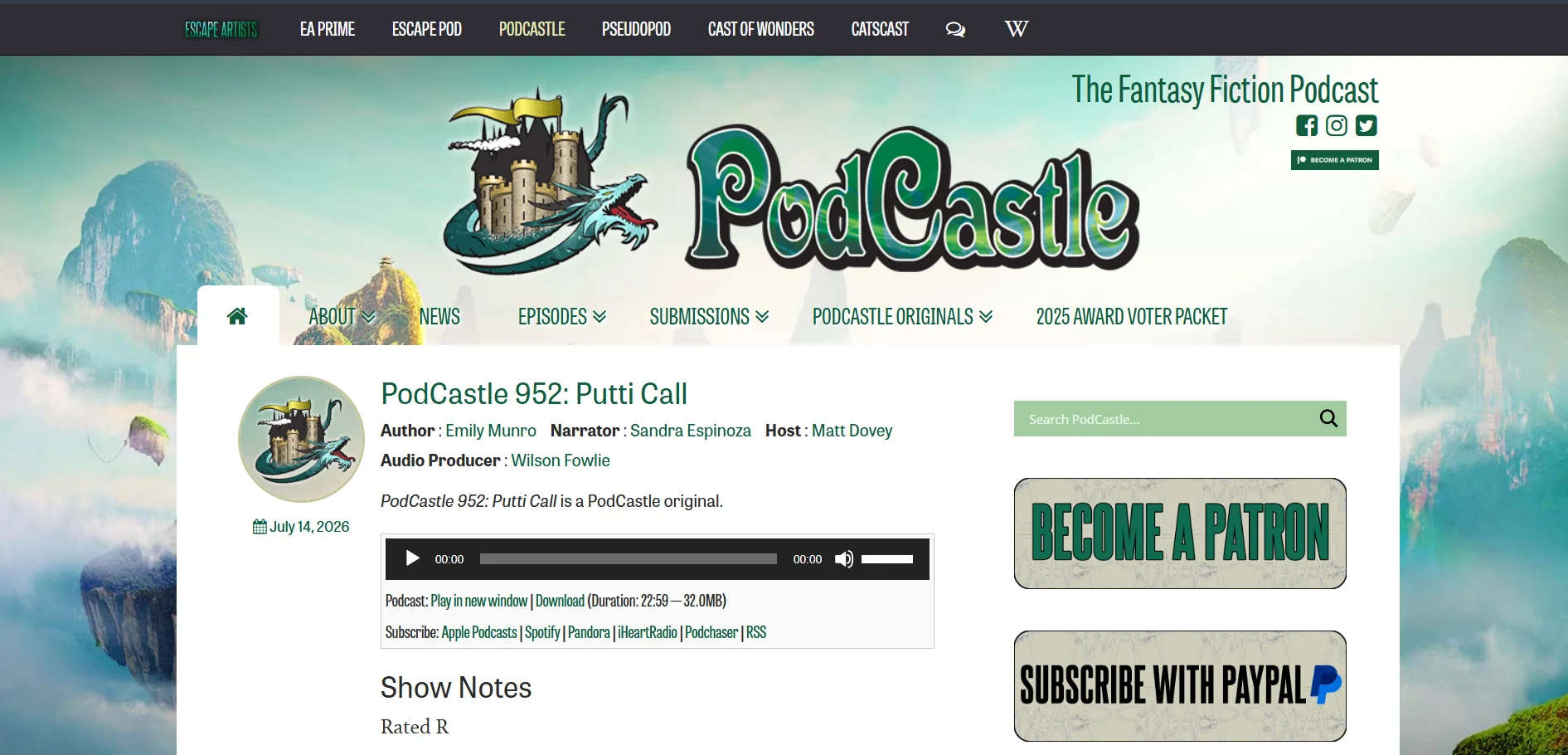
Podcastle is an all-in-one audio and video recording platform built for podcasters and content creators. It supports remote recording for up to 10 guests on separate tracks and includes AI features like Magic Dust for noise removal and filler-word detection, making post-production significantly faster for interview-style shows.
The platform recently rebranded, which has caused some confusion among long-time users regarding plan names and features. Some reviewers have also reported billing issues after trial periods ended unexpectedly. Still, for creators wanting a unified recording-to-editing pipeline, Podcastle remains a strong, convenient choice.
Pros
- All-in-one recording and editing platform
- AI noise reduction and filler-word removal
- Supports up to 10 remote guests
- Usable free tier for beginners
Cons
- Recent rebrand caused user confusion
- Some billing complaints after trial
- Video features more limited than audio
- Voice cloning locked behind higher tier
5. Resemble.ai
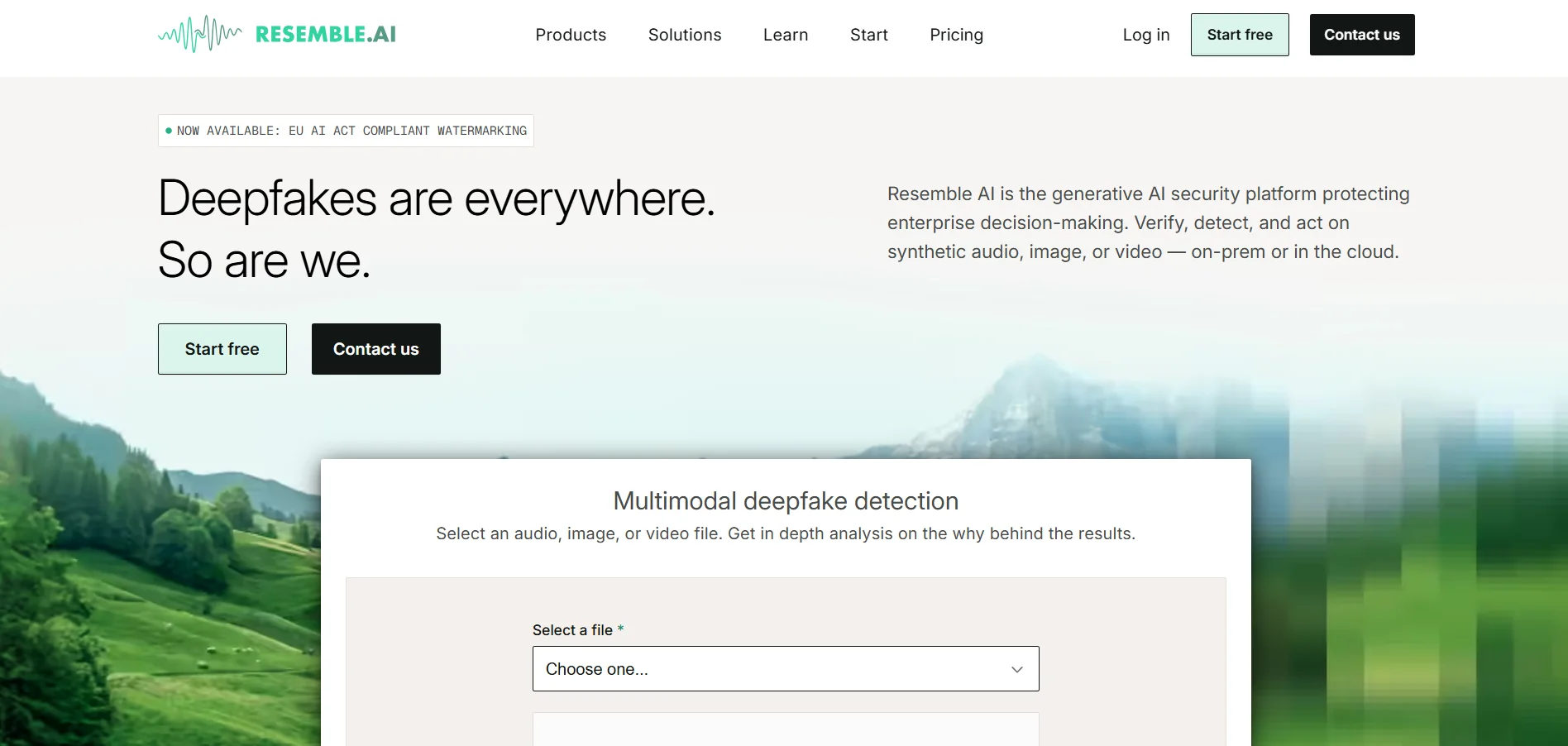
Resemble.ai is a developer-focused voice AI platform best known for broadcast-quality custom voice cloning and real-time synthesis APIs. It offers granular control over emotion, pitch, pacing, and inflection, plus real-time voice conversion and localization tools that appeal to game studios and enterprise clients like major media companies.
Because Resemble uses pay-per-use pricing rather than flat subscriptions, costs can be harder to predict, especially for high-volume applications like busy IVR systems. It also isn’t built as a full conversational agent platform. Even so, its security features like deepfake detection make it a standout for authentication-sensitive projects.
Pros
- Broadcast-quality voice cloning
- Built-in deepfake detection and watermarking
- Flexible pay-as-you-go pricing
- Strong developer API and SDKs
Cons
- Usage-based costs can be unpredictable
- Not a full voice-agent platform
- Steeper learning curve for beginners
- Pricing can feel steep for small projects
6. BookFab
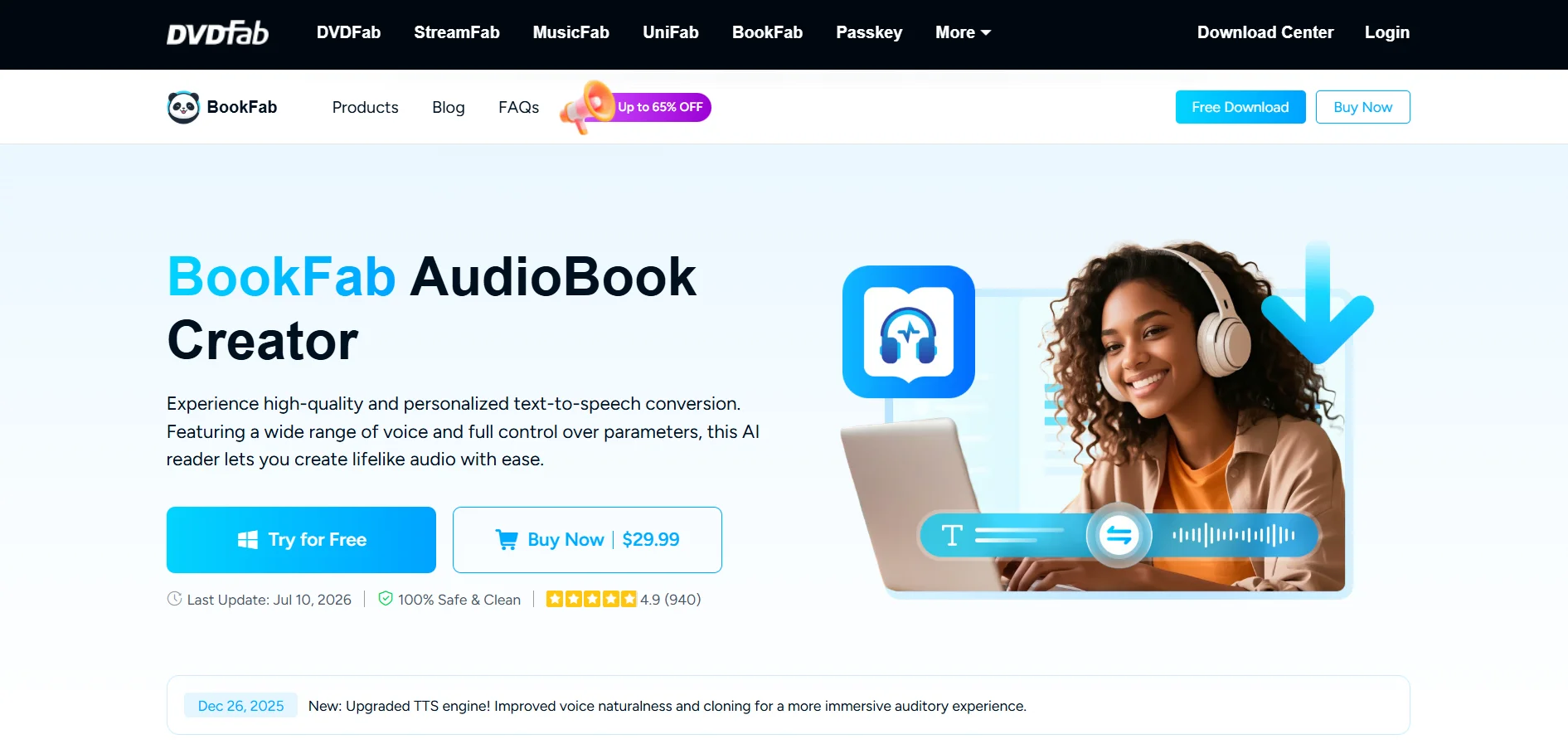
BookFab specializes in converting written books into professional-sounding audiobooks using AI narration. It’s designed specifically for independent authors and small publishers who want to distribute audiobooks without hiring expensive human narrators, offering multiple voice styles and language options tailored to long-form storytelling.
Because BookFab focuses narrowly on audiobook production, it lacks the broader creative tools found in general-purpose voice platforms, such as video integration or real-time voice agents. Authors seeking flexibility beyond audiobooks may need a second tool. Still, for self-publishers focused purely on narration, BookFab offers a streamlined, purpose-built solution.
Pros
- Purpose-built for audiobook narration
- Affordable alternative to human narrators
- Simple workflow for independent authors
- Multiple narrator voice styles available
Cons
- Narrow focus limits broader use cases
- No video or agent-based features
- Smaller voice library than general TTS tools
- Less brand recognition than major competitors
7. VEED
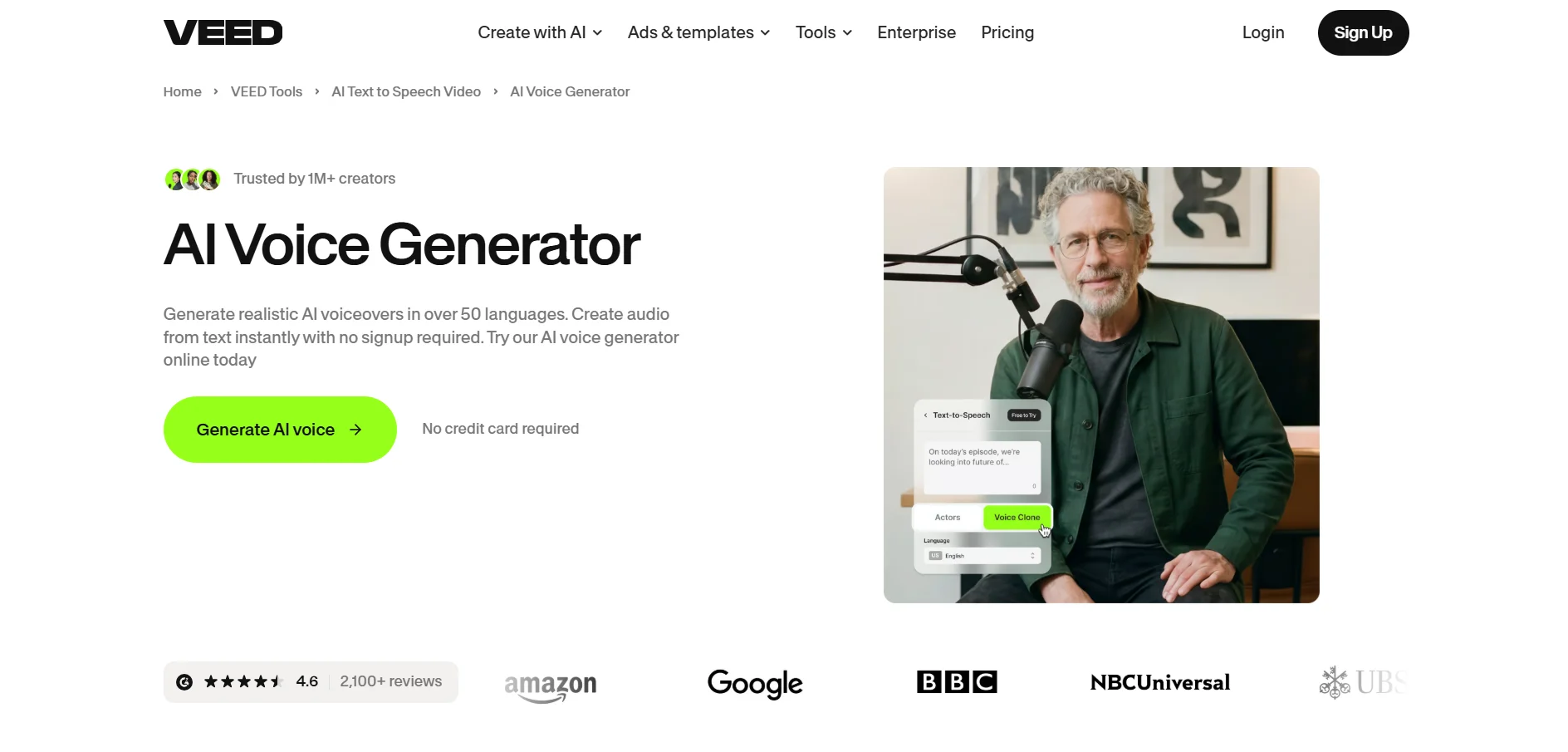
VEED is a browser-based video editor that has expanded well beyond subtitles into a full AI-powered content suite, including text-to-speech, AI avatars, and background removal. It’s used by over 4 million creators and businesses and boasts auto-subtitles with 98% accuracy, making it a strong all-in-one choice for video-first creators.
Because VEED bills per user, team costs can add up quickly, and cloud storage can fill fast when working with high-resolution footage. The free plan also includes watermarks and export limits. Still, for creators who need video and voice tools bundled together, VEED offers excellent convenience.
Pros
- All-in-one video and voice editing suite
- Highly accurate auto-subtitles
- No software download required
- AI avatars and background removal included
Cons
- Per-user billing gets costly for teams
- Free plan has watermarks and limits
- Cloud storage fills quickly with 4K footage
- Advanced AI features consume extra credits
8. Lovo.ai
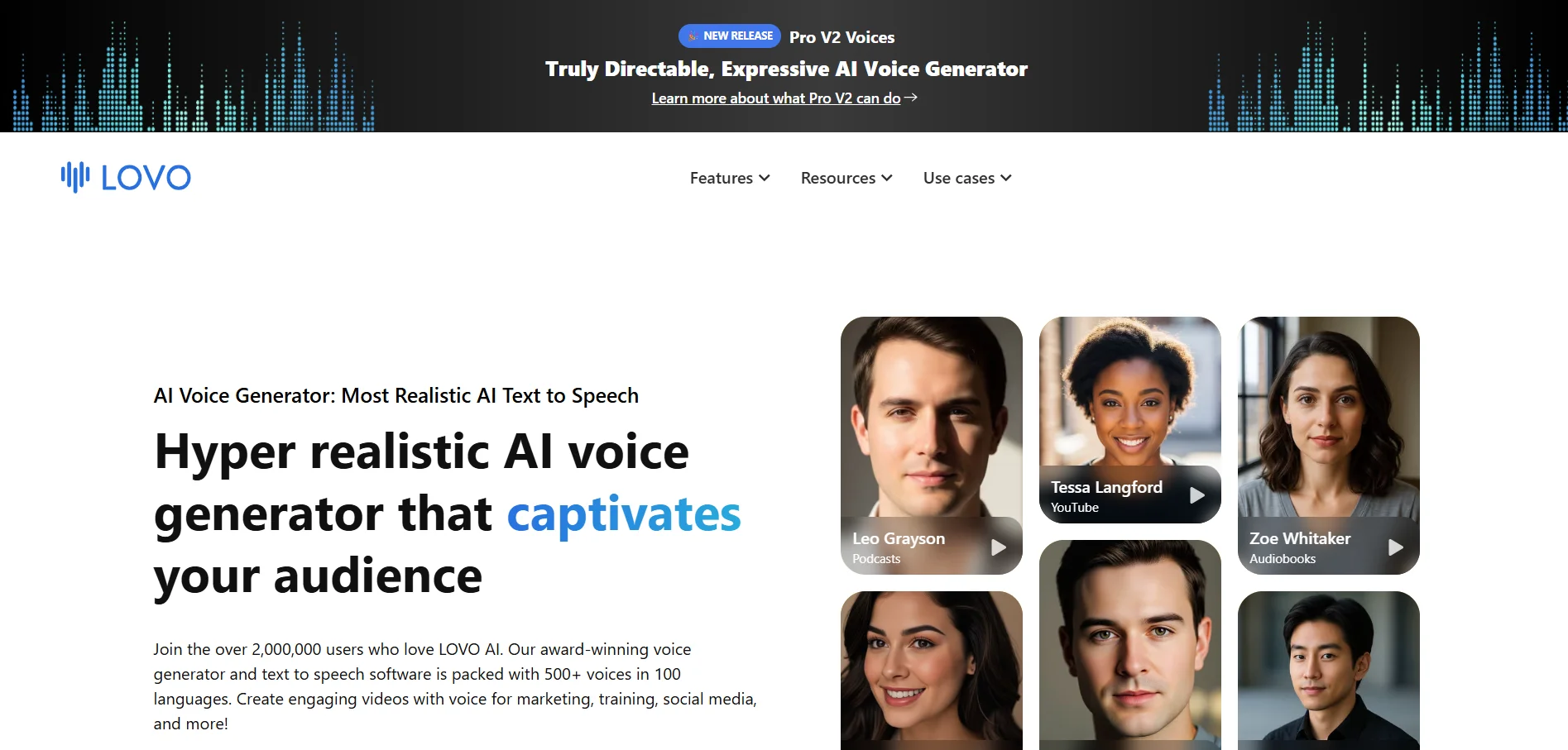
Lovo.ai, built around its Genny platform, combines text-to-speech with a video editor, AI script writer, and subtitle generator. It offers 500+ voices across 100+ languages and 30+ emotions, and its newer Pro V2 voices let users control emotion and accent using natural-language brackets like [whispering] or [excited].
Despite strong features, Lovo.ai has faced criticism over business practices, including a low Trustpilot rating and complaints about billing continuing after cancellation attempts. Prospective users should read cancellation policies carefully. Even so, its bundled toolkit makes it appealing for creators wanting voice and video in a single subscription.
Pros
- Large voice and language library
- Bundled video editor and script writer
- Directable emotion and accent controls
- Voice cloning available on paid plans
Cons
- Low Trustpilot rating and billing complaints
- No permanent free plan
- Trial exports carry watermarks
- Cancellation process reportedly inconsistent
9. Voice.ai
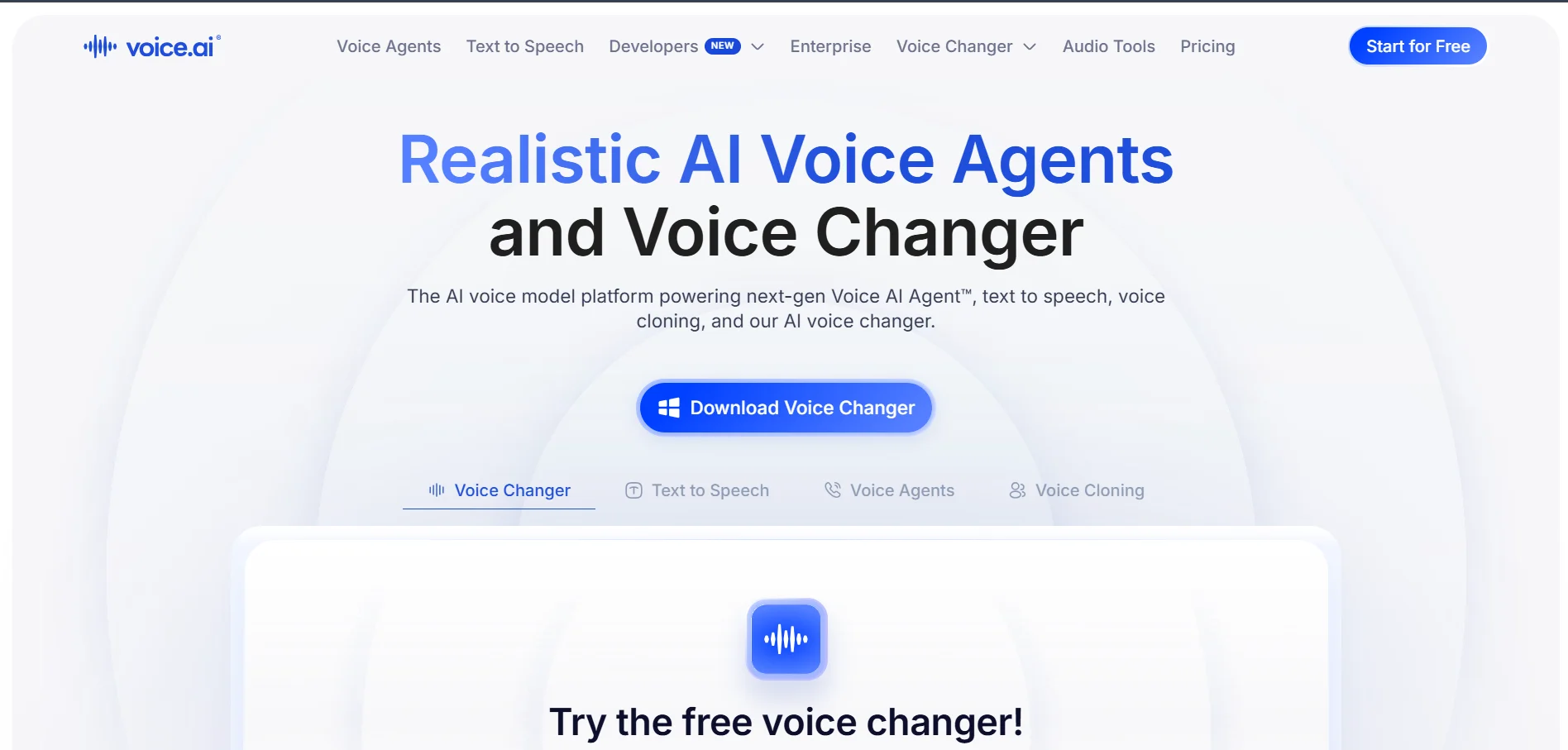
Voice.ai is a real-time voice changer popular among gamers, streamers, and Discord users who want to modify their voice during live calls or broadcasts. It supports a range of preset character voices and includes some AI voice cloning capabilities, making it a fun tool for content creators building online personas.
The platform is less suited for professional narration or long-form content production compared to text-to-speech-focused competitors. Latency and voice stability can vary depending on hardware, particularly on lower-end systems. Still, for live streaming and casual voice-changing entertainment, Voice.ai remains a popular and accessible pick.
Pros
- Real-time voice changing for streams and calls
- Fun preset character voices
- Simple desktop app installation
- Popular with gaming and Discord communities
Cons
- Not designed for narration or long-form content
- Performance depends heavily on hardware
- Limited professional/enterprise features
- Smaller voice library than TTS-focused rivals
10. Gradium
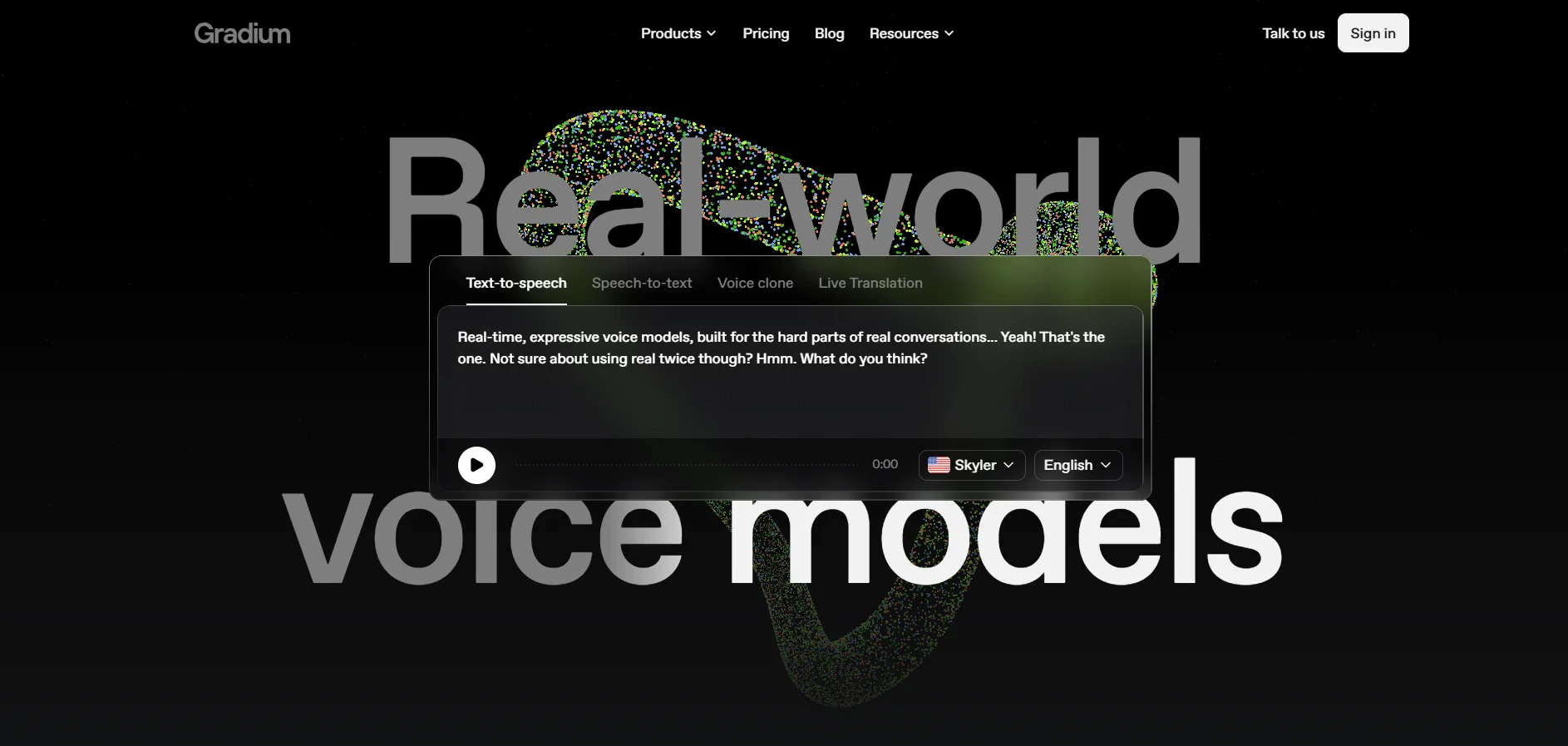
Gradium is a newer entrant in the AI voice generation space, positioning itself as a streamlined tool for creators who want quick, high-quality narration without a steep learning curve. It emphasizes simplicity, offering a clean interface aimed at marketers, educators, and small content teams.
Being a relatively newer platform, Gradium has a smaller voice library and less third-party integration support compared to established players like ElevenLabs. Documentation and community resources are also still growing. Nonetheless, its simplicity and competitive pricing make it worth testing for straightforward voiceover needs.
Pros
- Clean, beginner-friendly interface
- Competitive entry-level pricing
- Fast turnaround for simple projects
- Good fit for marketers and educators
Cons
- Smaller voice library than established rivals
- Limited third-party integrations
- Growing but still limited documentation
- Less proven at enterprise scale
11. Pixbim
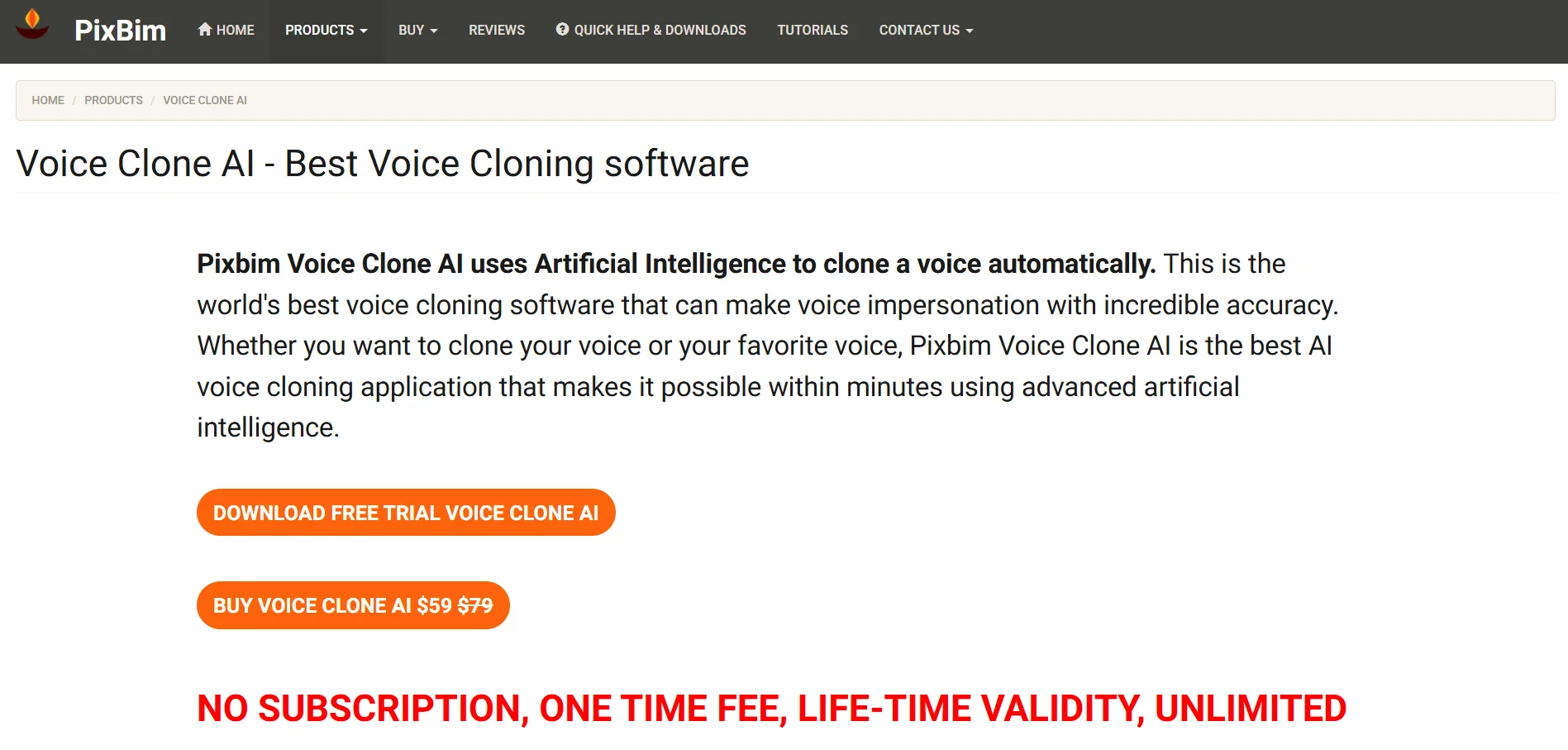
Pixbim offers a suite of AI-powered creative tools, including voice generation, video enhancement, and photo editing applications. Unlike many subscription-only competitors, it often provides one-time purchase options, which can appeal to budget-conscious creators who prefer owning software outright rather than paying recurring fees.
Because Pixbim’s product lineup spans multiple standalone tools rather than one unified platform, users may need to purchase several apps to get a complete voice-and-video workflow. Voice quality, while decent, doesn’t always match dedicated TTS specialists. Still, its flexible pricing model appeals to creators wary of subscription fatigue.
Pros
- One-time purchase options available
- Suite of complementary creative tools
- Budget-friendly for occasional users
- No mandatory long-term subscription
Cons
- Fragmented tools instead of one platform
- Voice quality trails dedicated TTS tools
- May require multiple app purchases
- Less frequent updates than subscription rivals
Comparison Table
| Alternative | Description |
|---|---|
| Uberduck | Text-to-speech and voice cloning platform known for novelty, singing, and character voices favored by game developers and meme creators. |
| ElevenLabs | Industry-leading AI voice synthesis platform offering highly realistic speech, professional voice cloning, and robust developer APIs. |
| Minimax | Multilingual text-to-speech and voice cloning platform known for fast inference and expressive, emotional speech synthesis. |
| Podcastle | All-in-one podcast and video recording platform with AI-powered noise removal, transcription, and multi-guest remote recording. |
| Resemble.ai | Developer-focused voice AI platform offering broadcast-quality cloning, real-time synthesis, and deepfake detection for security-conscious projects. |
| BookFab | AI audiobook narration service built specifically for independent authors converting books into professionally narrated audio. |
| VEED | Browser-based video editing suite combining AI subtitles, voice tools, avatars, and background removal for content creators. |
| Lovo.ai | Genny-powered voice generator bundling text-to-speech, video editing, and script writing with a large multilingual voice library. |
| Voice.ai | Real-time voice changer app popular with gamers and streamers for live voice modification during calls and broadcasts. |
| Gradium | Newer, simplified AI voice generation tool aimed at marketers and educators who want fast, easy narration output. |
| Pixbim | Suite of AI creative tools spanning voice, video, and photo editing, often available through flexible one-time purchase pricing. |
Conclusion
Choosing the right KikiVoice alternative ultimately depends on your specific needs, whether that’s studio-grade voice cloning, budget-friendly experimentation, or an all-in-one content creation suite. ElevenLabs and Resemble.ai stand out for professional voice quality, while Podcastle and VEED offer broader creative ecosystems beyond just audio. Meanwhile, tools like Uberduck, Voice.ai, and Gradium cater to more casual or niche use cases. Before committing to a paid plan, take advantage of each platform’s free trial to test voice quality, workflow, and pricing against your project’s real-world demands.


