

Wan 2.2 has earned a strong reputation as an open-weight AI video model, but it isn’t the right fit for everyone. Some creators need polished avatar presenters, others want blog-to-video automation, and many simply want a hosted platform without touching GPUs or command lines. This guide rounds up 11 Wan 2.2 Alternatives spanning animation, text-to-video, avatar generation, and editing suites.
Each entry below covers what the platform does best, its official pricing plans, and a clear list of pros and cons so you can match the right tool to your workflow, budget, and skill level without wasting time on trial and error.
1. Vyond Go
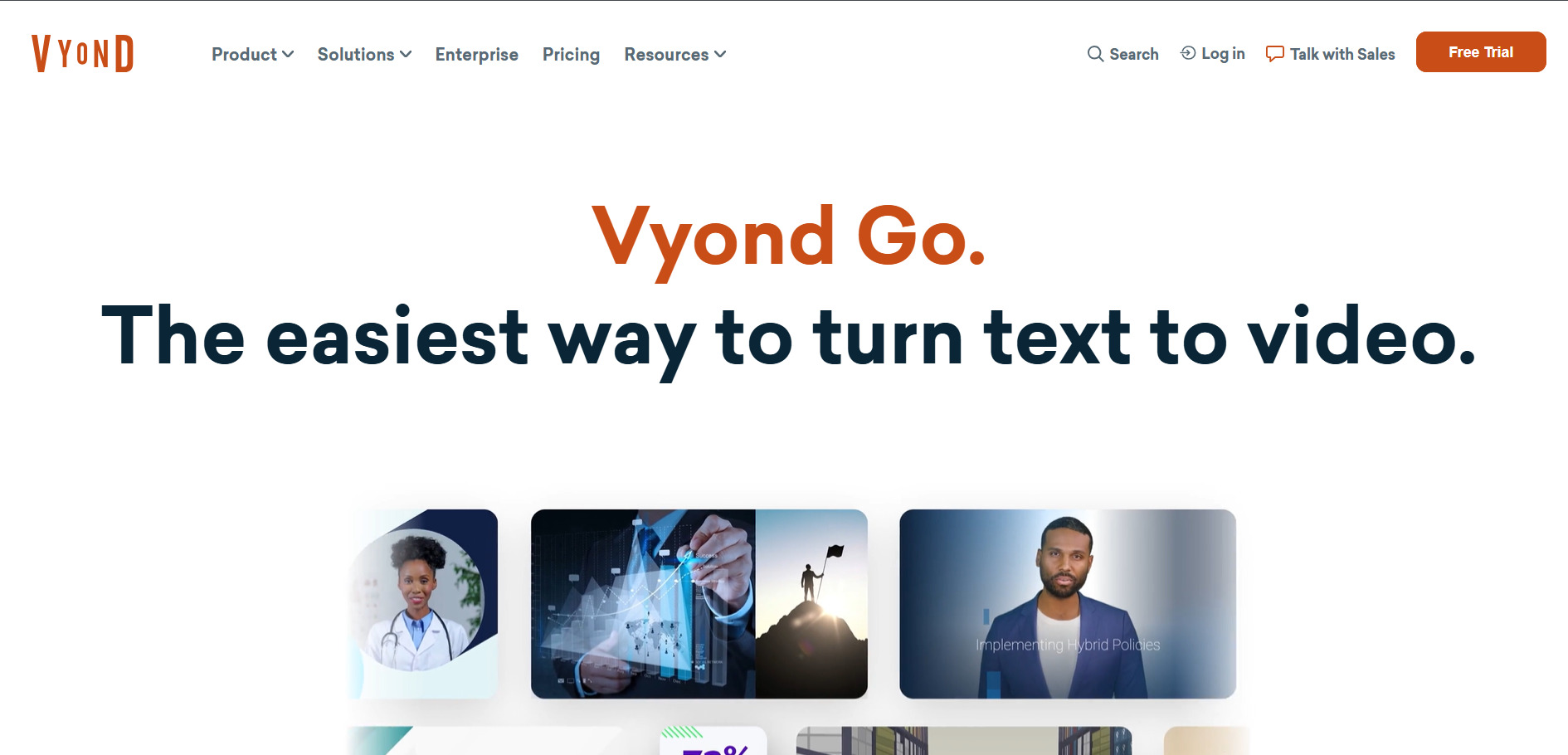
Free Trial: 2,000 credits included
Vyond Go is the AI-first version of Vyond’s long-running animated video platform, aimed at business users who need explainer and training videos fast. It leans on character animation, automatic lip-sync, and a credit-based AI system for avatars and instant video creation, making it popular with corporate learning and development teams.
Official Pricing (vyond.com):
- Starter: $99/month or $699/year (10,000 credits/user)
- Professional: $199/month or $1,199/year (20,000 credits)
- Agency: $1,999/year (unlimited rights transfers)
- Enterprise & Government: custom annual pricing
Beyond pricing, Vyond Go stands out for its polished character library and Shutterstock audio integration on Professional plans and above. It’s ISO 27001 certified and stores data on AWS, which matters for corporate buyers with compliance requirements. The tradeoff is that credits get consumed quickly once AI avatars and voice features are used heavily.
Compared to Wan 2.2’s raw generative flexibility, Vyond Go trades creative freedom for structure. You’re working within character templates and animation logic rather than freeform scene generation, which suits scripted corporate content far better than experimental or cinematic video projects.
Pros
- Strong character animation and lip-sync tools
- Enterprise-grade security certifications
- Good for structured training content
Cons
- Expensive compared to most alternatives
- Credits burn fast with AI features
- Not suited for cinematic or generative video
2. Lumen5

Free Plan: 5 videos/month (Community tier)
Lumen5 converts blog posts, scripts, or plain text into finished marketing videos using AI scene matching and a large stock media library. It’s designed for content marketers who need to repurpose written content into social videos quickly, without any manual video editing experience required.
Official Pricing (lumen5.com):
- Community: Free (720p, watermarked, 5 videos/month)
- Basic: ~$29/month (720p, no watermark)
- Starter: $59/month (1080p, full stock library)
- Professional: higher tier with Shutterstock + credits
- Enterprise: custom pricing
The blog-to-video AI Script Composer is Lumen5’s strongest feature, handling narrative pacing automatically rather than just stitching sentences. However, the AI’s visual matching accuracy sits around 70%, meaning most users still swap a handful of clips per video to get a polished final result.
Where Wan 2.2 generates original video content from prompts, Lumen5 assembles existing stock footage around your script. That makes it far cheaper for repurposing written content at scale, but it can’t create truly original visuals the way a generative model can.
Pros
- Fast blog-to-video conversion
- Large stock footage and music library
- Simple, marketer-friendly interface
Cons
- 1080p locked behind the Starter tier
- AI visual matching needs manual correction
- No true generative video creation
3. Pictory AI
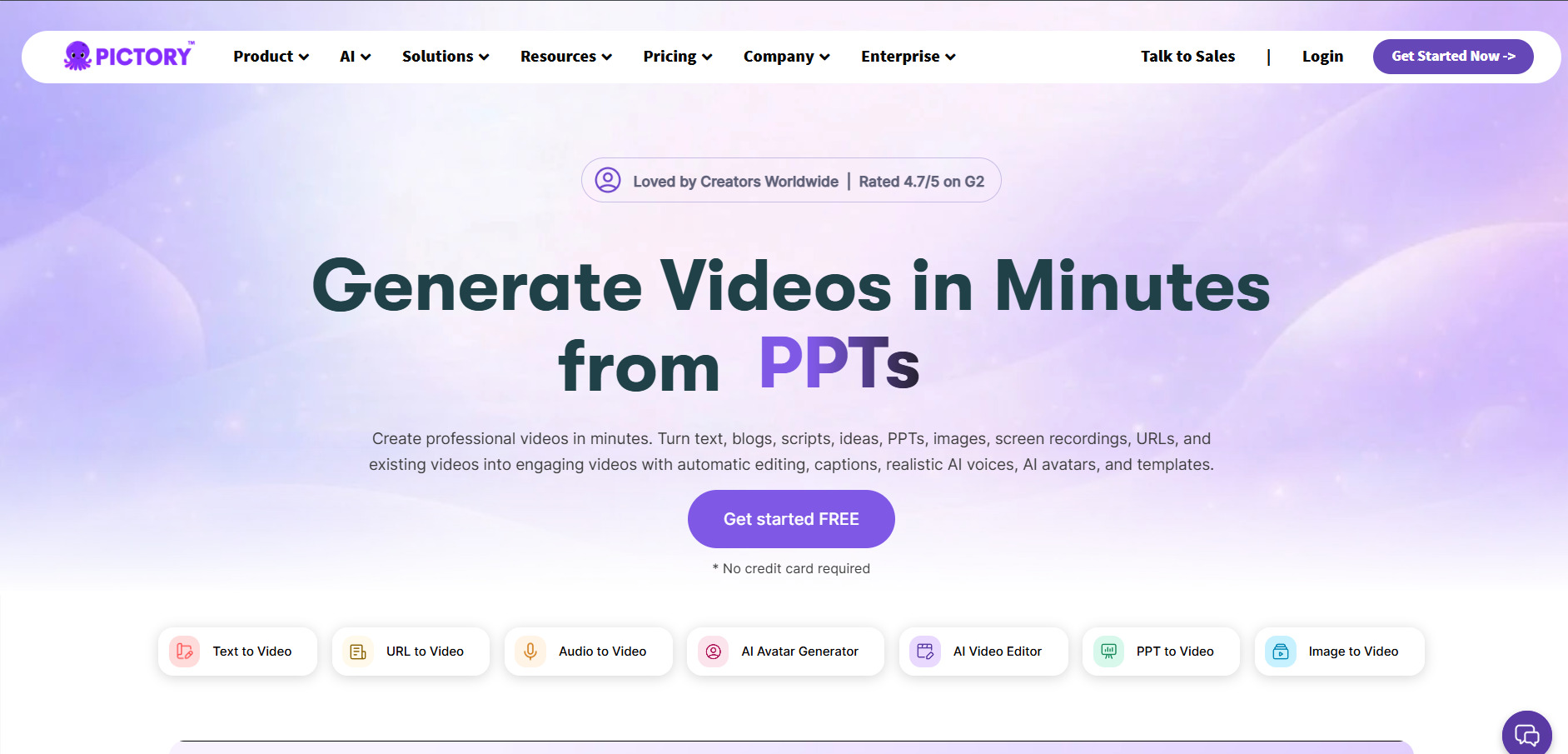
Free Trial: 14 days, 3 full projects
Pictory AI turns scripts, blog URLs, and long-form recordings into short branded videos, drawing from a stock library of millions of clips plus ElevenLabs AI voiceovers. It’s built for YouTubers, marketers, and teams who want a fast script-to-video pipeline without a full production workflow.
Official Pricing (pictory.ai):
- Starter: $25/month billed annually (200 video minutes)
- Professional: $35/month billed annually (600 minutes, gen AI)
- Teams: $119/month billed annually (1,800 minutes, collaboration)
- Enterprise: custom pricing
Pictory’s Professional plan bundles a genuinely useful stack: ElevenLabs voiceovers, Getty Images assets, and Storyblocks footage, which the company estimates is worth thousands of dollars if purchased separately. Optional add-ons like premium Getty visuals cost extra on the Starter tier.
Unlike Wan 2.2’s prompt-driven generation, Pictory works from existing text or recordings, making it better suited for repurposing webinars, podcasts, or PowerPoint decks into digestible video content rather than producing new cinematic scenes.
Pros
- Generous free trial with real projects
- Bundled premium stock and voice assets
- Good for webinar and podcast repurposing
Cons
- Storage limits unclear on overflow policy
- Starter tier caps resolution and minutes tightly
- Not built for original scene generation
4. Wireflow
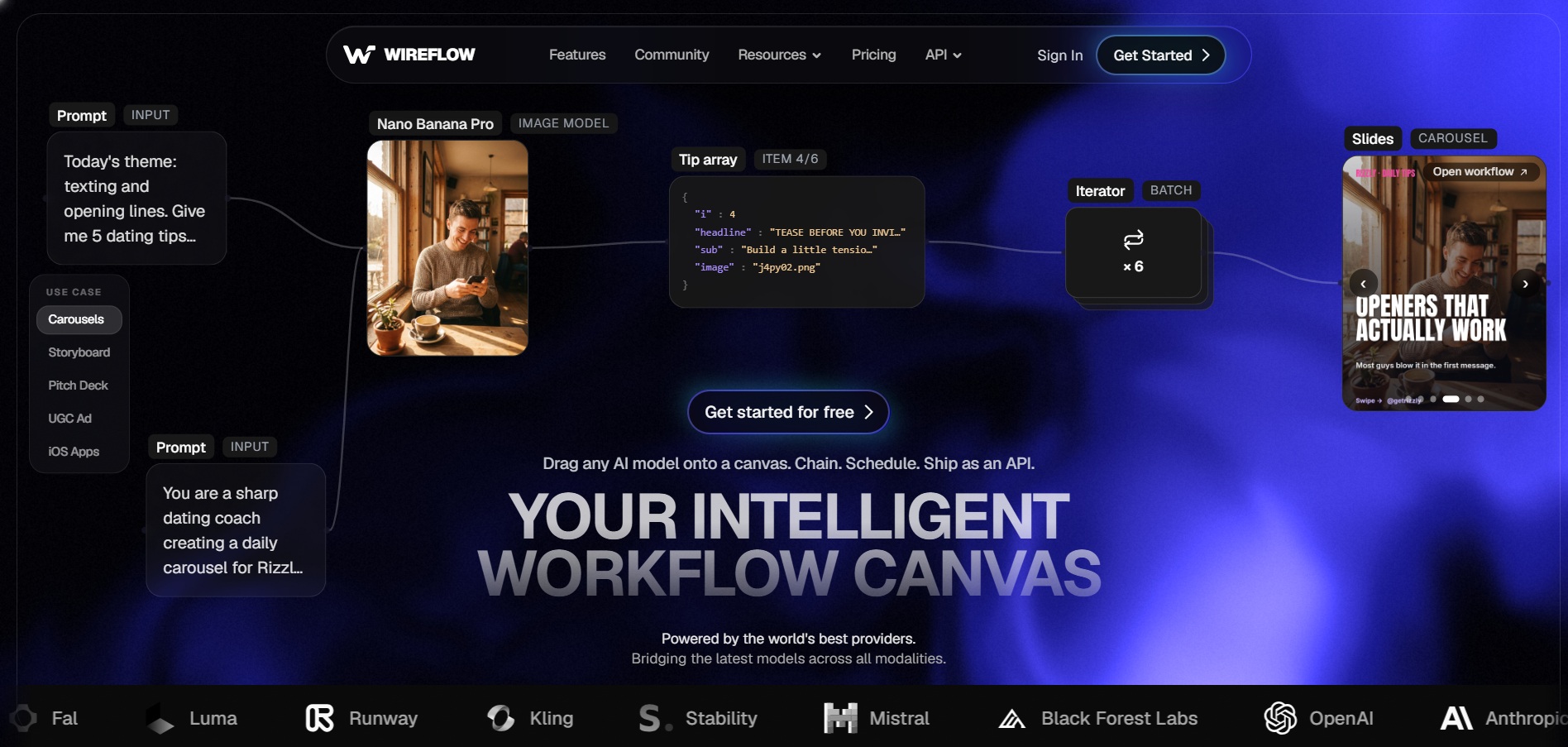
Free: Build workflows free, no credit card
Wireflow is a node-based AI workflow builder where you chain image and video models like Kling, Recraft, and Wan-class generators on a visual canvas. Instead of committing to one model’s ecosystem, you mix and match models per project and pay only for what you actually generate.
Official Pricing (wireflow.ai):
- Free: Build workflows, no generation credits required
- Starter: $24/month (1,600 credits)
- Professional: $45/month (credits roll over 3 months)
- Team: $249/month (shared team credits)
The flexibility here is the main draw: a three-node pipeline combining generation, upscaling, and export bills each step separately, so costs track exactly what you render. Credits roll over on paid tiers, which softens the sting of inconsistent monthly usage compared to expiring-credit competitors.
For users who already like Wan 2.2’s open approach, Wireflow feels like a natural extension since it can plug multiple video models into one canvas rather than locking you into a single vendor’s pricing and output style.
Pros
- Mix multiple AI video and image models freely
- Pay-per-generation, no wasted seat costs
- Credits roll over on paid plans
Cons
- Node-based canvas has a learning curve
- Long-form video is assembled from clips, not one shot
- Team plan is a steep jump from Professional
5. Mango AI
Free Plan: Daily generation credits included
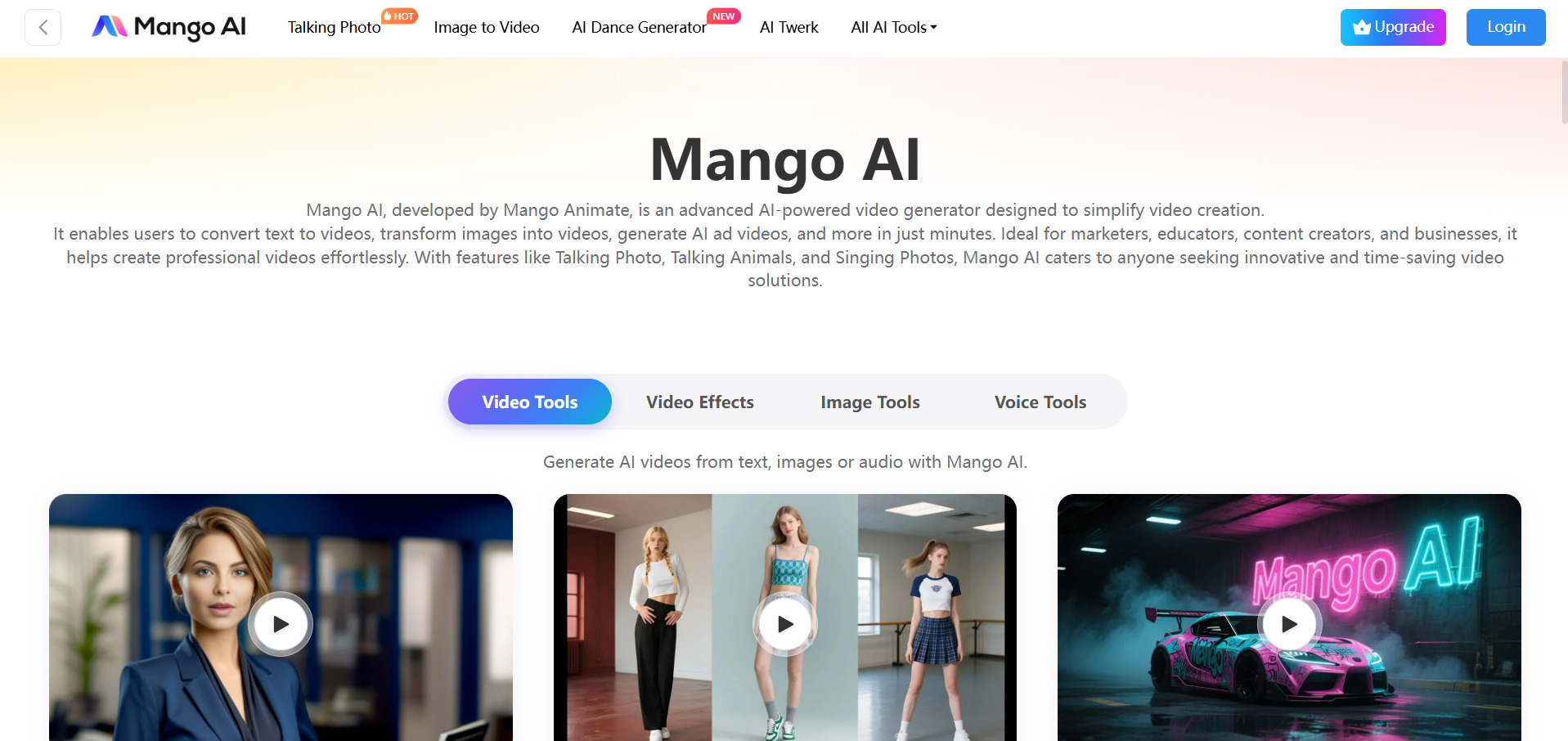
Mango AI (by Mango Animate) is a broad AI video suite covering talking photos, avatar dialogue, face swap, lip sync, and text-to-animation tools. It’s aimed at creators who want quick, playful AI video effects rather than a single polished production pipeline.
Official Pricing (mangoanimate.com):
- Free: Limited resolution, watermark, basic assets
- Starter: ~$7.9/month (720p, 30+ avatars)
- Pro: ~$10.9/month (1080p, 50+ avatars)
- Enterprise: ~$49.9/month (150+ avatars, 300+ templates)
Mango AI’s pricing undercuts nearly every competitor on this list, making it attractive for hobbyists experimenting with talking-photo and avatar-dialogue content. The tradeoff is a credit system where different tools consume varying amounts, and unused credits don’t carry over month to month.
Where Wan 2.2 focuses on cinematic scene generation, Mango AI leans into novelty and social content: face swaps, singing photos, and pet animations. It’s a better fit for casual social media creators than for filmmakers seeking narrative video quality.
Pros
- Very low entry pricing
- Wide range of fun AI video effects
- Easy for beginners with no editing skill
Cons
- Credits don’t roll over monthly
- Output quality varies across tools
- Not designed for professional narrative video
6. Creatify AI
Free Trial: 10 credits, no card required
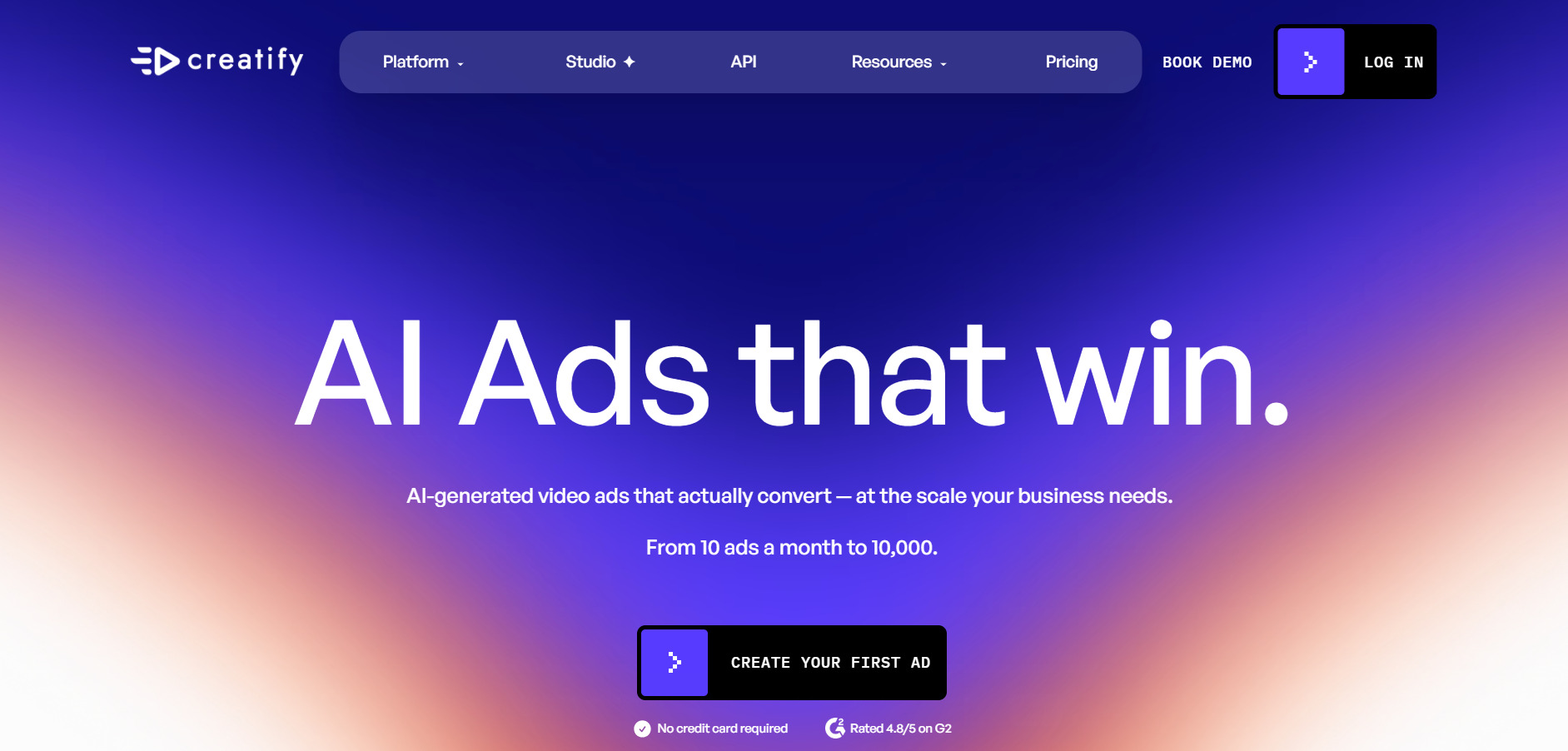
Creatify AI specializes in UGC-style video ads featuring AI actors, letting e-commerce sellers and marketers generate testimonial-style ad creative fast. It includes over 300 AI actors, ad templates, and tools like competitor ad tracking on higher tiers.
Official Pricing (creatify.ai):
- Free: 10 credits/month (watermarked, 9:16 only)
- Starter: $39/month or $33 billed annually (100 credits)
- Pro: $99/month (300+ credits, custom avatars)
- Enterprise: custom volume-based pricing
Creatify’s credit math is worth studying closely, since a single quality video can consume up to 20 credits, meaning Starter effectively supports around five polished ads per month. Custom avatar creation and batch mode are locked behind the pricier Pro tier.
Unlike Wan 2.2, which generates freeform video scenes, Creatify is purpose-built for advertising: hooks, product placement, and conversion-style pacing. It’s the stronger pick if your goal is performance marketing rather than general creative video.
Pros
- Large AI actor library for UGC ads
- Competitor ad tracking on Pro tier
- No-card free trial to test quality
Cons
- Credits expire, limiting effective free usage
- Custom avatars require the pricier Pro plan
- Lip-sync can look inconsistent on some avatars
7. PixVerse V6
Free Plan: 90 signup + 60 daily credits
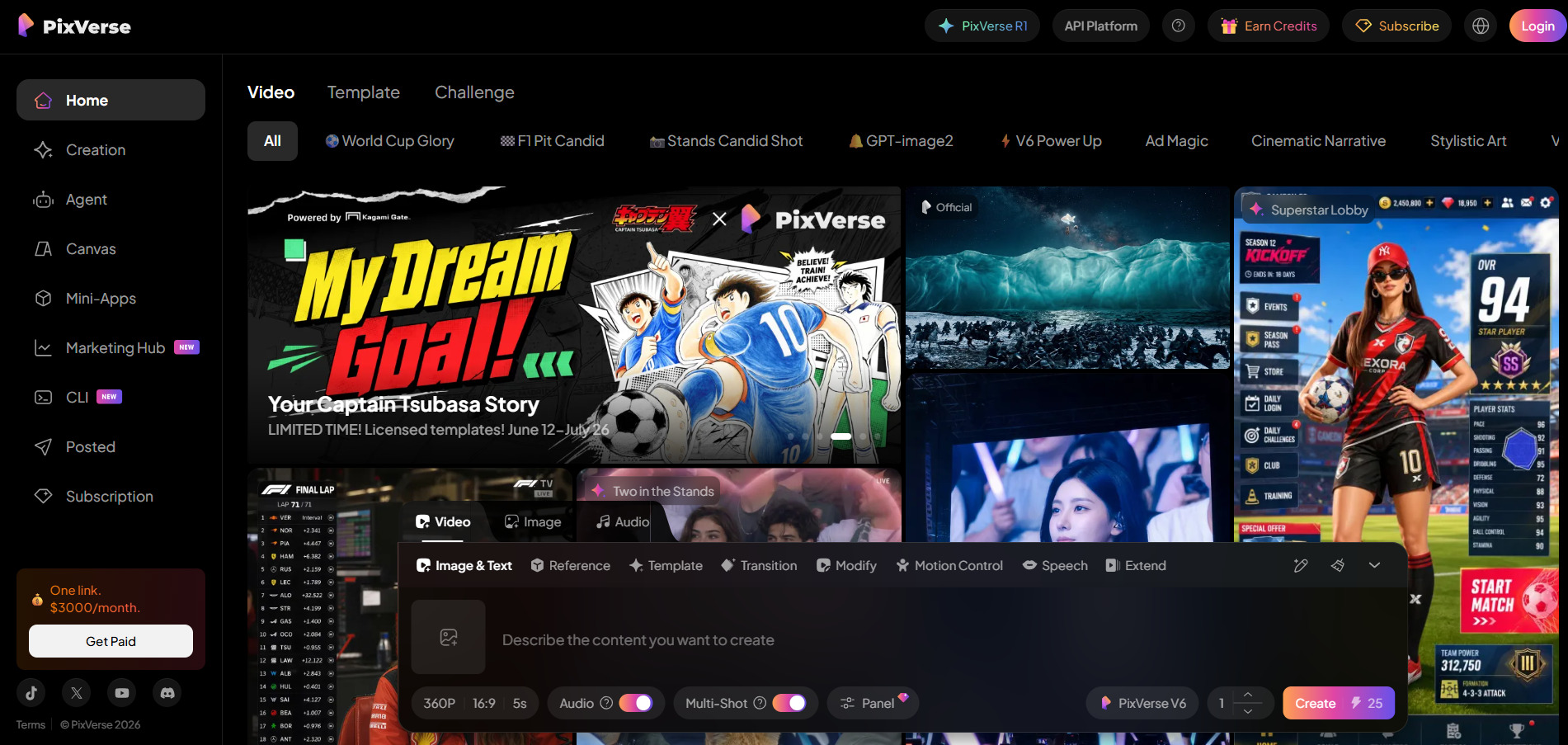
Pixverse V6 is a fast-generation text-to-video and image-to-video model known for per-second billing, native audio generation, and multi-shot scene support. It was built by AISphere and has scaled to over 150 million registered users, making it one of the more accessible generative video tools.
Official Pricing (pixverse.ai):
- Free: 90 + 60 daily credits (watermarked)
- Standard: $8/month annually (1,200 credits, 720p)
- Pro: $24/month (6,000 credits, 1080p)
- Premium: $48/month (15,000 credits)
- Ultra: $149/month annually (25,000 credits, priority)
V6’s per-second billing model (roughly 18–23 credits per second at 1080p) makes cost forecasting easier than fixed-duration competitors, and native audio generation saves a separate sound design step. Camera control is powerful, though it takes practice to master for complex shots.
As a direct generative rival to Wan 2.2, PixVerse V6 competes closely on cinematic quality for single-subject shots, though its native audio can stumble on scenes with multiple speaking characters.
Pros
- Genuine free tier, no card needed
- Native audio generated alongside video
- Transparent per-second credit pricing
Cons
- Standard plan caps at 720p only
- Multi-character audio can misalign
- Credits burn fast at higher resolutions
8. Luma Ray3
Free Trial: Included trial credits on signup
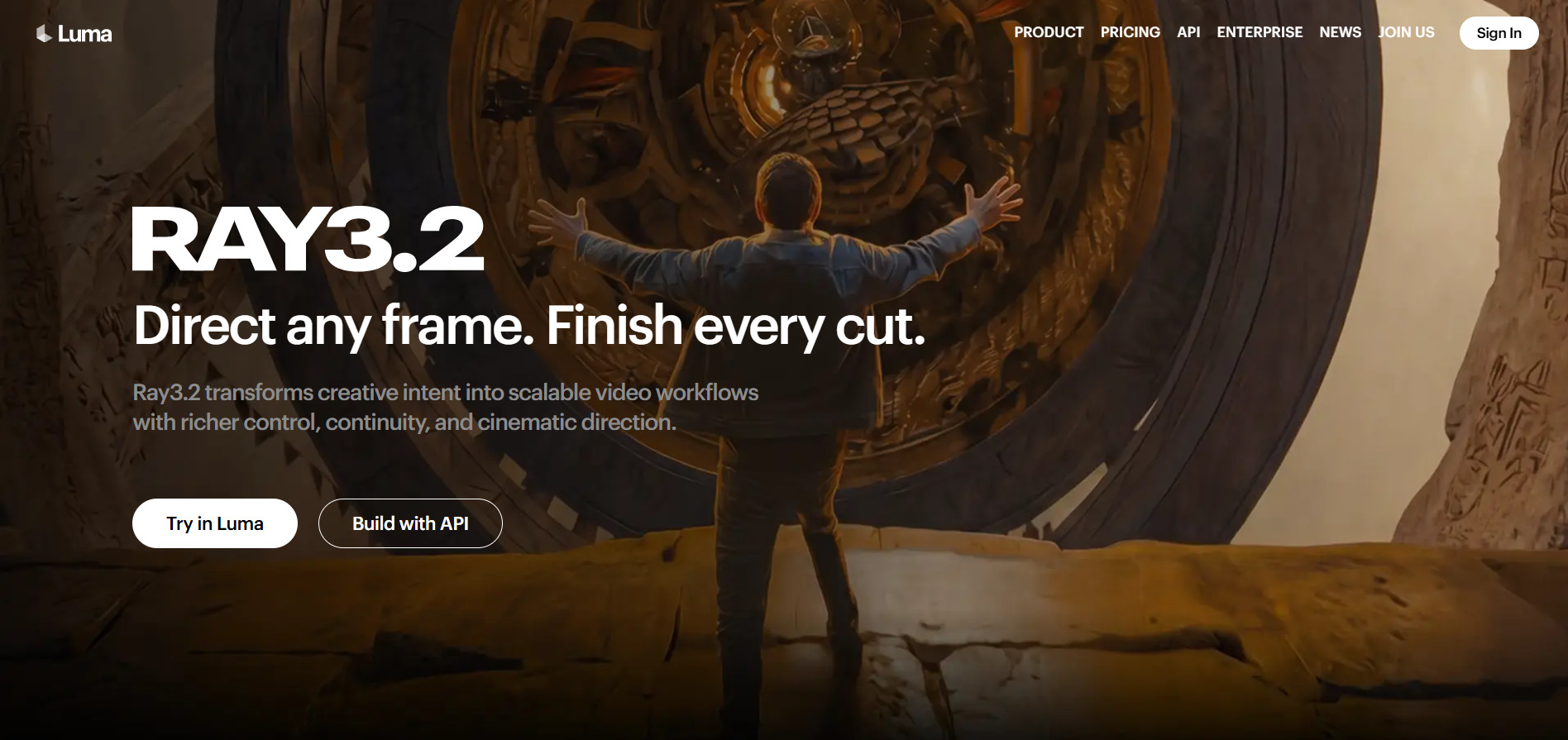
Luma Ray3 model powers the Luma App, offering cinematic-grade text-to-video and image-to-video generation with HDR support and strong motion consistency. Ray3.2 is the current flagship, and Luma also resells access to Veo 3.1, Kling 3.0, and Seedance 2.0 within the same subscription.
Official Pricing (lumalabs.ai):
- Plus: $30/month or $25/month billed annually (10,000 credits)
- Pro: $90/month (4x Plus usage)
- Ultra: $300/month or $3,000/year (15x Plus usage)
- Team & Enterprise: custom pricing
The bundled access to multiple third-party models is Luma’s strongest selling point, since paying separately for Veo, Kling, and Seedance elsewhere would typically cost more than the Plus plan alone. Credit burn rates vary sharply though, with HDR and 1080p output consuming credits much faster than draft mode.
Luma’s Ray3 sits closest to Wan 2.2 in ambition, targeting studios and agencies that need broadcast-quality output, though Luma’s multi-model bundling gives it an edge for teams wanting variety without juggling separate subscriptions.
Pros
- Bundles Veo, Kling, and Seedance access
- Strong HDR and cinematic output quality
- Annual billing saves up to 20%
Cons
- Credits do not roll over month to month
- HDR and 1080p burn credits quickly
- Pro and Ultra tiers get expensive fast
9. Hedra
Free Plan: 300 credits/month
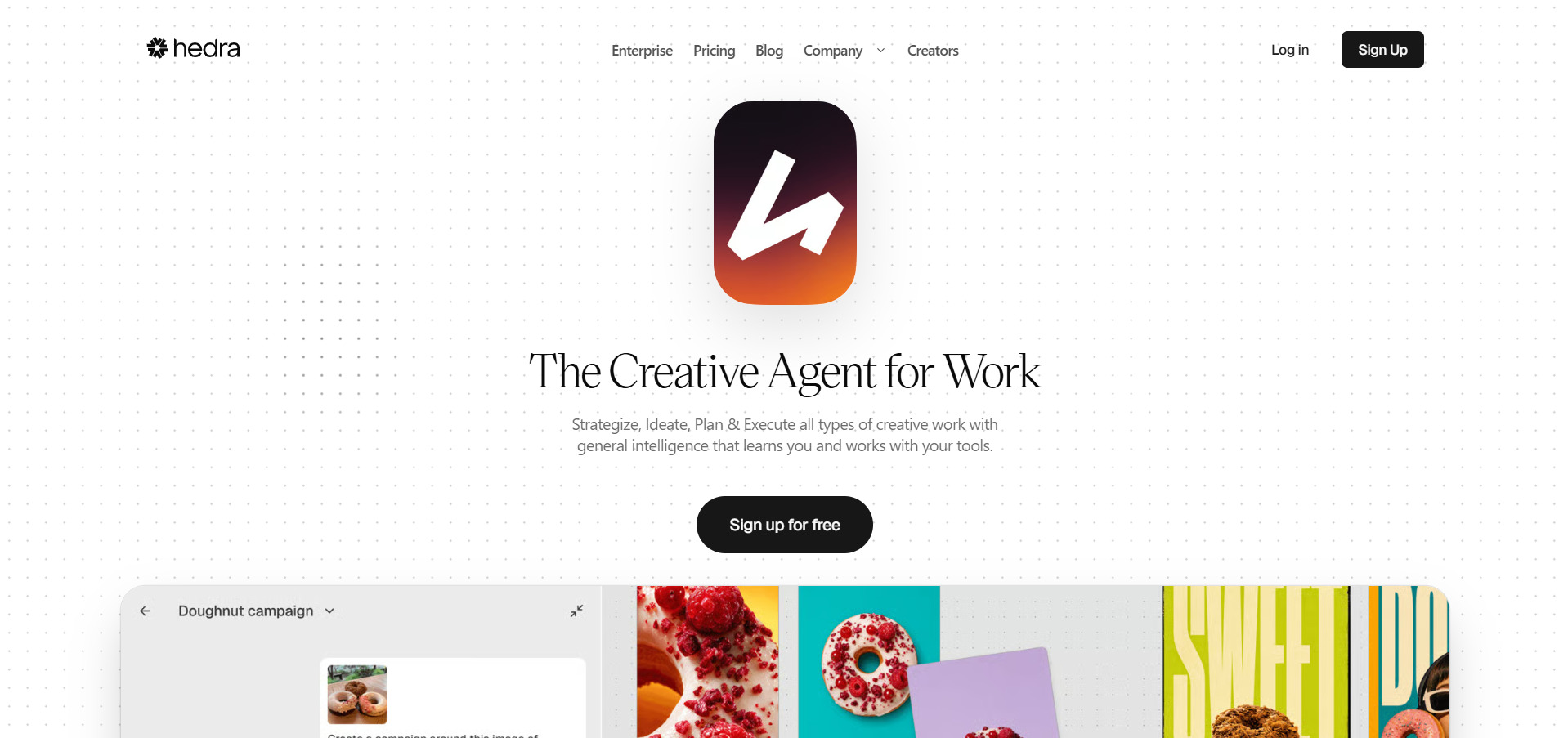
Hedra is built around its Character-3 model, an omnimodal system that turns a single portrait and audio clip into an expressive, lip-synced talking character video. It has expanded into a broader creative studio offering 28+ AI models spanning video, image, and audio under one credit pool.
Official Pricing (hedra.com):
- Free: 300 credits/month (non-commercial)
- Basic: $15/month (1,500 credits)
- Creator: $30/month (5,400 credits, unlimited voice cloning)
- Professional: $75/month (14,400 credits)
- Enterprise: custom pricing
Hedra’s Live Avatars feature, billed separately at $0.05 per minute, enables real-time conversational avatar streaming with sub-100ms latency, a capability most competitors on this list don’t offer. Character-3 is available even on the free tier, letting new users evaluate lip-sync quality before paying.
While Wan 2.2 excels at scene and environment generation, Hedra is laser-focused on character performance, making it the stronger choice for talking-head content, virtual presenters, and interactive avatar applications.
Pros
- Excellent lip-sync and facial expression accuracy
- Real-time Live Avatar streaming option
- Free tier available for testing quality
Cons
- Free plan restricted to non-commercial use
- Credits expire monthly, causing waste
- Not designed for broad scene generation
10. CapCut AI
Free Plan: Full basic editor, no watermark
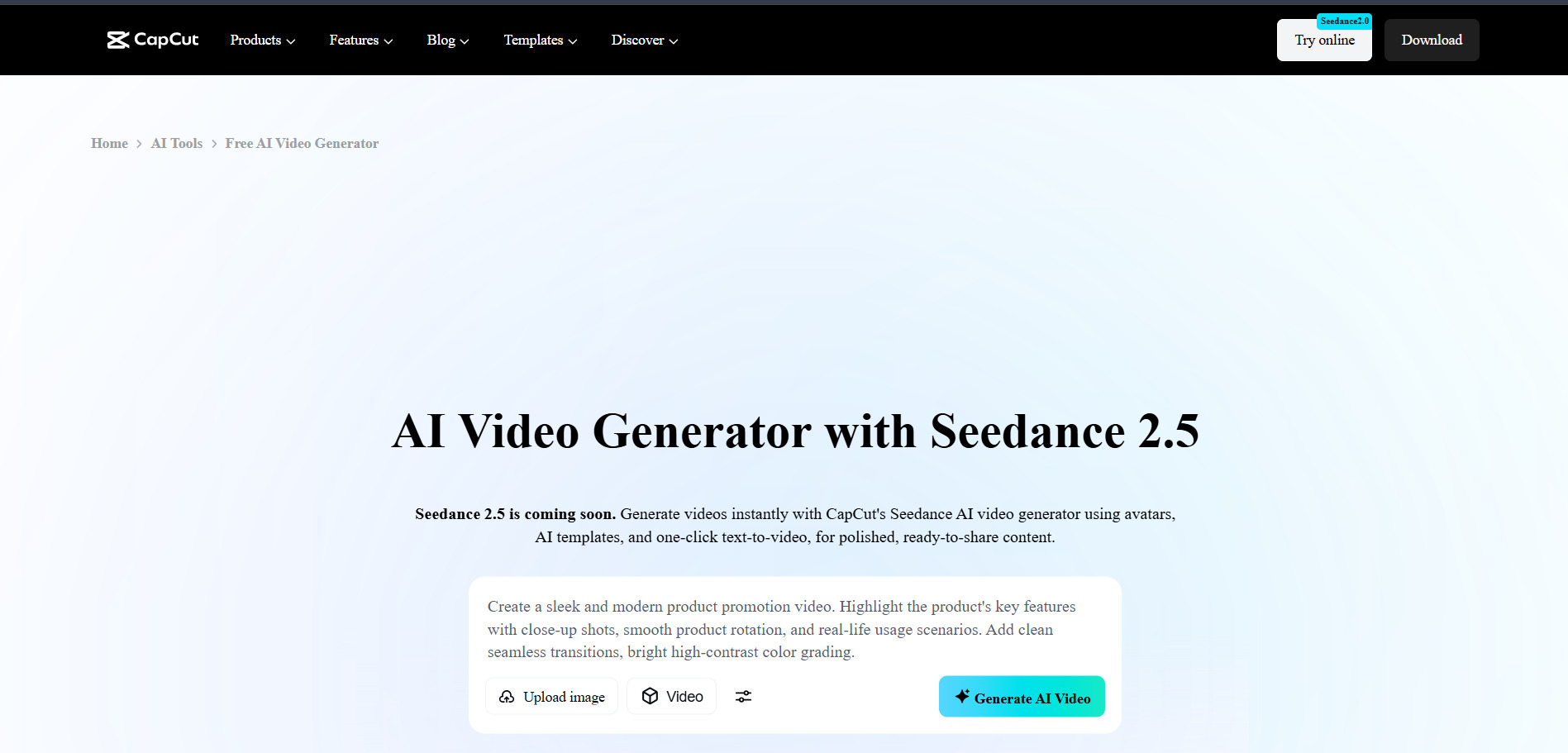
CapCut AI, from ByteDance, is a video editing app that layers AI tools like auto-captions, text-to-video generation, background removal, and voice cloning on top of a full-featured timeline editor. Its free tier is unusually generous, letting solo creators publish complete videos without paying anything.
Official Pricing (capcut.com, in-app):
- Free: Core editing, AI captions, basic tools
- Standard: ~$9.99/month (removes some watermarks)
- Pro: $19.99/month or $179.99/year (4K, full AI toolkit, 1TB storage)
- Team: ~$24.99/month per user
Note that CapCut does not publish fixed prices on its website; rates are set in-app by region and device, so mobile app-store pricing often runs a few dollars higher than the web checkout. AI credit top-ups can also be purchased separately starting at $4.99 for 100 credits.
CapCut AI is less about generating original scenes like Wan 2.2 and more about accelerating the editing process around existing footage, making it a natural companion tool rather than a full replacement for a generative model.
Pros
- Genuinely usable free tier for short-form video
- Combines editing and AI generation in one app
- Huge royalty-free asset library on Pro
Cons
- Prices not published officially, vary by region
- Recent price hikes roughly doubled Pro cost
- AI credits can run out within 1–2 weeks of heavy use
11. Artlist AI
Free Trial: Sample generations across tools
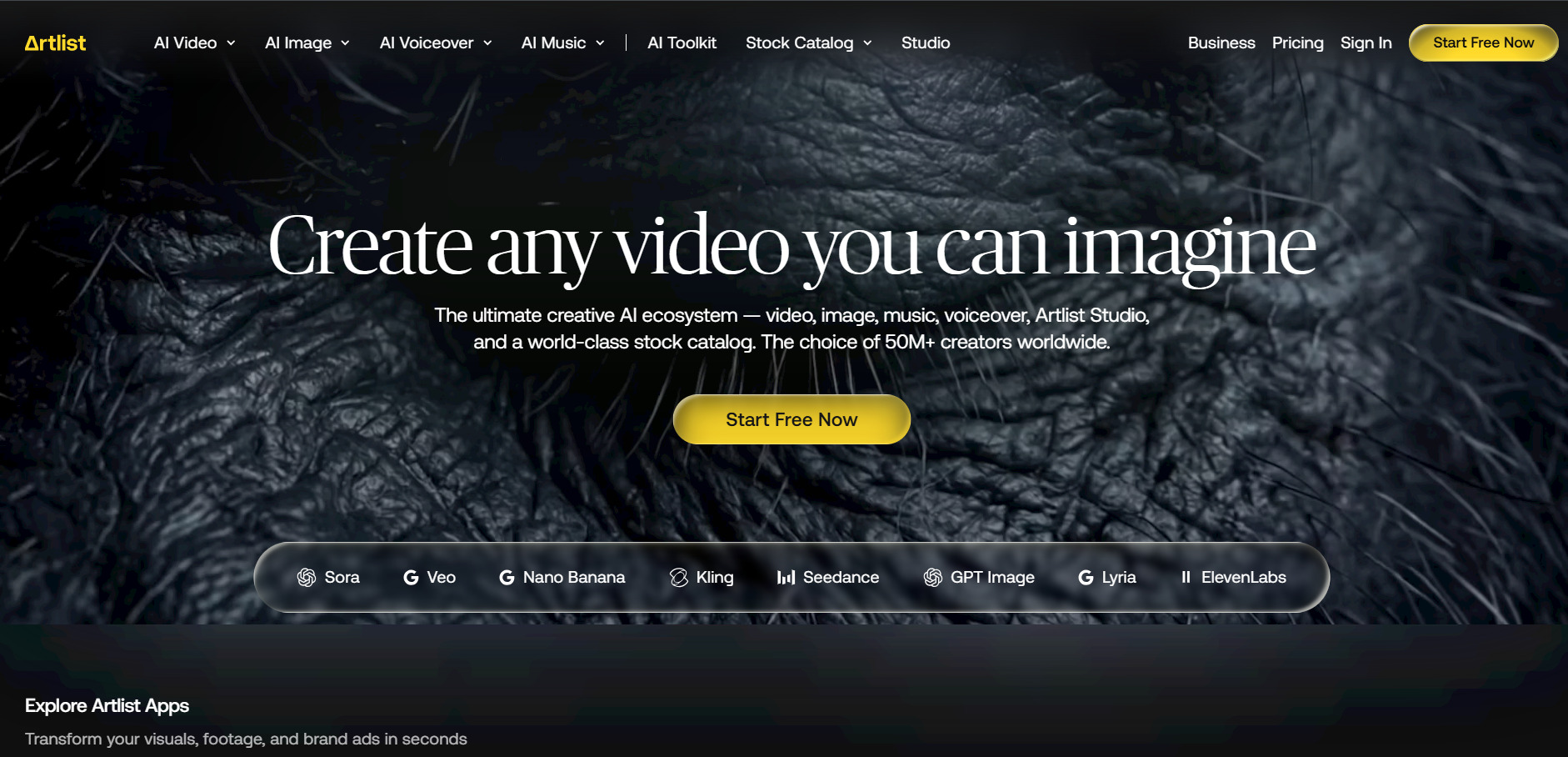
Artlist AI is part of Artlist’s larger creative platform, combining AI video, image, voiceover, and music generation with access to models like Veo 3.1, Sora 2, and Kling 3.0 under one credit system. It also connects to a large stock footage and music library through its Max plans.
Official Pricing (artlist.io):
- AI Starter: $9.99/month billed annually (7,500 credits, voiceover only)
- AI Creator: from $41.67/month annually (80,000+ credits)
- Max: from $39.99/month annually (stock assets + full AI suite)
- Team: $33.99/month per user (10,000 credits each)
Artlist’s biggest advantage is bundling: the Max plan combines music, SFX, stock footage, video templates, and the full AI toolkit into one subscription, which can replace several separate tools. Credit pools scale dramatically, from 7,500 up to 4,000,000 per month on top-tier plans.
For teams that already license stock assets from Artlist, adding AI generation is a natural extension. Compared to Wan 2.2’s standalone generative focus, Artlist AI works best as an all-in-one production hub rather than a pure video-generation specialist.
Pros
- Combines AI generation with stock assets and music
- Access to top-tier models like Veo 3.1 and Sora 2
- Flexible credit scaling for teams
Cons
- Pricing structure is complex across multiple plan families
- Entry AI Starter plan is voiceover-only
- Full AI Suite access requires pricier tiers
| Alternative | Description |
|---|---|
| Vyond Go | AI-powered character animation platform for corporate training and explainer videos. |
| Lumen5 | Blog and script-to-video converter built for marketing teams repurposing written content. |
| Pictory AI | Script, URL, and recording-to-video tool with bundled stock footage and AI voiceovers. |
| Wireflow | Node-based canvas for chaining multiple AI video and image models with pay-per-generation pricing. |
| Mango AI | Low-cost AI video suite for talking photos, face swaps, and playful social media effects. |
| Creatify AI | UGC-style AI ad generator using virtual actors for e-commerce and performance marketing. |
| PixVerse V6 | Fast generative text/image-to-video model with per-second billing and native audio. |
| Luma Ray3 | Cinematic-grade video generator bundling access to Veo, Kling, and Seedance models. |
| Hedra | Character-focused avatar video generator with real-time Live Avatar streaming. |
| CapCut AI | All-in-one video editor with AI captions, generation tools, and a strong free tier. |
| Artlist AI | All-in-one creative platform bundling AI generation with stock music, footage, and templates. |
Conclusion
Teams needing structured explainer videos should look at Vyond Go or Pictory, while marketers repurposing written content will get more mileage from Lumen5. Creators chasing cinematic generative quality should test PixVerse V6 or Luma Ray3.
If your workflow centers on talking avatars, Hedra stands out for realism, while Creatify AI is purpose-built for ad creative. Budget-conscious creators can start with Mango AI or CapCut’s free tier, and those wanting flexibility across multiple models should explore Wireflow or Artlist AI’s bundled ecosystem before committing to a subscription.


