

VideoProc AI has built a loyal following for its blend of video editing, screen recording, and AI-assisted enhancement, but it isn’t the only name worth considering in 2026’s crowded AI video landscape. Whether you’re after avatar-led ad generation, text-to-video storytelling, cinematic motion, or animated explainer videos, dozens of specialized platforms now outperform generalist tools in their own niche. This guide breaks down 11 of the strongest VideoProc AI Alternatives, covering their trial availability, pricing plans, and honest pros and cons so you can pick the right fit for your workflow and budget.
Creatify AI
✔ Free Trial Available (No Credit Card Required)
Creatify AI is an avatar-driven video ad generator built for e-commerce sellers, marketers, and agencies who need to turn a product URL into a ready UGC-style ad in minutes. It automates scripting, voiceover, and avatar selection, making it a strong pick for teams producing high volumes of short-form ad creative without a production crew or freelance talent on standby.
The free trial lets you sample the workflow, though exports carry watermarks and are locked to a single aspect ratio. Paid tiers unlock a much larger avatar library, custom avatar creation, and batch production, but credits expire every two months and higher-quality renders can burn through a plan’s allowance faster than the sticker price initially suggests.
Pros
- URL-to-video automation saves scripting time
- Large avatar and voice library
- Batch Mode for scaling ad variations
Cons
- Credits expire every two months
- Custom avatars locked behind Pro tier
- Free plan restricted to 9:16 with watermark
Lumen5
✘ No Free Trial (Free Plan Available Instead)
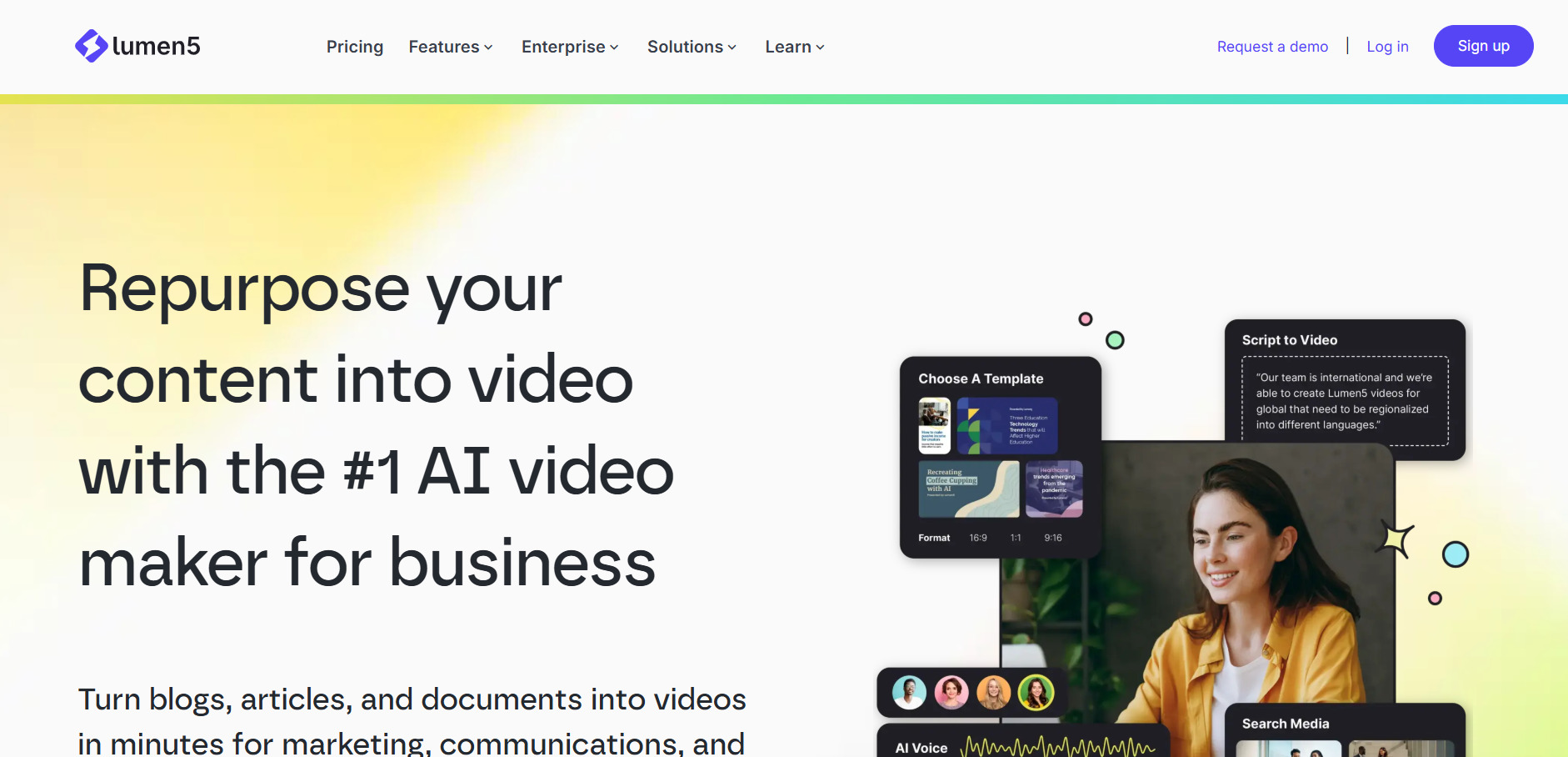
Lumen5 turns blogs, articles, and scripts into social-ready videos by automatically matching AI-selected stock footage to your text. It’s aimed at marketing teams and content repurposers who want to convert existing written content into video without learning a traditional editor, and its drag-and-drop interface keeps the learning curve low for non-designers.
Rather than a time-limited trial, Lumen5 offers a permanent free tier so users can test core functionality before paying. The Starter plan is where most teams should begin since it unlocks 1080p exports and the full media library, though reviewers note the AI’s stock-clip matching is only around 70% accurate, meaning some manual swaps are usually needed.
Pros
- Fast blog-to-video conversion
- Easy drag-and-drop interface
- Generous free plan for testing
Cons
- AI footage matching needs manual correction
- No true free trial of paid features
- Limited advanced editing capability
Wan 2.6
✔ Free Trial via API Platforms (Credits-Based)
Wan 2.6 is Alibaba’s AI storytelling engine that builds multi-shot sequences from a single prompt, holding character identity, voice, and visual style consistent across cuts. It supports text-to-video, image-to-video, and reference-to-video generation at 1080p with synchronized audio and multilingual lip-sync, making it a strong pick for creators who need narrative coherence rather than isolated clips.
Since Wan 2.6 is typically accessed through third-party API hosts rather than a dedicated consumer app, pricing is usage-based instead of a flat monthly fee. This suits developers and studios integrating video generation into pipelines, but it means casual users without coding familiarity may find the onboarding less approachable than subscription-first competitors.
Pros
- Strong multi-shot narrative consistency
- 1080p output with synced audio
- Multilingual lip-sync support
Cons
- No native consumer subscription plan
- Requires third-party API host to access
- Usage costs can scale unpredictably
PixVerse V6
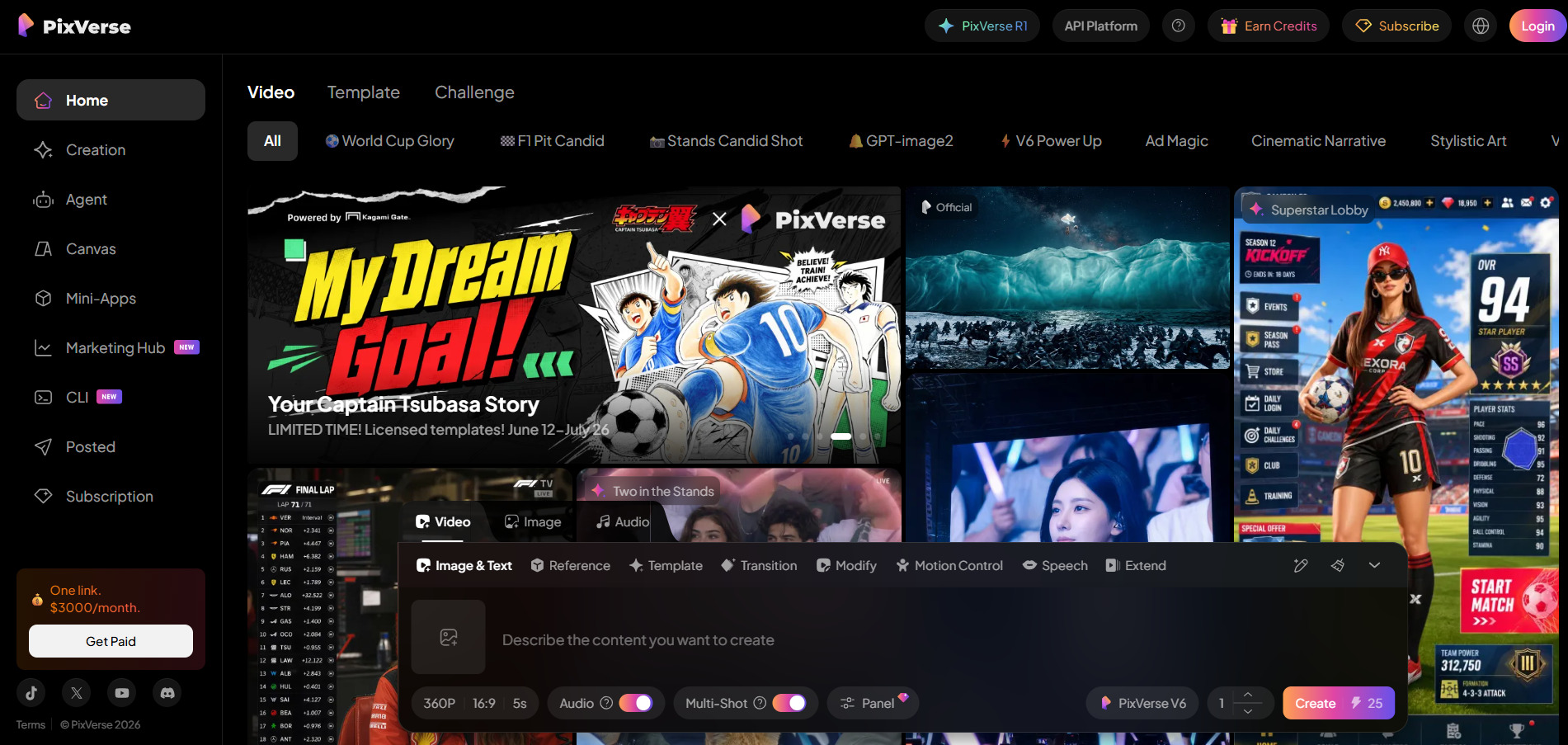
✔ Free Tier with Daily Credits
Pixverse V6 is a cinematography-focused AI video generator offering 1 to 15-second clips at up to 1080p with native audio and over 20 camera control presets. It replaces older fixed-duration tiers with flexible timing, appealing to creators who want more directorial control over shots, transitions, and sound without a full production suite.
The free tier’s 60 daily credits make it genuinely usable for experimentation before subscribing. Paid plans scale resolution and concurrent generations affordably, though credits don’t roll over month to month, and jumping to 1080p triples the credit cost of a generation compared to lower-resolution outputs, which can eat into a budget plan quickly.
Pros
- Generous daily free credits
- Native audio and camera controls
- Affordable entry-level pricing
Cons
- Resolution caps at 1080p
- Credits do not roll over
- Higher resolution triples credit cost
Hedra
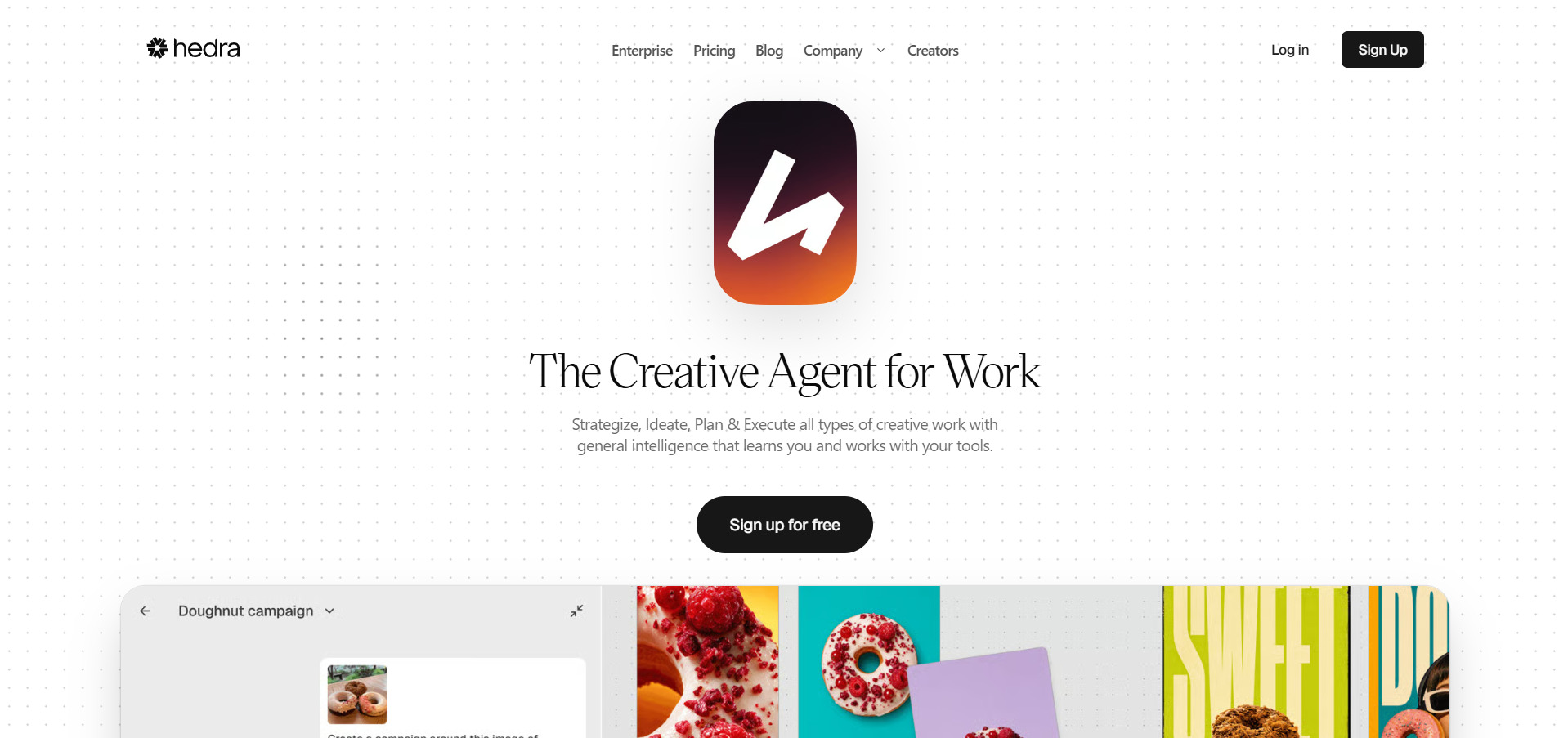
✔ Free Plan with 100–300 Monthly Credits
Hedra specializes in animating a single portrait or character image into a talking, expressive video using its Character-3 model, positioning it as a favorite for brand mascots, avatar-led content, and AI-generated personas. It’s used by roughly 20% of Fortune 500 companies for secure, scalable media generation, according to the company.
The free tier is enough to test lip-sync quality and expressiveness before committing. The Creator plan is the realistic starting point for commercial use, though the default 720p export feels dated in 2026 and upscaling to 1080p costs additional credits, compounding the burn rate for teams producing polished, high-resolution content regularly.
Pros
- Strong portrait-to-video animation quality
- Fortune 500 enterprise adoption
- Flexible credit-based scaling
Cons
- 720p default resolution
- Only 15+ languages for lip-sync
- Reported billing and support friction
Vyond Go
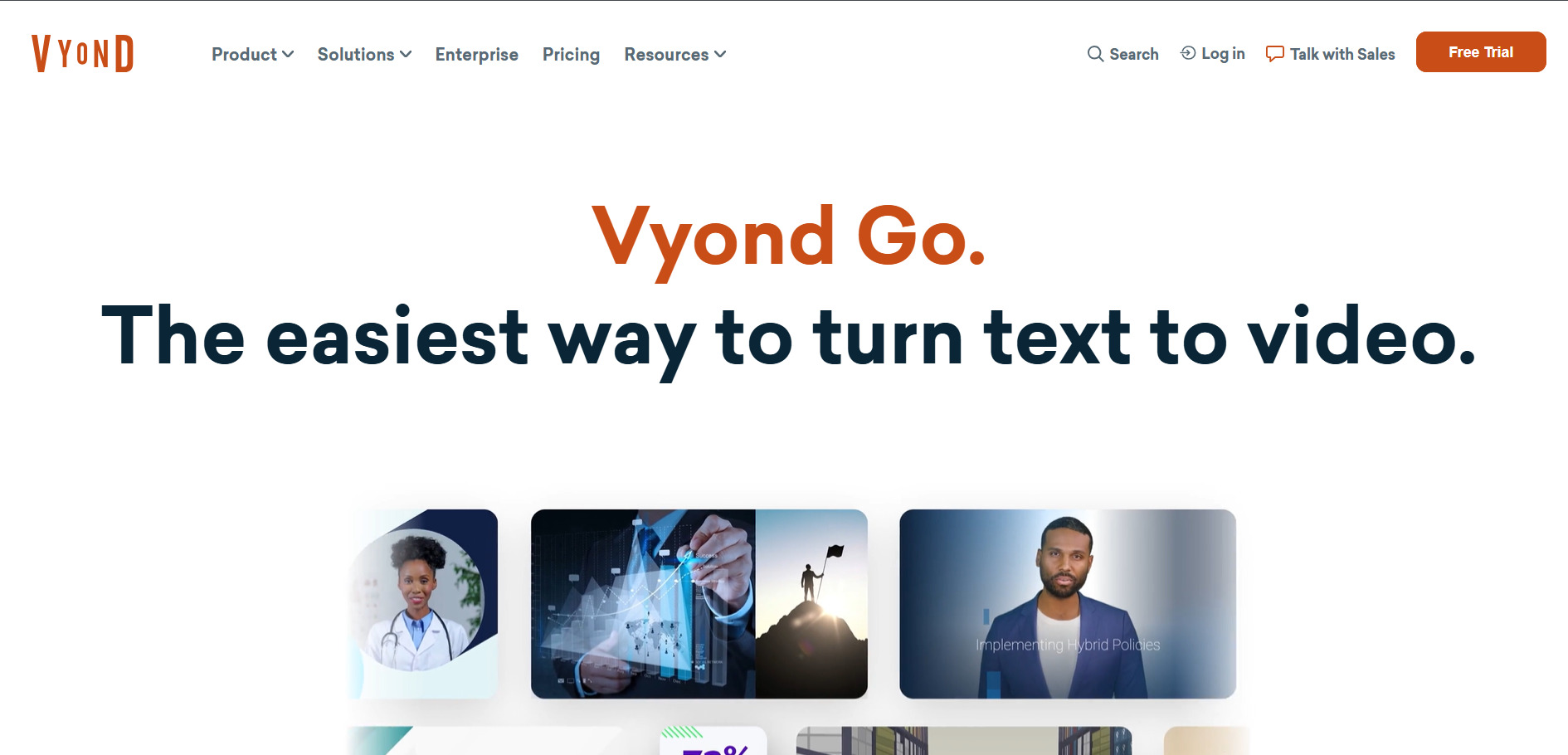
✔ Free Trial (2,000 Credits, Watermarked)
Vyond Go is an all-in-one animated video creation platform built for corporate training, HR communications, and explainer content, letting users generate videos from prompts and refine them in a full studio editor. It’s especially popular with learning-and-development, healthcare, and financial services teams that need polished, character-driven animation at scale.
The free trial includes enough credits to test most AI tools, though every export carries a watermark until upgrade. Vyond is priced firmly for mid-market and enterprise budgets rather than solo creators, and features like SSO and advanced collaboration are gated behind the pricier Enterprise tier, creating a steep jump for teams needing those controls.
Pros
- Full animation studio with deep customization
- Strong for corporate training content
- 650+ text-to-speech voices
Cons
- Expensive relative to solo-creator tools
- SSO locked behind top-tier Enterprise plan
- Credit system meters AI feature usage
Mango AI
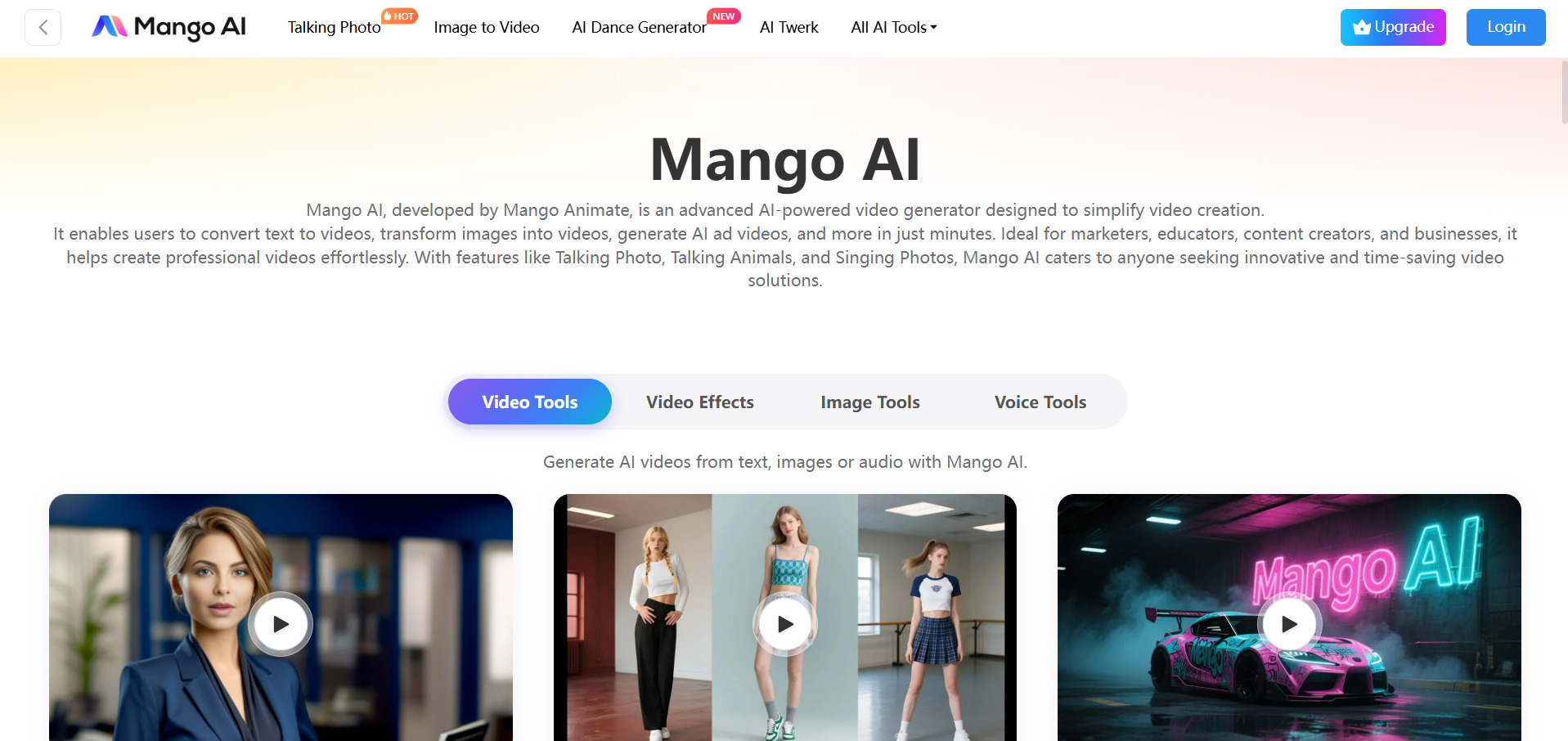
✔ Free Trial Available
Mango AI has become known for hyper-realistic talking avatars and automated video ad generation from simple text prompts, gaining significant attention after its 2026 acquisition by Canva. It’s particularly popular for viral formats like its “Talking Baby” podcast style content and integrates into the wider Canva and Meta ecosystem for social publishing.
Since joining Canva, Mango AI’s pricing and packaging have been evolving, with tighter integration into Canva’s broader design suite expected over time. This makes it an appealing option for teams already inside the Canva ecosystem, though creators outside that ecosystem should verify current standalone pricing before committing to a plan.
Pros
- Hyper-realistic avatar generation
- Canva ecosystem integration
- Strong for viral social formats
Cons
- Pricing structure still stabilizing post-acquisition
- Less documentation than established competitors
- Best value tied to Canva subscription
Pictory AI
✔ Free Trial Available
Pictory AI converts scripts, blog posts, and long-form content into short, publishable videos using a library of over 3 million stock clips and 15,000 music tracks. Its AI Studio feature also generates custom images and animated clips from text prompts directly inside the editor, making it a favorite among marketers, YouTubers, and educators repurposing written content.
The free trial lets new users test the script-to-video workflow before subscribing. The Professional annual plan bundles premium assets like ElevenLabs voiceovers and Getty Images at meaningful savings versus buying separately, though users wanting frame-by-frame manual editing control may find Pictory’s automation-first approach limiting for highly custom projects.
Pros
- Huge stock footage and music library
- Built-in AI Studio for generative visuals
- Great for repurposing blog content
Cons
- Limited manual editing precision
- Best value requires annual billing
- Plans differentiated mainly by minute quotas
Grok Imagine
✔ Limited Free Tier (~10 Prompts per 2 Hours)
Luma Ray3 is xAI’s video generation tool built into the Grok app, offering 15-second clips, flexible aspect ratios, and fast, low-cost per-second API pricing. It supports text-to-video, image-to-video, and reference-to-video modes across seven aspect ratios, appealing to creators who want quick, affordable generation inside a familiar chat interface.
The free tier allows limited sampling, while SuperGrok Lite opens daily video generation at 480p for a low monthly cost. The major trade-off is a 720p resolution cap even on higher tiers, which puts Grok Imagine behind competitors offering native 1080p for professional or client-facing production work.
Pros
- Competitive per-second API pricing
- Fast generation with no cold starts
- Flexible aspect ratios and reference-to-video
Cons
- 720p resolution cap limits professional use
- Full access requires SuperGrok subscription
- API access noted as limited availability
Vidu Q3
✔ Free Trial via API Platforms
Vidu Q3 stands out among AI video models for its integrated background music generation alongside 1080p video output, a feature few direct competitors bundle natively. It supports image-to-video generation with adjustable movement amplitude, making it well suited to creators who want dynamic scenes without stitching together separate audio and video tools.
Because Vidu Q3 is most commonly accessed through API aggregators rather than a single consumer subscription, pricing tends to sit at the premium end of the per-second spectrum compared to budget options like Grok Imagine. This makes it a stronger fit for polished, music-driven short content than for high-volume, cost-sensitive production.
Pros
- Native 1080p output
- Integrated background music generation
- Adjustable movement amplitude control
Cons
- Premium pricing versus budget rivals
- No dedicated flat consumer subscription
- Best accessed via third-party API hosts
Wireflow
✔ Free Canvas Building (No Credit Card Required)
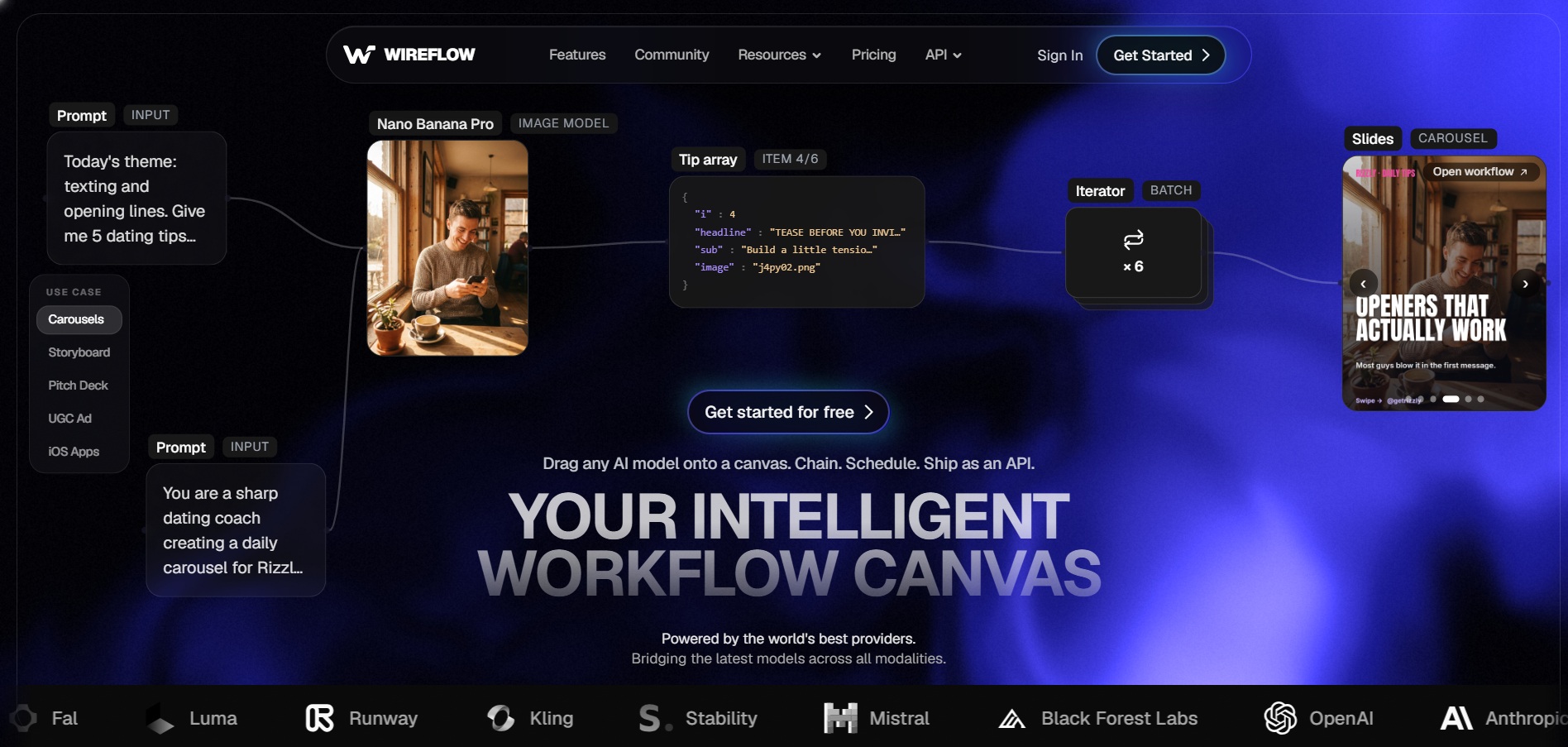
Wireflow is a visual AI canvas that lets users chain multiple video and image models like Veo 3.1, Kling, Seedance, and PixVerse into a single repeatable pipeline, callable as a REST endpoint or MCP tool. It’s aimed at agencies and technical teams that need multi-model workflows rather than a single generative engine, with flat, predictable per-output pricing.
Building workflows is free, so users can design and test a pipeline before paying for generations. Starter’s 1,600 monthly credits stretch to roughly 53 images or 94 seconds of video, and unlike many competitors, unused credits roll over for up to three months, giving Wireflow a notable edge for teams with inconsistent monthly output volume.
Pros
- Combines 12+ AI models on one canvas
- Credits roll over up to 3 months
- Free workflow building before paying
Cons
- Does not render fully edited long-form video
- Requires some workflow-building learning curve
- Premium models cost more credits per output
Comparison Table
| Alternative | Description |
|---|---|
| Creatify AI | Avatar-led UGC ad generator that turns product URLs into short video ads with AI actors and scripts. |
| Lumen5 | Converts blogs and scripts into social videos by auto-matching AI stock footage to text. |
| Wan 2.6 | Alibaba’s multi-shot storytelling video model with consistent characters and 1080p synced audio. |
| PixVerse V6 | Cinematic AI video generator with native audio, camera controls, and flexible clip durations. |
| Hedra | Animates a single portrait image into an expressive talking character video via Character-3. |
| Vyond Go | All-in-one animated video platform for corporate training and explainer content creation. |
| Mango AI | Canva-owned platform generating hyper-realistic talking avatars and automated video ads. |
| Pictory AI | Turns scripts and blog posts into videos using a massive stock library and built-in AI Studio. |
| Grok Imagine | xAI’s fast, affordable text/image-to-video tool built into the Grok app and API. |
| Vidu Q3 | 1080p AI video model with unique integrated background music generation. |
| Wireflow | Visual canvas that chains multiple AI video and image models into one repeatable pipeline. |
Conclusion
Marketers chasing high-volume UGC ads will lean toward Creatify AI or Mango AI, while teams repurposing written content are better served by Lumen5 or Pictory AI. Developers building custom pipelines will find more flexibility in Wan 2.6, Vidu Q3, or Wireflow’s model-chaining canvas, and corporate training teams will likely settle on Vyond Go. Whichever platform you choose, take advantage of the free trials and free tiers listed above to test output quality against your specific use case before committing to a paid plan.


