

Google’s Veo 3 raised the bar for AI-generated video, but it isn’t the only capable option for creators, marketers, and businesses. Depending on your needs realistic B-roll, talking avatars, animated explainers, or fast social clips a different platform may fit better and cost less. Below, we break down 12 Google Veo 3 Alternatives, covering their trials, official pricing, and honest pros and cons.
1. Lumen5
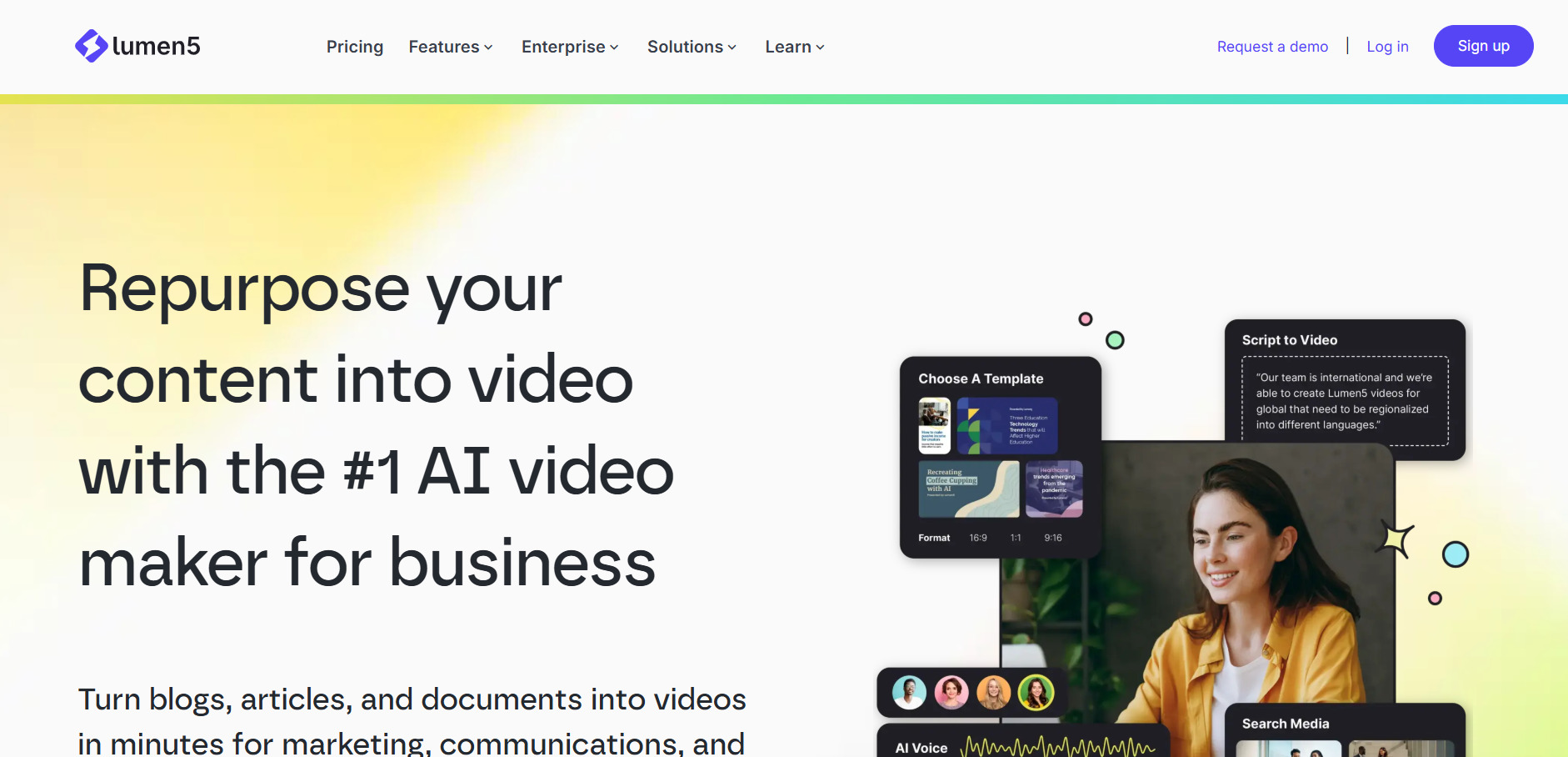
Lumen5 does not currently offer a dedicated free trial, but it does provide a free forever plan with limited, watermarked exports so you can test the platform. Official pricing starts with the Basic tier at $19–$29/month, Starter at roughly $59/month, and Professional near $149/month, with about 25% off on annual billing.
Lumen5 turns blog posts, scripts, or Zoom recordings into branded social videos using AI-matched stock footage rather than fully generative scenes. It’s best suited to marketing teams repurposing written content quickly rather than filmmakers seeking original AI-rendered visuals, and its AI visual matching still needs manual clip swaps occasionally.
Pros
- Very beginner-friendly drag-and-drop editor
- Great for turning blogs into videos fast
- Free forever plan available
Cons
- No true generative video creation
- Paid plans get pricey for small teams
- Free tier is heavily watermarked
2. PixVerse V6
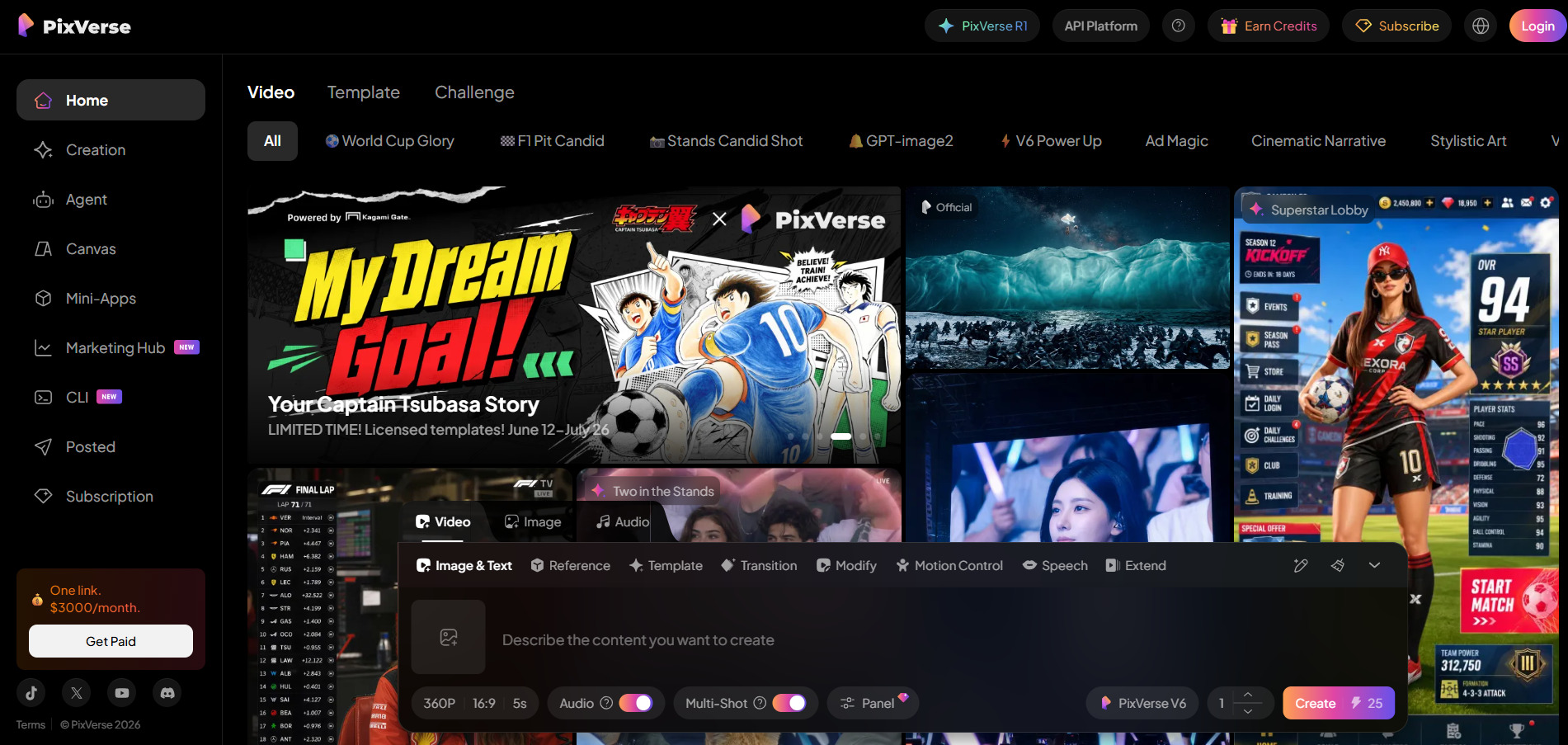
PixVerse offers a genuinely free, permanent tier producing roughly one watermarked 540p video per day, plus a 7-day free trial on Starter and Professional plans. Official consumer pricing runs from about $10/month Standard up to $199/month Ultra, with annual billing saving 20–40%, while the separate developer API starts near $100/month.
Built by AISphere, Pixverse V6 introduced per-second billing, native audio, and multi-shot cinematic camera control in March 2026. It performs strongly on single-subject cinematic shots, though native audio can stumble on multi-character dialogue scenes, and mastering the advanced camera controls takes practice.
Pros
- Native audio generated alongside video
- Flexible per-second billing on API
- Strong cinematic camera control
Cons
- Multi-character audio can misfire
- Credit system is easy to burn through
- Free tier limited to 540p with watermark
3. Creatify AI
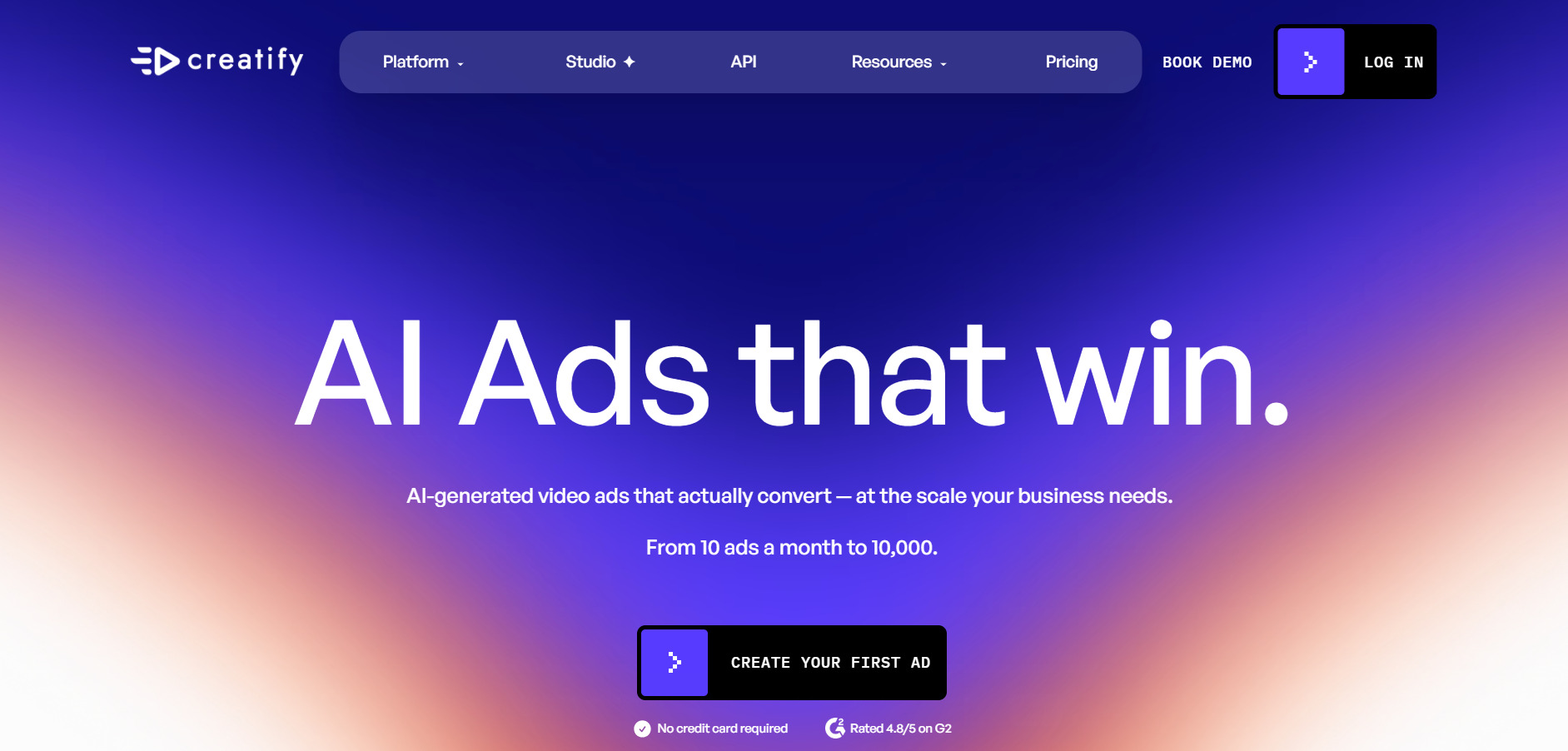
Creatify AI offers a free trial with no credit card required, though free-tier exports carry watermarks and are limited to a 9:16 aspect ratio. Official pricing lists a Free plan with 10 monthly credits, Starter/Creator around $33–$39/month, Pro at $49/month with 300 credits, and custom Enterprise pricing.
Creatify specializes in AI-generated UGC-style video ads with realistic avatars, script writing, and batch ad variations for e-commerce and social campaigns. It’s excellent for rapid ad testing but less suited to long-form content, and reviewers note quality can vary noticeably between different avatar options.
Pros
- Purpose-built for UGC-style ad creatives
- Large avatar and template library
- Batch ad variation generation
Cons
- Not suited for long-form video
- Avatar quality is inconsistent
- Credit system requires careful budgeting
4. Vyond Go
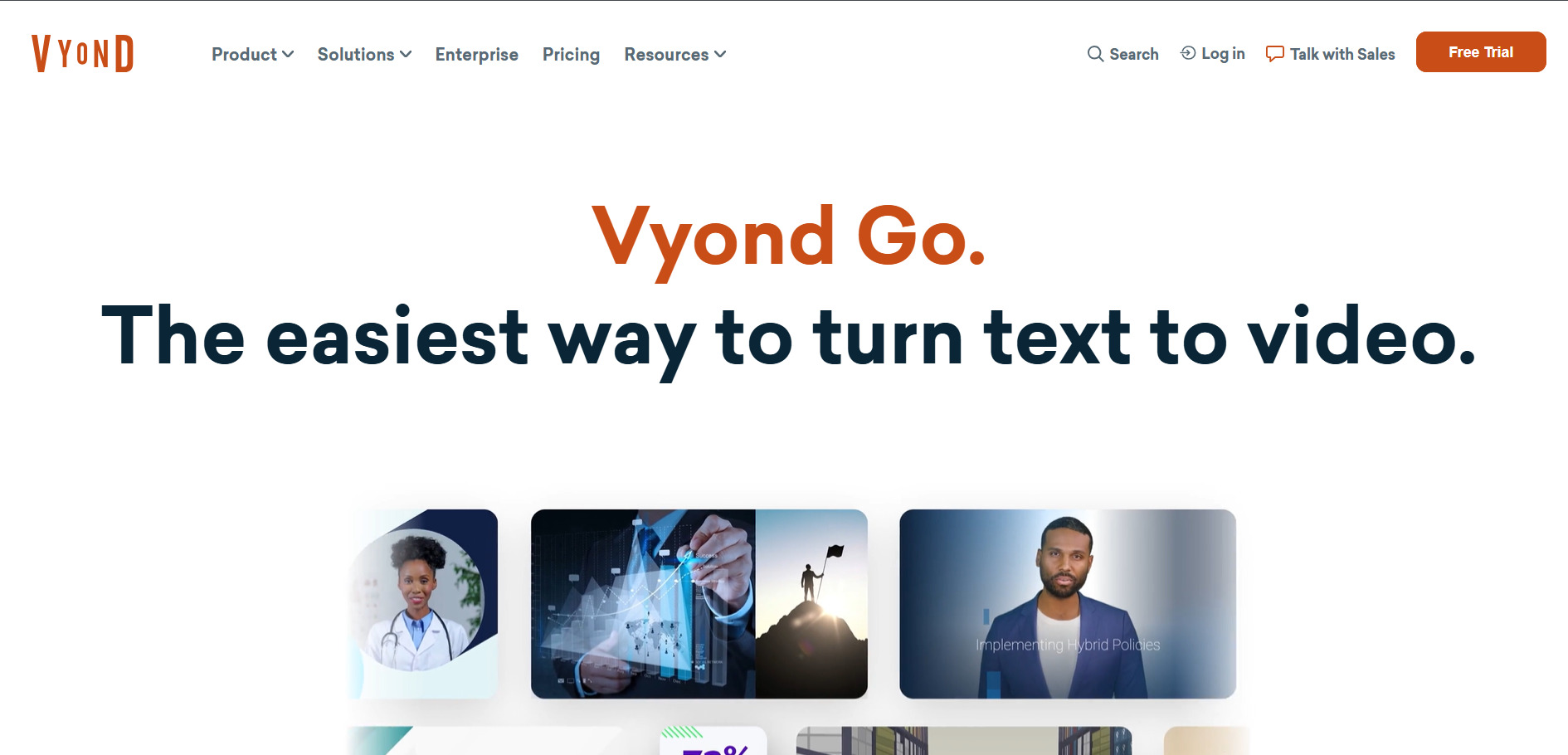
Vyond does not offer a permanent free plan but provides a 14-day free trial with unlimited video creation, though exports carry a watermark until upgrade. Official pricing starts at the Starter plan for $99/month ($699/year), Professional at $199/month ($1,199/year), and Enterprise/Agency plans from roughly $1,649–$1,999/year.
Vyond Go is the generative AI video maker inside the broader Vyond animation platform, letting users create instant AI-driven videos alongside Vyond Studio’s template-based animation tools. It’s a favorite for corporate training and explainer videos, though the pricing is steep for solo creators and smaller budgets.
Pros
- Strong for corporate/training animation
- Combines generative AI with manual studio control
- Robust asset library (40K+ items)
Cons
- Expensive for individuals
- Free trial exports are watermarked
- Steeper learning curve than simpler tools
5. Manus AI Video
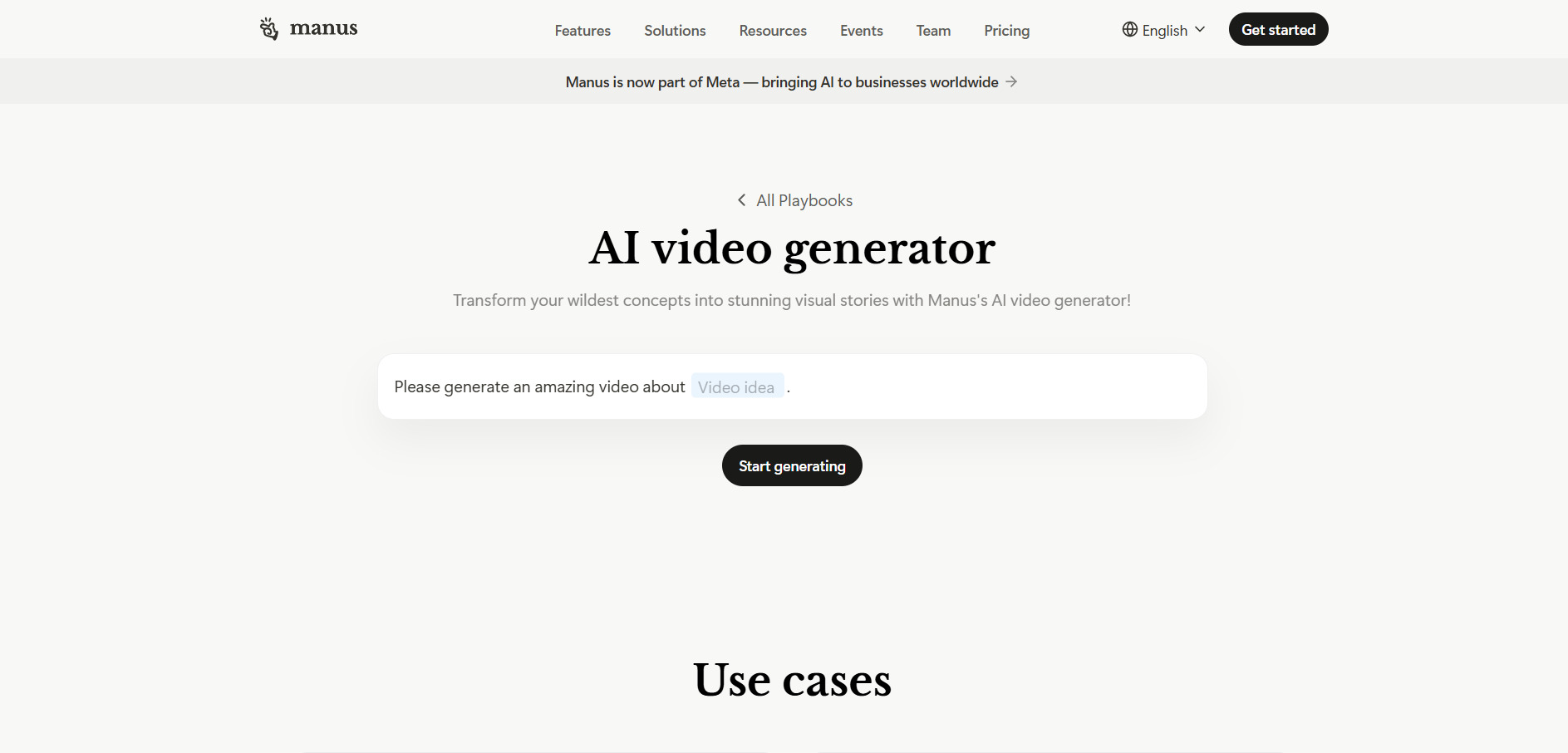
Manus AI Video offers a genuine free plan with 300 daily refresh credits, and its $40/month Pro tier includes a 7-day free trial. Official pricing spans Free ($0), Pro Entry ($20/month, 4,000 credits), Pro Mid ($40/month, 8,000 credits), Pro Top ($200/month, 40,000 credits), and Team from $20/seat/month, with 17% off annual billing.
Manus is an AI agent platform that includes video generation among its broader toolkit of research, slides, and website deployment. It’s powerful for users who want an all-in-one AI agent, but complex video tasks can consume 500–900+ credits per run, making costs unpredictable for heavy users.
Pros
- All-in-one agent beyond just video
- Genuine free daily credits
- 7-day trial on mid-tier plan
Cons
- Credit consumption is unpredictable
- Credits don’t roll over monthly
- Not purpose-built solely for video
6. Digen AI Agent
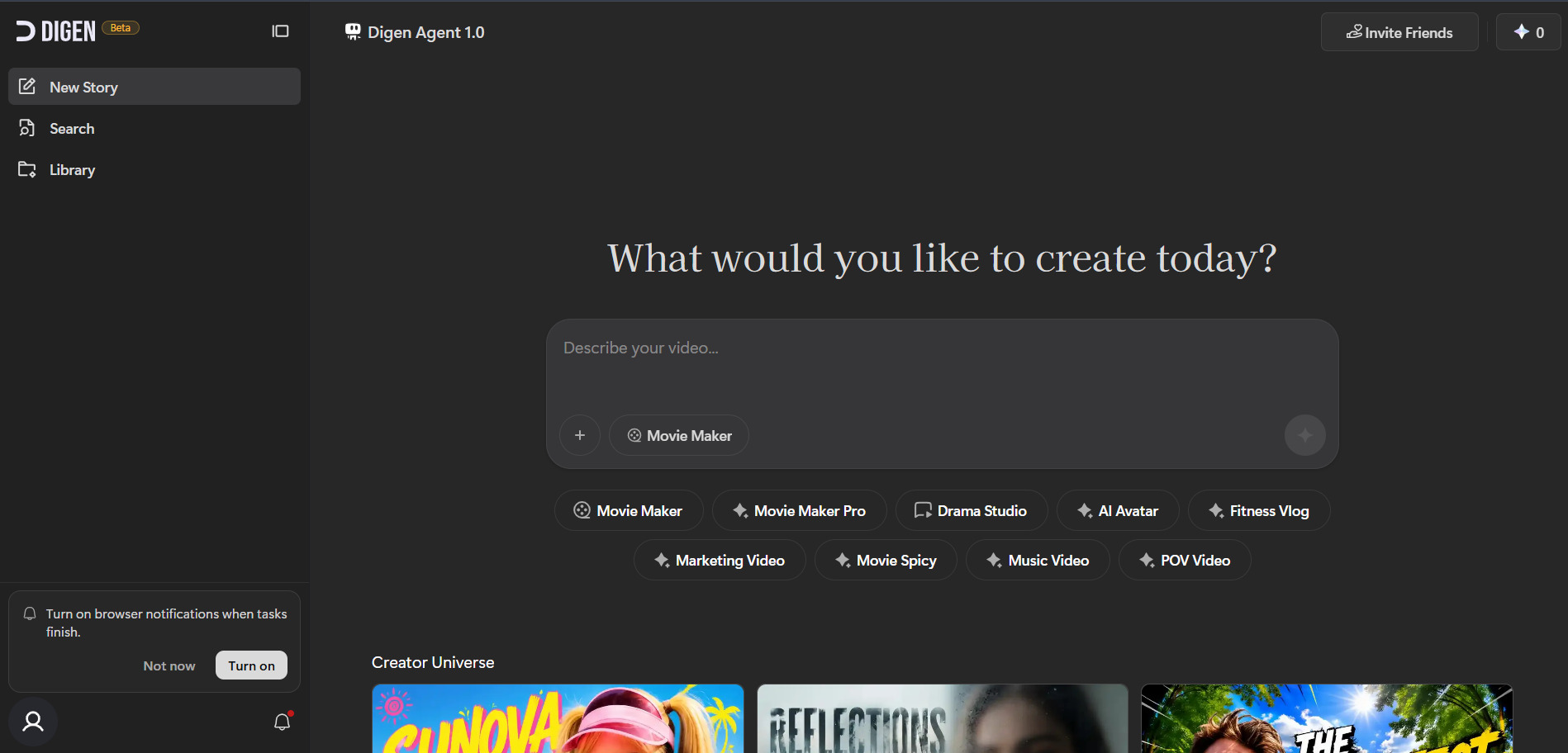
Digen AI Agent provides a genuine free plan with a 300-credit sign-up bonus and daily reward credits, letting users test multiple models before paying. Official pricing lists Ultra Pro around $9.99/month ($5.99 annually) and Ultra Max around $19.99/month ($11.99 annually), both removing watermarks and unlocking premium models.
Digen AI converts text or images into avatar-style talking videos and also provides free-tier access to outside models like Sora 2, Veo 3.1, and Kling. It’s a strong entry point for multi-model experimentation, though it lacks timeline editing and professional post-production controls found in dedicated editors.
Pros
- Access to multiple third-party models free
- Affordable paid tiers
- Fast 60–90 second generation
Cons
- No timeline-based editing
- Motion can look stiff at times
- Mobile app can be unstable
7. AKOOL
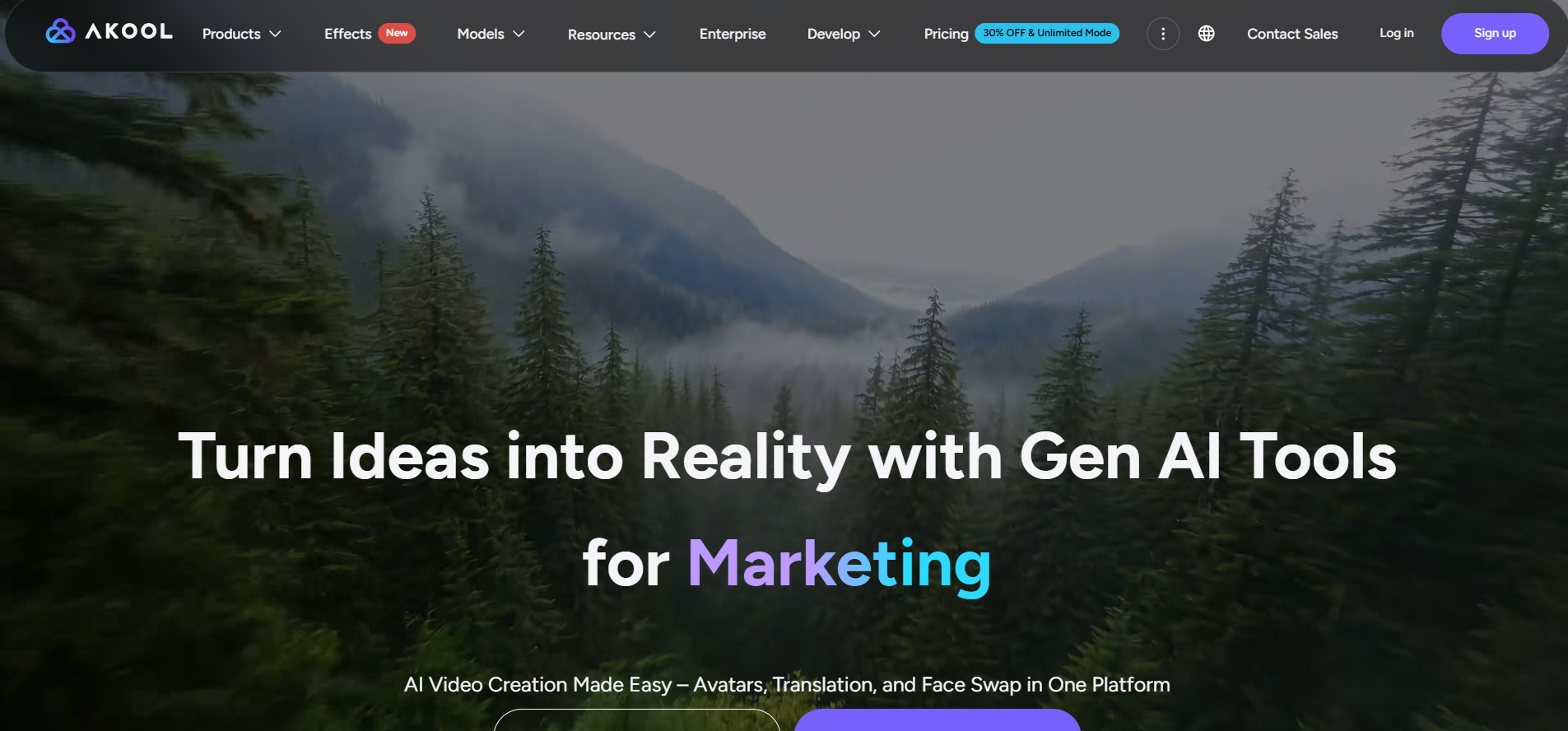
AKOOL offers a permanently free Basic plan alongside a 3-day free trial on its Pro and Pro Max tiers for full, watermark-free testing. Official pricing starts at Pro around $15/seat/month, with Pro Max and Business tiers scaling higher, plus a 30% discount for annual billing and an education program offering a free 3-month Studio trial.
AKOOL is a multi-tool AI visual suite covering avatar video, face swap, and video translation across 155+ languages. It suits agencies needing several AI visual tools in one subscription, though free-tier uploads are capped at 720p and premium models like Seedance sit behind paid tiers.
Pros
- Combines avatar video, face swap, and translation
- 3-day full-feature trial available
- Education program with 3-month free trial
Cons
- Free tier capped at 720p
- No refunds on paid subscriptions
- Premium models locked to higher tiers
8. Hedra
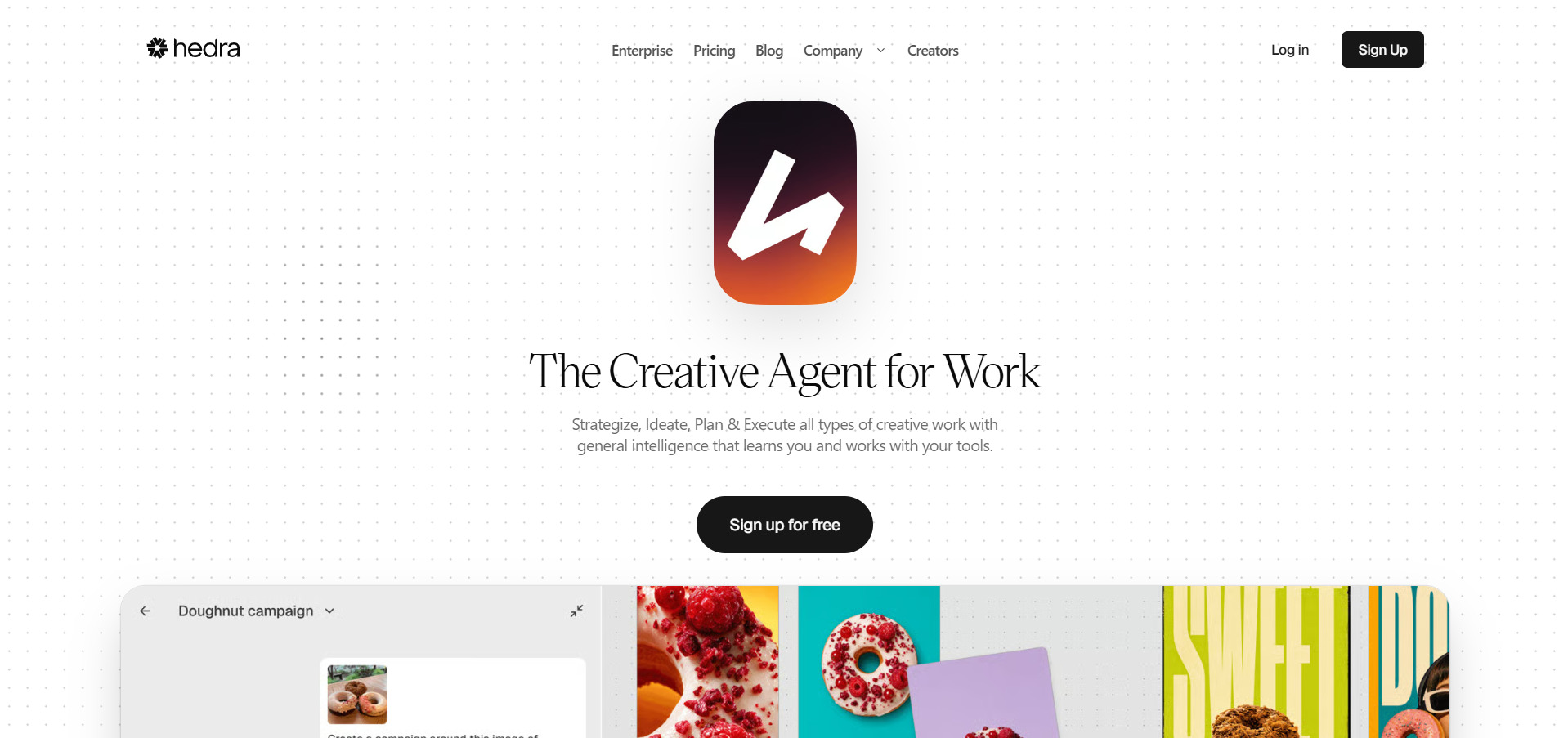
Hedra provides a free plan with roughly 300–400 monthly credits (non-commercial, watermarked, slower generation), giving users real hands-on testing before paying. Official pricing includes Basic at $10–$15/month (1,500 credits), Creator at $30/month (5,400 credits), and Professional at $75/month (14,400 credits), with custom Enterprise pricing available.
Hedra’s standout feature is its Character-3 model, which animates a single portrait photo into an expressive, lip-synced talking character with realistic blinks and gaze shifts. It’s one of the best tools for character animation specifically, though it isn’t a full video editor and doesn’t build complete narrated videos with B-roll.
Pros
- Best-in-class lip-sync animation
- Access to multiple underlying AI models
- Genuine free credits to test quality
Cons
- Not a full video production suite
- Monthly credits expire, no rollover
- Mixed reviews on billing/support
9. CapCut AI
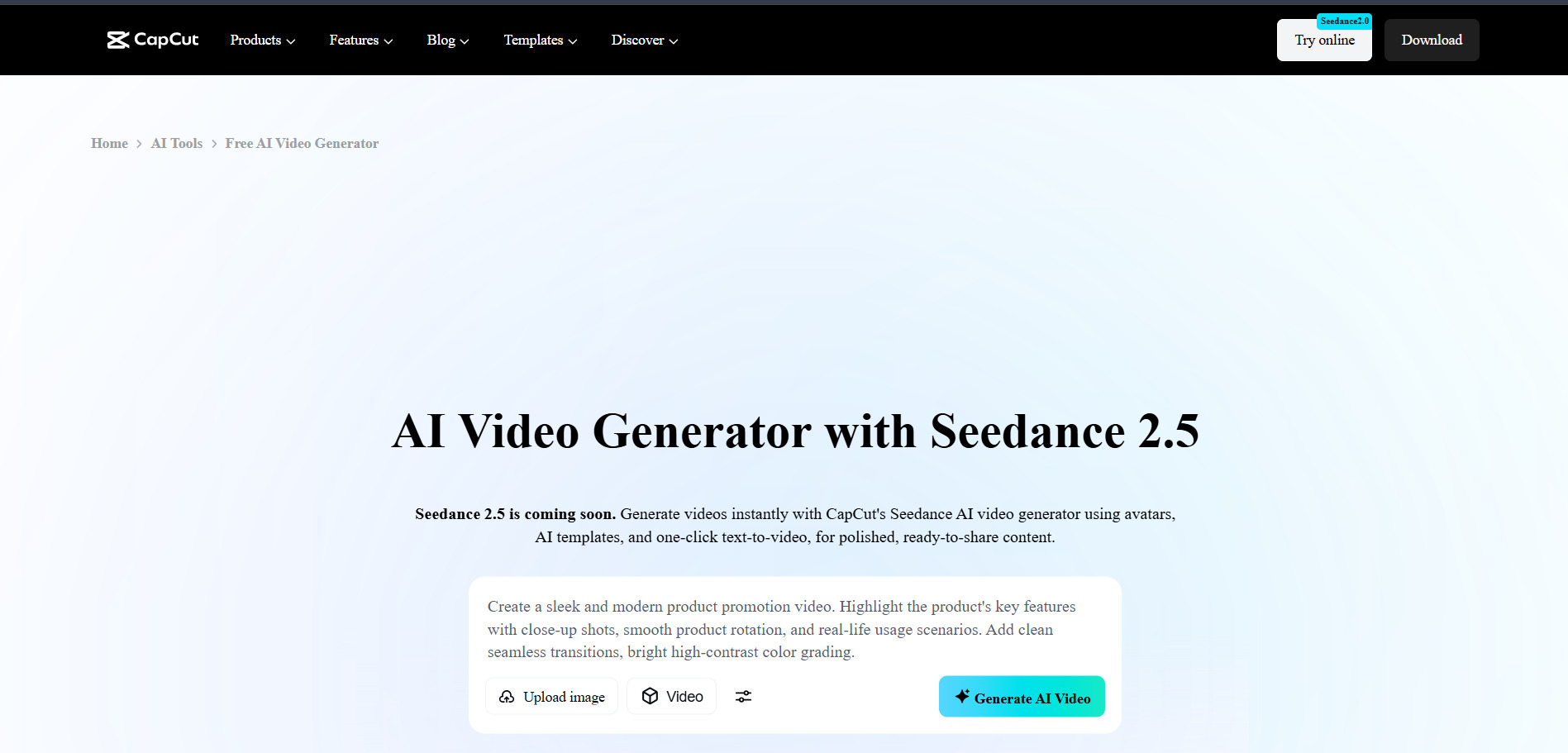
CapCut AI‘s free plan is one of the most generous in video editing, offering full timeline editing and 1080p exports with no formal trial needed to test it. Official 2026 pricing lists Standard around $10/month and Pro at $19.99/month ($179.99/year), which includes 4K export, the full AI toolkit, and 1TB of cloud storage.
CapCut, owned by ByteDance, combines traditional editing with AI features like auto-captions, background removal, and AI-generated video effects across mobile, desktop, and web. It’s excellent value for social content creators, though its 2026 price roughly doubled from the older $9.99/month rate, and premium AI tools can require extra credit top-ups.
Pros
- Exceptionally generous free tier
- Cross-platform (mobile, desktop, web)
- Fast AI captions and effects
Cons
- Pro price roughly doubled in 2026
- Heavy AI use needs extra credits
- Stock music licensing can be restrictive
10. Wan 2.2
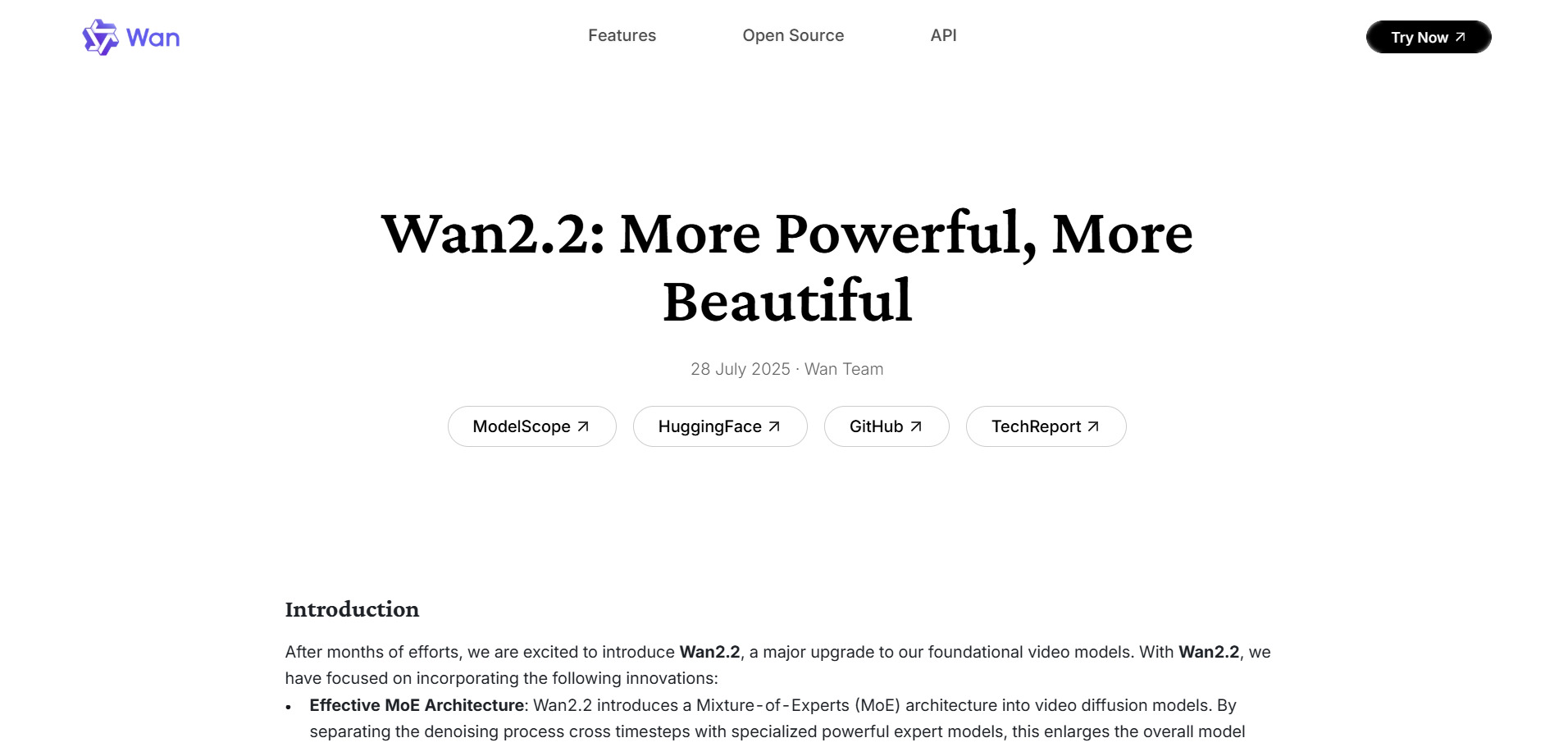
Wan 2.2 offers genuinely free access through platforms like FreeWanVideo, which gives new users 100 starting credits plus 60 daily bonus credits for the first two weeks. Official Alibaba Tongyi Lab pricing includes pay-as-you-go packages from $1.50 for 30 credits up to $100 for 3,900 credits, alongside a Pro membership around $5/month billed yearly.
Wan 2.2 is Alibaba’s open video generation model known for affordability and solid image-to-video and text-to-video results, integrated into multiple third-party platforms like ImagineArt. It’s an excellent budget-friendly choice for creators experimenting broadly, though official plans and interfaces are less polished than premium Western competitors.
Pros
- Very low cost per video
- Generous free daily credits on aggregators
- Widely integrated across platforms
Cons
- Less polished native interface
- Quality varies by hosting platform
- Fewer advanced editing features
11. Pictory AI
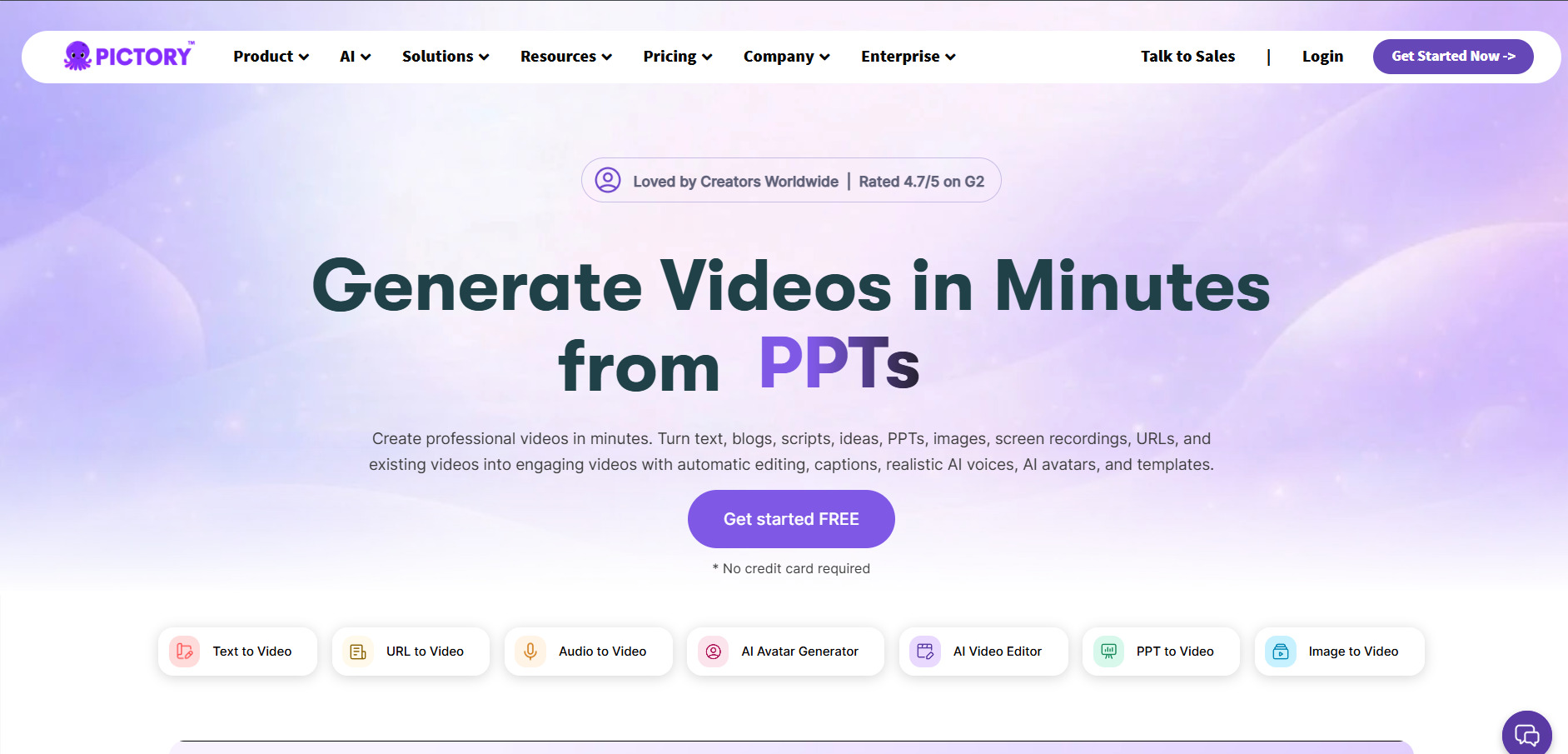
Pictory AI offers a free trial allowing users to explore its editing and AI voiceover tools before committing to a paid subscription. Official pricing includes a Starter plan with 200 video minutes, a Professional plan (the most popular) with 600 minutes and up to five Brand Kits, and a Team plan with 1,800 minutes, with annual billing saving up to 40%.
Pictory converts scripts, articles, and long-form video into short, branded clips with AI voiceovers and automatic highlight detection. It’s a strong repurposing tool for podcasters and content marketers, though some reviewers feel its templates and flexibility now lag behind newer competitors at similar price points.
Pros
- Great for repurposing long-form content
- Automatic highlight/clip detection
- Multiple Brand Kits on higher tiers
Cons
- Templates feel dated versus rivals
- No true generative scene creation
- Pricing can add up for teams
12. Grok Imagine
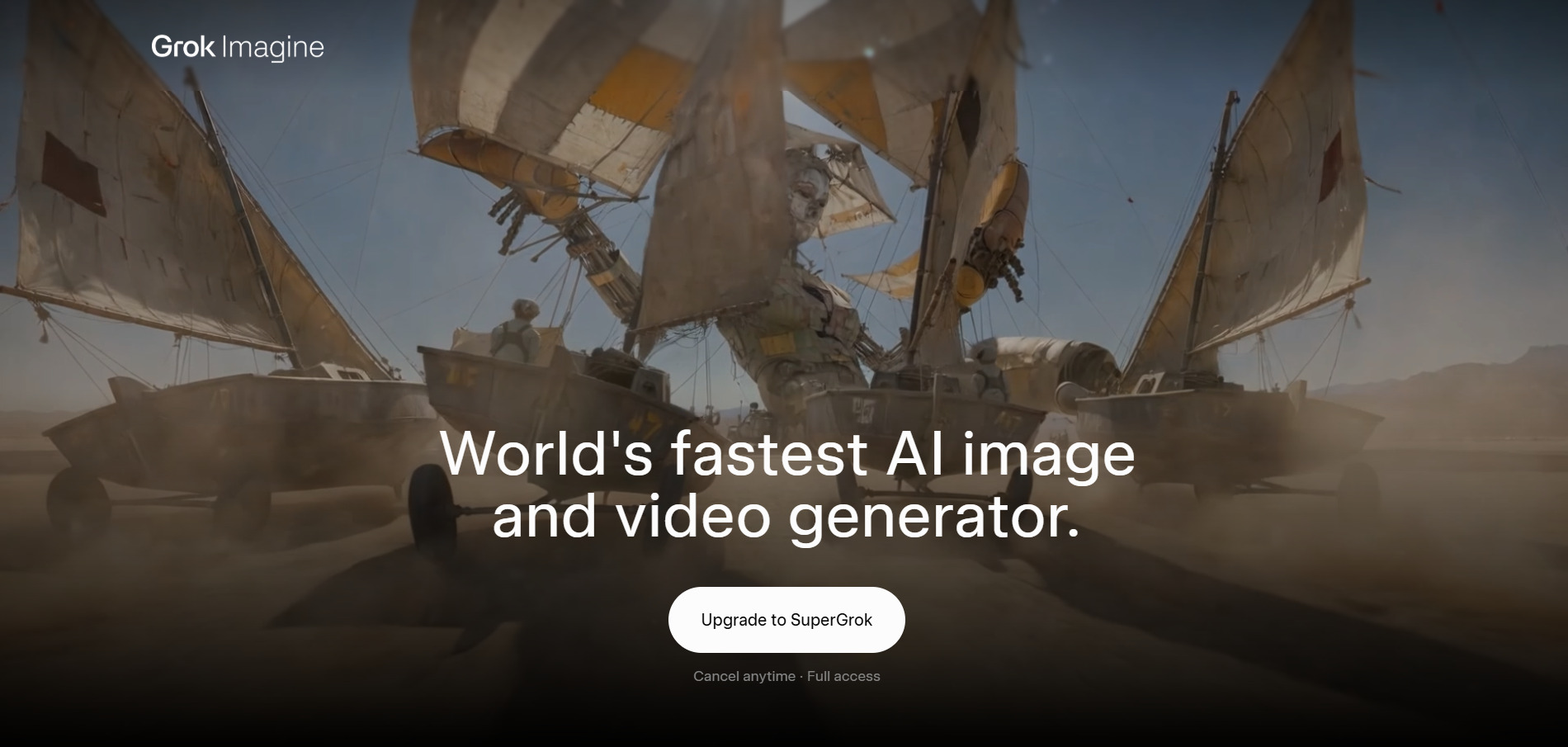
Grok Imagine gives new users free starting credits to generate videos immediately upon signup, with no subscription required to begin. Official pricing is entirely credit-based and one-time purchase (credits never expire), with video generation costing roughly 2–10 credits depending on length and resolution, and images costing 1 credit each.
Built by xAI, Grok Imagine is a multi-modal generator supporting text, image, video, and audio inputs, producing videos up to 15 seconds at up to 2K resolution with built-in audio. Its flexible, watermark-free output and simple credit model make it appealing for experimenters, though it currently lacks the polish and editing depth of dedicated video suites.
Pros
- Watermark-free output on all plans
- Credits never expire
- Built-in context-aware audio generation
Cons
- Max clip length capped at 15 seconds
- No dedicated editing timeline
- Newer platform with a smaller community
| Alternative | Description |
|---|---|
| Lumen5 | Turns blog posts and scripts into branded social videos using AI-matched stock footage. |
| PixVerse V6 | Cinematic AI video generator with native audio, multi-shot scenes, and per-second billing. |
| Creatify AI | UGC-style AI ad video generator with avatars and batch ad variation creation. |
| Vyond Go | Generative AI video maker built into Vyond’s broader corporate animation platform. |
| Manus AI Video | All-in-one AI agent platform with video generation among its many capabilities. |
| Digen AI Agent | Text/image-to-avatar video generator with free access to multiple third-party models. |
| AKOOL | Multi-tool AI suite for avatar video, face swap, and multilingual video translation. |
| Hedra | Character-3 powered tool that animates photos into expressive, lip-synced talking avatars. |
| CapCut AI | Cross-platform video editor with generous free tier and built-in AI editing tools. |
| Wan 2.2 | Alibaba’s affordable open video generation model available via multiple platforms. |
| Pictory AI | Repurposes long-form content and scripts into short branded video clips. |
| Grok Imagine | xAI’s multi-modal generator producing watermark-free videos with built-in audio. |
Conclusion
Creators wanting cinematic realism should look at PixVerse V6 or Grok Imagine, marketers producing ad creatives will lean toward Creatify AI or AKOOL, and businesses needing corporate explainers may prefer Vyond Go or Lumen5. Budget-conscious users can start with the genuinely free tiers on Wan 2.2, Digen AI, or CapCut before scaling up. Testing two or three trials side by side is the fastest way to find the platform that truly fits your workflow.


