

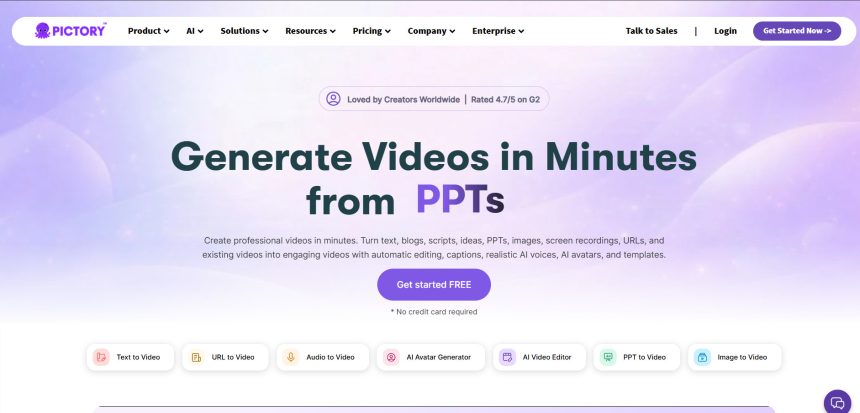
Pictory AI has been a popular choice for turning blog posts and long-form footage into short, shareable videos, but it is far from the only option on the market in 2026. Whether you need cinematic AI-generated video clips, automated social content, or heavier-duty AI upscaling and editing, there is now a tool built specifically for that job. This guide walks through 11 strong Pictory Alternatives, covering their free trials, official pricing plans, and honest pros and cons so you can pick the platform that actually fits your workflow and budget.
Artlist AI

Pricing: AI Starter from $9.99/mo (annual); AI Creator from $41.67/mo (annual); AI Professional from ~$90/mo; Artlist Max at $39.99/mo
Artlist AI bundles video generation, voiceover, music, and stock footage into one credit-based ecosystem. Its AI Starter plan gives newcomers a low-cost way to test AI voiceover and light video generation, while AI Creator and AI Professional unlock access to top-tier models like Veo 3.1, Sora 2, and Kling for serious production work. Artlist Max ties everything together for creators who also want the stock library.
Because credits are shared across image, video, voice, and music generation, heavy users can burn through a plan quickly, especially with premium models that consume thousands of credits per generation. Still, for creators who want one subscription covering nearly every AI media type instead of juggling five separate tools, Artlist AI is one of the most complete Pictory alternatives available right now.
Pros
- All-in-one AI suite: video, voice, music, and images
- Access to premium models like Veo 3.1 and Sora 2
- Generous stock footage and template library on higher tiers
Cons
- Credits don’t roll over month to month
- Premium models consume credits fast
- Higher tiers get expensive for heavy AI video use
Manus AI Video
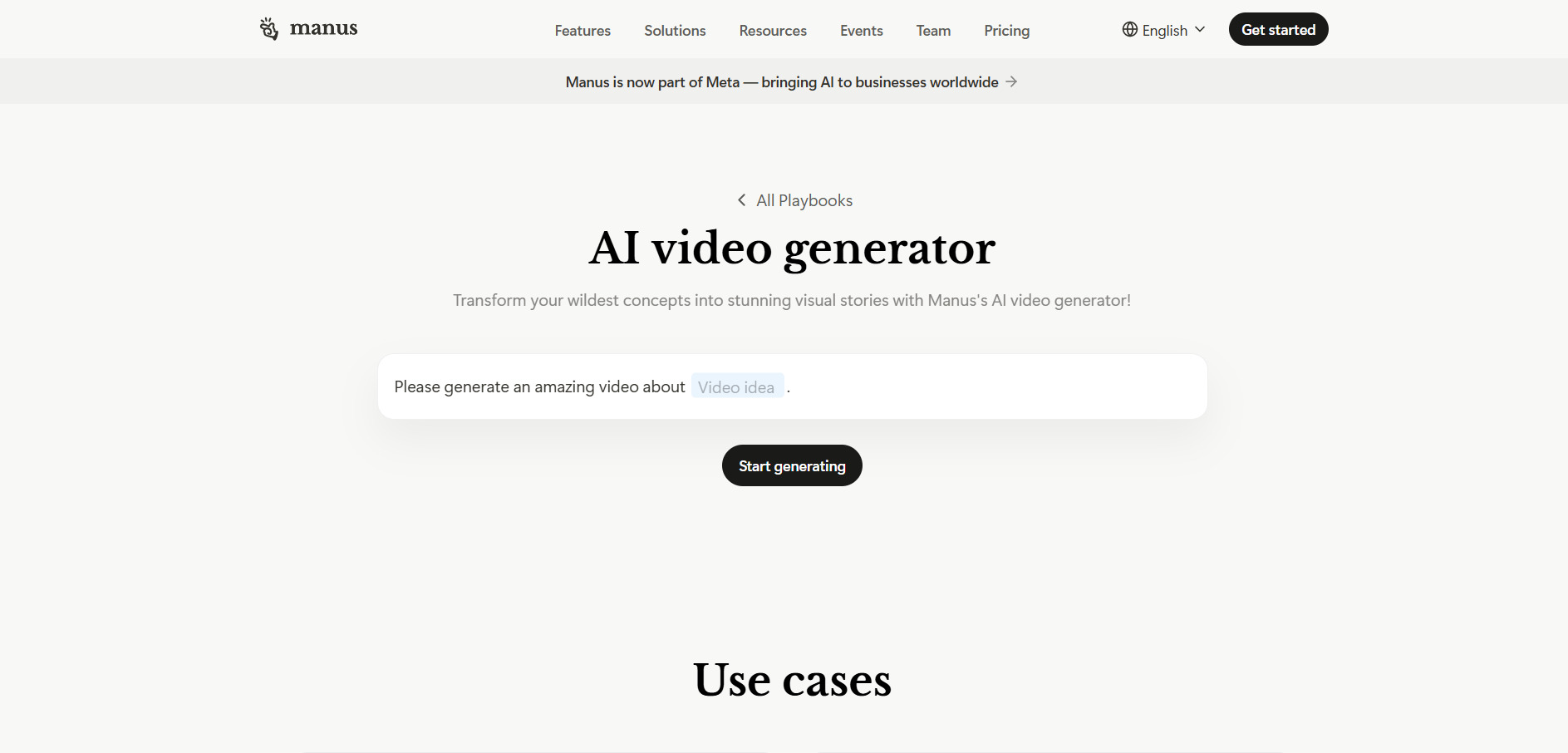
Pricing: Credit-based subscription tiers; check official site for current rates
Manus AI Video is built around an agentic workflow that plans, researches, and assembles video content with minimal manual input, going a step beyond Pictory’s script-to-video model. Instead of just matching stock clips to text, it can autonomously structure a narrative, select visuals, and stitch a rough cut together, which appeals to creators who want a more hands-off production process.
Because Manus operates on an agent-based credit system, costs scale with how much autonomous work you delegate to it rather than a flat per-video fee. This makes it powerful for complex, multi-step content tasks, but it also means budgeting requires more attention than a simple flat-rate tool. It suits teams exploring agentic AI workflows over traditional templated editors.
Pros
- Agentic workflow automates multi-step video production
- Reduces manual editing decisions
- Good for research-driven or explainer-style content
Cons
- Credit consumption can be unpredictable
- Less manual control over fine details
- Newer platform with a smaller user community
Wireflow
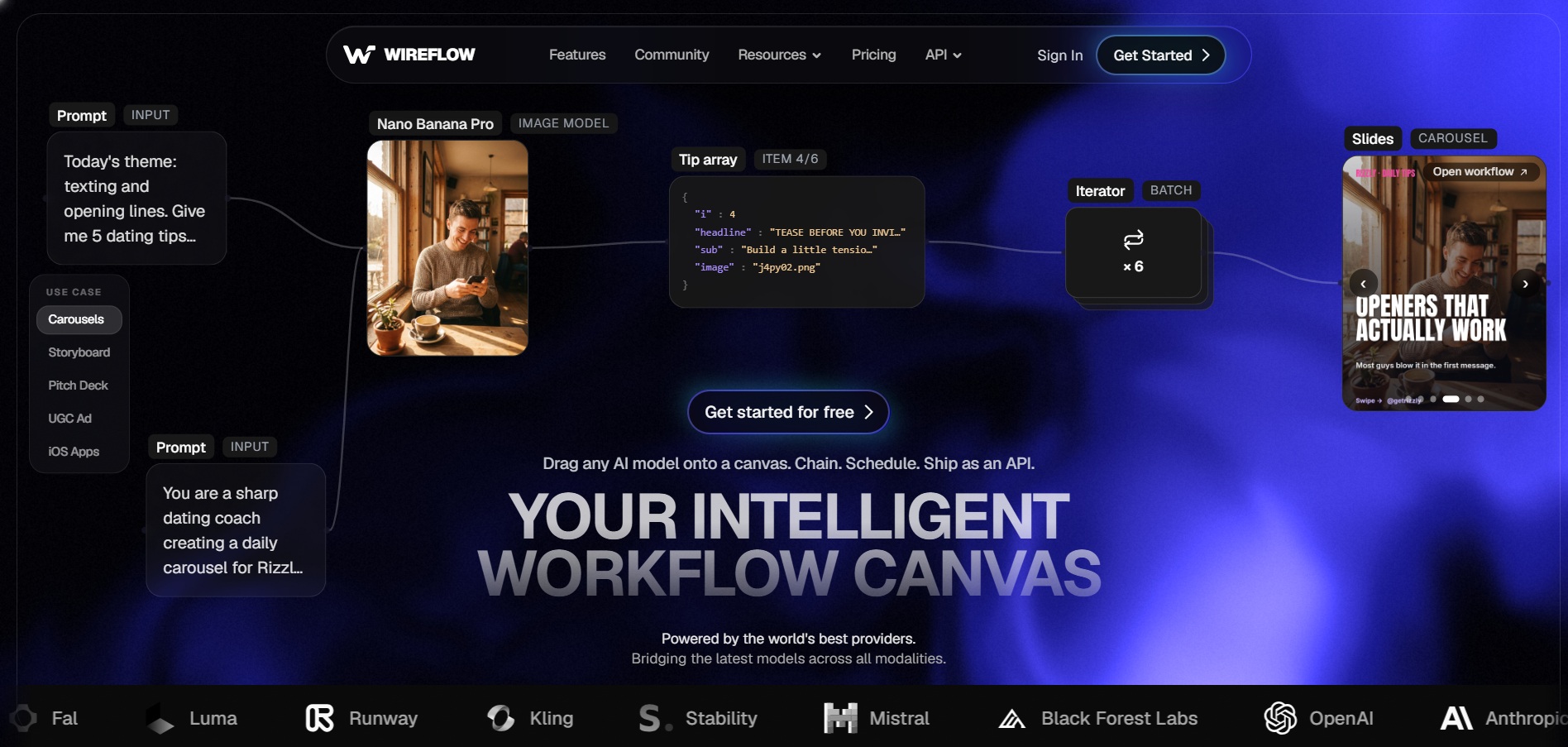
Pricing: Tiered monthly plans; confirm exact rates on Wireflow’s official pricing page
Wireflow positions itself as a workflow-first video and content automation tool, letting creators map out multi-step pipelines that combine scripting, AI voice, and video assembly. It’s a good fit for teams that want repeatable, automated processes for turning source material into finished videos at scale, rather than a one-off editing session.
The platform’s strength lies in automation and pipeline building rather than manual timeline editing, so users who want granular frame-by-frame control may find it restrictive. For marketing teams or agencies producing similar video formats repeatedly, Wireflow’s automation can meaningfully cut production time compared with Pictory’s more manual workflow.
Pros
- Strong automation for repeatable video pipelines
- Good for scaling content production across teams
- Combines scripting, voice, and assembly in one flow
Cons
- Less suited to one-off creative edits
- Learning curve for setting up workflows
- Smaller community and fewer tutorials than bigger platforms
Luma Ray3
Pricing: SuperGrok Lite $10/mo; SuperGrok $30/mo; X Premium+ $40/mo; SuperGrok Heavy $300/mo
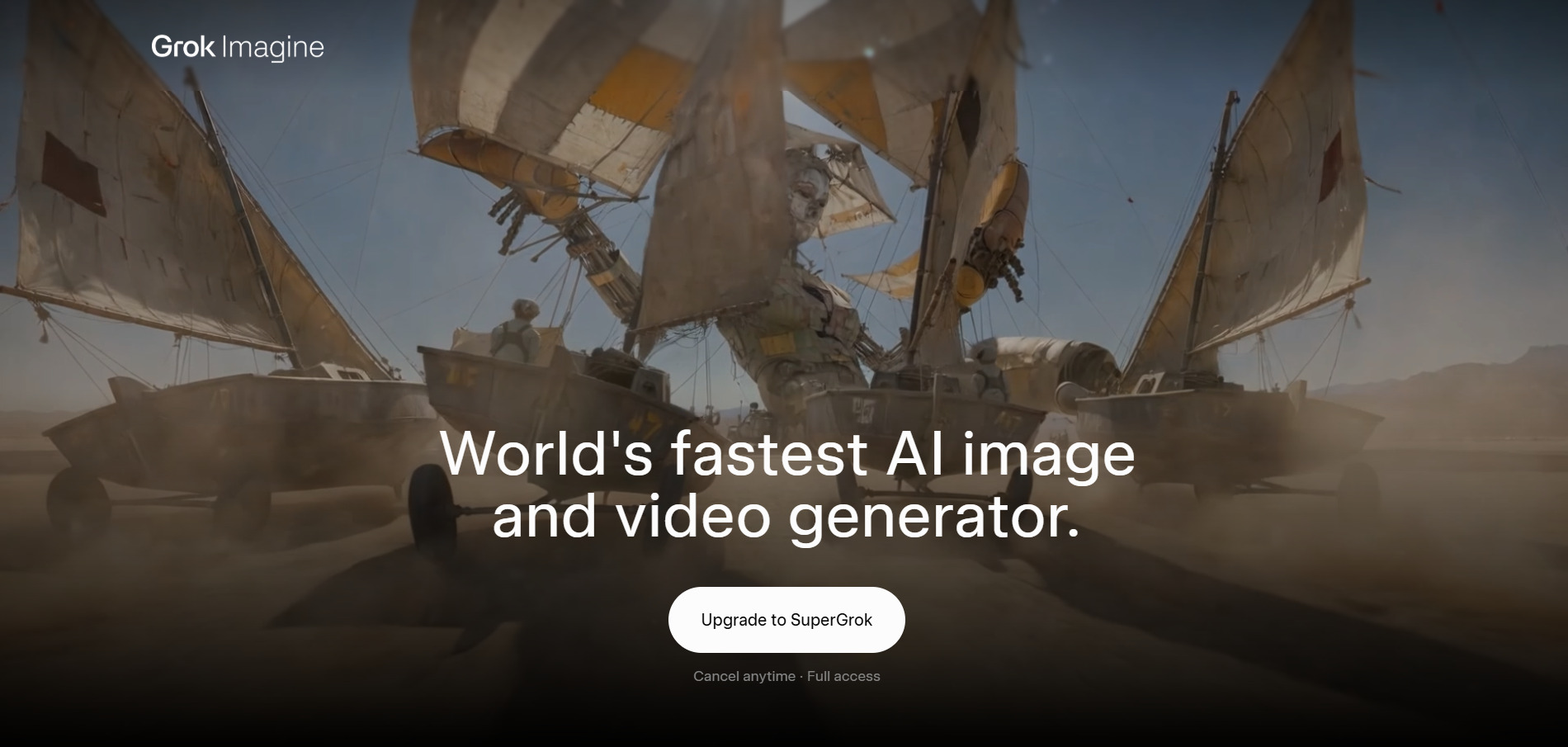
Grok Imagine is xAI’s built-in image and video generator, bundled inside the broader Grok chatbot subscription rather than sold as a standalone video tool. Since March 2026, free access to Imagine was removed, meaning creators need at least SuperGrok Lite to generate any AI video or image content, unlike Pictory’s more accessible entry point.
Its biggest advantage is tight integration with Grok’s real-time reasoning and search, letting users generate contextually relevant visuals quickly inside one chat interface. However, Grok Imagine is not a dedicated editing suite, so it works best as a fast content-generation layer that still needs a separate editor for polished, longer-form videos.
Pros
- Integrated directly into the Grok AI assistant
- Fast image-to-video and text-to-video generation
- Backed by xAI’s real-time data and reasoning
Cons
- No free tier for image or video generation
- Not a full video editing suite on its own
- Pricing tied to the broader Grok subscription, not video alone
Kapwing AI
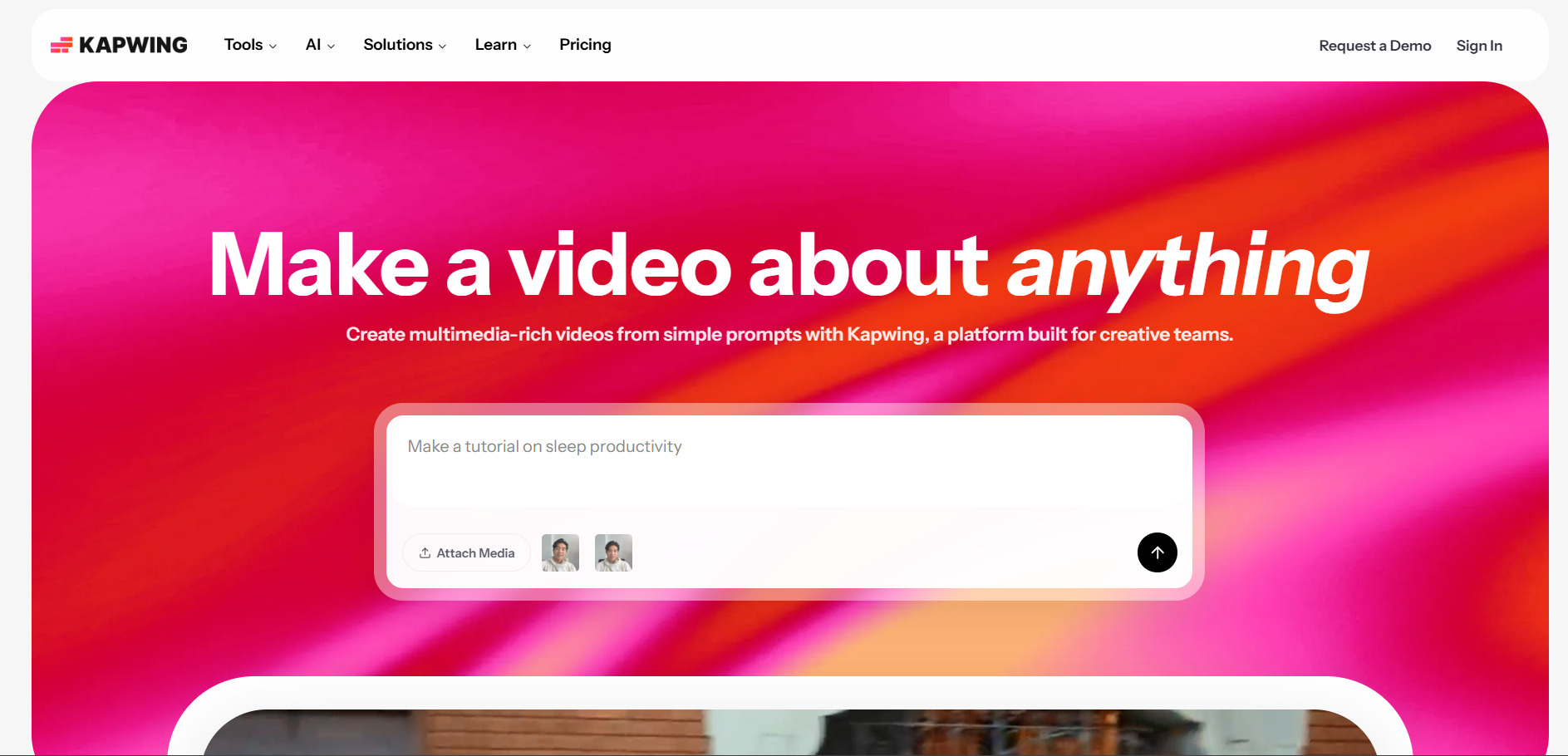
Pricing: Pro $16/mo (annual) or $24/mo (monthly); Business $50/mo (annual) or $64/mo (monthly); Enterprise custom
Kapwing AI is a browser-based editor built for fast social content, offering auto-subtitling, AI resizing, background removal, and text-to-video clip generation. Its free plan is genuinely usable for testing the interface, though every export carries a watermark until you upgrade, and the AI credit allowance on the free tier is extremely limited.
Pro removes watermarks and unlocks higher-resolution exports, making it the realistic starting point for regular content creators, while Business adds team collaboration and a larger AI credit pool. Kapwing’s per-member pricing model means costs rise quickly for larger teams, so it suits solo creators and small teams more than large agencies.
Pros
- Genuinely useful free plan for testing features
- Strong auto-subtitling and AI resizing tools
- Real-time team collaboration on paid tiers
Cons
- Free plan AI credits are extremely limited
- Per-member pricing adds up fast for teams
- Not built for advanced, professional-grade editing
Seedance 2.0
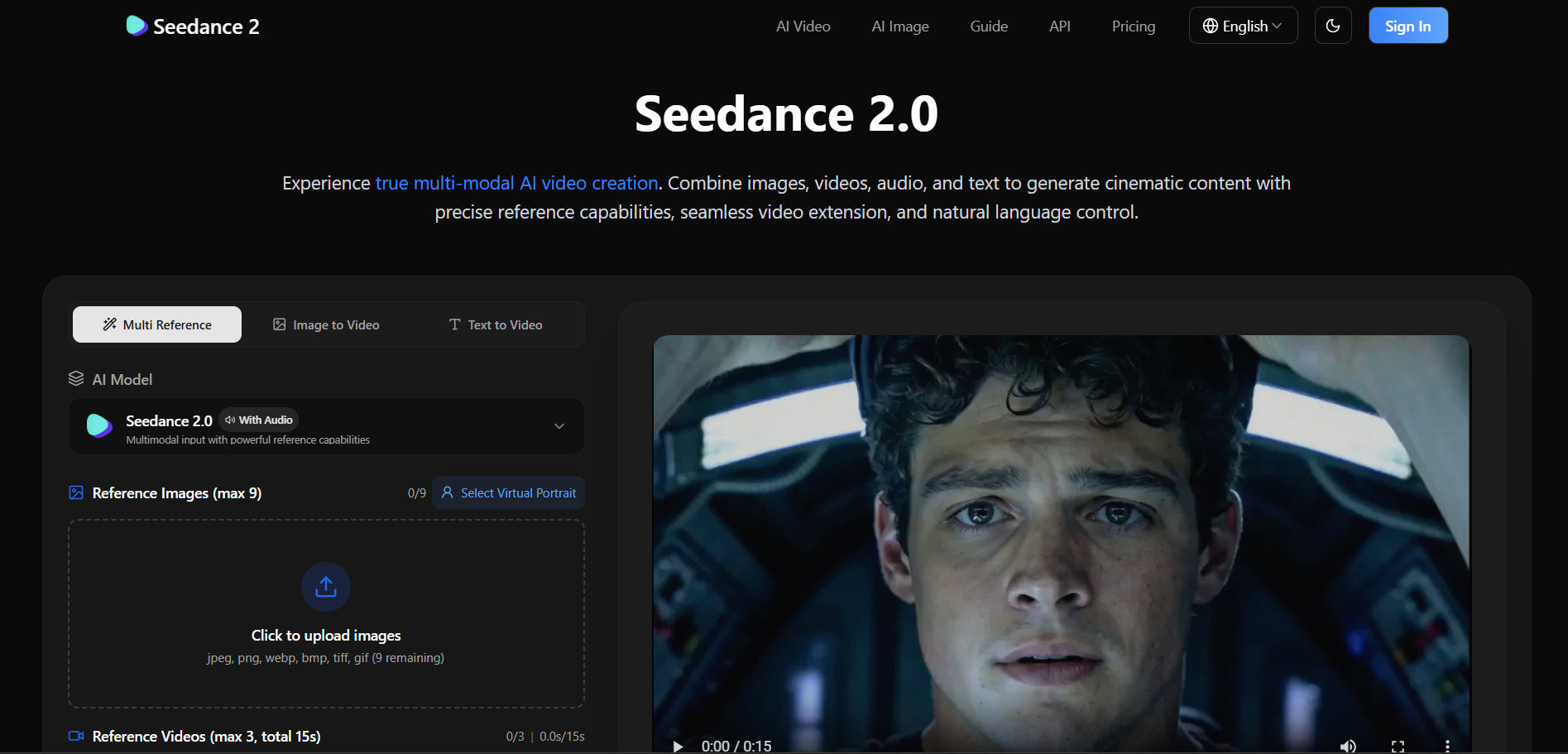
Pricing: Varies by platform; Starter plans from around $9/mo (via Higgsfield), pay-per-second API from $0.056/sec (via EvoLink)
Seedance 2.0 is ByteDance’s advanced AI video model, accessible through multiple platforms including Dreamina, Higgsfield, Runway, and various API providers rather than one single official app. It supports resolutions up to 4K, clip lengths from 4 to 15 seconds, and both Standard and Fast generation modes, giving creators flexibility depending on budget and quality needs.
Because Seedance 2.0 pricing is fragmented across platforms and billed per credit or per second, the actual cost depends heavily on where you access it and which generation mode you choose. This makes it powerful for developers and studios comparing multiple AI video engines, but less beginner-friendly than an all-in-one platform like Pictory.
Pros
- High-quality output up to 4K resolution
- Flexible Fast and Standard generation modes
- Available across multiple platforms and APIs
Cons
- No single official pricing page; costs vary by platform
- Credit systems can be confusing for new users
- Requires a separate editor to assemble full videos
Lumen5

Pricing: Basic $19–$29/mo; Starter $59/mo; Professional $149/mo (annual billing saves roughly 25%)
Lumen5 is one of Pictory’s closest direct competitors, using AI to match blog posts, scripts, or Zoom recordings with stock footage and turn them into branded social videos. The free Community plan is enough to explore the interface, but branding removal, 1080p exports, and the full stock library require upgrading to Basic or Starter.
Starter is where most regular users land, unlocking higher resolution and expanded voiceover minutes, while Professional adds multiple brand kits for agencies managing several clients. Lumen5’s AI visual-matching is convenient but not always precise, so expect to manually swap a few clips per video for the best results.
Pros
- Easy blog-to-video and Zoom-to-video automation
- Large stock media and music library
- Free Community plan with no time limit
Cons
- AI visual matching often needs manual correction
- Higher tiers get pricey for small teams
- Limited advanced editing controls
Pixverse V6
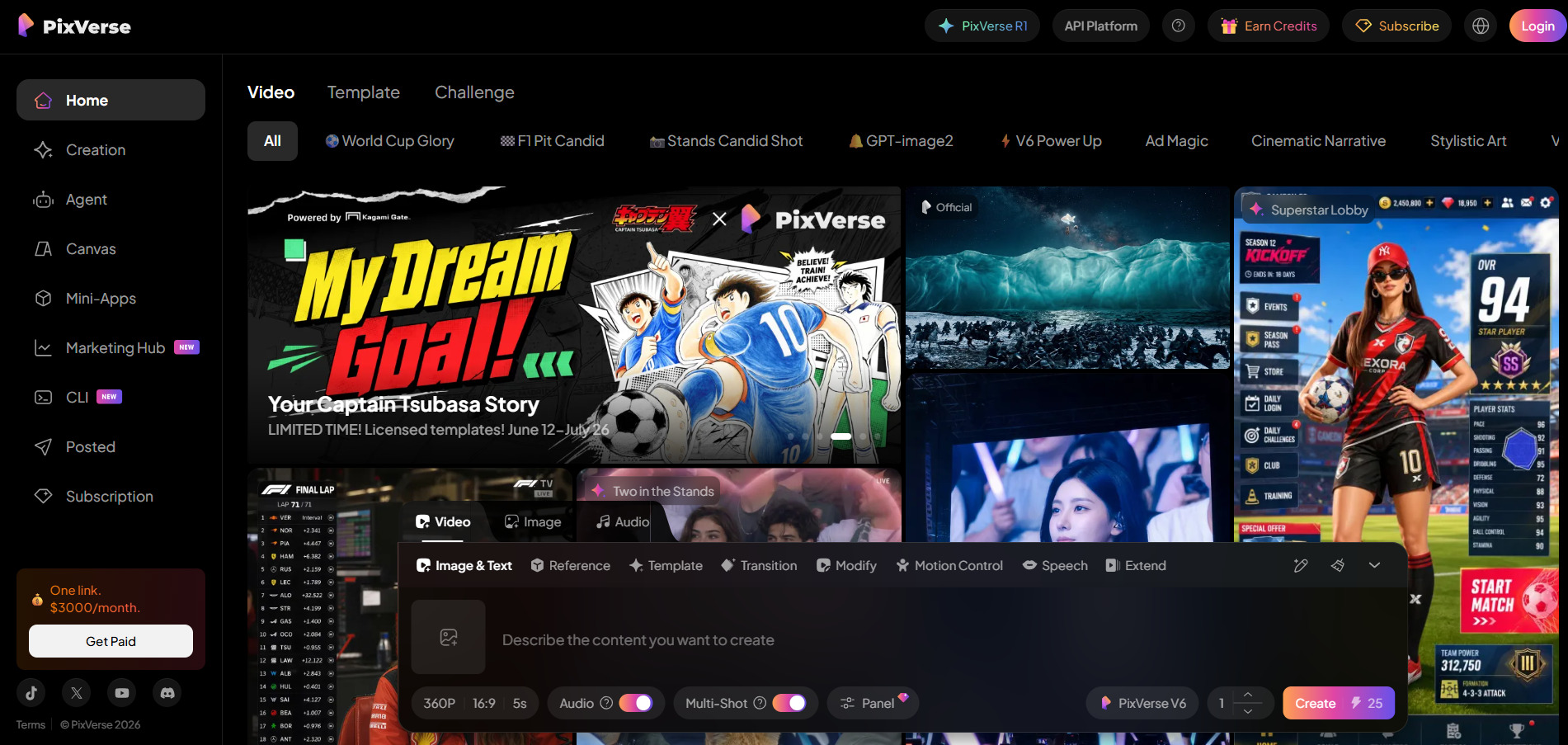
Pricing: Standard $8–$10/mo; Pro $24–$30/mo; Premium $48–$60/mo; Ultra $149–$199/mo (annual billing saves up to 20-40%)
PixVerse is a fast, credit-based AI video generator known for quick text-to-video and image-to-video output, typically rendering clips in 30 to 60 seconds. Its conversational AI Agent mode simplifies prompting for beginners, and the free Basic tier is generous enough for casual experimentation, though outputs are watermarked and capped at lower resolution.
The Standard and Pro plans unlock 720p and 1080p output respectively, while Premium and Ultra target creators and small teams generating high volumes of content. Because results aren’t always deterministic, users often need multiple generation attempts per clip, which can burn through credits faster than the sticker price suggests.
Pros
- Very fast generation speed (30–60 seconds per clip)
- Generous free tier with daily credit refresh
- Simple, prompt-based Agent mode for beginners
Cons
- Inconsistent results often require multiple retries
- Standard plan is capped at 720p resolution
- Real-world credit cost can exceed the listed price
Vidu Q3
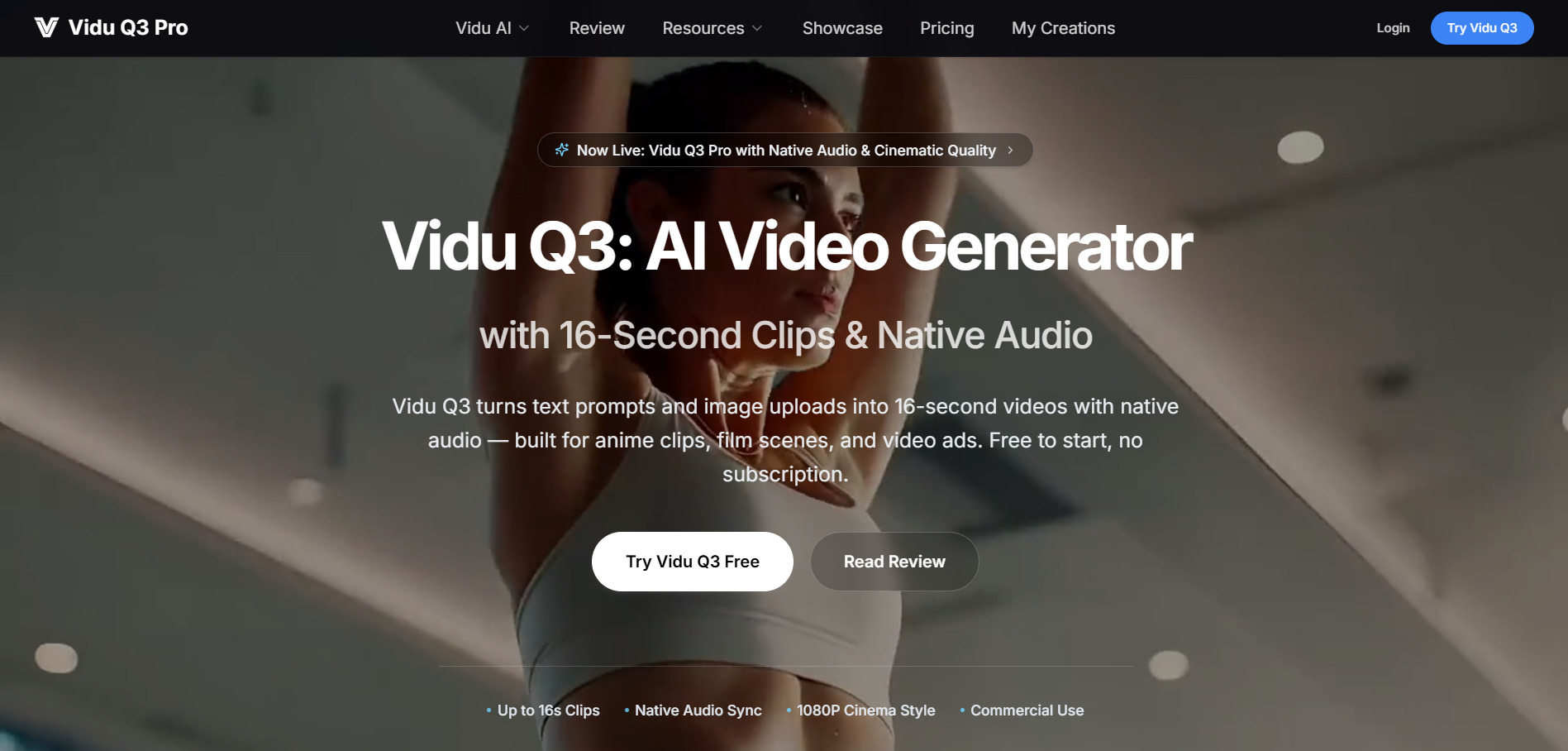
Pricing: Standard $8/mo (800 credits); Premium $28/mo (4,000 credits); Ultimate $79/mo (8,000 credits); one-time packs from $19.90
Vidu Q3 stands out as one of the first AI video models to generate synchronized audio and video together in a single 16-second pass, including dialogue, sound effects, and lip-sync. It ranks highly on independent AI video leaderboards and supports multi-reference consistency, letting creators upload up to seven images to maintain recurring characters or brand visuals.
Pricing is credit-based, with both subscription tiers and flexible one-time credit packs for users who don’t want a recurring charge. Vidu performs especially well for anime and stylized content but can struggle with photorealistic human motion, and its no-refund policy on failed renders is worth knowing before committing credits to a project.
Pros
- Native audio and video generated in one pass
- Strong multi-reference character consistency
- Flexible one-time credit packs, no forced subscription
Cons
- Weaker at photorealistic human motion
- No refunds on failed generations
- Clips capped at 16 seconds, requiring external editing
Wan 2.6
Pricing: Pay-per-second API around $0.07/sec; bundled into third-party credit plans starting around $9/mo
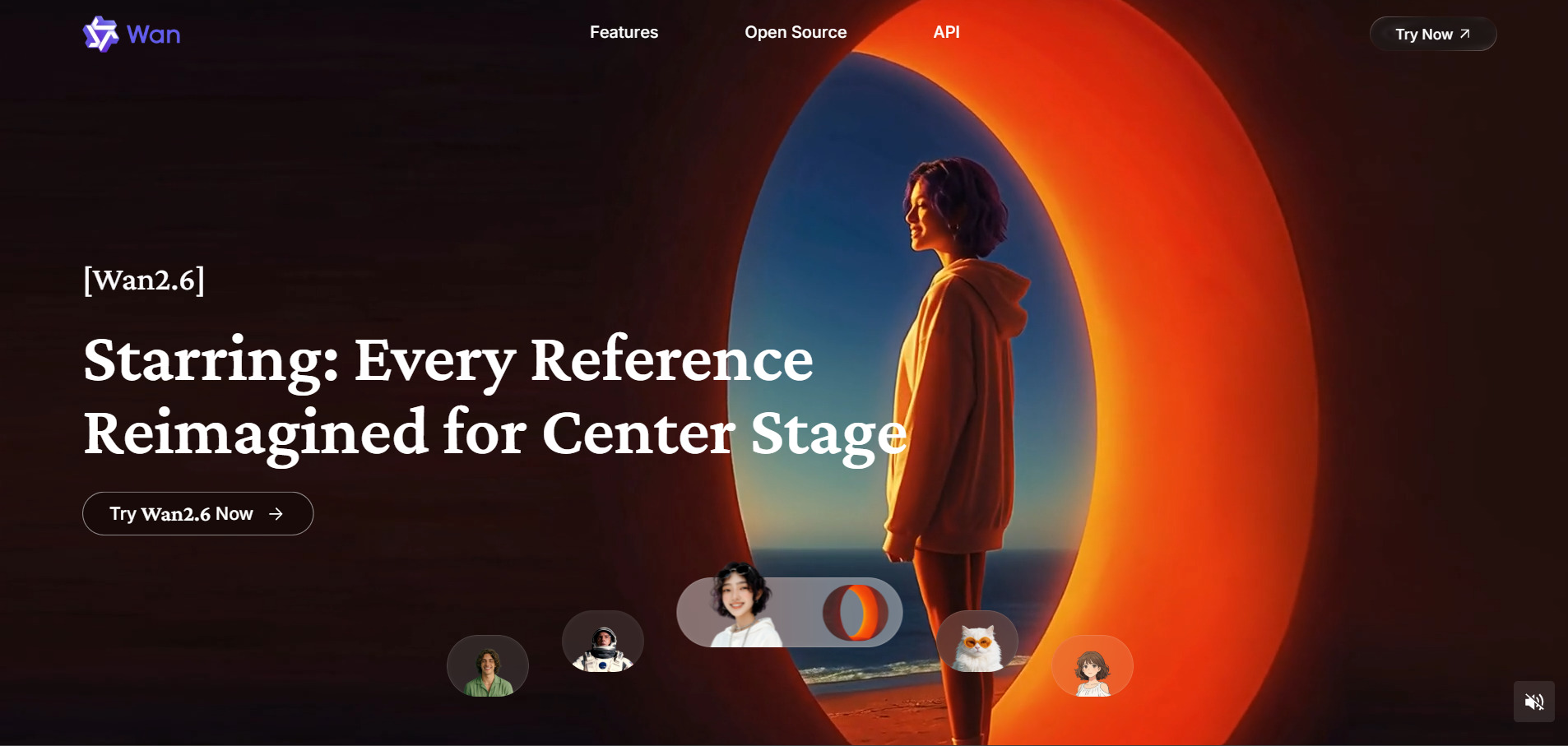
Wan 2.6 is Alibaba’s AI video model, offering 2K resolution output with clips capped at roughly five seconds per generation. It’s typically accessed through third-party platforms and API providers rather than a single standalone consumer app, which puts it in a similar access pattern to Seedance and other foundation video models.
Its shorter maximum clip length makes it best suited for quick cutaways, product highlights, or B-roll rather than longer narrative scenes. Because pricing is usage-based and spread across multiple resellers, comparing true cost requires checking per-second or per-credit rates on whichever platform you choose to access it through.
Pros
- Solid 2K resolution output
- Competitive per-second API pricing
- Accessible through several established AI video platforms
Cons
- Maximum clip length limited to around 5 seconds
- No unified official consumer pricing page
- Best suited to short clips, not full narrative videos
VideoProc AI

Pricing: Premium 365 (1-year) from $25.95–$39.95; Lifetime License from $39.95–$54.95; Family License $57.95–$79.95
VideoProc AI takes a different approach from Pictory, focusing on AI-powered upscaling, format conversion, DVD ripping, screen recording, and enhancement tools rather than generative text-to-video creation. Its Super Resolution, Face Restoration, and Frame Interpolation features make it a strong choice for improving existing footage rather than generating new AI clips from scratch.
Pricing is a one-time or annual license rather than a recurring credit system, which appeals to users tired of subscription fatigue from generative AI tools. The free trial limits clip length, image count, and adds watermarks, but the 30-day money-back guarantee on paid plans offers a low-risk way to fully test the software.
Pros
- One-time and lifetime license options available
- Strong AI upscaling and video restoration tools
- GPU-accelerated processing for faster rendering
Cons
- Not a generative text-to-video tool
- Desktop software only, no browser-based editor
- Free trial adds watermarks and caps clip length
| Alternative | Description |
|---|---|
| Artlist AI | All-in-one AI suite combining video, voice, music, and images with access to premium models like Veo 3.1 and Sora 2. |
| Manus AI Video | Agentic AI tool that autonomously plans, researches, and assembles video content with minimal manual input. |
| Wireflow | Workflow-first automation platform for building repeatable, multi-step video production pipelines. |
| Grok Imagine | xAI’s built-in image and video generator bundled inside the Grok chatbot subscription. |
| Kapwing AI | Browser-based editor with auto-subtitling, AI resizing, and text-to-video tools, ideal for social content teams. |
| Seedance 2.0 | ByteDance’s advanced AI video model offering up to 4K output, accessible via multiple third-party platforms. |
| Lumen5 | Blog-to-video and Zoom-to-video automation tool that matches AI-selected stock footage to written content. |
| PixVerse V6 | Fast, credit-based AI video generator known for quick text-to-video and image-to-video rendering. |
| Vidu Q3 | AI model generating synchronized audio and video in one 16-second pass, strong for character consistency. |
| Wan 2.6 | Alibaba’s AI video model offering 2K output for short clips, accessed mainly through third-party platforms. |
| VideoProc AI | Desktop software focused on AI upscaling, video restoration, and format conversion rather than generative video. |
Conclusion
Pictory remains a solid choice for simple blog-to-video conversion, but the 11 alternatives above each solve a different piece of the modern content workflow, from Artlist’s all-in-one AI suite and Vidu Q3’s synchronized audio-video generation to VideoProc AI’s dedicated upscaling tools.
The right pick ultimately depends on your priorities choose a generative model like Seedance 2.0, PixVerse, or Wan 2.6 for cutting-edge AI clips, a workflow automation tool like Wireflow or Manus AI Video for scaling production, or an editor-first platform like Kapwing or Lumen5 if you’re repurposing existing content. Testing the free trials or entry-level plans on two or three of these tools before committing to a subscription is the safest way to find the one that fits your budget and creative needs.


