

Creatify AI has become a popular choice for turning product links and simple prompts into short marketing videos, but it is far from the only option on the market. Depending on your goals whether that’s cinematic AI video generation, talking-avatar content, fast social media editing, or blog-to-video automation a different platform may fit your workflow better. Below is a detailed roundup of 13 strong Creatify AI Alternatives, covering their trial availability, pricing, and the pros and cons that matter most to creators, marketers, and businesses in 2026.
1. Luma Ray3
Limited Free Credits
Luma does not offer a dedicated free trial for Luma Ray3 itself, though new sign-ups receive limited starter credits to sample the platform before committing to a paid tier.
Pricing Plans:
- Plus: $30/month (or $300/year)
- Pro: $90/month (or $900/year)
- Ultra: $300/month (or $3,000/year)
- Team/Enterprise: Custom pricing on request
Luma Ray3 is a reasoning-first AI video model built for studio-grade output, offering native 16-bit HDR with EXR export and strong character consistency across shots. It is one of the more technically advanced generators available, appealing to filmmakers and agencies who need cinematic quality rather than quick social clips. The Ray3.14 update also adds native 1080p rendering and significantly faster inference.
Where Creatify focuses on ad-style product videos, Ray3 leans toward narrative and visual storytelling with camera-grade color depth. It lacks native audio generation, so sound design still has to happen elsewhere, and the credit-based system can burn quickly on high-resolution HDR clips. Still, for teams that prioritize visual fidelity over volume, Ray3 is one of the strongest options on this list.
Pros
- Industry-leading HDR and photorealistic output
- Strong character and scene consistency
- Fast Ray3.14 mode for quicker renders
Cons
- No native audio generation
- Credits deplete fast on HDR/1080p clips
- No true free trial for full Ray3 access
2. VideoProc AI
Free Trial Available
VideoProc Converter AI offers an unlimited-duration free trial with capped features AI upscaling is limited to short clips and a handful of watermark-free image outputs.
Pricing Plans:
- Premium 365 (Annual): ~$25.95–$34.95/year for 3 PCs
- Lifetime License: ~$45.95–$54.95 for 1 PC
- Family License: ~$57.95–$79.95 for 3–5 PCs
Promotional pricing rotates frequently; verify current rates on videoproc.com.
VideoProc AI is a desktop-based converter and enhancer rather than a browser-based generator, making it a solid pick for creators who want AI upscaling, frame interpolation, and format conversion applied to existing footage. Its GPU-accelerated engine handles large batches of old or low-resolution video efficiently, which is something most cloud-based Creatify alternatives cannot do at this price point.
Because it is a one-time or annual license rather than a subscription model, VideoProc AI works well for people who want to avoid recurring credit systems. The trade-off is that it does not generate new video from text prompts like Creatify does it is built purely for enhancing and converting content you already have, so it serves a different stage of the video pipeline.
Pros
- One-time lifetime license options available
- Strong GPU-accelerated AI upscaling
- No recurring credit system to manage
Cons
- No text-to-video generation capability
- Desktop software only, not browser-based
- Trial caps clips at 5 minutes and 5 images
3. Kapwing AI
Free Plan Available
Kapwing’s Free plan lets you use the full editor with no time pressure, but exports are capped at 1 minute, watermarked, and limited to 720p resolution.
Pricing Plans:
- Free: $0/month
- Pro: $16/month per member (annual) or $24/month (monthly)
- Business: $50/month per member (annual) or $64/month (monthly)
- Enterprise: Custom pricing
Kapwing AI is a browser-based editor built around AI-assisted tools like Smart Cut, auto-subtitling, and background noise removal, making it especially useful for teams repurposing long-form content into shorter clips. Unlike Creatify, it doesn’t generate video from a product URL instead, it enhances footage you already have with automation and collaborative editing features.
The Pro plan unlocks 1080p exports, no watermark, and a much larger AI credit allowance, while Business adds voice cloning and lip-syncing for teams handling higher volume. For agencies managing multiple video projects with several collaborators, Kapwing’s shared workspace and approval workflow are a meaningful upgrade over single-user tools.
Pros
- Strong real-time team collaboration features
- Smart Cut and auto-subtitling save editing time
- Generous browser-based free tier for testing
Cons
- Free plan projects auto-delete after 3 days
- No AI video generation from scripts or URLs
- Pricing is per-seat, which adds up for teams
4. Lumen5
Free Plan Available
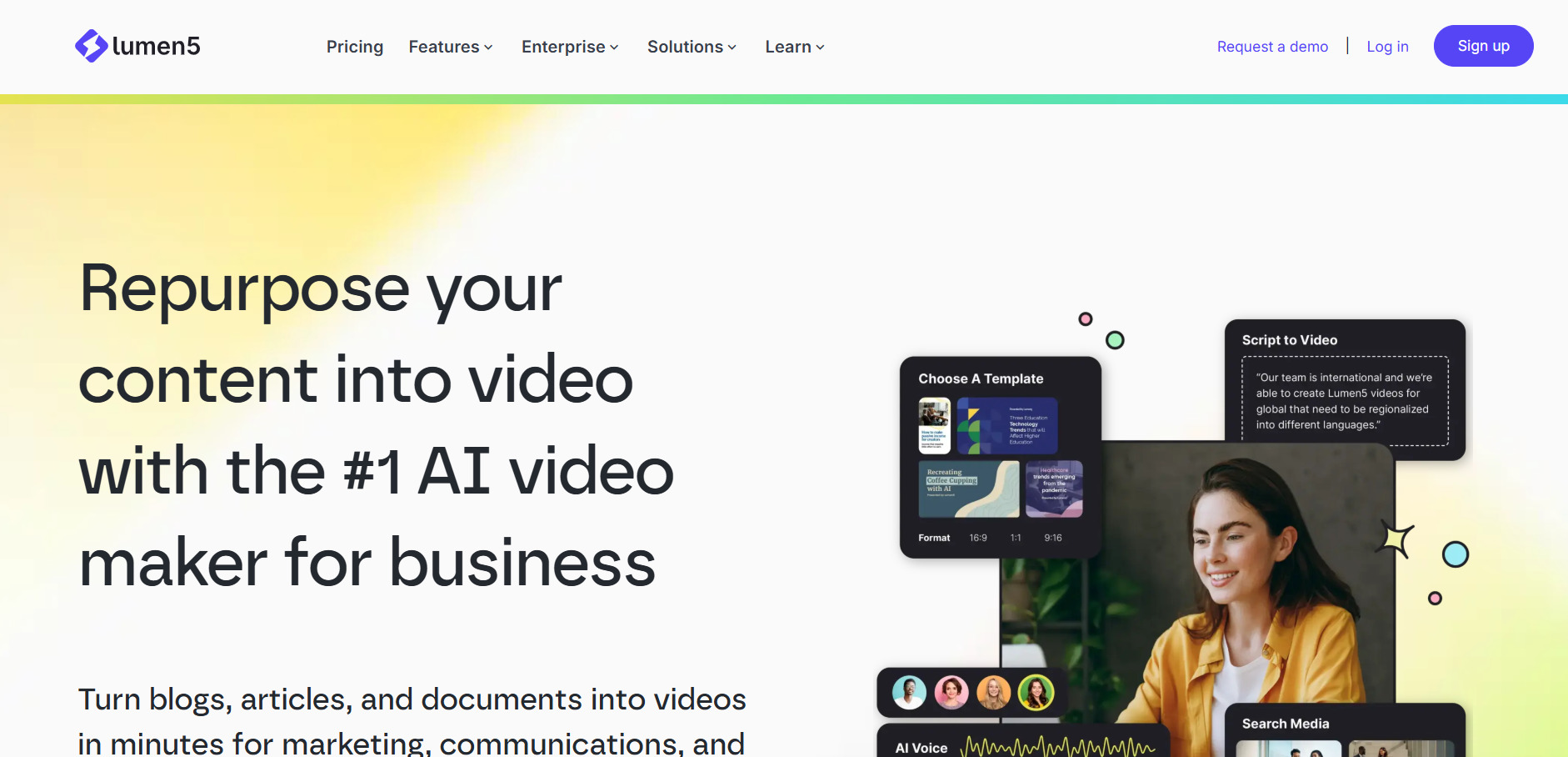
Lumen5 offers a Free plan with 5 videos per month at up to 2-minute length, though it carries a Lumen5-branded outro and lacks a traditional time-limited trial.
Pricing Plans:
- Free: $0/month
- Basic: $19–$29.99/month
- Starter: $59/month
- Professional: $149/month
- Enterprise/Teams: Custom pricing
Lumen5 turns blog posts, articles, and scripts into branded videos automatically, matching text to relevant stock footage and adding AI voiceover narration. This makes it especially popular with content marketing teams who want to repurpose written content into video without hiring an editor, a use case that overlaps closely with Creatify’s product-to-video approach.
The Starter tier unlocks 1080p output and the full stock media library, which is typically where most serious users land. Lumen5’s AI visual matching is roughly 70% accurate out of the box, so expect to manually swap a few clips per video. It is not built for advanced custom animation, but for fast, consistent brand video production it remains a dependable Creatify alternative.
Pros
- Turns blog posts directly into video content
- Simple drag-and-drop interface, no editing skill needed
- Free tier available for light usage
Cons
- AI visual matching needs manual review often
- Higher tiers get expensive for small teams
- Limited advanced editing and animation control
5. Mango AI
Free Plan Available
Mango AI provides a free tier with basic AI video generation, standard voices, and 720p resolution so users can test core features before upgrading.
Pricing Plans:
- Free: Restricted video duration, watermarked
- Basic Paid Tier: Premium voices, up to 4K, 10 minutes/month
- Mid Tier: Advanced AI features, commercial rights, 20 minutes/month
- Top Tier: Full access, max resolution, 100 minutes/month
Exact dollar pricing is not consistently published; confirm current tiers on the official Mango AI site.
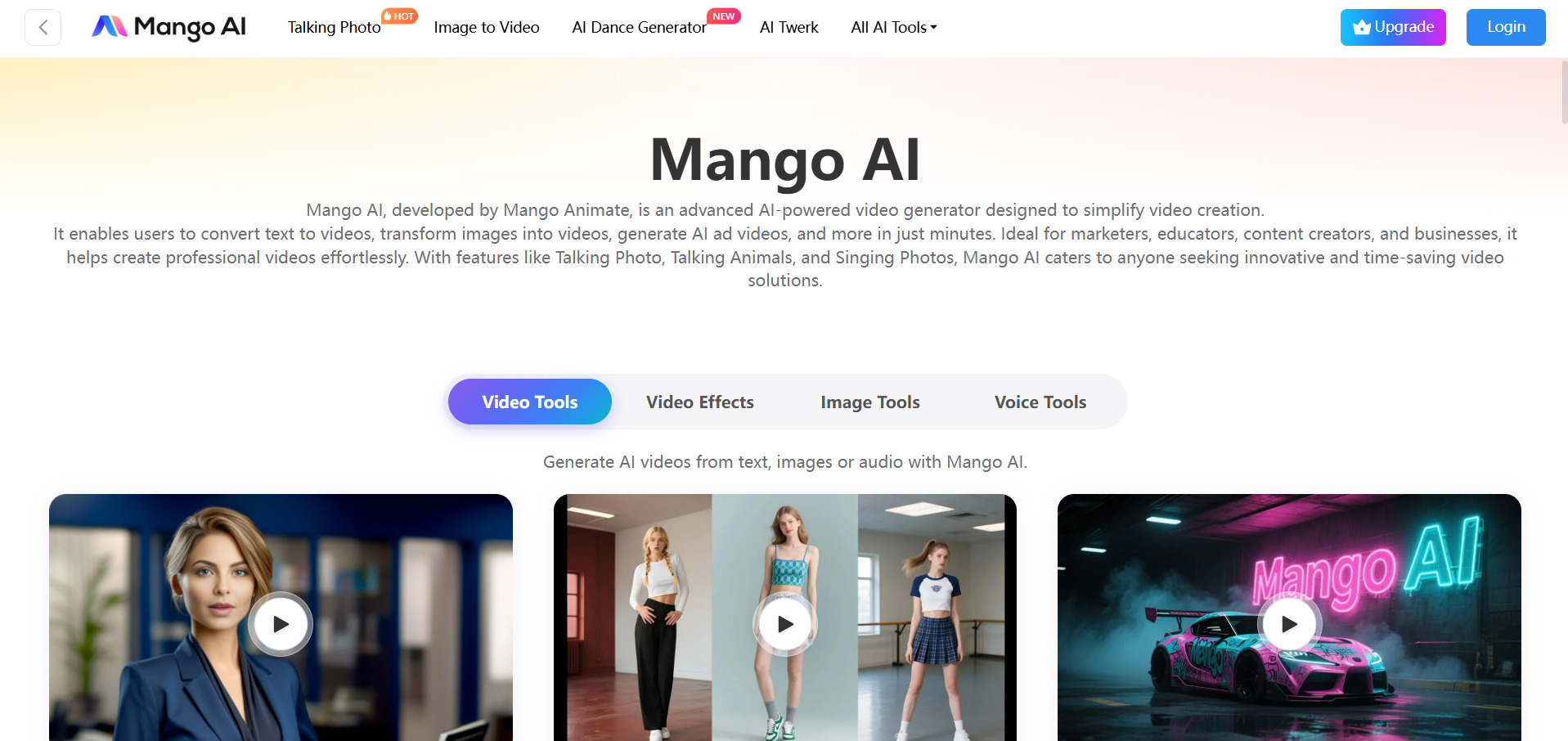
Mango AI specializes in talking-avatar content, turning a single static photo into a lip-synced speaking video with natural expressions. This is a different angle than Creatify’s product-ad focus, making Mango AI a better fit for creators who want personality-driven content like avatar dialogues, face swaps, and singing pet videos rather than ecommerce ads.
The free plan is genuinely useful for testing quality, though watermarks and duration limits push serious users toward paid tiers fairly quickly. Mango AI’s biggest strength is accessibility its interface is beginner-friendly with almost no learning curve but it lacks the more sophisticated animation controls found in professional-grade tools.
Pros
- Realistic talking-avatar and lip-sync generation
- Beginner-friendly with minimal learning curve
- Affordable entry-level pricing
Cons
- Free plan is watermarked with limited duration
- Lacks advanced animation customization
- Not designed for product/ad-style video ads
6. Wireflow
Free Canvas Access
Wireflow lets you build workflows and browse the public gallery for free with no credit card, but actually generating video or images requires a paid plan.
Pricing Plans:
- Starter: $24/month (1,600 credits)
- Professional: $45/month (600 credits at bonus rate for top-ups)
- Team: $249/month (4 seats, shared credit pool)
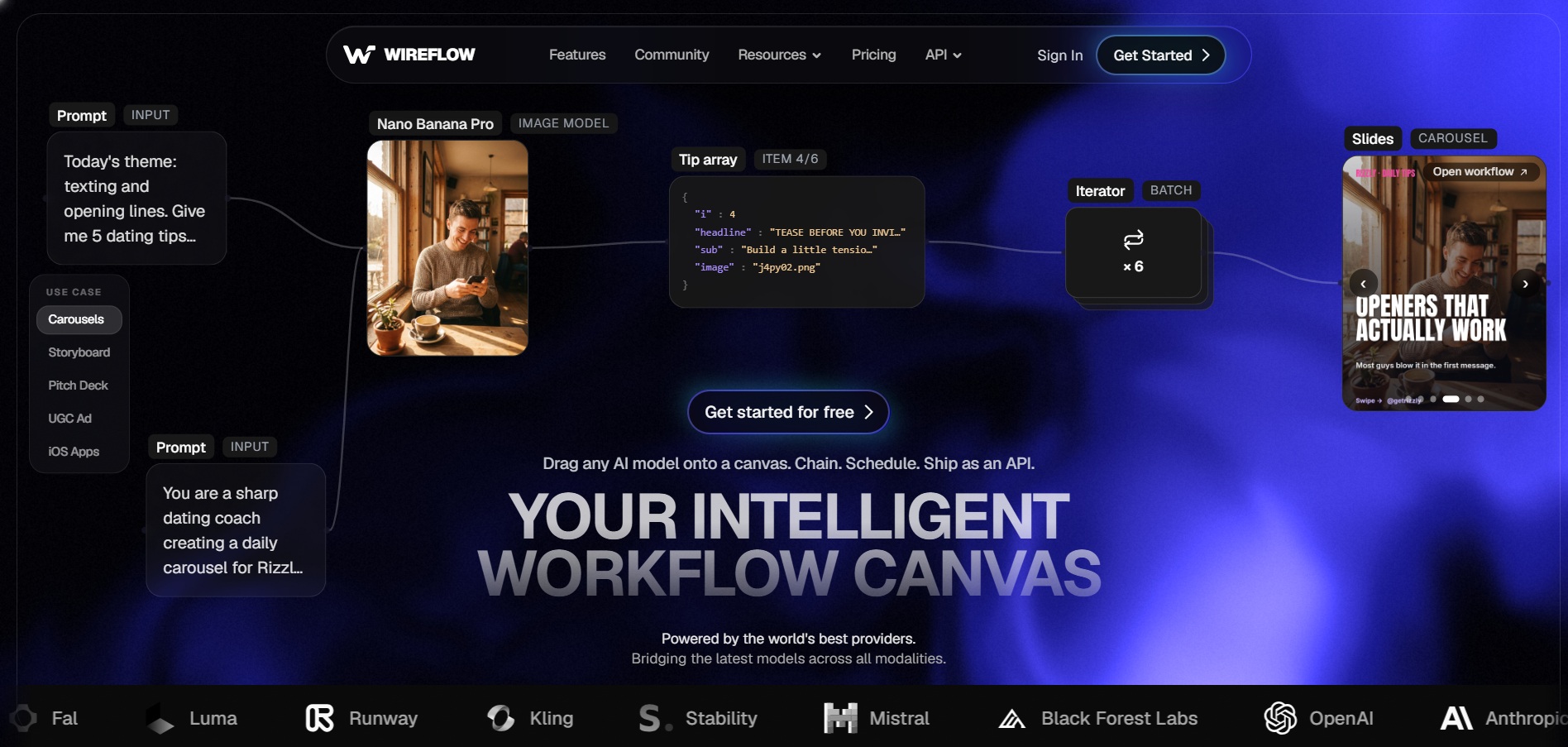
Wireflow is a node-based creative platform that lets users chain together more than 100 AI models including Kling, Veo, Sora, Luma, and ElevenLabs into a single automated workflow. Rather than being locked into one model like Creatify, Wireflow gives users the flexibility to compare outputs side by side and route images into video-generation or upscaling nodes on one canvas.
This flexibility makes Wireflow especially strong for agencies producing high-volume creative variants overnight, since one workflow can generate dozens of assets automatically. The credit-based, pay-per-generation model means costs scale with actual usage rather than a flat seat price, though heavy iteration and rerenders can add up quickly for teams that experiment a lot.
Pros
- Access to 100+ AI models on one canvas
- Free workflow-building with no credit card
- Flat per-output pricing, no watermarks
Cons
- No free video generations, only free building
- Heavy iteration can burn credits fast
- Learning curve for the node-based interface
7. Manus AI Video
Free Plan + 7-Day Trial on Pro
Manus AI Video offers a Free plan with 300 daily refresh credits, and the $40 Pro tier includes a 7-day free trial for evaluating higher usage limits.
Pricing Plans:
- Free: $0/month (300 daily credits, 1 concurrent task)
- Pro Entry: $20/month (4,000 credits)
- Pro Mid: $40/month (8,000 credits, 7-day trial)
- Pro Top: $200/month (40,000 credits)
- Team: From $20/seat/month (2-member minimum)
Manus AI is an autonomous agent platform capable of generating slides, research, and video-adjacent content as part of broader task automation, rather than being a dedicated video generator like Creatify. Its appeal lies in handling multi-step creative and research workflows end-to-end, executing tasks like scripting, asset gathering, and formatting without constant manual input.
The credit-based system means costs can be unpredictable, since a single complex task might consume 900 to 1,000+ credits without clear upfront warning. For users who need occasional automated content creation bundled with broader agentic capabilities, Manus is a versatile choice, but it is not built purely for polished, high-volume marketing video output.
Pros
- Combines video tasks with broader AI automation
- Generous free daily credit refresh
- 7-day trial available on the mid Pro tier
Cons
- Credit consumption is unpredictable per task
- Not a dedicated, polished video generator
- Credits do not roll over month to month
8. Vyond Go
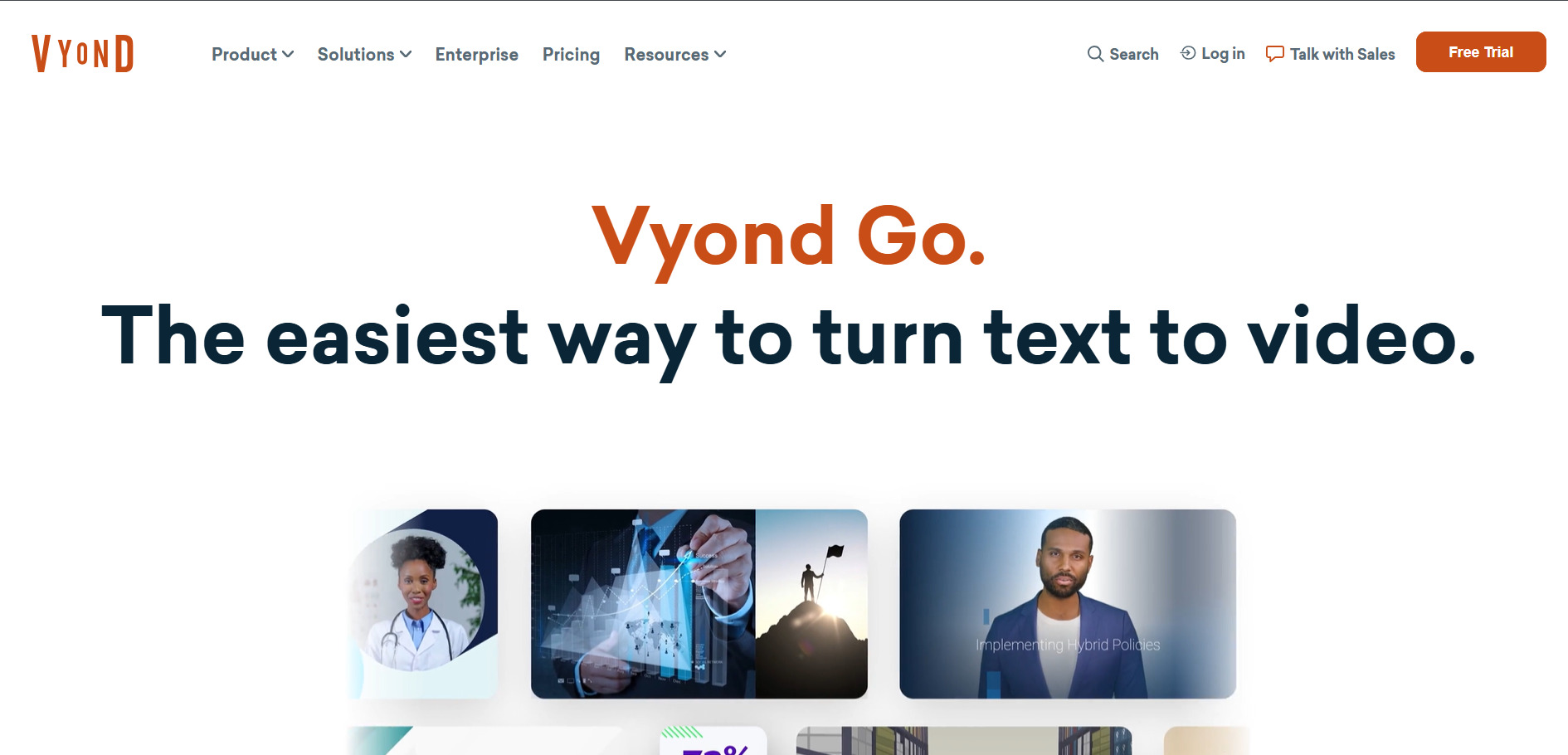
14-Day Free Trial
Vyond offers a 14-day free trial with unlimited access to Premium-plan features, including custom characters and whiteboard animation, though exports carry a watermark until upgraded.
Pricing Plans:
- Starter: $99/month or $699/year (10,000 credits)
- Professional: $199/month or $1,199/year (20,000 credits)
- Enterprise: $1,649/year (annual only)
- Agency: $1,999/year (unlimited rights transfers)
Vyond Go is best known for animated explainer and training videos rather than AI-generated realistic footage, making it a strong choice for corporate learning and development teams. Its character animation, whiteboard-style videos, and text-to-speech tools let non-designers build professional-looking training content without any video editing background.
Compared to Creatify’s product-video focus, Vyond leans heavily into scenario-based storytelling for HR, compliance, and internal communications use cases. The pricing sits well above most tools on this list, positioning Vyond as an enterprise-first platform rather than a budget-friendly option for solo creators or small marketing teams.
Pros
- Excellent for animated training and L&D content
- Custom character creation and lip sync
- Generous 14-day full-feature free trial
Cons
- Significantly pricier than most alternatives
- Enterprise and Agency plans require annual billing
- Not suited for realistic or live-action style video
9. Grok Imagine

Free Starter Credits
Grok Imagine does not have a permanent free plan, but new users receive free starter credits and a short free trial period before switching to pay-as-you-go or subscription pricing.
Pricing Plans:
- SuperGrok Lite: $10/month (basic image/video generation, 480p)
- SuperGrok: $30/month (full Imagine access, Grok 4.6)
- SuperGrok Heavy: $300/month (multi-agent, top-tier performance)
- Pay-as-you-go credits: 1 credit/image, 2–10 credits/video
Grok Imagine is xAI’s AI image and video generator, integrated directly into the Grok chatbot and X mobile app, known for its speed and looser creative moderation compared to competitors. It supports both text-to-video and image-to-video generation, though clips are currently capped at roughly 6 seconds, meaning longer content requires chaining multiple generations together.
Since Grok Imagine is bundled inside a broader AI subscription rather than sold as a standalone video tool, it appeals most to users who already use Grok for chat and want video generation as an add-on. It lacks Creatify’s structured ad-creation workflow, making it better suited to quick creative experimentation than polished, brand-consistent marketing campaigns.
Pros
- Fast generation speed for images and video
- Bundled with the broader Grok AI subscription
- Pay-as-you-go credits never expire
Cons
- Clips capped at roughly 6 seconds each
- No dedicated standalone free plan
- Not built for structured ad/marketing workflows
10. Digen AI Agent
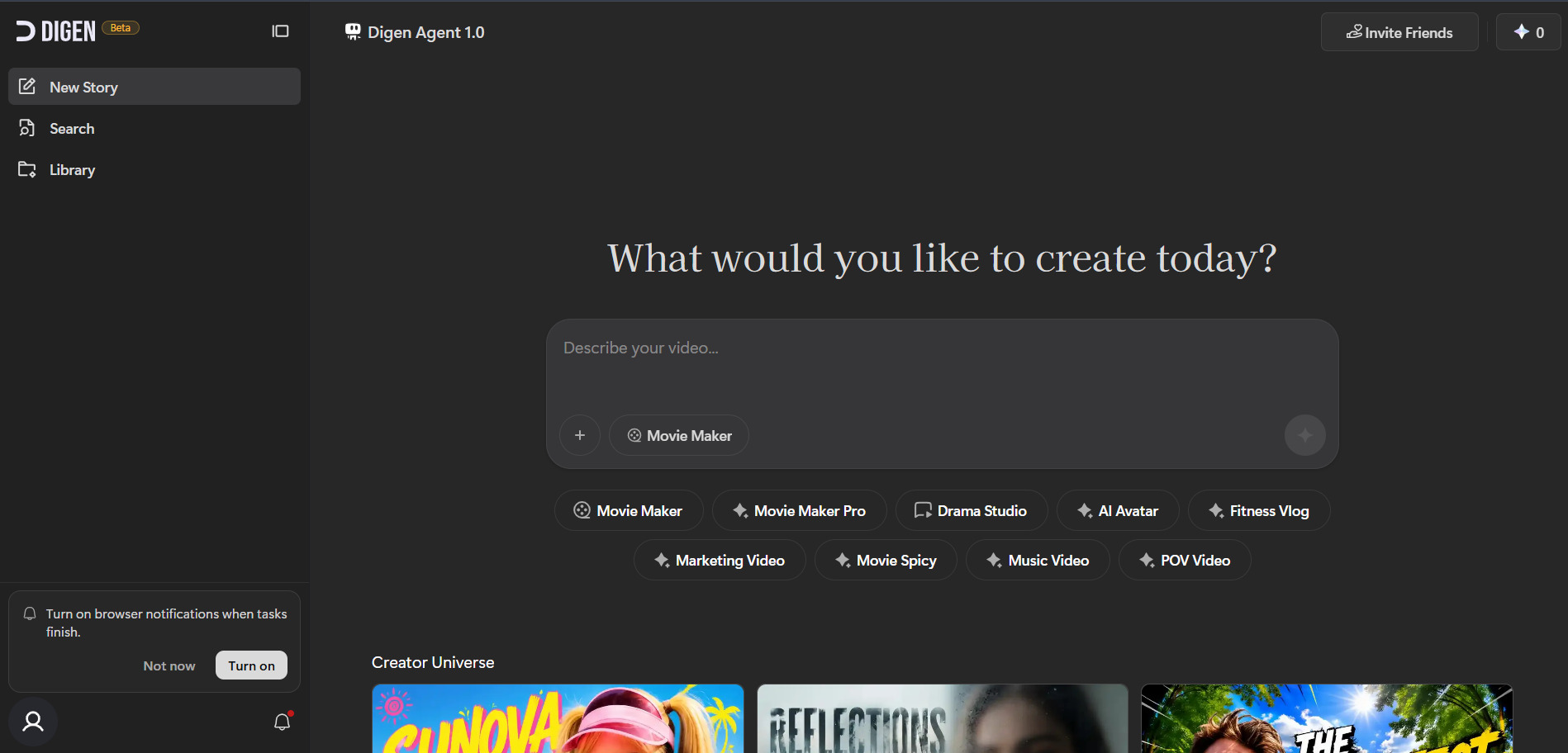
14-Day Free Trial
Digen AI offers a genuine free plan along with a 14-day free trial on paid tiers, requiring no credit card to get started and testing core avatar and video features.
Pricing Plans:
- Free: $0/month (real access to major video models, limited usage)
- Paid Tiers: Multiple subscription levels unlocking higher limits and features
Digen AI’s public pricing page is credit-based and updates frequently; check digen.ai directly for current tier prices.
Digen AI Agent focuses on turning a static image or short line of text into a lifelike talking avatar without any filming, making it a strong match for creators building explainer or presenter-style content. It also offers free access to outside models like Sora 2, Veo 3.1, and Kling 3.0 within its platform, along with post-production tools such as upscaling and watermark removal.
Its Agent Mode breaks longer videos into components for better consistency across scenes, which is useful for narrative-style content Creatify isn’t built to handle. Digen AI is less oriented toward professional plugin-based editing workflows, so teams needing deep timeline control may find it more limited than dedicated editors like Kapwing or CapCut.
Pros
- Genuine free plan with real model access
- Bundled access to Sora, Veo, and Kling models
- 14-day trial with no credit card required
Cons
- Limited professional editing/timeline tools
- Pricing structure changes and can be confusing
- Less suited to structured product-ad campaigns
11. CapCut AI
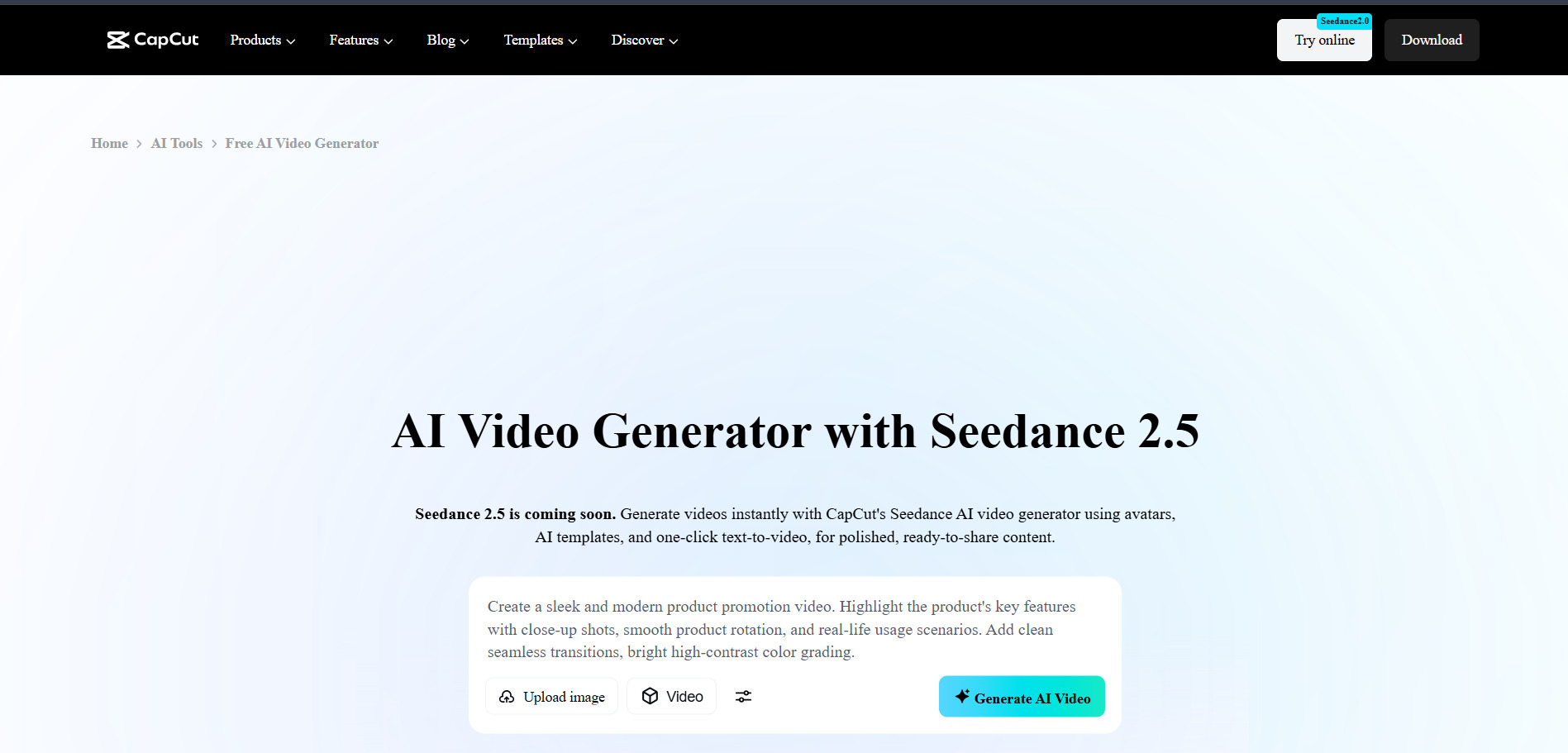
Free Plan + 7-Day Pro Trial
CapCut’s free plan is fully usable indefinitely with no credit card required, and most Pro subscriptions include a 7-day free trial in select regions for new subscribers.
Pricing Plans:
- Free: $0/month (core editing, AI captions, basic voiceover)
- Standard: ~$4.99–$9.99/month (watermark-free mobile exports)
- Pro: ~$7.99–$19.99/month (varies by region, full AI toolkit, 4K)
- Team: ~$24.99/month per user
CapCut does not publish global fixed prices; rates vary by region, device, and promotion.
CapCut AI is one of the most widely used video editors globally, offering a genuinely generous free tier that includes AI auto-captions, background removal, text-to-speech, and a massive template library. Its Pro tier layers on AI video generation from text prompts, voice cloning, camera tracking, and expanded cloud storage, positioning it as a serious all-in-one alternative to Creatify for short-form content creators.
Because CapCut is developed by ByteDance and deeply tied to TikTok-style workflows, it excels at fast turnaround social content rather than structured product-ad campaigns. Recent price increases on the Pro tier have made it less of a budget option than before, but the free plan alone remains competitive with paid tiers of many other tools on this list.
Pros
- Extremely generous, genuinely usable free plan
- Massive template and effects library
- Cross-platform: mobile, desktop, and web
Cons
- Pro pricing has increased significantly in 2026
- Regional pricing inconsistency and confusion
- AI credits on Pro are usage-capped monthly
12. Pictory AI
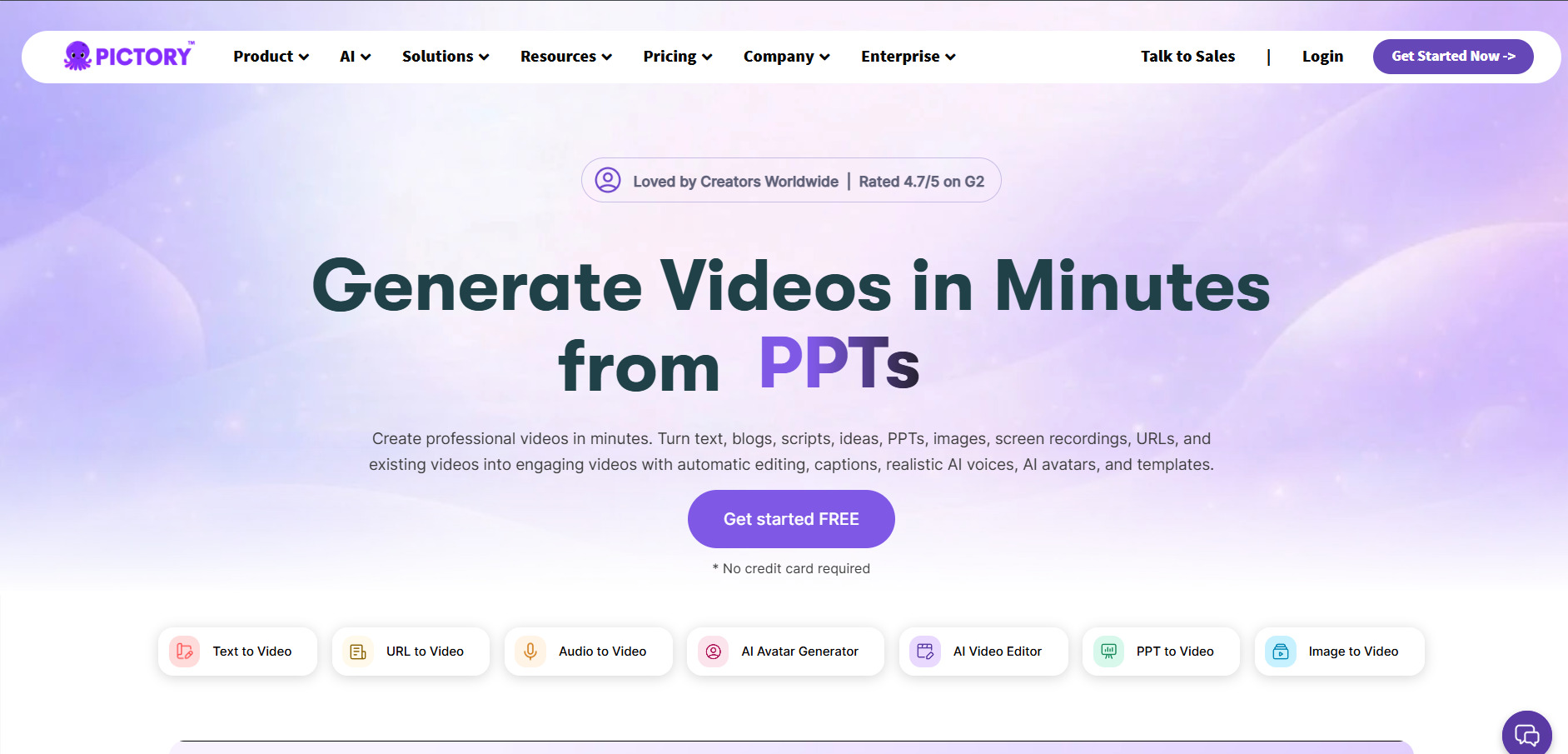
Free Trial Available
Pictory offers a free account allowing up to 3 video projects of up to 10 minutes each, giving new users a real hands-on trial without requiring a credit card.
Pricing Plans:
- Starter: $19–$25/month (billed annually/monthly)
- Professional: $35/month (billed annually)
- Teams: $119/month (3+ users)
- Enterprise: Custom pricing
Pictory AI converts blog posts, scripts, and long-form articles into short branded videos, drawing from a library of more than 3 million stock clips and 15,000 music tracks. This makes it a close functional cousin to Lumen5, and a solid Creatify alternative for content marketing teams who want to repurpose written material into video at scale rather than generating ads from scratch.
The Starter plan removes training-wheel limitations and allows exports up to 30 minutes long, while Professional adds more storage and monthly video minutes for heavier production schedules. Pictory’s biggest strength is speed and simplicity, but it is not designed for highly customized animation or avatar-based content the way some competitors on this list are.
Pros
- Converts blogs/scripts into video automatically
- Large stock footage and royalty-free music library
- No credit card needed to start the free trial
Cons
- Free trial limits length and adds watermarks
- Not built for avatar or character-based content
- Higher tiers needed for longer video exports
13. Artlist AI
Free Generations (No Time-Limited Trial)
Artlist does not offer a traditional time-limited free trial, but new sign-ups get a small one-time bundle of free AI generations across voiceover, image, video, and music to sample quality.
Pricing Plans:
- AI Starter: $19.99/month (16,500 credits, 100+ AI models)
- AI Creator: $41.67–$69.99/month (80,000 credits)
- AI Professional: $239.99–$399.99/month (500,000 credits)
- Max (All-in-one): From $39.99/month (7,500 credits + stock library)
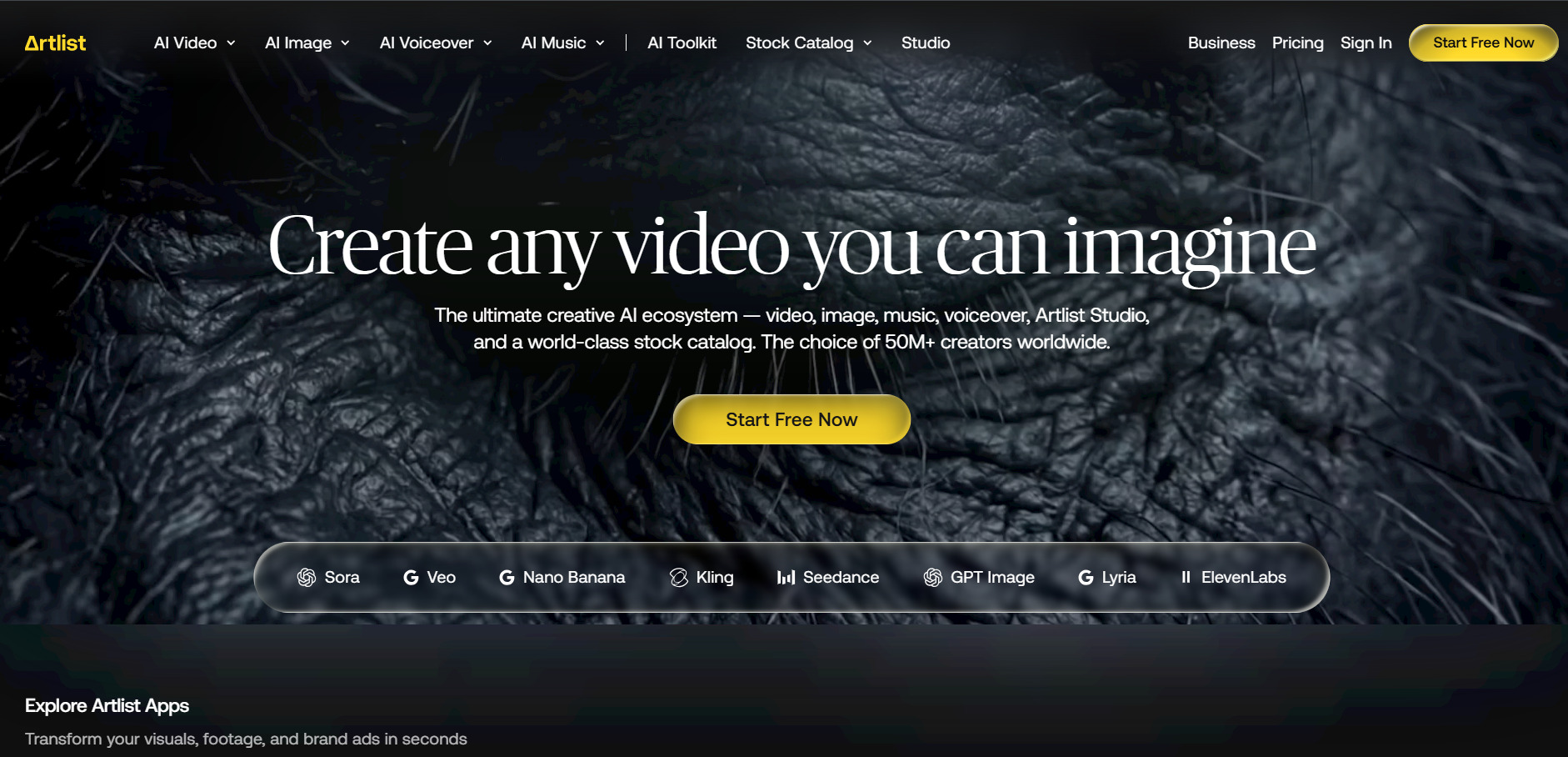
Artlist AI has evolved from a royalty-free music and stock footage library into a full AI-powered creative suite, giving users access to leading models like Veo 3.1, Sora 2, Kling 3.0, and Nano Banana under one unified commercial license. This makes it particularly attractive for agencies and brands that need clear licensing for client-facing work, something Creatify’s simpler model doesn’t emphasize as strongly.
The AI Starter tier is a reasonable entry point for voiceover-heavy workflows, while AI Creator and Professional scale up for teams producing video and image content at volume. Artlist’s shared credit system across voice, video, image, and music means heavy users need to monitor usage carefully, and there’s no traditional free trial to fall back on before committing financially.
Pros
- Access to 100+ premium AI models in one place
- Strong, agency-friendly commercial licensing
- Combines AI tools with stock music/footage library
Cons
- No true time-limited free trial
- Shared credit pool can be complex to manage
- Higher tiers are expensive for solo creators
Conclusion
Luma Ray3 and Grok Imagine suit cinematic or experimental video generation, Kapwing and CapCut are built for fast social media editing, Lumen5 and Pictory shine at turning written content into video, Vyond dominates corporate training animation, and Artlist and Wireflow offer the broadest access to multiple AI models under one roof. Testing two or three free plans or trials from this list is the most reliable way to find the platform that matches your budget, skill level, and content goals in 2026.


