

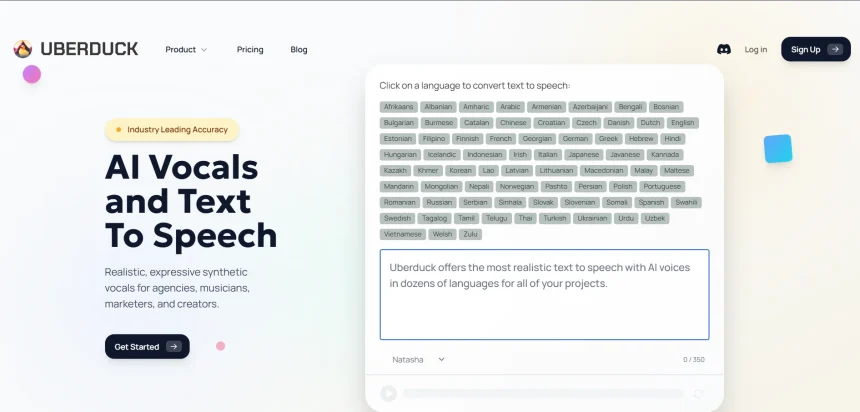
Uberduck earned a loyal following for its meme-friendly voice cloning and text-to-speech playground, but the platform’s uncertain future and limited professional features have pushed many creators, marketers, and developers to look elsewhere. This guide walks through 10 Uberduck Alternatives, covering their free trials, pricing plans, strengths, and weaknesses, so you can pick the right tool for your voiceover, dubbing, or content creation workflow without wasting time on trial and error.
1. KikiVoice
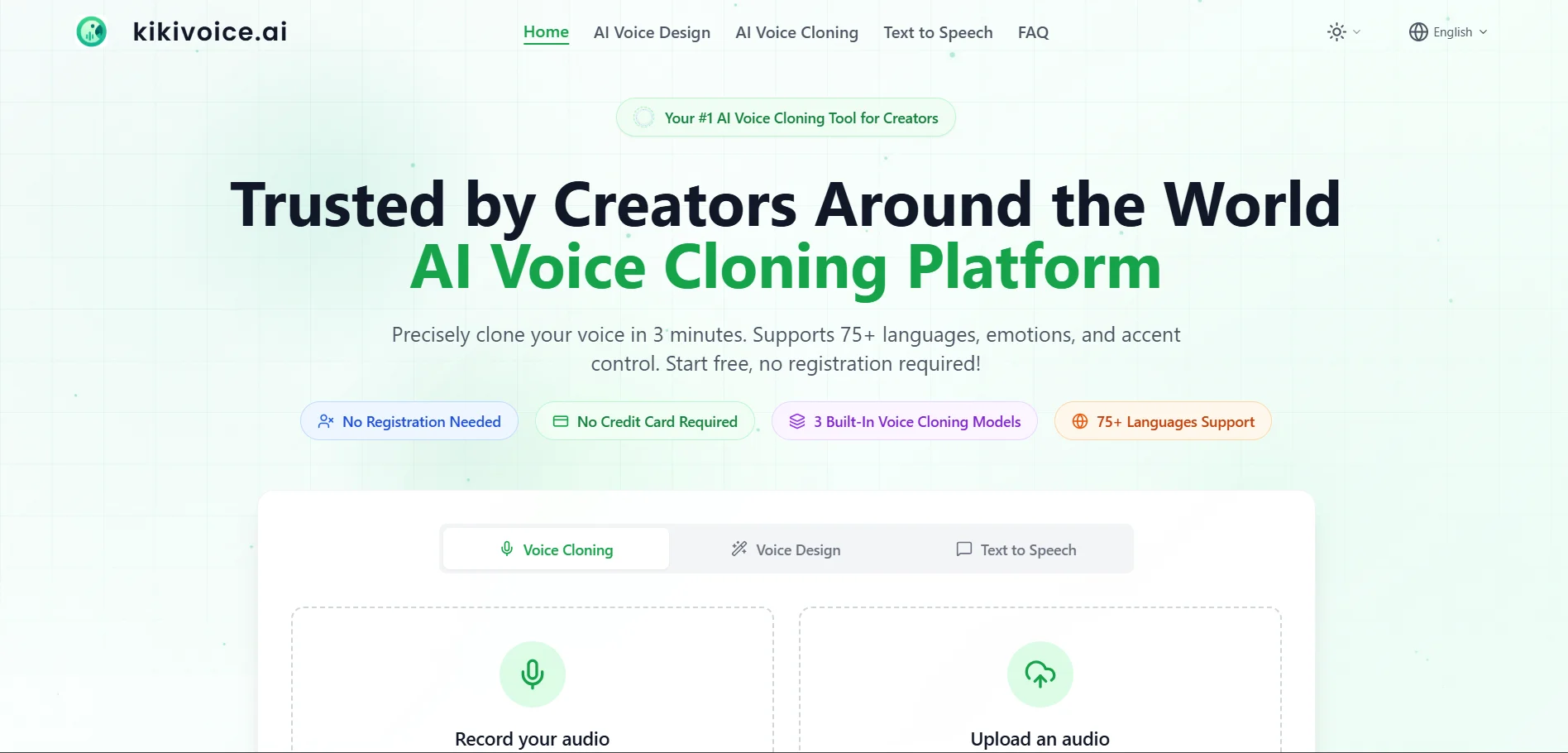
KikiVoice is completely usable for free with no registration, offering instant voice cloning in under three minutes. Paid tiers reportedly begin around $10/month for commercial voice cloning, bulk processing, and API access, though full published pricing tiers remain limited on the official site.
KikiVoice is a browser-based AI voice cloning and text-to-speech platform aimed at creators who want quick results without friction. It offers three specialized models, Kiki Core, Kiki Pro, and Kiki Multilingual, supporting over 75 languages and emotional tone control from just a short audio sample.
The platform’s biggest draw is accessibility: no login, no credit card, and instant output make it ideal for casual experimentation, memes, and multilingual voiceovers. However, because it is a newer entrant, documented pricing tiers and enterprise support remain thinner than more established competitors like Murf or Lovo.
Pros
- No sign-up required to start generating voices
- Fast cloning from just a few seconds of audio
- Supports 75+ languages and accents
Cons
- Limited transparent pricing information
- Fewer enterprise-grade features than rivals
- Newer platform with less track record
2. Speechify
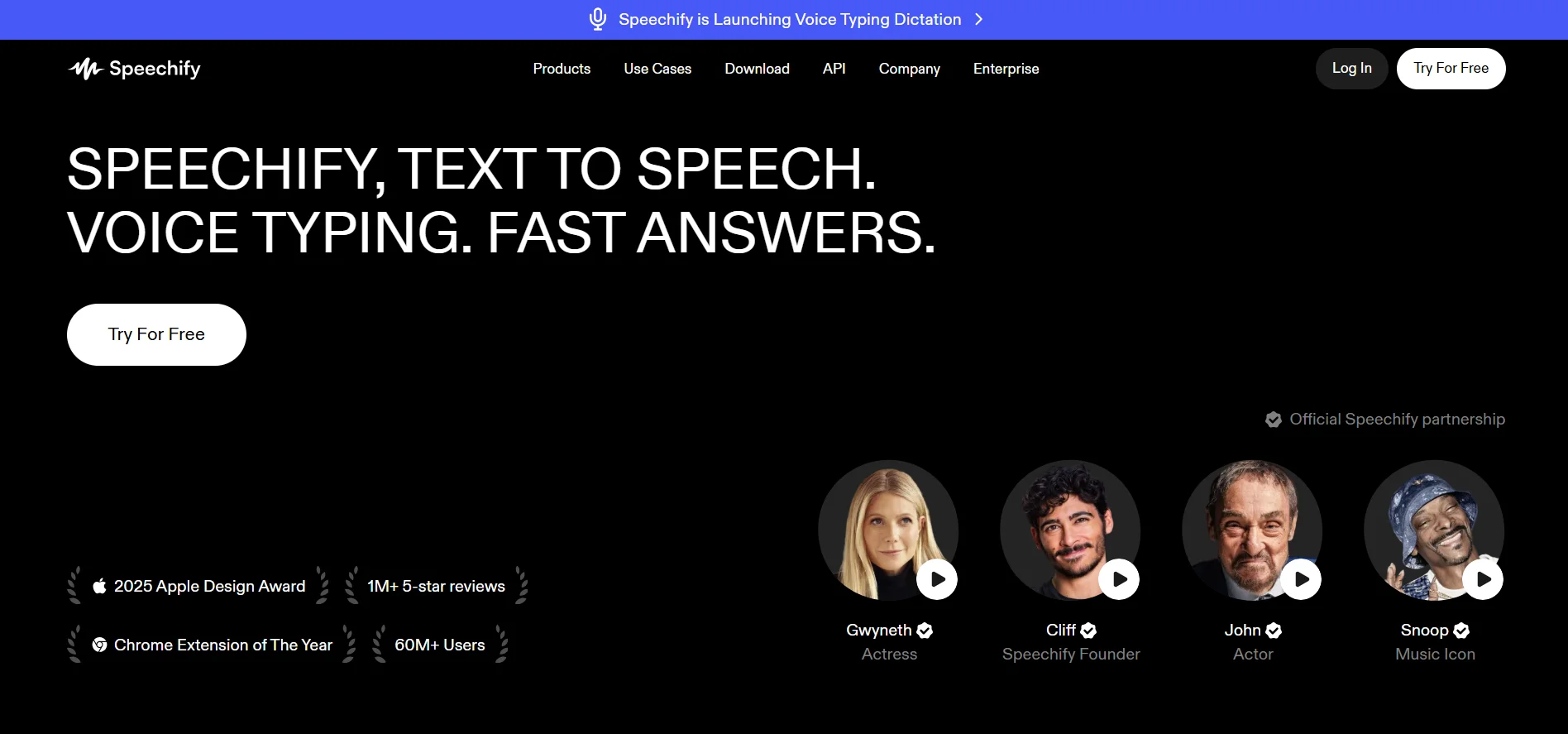
Speechify offers a genuinely free tier with basic voices. Premium costs $139/year (~$11.58/month) or $29/month billed monthly. Separate products include Audiobooks at $14.99/month and Speechify Studio, with Starter at $19/month and Creator at $49/month.
Speechify built its reputation as a reading assistant for students and professionals with dyslexia or ADHD, converting documents, PDFs, and web pages into natural spoken audio. Its Studio product extends this into voiceover generation with over 200 voices and voice cloning for content creators.
The free tier is a rare and welcome touch, letting new users validate the tool before paying. That said, monthly billing carries a steep markup compared to annual plans, and heavy users may find the word limits restrictive unless they commit to a yearly subscription.
Pros
- Genuinely usable free plan
- 200+ voices and 60+ languages on Premium
- Strong reading-assistance use case beyond voiceovers
Cons
- Monthly billing costs roughly 2.5x the annual rate
- Studio and Audiobooks are billed as separate products
- Word limits on lower tiers can feel tight
3. VEED
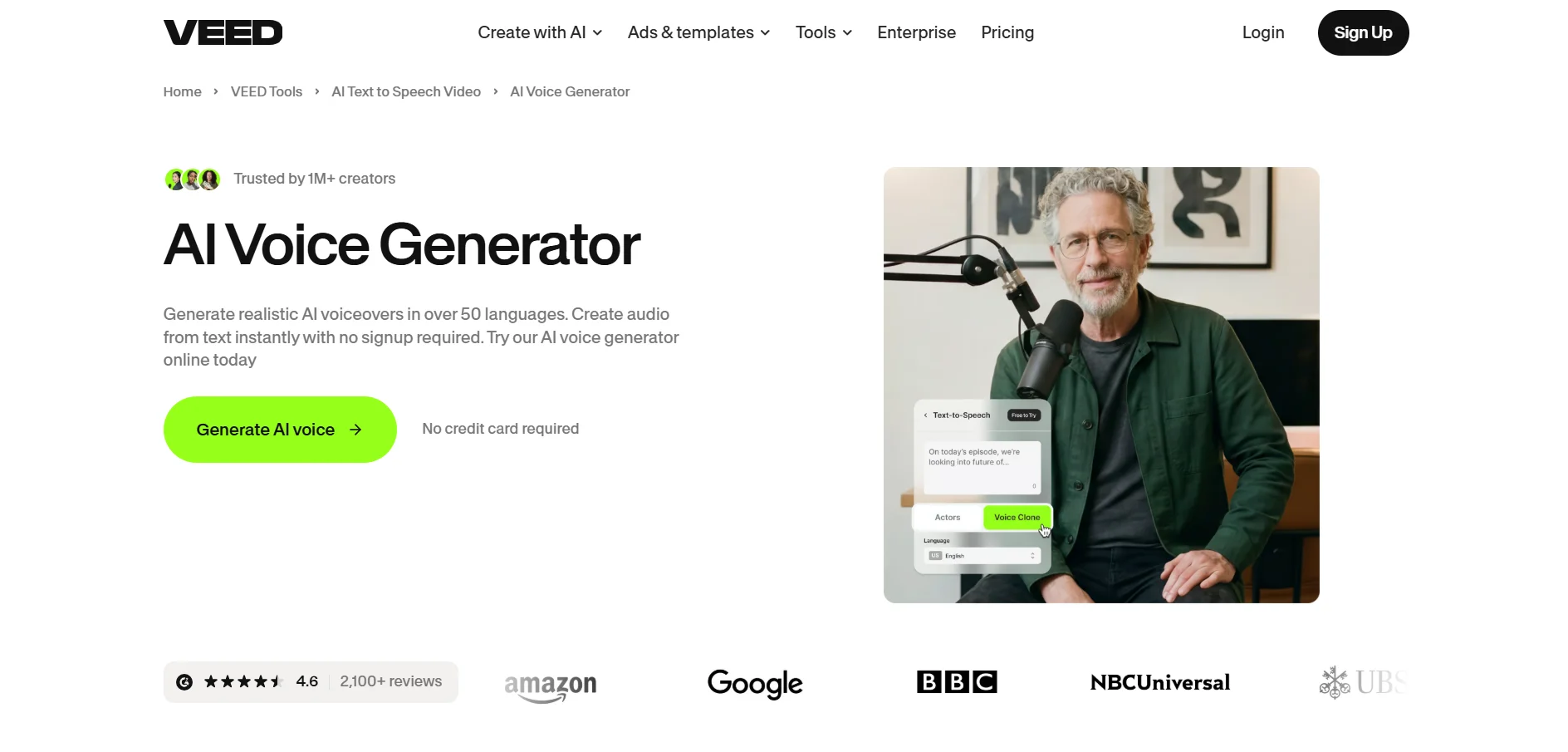
VEED’s Free plan includes watermarked 720p exports. Paid plans start with Lite/Basic around $18–$19/month, Pro around $30–$49/month, and Business around $59/month, all billed annually with discounts up to 51% versus monthly pricing.
VEED is a browser-based video editor that has expanded well beyond editing into full AI content creation, including text-to-speech, AI avatars, subtitles, and dubbing across 100+ languages. It appeals most to creators who need voiceovers bundled directly into a video production workflow.
Because VEED is video-first, its text-to-speech minutes are capped by plan tier rather than offered as an unlimited standalone feature. This makes it a strong pick for social and marketing video teams, but a less efficient choice if voice generation alone is your only requirement.
Pros
- All-in-one video editing plus voice and subtitle tools
- AI avatars and multilingual dubbing included
- Generous annual billing discounts
Cons
- Text-to-speech minutes are capped, not unlimited
- Free plan adds watermarks and limits resolution
- Overkill if you only need audio, not video
4. iSpeech
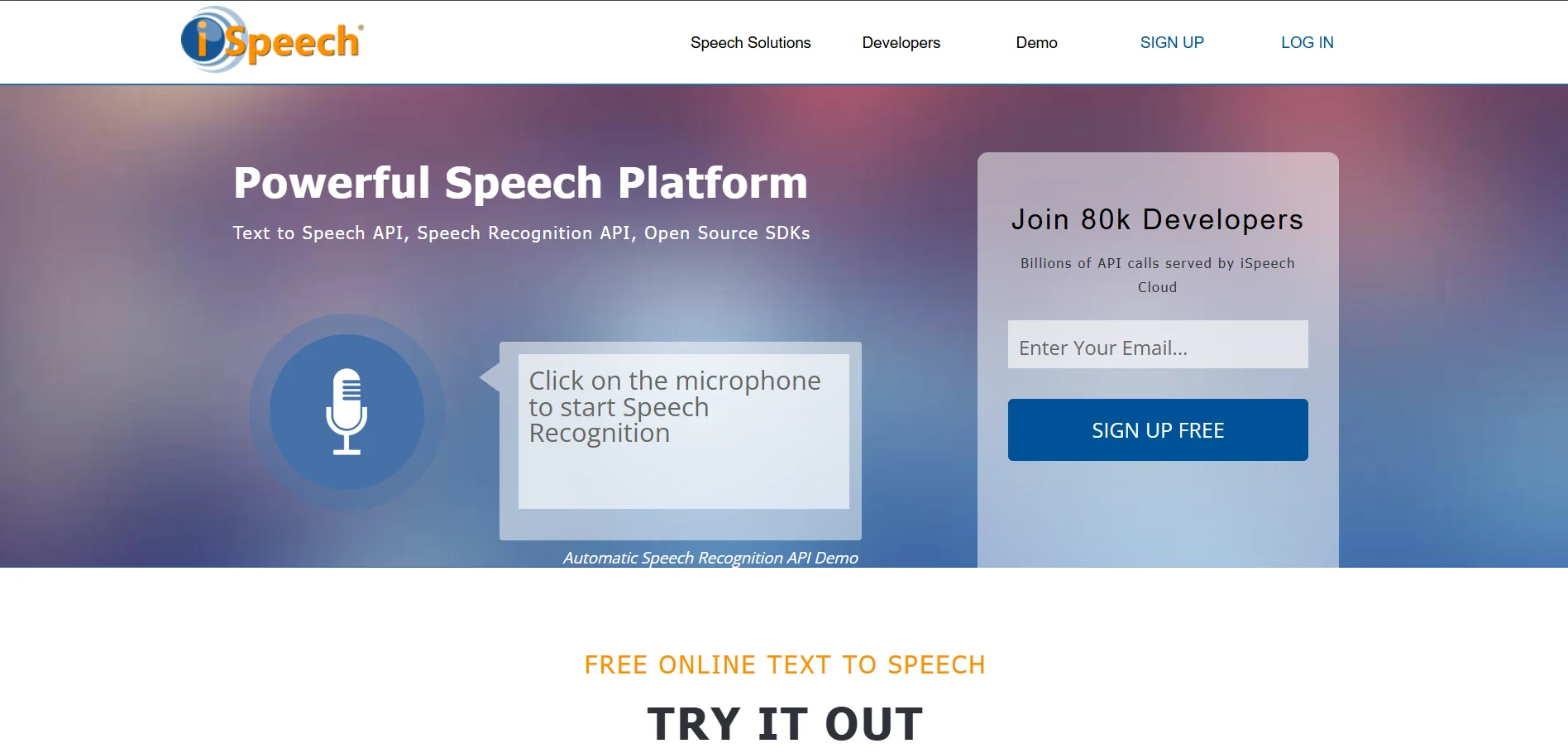
iSpeech’s Basic plan is free. The Plus plan costs $2.95/month or $19.95/year for up to 30-minute recordings, while Premium costs $3.95/month or $29.95/year for up to 12-hour recordings, making it one of the most budget-friendly options on this list.
iSpeech is a long-standing text-to-speech and speech recognition service known for its simplicity and low cost. It converts text into natural-sounding audio through its website, browser toolbars, and API, making it a practical choice for accessibility tools and lightweight voiceover needs.
While iSpeech’s pricing is hard to beat, its voice quality and feature set feel dated next to newer neural TTS platforms. It suits users who want an affordable, no-frills solution rather than those chasing cutting-edge emotional realism or voice cloning capabilities.
Pros
- Extremely affordable paid tiers
- Simple, straightforward pricing structure
- Free basic plan for casual use
Cons
- Voice quality lags behind newer neural TTS tools
- Limited advanced features like voice cloning
- Interface feels less modern than competitors
5. Supertone Play
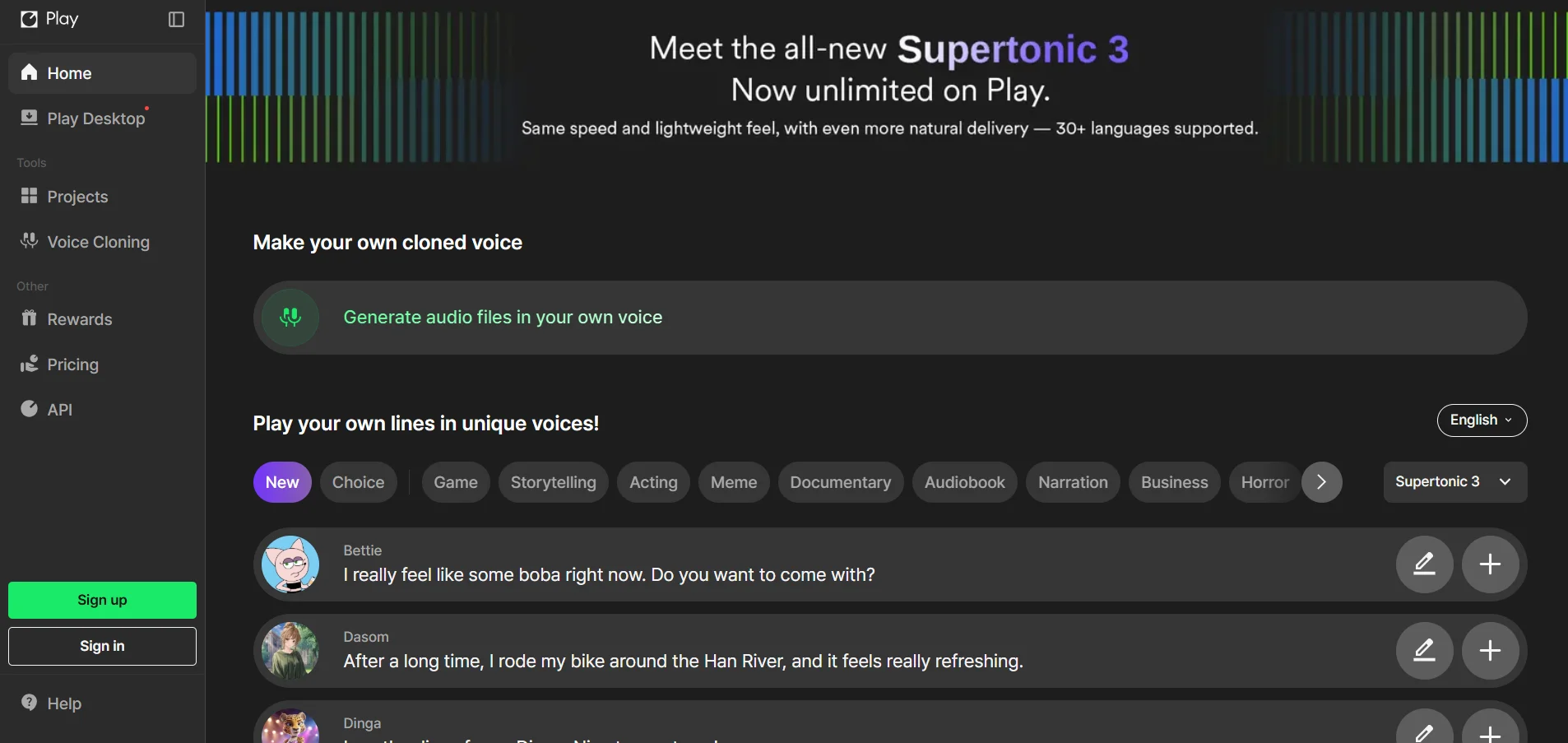
Supertone Play offers a free plan with recurring monthly credits. Paid plans reportedly range from around $2.99/month for Starter up to $29.99/month for Pro, with a 10% discount available on annual billing from the Creator tier upward.
Supertone Play is a Korean-developed TTS platform known for rich emotional expressiveness and natural multilingual voice switching while keeping the same character voice intact. It’s particularly strong for Japanese, Korean, and English content, appealing to game studios and anime-style content creators.
The credit-based system resets monthly and doesn’t roll over, which can frustrate irregular users. Language coverage is also narrower than global competitors, so international creators outside its core languages may find better value elsewhere.
Pros
- Strong emotional depth and vocal nuance
- Same character voice across multiple languages
- Affordable entry-level pricing
Cons
- Credits don’t roll over month to month
- Limited language coverage compared to rivals
- Best suited to Korean, Japanese, English content
6. Pixbim
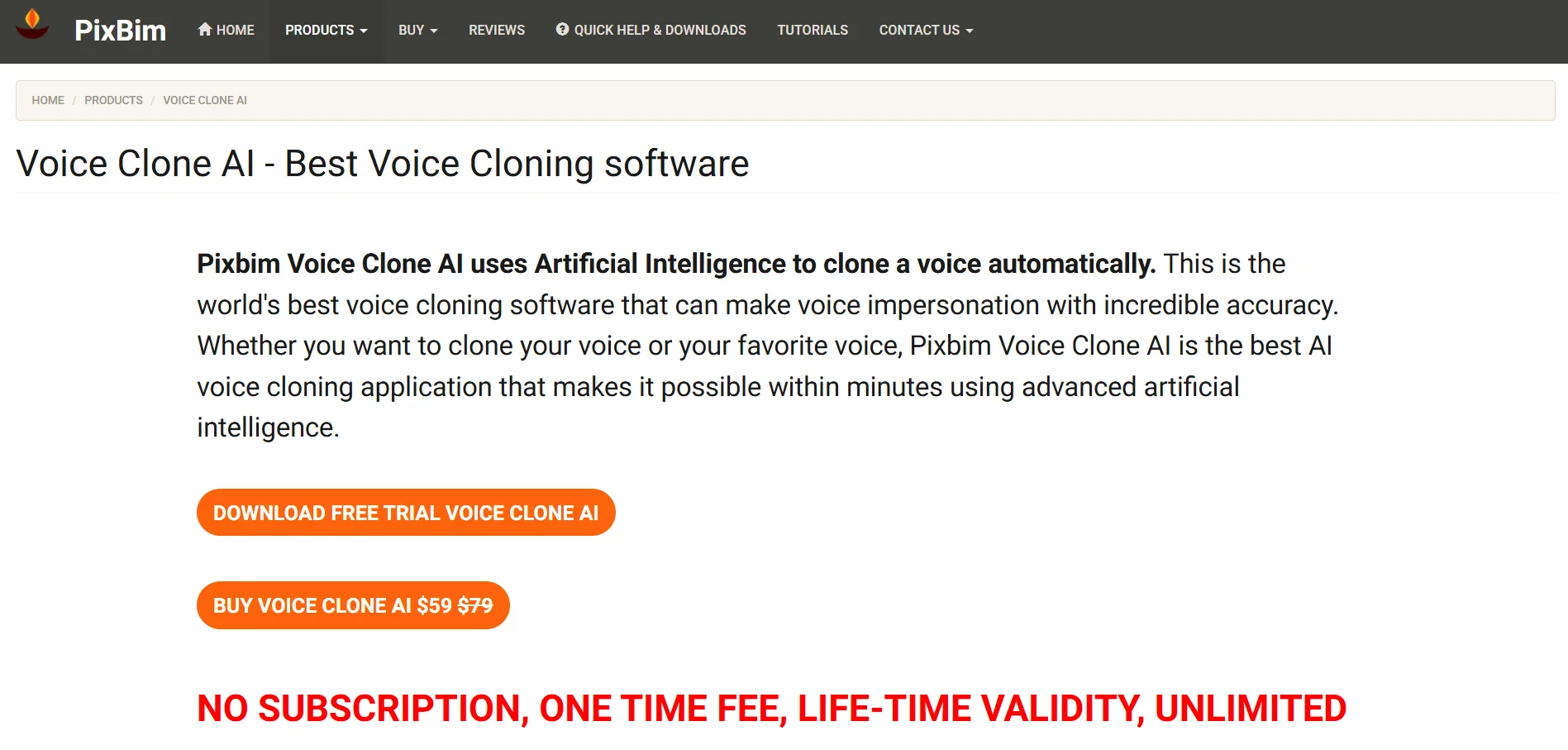
Pixbim Voice Clone AI uses a one-time purchase model priced at $59 (discounted from $79), with lifetime validity and no recurring subscription fees, making it a standout among mostly subscription-based competitors.
Pixbim Voice Clone AI is an offline voice cloning tool that runs locally on your computer rather than in the cloud, appealing to users who prioritize privacy and want to avoid ongoing subscription costs. It clones voices from an audio sample and generates unlimited output with no duration caps.
Because it processes entirely offline, Pixbim avoids internet dependency and data privacy concerns tied to cloud-based competitors. The tradeoff is that voice realism can sound less expressive than top cloud-based neural engines, especially for uncommon accents or names.
Pros
- One-time fee with lifetime access, no subscription
- Unlimited voice cloning duration
- Runs offline for full data privacy
Cons
- Voice realism can sound robotic on tricky accents
- No cloud collaboration or team features
- Requires local software installation
7. Murf.AI
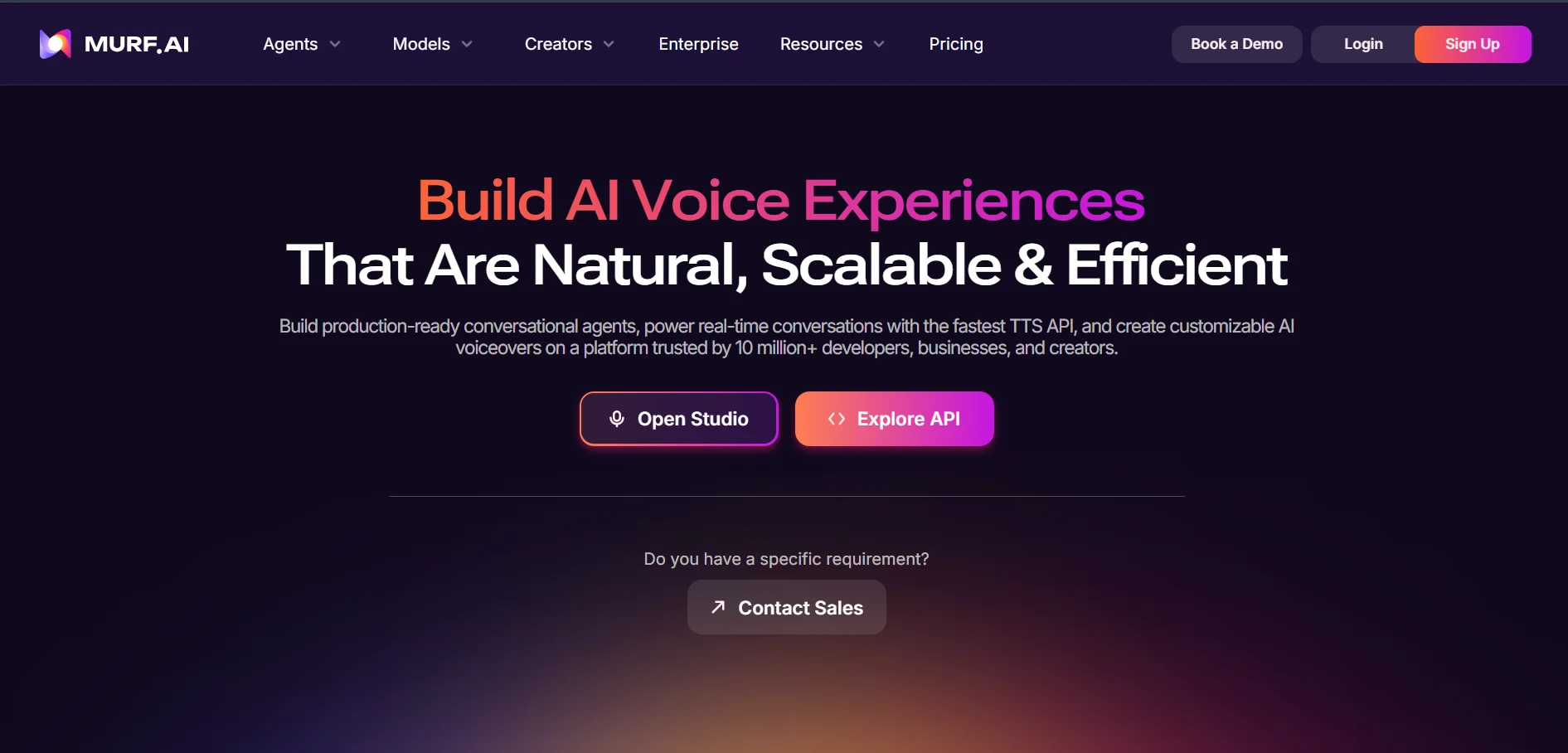
Murf’s Free plan offers 10 minutes of generation with no downloads. Creator costs $19/month billed annually ($29 monthly), Business costs $66/month annually ($99 monthly), and Enterprise is custom-priced with voice cloning and SLA guarantees.
Murf.AI is one of the most established AI voiceover studios, offering a browser-based editor with timeline controls, emphasis and pronunciation adjustments, and integrations with Canva and PowerPoint. It’s a favorite among instructional designers, marketers, and e-learning producers.
Murf meters usage by generation hours rather than characters, which some users find easier to budget around. The free plan is genuinely just for testing since it blocks downloads and commercial rights entirely, and the jump from Creator to Business is a notable price increase.
Pros
- Polished studio editor with fine-grained controls
- 200+ voices across 30+ languages
- Canva and PowerPoint integrations
Cons
- Free plan blocks downloads and commercial use
- Steep jump from Creator to Business pricing
- Voice cloning reserved for Enterprise only
8. Noiz.ai
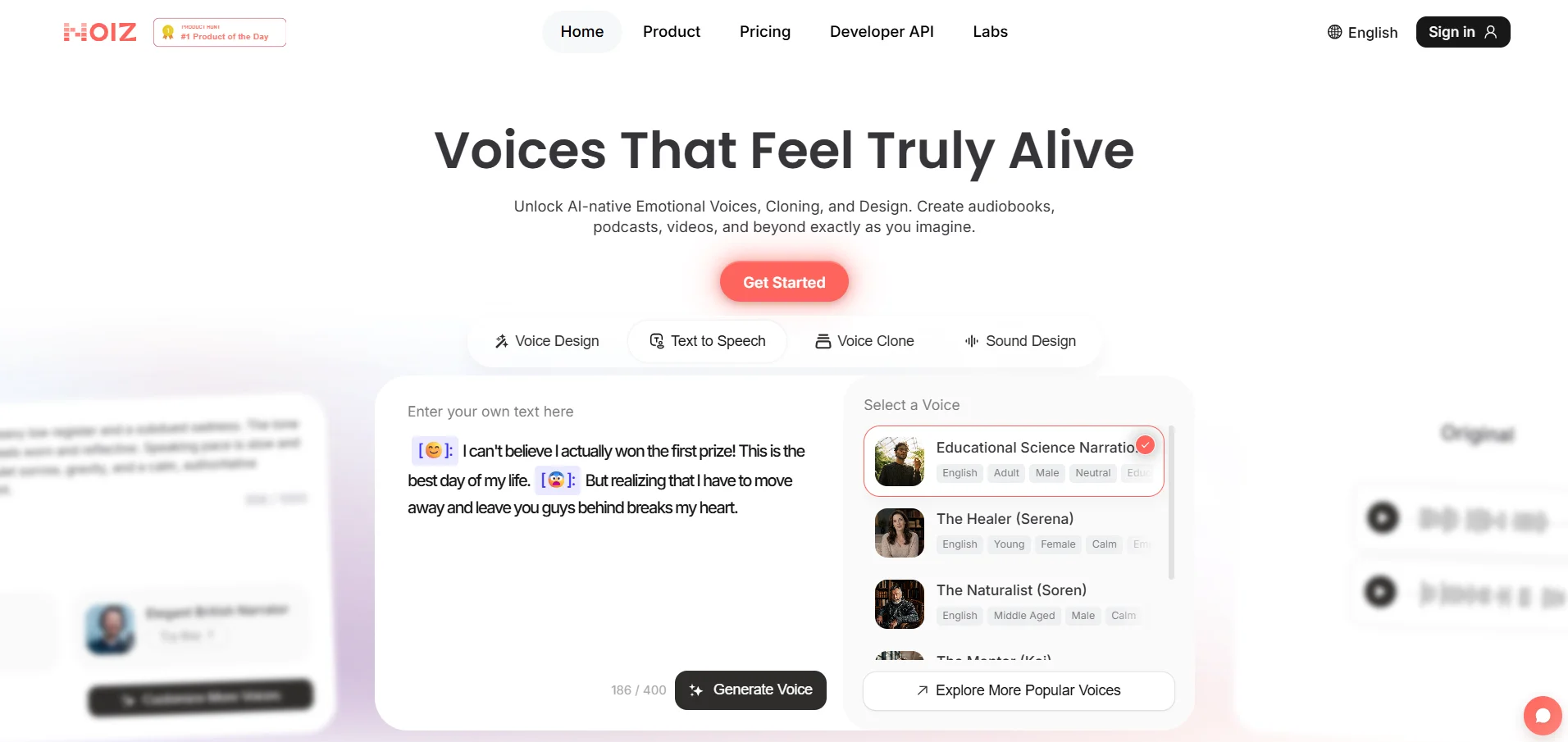
Noiz offers a free-forever plan with limited features. Paid tiers start at $2.90/month for Starter and $8.90/month for Creator, making it one of the cheapest emotionally expressive TTS tools available.
Noiz.ai stands out for emoji-driven emotional control, letting users add expressive nuance to speech without deep technical settings. It combines voice, music, sound effects, and dubbing tools in one platform, targeting casual creators and short-form content makers.
Because Noiz is still relatively new, long-term pricing tiers and commercial licensing terms aren’t fully documented publicly. It’s a great low-cost pick for playful, personal, or experimental projects, but larger teams may want clearer contractual terms before committing.
Pros
- Very low-cost paid tiers
- Simple emoji-based emotional expression controls
- Bundles voice, music, and dubbing tools together
Cons
- Long-term pricing details not fully public
- Smaller language coverage than major competitors
- Limited track record and user reviews
9. Gradium
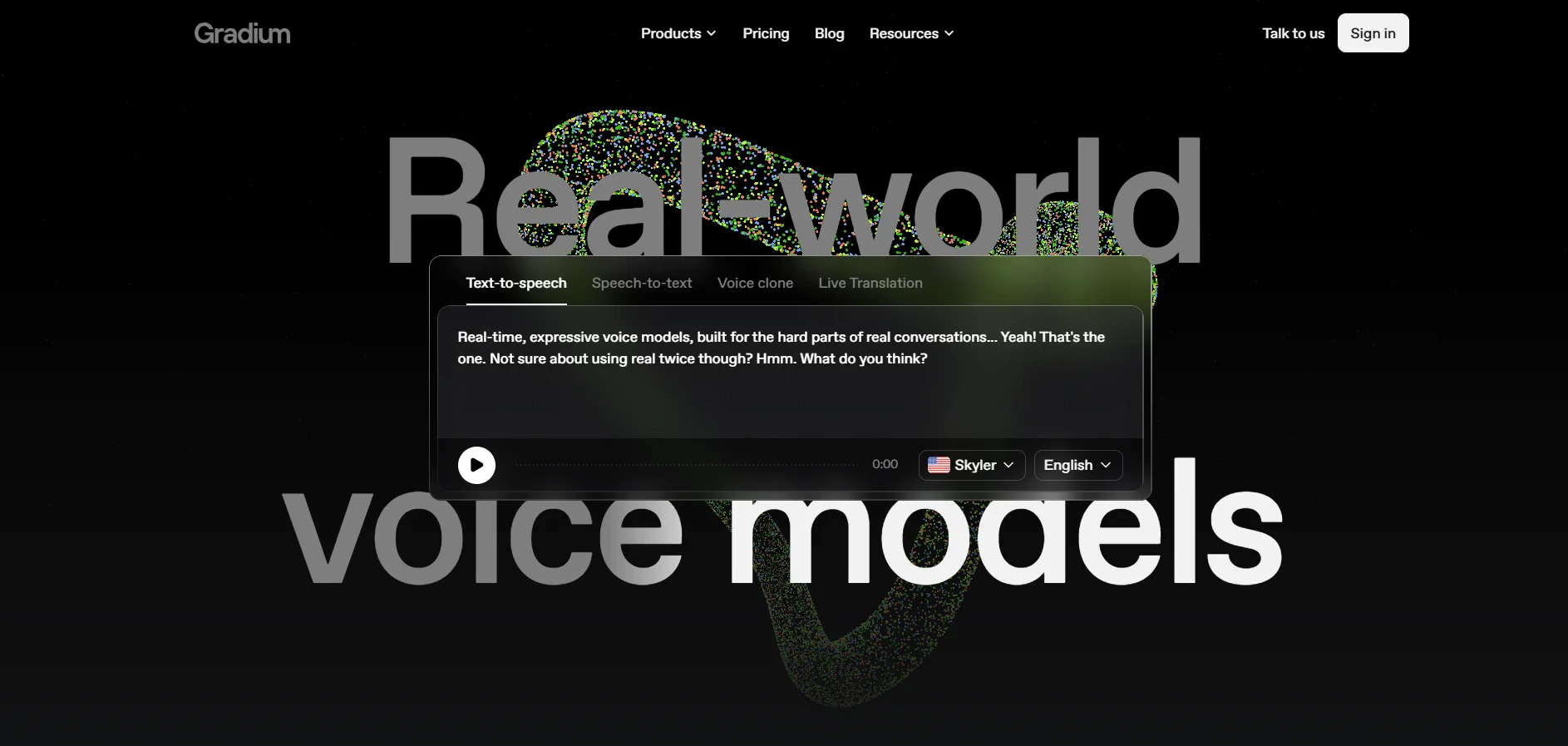
Gradium follows a freemium approach common among emerging AI voice startups, with a free entry tier for testing and paid plans scaling by usage volume and feature access. Exact published pricing tiers should be confirmed directly on Gradium’s official website, as public documentation is currently limited.
Gradium positions itself as a modern AI voice generation platform aimed at creators who want quick, natural-sounding narration without a steep learning curve. Like several newer entrants in this space, it emphasizes fast onboarding and simplified controls over deep customization.
Because Gradium is a smaller, less established name compared to Murf or Speechify, prospective users should weigh the tradeoff between its lower cost and the reduced community support, documentation, and proven reliability that come with more mature platforms.
Pros
- Simple, beginner-friendly interface
- Fast voice generation turnaround
- Competitive entry-level pricing
Cons
- Limited public documentation and reviews
- Smaller voice library than established rivals
- Less proven track record for enterprise use
10. Lovo.ai
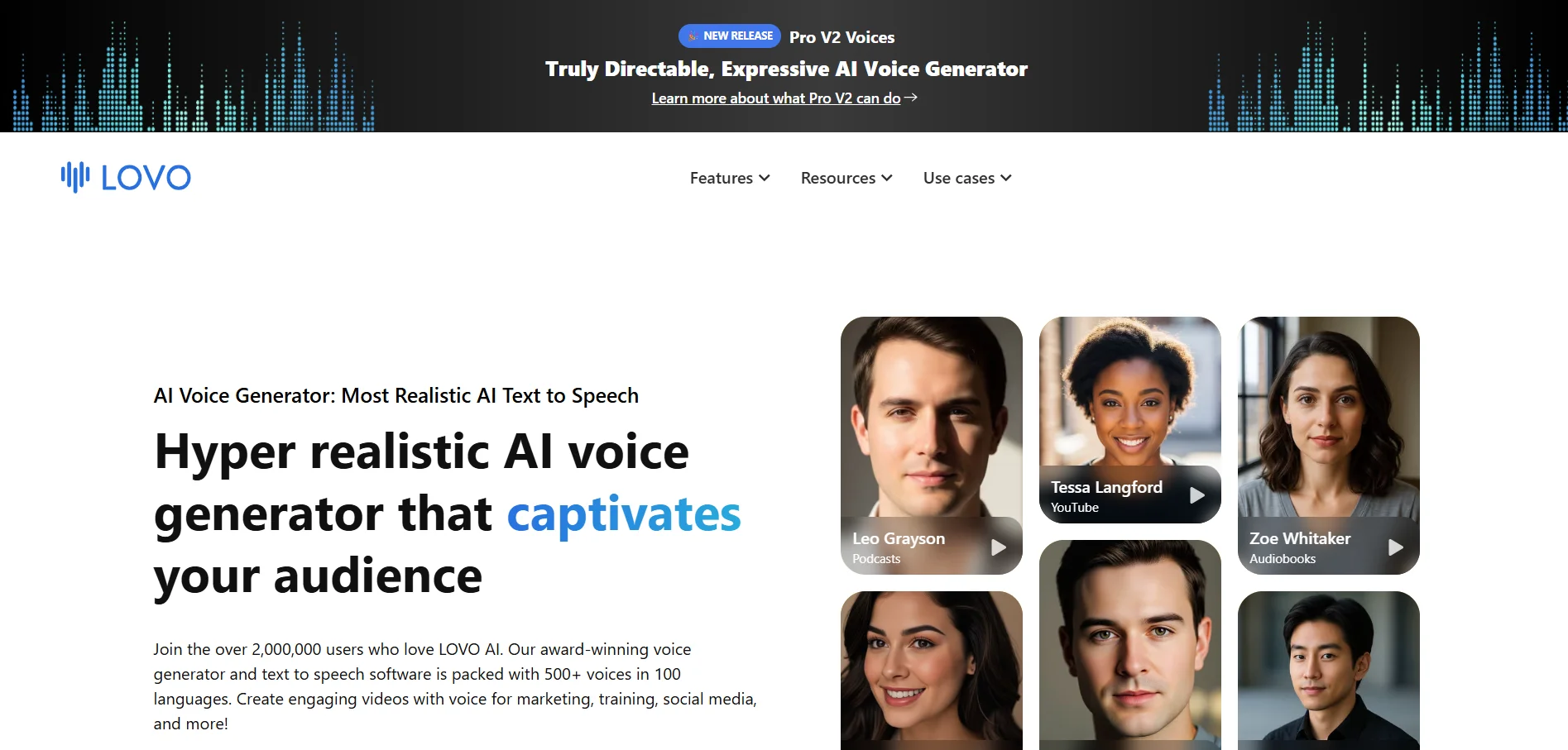
Lovo’s Basic plan costs $24/month for 2 hours of voice generation, Pro costs $48/month for 5 hours, Pro+ costs $149/month for 20 hours, and Enterprise is custom-priced, with roughly 20% off on annual billing.
Lovo.ai, through its Genny platform, combines text-to-speech with a video editor, AI script writer, subtitle generator, and voice cloning from just one minute of audio. It offers 500+ voices across 100+ languages, making it one of the most feature-dense all-in-one platforms on this list.
All paid plans include commercial rights and voice cloning, which is generous compared to competitors that gate cloning behind top tiers. However, user reviews frequently cite inconsistent voice quality and customer support issues, so it’s worth testing thoroughly during the free trial before committing.
Pros
- 500+ voices across 100+ languages
- Voice cloning included on all paid plans
- Bundles video editor, AI writer, and subtitles
Cons
- Mixed reviews on voice quality consistency
- Reports of inconsistent customer support
- Pro+ tier is a steep jump for high-volume users
| Alternative | Description |
|---|---|
| KikiVoice | Free, no-signup AI voice cloning and TTS platform with 75+ languages and three specialized models. |
| Speechify | Reading-assistance and TTS platform with a genuine free tier and a separate Studio product for voiceovers. |
| VEED | Browser-based video editor with integrated AI voiceover, subtitles, avatars, and dubbing tools. |
| iSpeech | Budget-friendly, long-standing text-to-speech and speech recognition service with simple plans. |
| Supertone Play | Emotionally expressive TTS platform strong in Korean, Japanese, and English content. |
| Pixbim | Offline, one-time-purchase voice cloning software with unlimited generation and no subscription. |
| Murf.AI | Established AI voiceover studio with timeline editing, integrations, and professional voice controls. |
| Noiz.ai | Low-cost, emoji-driven emotional TTS tool bundling voice, music, and dubbing features. |
| Gradium | Emerging AI voice generation platform focused on fast, simple narration for creators. |
| Lovo.ai | All-in-one Genny platform combining TTS, voice cloning, video editing, and AI script writing. |
Conclusion
Choosing the right Uberduck alternative ultimately comes down to your specific use case. If you need fast, free experimentation, KikiVoice or Noiz.ai are excellent starting points. For polished professional voiceovers with commercial rights, Murf.AI and Lovo.ai lead the pack, while VEED suits creators who need voice generation bundled with full video editing.


