

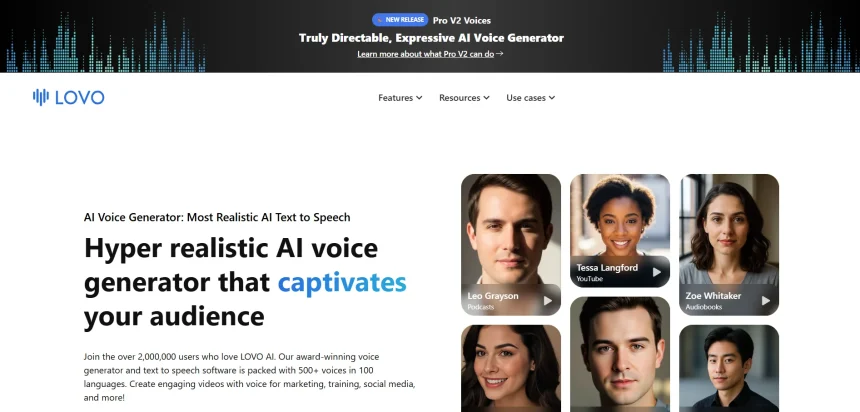
Lovo.ai has long been a popular choice for text-to-speech and AI voiceover generation, but it is far from the only option available today. Depending on your budget, use case, and required voice quality, other platforms may serve you better, whether you need voice cloning, real-time synthesis, video dubbing, or audiobook narration. This guide covers 10 Lovo.ai Alternatives, each offering distinct strengths in voice realism, pricing flexibility, and creative tools.
1. VEED
Pricing Plans:
Free: $0/mo
Basic: $12/mo
Pro: $25/mo
Business: $70/mo
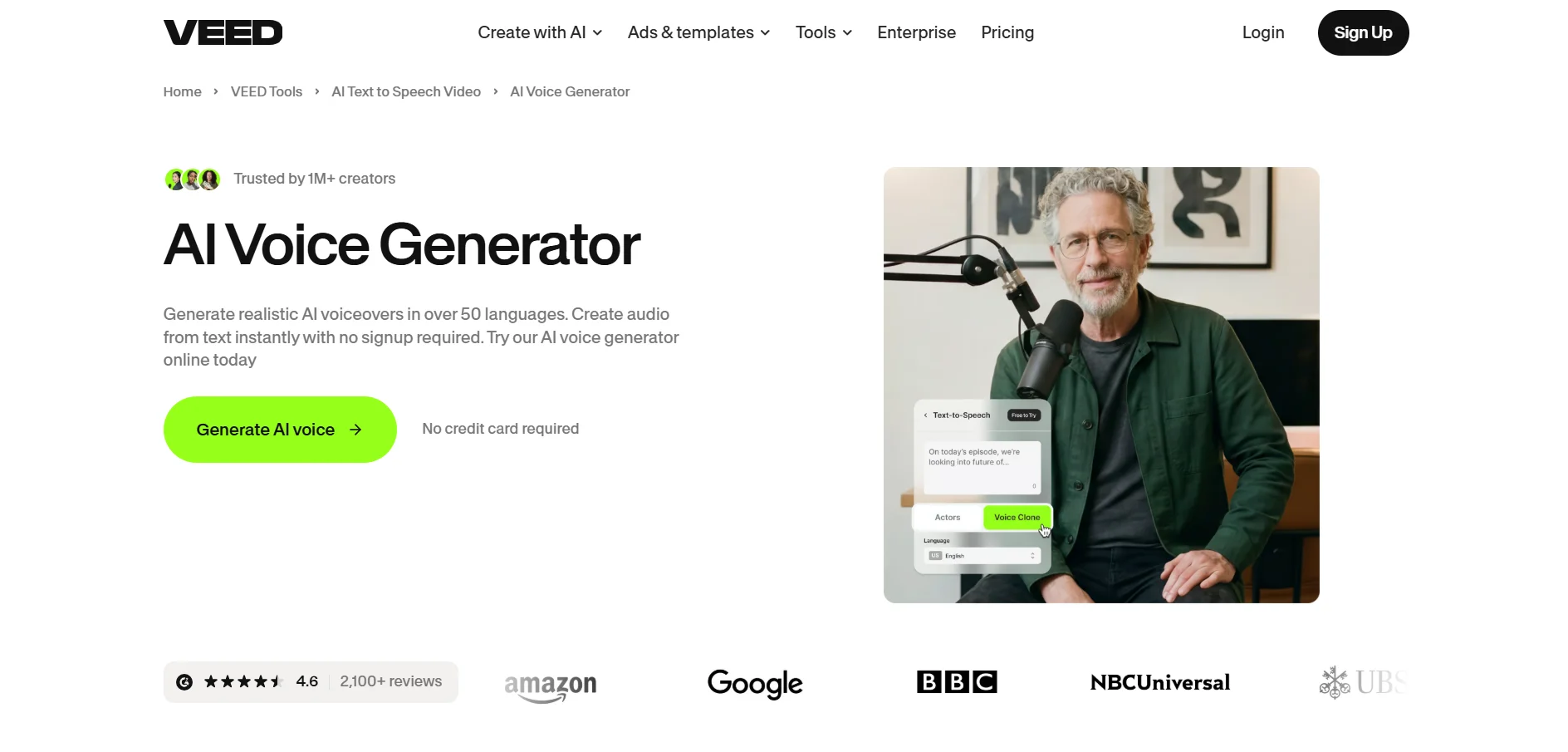
VEED is a browser-based video editing platform with built-in AI voice tools, subtitles, and translation features. It appeals to creators who want an all-in-one editor rather than a standalone voice generator. The free plan is genuinely usable for testing, though it comes with watermarks and a 10-minute export cap on projects.
For teams and agencies, VEED’s Business plan adds collaborative editing, brand kits, and priority support. It scales well from solo YouTubers to marketing departments handling multiple video projects weekly. The AI voice generator sits alongside subtitle and dubbing tools, making it a practical Lovo.ai alternative for video-first creators.
Pros
- All-in-one video and voice editing suite
- Generous free plan for testing
- Strong subtitle and translation tools
- Cloud-based, no installation required
Cons
- Free plan has watermarks and short limits
- Voice library is smaller than dedicated TTS tools
- Business tier gets costly for larger teams
2. Resemble.ai
Pricing Plans:
Flex: Pay-as-you-go from $0
TTS: $0.0005/sec
Enterprise: Custom
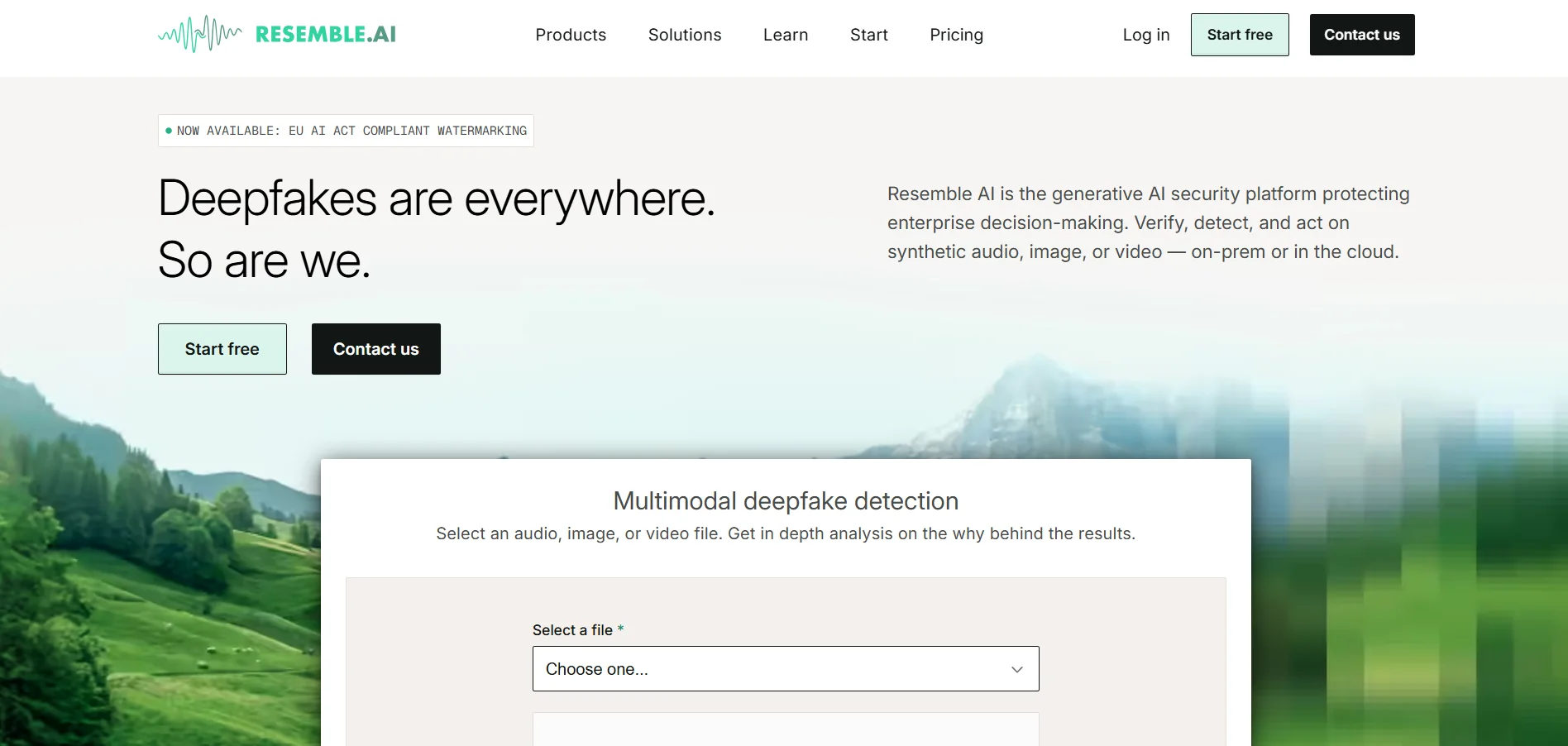
Resemble.ai focuses on broadcast-quality voice cloning with low-latency APIs suited for developers and production teams. Rather than flat subscription tiers, it now runs on a consumption-based Flex plan, so you only pay for the synthesis seconds you actually use. Credits never expire, which helps light users avoid waste.
Resemble also stands out with built-in deepfake detection and audio watermarking, features many competitors lack entirely. This makes it attractive for security-conscious enterprises and media companies. The Enterprise tier adds SOC 2 compliance, SSO, and on-premises deployment for regulated industries handling sensitive voice data.
Pros
- Pay-as-you-go pricing avoids unused subscriptions
- Deepfake detection and watermarking built in
- High-quality voice cloning via API
- Enterprise-grade security options
Cons
- No flat monthly subscription tiers anymore
- Costs can escalate with high usage volume
- More developer-oriented than beginner-friendly
3. Cartesia
Pricing Plans:
Free: $0/mo
Pro: $4-5/mo
Startup: $39/mo
Scale: $239/mo
Enterprise: Custom
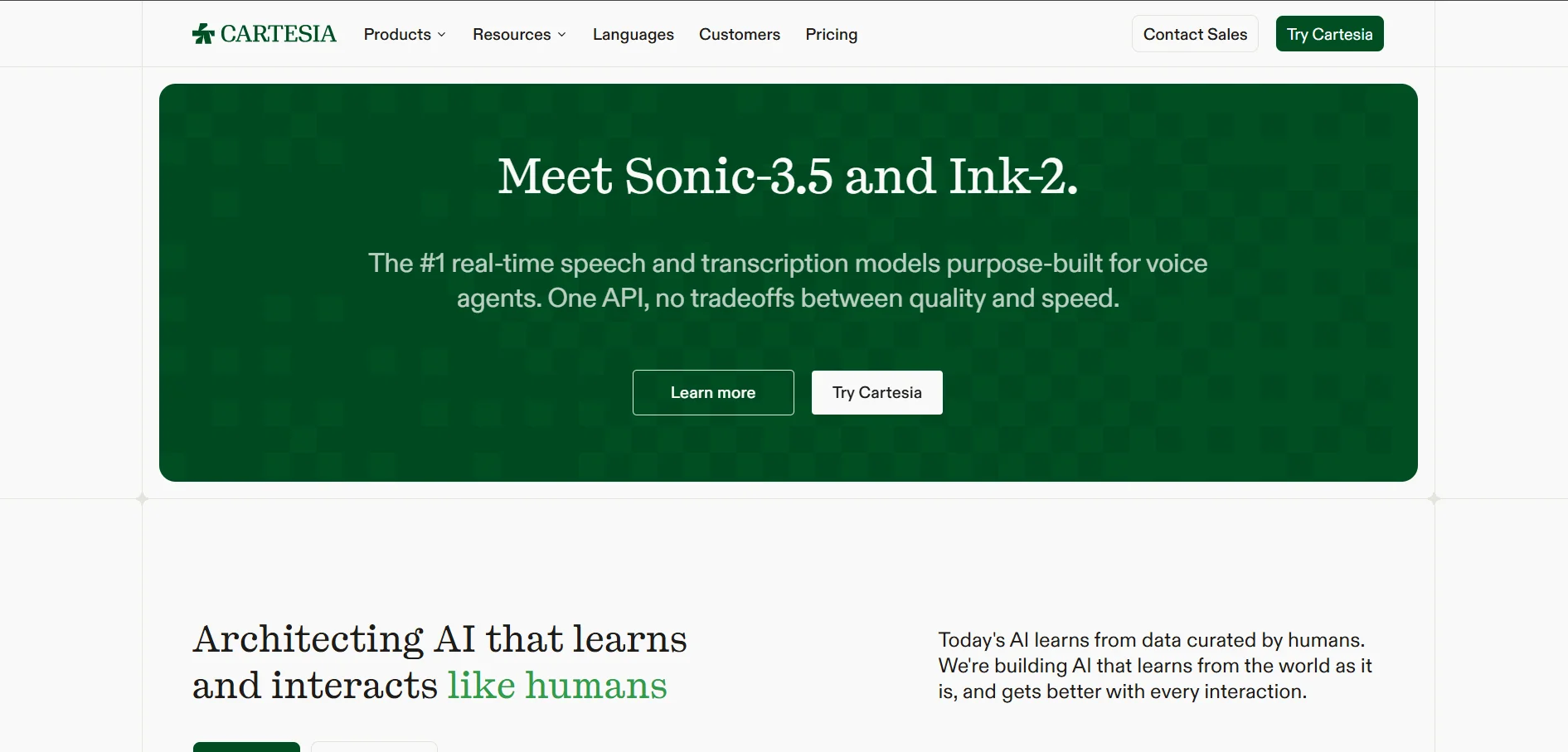
Cartesia is a real-time voice AI platform built for developers creating conversational agents and low-latency applications. Its Sonic model handles text-to-speech, while Ink and Line cover speech-to-text and voice agents respectively. The free tier requires no credit card and includes enough credits for prototyping.
The Scale plan is designed for high-volume production, offering significantly more credits and lower per-minute telephony rates than entry tiers. Annual billing knocks 20% off every paid plan. Cartesia suits teams building voice-native products rather than those simply needing narration for videos or articles.
Pros
- Extremely low latency for real-time use
- Permanent free tier with no card required
- Scales well for high-volume voice agents
- 20% discount on annual billing
Cons
- Credit system can be confusing for new users
- Commercial use requires a paid plan
- Less focused on studio-style voiceover editing
4. Murf.AI
Pricing Plans:
Free: $0/mo
Creator: $19/mo (annual)
Business: $66/mo (annual)
Enterprise: Custom
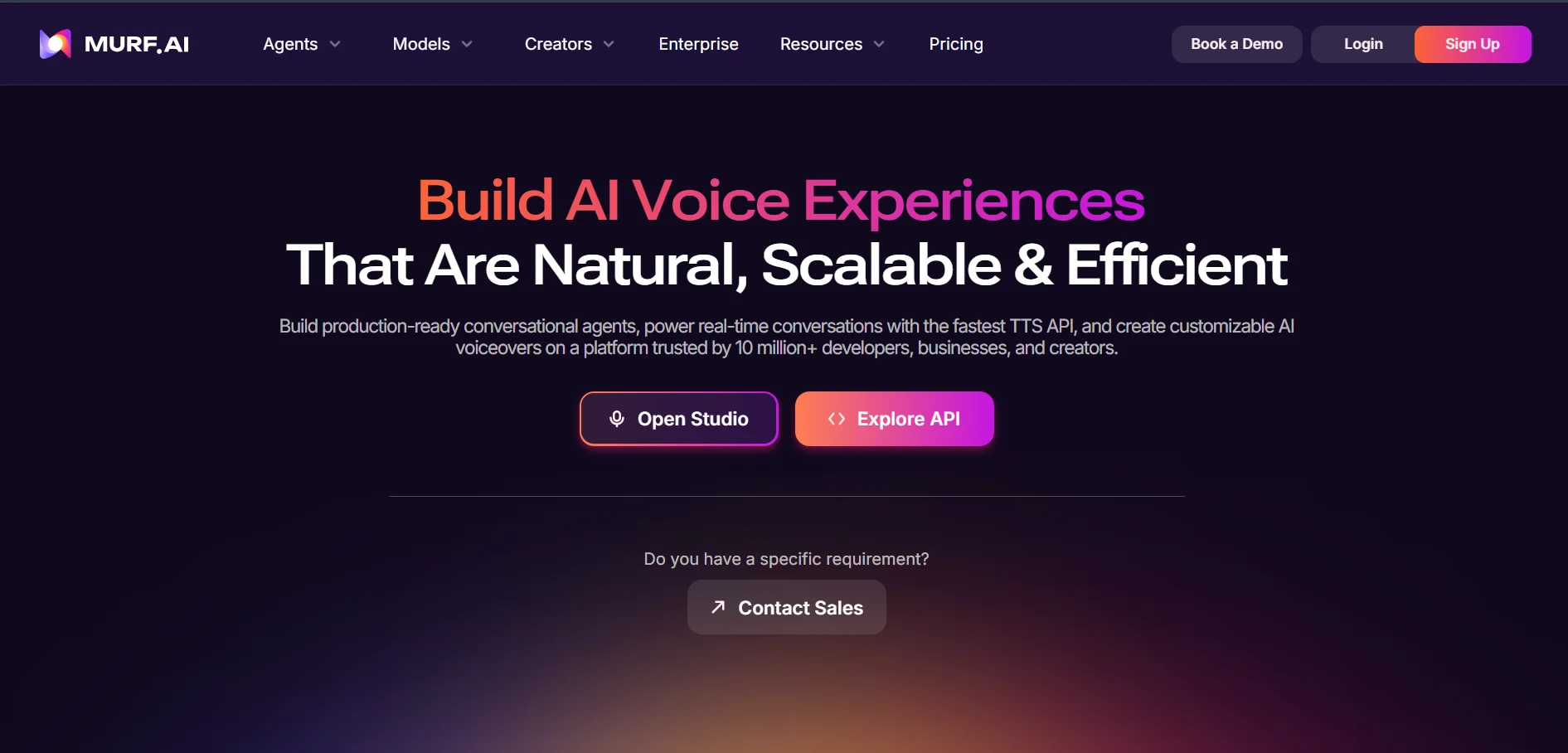
Murf.AI is a polished studio-style voiceover platform popular with instructional designers, marketers, and e-learning teams. It offers 200+ voices across 30+ languages, plus a timeline editor for fine-tuning pacing and emphasis. The Creator plan unlocks commercial rights and roughly 24 hours of voice generation per year.
Business users get expanded generation hours, priority support, and integrations with tools like Canva and PowerPoint. Murf also runs a separate API priced per 1,000 characters for developers who want to embed voice generation into their own apps, distinct from the Studio subscription entirely.
Pros
- Polished, easy-to-use studio interface
- Wide voice and language selection
- Canva and PowerPoint integrations
- ISO 42001 certified for AI management
Cons
- Free plan blocks downloads and commercial use
- Annual generation caps can feel restrictive
- API pricing is separate from Studio plans
5. KikiVoice
Pricing Plans:
Free: $0/week credits
Premium: From ~$10/mo
Enterprise: Custom
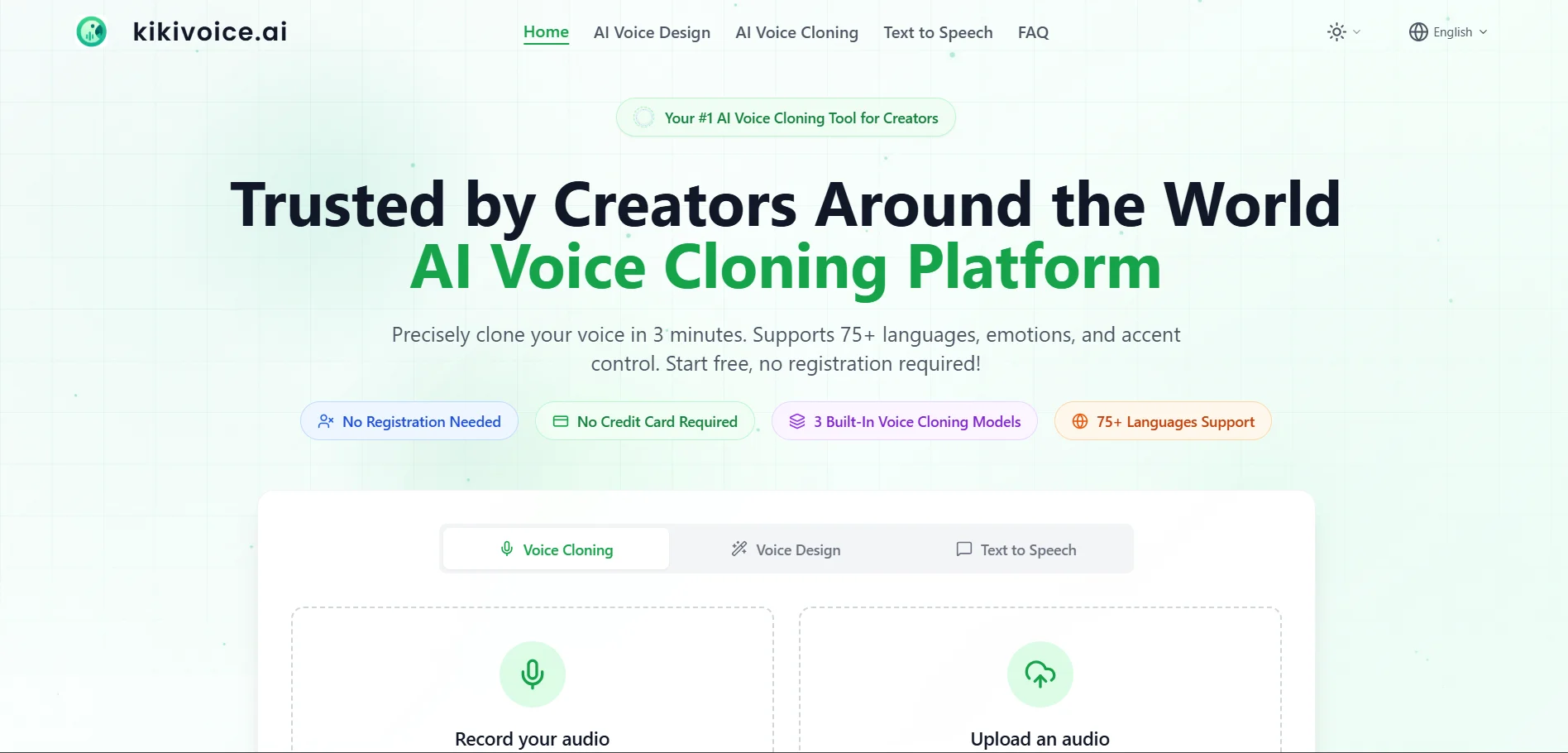
KikiVoice is a lightweight, no-login voice cloning tool that lets users generate a voice clone from just a few seconds of audio. It supports 75+ languages through three models: Kiki Core, Kiki Pro, and Kiki Multilingual. The browser-based workflow makes it one of the fastest tools to test without any commitment.
Premium plans raise character limits and add priority processing for creators who need more frequent output. Because there is no mandatory account creation, KikiVoice works well for quick one-off narration tasks, though heavier users will eventually need a paid tier for consistent commercial-grade throughput.
Pros
- No sign-up needed to start generating
- Supports 75+ languages
- Fast, simple three-step workflow
- High voice similarity claims (up to 99%)
Cons
- Free tier credits reset weekly, limiting volume
- Premium pricing details are not fully transparent
- Newer platform with less track record
6. Noiz.ai
Pricing Plans:
Free: $0/mo
Starter: $2.90/mo
Creator: $8.90/mo
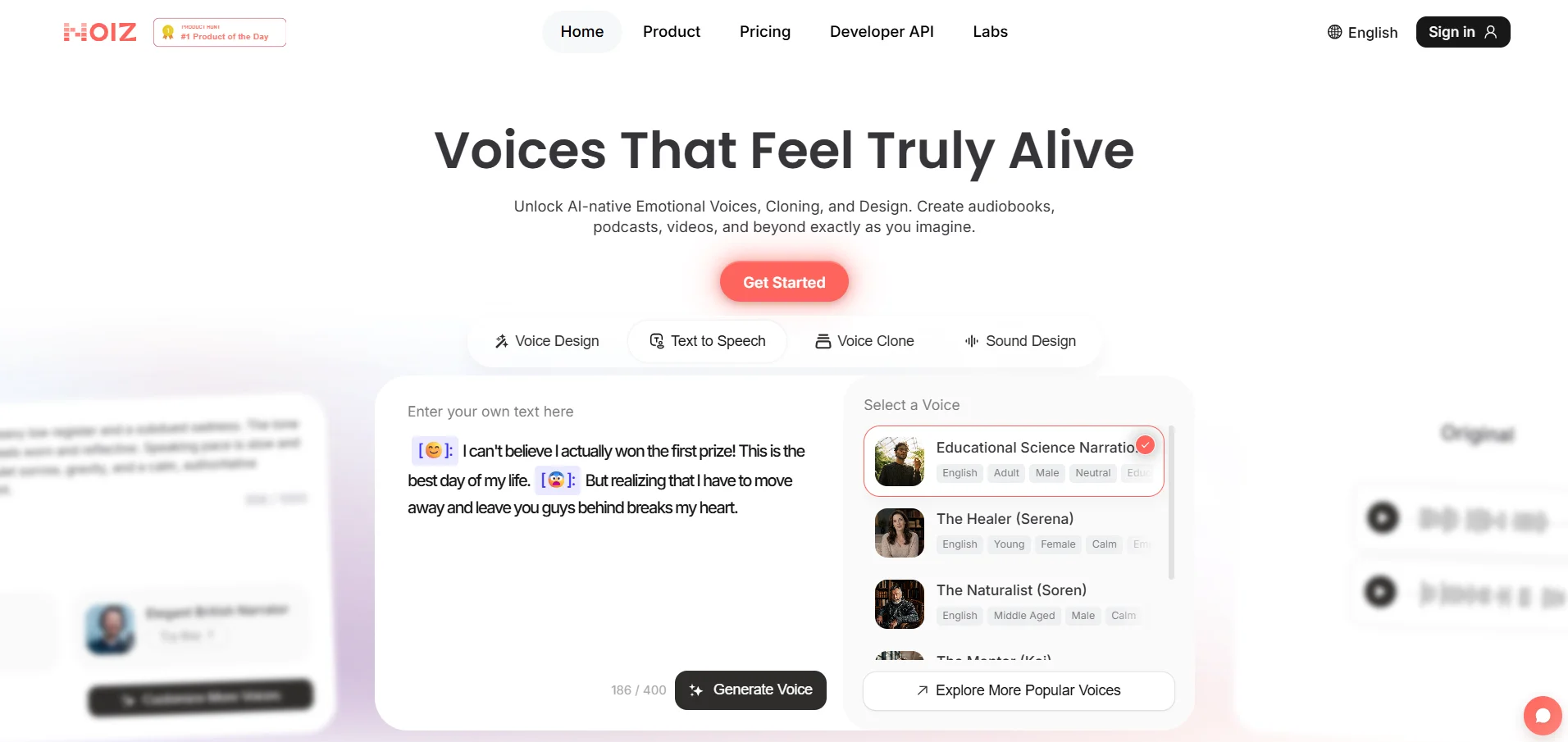
Noiz.ai differentiates itself with emoji-driven emotional voice control, letting creators dial in tone and expressiveness without technical audio knowledge. Beyond text-to-speech, the platform bundles music, sound effects, and dubbing tools, reducing the need to juggle multiple separate apps for a single project.
Pricing is notably affordable compared to most competitors on this list, with paid tiers starting under $10 a month. This makes Noiz.ai attractive for hobbyists, seasonal content creators, and short-form video makers who want expressive audio without a large budget commitment upfront.
Pros
- Very affordable entry-level pricing
- Unique emoji-based emotion control
- Bundles voice, music, and SFX tools
- Free-forever plan available
Cons
- Long-term tier details are not fully documented
- Limited public usage data and reviews
- Less suited for large-scale enterprise needs
7. PlayHT
Pricing Plans:
Free: $0/mo
Creator: ~$31/mo (annual)
Unlimited: ~$99/mo
Enterprise: Custom
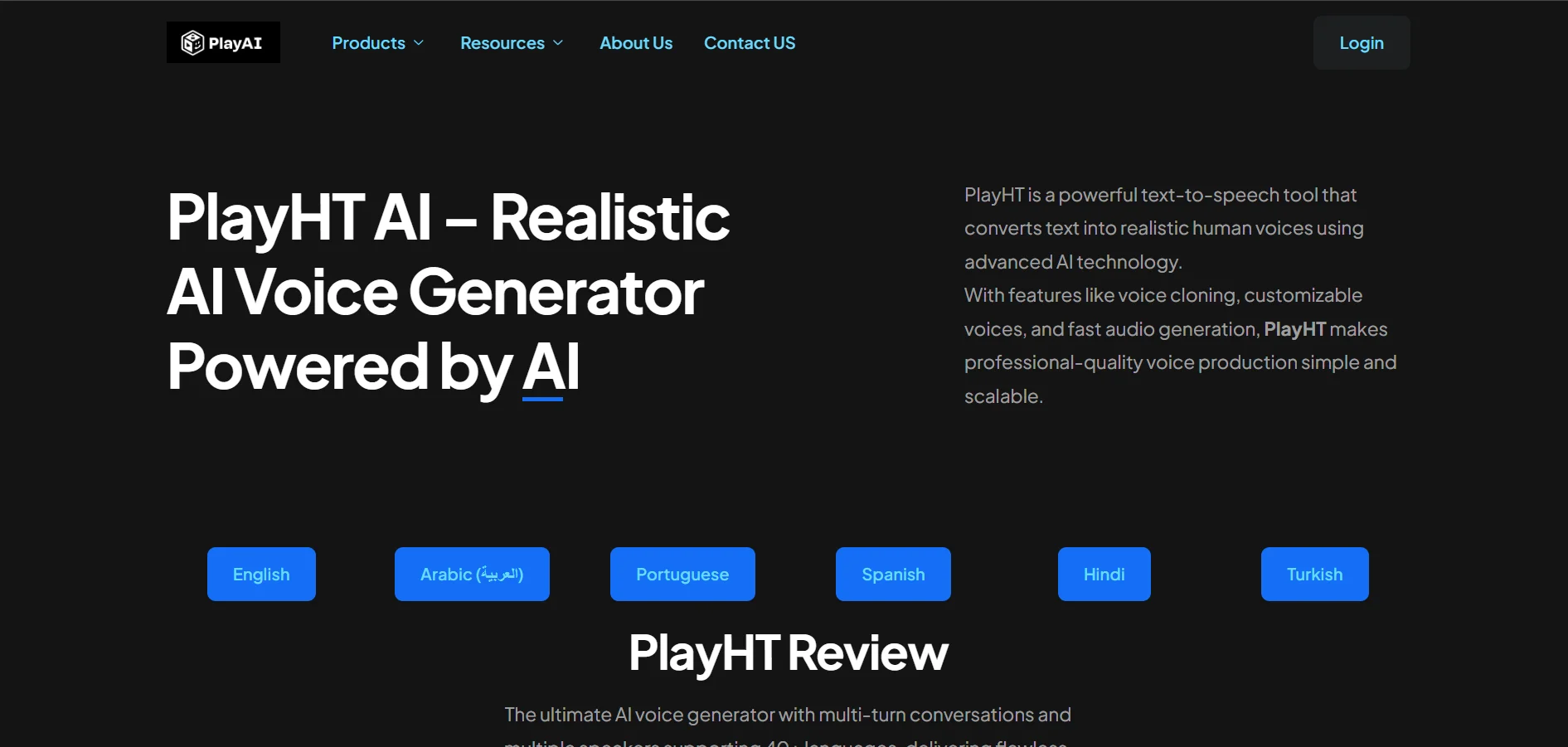
PlayHT offers over 800 natural-sounding voices across 140+ languages, along with instant voice cloning and a real-time API. The free plan is a reasonable way to sample voice quality, though it requires attribution and prohibits commercial use, which limits it strictly to evaluation purposes.
The Creator plan removes those restrictions and adds a generous annual character allowance, while the Unlimited tier targets agencies producing high-volume content. Developers building voice features into apps can tap PlayHT’s API separately, making it flexible for both no-code creators and technical teams.
Pros
- Massive voice and language library
- Instant voice cloning included
- Real-time API for developers
- Character Voice Generator for games/animation
Cons
- Free plan disallows commercial use
- Pricing pages vary across sources, causing confusion
- Higher tiers get expensive for solo creators
8. BookFab
Pricing Plans:
1-Month License: $39.99
Lifetime License: $129.99
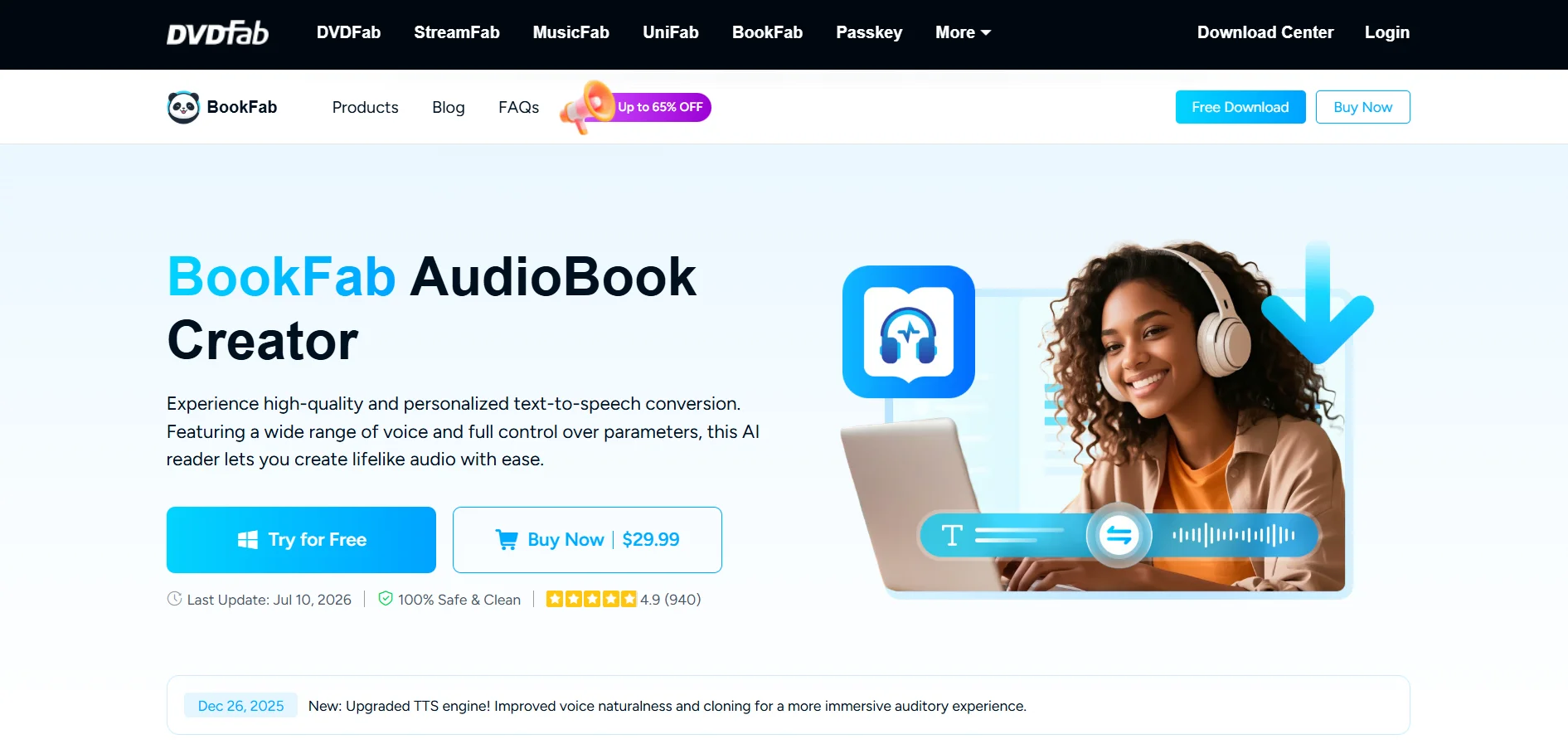
BookFab is a Windows-based eBook and audiobook converter with an integrated AI Audiobook Creator. It supports over 20 AI voice presets across English and Japanese, along with adjustable prosody, expressivity, and pacing controls, making it a niche but capable option for long-form narration projects.
Unlike most cloud-based tools on this list, BookFab uses a license model rather than a subscription. The lifetime license includes a fixed word quota, with additional word packages purchasable afterward. This suits users who prefer a one-time payment over recurring monthly billing for audiobook production.
Pros
- One-time lifetime license option available
- Adjustable prosody and expressivity controls
- Purpose-built for audiobook creation
- Voice cloning feature included
Cons
- Windows-only, no native macOS app
- Only supports English and Japanese voices
- Word quota adds ongoing cost after lifetime license
9. Supertone Play
Pricing Plans:
Free: $0/mo
Starter: $2.99/mo
Creator: $14.99/mo
Pro: $29.99-$79.99/mo
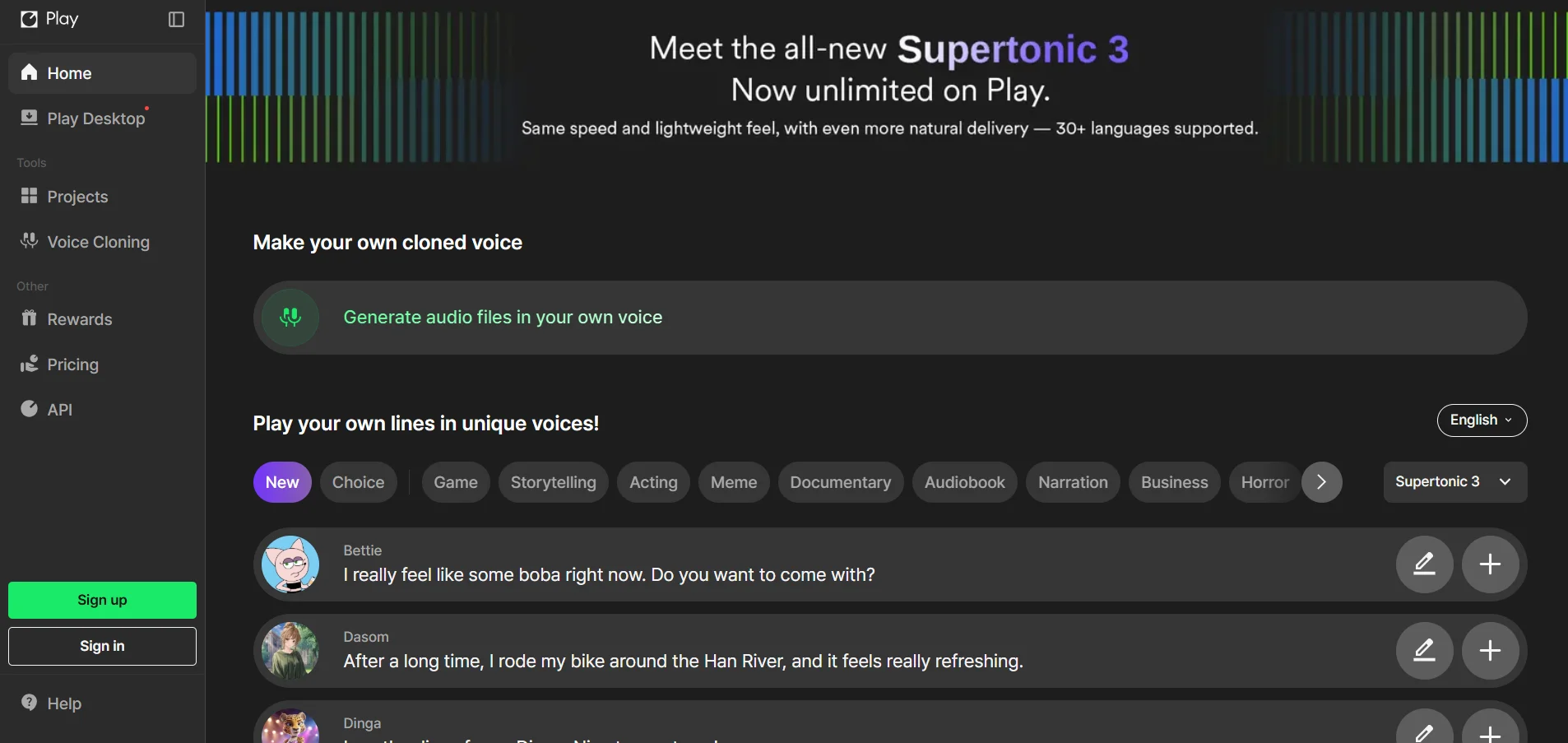
Supertone Play is a text-to-speech tool known for emotionally expressive, natural-sounding voices, particularly strong in Korean, Japanese, and English. Its credit-based system lets users scale usage gradually, from a modest free tier to the Pro plan built for professional creators needing higher volume output.
The platform also supports language switching while preserving the same character voice, a useful feature for multilingual content. However, all tiers require Supertone attribution, and language support outside its core three languages remains noticeably weaker than broader competitors like PlayHT or Murf.
Pros
- Highly expressive, emotionally nuanced voices
- Cross-language voice consistency
- Affordable entry-level Starter plan
- Low latency real-time voice conversion
Cons
- Strong only in Korean, Japanese, and English
- Attribution required across all plans
- No refunds on digital purchases
10. HeyGen
Pricing Plans:
Free: $0/mo
Creator: $29/mo
Pro: $49/mo
Business: $149/mo + $20/seat
Enterprise: Custom
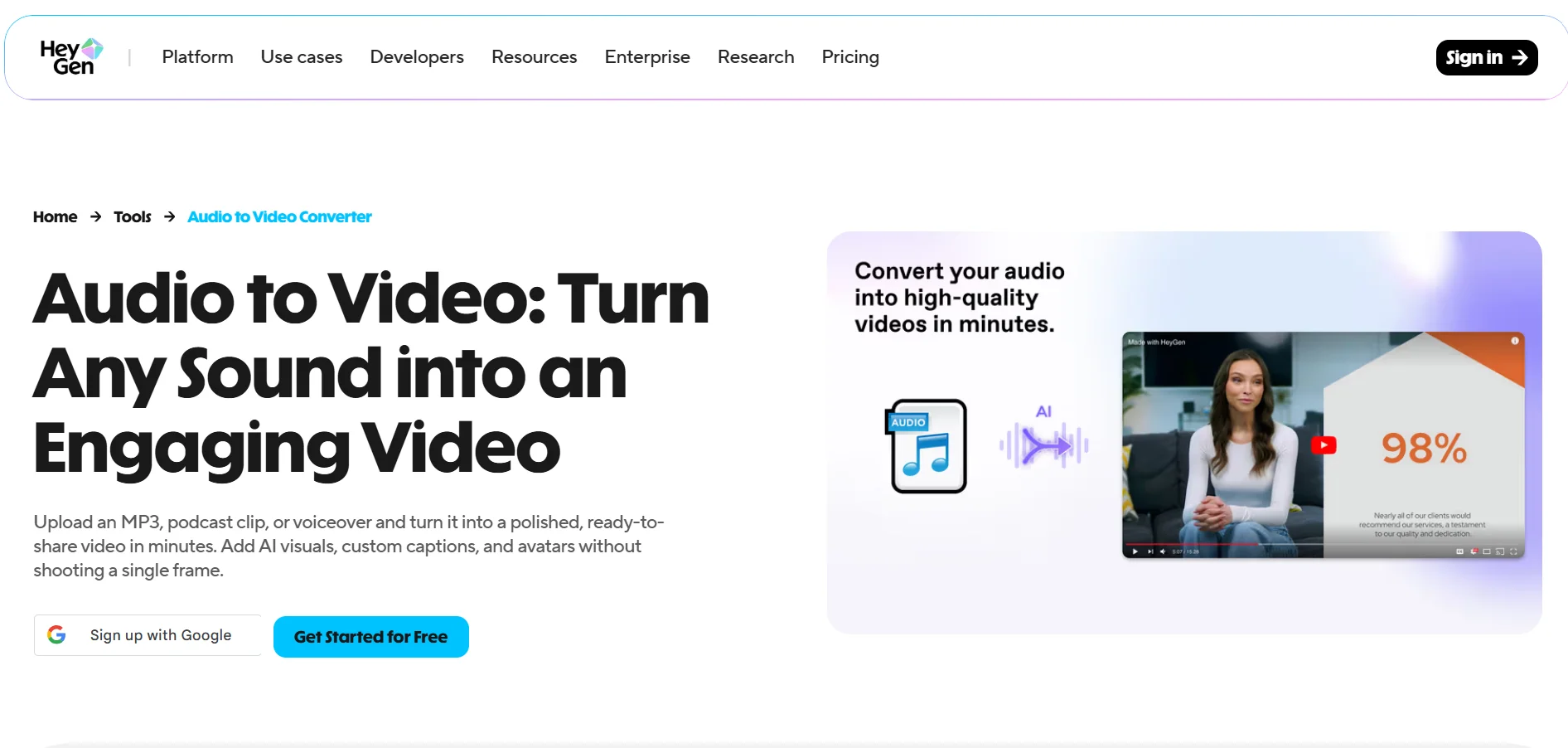
HeyGen is primarily an AI avatar video platform, but its voice cloning and multilingual dubbing tools make it a relevant Lovo.ai alternative for creators who want synthetic narration paired with a talking avatar. The Creator plan removes watermarks and unlocks 1080p export with a monthly credit allocation.
Business and Enterprise tiers add 4K rendering, custom avatars, SSO, and multi-seat collaboration for larger teams. The credit system, however, consumes allowances quickly on premium features like Avatar IV, so heavy users should model their expected usage carefully before committing to a plan.
Pros
- Combines voice cloning with realistic avatars
- Strong multilingual dubbing capability
- Well-rated for production speed and quality
- Enterprise-grade security options available
Cons
- Credit system consumes quickly on premium features
- Pricing can climb fast for teams
- API billed separately from web subscription
| Alternative | Description |
|---|---|
| VEED | All-in-one video editor with built-in AI voice, subtitle, and translation tools for creators and teams. |
| Resemble.ai | Developer-focused voice cloning API with pay-as-you-go pricing, deepfake detection, and watermarking. |
| Cartesia | Real-time, low-latency voice AI platform built for conversational agents and voice-native applications. |
| Murf.AI | Studio-style voiceover platform with a timeline editor, 200+ voices, and e-learning integrations. |
| KikiVoice | No-login, instant voice cloning tool supporting 75+ languages with weekly free credits. |
| Noiz.ai | Affordable emotion-driven TTS platform bundling voice, music, and sound effects tools. |
| PlayHT | Large voice and language library with instant cloning and a developer-friendly real-time API. |
| BookFab | Windows-based audiobook creator with a one-time license model and adjustable narration controls. |
| Supertone Play | Expressive text-to-speech tool excelling in Korean, Japanese, and English with credit-based pricing. |
| HeyGen | AI avatar video platform combining voice cloning with multilingual dubbing and talking avatars. |
Conclusion
Choosing the right Lovo.ai alternative ultimately depends on your specific needs. Video creators may lean toward VEED or HeyGen for their combined editing and avatar capabilities, while developers building voice-enabled products will find Cartesia or Resemble.ai better suited to API-driven workflows.
For straightforward voiceover production, Murf.AI and PlayHT offer polished studio experiences with extensive voice libraries, while budget-conscious creators might prefer Noiz.ai, KikiVoice, or Supertone Play. Whichever tool you choose, testing the free trial first will help confirm it fits your workflow before committing to a paid plan.


