

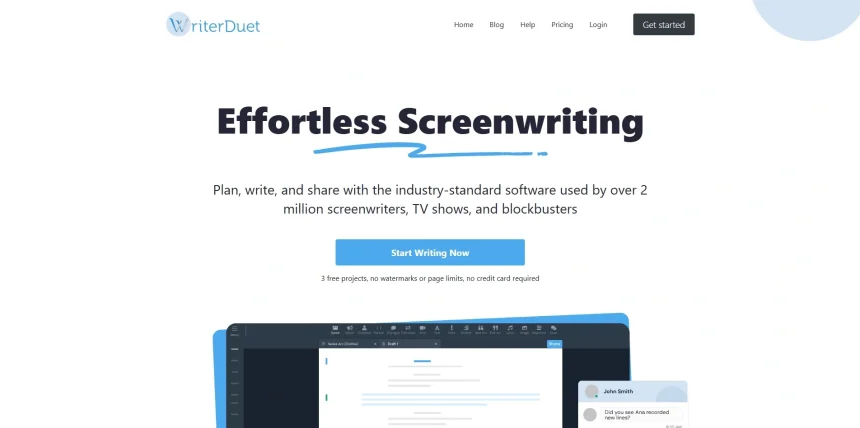
WriterDuet has long been a favorite for real-time collaborative screenwriting, but it isn’t the only option on the market anymore. Whether you want deeper AI assistance, better novel-writing tools, industry-standard formatting, or a completely different price structure, there are strong alternatives worth exploring. Below is a detailed roundup of 11 WriterDuet Alternatives, covering their trials, pricing, and honest pros and cons to help you pick the right fit for your writing workflow.
1. Storyflow
Overview
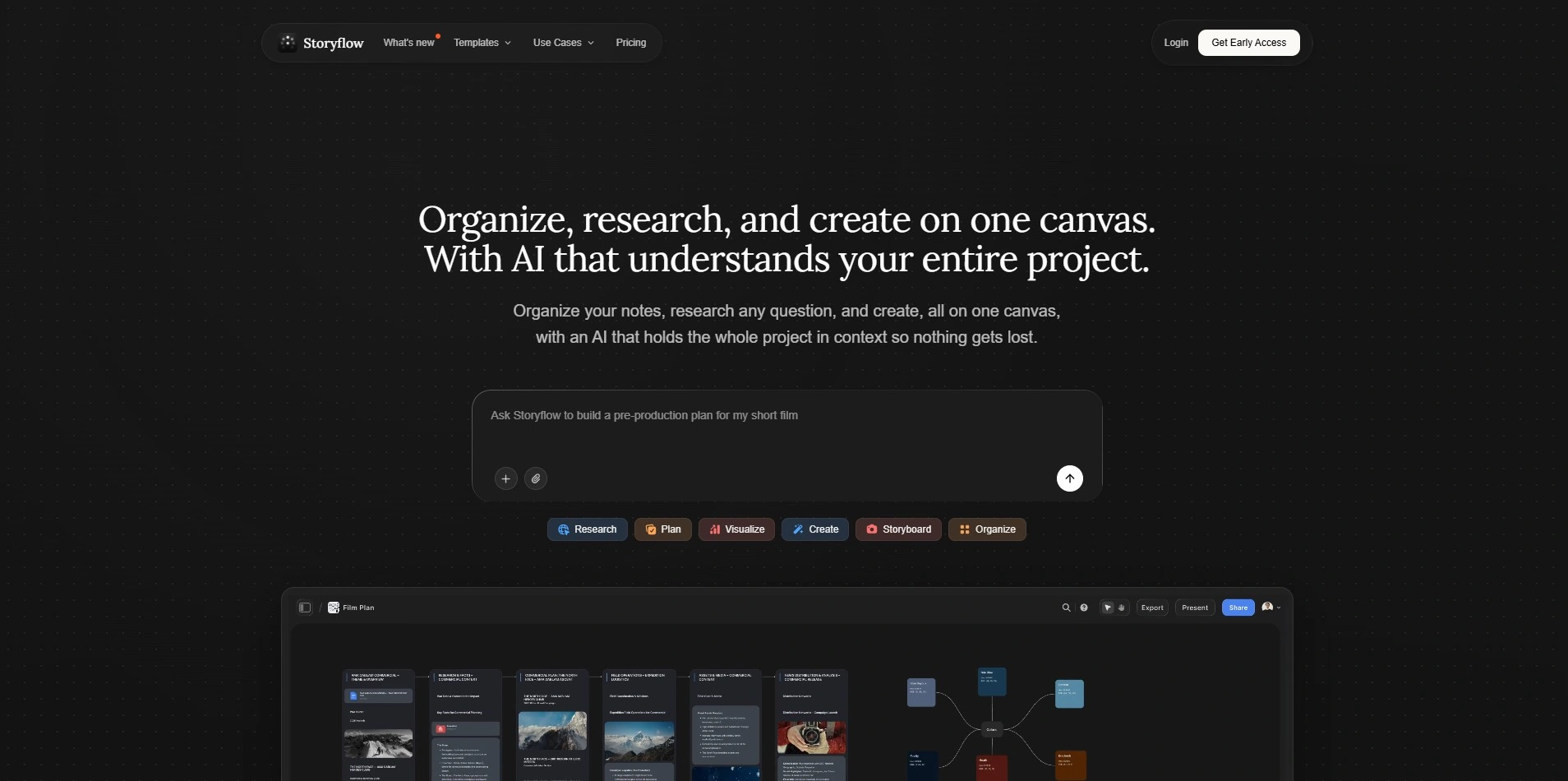
Storyflow offers a generous free-forever plan with no credit card required, making it easy to test before upgrading. Paid tiers unlock deeper AI usage and a full template library. According to its official pricing page, Plus starts at $9.99/month ($7.99/month billed annually), Pro at $14/month billed annually, and Max at $39/month for unlimited AI and team workspaces.
Storyflow works as a visual canvas for story structure rather than a traditional page-based script editor, which makes it especially useful during the outlining and brainstorming stage. Writers often pair it with a dedicated screenplay or prose editor for the actual pages once the structure is locked. It combines moodboards, blueprints, and AI feedback in one collaborative workspace.
Pricing Plans (Official Website):
- Free – forever, no card required
- Plus – $9.99/month ($7.99/month annual)
- Pro – $14/month annual
- Max – $39/month, unlimited AI + team workspace
Pros
|
Cons
|
2. ScriptAI Pro
Overview
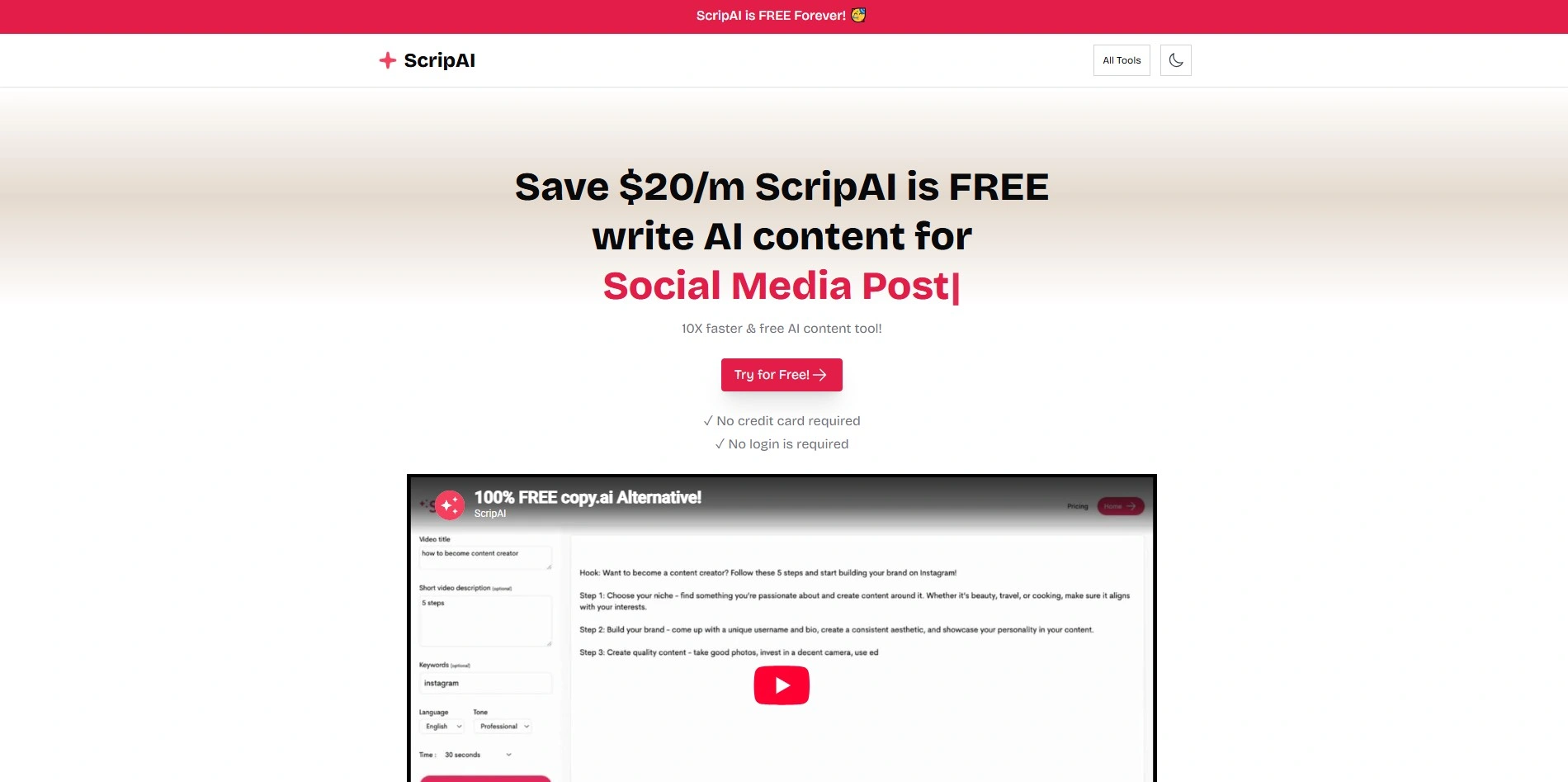
ScriptAI Pro is positioned as an AI-assisted screenwriting tool focused on scene development and character arc suggestions. Trial availability and exact pricing tiers vary by reseller and are not consistently published on a single official pricing page, so it’s best to confirm current trial terms and monthly costs directly on their site before subscribing.
The tool emphasizes generating detailed character bios and natural-sounding dialogue, aiming to speed up early drafting. It’s most useful for writers who want AI-driven scene suggestions layered on top of a standard screenplay workflow, though it lacks the long track record and transparent pricing history of more established competitors.
Pricing Plans:
Specific verified pricing was not consistently available on an official source; check the vendor’s current website for up-to-date trial and subscription details.
Pros
|
Cons
|
3. Dabble
Overview
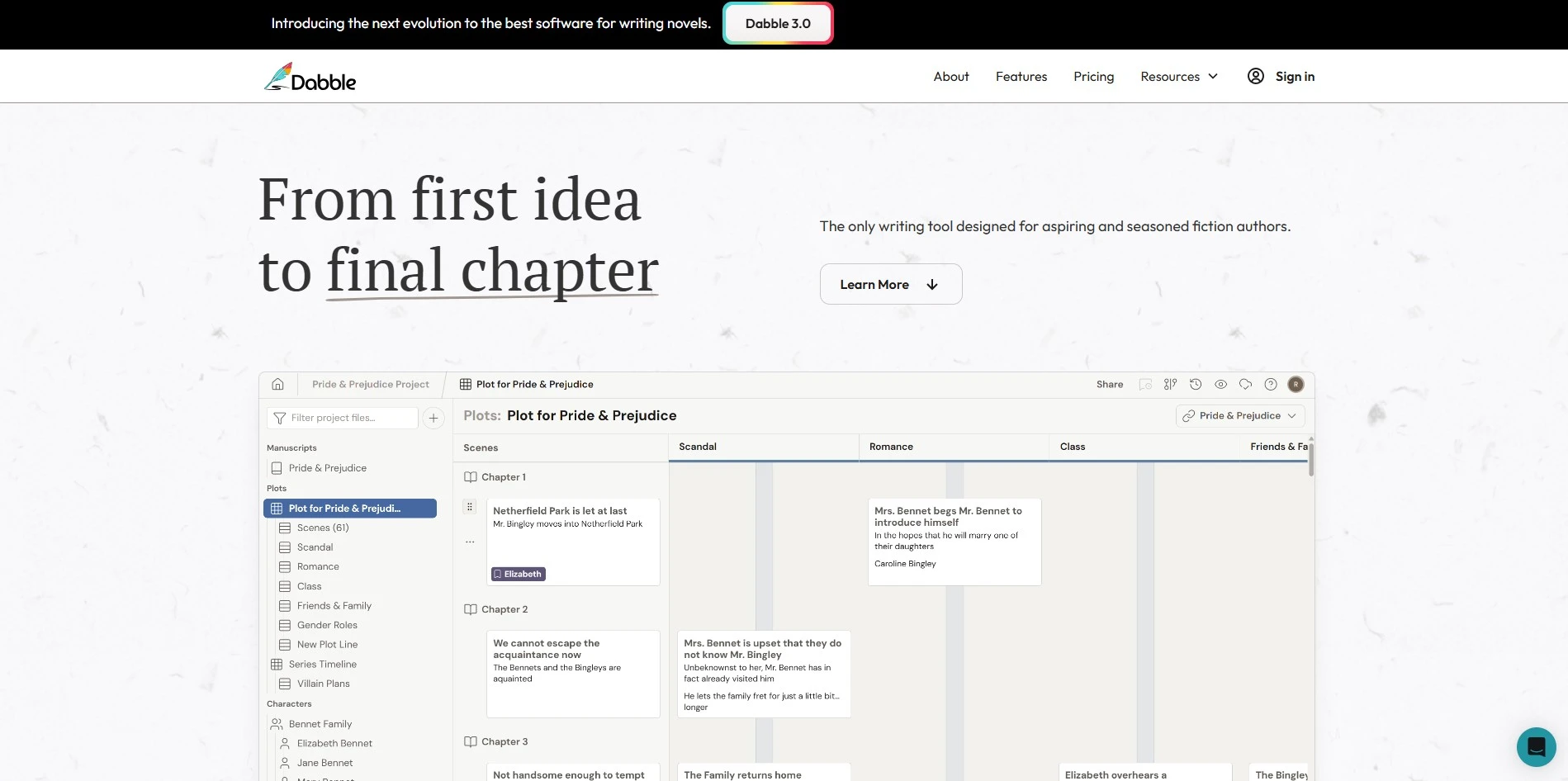
Dabble offers a 14-day free trial with full access to premium features and no credit card required. According to Dabble’s official pricing page, plans generally run around $10–$29/month depending on tier, with an annual discount and a lifetime license option priced near $699.
Built for novelists rather than screenwriters, Dabble centers around its Plot Grid, story notes, and a distraction-free focus mode. It supports co-authoring and cloud sync across devices. While it’s not a screenwriting-specific tool, its clean interface makes it a strong alternative for writers who want structure without complexity.
Pricing Plans (Official Website):
- Writer – ~$10/month
- Author – ~$19/month
- Premium – ~$29/month
- Lifetime license – ~$699 one-time
Pros
|
Cons
|
4. Squibler
Overview
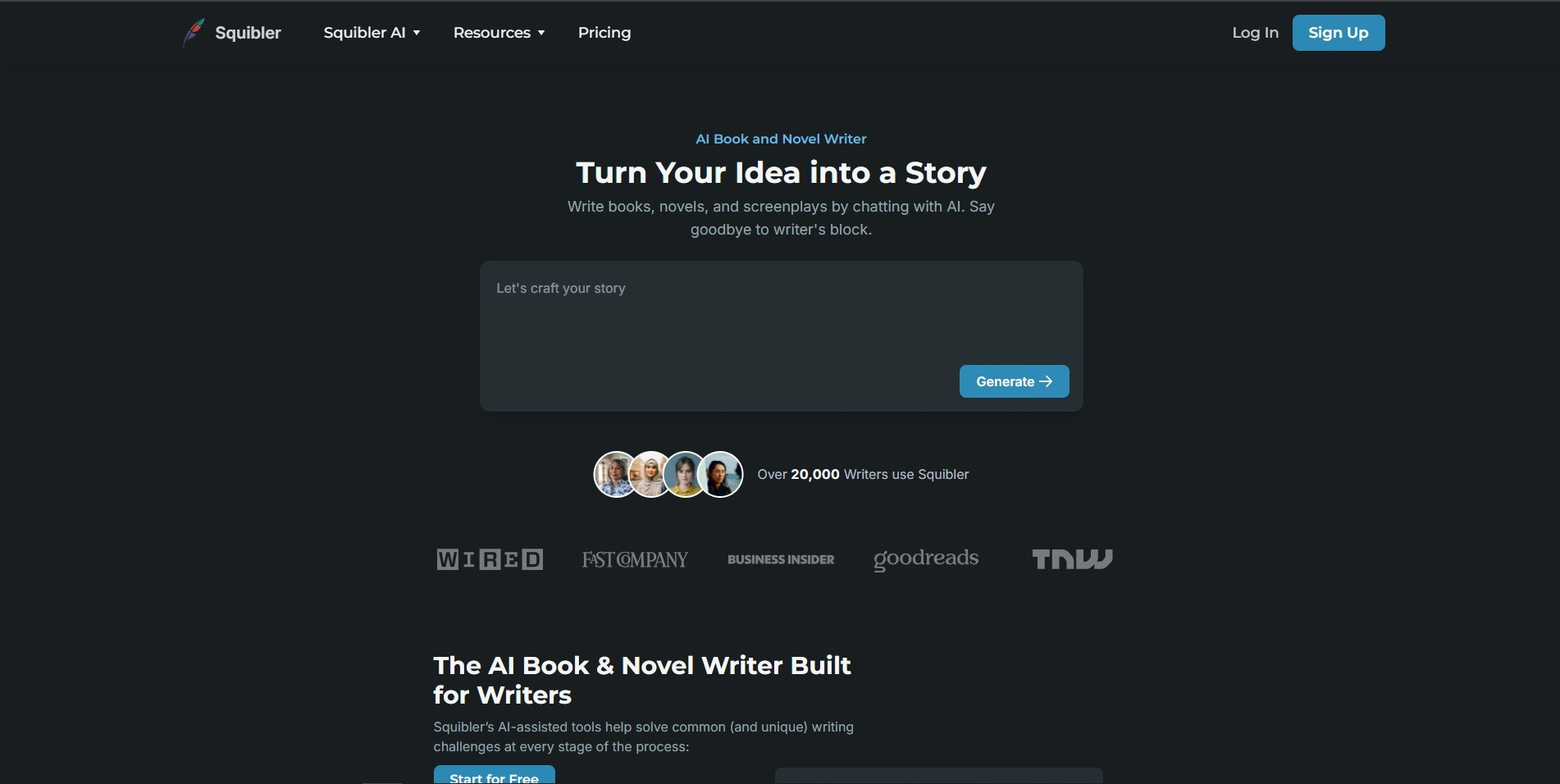
Squibler offers a limited free tier plus a trial period on paid plans in some regions. Based on its official pricing page, Squibler Plus is listed around $29/month (discounted to roughly $16/month annually), while Squibler Pro runs near $89/month (about $49/month billed annually) for unlimited AI credits.
Squibler blends AI-assisted drafting with story organization tools called Elements, letting writers track character notes, outlines, and plot details alongside the manuscript. It supports novels, screenplays, and self-help books. Since pricing is credit-based rather than unlimited, heavy AI users should watch their monthly usage carefully.
Pricing Plans (Official Website):
- Free – Limited Tier, no time limit
- Plus – $29/month ($16/month annual)
- Pro – $89/month ($49/month annual)
Pros
|
Cons
|
5. DialogueGenie
Overview
DialogueGenie is described as a specialized tool focused on generating natural, character-specific conversations, often used in gaming, animation, and interactive media. Publicly verifiable trial terms and an official pricing table were not consistently available, so prospective users should check the vendor’s site directly for current plans.
Its niche focus on dialogue generation makes it a supplementary tool rather than a full screenwriting suite. Writers working on interactive narratives or game scripts may find its specialized algorithms useful for producing varied character voices quickly, though it isn’t built for full-length script formatting or story structuring.
Pricing Plans:
No consistently verifiable official pricing was found; confirm current trial and subscription details on the vendor’s website.
Pros
|
Cons
|
6. Claude
Overview
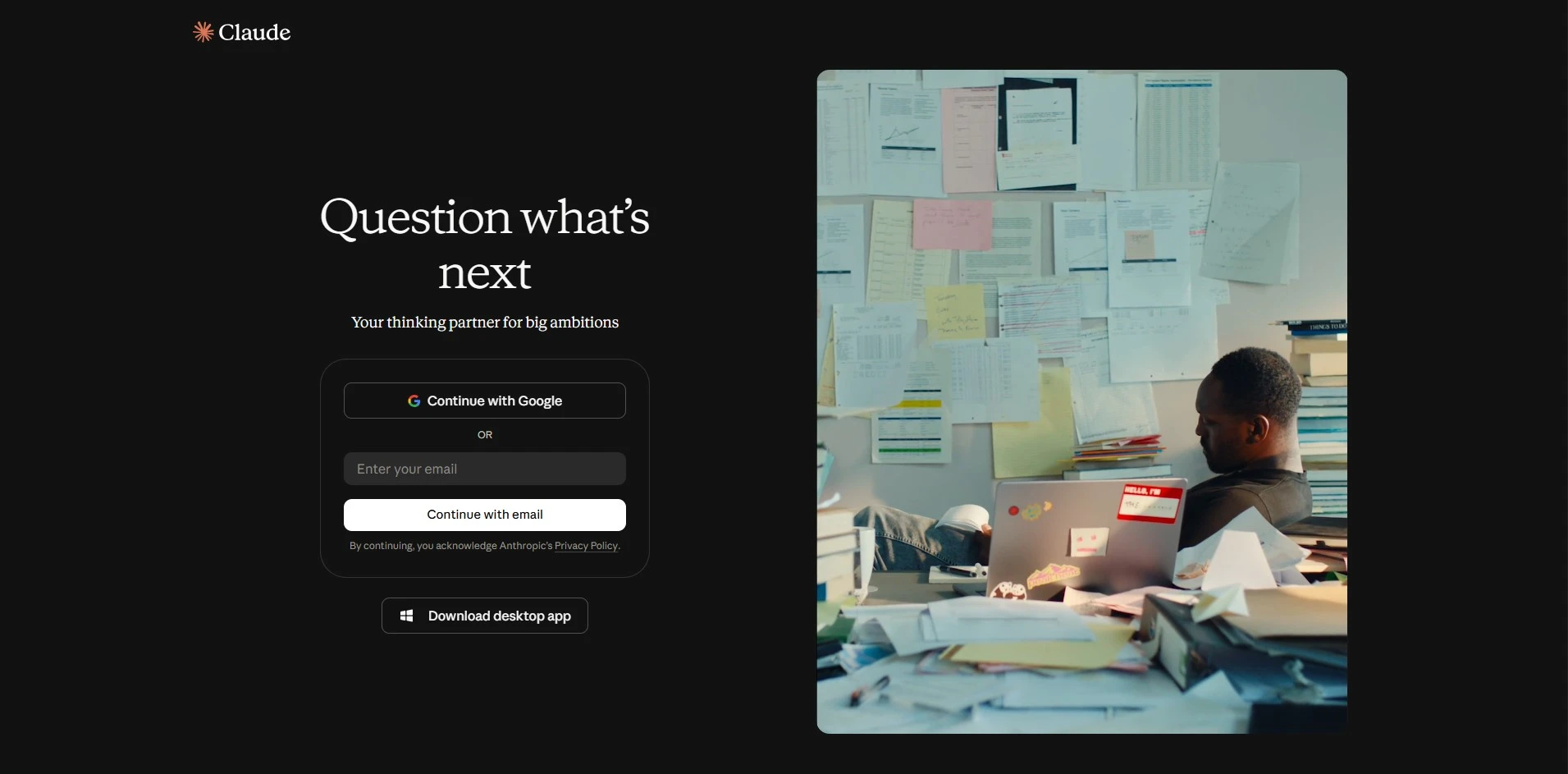
Claude, made by Anthropic, offers a free tier with usage limits, and no dedicated trial is needed since the free plan is always available. Paid access includes Claude Pro at roughly $20/month and higher business tiers; exact current pricing should always be confirmed on Anthropic’s official pricing page since plans are updated periodically.
As a general-purpose AI assistant, Claude can help outline scripts, punch up dialogue, brainstorm plot twists, and rewrite scenes in different tones. It isn’t a formatting tool, so writers still need a separate screenwriting app for industry-standard output, but its reasoning and writing quality make it a strong creative collaborator.
Pricing Plans (Official Website):
- Free – limited daily usage
- Pro – ~$20/month
- Team/Enterprise – custom pricing
Pros
|
Cons
|
7. ChatGPT

Overview
ChatGPT offers a free plan with access to a capable model, and no separate trial is required. According to OpenAI’s official pricing page, ChatGPT Plus costs $20/month, with higher Pro and Business tiers available for heavier or team usage; details should be confirmed directly on OpenAI’s site as pricing evolves.
Many screenwriters use ChatGPT for outlining, dialogue drafting, and structural feedback thanks to its flexibility and unlimited-style usage on paid plans. It lacks any screenplay-specific formatting or story-bible features, so it functions best as a brainstorming partner alongside a dedicated writing or formatting tool.
Pricing Plans (Official Website):
- Free – limited access
- Plus – $20/month
- Pro – higher usage tier, custom pricing
- Team/Enterprise – custom pricing
Pros
|
Cons
|
8. Highland 2
Overview
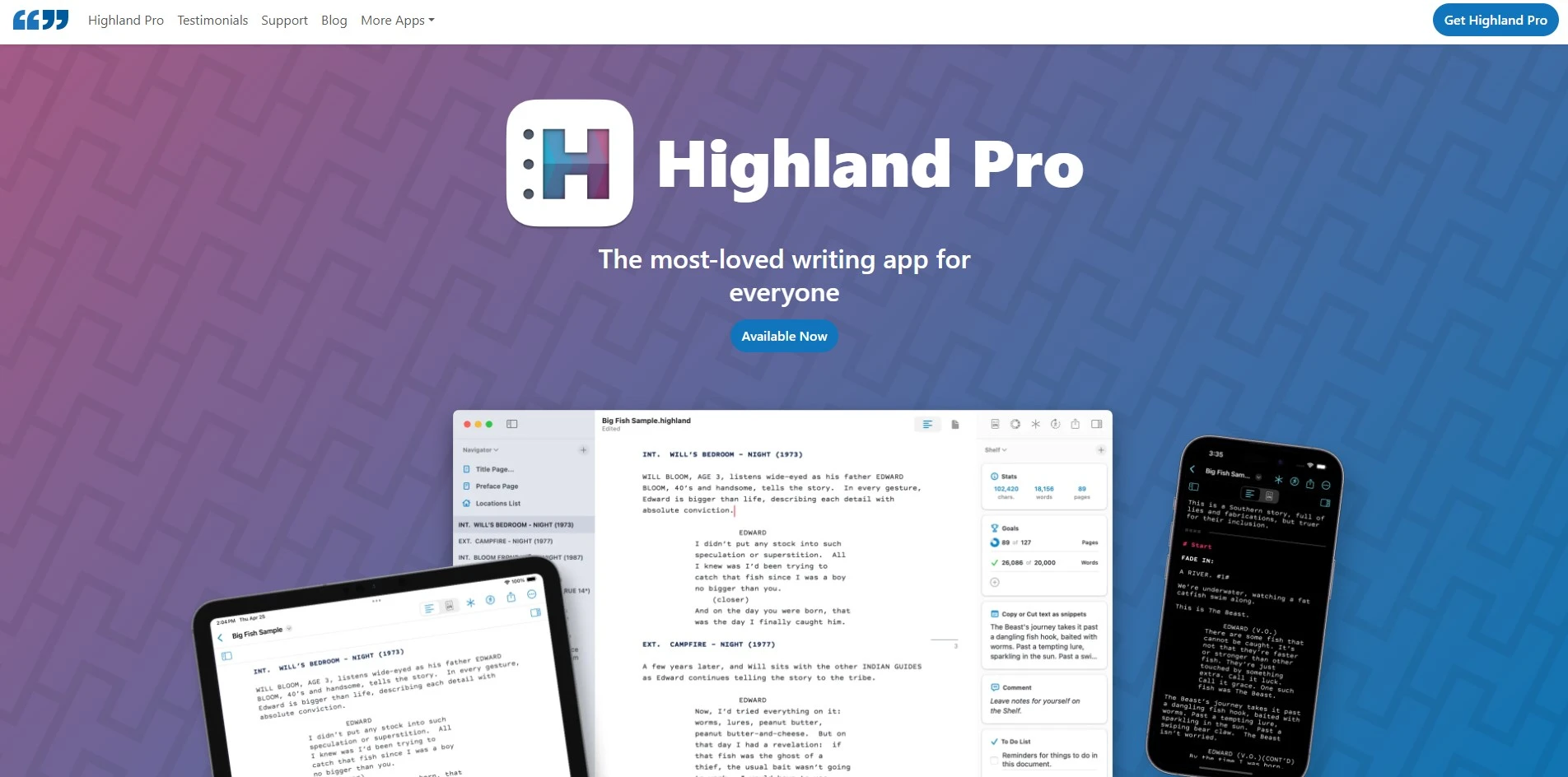
Highland 2 is free to download and write in without a time limit, functioning as its own generous trial. Based on the developer’s official information, the one-time Pro upgrade to remove watermarks and unlock templates has historically been priced around $49.99, though the product line has since shifted toward Highland Pro’s subscription model near $4.99–$9.99/month.
Built by screenwriter John August’s team, Highland 2 uses the plain-text Fountain format, meaning scripts remain readable outside the app. It’s Mac-only and appeals to writers who want a clean, distraction-free interface without cloud-based collaboration, though it lacks WriterDuet’s real-time co-writing features.
Pricing Plans (Official Website):
- Free – full writing access, watermarked export
- Pro (one-time) – ~$49.99
- Highland Pro subscription – ~$4.99–$9.99/month
Pros
|
Cons
|
9. Vimeo AI Script Writer
Overview
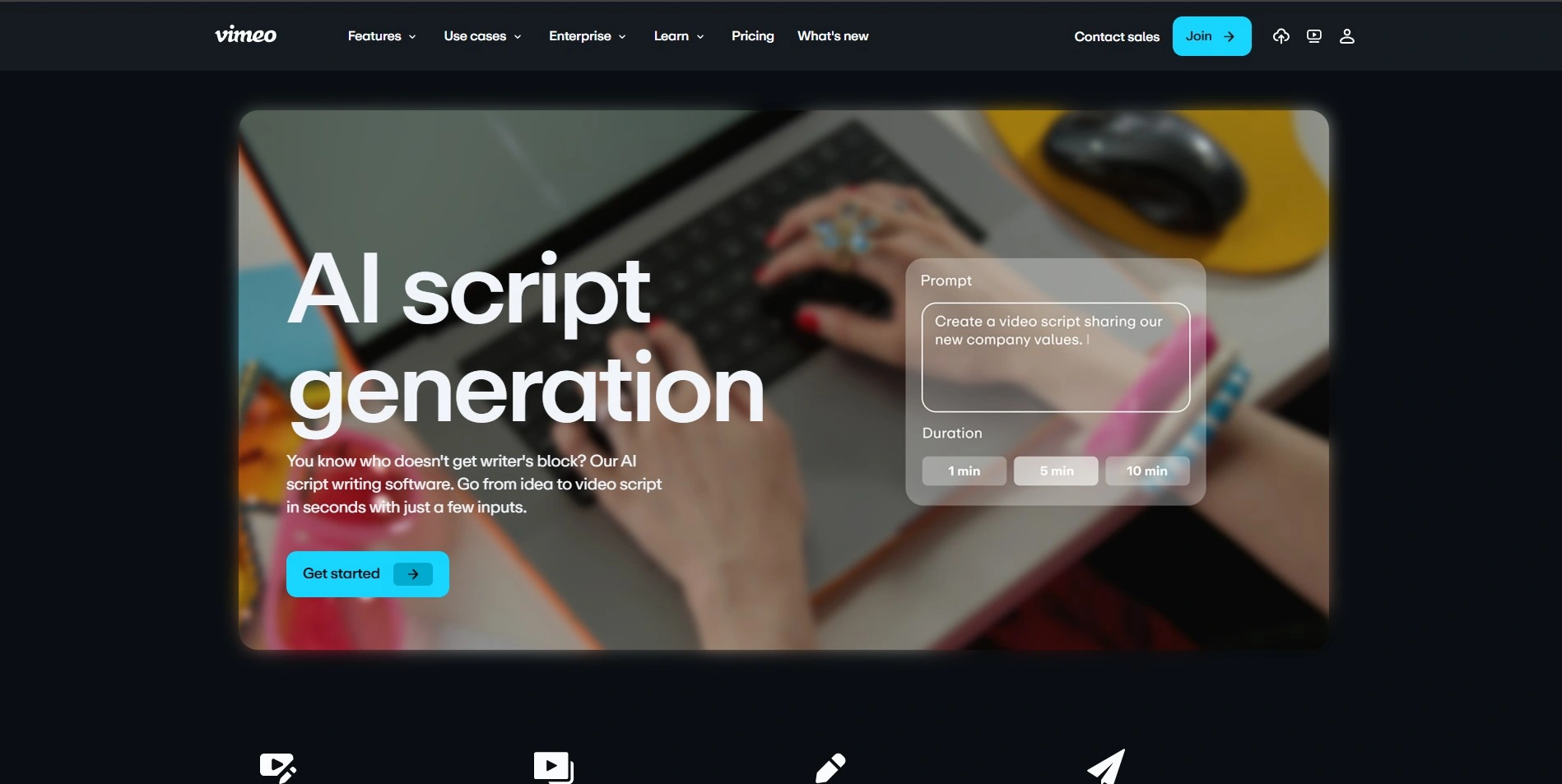
Vimeo’s AI script-writing tools are generally bundled inside Vimeo’s broader video-creation and hosting plans rather than sold as a standalone product with its own trial. Because pricing is tied to overall Vimeo subscription tiers, users should check Vimeo’s official pricing page for the current plan structure that includes AI scripting features.
This makes it most useful for creators who already use Vimeo for hosting and want script generation integrated into their video workflow, rather than screenwriters seeking a dedicated, format-focused tool. It’s a convenience feature layered onto a video platform rather than a full screenwriting environment.
Pricing Plans:
Bundled within Vimeo’s core subscription tiers; confirm current plan pricing on Vimeo’s official website.
Pros
|
Cons
|
10. Final Draft
Overview
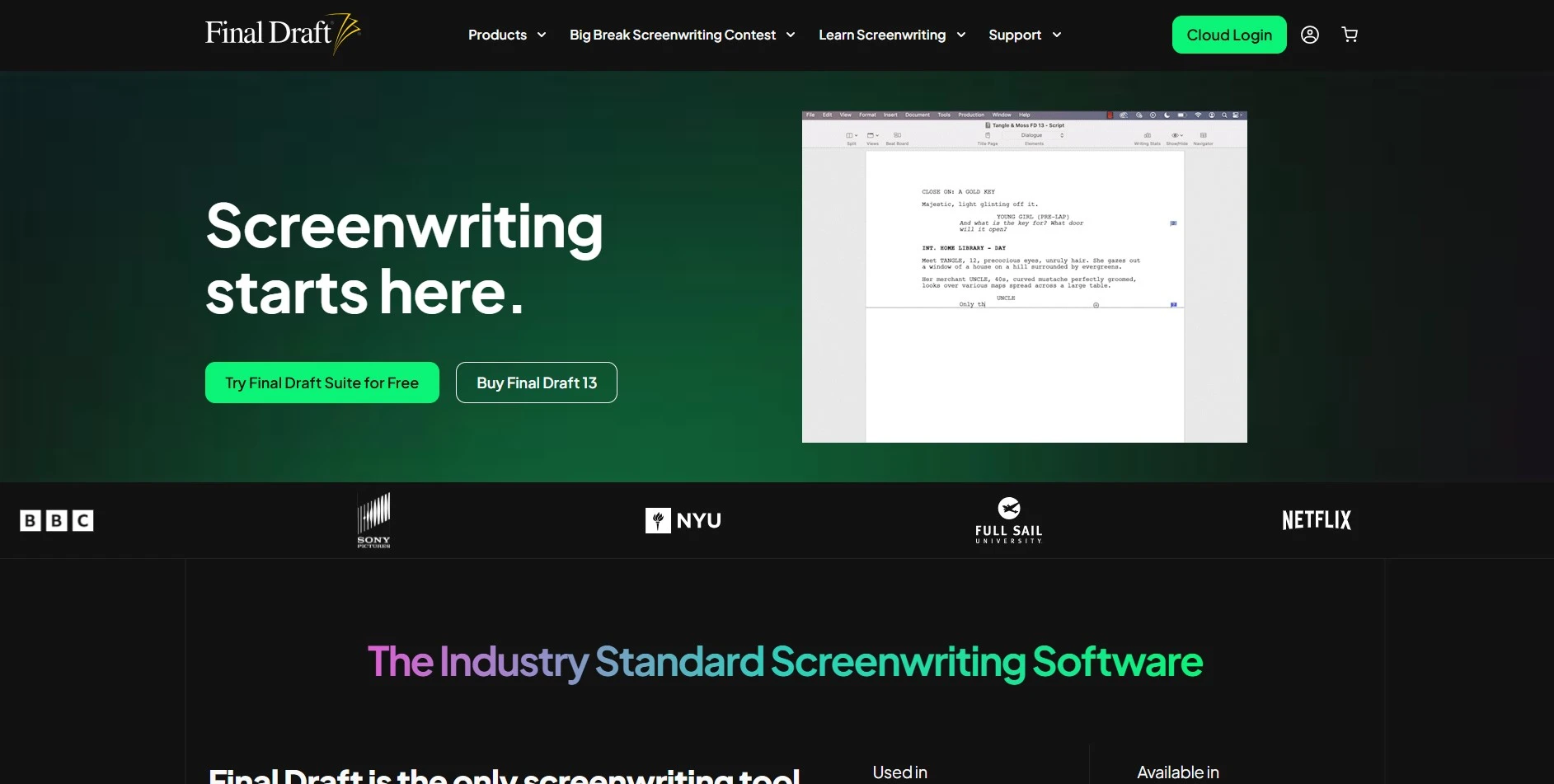
Final Draft offers a free trial period before purchase. According to Final Draft’s official pricing information, the software is sold as a one-time license priced around $199.99–$249.99 depending on promotions and version, rather than a monthly subscription.
As the long-standing industry standard, Final Draft is trusted for its automatic formatting, revision tracking, and FDX file compatibility used across Hollywood. It includes tools like Beat Board and Outline Editor for story planning. The steep one-time cost and dated interface are common criticisms compared to newer cloud-native tools.
Pricing Plans (Official Website):
- Free trial available
- One-time license – ~$199.99–$249.99
Pros
|
Cons
|
11. Sudowrite
Overview
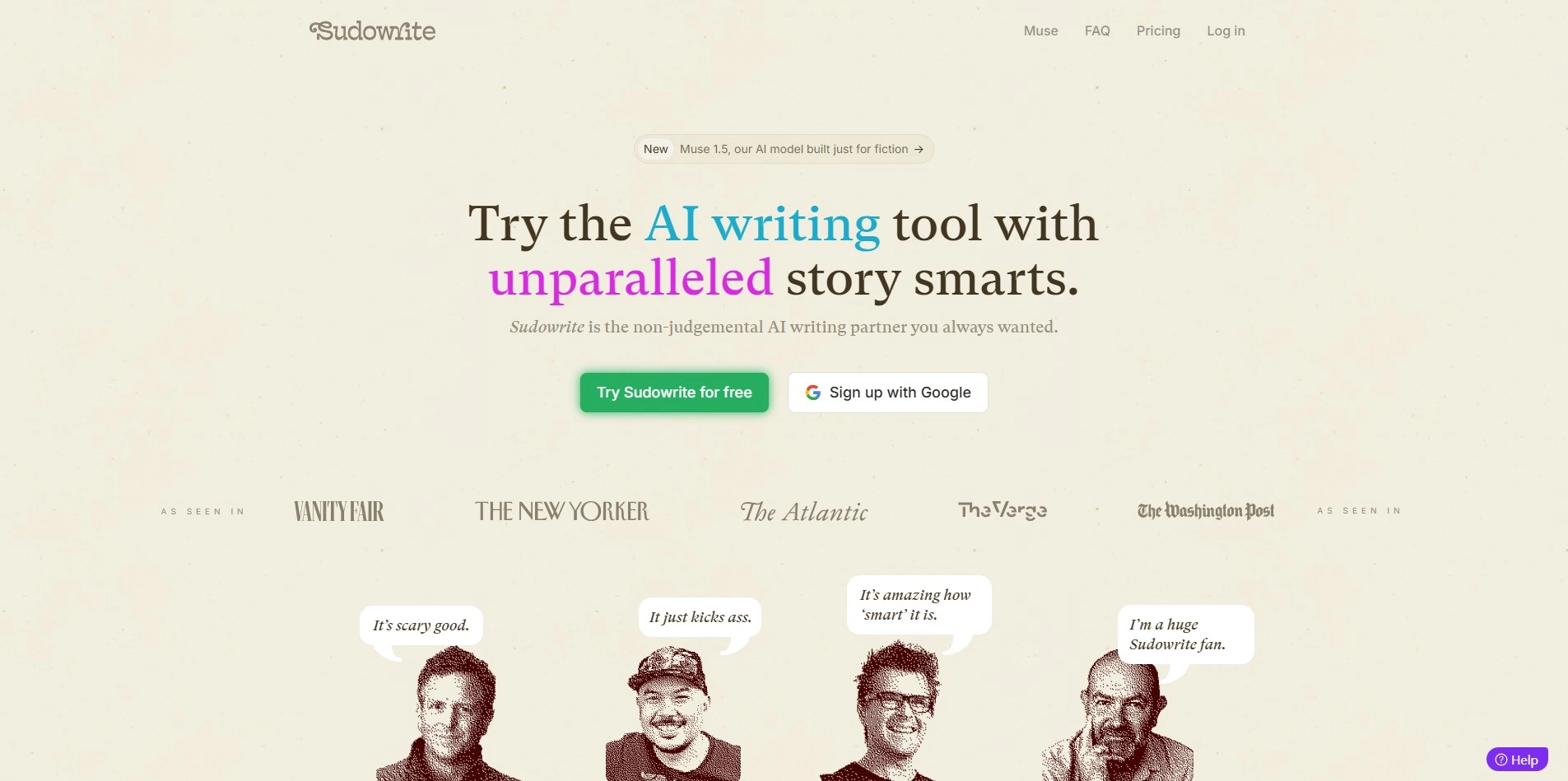
Sudowrite provides a free trial of roughly 10,000 credits with no credit card required. According to Sudowrite’s official pricing page, the Hobby & Student plan starts around $10/month billed annually, Professional runs about $22–$29/month, and Max reaches around $44–$59/month depending on billing cycle.
Sudowrite is built specifically for fiction writers, offering tools like Describe, Rewrite, Brainstorm, and Story Bible to support prose generation and revision. It isn’t screenplay-focused, but its specialized fiction tools make it a strong choice for novelists who want AI assistance beyond a generic chatbot.
Pricing Plans (Official Website):
- Free trial – ~10,000 credits
- Hobby & Student – ~$10/month annual
- Professional – ~$22–$29/month
- Max – ~$44–$59/month
Pros
|
Cons
|
Comparison Table
| Alternative | Description |
|---|---|
| Storyflow | Visual AI canvas for story structure, outlining, and collaborative planning with a generous free plan. |
| ScriptAI Pro | AI tool focused on scene development, character arcs, and dialogue generation for screenwriters. |
| Dabble | Cloud-based novel writing app with Plot Grid, focus mode, and cross-device syncing. |
| Squibler | AI-assisted writing platform combining drafting tools with story organization Elements. |
| DialogueGenie | Niche AI tool specialized in generating natural, character-specific dialogue for games and media. |
| Claude | General-purpose AI assistant useful for brainstorming, outlining, and rewriting script content. |
| ChatGPT | Flexible AI chatbot widely used for dialogue drafting, outlining, and creative brainstorming. |
| Highland 2 | Mac-only Fountain-based screenwriting app with a clean, distraction-free writing interface. |
| Vimeo AI Script Writer | AI scripting feature bundled within Vimeo’s video creation and hosting platform. |
| Final Draft | Industry-standard screenwriting software with automatic formatting and FDX compatibility. |
| Sudowrite | Fiction-focused AI writing tool offering Describe, Rewrite, Brainstorm, and Story Bible features. |
Conclusion
Choosing the right WriterDuet alternative depends heavily on what you’re writing and how you like to work. Screenwriters wanting industry-standard formatting may prefer Final Draft or Highland 2, while novelists might lean toward Dabble, Squibler, or Sudowrite for their story-planning and prose tools. Writers who want flexible AI brainstorming can turn to Claude or ChatGPT, and those focused on visual story structure will find Storyflow especially useful. Ultimately, testing free trials or free tiers before committing is the best way to find the tool that truly fits your creative process.


