

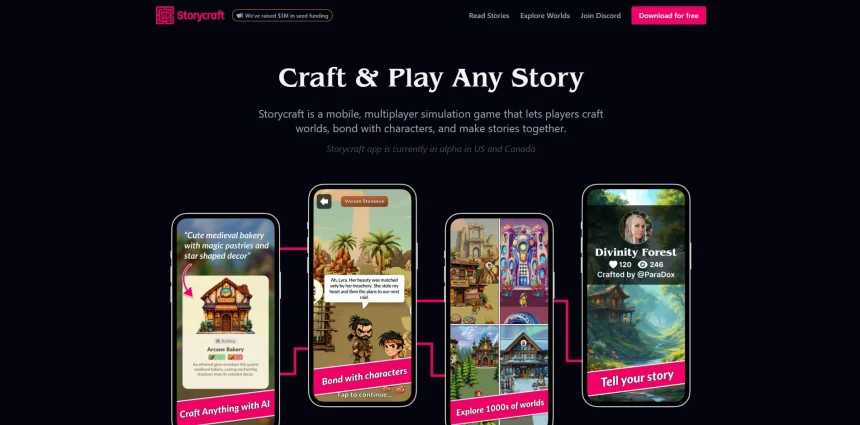
StoryCraft AI has built a name for itself among screenwriters, novelists, and content creators who want a faster way to outline plots, develop characters, and draft scripts. But it isn’t the only option on the market, and depending on your workflow, budget, or medium, another tool may serve you better. Some alternatives lean toward professional screenwriting, others toward book outlining, and a few blend general-purpose AI writing with creative storytelling features. In this guide, we break down 12 solid StoryCraft AI Alternatives, covering their free trial availability, pricing plans straight from their official websites, and the pros and cons that matter most to writers. Whether you are drafting a feature film, a novel, or a marketing script, you will find an option here worth testing.
1. Claude
Claude, developed by Anthropic, offers a free tier that lets you test its conversational writing and story development capabilities without a credit card. Paid plans include Claude Pro at around $20/month for expanded usage limits, Claude Max at higher tiers for power users, and Team/Enterprise plans priced per seat for studios and writing groups needing collaboration and higher throughput.
Claude excels at long-form narrative reasoning, character consistency, and dialogue polishing, making it a favorite among novelists and screenwriters who want a flexible AI collaborator rather than a rigid template-based tool. It isn’t a dedicated screenwriting formatter, so writers still need a separate program for industry-standard script layout, but its writing quality and context handling are widely praised.
Pros
- Free tier available with no card required
- Excellent at nuanced dialogue and character voice
- Strong long-context handling for full manuscripts
- Flexible for brainstorming, editing, and rewriting
Cons
- No built-in screenplay formatting tools
- Usage limits on free and lower-tier plans
- No dedicated story-bible or plotting visualizer
2. Studiovity
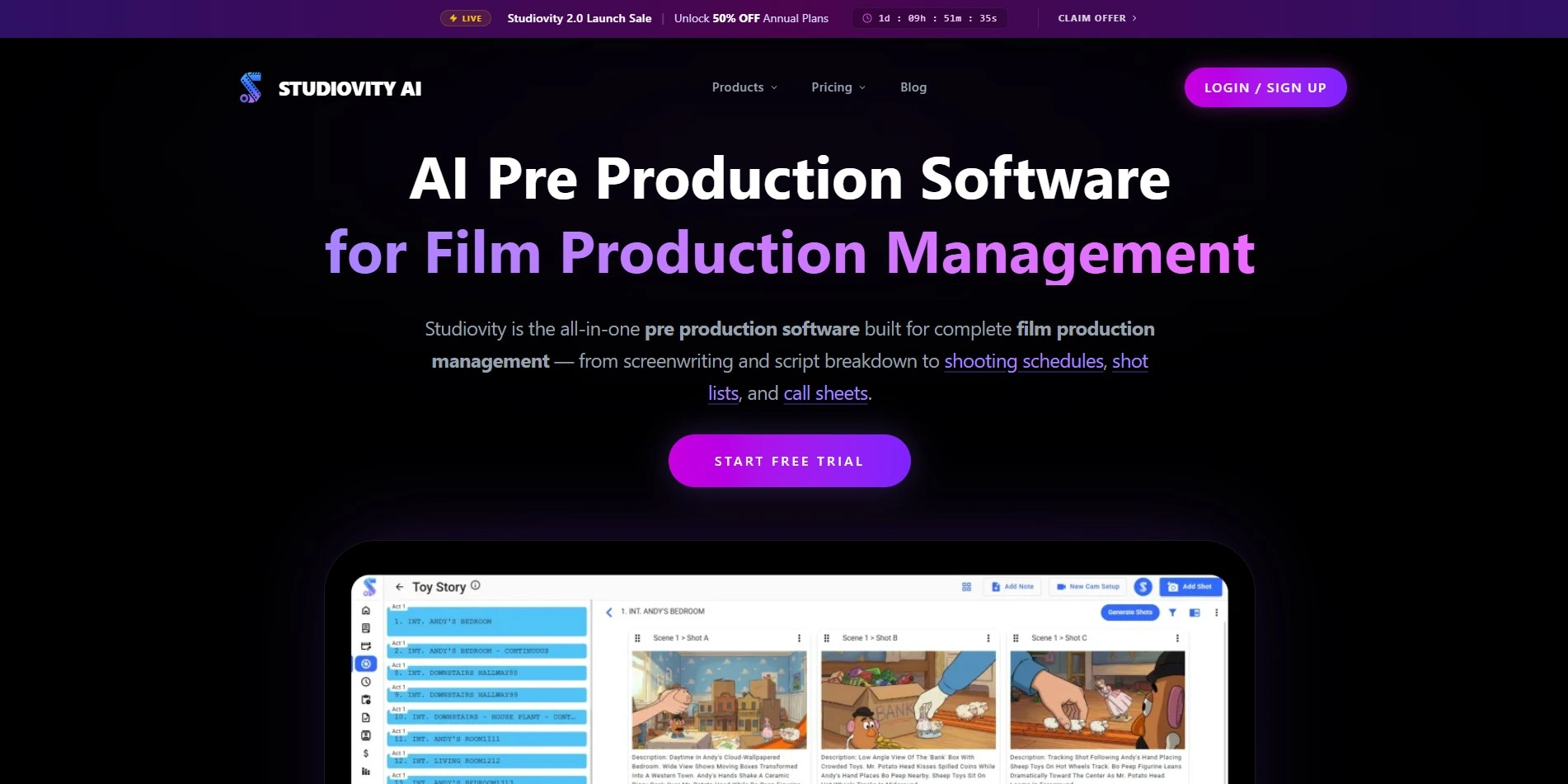
Free trial available
Studiovity is a web and mobile screenwriting suite built for filmmakers, offering an Act Structure Board, index cards, and support for over 385 regional languages. It also provides pre-production tools like script breakdown, storyboarding, and budgeting, making it more than a simple writing app for production-focused teams.
The affordability is a major draw, especially for students and independent filmmakers working with tight budgets. However, the interface can feel dense for writers who only want a simple drafting space, and some advanced production features require navigating a separate pricing structure entirely.
Pros
- Extremely affordable entry pricing
- Supports 385+ regional languages
- Combines writing with pre-production tools
- Mobile and web access included
Cons
- Interface can overwhelm casual writers
- Pricing across modules can get confusing
- Fewer AI-generation features than newer rivals
3. Squibler
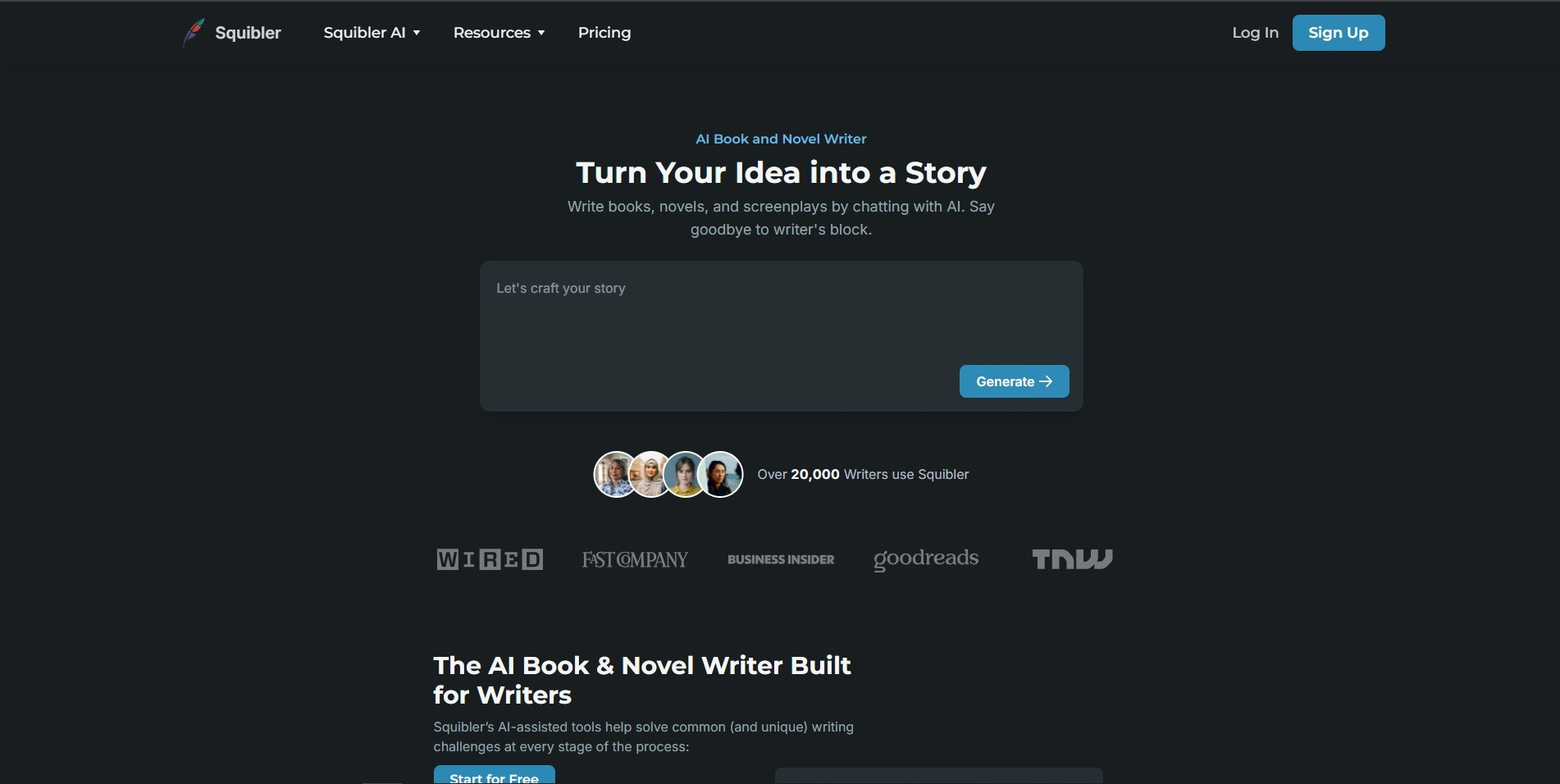
Free trial available (no credit card required)
Squibler is built for novelists and screenwriters who want an AI Smart Writer alongside story-bible tools for tracking characters, locations, and plot elements. Its drag-and-drop note cards and split-screen layout make organizing long projects intuitive, and it supports exports to formats like Kindle and PDF.
The AI features run on a credit system rather than unlimited generation on lower tiers, so heavy AI users may find themselves needing the pricier Pro plan quickly. Still, the free plan gives new users a real feel for the tool before committing financially.
Pros
- Strong story-bible and organizational tools
- No credit card needed for the free trial
- Good format-export options for publishing
Cons
- AI credits run out fast on lower tiers
- Premium plans are pricier than some competitors
- No native grammar checker
4. Google Gemini

Free tier available
Gemini is a general-purpose AI assistant that handles brainstorming, outlining, and drafting with a massive context window, making it capable of holding an entire manuscript or script in memory during a session. Its integration with Google Workspace also makes moving between Docs and Gemini seamless for writers already in that ecosystem.
Because Gemini isn’t purpose-built for storytelling, it lacks dedicated plotting boards or character trackers found in niche tools. Writers who want structured story development features will need to pair Gemini with a separate outlining app, though its raw writing and reasoning power remain a strong asset.
Pros
- Massive 1M-token context window
- Deep integration with Google Docs and Drive
- Usable free tier for casual writers
Cons
- No dedicated story-structure tools
- Higher tiers are costly for solo writers
- Not tailored specifically to screenwriting
5. Beemgee
Free plan available, try before you buy
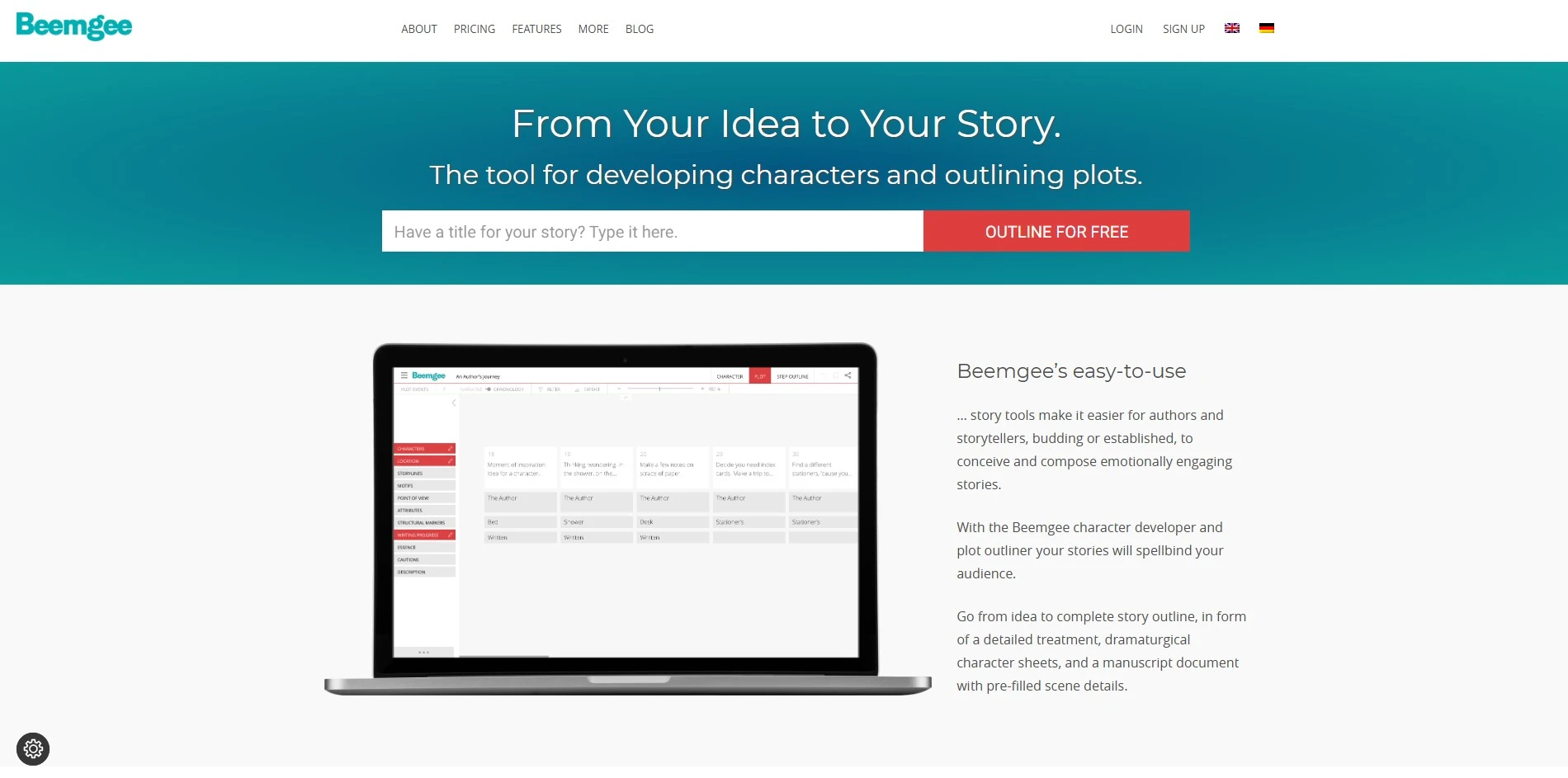
Beemgee is a German-built story development tool focused on plotting and character work rather than prose generation. It lets writers assign narrative attributes like motifs, story beats, and Hero’s Journey stages to individual plot events, producing a clear visual outline of the entire story arc.
Its low annual cost makes it accessible for hobbyists and professionals alike, and the GDPR-compliant, privacy-first approach appeals to European writers especially. However, it does not generate prose itself, so it works best as a planning companion alongside a separate drafting tool.
Pros
- Very low annual cost for premium access
- Strong visual plotting and character tools
- GDPR-compliant, privacy-conscious design
Cons
- No AI text generation for drafting scenes
- Best used alongside another writing app
- Smaller user community than major rivals
6. Mugafi

Free access to core writing tools via VED
Mugafi is an India-based AI writing platform built around VED, described as functioning like “Canva for writing,” designed to help writers generate stories, research plot elements, and refine dialogue. The platform also runs writing contests and connects promising scripts with production houses, adding a career angle that few competitors offer.
Because pricing isn’t standardized into simple monthly tiers, cost can vary significantly depending on which modules or mentorship programs a writer selects. This makes Mugafi a strong fit for writers in India, the Middle East, and Southeast Asia looking for industry connections, but less predictable for budget planning than subscription-based tools.
Pros
- Free core AI writing assistant (VED)
- Contests and production house connections
- Strong presence in South Asian markets
Cons
- No transparent flat-rate pricing tiers
- Less established outside its core regions
- Enterprise costs require direct inquiry
7. WriterDuet
Free plan available; paid tiers offer trials
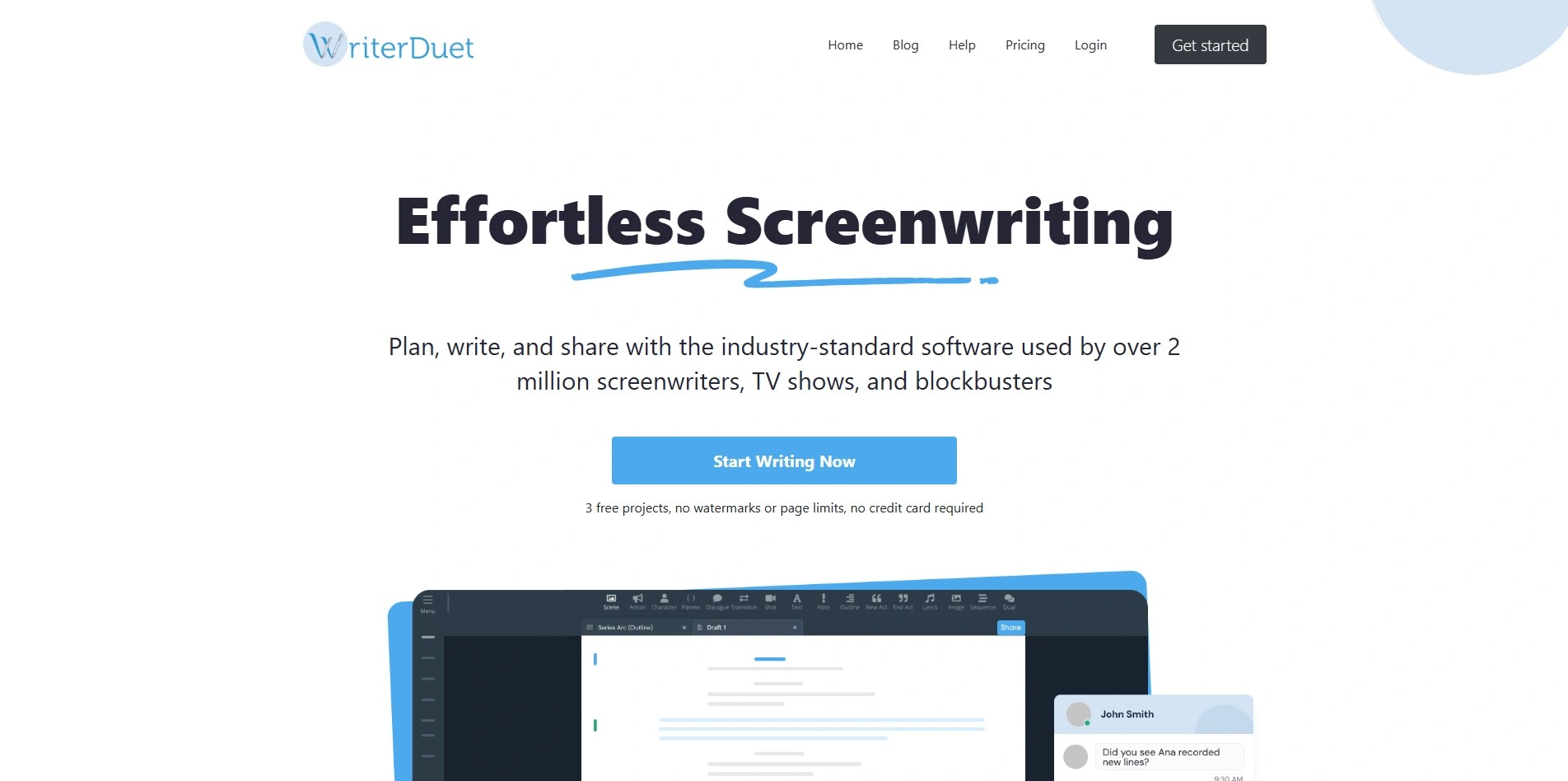
WriterDuet is a cloud-based screenwriting tool built around real-time collaboration, letting multiple writers edit the same script simultaneously with chat and video call features built in. It supports industry-standard formatting, offline desktop access, and syncing across devices, making it a favorite for writing partners and small rooms.
Compared to Final Draft, WriterDuet is considerably cheaper while offering comparable core features, which is why many indie screenwriters switch over. The free plan is capped at three projects, so serious users will likely need to upgrade fairly quickly to unlock unlimited scripts.
Pros
- Real-time collaborative editing and chat
- Much cheaper than Final Draft
- Cross-device sync with offline desktop mode
Cons
- Free plan limited to three projects
- Desktop app can feel clunky at times
- Fewer AI-generation features than newer tools
8. Plottr

Free trial available
Plottr is a visual book-planning tool that lets authors arrange plotlines, scenes, and character arcs across an entire series in one workspace. It ships with more than 30 plot templates and exports directly to Microsoft Word or Scrivener, which makes moving from outline to draft smoother for novelists.
The Lifetime plan appeals strongly to long-term users who write multiple books, since it avoids recurring subscription costs entirely. That said, Plottr focuses purely on outlining and does not generate prose, so writers still need a separate drafting tool to produce the actual manuscript.
Pros
- Excellent visual series and timeline planning
- One-time Lifetime purchase option
- Exports cleanly to Word and Scrivener
Cons
- No AI text or scene generation
- Pricier than some outlining alternatives
- Best suited to planning, not drafting
9. Vimeo AI Script Writer
Free plan available; AI features include free trial credits
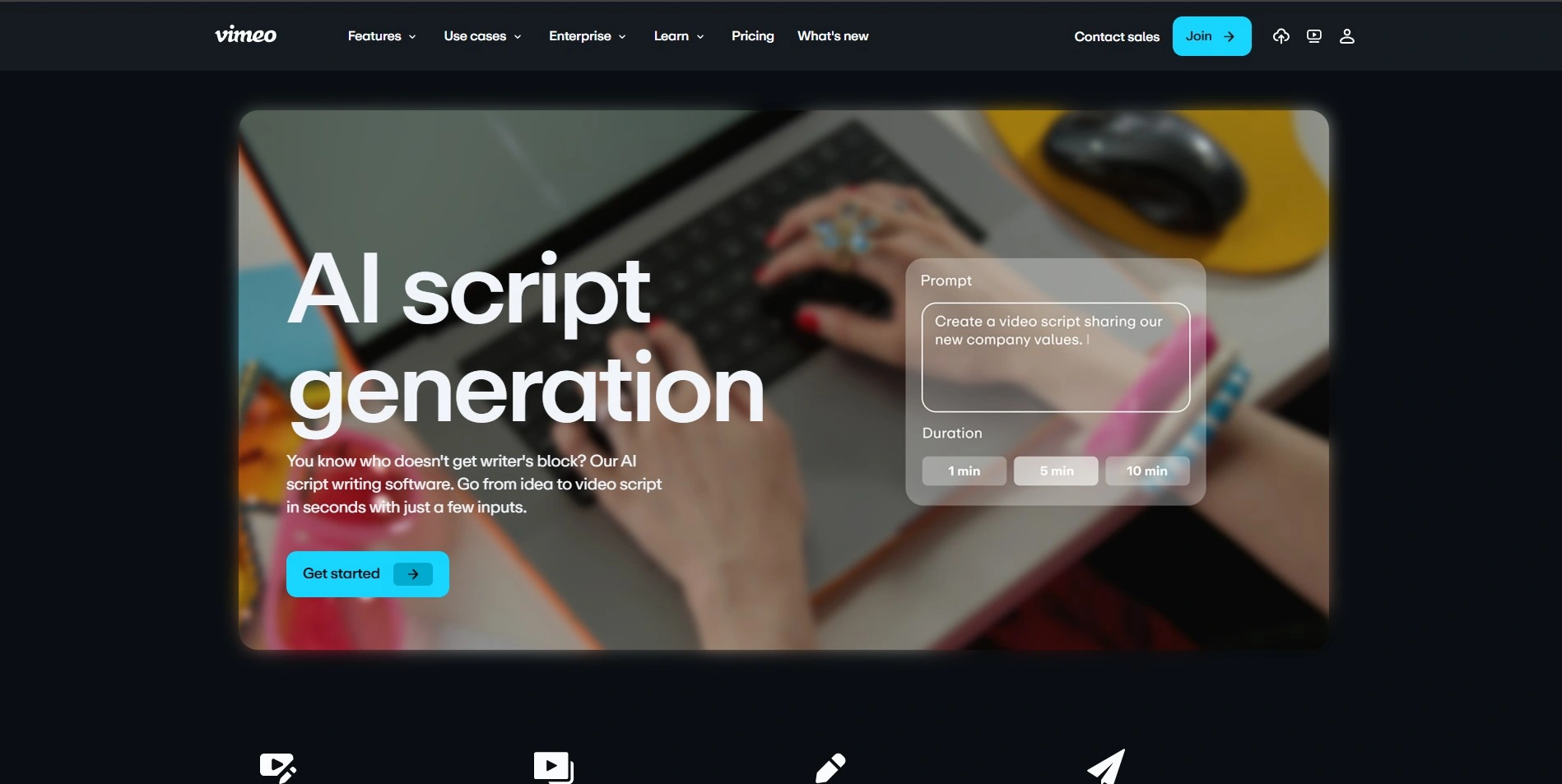
Vimeo’s AI Script Writer is bundled into its broader video hosting and creation suite, generating quick scripts from a short description alongside a teleprompter and text-based video editing tools. It suits marketers, educators, and independent filmmakers who need a script and a finished video in the same ecosystem.
Because scripting is only one feature inside a much larger video platform, writers who only need script generation may find the cost hard to justify. The free plan offers a taste of the AI script generator, but full functionality is locked behind the paid video hosting tiers.
Pros
- Script writing paired with video production tools
- Built-in teleprompter for recording
- Text-based video editing speeds up workflow
Cons
- Costly if you only need script generation
- 2TB monthly bandwidth cap on self-serve plans
- AI credit costs aren’t fully transparent
10. Copy.ai
Free plan and free trial available, no card required
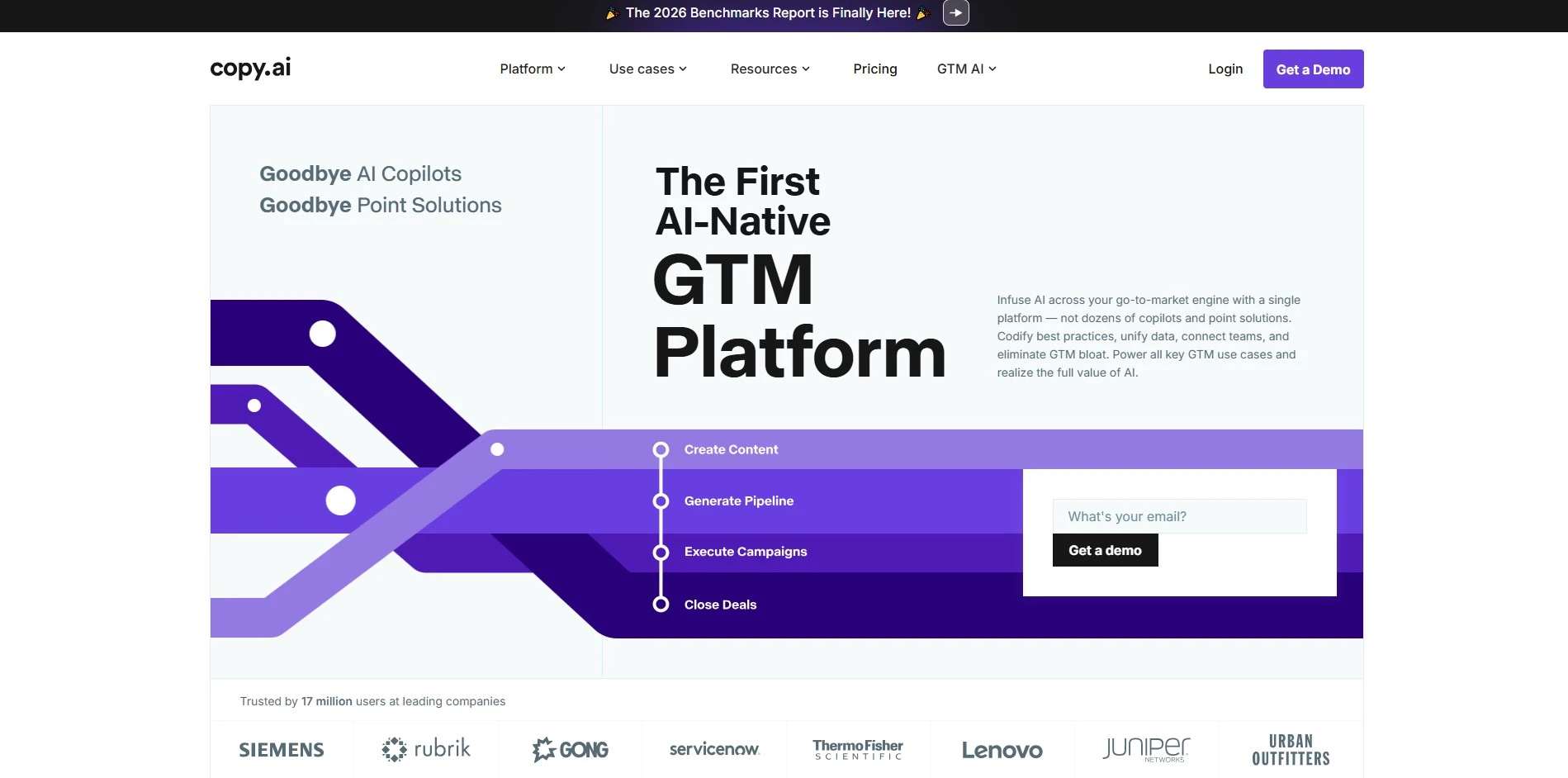
Copy.ai began as a marketing copywriting tool and has since expanded into go-to-market workflow automation, though its 90+ templates and chat assistant remain useful for brainstorming loglines, taglines, and short-form creative content. Writers working on trailers, pitches, or promotional copy for their stories can lean on it for quick drafts.
The pricing gap between the $29 Chat tier and the $1,000 Growth tier is steep, with nothing in between for mid-size teams. For storytelling specifically, Copy.ai is better suited to supplementary marketing copy than full narrative development or manuscript drafting.
Pros
- Free tier requires no credit card
- Fast for taglines, loglines, and marketing copy
- Access to multiple AI models in one platform
Cons
- Steep price jump from $29 to $1,000/month tiers
- Not designed for full-length story drafting
- Missing native brand-voice tools on free tier
11. Sudowrite
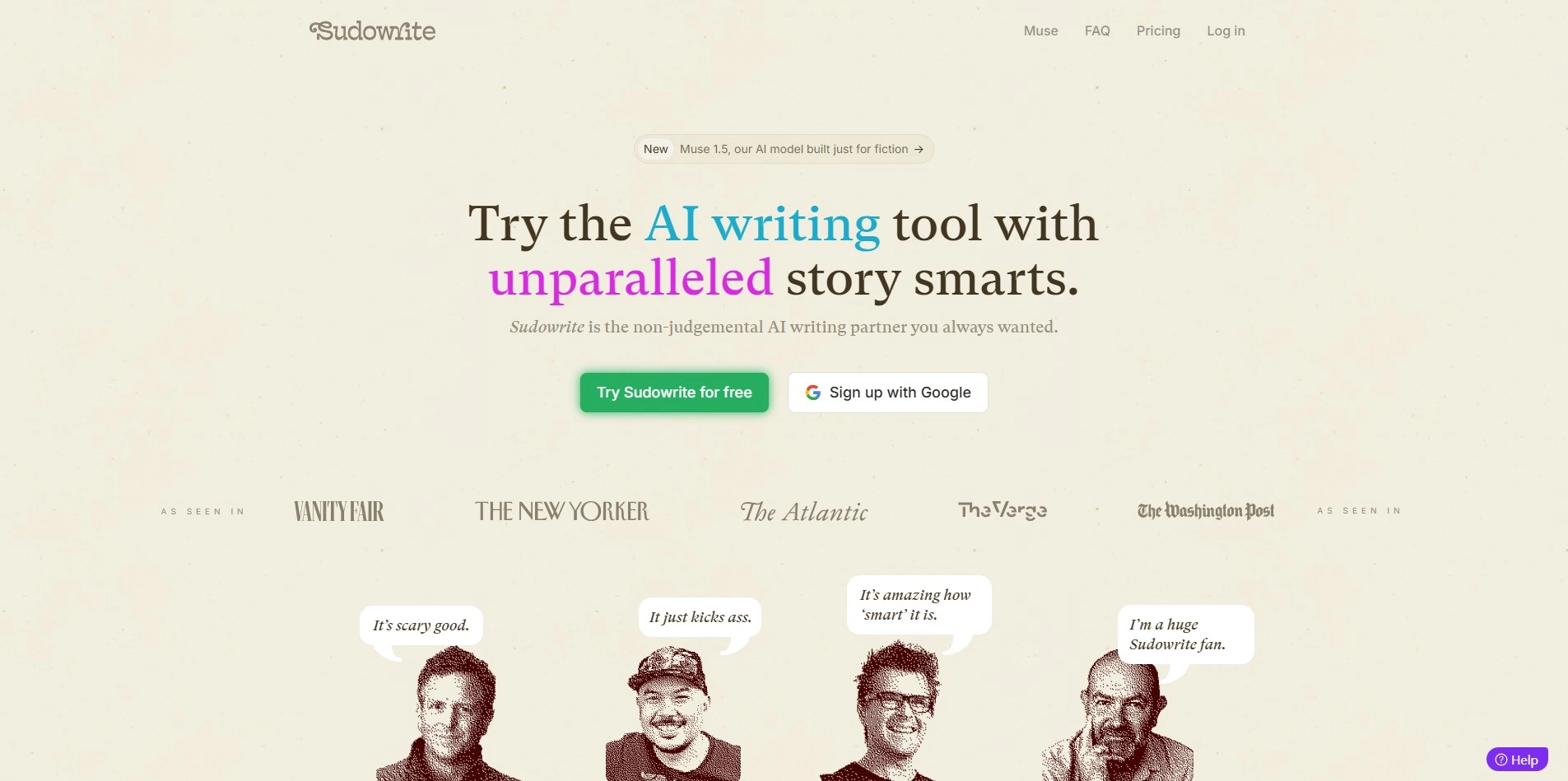
Free trial available on all plans
Sudowrite is purpose-built for fiction writers, offering tools like Brainstorm, Expand, Rewrite, Describe, and Feedback that assist with everything from character creation to full scene generation. All plans include the same feature set, differing only in the monthly AI credit allocation available to the writer.
Because credits vary by feature and AI model rather than a flat word count, heavy users can burn through their allotment faster than expected, especially on the Hobby tier. Still, for novelists specifically seeking AI creative assistance, Sudowrite remains one of the most fiction-focused tools on the market.
Pros
- Purpose-built specifically for fiction writers
- Full feature access on every paid tier
- Strong character and scene-expansion tools
Cons
- Credit system can be confusing to estimate
- Heavy users may exceed Hobby tier quickly
- No permanent free plan, only a trial
12. Storyflow
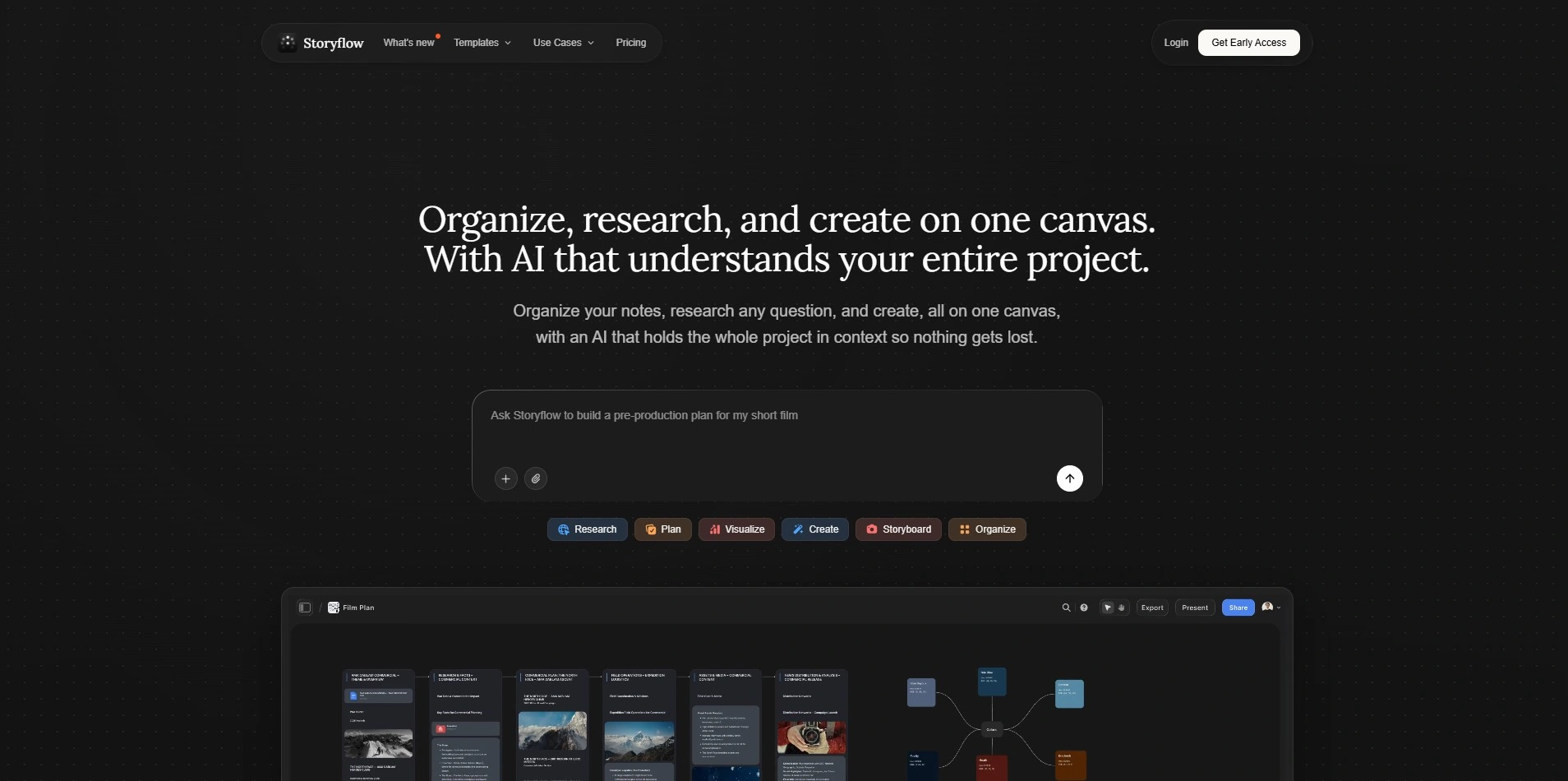
Free forever plan available
Storyflow is a visual AI canvas that lets writers pin scripts, character bibles, mood boards, and story frameworks like the Hero’s Journey onto one connected board, with an AI chat that reads everything currently placed there. This context-aware approach sets it apart from tools where AI only responds to isolated prompts.
The free plan is genuinely usable long-term, with unlimited boards and objects, though AI usage, image generation, and the full framework library are reserved for paid tiers. Writers who want a single connected workspace for planning and pre-production will find real value here, though it lacks dedicated screenplay formatting for final delivery.
Pros
- AI reads full board context, not just prompts
- Generous free-forever plan with no object limits
- Combines script, mood board, and structure in one view
Cons
- No dedicated screenplay formatting output
- Cloud-only, requires an internet connection
- Full AI usage is gated behind paid tiers
Comparison Table
| Alternative | Description |
|---|---|
| Claude | General-purpose AI assistant strong in dialogue, character voice, and long-context narrative reasoning. |
| Studiovity | Affordable web and mobile screenwriting suite with pre-production tools for filmmakers. |
| Squibler | AI-powered writing tool combining a story bible with credit-based AI drafting features. |
| Google Gemini | Google’s AI assistant with a massive context window and deep Workspace integration. |
| Beemgee | German story-development tool focused on visual plotting and character structure, not prose generation. |
| Mugafi | India-based AI writing platform (VED) with contests and production house connections. |
| WriterDuet | Cloud-based collaborative screenwriting software popular with writing partners and small teams. |
| Plottr | Visual book-planning software for organizing plotlines, characters, and series timelines. |
| Vimeo AI Script Writer | Script generator bundled inside Vimeo’s video hosting and creation platform. |
| Copy.ai | Marketing-focused AI writing and workflow platform useful for loglines and promotional copy. |
| Sudowrite | Fiction-focused AI writing tool with brainstorming, expansion, and rewriting features. |
| Storyflow | Visual AI canvas connecting scripts, mood boards, and story frameworks in one context-aware workspace. |
Conclusion
If you need industry-standard screenplay formatting and real-time collaboration, WriterDuet or Studiovity are strong picks. If pure story architecture and visual plotting matter most, Beemgee and Plottr excel without cluttering your workflow with AI prose generation. For writers who want an AI co-writer capable of handling nuanced dialogue and long manuscripts, Claude, Gemini, and Sudowrite each bring distinct strengths.
Before committing to a paid plan, take advantage of the free trials and free tiers listed above. Testing two or three tools against your actual writing habits will reveal far more than any pricing page, and most of these platforms make it easy to start for free and upgrade only once you know exactly what you need.


