

AnyDesk has long been a popular choice for remote desktop access, but it is far from the only option available today. Whether you need lightweight personal remote access, enterprise-grade IT support tools, or open-source flexibility, the market now offers a wide range of alternatives suited to different budgets and use cases. Below, we cover 10 AnyDesk Alternatives, complete with their free trial availability, official pricing plans, and honest pros and cons to help you choose the right fit.
1. Parsec
✔ Free Trial Available (14 days for Teams & Enterprise)
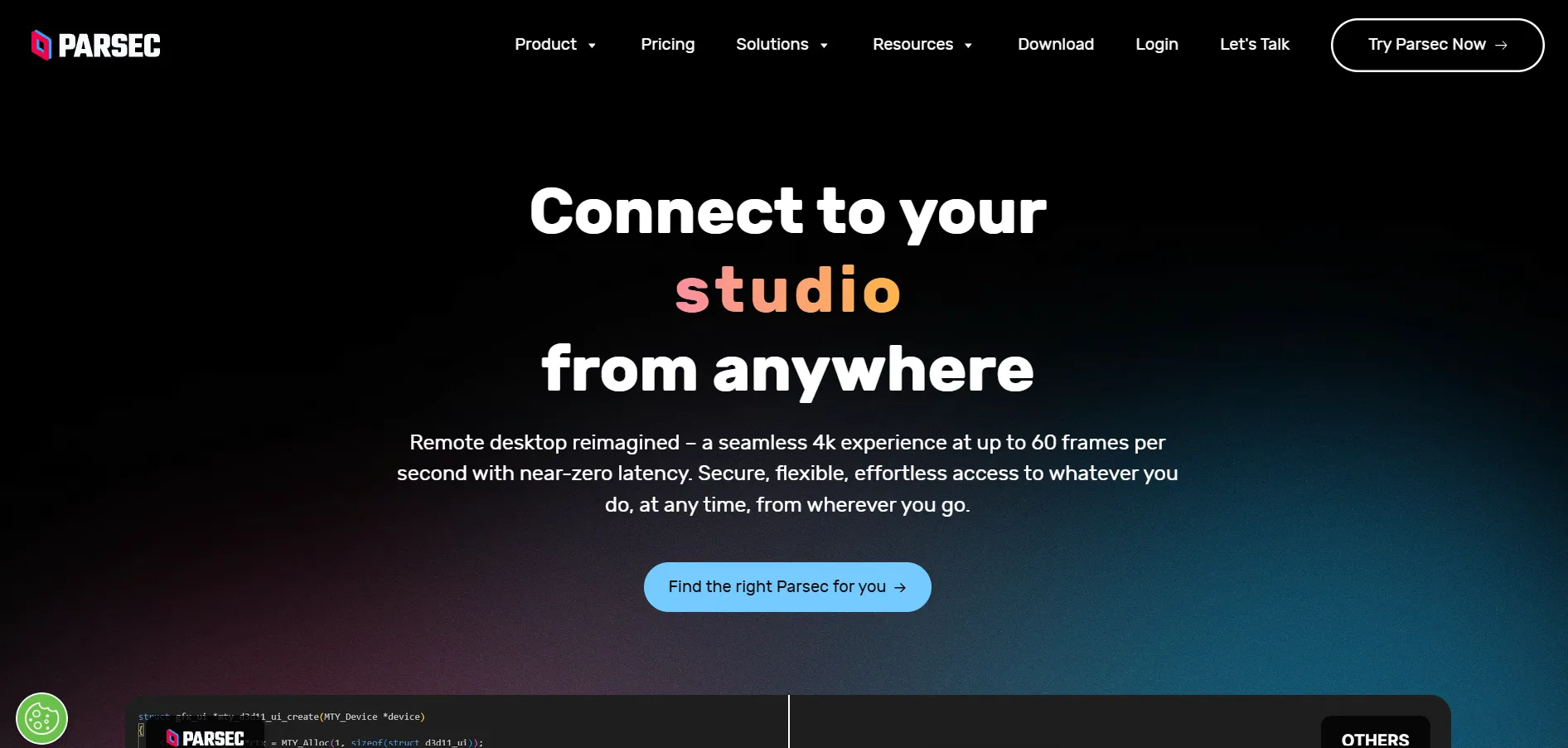
Parsec started as a game-streaming tool but has grown into a genuinely capable low-latency remote desktop platform for creative professionals, developers, and gamers alike. It supports 4K resolution at 60fps, multi-monitor setups, and drawing tablet input, making it especially popular among artists and video editors who need precision and speed.
Beyond entertainment, Parsec is now used for distributed teamwork, letting multiple users join the same session to co-edit projects or watch presentations together. Its peer-to-peer architecture keeps latency low, and mobile apps for iOS and Android extend remote access to handheld devices, making it flexible for both casual and professional users.
Official Pricing Plans (parsec.app):
- Free Personal use, 4K 60fps, low latency
- $9.99/mo Warp — dual screen, drawing tablets, multiple monitors
- $35/mo Teams — team computers, secure connections, collaboration
- Custom Enterprise — SCIM, high-performance relay, role-based permissions
Pros
- Ultra-low latency, great for gaming and design
- Generous free plan for personal use
- Supports 4K streaming and multi-monitor setups
- Mobile apps for iOS and Android
Cons
- Business features locked behind paid tiers
- Less focused on IT support/ticketing needs
- Enterprise pricing requires contacting sales
2. Distant Desktop
✔ Free Plan Available (also fully free trial features)
Distant Desktop is a lightweight, no-installation-required remote access tool designed for simplicity. It works without registration, letting users connect using a unique ID and password, which makes it ideal for quick technical support sessions, online lessons, or ad-hoc administrative access across Windows, Mac, and Android devices.
Security is handled through AES-based protection and SRTP for audio, video, and file transfers. It also includes a demo mode that blocks remote control while still allowing viewing, which is handy for presentations. Multiple simultaneous connections and built-in voice and text chat round out its feature set.
Official Pricing Plans:
- Free Full-featured for personal and business use
- $49.95 Professional — single license (annual)
- $22.90/license Bundle pricing when buying 10+ licenses
Pros
- Free for both personal and commercial use
- No installation or registration required
- Minimalist, easy-to-use interface
- Affordable bulk licensing for teams
Cons
- Fewer advanced enterprise features
- Smaller user base and community support
- Limited third-party integrations
3. BeyondTrust Remote Support
✔ Free Demo Available
BeyondTrust Remote Support (formerly Bomgar) is an enterprise-grade solution built for organizations where security and compliance take priority over simplicity. It offers session forensics, keystroke logging, and privileged access management, meeting standards like HIPAA, PCI DSS, and SOC 2, making it a top choice for healthcare, finance, and government sectors.
The platform supports concurrent licensing, meaning organizations pay for simultaneous sessions rather than per named agent, which can be cost-effective for 24/7 support teams. While the interface is less polished than consumer-friendly tools, its depth in audit trails and credential management is unmatched among mainstream alternatives.
Official Pricing:
- From $2,000+/year Per named technician (custom quote required)
- Custom Enterprise bundles with Password Safe & Privileged Remote Access
Note: Pricing is not publicly published; figures are estimated from third-party sources and vendor quotes.
Pros
- Enterprise-grade security and compliance
- Detailed session recording and audit trails
- Concurrent licensing can reduce per-seat costs
- Strong integrations with ITSM tools
Cons
- Expensive compared to consumer tools
- Pricing is not transparent
- Steeper learning curve for new users
4. ConnectWise ScreenConnect
✔ Free Trial Available (14 days)
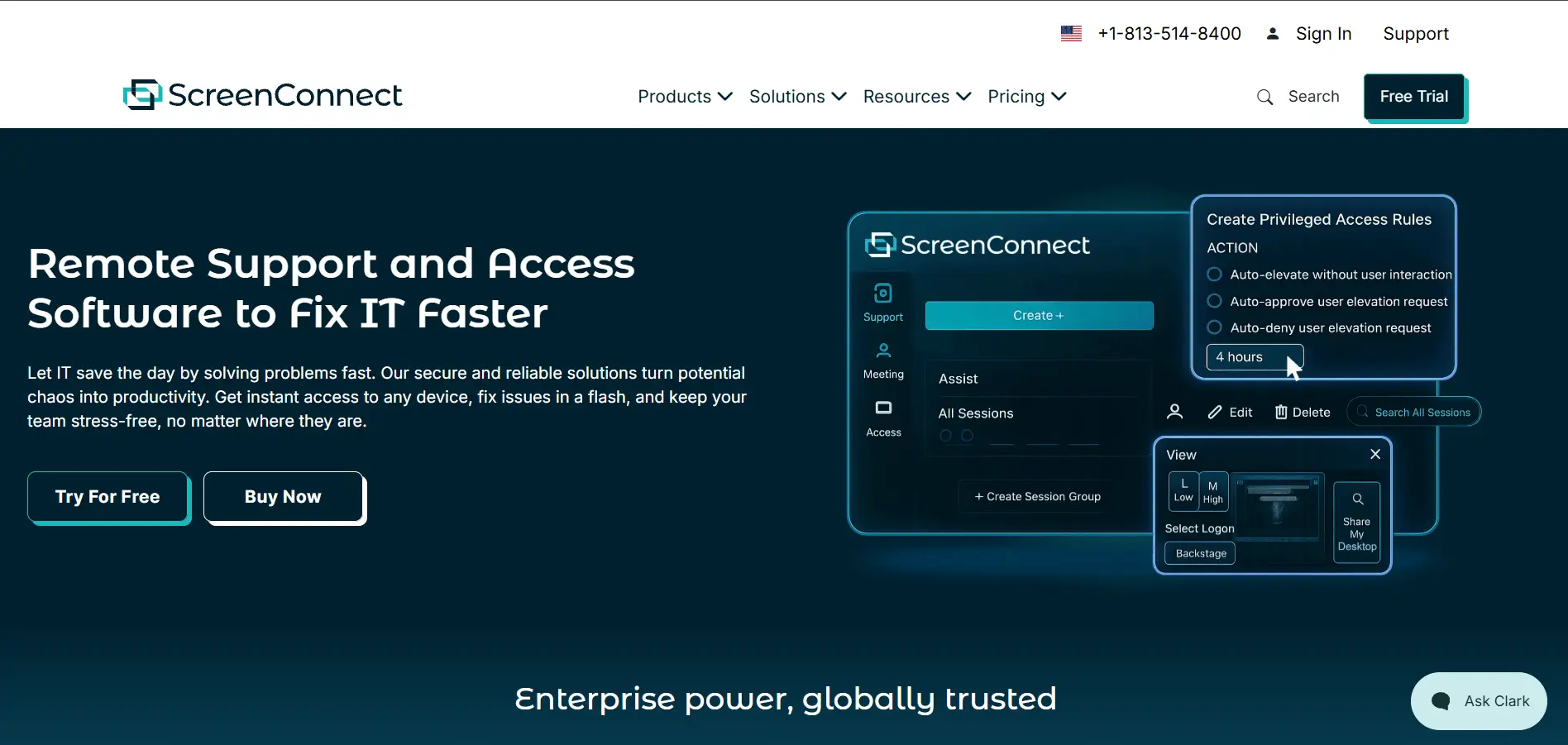
ConnectWise ScreenConnect is a go-to remote support solution for Managed Service Providers (MSPs) who need brandable, self-hosted deployment options. It offers unattended access, a shared toolbox for running admin tools during sessions, and privileged access management so technicians can work without exposing sensitive passwords.
Its on-premises hosting option gives regulated industries full control over data, which is a major reason MSPs choose it over cloud-only competitors. Backstage mode allows technicians to run background tasks invisibly, and detailed access logs help maintain compliance with cyber insurance requirements.
Official Pricing Plans:
- $30/mo One — 1 concurrent session, 10 unattended agents
- $45/mo Standard — 3 sessions, unlimited agents, Backstage mode
- $55/mo Premium — 10 sessions, video auditing, diagnostics
- Custom On-premises — full data sovereignty, SSO
Pros
- Flexible cloud or self-hosted deployment
- Strong branding and customization options
- Backstage mode for silent troubleshooting
- Popular within the MSP ecosystem
Cons
- Pricing increases have frustrated some users
- No permanently free version
- Higher tiers needed for full functionality
5. NinjaOne
✔ Free Trial Available (14 days)
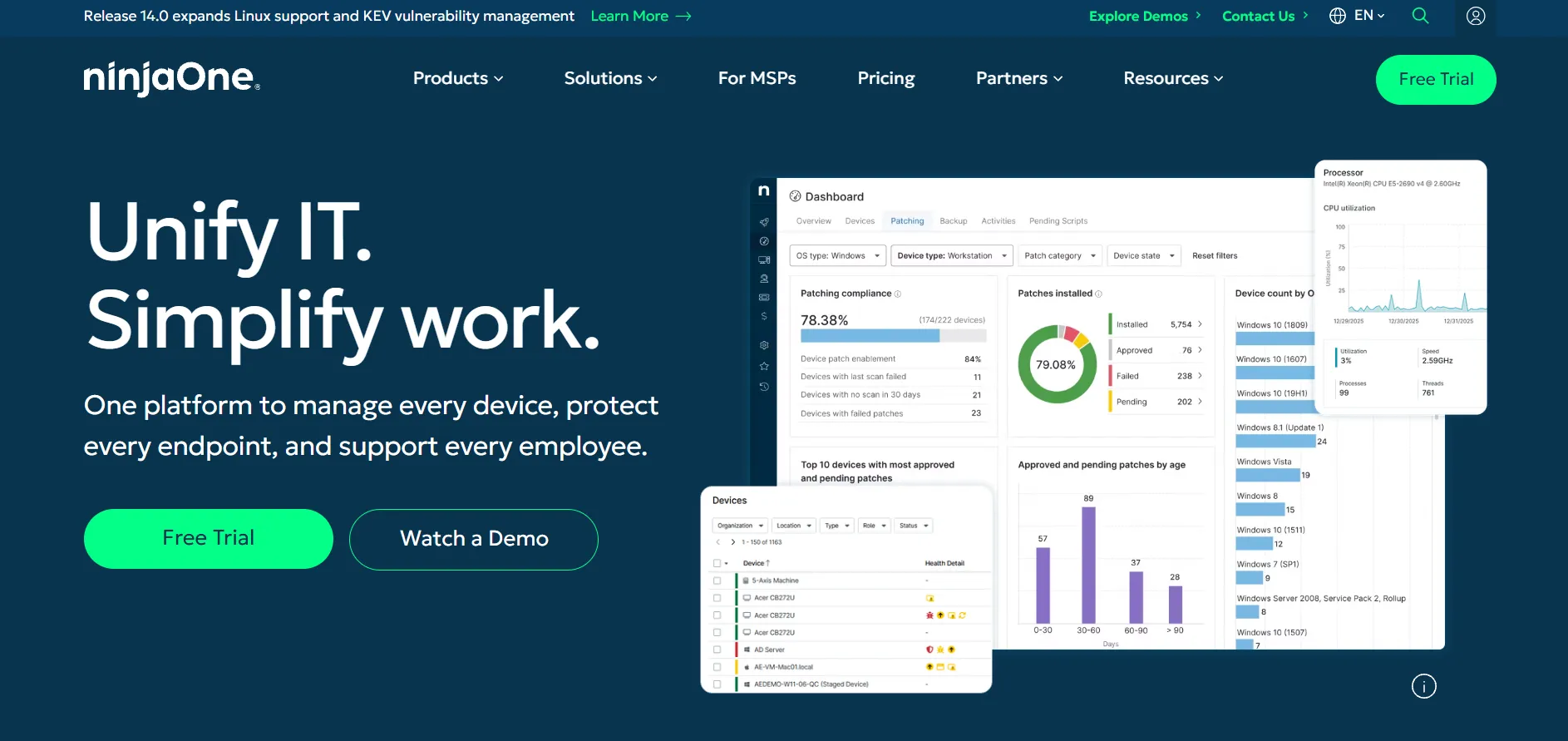
NinjaOne is a unified endpoint management platform that combines remote monitoring, patch management, backup, and remote access into a single cloud console. It’s designed primarily for MSPs and internal IT teams managing large fleets of devices, offering automation to reduce repetitive manual troubleshooting work.
Remote access in NinjaOne is often powered through integrated tools like Splashtop or ScreenConnect depending on the bundle selected. While it excels at scale, smaller shops with fewer endpoints may find the entry cost proportionally higher, since NinjaOne pricing rewards larger, long-term device commitments.
Official Pricing (Quote-Based):
- ~$1.50–$3.75 Per endpoint/month (varies by scale and modules)
- $150–$250/mo Typical minimum for smaller deployments
- Custom Volume discounts for 500+ endpoints
Note: NinjaOne does not publish fixed list pricing; quotes vary by endpoint count and modules.
Pros
- All-in-one RMM, patching, and backup platform
- Strong automation capabilities
- Scales well for large MSPs
- Implementation and onboarding included
Cons
- No published pricing; requires sales contact
- Can be expensive for small teams under 100 devices
- Add-on modules increase total cost quickly
6. Pulseway
✔ Free Trial Available
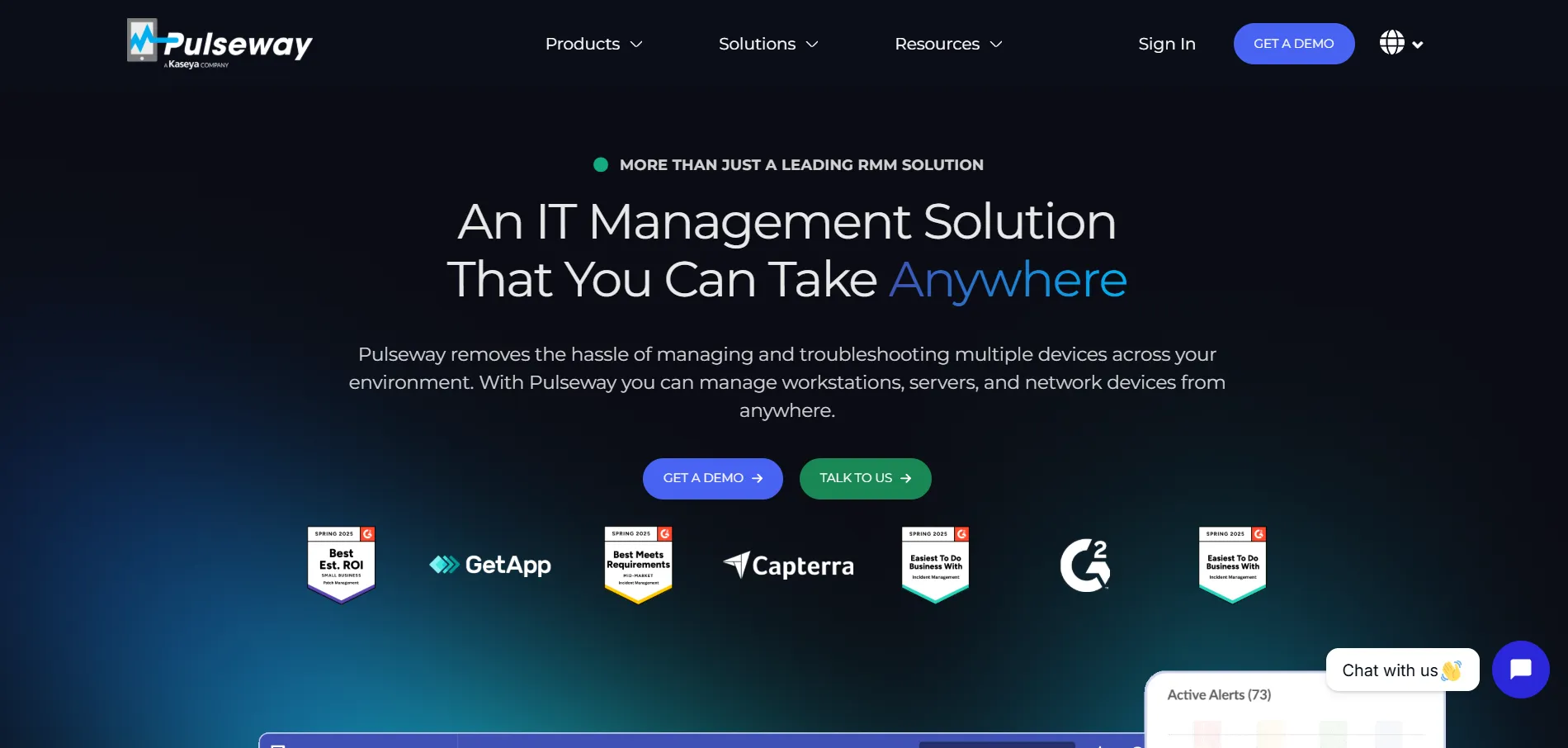
Pulseway is an IT management and RMM platform built with a strong mobile-first philosophy, allowing technicians to monitor and remediate issues directly from a smartphone app. It combines real-time monitoring, remote control, patch management, and automation, making it a solid fit for IT teams that need to respond quickly while away from their desks.
The platform supports both on-premise and SaaS deployment, giving businesses flexibility in how they manage infrastructure. While reviews praise its mobile app and automation depth, some users note that pricing can climb once add-ons like antivirus and backup are included.
Official Pricing (pulseway.com):
- From $1.85/device/mo RMM plan (billed annually)
- ~$22/device Alternate published starting rate on some listings
- Custom Enterprise plan with advanced modules
Pros
- Excellent mobile app for on-the-go IT management
- Strong automation and real-time alerts
- Flexible on-premise or cloud deployment
- No long-term contracts required
Cons
- Add-ons can raise costs significantly
- Some users report inconsistent antivirus detection
- Pricing not always clearly listed upfront
7. LogMeIn Pro
✔ Free Trial Available
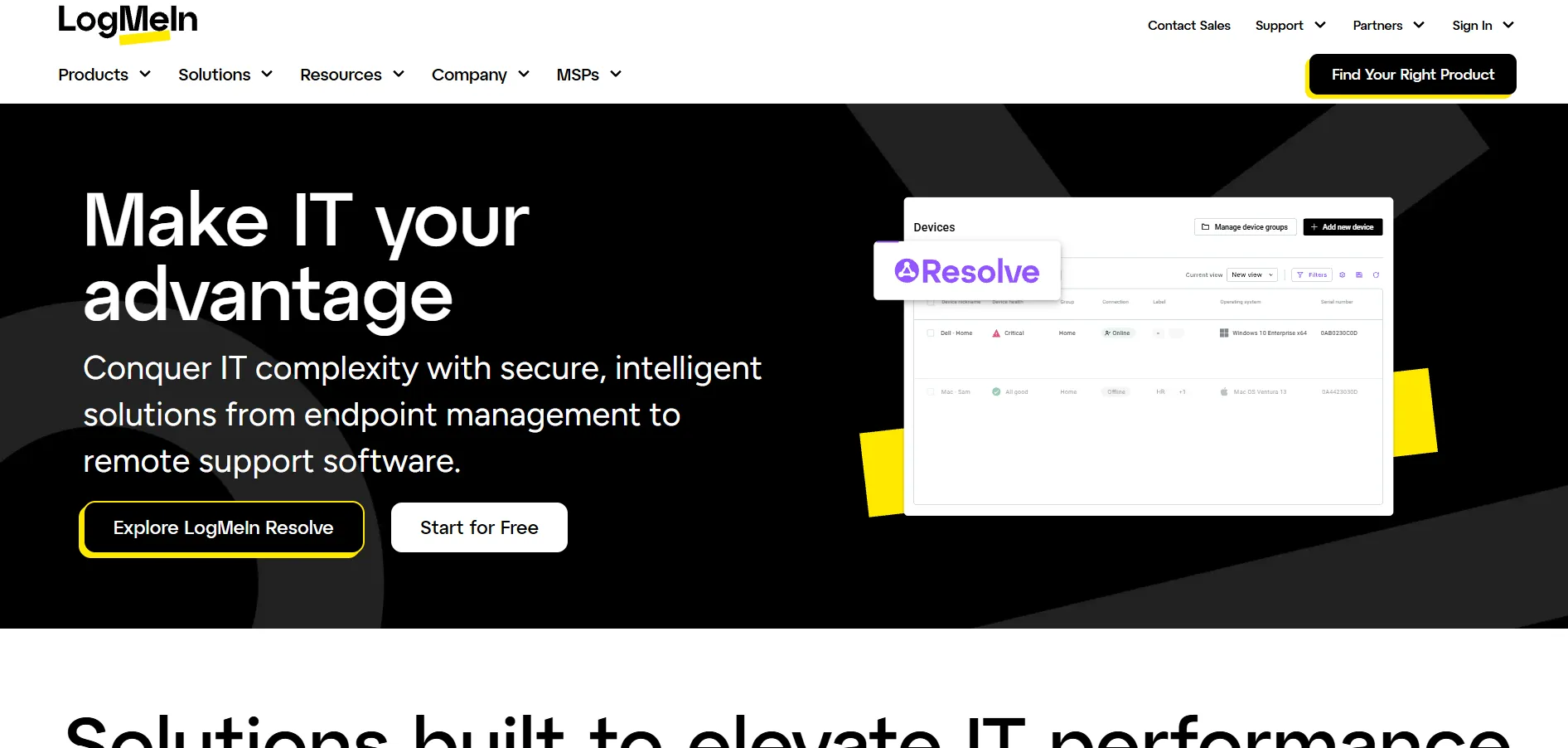
LogMeIn Pro, now under the GoTo brand, is a premium remote access tool aimed at individuals and small businesses needing dependable daily access to multiple computers. It bundles in 1TB of cloud storage, remote printing, multi-monitor display support, and a free LastPass Premium license, positioning itself as an all-in-one productivity package rather than a bare-bones remote tool.
Its biggest draw is reliability and polish, but that comes at a premium price compared to lighter alternatives. Reviewers frequently mention steep renewal price increases, so it’s worth monitoring your billing cycle closely if reliability and integrated storage matter more to you than cost.
Official Pricing Plans:
- $30/mo Individuals — 2 computers, 1TB storage, LastPass Premium
- $70/mo Power Users — 5 computers, priority support
- $129/mo Small Businesses — 10 computers, admin dashboard
Pros
- Bundled 1TB storage and LastPass Premium
- Reliable performance and remote printing
- Simple, unlimited-user licensing model
- Strong brand reputation via GoTo
Cons
- Notably more expensive than most alternatives
- Users report steep renewal price hikes
- Billed annually only in most cases
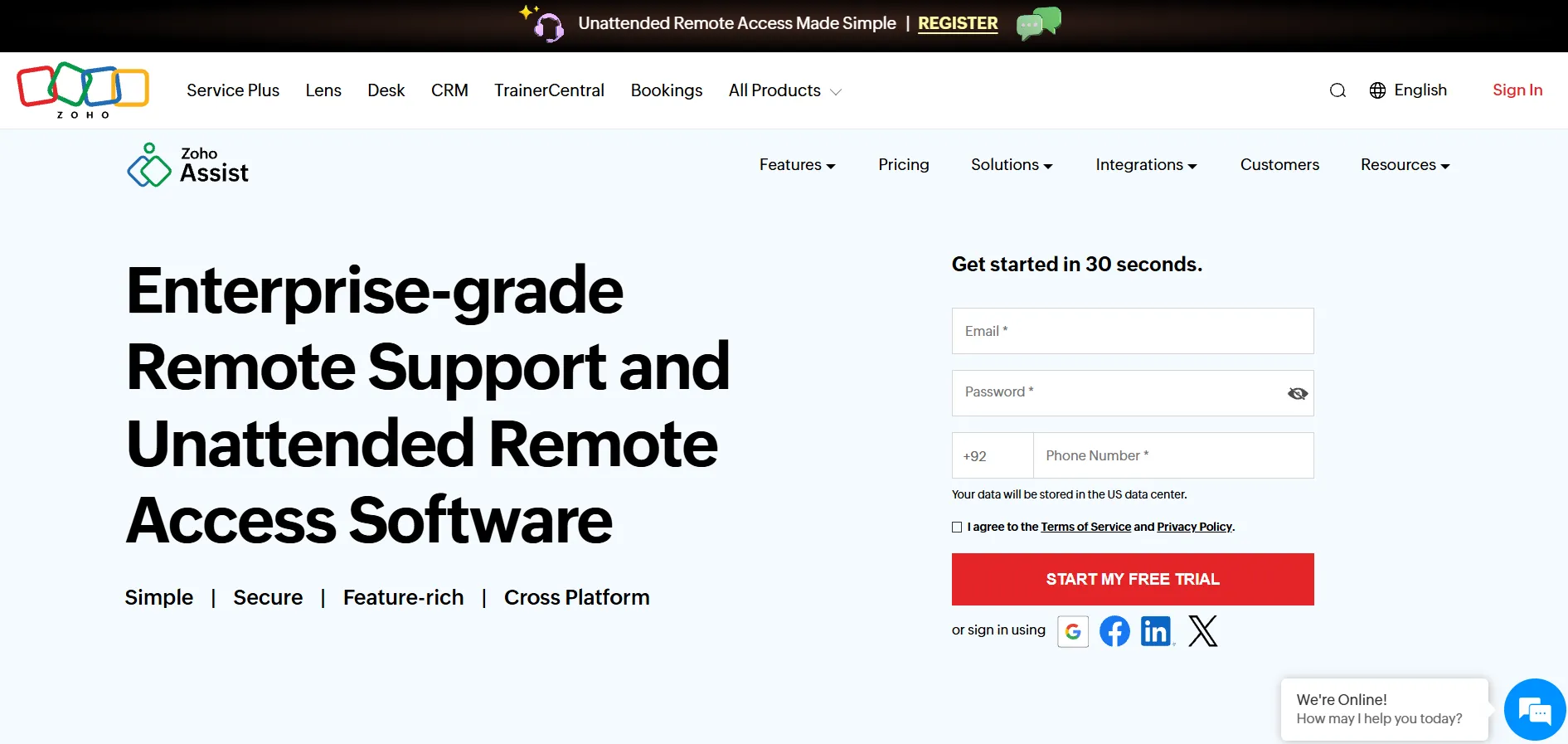
8. Zoho Assist
✔ Free Plan & Free Trial Available (14 days)
Zoho Assist is a cost-effective, web-based remote support and access tool that integrates naturally with the broader Zoho ecosystem, including Zoho Desk and Zoho CRM. It supports file transfers up to 100GB, unattended access, and cross-platform compatibility across Windows, Mac, Android, and iOS, making it a versatile pick for support teams and freelancers alike.
Users consistently highlight its budget-friendly pricing relative to competitors offering similar features. While the free plan is limited, the paid tiers unlock unattended access, session recording, and advanced reporting at price points that remain lower than most enterprise-focused alternatives.
Official Pricing Plans (zoho.com/assist):
- Free Basic remote support features
- $10/technician/mo Standard — 25 unattended computers
- $15/technician/mo Professional — 50 unattended computers, recording
- $24/technician/mo Enterprise — unlimited unattended access, audit logs
Pros
- Affordable pricing across all tiers
- Strong integration with Zoho apps
- Free plan available for light use
- Cross-platform, browser-based access
Cons
- Advanced features require higher-tier plans
- Occasional connection lag reported
- Licensing between plans can be confusing
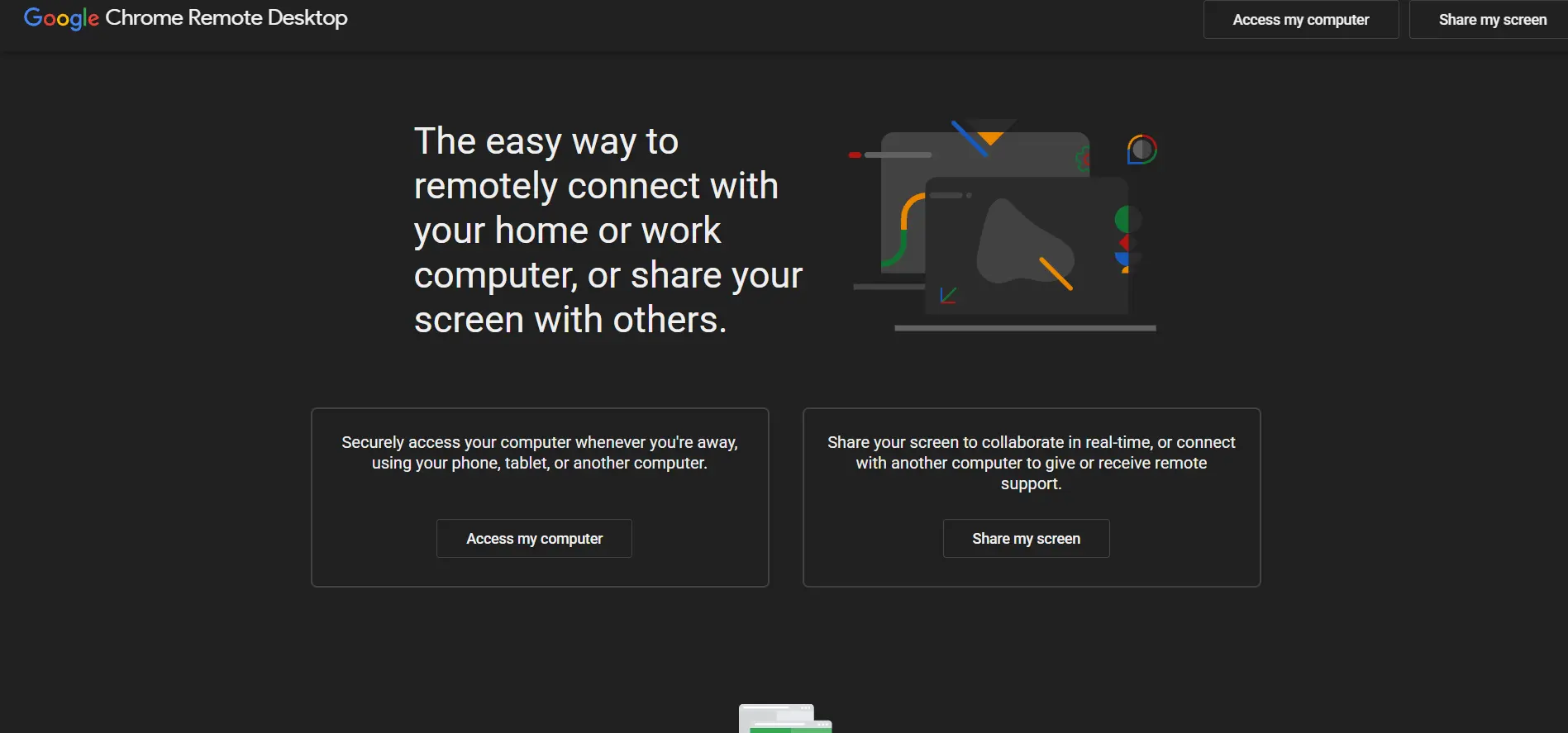
9. Chrome Remote Desktop
✔ Completely Free — No Trial Needed
Chrome Remote Desktop is Google’s free, browser-based remote access tool that lets users connect to another computer directly through the Chrome browser or a simple app, with no licensing fees involved. It’s a favorite for personal use, quick file access, or casual remote troubleshooting for friends and family, thanks to its minimal setup process.
Because it runs on Google’s infrastructure and requires only a Google account, it’s remarkably easy to deploy across Windows, Mac, Linux, and Chromebooks. It lacks advanced business features like session recording or multi-user administration, but for individuals or very small teams, its simplicity and zero cost are hard to beat.
Official Pricing:
- $0 Completely free for personal and basic business use
Pros
- 100% free with no hidden costs
- Extremely easy setup via Chrome/Google account
- Cross-platform support
- Backed by Google’s reliable infrastructure
Cons
- No advanced admin or reporting features
- Not ideal for large IT teams
- Requires a Google account to use
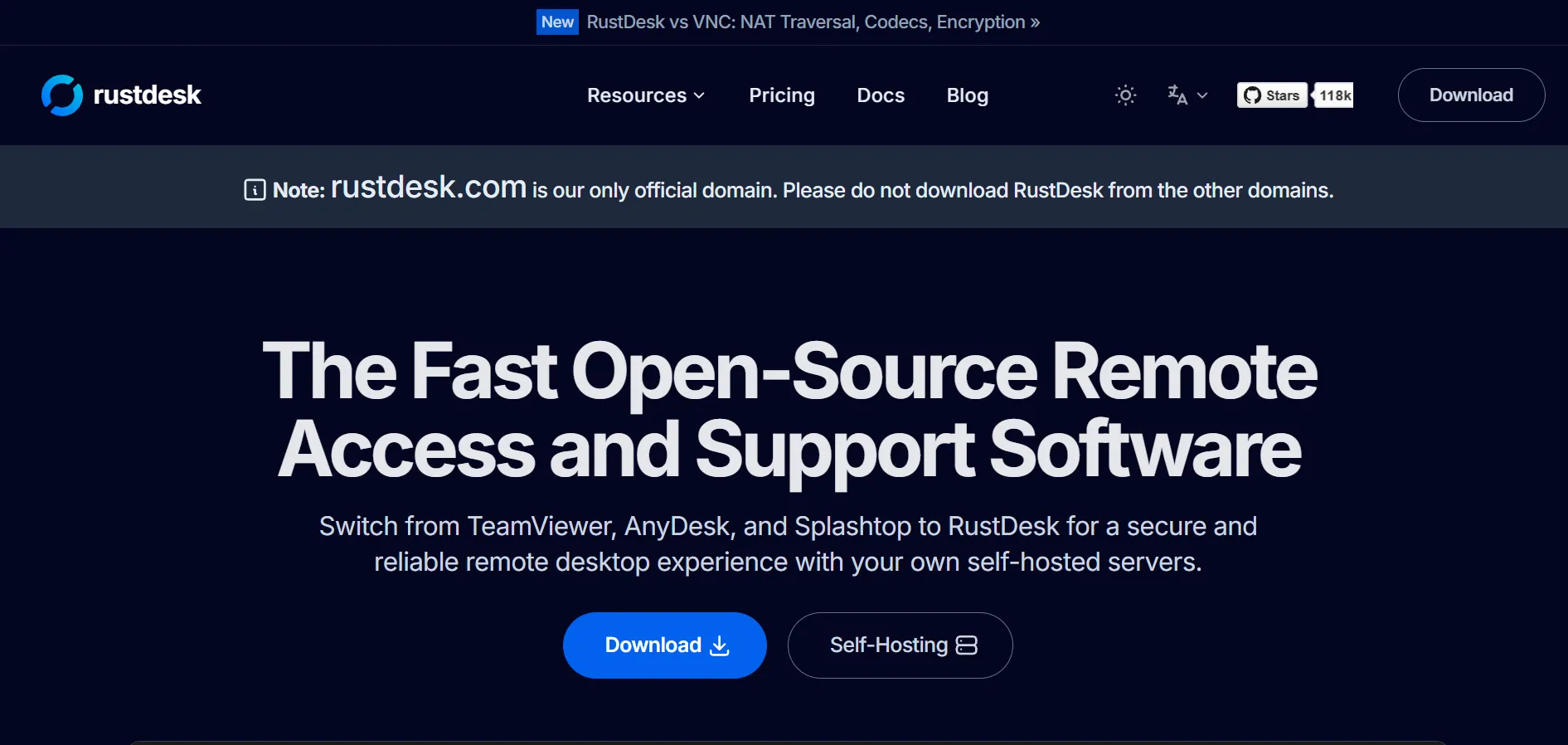
10. RustDesk
✔ Free Open-Source Version Available
RustDesk is an open-source, self-hosted remote desktop tool that has gained popularity as a transparent, privacy-focused alternative to proprietary tools. Because it’s open source under AGPLv3, organizations can host their own relay and ID server, keeping full control over their data instead of routing sessions through a third-party company’s infrastructure.
The free community version covers core functionality, while RustDesk Server Pro adds a management console, device groups, 2FA, and permission controls for businesses needing more structure. This makes RustDesk especially attractive to privacy-conscious IT teams willing to manage their own hosting in exchange for lower long-term licensing costs.
Official Pricing Plans (rustdesk.com/pricing):
- Free Open-source self-hosted server, unlimited devices
- $9.90/mo Individual Pro — 1 user, 20 devices, web console, 2FA
- $19.90/mo Basic Pro — 10 users, 100 devices, OIDC/LDAP support
- Custom Customized — 100+ devices, scales per user/device
Pros
- Free, open-source, and fully self-hostable
- Full data ownership and privacy control
- Affordable Pro tiers compared to commercial tools
- End-to-end encryption using NaCl
Cons
- Requires technical skill to self-host and maintain
- No official vendor support for the free tier
- Compliance and uptime responsibility falls on you
Comparison Table
| Alternative | Description |
|---|---|
| Parsec | Low-latency remote desktop ideal for gaming, design, and creative collaboration, with a solid free personal plan. |
| Distant Desktop | Lightweight, installation-free remote access tool suited for quick support sessions and online lessons. |
| BeyondTrust Remote Support | Enterprise-grade, compliance-focused remote support platform for regulated industries like healthcare and finance. |
| ConnectWise ScreenConnect | MSP-favorite remote support tool with flexible cloud or self-hosted deployment and strong branding options. |
| NinjaOne | All-in-one endpoint management platform combining RMM, patching, backup, and remote access for IT teams. |
| Pulseway | Mobile-first IT management and RMM tool that lets technicians monitor and fix issues from a smartphone. |
| LogMeIn Pro | Premium remote access tool bundled with cloud storage and LastPass, best for reliability-focused users. |
| Zoho Assist | Affordable, web-based remote support tool that integrates well with the Zoho software ecosystem. |
| Chrome Remote Desktop | Google’s completely free, browser-based remote access tool ideal for personal and casual use. |
| RustDesk | Open-source, self-hosted remote desktop solution offering full data control at a low cost. |
Conclusion
Choosing the right AnyDesk alternative ultimately depends on your specific needs and budget. Gamers and creatives may prefer Parsec’s low latency, while MSPs and enterprises will likely lean toward ConnectWise ScreenConnect, NinjaOne, or BeyondTrust Remote Support for their compliance and management depth. Budget-conscious users and small teams can find excellent value in Zoho Assist, Distant Desktop, or the completely free Chrome Remote Desktop, while privacy-focused organizations may prefer RustDesk’s open-source, self-hosted model. Whatever your priority cost, security, mobility, or simplicity this list offers a reliable starting point for finding the remote desktop tool that fits your workflow best.


