

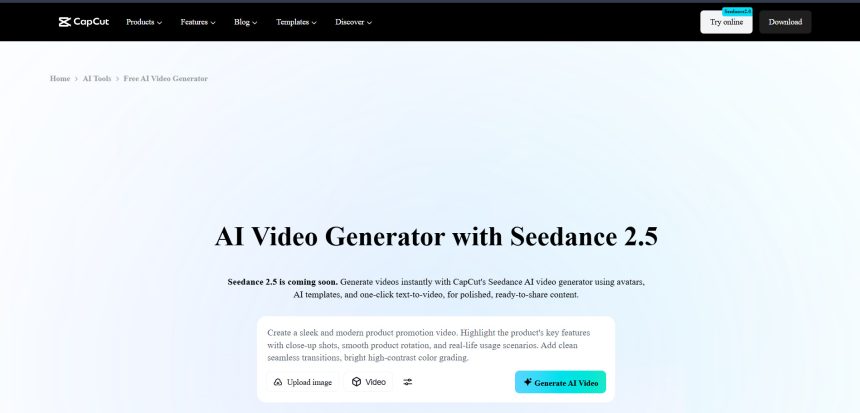
CapCut has long been a go-to AI video editor for creators, but it isn’t the only option anymore. As AI video generation and editing technology has advanced rapidly, a new wave of tools has emerged, each specializing in different strengths, from cinematic text-to-video generation to talking-avatar creation, blog-to-video automation, and agentic editing workflows. In this article, we break down 12 of the best CapCut AI Alternatives available right now. For each tool, we cover their free trial availability, current pricing plans pulled from their official websites, and a balanced look at pros and cons so you can pick the platform that best matches your workflow, budget, and creative goals.
1. Lumen5
No Free Trial (Free Plan Available)
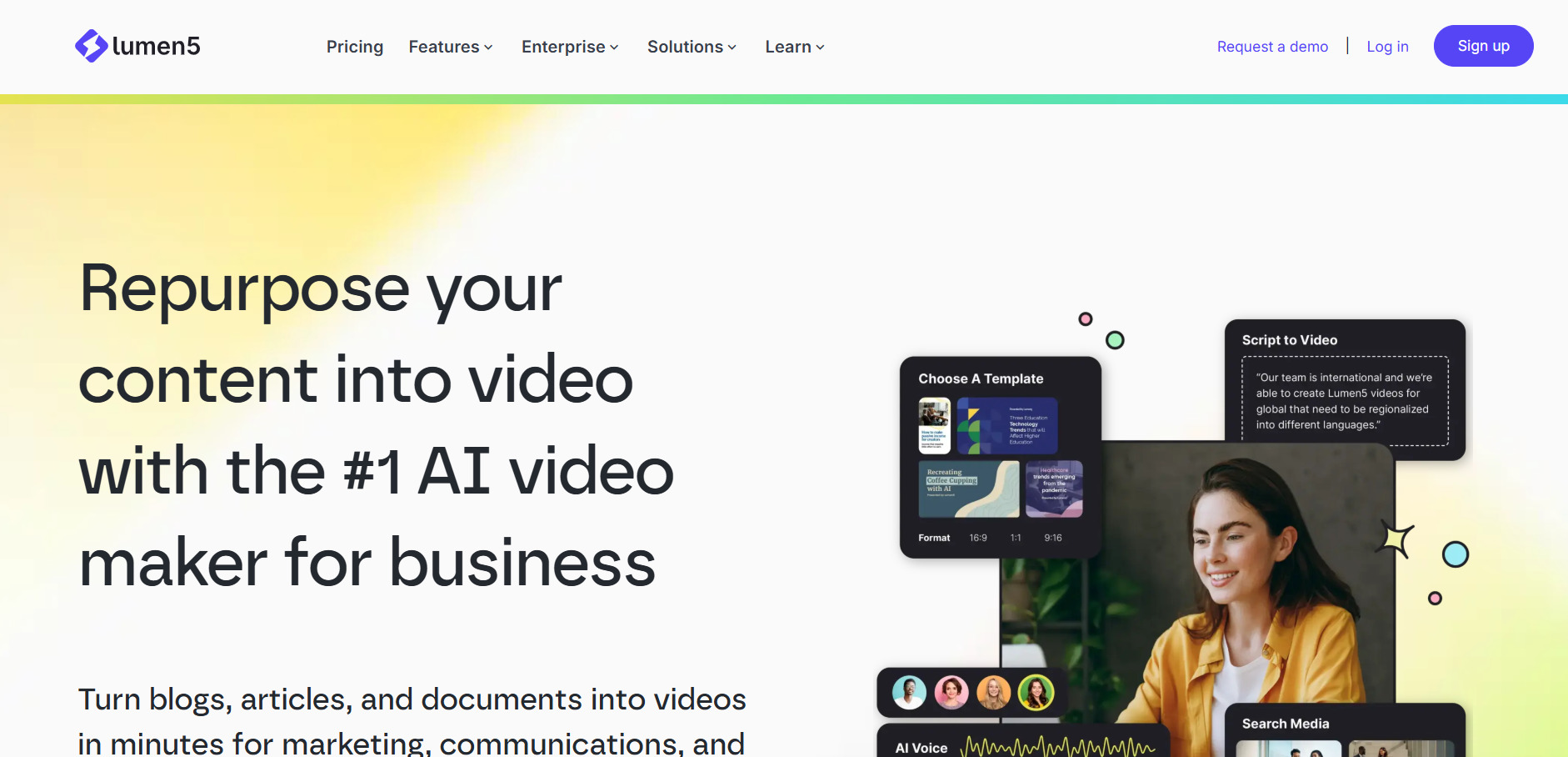
Lumen5 does not offer a traditional free trial, but it does provide a free “Community” plan that allows up to five videos per month with watermarked, 720p exports. This makes it easy to test the platform’s blog-to-video workflow before committing financially. Paid plans unlock higher resolution, larger stock libraries, and AI voiceovers.
Lumen5 is best known for transforming blog posts, articles, and scripts into branded videos using AI-powered scene matching and a drag-and-drop editor. It’s particularly popular among content marketers who want to repurpose written content into social-friendly videos without needing any video editing background or technical skills.
While it saves significant time on video structure and text extraction, its AI visual matching isn’t always accurate, often selecting stock clips that only loosely relate to the topic. Users typically need to manually replace a portion of automatically chosen visuals. Still, its speed and simplicity make it a solid entry point for teams focused on volume content production.
Pros
- Fast blog-to-video conversion
- Huge royalty-free stock media library
- Simple drag-and-drop interface
- Good for non-technical marketing teams
Cons
- No free trial, only a limited free plan
- AI visual matching often needs manual correction
- 1080p locked behind higher-tier plans
- Limited advanced editing controls
2. Luma Ray3
Free Trial Credits Available
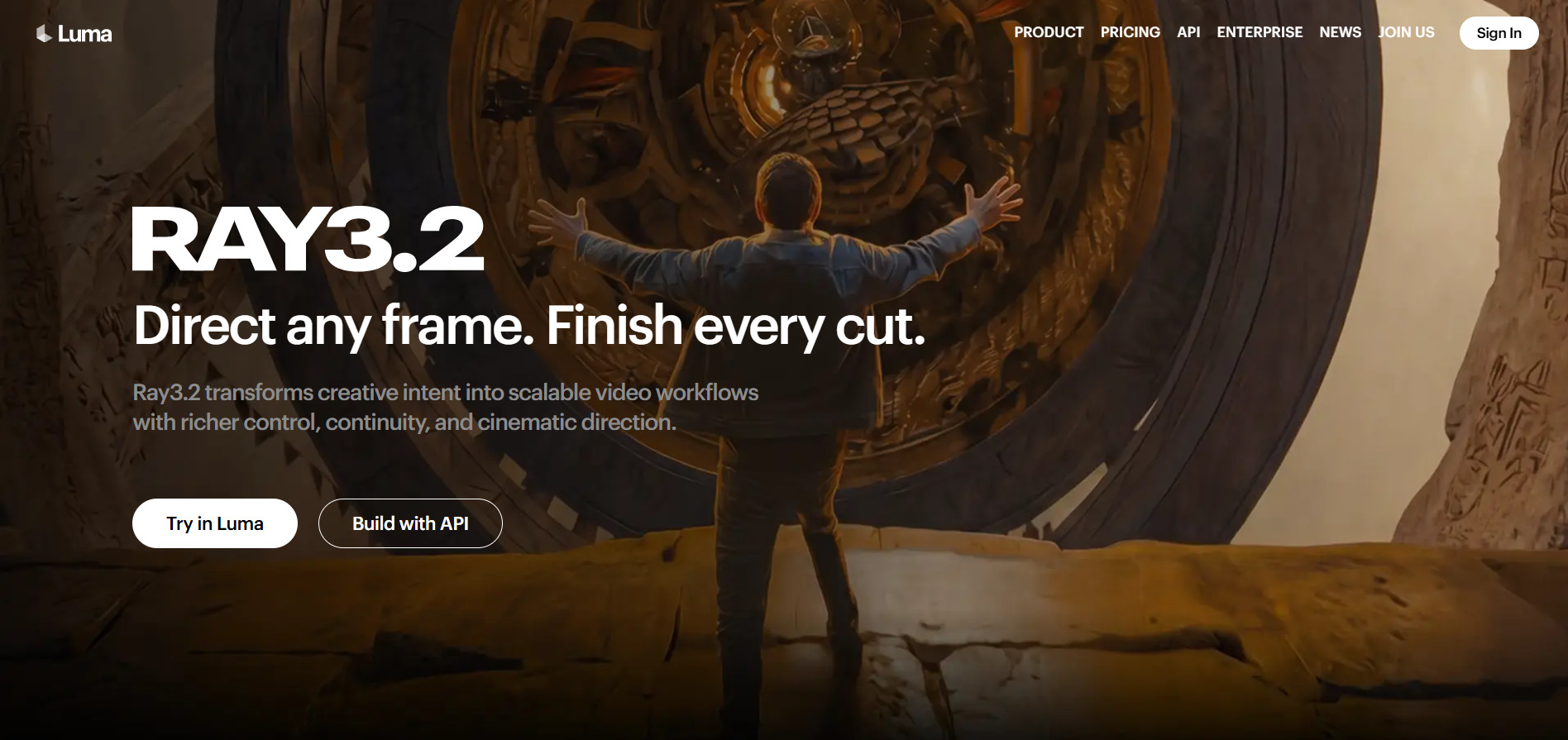
Luma Ray3 offers free trial credits on sign-up so new users can test its Ray3 video generation model before subscribing. This allows creators to explore text-to-video and image-to-video workflows, along with keyframe control features, without upfront payment. Paid plans are structured around a Luma Agents credit system rather than flat per-video pricing.
Luma’s Ray3 model is aimed at filmmakers and creative professionals who need cinematic-grade video generation with strong continuity and character consistency. Its Ray3 Modify feature allows real footage to direct AI-generated scenes through keyframes, making it a hybrid tool between traditional filmmaking and generative AI.
The credit-based Luma Agents system can make budgeting tricky, especially since HDR and higher-resolution exports consume credits much faster than standard draft mode. For casual users, the entry-level Plus plan may feel limiting, but for professionals producing cinematic content regularly, Pro or Ultra deliver strong per-credit value.
Pros
- Cinematic-quality video generation
- Keyframe and character-reference controls
- Commercial usage rights included
- Free trial credits to test before buying
Cons
- Credit system can be confusing to budget around
- Higher resolutions burn credits quickly
- Entry plan starts relatively expensive at $30/month
- No permanent free tier for ongoing use
3. Pictory AI
Free Trial Available (3 Projects)
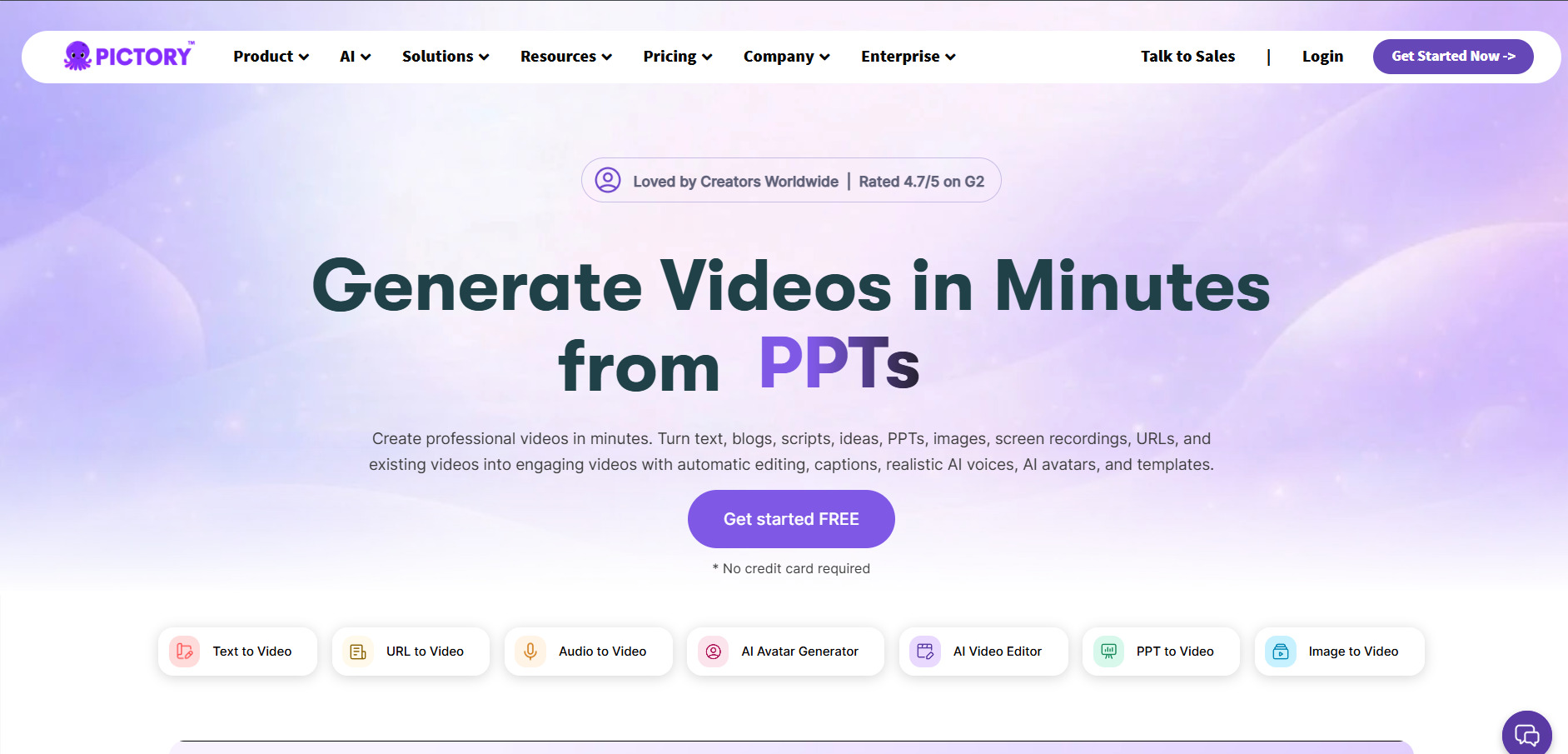
Pictory AI offers a free trial that lets new users create a limited number of full projects, typically around three, with watermarked exports, before requiring a subscription. This gives creators a hands-on feel for its script-to-video and blog-to-video automation before paying. There is no permanent free plan, so budgeting for a paid tier from the start is recommended.
Pictory converts scripts, articles, and long-form content into short, shareable videos using AI voiceovers, automatic captions, and a large stock media library exceeding 3 million clips. It’s a favorite among YouTubers, educators, and marketing teams who need to batch-produce video content efficiently without deep editing skills.
Unlike some competitors, Pictory relies entirely on stock footage rather than AI-generated scenes, so it isn’t suited for creators wanting unique visuals. The Starter tier is also capped at a limited number of videos per month, which can feel restrictive for high-output creators, pushing many users toward the pricier Professional plan.
Pros
- Affordable entry-level pricing
- Realistic AI voiceovers via ElevenLabs
- Handles long-form content well
- Auto-generated captions and branding tools
Cons
- No AI-generated video scenes, stock only
- Free trial limited to just a few projects
- Video-per-month caps on lower tiers
- Storage overage policy is unclear
4. Vidu Q3
Free Credits on Sign-Up
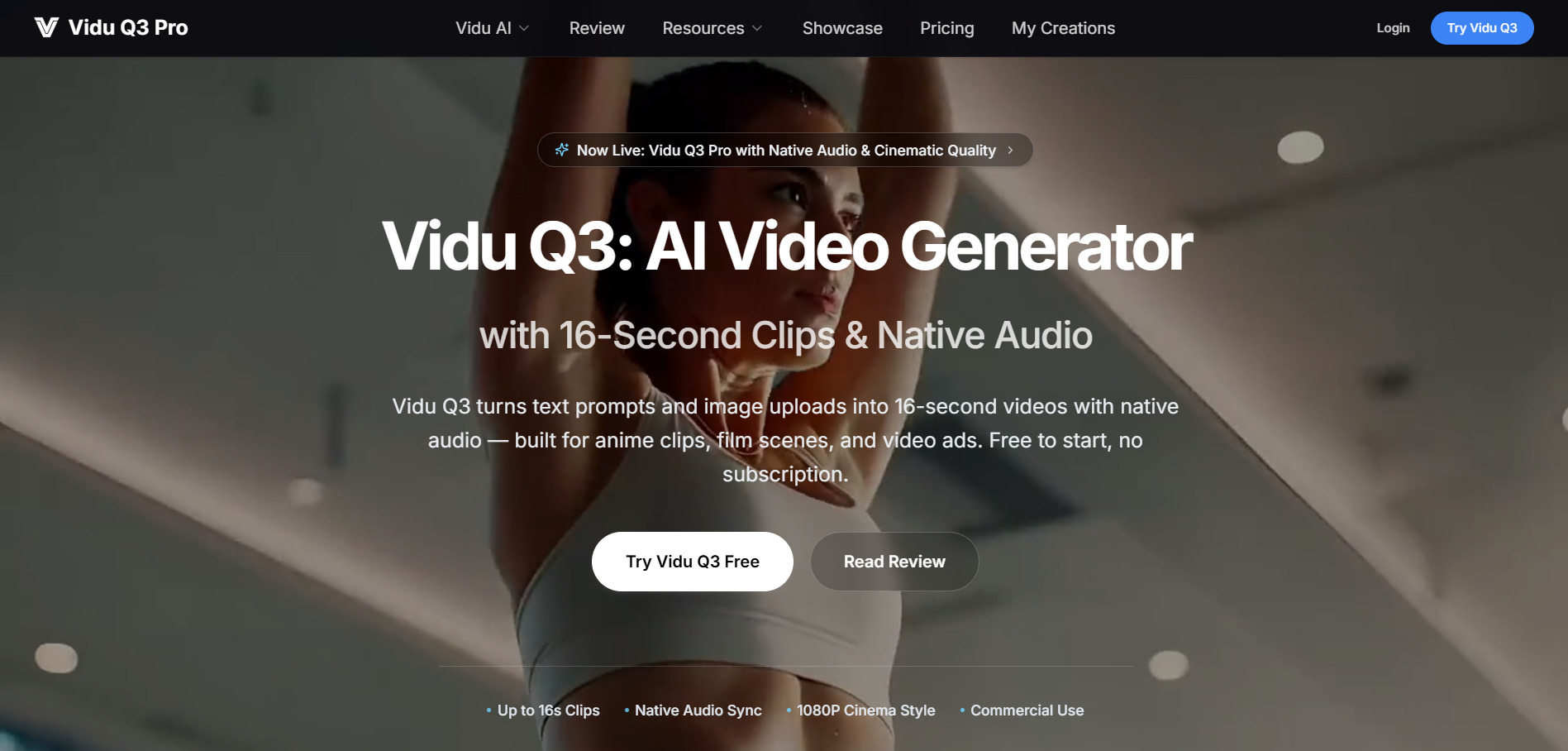
Vidu Q3 gives new users free daily and sign-up credits to test its native audio-video generation before committing to a paid credit pack. Rather than a traditional subscription, Vidu uses a one-time credit-pack model, so users only pay when they need more generation capacity, with no recurring subscription fees required.
Vidu Q3 stands out as one of the first AI models to generate synchronized audio and video in a single pass, producing up to 16 seconds of 1080p footage complete with dialogue, sound effects, and background music. This native audio-video sync eliminates the need for separate voiceover or sound design steps in many short-form projects.
The tool performs especially well for anime-style and stylized content but tends to struggle with photorealistic human motion, particularly in complex multi-person scenes. Additionally, Vidu’s no-refund policy means failed generations still consume credits, so new users should budget carefully during the testing phase.
Pros
- Native audio-video generation in one pass
- Flexible one-time credit packs, no subscription lock-in
- Strong performance for anime and stylized content
- Commercial rights included on all paid packs
Cons
- 16-second clip cap limits longer projects
- Weak with photorealistic human motion
- No refunds, even on failed generations
- Credits can disappear quickly with retries
5. Wan 2.2
Free Credits / Free Tier Available
Wan 2.2 is available through multiple third-party platforms, most of which offer free starter credits or a limited free tier so users can test text-to-video and image-to-video generation before subscribing. Since Wan 2.2 is an open architecture model, pricing and trial terms vary depending on which hosting platform you choose to access it through.
Wan 2.2 is praised for handling complex motion scenes with strong physical accuracy, including collisions, object trajectories, and realistic rebounds. It supports both text-to-video and image-to-video generation and is commonly positioned as a more affordable alternative to premium closed models like Veo 3, while still delivering commercial-grade output quality.
Because Wan 2.2 is offered through numerous third-party resellers rather than a single official storefront, pricing consistency and support quality can vary significantly between platforms. Buyers should carefully compare credit costs per video across providers, since the same generation can cost noticeably different amounts depending on where it’s purchased.
Pros
- Strong physics-based motion accuracy
- More affordable than many premium models
- Supports text-to-video and image-to-video
- Free credits available across multiple platforms
Cons
- Pricing inconsistent across third-party resellers
- No single official pricing source
- Support quality varies by platform
- Credits typically don’t roll over monthly
6. Digen AI Agent
Free Plan Available
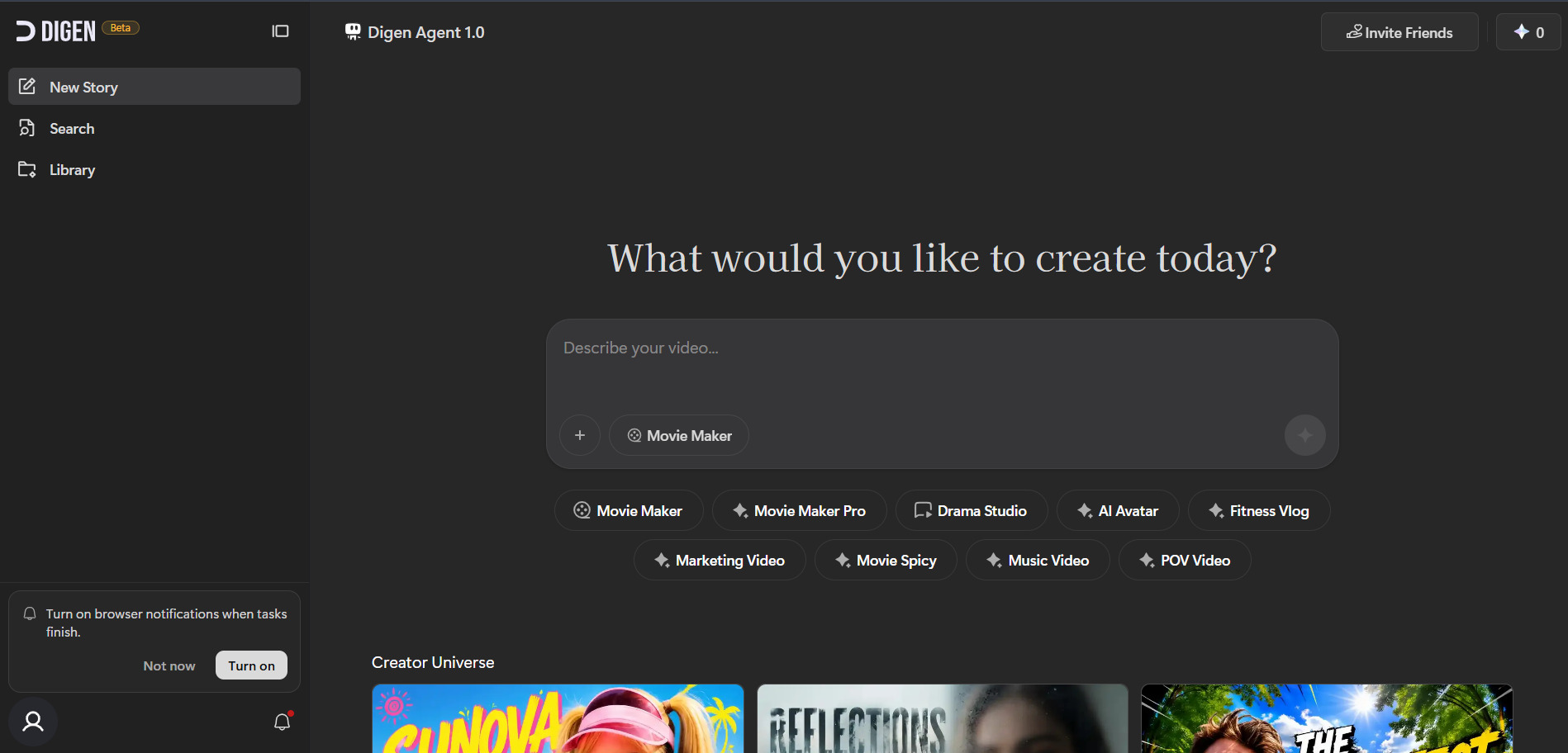
Digen AI Agent offers a genuinely usable free plan that includes basic text-to-video generation, limited templates, and standard resolution output, though exports carry a watermark. This makes it easy for creators to explore its talking-avatar and multi-model generation features, including free access to outside models like Sora 2 and Veo 3.1, before deciding to upgrade.
Digen AI Agent is best known for turning a static image or short clip into a realistic talking avatar without any filming required, complete with lip-sync accuracy and multilingual support. Its standout feature is bundling free access to major external models like Sora 2, Veo 3.1, Kling 3.0, and Seedance within the same interface, alongside post-production tools like upscaling and lip sync correction.
While the free tier is generous compared to competitors, user feedback has flagged concerns around billing clarity and subscription cancellation processes. Watermark removal and premium model access require at least the Ultra tier, and heavy use of premium models can consume credit allocations faster than expected.
Pros
- Genuinely usable free plan
- Free access to multiple premium external models
- Strong talking-avatar and lip-sync quality
- Affordable entry-level paid tier
Cons
- Billing and cancellation clarity issues reported
- Premium models consume credits quickly
- Free tier limited to watermarked, standard resolution
- Not a full editing suite, generation-focused only
7. Seedance 2.0
Free Credits Available
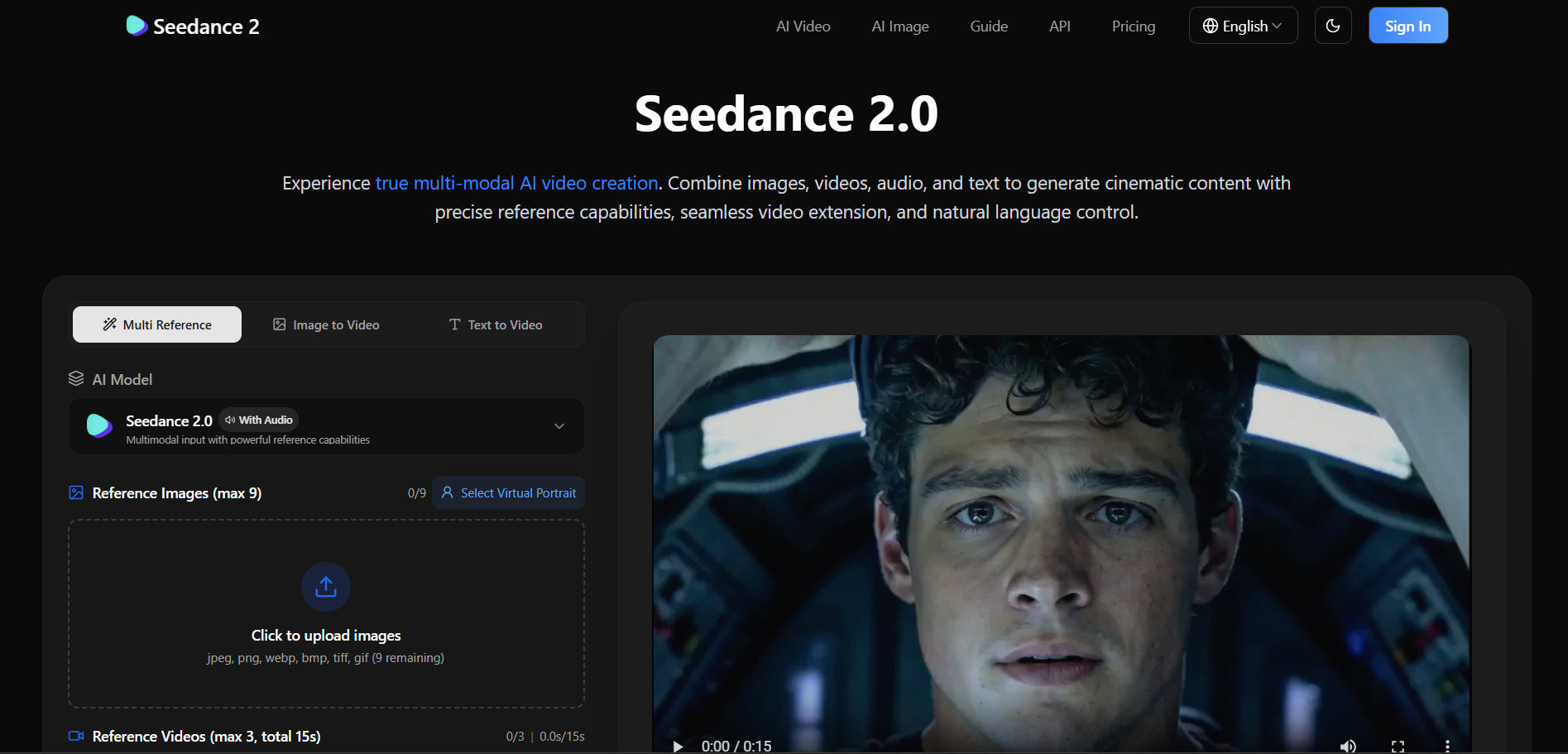
Seedance 2.0 is accessible through several platforms, most of which provide free daily or sign-up credits so users can generate a handful of clips before purchasing. Since ByteDance has released Seedance 2.0 across multiple official and third-party channels, free trial terms and credit amounts vary depending on whether you access it via Dreamina, fal.ai, or another integration partner.
Seedance 2.0 has quickly become one of the most talked-about AI video models of 2026, known for generating coherent multi-shot sequences with native audio, persistent character identity, and resolutions up to 2K. It supports text-to-video, image-to-video, and video-to-video workflows, making it especially useful for narrative-driven content like ads and storytelling pieces.
Because Seedance 2.0 doesn’t have one flat, unified price, the same clip can cost drastically different amounts depending on the platform used to access it. This fragmented pricing landscape means creators need to shop around between Dreamina, fal.ai, Higgsfield, and other integrations to find the most cost-effective option for their specific workflow and volume needs.
Pros
- Coherent multi-shot storytelling with native audio
- Persistent character and style consistency
- Multiple access points with free credits
- Supports up to 2K resolution output
Cons
- No single official flat pricing structure
- Cost varies significantly by platform
- Free tier credits shared across all tools on some platforms
- Chinese-language interfaces on cheapest official plans
8. Manus AI Video
Free Plan Available
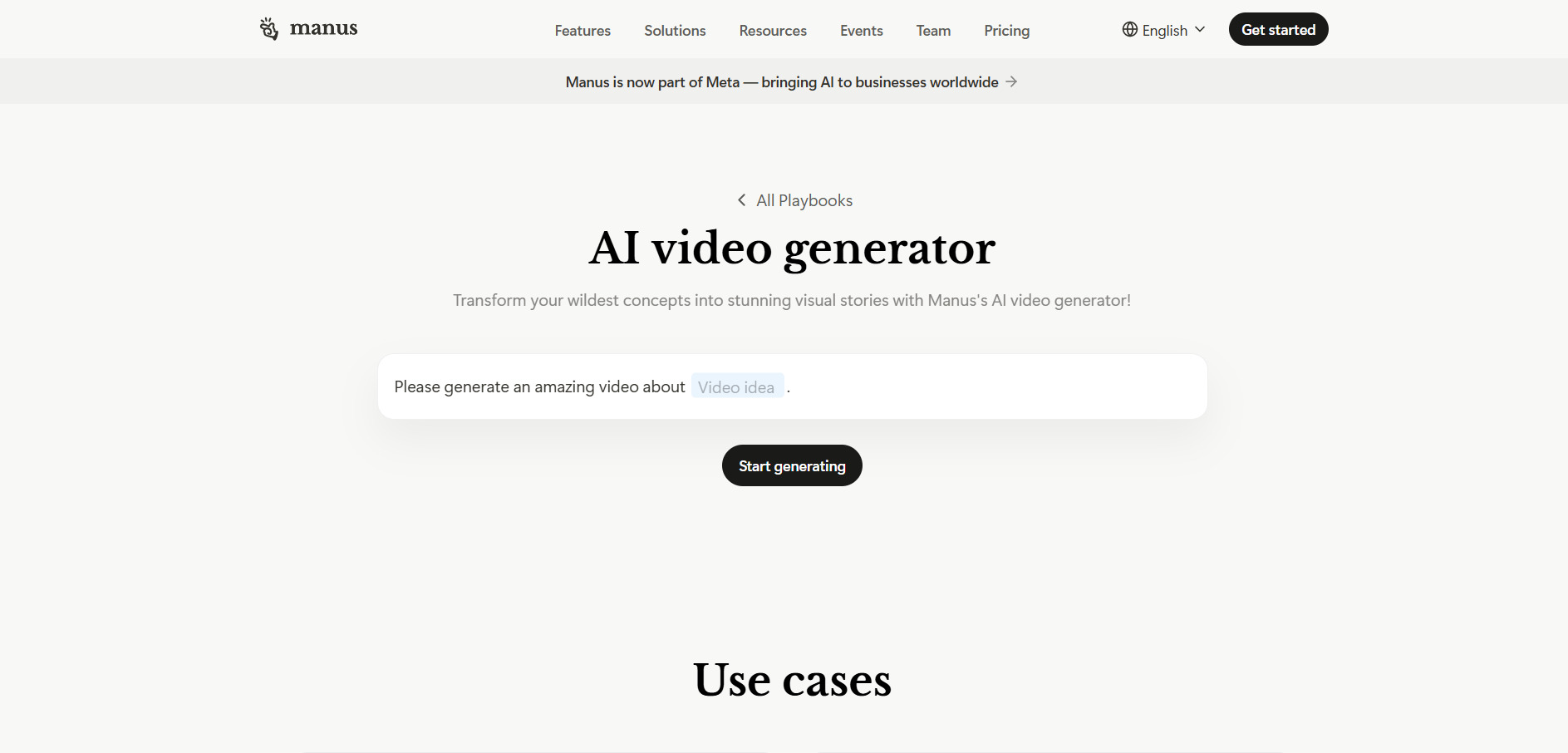
Manus AI Video offers a genuinely functional free plan with 300 daily refresh credits, giving users real hands-on access to its autonomous agent capabilities, including video and content generation tasks, without any payment required. This makes it possible to test how the agent handles project generation before committing to a paid credit tier.
Manus AI is a general-purpose autonomous agent capable of handling video and content generation tasks as part of broader project workflows, such as generating slides, websites, and research alongside video output. This makes it more of an all-in-one automation agent than a dedicated video editor, appealing to users who want AI to manage entire multi-step creative projects rather than a single editing task.
The credit-based system has drawn criticism for how quickly credits deplete, with complex tasks consuming 500–900 credits per run. Even the $20 Pro plan may only support a handful of complex tasks per month, making cost predictability a genuine concern for users planning heavier, production-level workloads.
Pros
- Functional free plan with daily credit refresh
- Handles multi-step, full project automation
- Supports up to 20 concurrent and scheduled tasks
- Team plans include SSO and shared credits
Cons
- Credits deplete quickly on complex tasks
- Costs can become unpredictable at scale
- Not a dedicated video editing tool
- Ownership uncertainty following blocked acquisition news
9. Wireflow
Free Plan Available (No Credit Card)
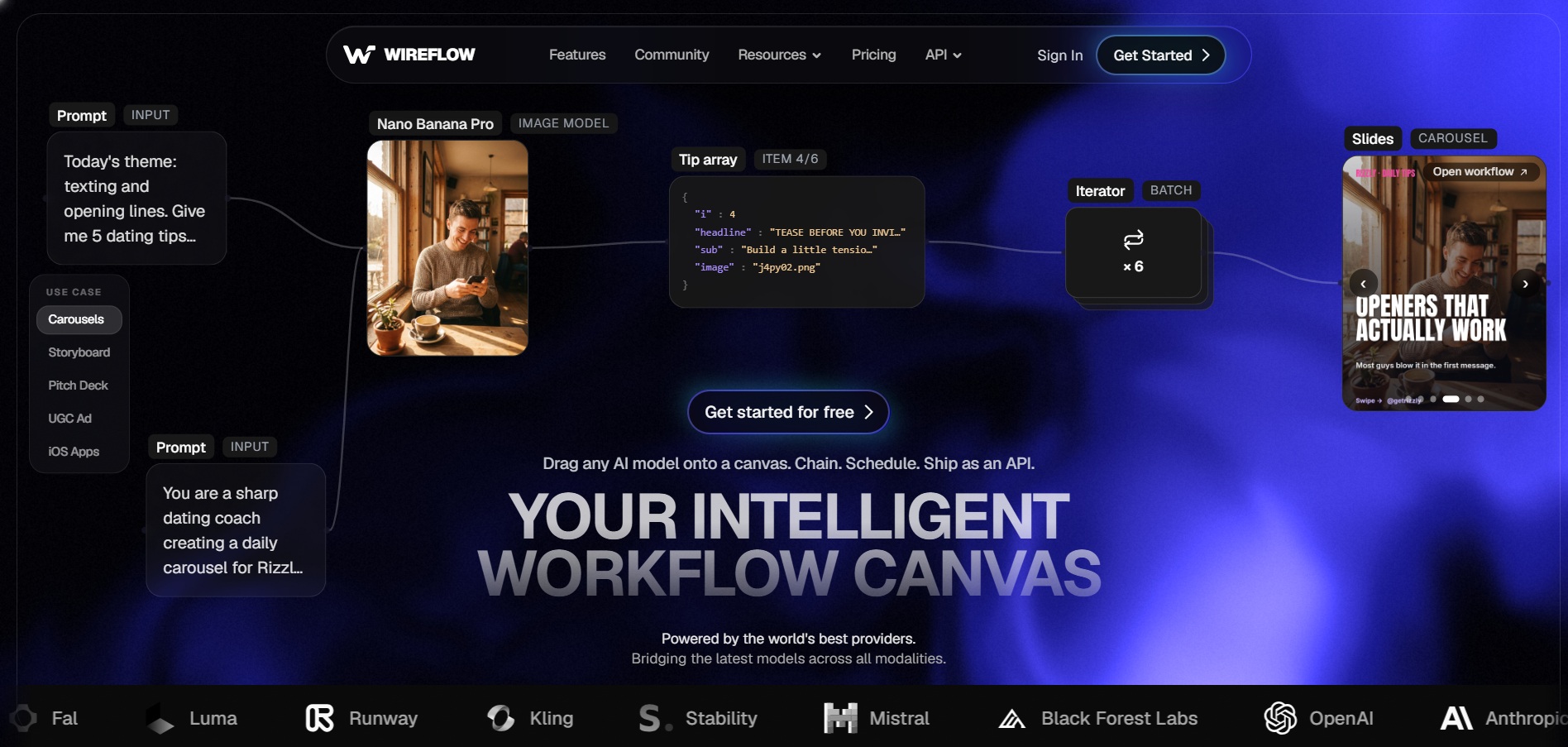
Wireflow allows users to build workflows entirely for free with no credit card required, though actual AI generation requires a paid plan to run. This lets creators design and preview their multi-model video and image pipelines on the visual canvas before deciding whether to subscribe for actual output generation.
Wireflow differentiates itself with a visual node-based canvas that chains multiple AI models, such as Flux, Kling, and Veo, into repeatable, automated production pipelines. Rather than being locked into one provider’s models, users can route each step of a video or image generation workflow to whichever AI model delivers the best cost-quality balance for that specific task.
This flexibility makes Wireflow especially appealing to agencies and developers building repeatable client workflows, but the node-based interface has a steeper learning curve than simple one-click tools like CapCut. Credit costs also vary by model, so estimating monthly spend requires understanding which models you’ll rely on most.
Pros
- Chains multiple AI models into one workflow
- Free workflow building with no credit card
- Credits roll over for up to 3 months on paid tiers
- Great for agencies with repeatable production needs
Cons
- Steeper learning curve than simple editors
- Free plan cannot generate actual output
- Credit cost varies significantly by chosen model
- Best suited to technical or agency users
10. Hedra
Free Plan Available (300 Credits)
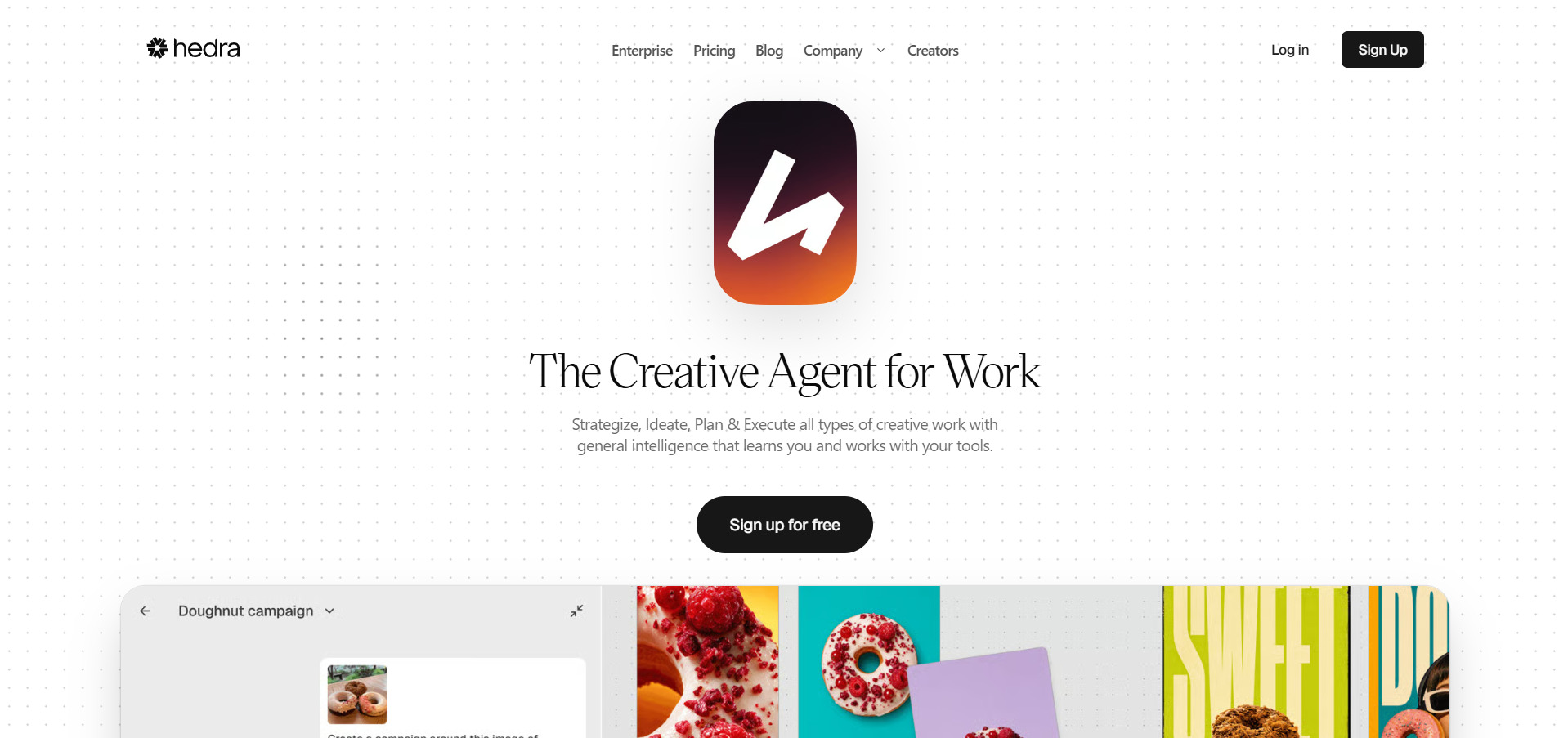
Hedra provides a free tier with 300 credits per month, allowing users to test its Character-3 talking-avatar model on a few short clips before committing to a paid subscription. This free plan is limited to personal, non-commercial use and can experience slower generation speeds during peak hours compared to paid tiers.
Hedra specializes in turning a single portrait image into a talking, expressive character with accurate lip-sync, natural micro-expressions, and eye movement using its proprietary Character-3 model. Beyond avatars, it has expanded into a broader multi-model studio offering access to 28 AI models, including Kling, Veo, and Grok Video, all under one shared credit balance.
Its real-time Live Avatar streaming feature, priced separately at $0.05 per minute, is a standout capability that many competitors like HeyGen don’t offer. However, monthly credits expire without rolling over, and some users have reported billing friction, which is worth factoring in in before committing to a higher-tier plan.
Pros
- Industry-leading talking-avatar lip-sync quality
- Access to 28+ AI models under one credit pool
- Real-time Live Avatar streaming feature
- Cheaper entry point than many competitors
Cons
- Free credits expire and don’t roll over
- Some reported billing and support friction
- Not a full video editing suite
- Free plan restricted to non-commercial use
11. VideoProc AI
Free Trial Available
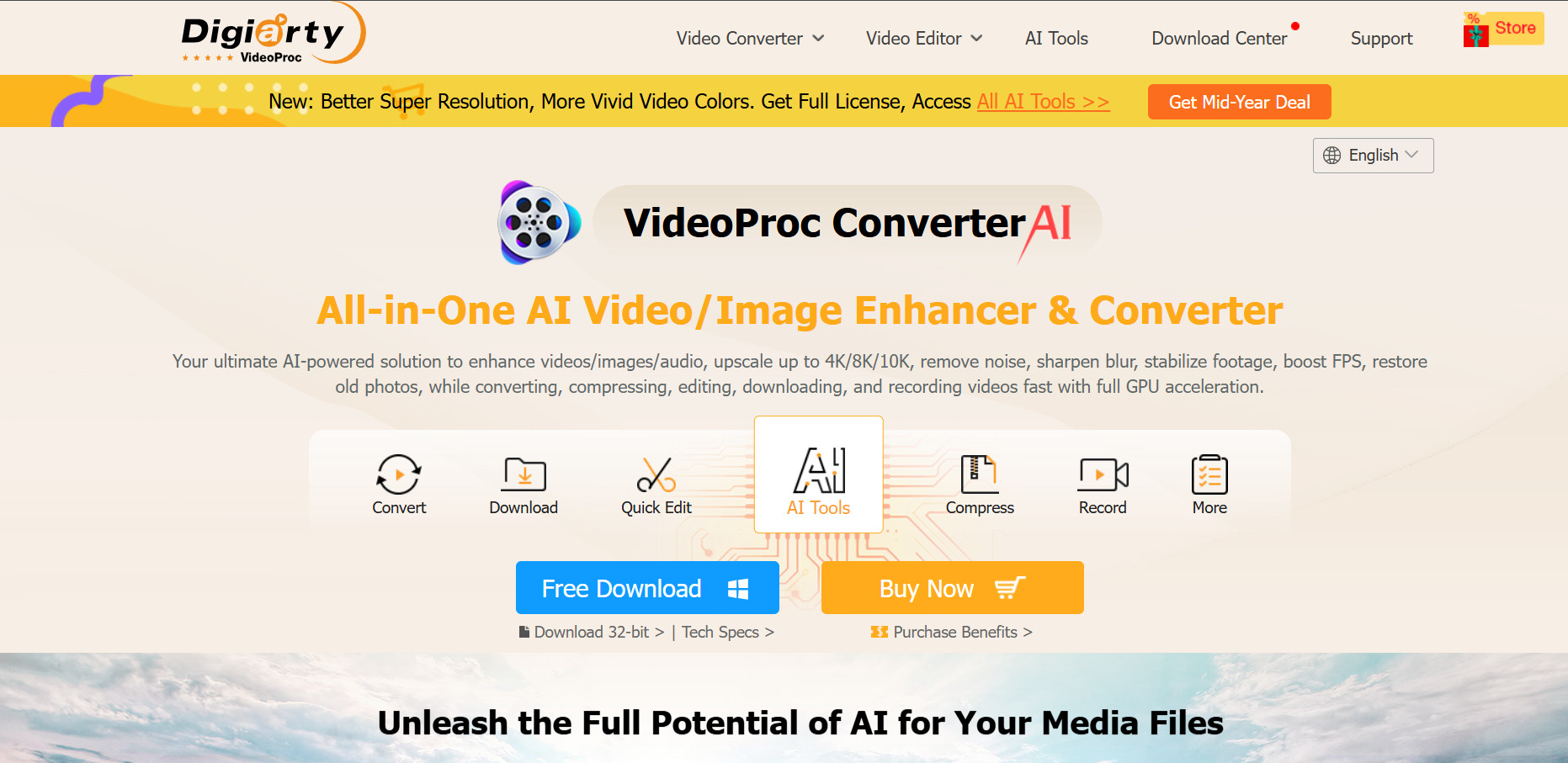
VideoProc AI offers a free trial that lets users test its AI Super Resolution, stabilization, and conversion tools, though the trial caps upscaling to clips under five minutes and adds a watermark to processed output. This gives users a solid feel for the software’s core AI enhancement capabilities before purchasing a full license.
Unlike most cloud-based AI video generators, VideoProc Converter AI is a locally installed desktop application focused on AI-powered upscaling, frame interpolation, stabilization, and format conversion, all accelerated by GPU processing. It supports upscaling standard-definition footage up to 4K and images up to 8K, making it a strong choice for restoring or enhancing older video and image files.
Because it runs locally rather than in the cloud, VideoProc doesn’t offer generative text-to-video capabilities like the other tools on this list; it’s purely an enhancement and conversion tool. Some users have also reported inconsistent results with stabilization and customer support responsiveness, so testing on your own footage during the trial is strongly recommended.
Pros
- One-time lifetime license options available
- Strong AI upscaling up to 4K/8K
- GPU-accelerated processing speed
- 30-day money-back guarantee
Cons
- No generative text-to-video capability
- Desktop-only, not cloud-based
- Trial limited to short clips under 5 minutes
- Mixed reviews on stabilization accuracy
12. Vyond Go
Free Trial Available (2,000 Credits)
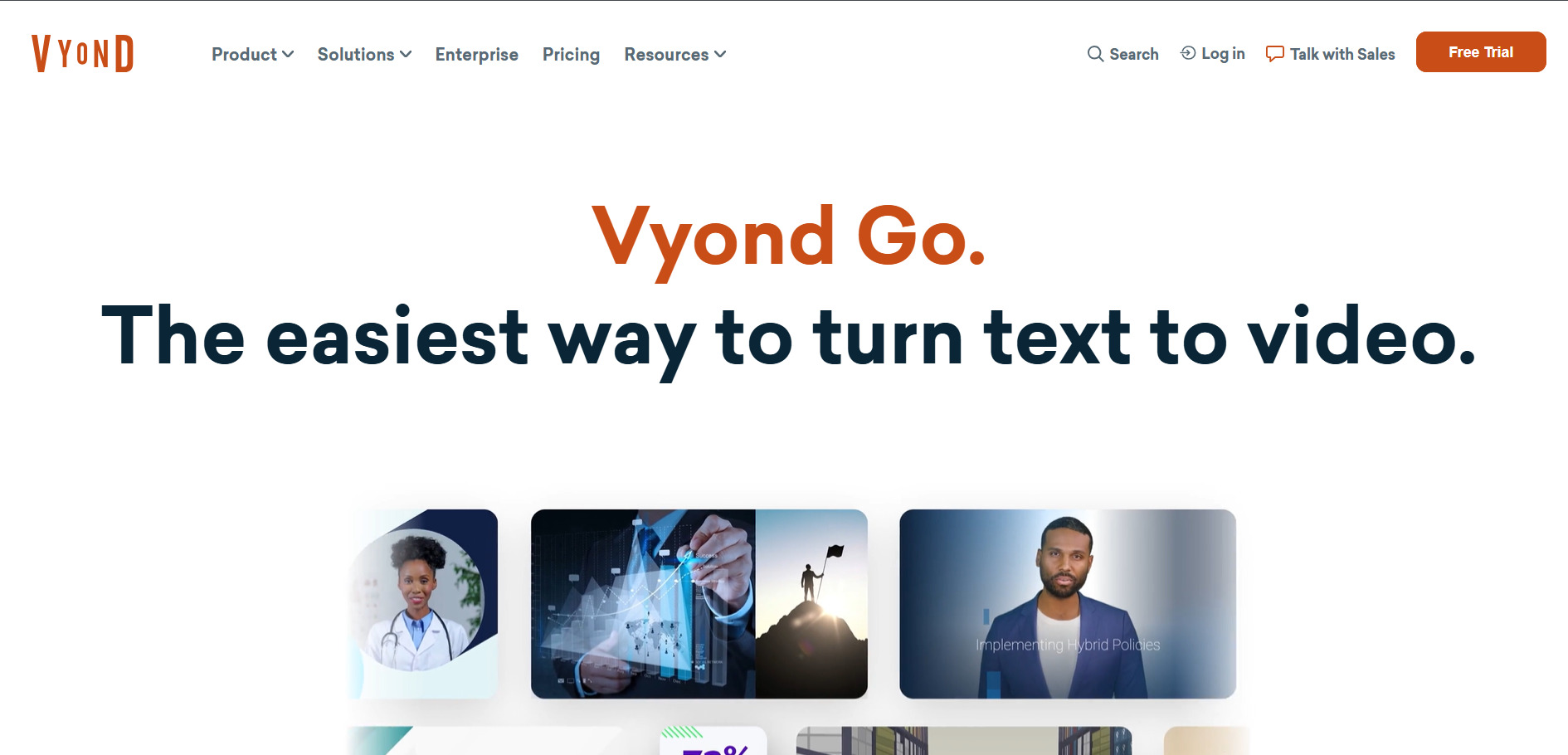
Vyond Go offers a free trial that includes 2,000 credits, giving new users access to most AI tools and features, including AI avatars and instant video creation, before requiring a subscription. There is no permanent free plan, so the trial is the primary way to evaluate the platform’s animation and AI capabilities firsthand.
Vyond is a character-driven animation platform widely used for corporate training, explainer videos, and e-learning content, offering automatic lip-sync, AI avatars, and instant video creation tools built around a credit system. It’s particularly strong for teams needing polished, branded animated video content at scale, backed by ISO 27001 certification for enterprise data security.
Vyond’s pricing sits considerably higher than most other tools on this list, making it best suited for mid-market and enterprise organizations rather than solo creators or small budgets. Credit borrowing across months is only available to annual subscribers on Professional and Agency tiers, adding another layer of complexity for teams trying to manage usage predictably.
Pros
- Strong character animation and AI avatar tools
- Enterprise-grade security (ISO 27001, GDPR)
- Generous free trial with 2,000 credits
- Great for training and e-learning content
Cons
- Significantly more expensive than competitors
- No permanent free plan
- Credit borrowing restricted to annual plans
- Steeper learning curve for animation-style tools
Comparison Table
| Alternative | Description |
|---|---|
| Lumen5 | AI-powered blog-to-video maker ideal for content marketers repurposing written content into branded social videos. |
| Luma Ray3 | Cinematic-grade AI video generation model built for filmmakers, offering keyframe control and character consistency. |
| Pictory AI | Script and blog-to-video automation tool with AI voiceovers, captions, and a massive stock media library. |
| Vidu Q3 | AI video model generating native synchronized audio and video in a single pass, strong for anime and stylized clips. |
| Wan 2.2 | Open AI video model known for realistic physics-based motion, available through multiple third-party platforms. |
| Digen AI Agent | Talking-avatar generator with free access to external models like Sora 2, Veo 3.1, and Seedance in one interface. |
| Seedance 2.0 | ByteDance’s multi-shot AI video model with native audio and persistent character identity across scenes. |
| Manus AI Video | General-purpose autonomous AI agent that handles video generation as part of broader multi-step project workflows. |
| Wireflow | Visual node-based platform chaining multiple AI models into repeatable video and image production workflows. |
| Hedra | Talking-avatar and character animation platform built around the Character-3 omnimodal AI model. |
| VideoProc AI | Desktop AI video enhancer specializing in upscaling, stabilization, and format conversion rather than generation. |
| Vyond Go | Enterprise-grade character animation platform for training and explainer videos with AI avatars and lip-sync. |
Conclusion
If you need fast blog-to-video conversion, Lumen5 or Pictory are excellent starting points. For cinematic AI generation, Luma Ray3, Vidu Q3, Wan 2.2, and Seedance 2.0 push creative boundaries further than traditional editors. Creators focused on talking avatars will find Digen AI Agent and Hedra particularly powerful, while Manus AI Video and Wireflow cater to more automated, multi-step production workflows. Meanwhile, VideoProc AI and Vyond Go serve more specialized needs around enhancement and enterprise-grade animation.
Ultimately, the best CapCut alternative depends on your specific goals, whether that’s speed, visual quality, budget, or advanced customization. Most of these tools offer free trials or free-tier access, so testing a few before committing to a paid plan is the smartest way to find the right long-term fit for your content creation workflow.


