


Artlist has built a strong reputation as a one-stop hub for music, footage, and AI-powered creative tools, but it isn’t the only option on the market anymore. Creators, marketers, and small businesses are increasingly looking for platforms that offer more flexibility, sharper AI video generation, or pricing structures that better match their workflow and budget. Below, we break down 10 of the strongest Artlist AI Alternatives available right now, covering their free trials, pricing plans, and the pros and cons that matter most before you commit.
1. AKOOL
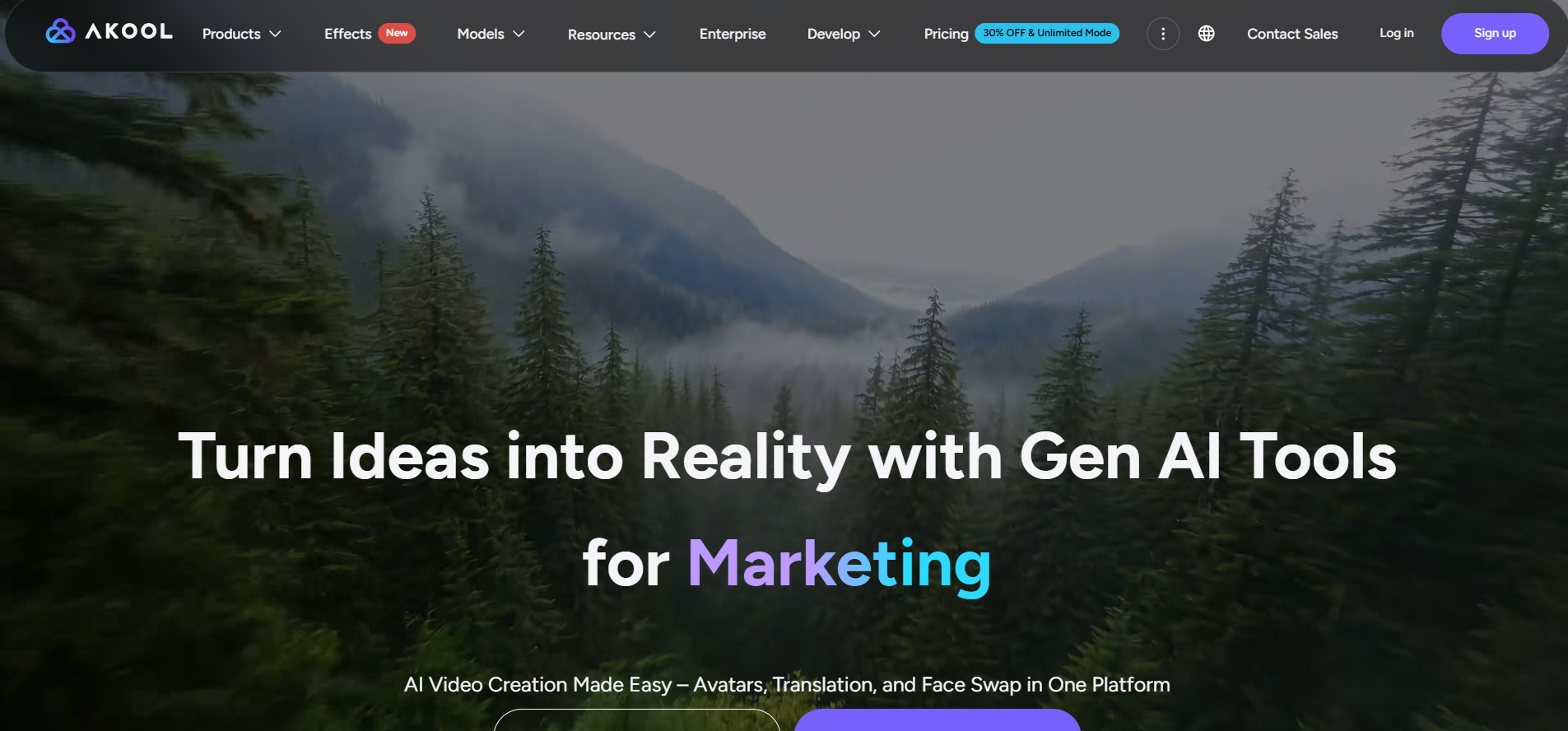
AKOOL offers a genuinely usable free tier with 100 credits, plus a 3-day trial on its Pro and Pro Max plans so users can test premium features like live avatars and API access before paying. This makes it easy to evaluate face swap, avatar, and translation tools without committing money upfront, which is a real advantage for cautious first-time users exploring AI video.
Pricing Plans (billed monthly, official akool.com):
- Free — $0/month, 100 credits, watermarked exports
- Pro — from $30/seat/month, no watermark, 4K support
- Pro Max — $119/month, 8K resolution, API access, live avatars
- Business — $500/month, 16K resolution, 10 concurrent generations
Beyond the entry tier, AKOOL scales impressively into enterprise territory with the Business and Enterprise plans, offering credits that never expire, dedicated success managers, and studio-grade avatar customization. This makes it appealing not just for solo creators but for agencies handling video translation and avatar-driven campaigns at scale, though the credit-based system requires careful monthly planning.
Pros
- Generous free credit allocation
- Strong face swap and avatar realism
- Supports up to 16K video resolution
- Multi-language video translation
Cons
- Credit system can get costly at high volume
- Free plan access reported as inconsistent
- Pricing structure can be confusing for beginners
2. Vyond Go
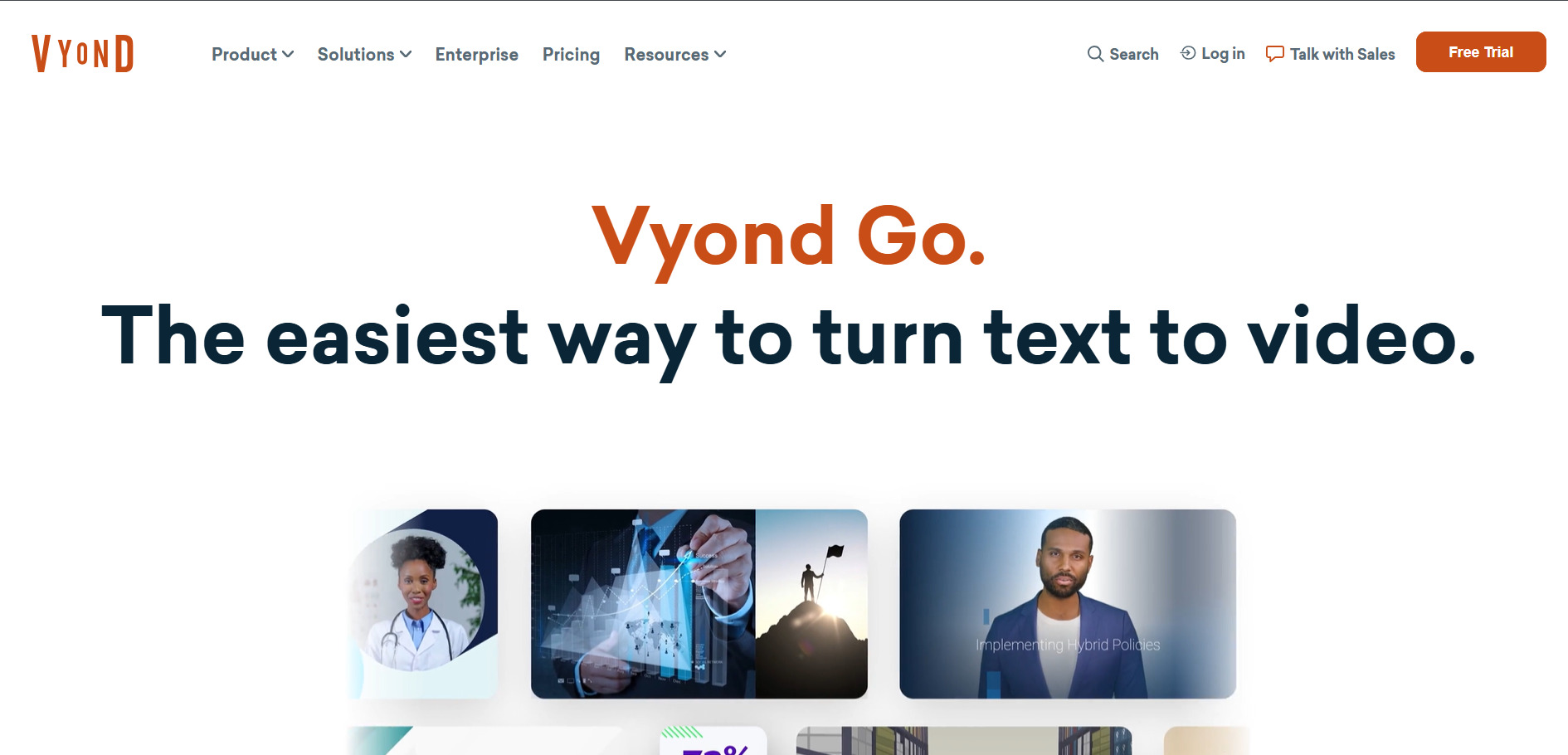
Vyond offers a well-known 14-day free trial that unlocks unlimited access to Premium-level features, letting users build custom characters, whiteboard animations, and infographic-style videos before subscribing. The trial does carry a watermark on exports, which is a common trade-off, but it gives a full sense of Vyond’s animation depth before spending money.
Pricing Plans (official vyond.com, annual billing):
- Starter — $58–$99/month, single seat, 10,000 credits
- Professional — $199/month, expanded AI tools, 40-min videos
- Enterprise — $137/month (annual), unlimited credits, SSO
- Agency — $167/month (annual), unlimited commercial rights
Vyond Go is best known for character-driven explainer videos used heavily in corporate training and education. Its hand-crafted animation studio gives creators frame-level control that few competitors match, though the recent shift to credit-metered AI tools has made some long-time users feel pricing is less predictable than before.
Pros
- Deep character and scene customization
- Strong for corporate training videos
- FedRAMP certified for government use
- 70+ language video translation
Cons
- No permanent free plan
- Higher entry price than most competitors
- AI script-to-video output needs manual cleanup
3. Manus AI Video
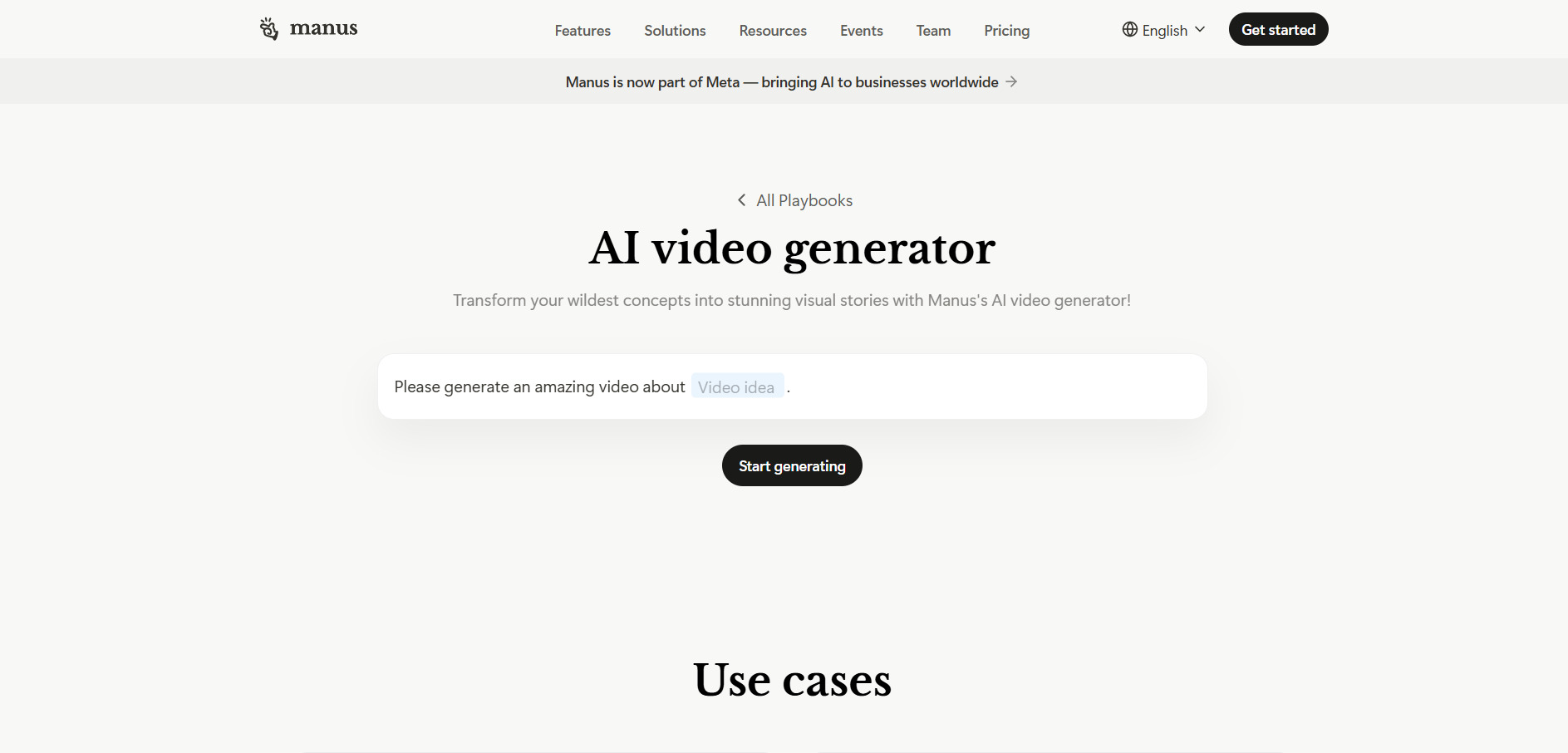
Manus AI Video offers a genuinely functional free plan with 300 daily refresh credits, so new users can test agent-based video and content workflows without ever entering payment details. For those wanting deeper access, the $40/month Pro tier includes a 7-day free trial with full access to all three Manus model versions and 8,000 credits.
Pricing Plans (official manus.im/pricing):
- Free — $0/month, 300 daily credits, 1 concurrent task
- Pro (Standard) — $20/month, 4,000 monthly credits
- Pro (Customizable) — $40/month, 8,000 monthly credits
- Pro Max (Extended) — $200/month, 40,000 monthly credits
- Team — from $20/seat/month, 2-member minimum
Manus operates on a credit-consumption model rather than flat feature gates, meaning cost scales directly with task complexity rather than a fixed monthly cap. This makes it flexible for creators running varied workloads, but heavy users producing complex agent-driven video tasks can burn through credits faster than expected, making the Extended plan the realistic option for production-level use.
Pros
- Usable free tier with no credit card needed
- Flexible credit-based scaling
- Annual billing saves up to 17%
- Good for research-to-content workflows
Cons
- Credits do not roll over month to month
- Costs can become unpredictable at scale
- Not a dedicated video-first platform
4. CapCut AI
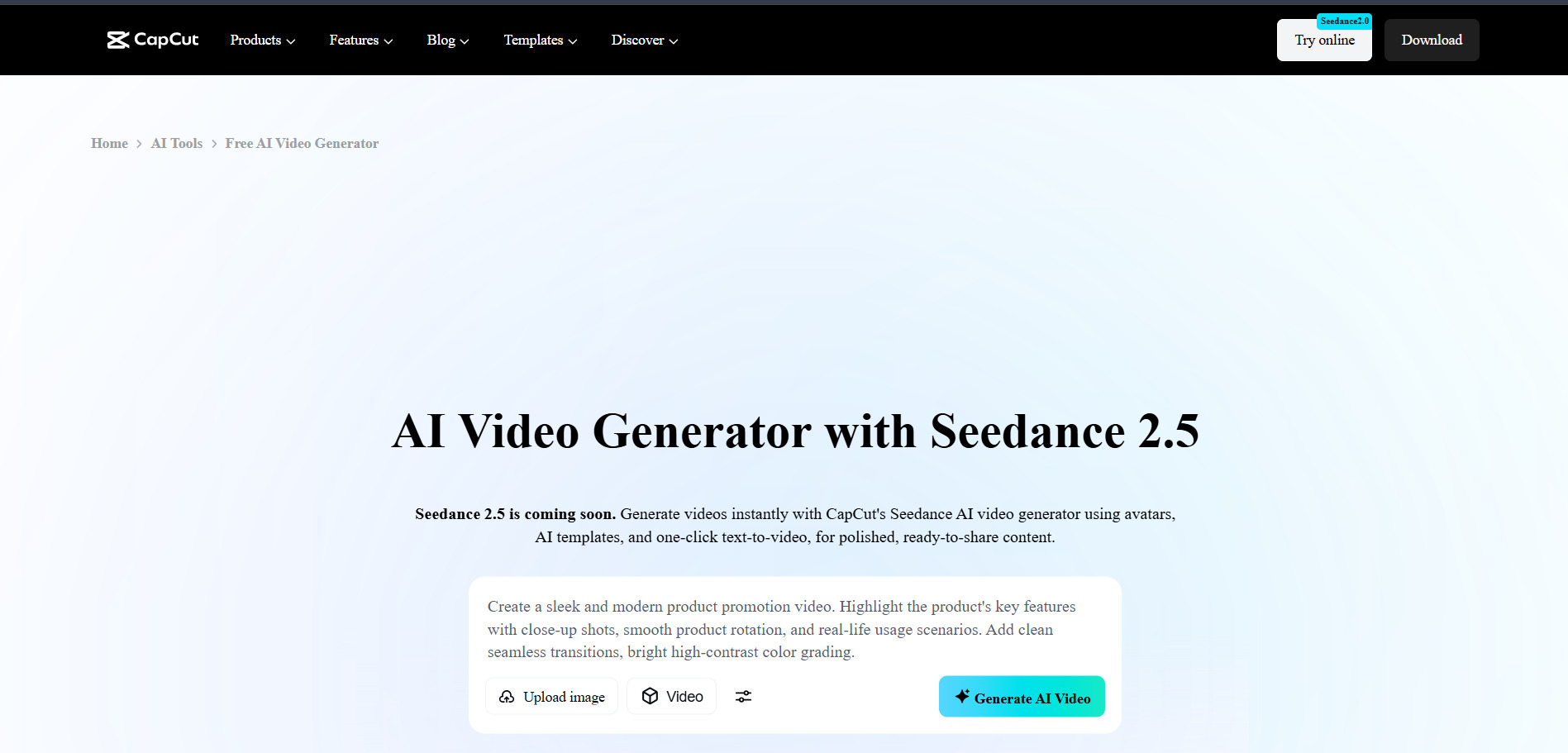
CapCut AI‘s free plan remains one of the most generous in the industry, offering full timeline editing, AI captions, background removal, and 1080p exports at no cost. Paid tiers add a free trial period in select regions, letting users sample AI video generation and voice cloning features before deciding whether the Pro subscription is worth the upgrade.
Pricing Plans (official capcut.com, prices vary by region):
- Free — $0/month, 1080p exports, basic AI tools
- Standard — around $9.99/month, expanded AI toolkit
- Pro — $19.99/month or $179.99/year, 4K, 1TB storage
- Team — $24.99/month per user, collaboration tools
CapCut’s 2026 restructure roughly doubled Pro pricing, splitting the old plan into Standard and Pro tiers with clearer feature separation. The Pro tier now includes advanced AI generation models and significantly more cloud storage, positioning CapCut as a serious contender for creators who need both editing power and AI generation in a single subscription.
Pros
- Extremely generous free tier
- Cross-platform: desktop, web, and mobile
- Fast AI captioning and voice tools
- Large, constantly updated template library
Cons
- Recent price hikes surprised many subscribers
- Pricing not transparently published on site
- Content license terms are broad
5. Seedance 2.0
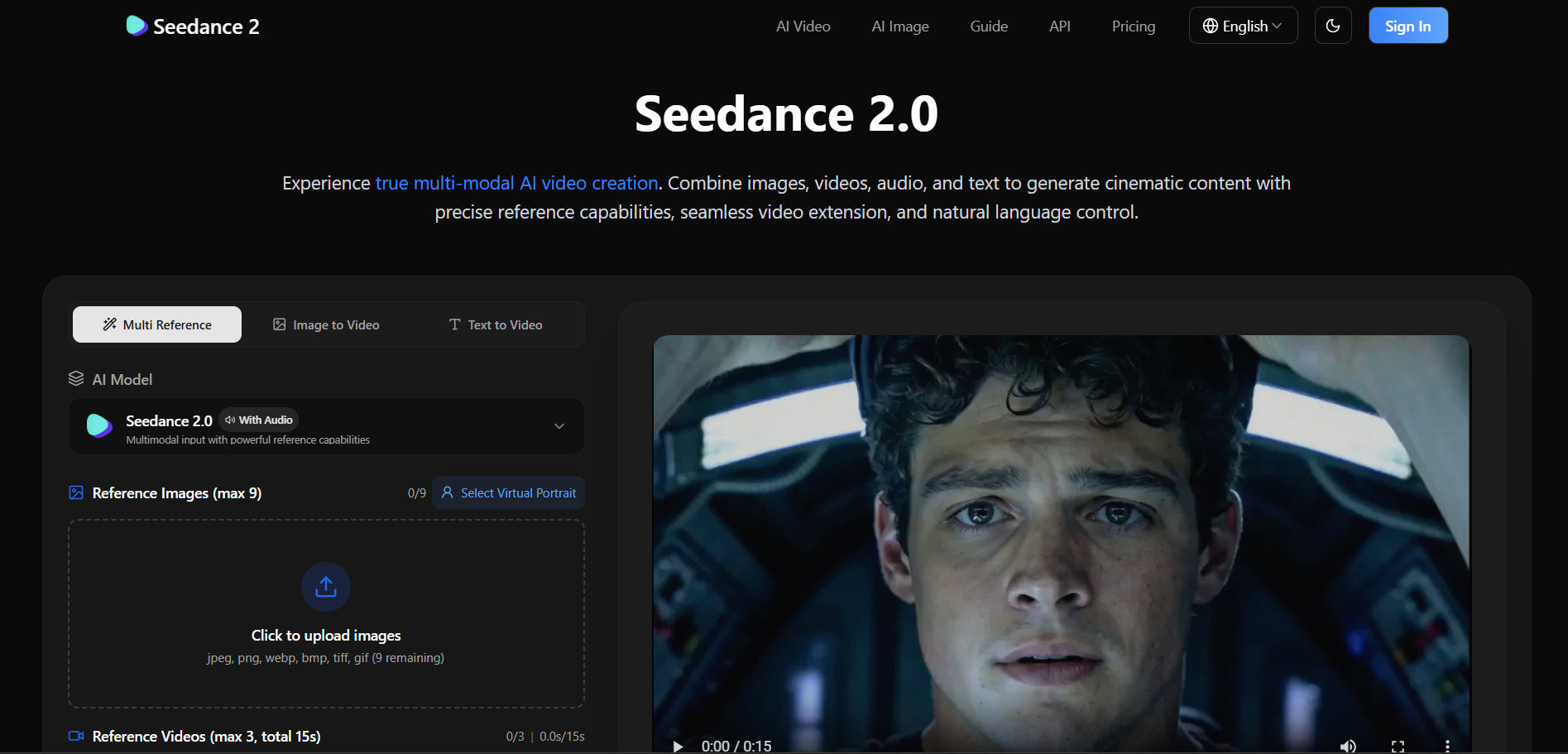
Seedance 2.0, accessible primarily through ByteDance’s Dreamina platform, offers a genuinely free entry point with daily refreshed credits, making it one of the most accessible AI video generators for testing before spending. Some third-party platforms hosting the model also offer 7-day free trials with full feature access before billing begins.
Pricing Plans (via Dreamina/BytePlus, official sources):
- Free — $0/month, daily credit refresh, watermarked
- Dreamina Basic — approx. $9.60/month (69 RMB)
- Per-video cost — $0.42 to $4.60 depending on quality
- Third-party monthly plans — from $28/month
Seedance 2.0 stands out for being significantly cheaper per generated clip than rivals like Sora 2 or Kling AI, while still delivering competitive motion quality and prompt accuracy. The trade-off is that official access can be restricted by region, pushing many international users toward third-party hosting platforms with varying reliability and pricing structures.
Pros
- Very low cost per video generation
- Free daily credits renew automatically
- Strong prompt adherence and motion quality
- Multiple access routes (API, GUI, third-party)
Cons
- Official access restricted in some regions
- Interface primarily in Chinese on official site
- Pricing varies significantly across platforms
6. Wan 2.2
Wan 2.2 is an open-source AI video model, so trial access depends on which hosting platform you use. Services like ImagineArt provide daily refreshing free credits, roughly enough for a draft-tier video each day at no cost, making it one of the most budget-friendly ways to experiment with AI video generation.
Pricing Plans (via hosting platforms, official sources):
- Free — daily credit refresh on supporting platforms
- Pay-per-video — approx. $0.15 per clip (ImagineArt Standard)
- Standard subscription — varies by host, typically $10–$20/month
- Self-hosted — free with own GPU hardware
Because Wan 2.2 is open-source, technically skilled users can run it locally for zero ongoing cost, though this requires capable hardware and setup expertise. For most creators, using a hosted platform is simpler and still remarkably cheap per clip, making Wan 2.2 a strong choice for high-volume draft generation before finalizing videos on a premium model.
Pros
- Among the cheapest per-video AI options
- Open-source flexibility for local hosting
- Available across multiple third-party platforms
- Good for rapid draft-to-final workflows
Cons
- No single official pricing page
- Local setup requires technical skill
- Quality varies by hosting provider
7. Kapwing AI
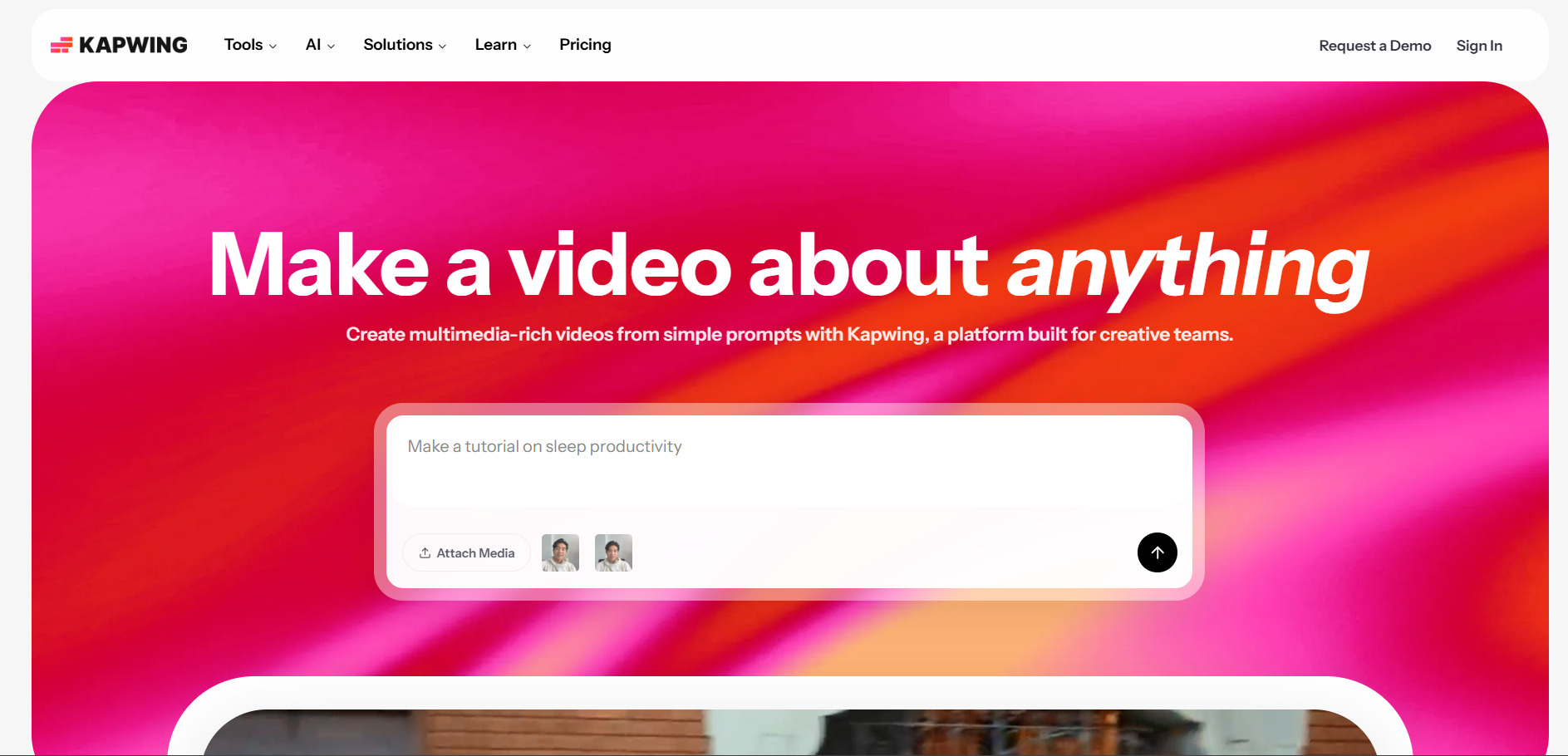
Kapwing AI does not offer a traditional free trial for its paid tiers, but its free plan is fully functional for testing nearly every tool, including its AI video generator powered by Veo 3, Kling, Seedance, Sora, and Wan 2.2. Free exports are capped at 720p and carry a watermark, but the core workflow is fully explorable before paying.
Pricing Plans (official kapwing.com):
- Free — $0/month, 720p, watermarked exports
- Pro — $16–$24/month per member, no watermark
- Business — $50–$64/month per member, team features
- Enterprise — custom pricing, advanced security
What makes Kapwing distinctive is its multi-model AI video generator, letting users switch between top models like Veo 3 and Seedance 2.0 in one workspace rather than juggling separate subscriptions. This flexibility appeals to creators who want to compare model outputs quickly, though the per-member pricing structure can get expensive fast for growing teams.
Pros
- Access to multiple leading AI video models in one place
- Browser-based, no downloads required
- Strong real-time team collaboration
- 4K export support on paid tiers
Cons
- No free trial for paid plans
- Per-member pricing scales quickly for teams
- Free tier AI credits are very limited
8. PixVerse V6
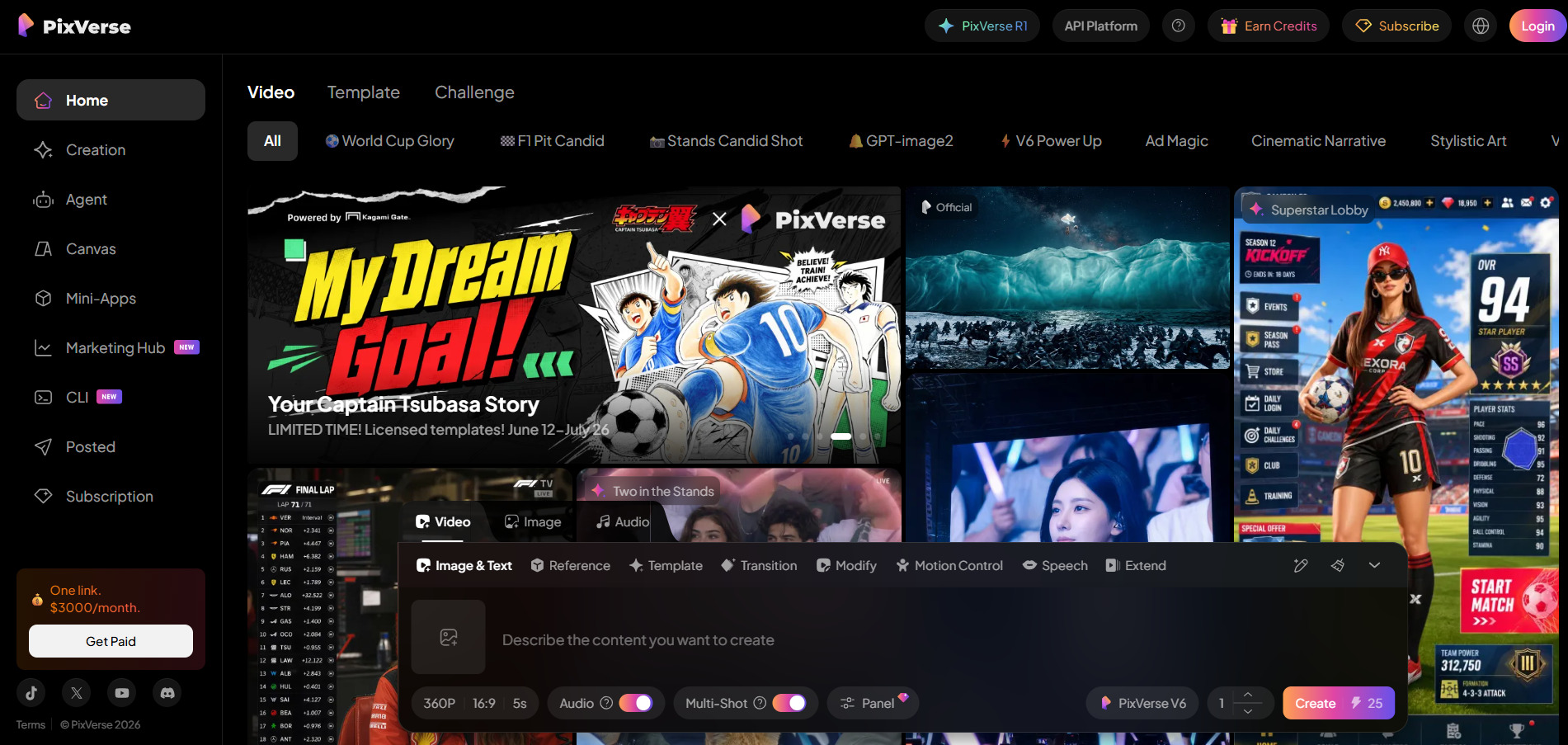
Pixverse V6 offers one of the more generous free entry points in AI video, granting 90 signup credits plus 60 credits that refresh daily, enough for casual users to generate clips regularly without paying. This makes it easy to test text-to-video, image-to-video, and its multi-shot storytelling features before committing to a subscription.
Pricing Plans (official pixverse.ai):
- Free — $0/month, 90 + 60 daily credits
- Standard — approx. $8/month, expanded credits
- Credit packs — from $10 for 1,000 credits
- API (via Atlas Cloud) — $0.025–$0.03 per second
PixVerse V6 has become popular for its multi-shot storytelling, transitions, and native audio generation, features that make it stand out for social content creators over more cinema-focused competitors. Its per-second API pricing also makes it attractive for developers building automated video pipelines rather than manually generating clips through the web app.
Pros
- Daily refreshing free credits
- Strong multi-shot and transition features
- Native audio generation included
- Competitive per-second API pricing
Cons
- Free credits run out quickly for heavier use
- Watermark-free exports require paid credits
- Credit consumption varies confusingly by mode
9. Lumen5
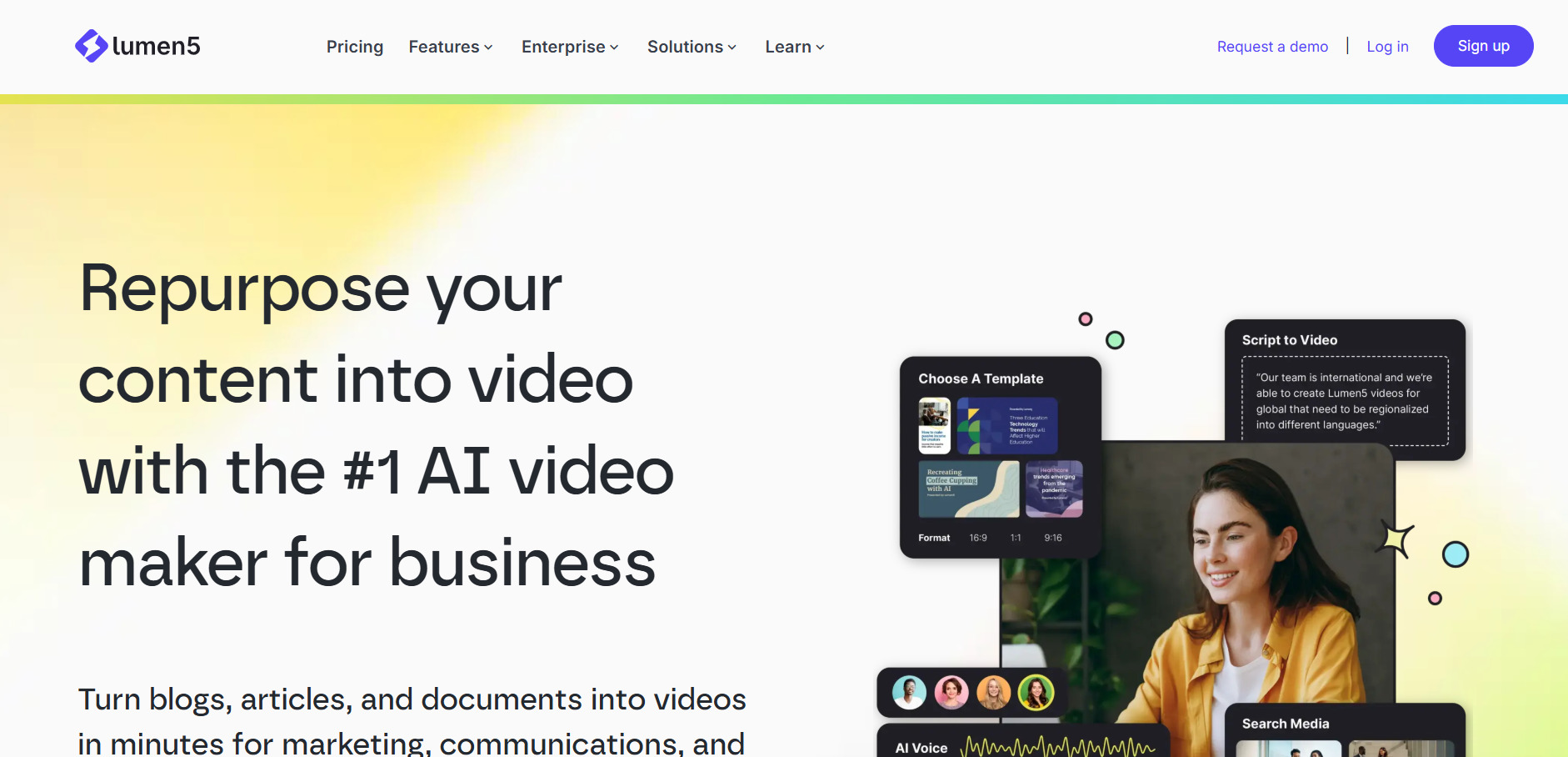
Lumen5‘s free Community plan lets users generate short videos (around 2–3 minutes monthly) directly from blog posts or written content, giving a real feel for its AI script-to-scene matching before subscribing. Trial availability is reported inconsistently across sources, so it’s best to confirm directly on Lumen5’s site at signup.
Pricing Plans (official lumen5.com, annual billing):
- Free — $0/month, ~3 min video/month, watermarked
- Basic — $19/month, 20 min AI voiceover, no watermark
- Starter/Premium — $59/month, 1080p, 60 min voiceover
- Pro — $149/month, 180 min voiceover, API access
Lumen5 specializes in transforming blog posts and written content into marketing-ready videos automatically, which makes it a favorite among content marketing teams repurposing existing text assets. The AI’s stock footage matching is roughly 70% accurate out of the box, meaning creators typically need to swap a handful of clips per video for the best final result.
Pros
- Excellent for blog-to-video repurposing
- Unlimited video creation on all paid tiers
- Large licensed stock media library
- Simple drag-and-drop interface
Cons
- Free plan very limited (minutes-based cap)
- 720p resolution locked to entry tier
- Not built for cinematic or generative video
10. Creatify AI
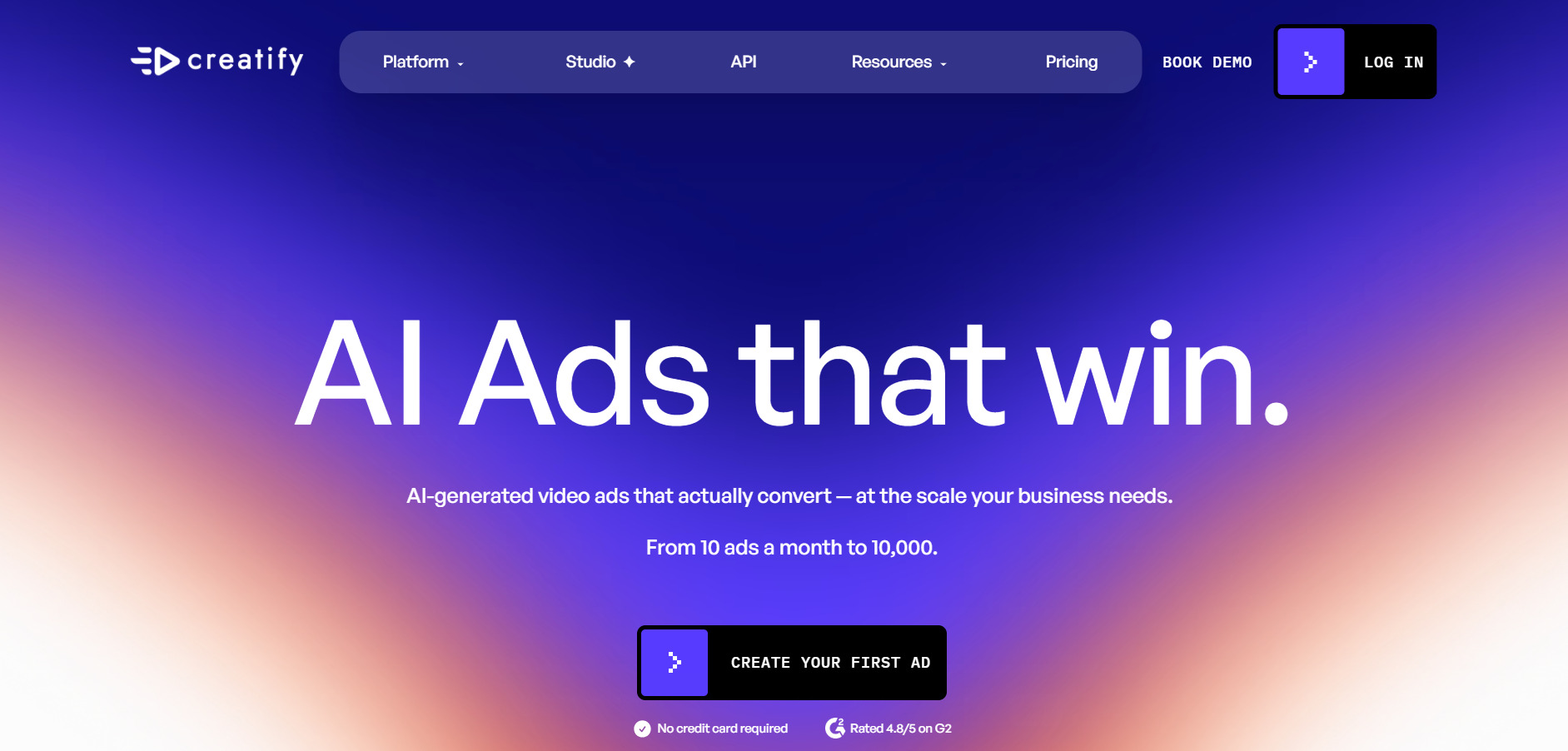
Creatify AI offers a free trial that lets marketers and e-commerce sellers test its product-to-video ad generation before subscribing, a useful feature given its focus on performance marketing content. The trial typically covers a limited number of AI-generated ad variations, enough to judge quality and conversion-style output firsthand.
Pricing Plans (official creatify.ai, subject to regional variation):
- Free Trial — limited credits, no long-term commitment
- Starter — entry-level monthly subscription for solo sellers
- Growth — mid-tier plan with expanded ad variations
- Business/Enterprise — custom pricing for agencies and brands
Creatify AI is purpose-built for turning product URLs or images into short-form video ads at scale, which sets it apart from general-purpose editors on this list. This narrow focus makes it especially strong for Shopify sellers and performance marketers running paid social campaigns, though it’s less suited to broader creative or narrative video projects.
Pros
- Fast product-to-ad video generation
- Strong fit for e-commerce and paid social
- Multiple ad variation testing built in
- Minimal manual editing required
Cons
- Narrow use case outside product marketing
- Pricing not fully transparent without signup
- Limited creative control compared to full editors
Comparison Table
| Alternative | Description |
|---|---|
| AKOOL | AI platform for avatars, face swap, and video translation with credit-based pricing and enterprise scalability. |
| Vyond Go | Character-driven animation studio popular for corporate training and explainer videos. |
| Manus AI Video | Agent-based AI platform combining research, content, and video generation on a credit system. |
| CapCut AI | All-in-one editor with a generous free tier plus AI captions, voice tools, and generative video. |
| Seedance 2.0 | ByteDance’s affordable AI video model known for low per-clip cost and strong motion quality. |
| Wan 2.2 | Open-source AI video model offering ultra-low-cost generation via third-party hosts or local setup. |
| Kapwing AI | Browser-based editor giving access to multiple top AI video models in a single collaborative workspace. |
| PixVerse V6 | Generative video tool known for multi-shot storytelling, transitions, and native audio generation. |
| Lumen5 | Text-to-video platform that converts blog posts and articles into marketing-ready videos automatically. |
| Creatify AI | Product-focused video ad generator built for e-commerce sellers and performance marketers. |
Conclusion
If your priority is corporate training animation, Vyond Go remains the strongest pick, while marketers repurposing blog content will get more mileage from Lumen5. Creators chasing cutting-edge generative video quality at low cost should look toward Seedance 2.0, Wan 2.2, or PixVerse V6.
For all-in-one flexibility, CapCut AI and Kapwing AI offer the broadest toolsets without forcing a single-model lock-in, while AKOOL and Manus AI Video suit users who need avatars, translation, or agent-driven workflows. Whatever direction you choose, take advantage of the free plans and trials covered above before committing to a paid subscription, since pricing and credit structures can shift quickly in this fast-moving space.


