

BeyondTrust Remote Support is a trusted enterprise-grade tool, but its pricing and complexity push many small businesses, freelancers, and IT teams to look elsewhere. Whether you need a lightweight free tool, a self-hosted open-source option, or an MSP-focused remote monitoring platform, there are dozens of capable alternatives available today. This article covers 12 of the best BeyondTrust Remote Support Alternatives in 2026, comparing their free trials, pricing plans, and standout pros and cons so you can pick the right remote access solution for your team, budget, and security requirements.
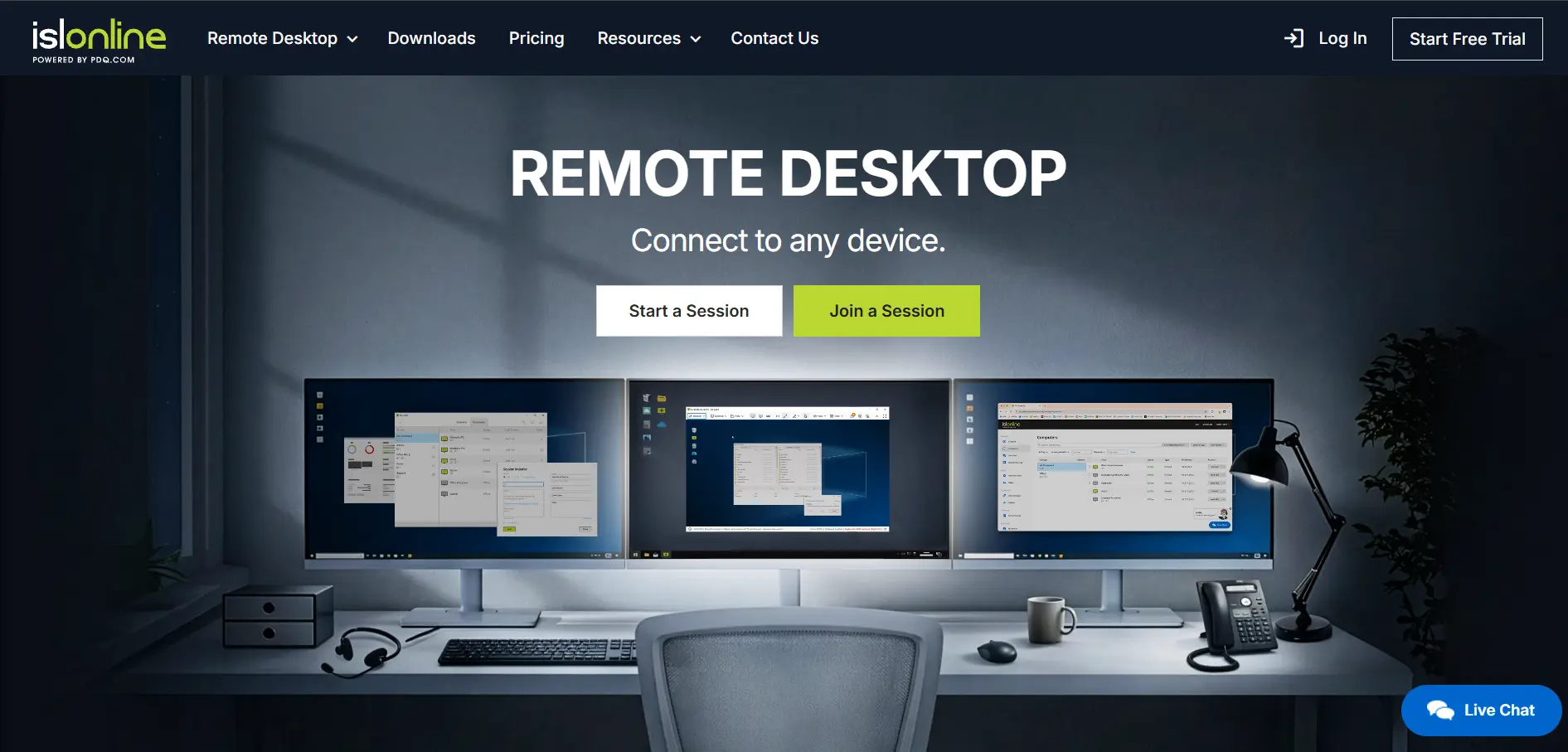
1. ISL Online
Free Trial & Pricing:
- 15-day free trial, no credit card required
- Starter Plan: $16.90/month
- Standard Plan: $34.90/month
- Premium Plan: $54.90/month
- Self-Hosted Plan: $44.90/month
- Enterprise: Custom pricing
ISL Online is a European remote desktop and support platform built for IT teams, MSPs, and enterprises needing flexible deployment. It supports cloud, self-hosted, and managed private cloud options, giving organizations full control over where their data lives while maintaining fast, secure connections across Windows, Mac, Linux, and mobile devices.
Security is a core strength, with AES 256-bit encryption, ISO/IEC 27001 certification, two-factor authentication, and detailed session recording. ISL Online integrates with major ITSM and RMM platforms like ServiceNow and Freshdesk, making it a strong fit for businesses wanting BeyondTrust-level compliance without the enterprise price tag.
Pros
- Flexible cloud, self-hosted, and private cloud deployment
- Strong ISO 27001 and AES 256-bit security
- 15-day no-credit-card trial
Cons
- Self-hosted setup requires technical expertise
- Multi-user licensing can get costly at scale
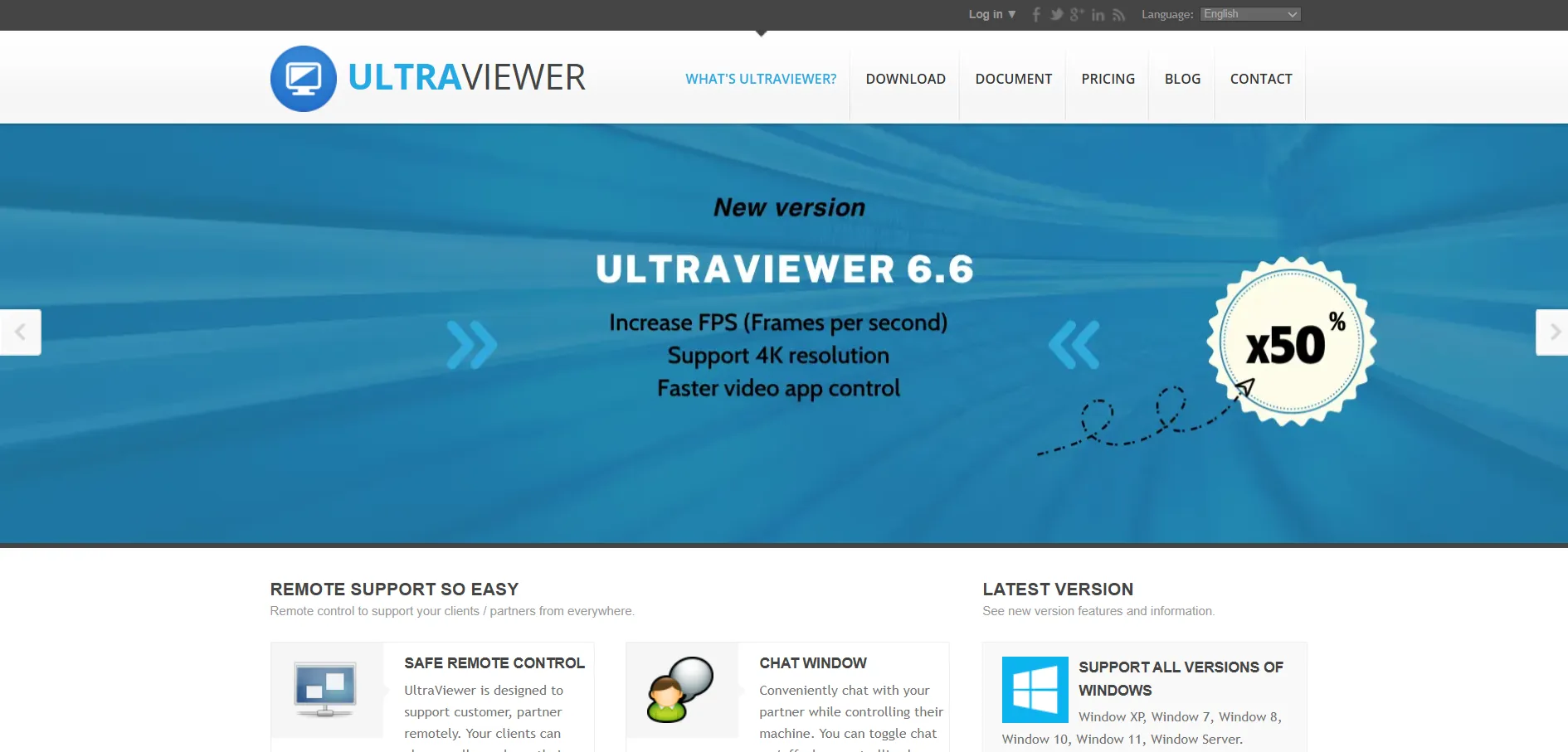
2. UltraViewer
Free Trial & Pricing:
- Completely free for personal and commercial use
- No paid tiers or premium plans currently offered
- Optional donations accepted via the official website
UltraViewer is a free, lightweight remote desktop tool popular among small IT teams and individual technicians who need basic remote access without licensing costs. It allows unattended access, file transfer, and multi-session support, making it a simple entry point for anyone stepping away from BeyondTrust’s enterprise pricing model.
Despite being free, UltraViewer includes password protection, session locking, and the ability to chat with remote users during a session. However, it lacks the compliance certifications and centralized management dashboards larger organizations typically require for regulated industries.
Pros
- Completely free with no hidden costs
- Very lightweight and easy to install
- Supports unattended access and file transfer
Cons
- No enterprise compliance certifications
- Limited customer support for business users
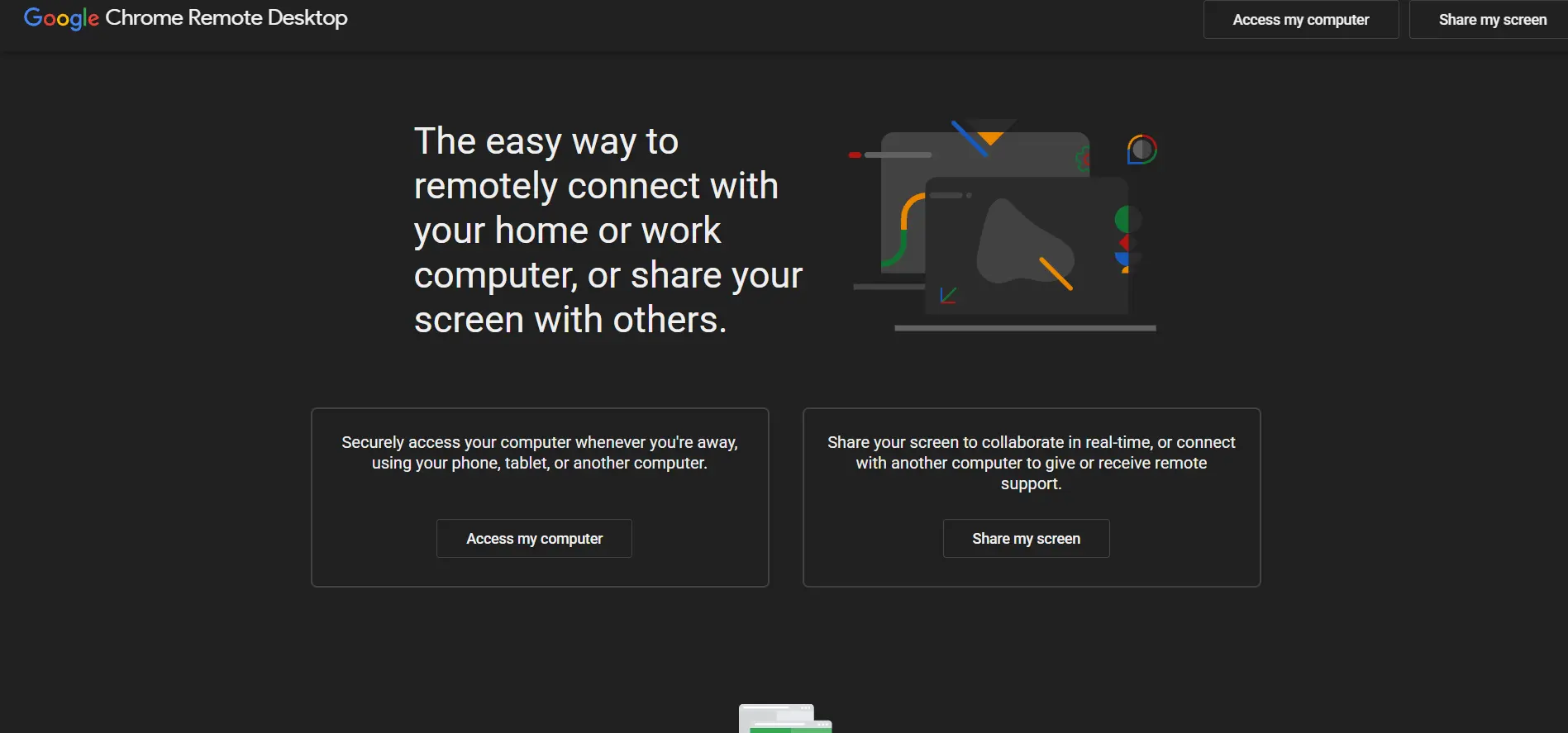
3. Chrome Remote Desktop
Free Trial & Pricing:
- 100% free for personal and business use
- No subscription plans, tiers, or paid upgrades
- Requires only a Google account and Chrome browser
Chrome Remote Desktop is Google’s free browser-based remote access tool, ideal for casual support tasks and simple unattended access between personal devices. Since it runs directly through the Chrome browser, there’s no software installation required beyond a small extension, making setup extremely fast for non-technical users.
While it lacks advanced session recording, multi-monitor navigation, or role-based access controls, it remains a dependable choice for quick one-off support sessions. Businesses needing detailed reporting, encryption certifications, or MSP-level device management will find it too basic for daily IT operations.
Pros
- Completely free with no account tiers
- No software installation, works via browser
- Extremely simple setup for beginners
Cons
- No session recording or advanced reporting
- Lacks enterprise-grade access controls
4. Apache Guacamole
Free Trial & Pricing:
- Open-source and free forever (self-hosted)
- No official paid plans from Apache
- Hosting and infrastructure costs are the user’s responsibility
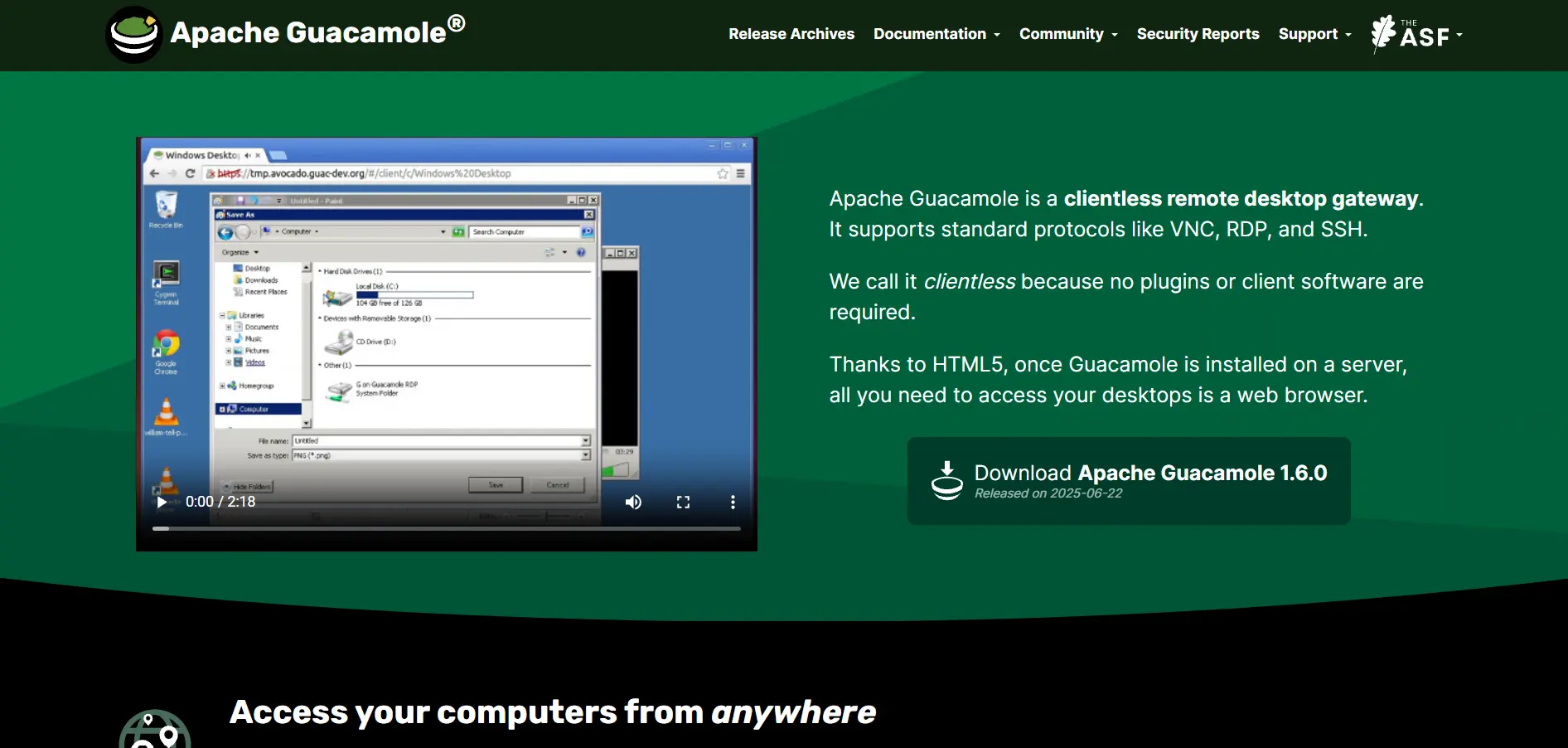
Apache Guacamole is a free, open-source clientless remote desktop gateway that supports VNC, RDP, and SSH protocols directly through a web browser. It’s a favorite among developers and IT administrators who want complete control over their remote access infrastructure without vendor lock-in or recurring license fees.
Because it’s self-hosted, organizations must manage their own servers, updates, and security hardening, which demands more technical skill than plug-and-play alternatives. It’s best suited for tech-savvy teams comfortable with Docker or Linux deployments rather than businesses seeking an out-of-the-box solution.
Pros
- Free and fully open-source
- Clientless, browser-based access
- Supports RDP, VNC, and SSH protocols
Cons
- Requires self-hosting and server maintenance
- No official vendor support or SLA
5. RustDesk
Free Trial & Pricing:
- Free open-source plan available
- Individual Plan: $9.90/month (billed annually)
- Basic Plan: $19.90/month
- Customized Plan: $19.90/month
- Pro self-hosting plans start at $11.88/month
RustDesk is an open-source remote desktop tool designed as a privacy-focused alternative to TeamViewer and AnyDesk. It supports self-hosting for full data sovereignty, making it popular with organizations that need to keep remote access traffic entirely within their own infrastructure rather than relying on third-party cloud relays.
The free tier covers most basic peer-to-peer connections, while paid plans unlock the web client, address book, and branded builds for businesses. RustDesk’s growing ecosystem and active development make it a solid, budget-friendly BeyondTrust alternative for privacy-conscious IT teams.
Pros
- Open-source with self-hosting options
- Affordable paid tiers starting under $10/month
- Strong focus on data privacy and sovereignty
Cons
- Web client and branding locked behind paid plans
- Setup complexity for self-hosted deployments
6. Pulseway
Free Trial & Pricing:
- Free trial available (no credit card details published)
- Starting price: $22/device/month
- Higher device-tier pricing up to $67/device/month
- Custom enterprise pricing available on request
Pulseway is a remote monitoring and management (RMM) platform built for MSPs and internal IT teams who need more than basic screen sharing. Beyond remote access, it offers automation, patch management, and a robust mobile app that lets technicians monitor and remediate issues from anywhere, even outside the office.
Its device-based pricing model scales with the size of your managed fleet, which can become expensive for larger organizations. Still, Pulseway’s combination of remote control and proactive monitoring makes it a strong BeyondTrust alternative for teams wanting an all-in-one IT management suite.
Pros
- Combines remote access with full RMM automation
- Powerful mobile app for on-the-go technicians
- Patch management and proactive monitoring included
Cons
- Pricing can escalate with larger device counts
- Steeper learning curve than simple remote tools
7. NinjaOne
Free Trial & Pricing:
- Free trial available upon request
- Pricing is not publicly listed
- Custom quotes based on endpoints and modules selected
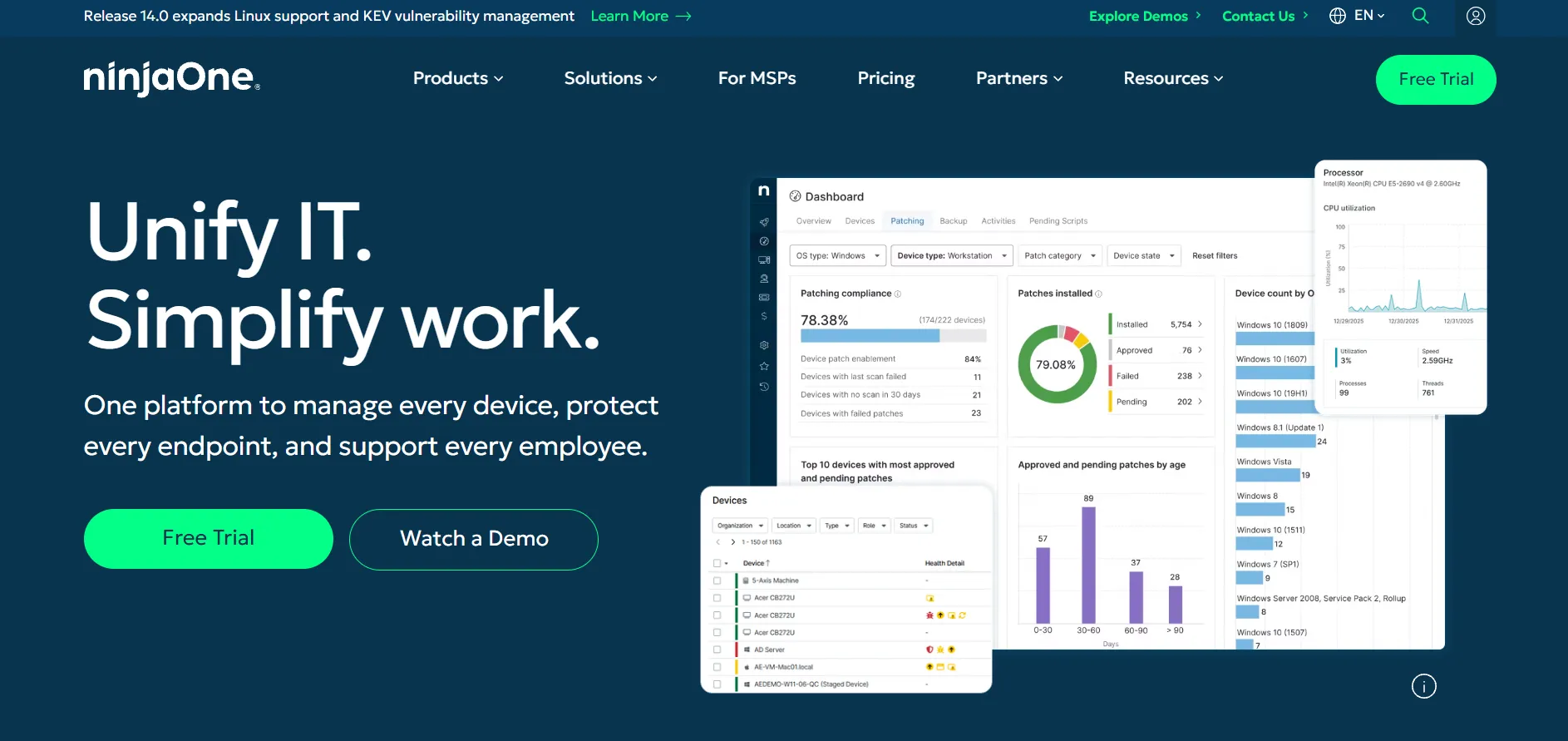
NinjaOne is a unified IT and endpoint management platform combining remote access, patch management, backup, and helpdesk ticketing into a single dashboard. It’s widely used by MSPs and internal IT departments that need centralized visibility over hundreds or thousands of devices at once.
Because NinjaOne doesn’t publish transparent pricing, prospective buyers must request a custom quote, which can make budgeting harder for smaller teams. However, its modular design and strong automation capabilities make it a serious enterprise-grade alternative to BeyondTrust Remote Support.
Pros
- All-in-one endpoint management and remote access
- Highly rated automation and patching tools
- Scales well for large managed device fleets
Cons
- Pricing is not transparent or publicly listed
- Can be overkill for small teams needing only remote support
8. AnyDesk
Free Trial & Pricing:
- 14-day free trial (free for personal use only)
- Solo Plan: $14.90/month
- Standard Plan: $49.90/month
- Advanced Plan: $111.90/month
- Ultimate Plan: Custom pricing
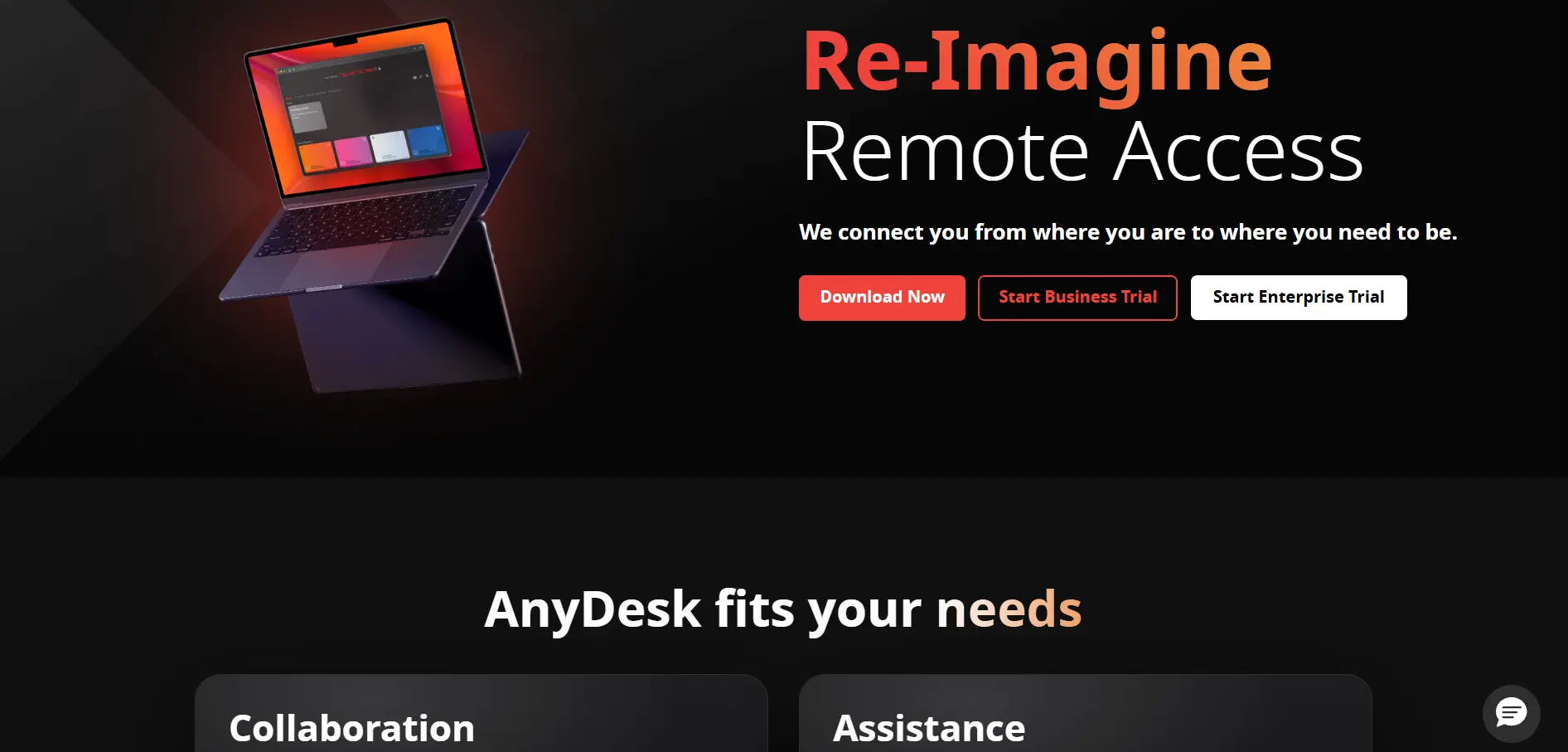
Anydesk is one of the most recognized names in remote desktop software, known for its proprietary DeskRT codec that delivers low-latency performance even on limited bandwidth connections. It supports cross-platform access across Windows, Mac, Linux, iOS, and Android, along with SOC 2 and ISO 27001 certifications for enterprise-grade security.
Pricing is billed annually only, with no monthly option, and rates have risen noticeably over the past two years. Even so, AnyDesk remains a go-to BeyondTrust alternative for businesses prioritizing speed, custom branding, and reliable session performance.
Pros
- Excellent performance on low-bandwidth connections
- SOC 2 and ISO 27001 certified security
- Custom branding available on higher tiers
Cons
- Annual-only billing, no monthly plans
- Prices have increased significantly in recent years
9. AirDroid Remote Support
Free Trial & Pricing:
- Free trial available for business plans
- Basic Plan: $199/seat/year
- Standard Plan: $599/seat/year
- Custom enterprise pricing available on request
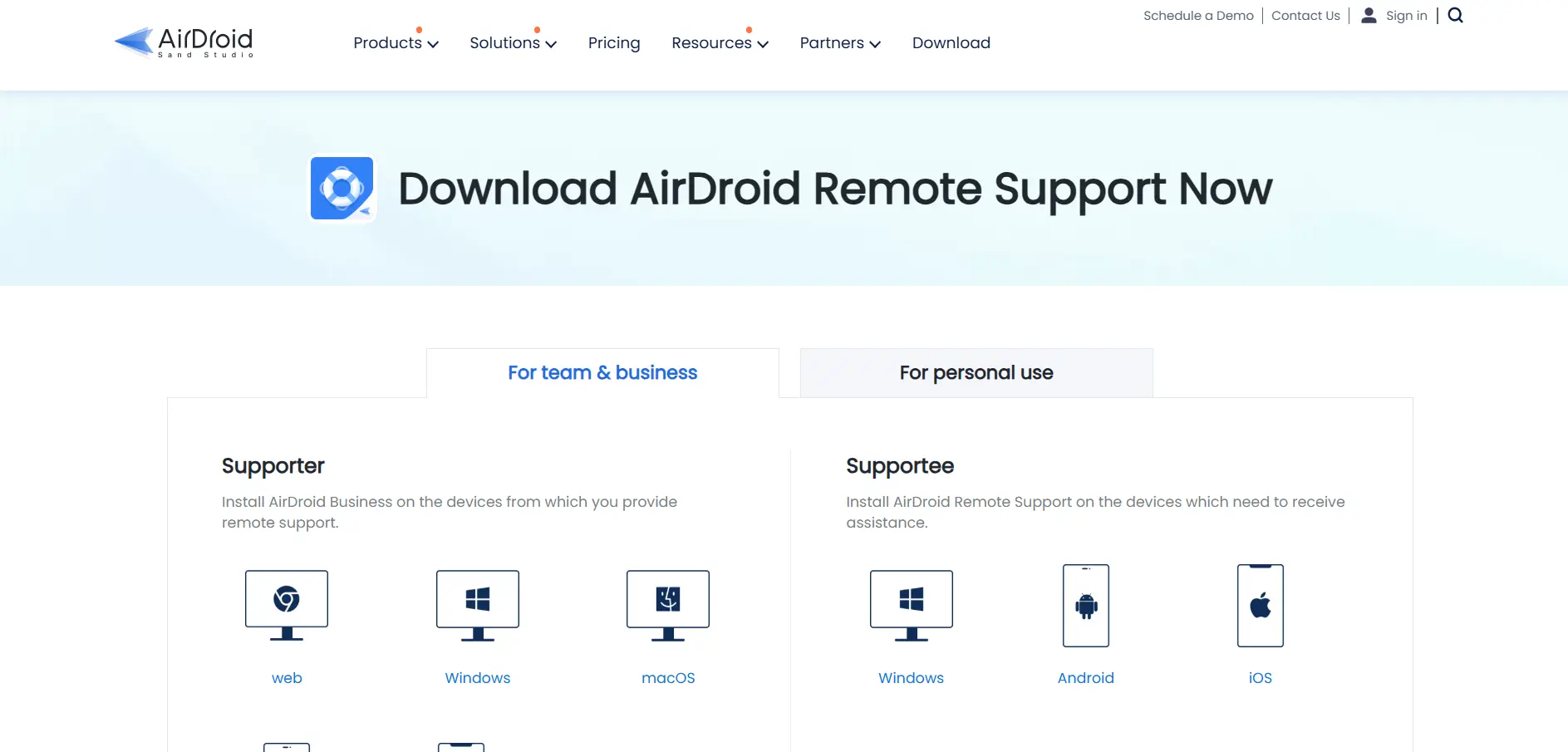
AirDroid Remote Support specializes in cross-platform remote assistance with particularly strong support for Android device management, a niche many competitors handle poorly. It offers live screen sharing, file transfer, and session recording, making it well-suited for customer support teams and MSPs managing mixed device fleets.
Its annual, seat-based pricing structure is straightforward but can add up quickly for teams with several technicians. Still, for businesses needing dependable mobile and Android remote support alongside standard desktop access, AirDroid is a compelling BeyondTrust alternative.
Pros
- Excellent Android and mobile device support
- Live screen sharing and session recording included
- Simple, predictable annual seat pricing
Cons
- Higher-tier plans get expensive per seat
- Fewer integrations compared to larger competitors
10. HelpWire
Free Trial & Pricing:
- Completely free for all users, no trial needed
- A paid Business version is currently under development
- No credit card or subscription required today
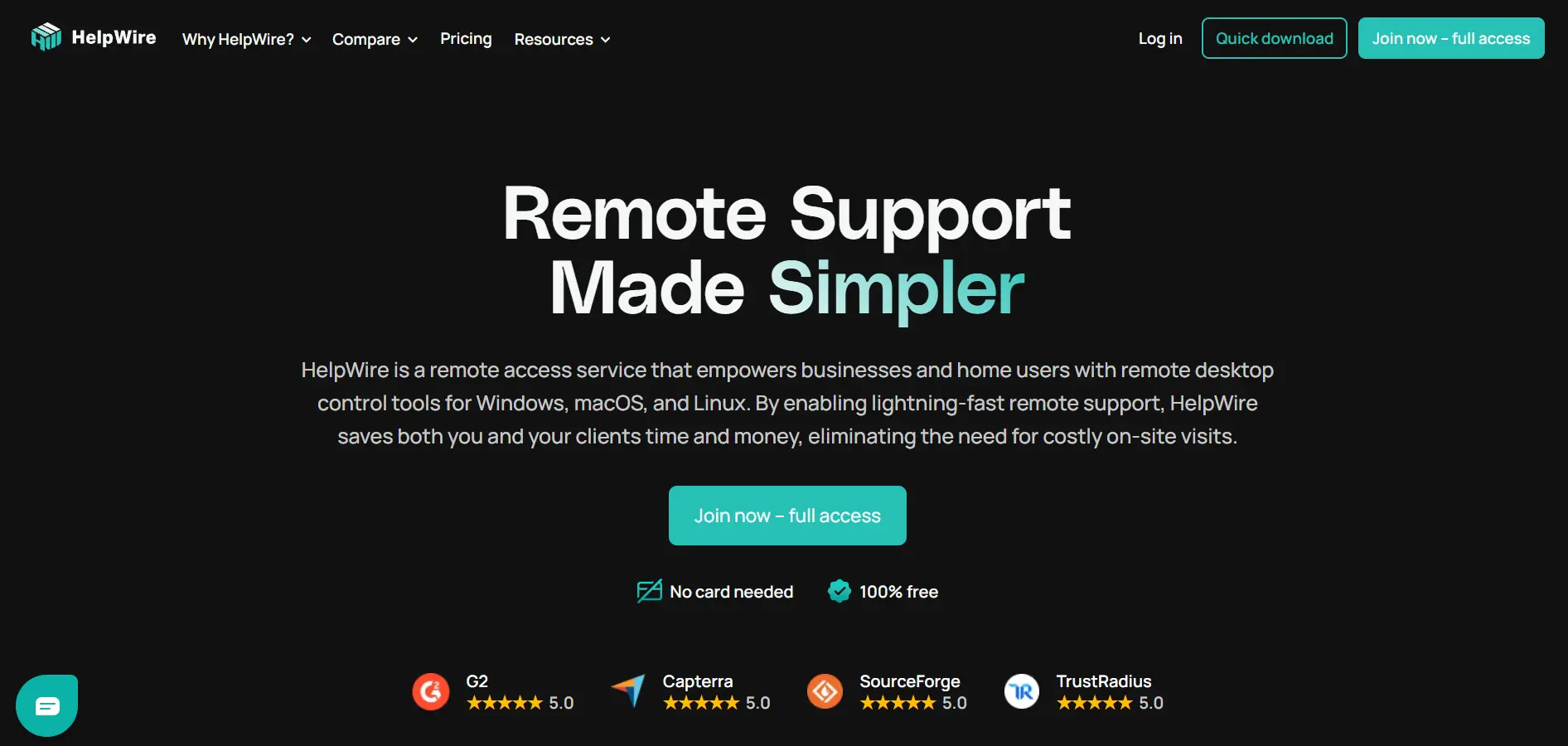
HelpWire is a free remote desktop tool built specifically for small IT teams and individual technicians who need essential support features without any licensing fees. It offers stable connections, cross-platform compatibility across Windows, Mac, and Linux, and simple screen-sharing via shareable links.
Currently, HelpWire only supports one remote connection at a time on the free tier, which limits its usefulness for larger support teams handling multiple simultaneous sessions. Its upcoming business version is expected to add more robust multi-session and team management capabilities.
Pros
- Completely free with no hidden costs
- Stable, fast cross-platform connections
- Simple link-based access for clients
Cons
- Only one remote connection at a time on free tier
- Business version still under development
11. Zoho Assist
Free Trial & Pricing:
- 14-day free trial, plus a limited forever-free plan
- Standard Plan: $10/technician/month
- Professional Plan: $15/technician/month
- Enterprise Plan: $24/technician/month
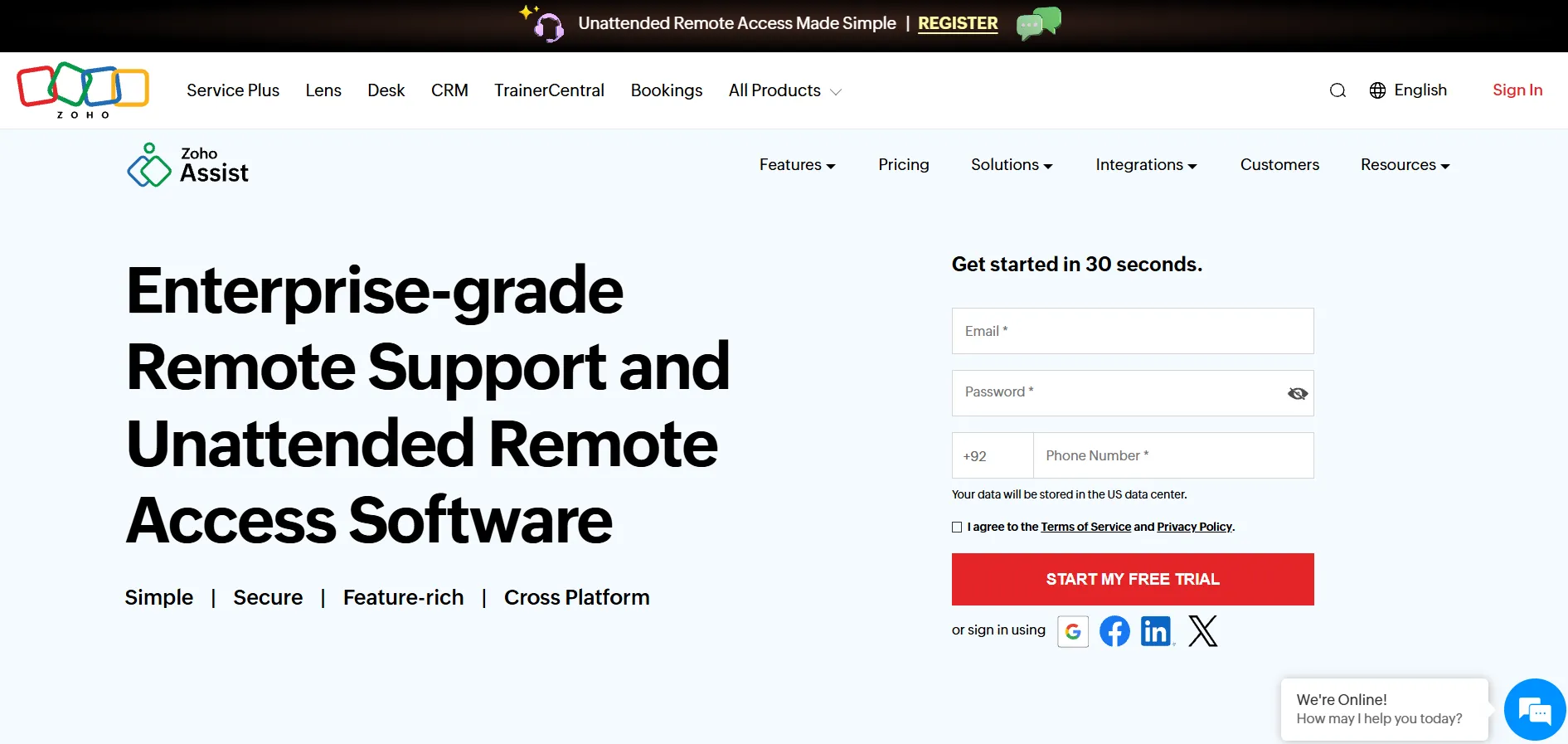
Zoho Assist is a cloud-based remote support and unattended access tool that integrates tightly with the broader Zoho ecosystem, including Zoho Desk and Zoho CRM. It offers TLS 1.2 and AES 256-bit encryption, remote printing, custom branding, and multi-monitor navigation, all at a notably affordable price point compared to enterprise tools.
Lower-tier plans exclude features like session recording and screen blanking, which are reserved for higher tiers, so teams must carefully match their plan to their needs. Overall, Zoho Assist is a cost-effective, feature-rich BeyondTrust alternative for growing support teams.
Pros
- Affordable pricing starting at $10/technician/month
- Free forever plan for individuals and small teams
- Deep integration with the Zoho software suite
Cons
- Key features locked behind higher-priced tiers
- Large file transfers over 2GB can lag
12. Microsoft Remote Desktop
Free Trial & Pricing:
- Free with a valid Windows Pro, Enterprise, or Server license
- No separate subscription fee for the app itself
- Costs may apply for Windows 365 or Azure Virtual Desktop hosting
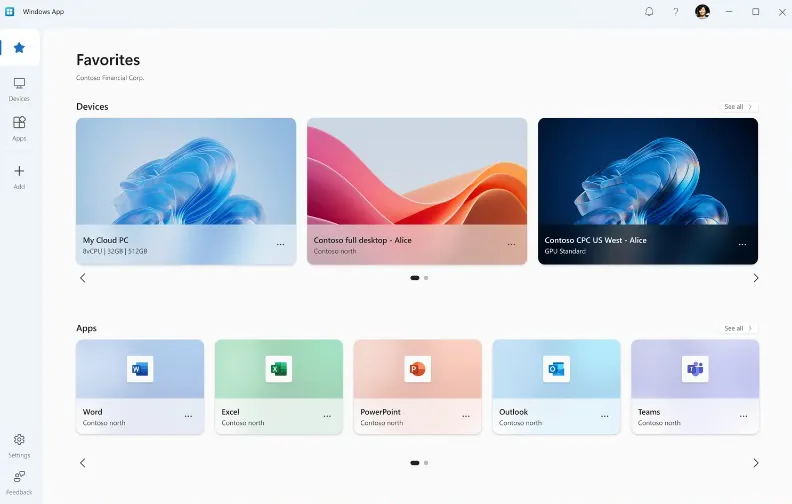
Microsoft Remote Desktop is a native tool built into Windows that allows users to connect to another Windows PC or server over a local network or the internet using the RDP protocol. It’s a practical, no-cost option for organizations already invested in the Microsoft ecosystem and Active Directory infrastructure.
Because it lacks built-in session recording, multi-platform mobile support, and third-party integrations, it works best for internal IT access rather than external client-facing support. Businesses needing broader compatibility should pair it with cloud services like Azure Virtual Desktop for added flexibility.
Pros
- Free with existing Windows licenses
- Deep integration with Active Directory
- Reliable for internal network connections
Cons
- Limited to Windows Pro, Enterprise, or Server editions
- No built-in session recording or client-facing tools
Comparison Table of BeyondTrust Remote Support Alternatives
| Alternative | Description |
|---|---|
| ISL Online | Flexible cloud and self-hosted remote support platform with strong ISO 27001 security certifications. |
| UltraViewer | Free, lightweight remote desktop tool ideal for individual technicians and small IT teams. |
| Chrome Remote Desktop | Google’s free browser-based tool for quick, simple remote access sessions. |
| Apache Guacamole | Open-source, clientless remote gateway supporting RDP, VNC, and SSH via a browser. |
| RustDesk | Privacy-focused, open-source remote desktop tool with self-hosting capabilities. |
| Pulseway | RMM platform combining remote access with automation and patch management for MSPs. |
| NinjaOne | All-in-one endpoint management platform with remote access, patching, and ticketing. |
| AnyDesk | High-performance remote desktop software known for low-latency connections and strong security. |
| AirDroid Remote Support | Cross-platform remote support tool with standout Android and mobile device management. |
| HelpWire | Completely free remote desktop tool for small teams, with a business version in development. |
| Zoho Assist | Affordable, feature-rich remote support tool tightly integrated with the Zoho software suite. |
| Microsoft Remote Desktop | Free, native Windows tool for internal remote connections via the RDP protocol. |
Conclusion
Choosing the right BeyondTrust Remote Support alternative ultimately depends on your team’s size, budget, and security requirements. Free tools like Chrome Remote Desktop, UltraViewer, and HelpWire suit individuals and small teams, while open-source options like RustDesk and Apache Guacamole appeal to organizations wanting full data control.
For businesses needing enterprise-grade features, ISL Online, AnyDesk, and Zoho Assist offer strong security and scalability at a fraction of BeyondTrust’s cost, while Pulseway and NinjaOne extend beyond remote access into full IT management. Evaluate your specific needs, test a few free trials, and select the platform that best balances cost, security, and functionality for your workflow.


